
Steampunk Card Motif Ensemble
Generates a cinematic anime steampunk battlefield poster by expanding a reference collage of fantasy mecha cards into one unified scene.
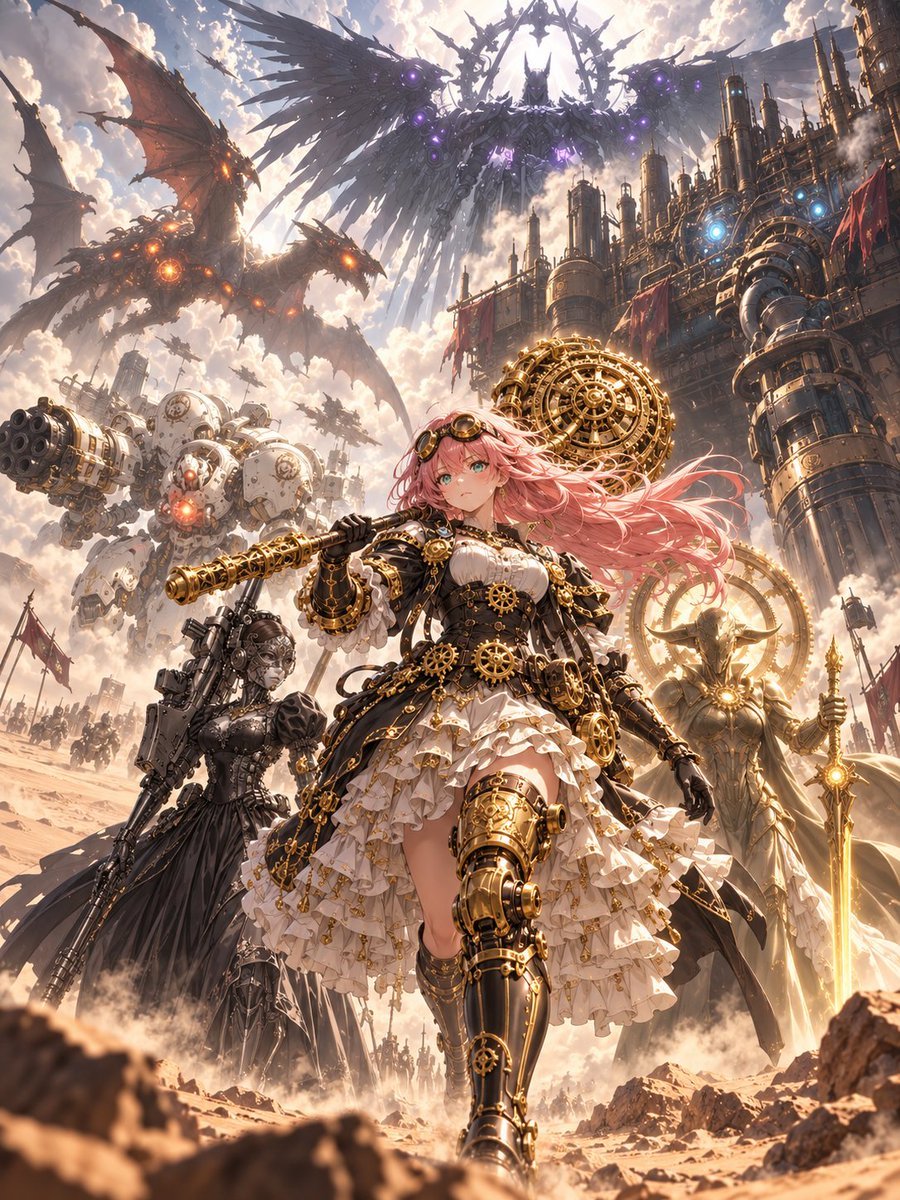
- Prompt included
- Model and format preset
- Free template
The prompt behind this image
Copy the exact prompt behind Steampunk Card Motif Ensemble, or open it in the studio and make it yours.
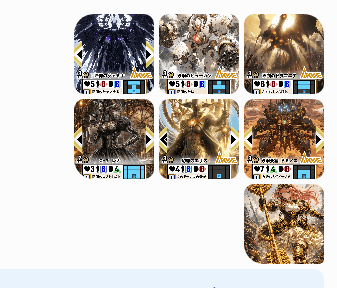
Using REFERENCE_0 as a set of design sources, create one grand vertical anime key visual that combines the motifs from all 7 visible reference cards into a single coherent steampunk-fantasy battlefield scene. Do not recreate the card layout, borders, stats, icons, or small UI text; instead, expand the card artwork into a full cinematic illustration. Goal: Create an epic ensemble poster centered on {argument name="main character" default="a pink-haired steampunk anime heroine"}, walking forward confidently in the foreground with ornate brass-and-black mechanical armor, gears, goggles, a frilled dress, and a large clockwork weapon. Reference integration: Incorporate exactly 7 major source-inspired elements from the reference image: 1) a huge dark winged mechanical angel in the sky with purple glowing cores, 2) a massive white artillery mech with a multi-barrel cannon, 3) a red-brown mechanical dragon with orange glowing cores, 4) a dark armored gothic warrior companion, 5) a radiant golden angelic knight with a spear and halo-like machinery, 6) a towering industrial fortress/city packed with pipes and chimneys, and 7) ornate golden clockwork machinery integrated around the heroine and battlefield. Scene: Place everything in {argument name="setting" default="a dusty desert battlefield beside a towering steampunk industrial city"}, with armies and smaller flying machines in the distance, smoke, dust, banners, and dramatic scale. Style: High-detail Japanese anime illustration, fantasy mecha, ornate brass clockwork, cinematic lighting, dramatic clouds, warm sunlight, intricate mechanical parts, dynamic depth, ultra-polished poster composition. Composition: Vertical 3:4 aspect ratio, low-angle heroic perspective, main heroine large in the lower center, gigantic creatures and machines surrounding her above and behind, strong sense of motion and grandeur. Constraints: No trading-card frames, no UI icons, no numbers, no readable text, no watermark. Keep the final image as one unified scene rather than separate panels.
Reference images included
Steampunk Card Motif Ensemble needs input media to work. They load alongside the prompt when you open it in the studio.
How to use Steampunk Card Motif Ensemble in 3 steps
- 1Upload ImagePNG, JPG or paste
Add your photo
Upload the photo the template builds on. The prompt, model and format are already set.
- 2…a portrait of your subject in softgolden-hour light, 85mm…
Personalize
Edit the subject and creative details for your destination.
- 3Generate
Generate
Press Generate — your image is created in PicX Studio, so you can compare it with the original and refine one variable at a time.
More like this
Templates with the same subject, style or setup. Open one to see its prompt.
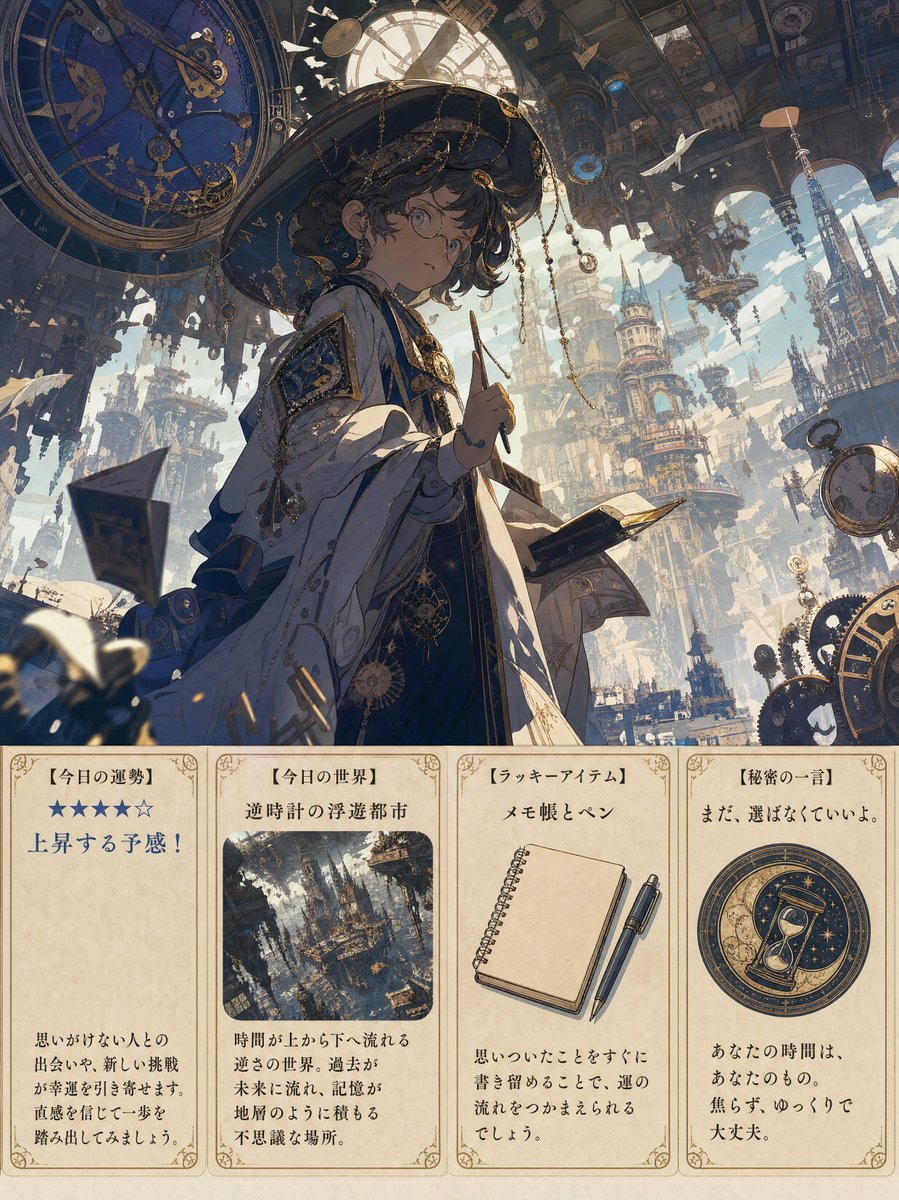
Steampunk Daily Fortune Cards
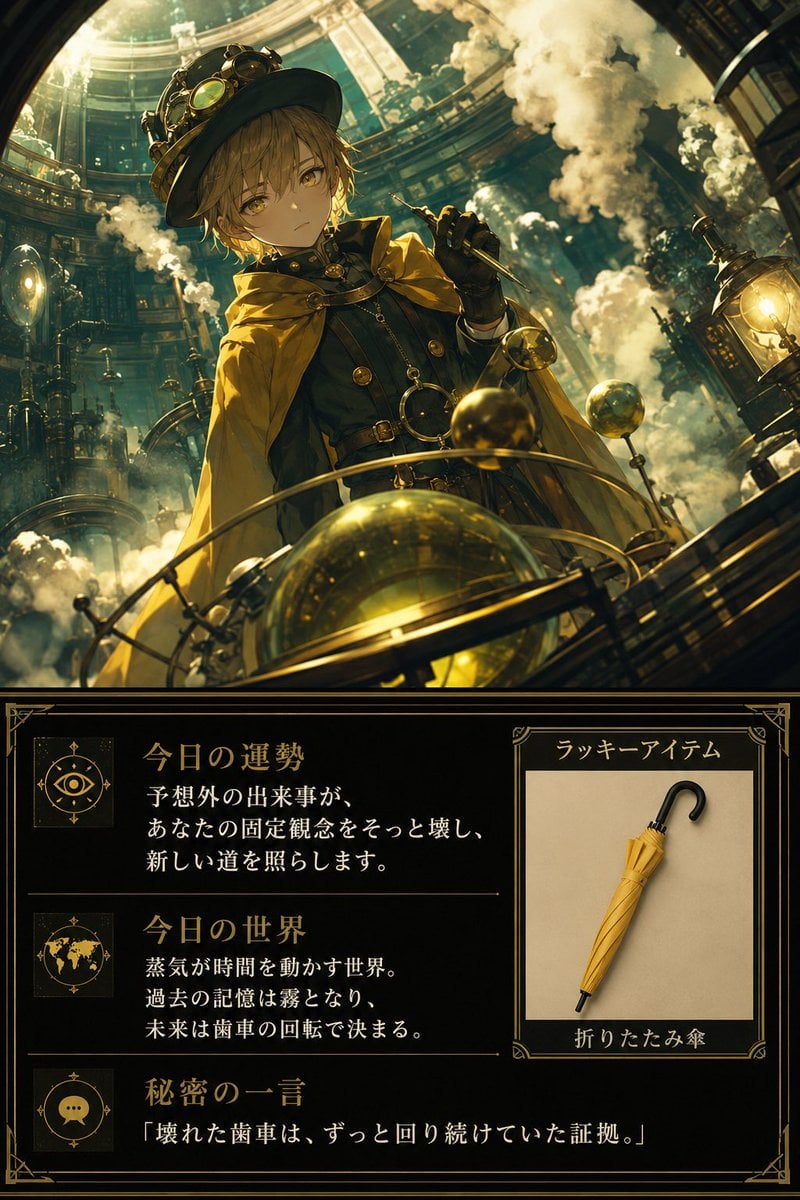
Steampunk Daily Fortune Card

Steampunk Clockwork Princess
Fantasy Creature Meadow Ensemble

Teal Japanese Handwritten Lyric Card

Reiwa Slang Reaction Gacha Card
Architectural Museum Specimen Card

Pixar Style Ensemble Movie Poster
Pixar 3D CGI animated movie poster style, ensemble cast featuring
Steampunk Plague Alchemist Character

Subway Good Vibes App Card Portrait
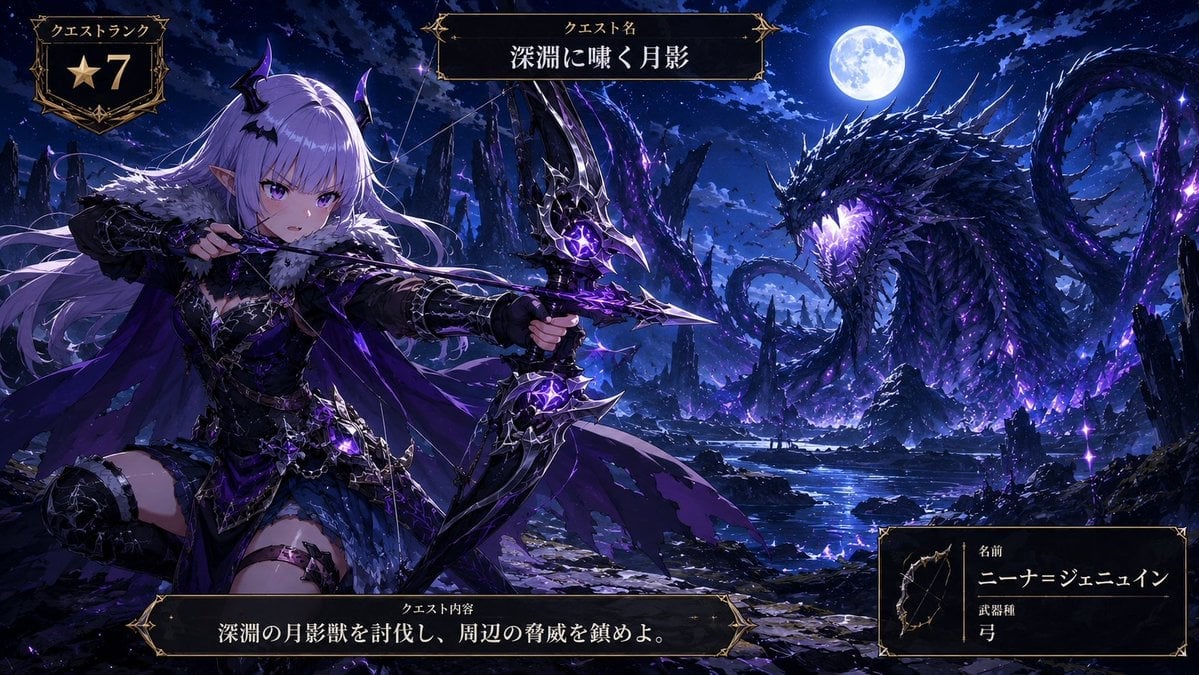
Anime Monster Hunter Quest Card
Make it yours
Steampunk Card Motif Ensemble works as-is. These are the safest ways to change it without losing the look.
Change one field
Copy a single group, rewrite it, and generate again so you can see what that field is doing.
Keep the frame, change the subject
Hold the composition and light of Steampunk Card Motif Ensemble, then swap wardrobe, props or the person for a new take.
| If the result… | Why | Fix |
|---|---|---|
| The result drifts from the preview | Too many fields changed at once. | Reuse Steampunk Card Motif Ensemble as-is first, then change one group — subject, light, or setting. |
| The model over-stylizes the scene | The prose prompt leaves finish and camera underspecified. | Add one camera or lighting sentence and stay on GPT Image 2. |
More GPT Image 2 templates
Other prompts made for GPT Image 2.

Six VTuber Japanese Logo Sheet

Realistic Portrait of Woman and Deer

The Vista Modular Condo Poster

AI Model Routing Comparison Infographic

2.5D Anime Art Board

Isometric Productivity Desk Scene

New York Double Exposure Poster

Four-Panel AI Landscape Comparison

Japanese Tatami Lifestyle Magazine Cover

NESCAFÉ Coffee Map Poster
More image prompts
Fresh picks from across the catalog.
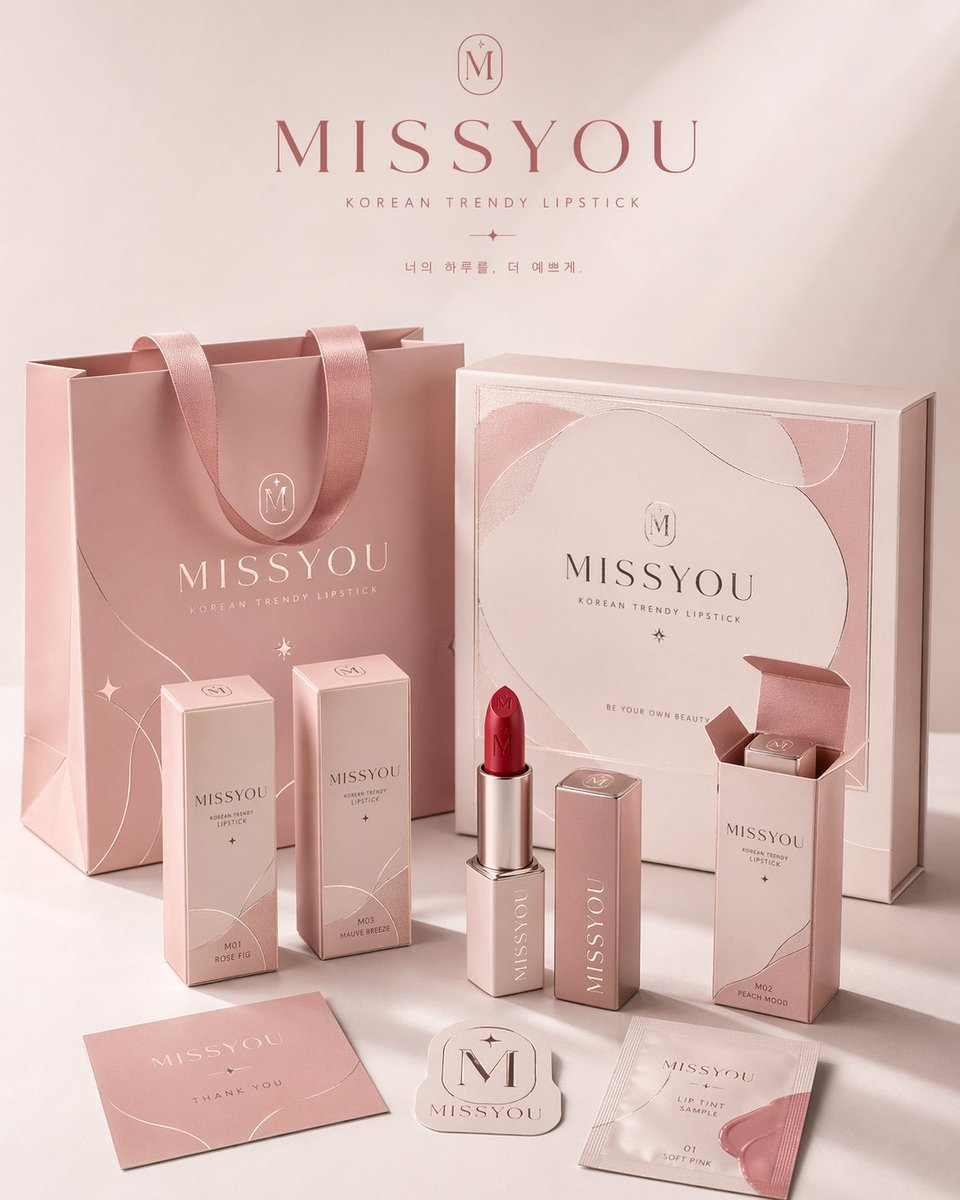
Professional Brand Packaging System
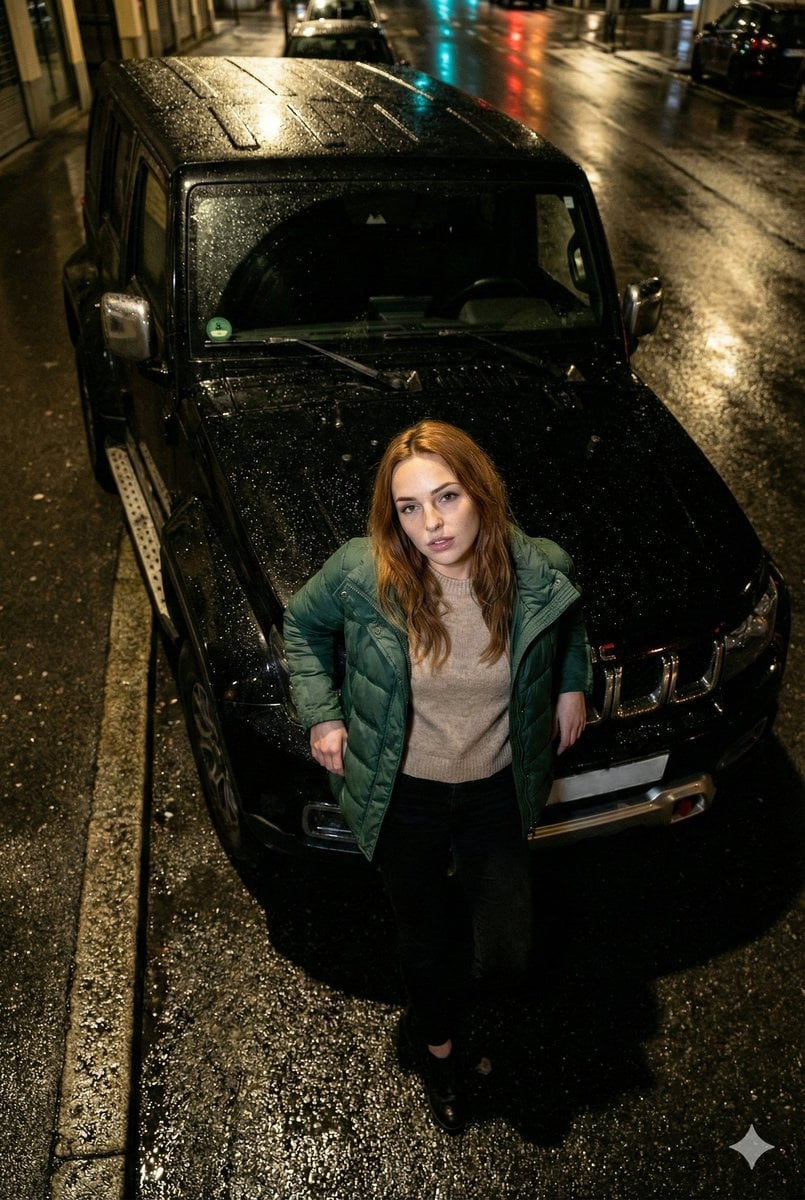
High-Angle Flash Photo on SUV Hood at Night

Cinematic Man in Tailored Suit
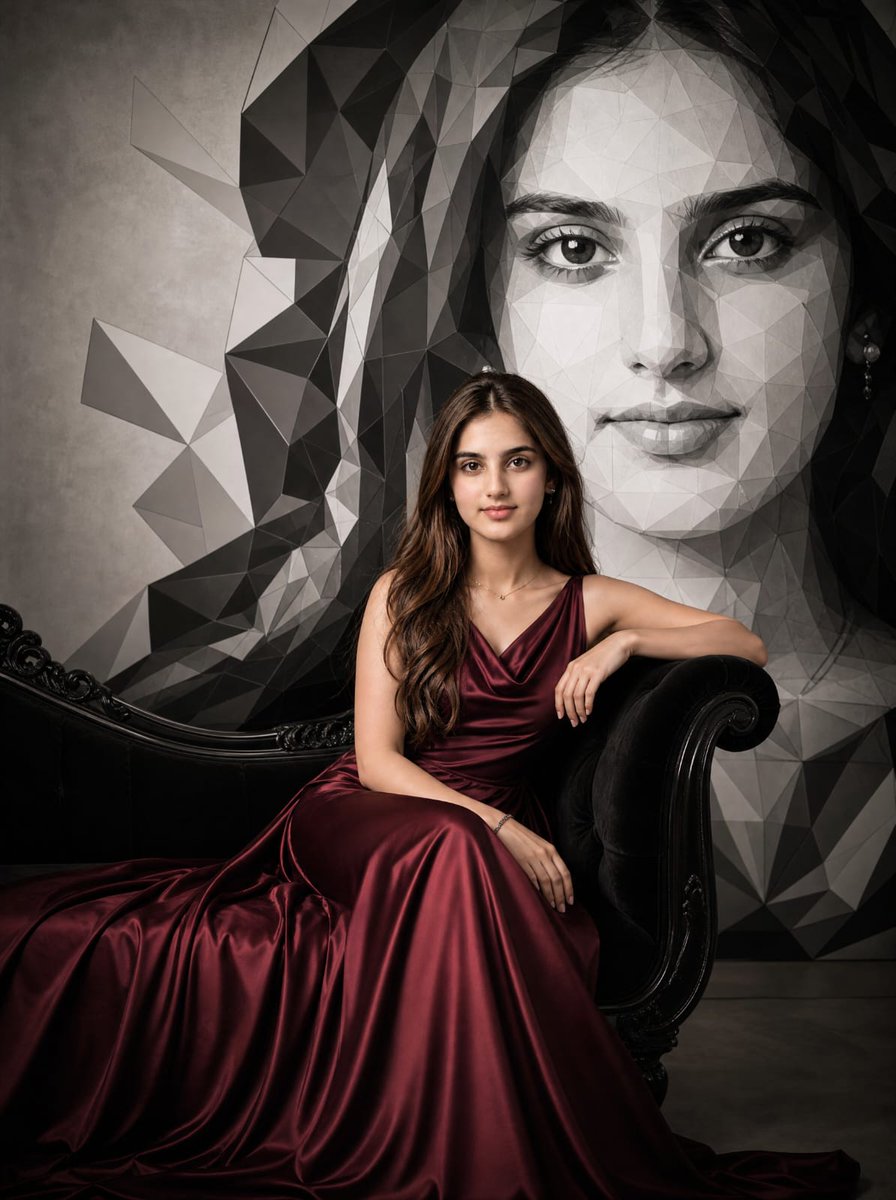
Burgundy Gown Editorial on Black Chaise
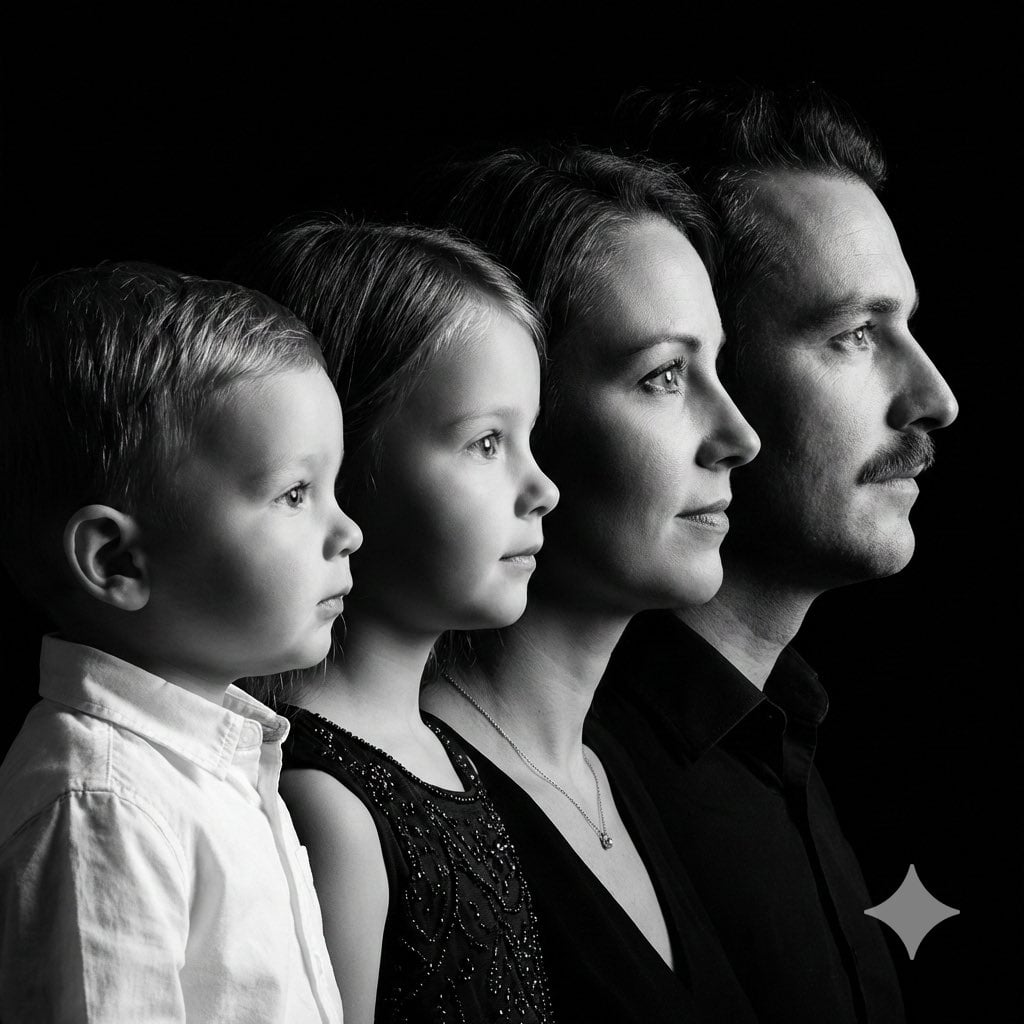
High-Contrast Black and White Family Studio Portrait
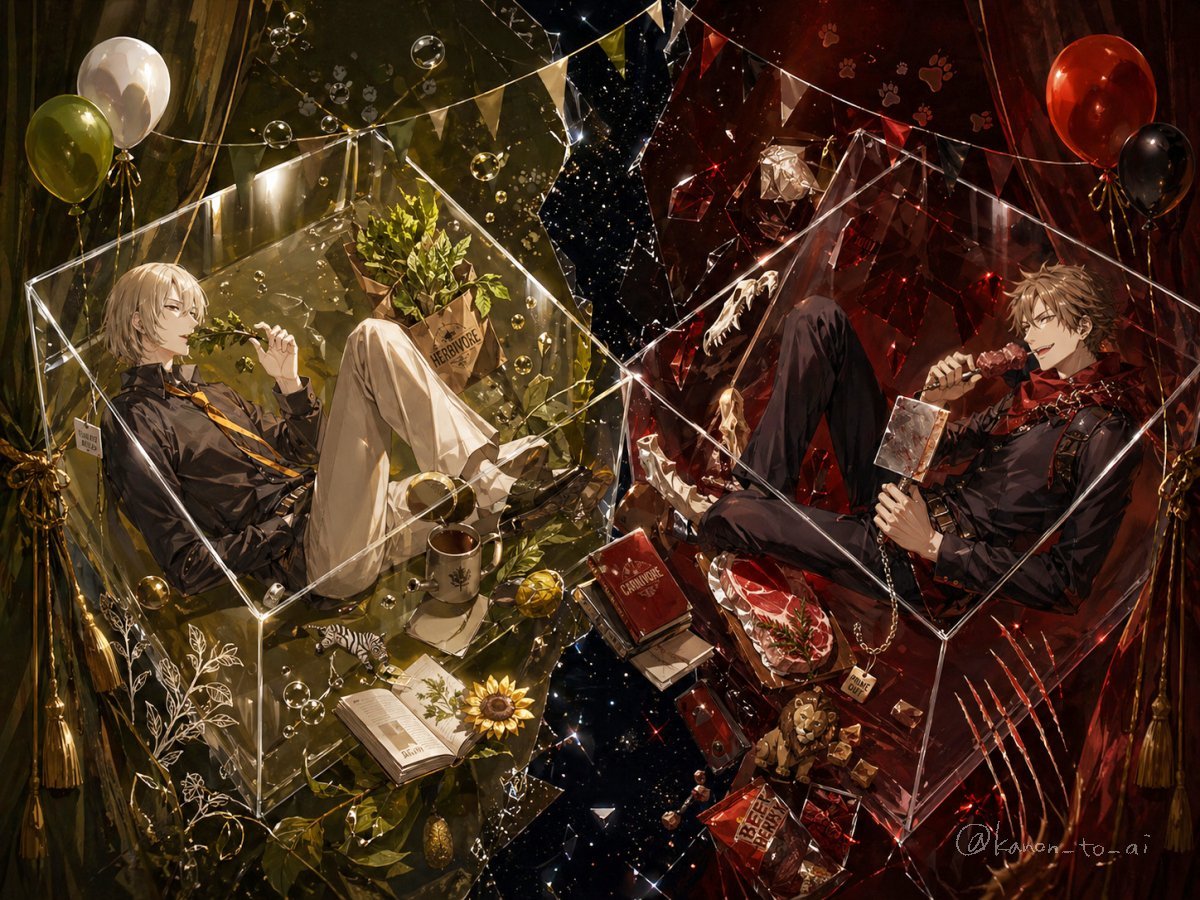
Dual-Themed Anime Boys in Crystal Boxes
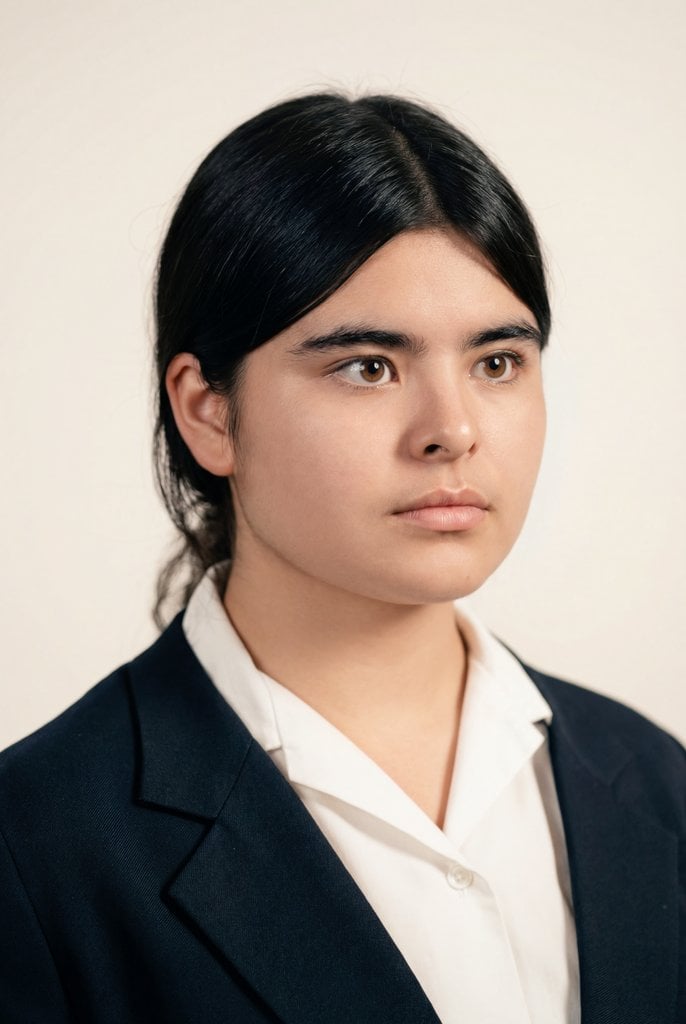
Cinematic Portrait Restoration with Golden-Hour Lighting
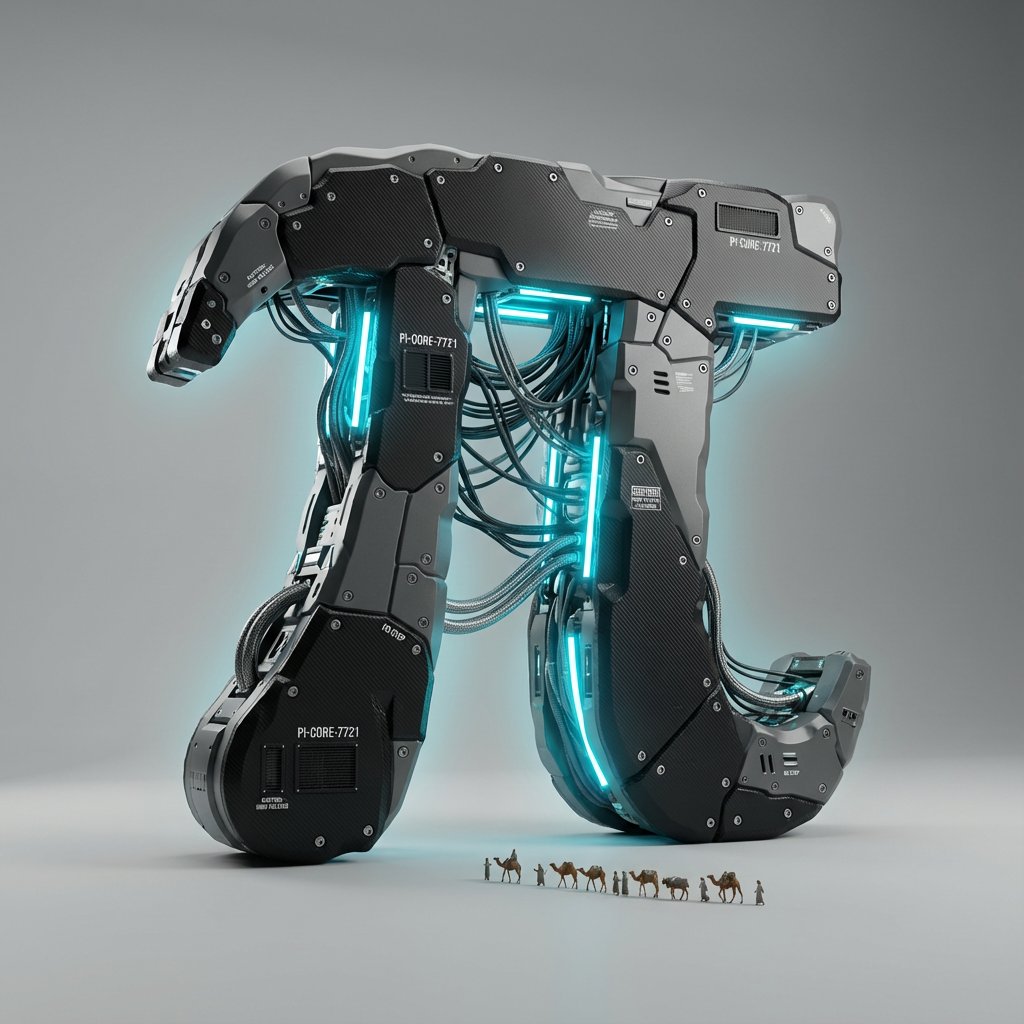
Cyber-Industrial Exoskeleton Object Transformation Prompt
Kawaii Overhead Lolita Portrait
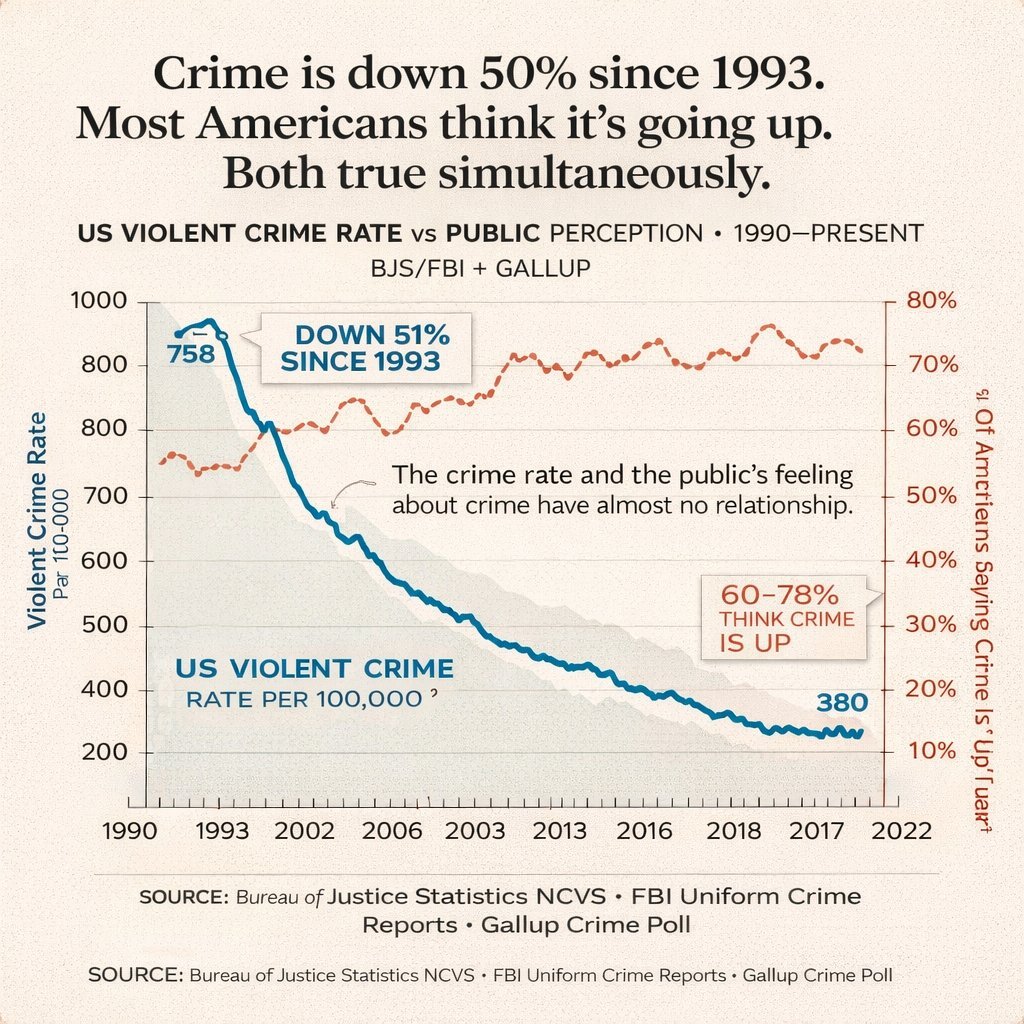
Editorial Dual-Axis Line Chart
Browse template categories
Steampunk Card Motif Ensemble questions
How do I use the Steampunk Card Motif Ensemble template?
Add your photo if the template asks for one, edit the prompt if you like — the template's model and format are already selected — and press Generate. Your version opens in PicX Studio.
Can I customize the Steampunk Card Motif Ensemble template?
Yes. You can change the subject, setting, lighting, mood, format, and available model controls before creating your image.
Is the Steampunk Card Motif Ensemble template free?
Opening and editing this template is free. Generating uses credits, shown on the Generate button when you are signed in.
Which AI model should I use?
Start with GPT Image 2, which is the model associated with this template. You can compare another compatible model for a different finish.
Looking for something else? Browse all templates.

Your photo, any look
Thousands of ready templates for every top image and video model, from one credit balance.