
Cyber-Industrial Exoskeleton Object Transformation Prompt
A system instruction prompt designed to reimagine any input object (like a sneaker or a skull) as a complex, high-performance Cyber-Industrial Assembly.
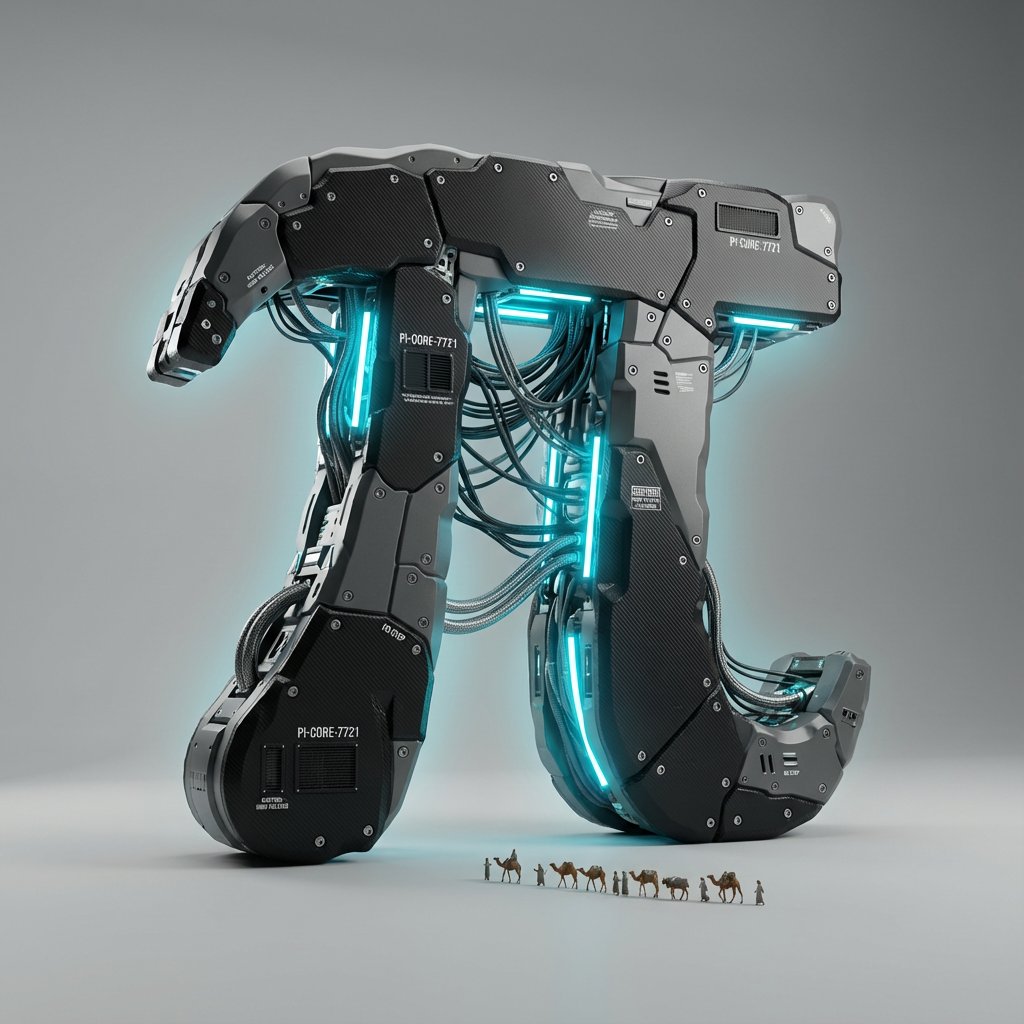
- Prompt included
- Model and format preset
- Free template
The prompt behind this image
Copy the exact prompt behind Cyber-Industrial Exoskeleton Object Transformation Prompt, or open it in the studio and make it yours.
<instructions> Input Variable: {argument name="object" default="[INSERT OBJECT]"} (e.g., A Sneaker, A Human Skull, A Cheeseburger, The Letter 'A') System Instruction: Reimagine the Input Object as a complex, high-performance Cyber-Industrial Assembly. 1. Deconstruction: The Shell: Replace the object's natural skin with Matte Black Carbon Fiber and Gunmetal Grey Polymer. The Segmentation: The object is not solid. It is segmented into distinct panels (like Iron Man armor or a high-end camera body), held together by visible Hex Bolts and Rivets. The Gaps: Between the panels, leave small gaps to reveal the internal mechanics. 2. Internal Mechanics : The Piping: Where organic veins or structure would be, insert Bundled Industrial Cabling and Braided Steel Hoses. The Flow: These cables must look functional, routing power from a central core to the extremities of the object. The Glow (The Soul): Color: Identify the "Spirit Color" of the object (e.g., Burger = Amber/Orange; Skull = Cyan/Blue; Sneaker = Neon Green). Source: Hidden LED strips and neon tubes run parallel to the cables, casting a strong internal glow that spills out from the panel gaps. 3. The Narrative Micro-Detail (The Greebles): Scale Indicators: Embed tiny technical details to sell the scale. Vents: Cooling fans or intake grilles. Text: Tiny white serial numbers and warning labels (e.g., "CAUTION: HOT", "NO STEP") printed on the casing. The "City" (Optional): If the object is large enough, tiny architectural elements (antennas, platforms) can grow out of the mechanical base. 4. Visual Syntax & Composition: Background: Clean Studio Grey (Infinite Curve). The focus is entirely on the object's silhouette. Lighting: Key Light: Soft white studio light to highlight the texture of the carbon fiber weave. Rim Light: A sharp backlight to define the edge of the object against the grey background. Bloom: The internal colored LEDs must have a soft "Octane Bloom" effect. 5. Render Style: Aesthetic: Hard Surface Modeling, "Tech-Wear" Fashion, High-End Automotive Design. Camera: Isometric or 3/4 Product Shot angle. Output: Photorealistic 3D Render, 8k, Highly Detailed Textures (Carbon Fiber, Brushed Metal, Rubber). </instructions>
How to use Cyber-Industrial Exoskeleton Object Transformation Prompt in 3 steps
- 1
Open
The prompt is already in the box next to the preview, with the template's model and format selected.
- 2…a portrait of your subject in softgolden-hour light, 85mm…
Personalize
Edit the subject and creative details for your destination.
- 3Generate
Generate
Press Generate — your image is created in PicX Studio, so you can compare it with the original and refine one variable at a time.
More like this
Templates with the same subject, style or setup. Open one to see its prompt.
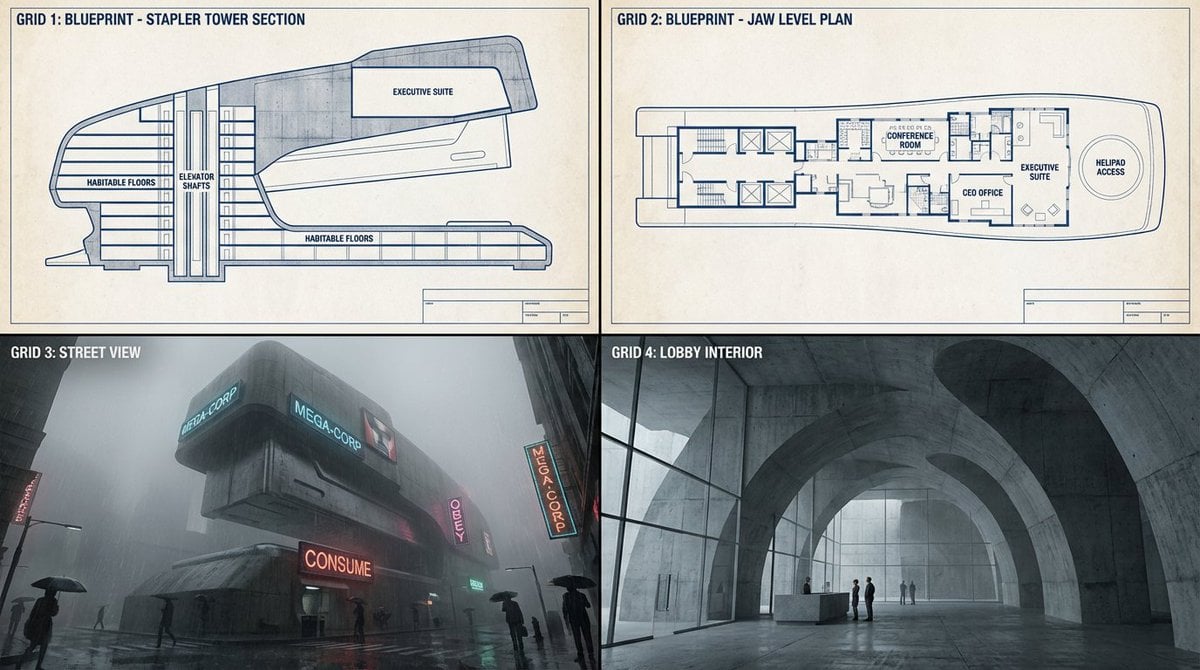
Object-to-Dystopian Building Transformation
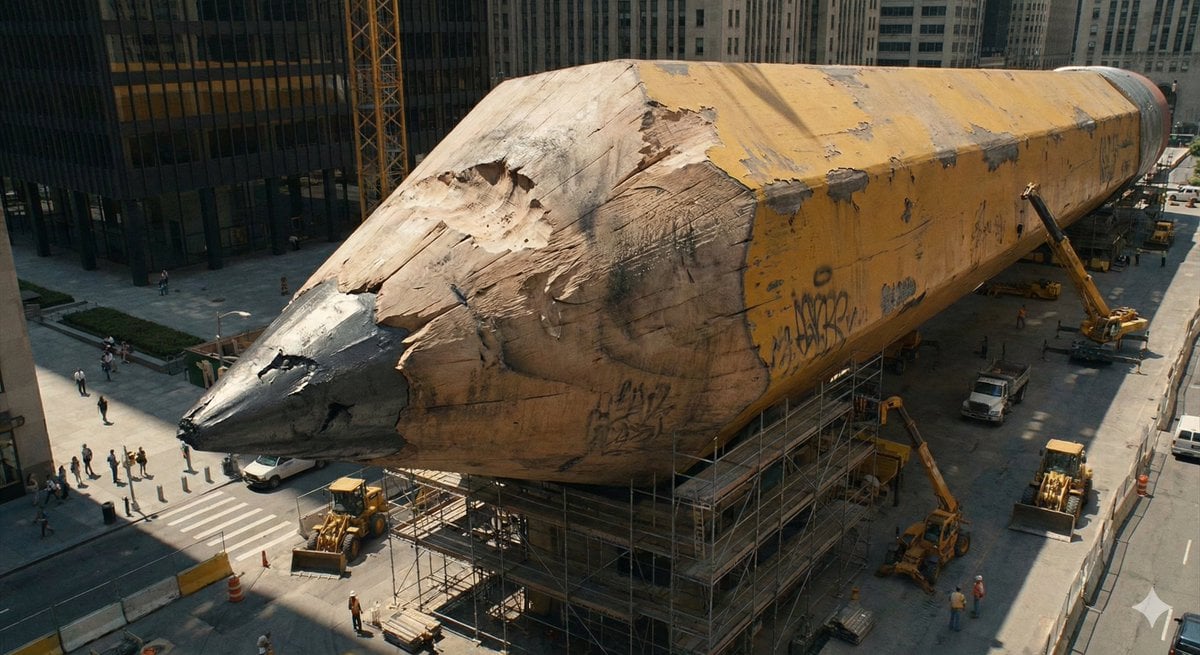
Ordinary Object to Massive Monument Transformation

Caution Tape Fashion — Industrial Editorial
Seedance - Character Transition

Cyber Samurai Empress Portrait

Anime Alley Kick Transformation
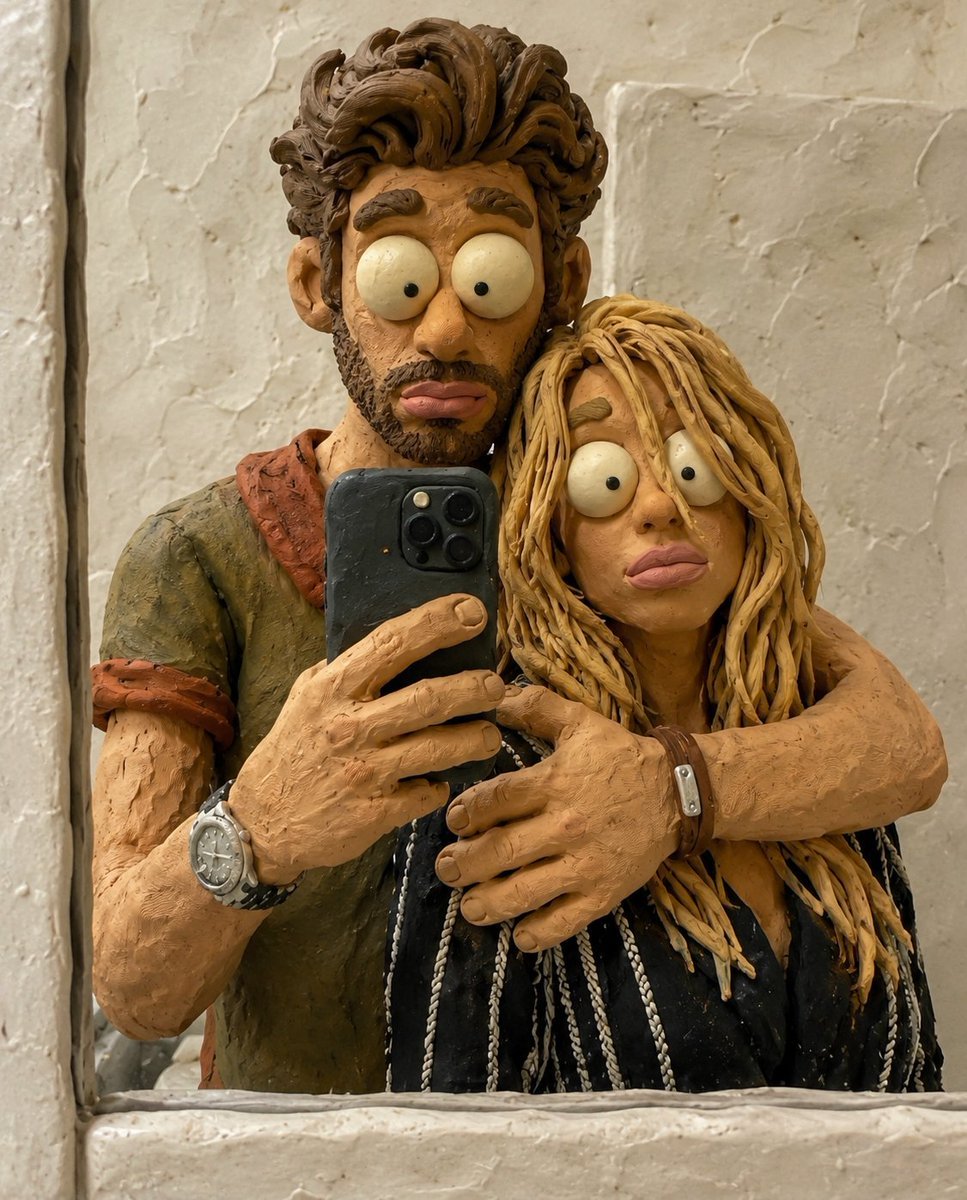
Chaotic Claymation Photo Transformation
Cyber Demon Maid Katana
Anonymous Figures in Industrial Wasteland
Superhero Era Transformation Split Portrait

Fantasy Railway World Transformation

Smartphone Photo Identity Transformation
Make it yours
Cyber-Industrial Exoskeleton Object Transformation Prompt works as-is. These are the safest ways to change it without losing the look.
Change one field
Copy a single group, rewrite it, and generate again so you can see what that field is doing.
Keep the frame, change the subject
Hold the composition and light of Cyber-Industrial Exoskeleton Object Transformation Prompt, then swap wardrobe, props or the person for a new take.
| If the result… | Why | Fix |
|---|---|---|
| The result drifts from the preview | Too many fields changed at once. | Reuse Cyber-Industrial Exoskeleton Object Transformation Prompt as-is first, then change one group — subject, light, or setting. |
| The model over-stylizes the scene | The prose prompt leaves finish and camera underspecified. | Add one camera or lighting sentence and stay on Nano Banana 2. |
More Nano Banana 2 templates
Other prompts made for Nano Banana 2.

Photorealistic Leaf Shaped Like a Dragon

K-Pop Idol Portrait Grid for Rapid Selection

Poetic Rain Forest Portrait During Golden Hour

Urban Street Portrait with Cartoon Inner Self Duo

Candid Nighttime Photo with Cat Prompt

High-Concept 3D Diorama Generation Prompt

Cinematic Futuristic Studio Portrait Template

Skincare Editorial Photography Collage Prompt

Hyper-Realistic Commercial Product Photography (Splash Effect)

Hyper-Realistic Nightclub Portrait Prompt
More image prompts
Fresh picks from across the catalog.
Masterpiece Painting Reimagined as a Charcuterie Platter
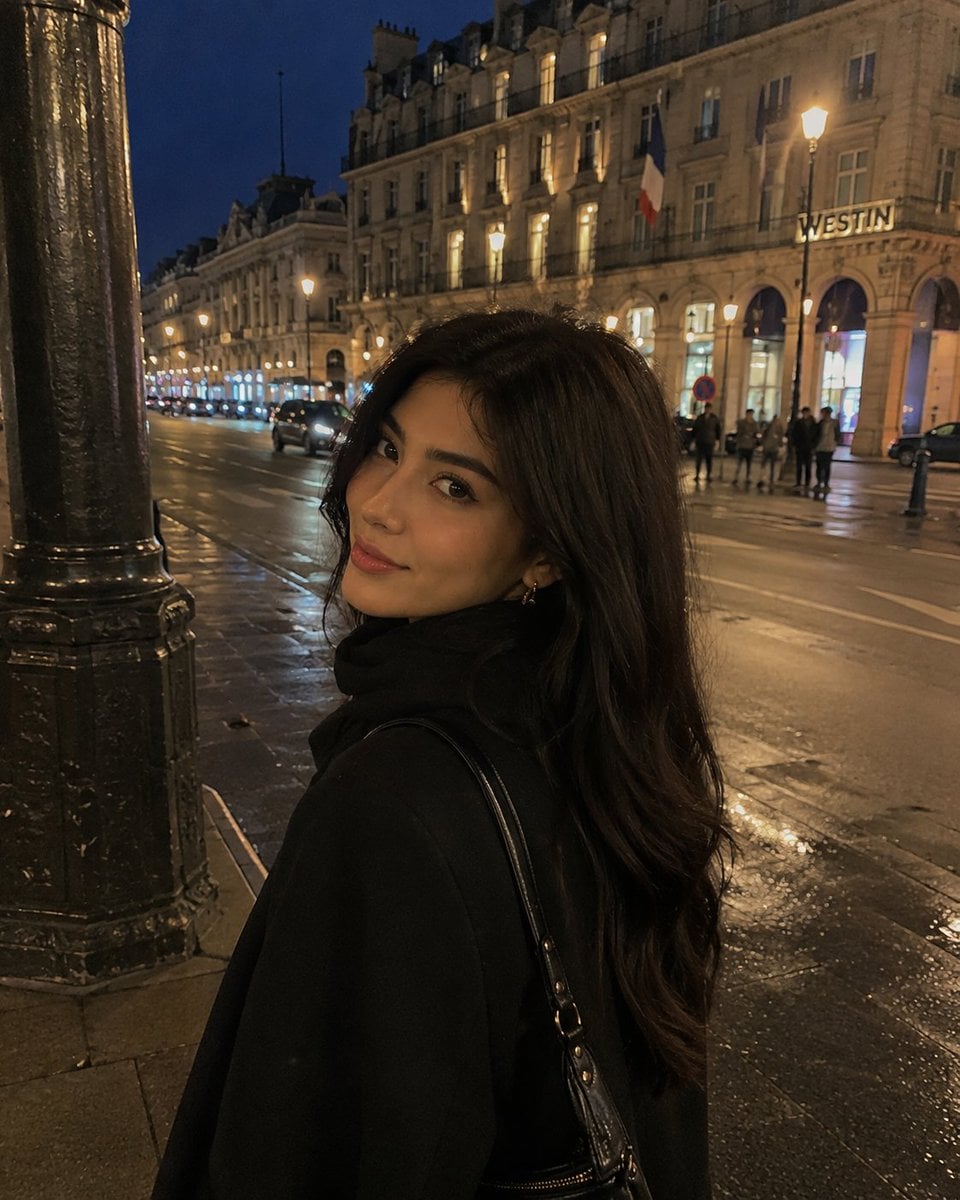
iPhone Night Street Portrait
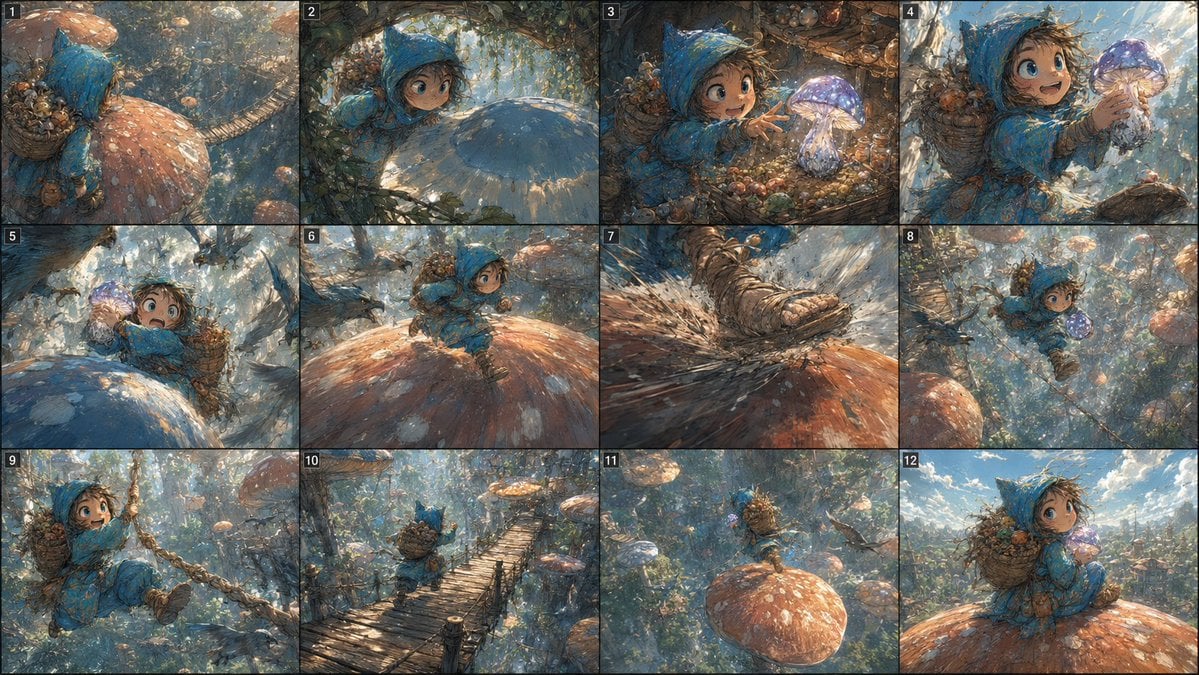
Fantasy Mushroom Forest Storyboard
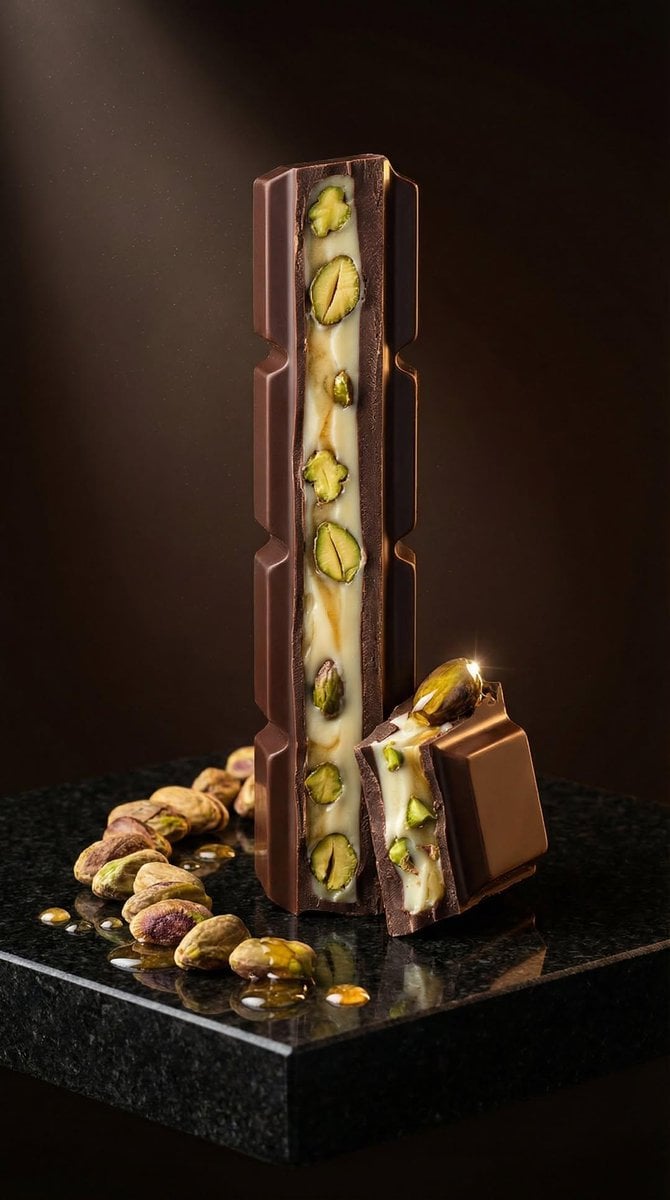
Ultra-Realistic Artisan Chocolate Product Visuals
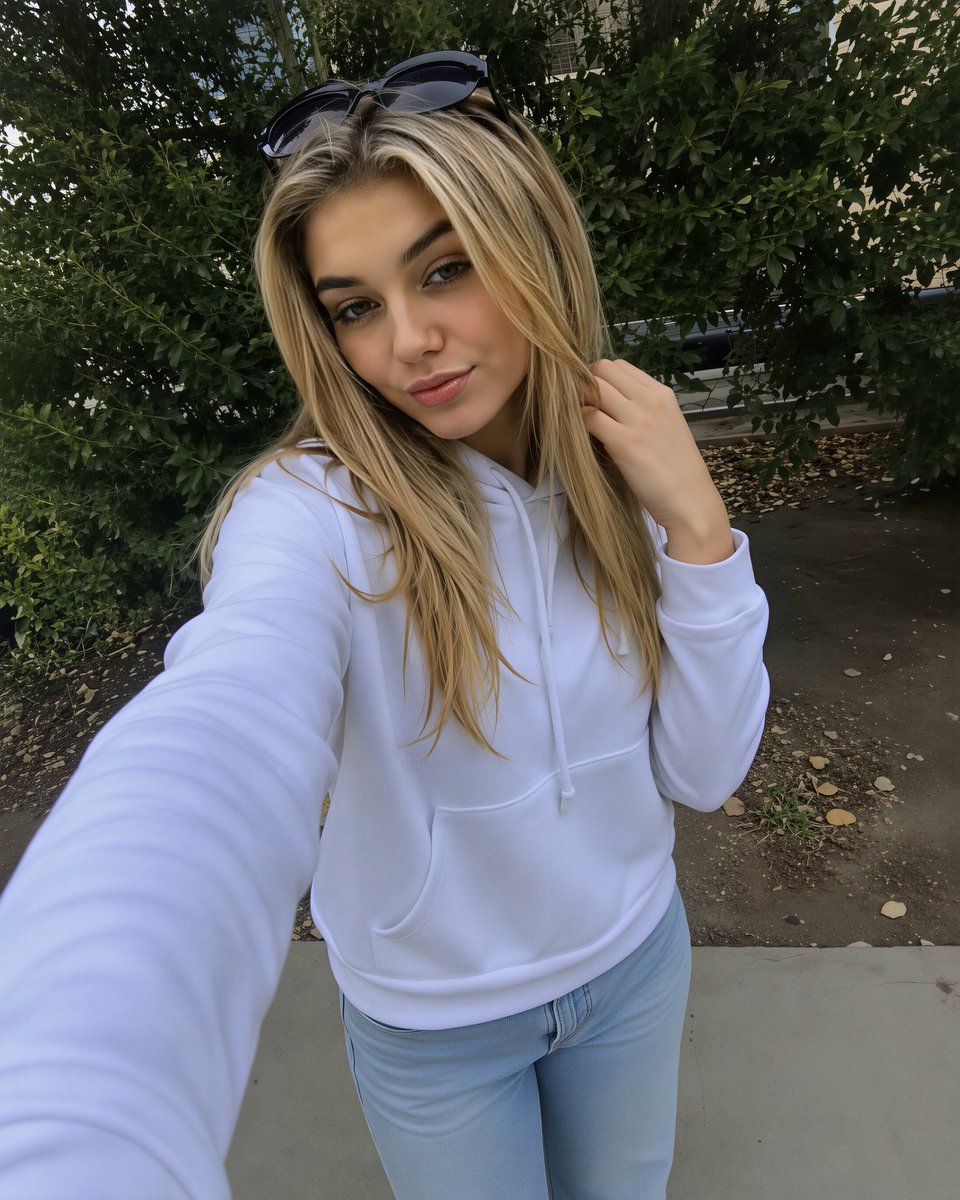
Photorealistic Selfie Upscale
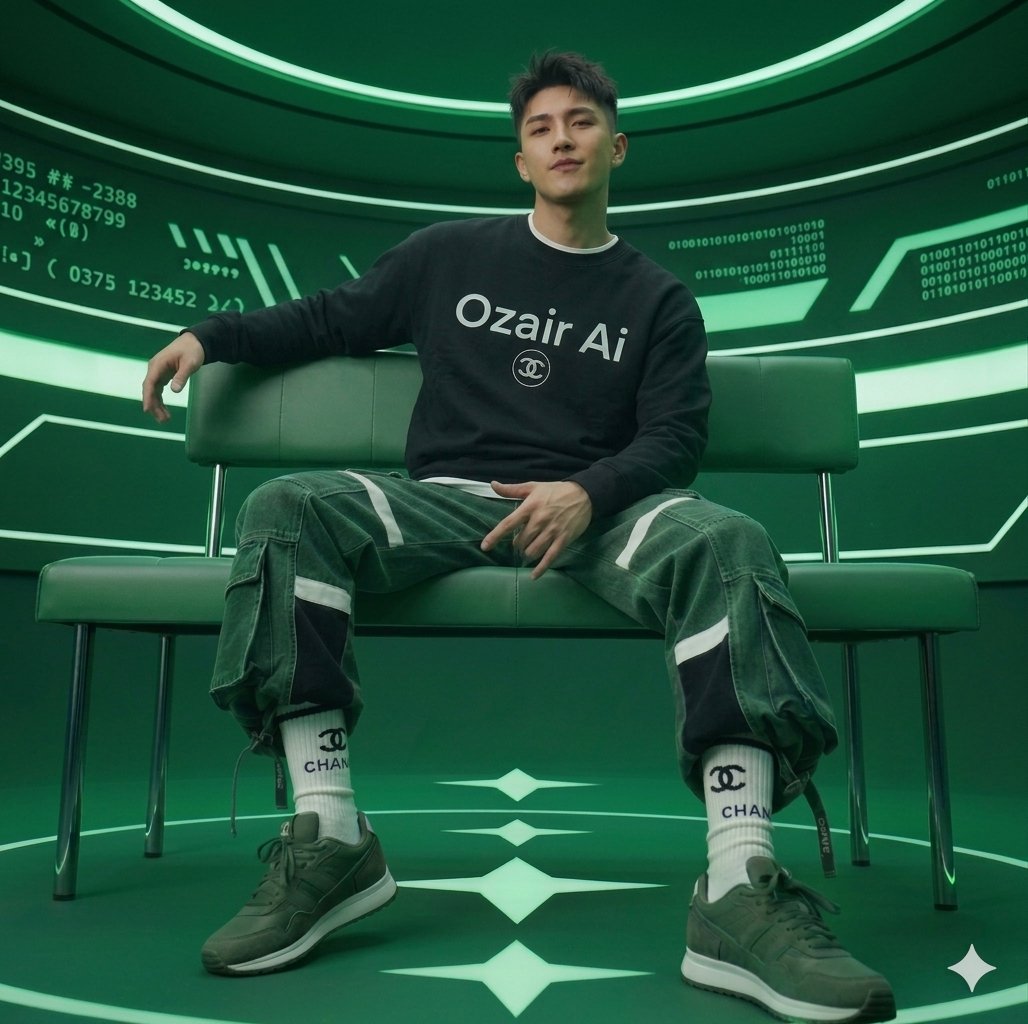
Futuristic Studio Portrait
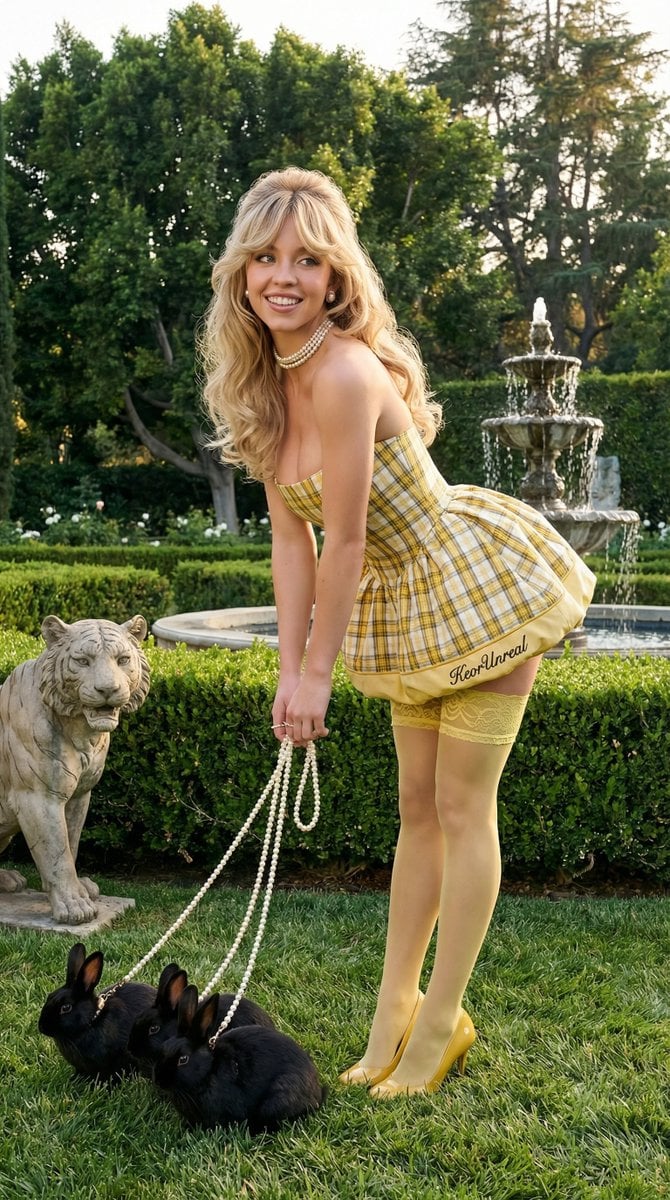
Avant-Garde Coquette Bunny Editorial
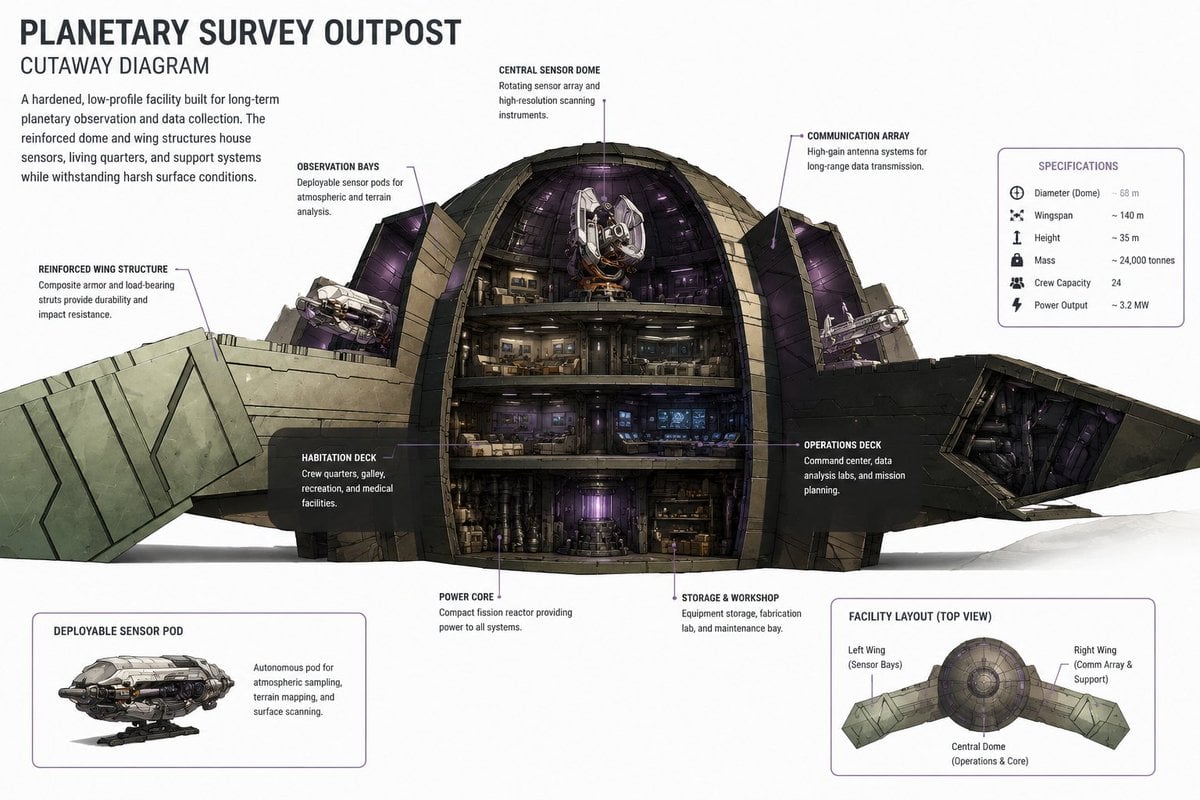
Planetary Survey Outpost Cutaway
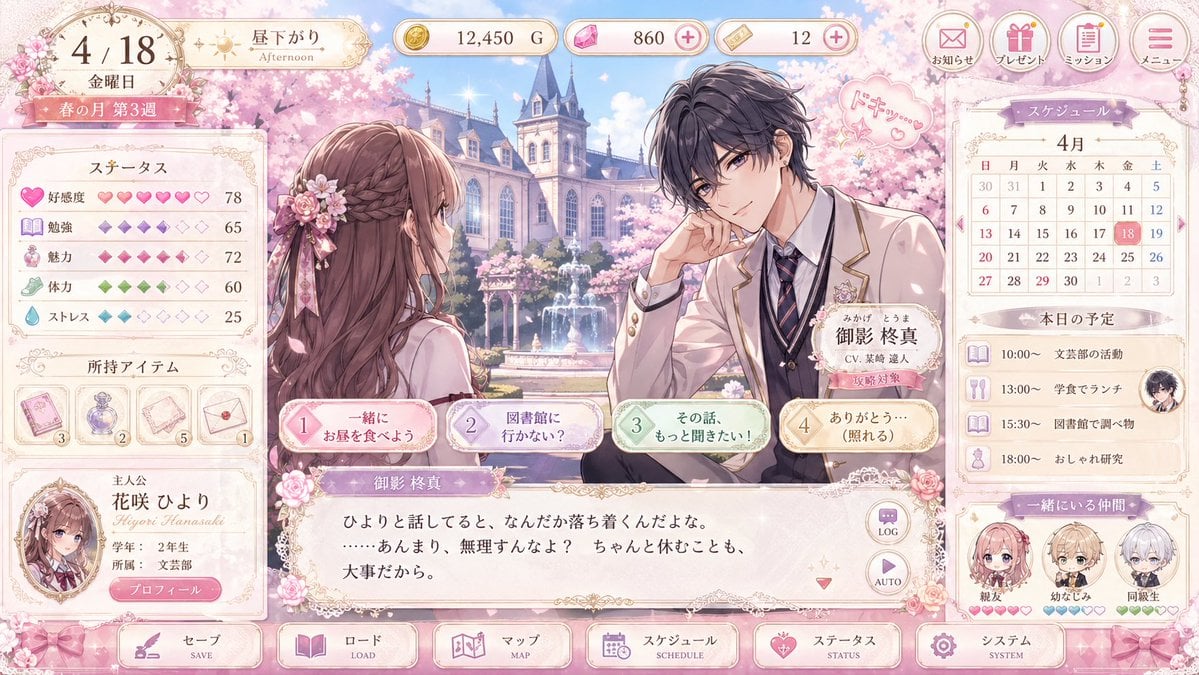
Pastel Otome Game UI Mockup
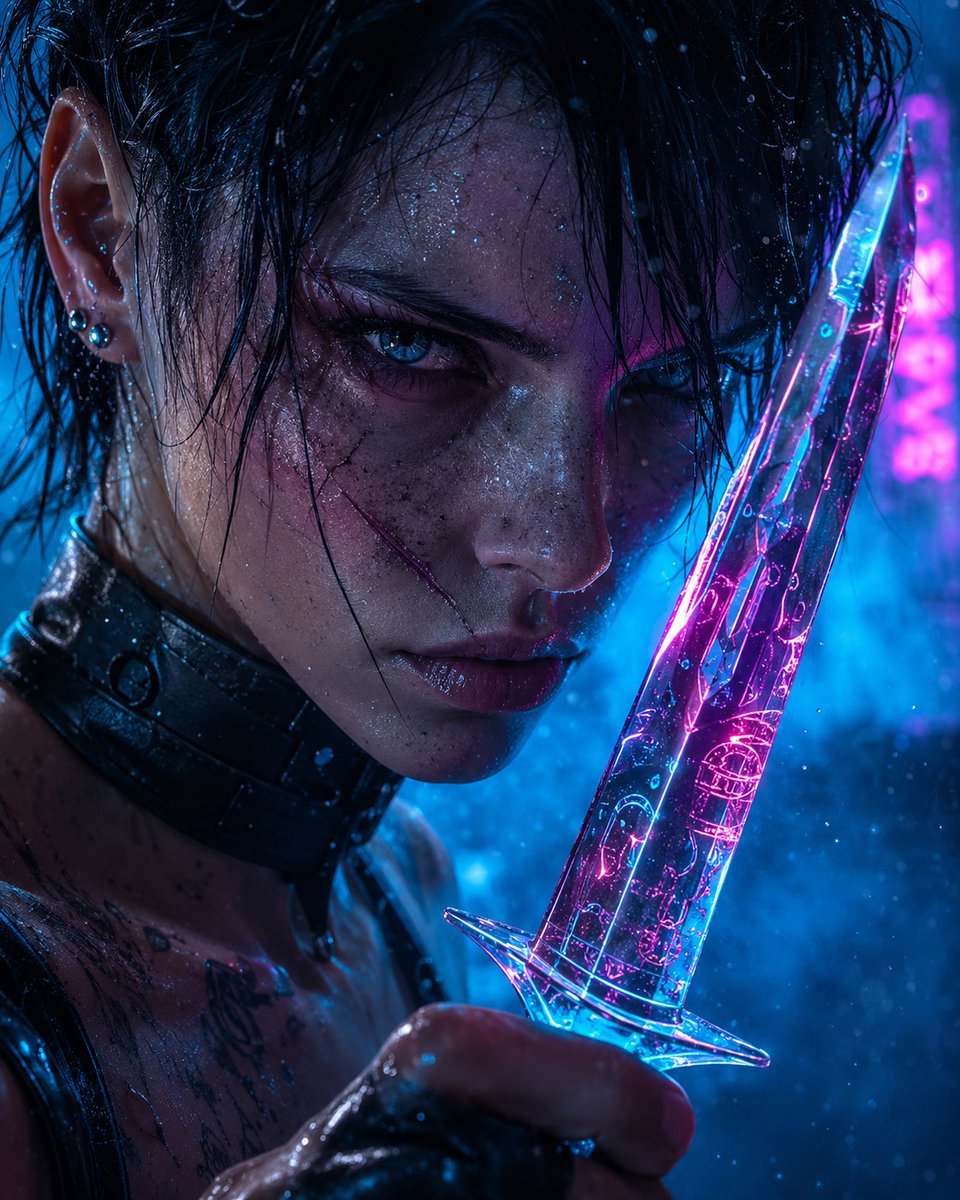
Cyberpunk Assassin With Neon Glass Dagger
Browse template categories
Cyber-Industrial Exoskeleton Object Transformation Prompt questions
How do I use the Cyber-Industrial Exoskeleton Object Transformation Prompt template?
Add your photo if the template asks for one, edit the prompt if you like — the template's model and format are already selected — and press Generate. Your version opens in PicX Studio.
Can I customize the Cyber-Industrial Exoskeleton Object Transformation Prompt template?
Yes. You can change the subject, setting, lighting, mood, format, and available model controls before creating your image.
Is the Cyber-Industrial Exoskeleton Object Transformation Prompt template free?
Opening and editing this template is free. Generating uses credits, shown on the Generate button when you are signed in.
Which AI model should I use?
Start with Nano Banana 2, which is the model associated with this template. You can compare another compatible model for a different finish.
Looking for something else? Browse all templates.

Your photo, any look
Thousands of ready templates for every top image and video model, from one credit balance.