
Planetary Survey Outpost Cutaway
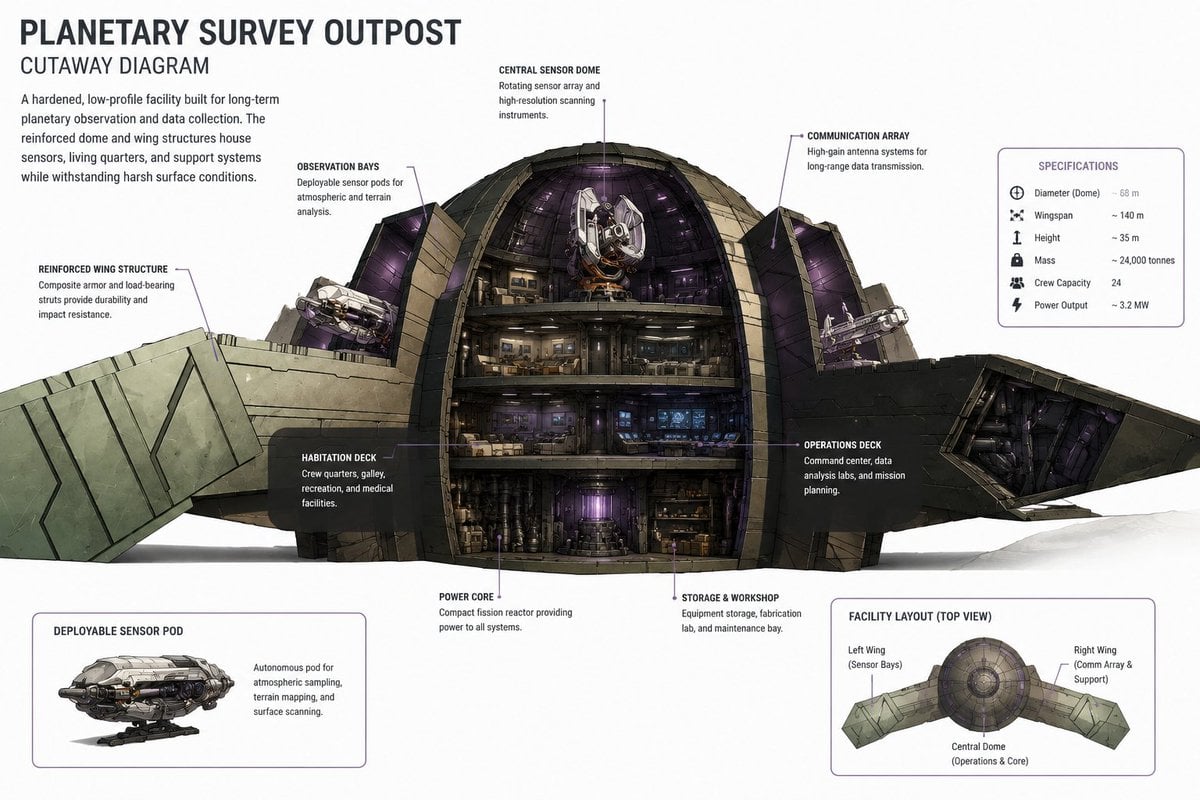
Generates a detailed sci-fi cutaway infographic of a planetary survey outpost for concept art, worldbuilding, or game design presentations.
- Prompt included
- Model and format preset
- Free template
The prompt behind this image
Copy the exact prompt behind Planetary Survey Outpost Cutaway, or open it in the studio and make it yours.
Goal: Create a clean sci-fi technical cutaway infographic for a No Man's Sky–inspired facility titled {argument name="headline text" default="PLANETARY SURVEY OUTPOST"}, showing a hardened planetary survey base with a large central dome and swept wing structures, as if from an aerospace architecture manual. Canvas: Wide landscape 16:9 poster on a white background, high-resolution concept-art rendering combined with crisp editorial diagram typography. Use muted olive-gray armor panels, dark graphite structural ribs, warm interior lighting, and purple sensor glow accents. Main layout: Place the huge facility cross-section across the center, spanning nearly the full width. The center is a semi-circular reinforced dome sliced open to reveal 4 stacked interior levels: 1) top sensor and telescope chamber, 2) crew/lab rooms, 3) operations/control floor with blue monitors, 4) lower power/storage machinery bay. Attach two broad angular wings: the left wing is pale green reinforced armor, the right wing is darker with an open cutaway sensor bay near the tip. Add thin leader lines and small technical labels around the structure. Top-left text block: Under the headline, add the subtitle {argument name="subtitle text" default="CUTAWAY DIAGRAM"}. Include a short paragraph: "A hardened, low-profile facility built for long-term planetary observation and data collection. The reinforced dome and wing structures house sensors, living quarters, and support systems while withstanding harsh surface conditions." Callouts: Include exactly 9 labeled callouts around the main cutaway, each with a short description: 1) "REINFORCED WING STRUCTURE" — composite armor and load-bearing struts provide durability and impact resistance; 2) "OBSERVATION BAYS" — deployable sensor pods for atmospheric and terrain analysis; 3) "CENTRAL SENSOR DOME" — rotating sensor array and high-resolution scanning instruments; 4) "COMMUNICATION ARRAY" — high-gain antenna systems for long-range data transmission; 5) "HABITATION DECK" — crew quarters, galley, recreation, and medical facilities; 6) "OPERATIONS DECK" — command center, data analysis labs, and mission planning; 7) "POWER CORE" — compact fission reactor providing power to all systems; 8) "STORAGE & WORKSHOP" — equipment storage, fabrication lab, and maintenance bay; 9) "DEPLOYABLE SENSOR POD" — autonomous pod for atmospheric sampling, terrain mapping, and surface scanning. Inset panels: Add exactly 3 framed inset panels. Bottom-left panel shows a separate small render of a deployable sensor pod on landing skids labeled "DEPLOYABLE SENSOR POD". Upper-right panel is a "SPECIFICATIONS" card with exactly 6 rows: Diameter (Dome) ~ 68 m; Wingspan ~ 140 m; Height ~ 35 m; Mass ~ 24,000 tonnes; Crew Capacity 24; Power Output ~ 3.2 MW. Bottom-right panel is a top-view facility layout labeled "FACILITY LAYOUT (TOP VIEW)", showing the round central dome and two wings, with labels for Left Wing (Sensor Bays), Right Wing (Comm Array & Support), and Central Dome (Operations & Core). Visual style: Realistic sci-fi concept art mixed with technical blueprint infographic design, sharp cross-section details, small human-scale rooms and equipment, subtle shadows under the base, thin purple-gray leader lines, compact uppercase sans-serif labels, and a polished magazine-spread composition. Constraints: Keep all text in English, make the diagram readable and information-dense, do not add logos, watermarks, people in the foreground, or extra inset panels. The subject should feel like a planetary facility from {argument name="game inspiration" default="No Man's Sky"} but remain original.
How to use Planetary Survey Outpost Cutaway in 3 steps
- 1Upload ImagePNG, JPG or paste
Add your photo
Upload the photo the template builds on. The prompt, model and format are already set.
- 2…a portrait of your subject in softgolden-hour light, 85mm…
Personalize
Edit the subject and creative details for your destination.
- 3Generate
Generate
Press Generate — your image is created in PicX Studio, so you can compare it with the original and refine one variable at a time.
More like this
Templates with the same subject, style or setup. Open one to see its prompt.
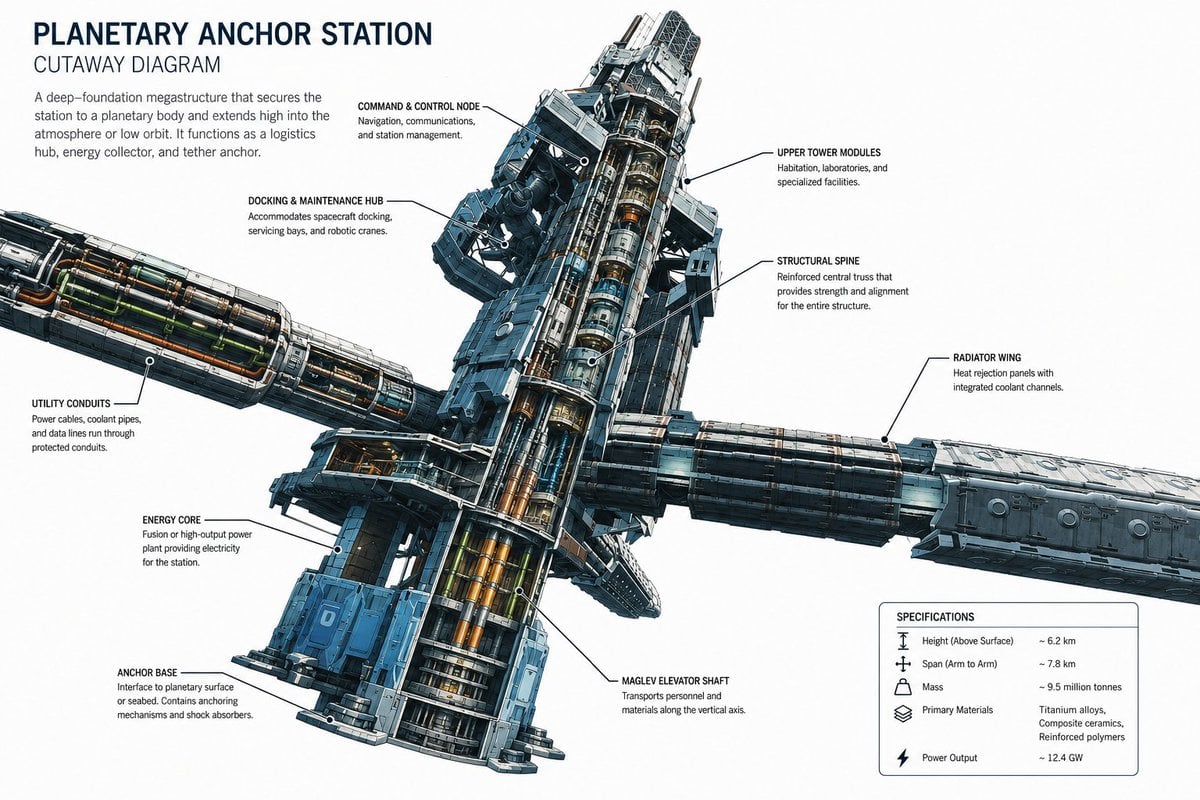
Planetary Anchor Station Cutaway

Emerald Aetheric Surveyor
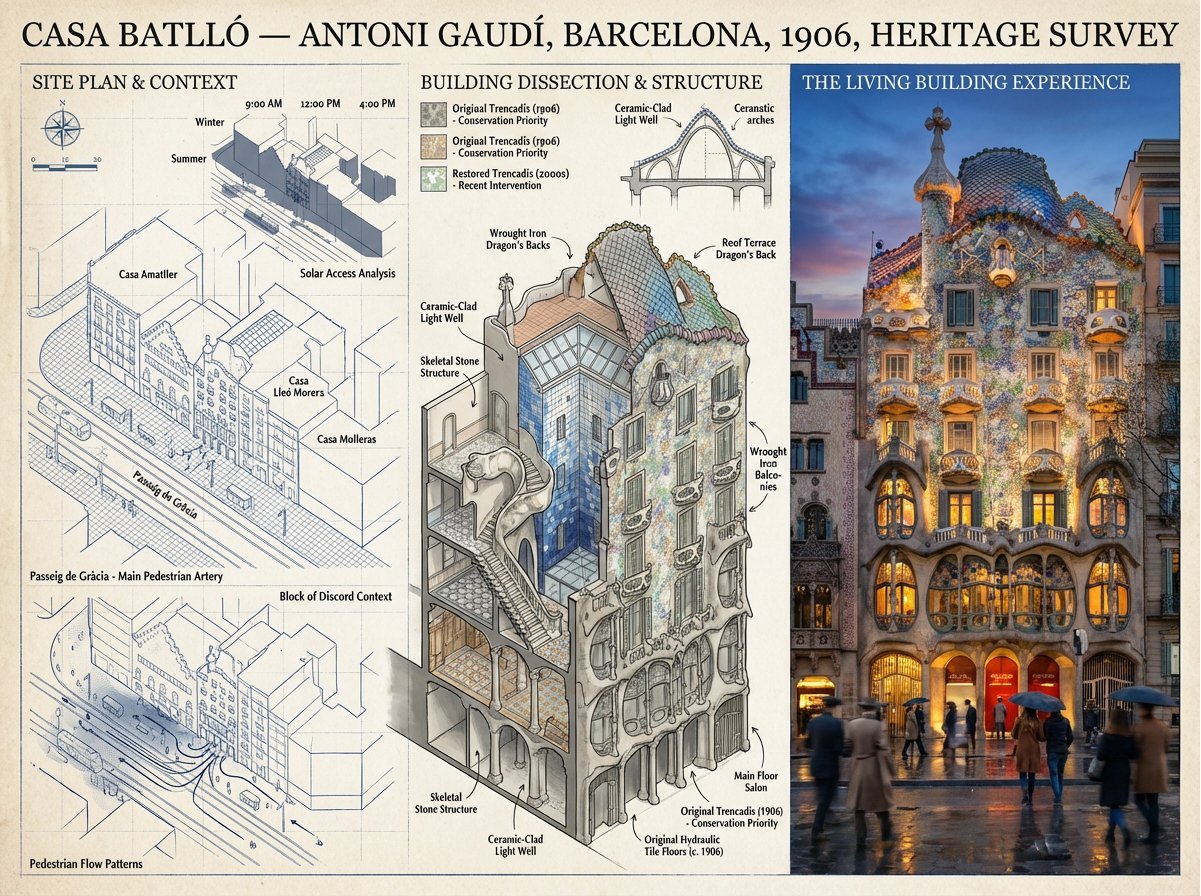
A preservation architect s survey board
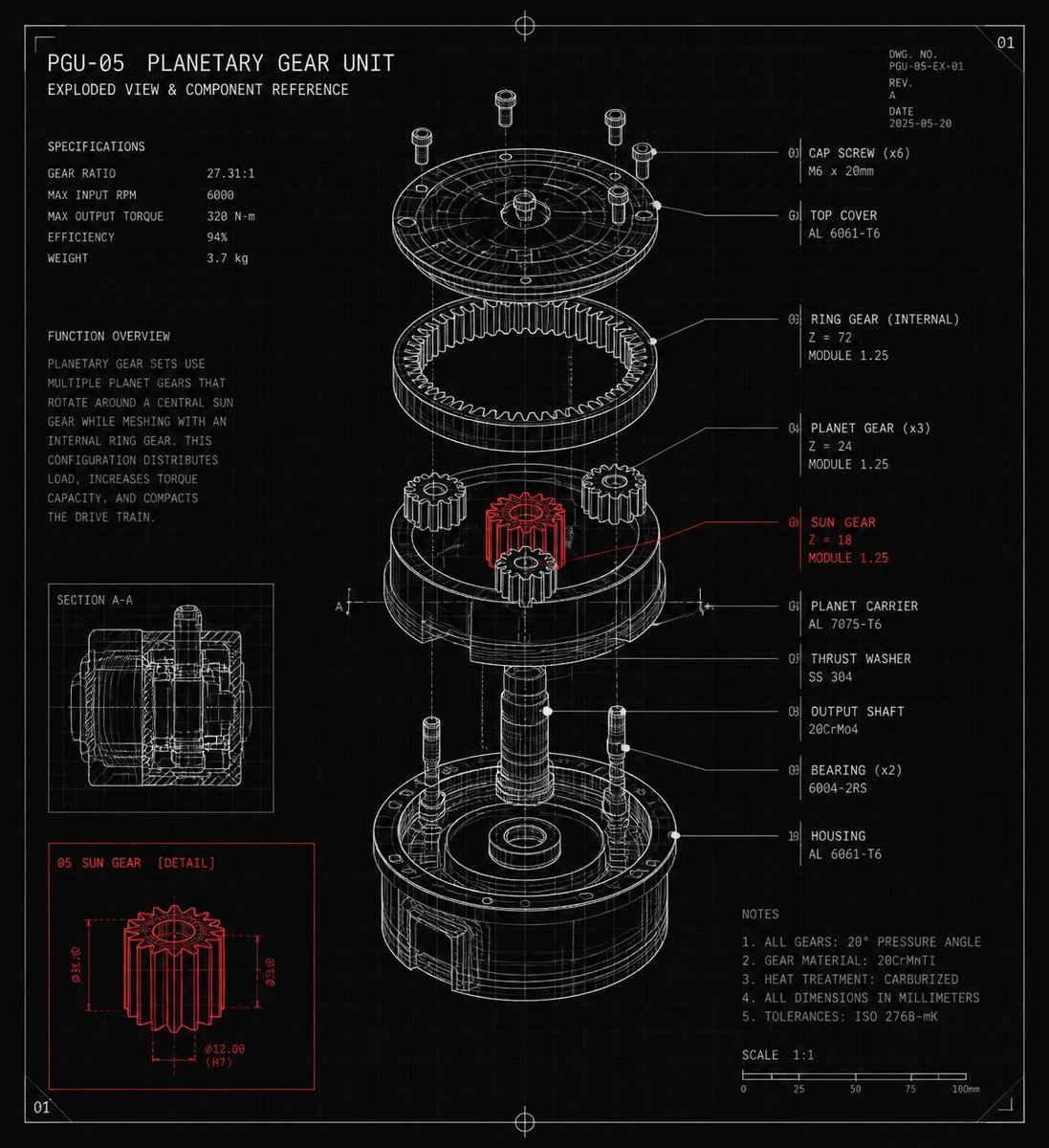
Planetary Gear Unit Blueprint
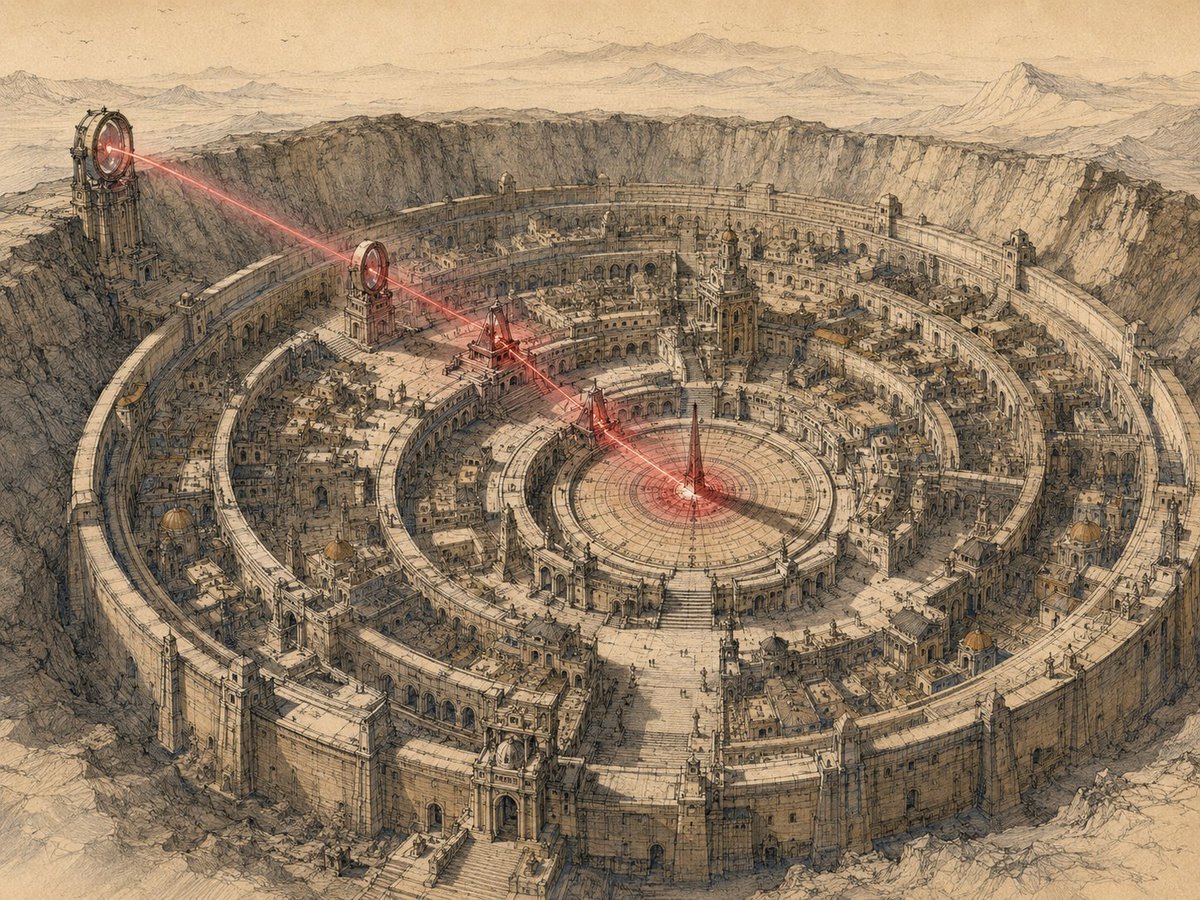
Redphase Survey Prompt Generator
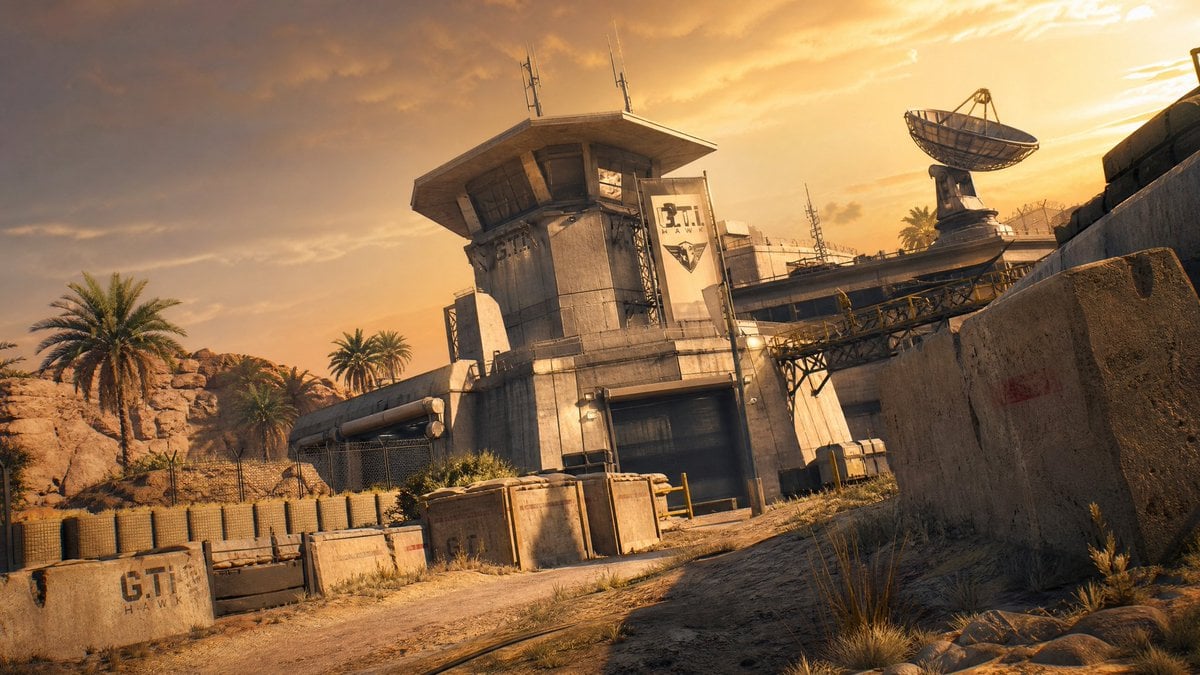
Desert Military Outpost
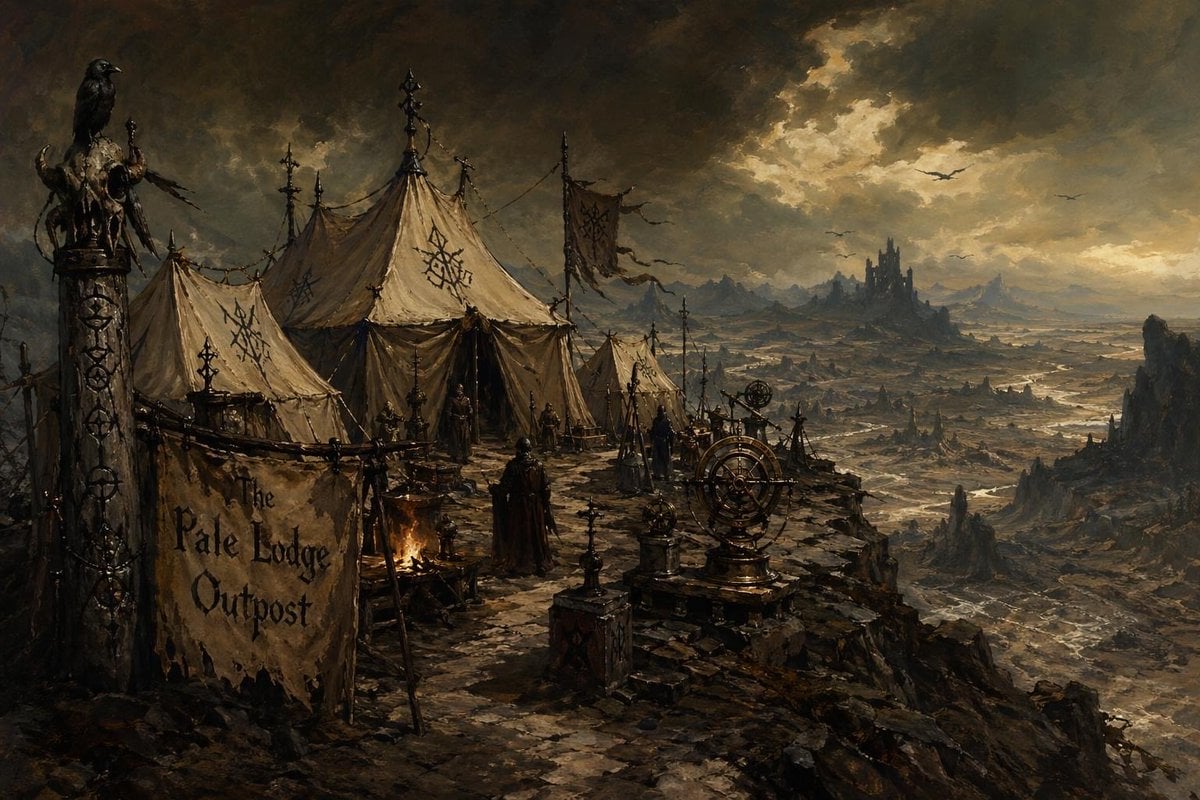
Dark Fantasy Cliffside Outpost
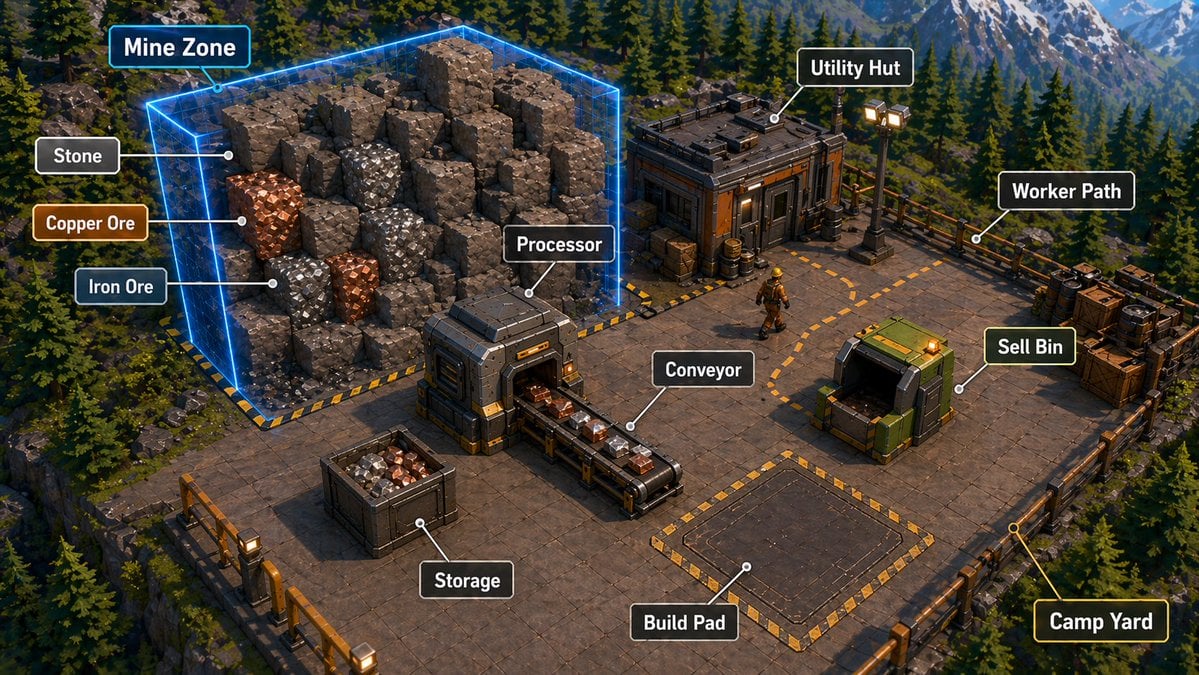
Annotated Isometric Mining Outpost
Surreal Planetary Sculpture Still Life
Magnified Glass Building Cutaway
Clear, 45 top-down isometric miniature 3D cutaway diorama showing
Earth Cutaway Layer Infographic
Make it yours
Planetary Survey Outpost Cutaway works as-is. These are the safest ways to change it without losing the look.
Change one field
Copy a single group, rewrite it, and generate again so you can see what that field is doing.
Keep the frame, change the subject
Hold the composition and light of Planetary Survey Outpost Cutaway, then swap wardrobe, props or the person for a new take.
| If the result… | Why | Fix |
|---|---|---|
| The result drifts from the preview | Too many fields changed at once. | Reuse Planetary Survey Outpost Cutaway as-is first, then change one group — subject, light, or setting. |
| The model over-stylizes the scene | The prose prompt leaves finish and camera underspecified. | Add one camera or lighting sentence and stay on GPT Image 2. |
More GPT Image 2 templates
Other prompts made for GPT Image 2.

Six VTuber Japanese Logo Sheet

Realistic Portrait of Woman and Deer

The Vista Modular Condo Poster

AI Model Routing Comparison Infographic

2.5D Anime Art Board

Isometric Productivity Desk Scene

New York Double Exposure Poster

Four-Panel AI Landscape Comparison

Japanese Tatami Lifestyle Magazine Cover

NESCAFÉ Coffee Map Poster
More image prompts
Fresh picks from across the catalog.

Polished Academic Student ID Portrait
Watercolor Travel Map Illustration Prompt
Sci-Fi Cinematic Image: Man in Cryo-Chamber

Generating a Guardian Angel with Nano Banana Pro

Luxury Tennis Editorial Poster
Fictional Game Case in Store

Beauty Commercial Portrait on Reflective Surface

Three-Panel Dreamy AI Posting Styles

Black New Chinese Fashion Cover
Raw Documentary Car Interior Portrait
Browse template categories
Planetary Survey Outpost Cutaway questions
How do I use the Planetary Survey Outpost Cutaway template?
Add your photo if the template asks for one, edit the prompt if you like — the template's model and format are already selected — and press Generate. Your version opens in PicX Studio.
Can I customize the Planetary Survey Outpost Cutaway template?
Yes. You can change the subject, setting, lighting, mood, format, and available model controls before creating your image.
Is the Planetary Survey Outpost Cutaway template free?
Opening and editing this template is free. Generating uses credits, shown on the Generate button when you are signed in.
Which AI model should I use?
Start with GPT Image 2, which is the model associated with this template. You can compare another compatible model for a different finish.
Looking for something else? Browse all templates.

Your photo, any look
Thousands of ready templates for every top image and video model, from one credit balance.