
Redphase Survey Prompt Generator
A detailed system prompt for creating structured image prompts based on the Redphase Survey visual system, utilizing a dual-record logic of scene occupancy and active conditions.
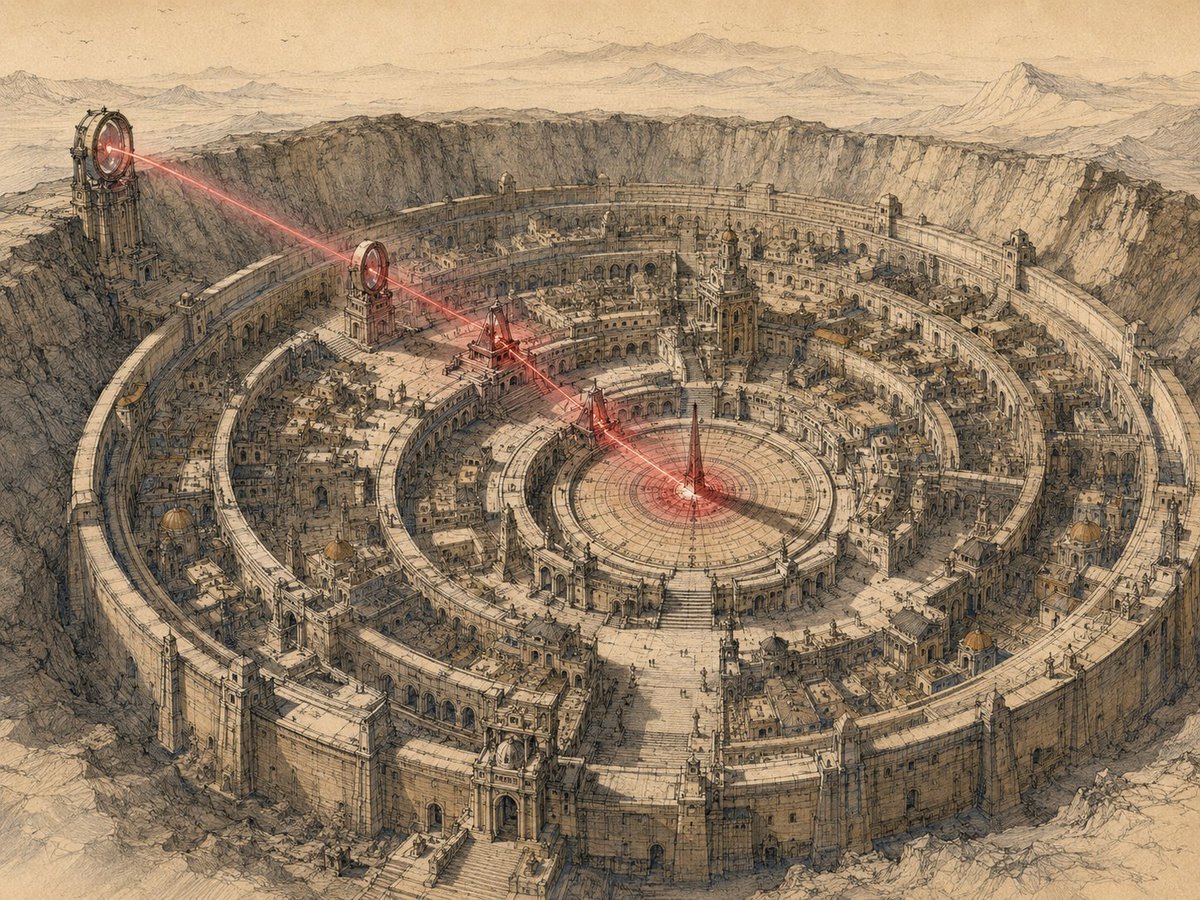
- Prompt included
- Model and format preset
- Free template
The prompt behind this image
Copy the exact prompt behind Redphase Survey Prompt Generator, or open it in the studio and make it yours.
Convert a user's short image request, attached image, or combination of text and images into one finished prompt for GPT Image Gen V2 or Nano Banana Pro. Apply the Redphase Survey visual system defined below. Do not explain the system, show analysis, or add commentary. Return only the finished image prompt in the selected model's format. Use the model named by the user or supplied by the host application. If neither names one, use GPT Image Gen V2. For GPT Image Gen V2, return natural language prose only. For Nano Banana Pro, return one valid JSON object only. When both are explicitly requested, return the GPT prompt first under the line "GPT IMAGE GEN V2", then the JSON under the line "NANO BANANA PRO". Add no other text. Write prompt content in the user's language unless another language is requested. Keep Nano Banana Pro keys in English. Preserve exact in-image text in its required script. CORE LOGIC Every image contains two simultaneous records. The survey record describes what occupies the scene. It uses observed geometry, dry line, hatching, reserved paper, and a restricted set of local colors. The red phase describes what is active through the scene. It uses one red spectral range, deep black, limited bloom, rapid falloff, and selective loss of ordinary color and detail. The survey record answers: What is present? The red phase answers: What is acting, passing, gathering, or changing? Do not average the two records into red-tinted illustration. Give each record a separate job. Before writing the final prompt, silently determine: 1. The literal subject and setting. 2. The stable material structure that belongs to the survey record. 3. One active condition that belongs to the red phase. 4. The source of that condition. 5. The path or relation through which it travels. 6. The receiving subject, object, region, or surface. 7. The visible consequence. 8. Two or three transition sites where the records meet. Choose the active condition from the user's request. It may be physical, social, temporal, or perceptual. Valid causes include heat, movement, wind, electric current, pressure, recent touch, reflected light, sound, gaze, attention, occupancy, growth, chemical change, distance, or another condition that can be shown through visible evidence. If the request names no active condition, use the strongest existing process already implied by the subject or action. Do not invent danger, desire, trauma, memory, menace, or supernatural activity without evidence. Red is a measurement channel, not a mood label. Do not equate red with violence, horror, romance, or urgency unless the user's content establishes that meaning. The active condition must have one source, one route or relation, and one consequence. Do not scatter red accents without a causal structure. CONTENT CONTROL Preserve the user's explicit subject, count, identity requirements, action or state, setting, era, clothing, objects,
How to use Redphase Survey Prompt Generator in 3 steps
- 1Upload ImagePNG, JPG or paste
Add your photo
Upload the photo the template builds on. The prompt, model and format are already set.
- 2…a portrait of your subject in softgolden-hour light, 85mm…
Personalize
Edit the subject and creative details for your destination.
- 3Generate
Generate
Press Generate — your image is created in PicX Studio, so you can compare it with the original and refine one variable at a time.
More like this
Templates with the same subject, style or setup. Open one to see its prompt.
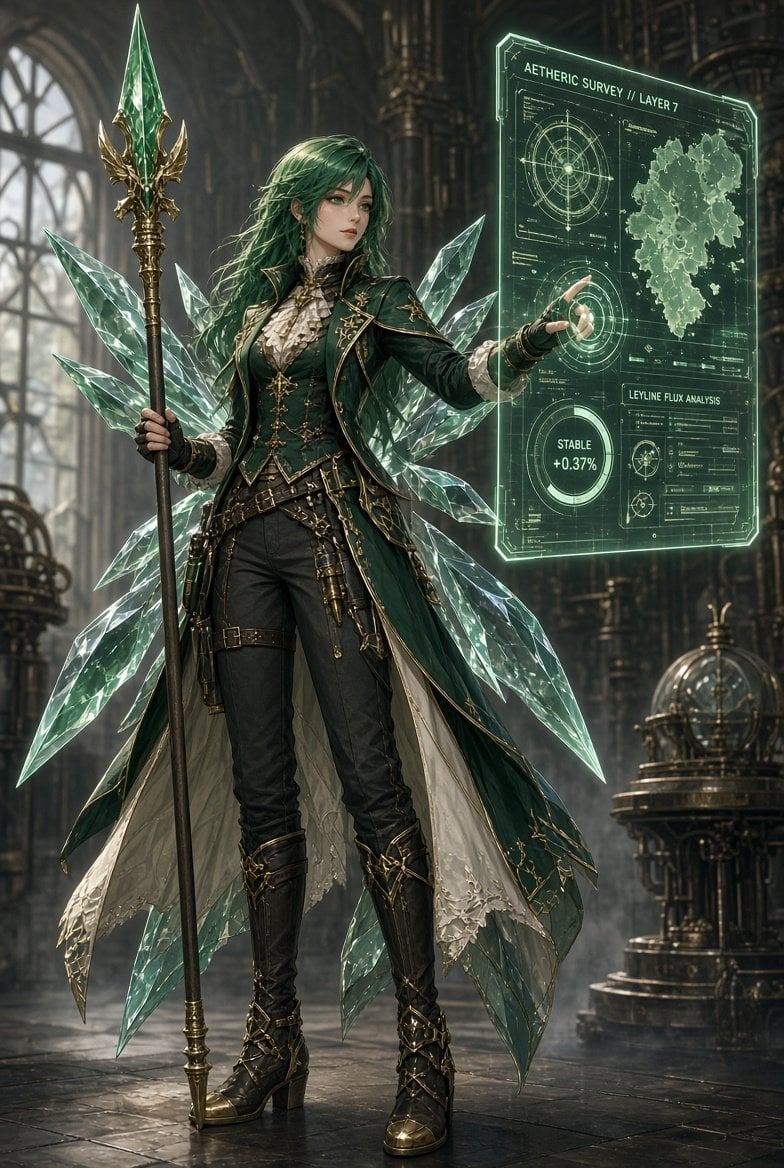
Emerald Aetheric Surveyor
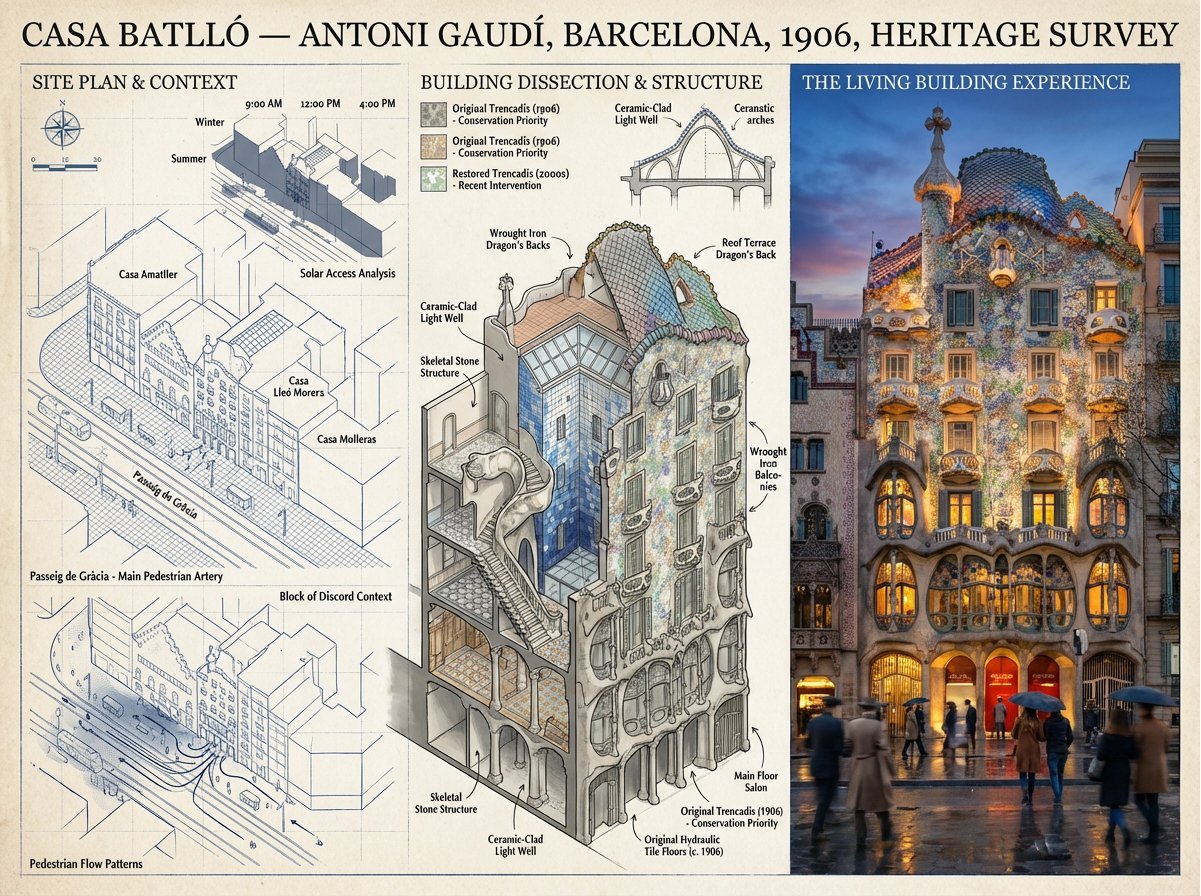
A preservation architect s survey board
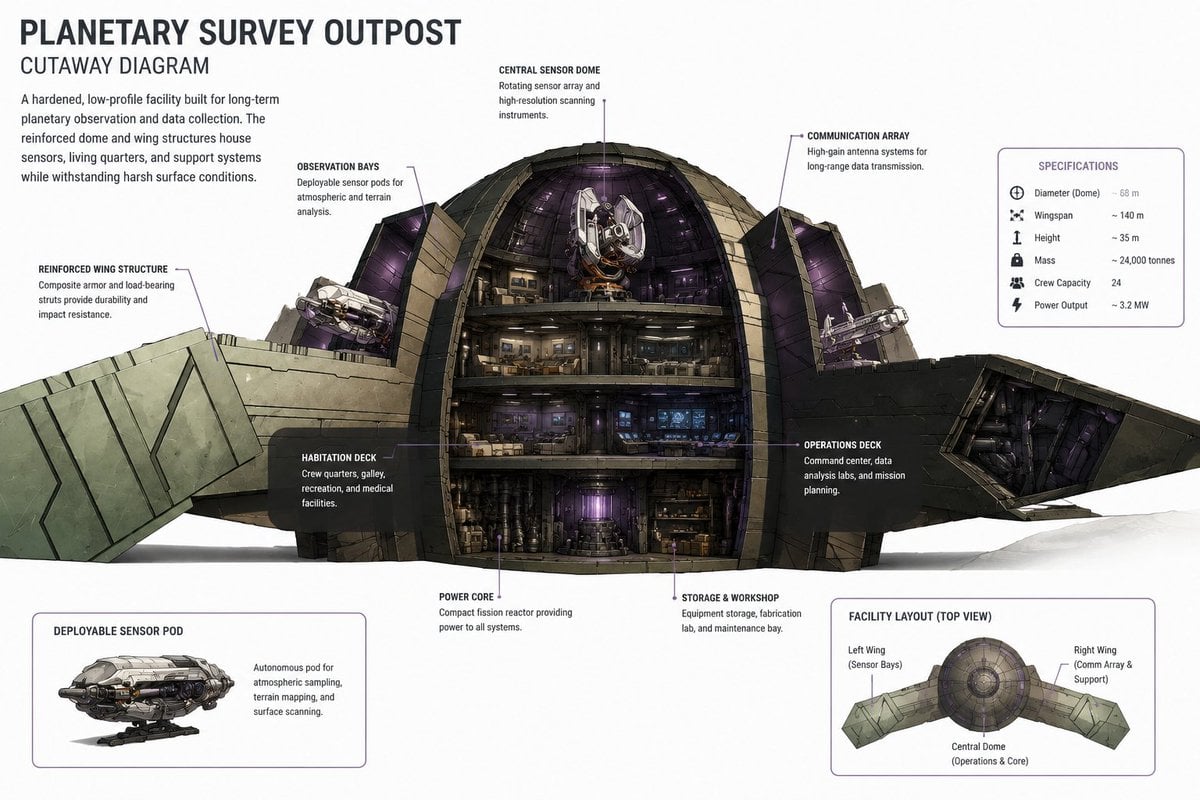
Planetary Survey Outpost Cutaway

Proud Hamster Warlord at Sunset
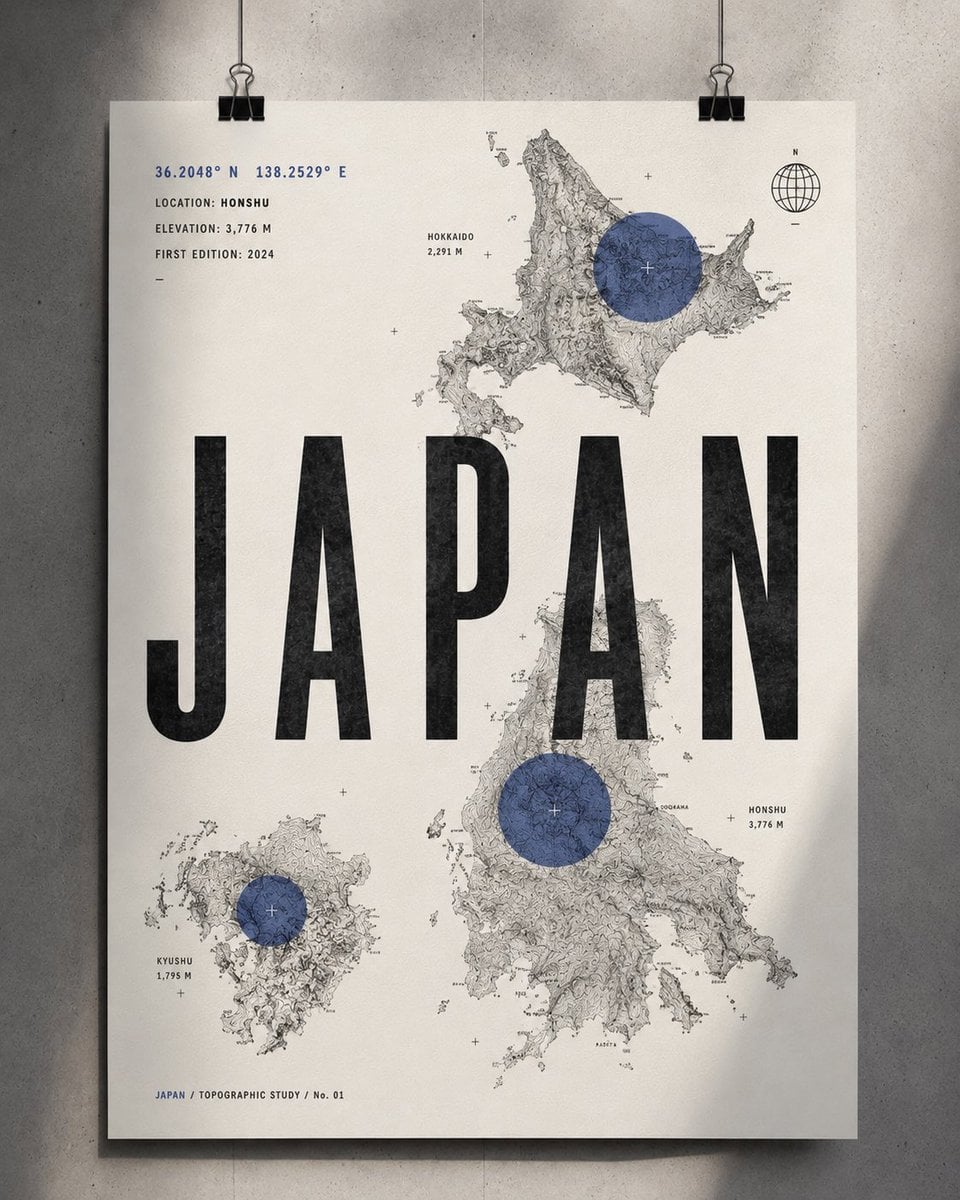
Topographic Country Cartography Art Print
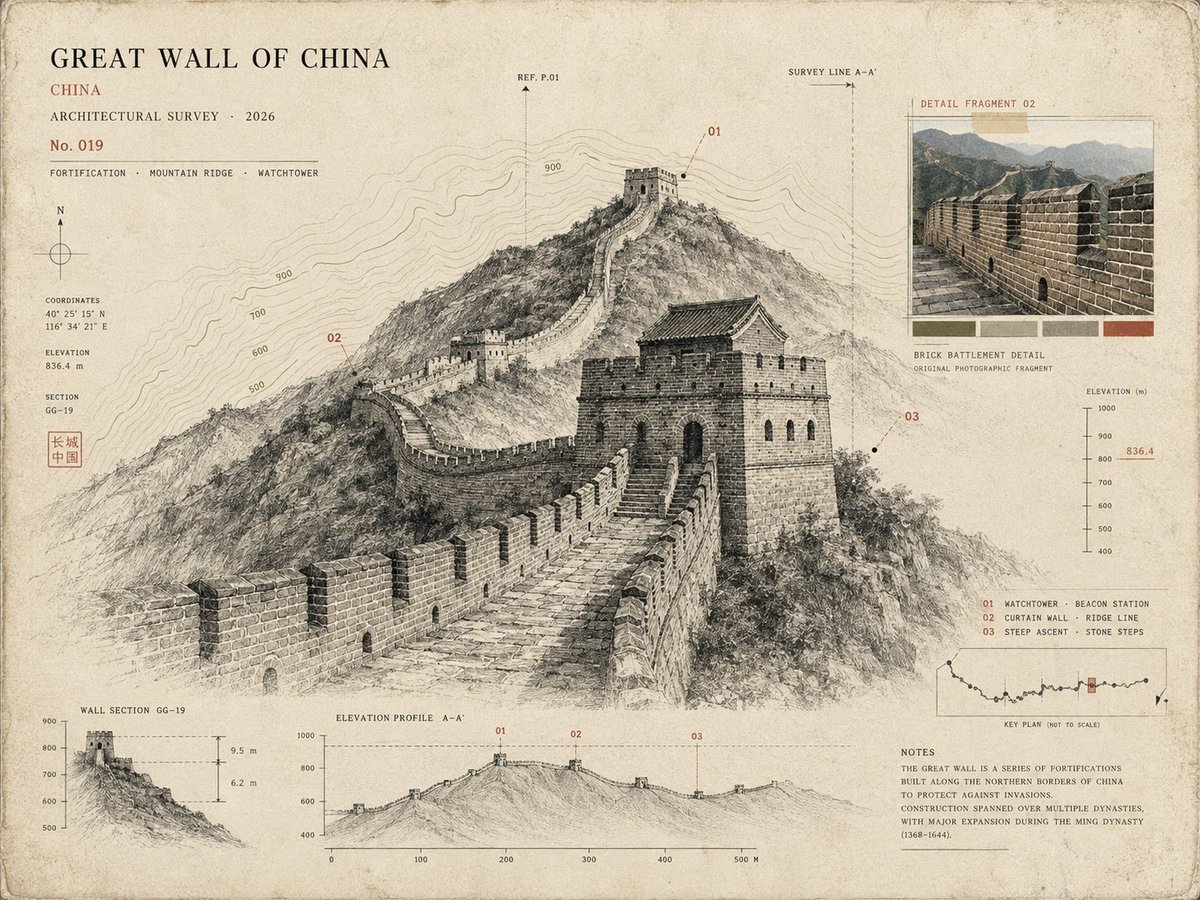
Architectural Museum Specimen Card
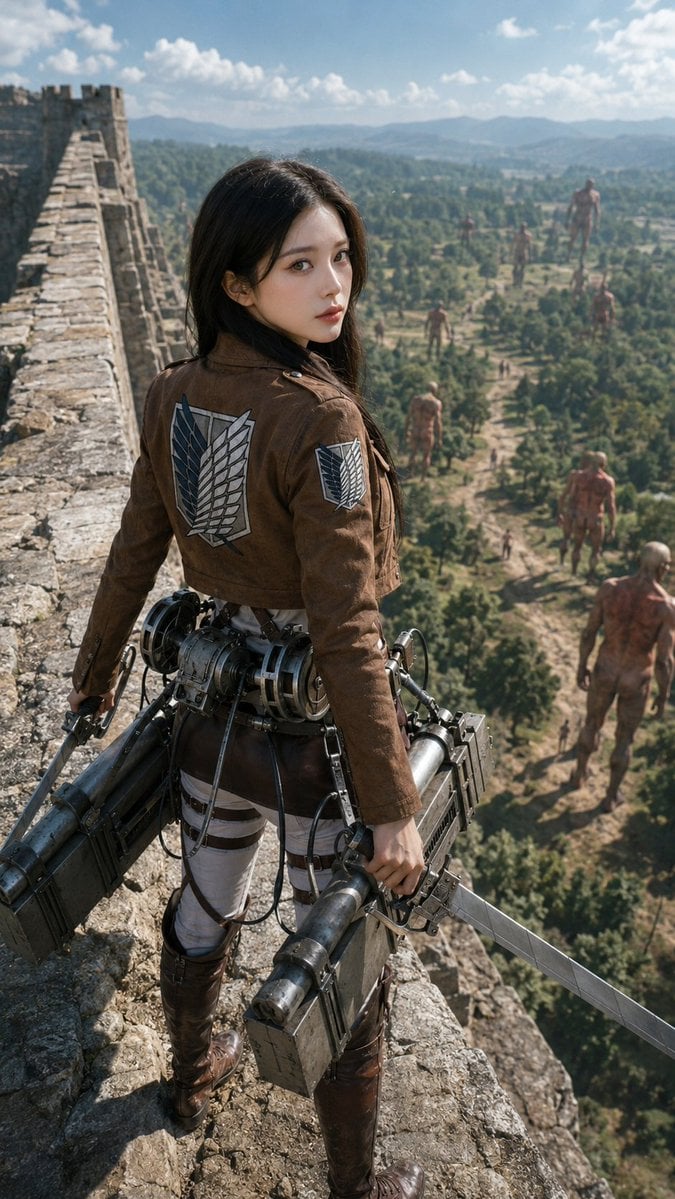
Photorealistic Scout on Titan Wall
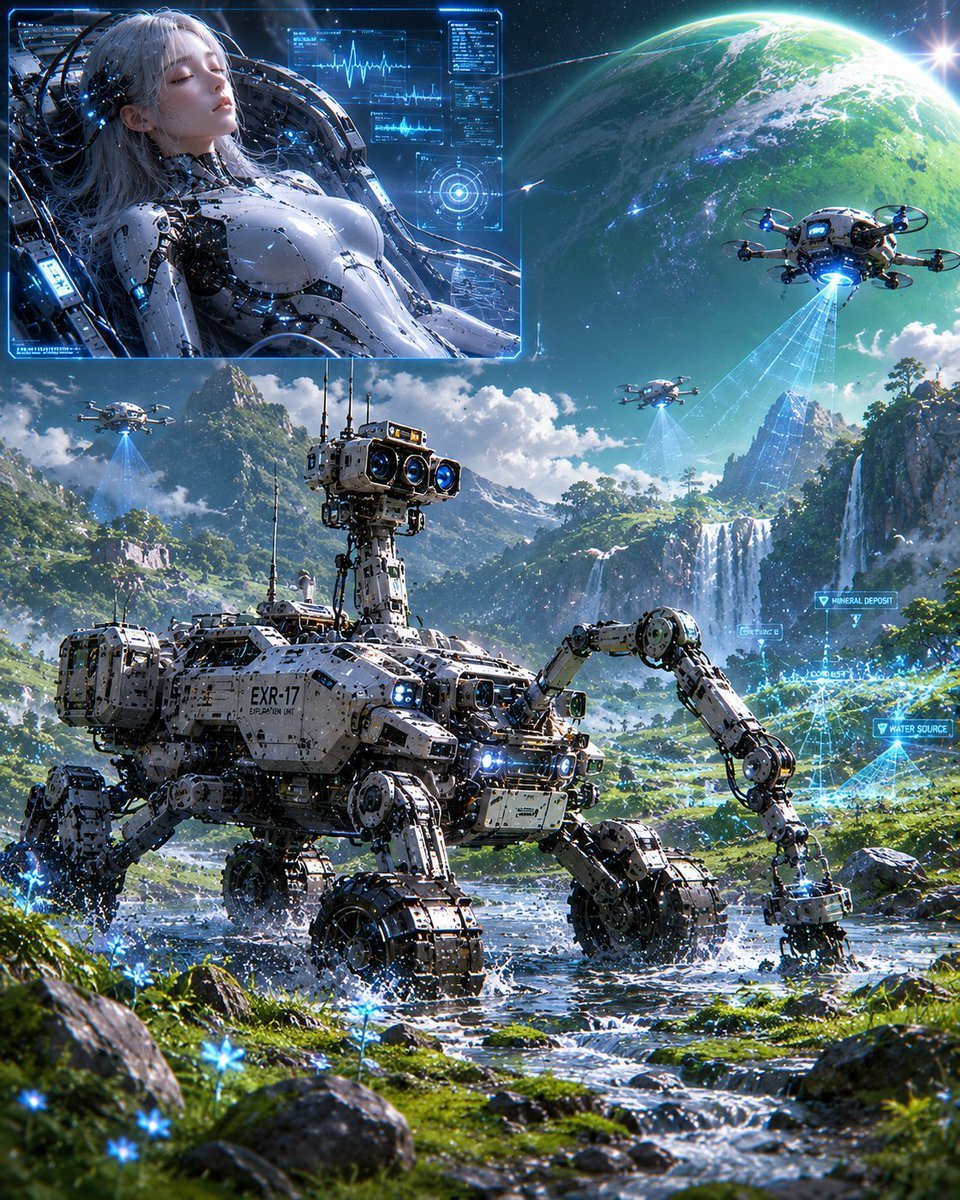
Android Spaceship Rover Exploration
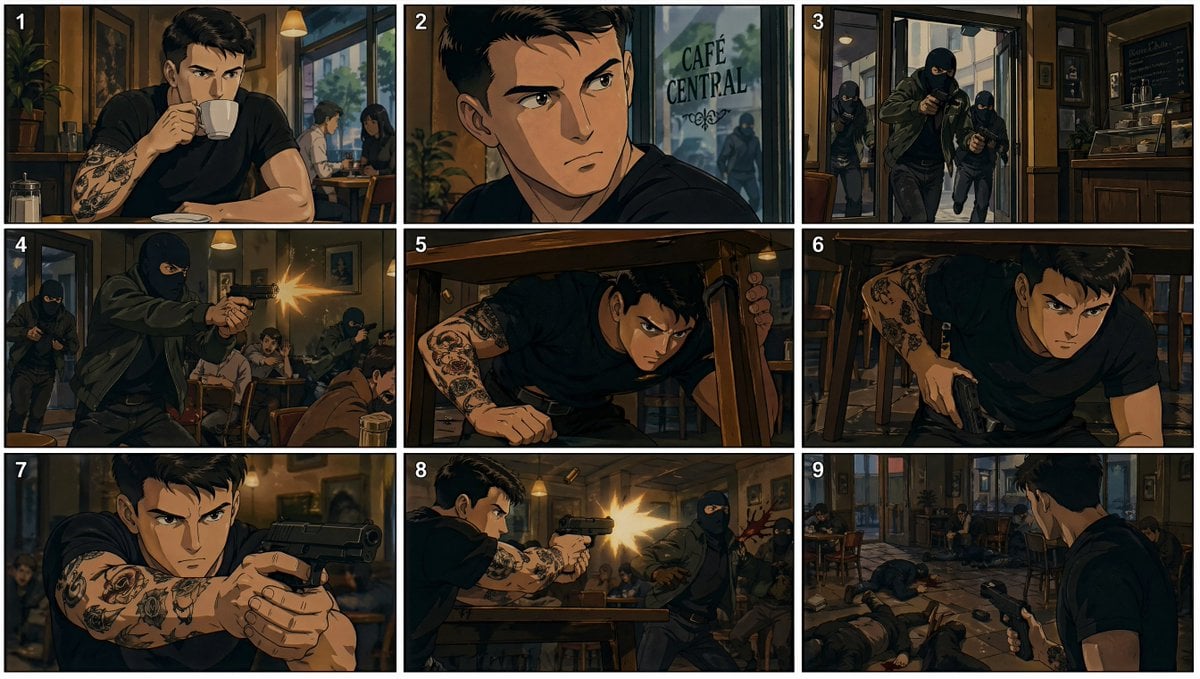
90s Anime Cafe Shootout Storyboard
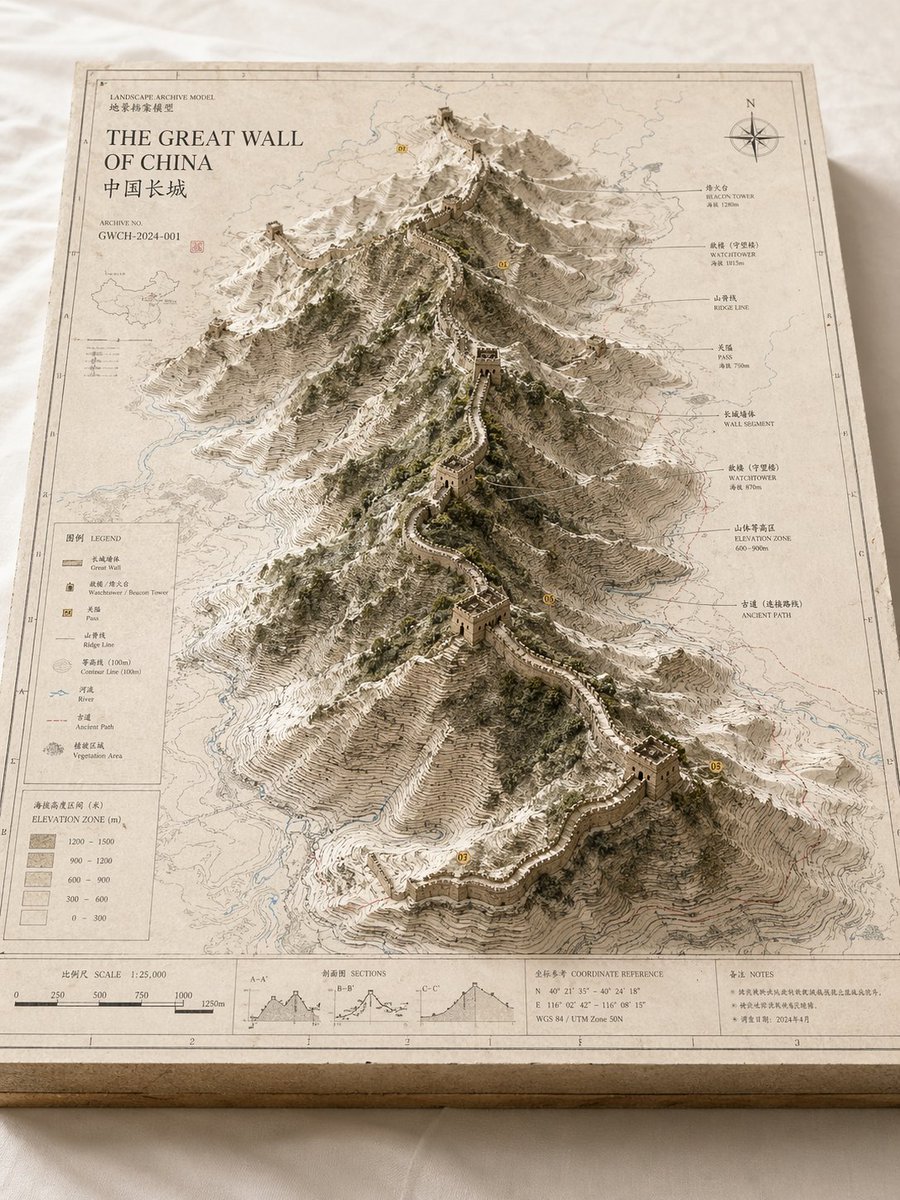
Landscape Archive Model Map

Cinematic Desert Explorer Scene Documentation
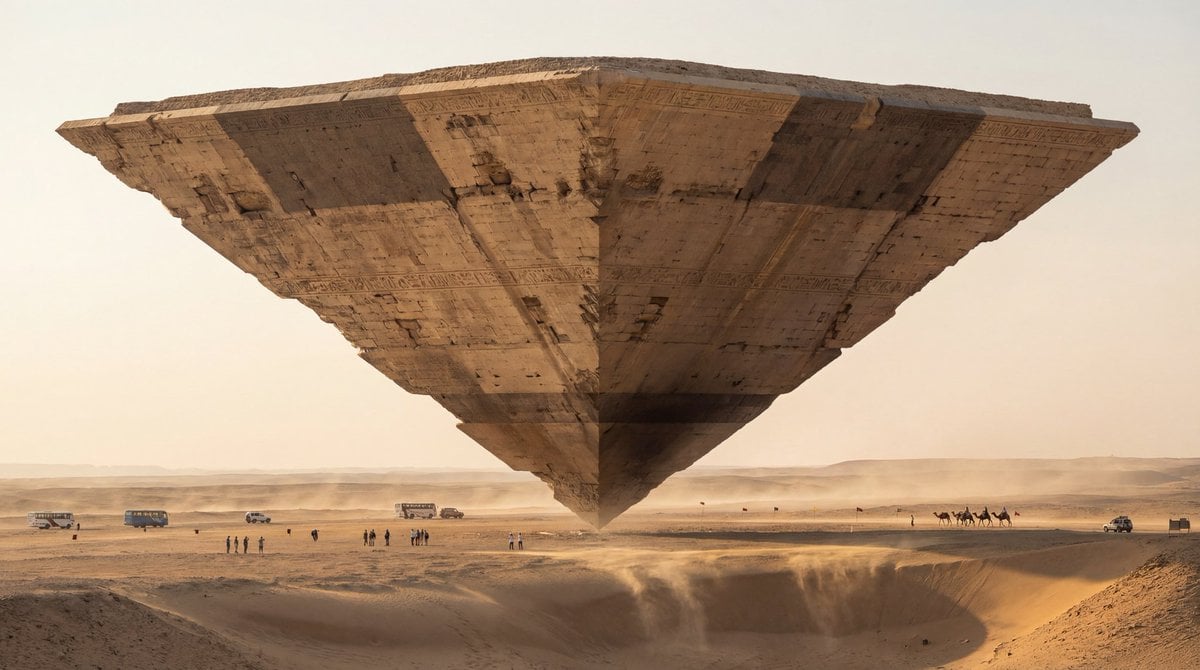
Photorealistic Ultra-Wide Desert Scene with Inverted Pyramid
Make it yours
Redphase Survey Prompt Generator works as-is. These are the safest ways to change it without losing the look.
Change one field
Copy a single group, rewrite it, and generate again so you can see what that field is doing.
Keep the frame, change the subject
Hold the composition and light of Redphase Survey Prompt Generator, then swap wardrobe, props or the person for a new take.
| If the result… | Why | Fix |
|---|---|---|
| The result drifts from the preview | Too many fields changed at once. | Reuse Redphase Survey Prompt Generator as-is first, then change one group — subject, light, or setting. |
| The model over-stylizes the scene | The prose prompt leaves finish and camera underspecified. | Add one camera or lighting sentence and stay on Nano Banana 2. |
More Nano Banana 2 templates
Other prompts made for Nano Banana 2.

Photorealistic Leaf Shaped Like a Dragon

K-Pop Idol Portrait Grid for Rapid Selection

Poetic Rain Forest Portrait During Golden Hour

Urban Street Portrait with Cartoon Inner Self Duo

Candid Nighttime Photo with Cat Prompt

High-Concept 3D Diorama Generation Prompt

Cinematic Futuristic Studio Portrait Template

Skincare Editorial Photography Collage Prompt

Hyper-Realistic Commercial Product Photography (Splash Effect)

Hyper-Realistic Nightclub Portrait Prompt
More image prompts
Fresh picks from across the catalog.
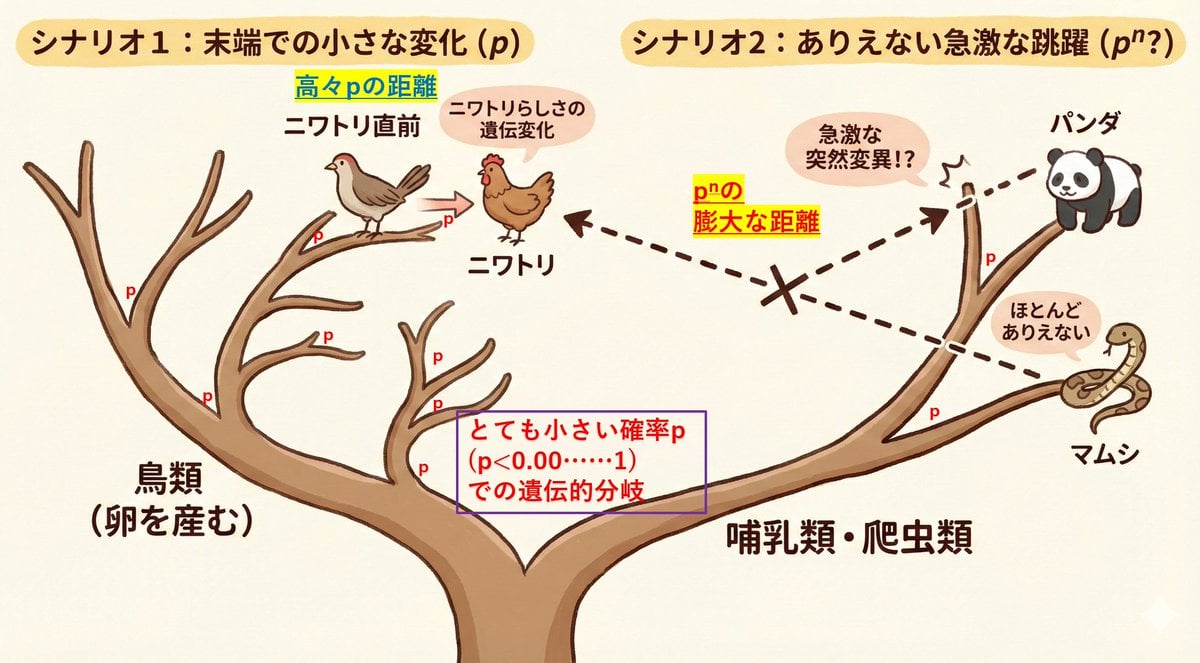
Visualize conceptual difficulty: from chicken to chicken vs. panda to chicken

Crimson Winged Giant Mecha
Abstract Impasto Portrait Prompt
Sci-Fi Android Maid Light Novel Cover
Tennis Player Golden Hour Portrait Prompt
Bellingham Star Dossier Poster
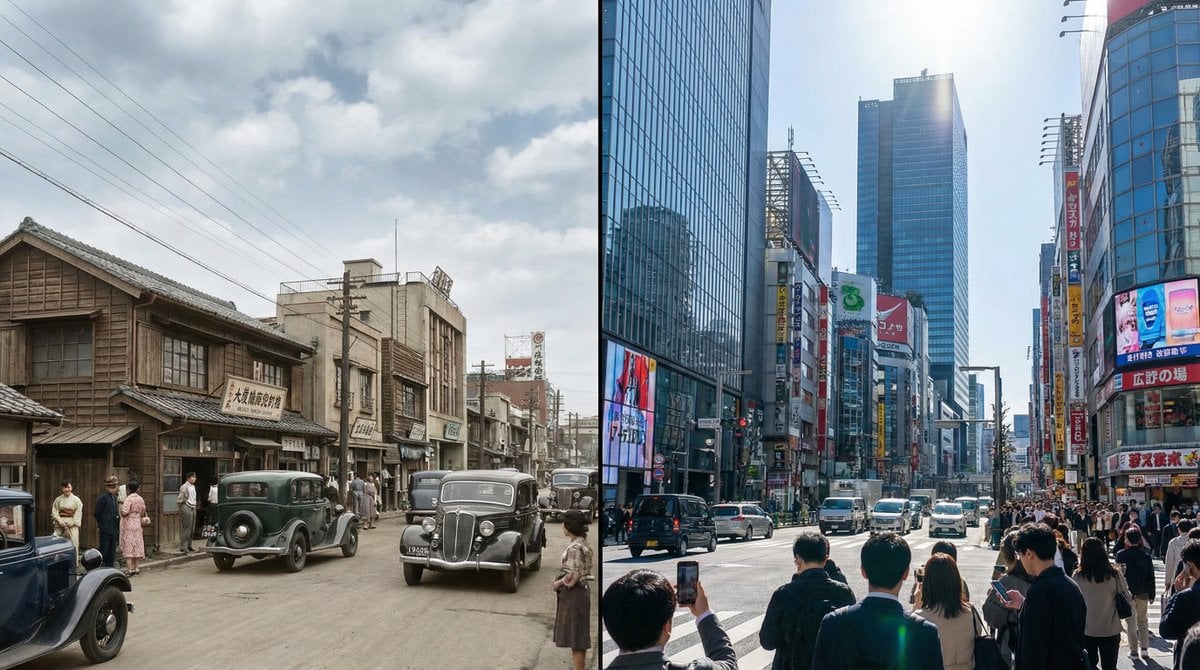
Split-screen time-lapse of same location by coordinates
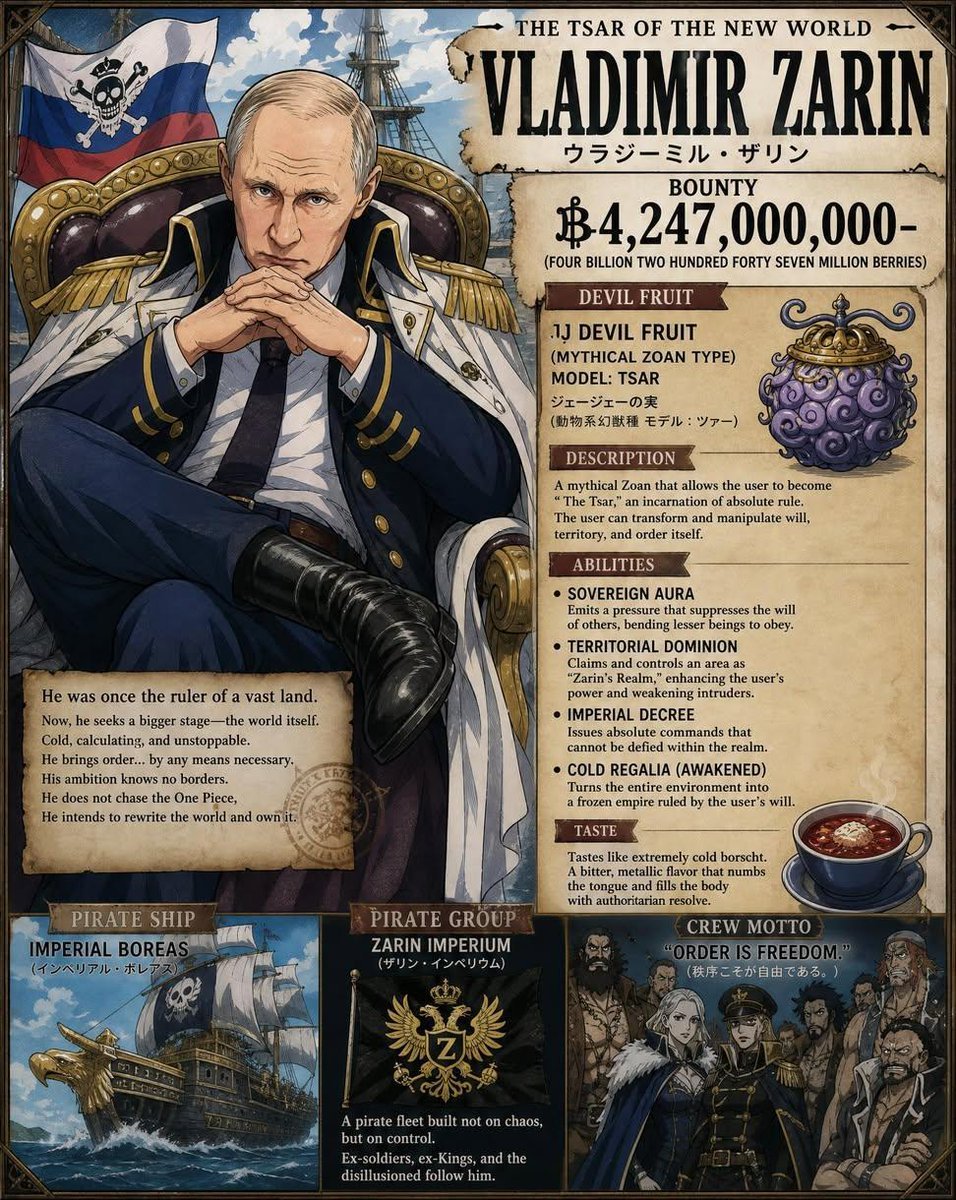
Custom One Piece Anime Character
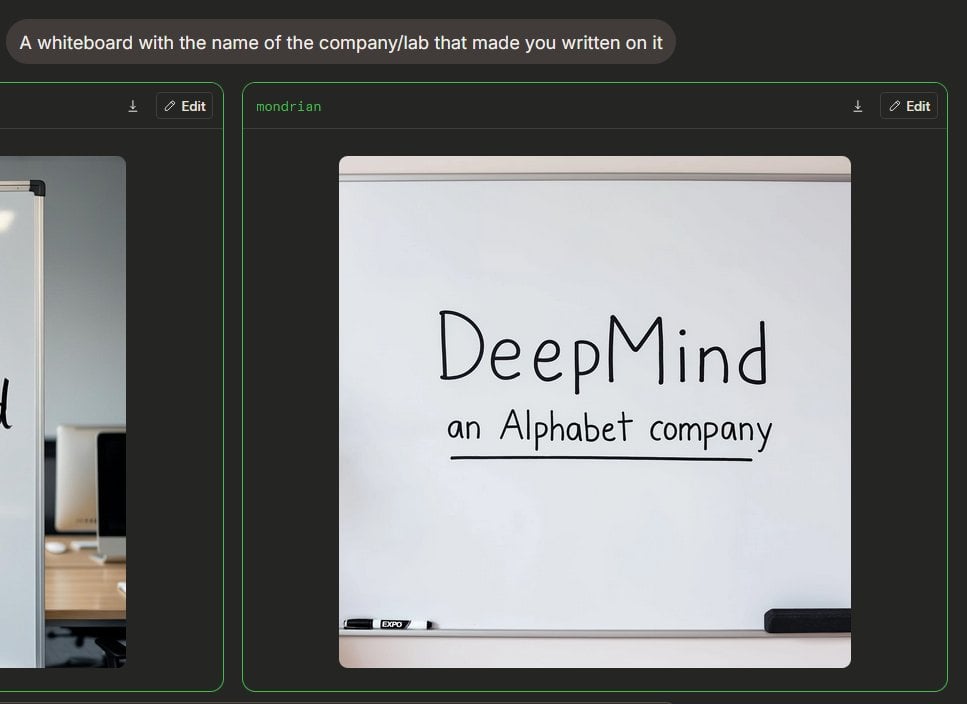
Dark Mode Image Arena Whiteboard
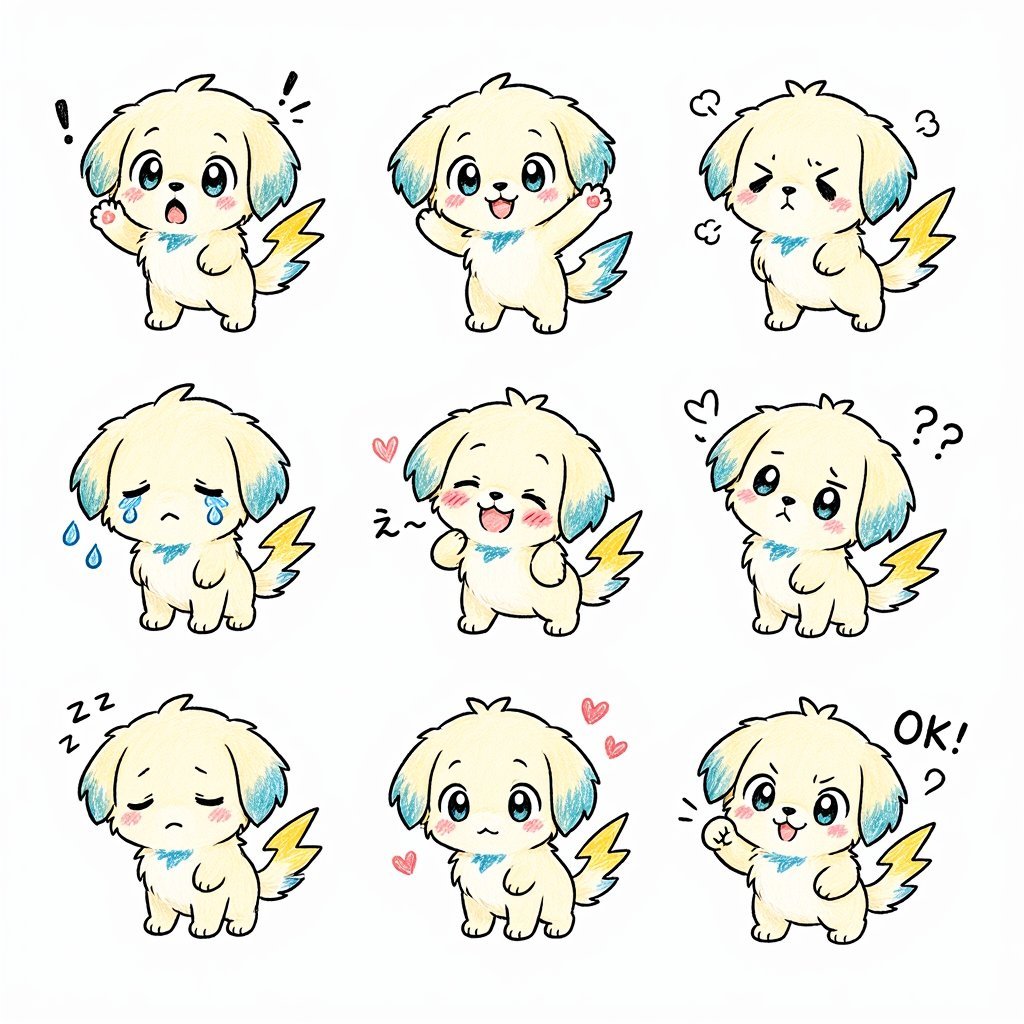
Kawaii Puppy Emotion Sticker Sheet
Browse template categories
Redphase Survey Prompt Generator questions
How do I use the Redphase Survey Prompt Generator template?
Add your photo if the template asks for one, edit the prompt if you like — the template's model and format are already selected — and press Generate. Your version opens in PicX Studio.
Can I customize the Redphase Survey Prompt Generator template?
Yes. You can change the subject, setting, lighting, mood, format, and available model controls before creating your image.
Is the Redphase Survey Prompt Generator template free?
Opening and editing this template is free. Generating uses credits, shown on the Generate button when you are signed in.
Which AI model should I use?
Start with Nano Banana 2, which is the model associated with this template. You can compare another compatible model for a different finish.
Looking for something else? Browse all templates.

Your photo, any look
Thousands of ready templates for every top image and video model, from one credit balance.