
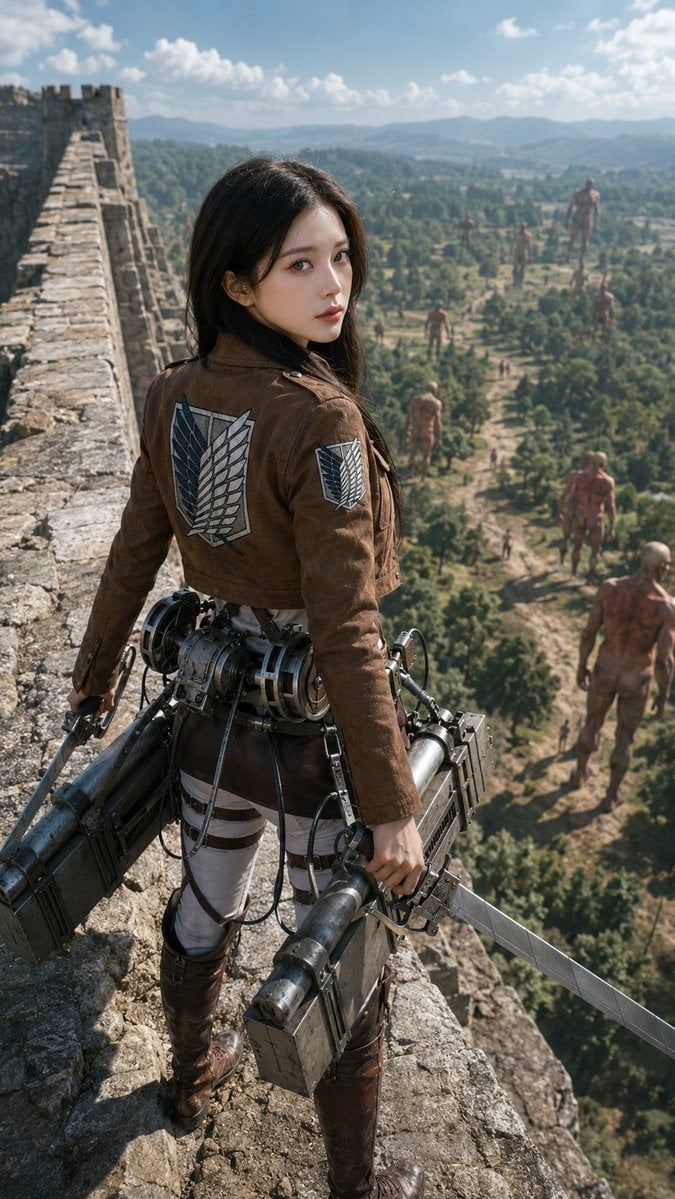
Photorealistic Scout on Titan Wall
A cinematic vertical scene of a Survey Corps soldier standing on a giant wall above a Titan-filled valley, useful for epic anime-inspired realism artwork.
- Prompt included
- Model and format preset
- Free template
The prompt behind this image
Copy the exact prompt behind Photorealistic Scout on Titan Wall, or open it in the studio and make it yours.
Create a cinematic photorealistic scene inspired by Attack on Titan: a young female Scout Regiment soldier named {argument name="character name" default="Mikasa Ackerman"} stands on top of a massive medieval stone wall, viewed from behind and slightly above in a vertical 9:16 composition. She has {argument name="hair color" default="black"} shoulder-length hair blowing lightly in the wind and wears the brown Survey Corps cropped jacket with the Wings of Freedom emblem clearly visible on the back and on one sleeve, white tactical pants with dark harness straps, tall brown leather boots, and full 3D maneuver gear at her waist. She grips two long steel blades, one in each hand, with bulky gas canisters, cable reels, metal boxes, triggers, tubes, and mechanical details attached around her hips. The wall stretches into the distance on the left with rough weathered stones, battlements, and a fortress tower. Below and beyond the wall is a vast green valley with forests, dirt paths, villages, rolling hills, and blue mountains under a bright partly cloudy sky. Include exactly 8 visible Titans in the valley: 1 enormous distant Titan near the horizon on the right, 2 mid-distance standing Titans near the center-right, 1 smaller Titan walking near the center, 2 foreground Titans at the lower right, 1 crouched or crawling Titan in the mid-lower valley, and 1 tiny far Titan among the trees. Use dramatic realistic scale, epic adventure mood, natural daylight, sharp foreground detail, atmospheric haze in the distance, film still quality, realistic textures, no anime drawing style, no captions, no watermark.
How to use Photorealistic Scout on Titan Wall in 3 steps
- 1Upload ImagePNG, JPG or paste
Add your photo
Upload the photo the template builds on. The prompt, model and format are already set.
- 2…a portrait of your subject in softgolden-hour light, 85mm…
Personalize
Edit the subject and creative details for your destination.
- 3Generate
Generate
Press Generate — your image is created in PicX Studio, so you can compare it with the original and refine one variable at a time.
More like this
Templates with the same subject, style or setup. Open one to see its prompt.

Cozy Knit Sweater Window Portrait

Gen Z Triple Selfie Collage — Y2K Flash Photography

Mountain Lake Sunset Landscape

Cinematic Destination Letter Panel Poster

Spider-Man Rooftop Golden Hour Cinematic Photo

Face-Locked Train Window Lifestyle Portrait

Face-Locked Cream Half-Zip Street Walk

Luxury Toothpaste Commercial Storyboard

Unfinished Sketch Comes Alive Portrait

Open Travel Journal Overhead Still Life

Face-Locked City Skyline Double Exposure

Face-Locked Identity Reference Portrait
Make it yours
Photorealistic Scout on Titan Wall works as-is. These are the safest ways to change it without losing the look.
Change one field
Copy a single group, rewrite it, and generate again so you can see what that field is doing.
Keep the frame, change the subject
Hold the composition and light of Photorealistic Scout on Titan Wall, then swap wardrobe, props or the person for a new take.
| If the result… | Why | Fix |
|---|---|---|
| The result drifts from the preview | Too many fields changed at once. | Reuse Photorealistic Scout on Titan Wall as-is first, then change one group — subject, light, or setting. |
| The model over-stylizes the scene | The prose prompt leaves finish and camera underspecified. | Add one camera or lighting sentence and stay on GPT Image 2. |
More GPT Image 2 templates
Other prompts made for GPT Image 2.

Six VTuber Japanese Logo Sheet

Realistic Portrait of Woman and Deer

The Vista Modular Condo Poster

AI Model Routing Comparison Infographic

2.5D Anime Art Board

Isometric Productivity Desk Scene

New York Double Exposure Poster

Four-Panel AI Landscape Comparison

Japanese Tatami Lifestyle Magazine Cover

NESCAFÉ Coffee Map Poster
More image prompts
Fresh picks from across the catalog.
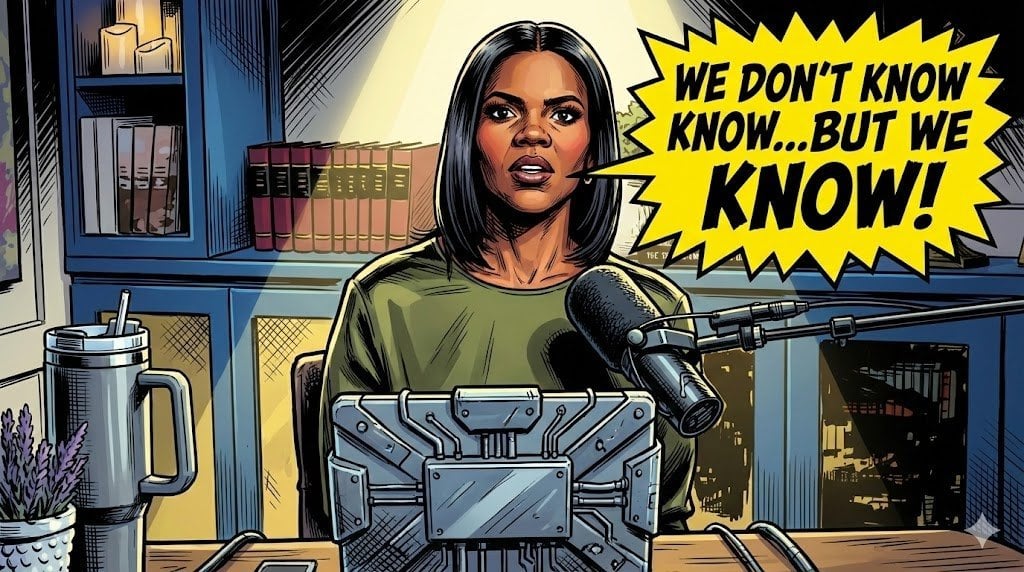
Comic Art Style Prompt
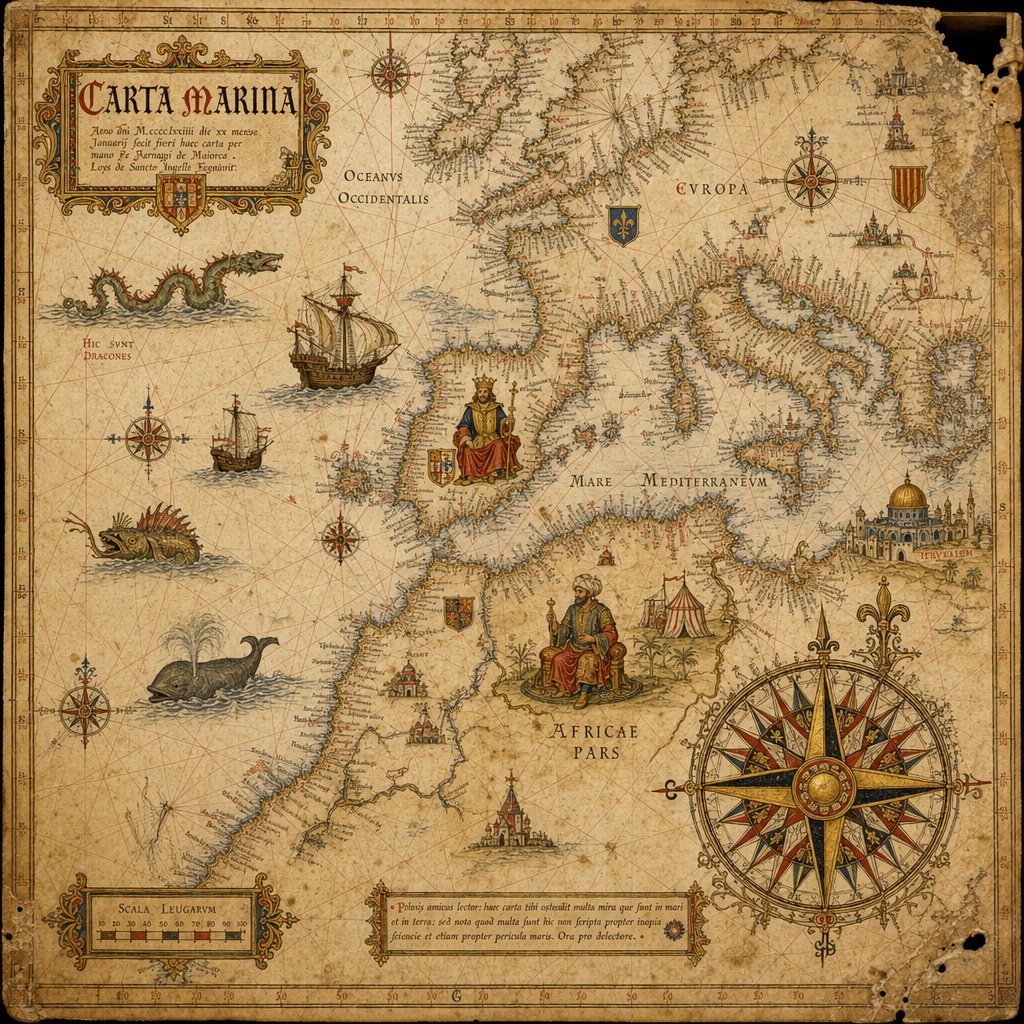
15th-Century Antique Portolan Chart
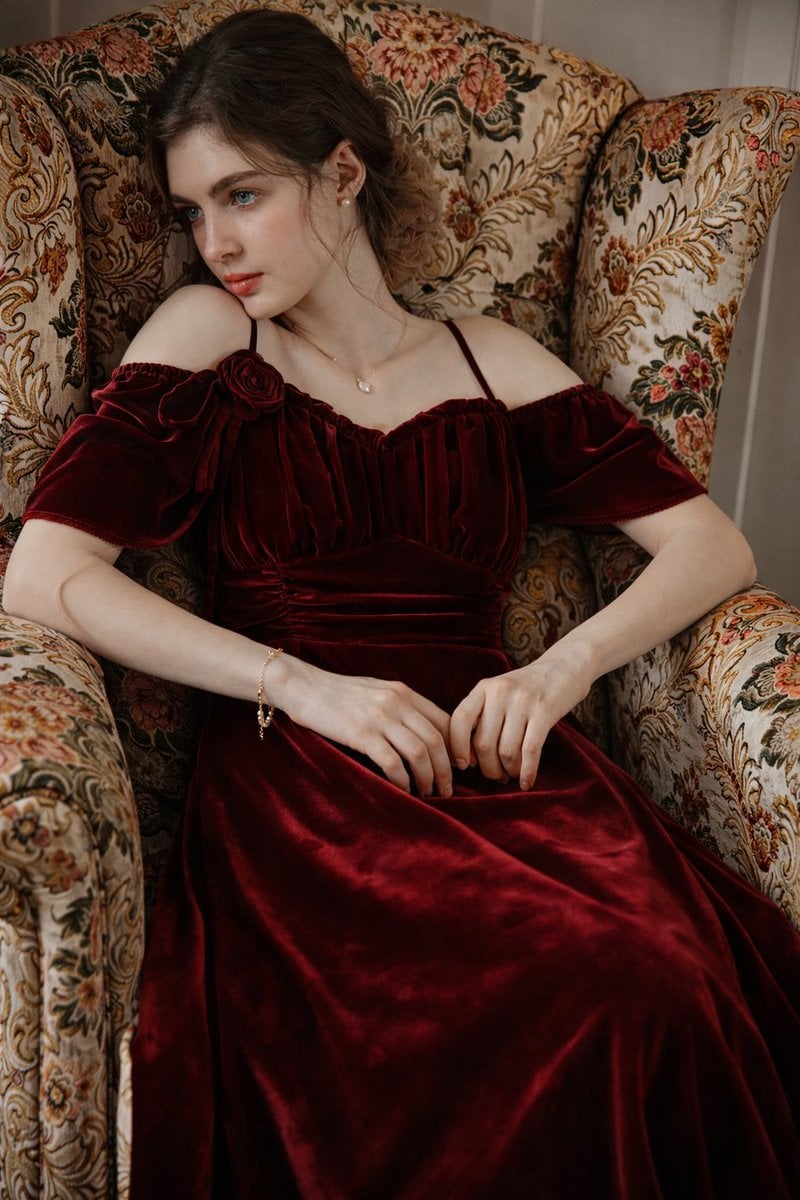
8K Photorealistic Portrait in Burgundy Velvet Dress
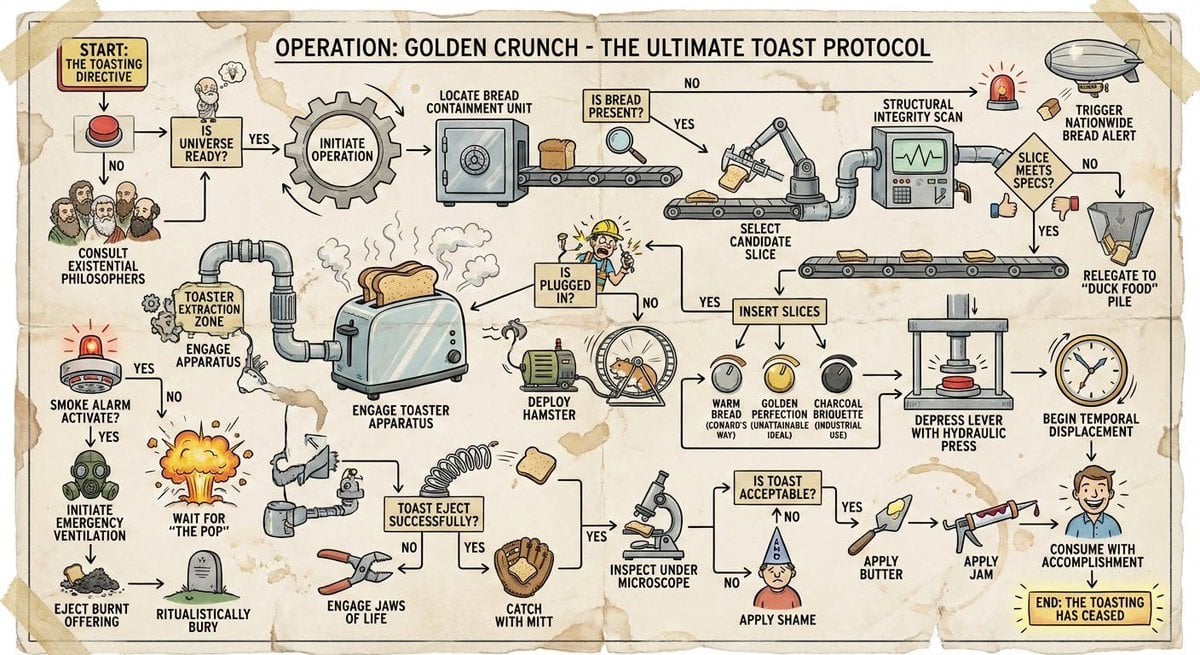
Wacky flowchart for toasting bread
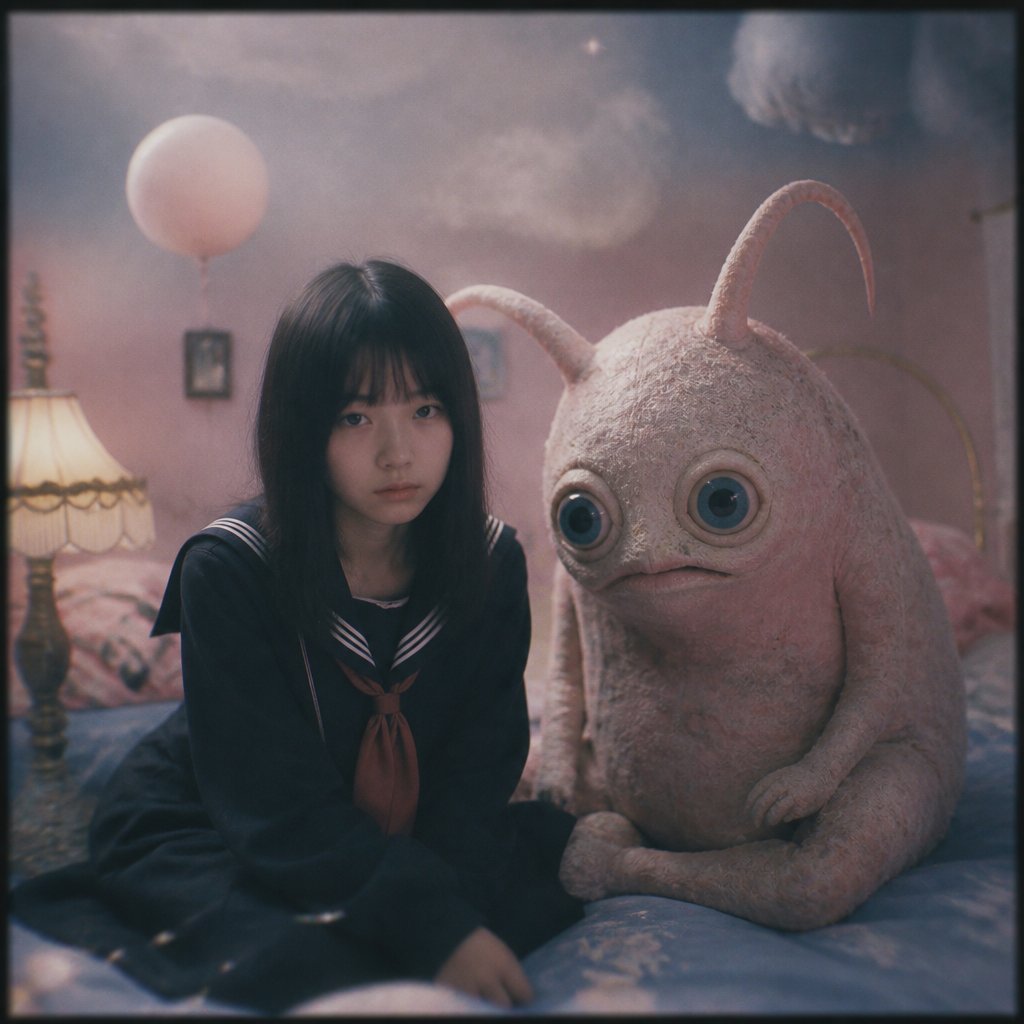
Dreamy Girl and Fantasy Creature

Vitamin C Skincare Ad
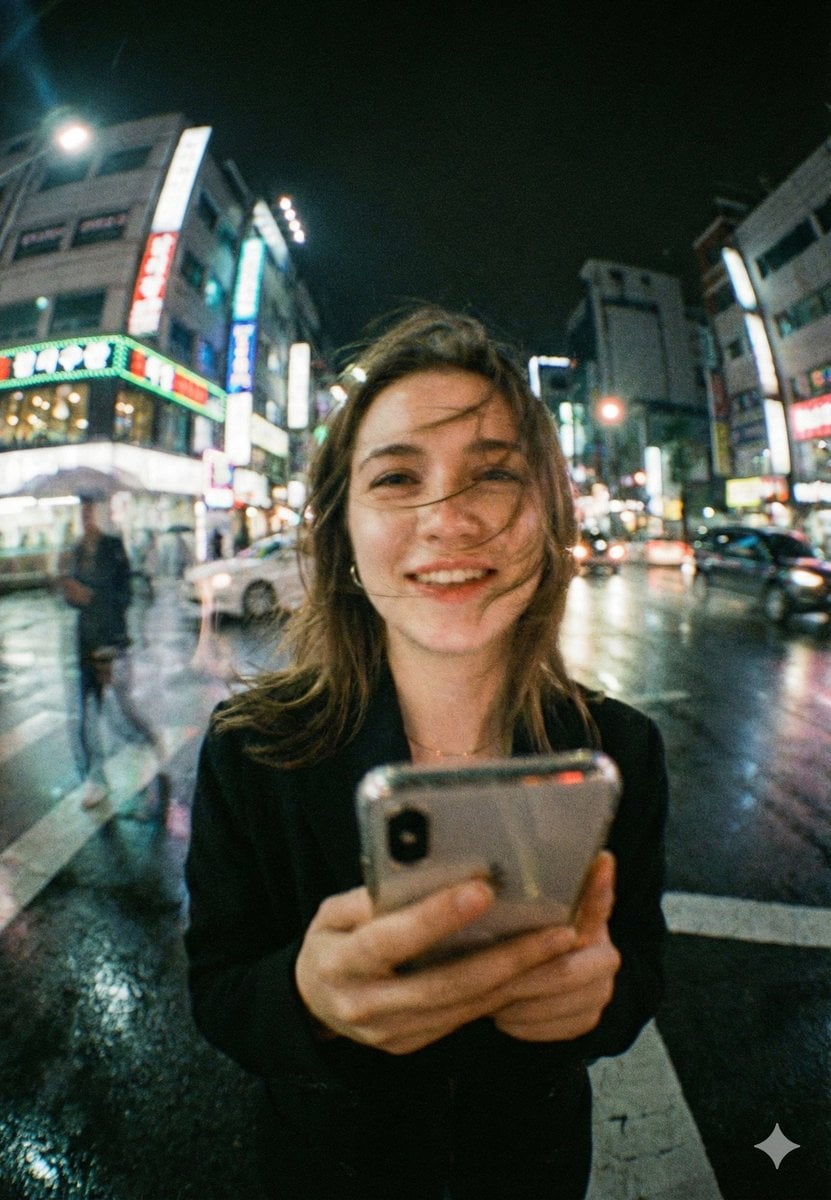
Neon City Night Portrait with Wide-Angle Distortion
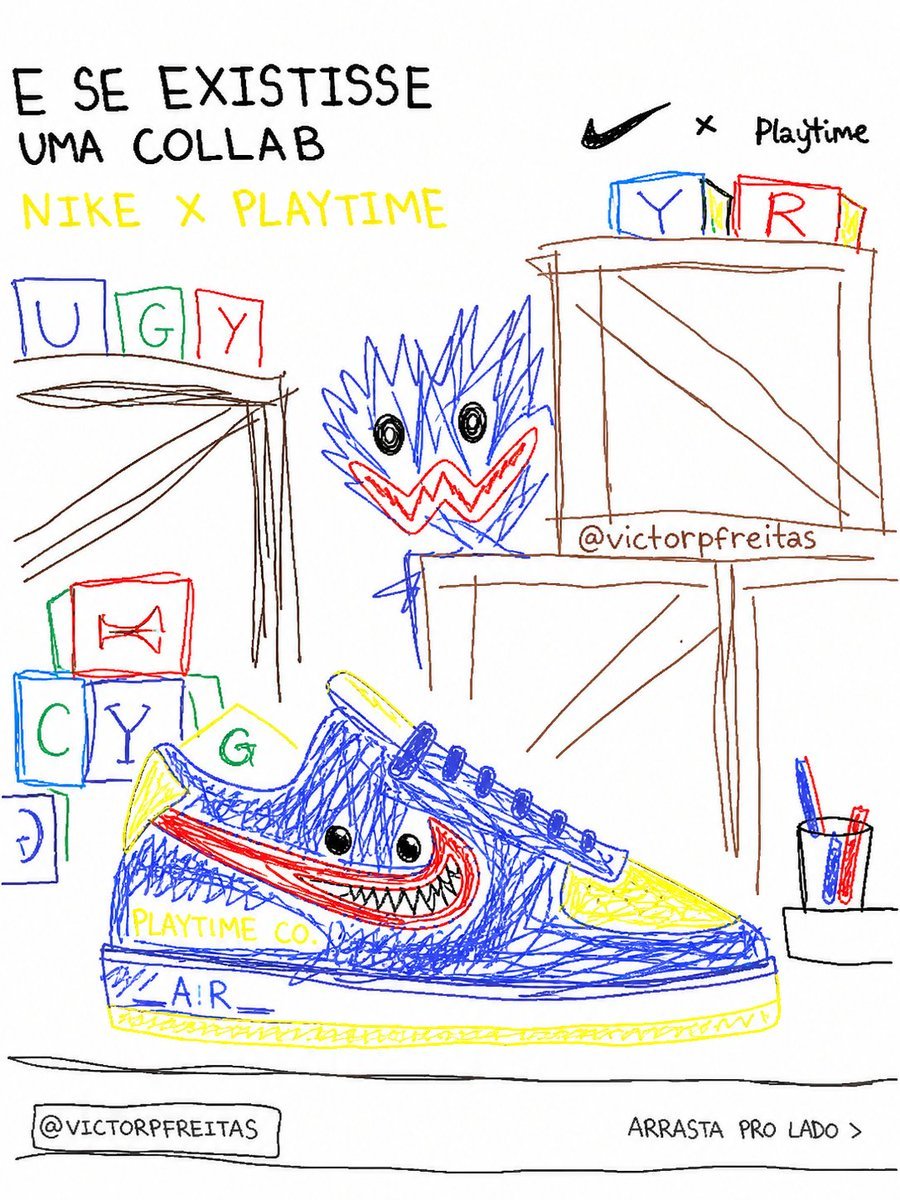
Bad MS Paint Redraw
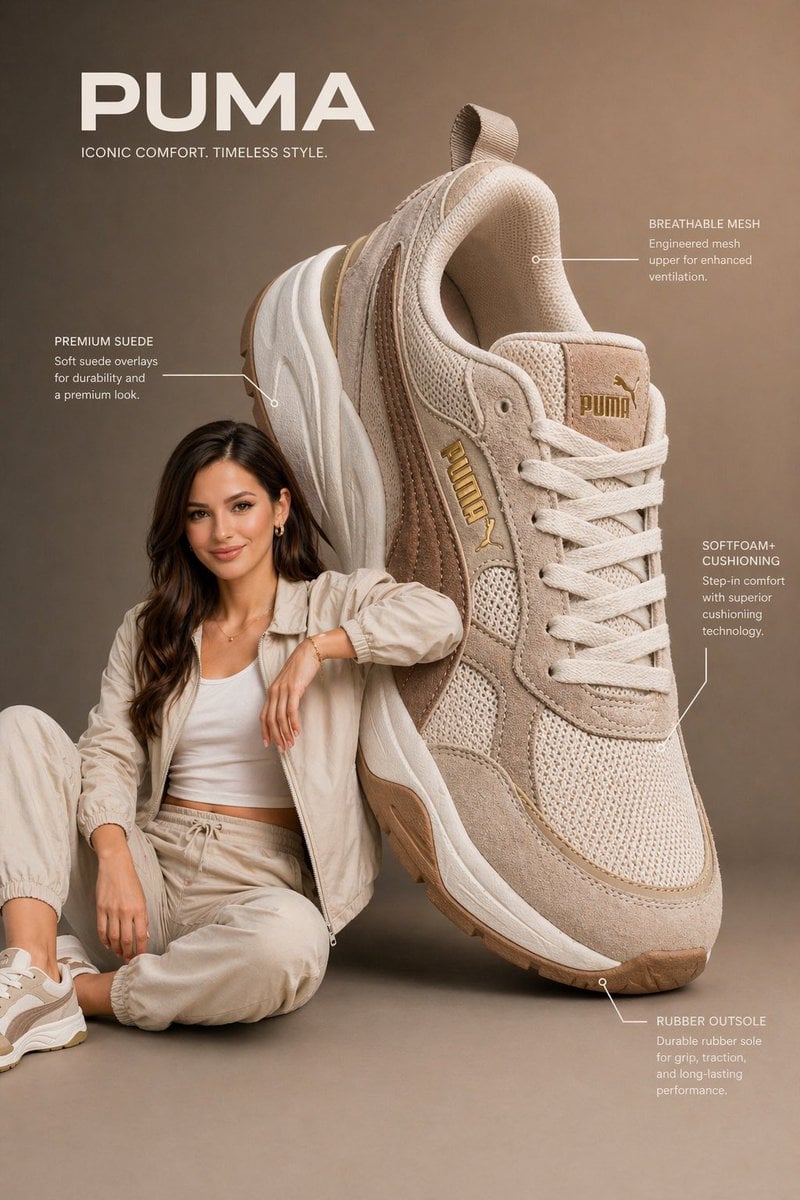
Commercial Product Infographic

Electric Blue Lens Flare VFX
Browse template categories
Photorealistic Scout on Titan Wall questions
How do I use the Photorealistic Scout on Titan Wall template?
Add your photo if the template asks for one, edit the prompt if you like — the template's model and format are already selected — and press Generate. Your version opens in PicX Studio.
Can I customize the Photorealistic Scout on Titan Wall template?
Yes. You can change the subject, setting, lighting, mood, format, and available model controls before creating your image.
Is the Photorealistic Scout on Titan Wall template free?
Opening and editing this template is free. Generating uses credits, shown on the Generate button when you are signed in.
Which AI model should I use?
Start with GPT Image 2, which is the model associated with this template. You can compare another compatible model for a different finish.
Looking for something else? Browse all templates.

Your photo, any look
Thousands of ready templates for every top image and video model, from one credit balance.