
Neon City Night Portrait with Wide-Angle Distortion
A highly detailed JSON prompt for a cinematic, ultra-realistic portrait set on a neon-lit city street at night after rain.
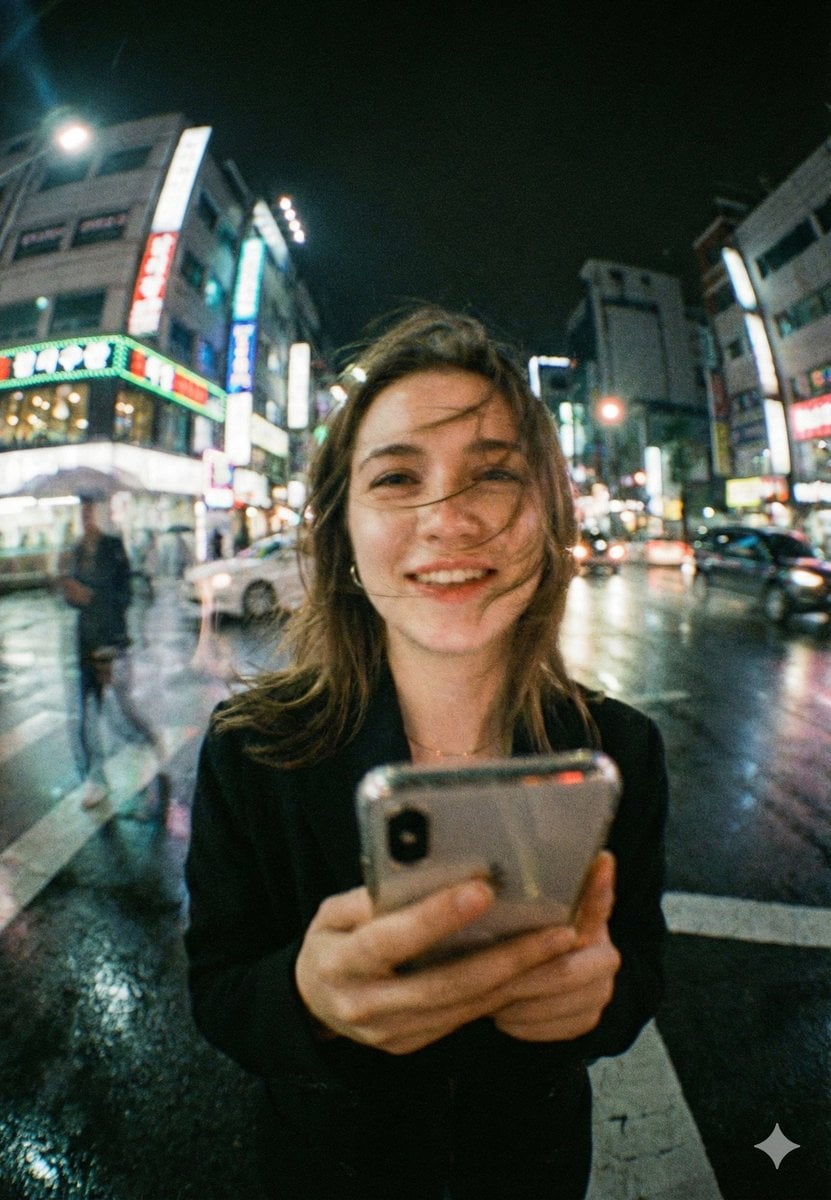
- Prompt included
- Model and format preset
- Premium template
The prompt behind this image
Copy the exact prompt behind Neon City Night Portrait with Wide-Angle Distortion, or open it in the studio and make it yours.
- Model
- gemini-nano-banana-pro
- Mode
- image
- Aspect Ratio
- 4:5
- Quality
- ultra
- Style
- cinematic_realism
- Scene › Setting
- busy neon-lit city street at night, wet road after rain, glowing signboards and traffic behind subject
- Scene › Weather
- light drizzle just ended, reflective pavement, humid atmosphere
- Scene › Background
- soft bokeh city lights, moving cars, faint pedestrian motion blur, tall buildings with colorful signage
- Scene › Time
- night
- Subject › Type
- young woman
- Subject › Pose
- standing in the middle of a crosswalk, holding a smartphone close to camera
- Subject › Expression
- natural warm smile, candid and joyful
- Subject › Hair
- slightly messy hair blown across face by wind
- Subject › Wardrobe
- dark coat or blazer, minimal accessories
- Subject › Props
- smartphone
- Composition › Framing
- close-up portrait with wide-angle distortion, subject centered, phone in foreground
- Composition › Camera Distance
- very close, intimate street-photo feel
- Composition › Perspective
- wide lens perspective, slight fisheye look, background stretching outward
- Composition › Depth Of Field
- shallow to medium, subject readable but background lights creamy
- Composition › Foreground Detail
- phone and hands slightly soft due to motion and lens character
- Camera › Lens
- 24mm wide-angle (slight fisheye character)
- Camera › Aperture
- f/1.8
- Camera › Shutter Speed
- 1/40
- Camera › Iso
- 1600
Raw JSON
{
  "model": "gemini-nano-banana-pro",
  "mode": "image",
  "aspect_ratio": "4:5",
  "quality": "ultra",
  "style": "cinematic_realism",
  "scene": {
    "setting": "busy neon-lit city street at night, wet road after rain, glowing signboards and traffic behind subject",
    "weather": "light drizzle just ended, reflective pavement, humid atmosphere",
    "background": "soft bokeh city lights, moving cars, faint pedestrian motion blur, tall buildings with colorful signage",
    "time": "night"
  },
  "subject": {
    "type": "young woman",
    "pose": "standing in the middle of a crosswalk, holding a smartphone close to camera",
    "expression": "natural warm smile, candid and joyful",
    "hair": "slightly messy hair blown across face by wind",
    "wardrobe": "dark coat or blazer, minimal accessories",
    "props": ["smartphone"]
  },
  "composition": {
    "framing": "close-up portrait with wide-angle distortion, subject centered, phone in foreground",
    "camera_distance": "very close, intimate street-photo feel",
    "perspective": "wide lens perspective, slight fisheye look, background stretching outward",
    "depth_of_field": "shallow to medium, subject readable but background lights creamy",
    "foreground_detail": "phone and hands slightly soft due to motion and lens character"
  },
  "camera": {
    "lens": "24mm wide-angle (slight fisheye character)",
    "aperture": "f/1.8",
    "shutter_speed": "1/40",
    "iso": "1600",
    "focus": "face focus, slight falloff on phone"
  },
  "lighting": {
    "key_light": "neon signage spill lighting face with mixed cyan/green and warm highlights",
    "fill": "streetlight bounce from wet ground",
    "mood": "dreamy urban nightlife, soft contrast, romantic realism"
  },
  "color_grading": {
    "palette": "teal, cyan, green neon mixed with warm skin tones",
    "contrast": "soft contrast with lifted shadows",
    "highlights": "glowy bloom on neon signs",
    "film_emulation": "35mm film look"
  },
  "texture_and_detail": {
    "film_grain": "strong visible grain, authentic",
    "bloom": "subtle halation on lights",
    "sharpness": "slightly imperfect, organic street photography",
    "skin_texture": "natural pores, no plastic smoothing"
  },
  "motion": {
    "hair_movement": "wind-blown strands across face",
    "background_motion": "light streaking from cars and walking people",
    "camera_feel": "handheld candid shot"
  },
  "negative_prompt": [
    "plastic skin",
    "overly sharp face",
    "clean studio lighting",
    "anime",
    "cartoon",
    "hyper-symmetrical face",
    "over-saturated neon",
    "HDR look",
    "fake depth blur edges",
    "extra fingers",
    "distorted hands",
    "text artifacts",
    "logo distortions",
    "AI glossy skin",
    "perfectly clean background"
  ]
}How to use Neon City Night Portrait with Wide-Angle Distortion in 3 steps
- 1
Open
The prompt is already in the box next to the preview, with the template's model and format selected.
- 2…a portrait of your subject in softgolden-hour light, 85mm…
Personalize
Edit the subject and creative details for your destination.
- 3Generate
Generate
Press Generate — your image is created in PicX Studio, so you can compare it with the original and refine one variable at a time.
More like this
Templates with the same subject, style or setup. Open one to see its prompt.
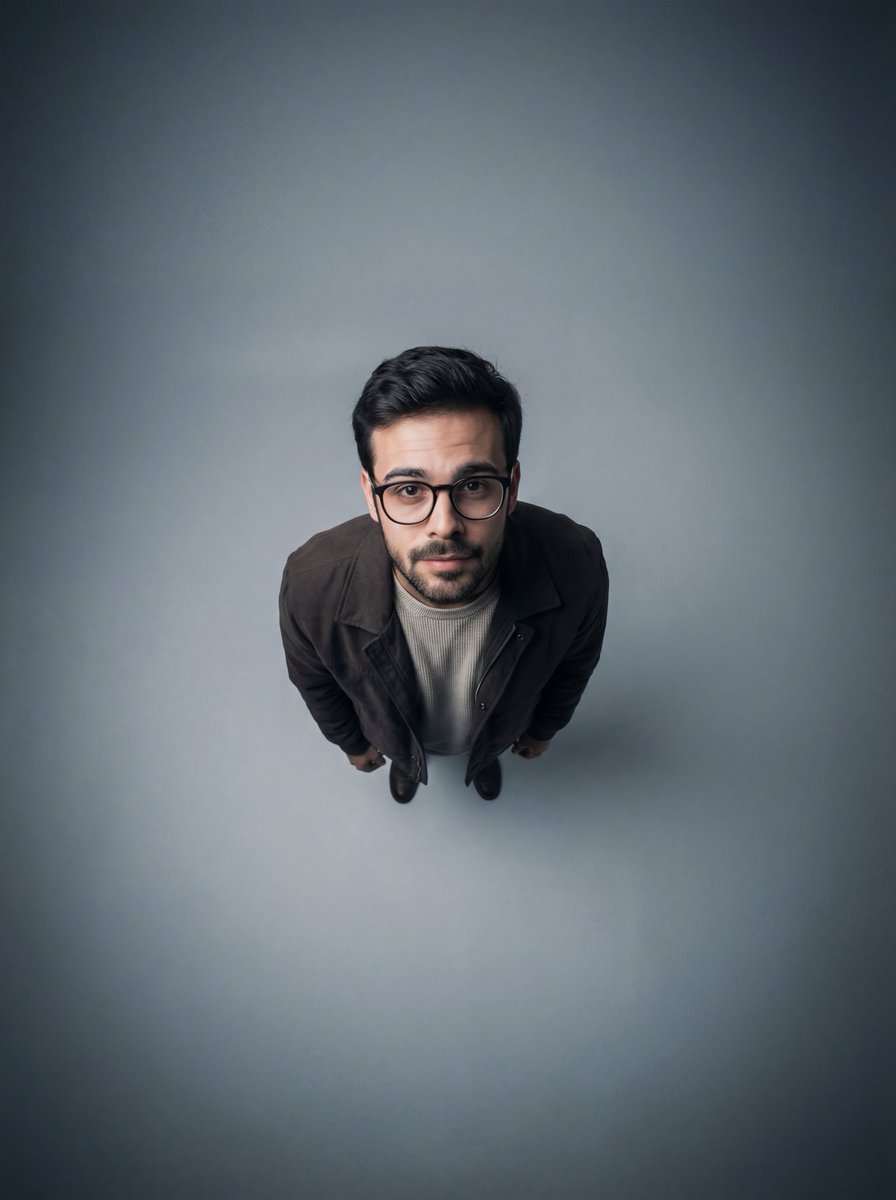
Cinematic Overhead Portrait with Wide-Angle Distortion

80s Neon Disco Night
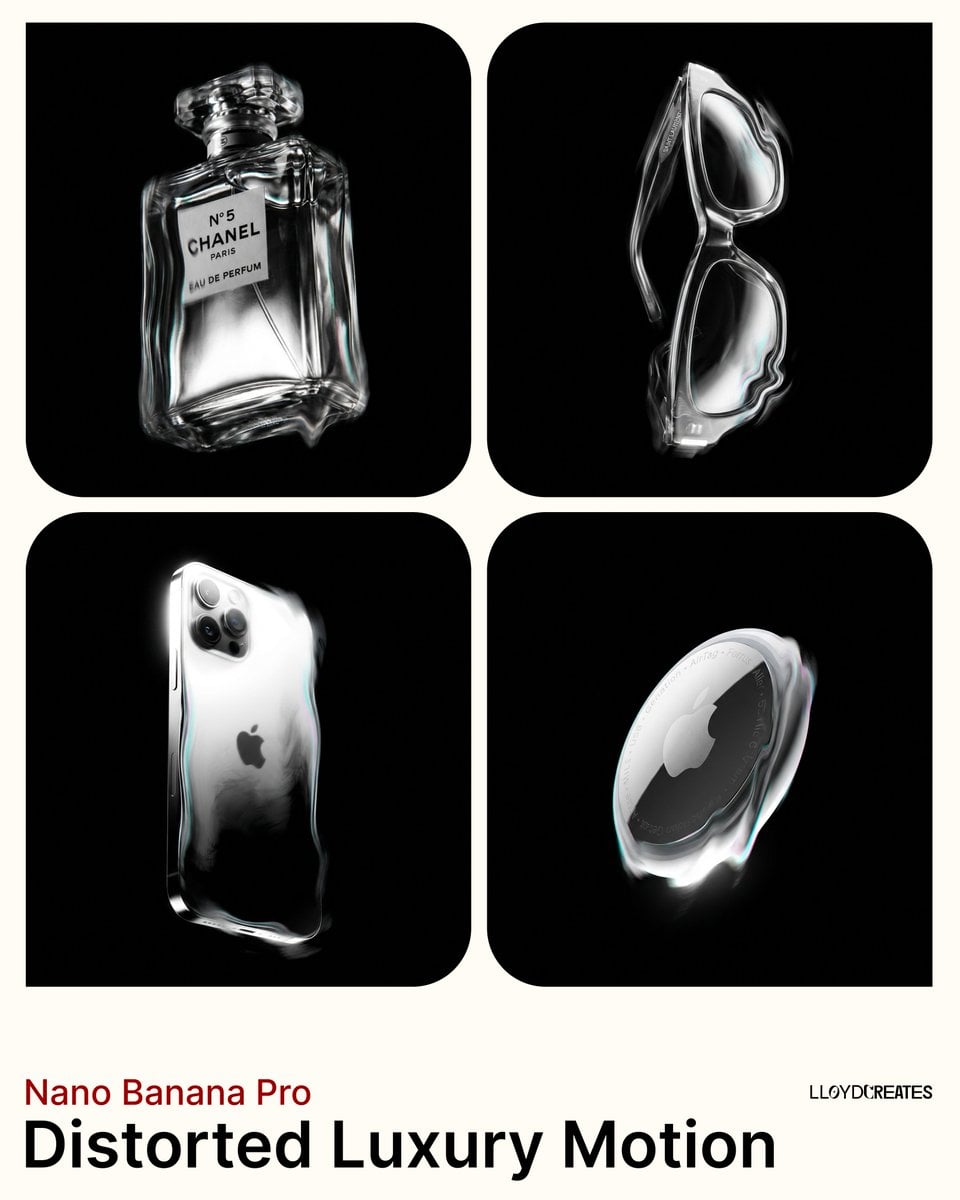
Avant-Garde Distortion Luxury Product Portrait

Spider-Man 2099 Cyberpunk Neon Future City
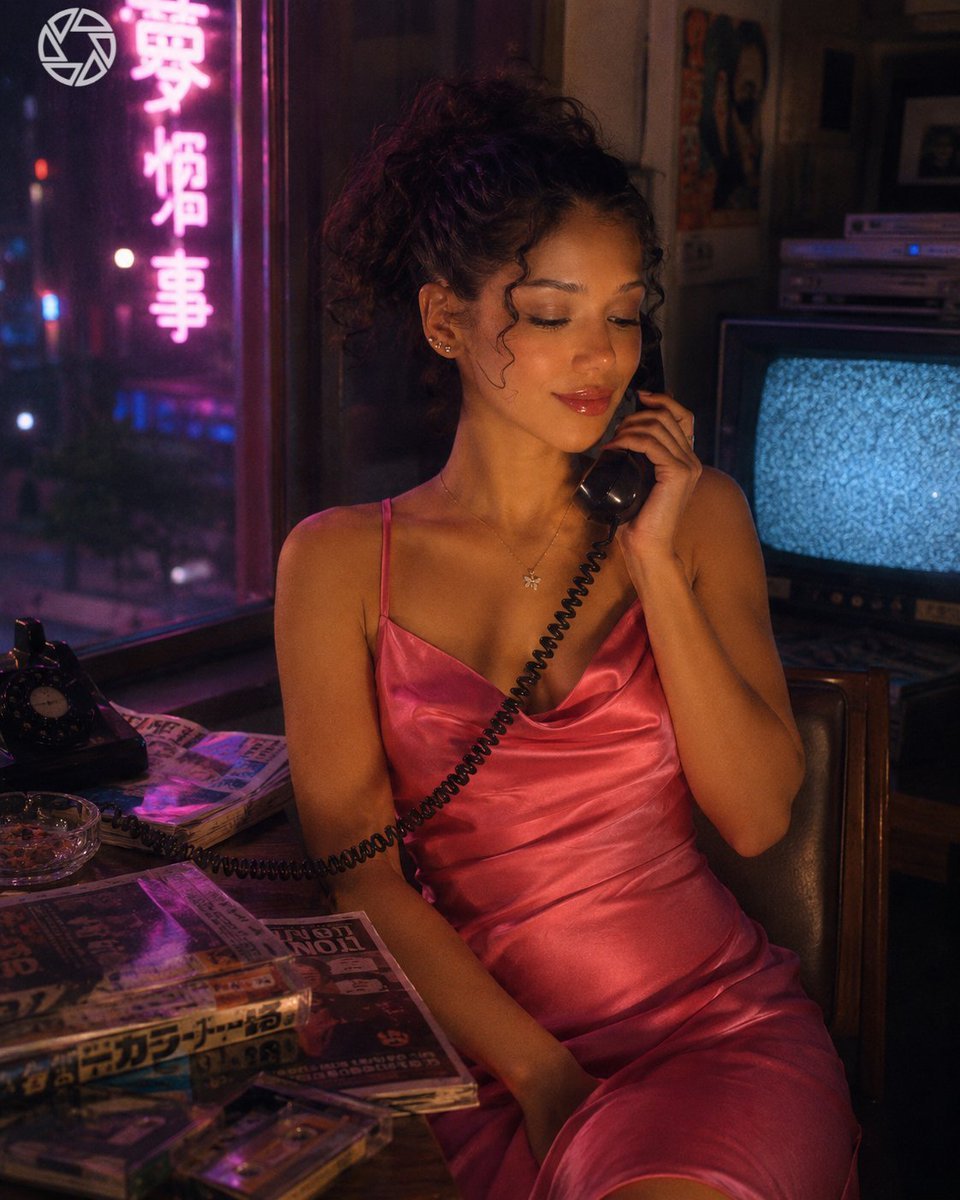
Retro Neon Night Phone Portrait

Gemini Nano Banana 2 Isometric 3d City D

Found Photograph: Us, 1970

80s Couple Studio Portrait

80s Bollywood Star

80s Golden Hour Cinema

Me in 1985

1985 Studio Portrait
Make it yours
Neon City Night Portrait with Wide-Angle Distortion works as-is. These are the safest ways to change it without losing the look.
Swap the setting
Keep the rest of the prompt and replace the location block. The current setting is “busy neon-lit city street at night, wet road after rain, glowing signboards and ”.
Swap the light
One lighting change is enough to compare takes. Current light: “neon signage spill lighting face with mixed cyan/green and warm highlights”.
Change one field
Copy a single group, rewrite it, and generate again so you can see what that field is doing.
| If the result… | Why | Fix |
|---|---|---|
| The result drifts from the preview | Too many fields changed at once. | Reuse Neon City Night Portrait with Wide-Angle Distortion as-is first, then change one group — subject, light, or setting. |
| Nano Banana 2 ignores part of the JSON | Some models flatten or skip nested keys. | Keep the same values and paste them as a short paragraph instead. |
More Nano Banana 2 templates
Other prompts made for Nano Banana 2.

Photorealistic Leaf Shaped Like a Dragon

K-Pop Idol Portrait Grid for Rapid Selection

Poetic Rain Forest Portrait During Golden Hour

Urban Street Portrait with Cartoon Inner Self Duo

Candid Nighttime Photo with Cat Prompt

High-Concept 3D Diorama Generation Prompt

Cinematic Futuristic Studio Portrait Template

Skincare Editorial Photography Collage Prompt

Hyper-Realistic Commercial Product Photography (Splash Effect)

Hyper-Realistic Nightclub Portrait Prompt
More image prompts
Fresh picks from across the catalog.
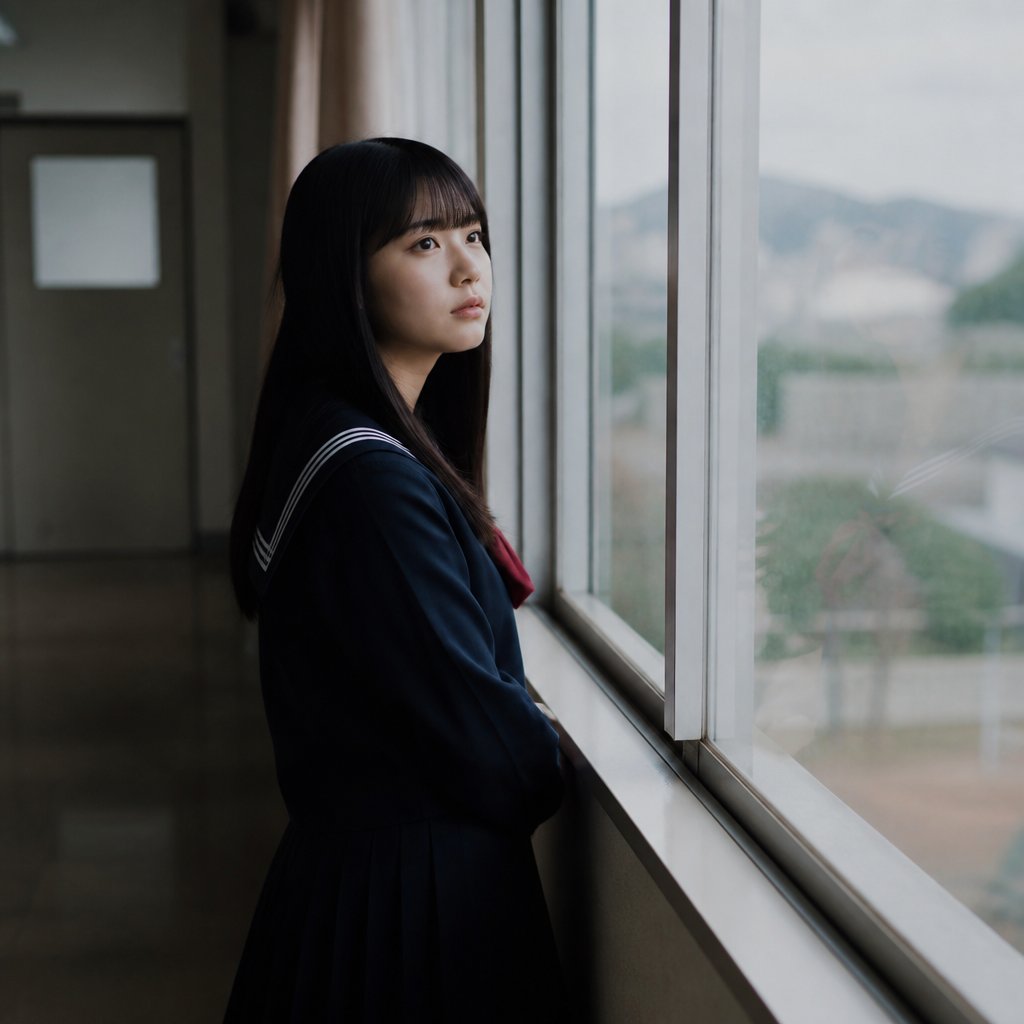
Anonymous Schoolgirl by Window
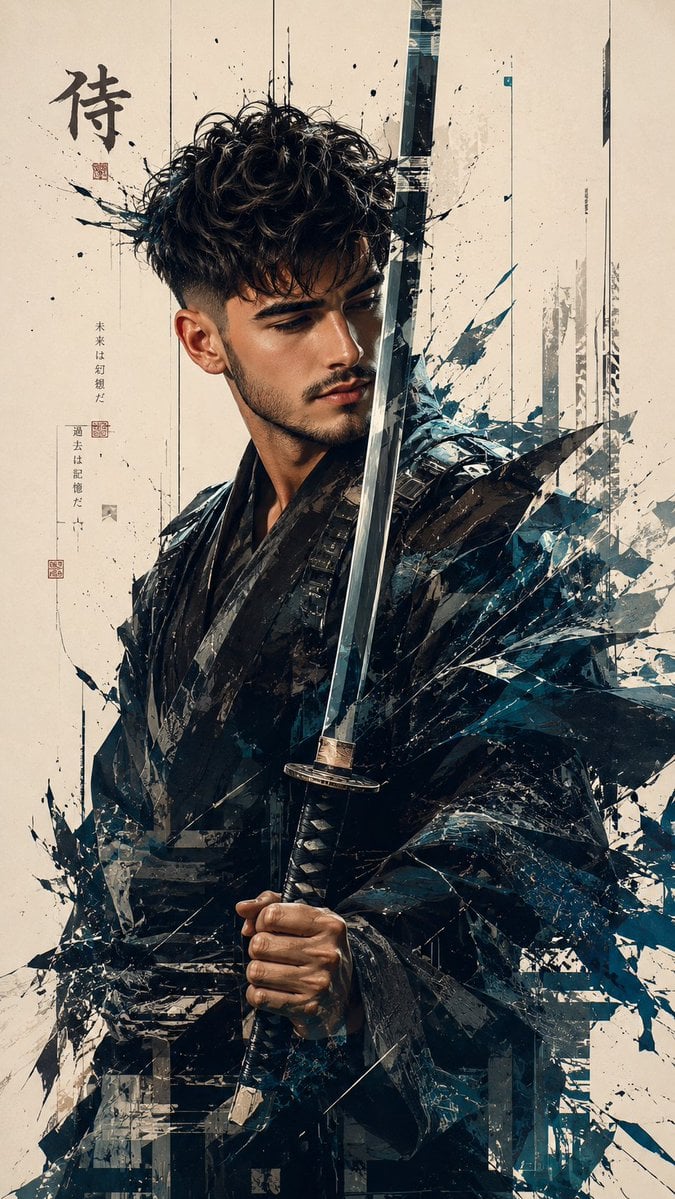
Futuristic Samurai Glitch Art Portrait
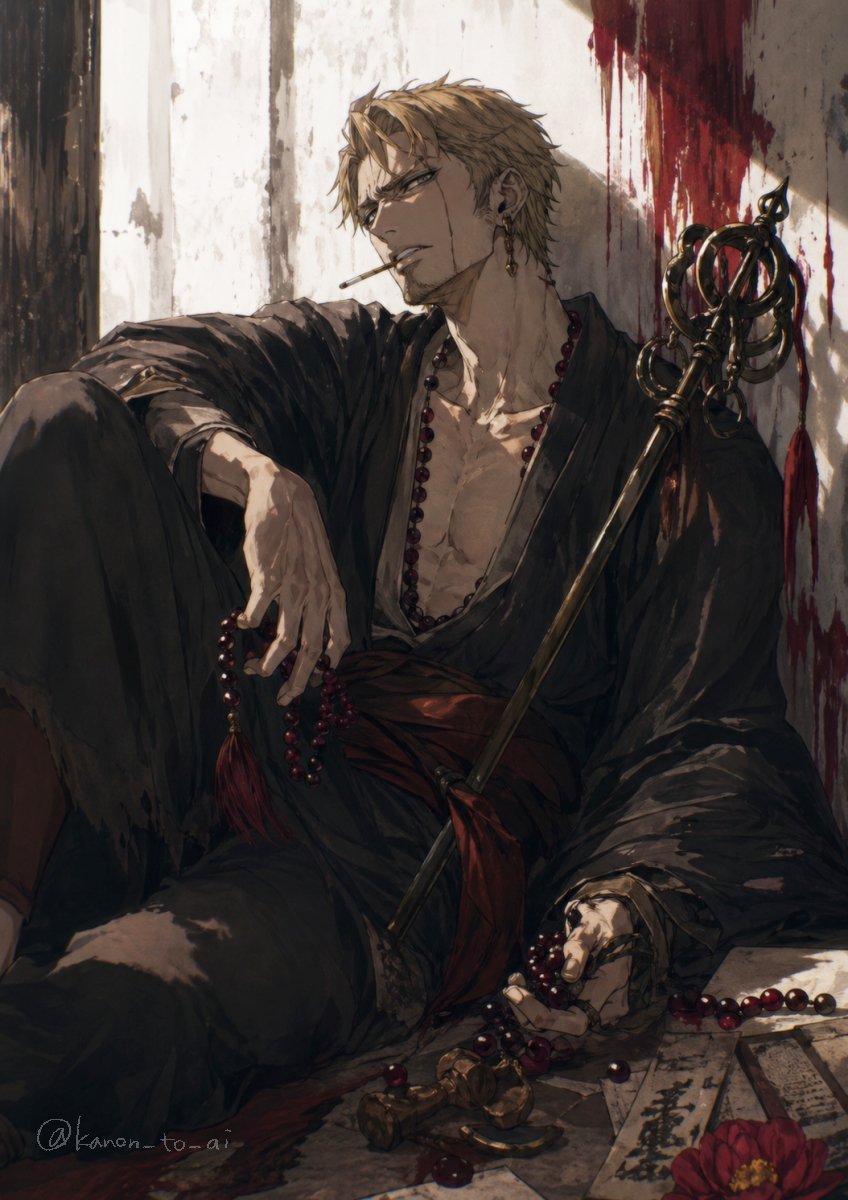
Dark Fantasy Wounded Monk Portrait
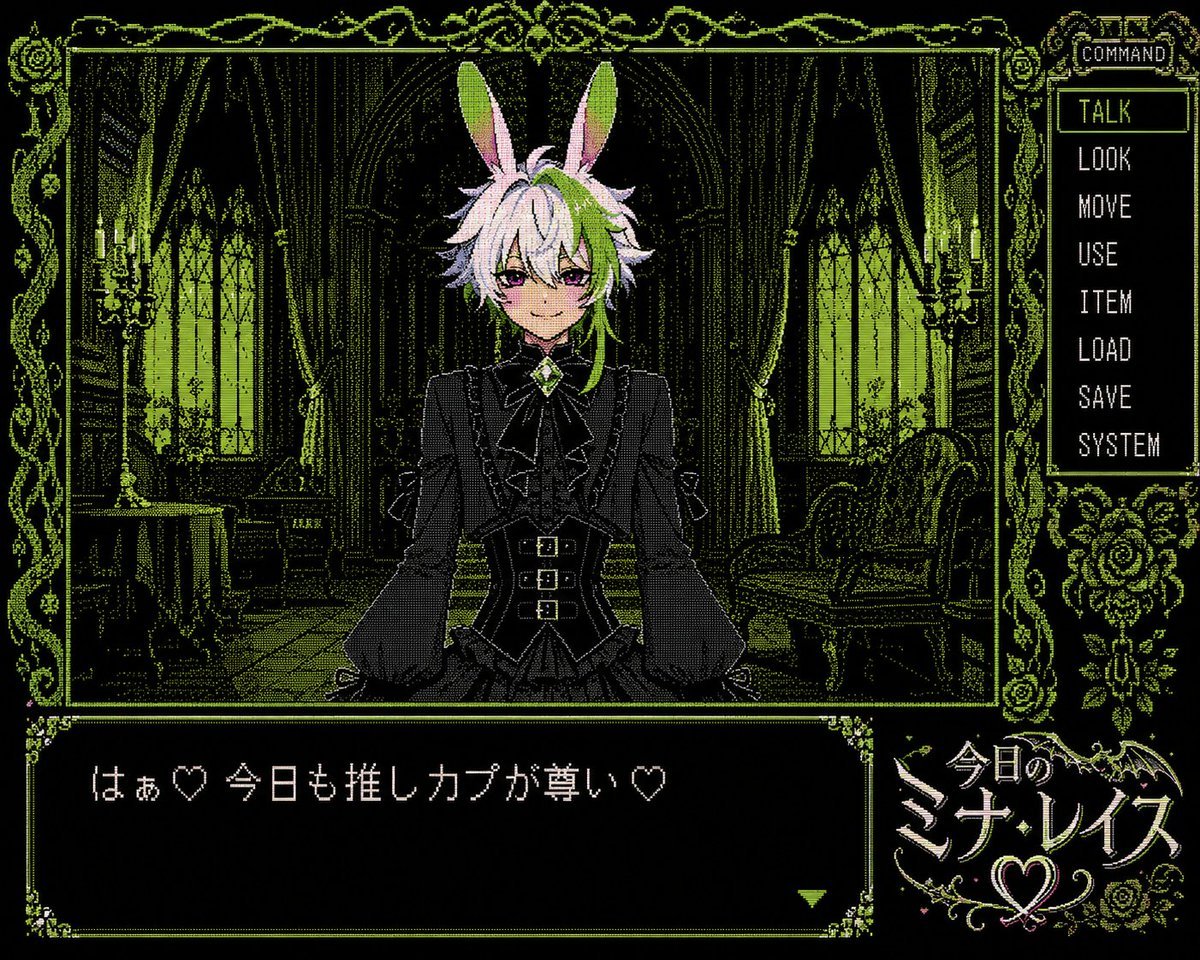
PC-98 Gothic Visual Novel UI
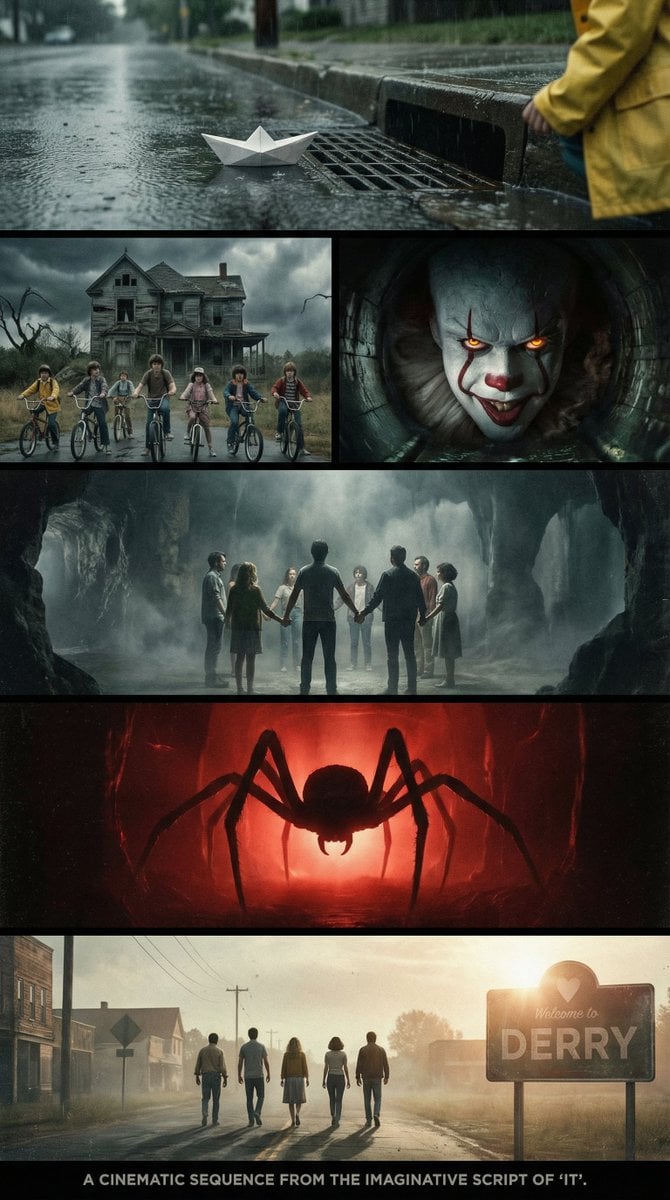
Cinematic multi-panel sequence for IT
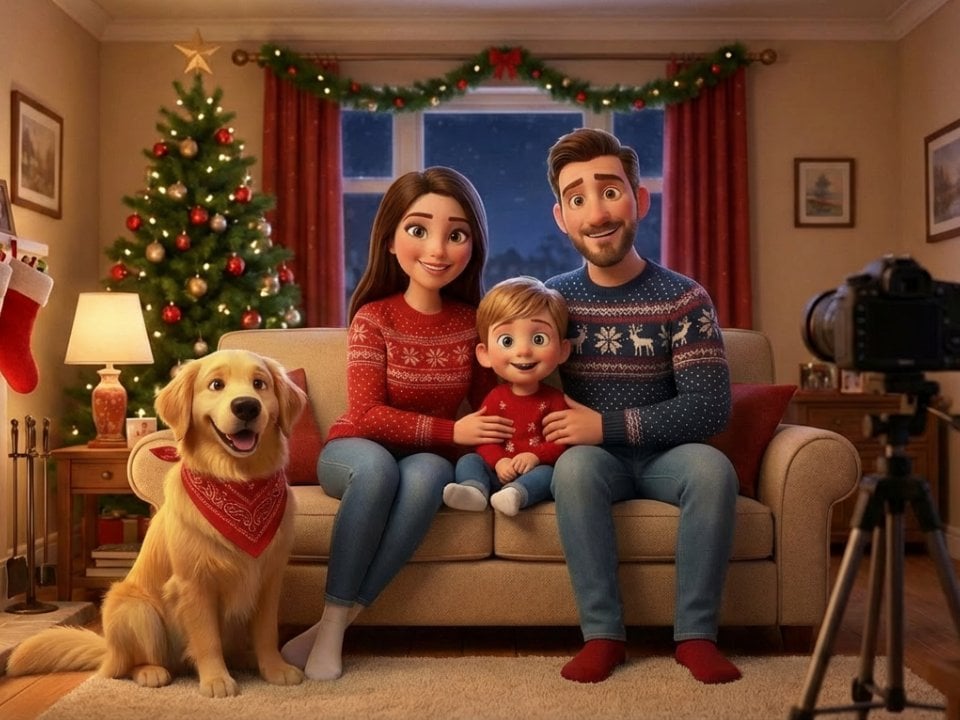
Image-to-Pixar Style Conversion
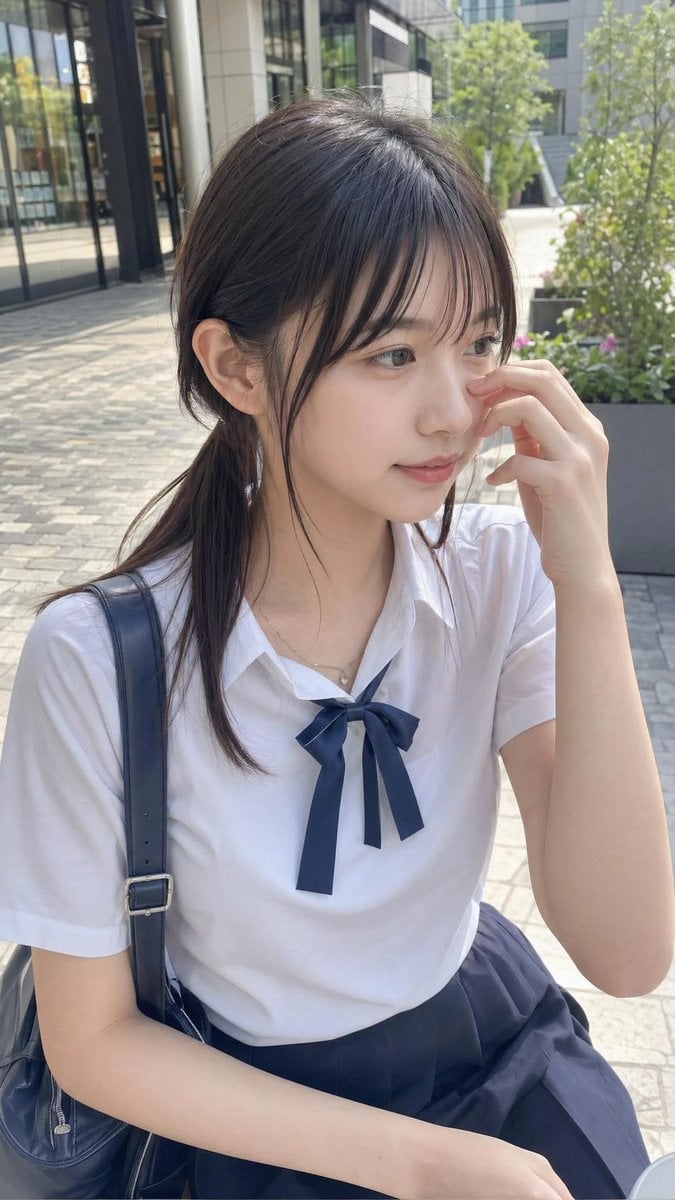
Casual Student Uniform Street Photo
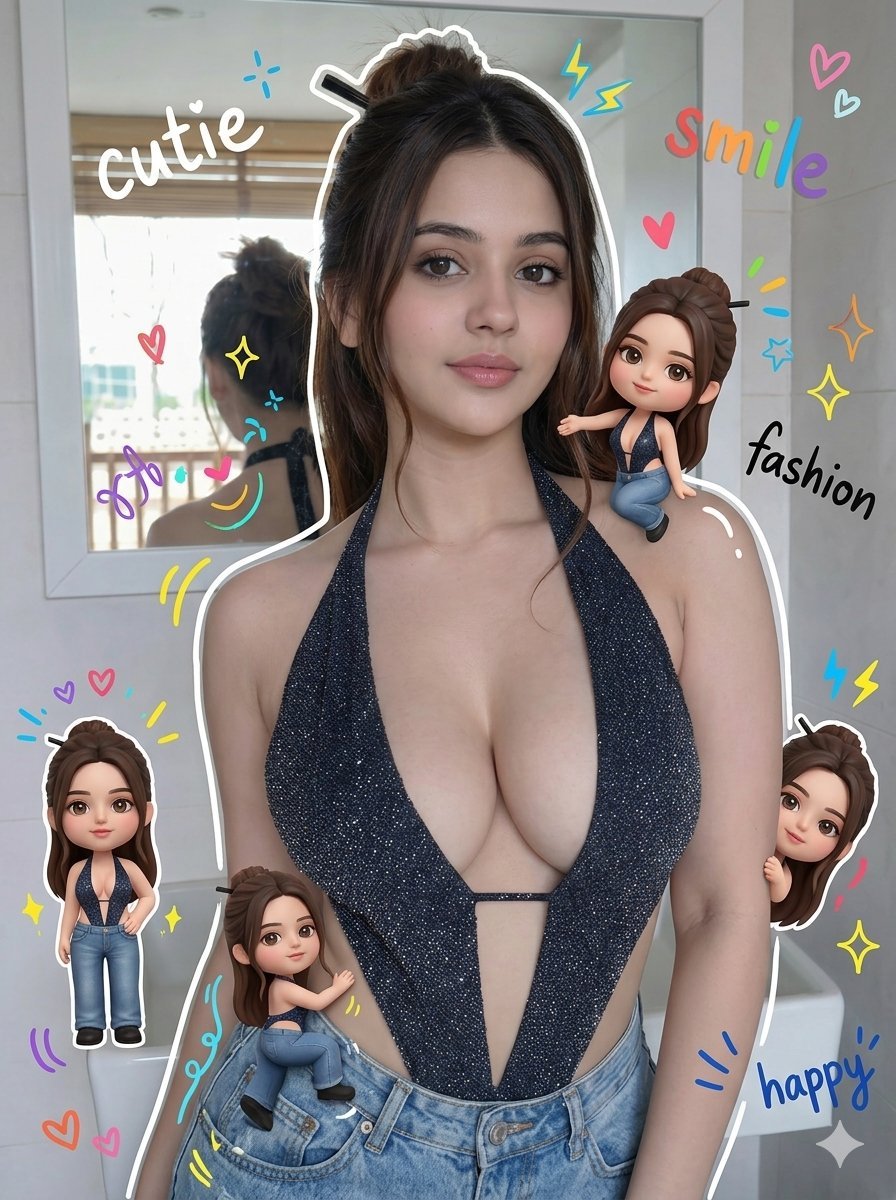
Chibi Style Mixed-Media Portrait
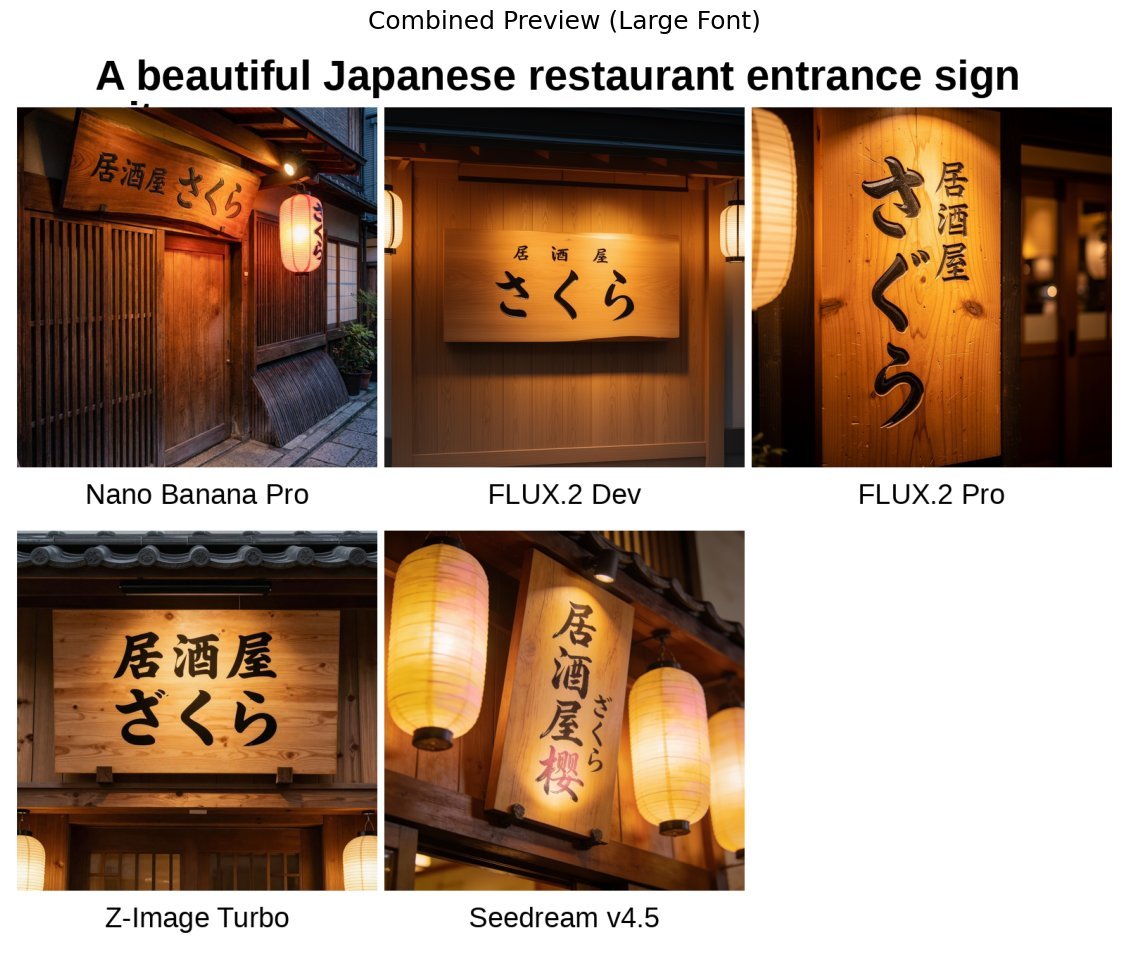
Japanese izakaya entrance sign image prompt for Nano Banana Pro
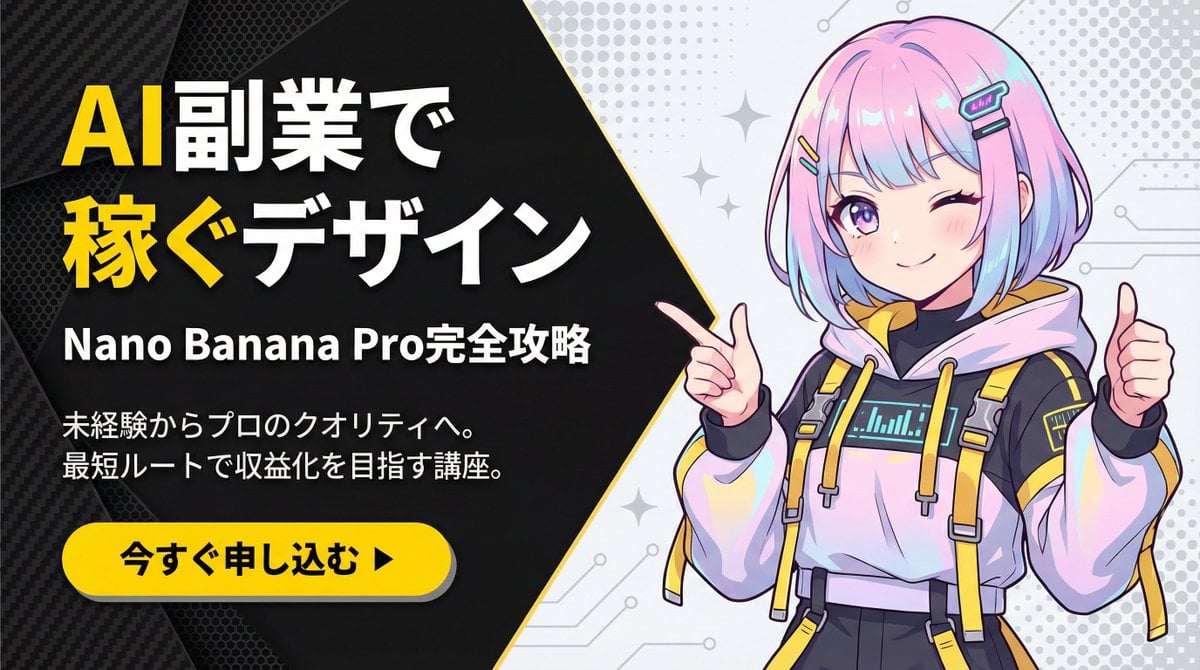
Corporate Tech/Anime Eyecatch Image Prompt
Browse template categories
Neon City Night Portrait with Wide-Angle Distortion questions
How do I use the Neon City Night Portrait with Wide-Angle Distortion template?
Add your photo if the template asks for one, edit the prompt if you like — the template's model and format are already selected — and press Generate. Your version opens in PicX Studio.
Can I customize the Neon City Night Portrait with Wide-Angle Distortion template?
Yes. You can change the subject, setting, lighting, mood, format, and available model controls before creating your image.
Is the Neon City Night Portrait with Wide-Angle Distortion template free?
Opening and editing this template is free. Generating uses credits, shown on the Generate button when you are signed in.
Which AI model should I use?
Start with Nano Banana 2, which is the model associated with this template. You can compare another compatible model for a different finish.
Looking for something else? Browse all templates.

Your photo, any look
Thousands of ready templates for every top image and video model, from one credit balance.