
Corporate Tech/Anime Eyecatch Image Prompt
A detailed JSON prompt for Nano Banana Pro to generate a visually striking eyecatch image (thumbnail/banner) combining Corporate Tech design with Japanese Anime art.
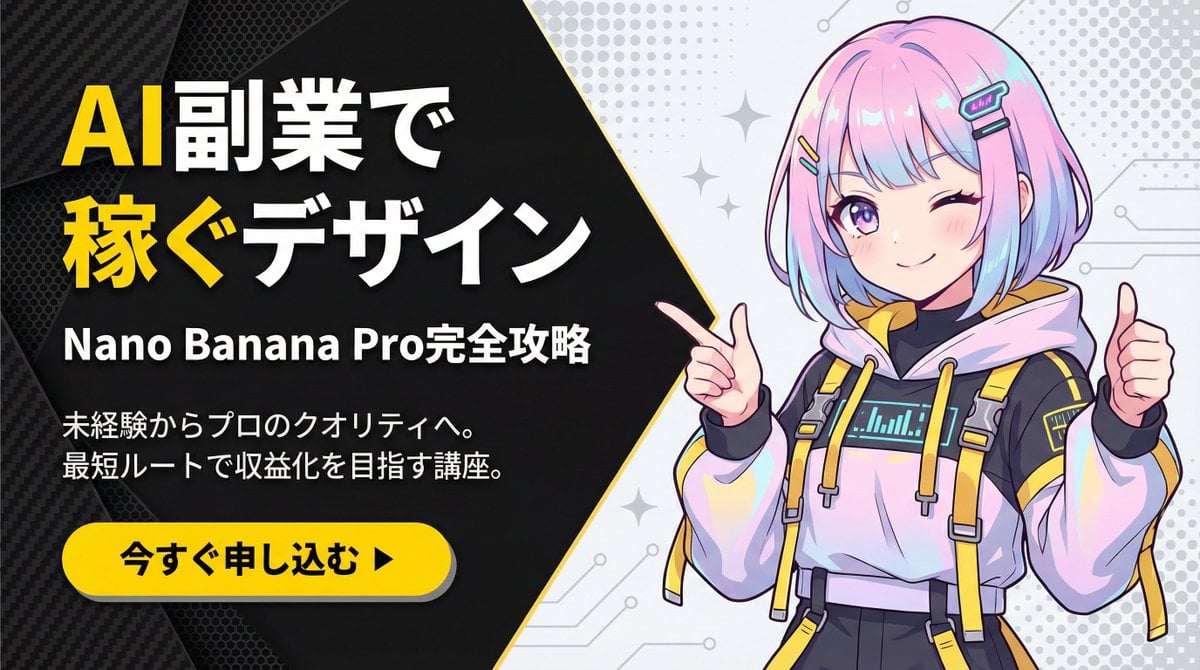
- Prompt included
- Model and format preset
- Free template
The prompt behind this image
Copy the exact prompt behind Corporate Tech/Anime Eyecatch Image Prompt, or open it in the studio and make it yours.
metadata: model_context: "Corporate Tech, High-Energy Business Youtube Thumbnail mixed with Anime Art" image_structure: composition_type: "Diagonal Split Layout (Arrowhead Shape)" visual_flow: "Left Text (Problem/Solution) -> Right Visual (Result/Character)" layers: layer_background_left: shape: "Geometric polygon covering left 60% of screen, with a sharp arrow-point extending into the right side" color: "Matte Black (#1A1A1A)" texture: "Subtle carbon fiber or mesh pattern to add tech depth" layer_typography: location: "Centered within the left black area" alignment: "Left-aligned or Centered" elements: - type: "Headline (Main)" text: "{argument name="メイン見出し" default="AI副業で\n稼ぐデザイン"}" style: "Extremely bold, heavy Gothic font (Impact style). White text." highlight: "Apply Bright Yellow (#FFD700) color to the word '稼ぐ' (Earn) and 'AI'" - type: "Sub-Headline (Detail)" text: "{argument name="サブ見出し" default="Nano Banana Pro完全攻略"}" style: "Smaller white sans-serif text, clean and readable" - type: "Body Text (Explanation)" text: "{argument name="説明文" default="未経験からプロのクオリティへ。\n最短ルートで収益化を目指す講座。"}" style: "Small, thin grey or white text block, justified layout" layer_cta_button: shape: "Rounded Pill Shape" color: "Bright Yellow (#FFD700)" text: "{argument name="CTAテキスト" default="今すぐ申し込む ▶"}" text_color: "Black" location: "Bottom left, below the text block" style: "Flat design with slight drop shadow" layer_visual_right: shape: "Fills the remaining right side (behind the arrow overlap)" content: "Japanese Kawaii Anime Girl illustration" style: "2D Cel-shaded anime art, high detail, vibrant colors" details: subject: "A cute anime girl with a futuristic / cyber-fashion look" appearance: hair: "Pastel pink and blue gradient bob cut, with cyber hair clips" eyes: "Large sparkling anime eyes, confident smile" clothing: "Stylish tech-wear hoodie with yellow accents to match the background theme" pose: "Dynamic pose, pointing finger towards the text on the left or giving a thumbs up" background_context: "Simple light grey or white background with abstract pop patterns (dots/stars) to make the character stand out" style_and_tone: art_style: "Modern Corporate Tech Design mixed with Japanese Anime aesthetics" color_palette: primary: "Black, Yellow" secondary: "Pastel Pink/Blue (Character), White"
How to use Corporate Tech/Anime Eyecatch Image Prompt in 3 steps
- 1
Open
The prompt is already in the box next to the preview, with the template's model and format selected.
- 2…a portrait of your subject in softgolden-hour light, 85mm…
Personalize
Edit the subject and creative details for your destination.
- 3Generate
Generate
Press Generate — your image is created in PicX Studio, so you can compare it with the original and refine one variable at a time.
More like this
Templates with the same subject, style or setup. Open one to see its prompt.












Make it yours
Corporate Tech/Anime Eyecatch Image Prompt works as-is. These are the safest ways to change it without losing the look.
Change one field
Copy a single group, rewrite it, and generate again so you can see what that field is doing.
Keep the frame, change the subject
Hold the composition and light of Corporate Tech/Anime Eyecatch Image Prompt, then swap wardrobe, props or the person for a new take.
| If the result… | Why | Fix |
|---|---|---|
| The result drifts from the preview | Too many fields changed at once. | Reuse Corporate Tech/Anime Eyecatch Image Prompt as-is first, then change one group — subject, light, or setting. |
| The model over-stylizes the scene | The prose prompt leaves finish and camera underspecified. | Add one camera or lighting sentence and stay on Nano Banana 2. |
More Nano Banana 2 templates
Other prompts made for Nano Banana 2.

Photorealistic Leaf Shaped Like a Dragon

K-Pop Idol Portrait Grid for Rapid Selection

Poetic Rain Forest Portrait During Golden Hour

Urban Street Portrait with Cartoon Inner Self Duo

Candid Nighttime Photo with Cat Prompt

High-Concept 3D Diorama Generation Prompt

Cinematic Futuristic Studio Portrait Template

Skincare Editorial Photography Collage Prompt

Hyper-Realistic Commercial Product Photography (Splash Effect)

Hyper-Realistic Nightclub Portrait Prompt
More image prompts
Fresh picks from across the catalog.
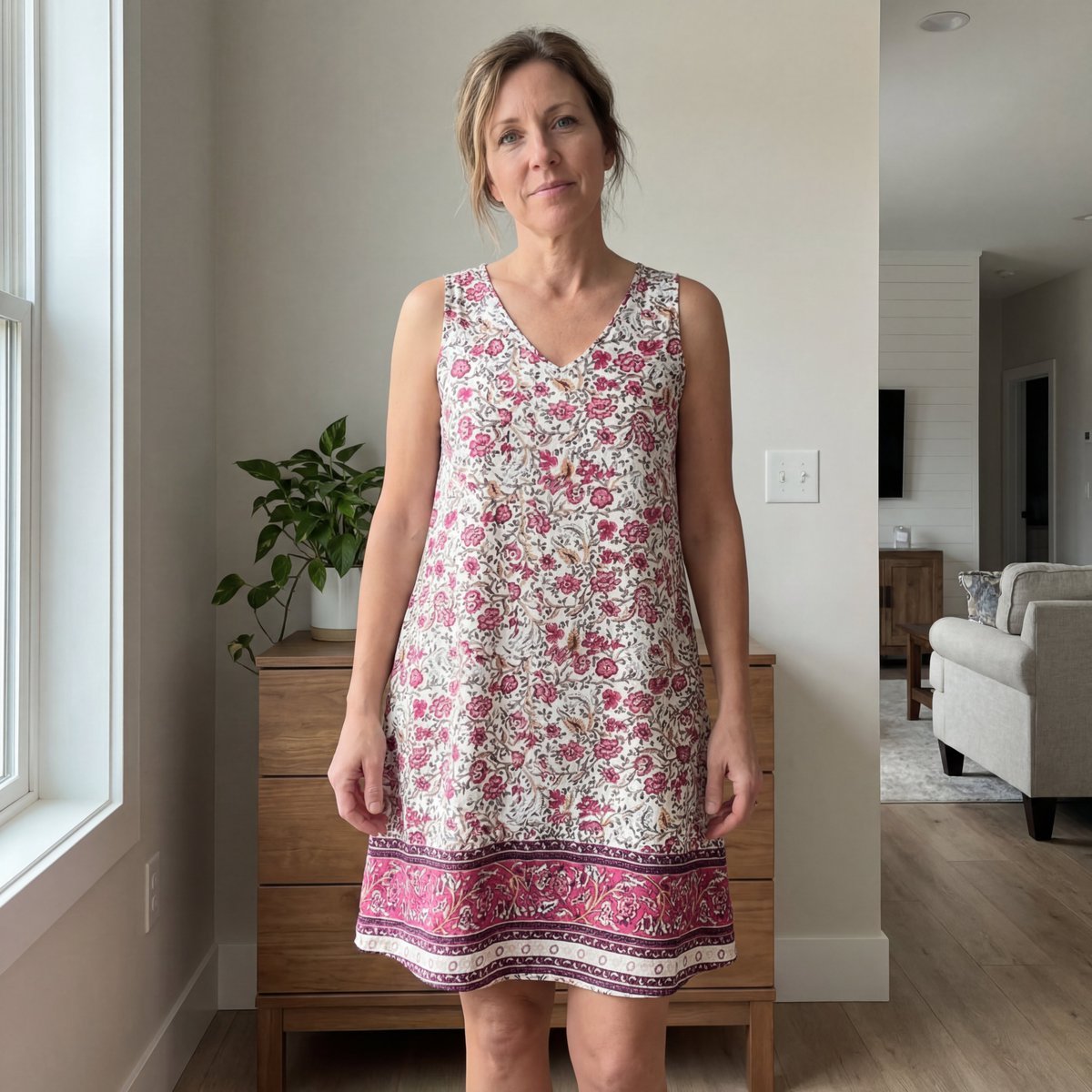
E-commerce Try-On Photo Generation Prompt
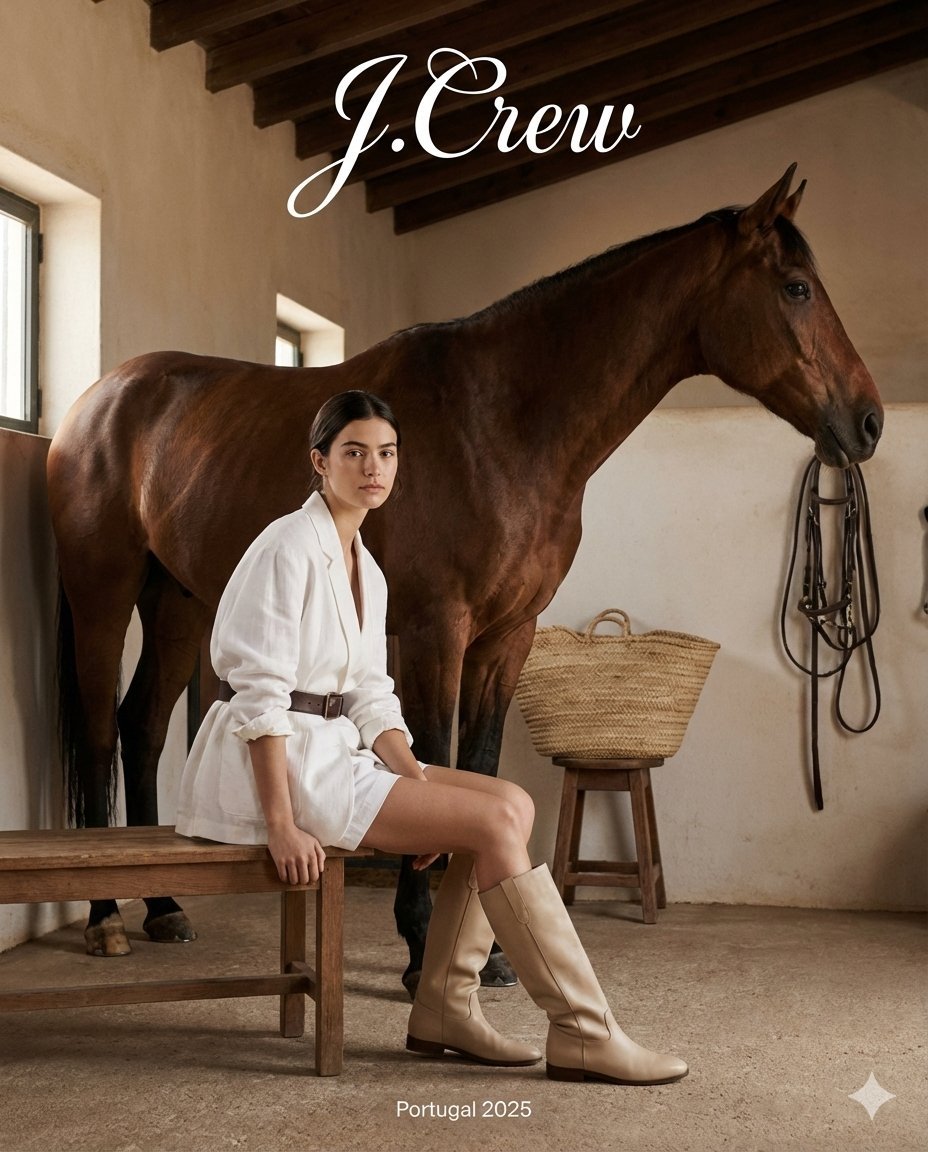
J.Crew Rustic Fashion Editorial
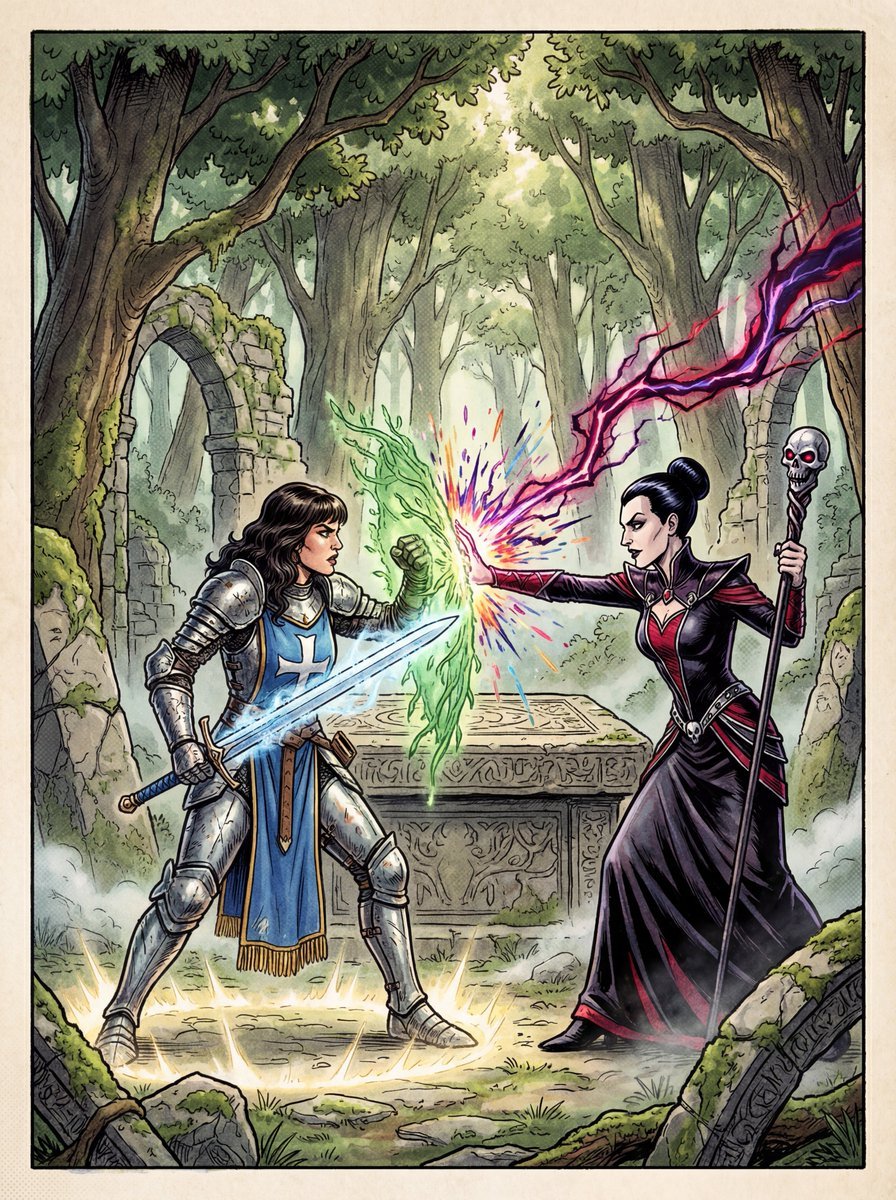
1980s RPG manual cover in 4K
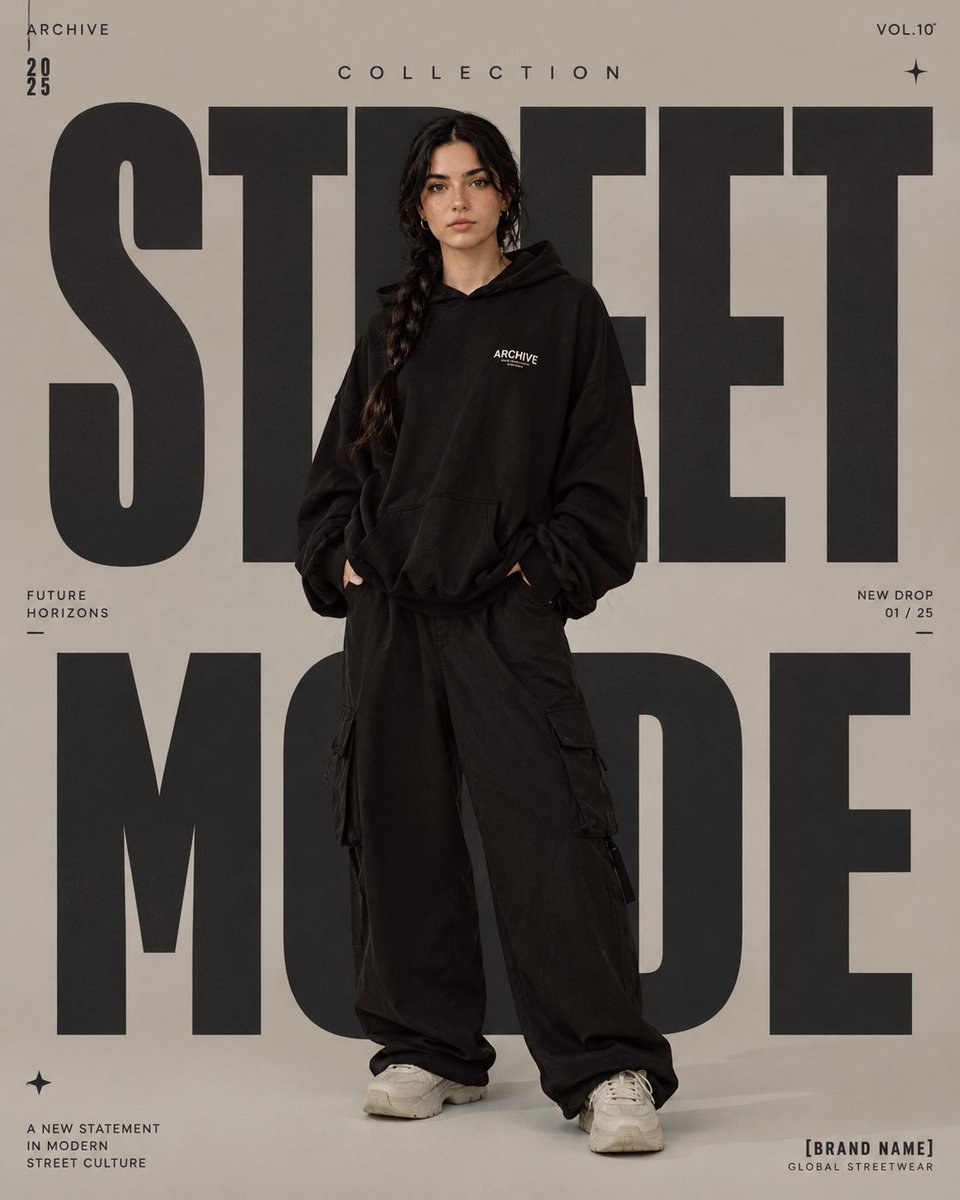
High-Fashion Editorial Magazine Poster

Gpt2 Infographic Edu Visual Japanese Sci Fi Suit Up Process Board
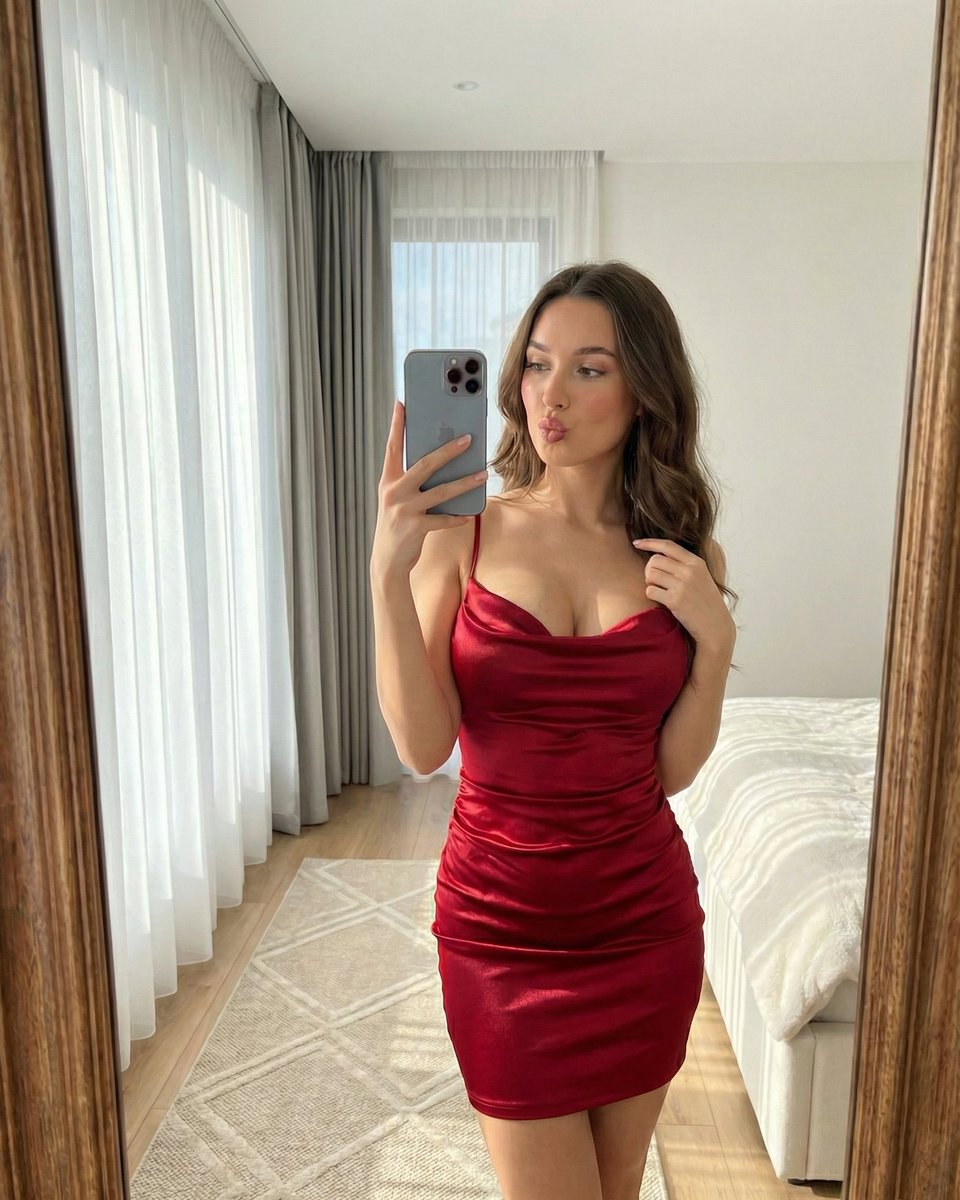
Hyper-Realistic Vertical Mirror Selfie Prompt
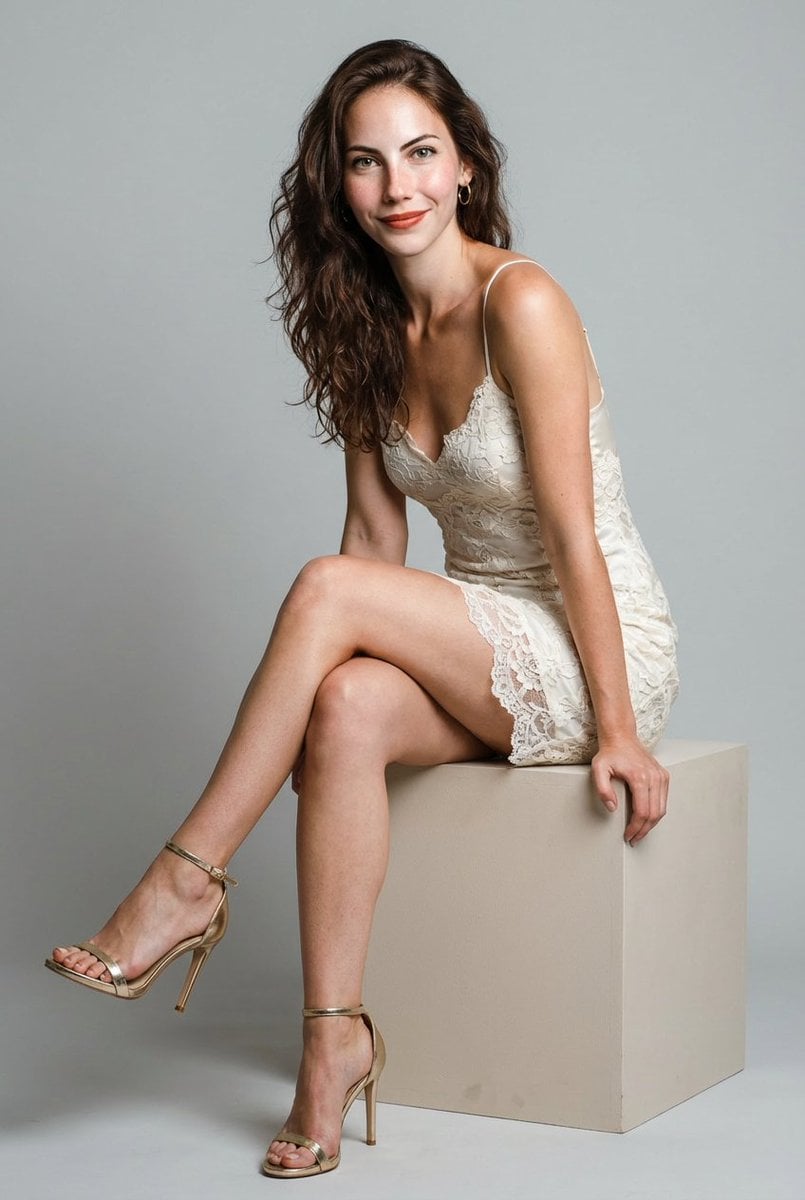
Hyper-Realistic Studio Shoot of Woman in Lace Minidress
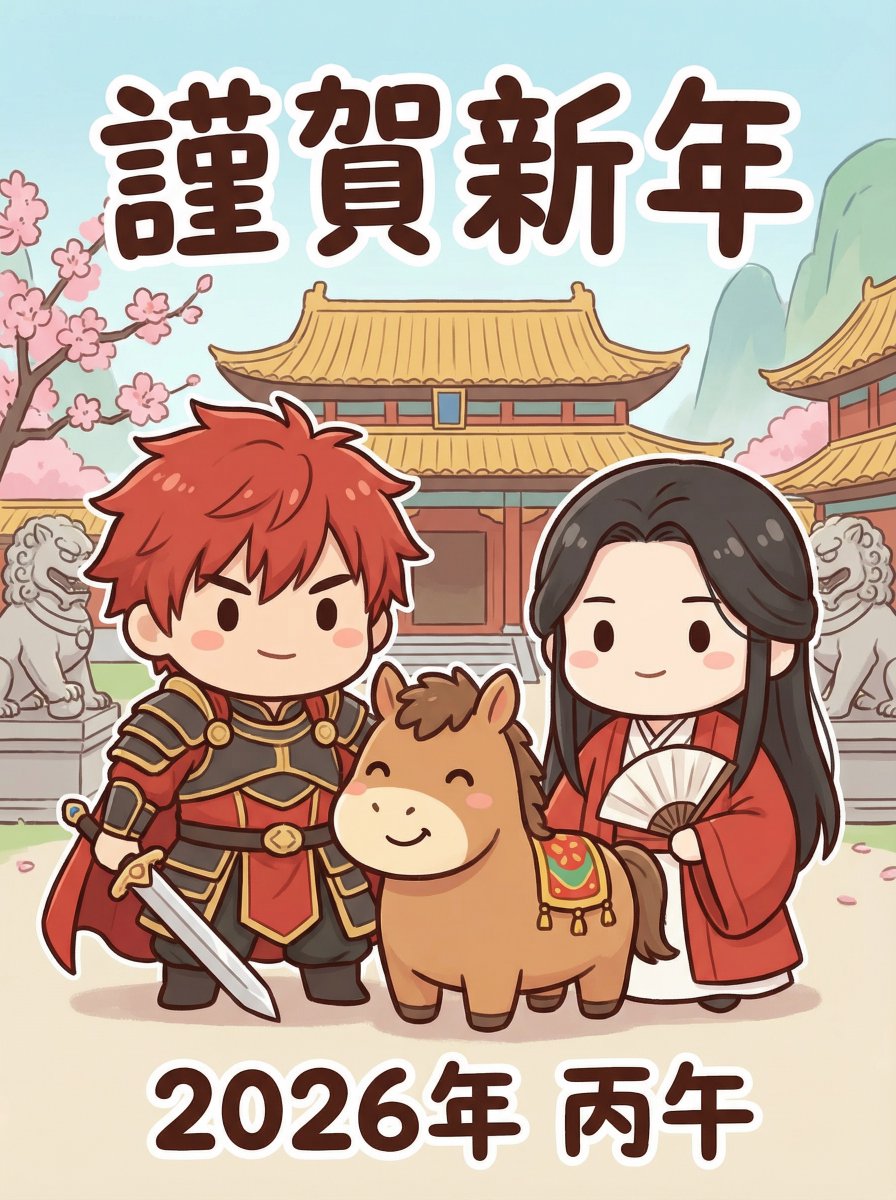
Chibi Character New Year's Card Design Prompt (2026)
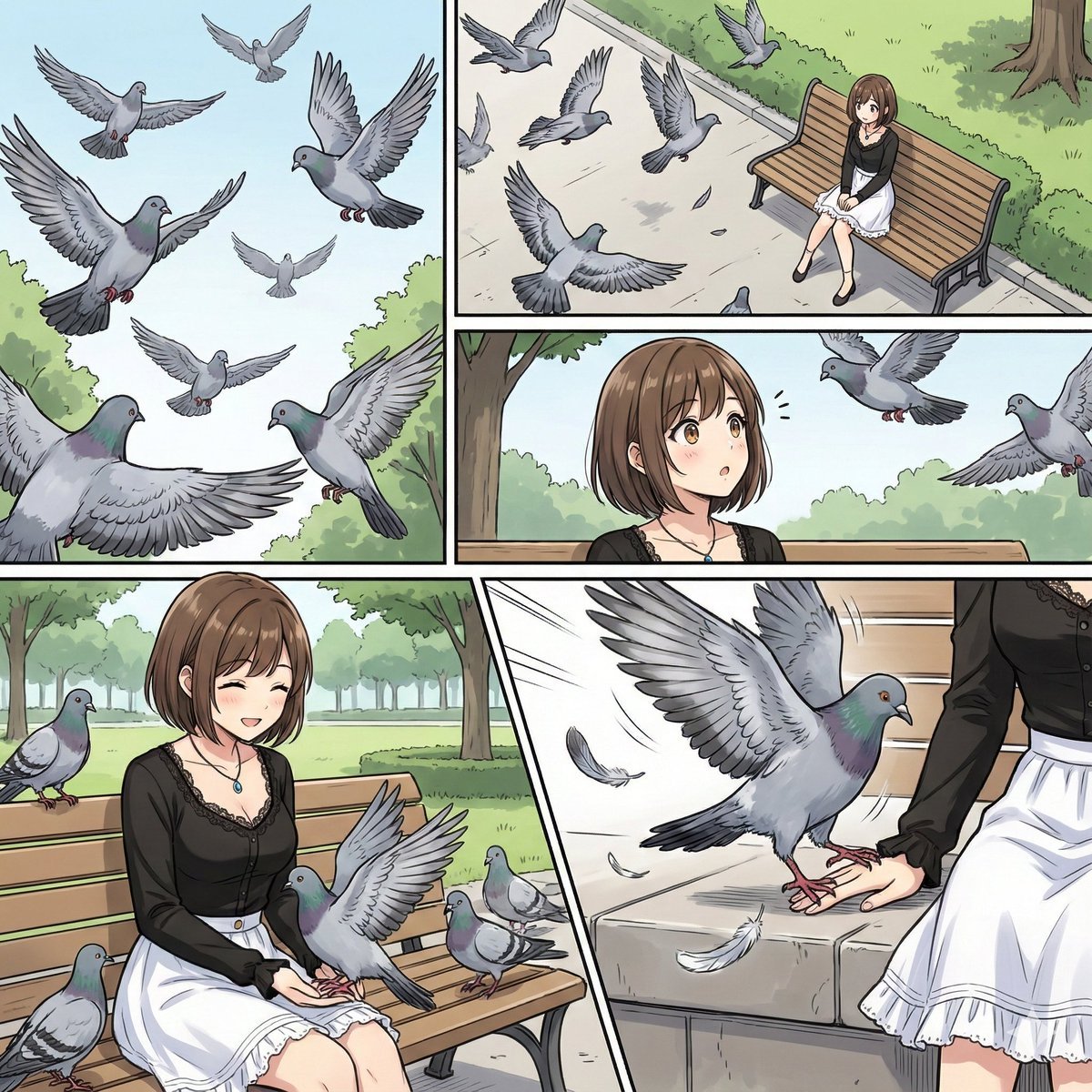
Cinematic Storyboard Generation Prompt
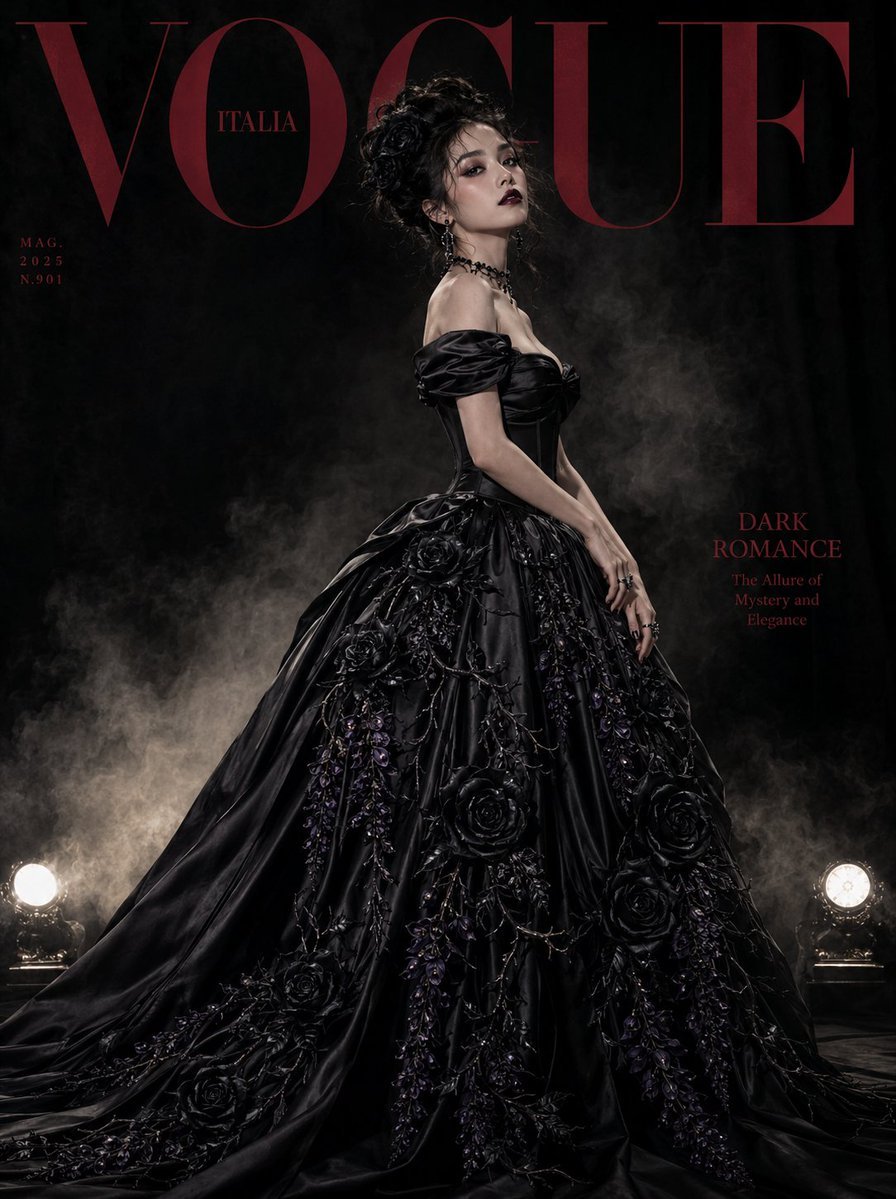
Gothic Luxury Magazine Cover
Browse template categories
Corporate Tech/Anime Eyecatch Image Prompt questions
How do I use the Corporate Tech/Anime Eyecatch Image Prompt template?
Add your photo if the template asks for one, edit the prompt if you like — the template's model and format are already selected — and press Generate. Your version opens in PicX Studio.
Can I customize the Corporate Tech/Anime Eyecatch Image Prompt template?
Yes. You can change the subject, setting, lighting, mood, format, and available model controls before creating your image.
Is the Corporate Tech/Anime Eyecatch Image Prompt template free?
Opening and editing this template is free. Generating uses credits, shown on the Generate button when you are signed in.
Which AI model should I use?
Start with Nano Banana 2, which is the model associated with this template. You can compare another compatible model for a different finish.
Looking for something else? Browse all templates.

Your photo, any look
Thousands of ready templates for every top image and video model, from one credit balance.