
E-commerce Try-On Photo Generation Prompt
A structured prompt for generating photorealistic e-commerce product images, specifically a full-body photo of a middle-aged woman wearing a dress.
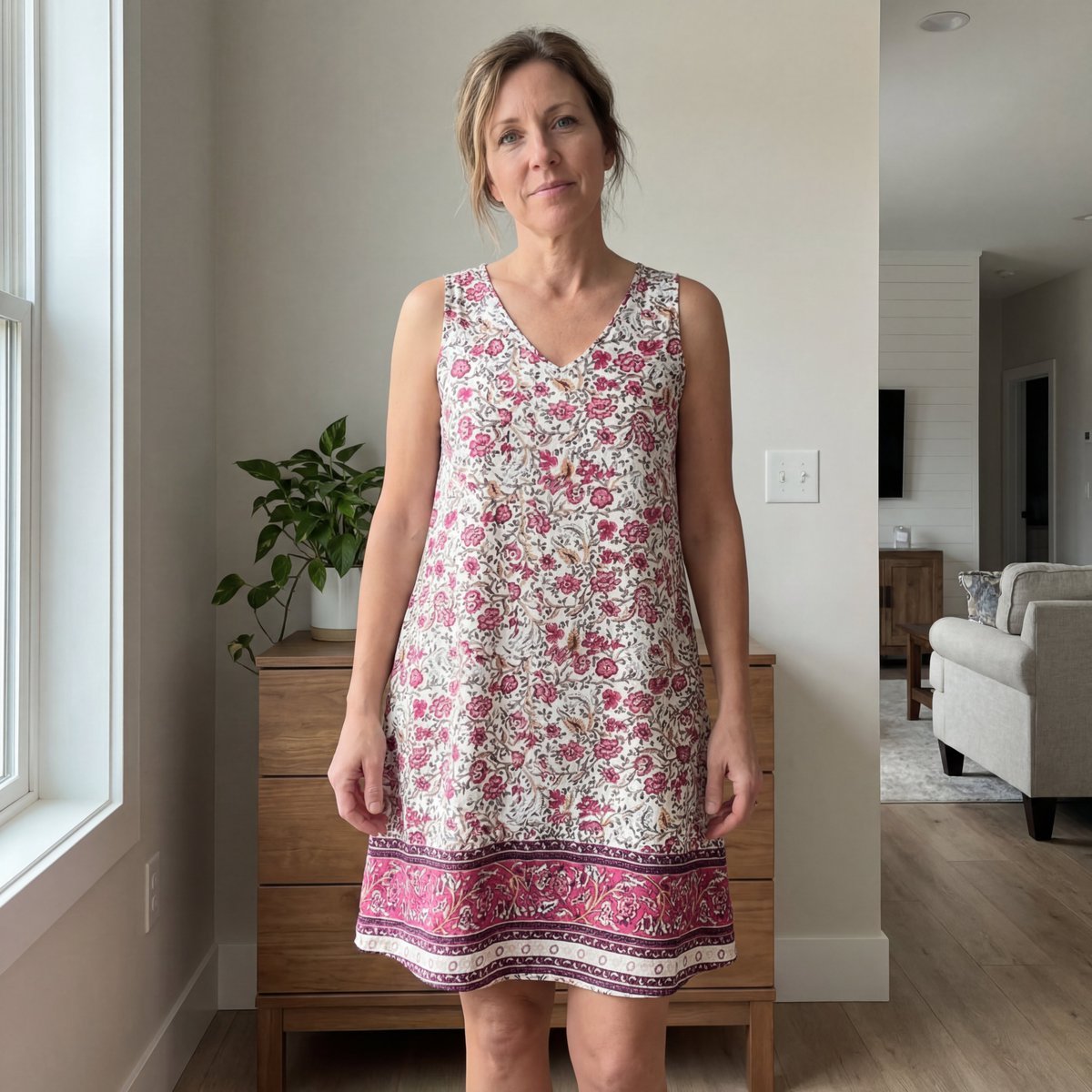
- Prompt included
- Model and format preset
- Free template
The prompt behind this image
Copy the exact prompt behind E-commerce Try-On Photo Generation Prompt, or open it in the studio and make it yours.
{ "description": "Use the uploaded reference image as the STRICT clothing reference. Generate a full-body photo of a realistic white American woman aged {argument name="age" default="40–50"} years, wearing size {argument name="size" default="L"}. She is standing indoors inside her own home. She must be wearing the EXACT same dress as shown in the reference image. Preserve all garment details precisely: same color, fabric, stitching, seams, fit, silhouette, length, and texture. Do NOT stylize, redesign, or alter the clothing in any way.", "style": { "realism": "photorealistic", "aesthetic": "real customer try-on", "quality": "natural smartphone photo" }, "camera": { "device": "modern smartphone", "framing": "full body with extra headroom and footroom", "angle": "straight-on or very slight natural angle", "imperfections": [ "slight off-center framing", "minor tilt", "subtle depth blur" ] }, "lighting": { "type": "natural indoor daylight", "source": "window light", "quality": "soft, diffused", "tone": "neutral to slightly warm", "restriction": "no studio lights, no flash, no harsh shadows" }, "model": { "body_type": "average, realistic", "skin": "visible natural skin texture with light blemishes", "face": "soft, age-appropriate facial features", "hair": "simple, natural, everyday styling", "makeup": "minimal or none", "expression": "casual, relaxed, authentic", "pose": "natural standing posture, not posed or editorial" }, "environment": { "location": "woman’s home interior", "style": "clean, modern, lived-in", "elements": [ "light-colored walls", "clean floors", "modern furniture", "plants or subtle decor", "dresser or cabinet visible" ], "restriction": "no luxury styling, no fashion studio, no clutter" }, "intent": { "use_case": [ "UGC try-on", "real customer preview", "casual outfit review" ], "priority": [ "realism", "accurate clothing representation", "believable home setting" ] } }
How to use E-commerce Try-On Photo Generation Prompt in 3 steps
- 1Upload ImagePNG, JPG or paste
Add your photo
Upload the photo the template builds on. The prompt, model and format are already set.
- 2…a portrait of your subject in softgolden-hour light, 85mm…
Personalize
Edit the subject and creative details for your destination.
- 3Generate
Generate
Press Generate — your image is created in PicX Studio, so you can compare it with the original and refine one variable at a time.
More like this
Templates with the same subject, style or setup. Open one to see its prompt.

Ergonomic Office Chair E-commerce Mobile Detail Page

AI Chat Image Generation Screenshot

Anime Girl Generation Grid
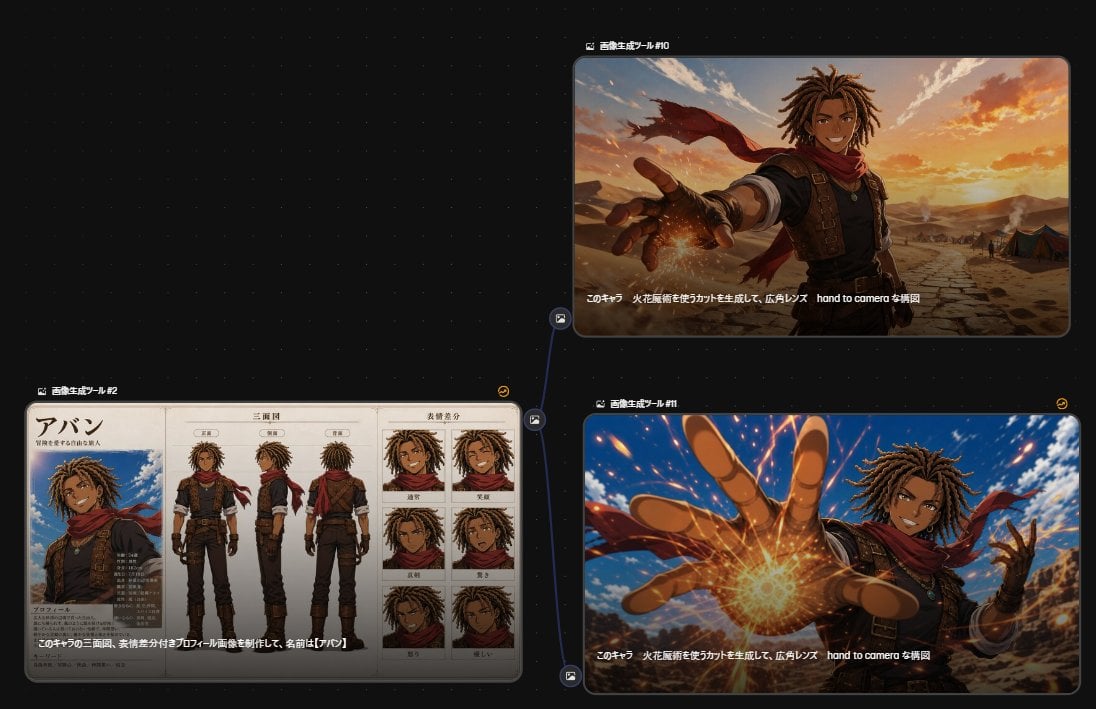
Anime Character Generation Workflow
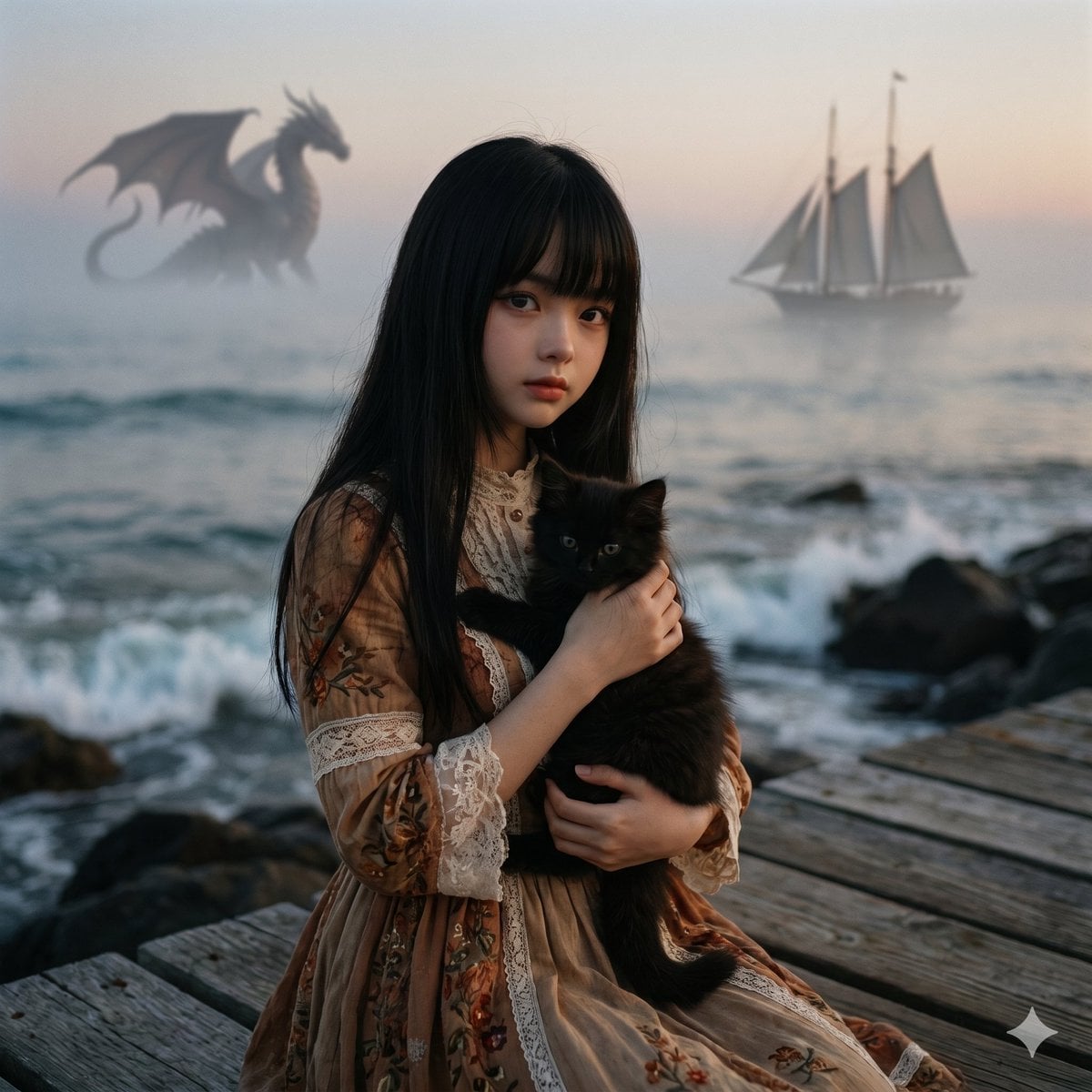
Music-to-Image Generation Prompt
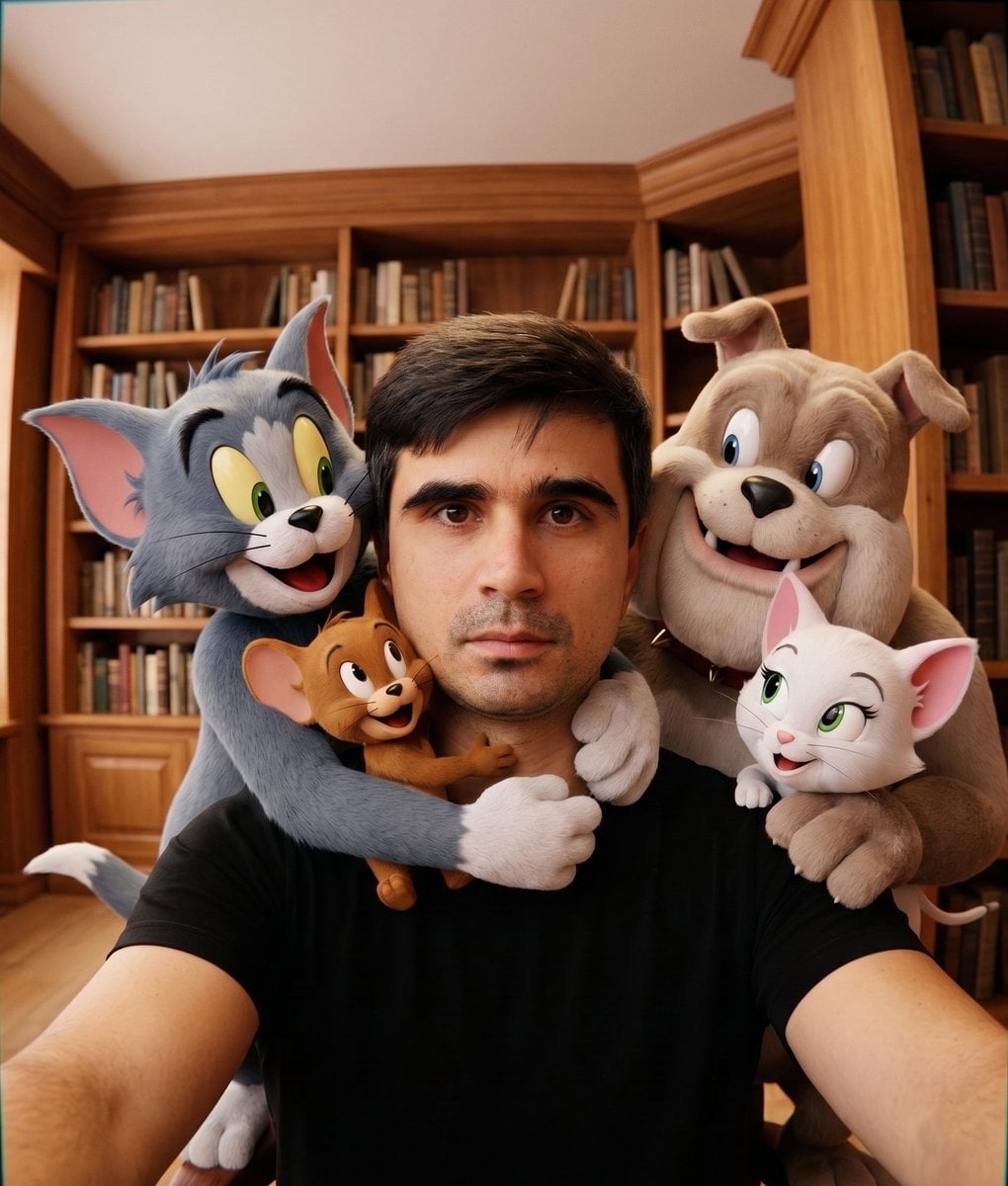
Character Selfie Generation Prompts
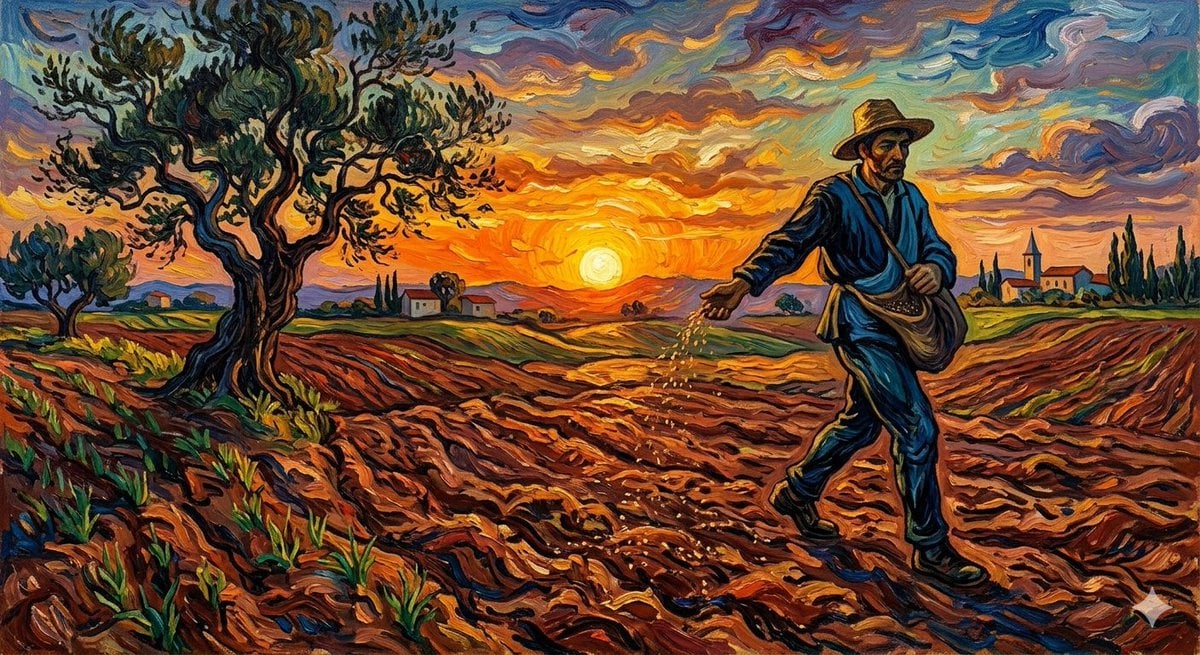
Van Gogh Sower Style Generation
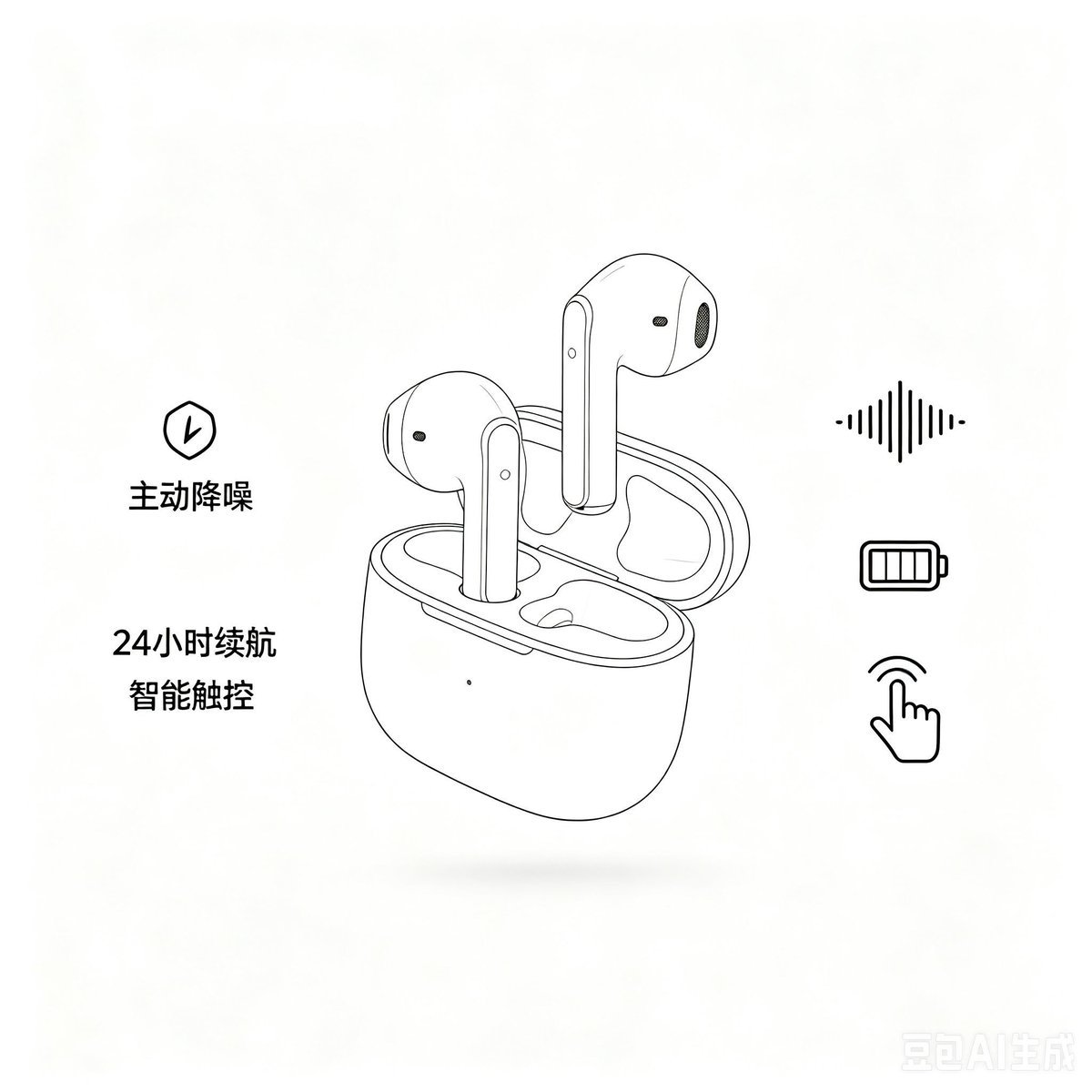
Minimalist Headphone E-commerce Product Photo
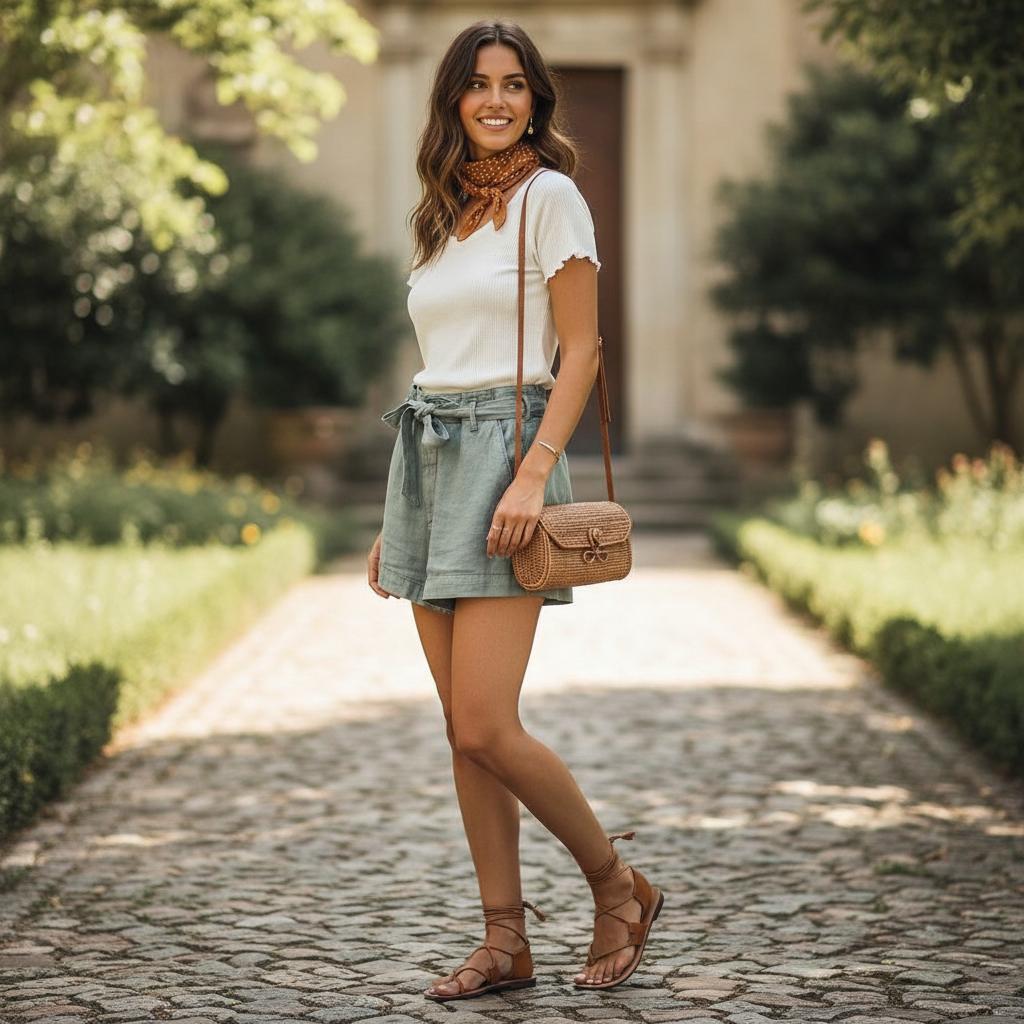
AI Virtual Clothing Try-On
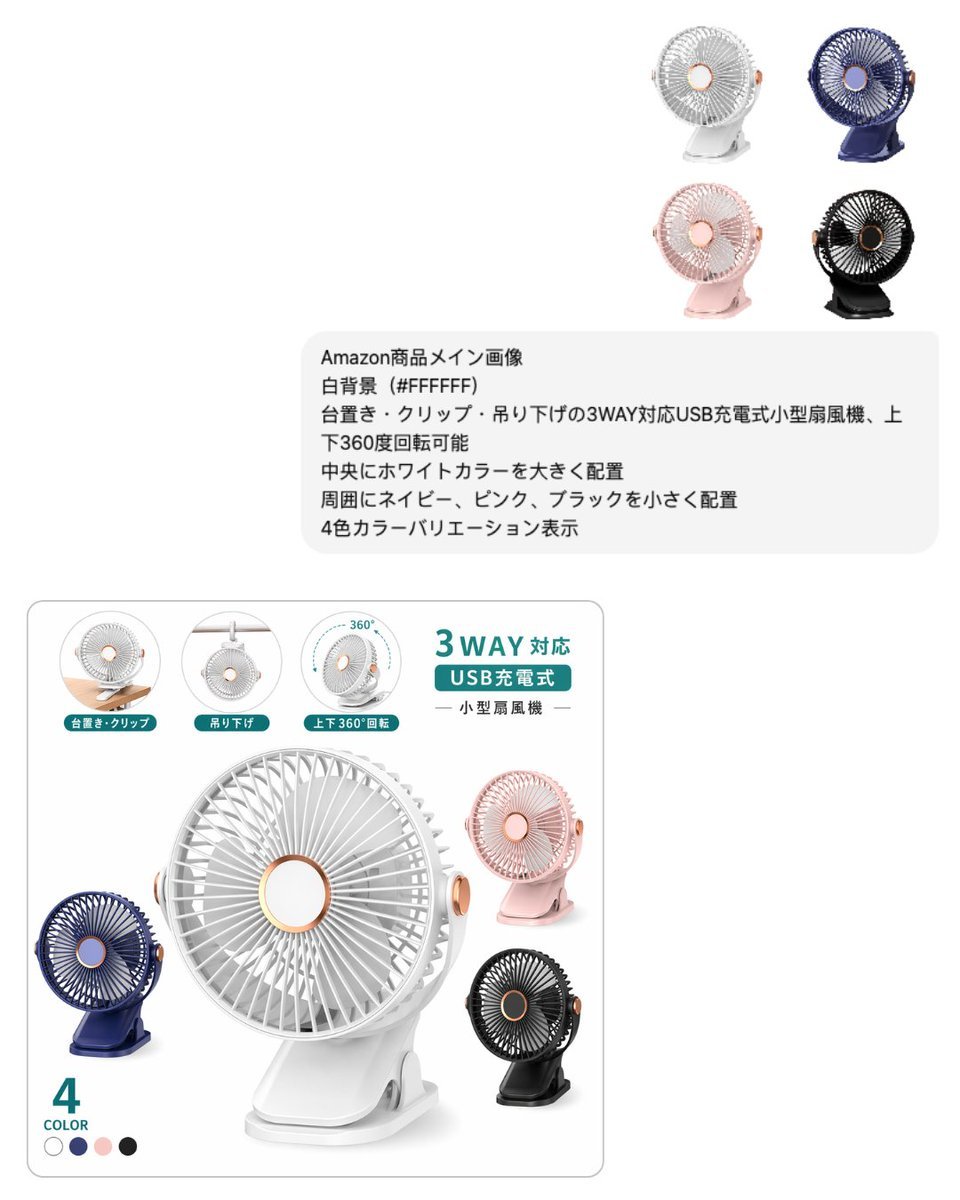
Japanese E-commerce Fan Main Image

Luxury E-Commerce Landing Page Mockup
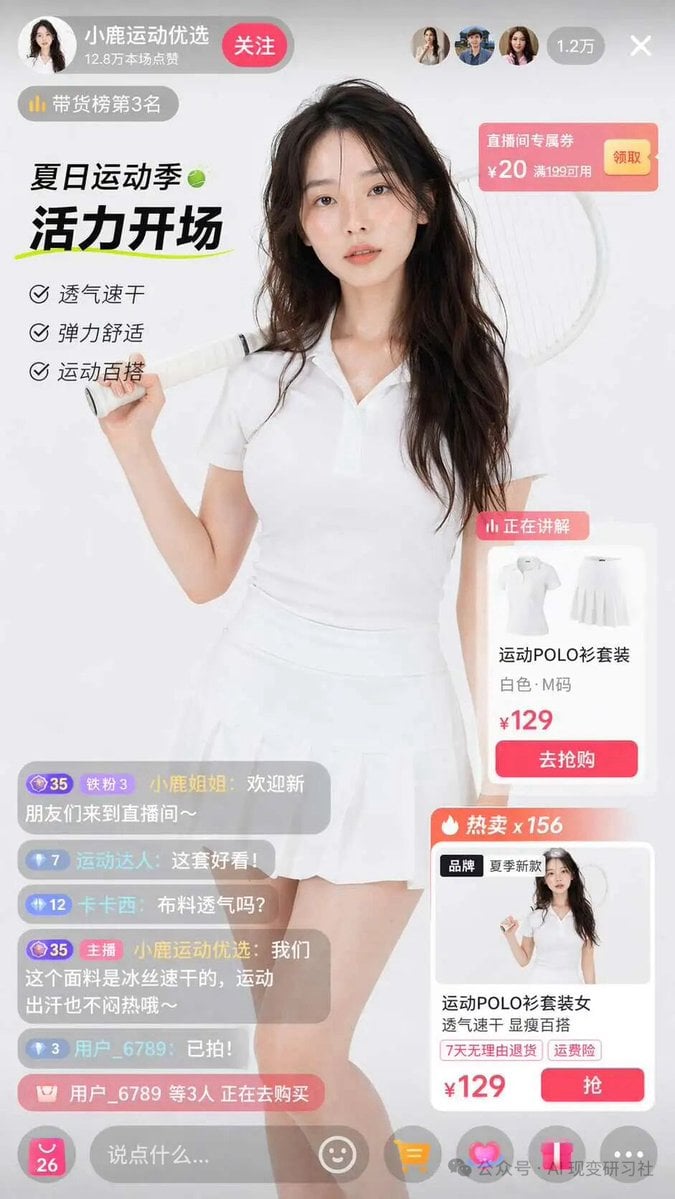
E-commerce Live Stream UI Mockup
Make it yours
E-commerce Try-On Photo Generation Prompt works as-is. These are the safest ways to change it without losing the look.
Change one field
Copy a single group, rewrite it, and generate again so you can see what that field is doing.
Keep the frame, change the subject
Hold the composition and light of E-commerce Try-On Photo Generation Prompt, then swap wardrobe, props or the person for a new take.
| If the result… | Why | Fix |
|---|---|---|
| The result drifts from the preview | Too many fields changed at once. | Reuse E-commerce Try-On Photo Generation Prompt as-is first, then change one group — subject, light, or setting. |
| The model over-stylizes the scene | The prose prompt leaves finish and camera underspecified. | Add one camera or lighting sentence and stay on Nano Banana 2. |
More Nano Banana 2 templates
Other prompts made for Nano Banana 2.

Photorealistic Leaf Shaped Like a Dragon

K-Pop Idol Portrait Grid for Rapid Selection

Poetic Rain Forest Portrait During Golden Hour

Urban Street Portrait with Cartoon Inner Self Duo

Candid Nighttime Photo with Cat Prompt

High-Concept 3D Diorama Generation Prompt

Cinematic Futuristic Studio Portrait Template

Skincare Editorial Photography Collage Prompt

Hyper-Realistic Commercial Product Photography (Splash Effect)

Hyper-Realistic Nightclub Portrait Prompt
More image prompts
Fresh picks from across the catalog.
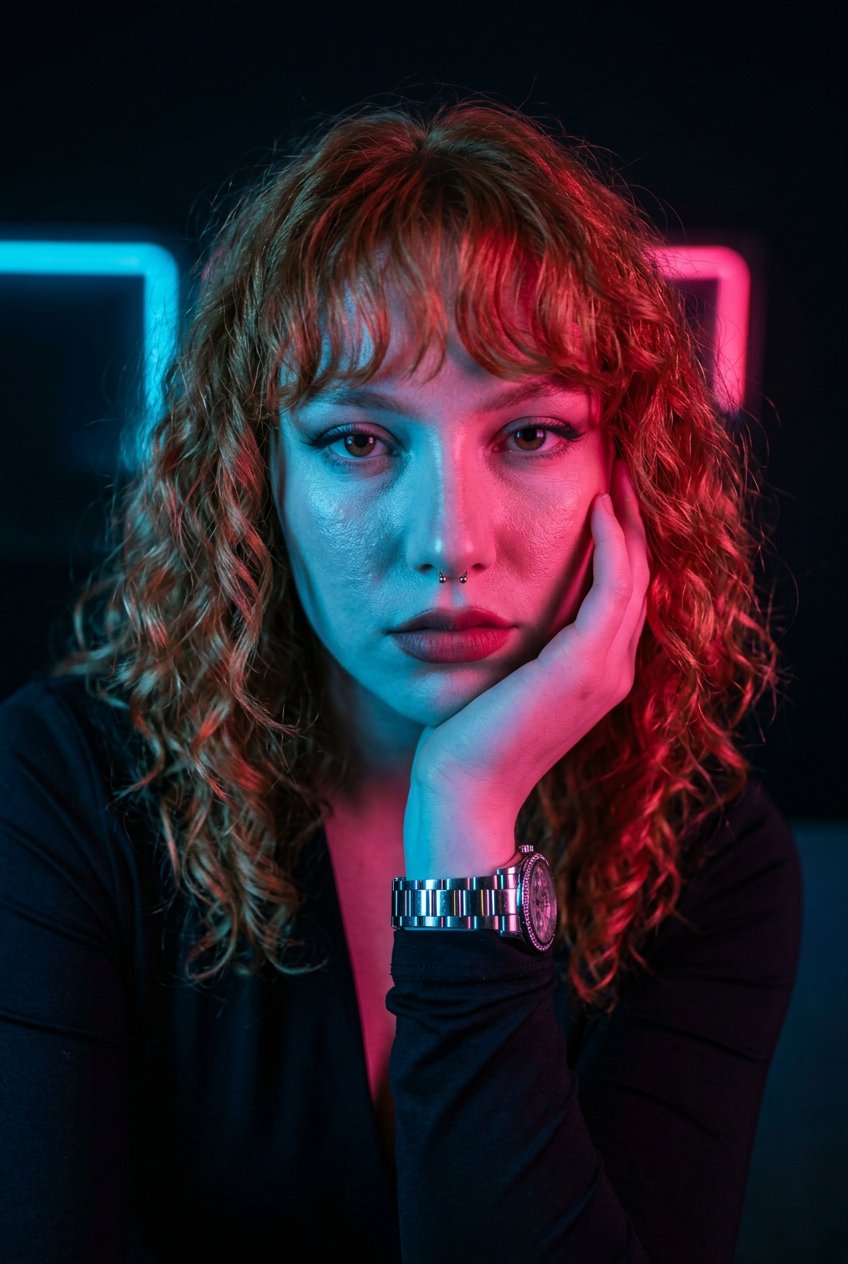
Neon Noir Dual Tone Portrait
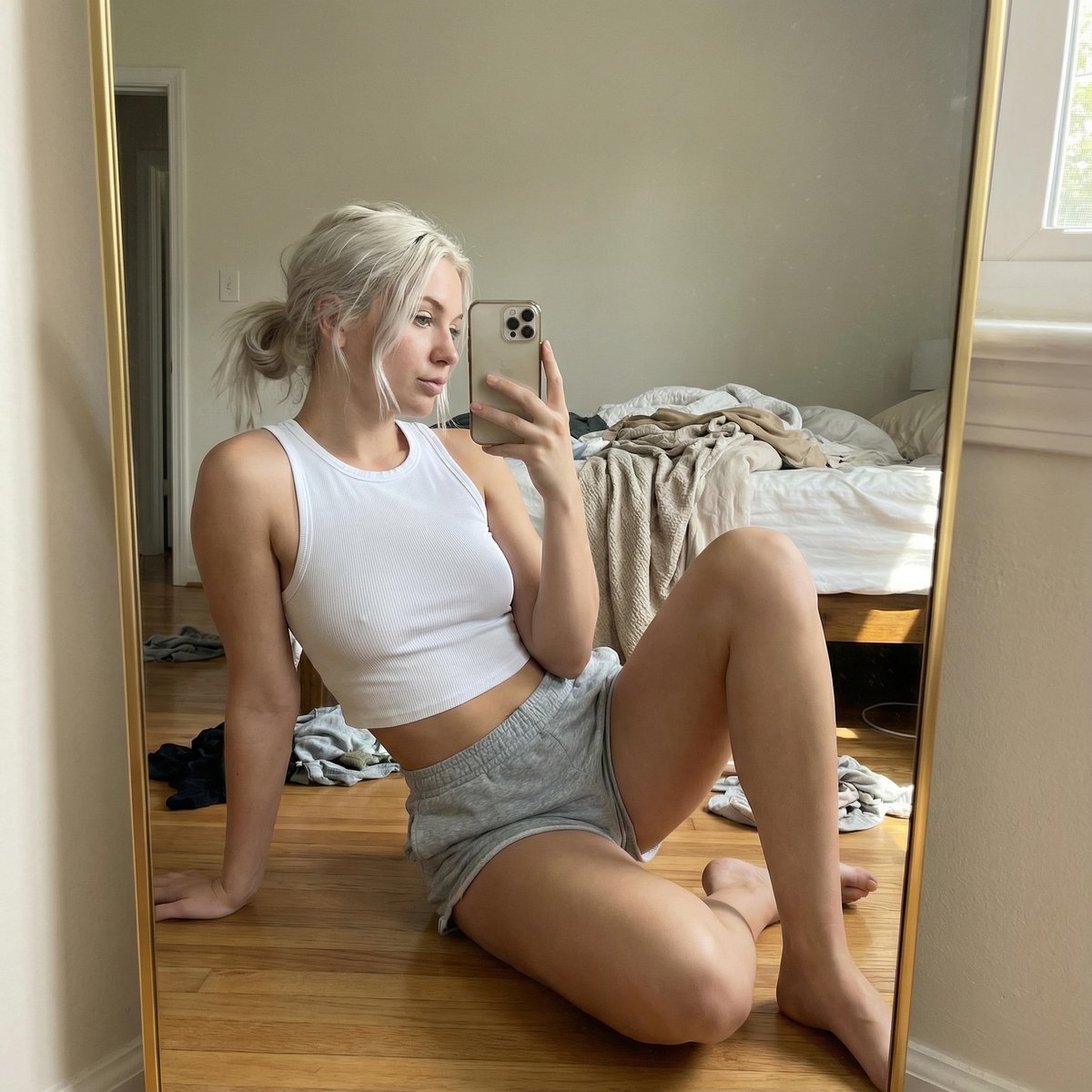
Hyper-realistic Mirror Selfie Portrait
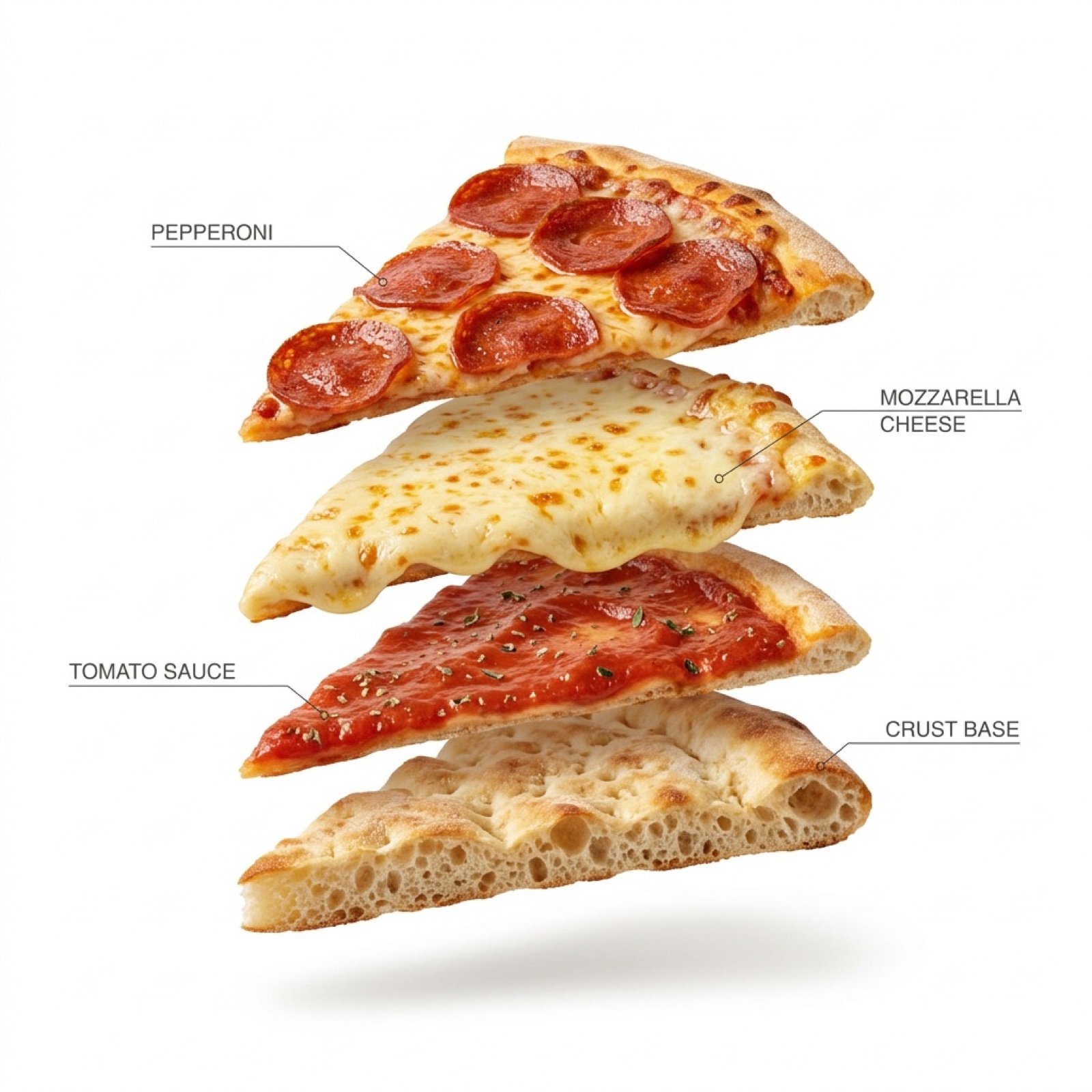
Exploded Pizza Slice Animation and Image Generation Prompts
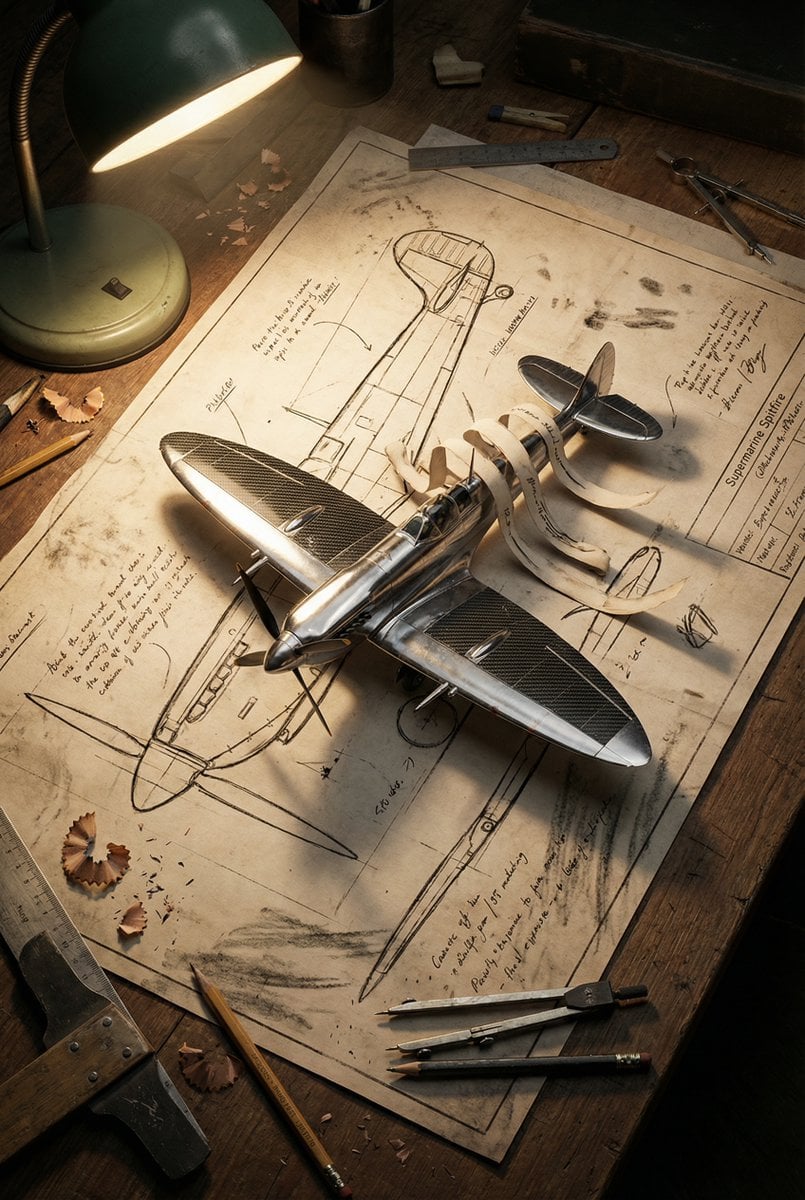
Blueprint to 3D Chrome Manifestation Prompt
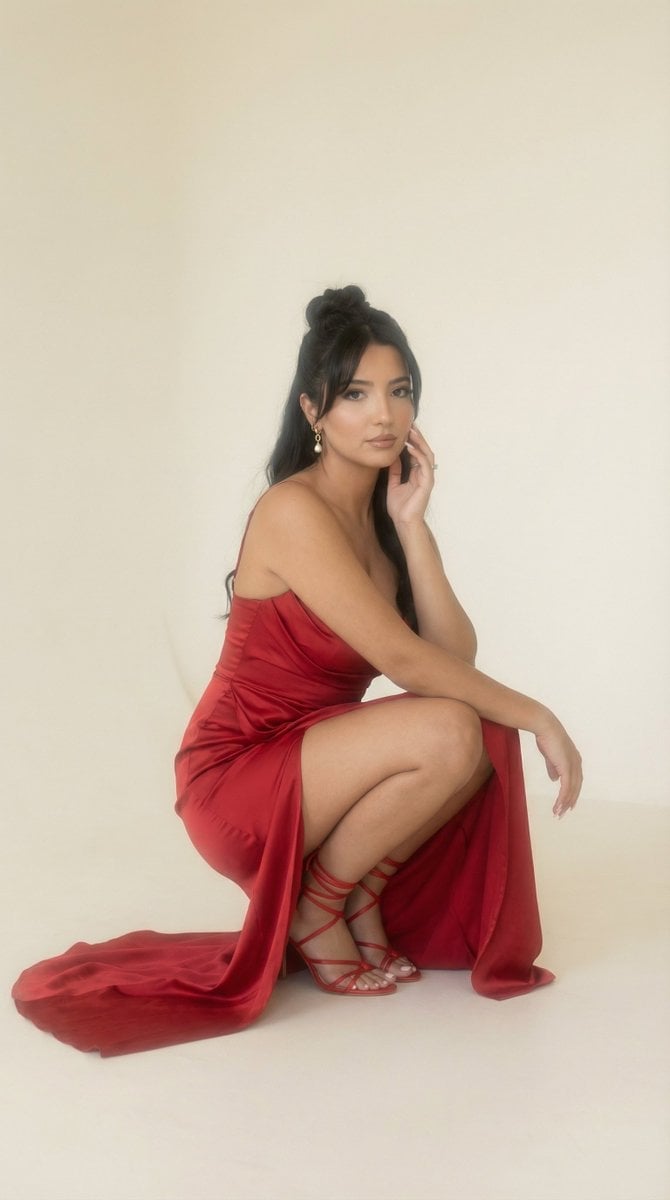
Soft Haze Editorial Studio Portrait (Image-to-Image)
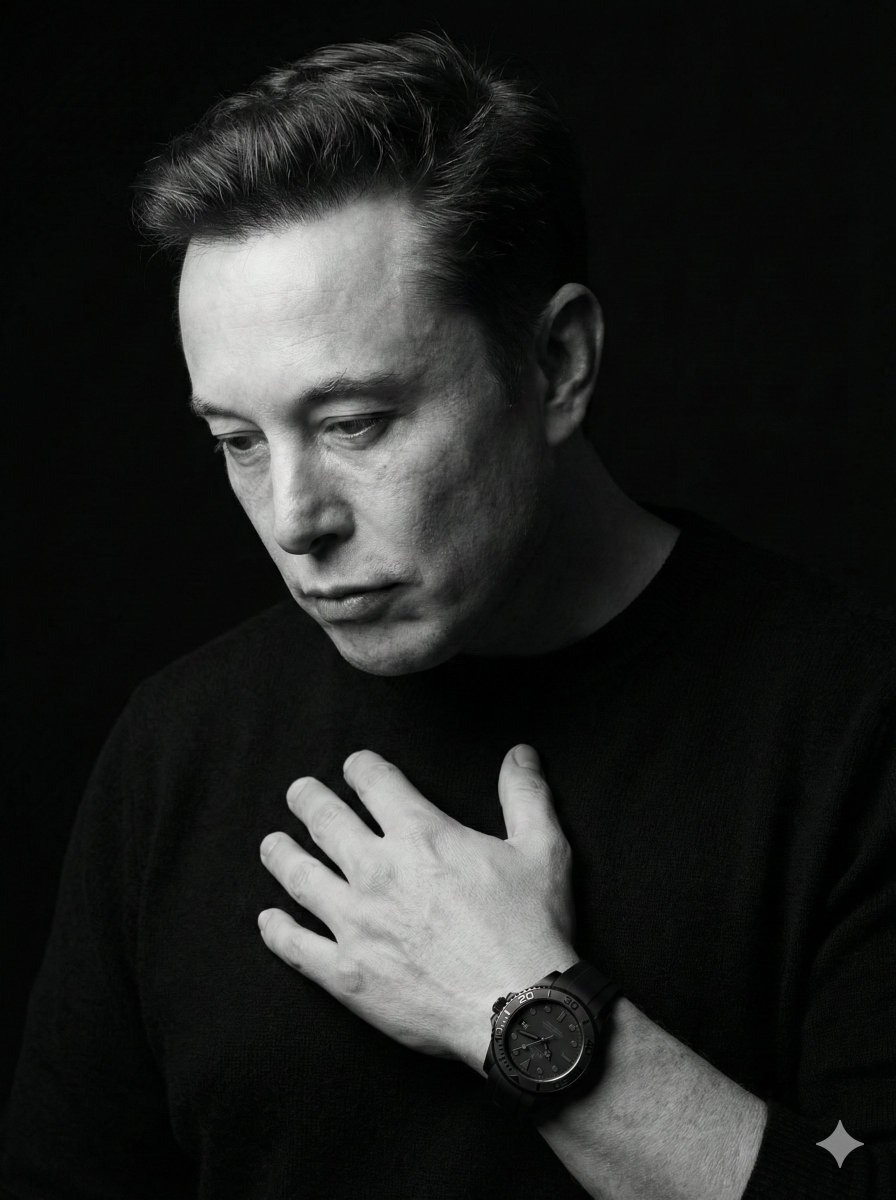
Dramatic Black & White Portrait
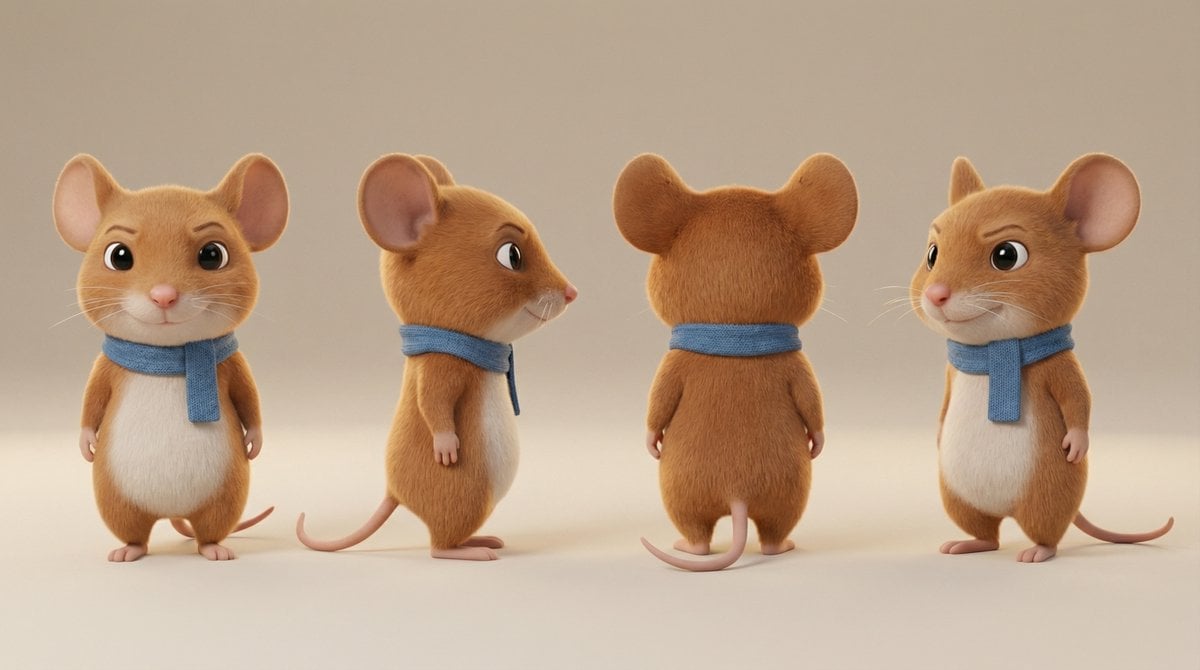
Action Pose Sheet for Cat
Edible History Pop-Up Chocolate Book
3D Icon Collection Representing Japanese Seasons
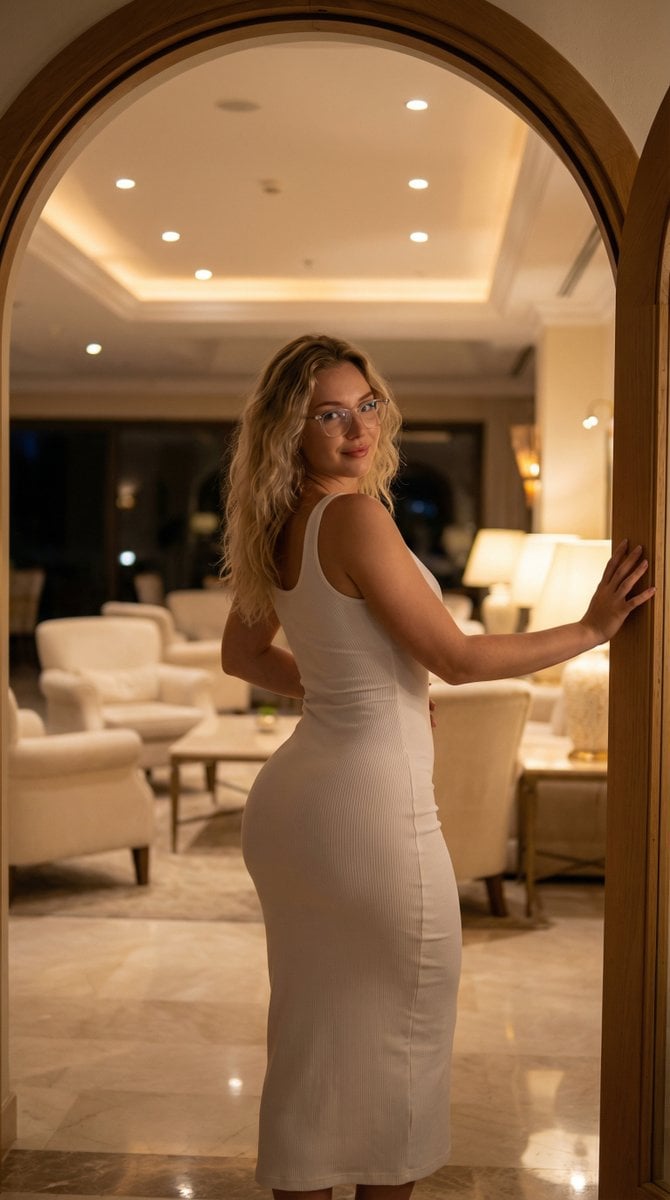
Elegant Curvy Woman Looking Back Over Shoulder
Browse template categories
E-commerce Try-On Photo Generation Prompt questions
How do I use the E-commerce Try-On Photo Generation Prompt template?
Add your photo if the template asks for one, edit the prompt if you like — the template's model and format are already selected — and press Generate. Your version opens in PicX Studio.
Can I customize the E-commerce Try-On Photo Generation Prompt template?
Yes. You can change the subject, setting, lighting, mood, format, and available model controls before creating your image.
Is the E-commerce Try-On Photo Generation Prompt template free?
Opening and editing this template is free. Generating uses credits, shown on the Generate button when you are signed in.
Which AI model should I use?
Start with Nano Banana 2, which is the model associated with this template. You can compare another compatible model for a different finish.
Looking for something else? Browse all templates.

Your photo, any look
Thousands of ready templates for every top image and video model, from one credit balance.