
Japanese E-commerce Fan Main Image
This generates a clean Japanese marketplace-style product image for a compact USB rechargeable fan, suitable for Amazon or EC listing main visuals and promotional mockups.
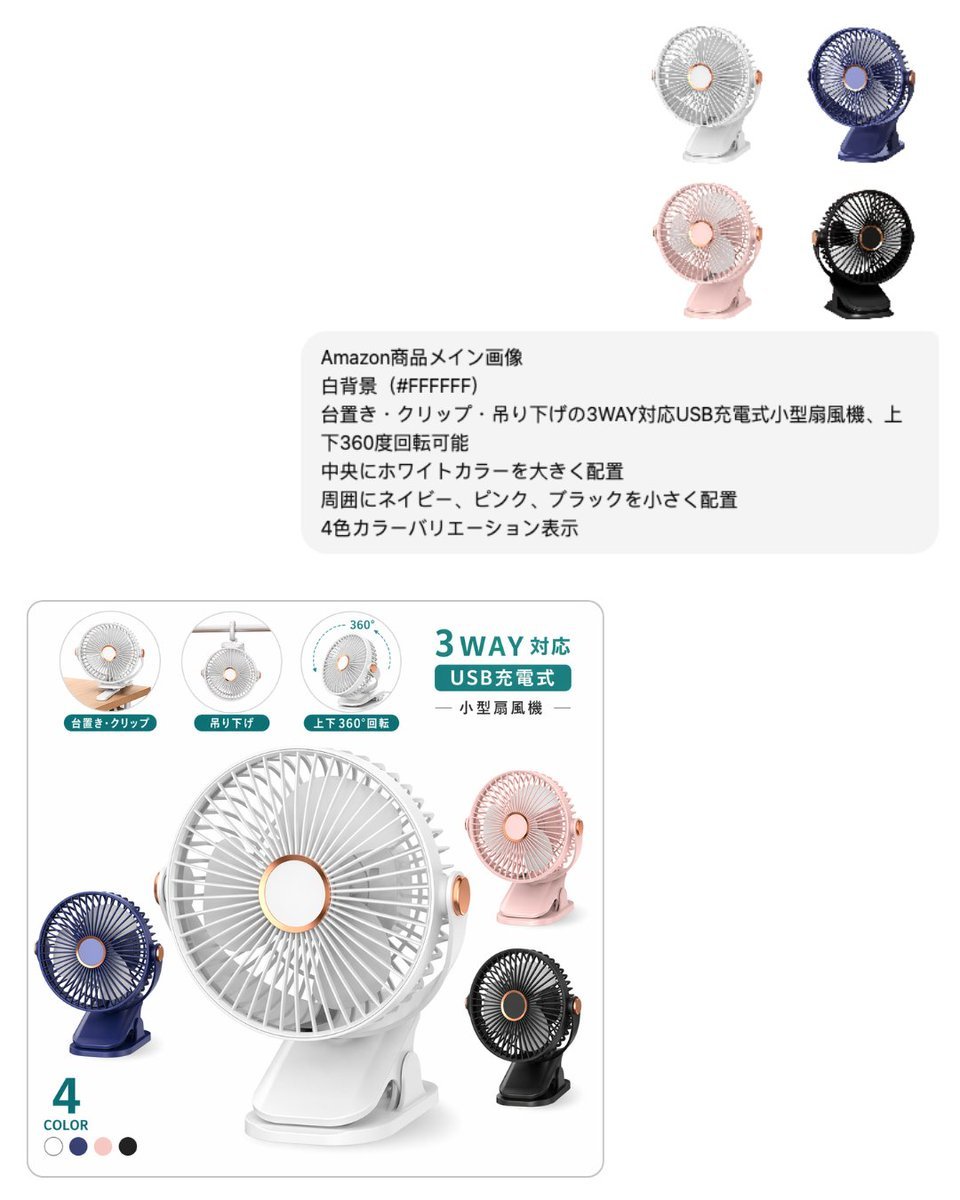
- Prompt included
- Model and format preset
- Free template
The prompt behind this image
Copy the exact prompt behind Japanese E-commerce Fan Main Image, or open it in the studio and make it yours.
- Type
- e-commerce product main image mockup
- Style
- clean Japanese marketplace listing visual, minimal, bright, commercial studio composite
- Background › Color
- #FFFFFF
- Product › Category
- small USB rechargeable fan
- Product › Design
- compact portable desk fan with circular grille, rose-gold accent ring at the center and side knob, flat base clip stand, usable as tabletop, clip-on, or hanging fan, head tilts and rotates vertically
- Product › Main Color
- {argument name="main product color" default="white"}
- Product › Variant Count
- 4
- Product › Variants
- white, navy, pink, black
- Layout › Canvas
- square composition with wide white negative space
- Layout › Sections › 0 › Title
- top-right color lineup
- Layout › Sections › 0 › Position
- upper right
- Layout › Sections › 0 › Count
- 4
- Layout › Sections › 0 › Labels
- white, navy, pink, black
- Layout › Sections › 0 › Description
- four small product renders arranged in a 2 by 2 grid
- Layout › Sections › 1 › Title
- instruction text block
- Layout › Sections › 1 › Position
- upper middle-right
- Layout › Sections › 1 › Count
- 6
- Layout › Sections › 1 › Labels
- Amazon商品メイン画像, 白背景(#FFFFFF), 台置き・クリップ・吊り下げの3WAY対応USB充電式小型扇風機、上下360度回転可能, 中央にホワイトカラーを大きく配置, 周囲にネイビー、ピンク、ブラックを小さく配置, 4色カラーバリエーション表示
- Layout › Sections › 1 › Description
- rounded light gray note box with six lines of Japanese text
- Layout › Sections › 2 › Title
- main product card
- Layout › Sections › 2 › Position
- bottom left
- Layout › Sections › 2 › Count
- 9
- Layout › Sections › 2 › Labels
- 台置き・クリップ, 吊り下げ, 上下360°回転, 3WAY対応, USB充電式, 小型扇風機, 4, COLOR, white navy pink black
- Layout › Sections › 2 › Description
- large rounded rectangle product feature card with hero product and feature icons
Raw JSON
{"type":"e-commerce product main image mockup","style":"clean Japanese marketplace listing visual, minimal, bright, commercial studio composite","background":{"color":"#FFFFFF"},"product":{"category":"small USB rechargeable fan","design":"compact portable desk fan with circular grille, rose-gold accent ring at the center and side knob, flat base clip stand, usable as tabletop, clip-on, or hanging fan, head tilts and rotates vertically","main_color":"{argument name=\"main product color\" default=\"white\"}","variant_count":4,"variants":["white","navy","pink","black"]},"layout":{"canvas":"square composition with wide white negative space","sections":[{"title":"top-right color lineup","position":"upper right","count":4,"labels":["white","navy","pink","black"],"description":"four small product renders arranged in a 2 by 2 grid"},{"title":"instruction text block","position":"upper middle-right","count":6,"labels":["Amazon商品メイン画像","白背景(#FFFFFF)","台置き・クリップ・吊り下げの3WAY対応USB充電式小型扇風機、上下360度回転可能","中央にホワイトカラーを大きく配置","周囲にネイビー、ピンク、ブラックを小さく配置","4色カラーバリエーション表示"],"description":"rounded light gray note box with six lines of Japanese text"},{"title":"main product card","position":"bottom left","count":9,"labels":["台置き・クリップ","吊り下げ","上下360°回転","3WAY対応","USB充電式","小型扇風機","4","COLOR","white navy pink black"],"description":"large rounded rectangle product feature card with hero product and feature icons"}],"centerpiece":"oversized {argument name=\"main product color\" default=\"white\"} fan placed prominently inside the bottom product card, angled slightly to the right with soft shadow"},"feature_icons":{"count":3,"items":[{"label":"台置き・クリップ","description":"small circular inset showing the fan clipped to a wooden desk edge"},{"label":"吊り下げ","description":"small circular inset showing the fan hanging from above"},{"label":"上下360°回転","description":"small circular inset with a curved 360-degree arrow around the fan"}]},"text":{"headline":"{argument name=\"headline text\" default=\"3WAY対応\"}","subheadline":"{argument name=\"subheadline text\" default=\"USB充電式\"}","product_label":"{argument name=\"product label\" default=\"小型扇風機\"}","color_count":"4 COLOR"},"visual_details":{"materials":"matte plastic body with subtle metallic rose-gold accents","lighting":"soft high-key studio lighting, gentle gray shadows, crisp product cutout look","graphics":"teal accent labels and badges, thin gray borders, clean Japanese marketplace typography","composition_notes":"show the white fan largest in the center, with navy at lower left, pink at upper right, and black at lower right inside the product card; keep overall layout airy and premium"}}How to use Japanese E-commerce Fan Main Image in 3 steps
- 1Upload ImagePNG, JPG or paste
Add your photo
Upload the photo the template builds on. The prompt, model and format are already set.
- 2…a portrait of your subject in softgolden-hour light, 85mm…
Personalize
Edit the subject and creative details for your destination.
- 3Generate
Generate
Press Generate — your image is created in PicX Studio, so you can compare it with the original and refine one variable at a time.
More like this
Templates with the same subject, style or setup. Open one to see its prompt.
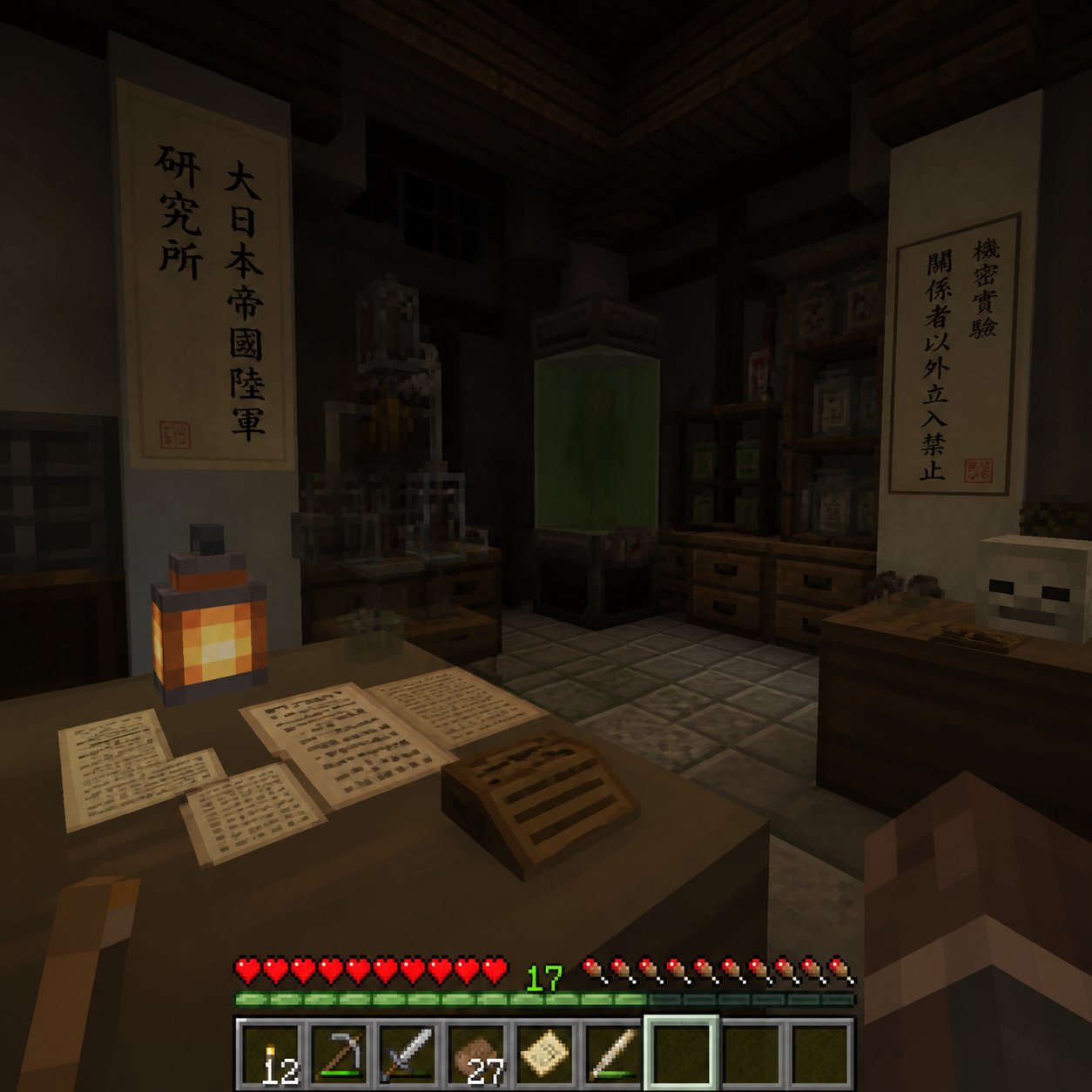
Minecraft Japanese Research Lab Exploration
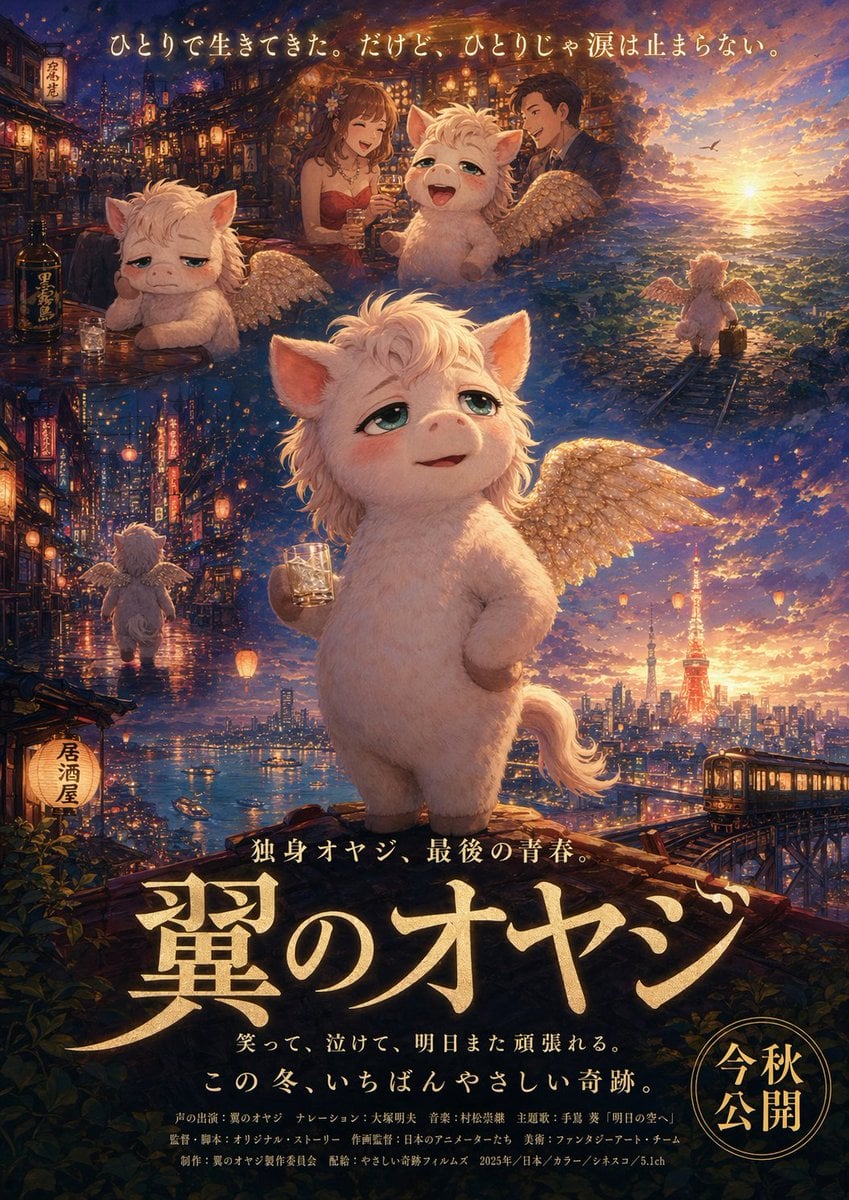
Japanese Fantasy Winged Pig Film Poster
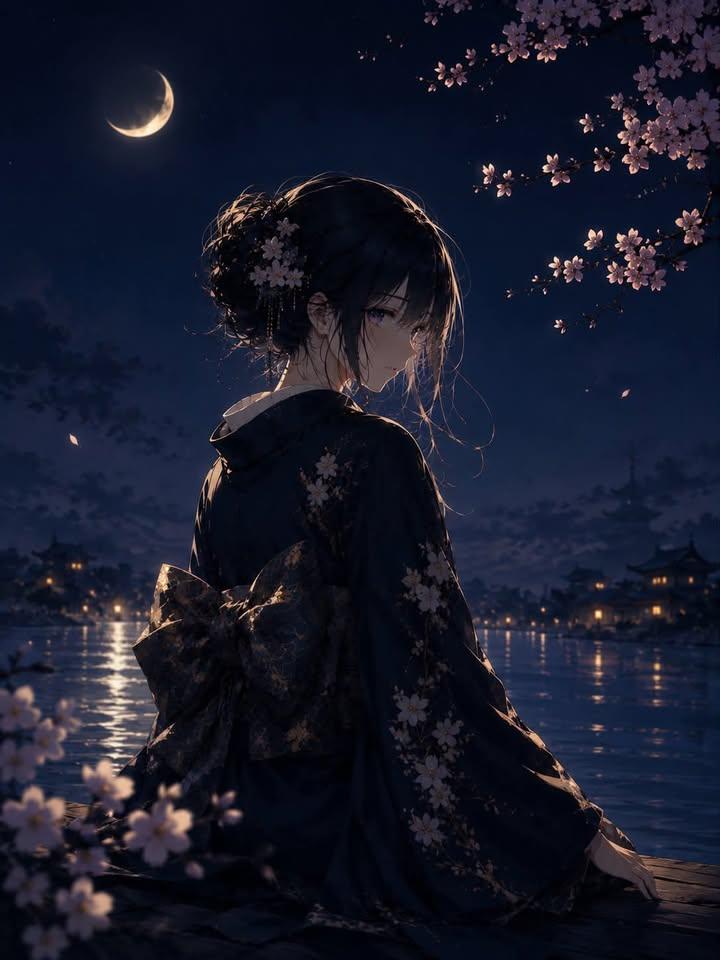
Luxury Japanese Fantasy Anime Kimono
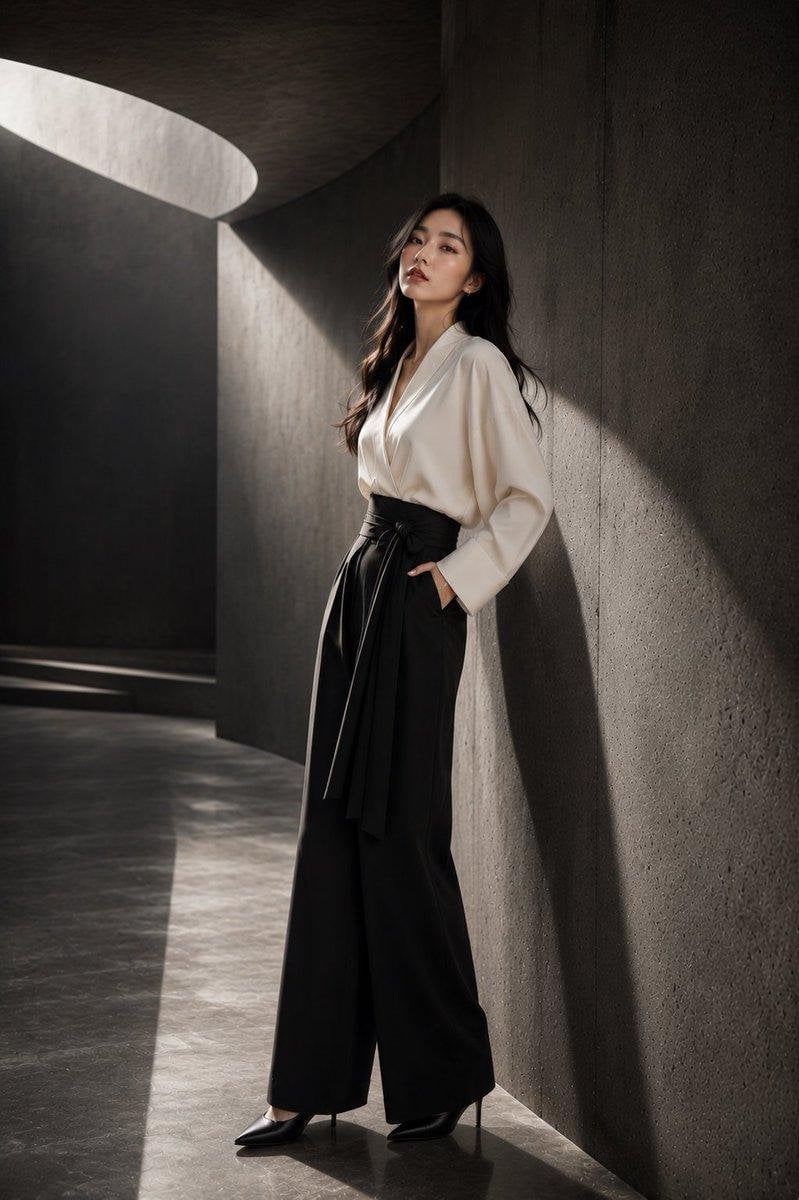
Japanese Architectural Concrete Studio Fashion Campaign
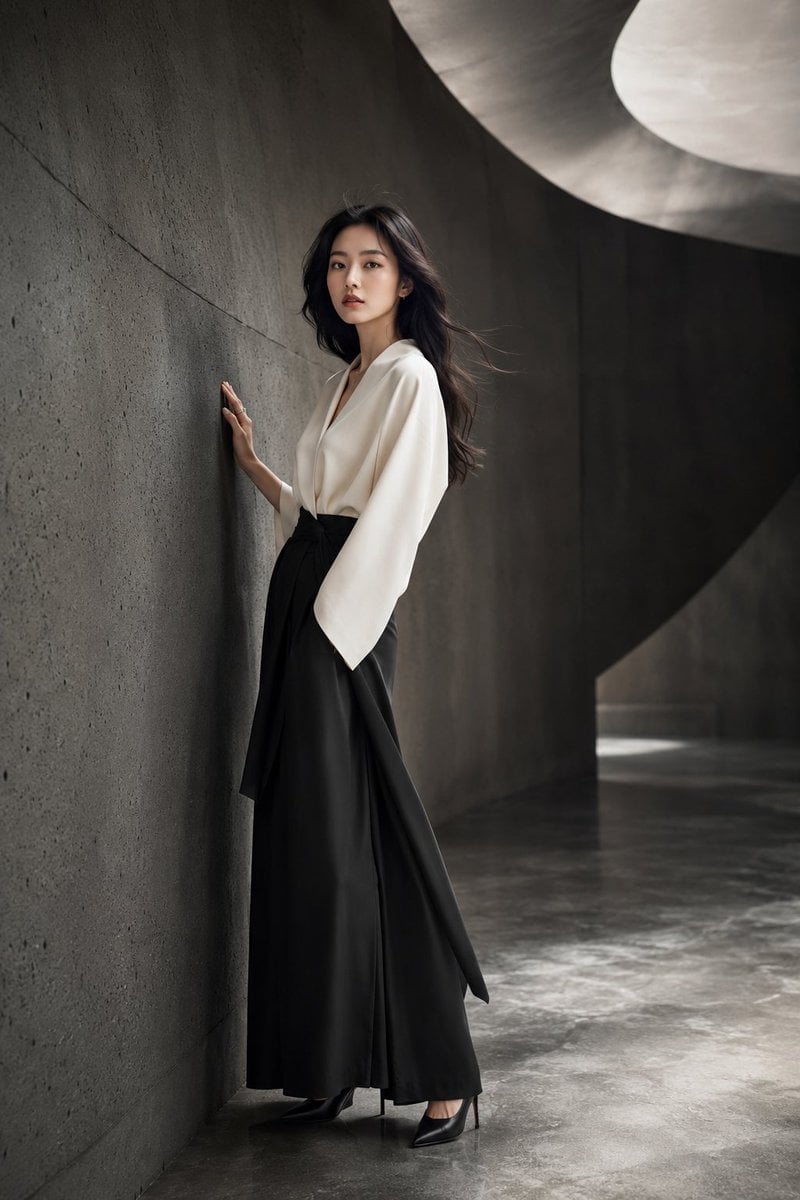
Japanese Minimalist Concrete Studio Fashion Editorial

Blue Backdrop Luxury Fashion Portrait Campaign

Fifa Stadium Fan Portrait Poster

Brazil Passion Power Shot Poster

Argentina Vamos Diagonal Fan Poster

Argentina 10 Celebration Fan Poster
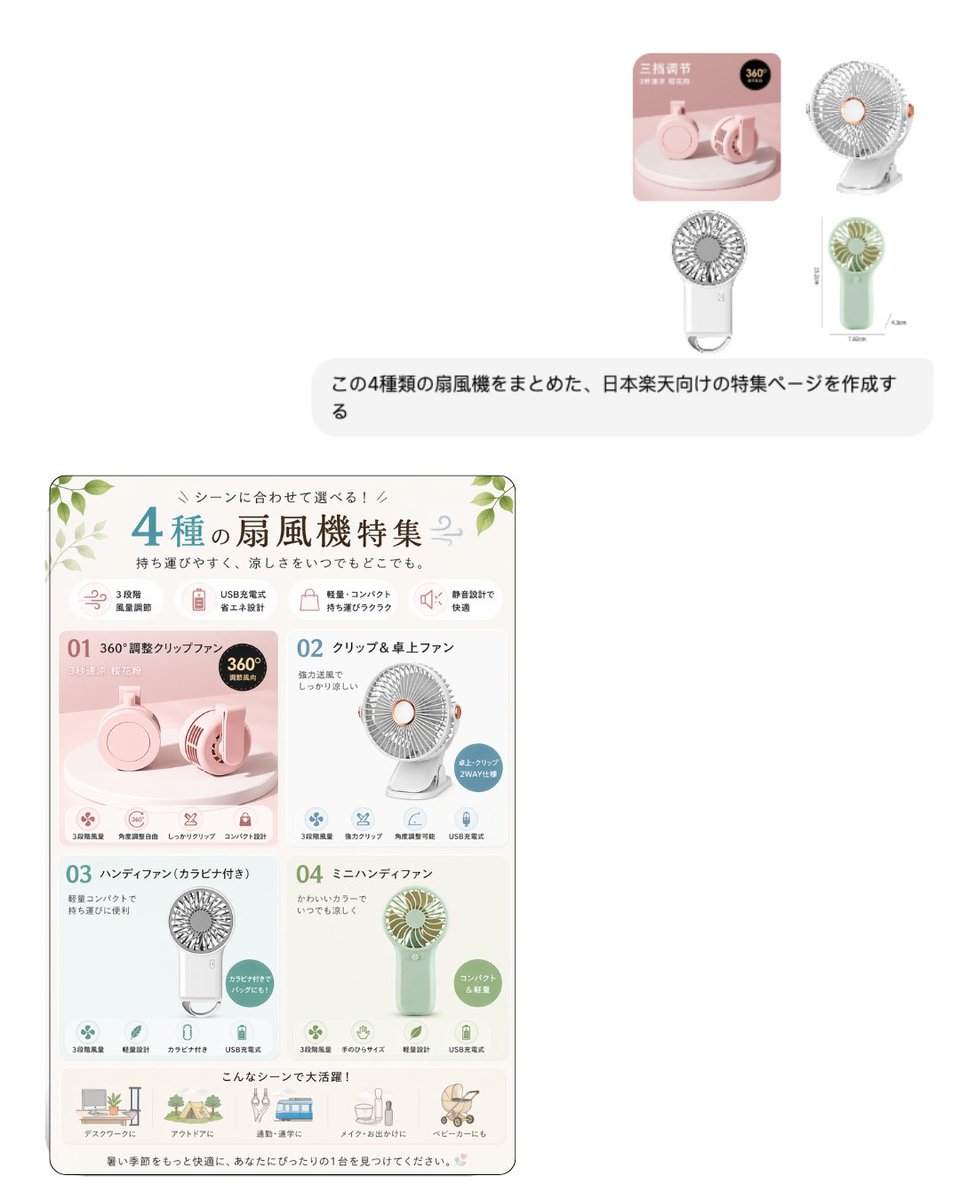
Japanese EC Portable Fan Feature Page
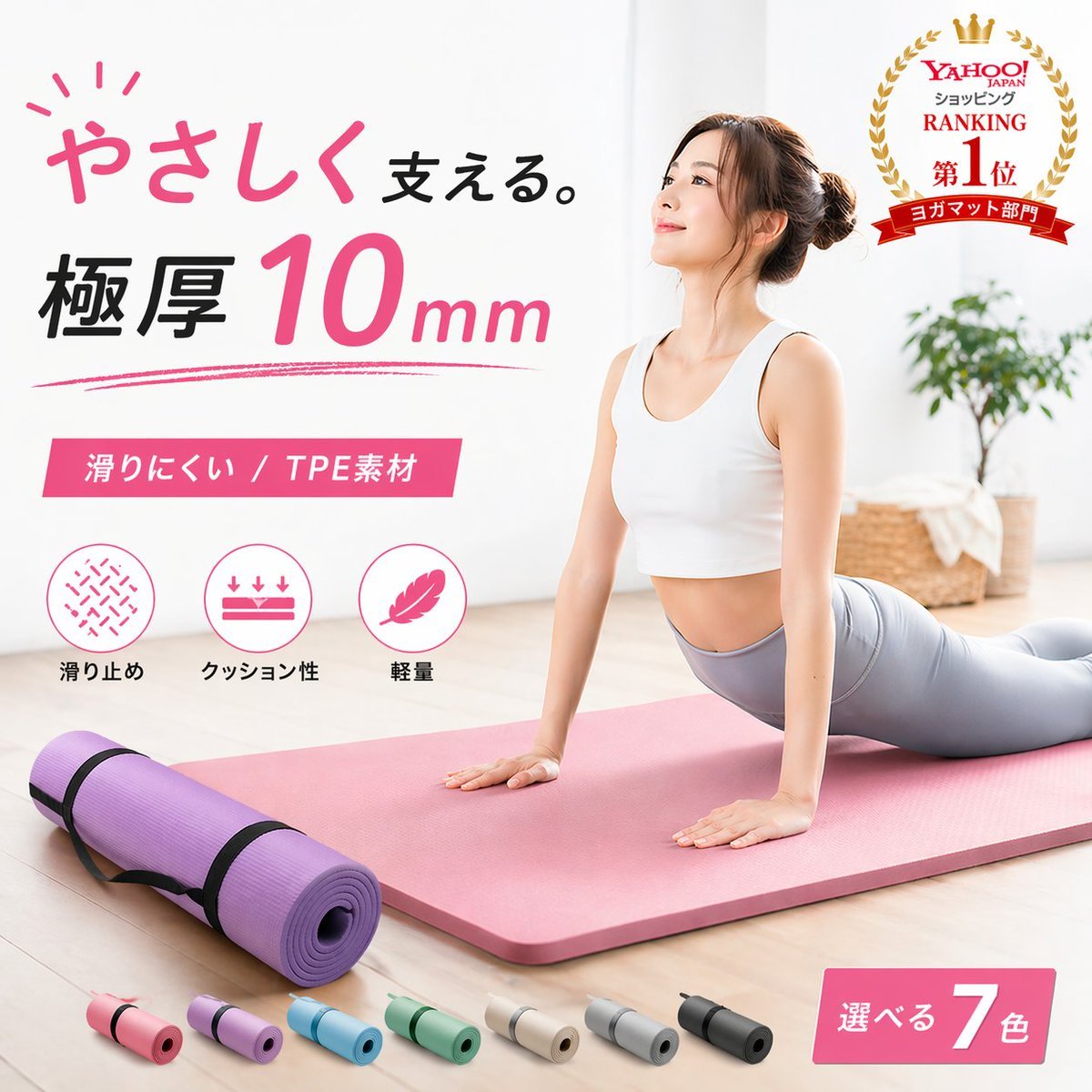
Japanese Yoga Mat E-commerce Ad
Make it yours
Japanese E-commerce Fan Main Image works as-is. These are the safest ways to change it without losing the look.
Swap the setting
Keep the rest of the prompt and replace the location block. The current setting is “#FFFFFF”.
Swap the light
One lighting change is enough to compare takes. Current light: “soft high-key studio lighting, gentle gray shadows, crisp product cutout look”.
Change one field
Copy a single group, rewrite it, and generate again so you can see what that field is doing.
| If the result… | Why | Fix |
|---|---|---|
| The result drifts from the preview | Too many fields changed at once. | Reuse Japanese E-commerce Fan Main Image as-is first, then change one group — subject, light, or setting. |
| GPT Image 2 ignores part of the JSON | Some models flatten or skip nested keys. | Keep the same values and paste them as a short paragraph instead. |
More GPT Image 2 templates
Other prompts made for GPT Image 2.

Six VTuber Japanese Logo Sheet

Realistic Portrait of Woman and Deer

The Vista Modular Condo Poster

AI Model Routing Comparison Infographic

2.5D Anime Art Board

Isometric Productivity Desk Scene

New York Double Exposure Poster

Four-Panel AI Landscape Comparison

Japanese Tatami Lifestyle Magazine Cover

NESCAFÉ Coffee Map Poster
More image prompts
Fresh picks from across the catalog.
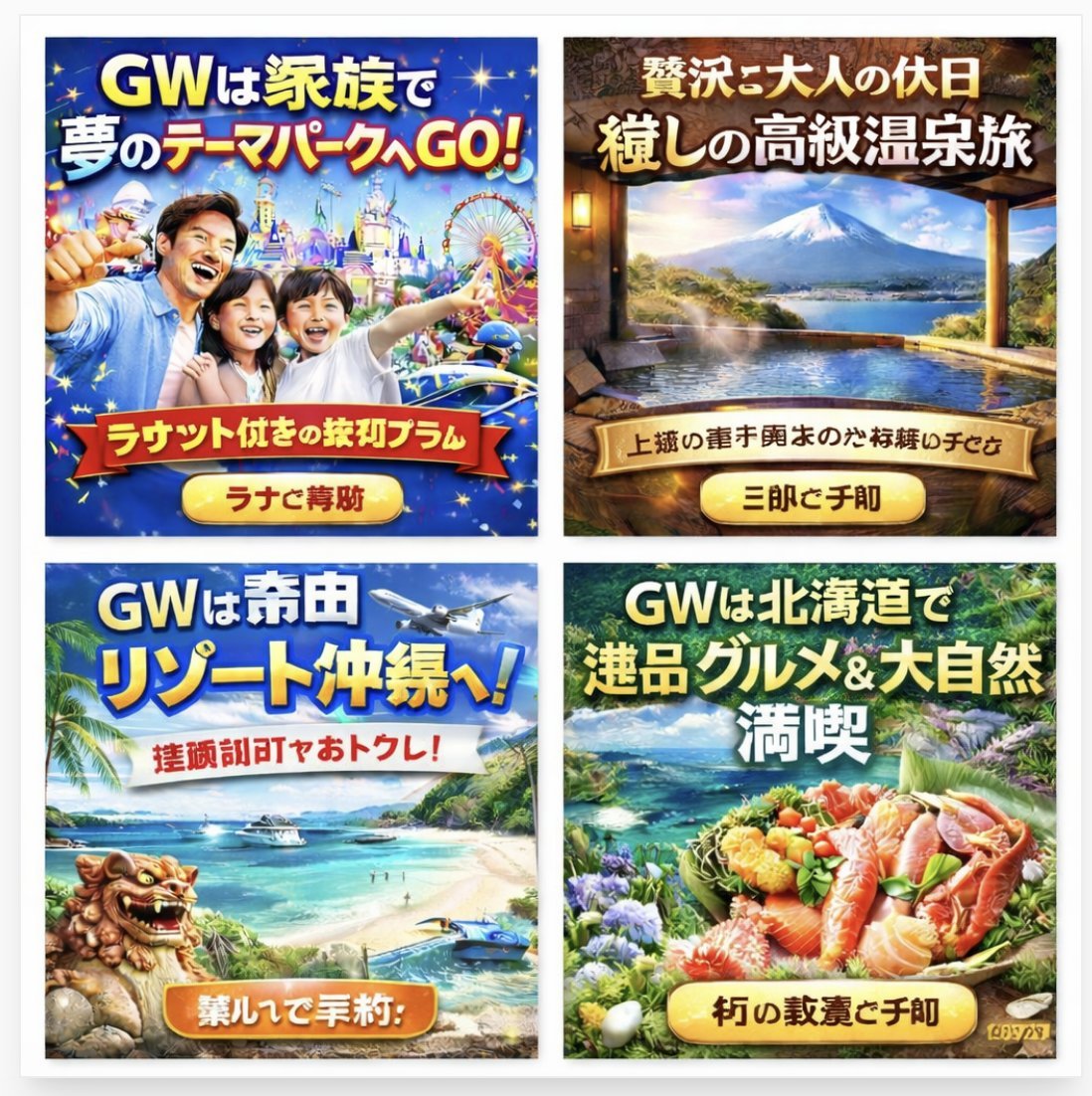
Four Japanese Travel Ad Panels
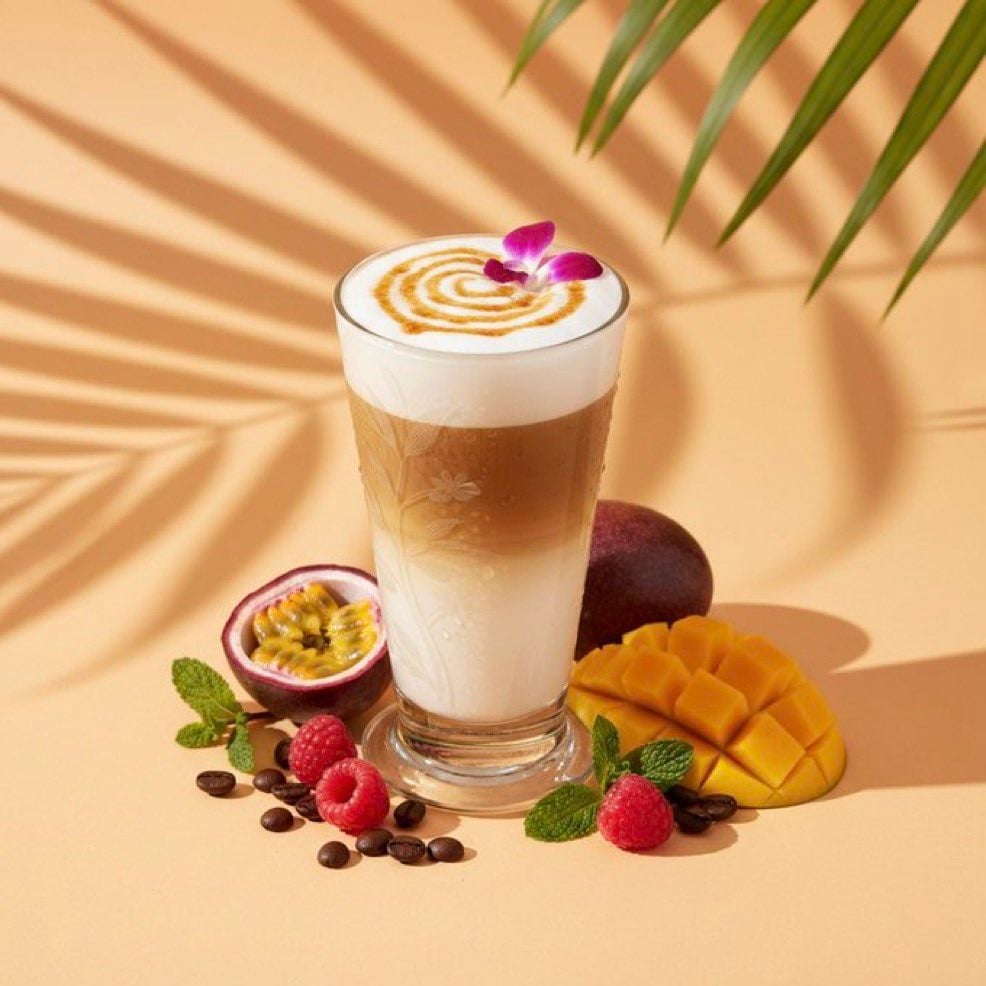
High-end cocktail photography prompt for Nano Banana Pro
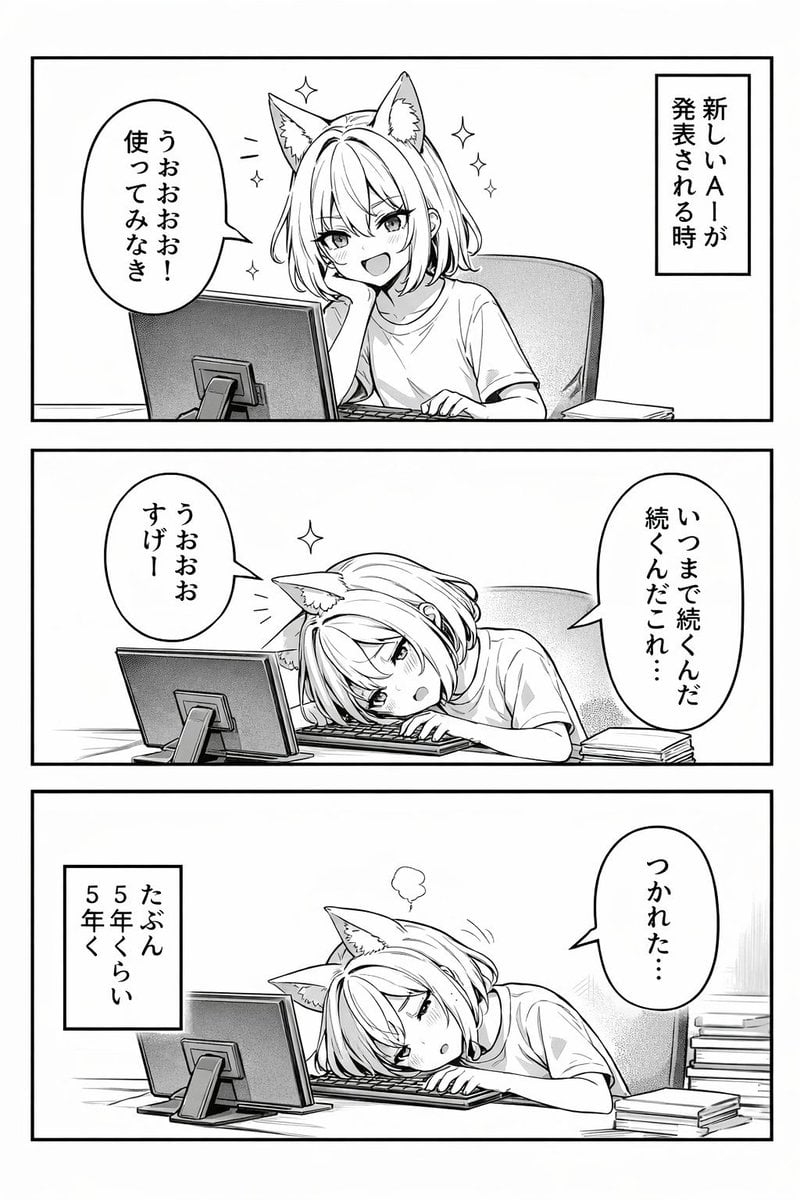
Panel Anime Comic Strip

Pixar-Style Banana Character Animation Prompt

Miniature Metropolis Inside a Vintage Pocket Watch
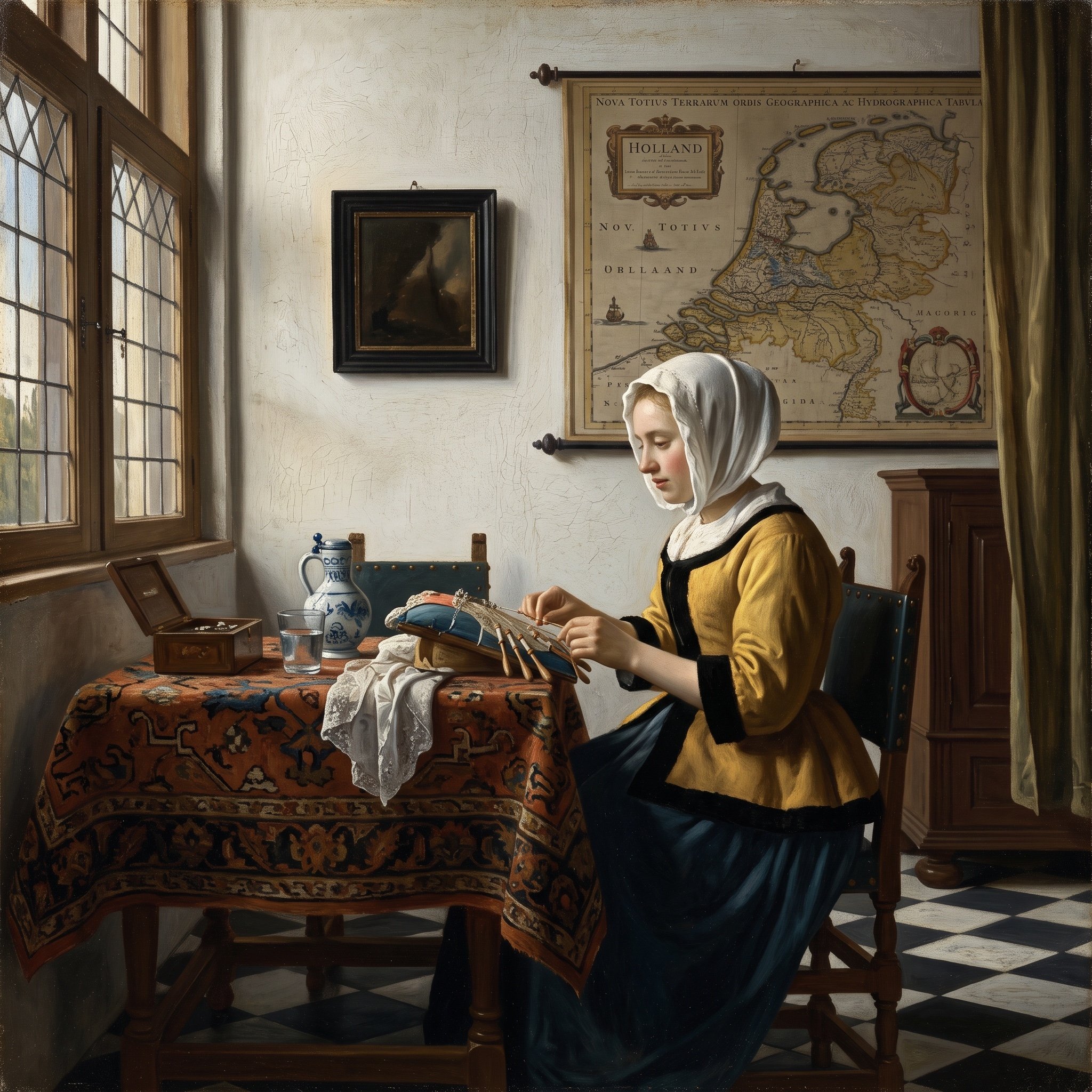
Vermeer Style Image Generation
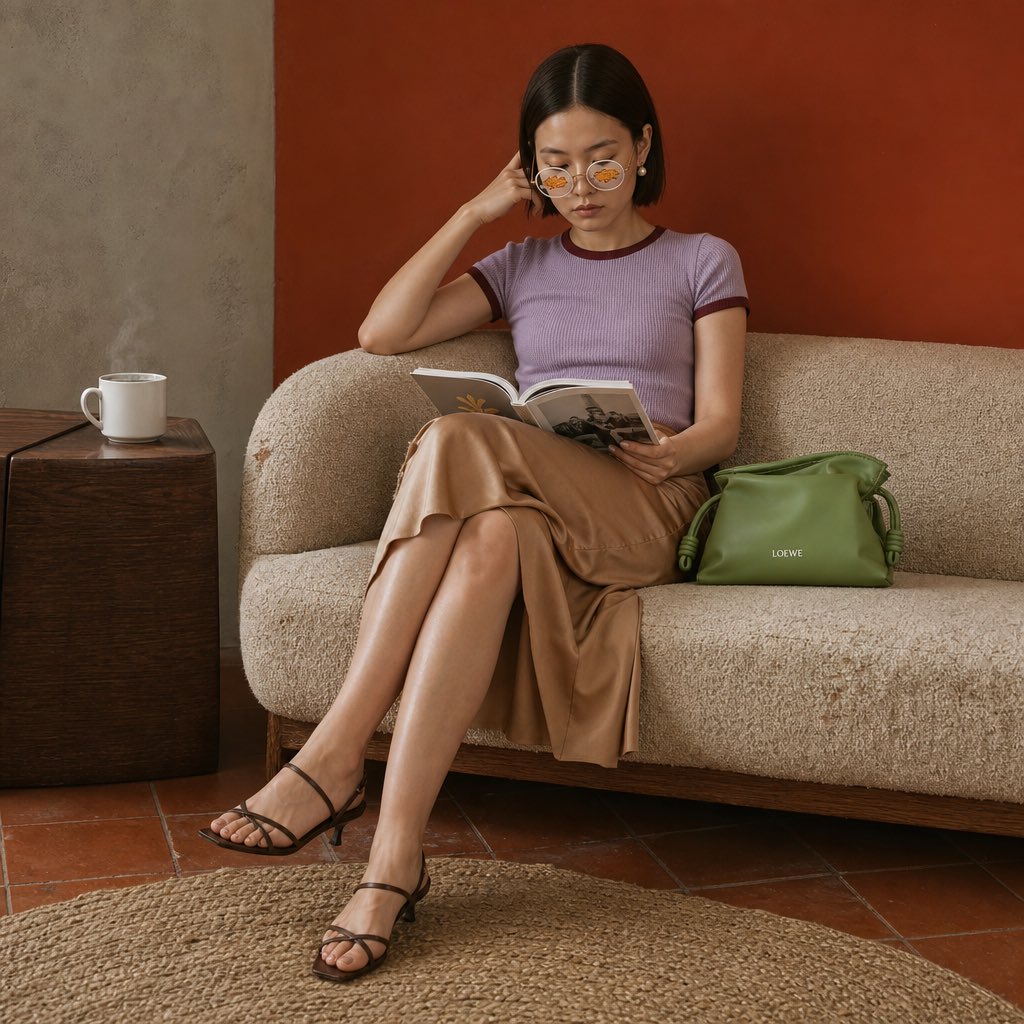
Vintage Sofa Fashion Editorial
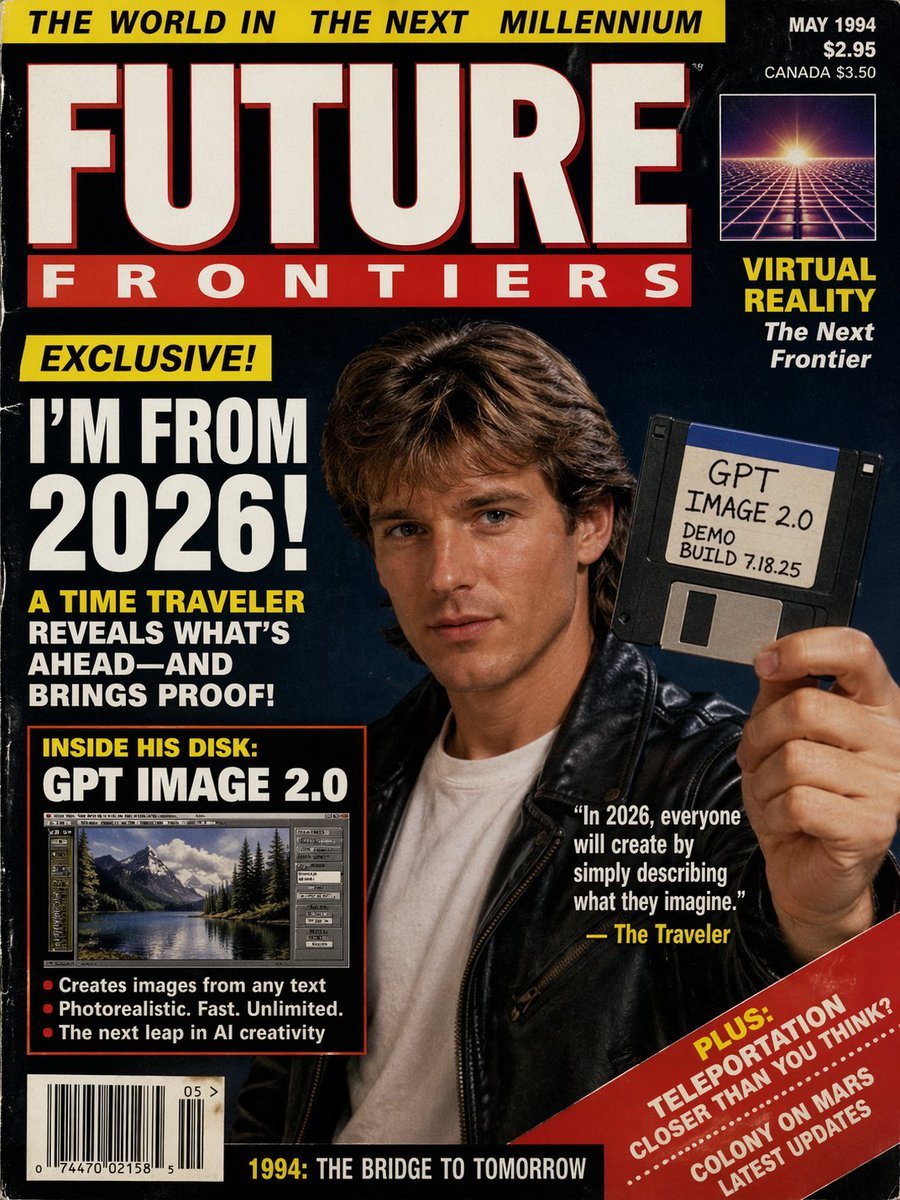
1990s Time Traveler Magazine Cover
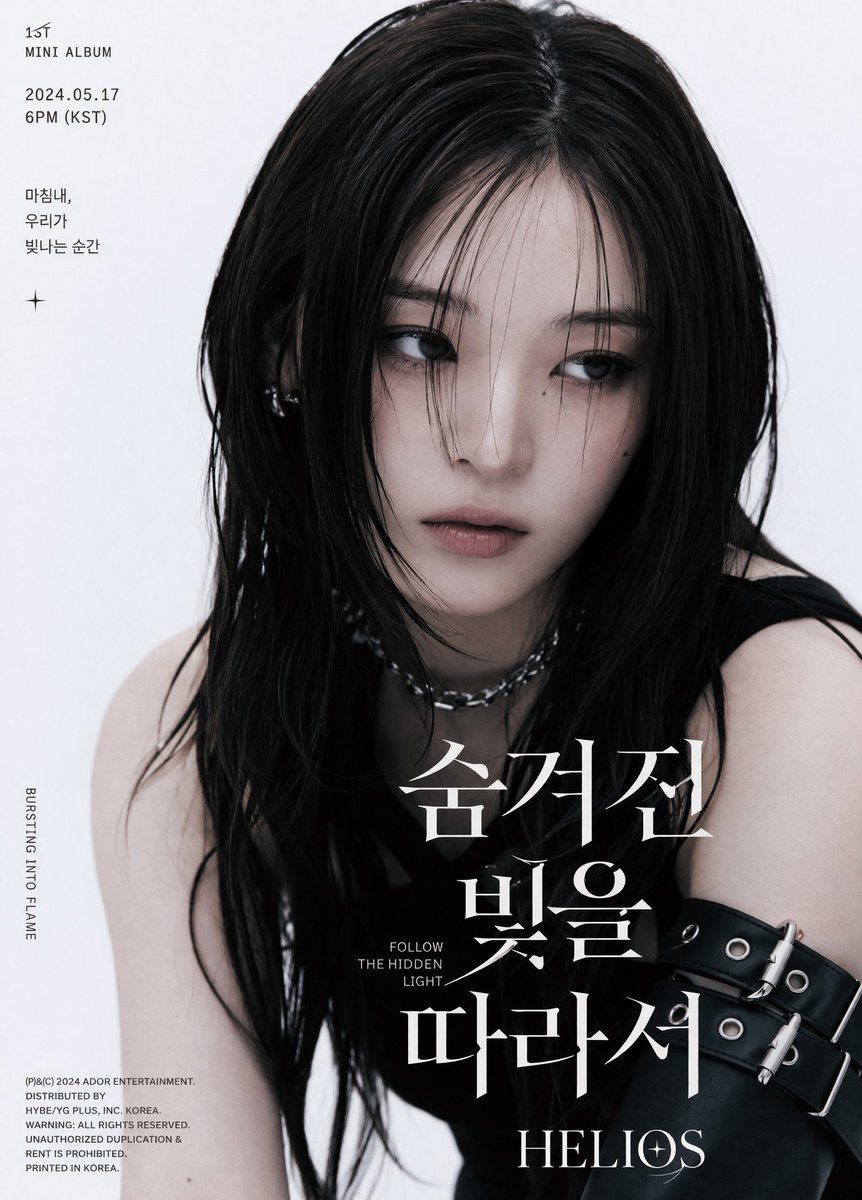
K-Pop Album Teaser Poster
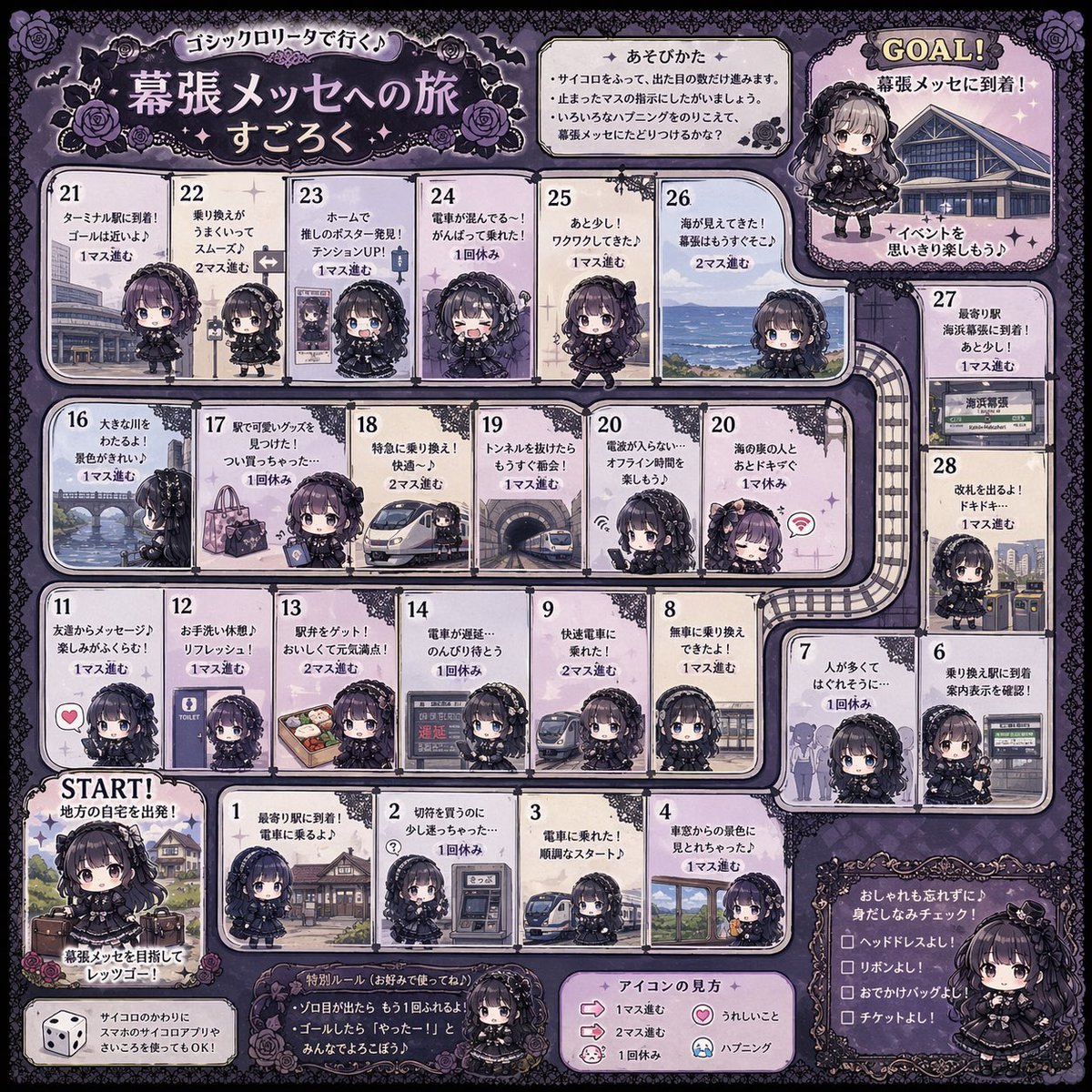
Gothic Lolita board game generator
Browse template categories
Japanese E-commerce Fan Main Image questions
How do I use the Japanese E-commerce Fan Main Image template?
Add your photo if the template asks for one, edit the prompt if you like — the template's model and format are already selected — and press Generate. Your version opens in PicX Studio.
Can I customize the Japanese E-commerce Fan Main Image template?
Yes. You can change the subject, setting, lighting, mood, format, and available model controls before creating your image.
Is the Japanese E-commerce Fan Main Image template free?
Opening and editing this template is free. Generating uses credits, shown on the Generate button when you are signed in.
Which AI model should I use?
Start with GPT Image 2, which is the model associated with this template. You can compare another compatible model for a different finish.
Looking for something else? Browse all templates.

Your photo, any look
Thousands of ready templates for every top image and video model, from one credit balance.