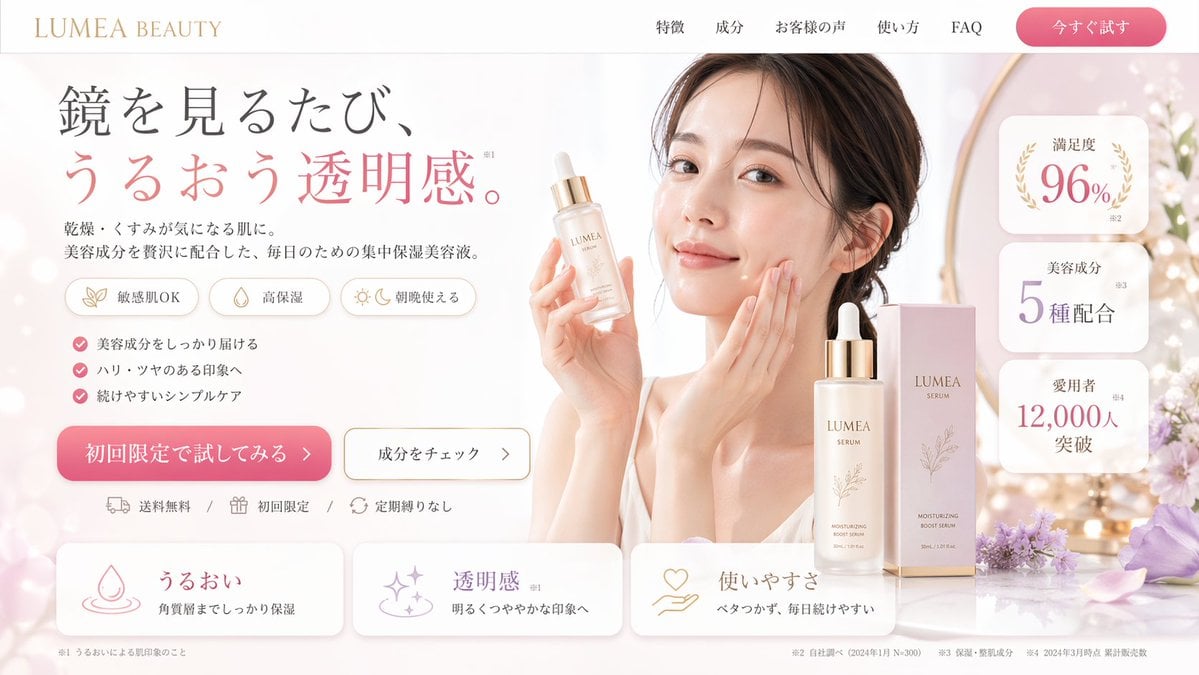
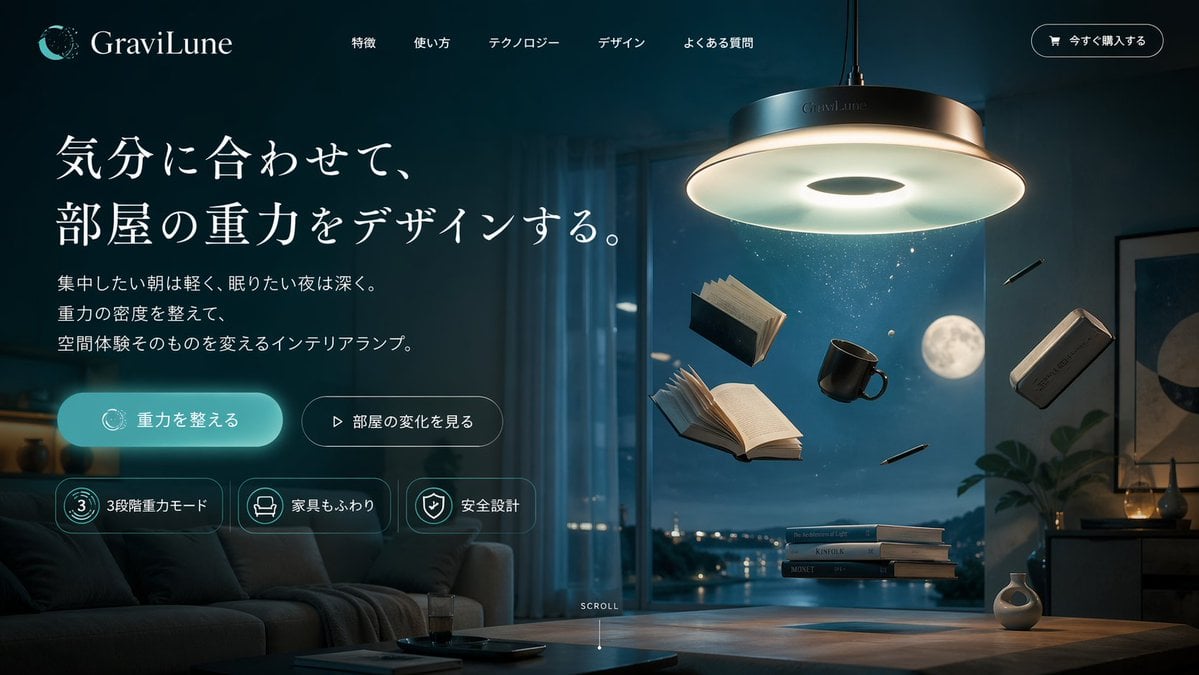
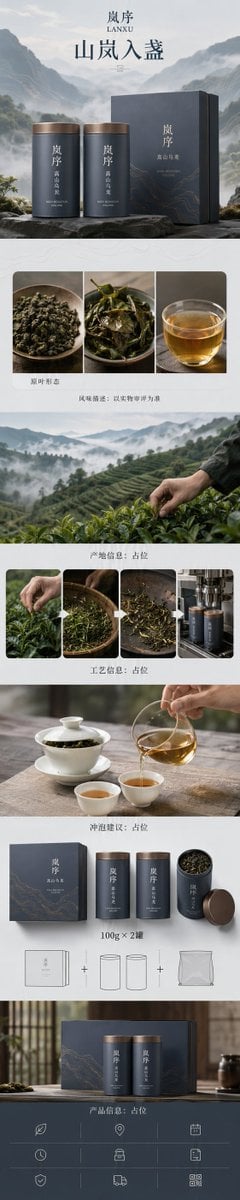
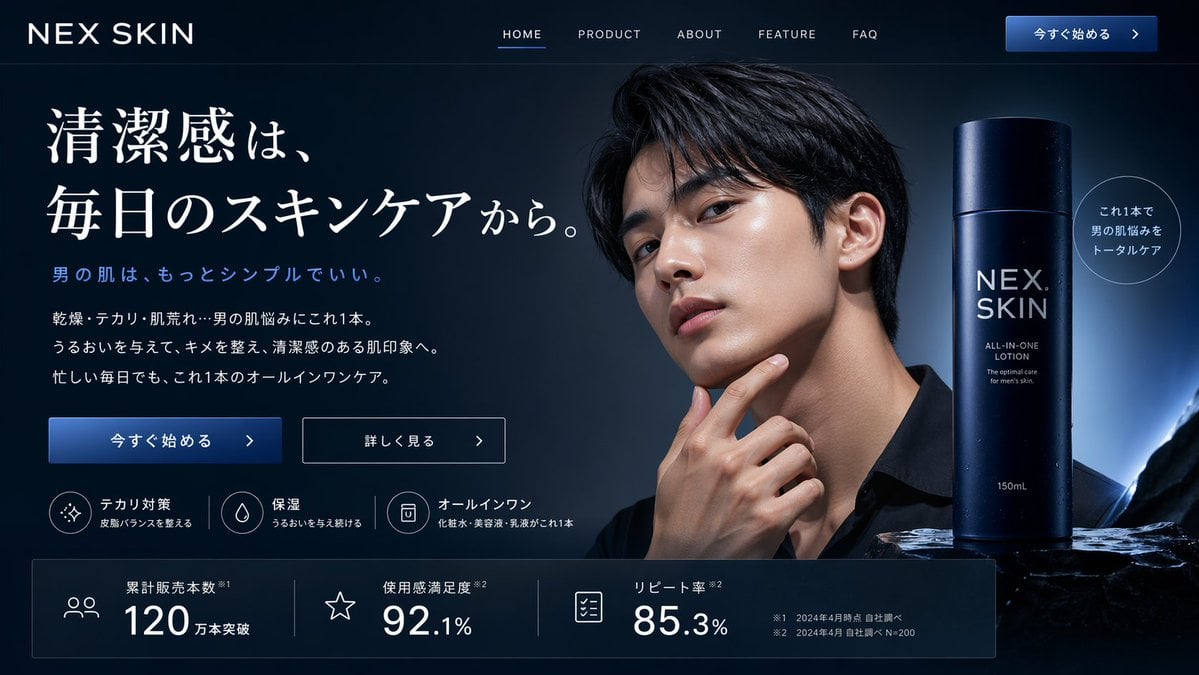
How do I use the Luxury E-Commerce Landing Page Mockup template?
Edit the prompt in the box under the preview — the template's model and format are already selected — and press Generate. Your version appears right on this page.
Generates a full-page UI mockup for a luxury brand website, featuring a hero section, product grid, featured item, and brand story.

This template uses your photo — add one with the + button.
{ "type": "e-commerce landing page mockup", "brand": "{argument name=\"brand name\" default=\"LUMIÈRE\"}", "aesthetic": "{argument name=\"aesthetic\" default=\"luxury, minimalist, elegant, neutral tones\"}", "layout": { "header": { "logo": "{argument name=\"brand name\" default=\"LUMIÈRE\"}", "navigation": ["NEW IN", "HANDBAGS", "JEWELRY", "COLLECTIONS", "MAISON", "ABOUT"], "icons": ["search", "user", "cart"] }, "sections": [ { "name": "Hero", "text": { "headline": "{argument name=\"hero headline\" default=\"Crafted for Timeless Elegance\"}", "subheadline": "Where Artistry Meets Uncompromising Quality.", "button": "DISCOVER THE COLLECTION" }, "imagery": "cream structured handbag with gold clasp on stone plinth, silk scarf with brand name, soft leaf shadows" }, { "name": "Product Grid", "title": "EXPLORE OUR WORLD", "count": 4, "items": [ { "image": "black crocodile handbag on marble", "label": "HANDBAGS", "sublabel": "Discover" }, { "image": "diamond stud earrings on silk", "label": "JEWELRY", "sublabel": "Discover" }, { "image": "classic watch with leather strap on silk", "label": "WATCHES", "sublabel": "Discover" }, { "image": "white candle on gold tray", "label": "MAISON", "sublabel": "Discover" } ] }, { "name": "Featured Product", "layout": "diagonal split", "text": { "kicker": "FEATURED", "title": "{argument name=\"featured product name\" default=\"Le Sac Éternel\"}", "description": "A Statement of Enduring Style.", "link": "EXPLORE NOW" }, "imagery": "black structured handbag with gold clasp on marble surface" }, { "name": "Brand Story", "layout": "two-column", "imagery": "Parisian Haussmann architecture framed by leaves", "text": { "kicker": "THE LUMIÈRE STORY", "headline": "{argument name=\"story headline\" default=\"Heritage. Craftsmanship. Vision.\"}", "body": "Born in the heart of Paris, Lumière has been a symbol of refined luxury for generations. Our creations are crafted by master artisans, blending timeless design with unparalleled attention to detail.", "link": "DISCOVER OUR STORY", "watermark": "faint circular L logo" } }, { "name": "Trust Bar", "count": 4, "items": [ { "icon": "diamond", "title": "EXCEPTIONAL QUALITY", "subtitle": "Meticulous Craftsmanship" }, { "icon": "truck", "title": "COMPLIMENTARY DELIVERY", "subtitle": "Insured & Signature Required" }, { "icon": "gift box", "title": "EXCLUSIVE SERVICES", "subtitle": "Personal Shopping & Care" }, { "icon": "headset", "title": "CLIENT SERVICE", "subtitle": "+33 1 42 86 95 28" } ] } ] } }
Edit the prompt in the box under the preview — the template's model and format are already selected — and press Generate. Your version appears right on this page.
Yes. You can change the subject, setting, lighting, mood, format, and available model controls before creating your image.
Opening and editing this template is free. Generating uses credits, shown on the Generate button when you are signed in.
Start with GPT Image 2, which is the model associated with this template. You can compare another compatible model for a different finish.
Follow a topic to a crawlable collection of related PicX Studio templates.