
Men's Skincare Website Landing Page Mockup
Generates a sleek, dark-themed e-commerce landing page mockup for a men's skincare product, featuring a model, product shot, and feature statistics.
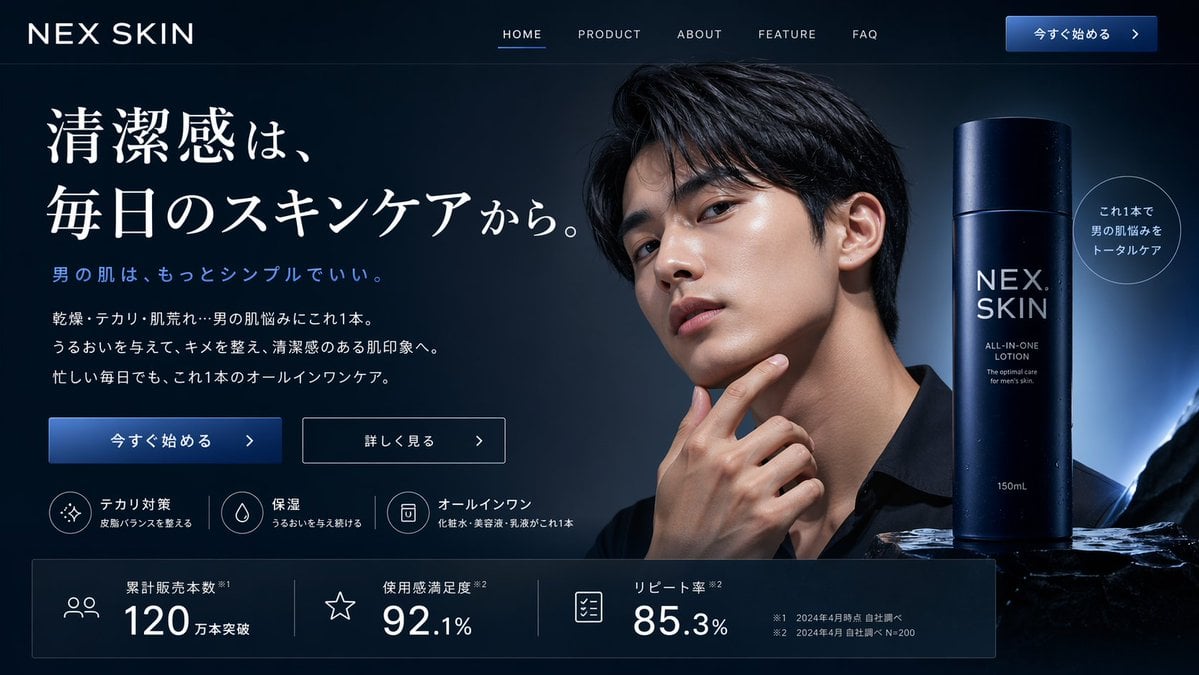
- Prompt included
- Model and format preset
- Free template
The prompt behind this image
Copy the exact prompt behind Men's Skincare Website Landing Page Mockup, or open it in the studio and make it yours.
- Type
- website landing page mockup
- Theme
- men's skincare, sleek, professional, dark mode
- Color Palette
- {argument name="color scheme" default="dark navy blue"}, white text, subtle blue gradients
- Header › Logo
- {argument name="brand name" default="NEX SKIN"}
- Header › Navigation
- HOME, PRODUCT, ABOUT, FEATURE, FAQ
- Header › Cta Button
- 今すぐ始める >
- Hero Section › Left Column › Headline
- {argument name="main headline" default="清潔感は、毎日のスキンケアから。"}
- Hero Section › Left Column › Sub Headline
- 男の肌は、もっとシンプルでいい。
- Hero Section › Left Column › Body Text
- 3 lines of descriptive text about skincare benefits
- Hero Section › Left Column › Buttons › 0 › Style
- solid blue
- Hero Section › Left Column › Buttons › 0 › Text
- 今すぐ始める >
- Hero Section › Left Column › Buttons › 1 › Style
- outlined
- Hero Section › Left Column › Buttons › 1 › Text
- 詳しく見る >
- Hero Section › Left Column › Feature Highlights › Count
- 3
- Hero Section › Left Column › Feature Highlights › Items › 0 › Icon
- sparkle
- Hero Section › Left Column › Feature Highlights › Items › 0 › Title
- テカリ対策
- Hero Section › Left Column › Feature Highlights › Items › 0 › Subtitle
- 皮脂バランスを整える
- Hero Section › Left Column › Feature Highlights › Items › 1 › Icon
- water drop
- Hero Section › Left Column › Feature Highlights › Items › 1 › Title
- 保湿
- Hero Section › Left Column › Feature Highlights › Items › 1 › Subtitle
- うるおいを与え続ける
- Hero Section › Left Column › Feature Highlights › Items › 2 › Icon
- shield/bottle
- Hero Section › Left Column › Feature Highlights › Items › 2 › Title
- オールインワン
- Hero Section › Left Column › Feature Highlights › Items › 2 › Subtitle
- 化粧水・美容液・乳液がこれ1本
- Hero Section › Center Image › Subject
- handsome {argument name="target demographic" default="young Asian man"}
Raw JSON
{
  "type": "website landing page mockup",
  "theme": "men's skincare, sleek, professional, dark mode",
  "color_palette": "{argument name=\"color scheme\" default=\"dark navy blue\"}, white text, subtle blue gradients",
  "header": {
    "logo": "{argument name=\"brand name\" default=\"NEX SKIN\"}",
    "navigation": ["HOME", "PRODUCT", "ABOUT", "FEATURE", "FAQ"],
    "cta_button": "今すぐ始める >"
  },
  "hero_section": {
    "left_column": {
      "headline": "{argument name=\"main headline\" default=\"清潔感は、毎日のスキンケアから。\"}",
      "sub_headline": "男の肌は、もっとシンプルでいい。",
      "body_text": "3 lines of descriptive text about skincare benefits",
      "buttons": [
        {"style": "solid blue", "text": "今すぐ始める >"},
        {"style": "outlined", "text": "詳しく見る >"}
      ],
      "feature_highlights": {
        "count": 3,
        "items": [
          {"icon": "sparkle", "title": "テカリ対策", "subtitle": "皮脂バランスを整える"},
          {"icon": "water drop", "title": "保湿", "subtitle": "うるおいを与え続ける"},
          {"icon": "shield/bottle", "title": "オールインワン", "subtitle": "化粧水・美容液・乳液がこれ1本"}
        ]
      }
    },
    "center_image": {
      "subject": "handsome {argument name=\"target demographic\" default=\"young Asian man\"}",
      "appearance": "clean-cut, dark hair, flawless glowing skin, wearing a black shirt",
      "pose": "hand touching chin thoughtfully",
      "lighting": "dramatic studio lighting highlighting facial structure"
    },
    "right_column": {
      "product_shot": {
        "bottle": "tall cylindrical dark blue bottle with water droplets",
        "labels": ["{argument name=\"brand name\" default=\"NEX SKIN\"}", "{argument name=\"product type\" default=\"ALL-IN-ONE LOTION\"}", "150mL"],
        "base": "textured dark rock surface",
        "badge": "circular outlined badge reading 'これ1本で男の肌悩みをトータルケア'"
      }
    }
  },
  "bottom_stats_bar": {
    "count": 3,
    "items": [
      {"icon": "users", "label": "累計販売本数", "value": "120万本突破"},
      {"icon": "star", "label": "使用感満足度", "value": "92.1%"},
      {"icon": "checklist", "label": "リピート率", "value": "85.3%"}
    ],
    "footnotes": "small legal text on the right"
  }
}How to use Men's Skincare Website Landing Page Mockup in 3 steps
- 1Upload ImagePNG, JPG or paste
Add your photo
Upload the photo the template builds on. The prompt, model and format are already set.
- 2…a portrait of your subject in softgolden-hour light, 85mm…
Personalize
Edit the subject and creative details for your destination.
- 3Generate
Generate
Press Generate — your image is created in PicX Studio, so you can compare it with the original and refine one variable at a time.
More like this
Templates with the same subject, style or setup. Open one to see its prompt.
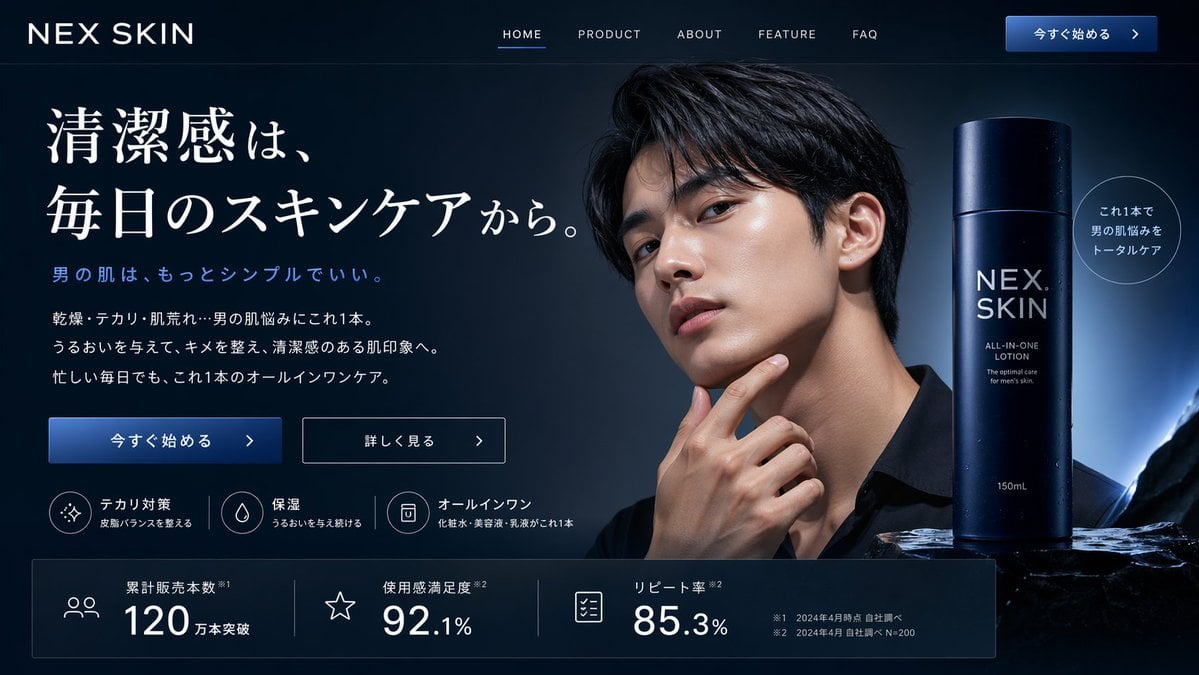
Men's Skincare Landing Page Mockup
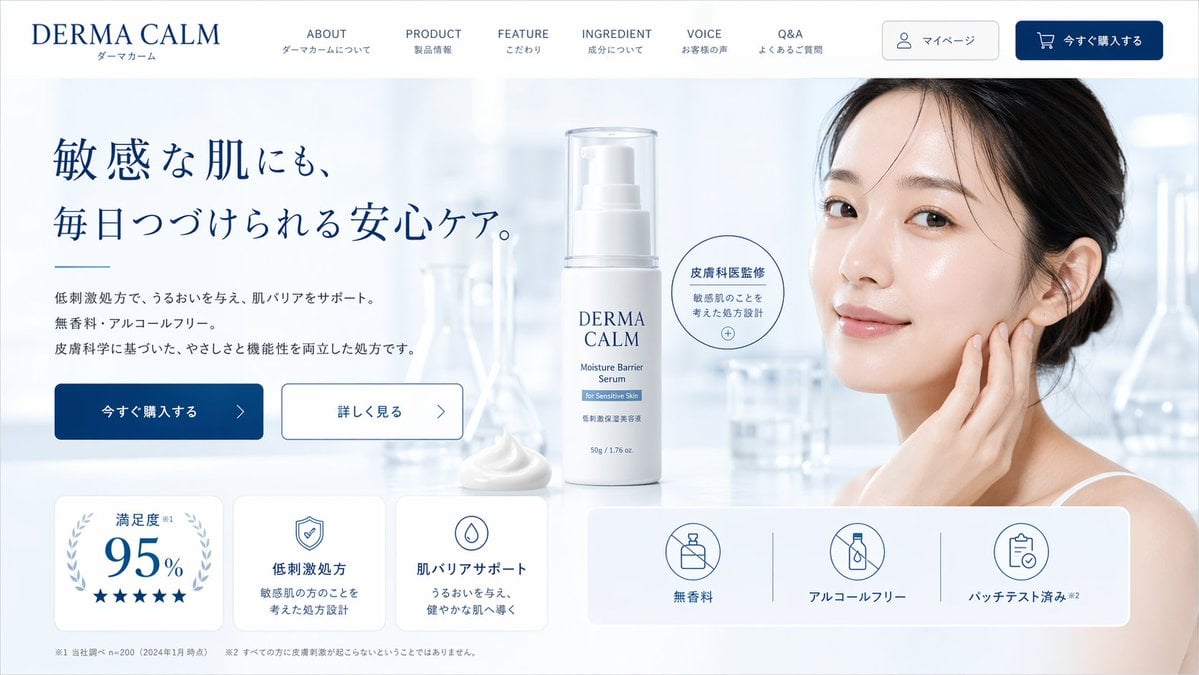
Skincare E-commerce Landing Page Mockup
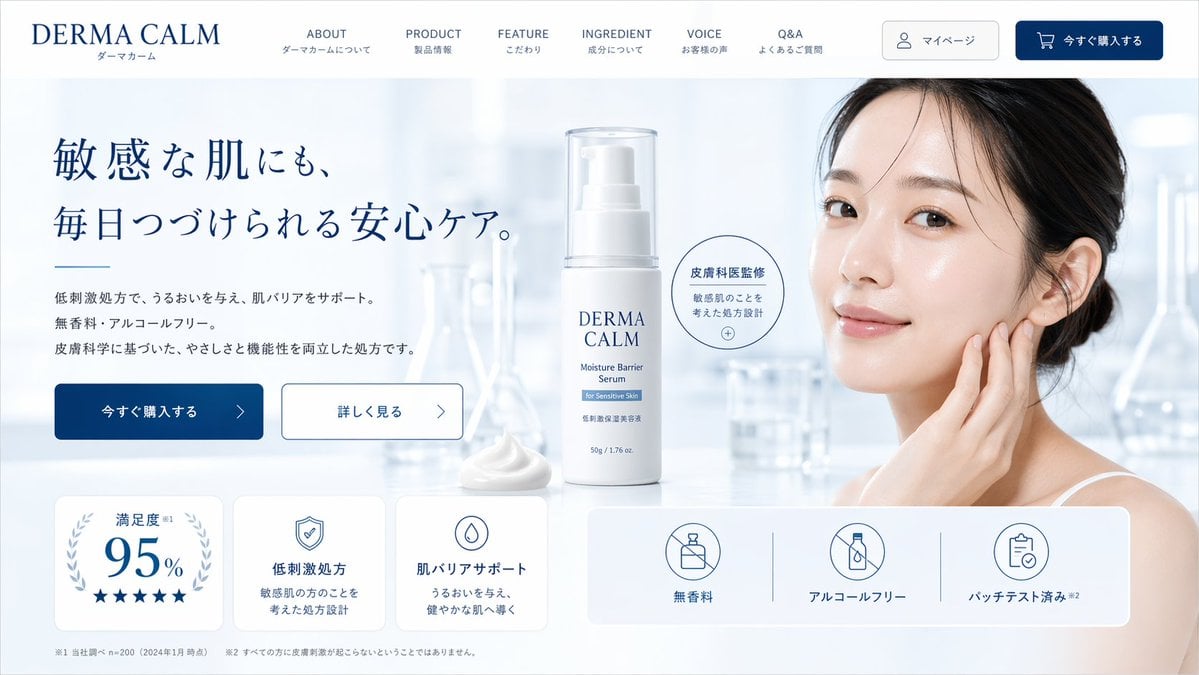
Skincare Landing Page Mockup
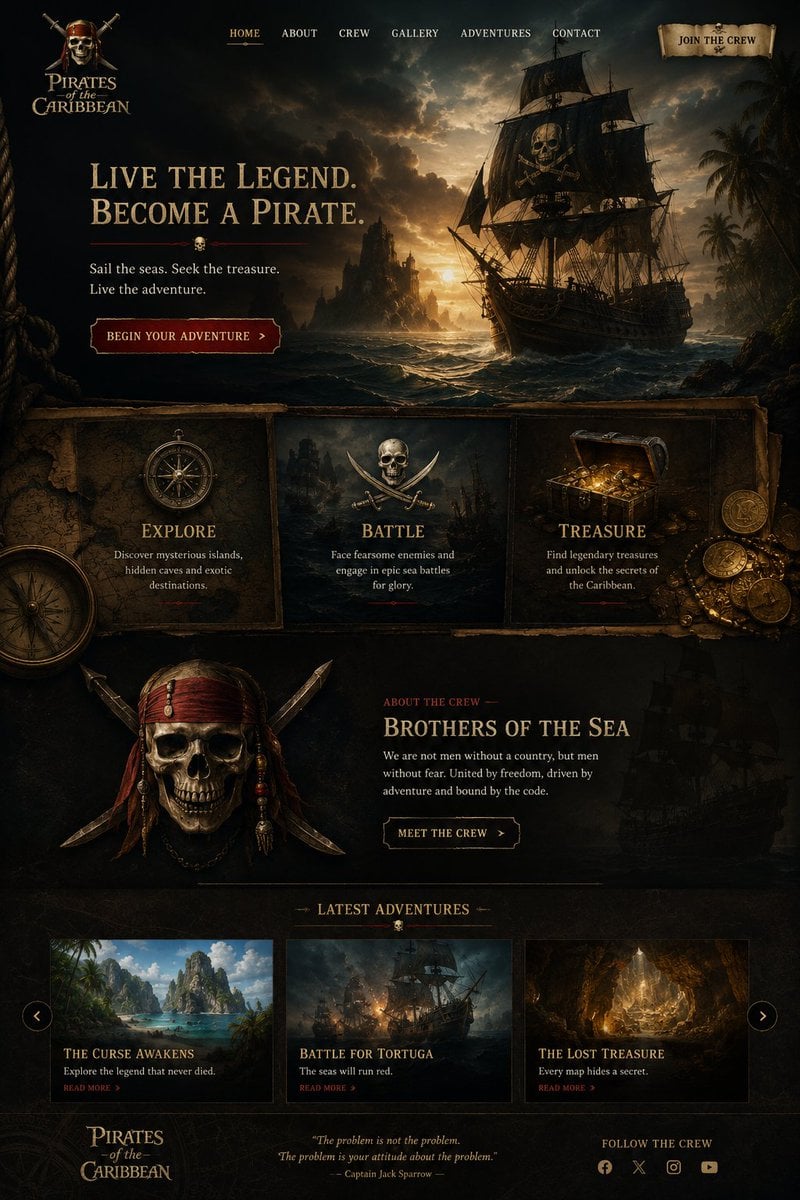
Cinematic Pirate Website Landing Page

Luxury E-Commerce Landing Page Mockup
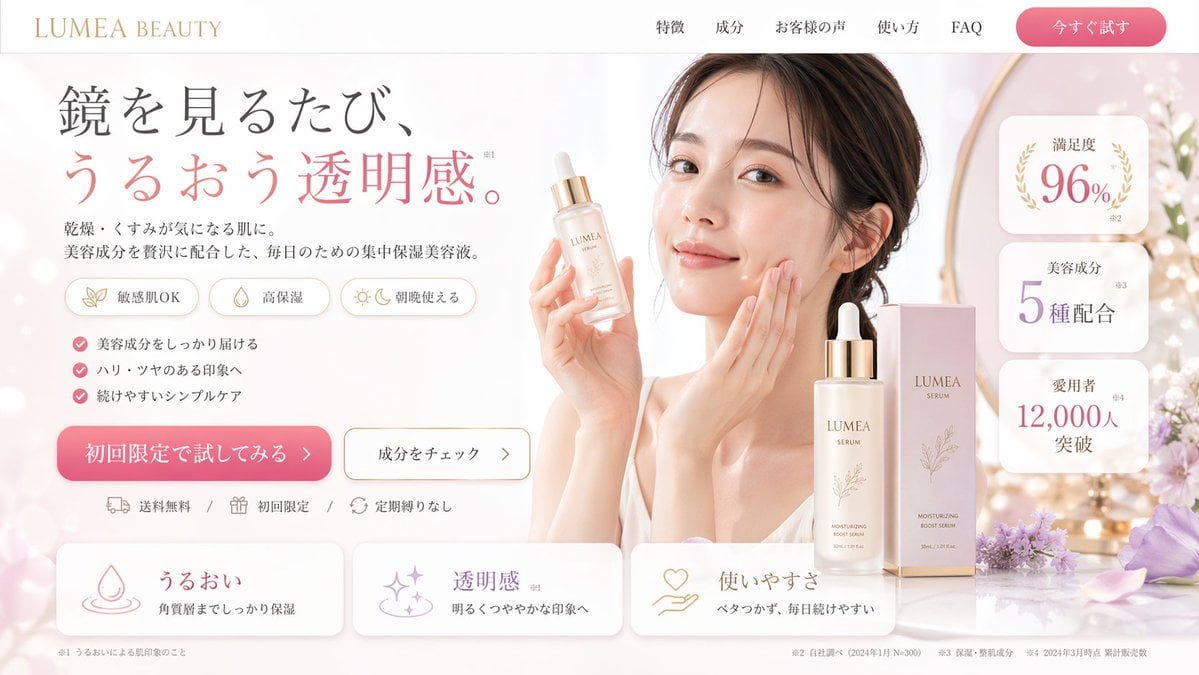
Beauty Product Landing Page Mockup
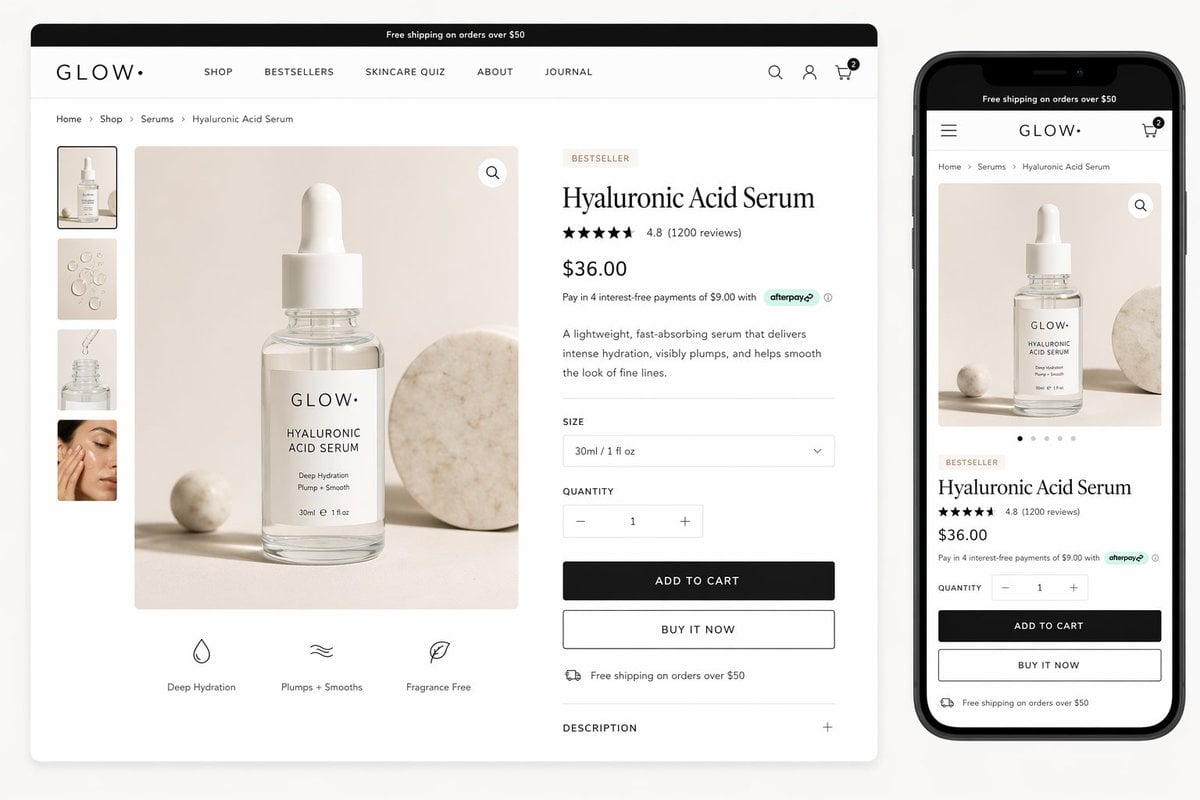
Luxury Skincare Product Page Mockup
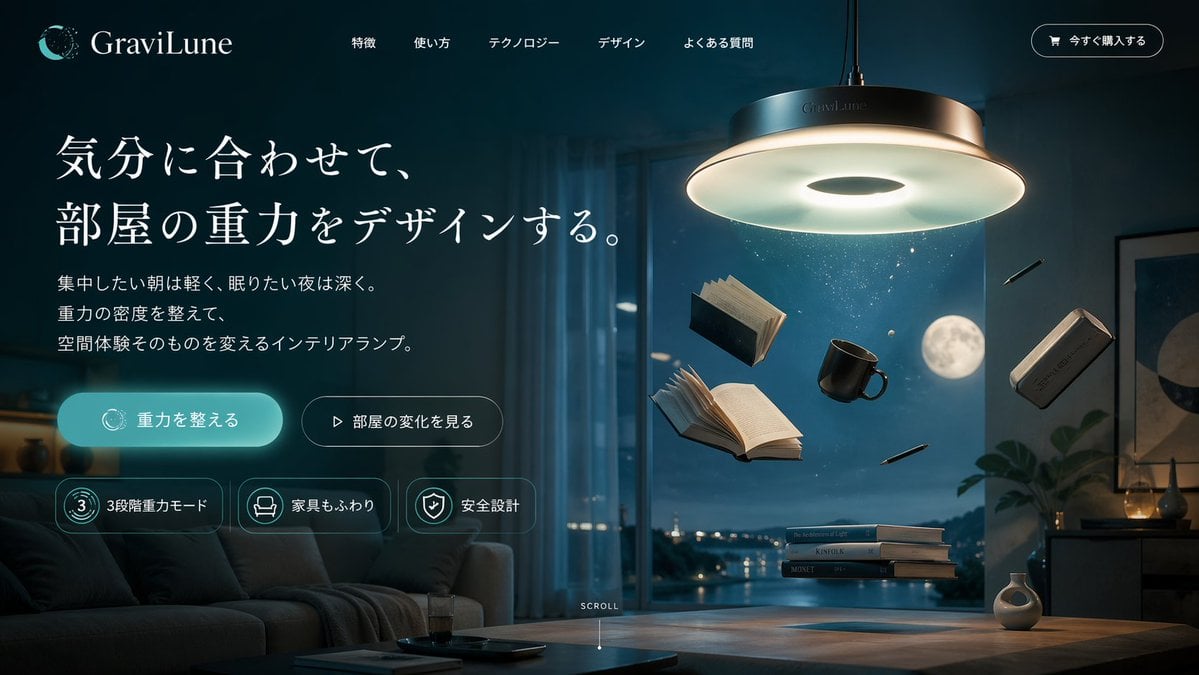
Anti-Gravity Lamp Landing Page Mockup
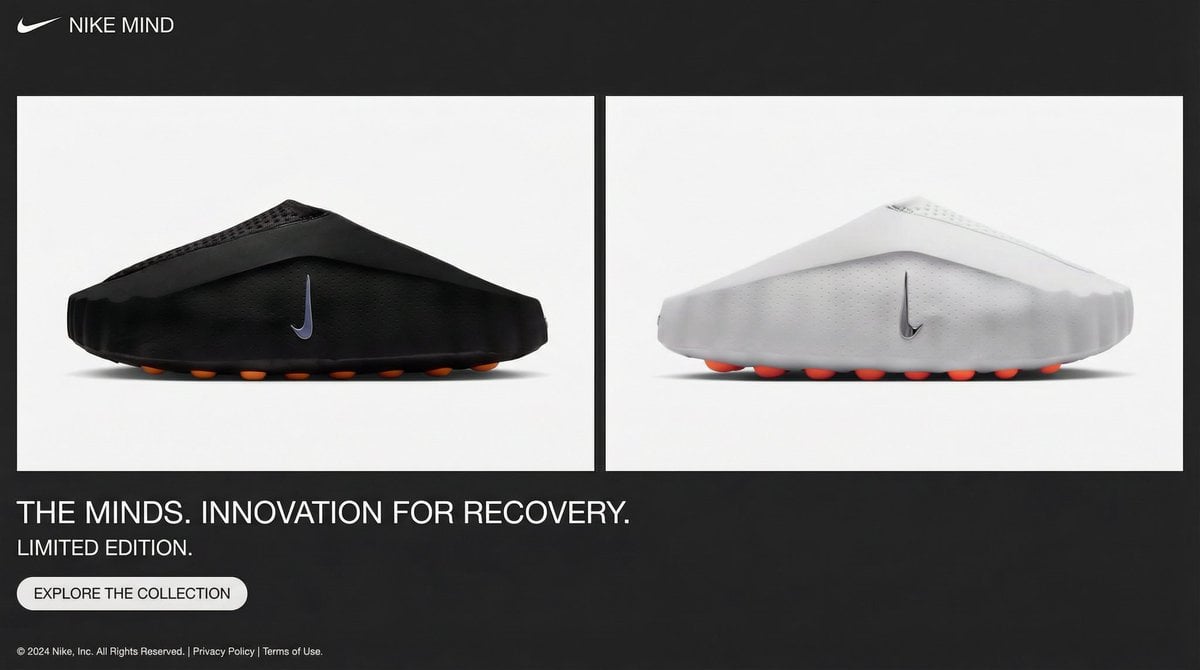
Minimalistic Premium Website Landing Page Prompt
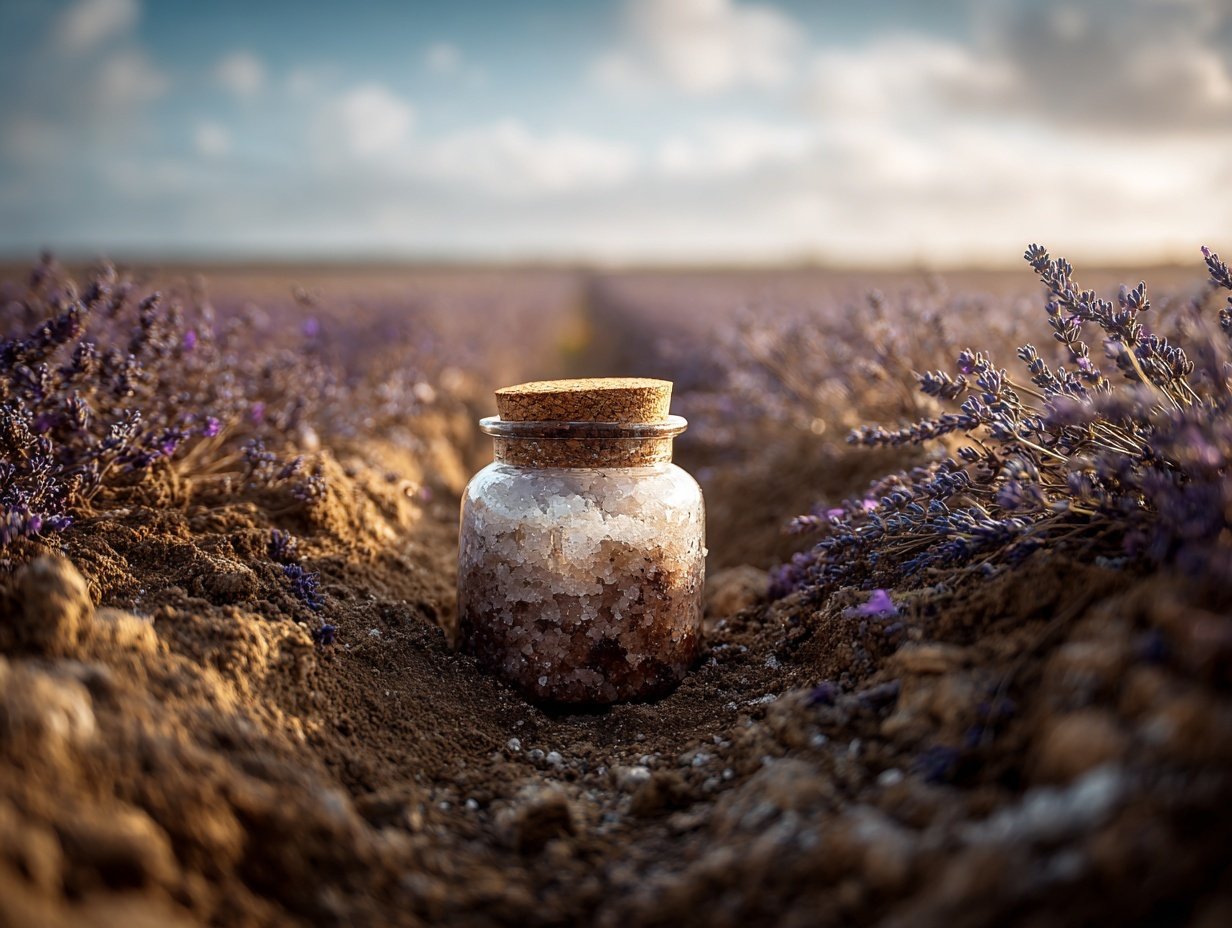
Product Elemental Lifestyle - Midjourney v7/v8
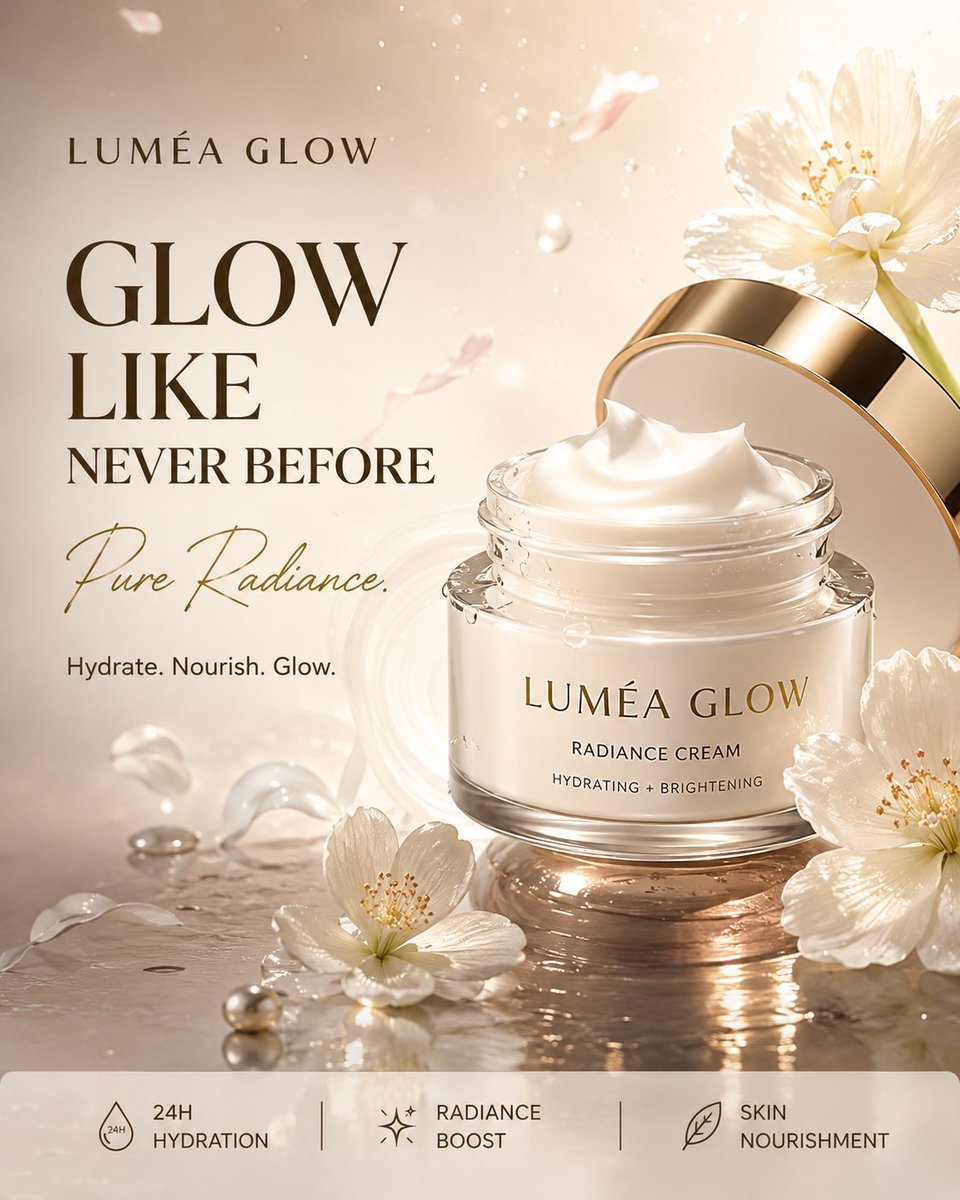
Luxury Skincare Product Advertisement
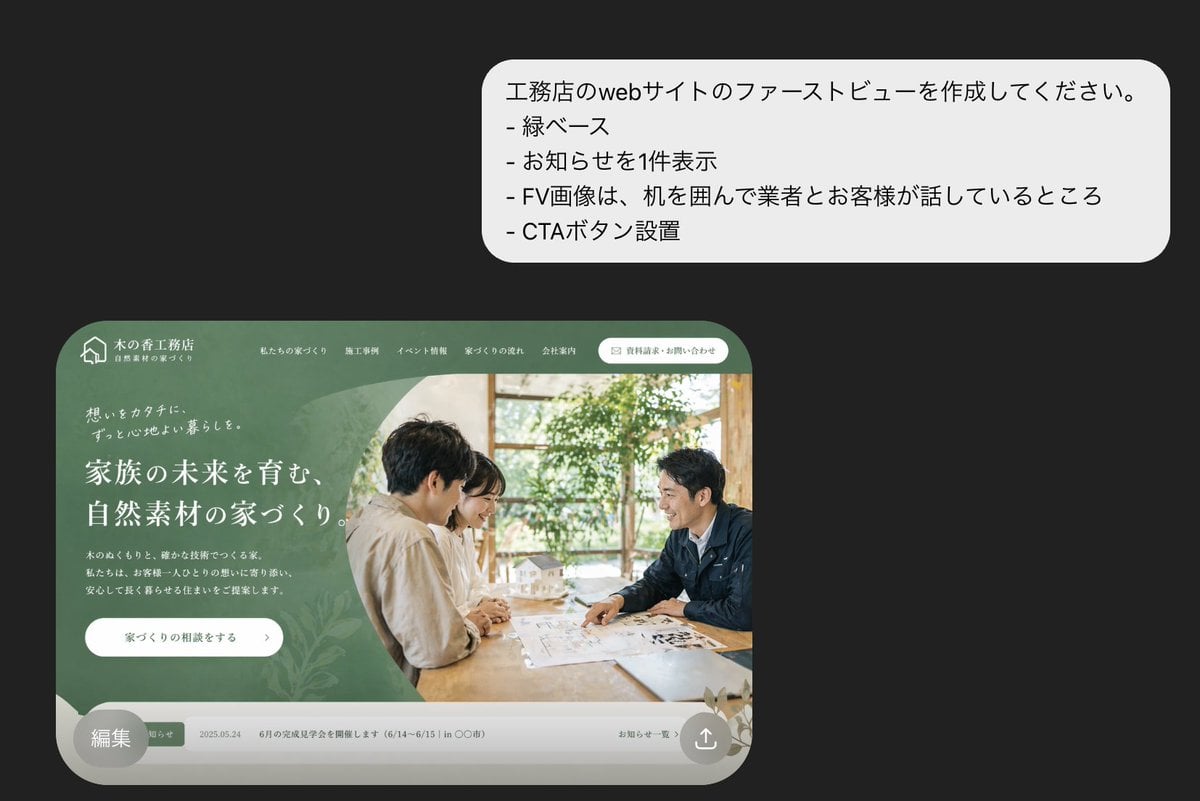
Japanese Builder Website Hero Mockup
Make it yours
Men's Skincare Website Landing Page Mockup works as-is. These are the safest ways to change it without losing the look.
Swap the light
One lighting change is enough to compare takes. Current light: “3”.
Change one field
Copy a single group, rewrite it, and generate again so you can see what that field is doing.
Keep the frame, change the subject
Hold the composition and light of Men's Skincare Website Landing Page Mockup, then swap wardrobe, props or the person for a new take.
| If the result… | Why | Fix |
|---|---|---|
| The result drifts from the preview | Too many fields changed at once. | Reuse Men's Skincare Website Landing Page Mockup as-is first, then change one group — subject, light, or setting. |
| GPT Image 2 ignores part of the JSON | Some models flatten or skip nested keys. | Keep the same values and paste them as a short paragraph instead. |
More GPT Image 2 templates
Other prompts made for GPT Image 2.

Six VTuber Japanese Logo Sheet

Realistic Portrait of Woman and Deer

The Vista Modular Condo Poster

AI Model Routing Comparison Infographic

2.5D Anime Art Board

Isometric Productivity Desk Scene

New York Double Exposure Poster

Four-Panel AI Landscape Comparison

Japanese Tatami Lifestyle Magazine Cover

NESCAFÉ Coffee Map Poster
More image prompts
Fresh picks from across the catalog.
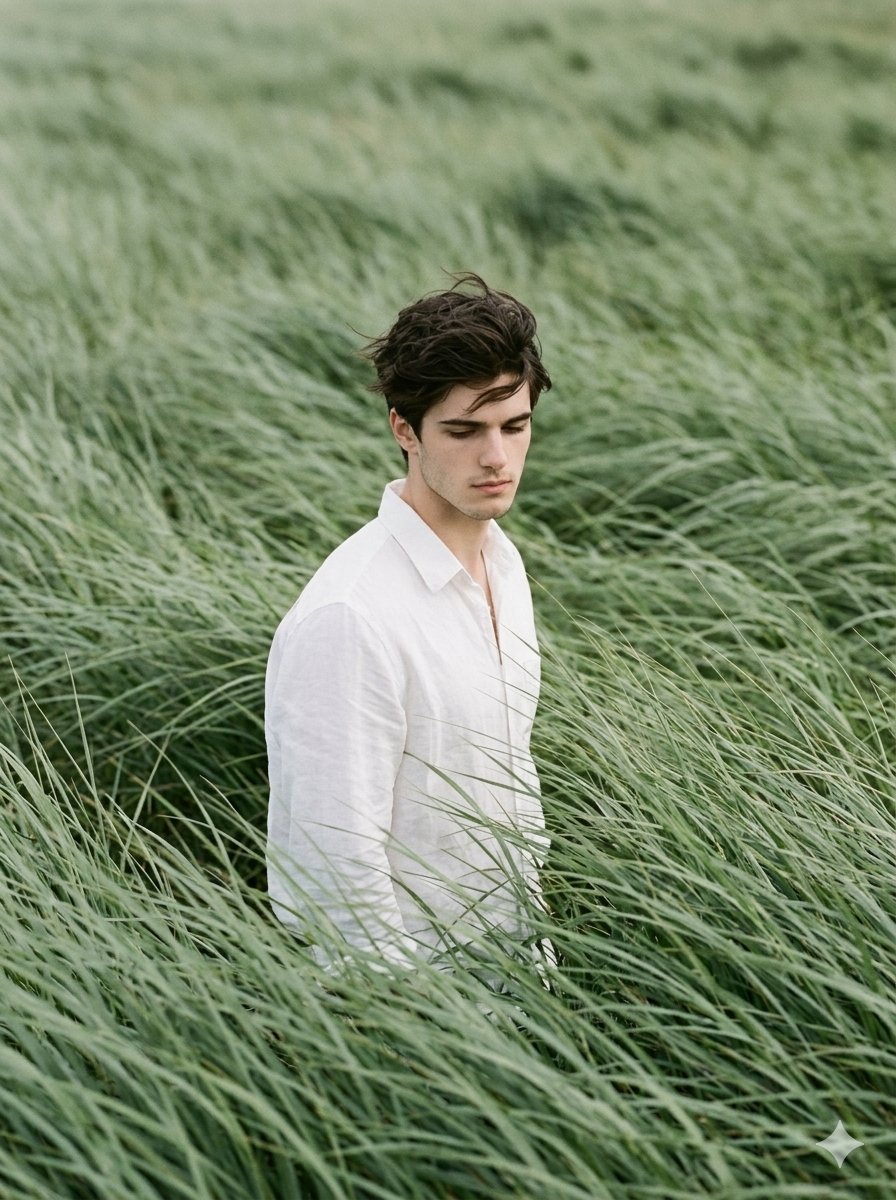
Cinematic Editorial Portrait in Sage Green Grass Fields
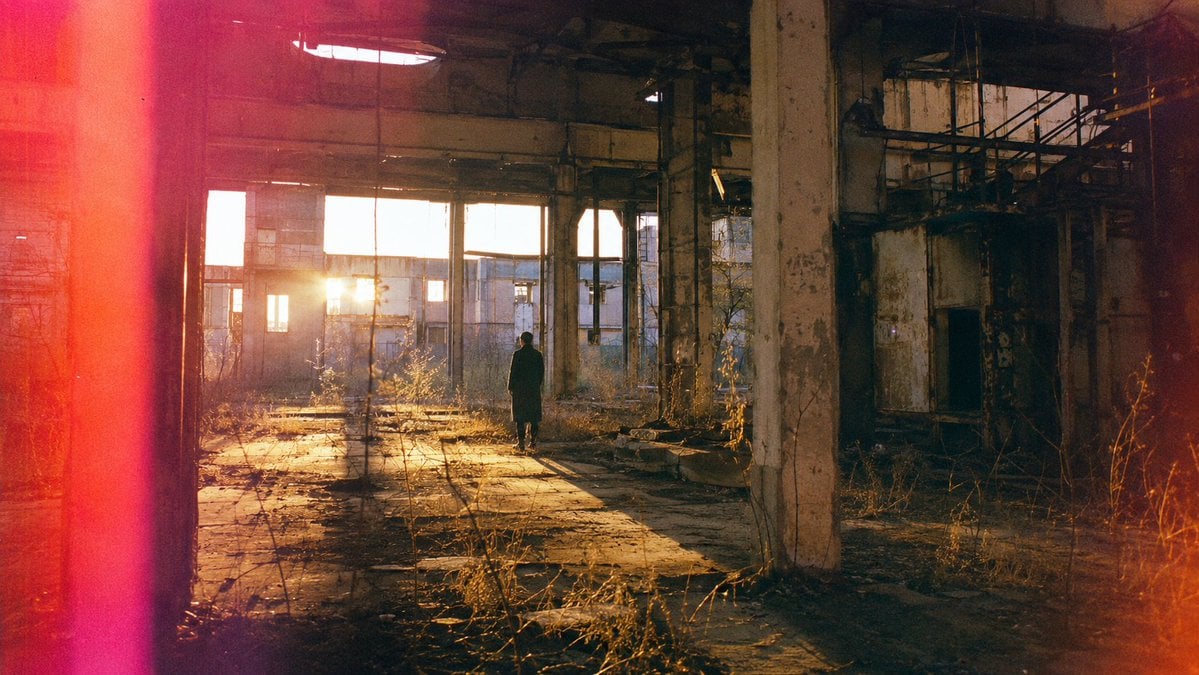
Lone Figure in Abandoned Warehouse
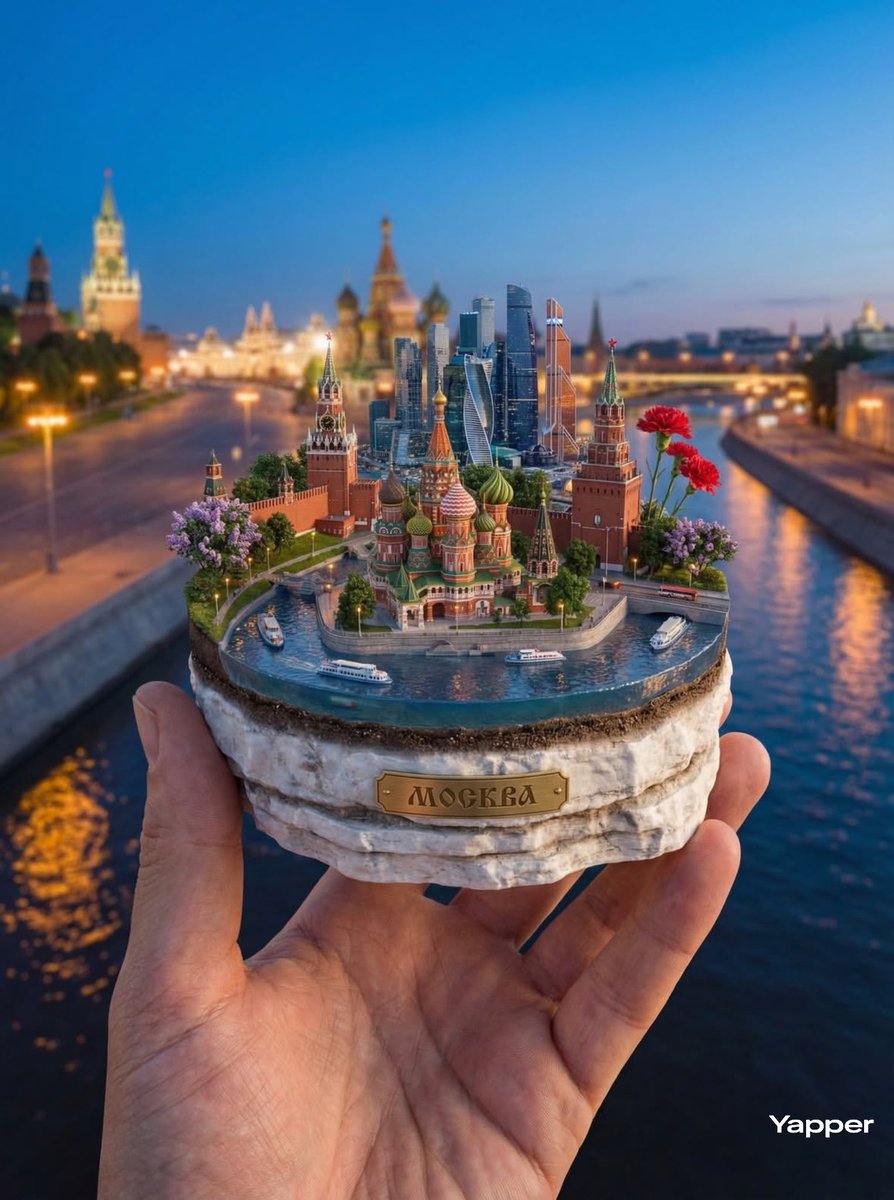
Hyper-Realistic Miniature Moscow Diorama
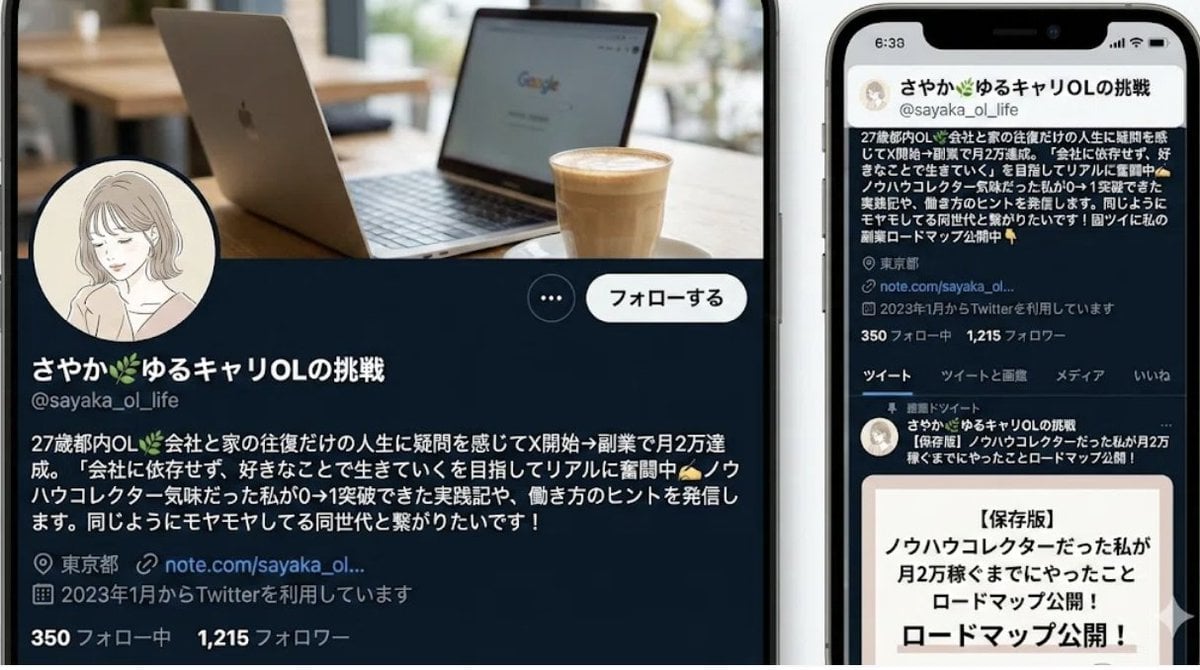
Nano-banana Pro Persona Generation Prompt
Cinematic 3D Toy Character Evolution Sequence
Candid Kitchen Lifestyle Photo
Luxury Patent Artifact Poster
Moonlit Sierra-Style Castle Pixel Art
Cards, Shakespeare, and Nabokov scenes
Food thumbnails and product shots
Browse template categories
Men's Skincare Website Landing Page Mockup questions
How do I use the Men's Skincare Website Landing Page Mockup template?
Add your photo if the template asks for one, edit the prompt if you like — the template's model and format are already selected — and press Generate. Your version opens in PicX Studio.
Can I customize the Men's Skincare Website Landing Page Mockup template?
Yes. You can change the subject, setting, lighting, mood, format, and available model controls before creating your image.
Is the Men's Skincare Website Landing Page Mockup template free?
Opening and editing this template is free. Generating uses credits, shown on the Generate button when you are signed in.
Which AI model should I use?
Start with GPT Image 2, which is the model associated with this template. You can compare another compatible model for a different finish.
Looking for something else? Browse all templates.

Your photo, any look
Thousands of ready templates for every top image and video model, from one credit balance.