
Lone Figure in Abandoned Warehouse
A cinematic film-photo prompt for creating a moody golden-hour scene inside a ruined industrial warehouse with dramatic light leaks.
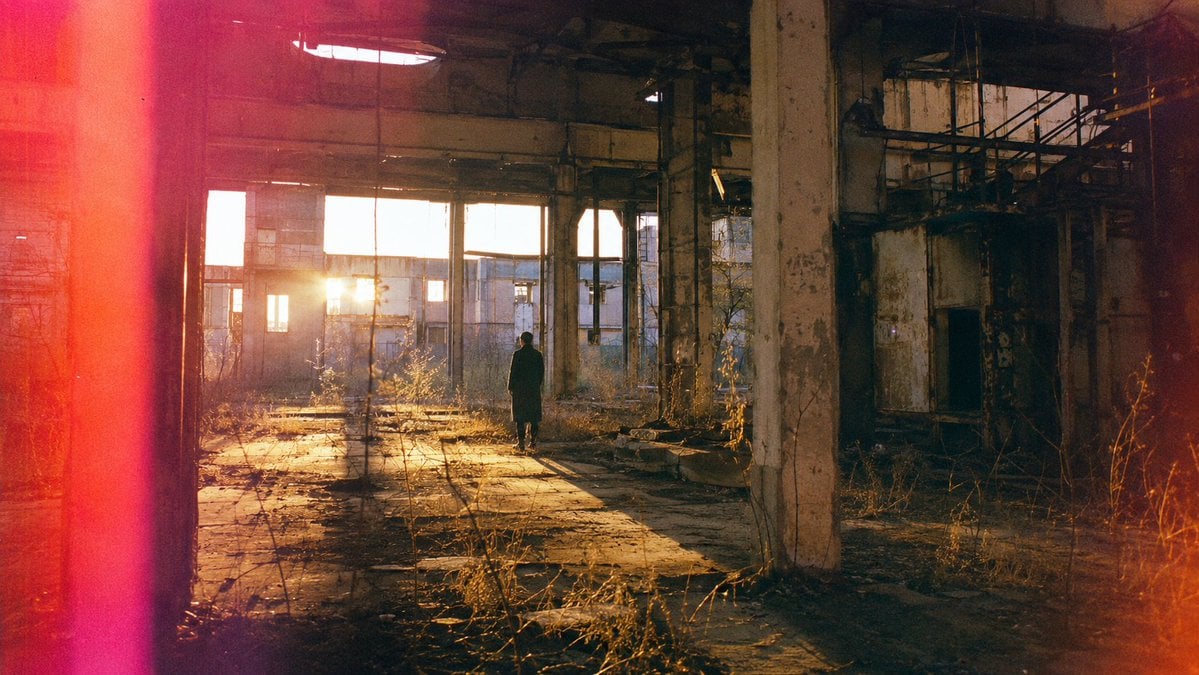
- Prompt included
- Model and format preset
- Free template
The prompt behind this image
Copy the exact prompt behind Lone Figure in Abandoned Warehouse, or open it in the studio and make it yours.
Create a cinematic 35mm film photograph of a lone person in a long dark coat standing near the center of an abandoned industrial warehouse at golden hour. The building is vast, decayed, and partially ruined, with tall broken window frames across the back wall, exposed steel beams, cracked concrete columns, peeling paint, rusted railings, debris, dry weeds, and overgrown plants pushing through the floor. The low sun shines directly through the left-center windows, producing a bright warm flare and long dramatic shadows stretching across the dusty concrete toward the camera. Compose in a wide 16:9 horizontal frame with the subject small against the architecture, slightly right of center, facing the glowing windows, creating a quiet contemplative mood. Use natural warm amber sunlight mixed with deep cool shadows, high dynamic range, realistic texture, visible film grain, slight softness, and analog color grading. Add strong accidental film light leaks: a vertical saturated red-pink band along the far left edge and a warm orange-red flare bleeding in from the right edge. Photorealistic, atmospheric, documentary-style urban exploration photography, no text, no watermark.
How to use Lone Figure in Abandoned Warehouse in 3 steps
- 1Upload ImagePNG, JPG or paste
Add your photo
Upload the photo the template builds on. The prompt, model and format are already set.
- 2…a portrait of your subject in softgolden-hour light, 85mm…
Personalize
Edit the subject and creative details for your destination.
- 3Generate
Generate
Press Generate — your image is created in PicX Studio, so you can compare it with the original and refine one variable at a time.
More like this
Templates with the same subject, style or setup. Open one to see its prompt.

Minecraft Japanese Research Lab Exploration
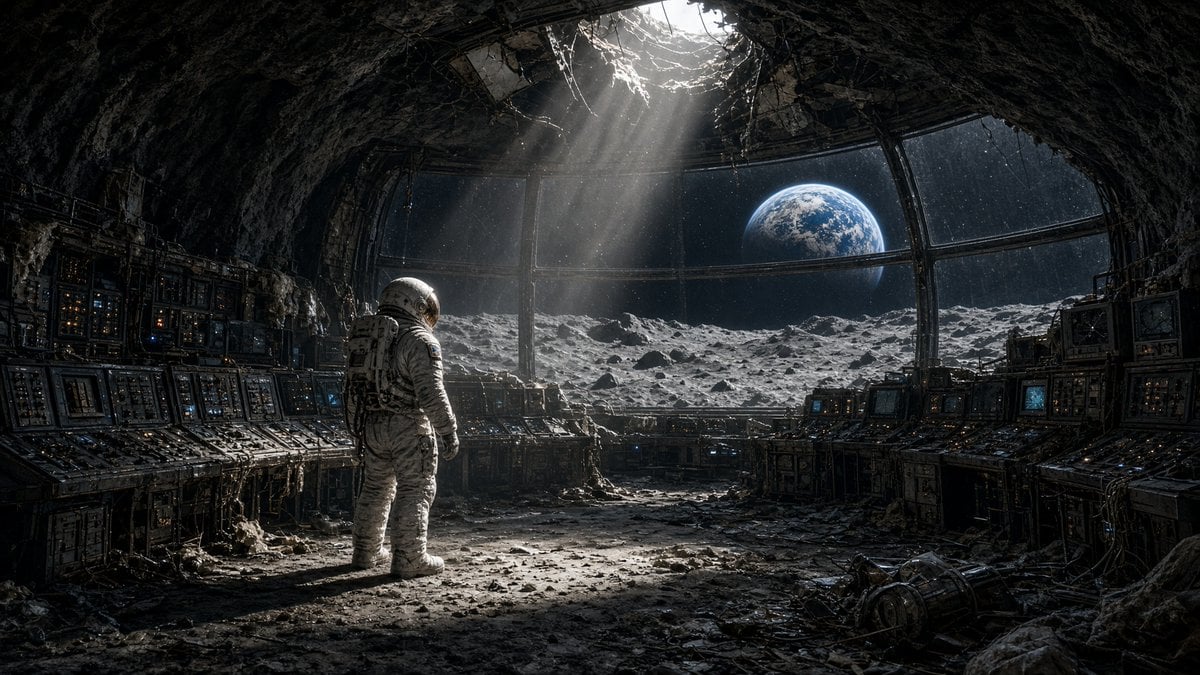
Astronaut in Abandoned Lunar Base
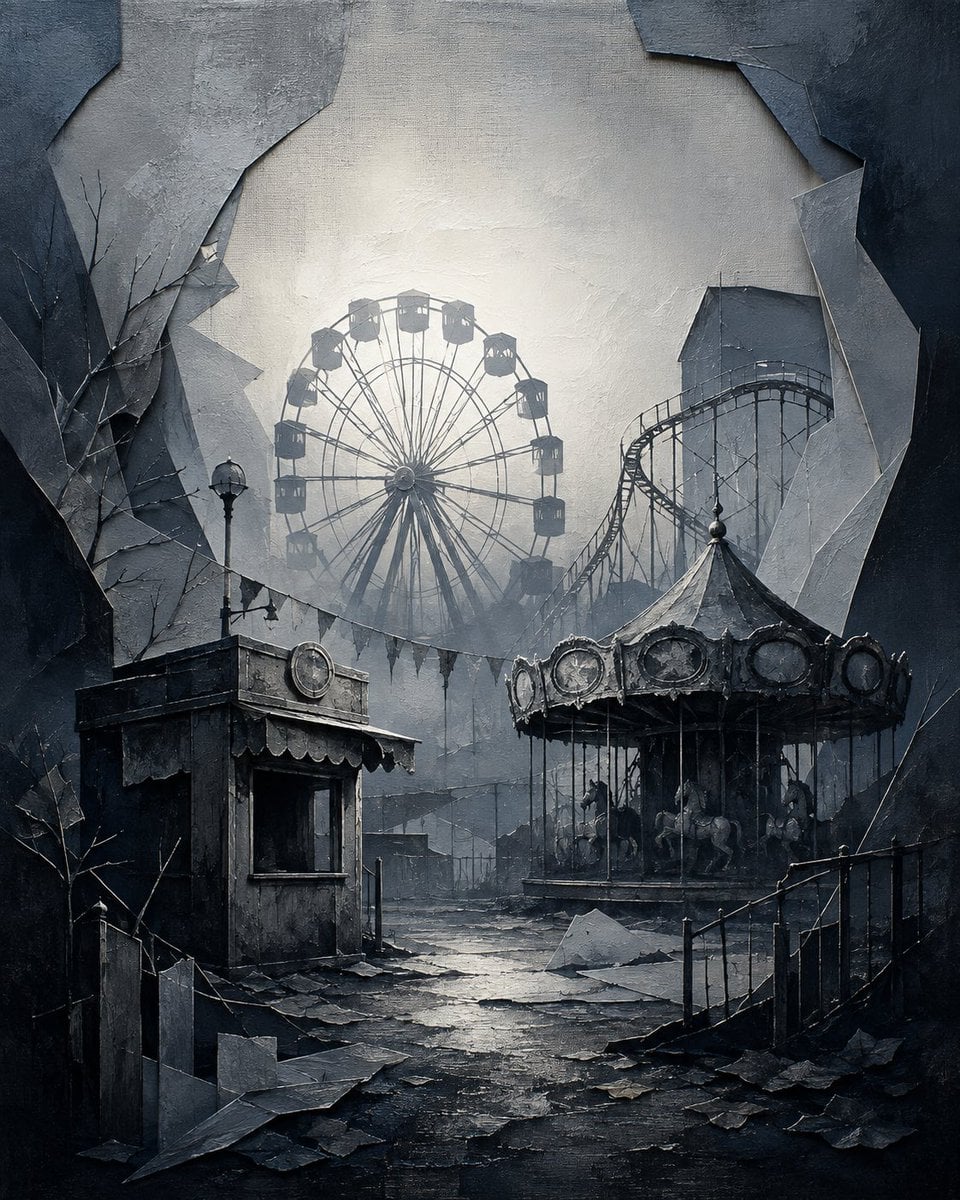
Abandoned Gothic Amusement Park

Lone Mountaineer in Moonlit Snow
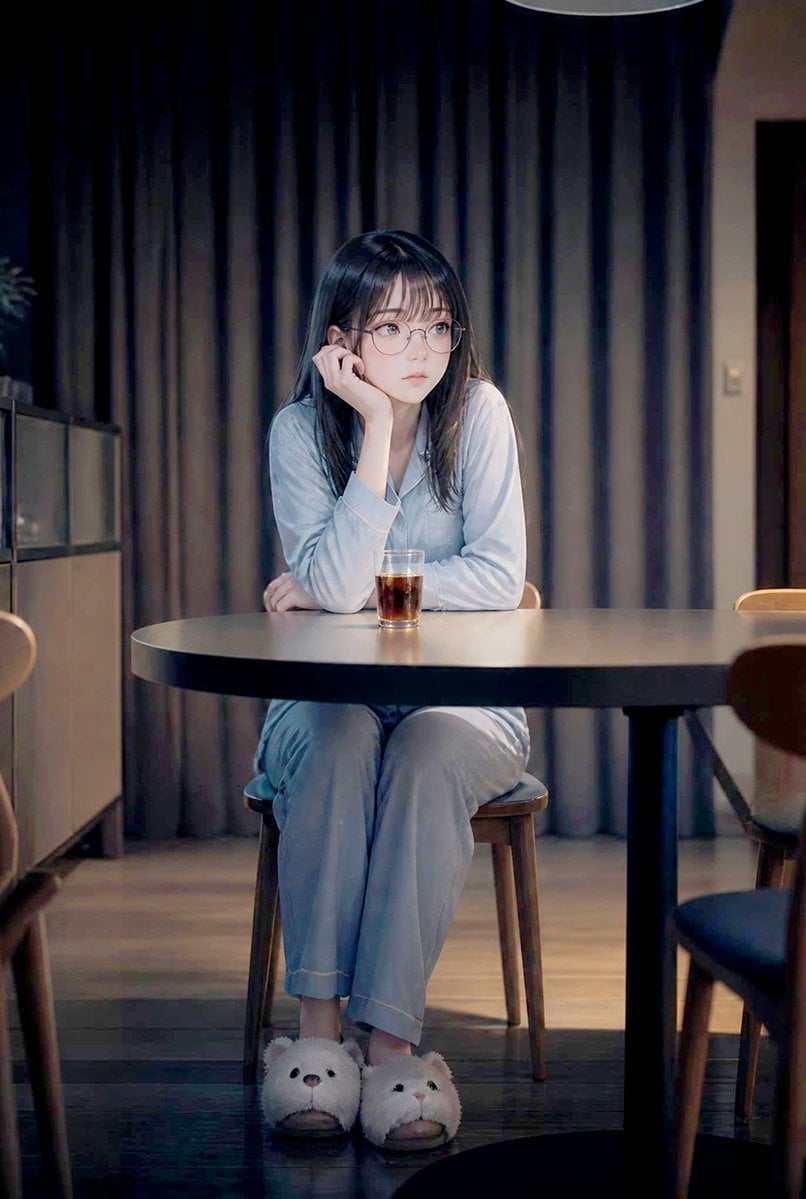
Lonely Night Dining Portrait
Lone Samurai Warrior Silhouette
Cinematic Warehouse Fight Storyboard
Abandoned Greenhouse Cinematic Portrait

Ancient Abandoned Library Fantasy Portrait

Abandoned Library Fantasy Portrait
Warehouse Martial Arts Showdown
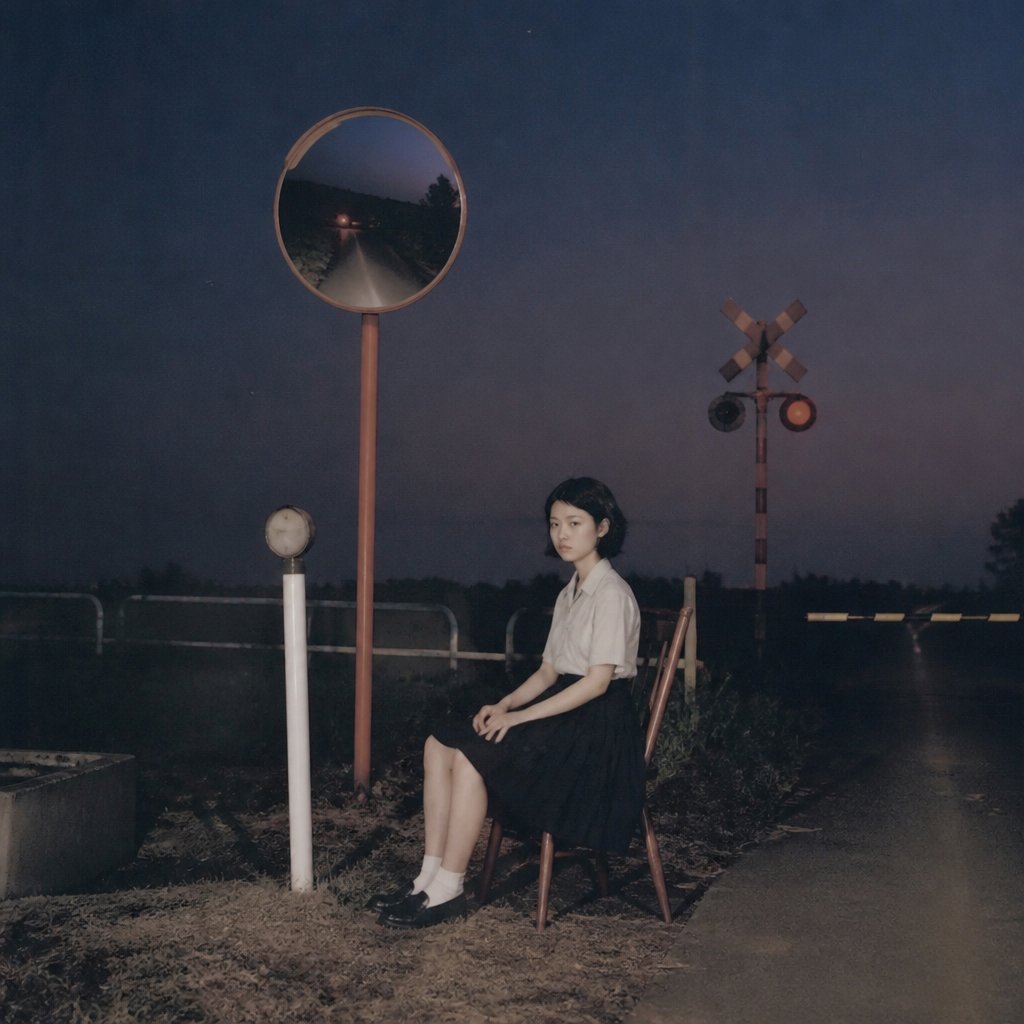
Lonely Night Railway Crossing Attendant
Make it yours
Lone Figure in Abandoned Warehouse works as-is. These are the safest ways to change it without losing the look.
Change one field
Copy a single group, rewrite it, and generate again so you can see what that field is doing.
Keep the frame, change the subject
Hold the composition and light of Lone Figure in Abandoned Warehouse, then swap wardrobe, props or the person for a new take.
| If the result… | Why | Fix |
|---|---|---|
| The result drifts from the preview | Too many fields changed at once. | Reuse Lone Figure in Abandoned Warehouse as-is first, then change one group — subject, light, or setting. |
| The model over-stylizes the scene | The prose prompt leaves finish and camera underspecified. | Add one camera or lighting sentence and stay on GPT Image 2. |
More GPT Image 2 templates
Other prompts made for GPT Image 2.

Six VTuber Japanese Logo Sheet

Realistic Portrait of Woman and Deer

The Vista Modular Condo Poster

AI Model Routing Comparison Infographic

2.5D Anime Art Board

Isometric Productivity Desk Scene

New York Double Exposure Poster

Four-Panel AI Landscape Comparison

Japanese Tatami Lifestyle Magazine Cover

NESCAFÉ Coffee Map Poster
More image prompts
Fresh picks from across the catalog.
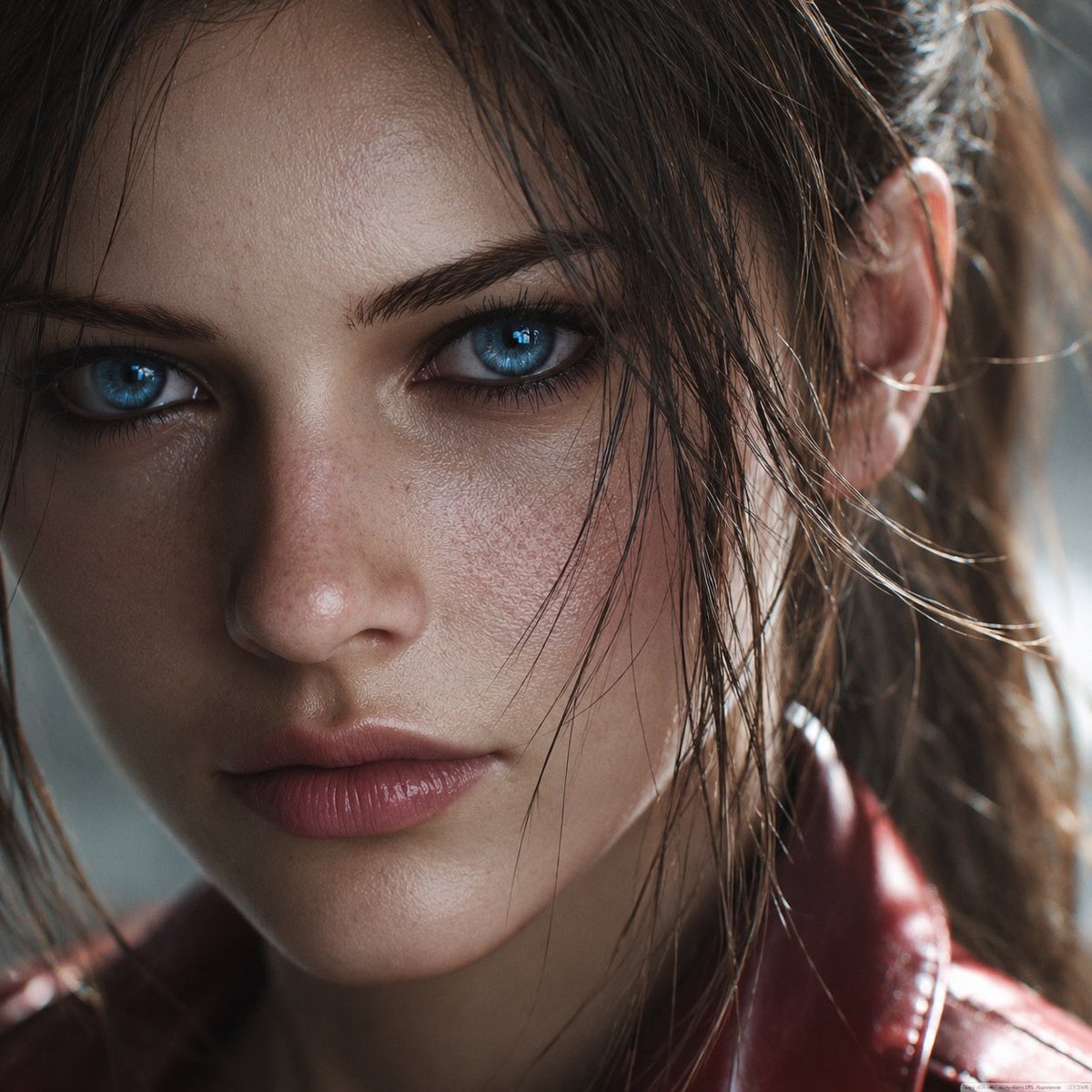
Photoreal Claire Face Restoration
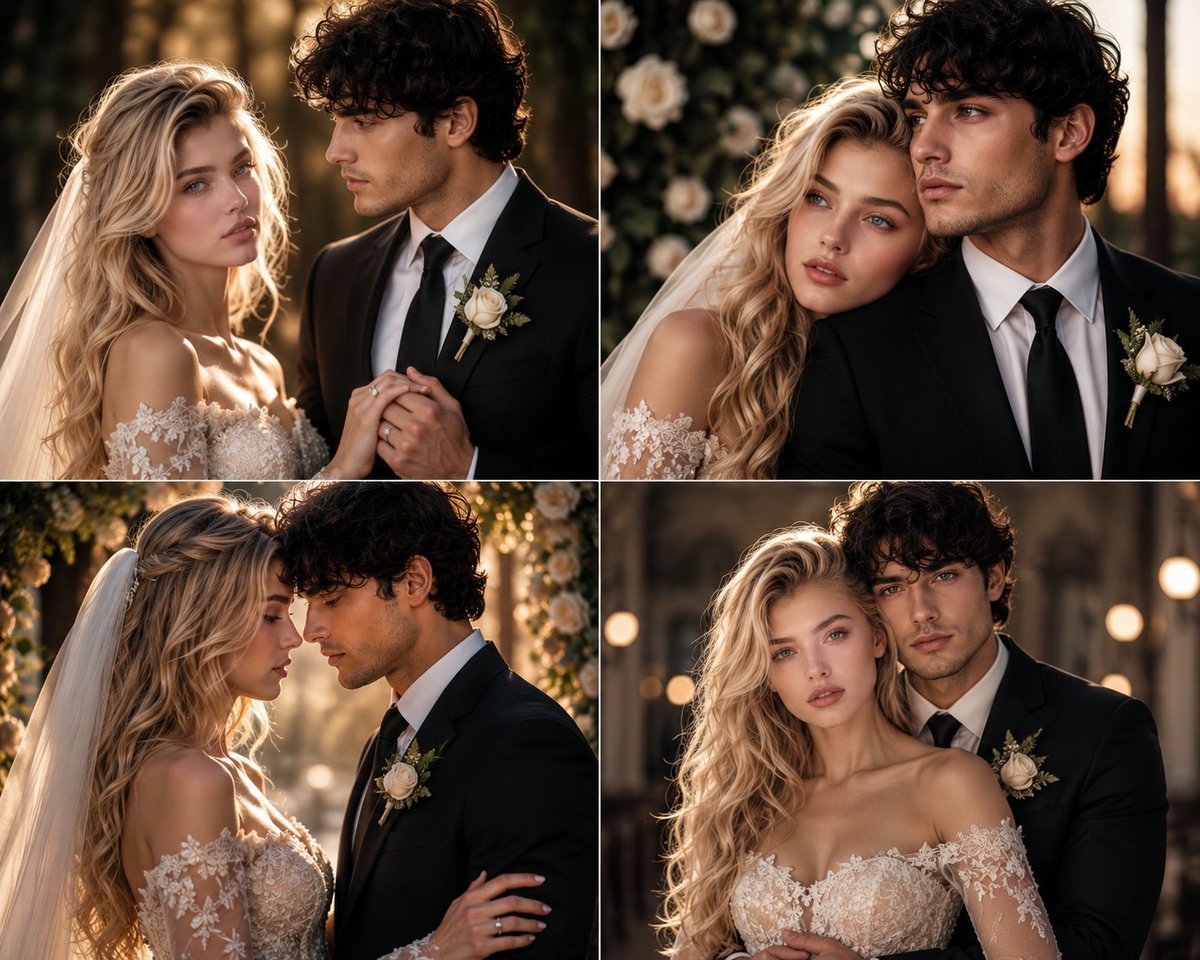
Romantic Wedding Couple Photoshoot
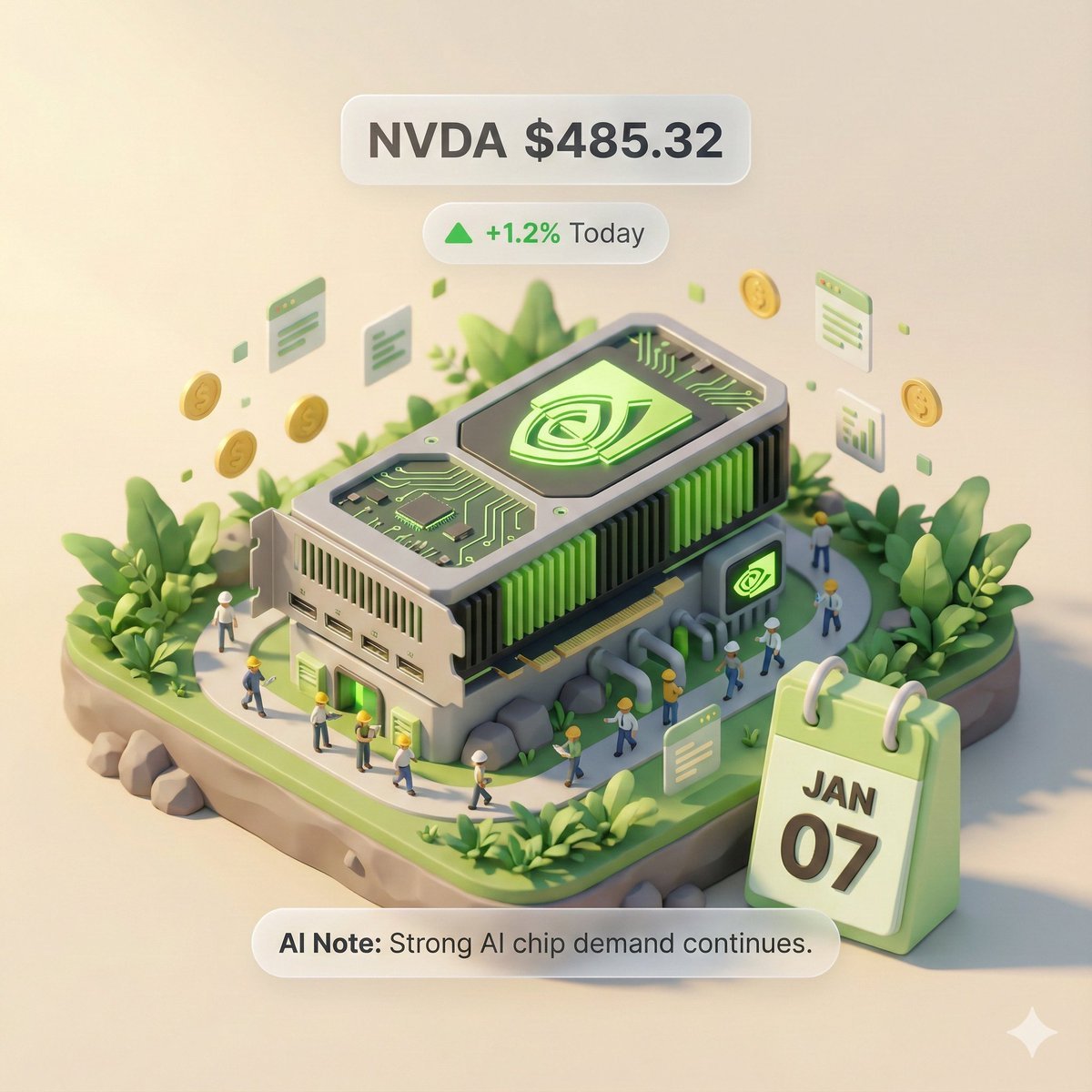
Autonomous Financial Artist Prompt for 3D Stock Visualization
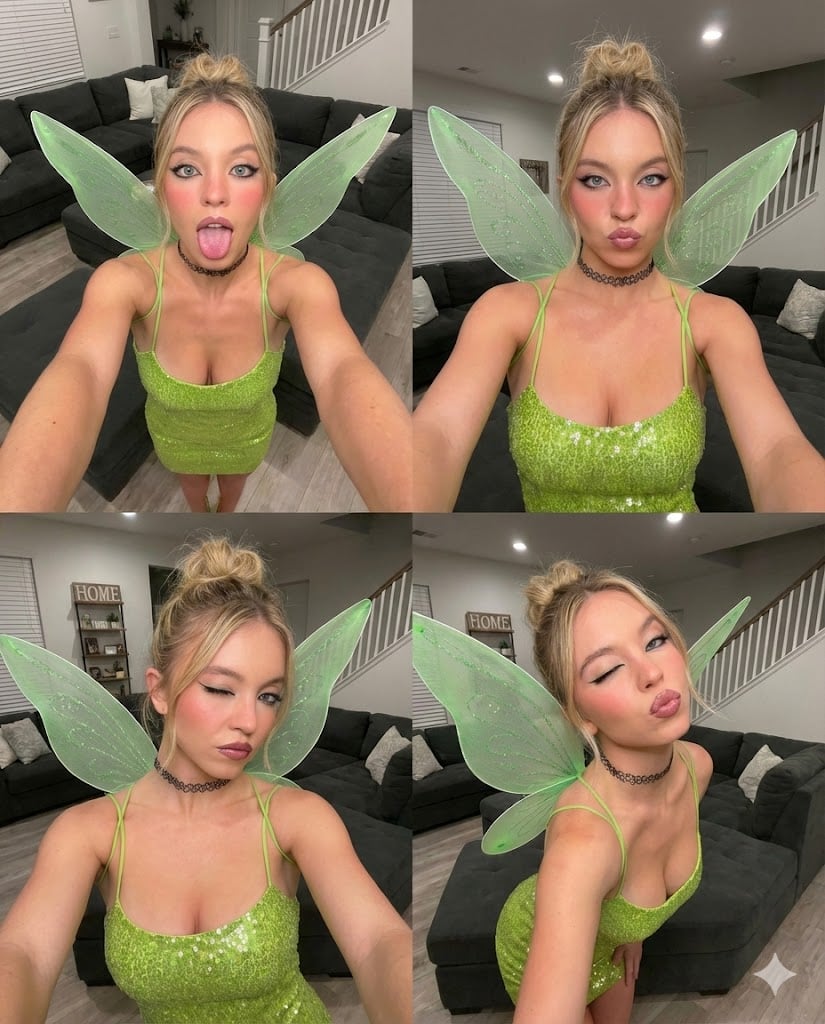
Gen Z Chaotic Fairy Selfie Collage Prompt

Japanese Izakaya Highball Poster
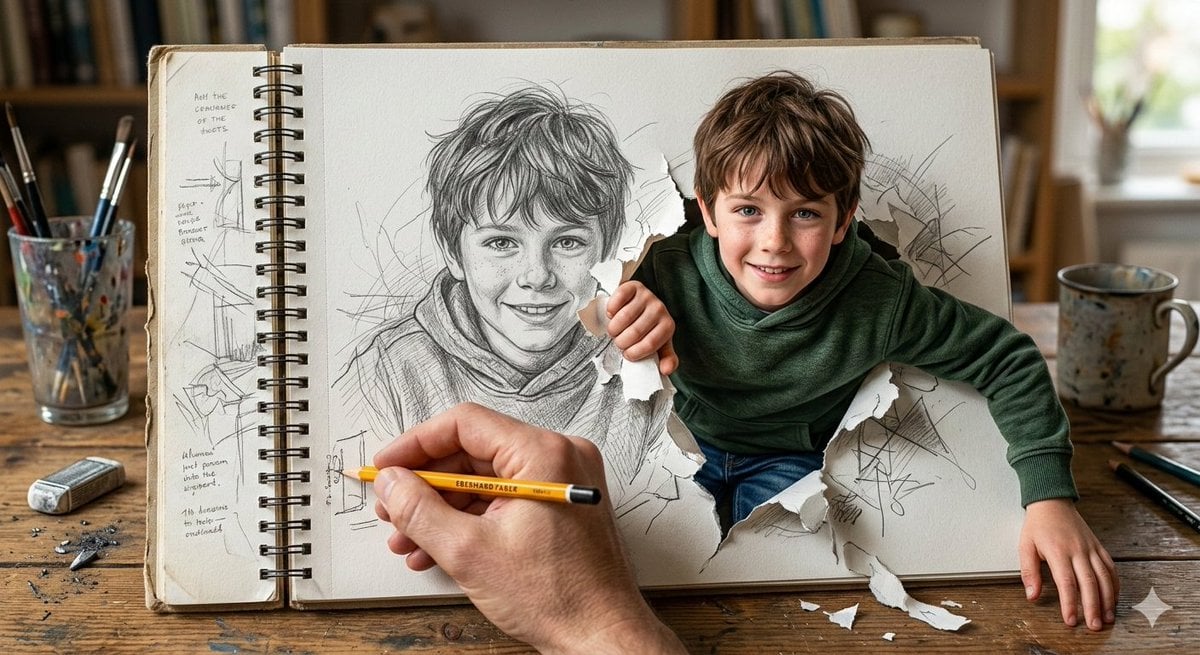
Cinematic 3D Illustration of a Boy Emerging from a Sketchbook
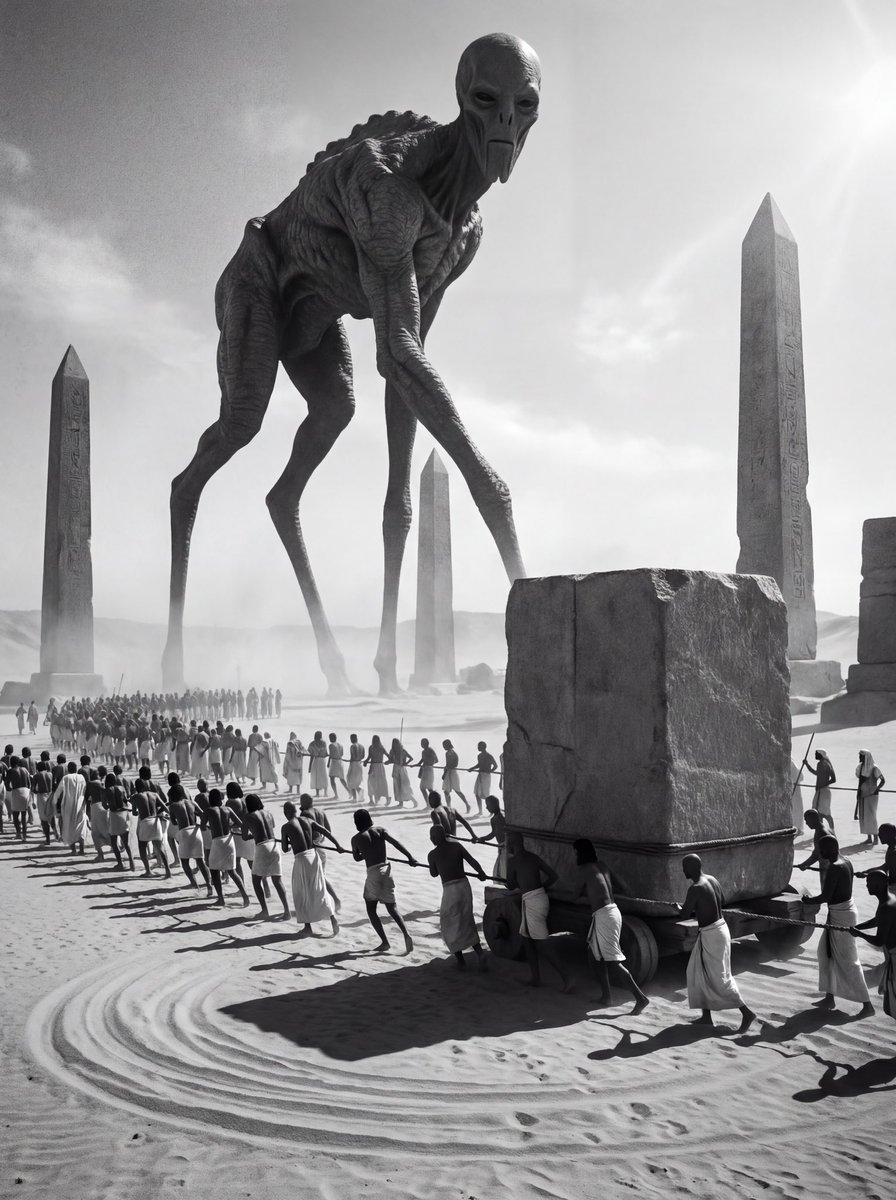
Ancient Egyptian Ritual with Alien Entity Prompt
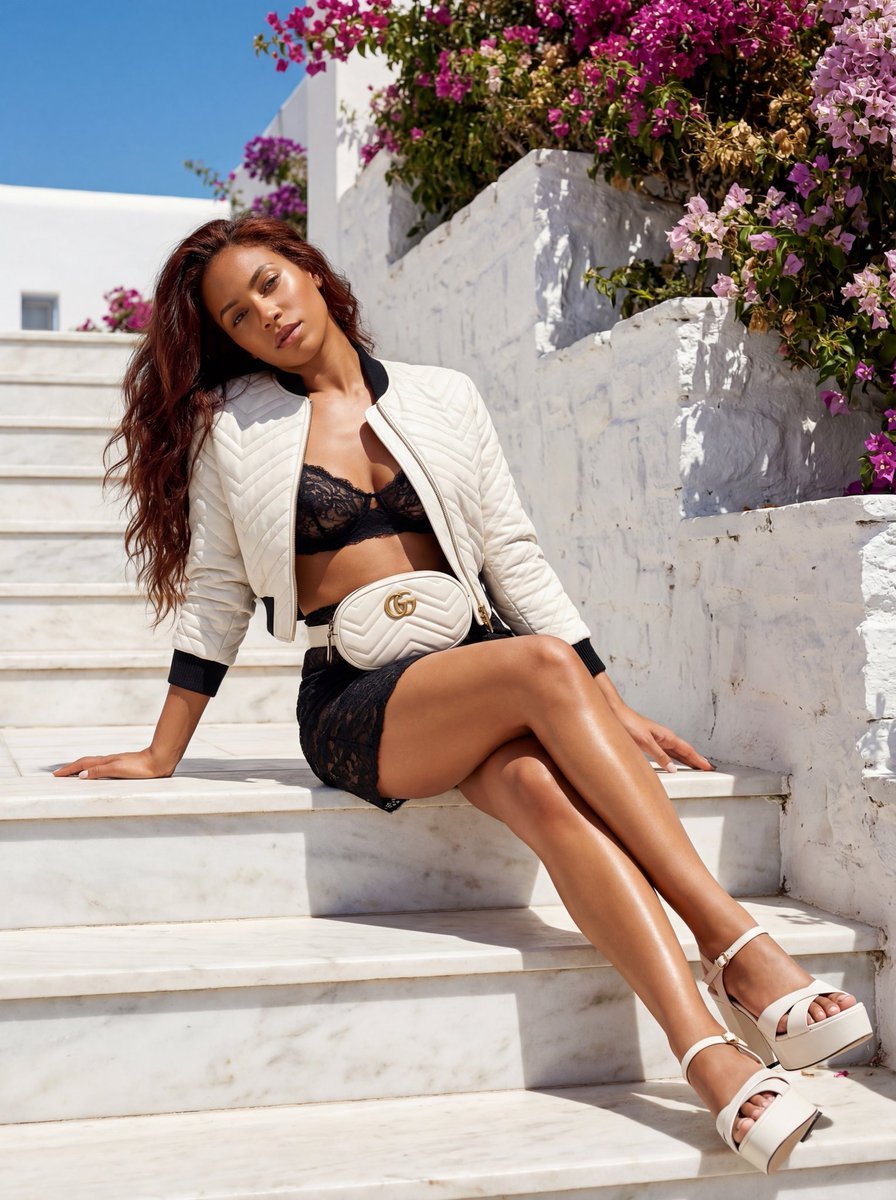
Gucci GG Marmont Fashion Shoot in Greece (JSON)
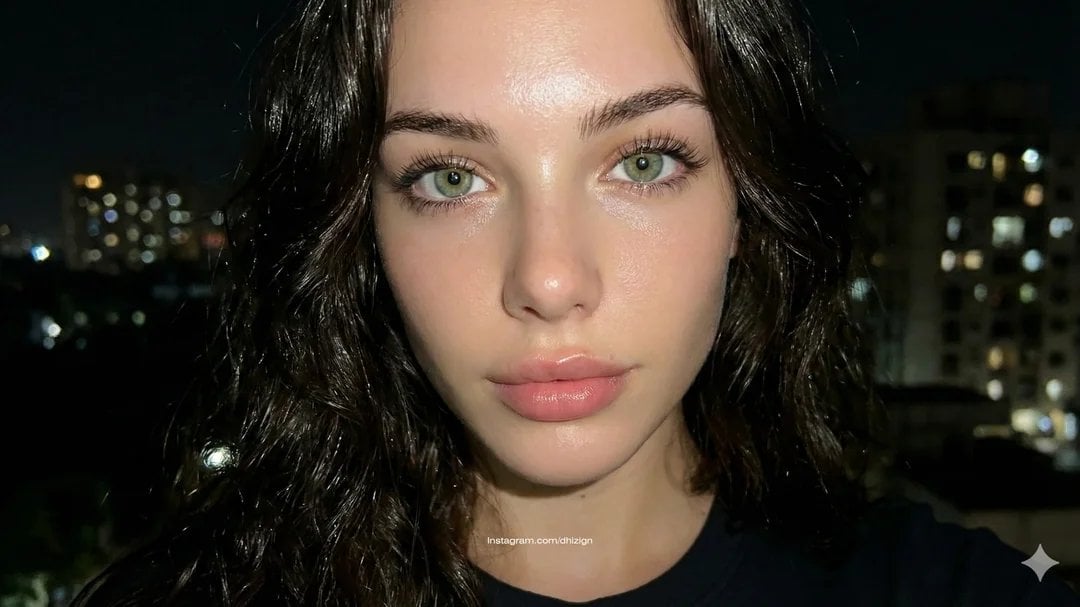
JSON-style Nano Banana Pro prompt for realistic faces
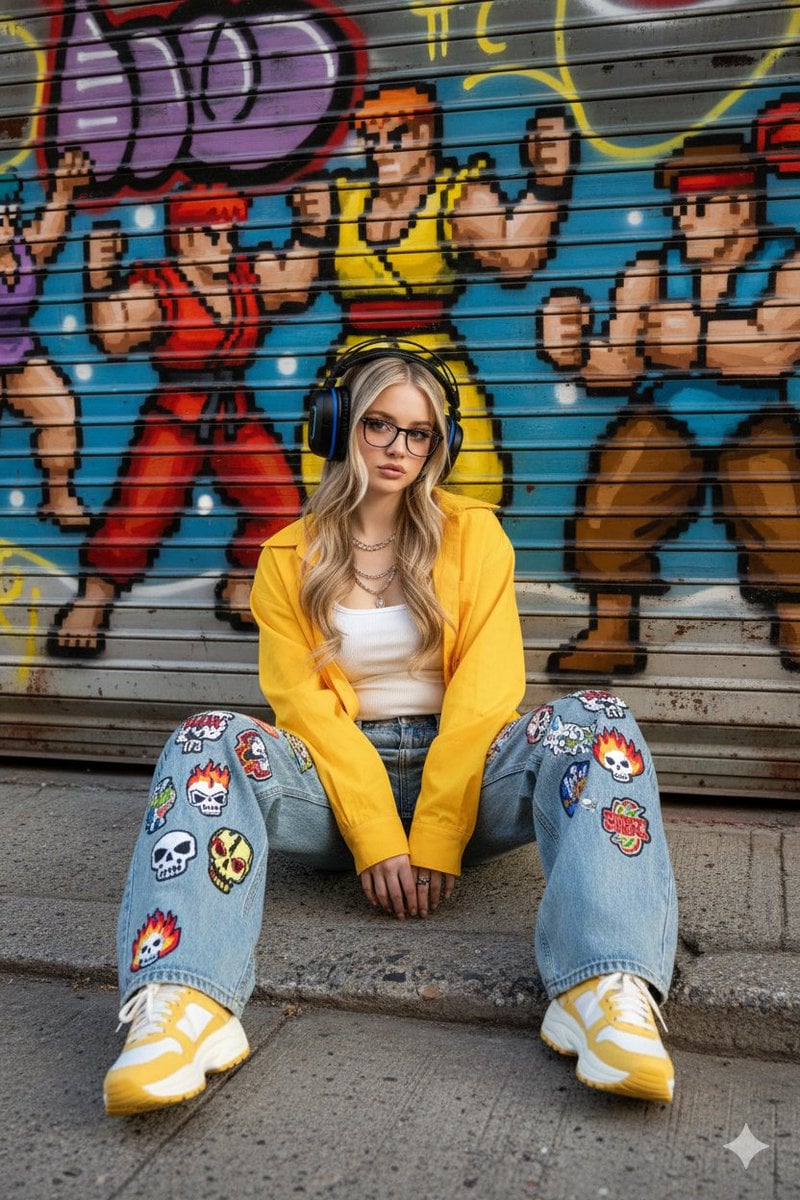
Urban Streetwear Portrait Prompt
Browse template categories
Lone Figure in Abandoned Warehouse questions
How do I use the Lone Figure in Abandoned Warehouse template?
Add your photo if the template asks for one, edit the prompt if you like — the template's model and format are already selected — and press Generate. Your version opens in PicX Studio.
Can I customize the Lone Figure in Abandoned Warehouse template?
Yes. You can change the subject, setting, lighting, mood, format, and available model controls before creating your image.
Is the Lone Figure in Abandoned Warehouse template free?
Opening and editing this template is free. Generating uses credits, shown on the Generate button when you are signed in.
Which AI model should I use?
Start with GPT Image 2, which is the model associated with this template. You can compare another compatible model for a different finish.
Looking for something else? Browse all templates.

Your photo, any look
Thousands of ready templates for every top image and video model, from one credit balance.