
Warehouse Martial Arts Showdown
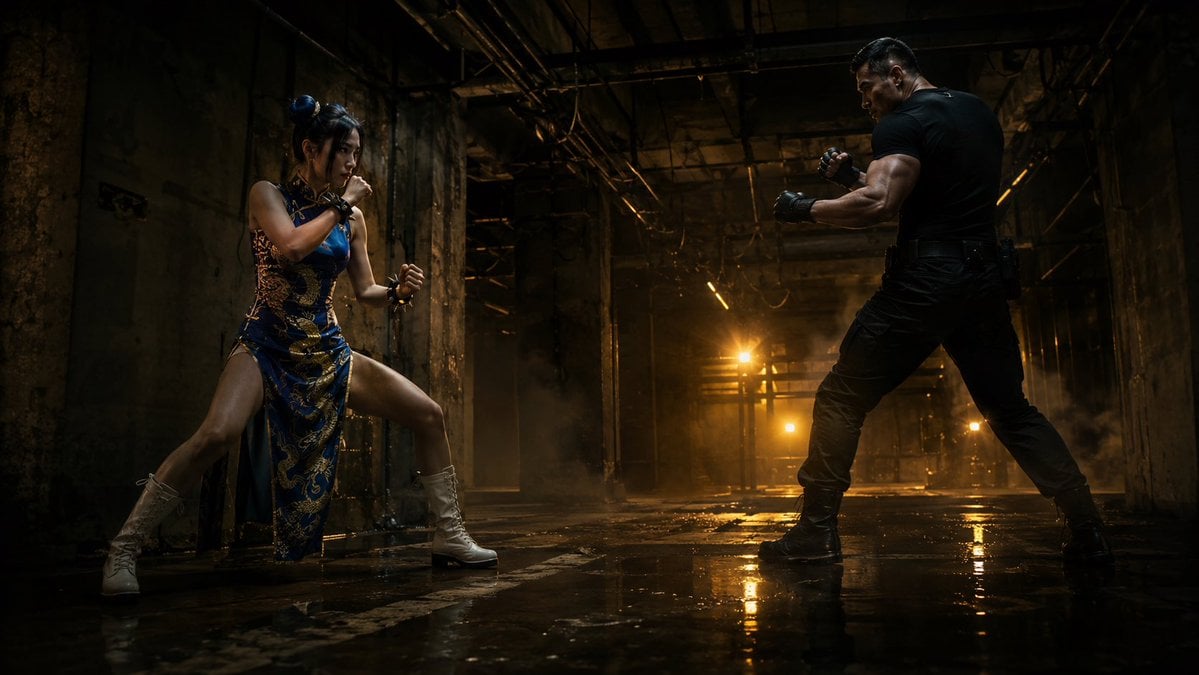
A cinematic wide action scene of two martial artists facing off in a dark, wet industrial warehouse for film keyframe or concept art use.
- Prompt included
- Model and format preset
- Premium template
The prompt behind this image
Copy the exact prompt behind Warehouse Martial Arts Showdown, or open it in the studio and make it yours.
Create a cinematic ultra-wide action keyframe in a 16:9 aspect ratio, set inside a dark abandoned industrial warehouse with damaged concrete walls, exposed steel beams, hanging cables, broken pipes, grimy pillars, a high shadowy ceiling, drifting haze, and a wet dirty floor that creates strong mirror-like reflections. Show exactly two fighters facing off across the frame: on the left, {argument name="female fighter outfit" default="a blue and gold Chinese-inspired qipao combat dress with high side slit"}, white lace-up combat boots, hair in two buns, crouched in a guarded martial-arts stance with fists raised; on the right, {argument name="male fighter outfit" default="a tight black tactical T-shirt, black cargo pants, black boots, and fingerless gloves"}, muscular build, standing wide in a boxer stance with clenched fists. Use dramatic low-angle framing, strong negative space between them, and intense backlighting from warm amber industrial lights deep in the corridor, with golden reflections on the wet floor. The mood should be gritty, tense, realistic, and high-budget, like a live-action fight scene keyframe. Emphasize cinematic contrast, volumetric smoke, rim light on both bodies, detailed textures, realistic skin, damp concrete, and deep shadows. No text, no logos, no extra characters, no weapons.
How to use Warehouse Martial Arts Showdown in 3 steps
- 1Upload ImagePNG, JPG or paste
Add your photo
Upload the photo the template builds on. The prompt, model and format are already set.
- 2…a portrait of your subject in softgolden-hour light, 85mm…
Personalize
Edit the subject and creative details for your destination.
- 3Generate
Generate
Press Generate — your image is created in PicX Studio, so you can compare it with the original and refine one variable at a time.
More like this
Templates with the same subject, style or setup. Open one to see its prompt.
Cinematic Warehouse Fight Storyboard
Storm Dragon Warrior Showdown
AI Boxing Gloves Showdown
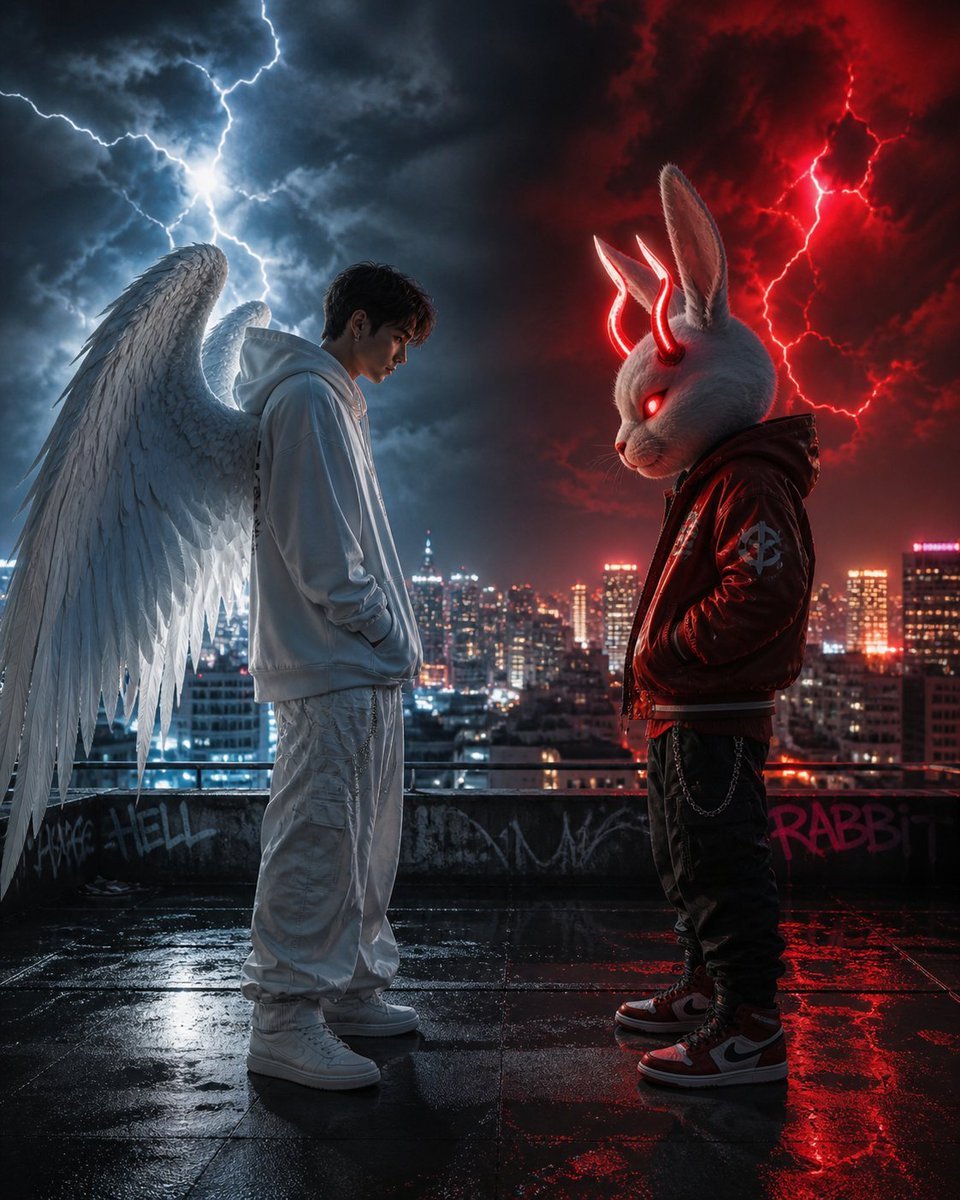
Cyberpunk Angel vs Demon Showdown
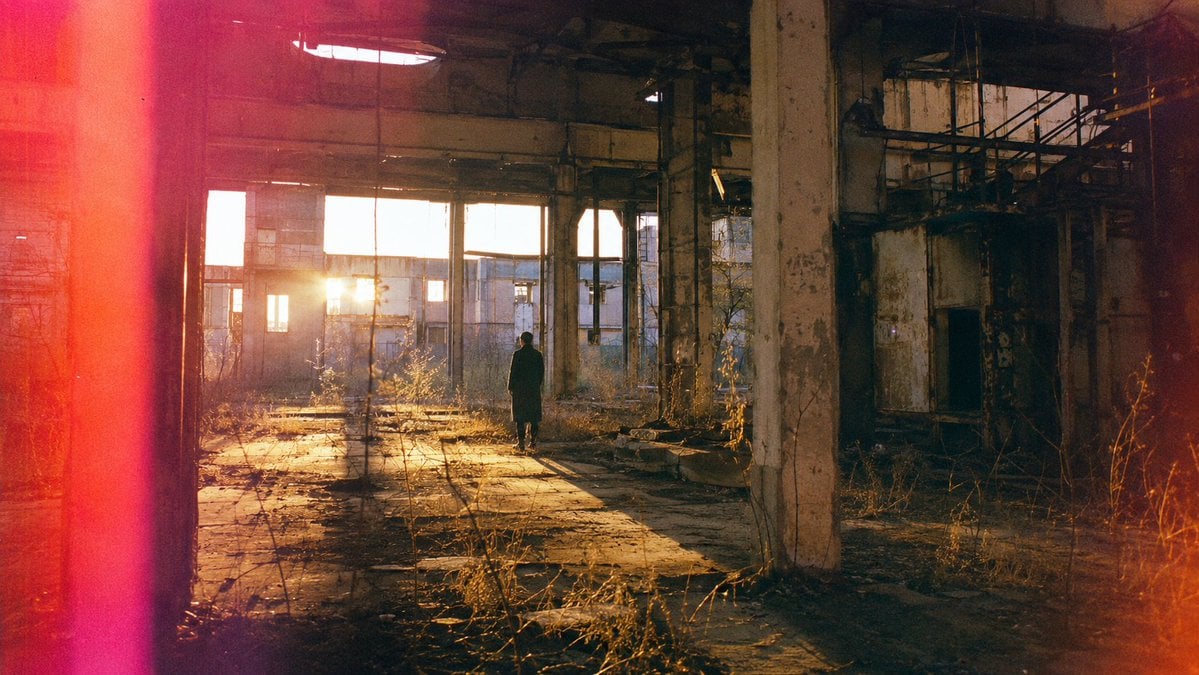
Lone Figure in Abandoned Warehouse
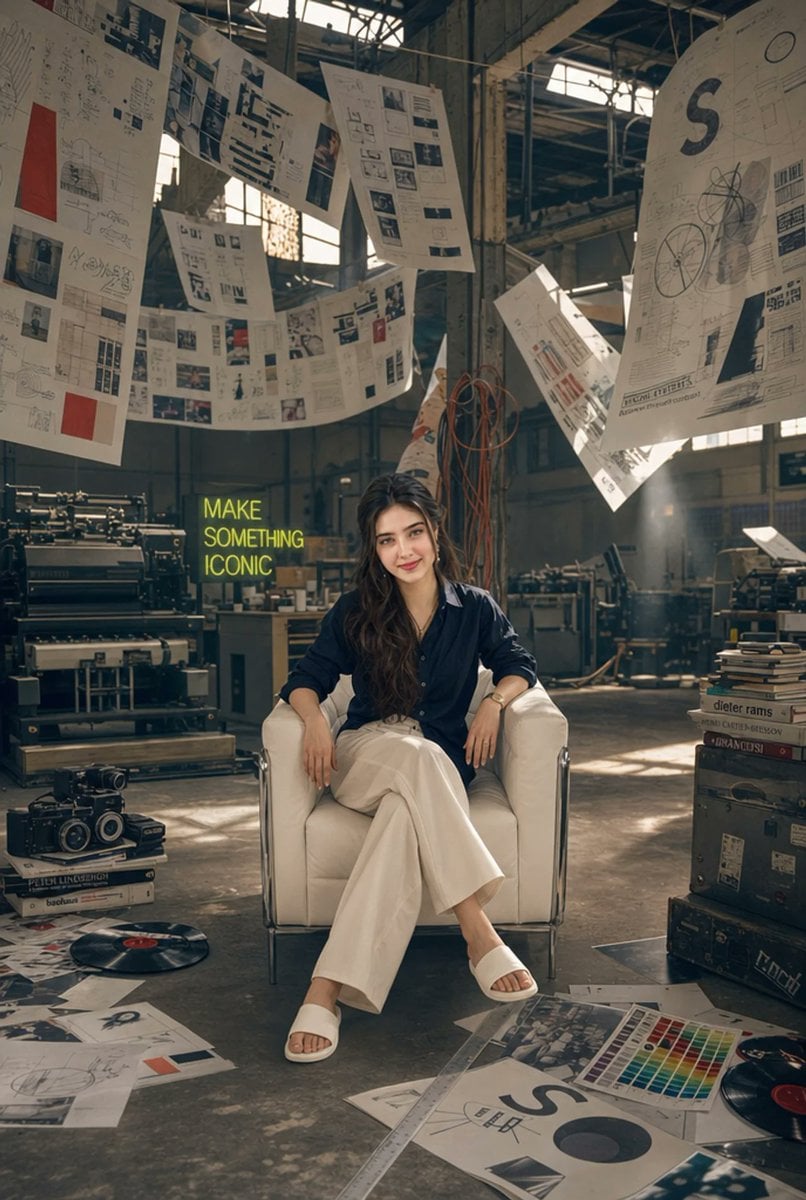
Creative Director in Printing Warehouse
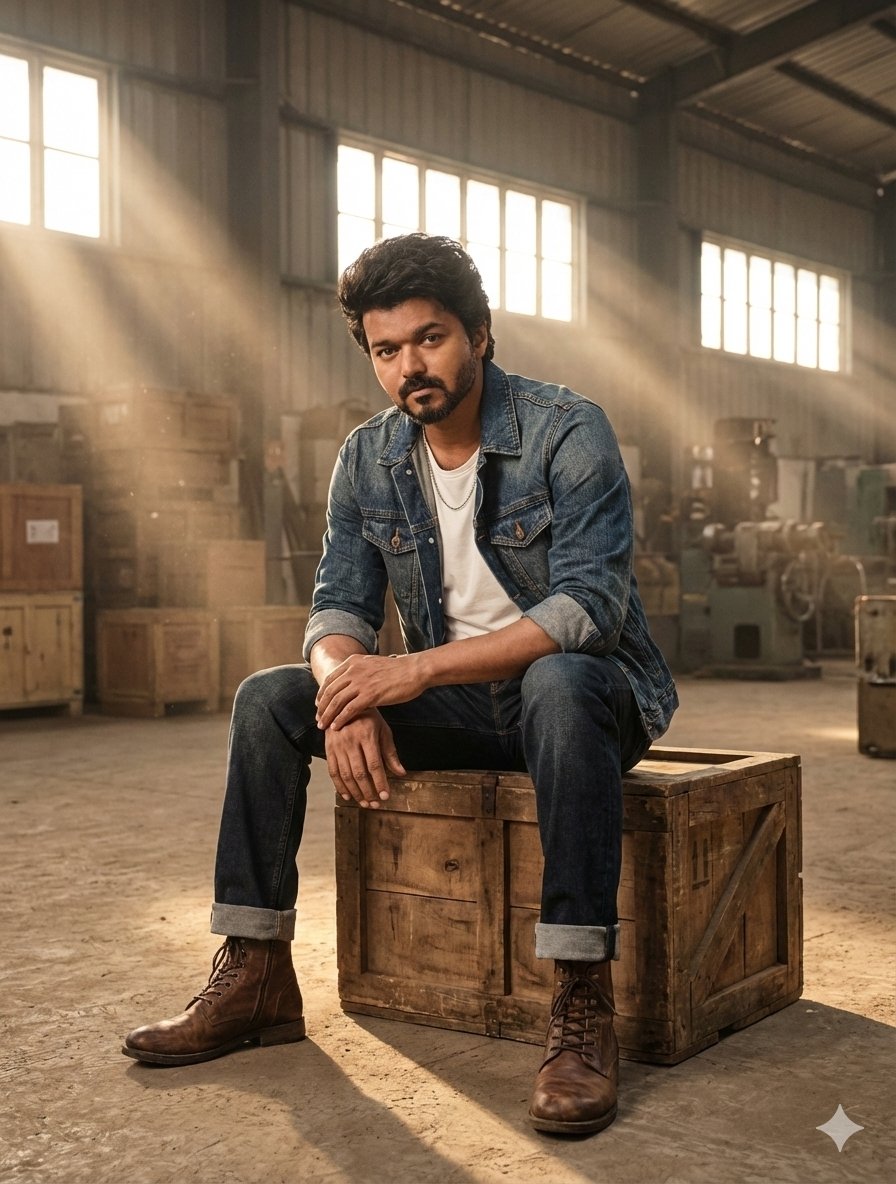
Hyper-Realistic Portrait in Dusty Warehouse
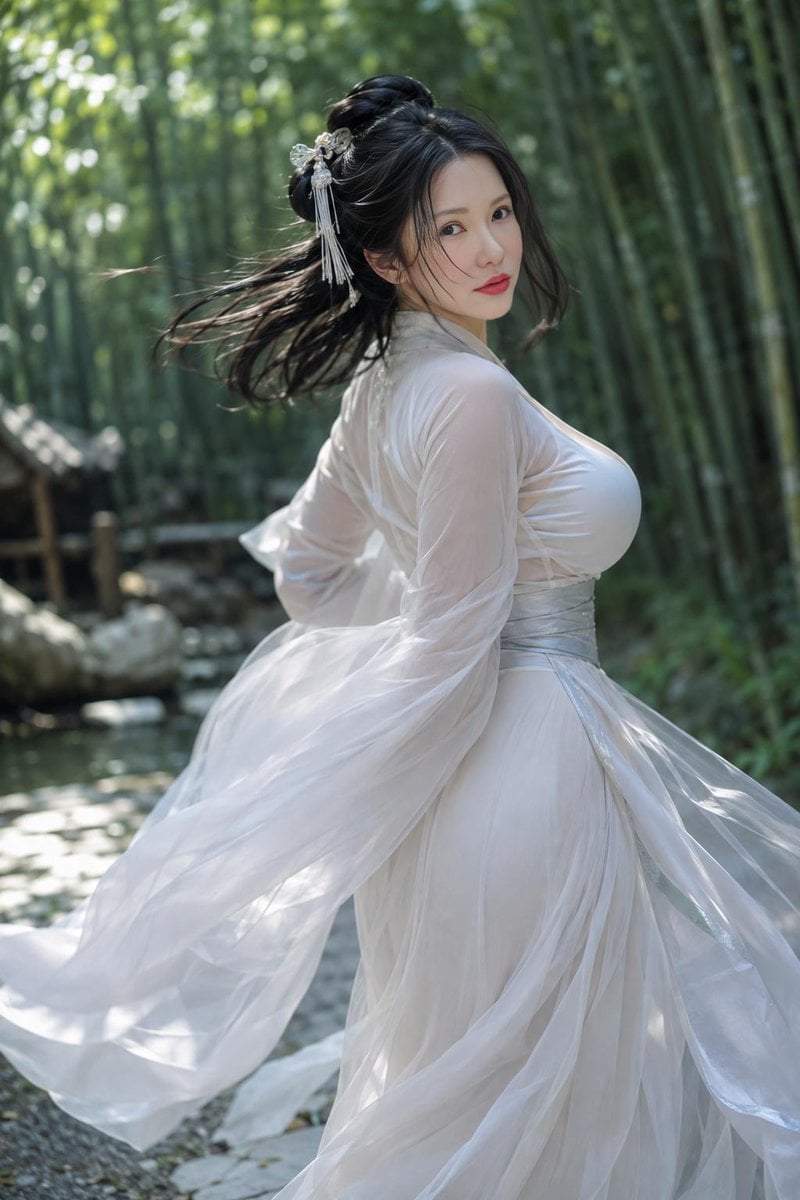
Chinese Martial Arts Beauty Portrait
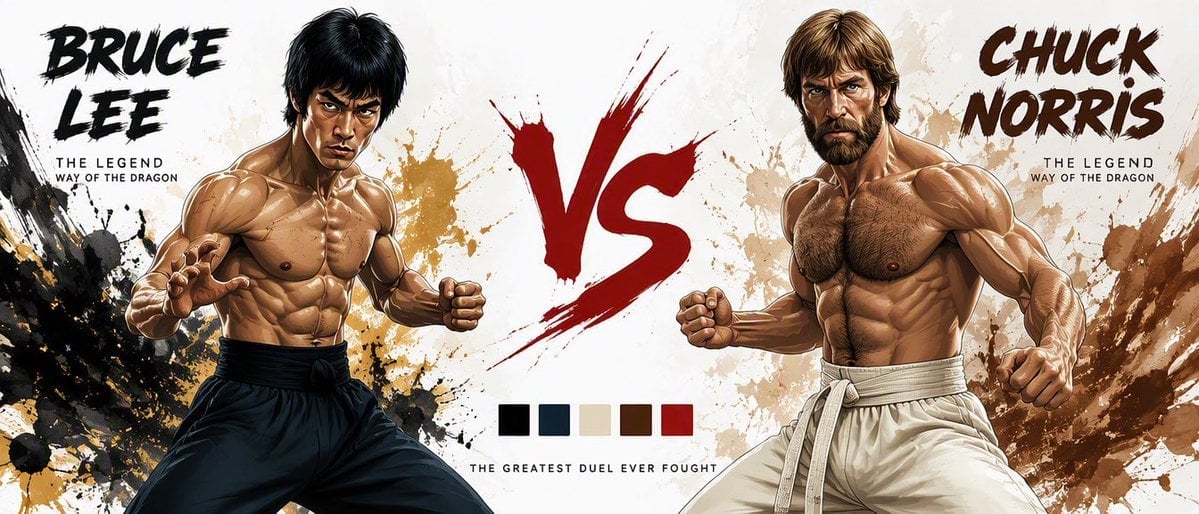
Martial Arts Legend Character Bible Sheet
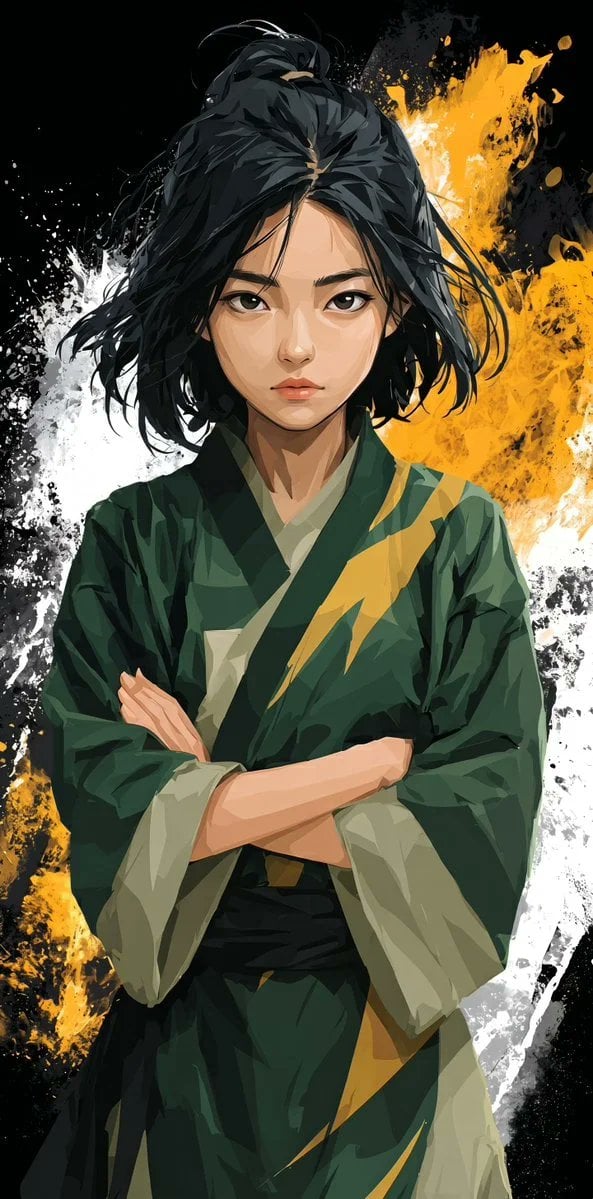
Stylized Martial Arts Anime Girl
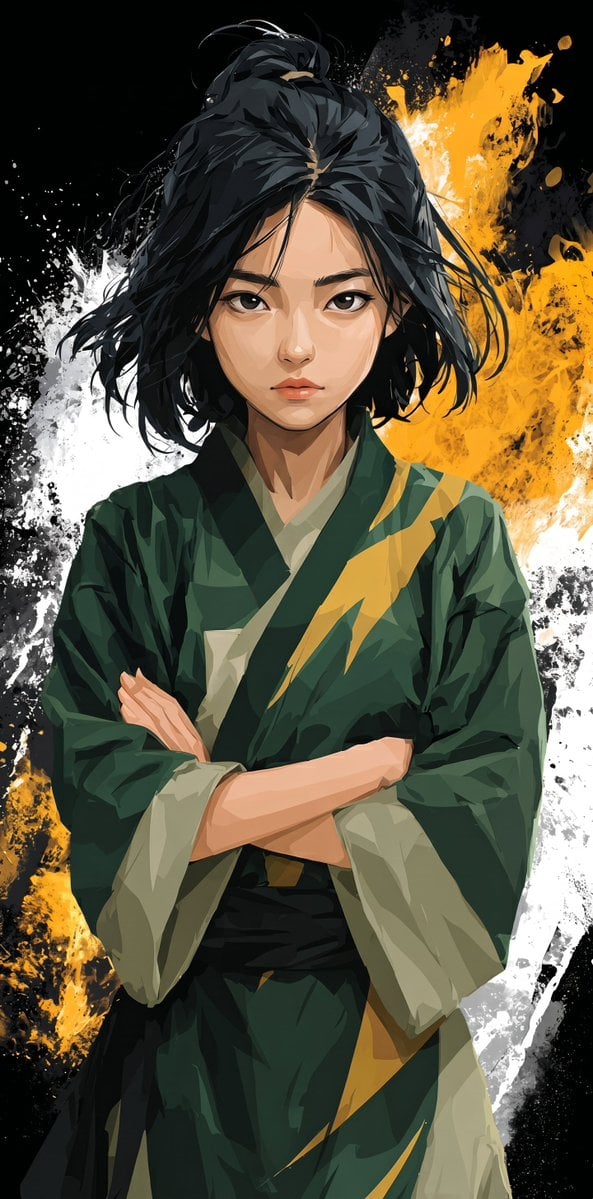
Anime Martial Arts Girl Illustration
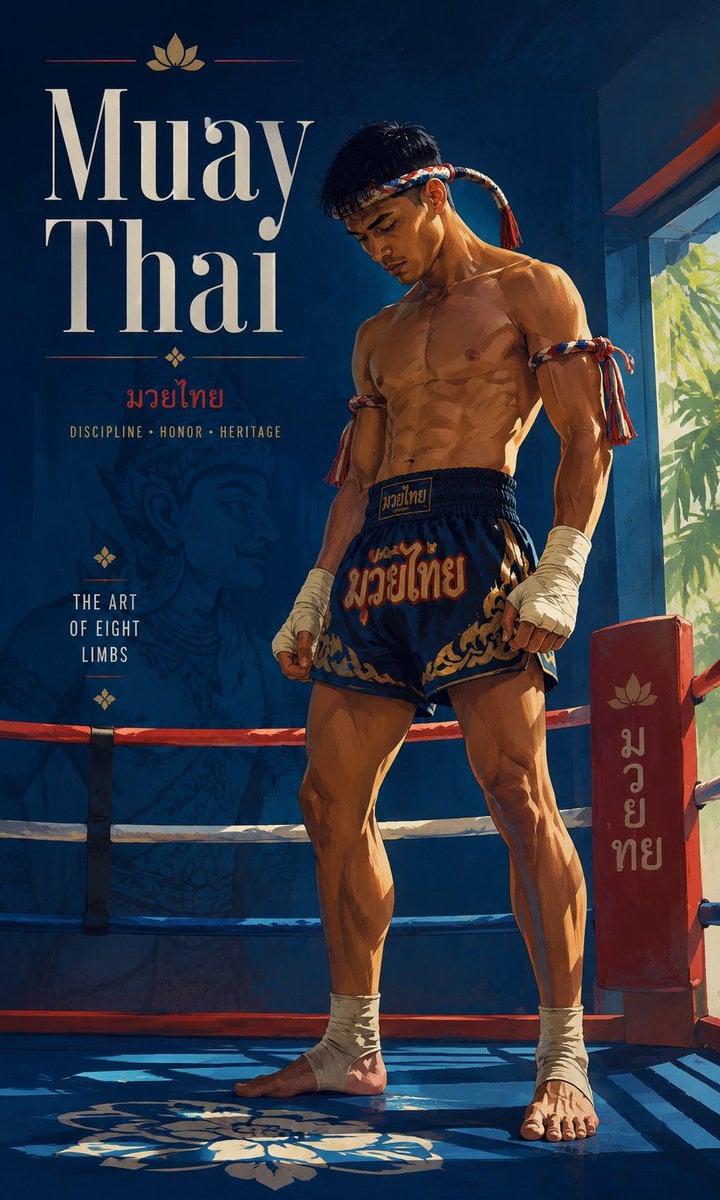
Cinematic Painterly Martial Arts Poster
Make it yours
Warehouse Martial Arts Showdown works as-is. These are the safest ways to change it without losing the look.
Change one field
Copy a single group, rewrite it, and generate again so you can see what that field is doing.
Keep the frame, change the subject
Hold the composition and light of Warehouse Martial Arts Showdown, then swap wardrobe, props or the person for a new take.
| If the result… | Why | Fix |
|---|---|---|
| The result drifts from the preview | Too many fields changed at once. | Reuse Warehouse Martial Arts Showdown as-is first, then change one group — subject, light, or setting. |
| The model over-stylizes the scene | The prose prompt leaves finish and camera underspecified. | Add one camera or lighting sentence and stay on GPT Image 2. |
More GPT Image 2 templates
Other prompts made for GPT Image 2.

Six VTuber Japanese Logo Sheet

Realistic Portrait of Woman and Deer

The Vista Modular Condo Poster

AI Model Routing Comparison Infographic

2.5D Anime Art Board

Isometric Productivity Desk Scene

New York Double Exposure Poster

Four-Panel AI Landscape Comparison

Japanese Tatami Lifestyle Magazine Cover

NESCAFÉ Coffee Map Poster
More image prompts
Fresh picks from across the catalog.

Taiwan 10,000 NTD distribution infographic
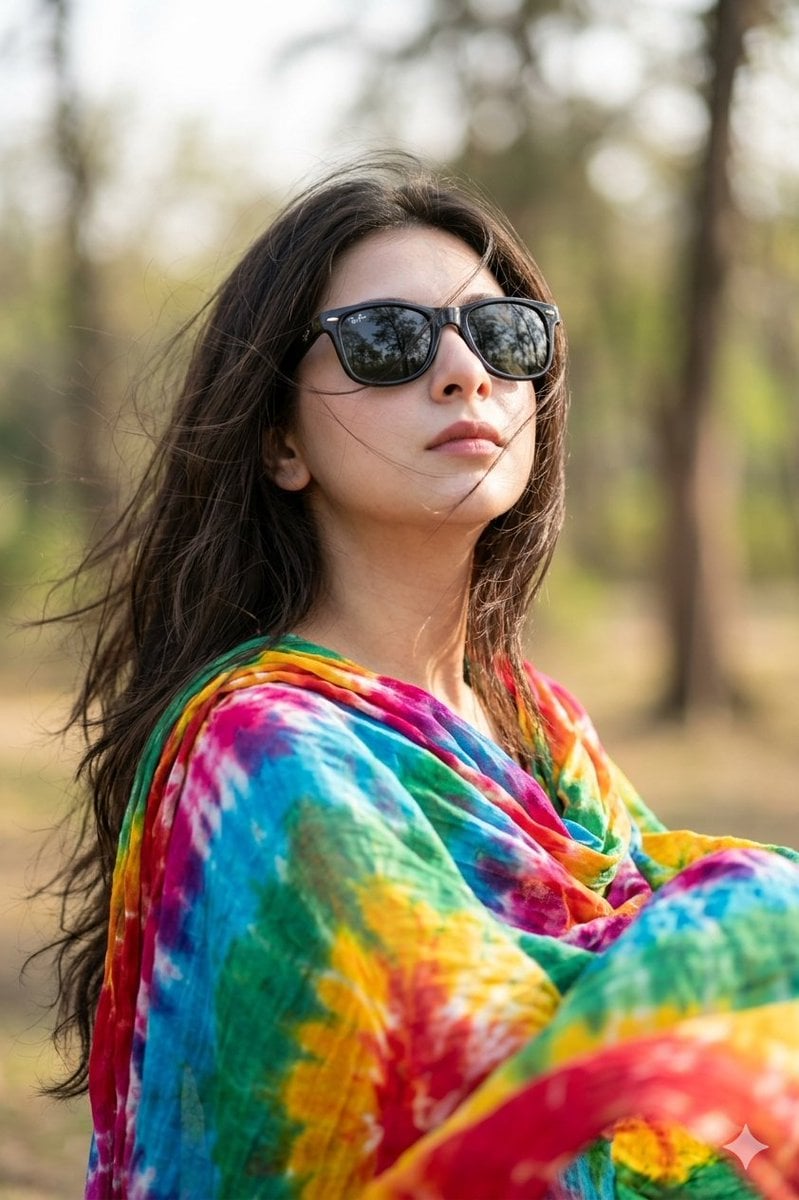
Hyper-realistic Portrait Prompt with Face Consistency
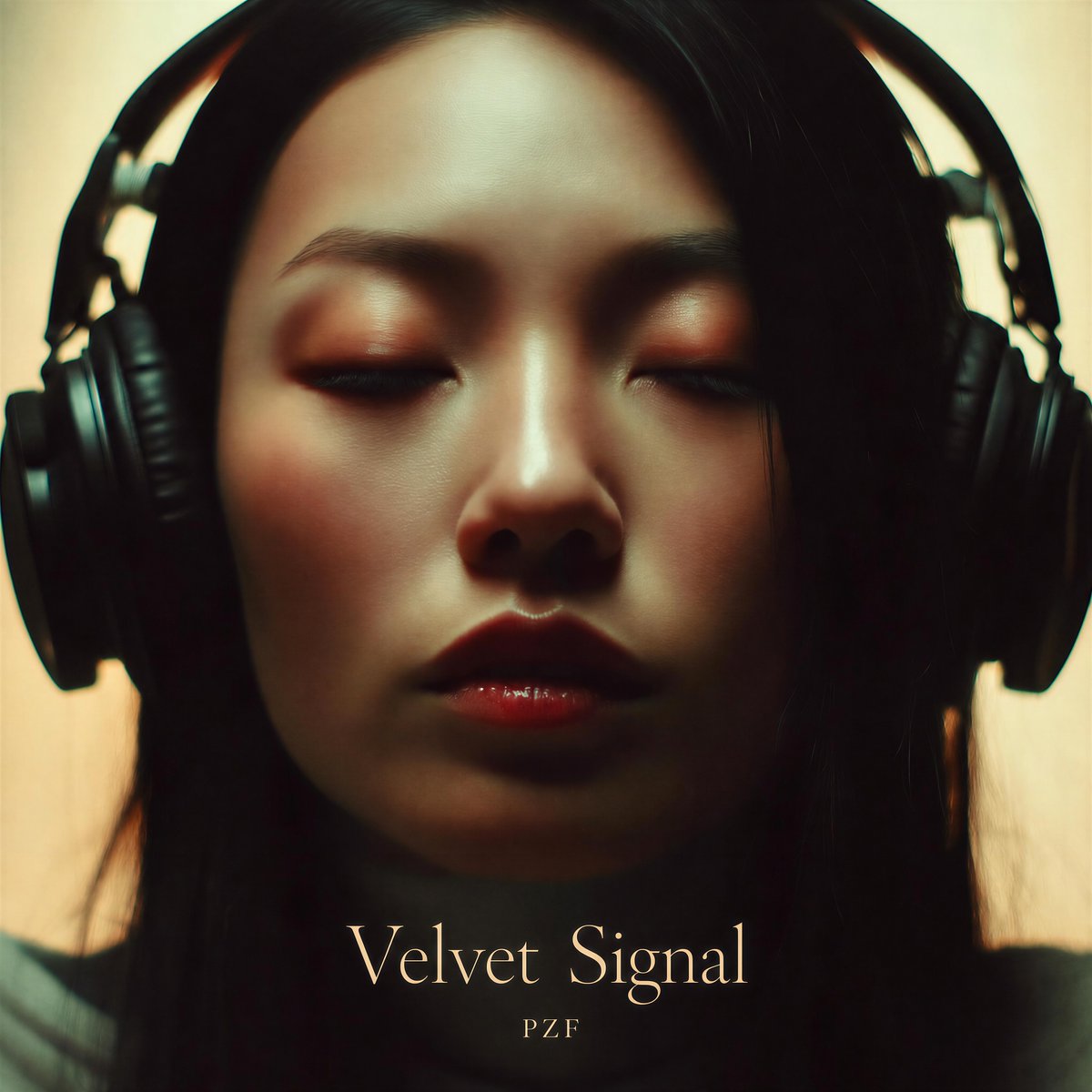
Velvet Signal Album Cover
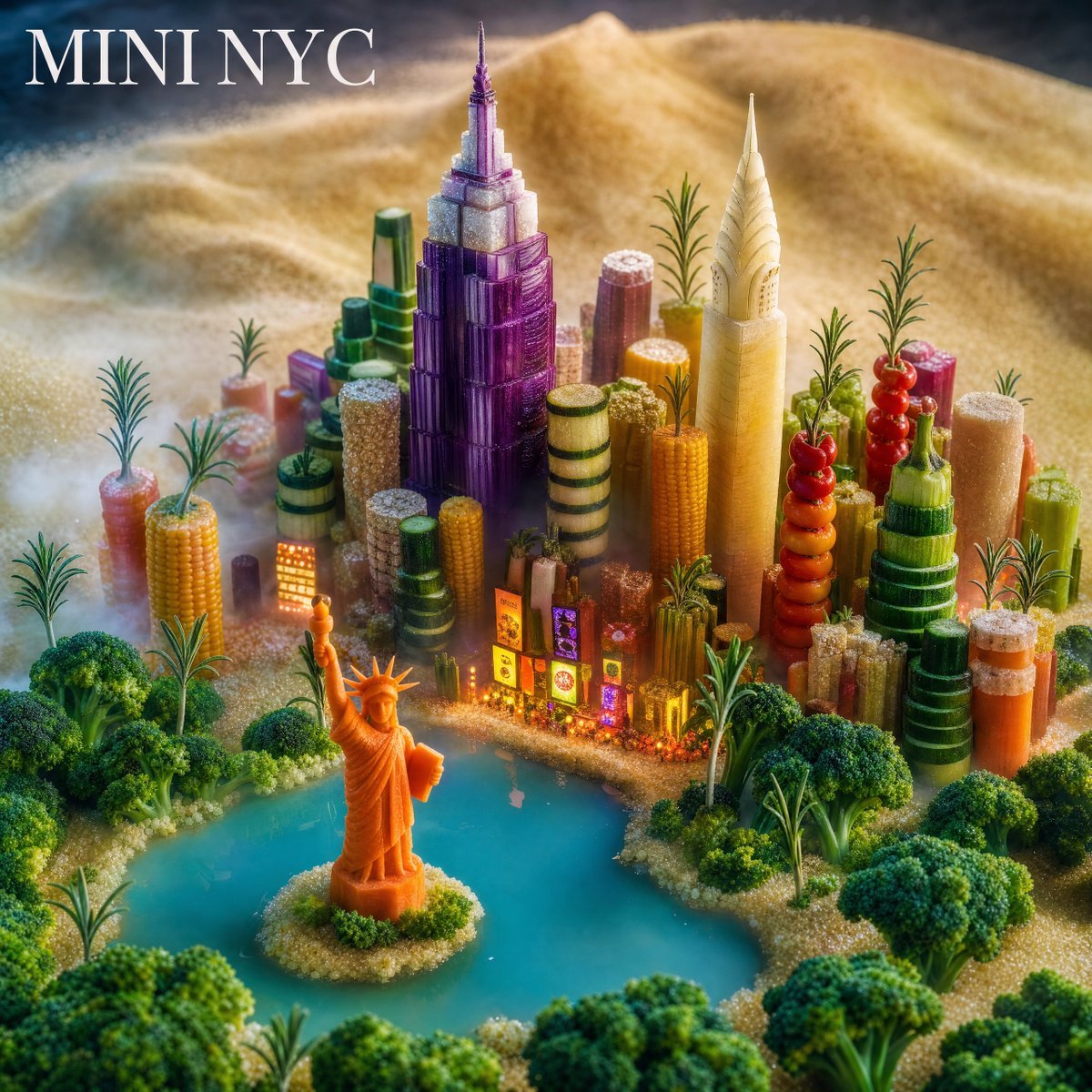
Mini NYC Food Landscape
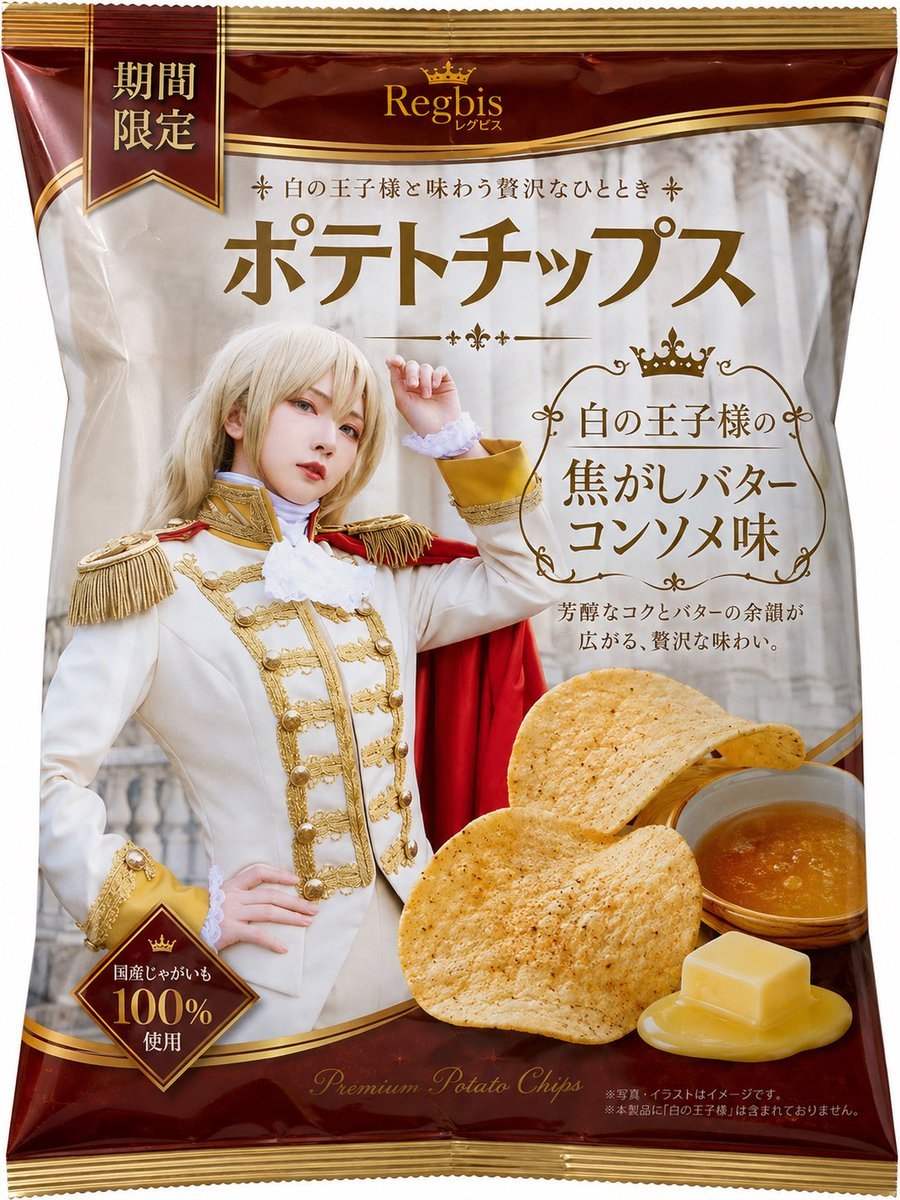
Royal Prince Potato Chips Package
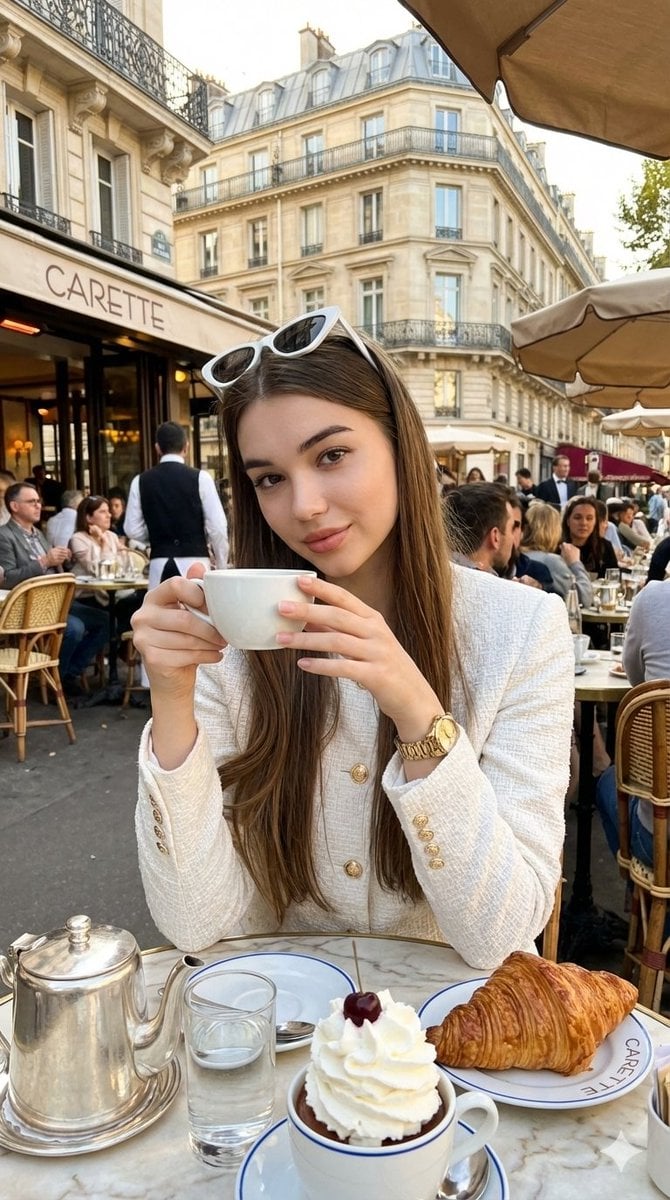
Photorealistic Parisian Café Editorial Portrait
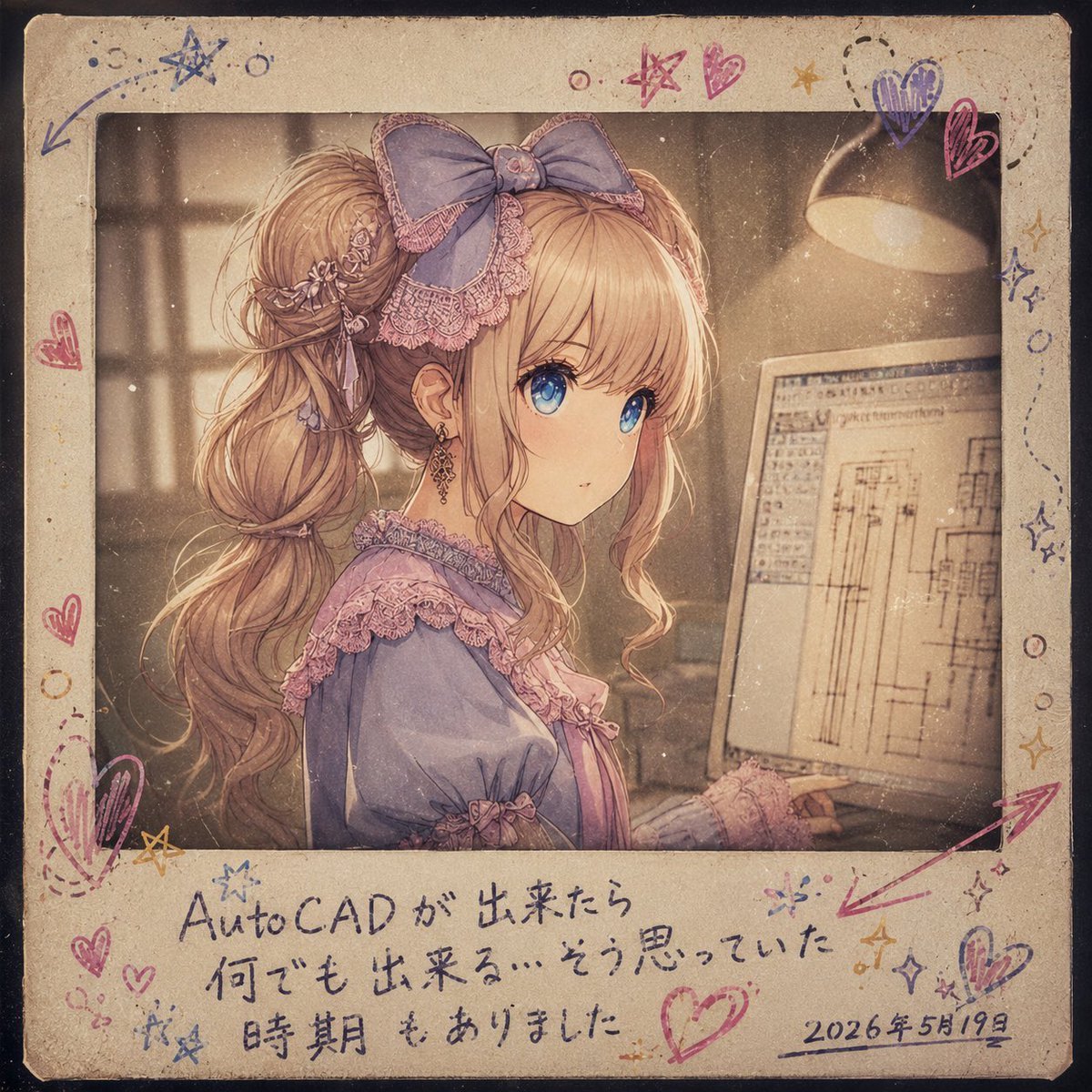
Melancholy AutoCAD Working Girl Polaroid
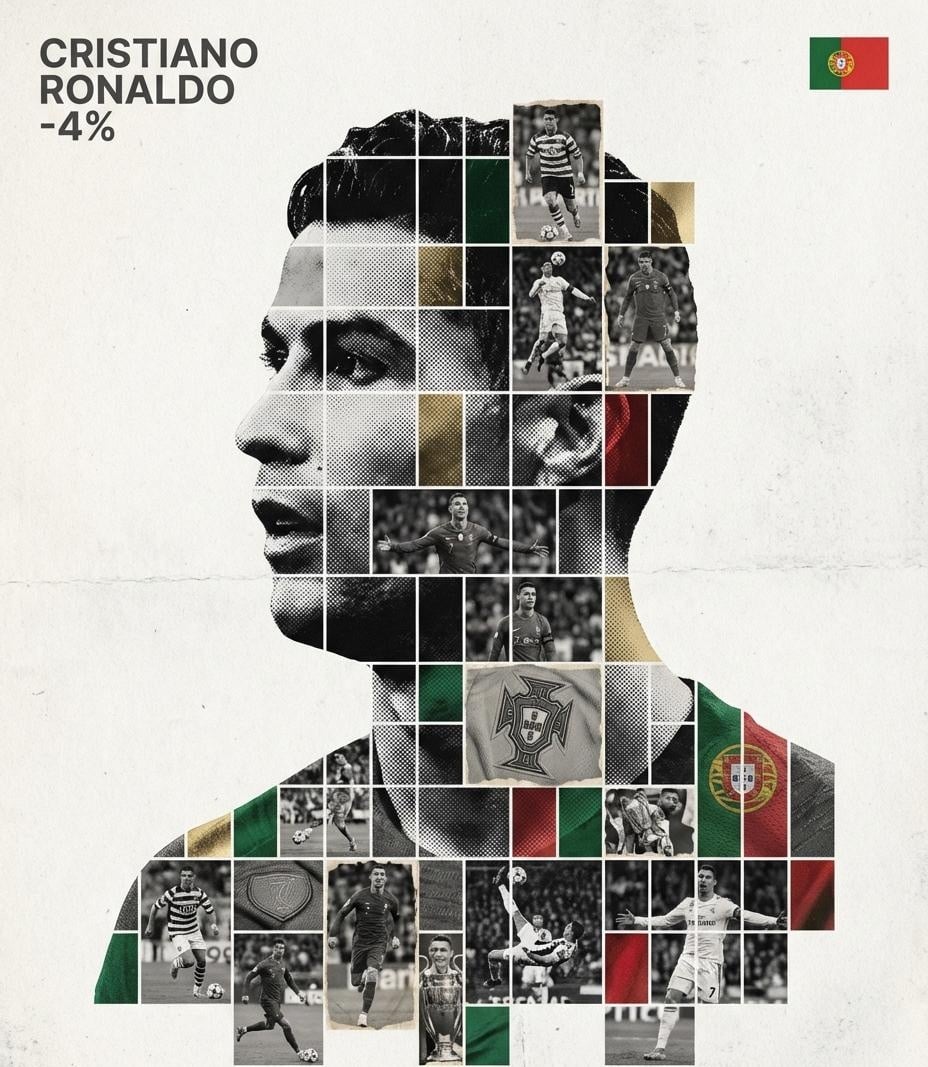
Gallery-Quality Tribute Poster with Textured Photo Mosaic Silhouette
Cross-Strait Dialogue Editorial Illustration
Mystery Movie Poster Conversion
Browse template categories
Warehouse Martial Arts Showdown questions
How do I use the Warehouse Martial Arts Showdown template?
Add your photo if the template asks for one, edit the prompt if you like — the template's model and format are already selected — and press Generate. Your version opens in PicX Studio.
Can I customize the Warehouse Martial Arts Showdown template?
Yes. You can change the subject, setting, lighting, mood, format, and available model controls before creating your image.
Is the Warehouse Martial Arts Showdown template free?
Opening and editing this template is free. Generating uses credits, shown on the Generate button when you are signed in.
Which AI model should I use?
Start with GPT Image 2, which is the model associated with this template. You can compare another compatible model for a different finish.
Looking for something else? Browse all templates.

Your photo, any look
Thousands of ready templates for every top image and video model, from one credit balance.