
Storm Dragon Warrior Showdown
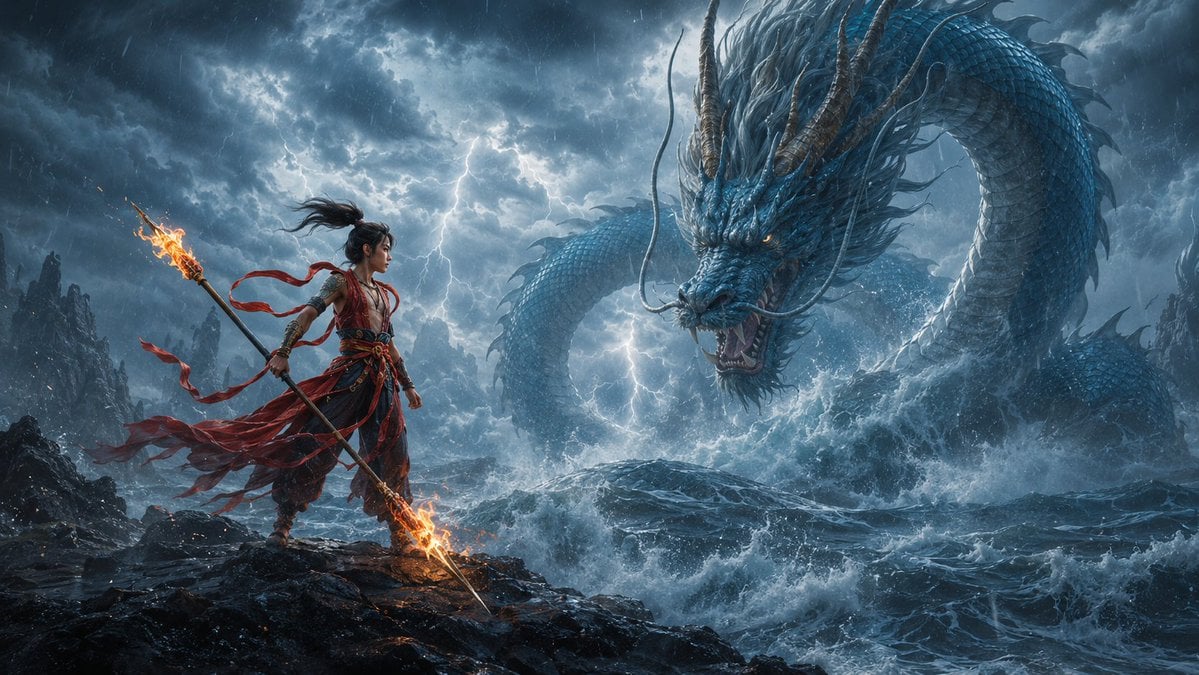
A cinematic fantasy prompt for generating an epic ancient Chinese hero confronting a colossal sea dragon in a stormy game-like scene.
- Prompt included
- Model and format preset
- Free template
The prompt behind this image
Copy the exact prompt behind Storm Dragon Warrior Showdown, or open it in the studio and make it yours.
Create a cinematic fantasy game key art scene in an ancient Chinese mythological style, showing exactly 2 main subjects: 1 foreground subject, {argument name="foreground subject" default="a young warrior hero inspired by Nezha, standing on black coastal rocks"}, and 1 background entity, {argument name="background entity" default="a colossal blue Chinese sea dragon rising from storm waves"}. The hero stands on the left third of a wide 16:9 canvas, full body visible, facing right in a defiant stance, with long black hair tied high and blowing in the wind, red ribbons streaming behind, layered red-and-black battle robes, arm wraps, ornate belts, and a flaming spear held diagonally with fire burning at both ends. The dragon dominates the right side and background, serpentine body looping through the sky and ocean, blue scales, long whiskers, antler-like horns, spiny mane, glowing amber eyes, open roaring mouth, and water exploding around its body. Set the scene on a jagged volcanic shoreline during a violent thunderstorm with dark blue-gray storm clouds, heavy rain, turbulent ocean waves, sea spray, lightning branching behind the subjects, and misty mountain silhouettes in the distance. Use dramatic low-angle composition, epic scale contrast, sharp fantasy realism, ultra-detailed textures, dynamic motion, cold blue storm lighting contrasted with warm orange flame glow, cinematic volumetric lighting, high contrast, painterly yet photorealistic finish, no text, no watermark, no modern objects.
How to use Storm Dragon Warrior Showdown in 3 steps
- 1Upload ImagePNG, JPG or paste
Add your photo
Upload the photo the template builds on. The prompt, model and format are already set.
- 2…a portrait of your subject in softgolden-hour light, 85mm…
Personalize
Edit the subject and creative details for your destination.
- 3Generate
Generate
Press Generate — your image is created in PicX Studio, so you can compare it with the original and refine one variable at a time.
More like this
Templates with the same subject, style or setup. Open one to see its prompt.

Minecraft Fantasy Kingdom Voxel Landscape
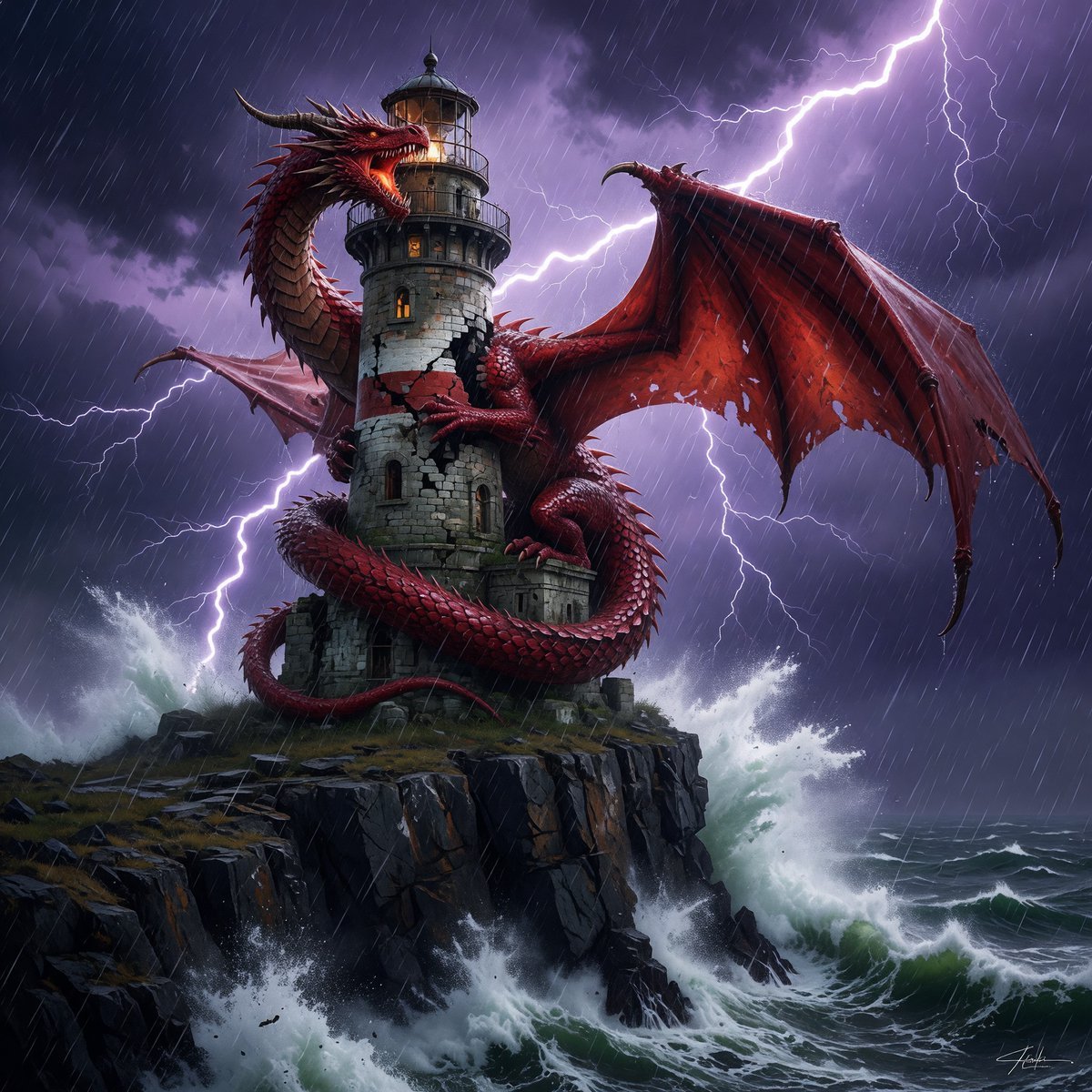
Dragon-Coiled Lighthouse Storm
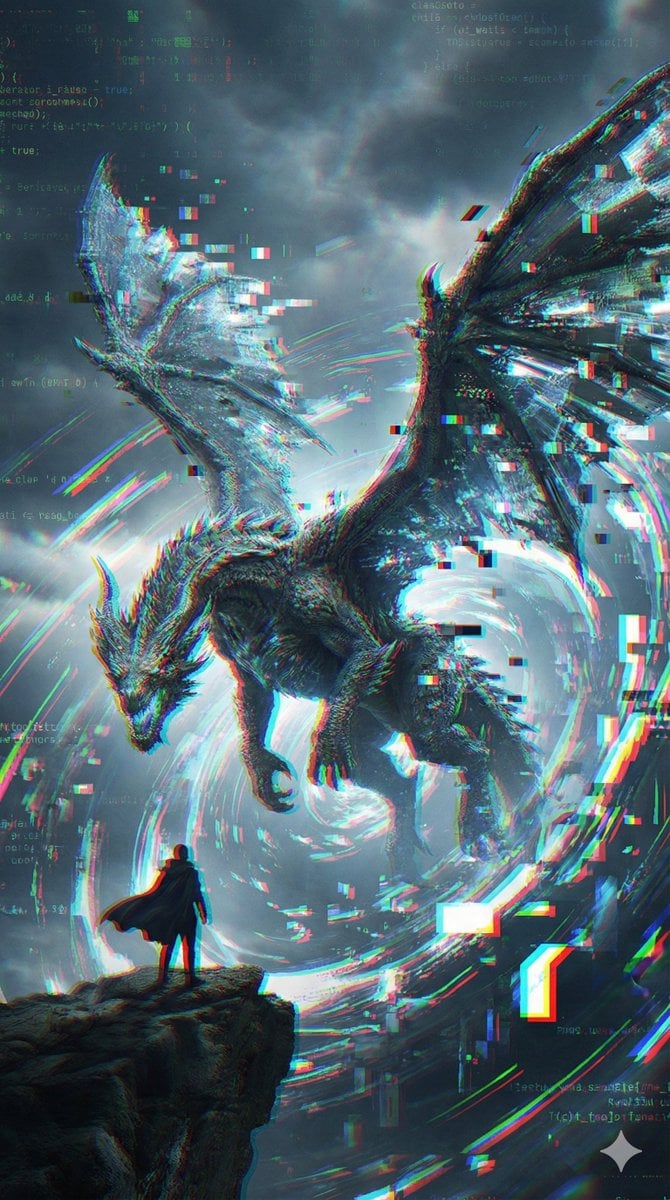
Glitch Storm Dragon Prompt
Seedance - Dragon vs Python Battle
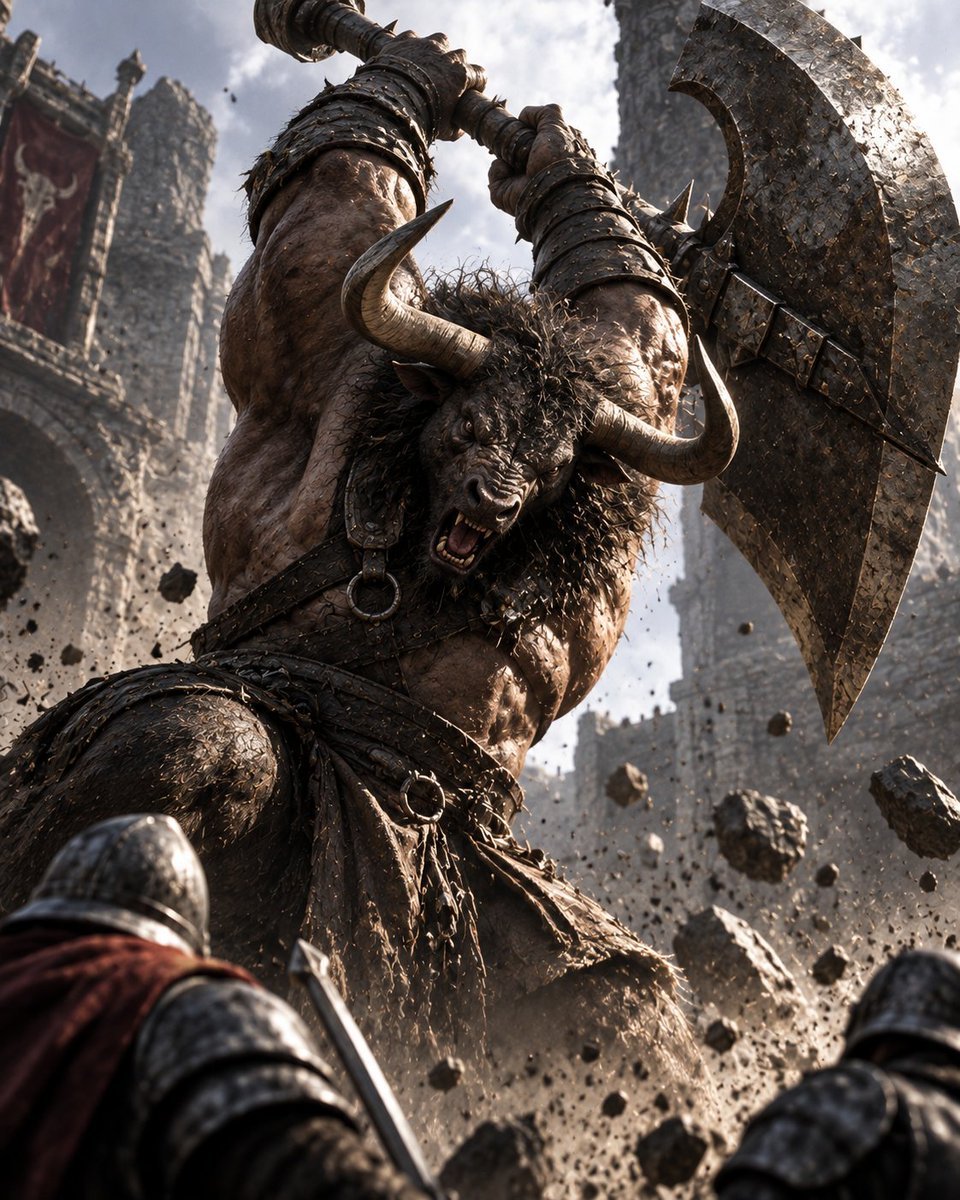
Minotaur Storming Fortress
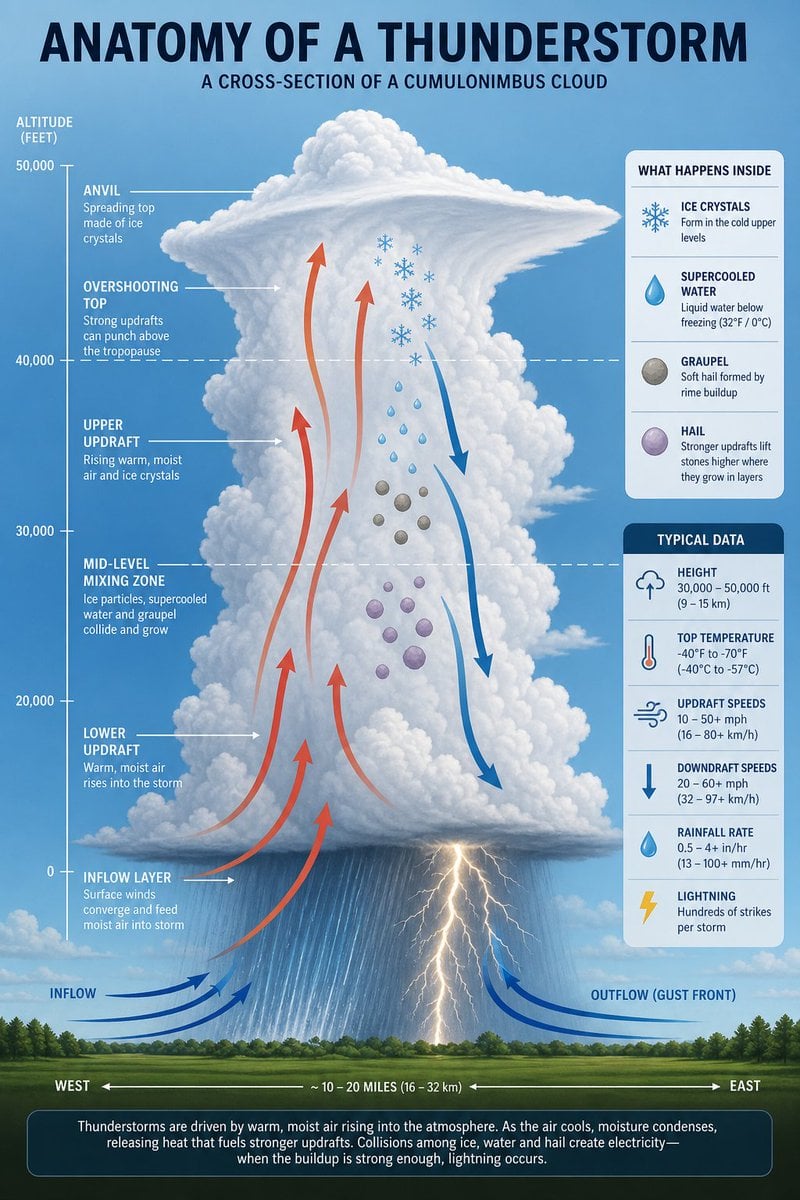
Thunderstorm Anatomy and Photography
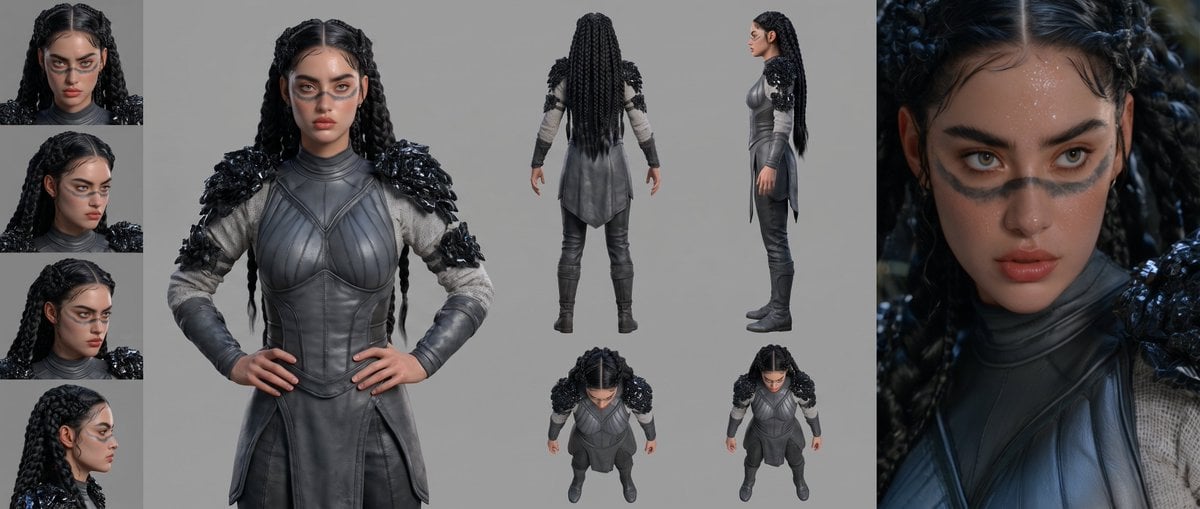
Mesoamerican Warrior Character Sheet

Tribal Fantasy Warrior with Guardian Owl
Stormy Coastal Cliff Landscape
Steam Locomotive Collapsing Bridge Storm
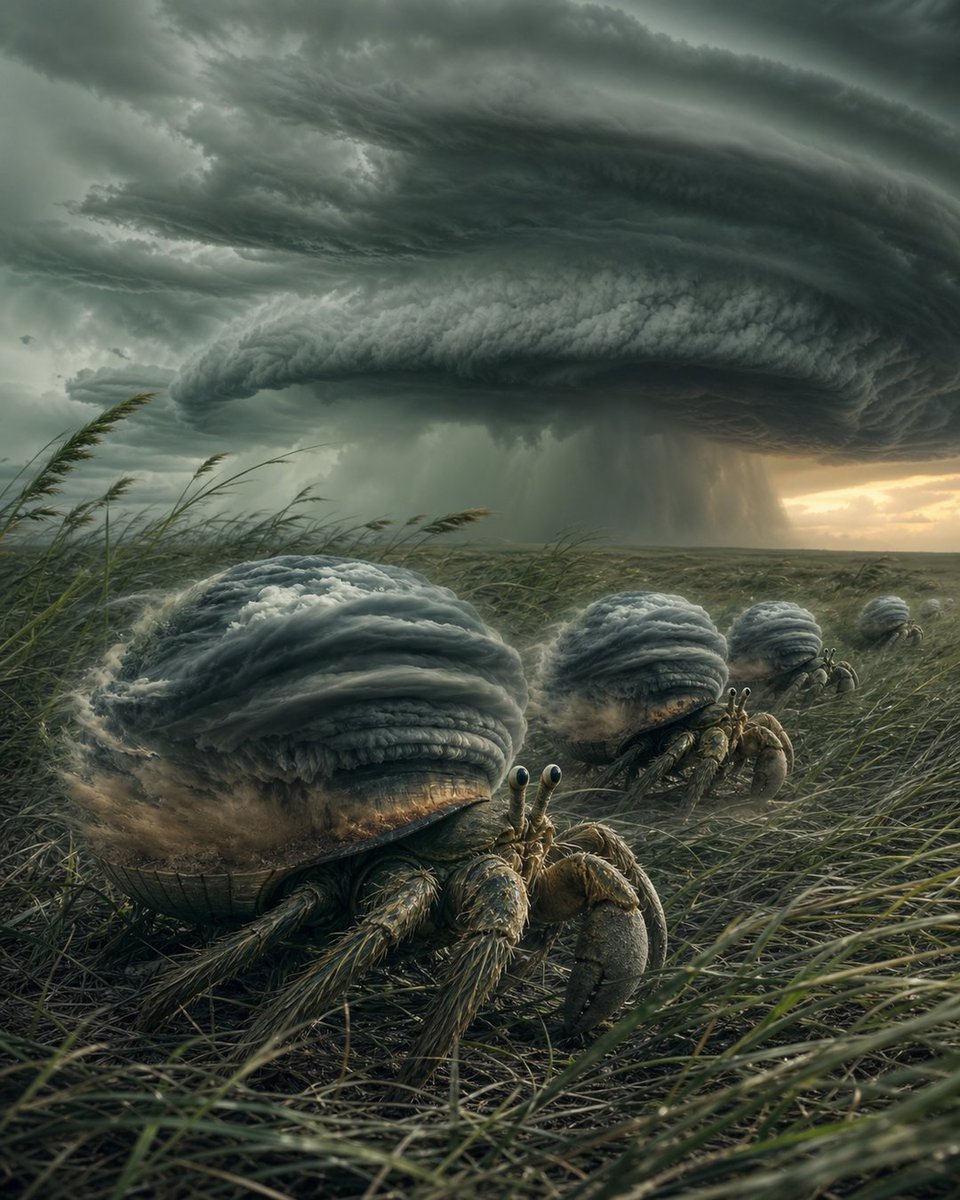
Hermit Crabs Carrying Storm Clouds
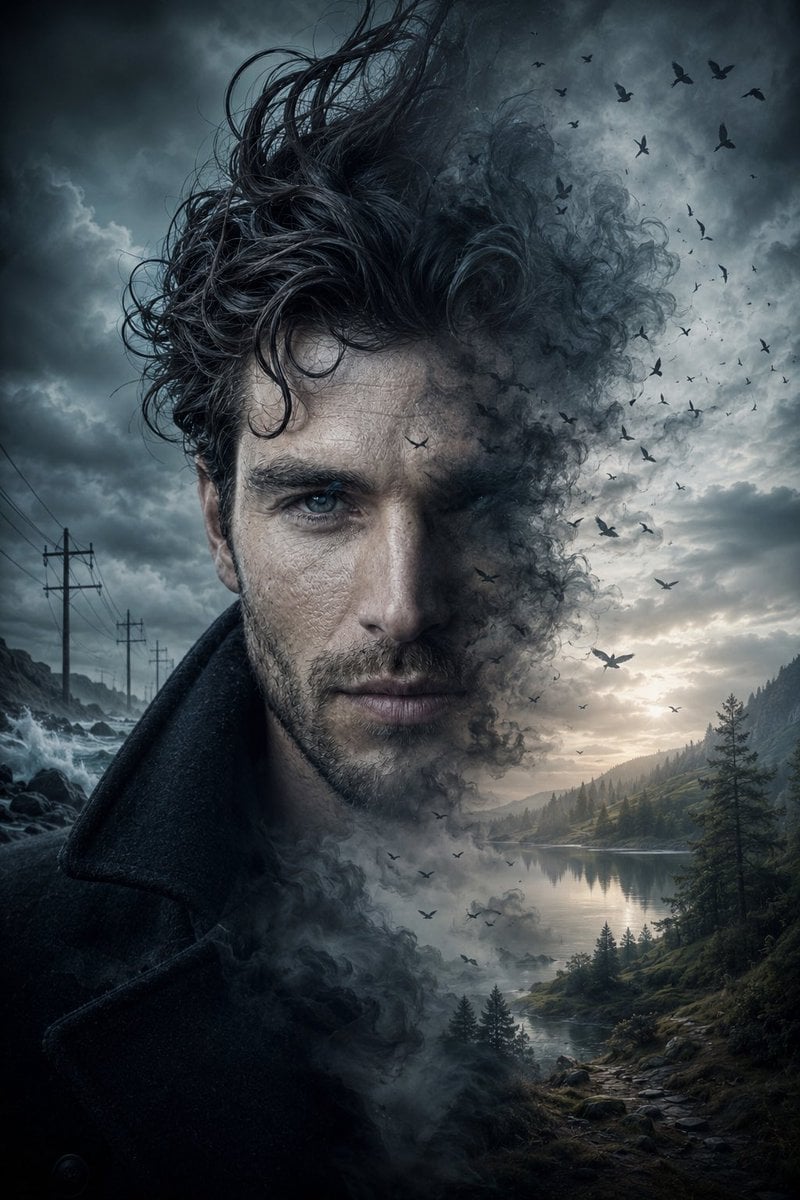
Cinematic Double Exposure Storm Portrait
Make it yours
Storm Dragon Warrior Showdown works as-is. These are the safest ways to change it without losing the look.
Change one field
Copy a single group, rewrite it, and generate again so you can see what that field is doing.
Keep the frame, change the subject
Hold the composition and light of Storm Dragon Warrior Showdown, then swap wardrobe, props or the person for a new take.
| If the result… | Why | Fix |
|---|---|---|
| The result drifts from the preview | Too many fields changed at once. | Reuse Storm Dragon Warrior Showdown as-is first, then change one group — subject, light, or setting. |
| The model over-stylizes the scene | The prose prompt leaves finish and camera underspecified. | Add one camera or lighting sentence and stay on GPT Image 2. |
More GPT Image 2 templates
Other prompts made for GPT Image 2.

Six VTuber Japanese Logo Sheet

Realistic Portrait of Woman and Deer

The Vista Modular Condo Poster

AI Model Routing Comparison Infographic

2.5D Anime Art Board

Isometric Productivity Desk Scene

New York Double Exposure Poster

Four-Panel AI Landscape Comparison

Japanese Tatami Lifestyle Magazine Cover

NESCAFÉ Coffee Map Poster
More image prompts
Fresh picks from across the catalog.
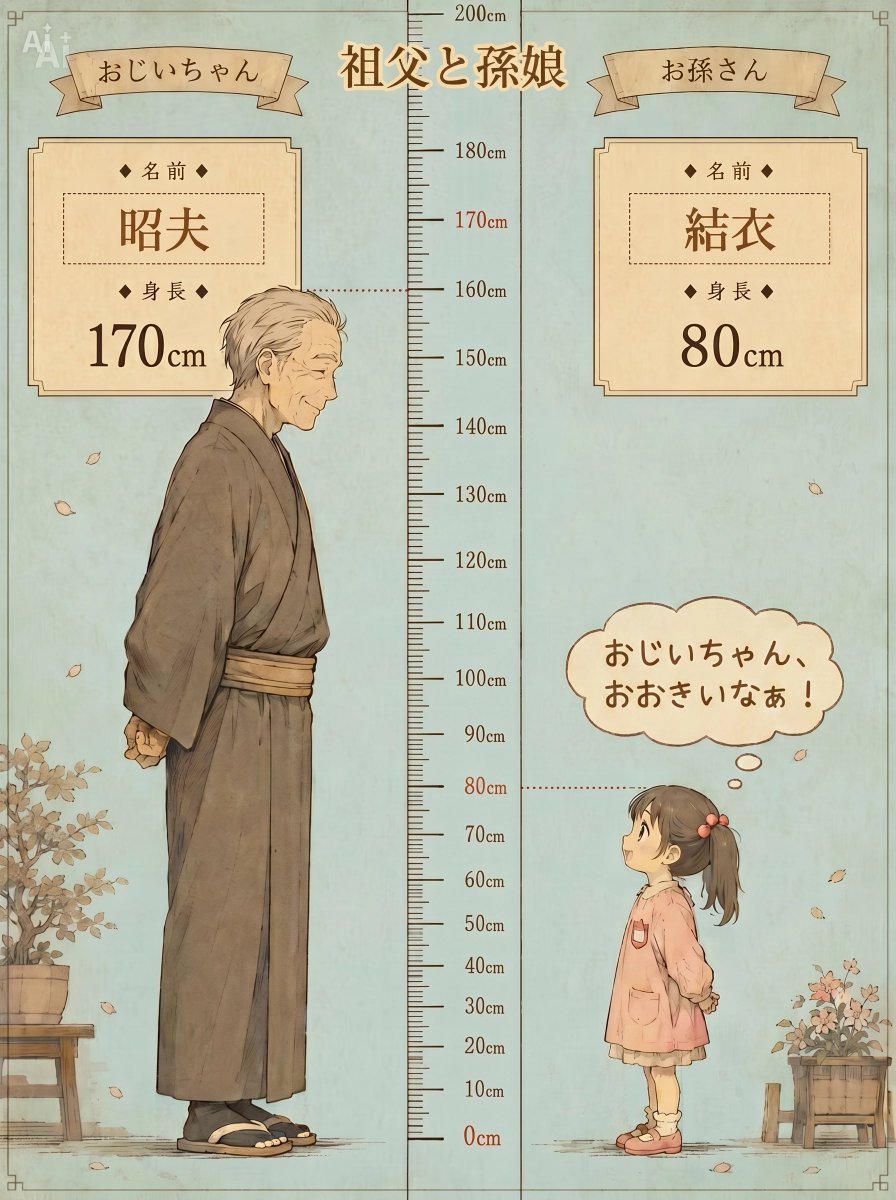
Grandfather and Granddaughter Height Chart
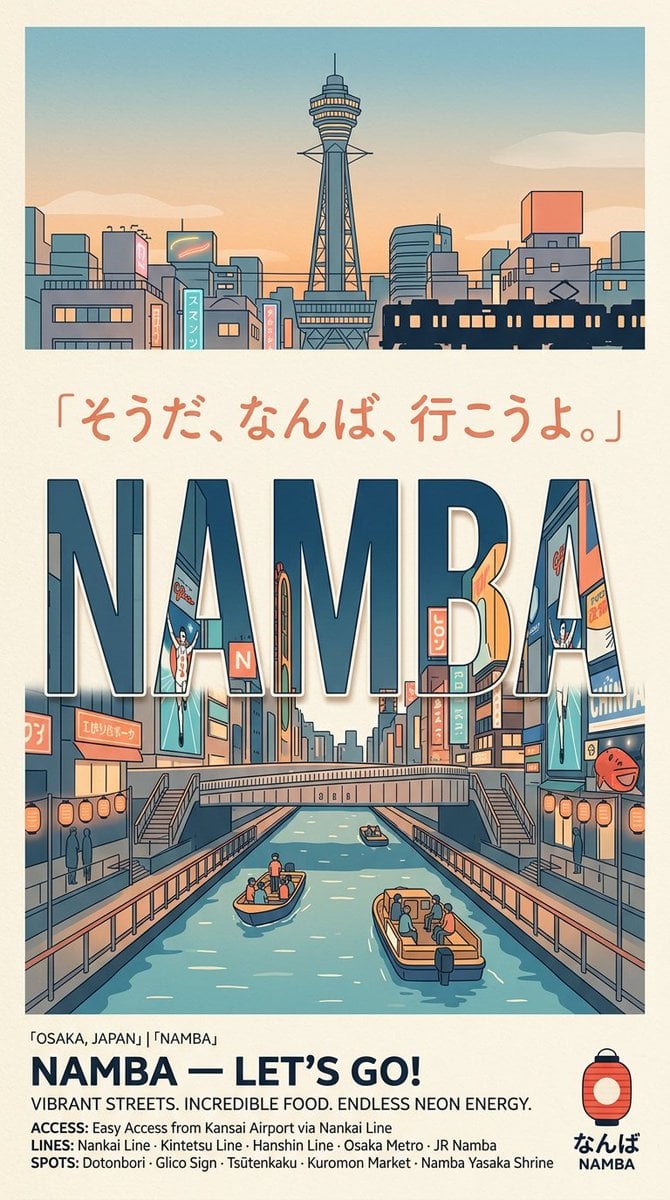
Retro Namba Osaka Travel Poster
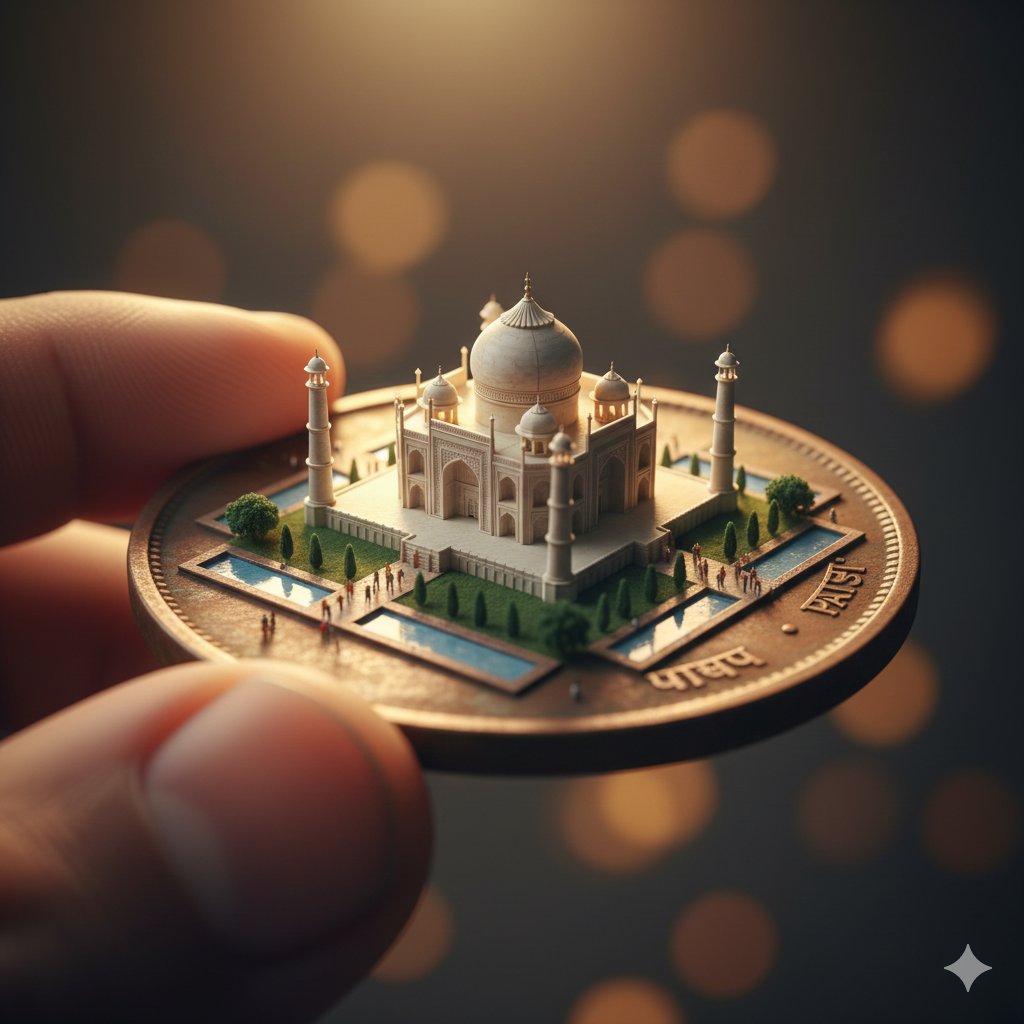
Macro Realism: Miniature Taj Mahal on a Vintage Indian Coin
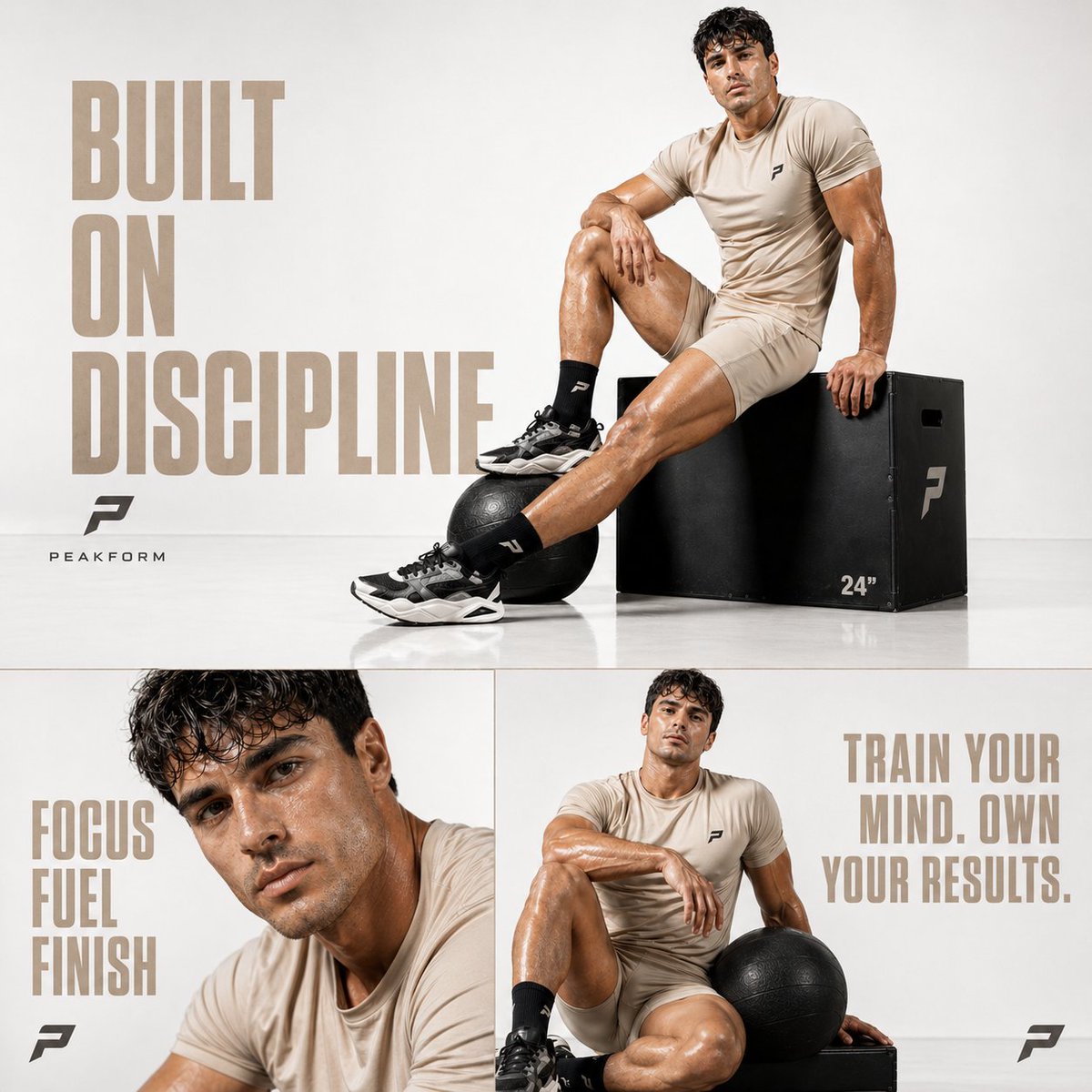
Luxury Fitness Editorial Prompt
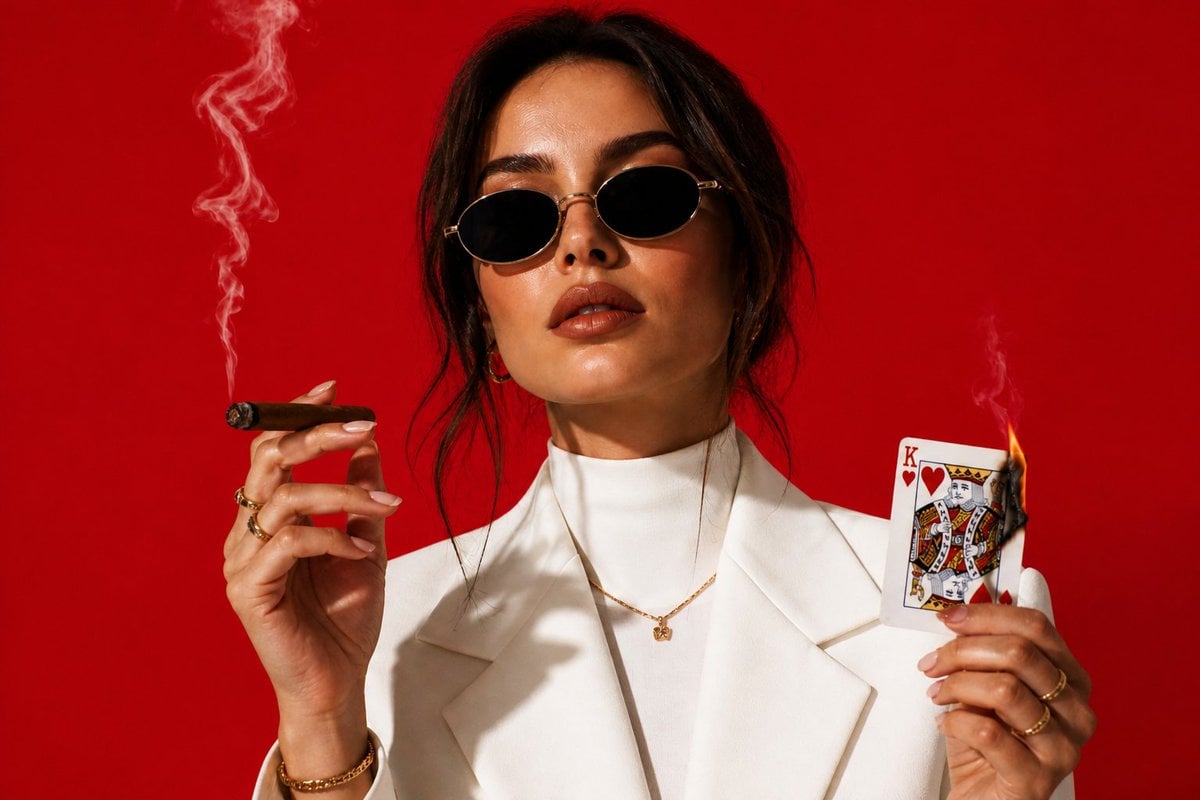
High-Fashion Cigar Portrait
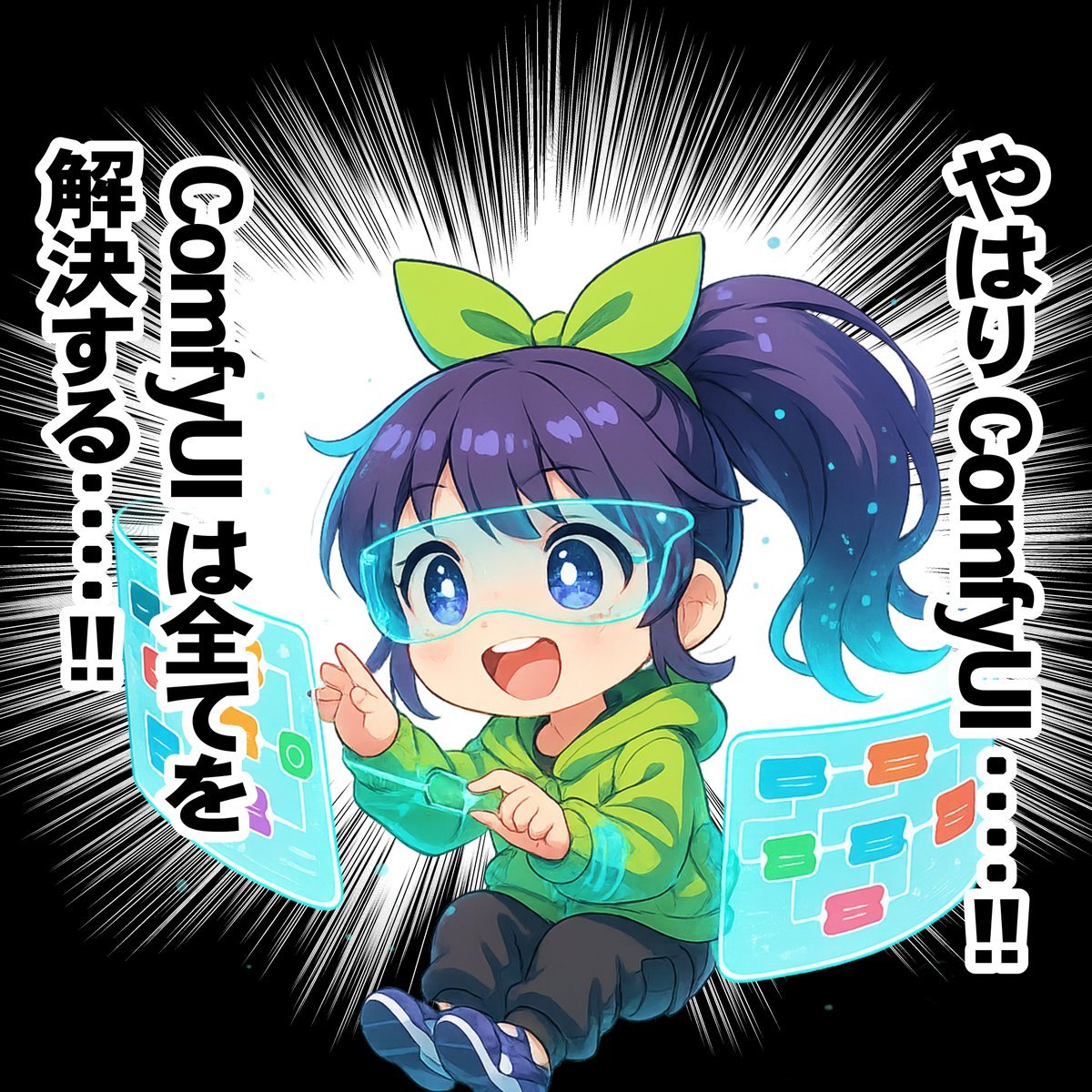
Chibi Character Operating a Cyber Window Prompt
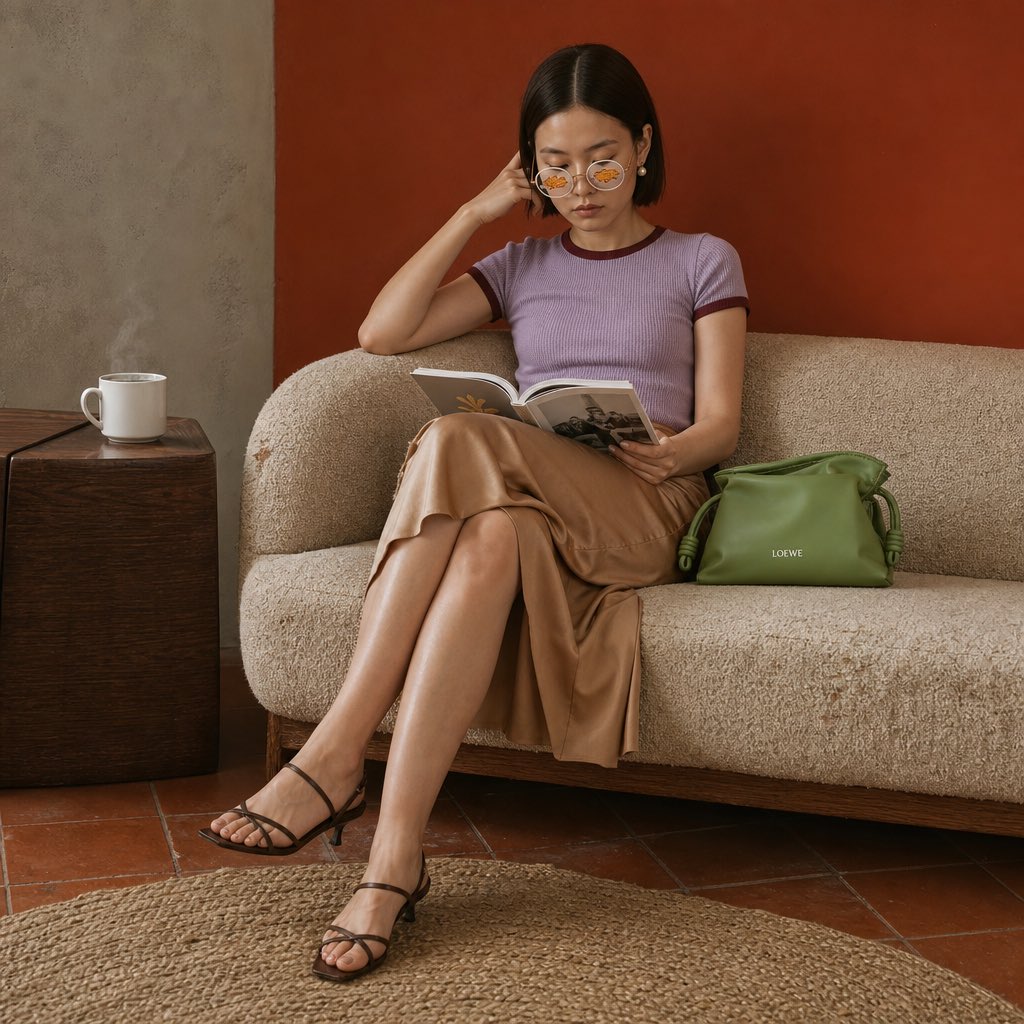
Vintage Sofa Fashion Editorial
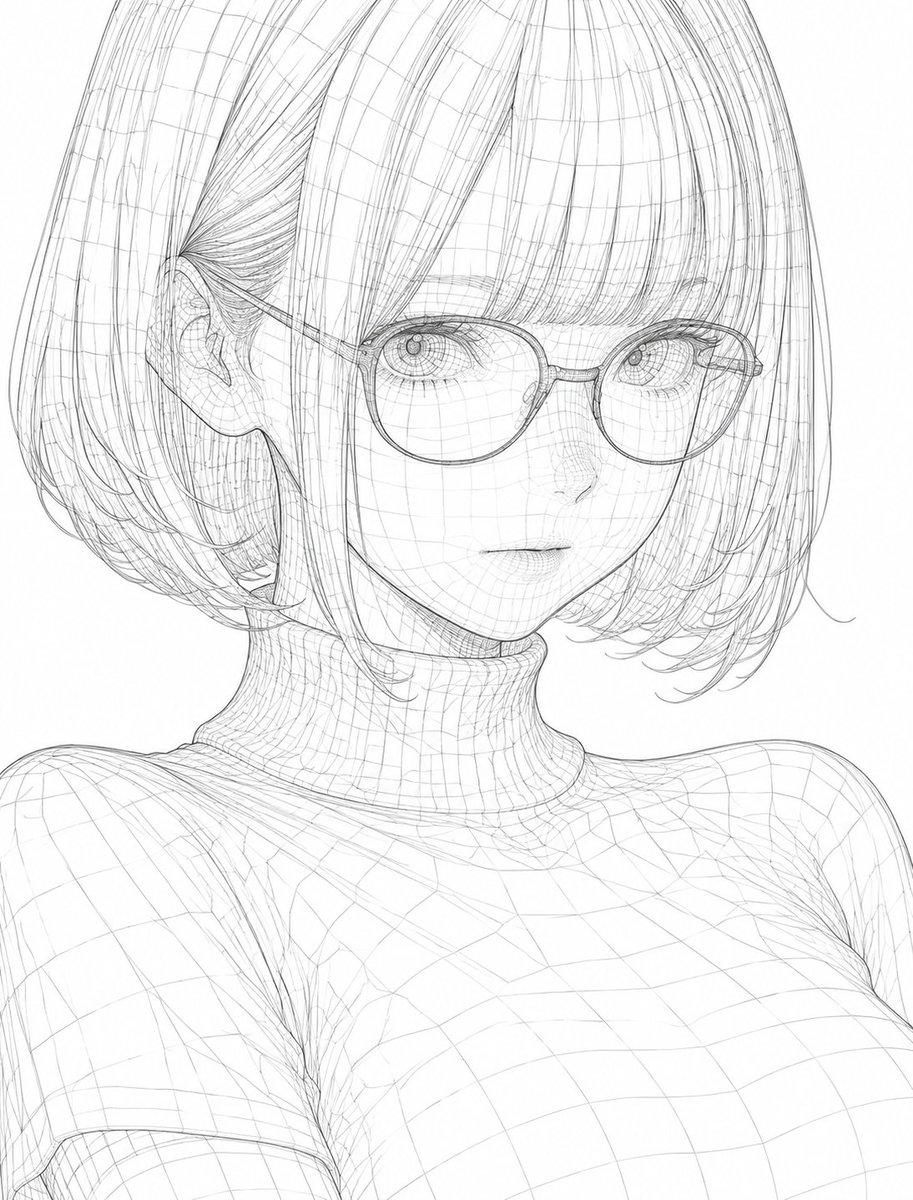
3D Wireframe Illustration Transformation
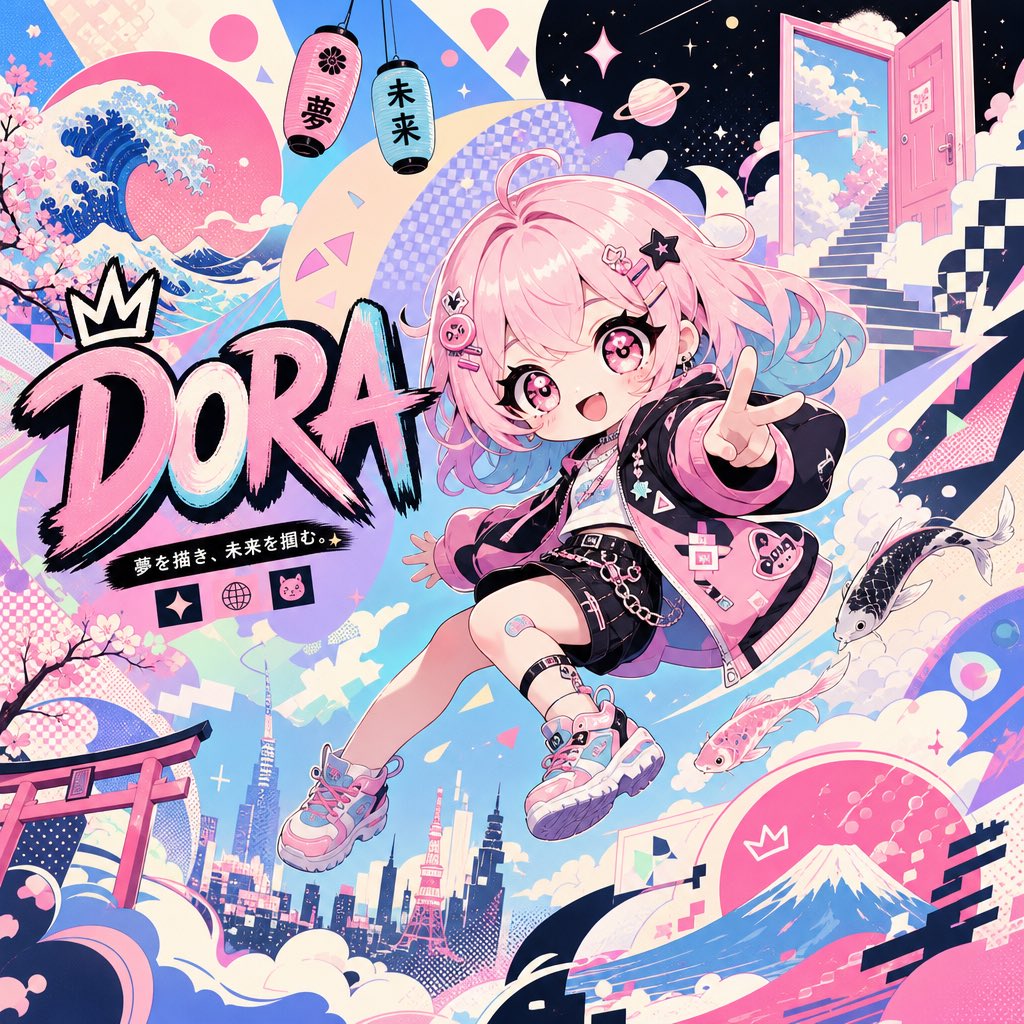
Surreal Japanese Pop Art Twitter Banner
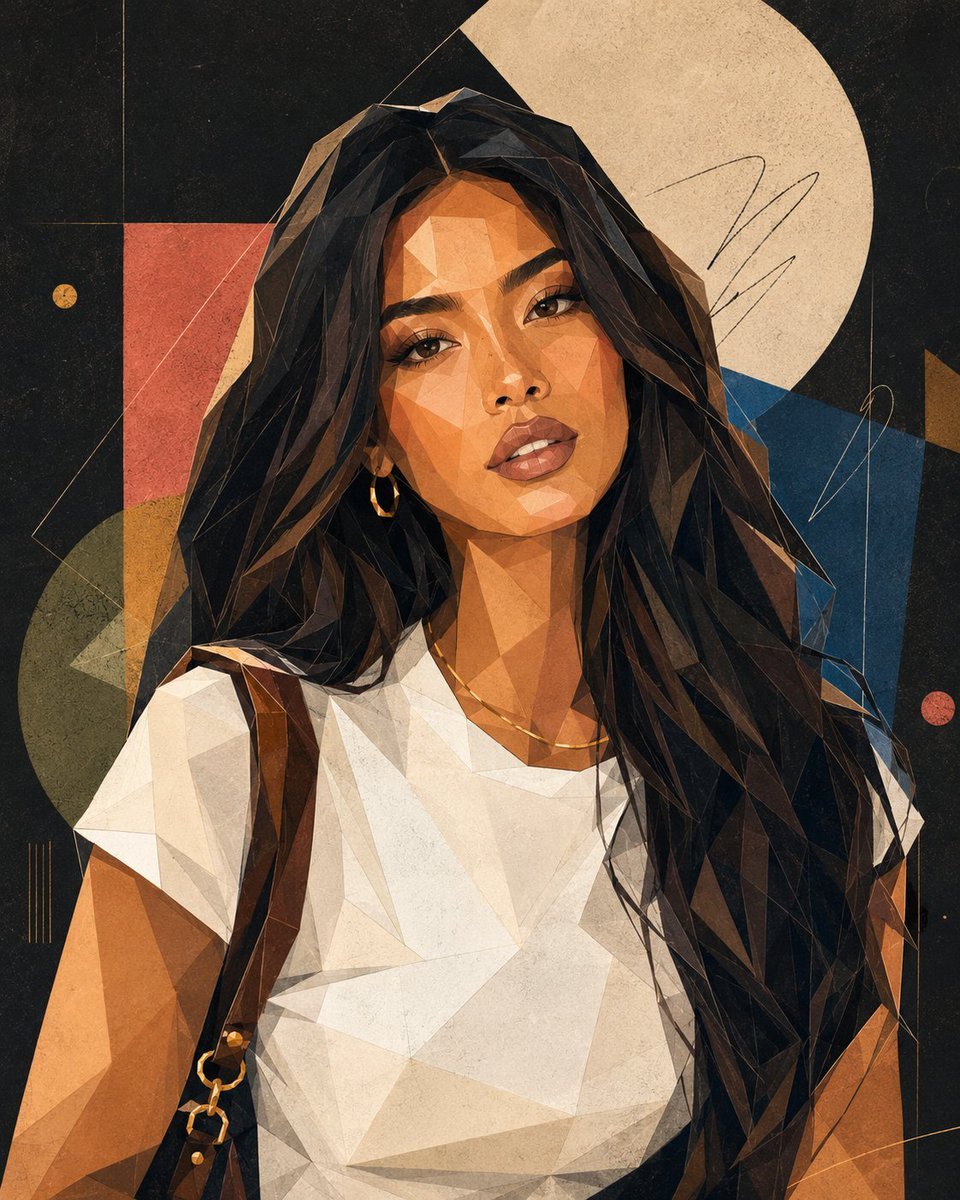
Modern Geometric Polygon Portrait
Browse template categories
Storm Dragon Warrior Showdown questions
How do I use the Storm Dragon Warrior Showdown template?
Add your photo if the template asks for one, edit the prompt if you like — the template's model and format are already selected — and press Generate. Your version opens in PicX Studio.
Can I customize the Storm Dragon Warrior Showdown template?
Yes. You can change the subject, setting, lighting, mood, format, and available model controls before creating your image.
Is the Storm Dragon Warrior Showdown template free?
Opening and editing this template is free. Generating uses credits, shown on the Generate button when you are signed in.
Which AI model should I use?
Start with GPT Image 2, which is the model associated with this template. You can compare another compatible model for a different finish.
Looking for something else? Browse all templates.

Your photo, any look
Thousands of ready templates for every top image and video model, from one credit balance.