
Grandfather and Granddaughter Height Chart
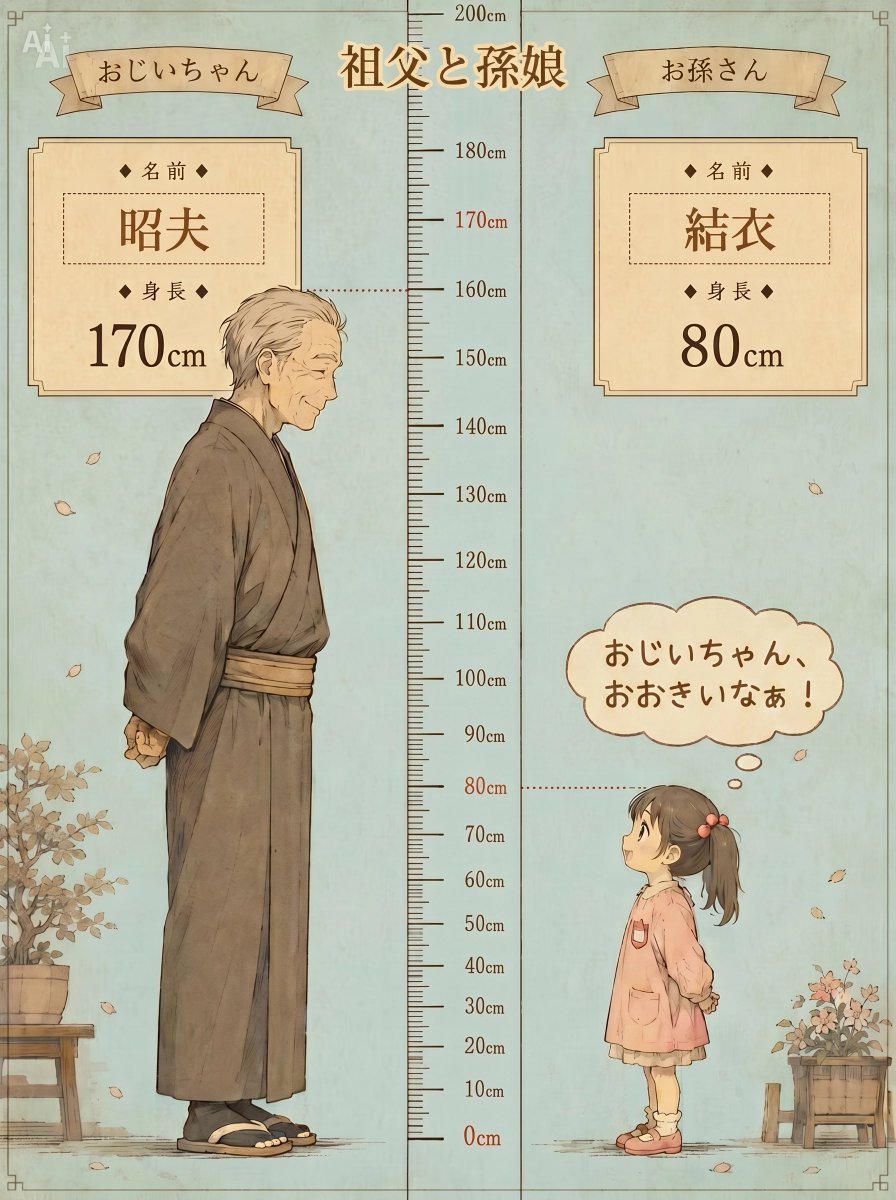
A vintage Japanese watercolor poster comparing the height of a grandfather and granddaughter with labeled cards and a central ruler.
- Prompt included
- Model and format preset
- Free template
The prompt behind this image
Copy the exact prompt behind Grandfather and Granddaughter Height Chart, or open it in the studio and make it yours.
Create a nostalgic Japanese illustrated height-comparison poster titled {argument name="main title" default="祖父と孫娘"}, showing exactly two characters standing in profile facing each other across a central measuring ruler. The left character is an elderly grandfather labeled {argument name="grandfather name" default="昭夫"}, height 170 cm, wearing a muted brown traditional kimono with obi belt, tabi socks and sandals, slightly stooped, hands clasped behind his back, gray swept-back hair, calm gentle expression; place him on the left with a dotted horizontal guide line reaching the 170 cm mark. The right character is a small granddaughter labeled {argument name="granddaughter name" default="結衣"}, height 80 cm, wearing a soft pink smock dress over a cream skirt, pink shoes, dark brown ponytail tied with a red bow, hands behind her back, looking up at him; place her on the right with a dotted guide line reaching the 80 cm mark. Use a vertical 3:4 canvas with pale blue-green aged paper background, thin decorative border corners, sepia ink linework, warm watercolor wash, soft grain, and an old children’s book / vintage family record style. Put a tall central height scale from 0 cm to 200 cm with black tick marks and labels every 10 cm; emphasize 0 cm, 80 cm, and 170 cm in reddish brown. Add two parchment ribbon banners at the top: left reads 「おじいちゃん」 and right reads 「お孫さん」. Add two ornate cream information cards near the top: left card contains exactly 2 labeled fields, 「名前」 with the grandfather name and 「身長」 with 「170cm」; right card contains exactly 2 labeled fields, 「名前」 with the granddaughter name and 「身長」 with 「80cm」. Add one rounded thought/speech cloud above the granddaughter reading {argument name="speech bubble text" default="おじいちゃん、おおきいなぁ!"}. Include exactly 2 potted plant props: one leafy potted plant on a wooden stool at bottom left, and one small flowering plant in a wooden box at bottom right; scatter a few falling autumn leaves around the scene. Keep faces softly stylized and family-friendly, preserve all Japanese text exactly where specified, avoid modern UI elements, photorealism, extra characters, extra labels, or watermarks.
How to use Grandfather and Granddaughter Height Chart in 3 steps
- 1Upload ImagePNG, JPG or paste
Add your photo
Upload the photo the template builds on. The prompt, model and format are already set.
- 2…a portrait of your subject in softgolden-hour light, 85mm…
Personalize
Edit the subject and creative details for your destination.
- 3Generate
Generate
Press Generate — your image is created in PicX Studio, so you can compare it with the original and refine one variable at a time.
More like this
Templates with the same subject, style or setup. Open one to see its prompt.
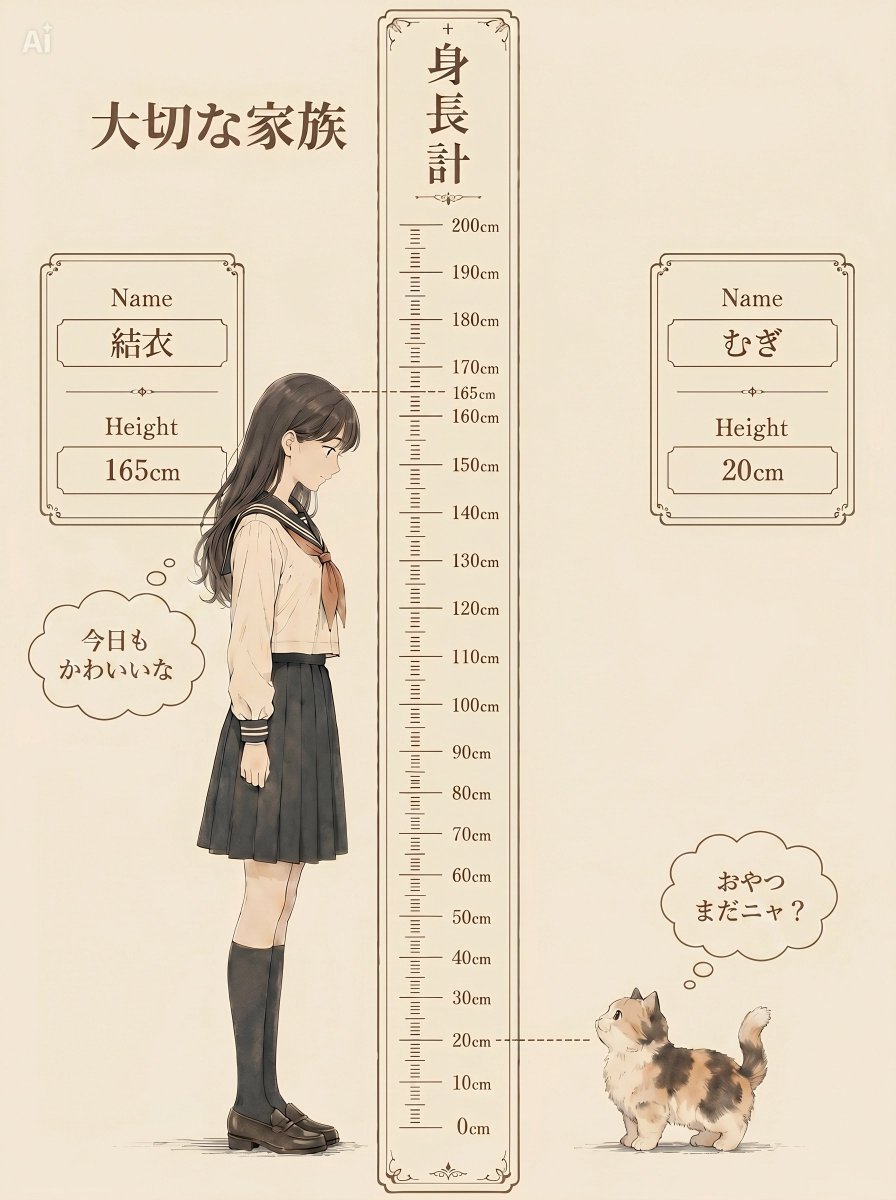
Nostalgic Height Chart Family Poster
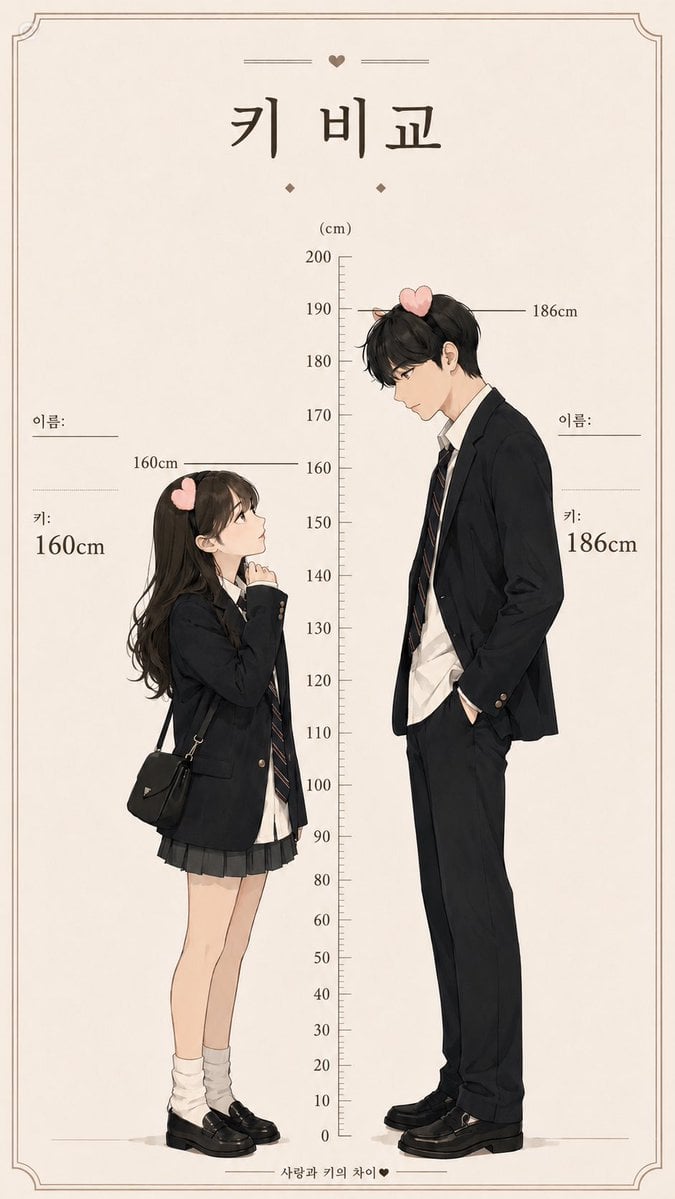
Korean Height Comparison Meme
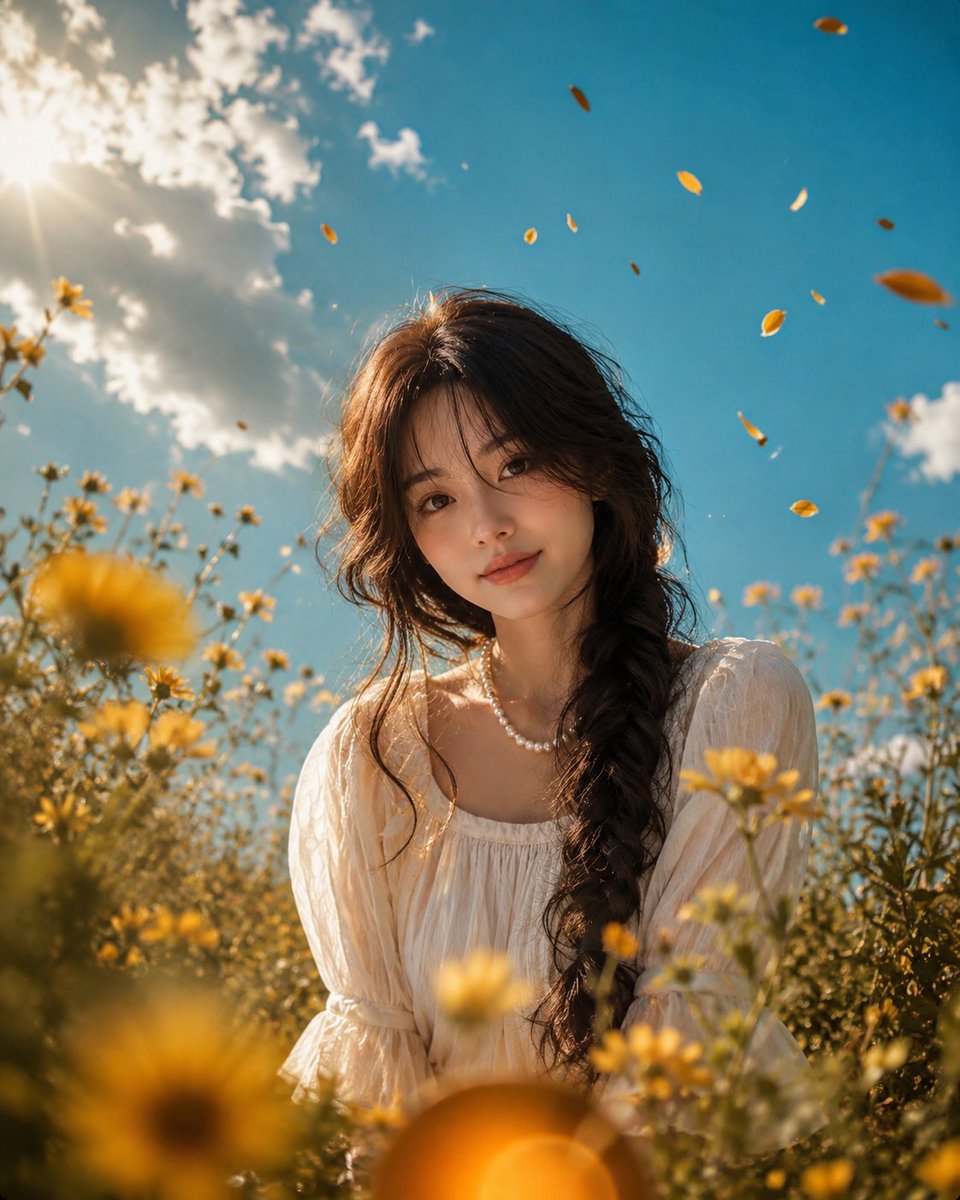
Cinematic Grass Height Portrait
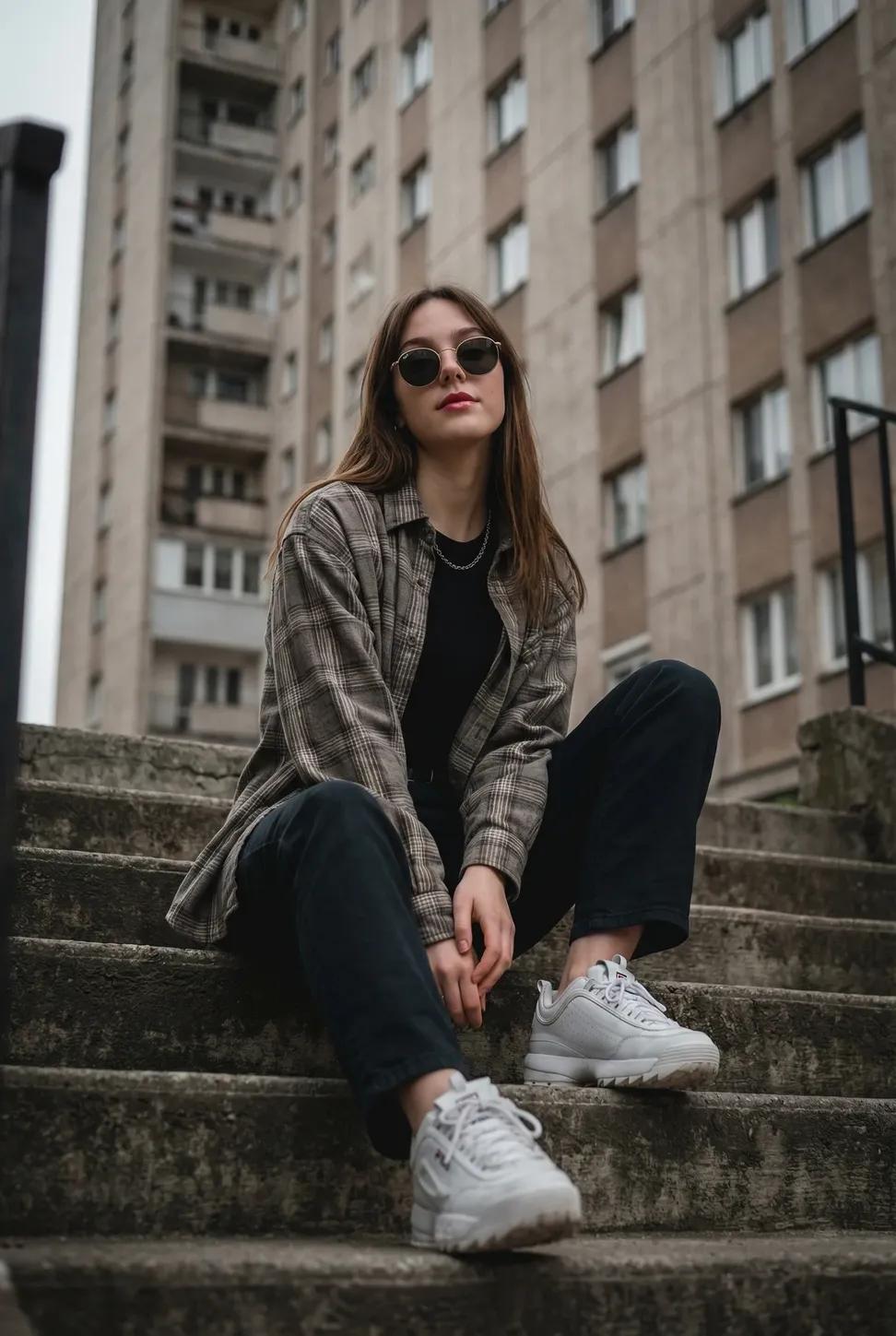
Low-angle shot looking up at the subject, emphasizing the height
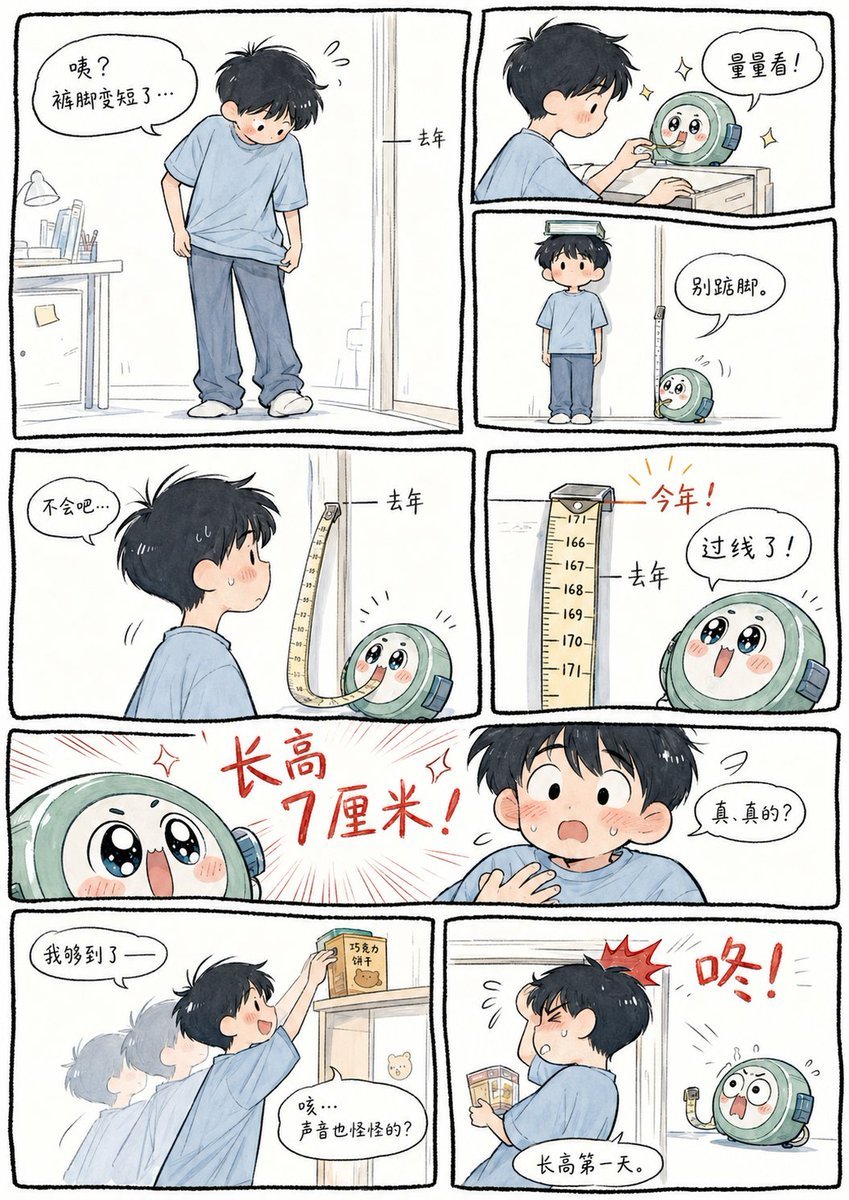
Boy Height Growth Manhua Comic

Grandfather Clock Hall
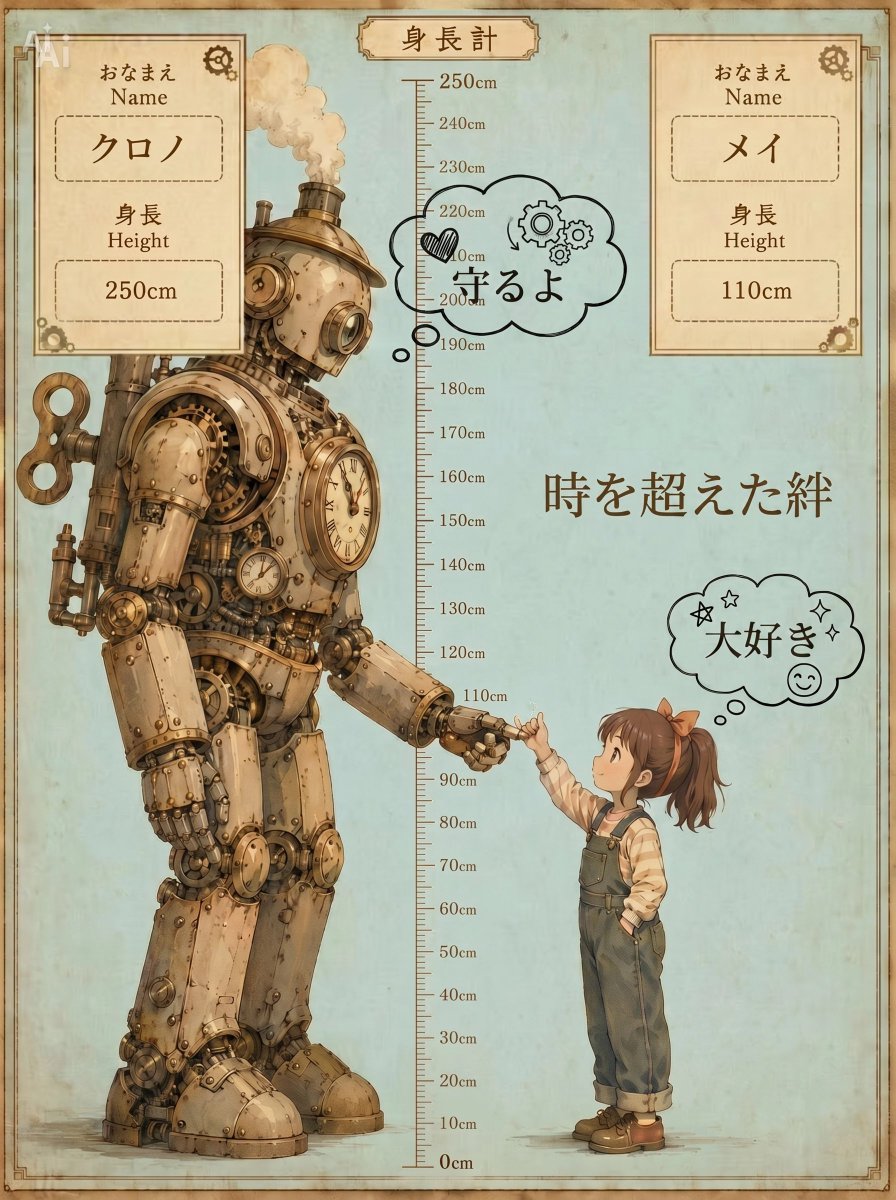
Steampunk Height Difference Poster
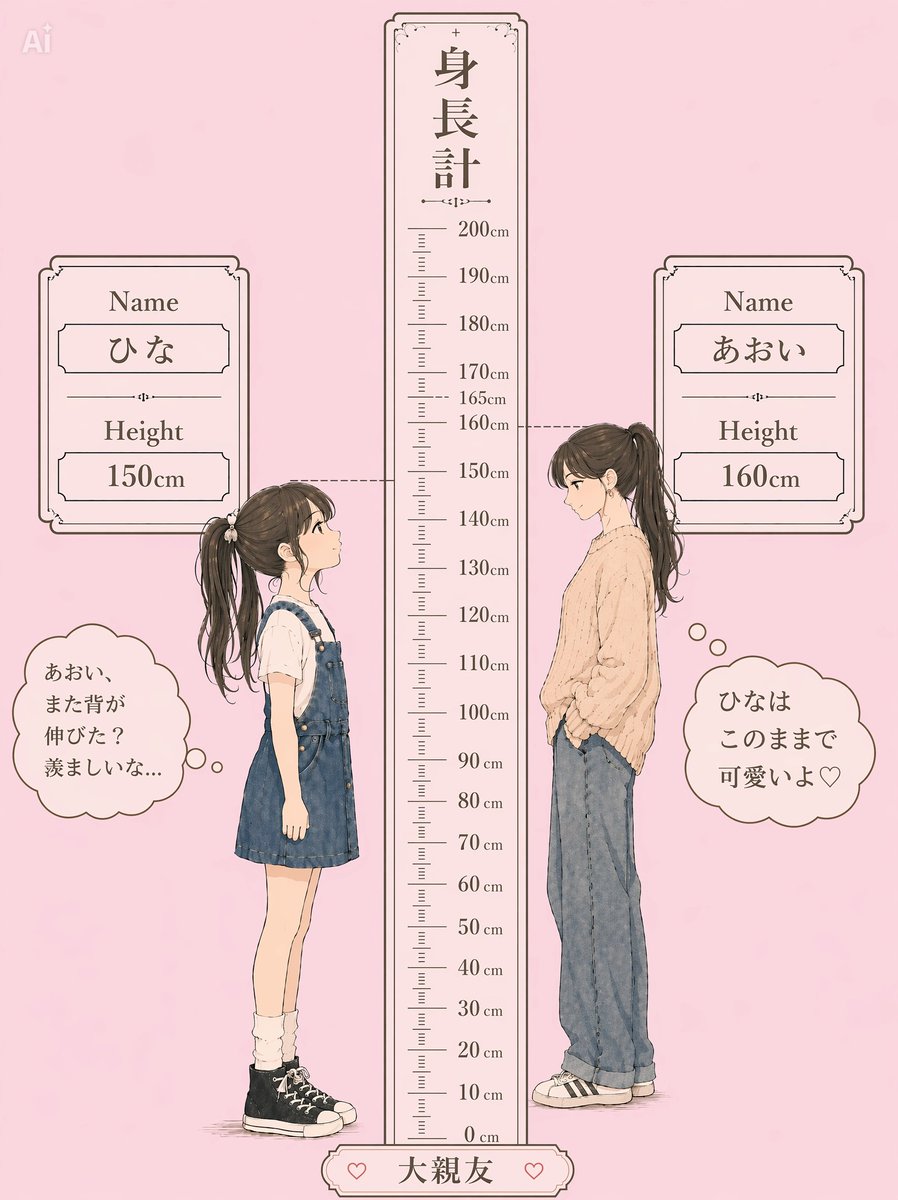
Pastel Height Difference Best Friends
3D Hair Texture Height Map
Fashion Height Comparison of Four Women
Extreme Height Urban Exploration Portrait at Sunset
Japanese Egg Cooking Flowchart UI
Make it yours
Grandfather and Granddaughter Height Chart works as-is. These are the safest ways to change it without losing the look.
Change one field
Copy a single group, rewrite it, and generate again so you can see what that field is doing.
Keep the frame, change the subject
Hold the composition and light of Grandfather and Granddaughter Height Chart, then swap wardrobe, props or the person for a new take.
| If the result… | Why | Fix |
|---|---|---|
| The result drifts from the preview | Too many fields changed at once. | Reuse Grandfather and Granddaughter Height Chart as-is first, then change one group — subject, light, or setting. |
| The model over-stylizes the scene | The prose prompt leaves finish and camera underspecified. | Add one camera or lighting sentence and stay on GPT Image 2. |
More GPT Image 2 templates
Other prompts made for GPT Image 2.

Six VTuber Japanese Logo Sheet

Realistic Portrait of Woman and Deer

The Vista Modular Condo Poster

AI Model Routing Comparison Infographic

2.5D Anime Art Board

Isometric Productivity Desk Scene

New York Double Exposure Poster

Four-Panel AI Landscape Comparison

Japanese Tatami Lifestyle Magazine Cover

NESCAFÉ Coffee Map Poster
More image prompts
Fresh picks from across the catalog.
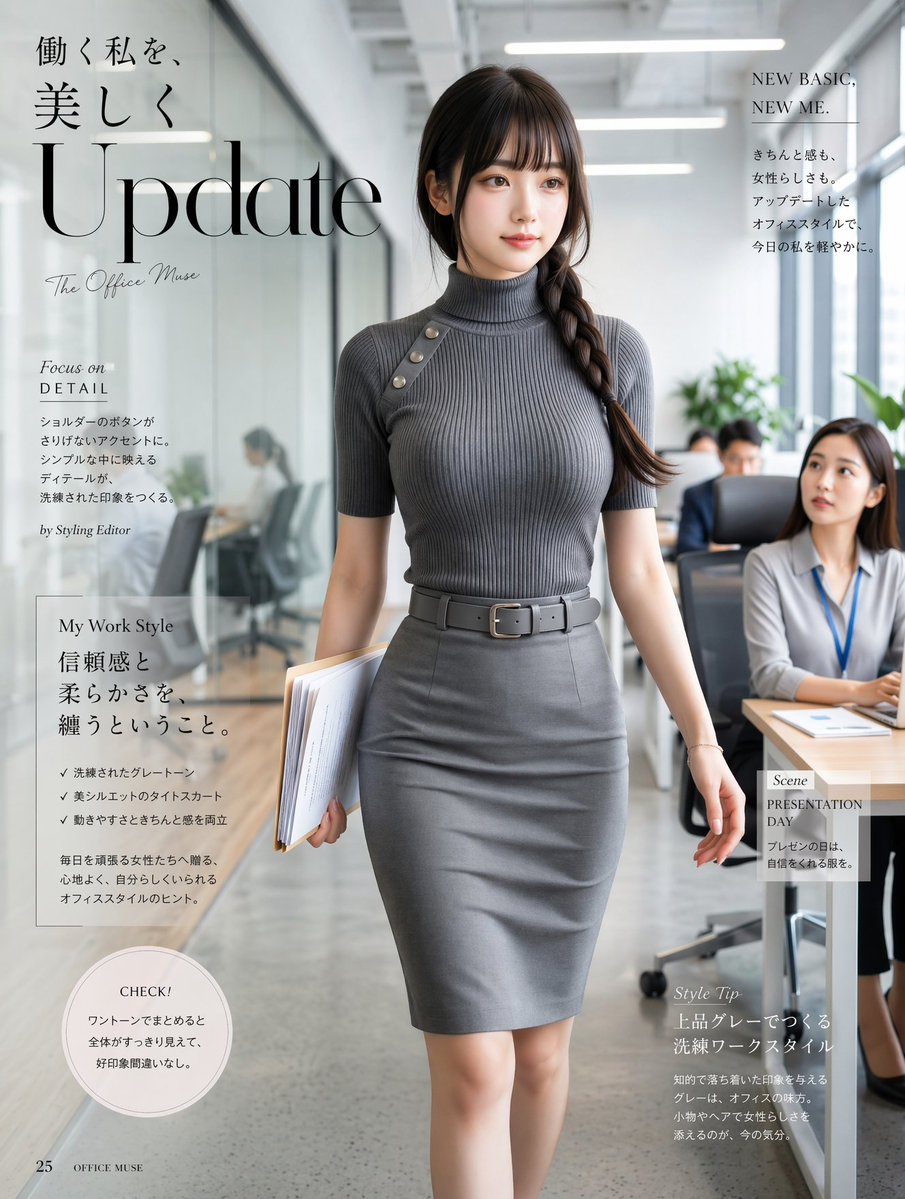
Office Fashion Magazine Cover
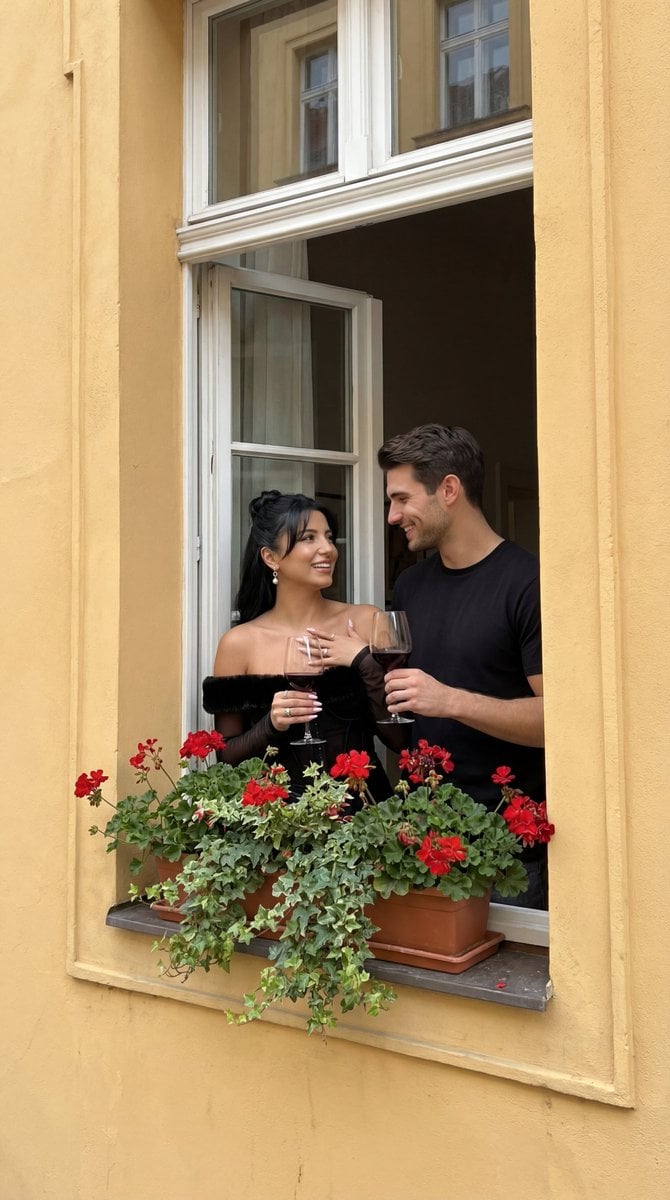
Photorealistic Architectural Edit: Couple in Window
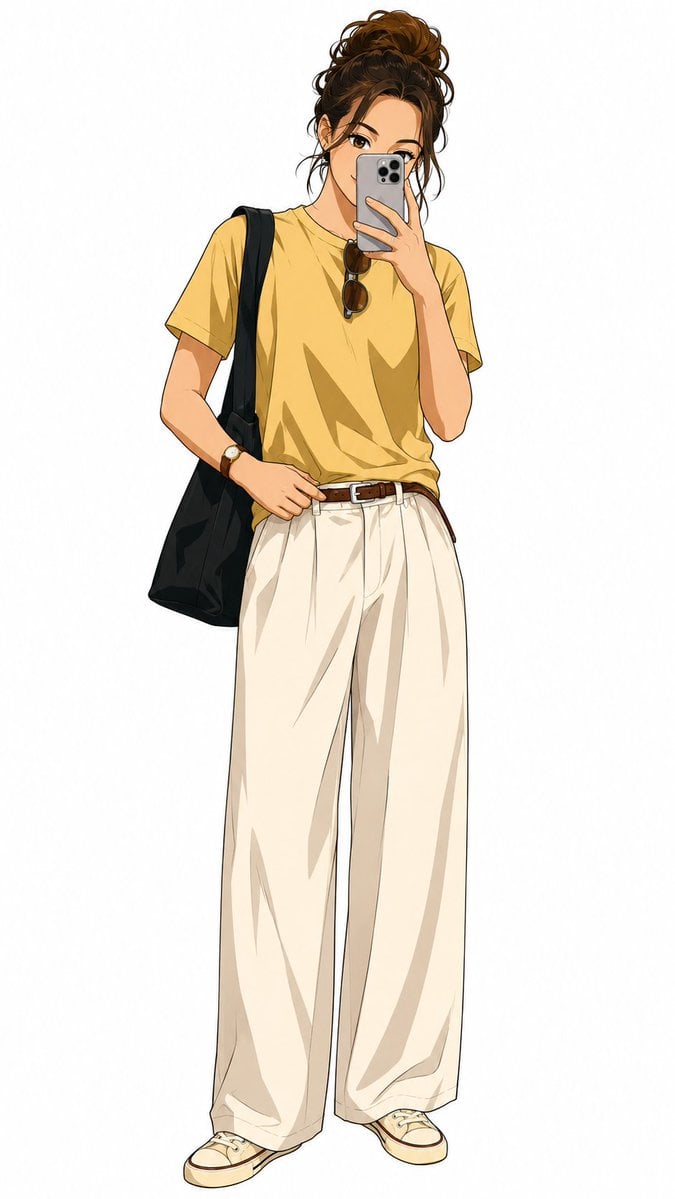
Demon Slayer Anime Character Portrait
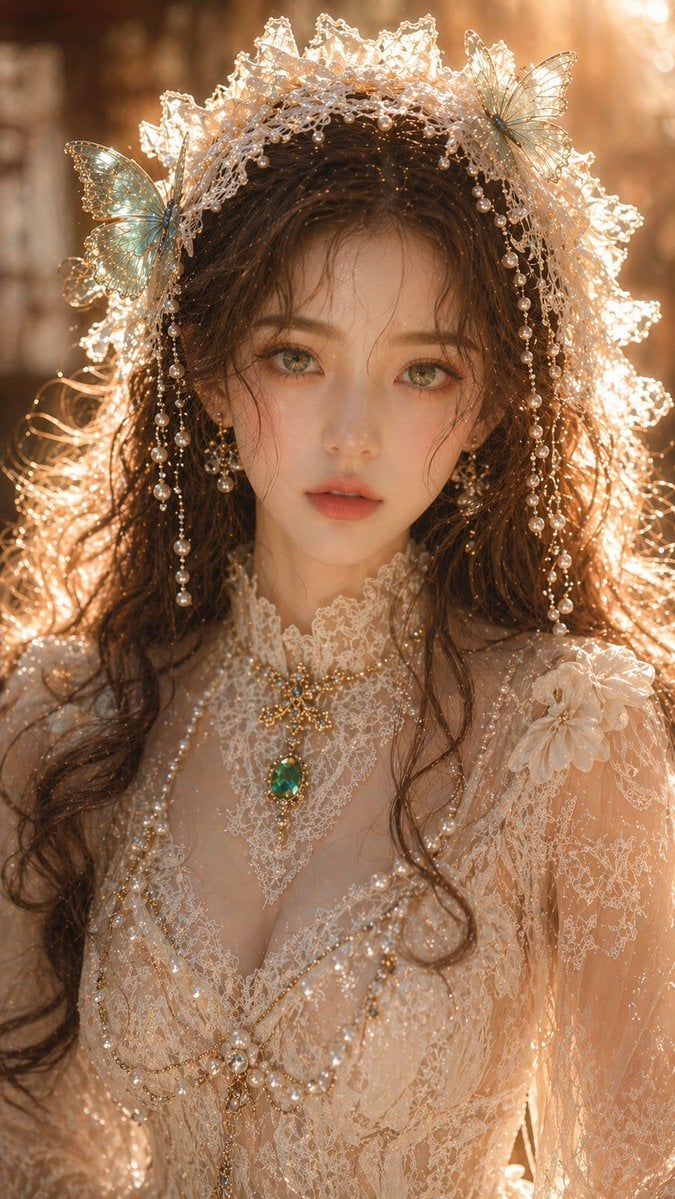
Dreamy Oriental female portrait prompt
Rosé (BLACKPINK) at Sunset Beach
Anamorphic Graphite Sketch Illusion Prompt
Circular Language Infographic
Premium Instagram Beach Photoshoot Collage
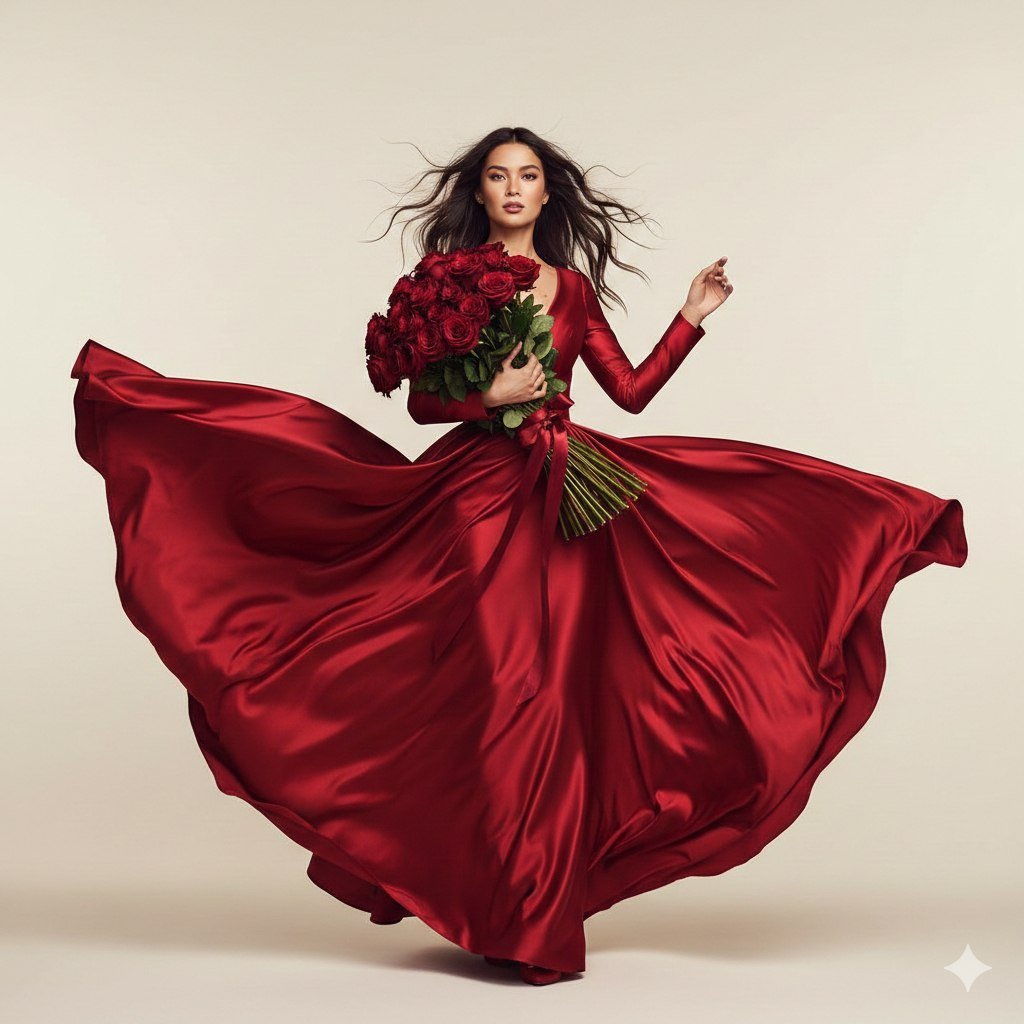
Dual Valentine's Day Fashion and Product Prompts
AI Personality iPhone Selfie Snapshot
Browse template categories
Grandfather and Granddaughter Height Chart questions
How do I use the Grandfather and Granddaughter Height Chart template?
Add your photo if the template asks for one, edit the prompt if you like — the template's model and format are already selected — and press Generate. Your version opens in PicX Studio.
Can I customize the Grandfather and Granddaughter Height Chart template?
Yes. You can change the subject, setting, lighting, mood, format, and available model controls before creating your image.
Is the Grandfather and Granddaughter Height Chart template free?
Opening and editing this template is free. Generating uses credits, shown on the Generate button when you are signed in.
Which AI model should I use?
Start with GPT Image 2, which is the model associated with this template. You can compare another compatible model for a different finish.
Looking for something else? Browse all templates.

Your photo, any look
Thousands of ready templates for every top image and video model, from one credit balance.