
Nostalgic Height Chart Family Poster
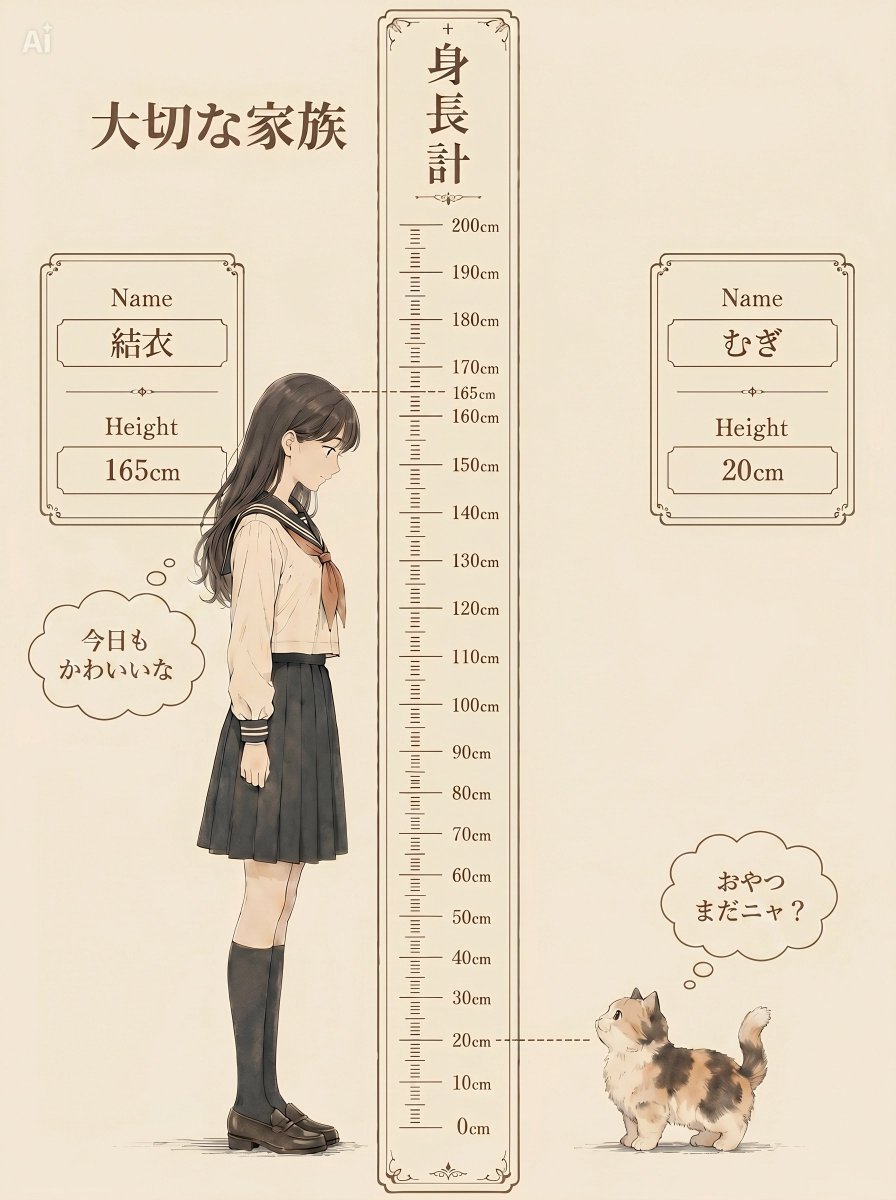
A vintage Japanese-style height difference poster comparing a schoolgirl and a tiny kitten, ideal for cute family or pet illustration concepts.
- Prompt included
- Model and format preset
- Free template
The prompt behind this image
Copy the exact prompt behind Nostalgic Height Chart Family Poster, or open it in the studio and make it yours.
Goal: Create a nostalgic Japanese height-difference illustration titled {argument name="headline text" default="大切な家族"}, showing a beloved family pairing measured on a vintage height chart: a schoolgirl and a tiny calico kitten facing each other with a cute emotional gap-moe feeling. Canvas: Vertical portrait poster, warm cream parchment background, soft sepia ink linework, delicate watercolor shading, no harsh shadows. Use an elegant antique stationery style with thin brown decorative borders, small flourishes, and a faint “AI” mark in the upper-left corner. Layout: Place a tall central measuring ruler from bottom to near top, framed by a narrow ornate border. The ruler is labeled vertically in Japanese as 「身長計」 at the top, with centimeter marks from 0cm to 200cm; show major labels every 10cm and include visible labels around 160cm, 165cm, and 170cm. Add two dotted horizontal guide lines: one at 165cm extending left to the girl’s head, and one at 20cm extending right to the kitten. Subjects: On the left of the ruler, draw {argument name="tall character" default="a gentle Japanese schoolgirl"} in side profile facing right. She is exactly 165cm tall, standing upright with a shy, affectionate posture, long dark brown hair, blurred/featureless face, cream sailor-style school blouse with dark collar and cuffs, brown necktie, black pleated skirt, black knee-high socks, and brown loafers. On the right of the ruler near the bottom, draw {argument name="small character" default="a fluffy calico kitten"} at exactly 20cm tall, facing left and looking up, with white, orange, and dark patches, round body, short legs, and curled raised tail. Information cards: Include exactly 2 ornate framed profile cards. Left card beside the girl: label “Name”, value {argument name="tall character name" default="結衣"}, label “Height”, value “165cm”. Right card beside the kitten: label “Name”, value {argument name="small character name" default="むぎ"}, label “Height”, value “20cm”. Use brown serif English labels and Japanese name text inside inset boxes. Speech/thought bubbles: Include exactly 2 cloud-shaped bubbles. Left bubble near the girl reads 「今日もかわいいな」 with two small thought circles leading toward her. Right bubble above the kitten reads 「おやつまだニャ?」 with two small thought circles leading toward the kitten. Visual style: Soft anime-inspired storybook illustration, clean fine outlines, muted beige and brown palette with subtle black uniform accents and natural calico colors. Keep the composition symmetrical around the measuring chart, with generous empty space and a calm sentimental mood. Constraints: Preserve all visible Japanese text exactly as written, keep the scale relationship clear and humorous, include only the two characters and the two profile cards, avoid photorealism, avoid extra animals or objects, and do not add modern UI elements.
How to use Nostalgic Height Chart Family Poster in 3 steps
- 1Upload ImagePNG, JPG or paste
Add your photo
Upload the photo the template builds on. The prompt, model and format are already set.
- 2…a portrait of your subject in softgolden-hour light, 85mm…
Personalize
Edit the subject and creative details for your destination.
- 3Generate
Generate
Press Generate — your image is created in PicX Studio, so you can compare it with the original and refine one variable at a time.
More like this
Templates with the same subject, style or setup. Open one to see its prompt.

Vintage Lithograph Retro World Cup Poster

Japan Travel Brochure Poster
Vintage Family Road Trip Newspaper Poster

Luxury Family Reunion Poster

Cartoon TV Show Poster Pack

Trendy Cafe Drink Promo Poster

Urban Fashion Editorial Collage Streetwear Poster

Premium Fashion Editorial Cover Layout System

Polo Ralph Lauren Luxury American Heritage Fashion Campaign

Monochrome Halftone Editorial Fashion Poster

Retro Mirror Luxury Fashion Campaign Poster

Luxury Fashion Campaign Typography Poster System
Make it yours
Nostalgic Height Chart Family Poster works as-is. These are the safest ways to change it without losing the look.
Change one field
Copy a single group, rewrite it, and generate again so you can see what that field is doing.
Keep the frame, change the subject
Hold the composition and light of Nostalgic Height Chart Family Poster, then swap wardrobe, props or the person for a new take.
| If the result… | Why | Fix |
|---|---|---|
| The result drifts from the preview | Too many fields changed at once. | Reuse Nostalgic Height Chart Family Poster as-is first, then change one group — subject, light, or setting. |
| The model over-stylizes the scene | The prose prompt leaves finish and camera underspecified. | Add one camera or lighting sentence and stay on GPT Image 2. |
More GPT Image 2 templates
Other prompts made for GPT Image 2.

Six VTuber Japanese Logo Sheet

Realistic Portrait of Woman and Deer

The Vista Modular Condo Poster

AI Model Routing Comparison Infographic

2.5D Anime Art Board

Isometric Productivity Desk Scene

New York Double Exposure Poster

Four-Panel AI Landscape Comparison

Japanese Tatami Lifestyle Magazine Cover

NESCAFÉ Coffee Map Poster
More image prompts
Fresh picks from across the catalog.
Hyper-Realistic Documentary Photography Style Prompt
YouTube Dark Mode Desktop UI Mockup

ChatGPT Joke Prescription Set
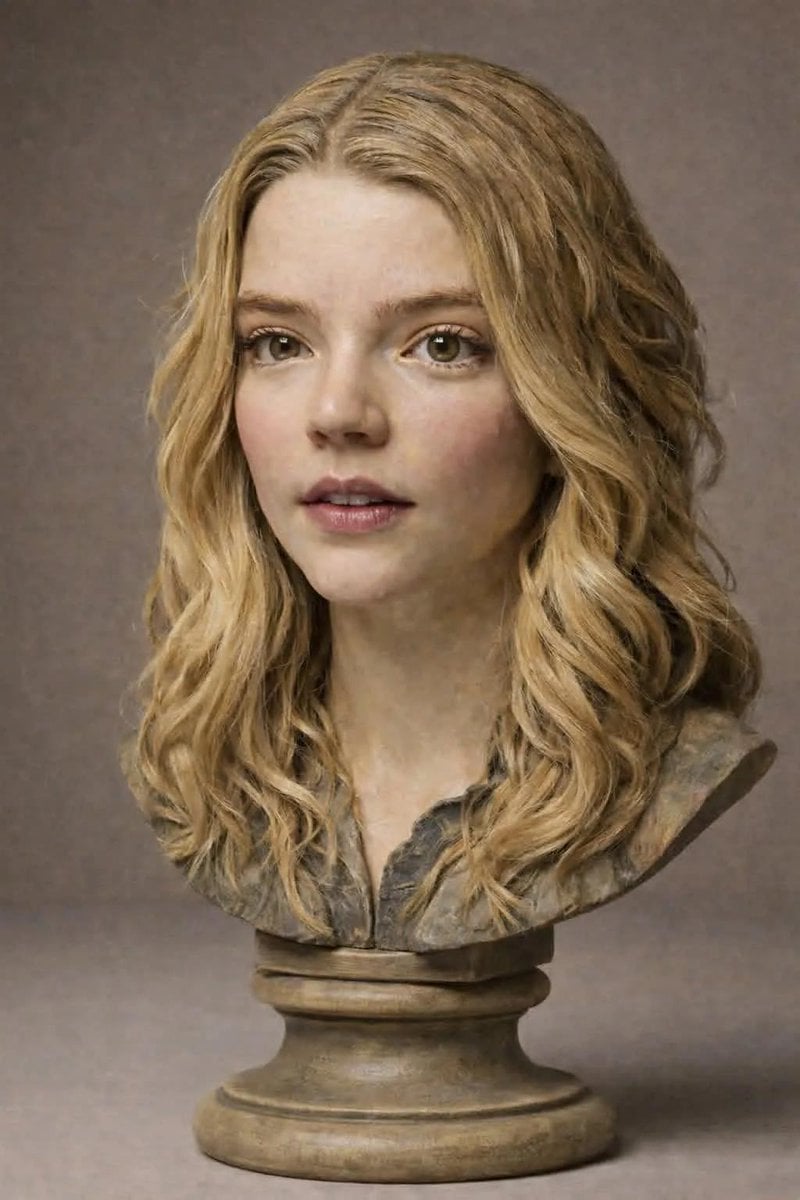
Polychrome Carved Wooden Sculpture Portrait

Cinematic Portrait in a Cozy Cafe
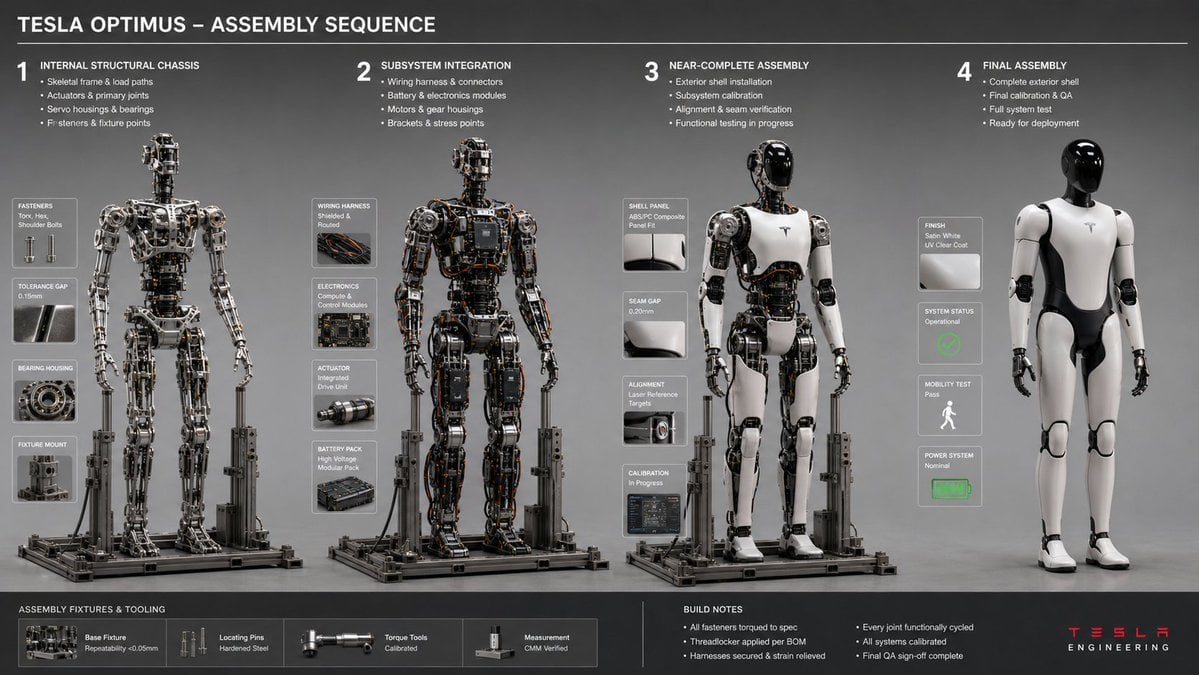
Engineering Assembly Documentation Layout

Movie Poster Style Ad Generation Prompt

Skincare Product Key Visual Generator

Cinematic Macro Photograph of a Strawberry in Syrup

Ultra-Realistic Cyber-Fashion Portrait
Browse template categories
Nostalgic Height Chart Family Poster questions
How do I use the Nostalgic Height Chart Family Poster template?
Add your photo if the template asks for one, edit the prompt if you like — the template's model and format are already selected — and press Generate. Your version opens in PicX Studio.
Can I customize the Nostalgic Height Chart Family Poster template?
Yes. You can change the subject, setting, lighting, mood, format, and available model controls before creating your image.
Is the Nostalgic Height Chart Family Poster template free?
Opening and editing this template is free. Generating uses credits, shown on the Generate button when you are signed in.
Which AI model should I use?
Start with GPT Image 2, which is the model associated with this template. You can compare another compatible model for a different finish.
Looking for something else? Browse all templates.

Your photo, any look
Thousands of ready templates for every top image and video model, from one credit balance.