
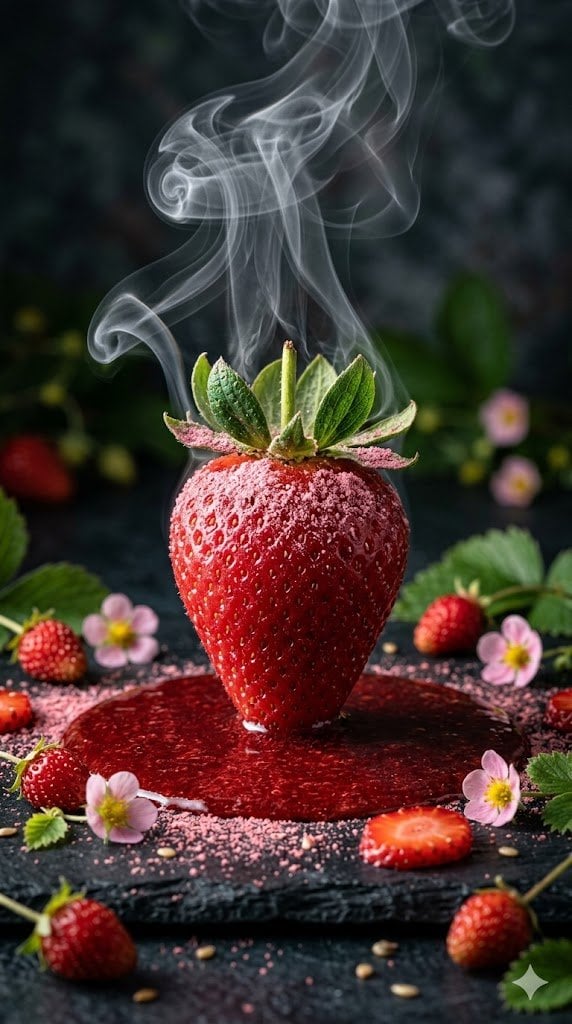
Cinematic Macro Photograph of a Strawberry in Syrup
A detailed, structured prompt for Gemini Nano Banana 2 to generate a high-resolution, cinematic, macro photograph of a single red strawberry standing in a pool of syrup, emphasizing dramatic lighting and texture.
- Prompt included
- Model and format preset
- Free template
The prompt behind this image
Copy the exact prompt behind Cinematic Macro Photograph of a Strawberry in Syrup, or open it in the studio and make it yours.
Scene Description: A high-resolution, cinematic, macro, vertical photograph (9:16 aspect ratio). A single, large, perfect red strawberry stands perfectly upright at the center of a rich, deep red pool of viscous strawberry syrup. This central strawberry is heavily dusted with fine, powdered pink berry residue, particularly around its intact green leafy hull, and is slick with intricate, visible condensation water droplets, giving it a cool, textured appearance. Key Visual Effects: Delicate, intricate, wispy plumes of white steam or smoke curl and rise from the top of the strawberry, creating a dramatic, ethereal interaction with the dark, moody, textured background, suggesting a culinary or frozen process. Environment and Details: The strawberry syrup pool is set on a dark, textured slate surface. Around the pool, a natural, textured frame is created by scattered smaller fresh wild strawberries, delicate pink wild strawberry flowers, additional powdered berry dust, and small strawberry slices. All these elements form a detailed, natural setting. Lighting and Style: The lighting is dramatic and sidelit, precisely highlighting every single texture, water droplet, powdered particle, and smoke tendril. The entire scene has a strong sense of depth and cinematic drama, tightly focused on the central strawberry. Aspect Ratio: Vertical 9:16 (or 9 to 16).
How to use Cinematic Macro Photograph of a Strawberry in Syrup in 3 steps
- 1
Open
The prompt is already in the box next to the preview, with the template's model and format selected.
- 2…a portrait of your subject in softgolden-hour light, 85mm…
Personalize
Edit the subject and creative details for your destination.
- 3Generate
Generate
Press Generate — your image is created in PicX Studio, so you can compare it with the original and refine one variable at a time.
More like this
Templates with the same subject, style or setup. Open one to see its prompt.
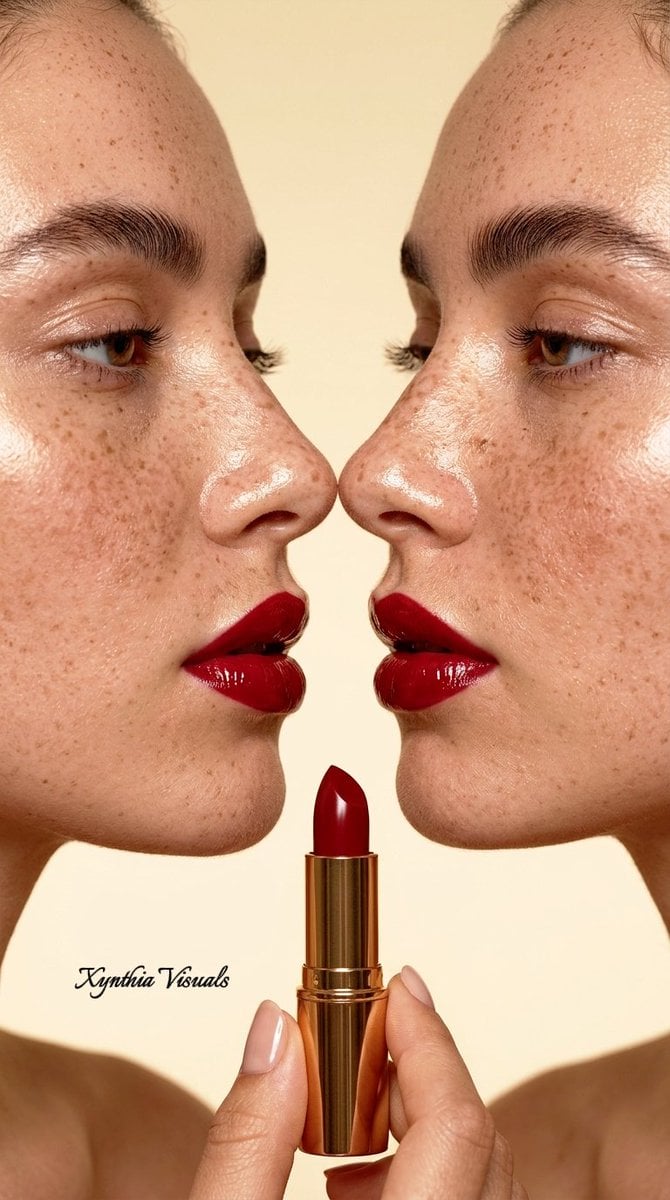
Macro Beauty Photography Portrait
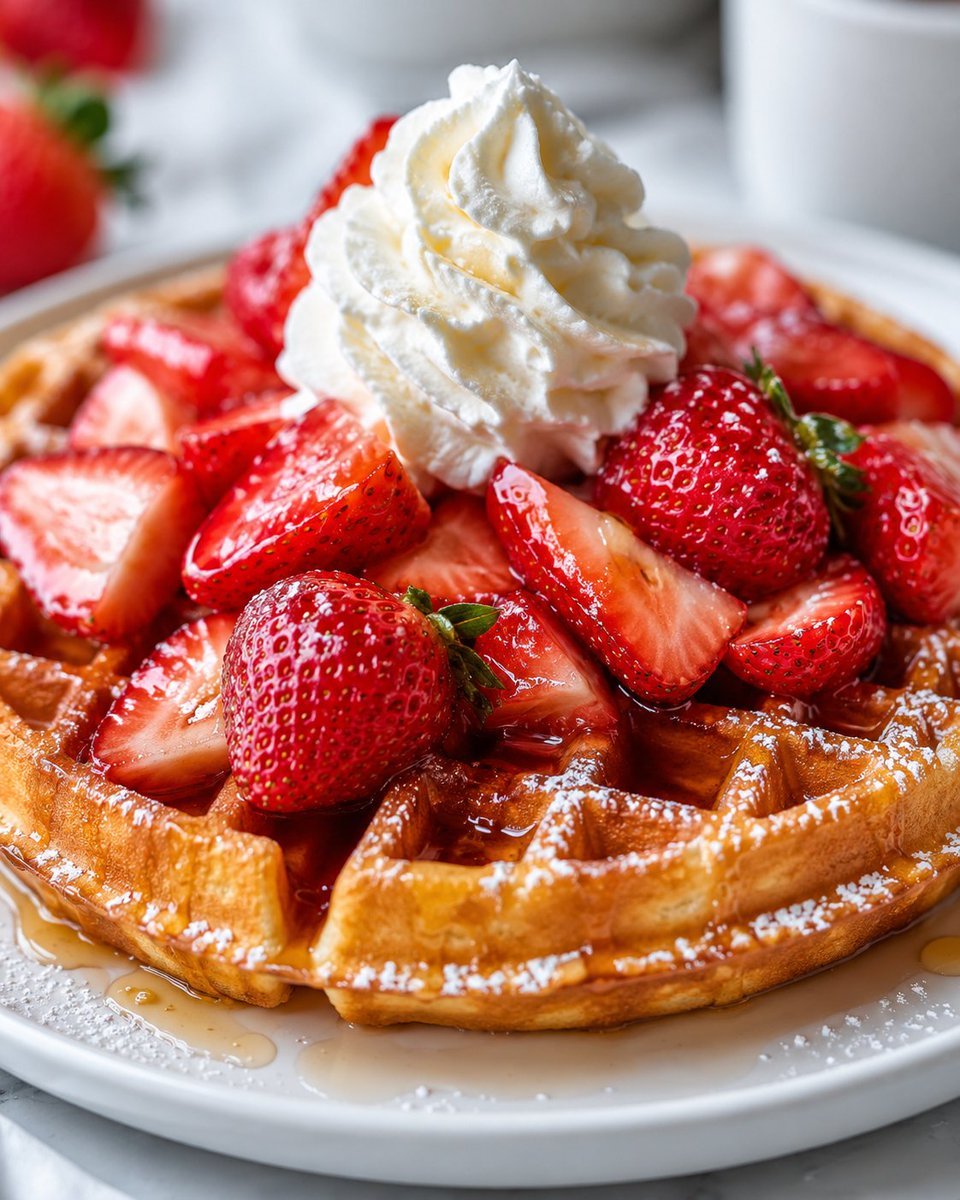
Appetizing Strawberry Waffle Photography
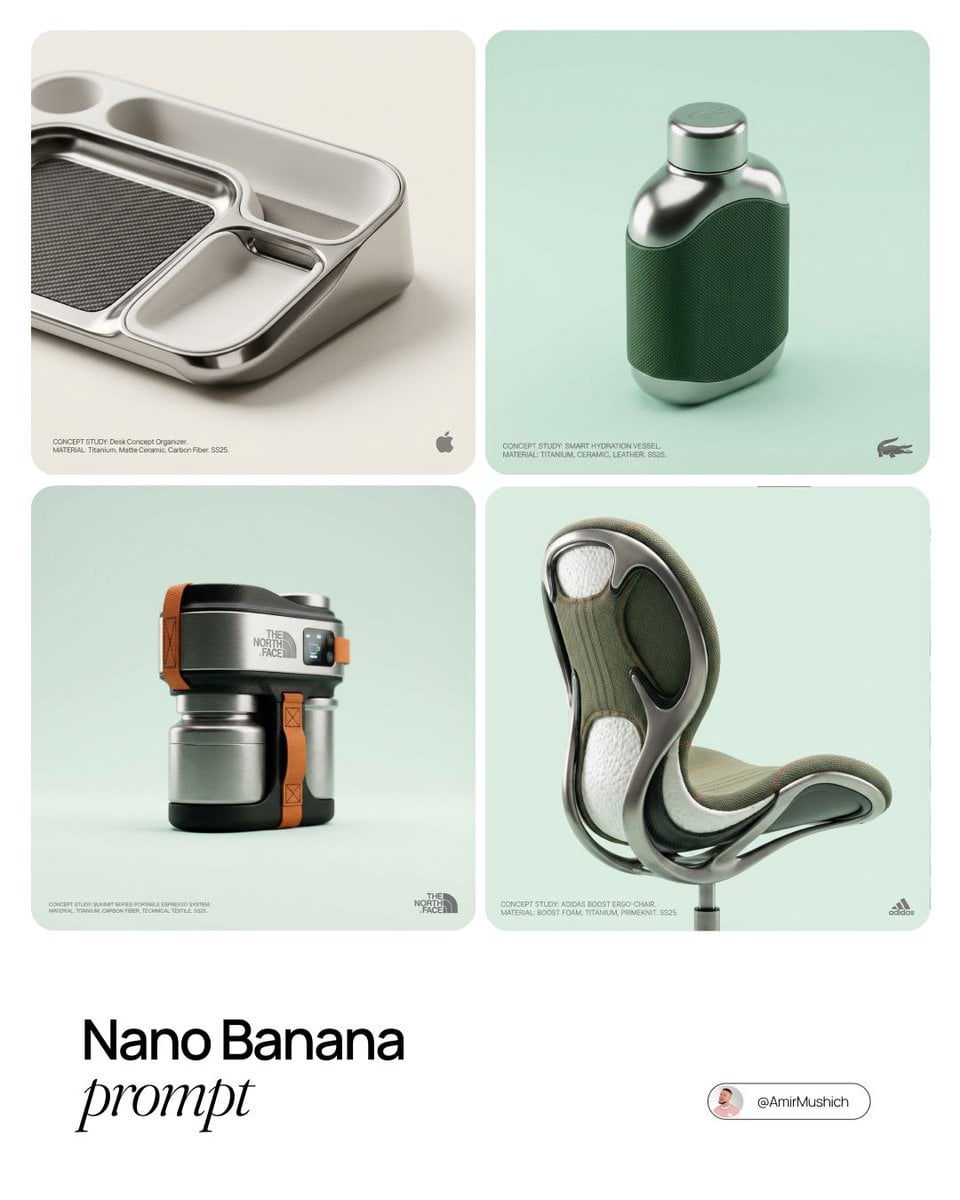
Editorial Concept Study Product Design
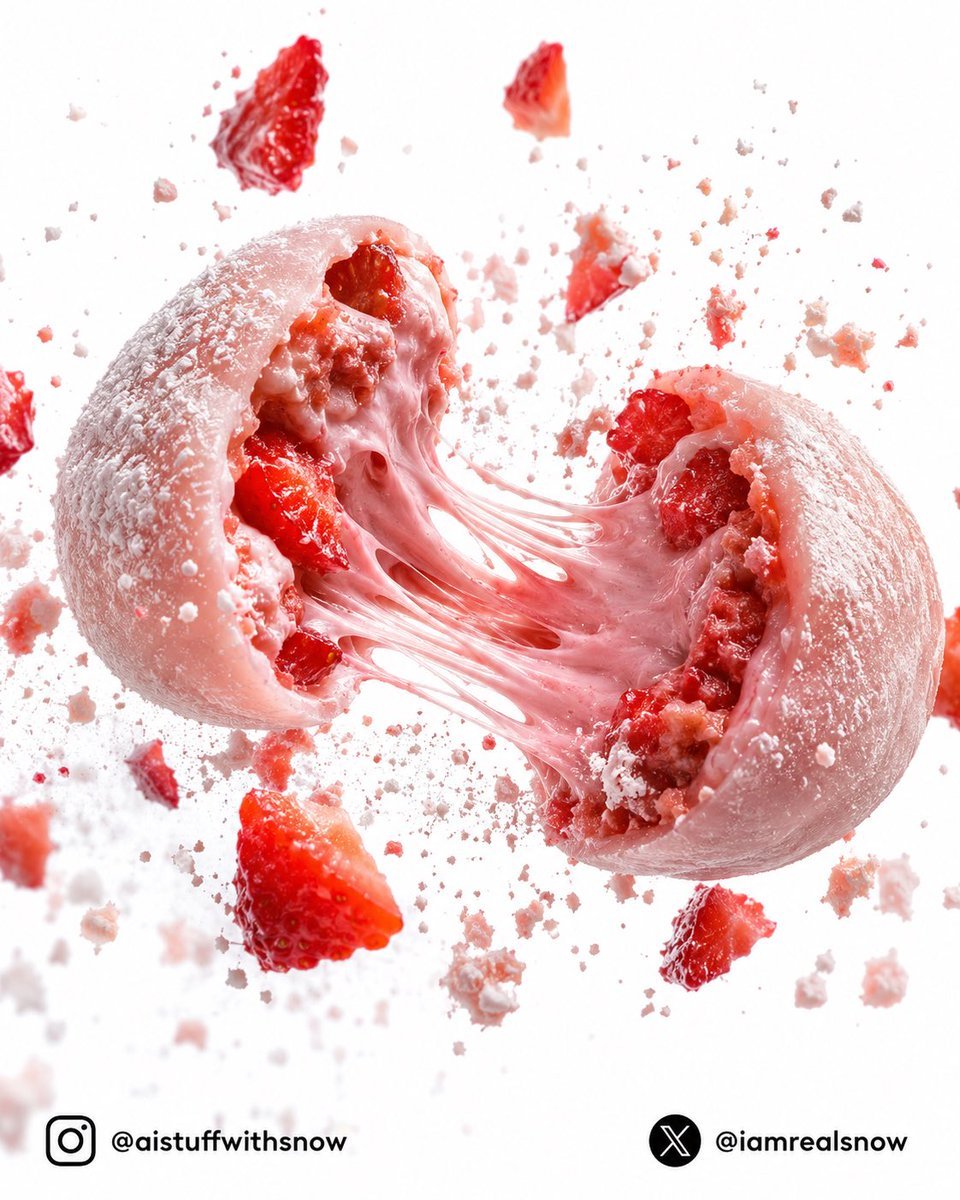
Strawberry Lava Mochi Explosion Photography
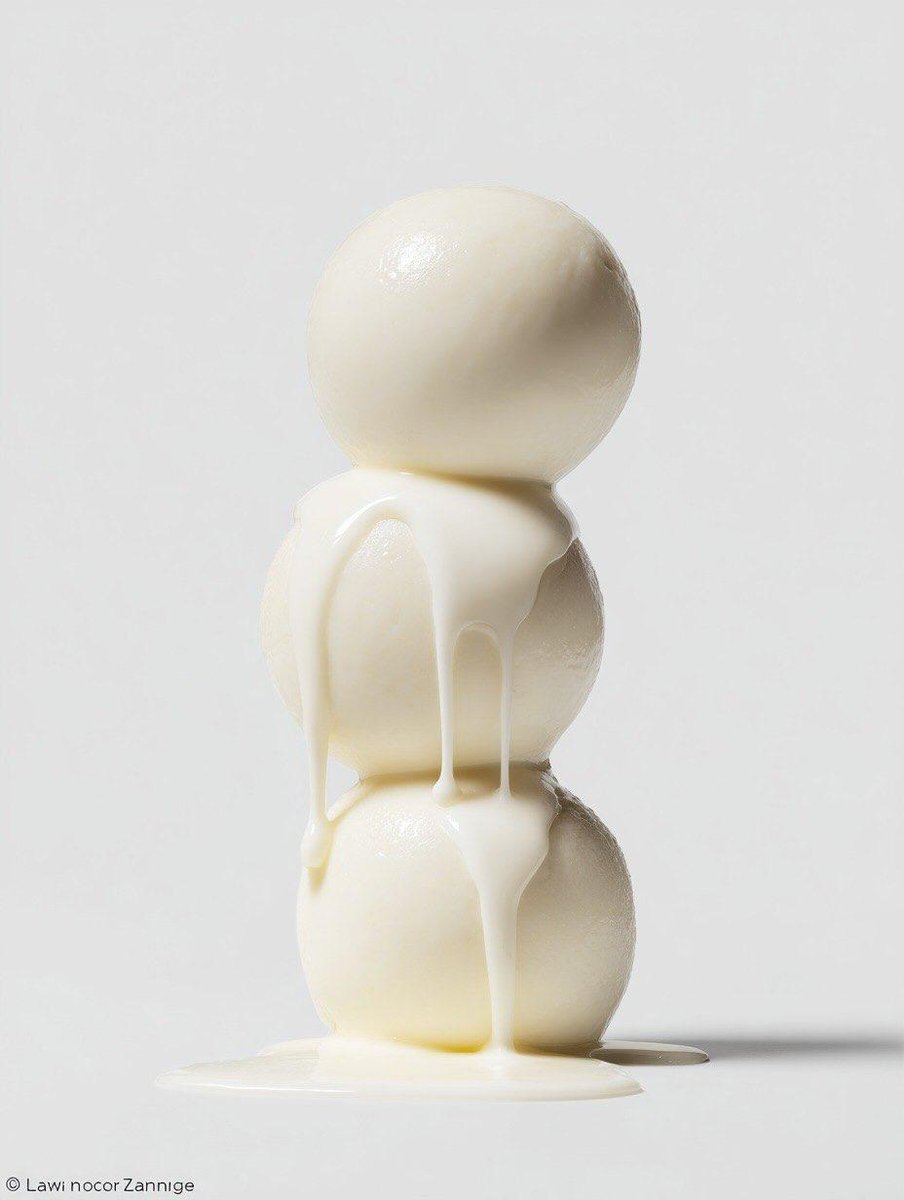
Macro Food Photography Prompt with Dripping Liquid
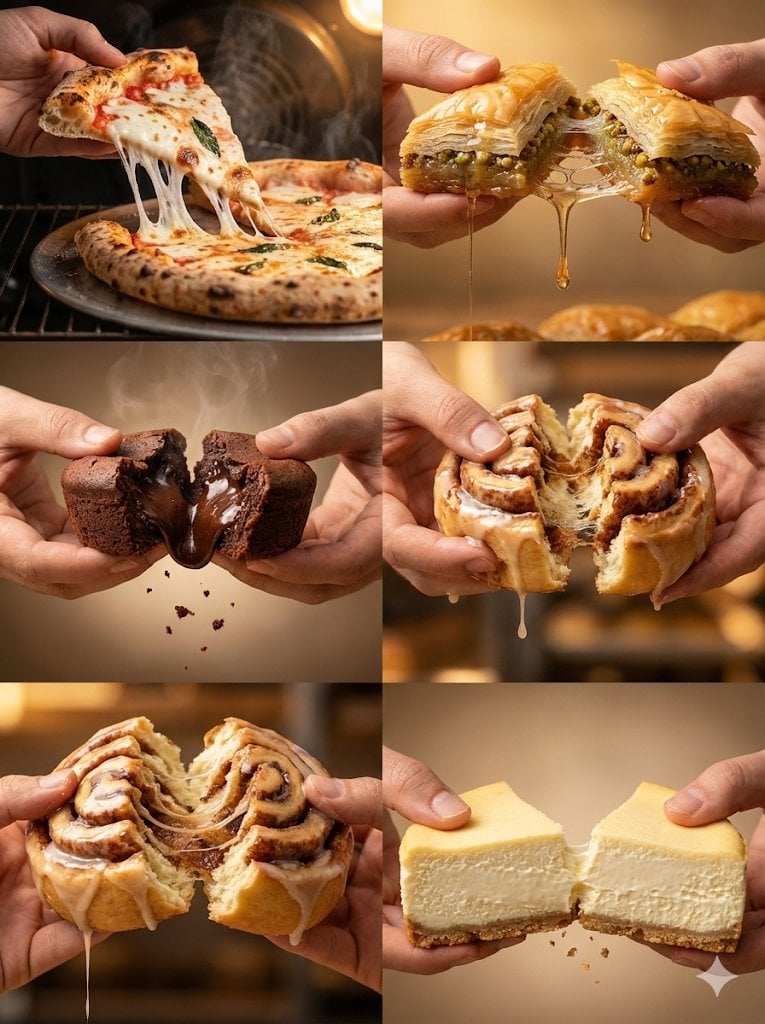
Food Action Photography Series Prompt (Cheese Pull, Syrup Drip)
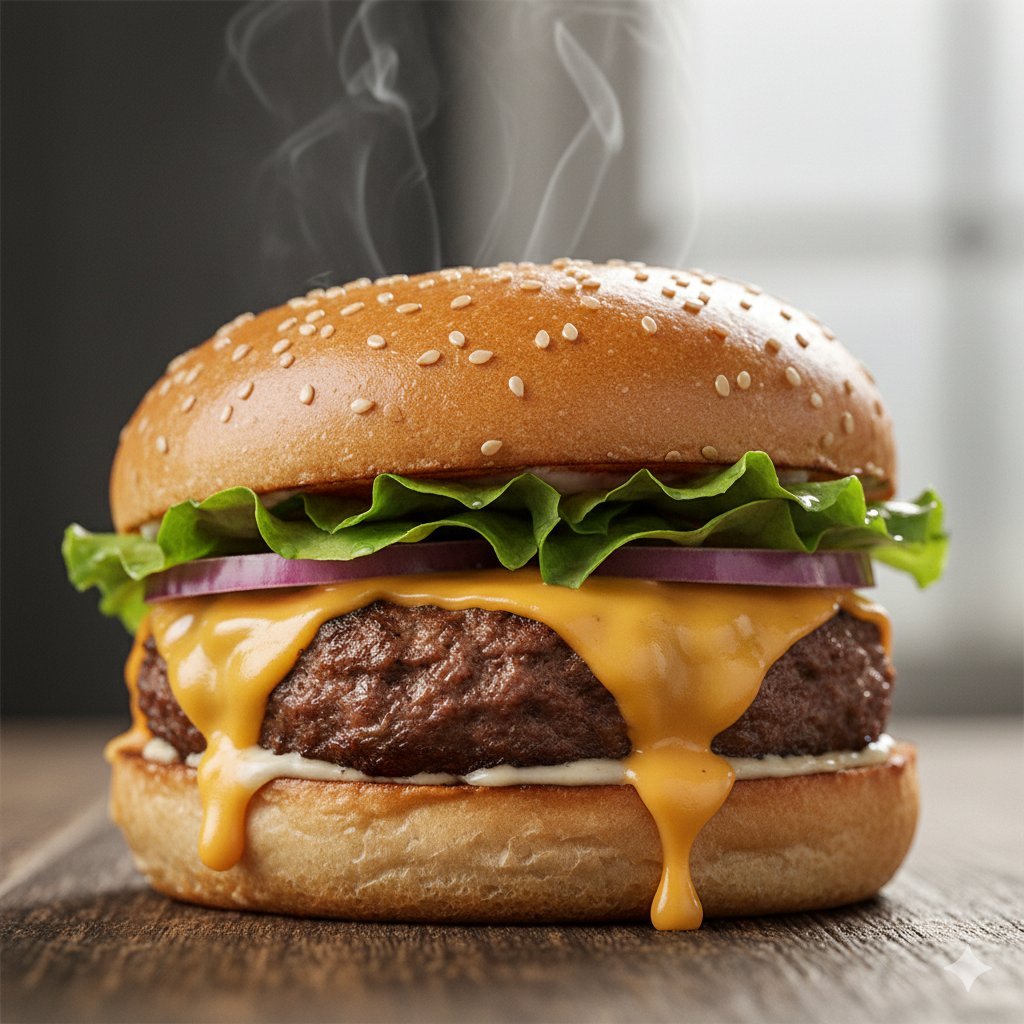
Macro Food Photography of a Juicy Beef Burger
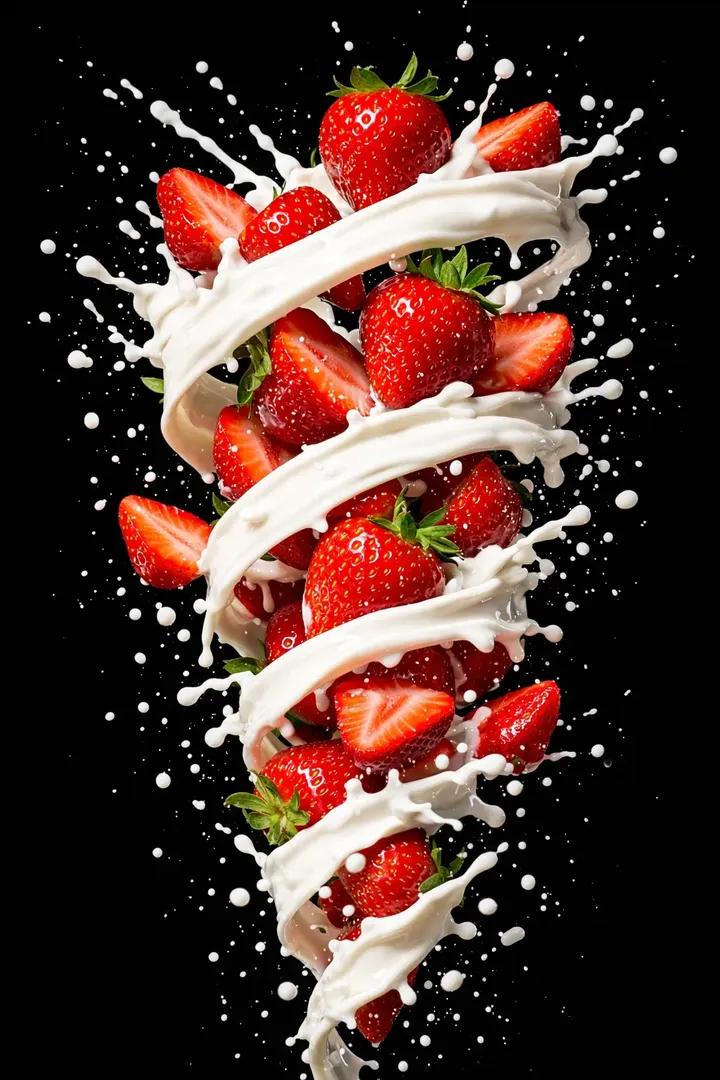
Hyper-realistic High-Speed Strawberry Milk Splash Photography

Macro Food Photography of Martabak Telur Prompt
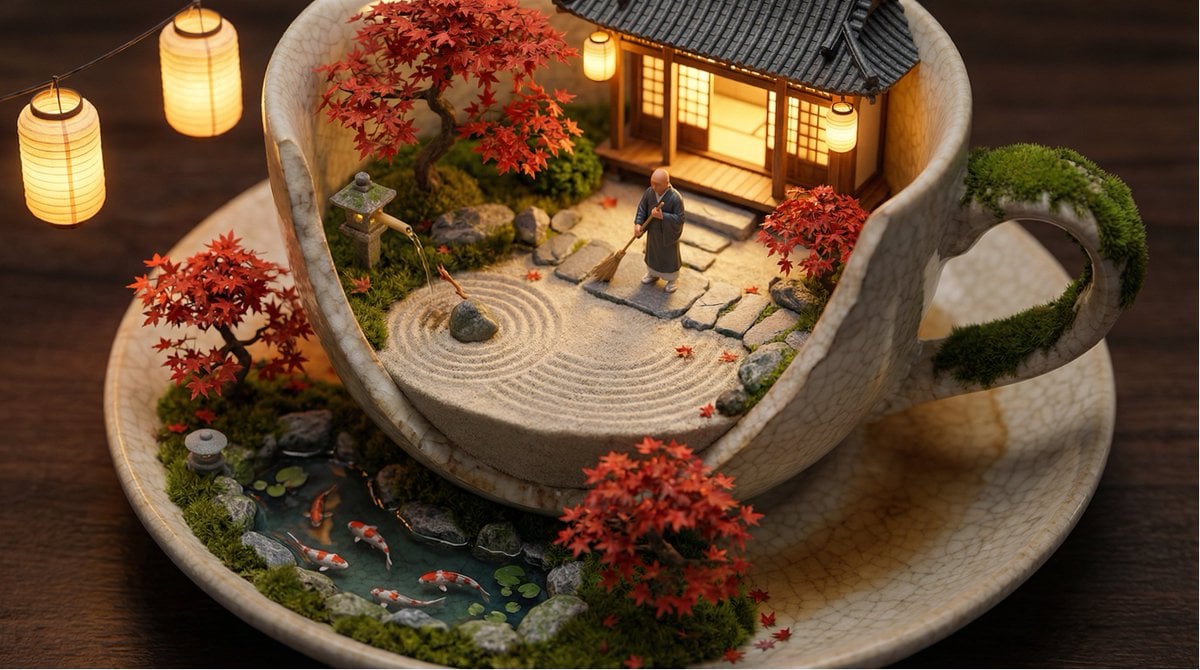
Tiny World in Object Macro Photography
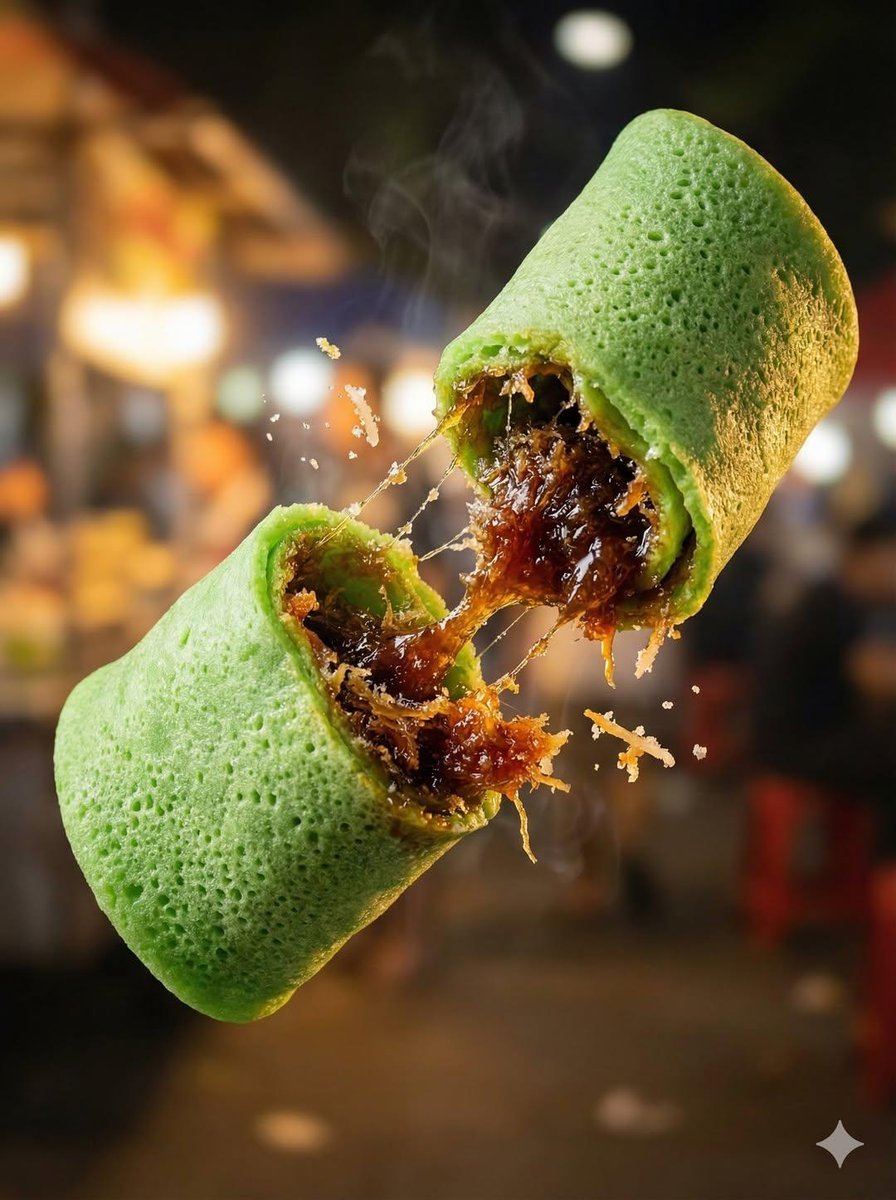
Macro Food Photography of Floating Street Food
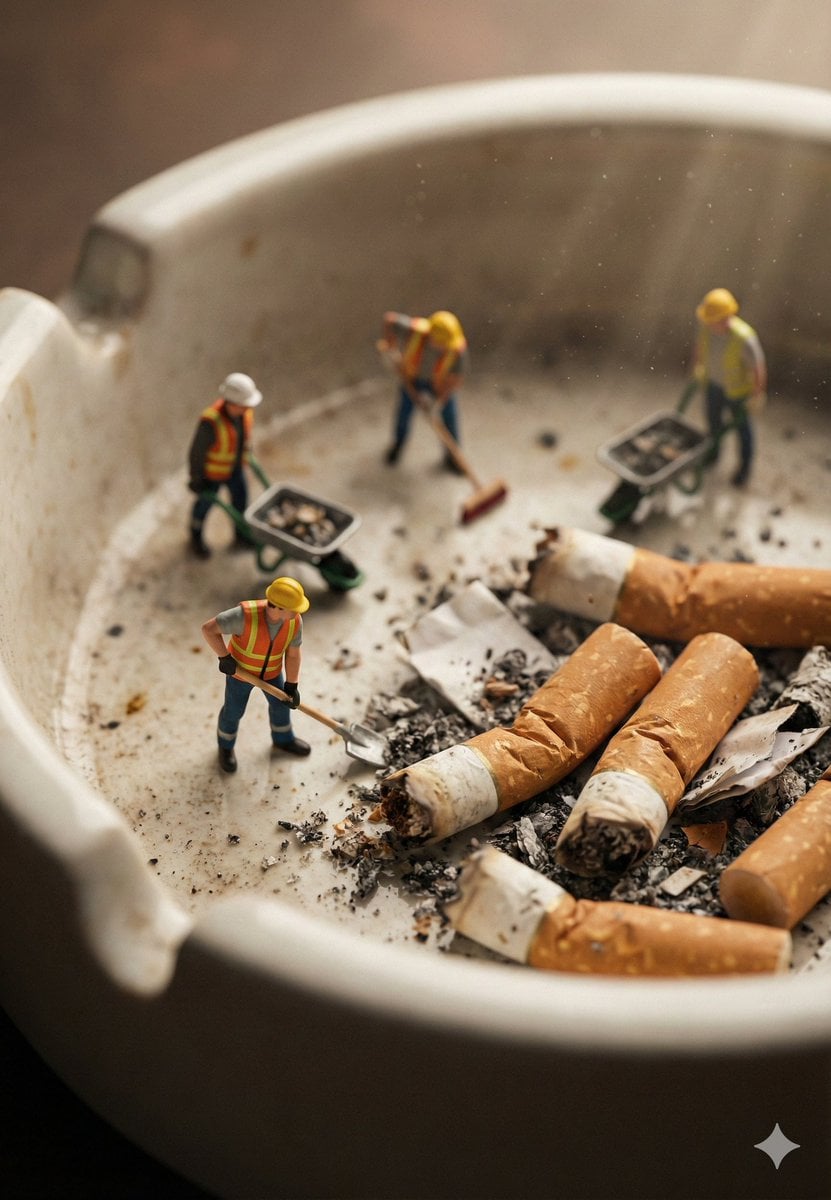
Macro Photography of Miniature Workers Cleaning Ashtray
Make it yours
Cinematic Macro Photograph of a Strawberry in Syrup works as-is. These are the safest ways to change it without losing the look.
Change one field
Copy a single group, rewrite it, and generate again so you can see what that field is doing.
Keep the frame, change the subject
Hold the composition and light of Cinematic Macro Photograph of a Strawberry in Syrup, then swap wardrobe, props or the person for a new take.
| If the result… | Why | Fix |
|---|---|---|
| The result drifts from the preview | Too many fields changed at once. | Reuse Cinematic Macro Photograph of a Strawberry in Syrup as-is first, then change one group — subject, light, or setting. |
| The model over-stylizes the scene | The prose prompt leaves finish and camera underspecified. | Add one camera or lighting sentence and stay on Nano Banana 2. |
More Nano Banana 2 templates
Other prompts made for Nano Banana 2.

Photorealistic Leaf Shaped Like a Dragon

K-Pop Idol Portrait Grid for Rapid Selection

Poetic Rain Forest Portrait During Golden Hour

Urban Street Portrait with Cartoon Inner Self Duo

Candid Nighttime Photo with Cat Prompt

High-Concept 3D Diorama Generation Prompt

Cinematic Futuristic Studio Portrait Template

Skincare Editorial Photography Collage Prompt

Hyper-Realistic Commercial Product Photography (Splash Effect)

Hyper-Realistic Nightclub Portrait Prompt
More image prompts
Fresh picks from across the catalog.
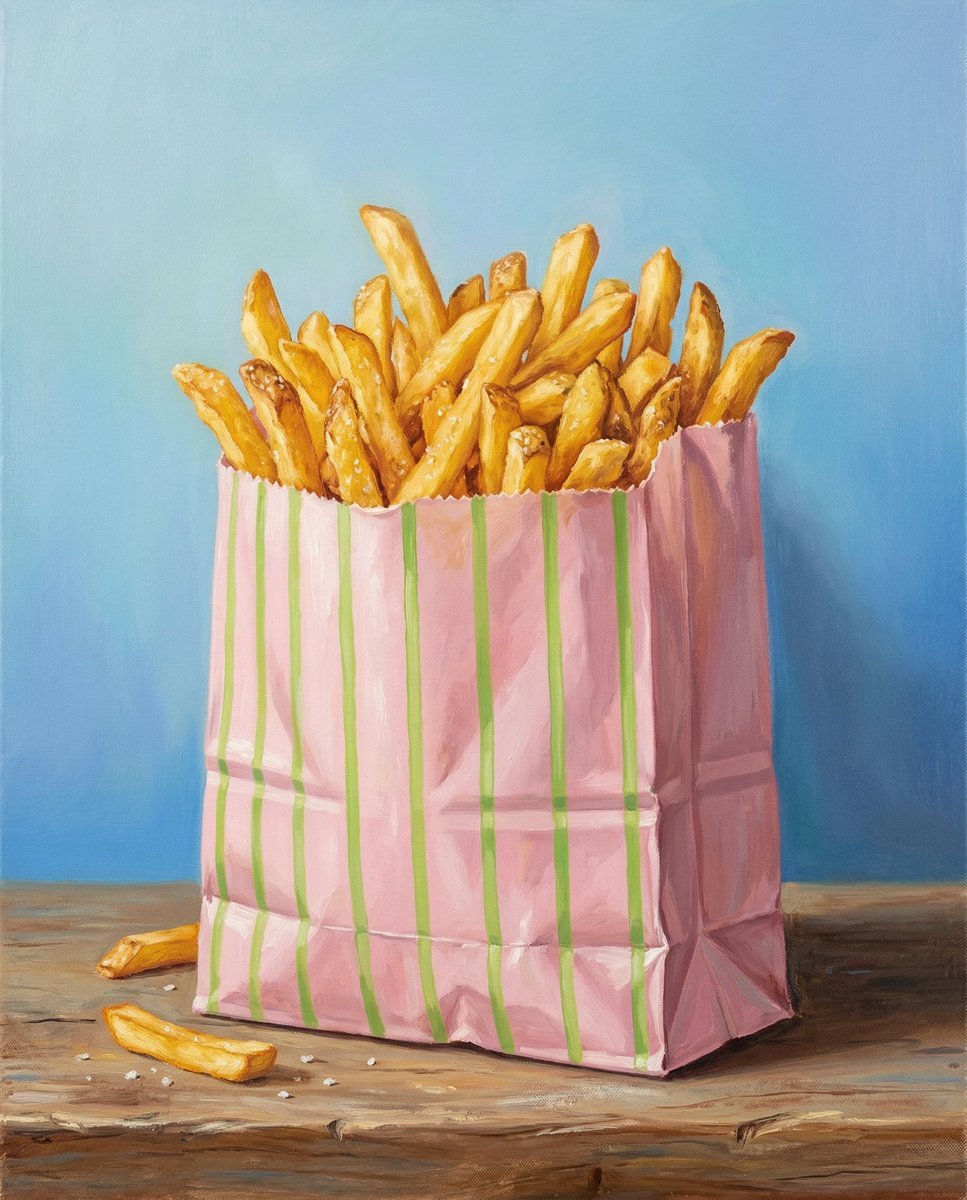
Hand-Painted Still Life of French Fries
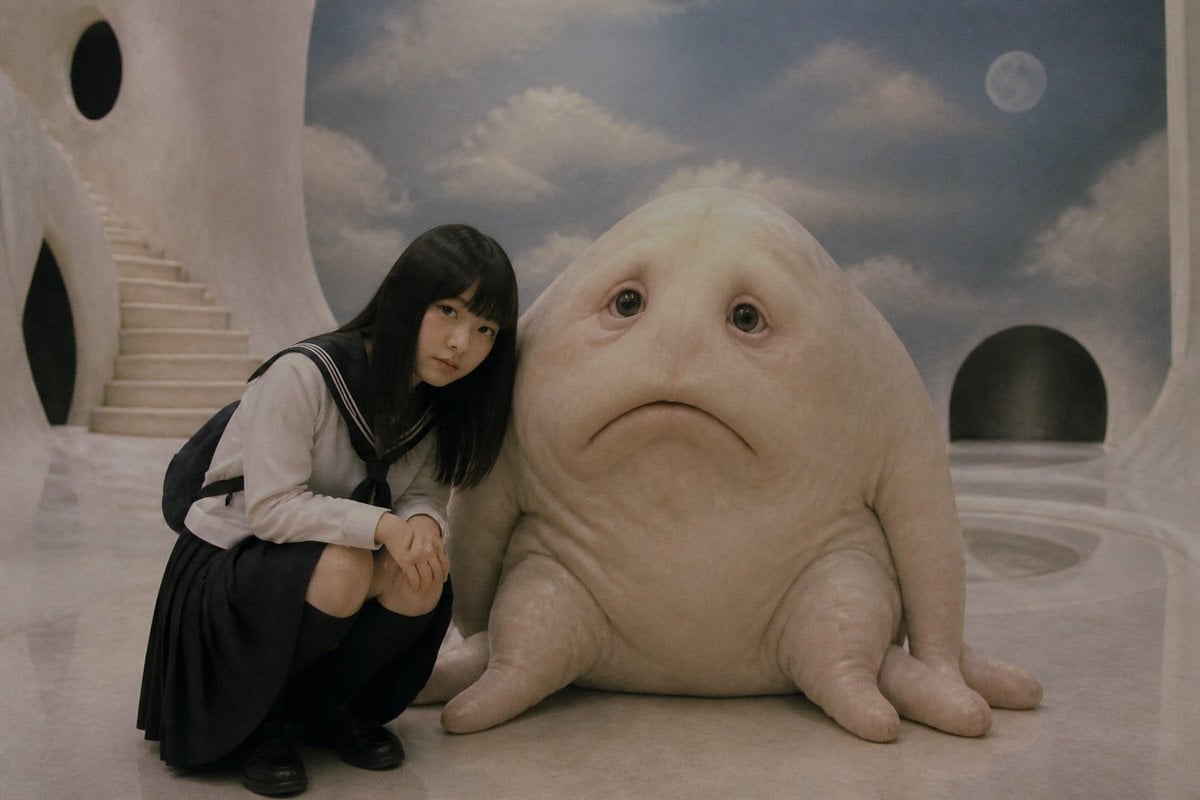
Surreal Schoolgirl and Blob Creature
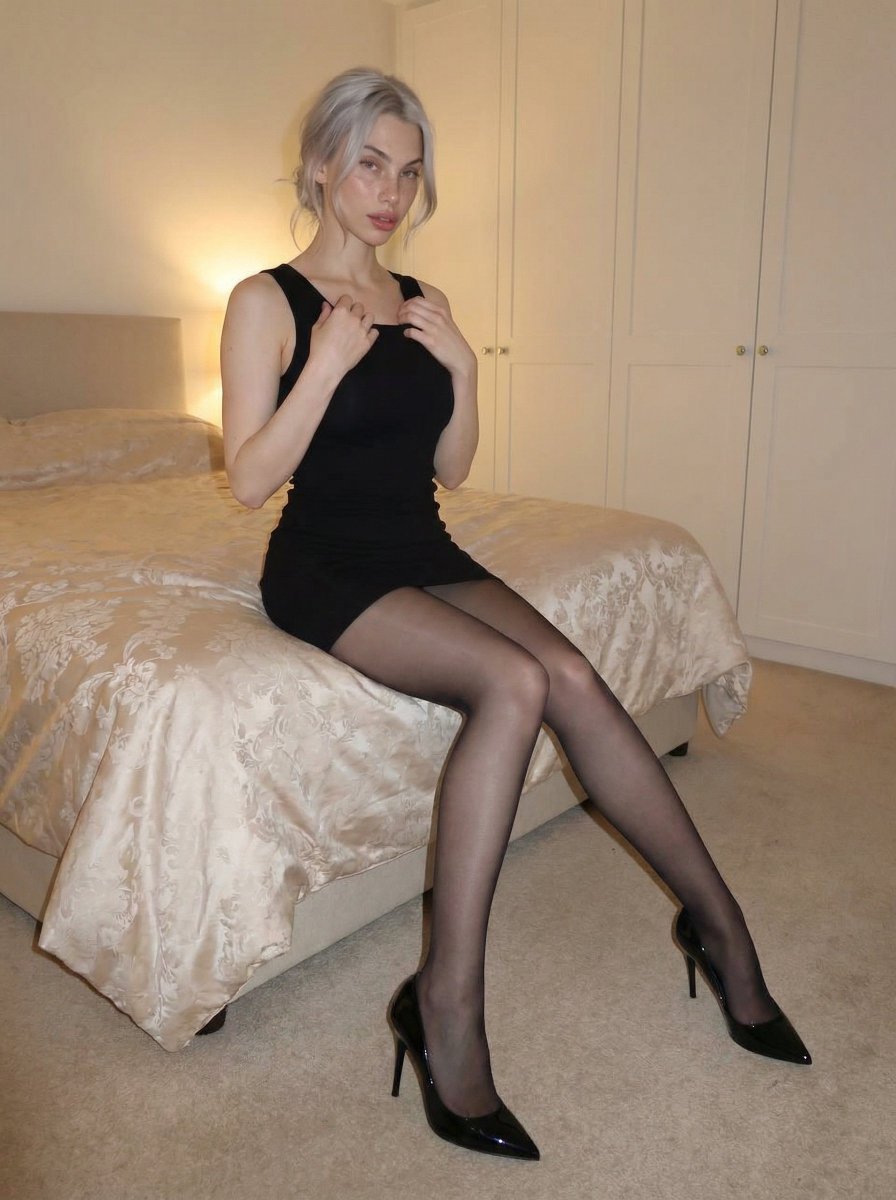
Cozy bedroom fashion editorial in black mini dress

Comic Book Cover with Obi Prompt

8K Corporate High-Fashion Editorial JSON
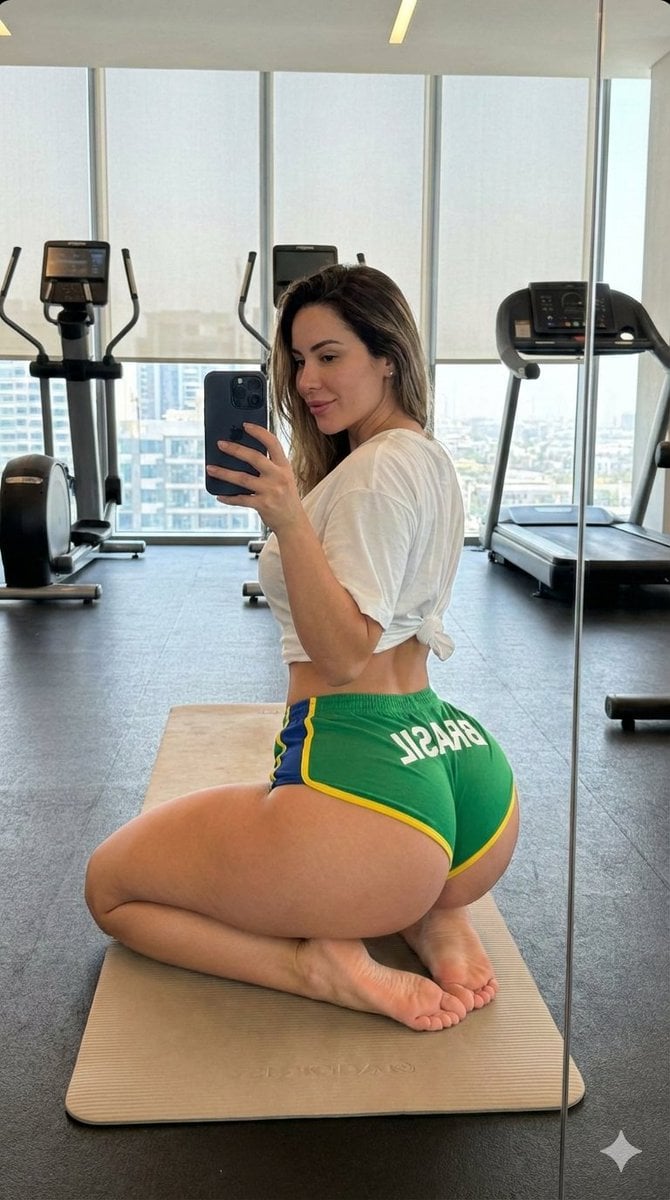
Gym Mirror Selfie with Exaggerated Proportions

Hand-drawn mixed-media illustration prompt for Gemini Nano Banana Pro
Minimal Luxury Brand Concept Slide

Cherry Blossom Good Morning Lake

Rustic Tortilla de Patatas Poster
Browse template categories
Cinematic Macro Photograph of a Strawberry in Syrup questions
How do I use the Cinematic Macro Photograph of a Strawberry in Syrup template?
Add your photo if the template asks for one, edit the prompt if you like — the template's model and format are already selected — and press Generate. Your version opens in PicX Studio.
Can I customize the Cinematic Macro Photograph of a Strawberry in Syrup template?
Yes. You can change the subject, setting, lighting, mood, format, and available model controls before creating your image.
Is the Cinematic Macro Photograph of a Strawberry in Syrup template free?
Opening and editing this template is free. Generating uses credits, shown on the Generate button when you are signed in.
Which AI model should I use?
Start with Nano Banana 2, which is the model associated with this template. You can compare another compatible model for a different finish.
Looking for something else? Browse all templates.

Your photo, any look
Thousands of ready templates for every top image and video model, from one credit balance.