
YouTube Dark Mode Desktop UI Mockup
A detailed UI mockup of a video streaming homepage in dark mode on a desktop OS, useful for web design references and layout generation.
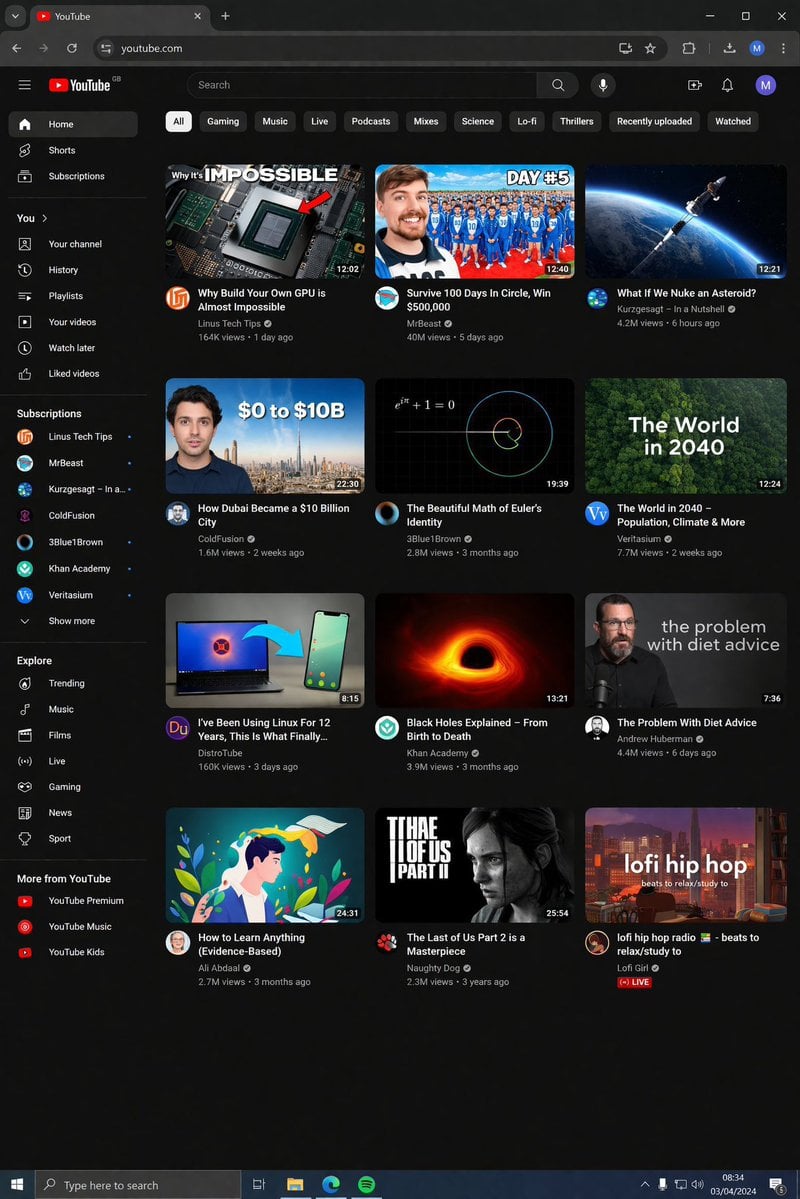
- Prompt included
- Model and format preset
- Free template
The prompt behind this image
Copy the exact prompt behind YouTube Dark Mode Desktop UI Mockup, or open it in the studio and make it yours.
- Type
- desktop web browser UI screenshot
- Environment
- {argument name="os environment" default="Windows 11 desktop"}
- Theme
- {argument name="ui theme" default="dark mode"}
- Browser Window › Tabs
- YouTube, New Tab
- Browser Window › Url Bar
- youtube.com
- Browser Window › Profile Icon
- {argument name="profile initial" default="M"}
- App Interface › Header › Logo
- {argument name="website name" default="YouTube"} GB
- App Interface › Header › Search Bar
- Search
- App Interface › Header › Icons
- mic, create, notifications, profile
- App Interface › Filter Bar › Active Filter
- {argument name="active filter" default="All"}
- App Interface › Filter Bar › Count
- 11
- App Interface › Filter Bar › Labels
- All, Gaming, Music, Live, Podcasts, Mixes, Science, Lo-fi, Thrillers, Recently uploaded, Watched
- App Interface › Sidebar › Sections › 0 › Title
- Main
- App Interface › Sidebar › Sections › 0 › Count
- 3
- App Interface › Sidebar › Sections › 0 › Labels
- Home, Shorts, Subscriptions
- App Interface › Sidebar › Sections › 1 › Title
- You
- App Interface › Sidebar › Sections › 1 › Count
- 6
- App Interface › Sidebar › Sections › 1 › Labels
- Your channel, History, Playlists, Your videos, Watch later, Liked videos
- App Interface › Sidebar › Sections › 2 › Title
- Subscriptions
- App Interface › Sidebar › Sections › 2 › Count
- 8
- App Interface › Sidebar › Sections › 2 › Labels
- Linus Tech Tips, MrBeast, Kurzgesagt - In a Nutshell, ColdFusion, 3Blue1Brown, Khan Academy, Veritasium, Show more
- App Interface › Sidebar › Sections › 3 › Title
- Explore
- App Interface › Sidebar › Sections › 3 › Count
- 7
- App Interface › Sidebar › Sections › 3 › Labels
- Trending, Music, Films, Live, Gaming, News, Sport
Raw JSON
{
  "type": "desktop web browser UI screenshot",
  "environment": "{argument name=\"os environment\" default=\"Windows 11 desktop\"}",
  "theme": "{argument name=\"ui theme\" default=\"dark mode\"}",
  "browser_window": {
    "tabs": ["YouTube", "New Tab"],
    "url_bar": "youtube.com",
    "profile_icon": "{argument name=\"profile initial\" default=\"M\"}"
  },
  "app_interface": {
    "header": {
      "logo": "{argument name=\"website name\" default=\"YouTube\"} GB",
      "search_bar": "Search",
      "icons": ["mic", "create", "notifications", "profile"]
    },
    "filter_bar": {
      "active_filter": "{argument name=\"active filter\" default=\"All\"}",
      "count": 11,
      "labels": ["All", "Gaming", "Music", "Live", "Podcasts", "Mixes", "Science", "Lo-fi", "Thrillers", "Recently uploaded", "Watched"]
    },
    "sidebar": {
      "sections": [
        { "title": "Main", "count": 3, "labels": ["Home", "Shorts", "Subscriptions"] },
        { "title": "You", "count": 6, "labels": ["Your channel", "History", "Playlists", "Your videos", "Watch later", "Liked videos"] },
        { "title": "Subscriptions", "count": 8, "labels": ["Linus Tech Tips", "MrBeast", "Kurzgesagt - In a Nutshell", "ColdFusion", "3Blue1Brown", "Khan Academy", "Veritasium", "Show more"] },
        { "title": "Explore", "count": 7, "labels": ["Trending", "Music", "Films", "Live", "Gaming", "News", "Sport"] },
        { "title": "More from YouTube", "count": 3, "labels": ["YouTube Premium", "YouTube Music", "YouTube Kids"] }
      ]
    },
    "main_content": {
      "layout": "3 columns by 4 rows grid",
      "count": 12,
      "video_cards": [
        { "title": "Why Build Your Own GPU is Almost Impossible", "channel": "Linus Tech Tips", "stats": "164K views • 1 day ago", "thumbnail": "CPU/GPU chip" },
        { "title": "Survive 100 Days In Circle, Win $500,000", "channel": "MrBeast", "stats": "40M views • 5 days ago", "thumbnail": "MrBeast with crowd in blue tracksuits" },
        { "title": "What If We Nuke an Asteroid?", "channel": "Kurzgesagt - In a Nutshell", "stats": "4.2M views • 6 hours ago", "thumbnail": "Missile hitting asteroid in space" },
        { "title": "How Dubai Became a $10 Billion City", "channel": "ColdFusion", "stats": "1.6M views • 2 weeks ago", "thumbnail": "Man and Dubai skyline" },
        { "title": "The Beautiful Math of Euler's Identity", "channel": "3Blue1Brown", "stats": "2.8M views • 3 months ago", "thumbnail": "Math equation and spiral graph" },
        { "title": "The World in 2040 - Population, Climate & More", "channel": "Veritasium", "stats": "7.7M views • 2 weeks ago", "thumbnail": "Lush green forest aerial view" },
        { "title": "I've Been Using Linux For 12 Years, This Is What Finally...", "channel": "DistroTube", "stats": "160K views • 3 days ago", "thumbnail": "Laptop and smartphone with Linux logo" },
        { "title": "Black Holes Explained - From Birth to Death", "channel": "Khan Academy", "stats": "3.9M views • 3 months ago", "thumbnail": "Glowing black hole accretion disk" },
        { "title": "The Problem With Diet Advice", "channel": "Andrew Huberman", "stats": "4.4M views • 6 days ago", "thumbnail": "Man with glasses speaking" },
        { "title": "How to Learn Anything (Evidence-Based)", "channel": "Ali Abdaal", "stats": "2.7M views • 3 months ago", "thumbnail": "Vector illustration of man reading a book" },
        { "title": "The Last of Us Part 2 is a Masterpiece", "channel": "Naughty Dog", "stats": "2.3M views • 3 years ago", "thumbnail": "Ellie from The Last of Us" },
        { "title": "lofi hip hop radio - beats to relax/study to", "channel": "Lofi Girl", "stats": "LIVE", "thumbnail": "Lofi girl studying at desk" }
      ]
    }
  },
  "taskbar": {
    "os": "Windows",
    "icons": ["Start", "Search", "Task View", "File Explorer", "Edge", "Spotify"],
    "system_tray": "08:34 03/04/2024"
  }
}Reference images included
YouTube Dark Mode Desktop UI Mockup needs input media to work. They load alongside the prompt when you open it in the studio.
How to use YouTube Dark Mode Desktop UI Mockup in 3 steps
- 1Upload ImagePNG, JPG or paste
Add your photo
Upload the photo the template builds on. The prompt, model and format are already set.
- 2…a portrait of your subject in softgolden-hour light, 85mm…
Personalize
Edit the subject and creative details for your destination.
- 3Generate
Generate
Press Generate — your image is created in PicX Studio, so you can compare it with the original and refine one variable at a time.
More like this
Templates with the same subject, style or setup. Open one to see its prompt.
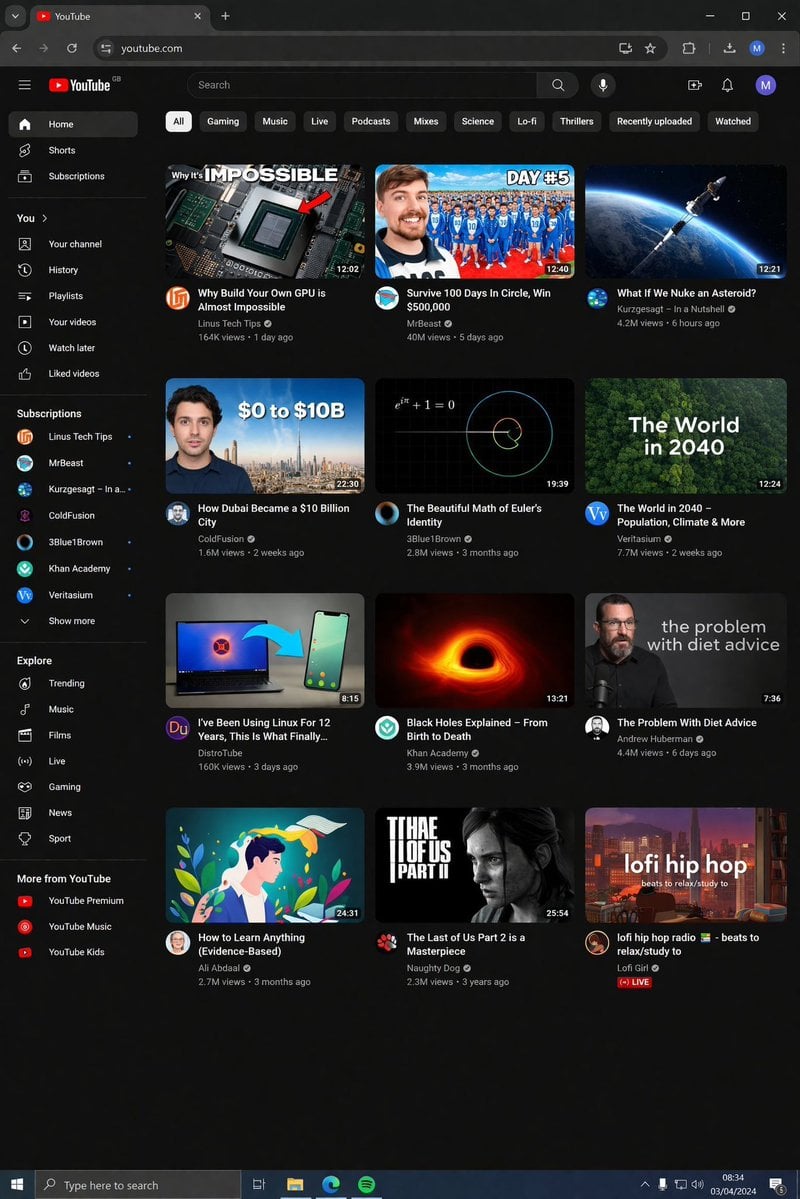
YouTube Dark Mode Desktop UI Mockup
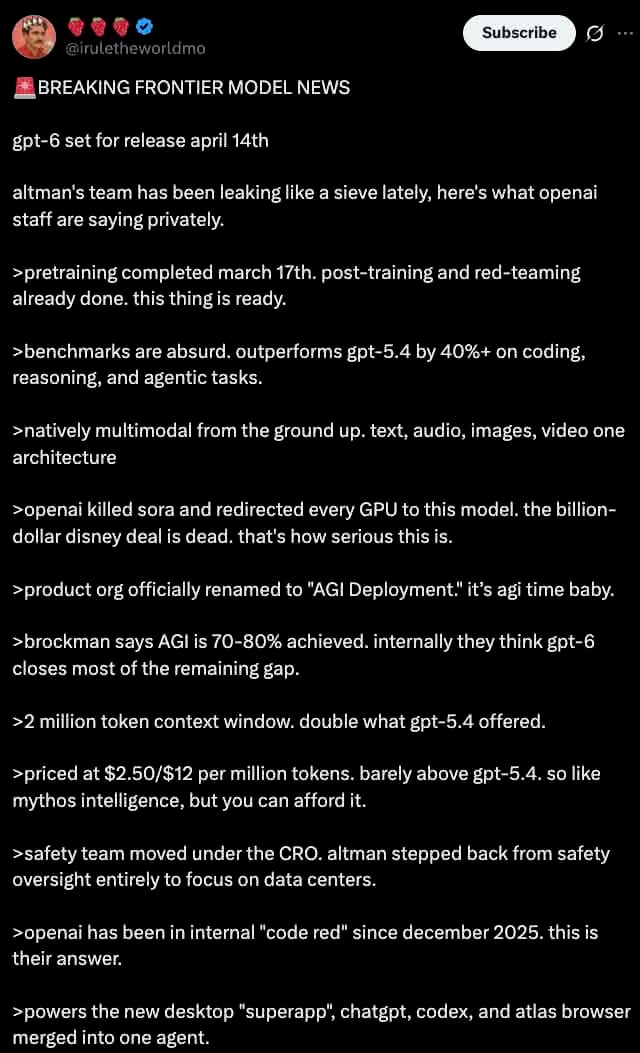
Dark Mode X Post Mockup
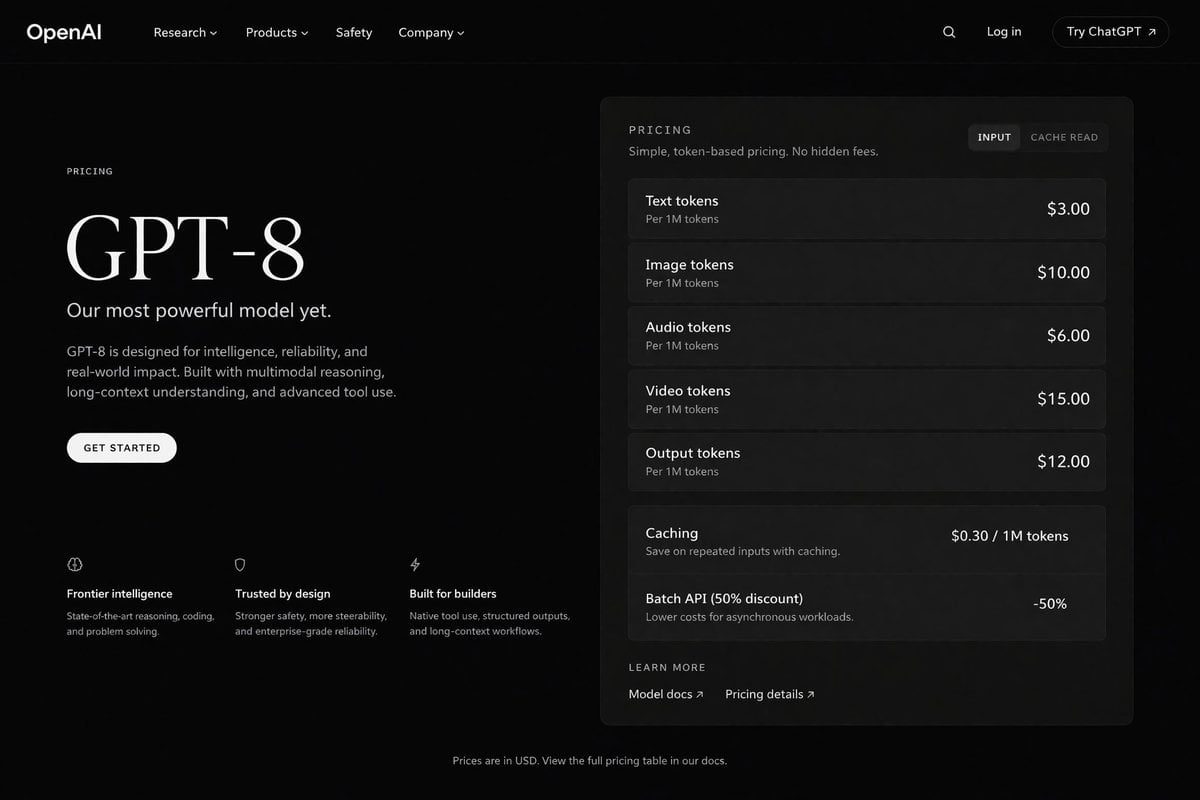
Dark Mode AI API Pricing Page Mockup
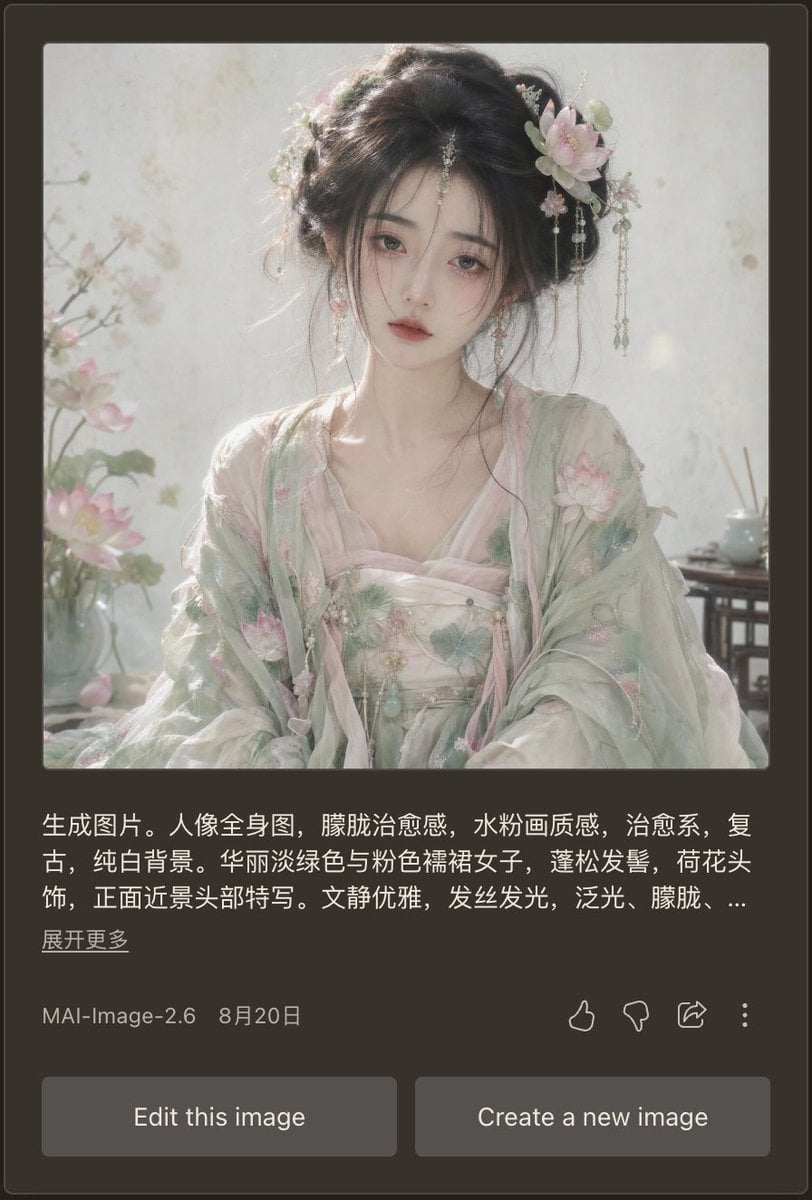
Dark Mode AI Portrait Result Card
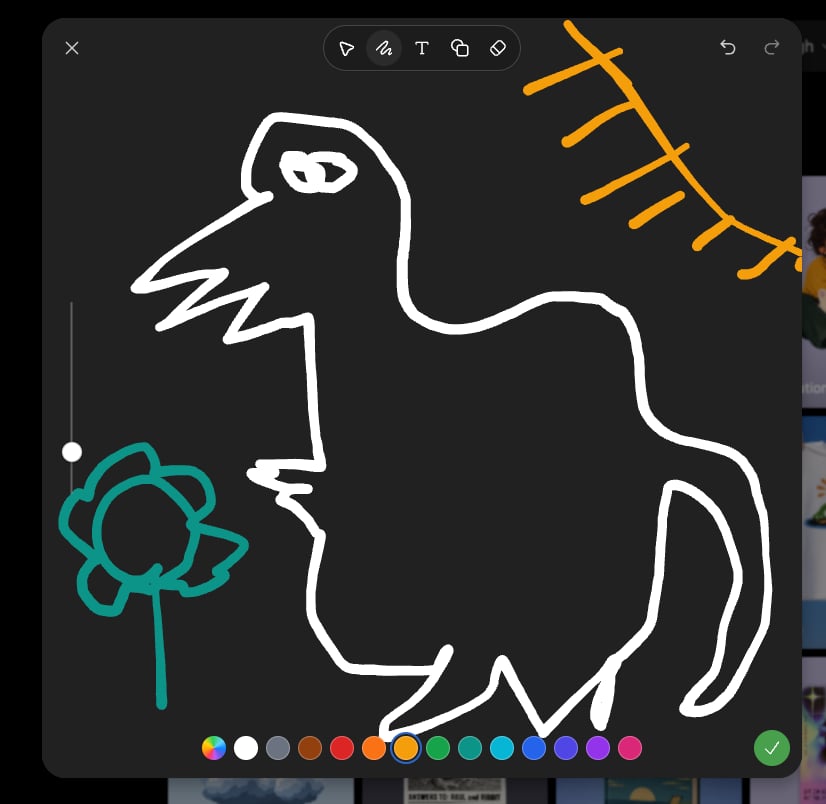
Dark Sketch Mode Monster Doodle

Manga Desktop Diorama Model Kit
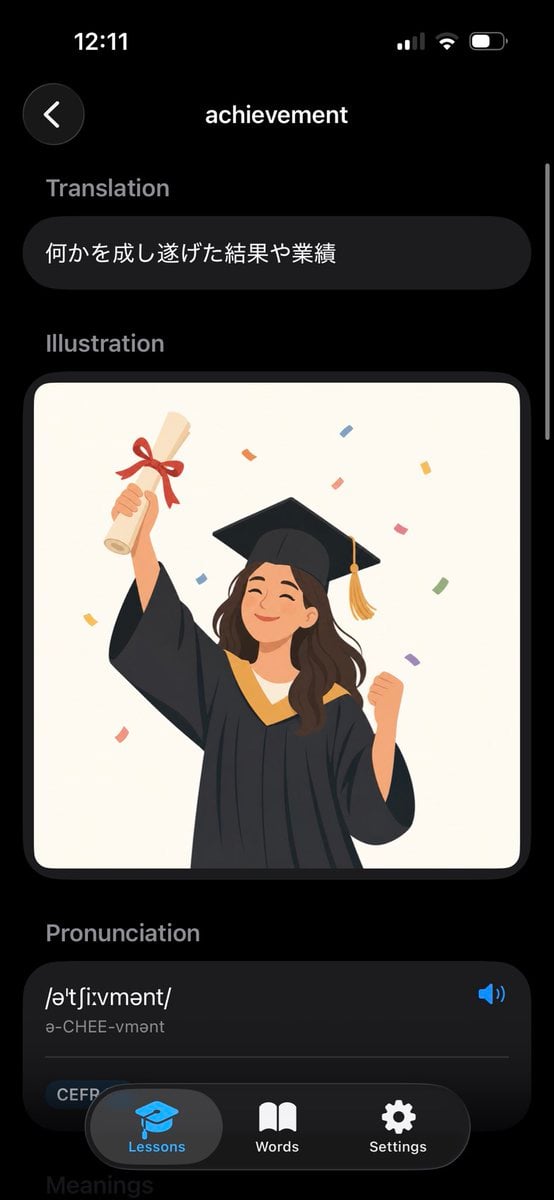
Dark Mode Dictionary Entry App

Selective Color Monochrome Football Poster
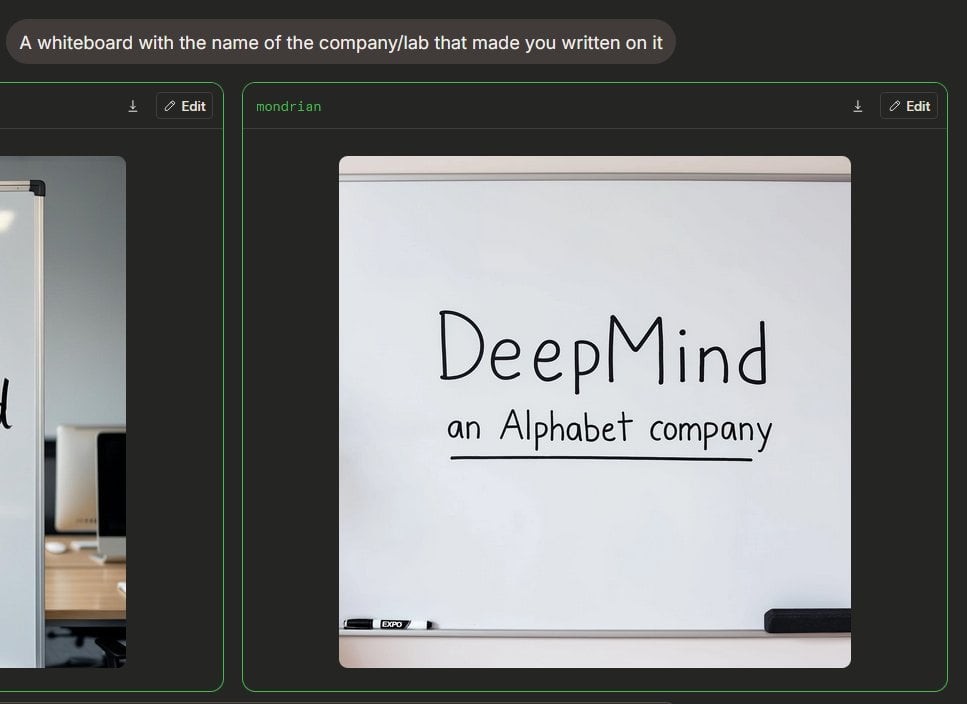
Dark Mode Image Arena Whiteboard
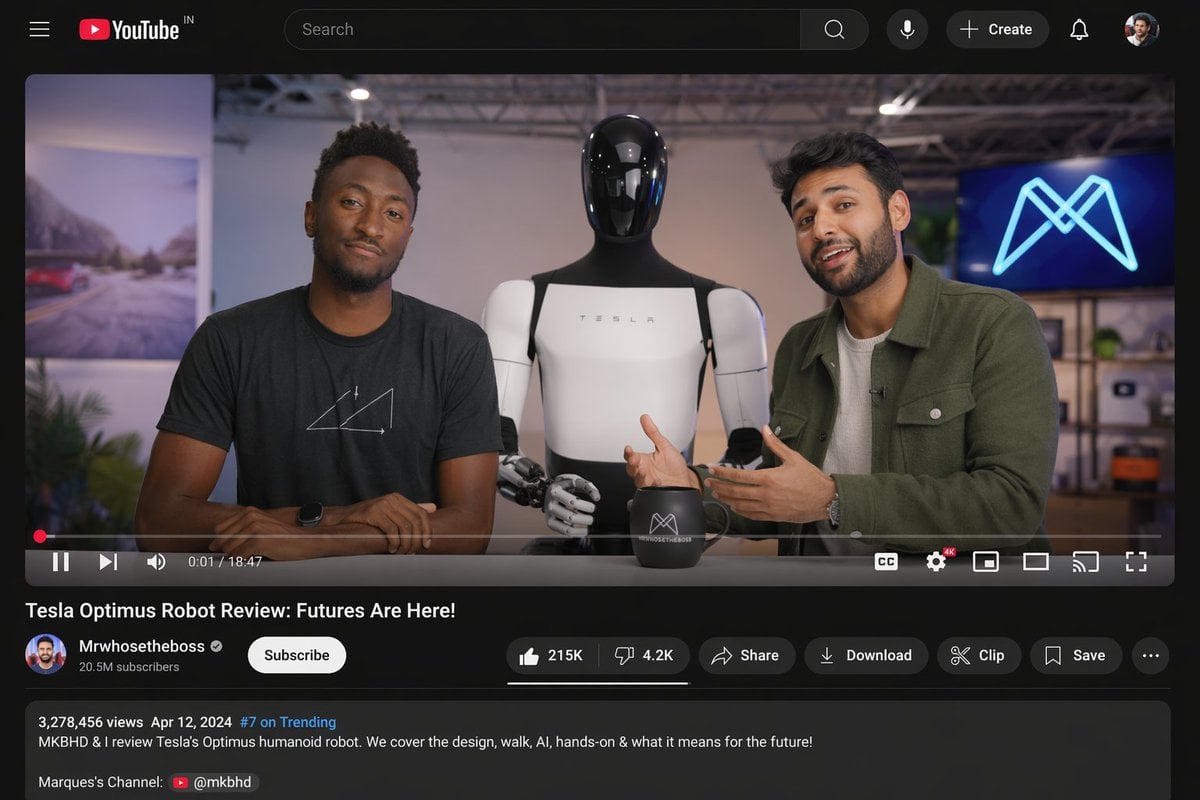
YouTube Video Interface Mockup
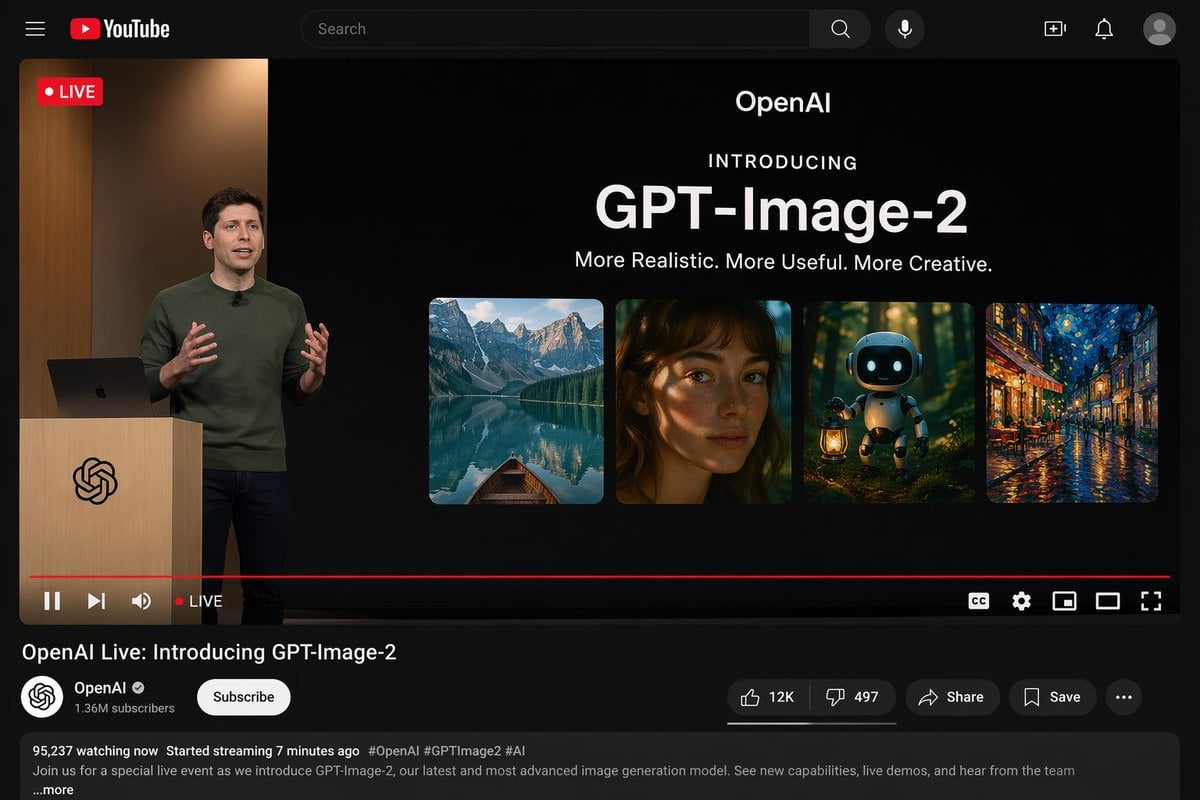
YouTube Live Presentation UI Mockup
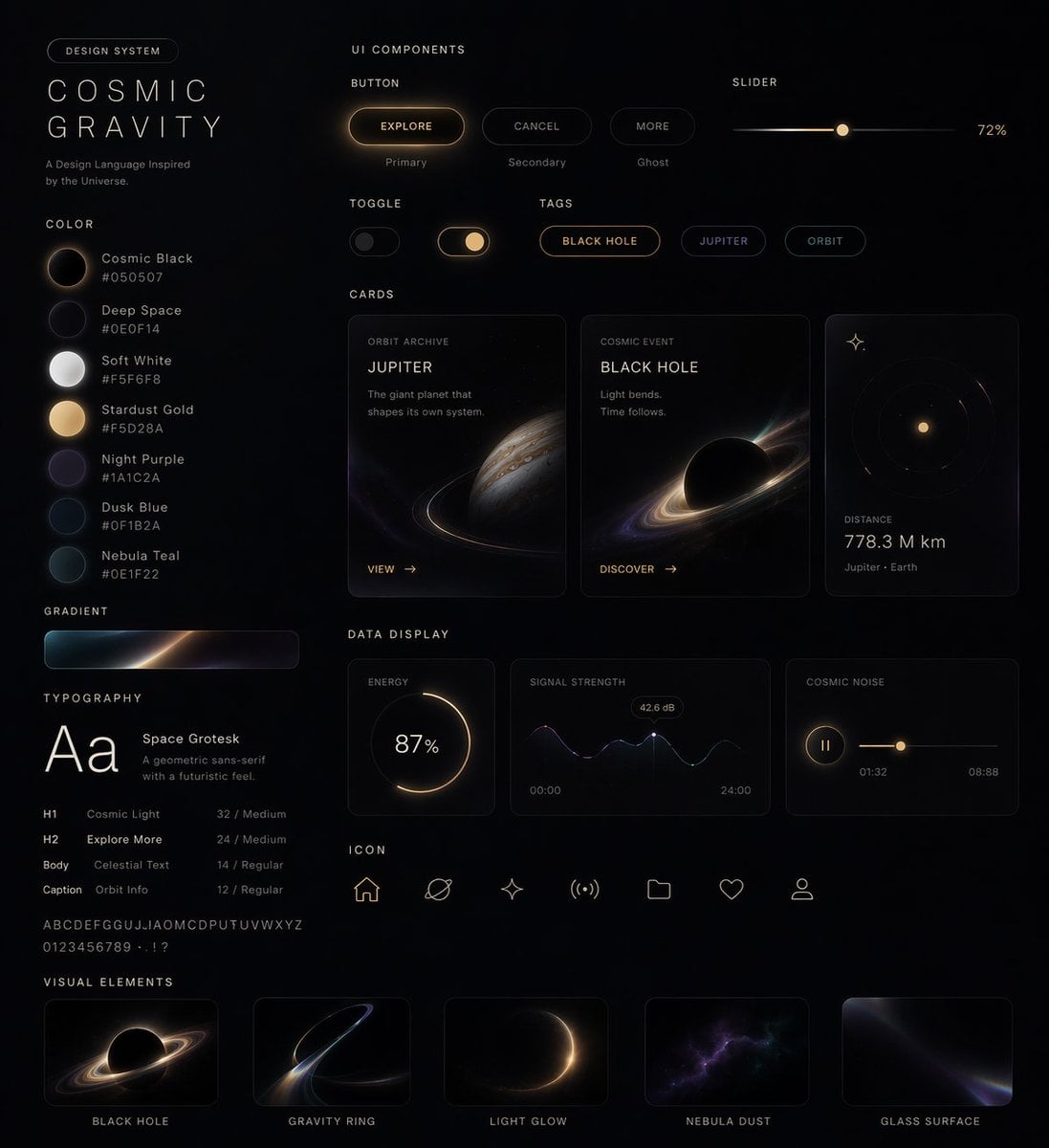
Cosmic Dark Mode UI Design System
Make it yours
YouTube Dark Mode Desktop UI Mockup works as-is. These are the safest ways to change it without losing the look.
Swap the setting
Keep the rest of the prompt and replace the location block. The current setting is “{argument name="os environment" default="Windows 11 desktop"}”.
Change one field
Copy a single group, rewrite it, and generate again so you can see what that field is doing.
Keep the frame, change the subject
Hold the composition and light of YouTube Dark Mode Desktop UI Mockup, then swap wardrobe, props or the person for a new take.
| If the result… | Why | Fix |
|---|---|---|
| The result drifts from the preview | Too many fields changed at once. | Reuse YouTube Dark Mode Desktop UI Mockup as-is first, then change one group — subject, light, or setting. |
| GPT Image 2 ignores part of the JSON | Some models flatten or skip nested keys. | Keep the same values and paste them as a short paragraph instead. |
More GPT Image 2 templates
Other prompts made for GPT Image 2.

Six VTuber Japanese Logo Sheet

Realistic Portrait of Woman and Deer

The Vista Modular Condo Poster

AI Model Routing Comparison Infographic

2.5D Anime Art Board

Isometric Productivity Desk Scene

New York Double Exposure Poster

Four-Panel AI Landscape Comparison

Japanese Tatami Lifestyle Magazine Cover

NESCAFÉ Coffee Map Poster
More image prompts
Fresh picks from across the catalog.
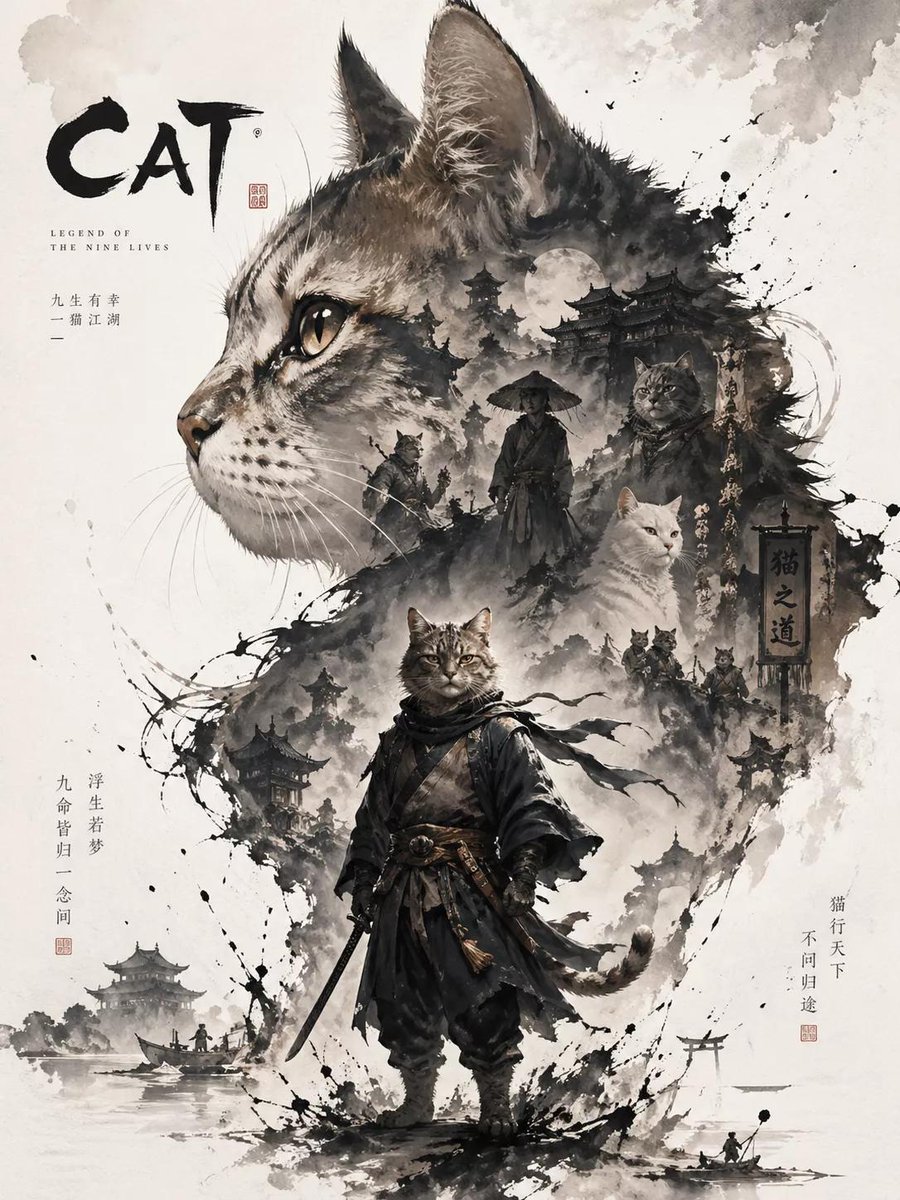
Oriental Aesthetic Poster Design

Photorealistic naan bread pun image

Commercial Product Advertising Illustration
Cyberpunk City Night Scene

Low-Angle Cinematic Portrait with Identity Lock
Chibi Sticker Diary Scrapbook Portrait
Dramatic Low Angle Brand Poster
Living Dragon Mural in Sunset Alley
High-Fidelity Fashion Photography Prompt
Weird mundane photo concept
Browse template categories
YouTube Dark Mode Desktop UI Mockup questions
How do I use the YouTube Dark Mode Desktop UI Mockup template?
Add your photo if the template asks for one, edit the prompt if you like — the template's model and format are already selected — and press Generate. Your version opens in PicX Studio.
Can I customize the YouTube Dark Mode Desktop UI Mockup template?
Yes. You can change the subject, setting, lighting, mood, format, and available model controls before creating your image.
Is the YouTube Dark Mode Desktop UI Mockup template free?
Opening and editing this template is free. Generating uses credits, shown on the Generate button when you are signed in.
Which AI model should I use?
Start with GPT Image 2, which is the model associated with this template. You can compare another compatible model for a different finish.
Looking for something else? Browse all templates.

Your photo, any look
Thousands of ready templates for every top image and video model, from one credit balance.