
Dark Mode Image Arena Whiteboard
Generates a dark-mode AI image comparison interface featuring a photorealistic whiteboard with handwritten company branding.
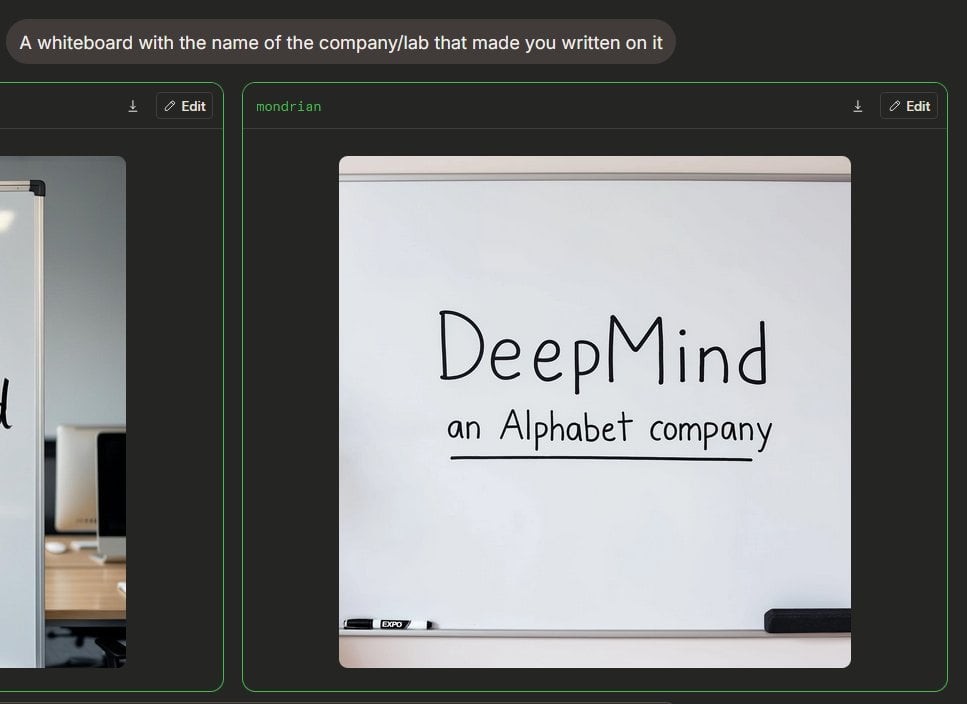
- Prompt included
- Model and format preset
- Free template
The prompt behind this image
Copy the exact prompt behind Dark Mode Image Arena Whiteboard, or open it in the studio and make it yours.
{"type":"dark-mode AI image generation arena screenshot","scene":"A widescreen browser-like interface showing an image generation comparison. The background is charcoal black with subtle rounded panels and neon green outlines. At the top left, a rounded gray prompt bubble contains the text {argument name="prompt text" default="A whiteboard with the name of the company/lab that made you written on it"} in white sans-serif type.","layout":{"visible result cards count":2,"cards":[{"position":"left edge, partially cropped","description":"A comparison card with a thin green border, dark header, small download icon and Edit button in the header, showing only the right portion of an office whiteboard image cropped off-screen."},{"position":"center-right, fully visible","label":"{argument name=\"model label\" default=\"mondrian\"}","description":"A large rounded card with a thin green border and dark header. The header has the green label text at top left, plus two controls at top right: a small download arrow icon and a rounded Edit button with a pencil icon."}]},"main generated image":{"position":"inside the center-right card","style":"photorealistic casual phone photo or web preview","subject":"a clean whiteboard in an office or meeting room","composition":"front-facing whiteboard centered inside a square-ish image with rounded corners; the whiteboard fills most of the frame with a gray top rail and bottom tray visible","text on whiteboard":"Large handwritten black marker text reads {argument name=\"company name\" default=\"DeepMind\"}; below it smaller handwritten text reads {argument name=\"subtitle text\" default=\"an Alphabet company\"}, underlined with a straight black marker line.","objects count":2,"objects":["one black-and-white dry erase marker resting on the lower tray near the left side","one black rectangular eraser resting on the lower tray near the right side"],"visual details":"soft indoor lighting, slight shadows, clean off-white board surface, realistic marker strokes, rounded image corners, minimal office context, crisp UI screenshot framing","text accuracy":"Make the handwritten text legible and spelled exactly as provided, with natural uneven marker handwriting rather than printed font."},"camera and rendering":"static screenshot perspective, 4:3 overall crop, high-resolution web UI capture, no people, no decorative clutter"}
How to use Dark Mode Image Arena Whiteboard in 3 steps
- 1Upload ImagePNG, JPG or paste
Add your photo
Upload the photo the template builds on. The prompt, model and format are already set.
- 2…a portrait of your subject in softgolden-hour light, 85mm…
Personalize
Edit the subject and creative details for your destination.
- 3Generate
Generate
Press Generate — your image is created in PicX Studio, so you can compare it with the original and refine one variable at a time.
More like this
Templates with the same subject, style or setup. Open one to see its prompt.
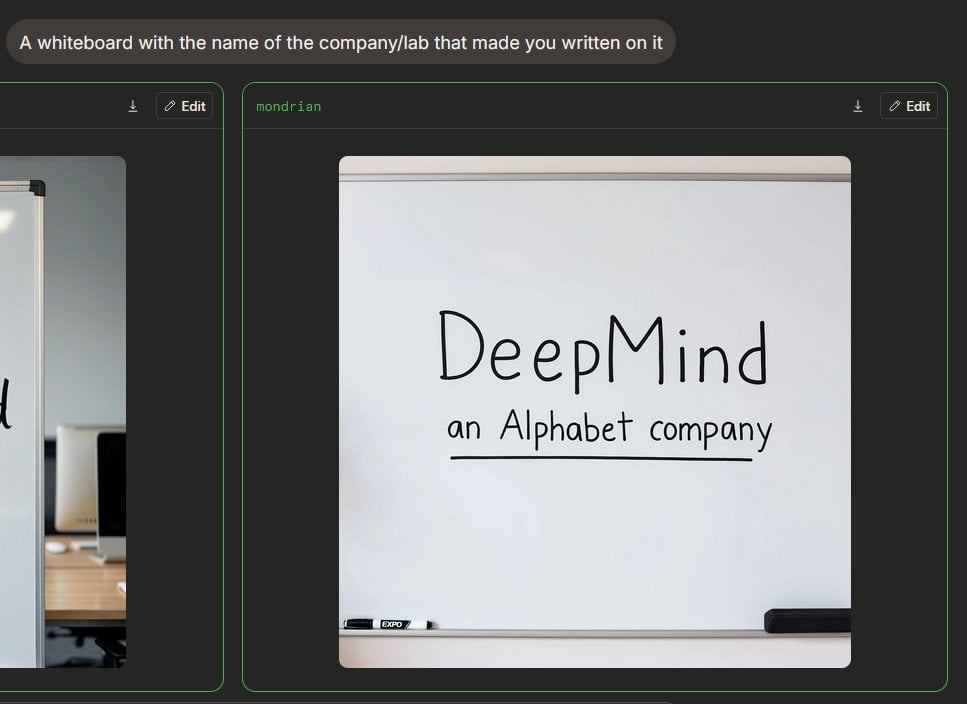
Dark AI Arena Whiteboard Screenshot
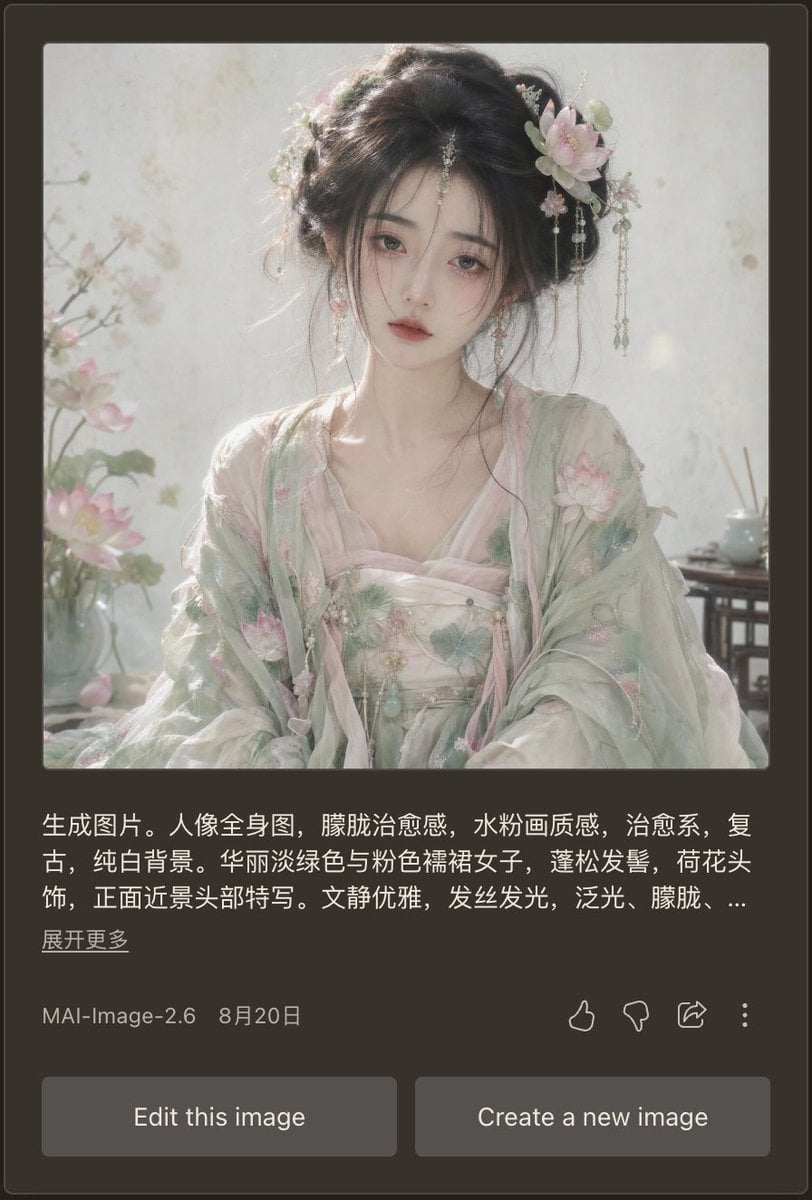
Dark Mode AI Portrait Result Card
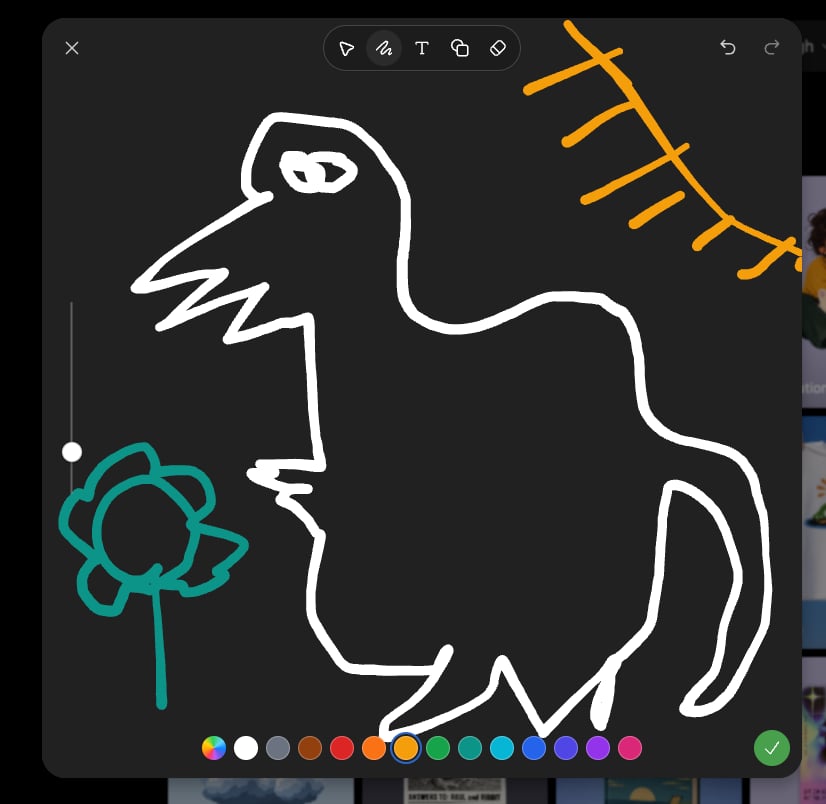
Dark Sketch Mode Monster Doodle
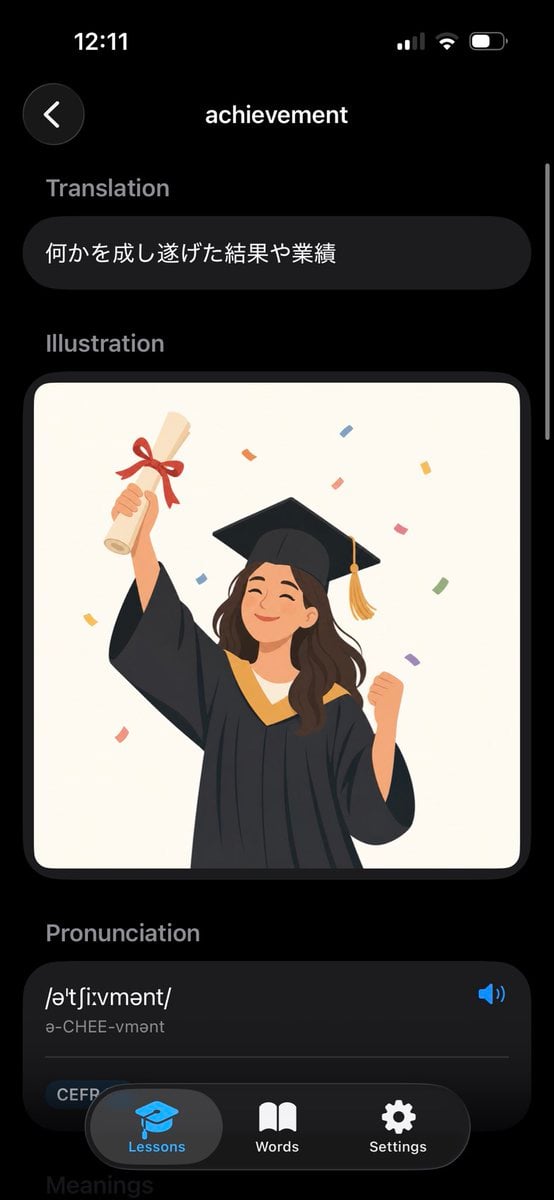
Dark Mode Dictionary Entry App

Selective Color Monochrome Football Poster
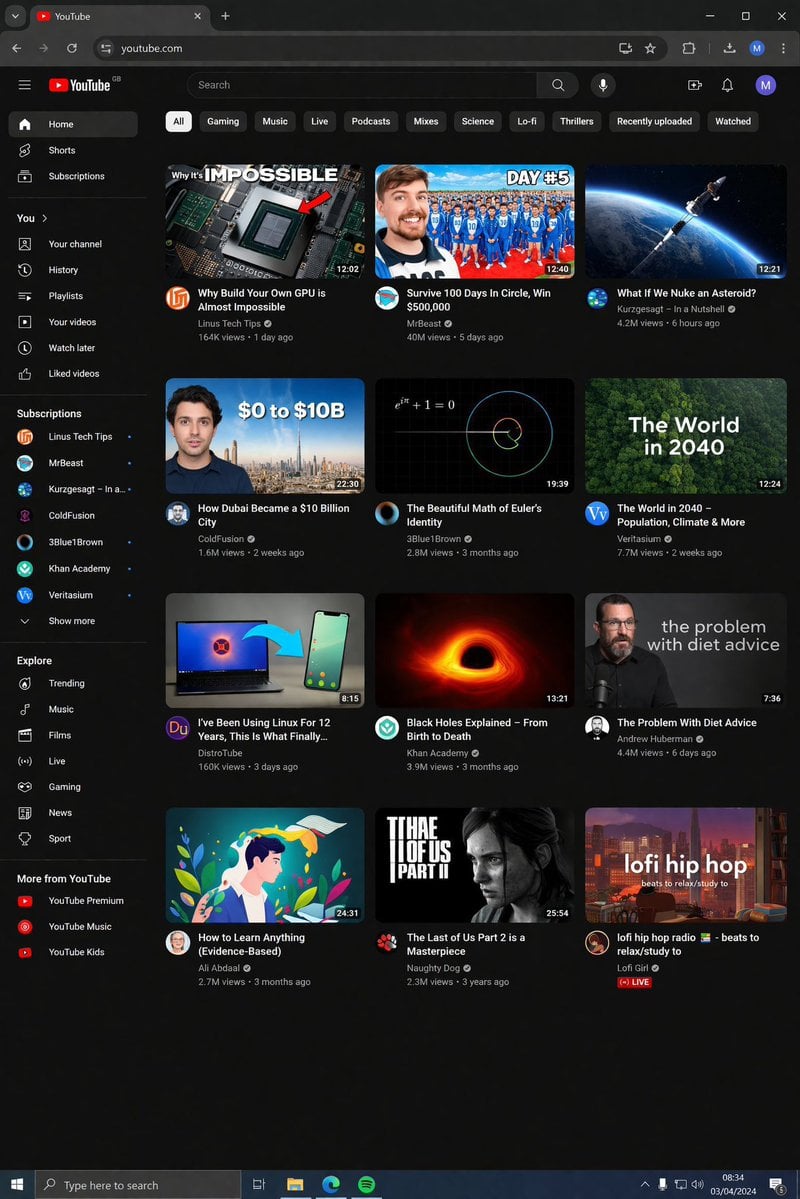
YouTube Dark Mode Desktop UI Mockup
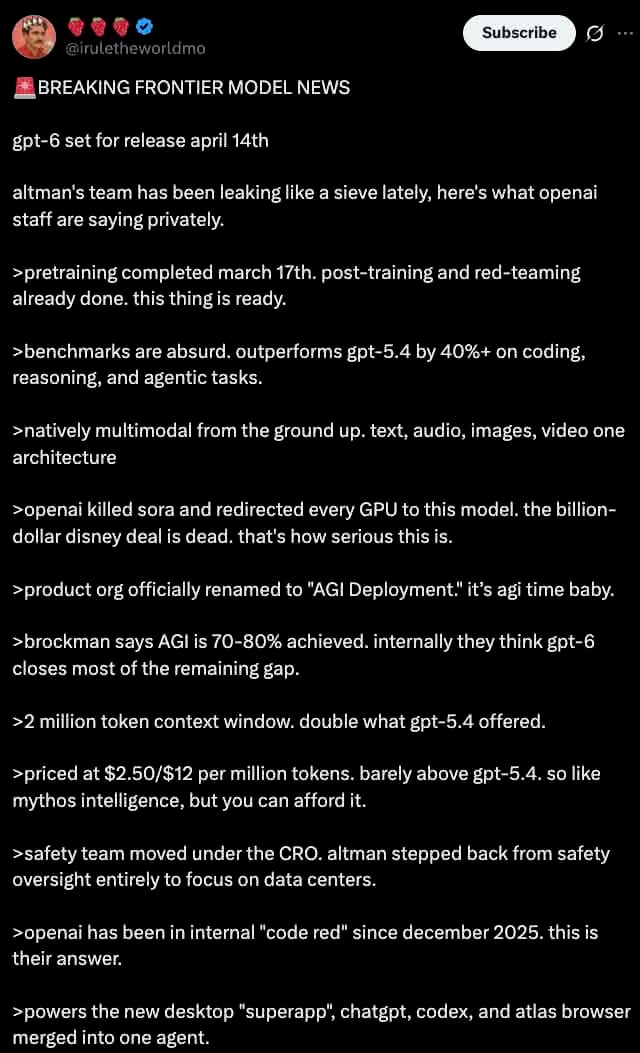
Dark Mode X Post Mockup
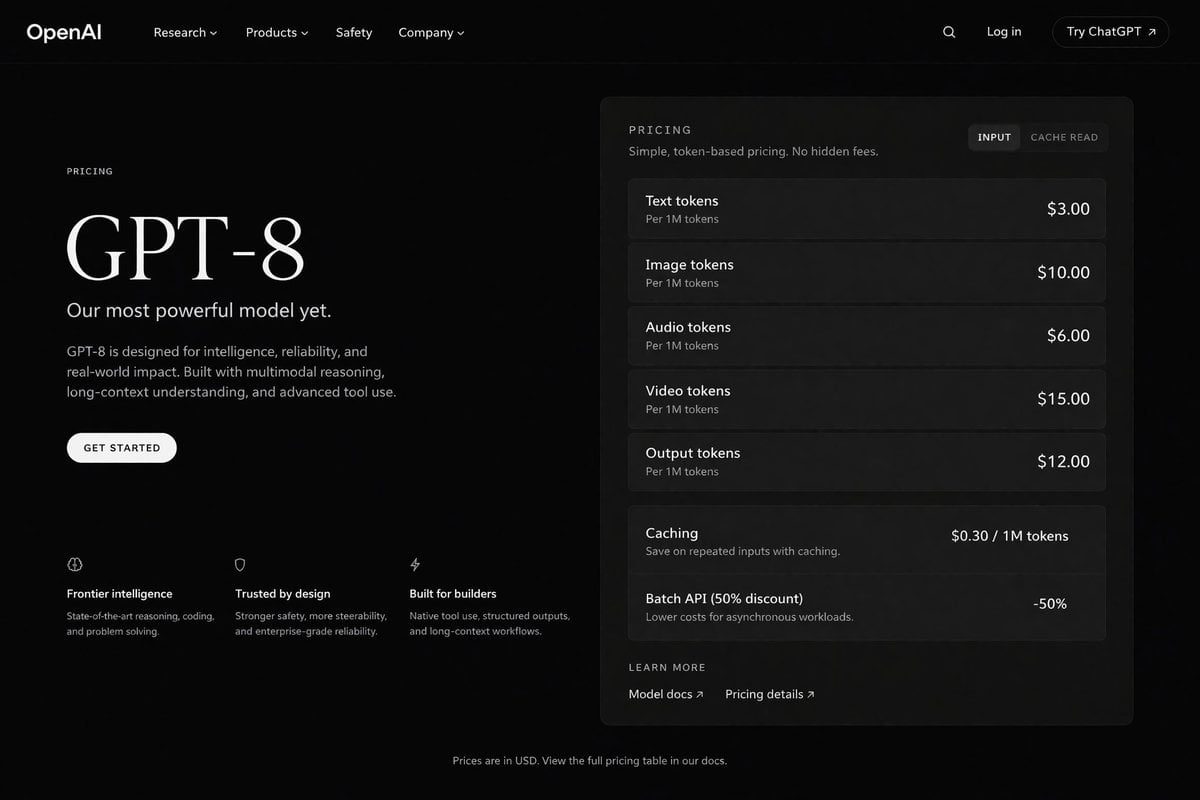
Dark Mode AI API Pricing Page Mockup
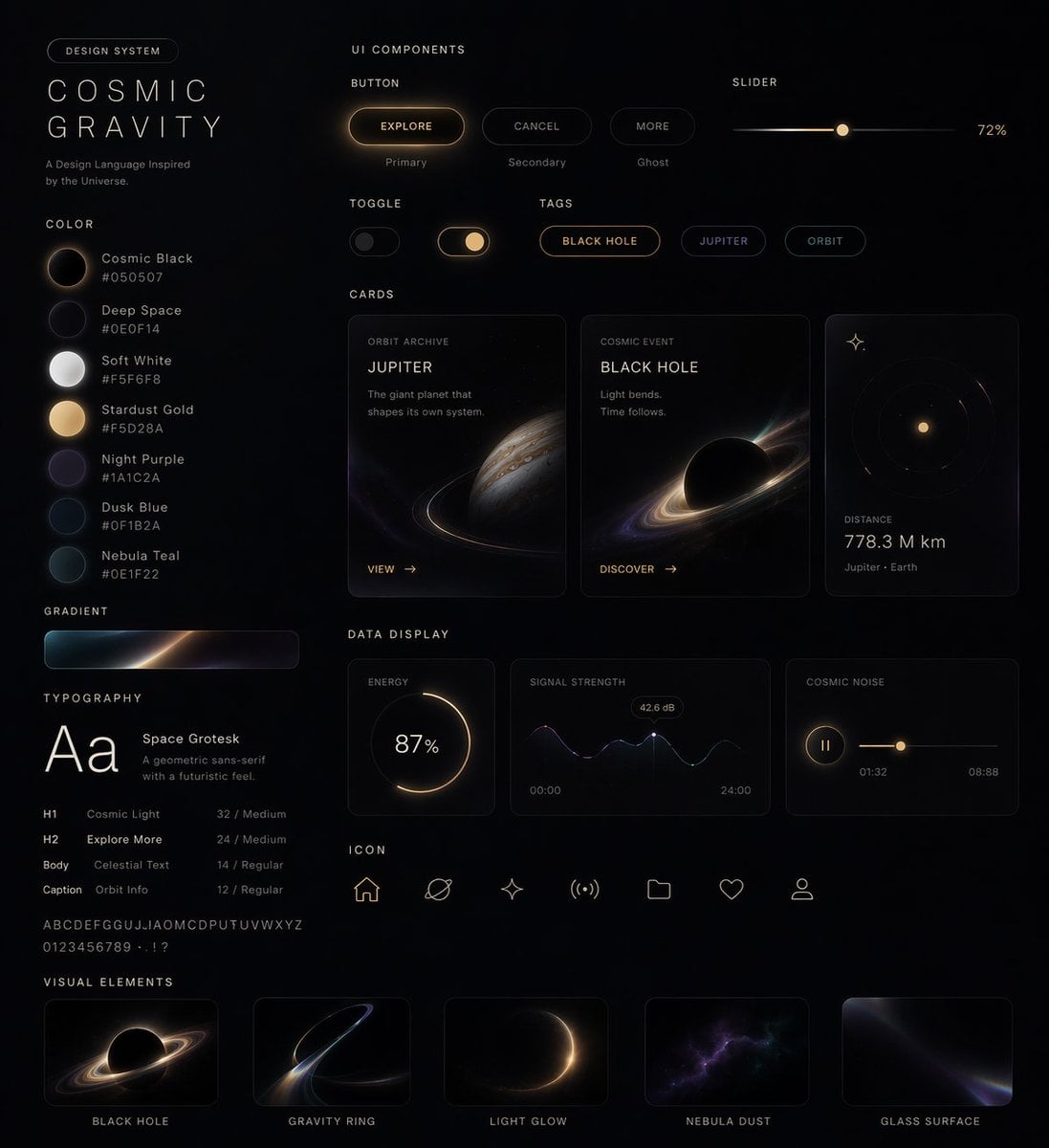
Cosmic Dark Mode UI Design System
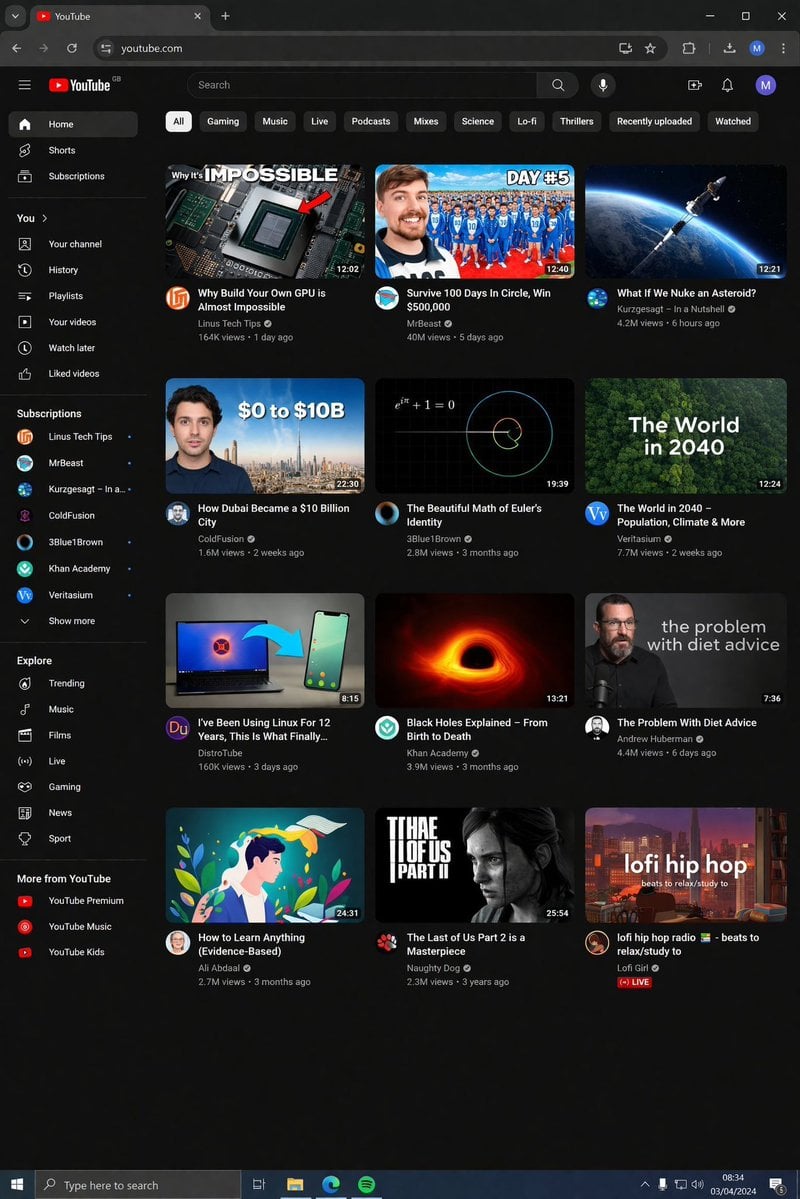
YouTube Dark Mode Desktop UI Mockup
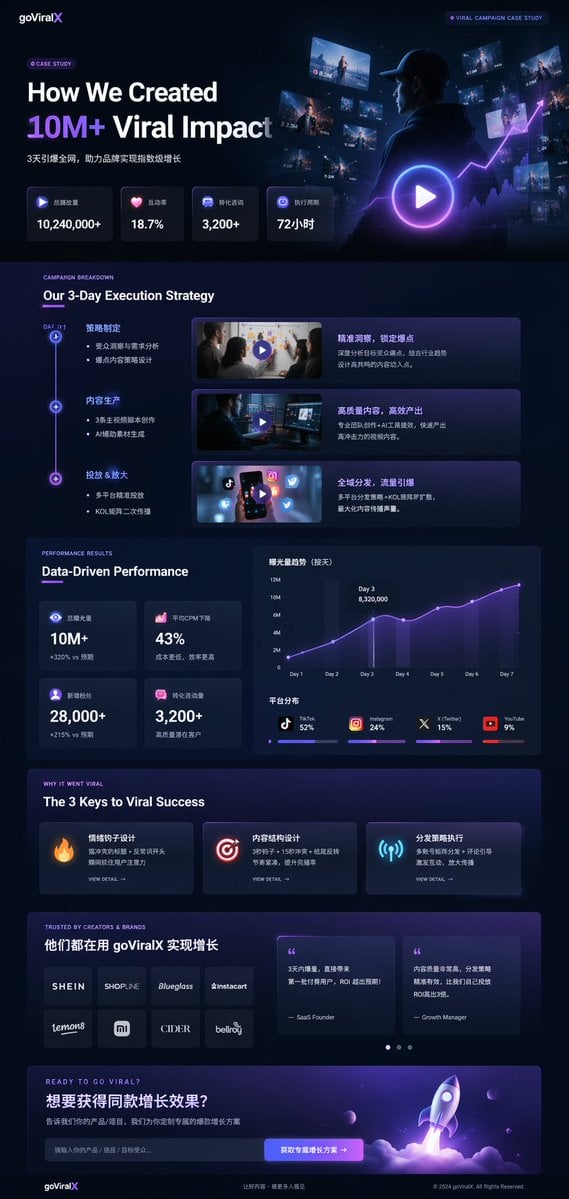
Dark Mode Marketing Case Study UI
Gpt2 Product Marketing Dark Mode Marketing Case Study Ui
Make it yours
Dark Mode Image Arena Whiteboard works as-is. These are the safest ways to change it without losing the look.
Change one field
Copy a single group, rewrite it, and generate again so you can see what that field is doing.
Keep the frame, change the subject
Hold the composition and light of Dark Mode Image Arena Whiteboard, then swap wardrobe, props or the person for a new take.
| If the result… | Why | Fix |
|---|---|---|
| The result drifts from the preview | Too many fields changed at once. | Reuse Dark Mode Image Arena Whiteboard as-is first, then change one group — subject, light, or setting. |
| The model over-stylizes the scene | The prose prompt leaves finish and camera underspecified. | Add one camera or lighting sentence and stay on GPT Image 2. |
More GPT Image 2 templates
Other prompts made for GPT Image 2.

Six VTuber Japanese Logo Sheet

Realistic Portrait of Woman and Deer

The Vista Modular Condo Poster

2.5D Anime Art Board

Isometric Productivity Desk Scene

New York Double Exposure Poster

Four-Panel AI Landscape Comparison

Japanese Tatami Lifestyle Magazine Cover

NESCAFÉ Coffee Map Poster

Brutalist Cogito Chinese Typography Poster
More image prompts
Fresh picks from across the catalog.
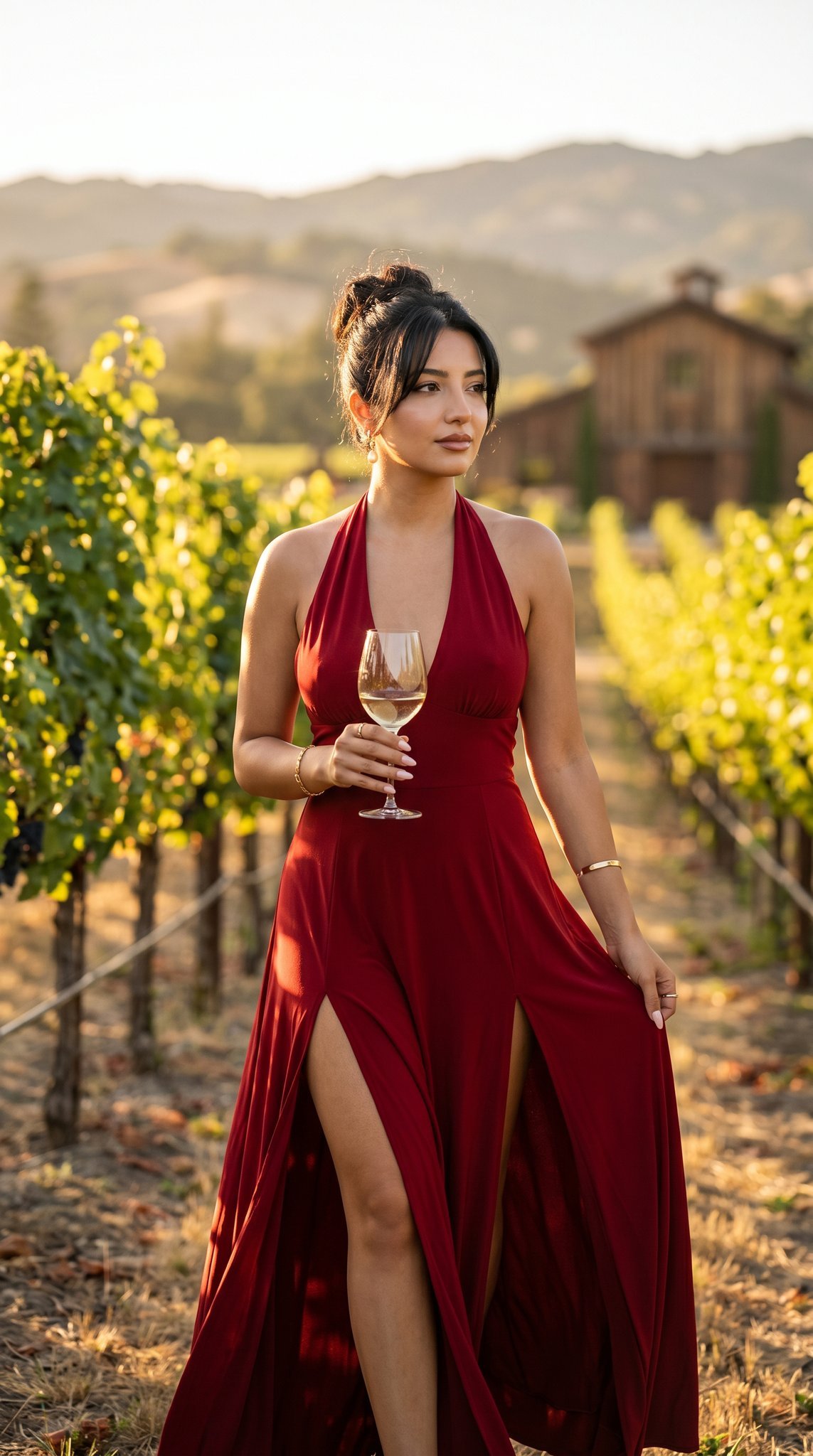
14 Napa Valley Vineyard — California Series
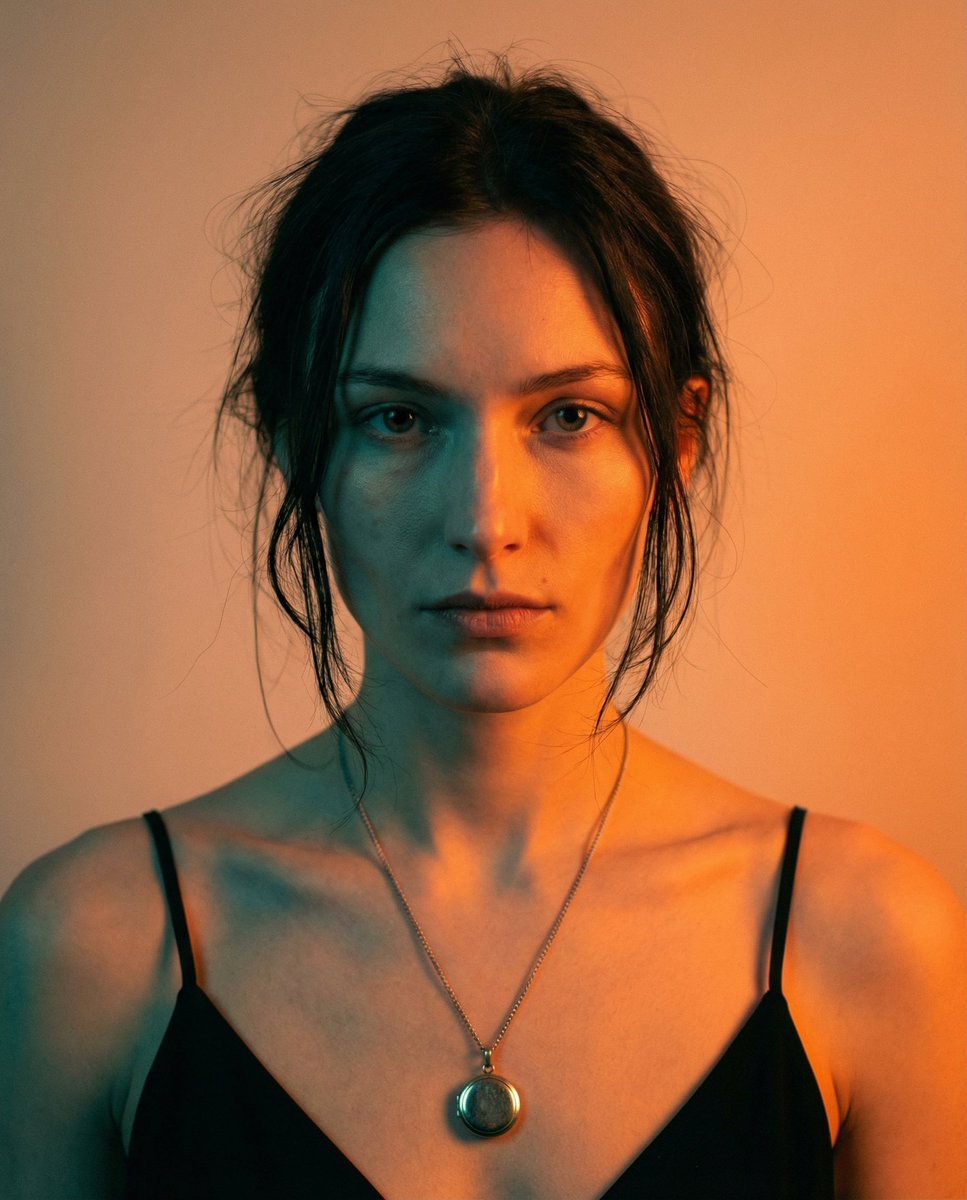
High-Contrast Cinematic Portrait Prompt
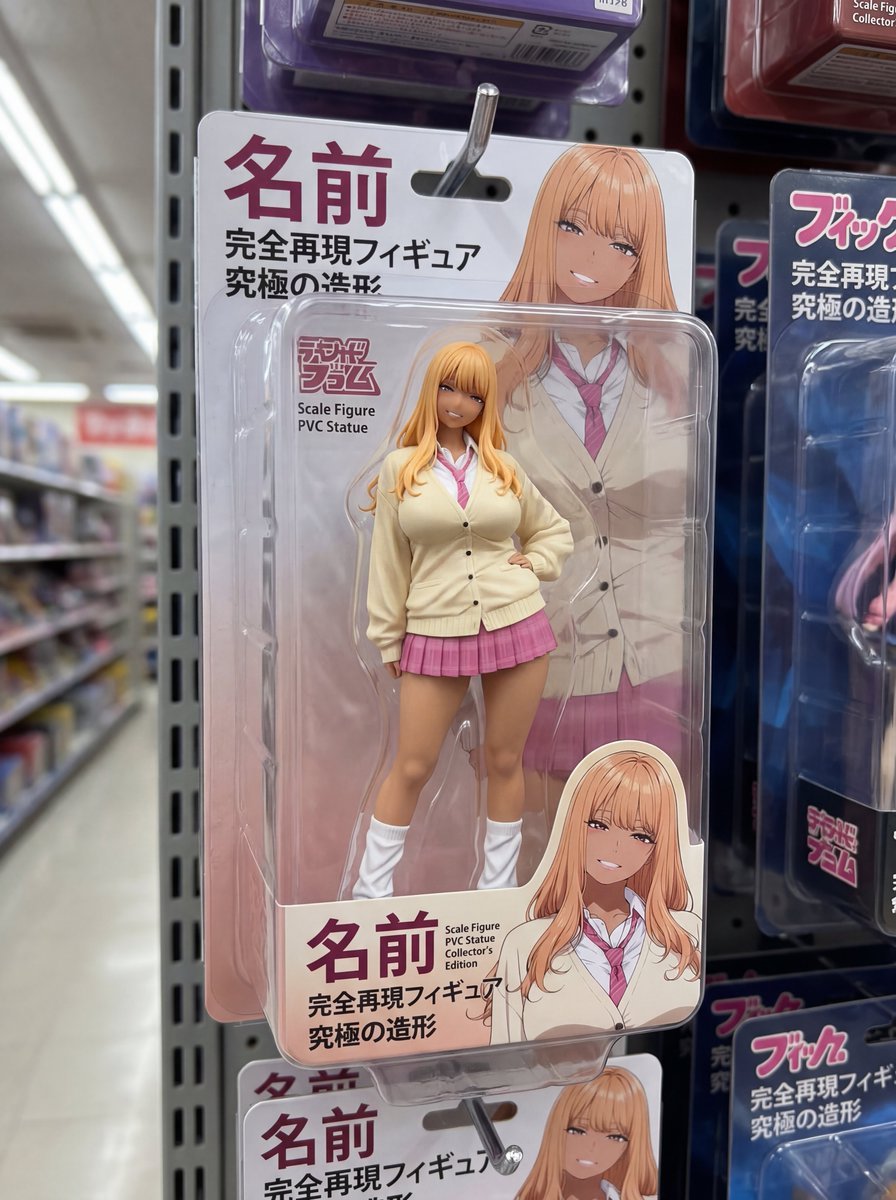
Nano Banana 2 prompt for creating packaged figures
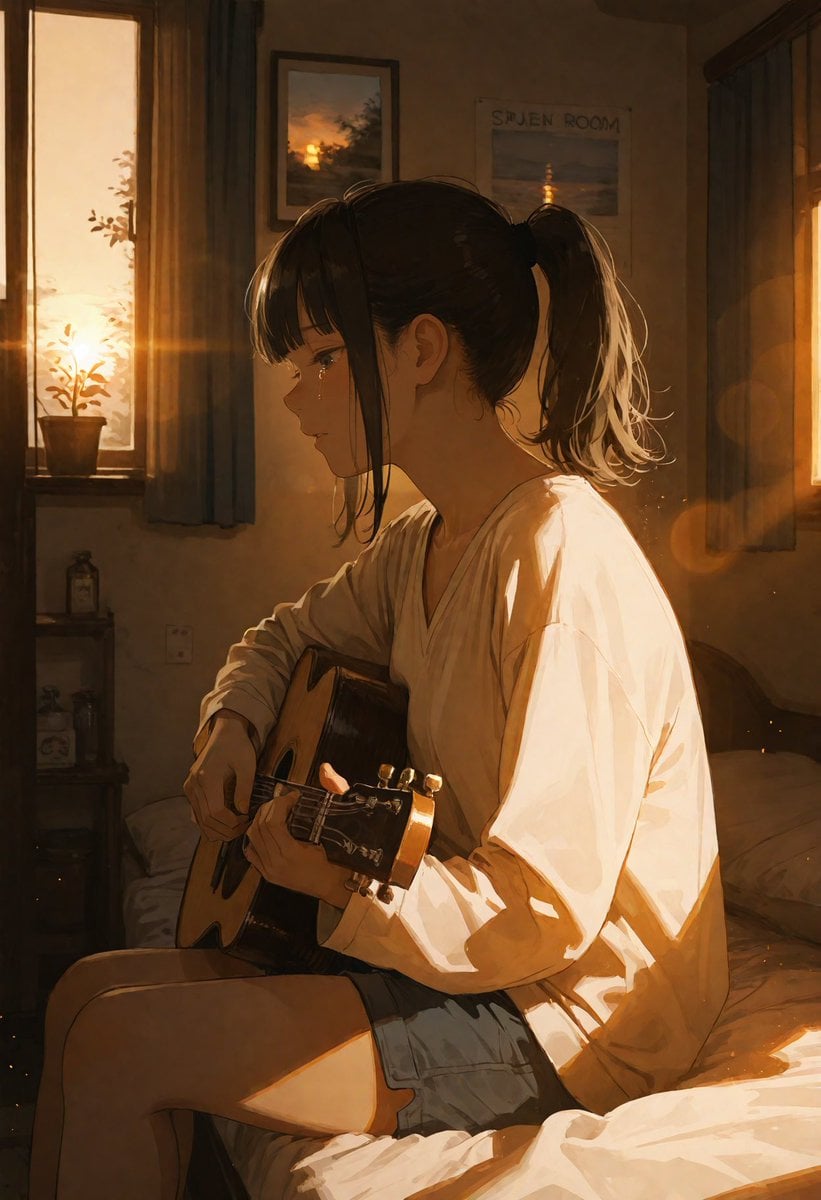
Golden Hour Guitar Bedroom Scene
Surreal Streetwear Editorial
Generate a photo of myself achieving my dream
Black-and-White Surreal Editorial Portrait Prompt
Rustic Red Cowgirl Portrait in Countryside
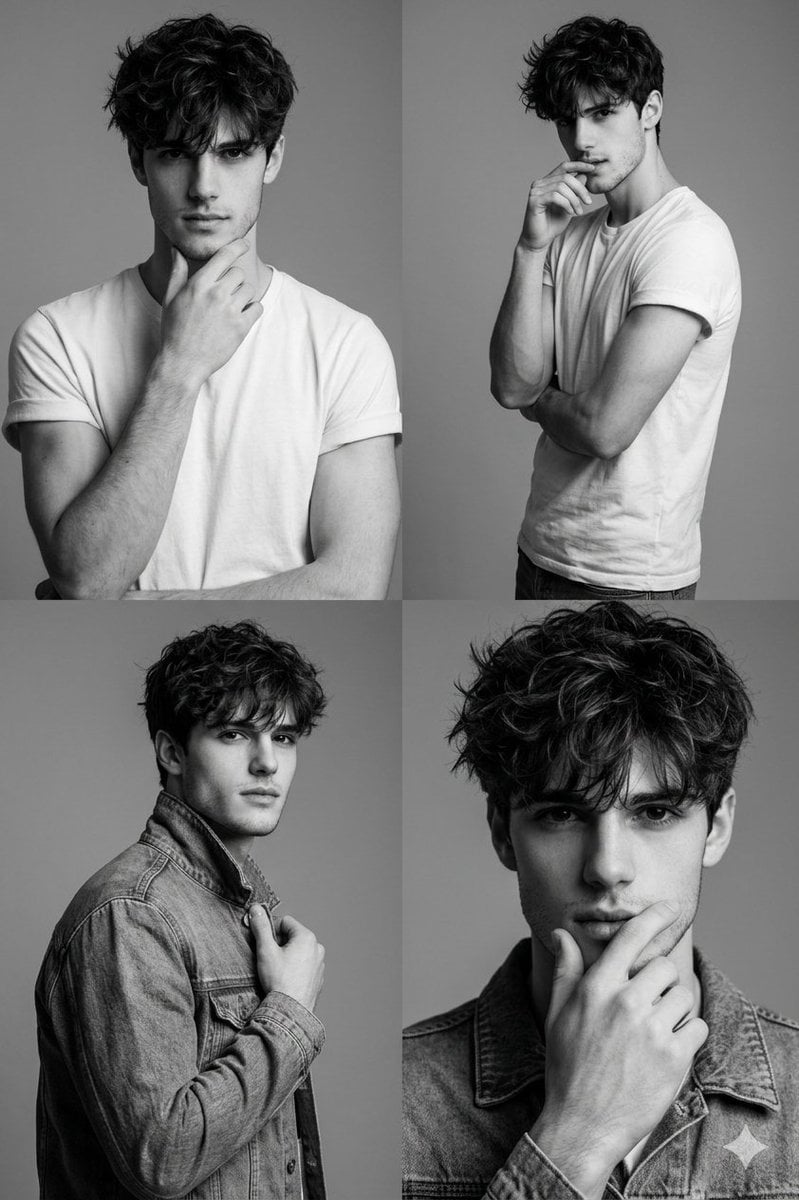
Black-and-White Fashion Collage with Face Preservation
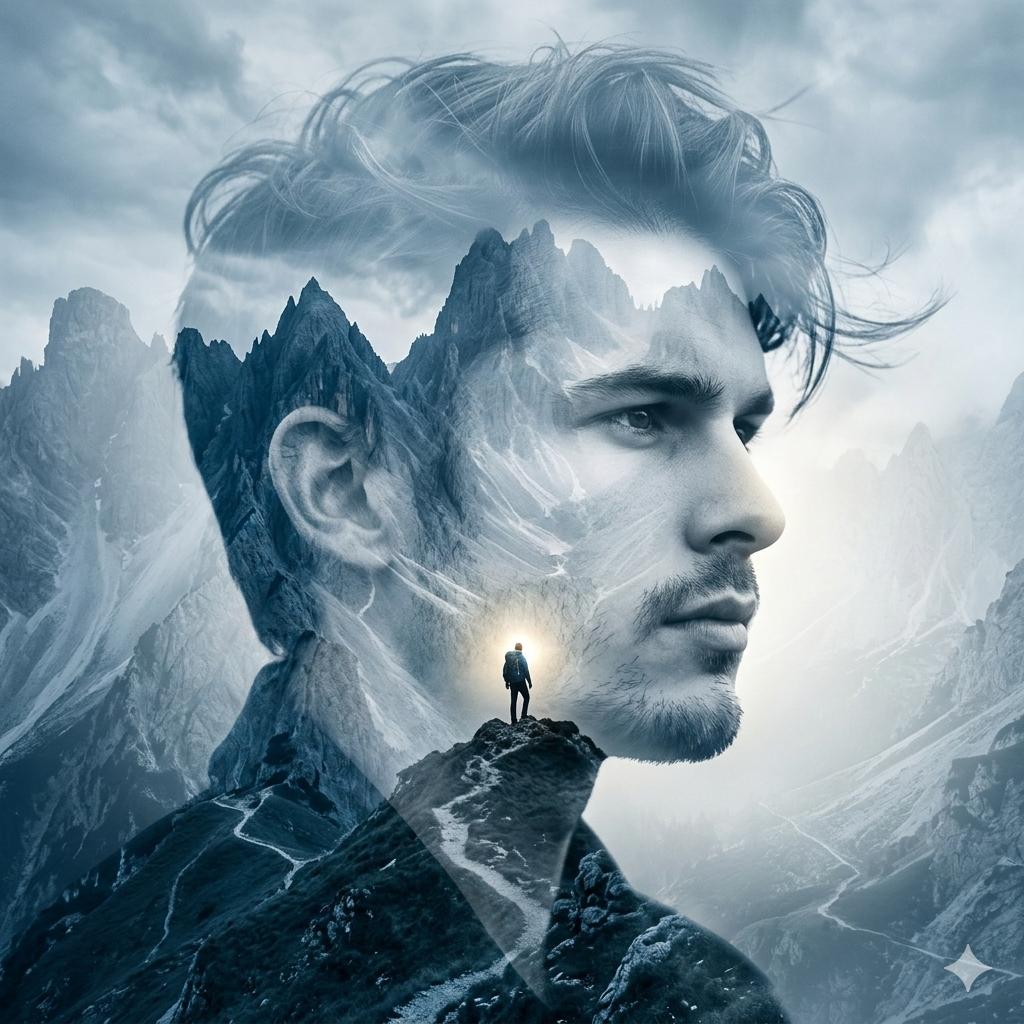
Google Gemini Nano Banana 2
Browse template categories
Dark Mode Image Arena Whiteboard questions
How do I use the Dark Mode Image Arena Whiteboard template?
Add your photo if the template asks for one, edit the prompt if you like — the template's model and format are already selected — and press Generate. Your version opens in PicX Studio.
Can I customize the Dark Mode Image Arena Whiteboard template?
Yes. You can change the subject, setting, lighting, mood, format, and available model controls before creating your image.
Is the Dark Mode Image Arena Whiteboard template free?
Opening and editing this template is free. Generating uses credits, shown on the Generate button when you are signed in.
Which AI model should I use?
Start with GPT Image 2, which is the model associated with this template. You can compare another compatible model for a different finish.
Looking for something else? Browse all templates.

Your photo, any look
Thousands of ready templates for every top image and video model, from one credit balance.