
Dark Mode Marketing Case Study UI
A comprehensive, data-dense landing page mockup for a marketing agency featuring timelines, charts, and glowing neon accents.
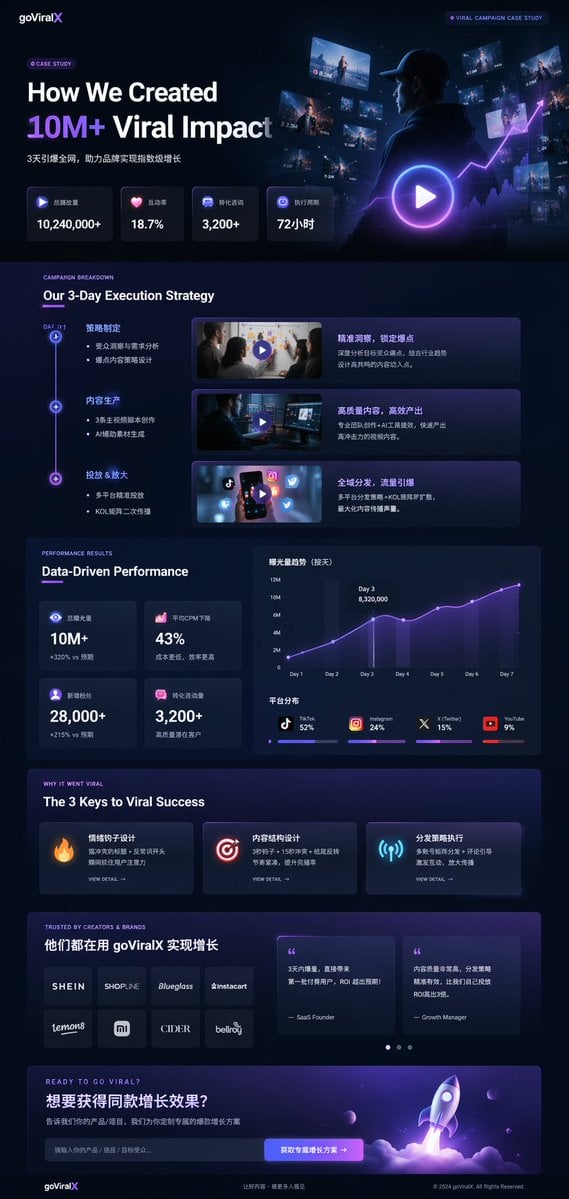
- Prompt included
- Model and format preset
- Free template
The prompt behind this image
Copy the exact prompt behind Dark Mode Marketing Case Study UI, or open it in the studio and make it yours.
- Type
- UI/UX landing page mockup
- Theme
- dark mode, sleek modern aesthetic, glassmorphism, {argument name="primary accent color" default="neon purple and blue"} glowing accents
- Header › Logo
- {argument name="brand name" default="goViralX"}
- Header › Top Right Tag
- VIRAL CAMPAIGN CASE STUDY
- Layout › Sections › 0 › Name
- Hero
- Layout › Sections › 0 › Headline
- {argument name="hero headline" default="How We Created 10M+ Viral Impact"}
- Layout › Sections › 0 › Subheadline
- 3天引爆全网, 助力品牌实现指数级增长
- Layout › Sections › 0 › Stats Row › Count
- 4
- Layout › Sections › 0 › Stats Row › Labels
- 总播放量, 互动率, 转化咨询, 执行周期
- Layout › Sections › 0 › Stats Row › Values
- {argument name="main statistic" default="10,240,000+"}, 18.7%, 3,200+, 72小时
- Layout › Sections › 0 › Visual
- cinematic shot of a person in a hoodie looking at glowing digital screens and graphs, large play button overlay
- Layout › Sections › 1 › Name
- Strategy
- Layout › Sections › 1 › Title
- Our 3-Day Execution Strategy
- Layout › Sections › 1 › Layout Type
- vertical timeline
- Layout › Sections › 1 › Steps Count
- 3
- Layout › Sections › 1 › Elements Per Step
- timeline node, title, bullet points, video thumbnail with play button, description box
- Layout › Sections › 2 › Name
- Performance
- Layout › Sections › 2 › Title
- Data-Driven Performance
- Layout › Sections › 2 › Left Column › Stat Cards Count
- 4
- Layout › Sections › 2 › Left Column › Values
- 10M+, 43%, 28,000+, 3,200+
- Layout › Sections › 2 › Right Column › Charts Count
- 2
- Layout › Sections › 2 › Right Column › Chart 1
- line graph showing 7-day growth peaking at Day 3
- Layout › Sections › 2 › Right Column › Chart 2
- horizontal segmented bar chart showing platform distribution (TikTok 52%, Instagram 24%, X 15%, YouTube 9%)
- Layout › Sections › 3 › Name
- Keys to Success
Raw JSON
{
  "type": "UI/UX landing page mockup",
  "theme": "dark mode, sleek modern aesthetic, glassmorphism, {argument name=\"primary accent color\" default=\"neon purple and blue\"} glowing accents",
  "header": {
    "logo": "{argument name=\"brand name\" default=\"goViralX\"}",
    "top_right_tag": "VIRAL CAMPAIGN CASE STUDY"
  },
  "layout": {
    "sections": [
      {
        "name": "Hero",
        "headline": "{argument name=\"hero headline\" default=\"How We Created 10M+ Viral Impact\"}",
        "subheadline": "3天引爆全网, 助力品牌实现指数级增长",
        "stats_row": {
          "count": 4,
          "labels": ["总播放量", "互动率", "转化咨询", "执行周期"],
          "values": ["{argument name=\"main statistic\" default=\"10,240,000+\"}", "18.7%", "3,200+", "72小时"]
        },
        "visual": "cinematic shot of a person in a hoodie looking at glowing digital screens and graphs, large play button overlay"
      },
      {
        "name": "Strategy",
        "title": "Our 3-Day Execution Strategy",
        "layout_type": "vertical timeline",
        "steps_count": 3,
        "elements_per_step": ["timeline node", "title", "bullet points", "video thumbnail with play button", "description box"]
      },
      {
        "name": "Performance",
        "title": "Data-Driven Performance",
        "left_column": {
          "stat_cards_count": 4,
          "values": ["10M+", "43%", "28,000+", "3,200+"]
        },
        "right_column": {
          "charts_count": 2,
          "chart_1": "line graph showing 7-day growth peaking at Day 3",
          "chart_2": "horizontal segmented bar chart showing platform distribution (TikTok 52%, Instagram 24%, X 15%, YouTube 9%)"
        }
      },
      {
        "name": "Keys to Success",
        "title": "The 3 Keys to Viral Success",
        "cards_count": 3,
        "card_elements": ["glowing icon (fire, target, antenna)", "title", "description", "VIEW DETAIL link"]
      },
      {
        "name": "Social Proof",
        "title": "TRUSTED BY CREATORS & BRANDS",
        "left_column": {
          "logos_count": 8,
          "grid": "2x4",
          "brands": ["SHEIN", "SHOPLINE", "Blueglass", "instacart", "lemon8", "mi", "CIDER", "bellroy"]
        },
        "right_column": {
          "testimonial_cards_count": 2,
          "elements": ["quote", "author title (SaaS Founder, Growth Manager)"]
        }
      },
      {
        "name": "Call to Action",
        "title": "READY TO GO VIRAL?",
        "interactive_elements": ["text input field", "glowing button with text '{argument name=\"call to action text\" default=\"获取专属增长方案 ->\"}'"],
        "visual": "3D render of a rocket ship taking off with purple and blue flames"
      }
    ]
  }
}How to use Dark Mode Marketing Case Study UI in 3 steps
- 1Upload ImagePNG, JPG or paste
Add your photo
Upload the photo the template builds on. The prompt, model and format are already set.
- 2…a portrait of your subject in softgolden-hour light, 85mm…
Personalize
Edit the subject and creative details for your destination.
- 3Generate
Generate
Press Generate — your image is created in PicX Studio, so you can compare it with the original and refine one variable at a time.
More like this
Templates with the same subject, style or setup. Open one to see its prompt.
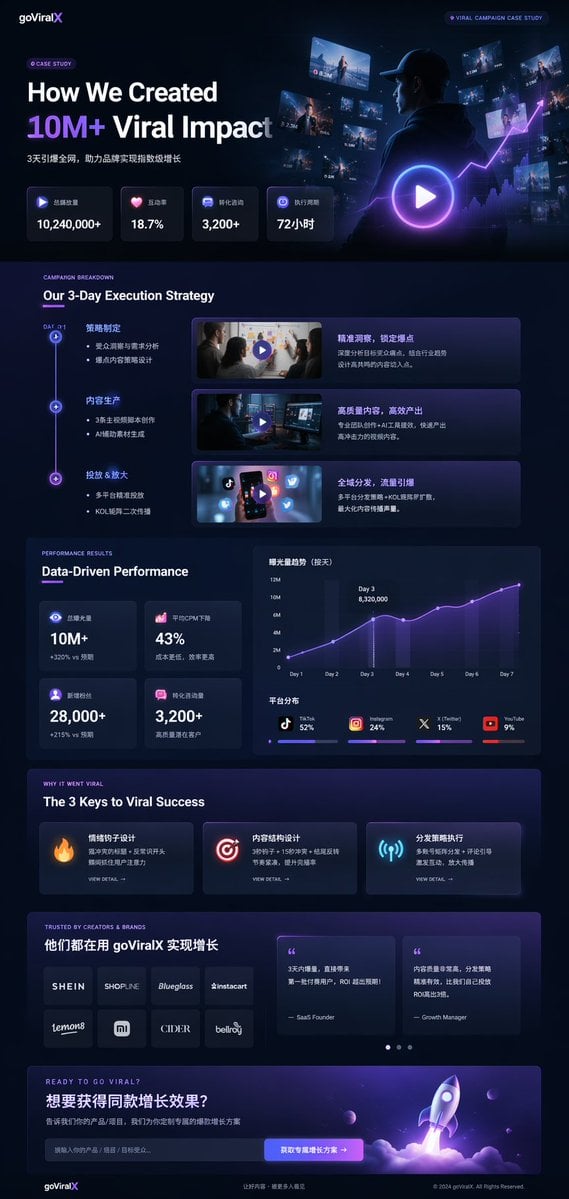
Gpt2 Product Marketing Dark Mode Marketing Case Study Ui
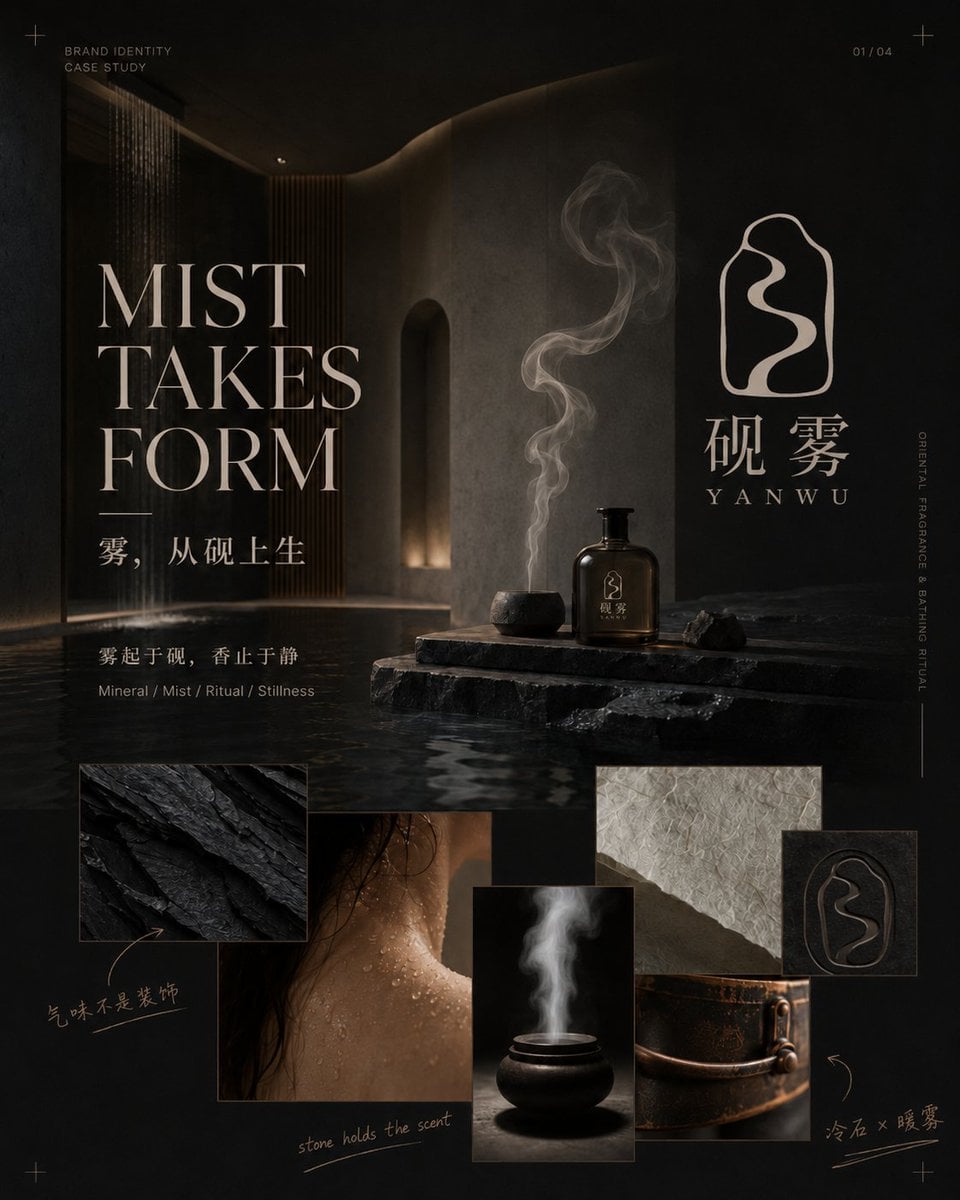
Dark Oriental Fragrance Brand Case Study
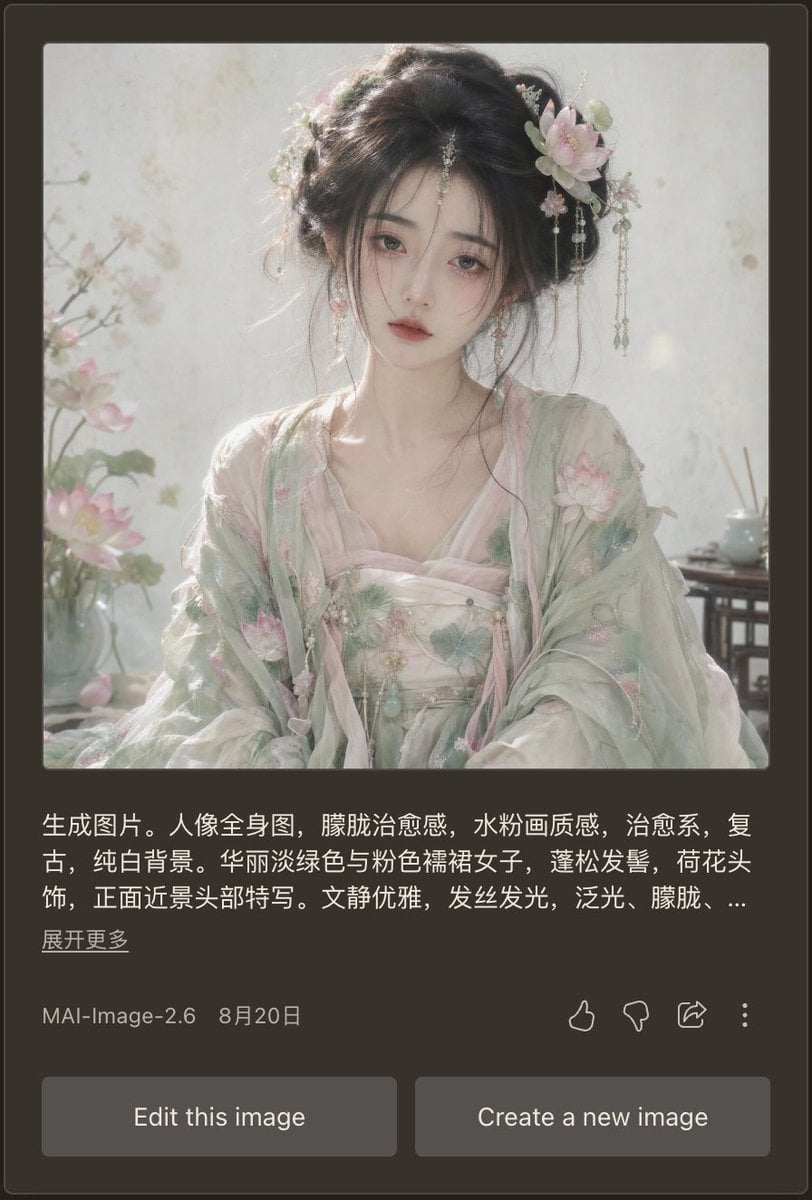
Dark Mode AI Portrait Result Card
Dark Sketch Mode Monster Doodle
Dark Mode Dictionary Entry App

Douyin Aesthetic Café Study Portrait

Selective Color Monochrome Football Poster
Dark Mode Image Arena Whiteboard
Japanese AI Case Study Slide
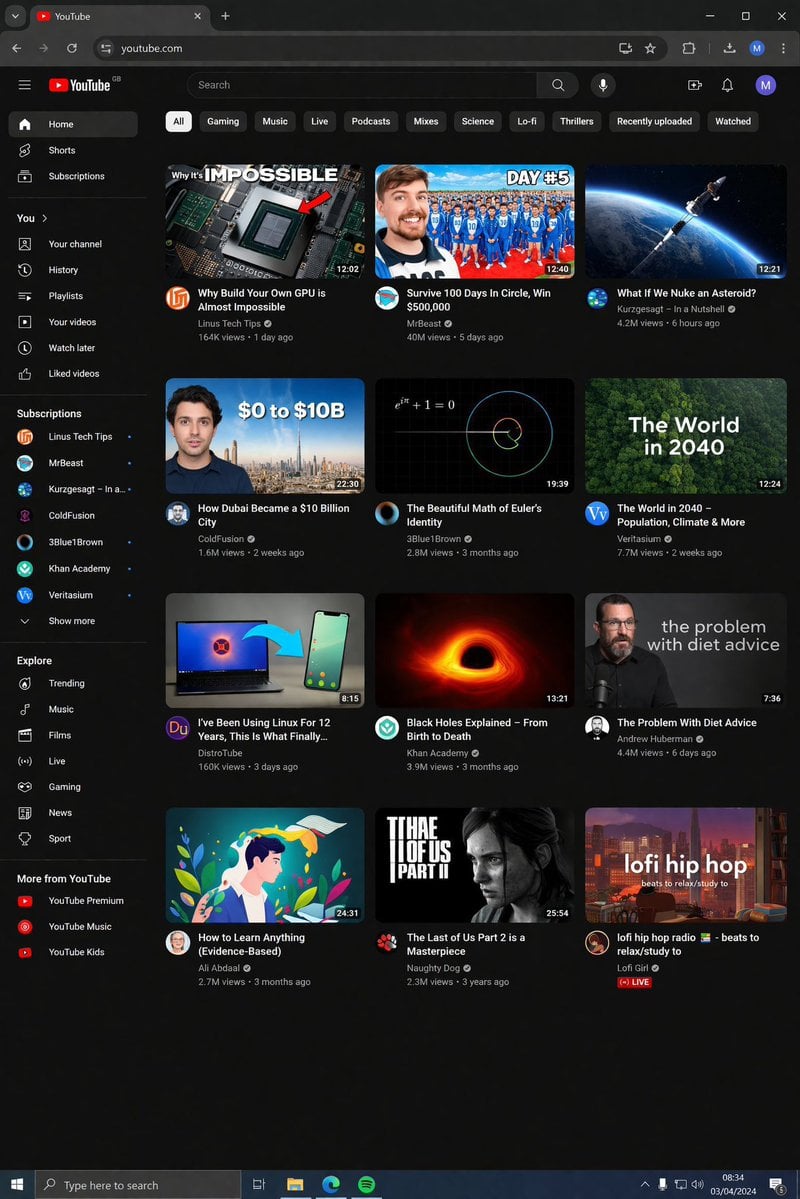
YouTube Dark Mode Desktop UI Mockup
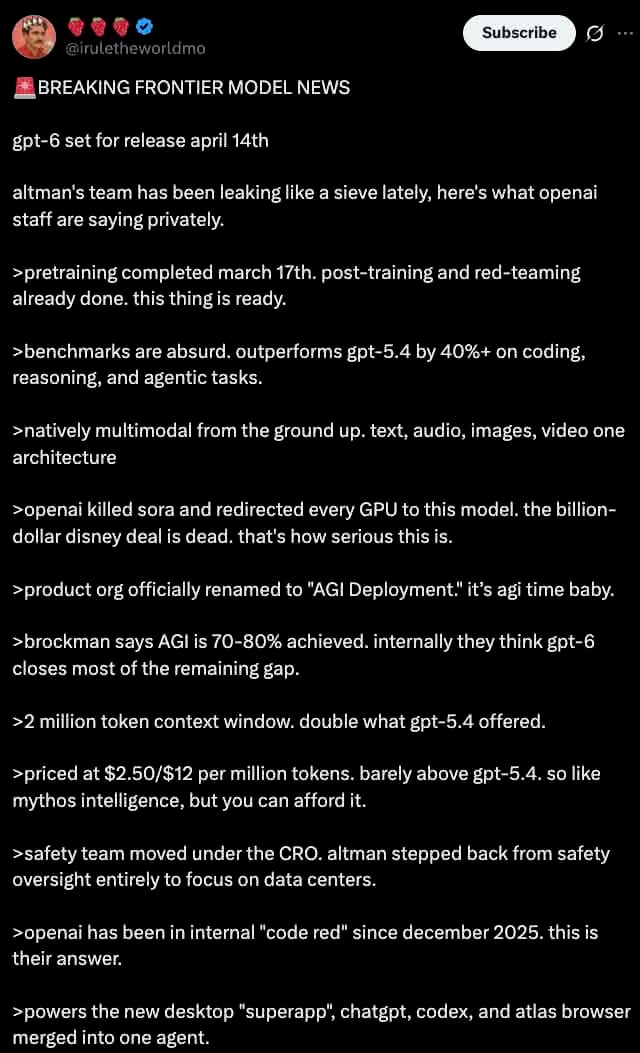
Dark Mode X Post Mockup
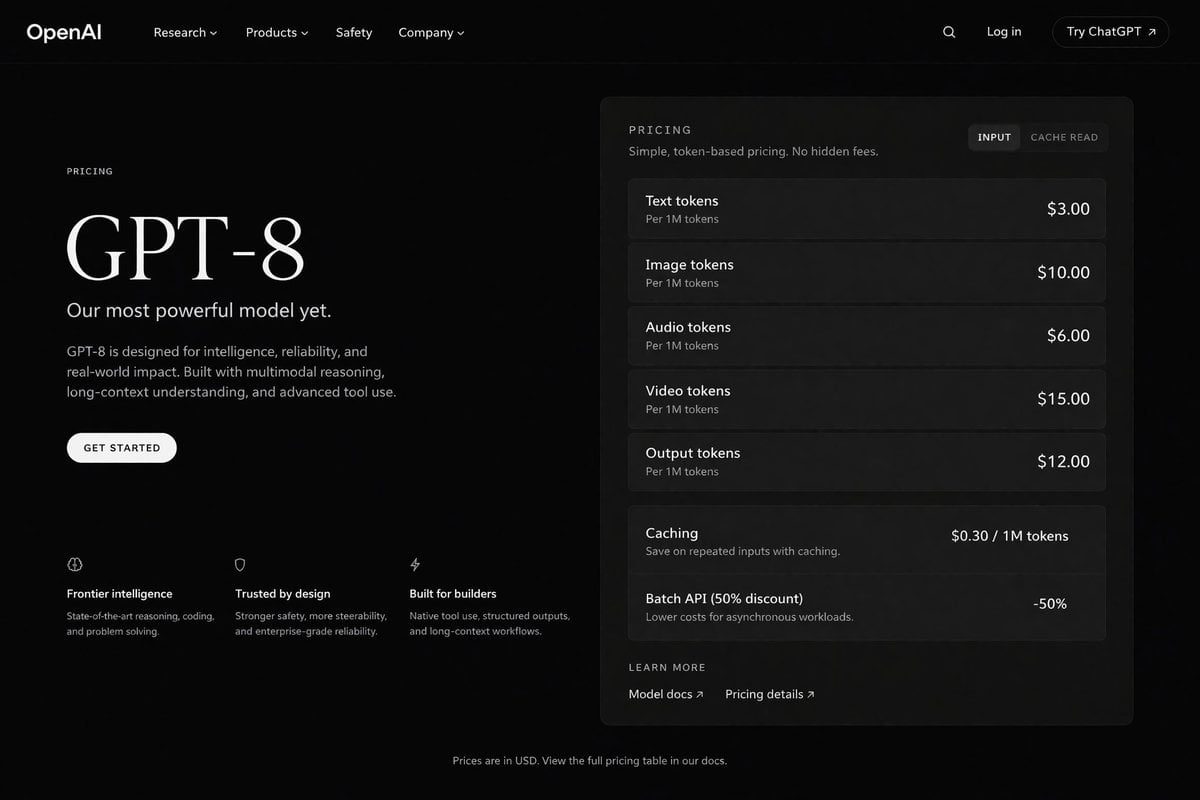
Dark Mode AI API Pricing Page Mockup
Make it yours
Dark Mode Marketing Case Study UI works as-is. These are the safest ways to change it without losing the look.
Change one field
Copy a single group, rewrite it, and generate again so you can see what that field is doing.
Keep the frame, change the subject
Hold the composition and light of Dark Mode Marketing Case Study UI, then swap wardrobe, props or the person for a new take.
| If the result… | Why | Fix |
|---|---|---|
| The result drifts from the preview | Too many fields changed at once. | Reuse Dark Mode Marketing Case Study UI as-is first, then change one group — subject, light, or setting. |
| GPT Image 2 ignores part of the JSON | Some models flatten or skip nested keys. | Keep the same values and paste them as a short paragraph instead. |
More GPT Image 2 templates
Other prompts made for GPT Image 2.

Six VTuber Japanese Logo Sheet

Realistic Portrait of Woman and Deer

The Vista Modular Condo Poster

AI Model Routing Comparison Infographic

2.5D Anime Art Board

Isometric Productivity Desk Scene

New York Double Exposure Poster

Four-Panel AI Landscape Comparison

Japanese Tatami Lifestyle Magazine Cover

NESCAFÉ Coffee Map Poster
More image prompts
Fresh picks from across the catalog.
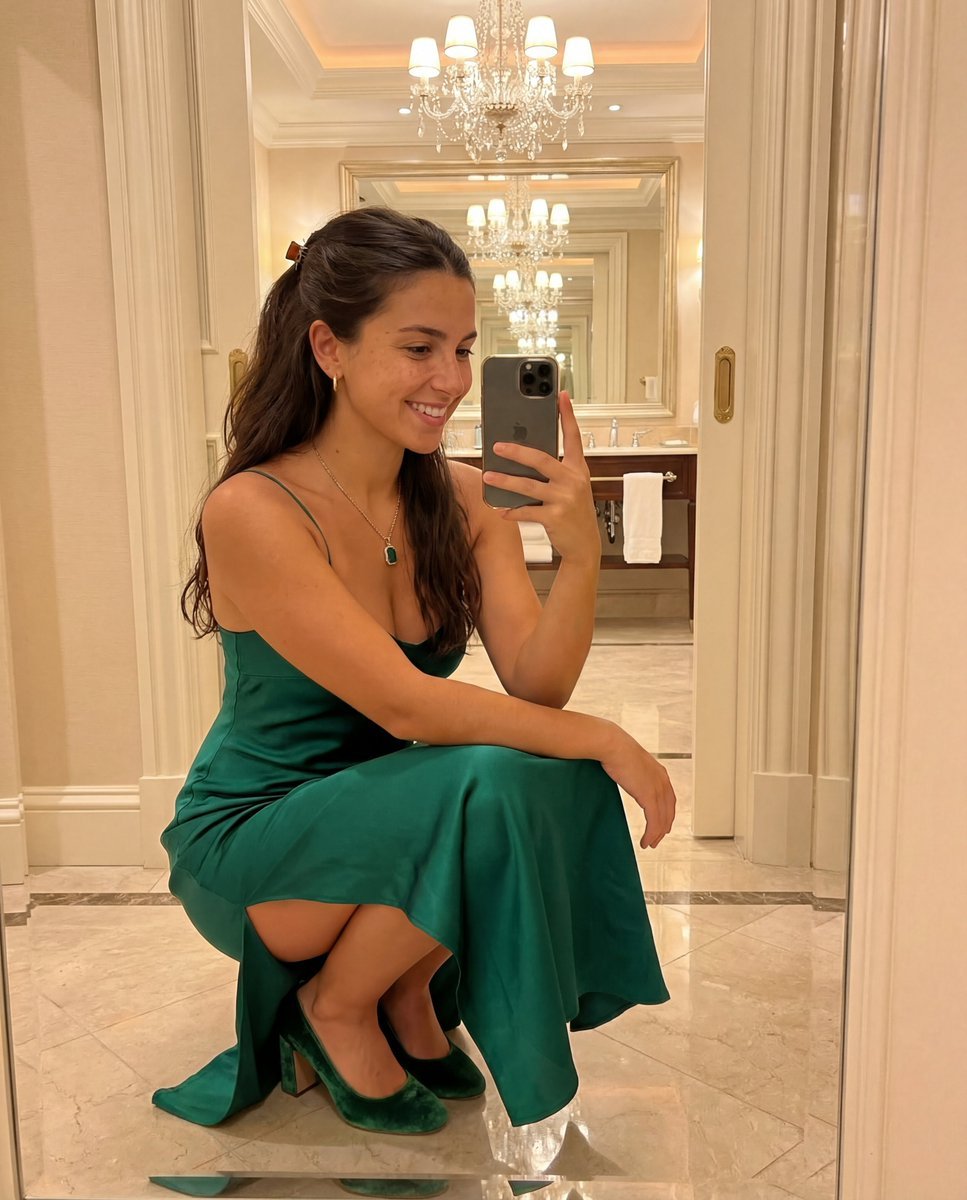
Detailed JSON Prompt for Mirror Selfie Image Generation

Cinematic Romantic Editorial: Balcony Flower Exchange

Op Art LOVE Typography Poster Prompt
Hyper-realistic Bunny Suit Portrait
Quirky Animal Sticker Set

Purple Anime Fighter King Poster

Elegant Office Lady in Jewelry Store
Toddler Crayon Drawing Transformation
Distressed License Plate Sign
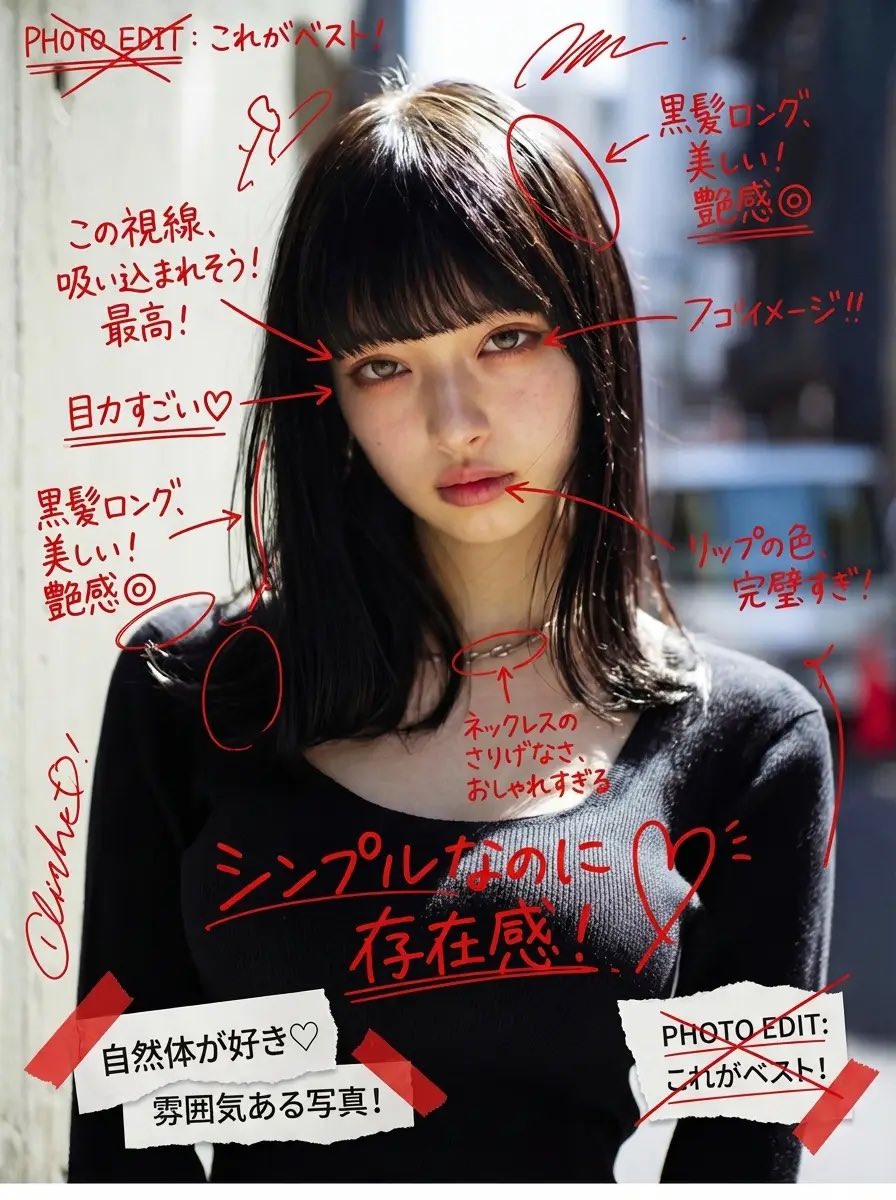
Image Annotation and Praise Commentary Prompt
Browse template categories
Dark Mode Marketing Case Study UI questions
How do I use the Dark Mode Marketing Case Study UI template?
Add your photo if the template asks for one, edit the prompt if you like — the template's model and format are already selected — and press Generate. Your version opens in PicX Studio.
Can I customize the Dark Mode Marketing Case Study UI template?
Yes. You can change the subject, setting, lighting, mood, format, and available model controls before creating your image.
Is the Dark Mode Marketing Case Study UI template free?
Opening and editing this template is free. Generating uses credits, shown on the Generate button when you are signed in.
Which AI model should I use?
Start with GPT Image 2, which is the model associated with this template. You can compare another compatible model for a different finish.
Looking for something else? Browse all templates.

Your photo, any look
Thousands of ready templates for every top image and video model, from one credit balance.