
High-Contrast Cinematic Portrait Prompt
A highly specific JSON prompt for generating a raw, high-contrast cinematic portrait.
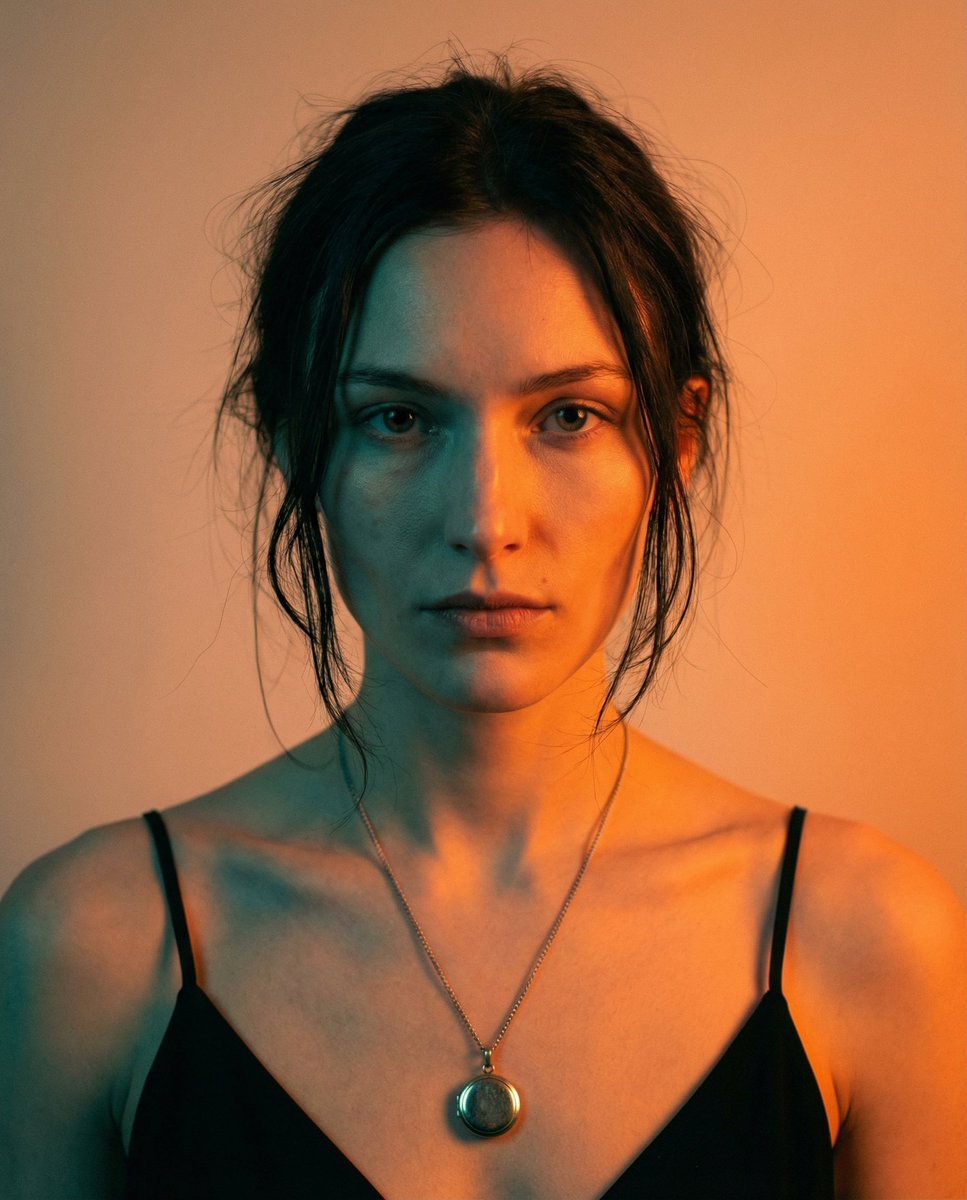
- Prompt included
- Model and format preset
- Free template
The prompt behind this image
Copy the exact prompt behind High-Contrast Cinematic Portrait Prompt, or open it in the studio and make it yours.
- Type
- image_generation_prompt
- Output Goal
- Create a cinematic portrait of a woman with a distinct facial structure, preserving sharp bone definition, natural proportions, and realistic hair behavior. The face must remain raw and unbalanced, with visible natural asymmetry and no beautification or softening.
- Style
- cinematic LED portrait, raw editorial aesthetic, soft focus with structured facial planes, subtle film grain
- Subject › Pose
- direct frontal framing with slight natural tension
- Subject › Expression
- neutral, slightly intense, unsmiling
- Subject › Skin
- fair skin tone influenced only by lighting, natural texture, no tone correction or smoothing
- Hair › Style
- slightly messy, loosely pulled back with uneven flyaways and imperfect strands framing the face
- Wardrobe › Top
- black thin-strap dress with a clean, minimal neckline
- Wardrobe › Jewelry
- delicate necklace with a small circular locket resting at the center of the chest
- Lighting › Key
- strong warm orange LED light from one side of the face
- Lighting › Fill
- deep teal LED shadow from the opposite side
- Lighting › Blend
- minimal blending, high-contrast cinematic split lighting
- Camera › Depth
- shallow depth of field
- Camera › Look
- editorial portrait perspective without facial reshaping
- Negative Prompt
- beautified face, rounded jaw, facial symmetry correction, clean studio lighting, polished hair, soft glam styling, face smoothing, artificial perfection
Raw JSON
{
  "type": "image_generation_prompt",
  "output_goal": "Create a cinematic portrait of a woman with a distinct facial structure, preserving sharp bone definition, natural proportions, and realistic hair behavior. The face must remain raw and unbalanced, with visible natural asymmetry and no beautification or softening.",
  "style": "cinematic LED portrait, raw editorial aesthetic, soft focus with structured facial planes, subtle film grain",
  "subject": {
    "pose": "direct frontal framing with slight natural tension",
    "expression": "neutral, slightly intense, unsmiling",
    "skin": "fair skin tone influenced only by lighting, natural texture, no tone correction or smoothing"
  },
  "hair": {
    "style": "slightly messy, loosely pulled back with uneven flyaways and imperfect strands framing the face"
  },
  "wardrobe": {
    "top": "black thin-strap dress with a clean, minimal neckline",
    "jewelry": "delicate necklace with a small circular locket resting at the center of the chest"
  },
  "lighting": {
    "key": "strong warm orange LED light from one side of the face",
    "fill": "deep teal LED shadow from the opposite side",
    "blend": "minimal blending, high-contrast cinematic split lighting"
  },
  "camera": {
    "depth": "shallow depth of field",
    "look": "editorial portrait perspective without facial reshaping"
  },
  "negative_prompt": "beautified face, rounded jaw, facial symmetry correction, clean studio lighting, polished hair, soft glam styling, face smoothing, artificial perfection"
}How to use High-Contrast Cinematic Portrait Prompt in 3 steps
- 1
Open
The prompt is already in the box next to the preview, with the template's model and format selected.
- 2…a portrait of your subject in softgolden-hour light, 85mm…
Personalize
Edit the subject and creative details for your destination.
- 3Generate
Generate
Press Generate — your image is created in PicX Studio, so you can compare it with the original and refine one variable at a time.
More like this
Templates with the same subject, style or setup. Open one to see its prompt.

Found Photograph: Us, 1970

80s Couple Studio Portrait

80s Bollywood Star

80s Golden Hour Cinema

Me in 1985

1985 Studio Portrait

Hyper-Realistic Minecraft POV Portrait

Rooftop Fisheye — Cat-Ear Balaclava at Golden Hour

Rainy Café Window Moody Portrait

untitled

2025 Aesthetic Photography

Nano Banana Is So Addictive
Make it yours
High-Contrast Cinematic Portrait Prompt works as-is. These are the safest ways to change it without losing the look.
Swap the light
One lighting change is enough to compare takes. Current light: “strong warm orange LED light from one side of the face”.
Change one field
Copy a single group, rewrite it, and generate again so you can see what that field is doing.
Keep the frame, change the subject
Hold the composition and light of High-Contrast Cinematic Portrait Prompt, then swap wardrobe, props or the person for a new take.
| If the result… | Why | Fix |
|---|---|---|
| The result drifts from the preview | Too many fields changed at once. | Reuse High-Contrast Cinematic Portrait Prompt as-is first, then change one group — subject, light, or setting. |
| Nano Banana 2 ignores part of the JSON | Some models flatten or skip nested keys. | Keep the same values and paste them as a short paragraph instead. |
More Nano Banana 2 templates
Other prompts made for Nano Banana 2.

Photorealistic Leaf Shaped Like a Dragon

K-Pop Idol Portrait Grid for Rapid Selection

Poetic Rain Forest Portrait During Golden Hour

Urban Street Portrait with Cartoon Inner Self Duo

Candid Nighttime Photo with Cat Prompt

High-Concept 3D Diorama Generation Prompt

Cinematic Futuristic Studio Portrait Template

Skincare Editorial Photography Collage Prompt

Hyper-Realistic Commercial Product Photography (Splash Effect)

Hyper-Realistic Nightclub Portrait Prompt
More image prompts
Fresh picks from across the catalog.
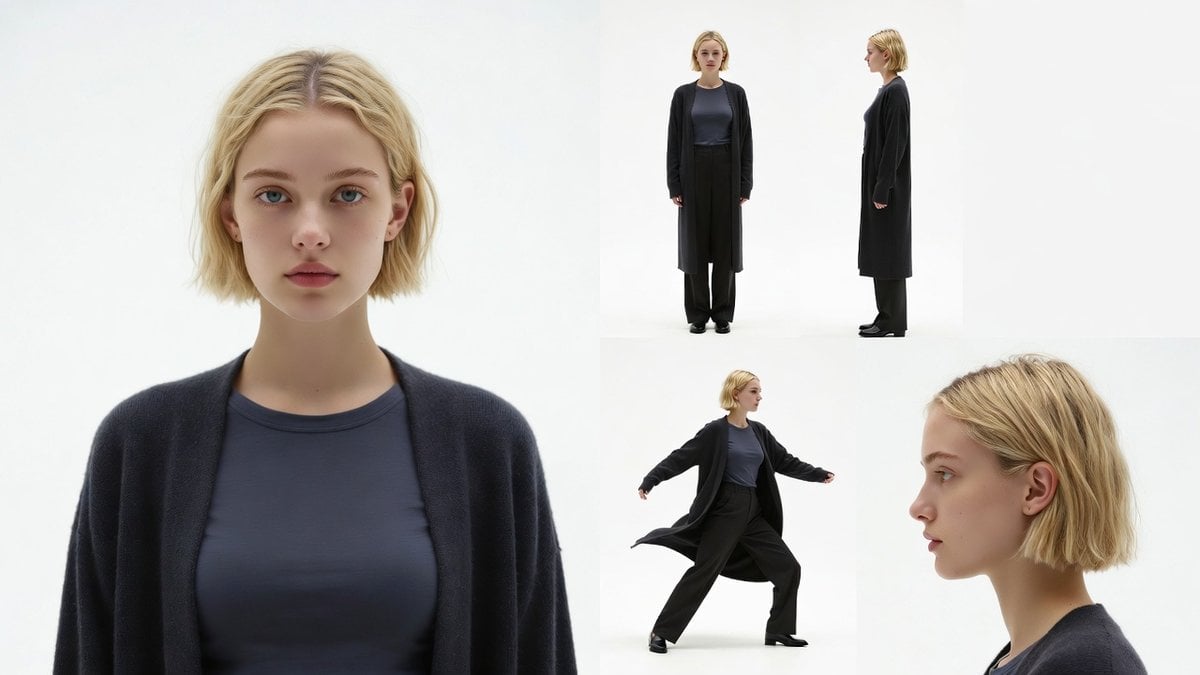
Character Reference Sheet Prompt for Nano Banana
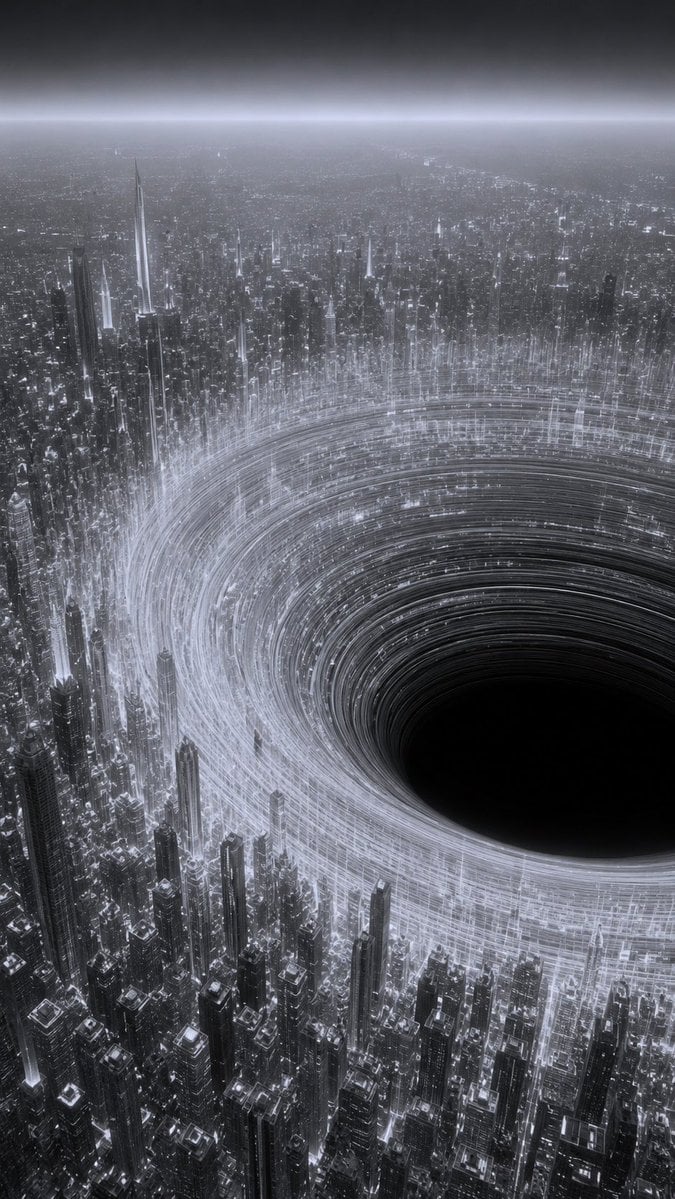
Monochrome Megacity Black Hole
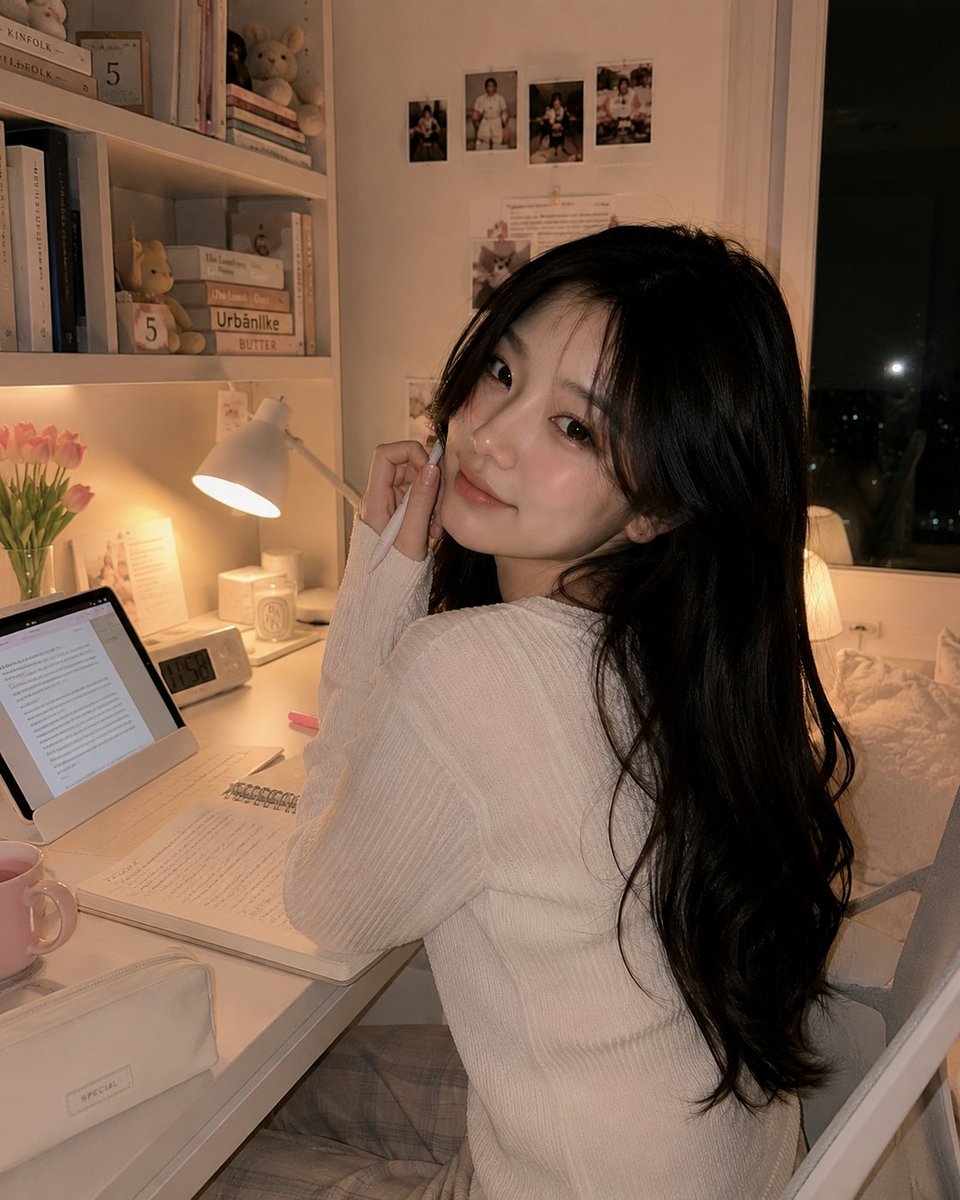
Cozy Study Room Night Portrait
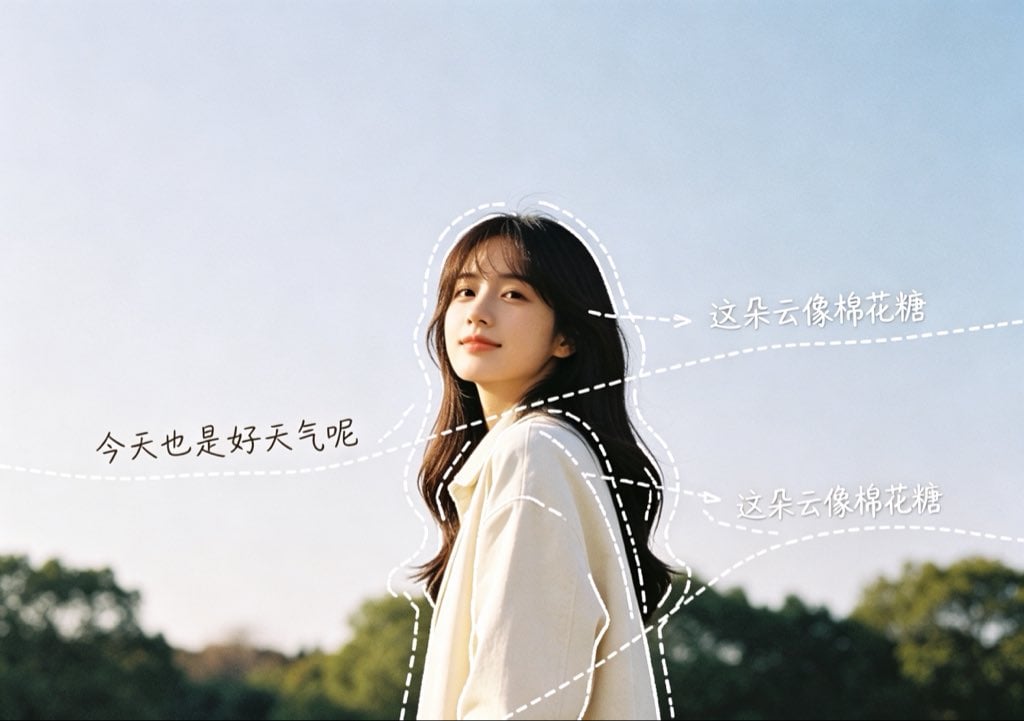
Diary-Style Annotated Portrait
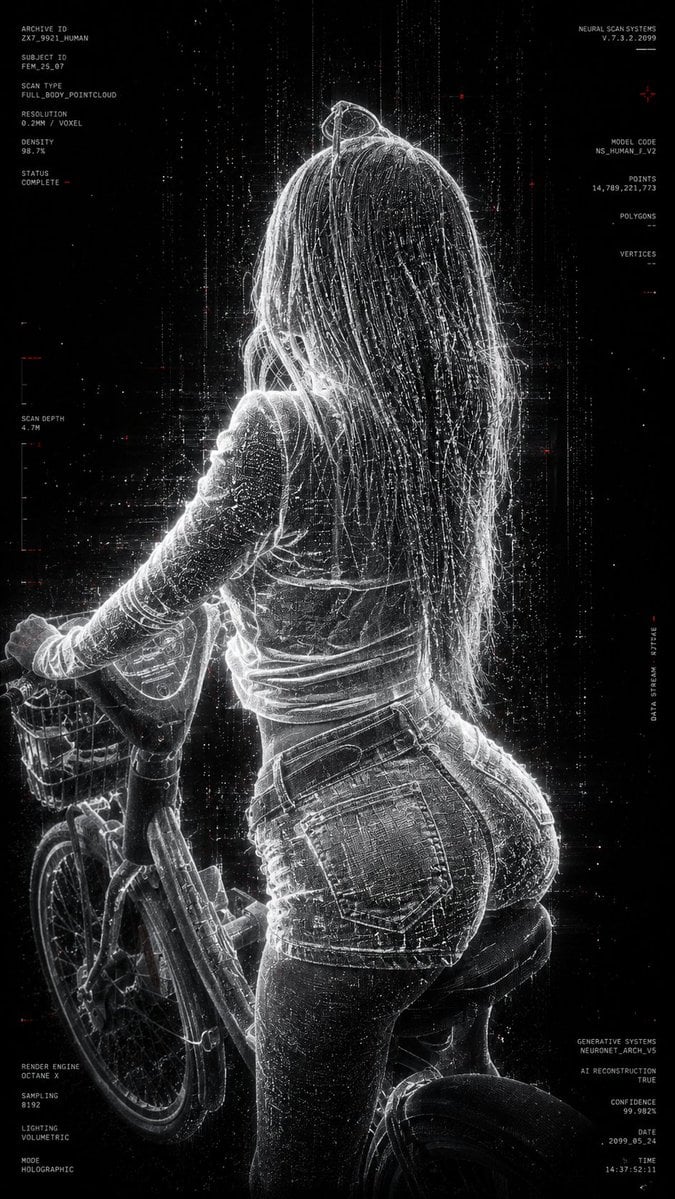
Futuristic Point Cloud Portrait
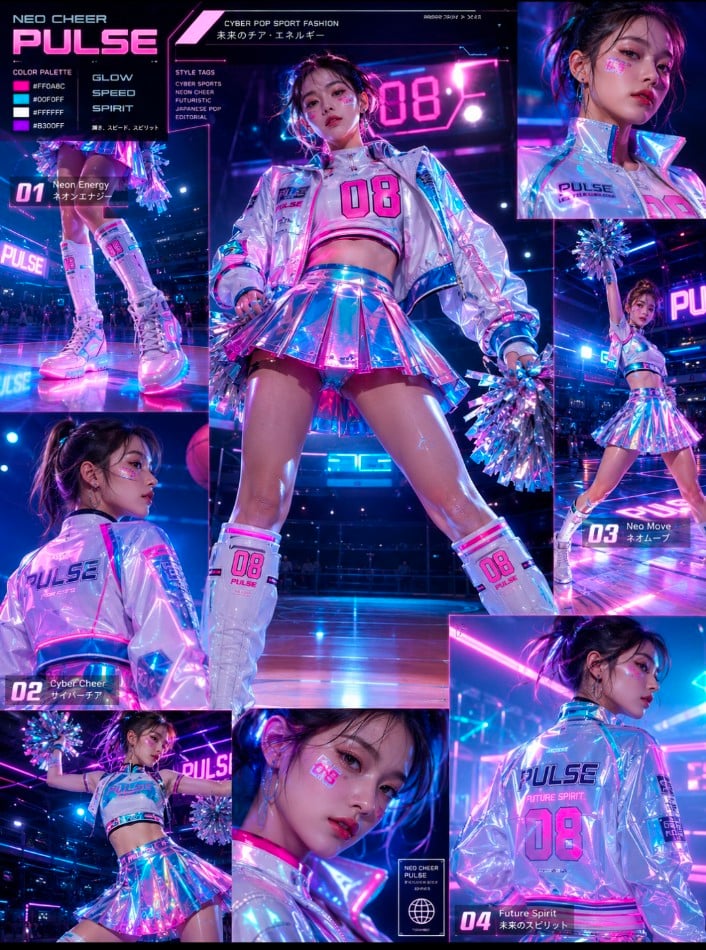
Cheerleader Fashion Catalog Board
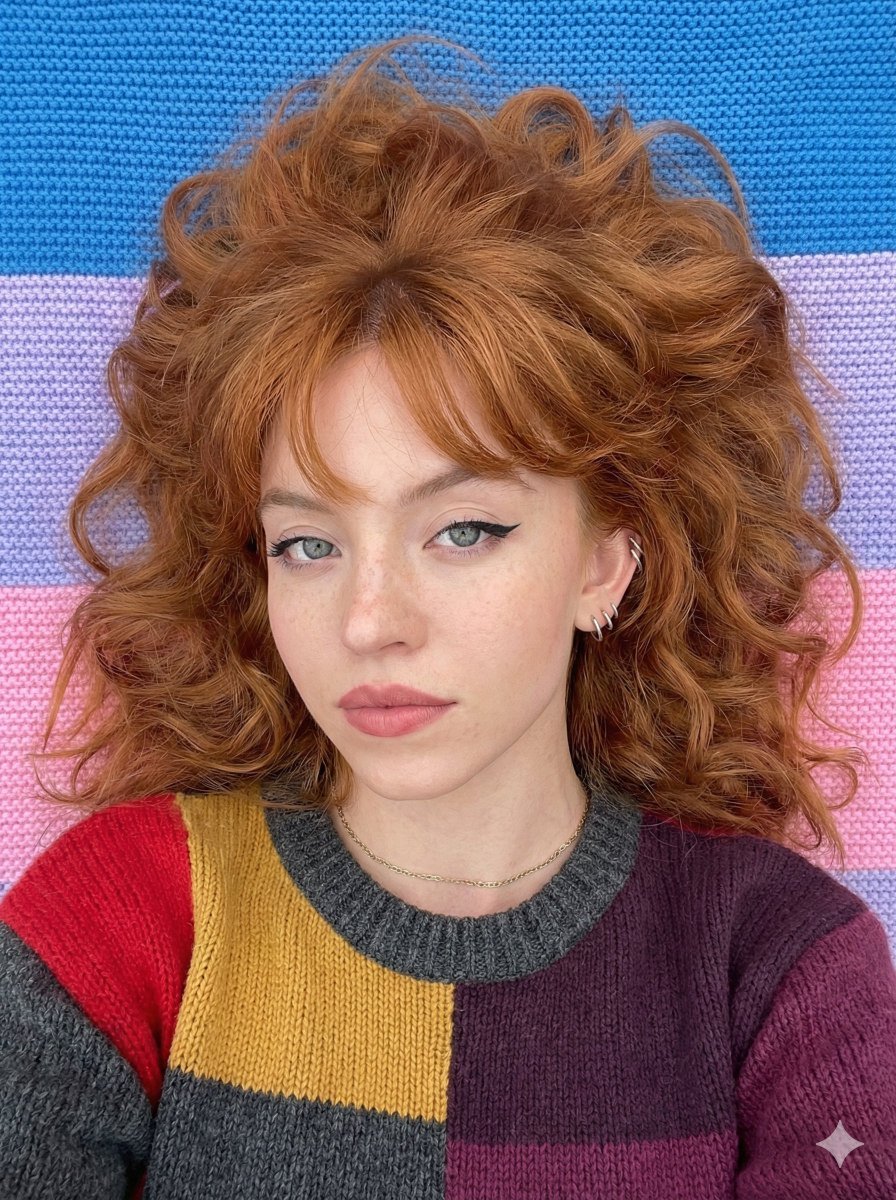
Top-Down Cozy Patchwork Portrait
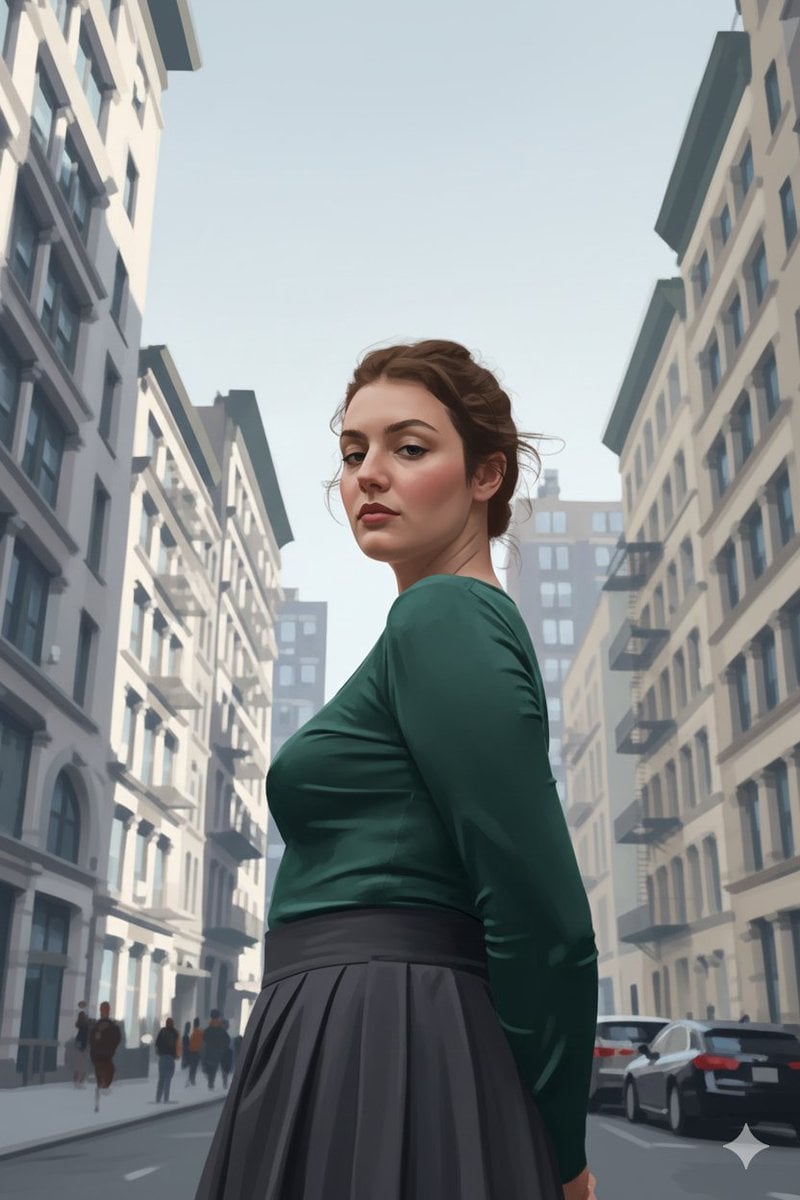
Ultra-Realistic Illustrated Portrait with Identity Preservation
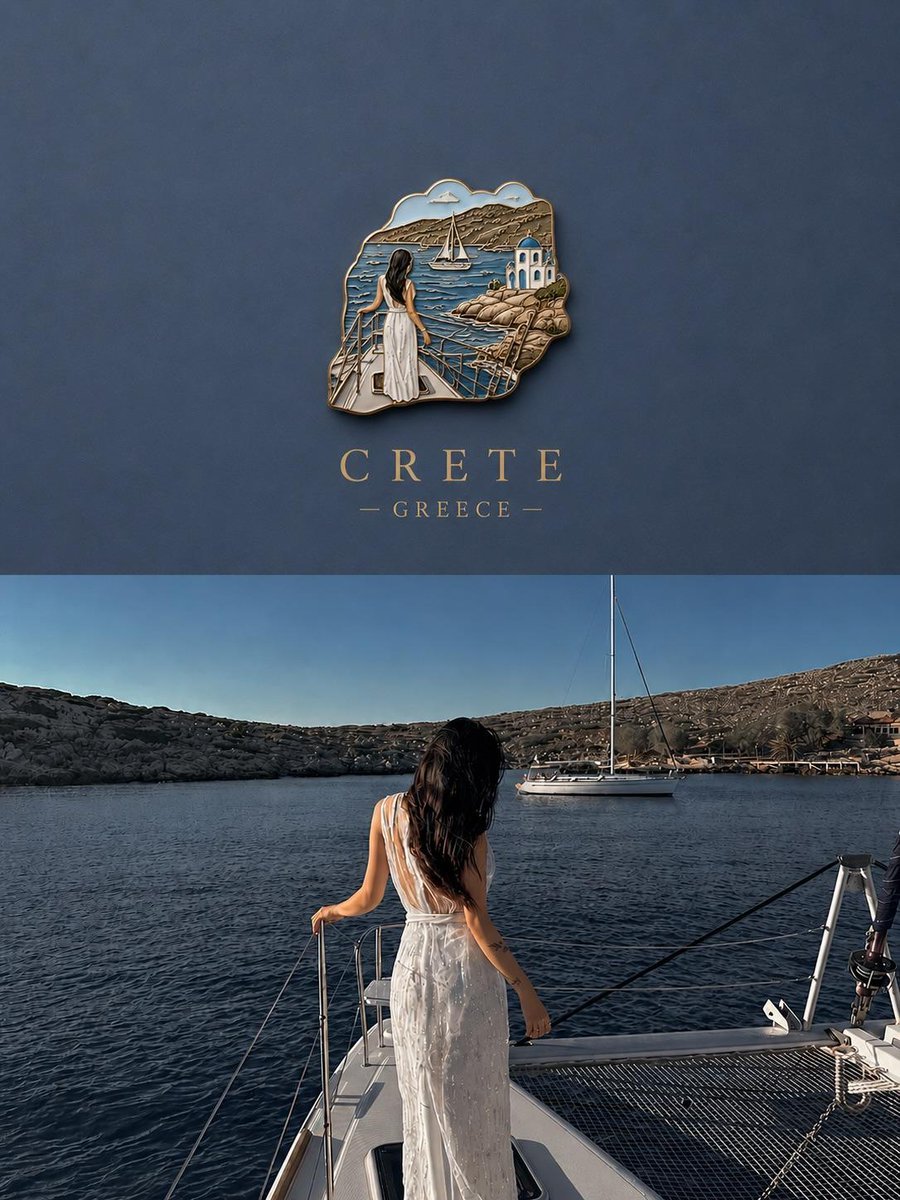
3D Souvenir Badge Travel Poster
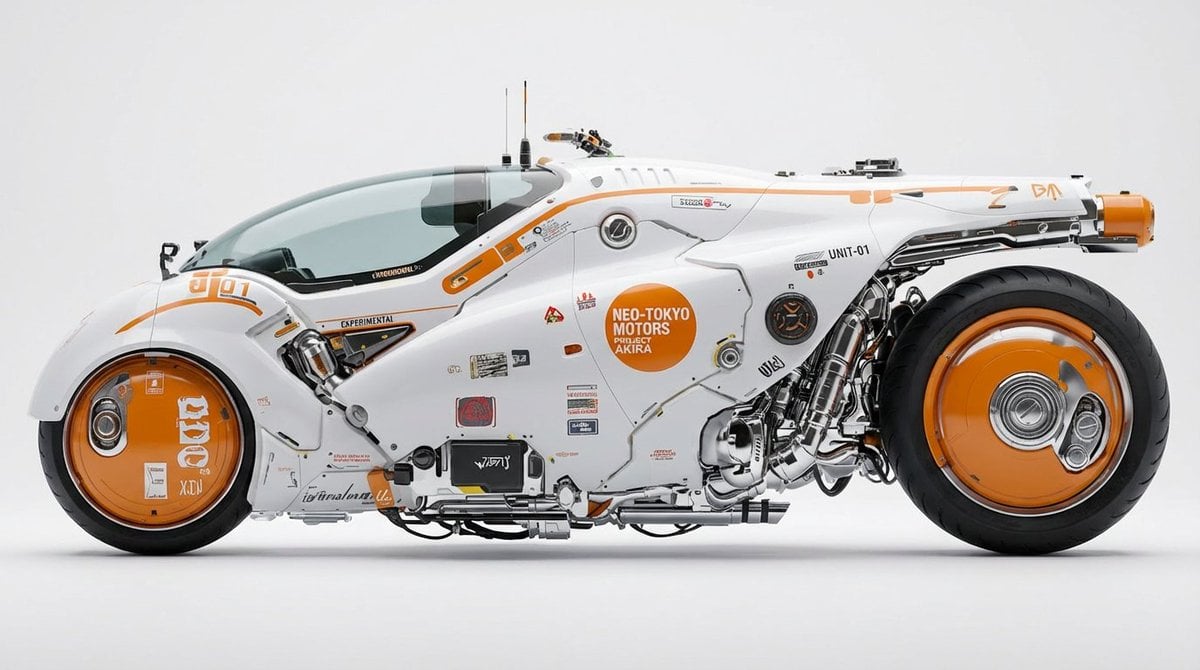
Photorealistic Car Transformation
Browse template categories
High-Contrast Cinematic Portrait Prompt questions
How do I use the High-Contrast Cinematic Portrait Prompt template?
Add your photo if the template asks for one, edit the prompt if you like — the template's model and format are already selected — and press Generate. Your version opens in PicX Studio.
Can I customize the High-Contrast Cinematic Portrait Prompt template?
Yes. You can change the subject, setting, lighting, mood, format, and available model controls before creating your image.
Is the High-Contrast Cinematic Portrait Prompt template free?
Opening and editing this template is free. Generating uses credits, shown on the Generate button when you are signed in.
Which AI model should I use?
Start with Nano Banana 2, which is the model associated with this template. You can compare another compatible model for a different finish.
Looking for something else? Browse all templates.

Your photo, any look
Thousands of ready templates for every top image and video model, from one credit balance.