Editorial Lifestyle Prompt for Gemini Nano Banana Pro
{
"metadata": {
"image_type": "photograph",
"primary_purpose": "editorial/lifestyle"
},
"composition": {
"rule_applied": "rule of thirds",
"aspect_ratio": "3:4",
"layout": "multi-element layered",
"focal_points": [
"Subject's face and sunglasses in the right foreground",
"Open door and cockpit of the private jet in the left midground"
],
"visual_hierarchy": "Eye starts at the subject's face, moves down the suit to the folio and watch, then tracks left along the lines of the private jet, finally sweeping up into the expansive blue sky.",
"balance": "asymmetric - heavy subject on the right balanced by the bright, elongated form of the jet on the left"
},
"color_profile": {
"dominant_colors": [
{
"color": "Deep Sky Blue",
"hex": "#1A4B82",
"percentage": "45%",
"role": "background"
},
{
"color": "Charcoal/Dark Brown",
"hex": "#2A2826",
"percentage": "25%",
"role": "primary subject"
},
{
"color": "Bright White",
"hex": "#F4F6F8",
"percentage": "15%",
"role": "accent/jet"
},
{
"color": "Concrete Gray",
"hex": "#A3A5A6",
"percentage": "15%",
"role": "background/ground"
}
],
"color_palette": "complementary",
"temperature": "neutral",
"saturation": "moderate",
"contrast": "high contrast"
},
"lighting": {
"type": "natural sunlight",
"source_count": "single source",
"direction": "front/top-right",
"directionality": "highly directional",
"quality": "hard light",
"intensity": "bright",
"contrast_ratio": "high contrast (dramatic shadows)",
"mood": "professional",
"shadows": {
"type": "harsh defined edges",
"density": "deep black",
"placement": "cast onto the tarmac to the left of the subject and under the jet",
"length": "medium"
},
"highlights": {
"treatment": "preserved",
"placement": "on the subject's face, right shoulder, and the curved fuselage of the jet"
},
"ambient_fill": "absent",
"light_temperature": "neutral"
},
"technical_specs": {
"medium": "digital photography",
"style": "realistic",
"texture": "sharp",
"sharpness": "tack sharp",
"grain": "none",
"depth_of_field": "deep",
"perspective": "straight on"
},
"artistic_elements": {
"genre": "commercial/lifestyle",
"influences": [
"Luxury lifestyle photography",
"Aviation editorial"
],
"mood": "sophisticated",
"atmosphere": "Exclusive, wealthy, travel-ready, and polished with a commanding presence",
"visual_style": "clean"
},
"typography": {
"present": false,
"fonts": [],
"placement": "none",
"integration": "none"
},
"subject_analysis": {
"primary_subject": "{argument name="primary subject" default="Man in a dark double-breasted suit with a white t-shirt and an overcoat draped over his shoulders, wearing sunglasses"}",
"positioning": "right",
"scale": "medium",
"interaction": "isolated",
"facial_expression": {
"mouth": "closed neutral",
"smile_intensity": "subtle",
"eyes": "hidden by sunglasses",
"eyebrows": "neutral behind glasses",
"overall_emotion": "confident",
"authenticity"


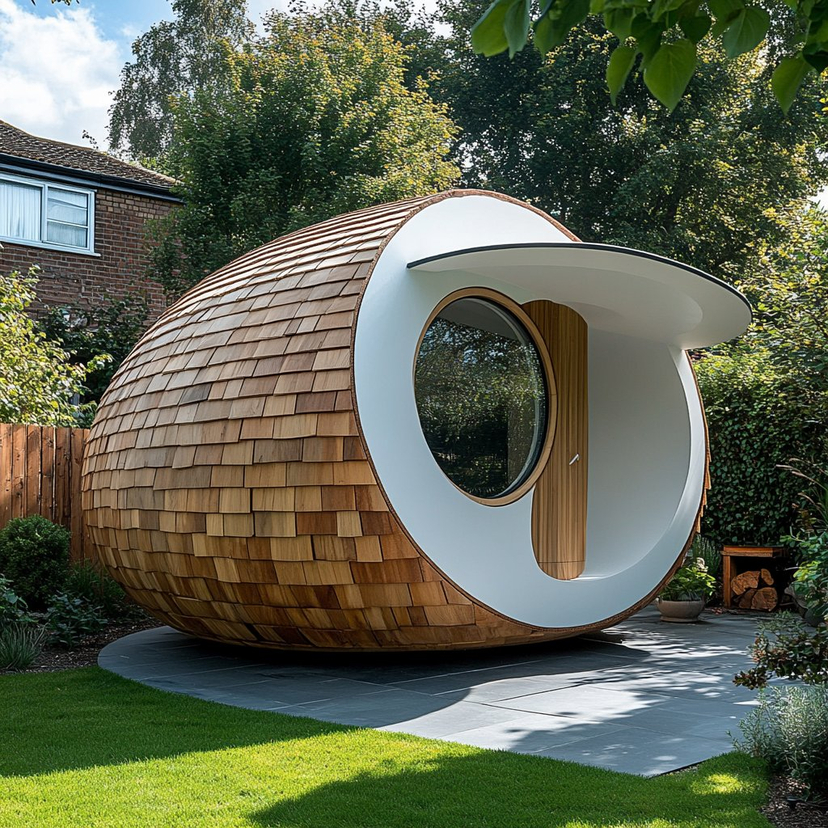
![Nano Banana — One Day In [CITY] Travel Route — A hyper-realistic 3D daily travel route infographic poster generated from a single input: [CITY]=(Buraya şehir ad](/_next/image?url=https%3A%2F%2Fcdn.picxstudio.com%2Fuploads%2Fai_gezgini_travel_d9a86f2e-c1f5-41a8-a4ef-5d96a8a7a023.jpg&w=828&q=100)



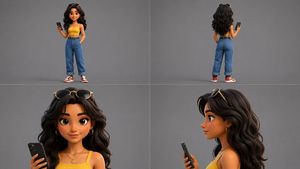
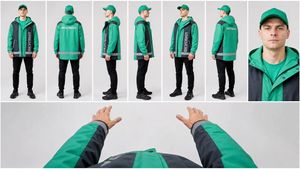
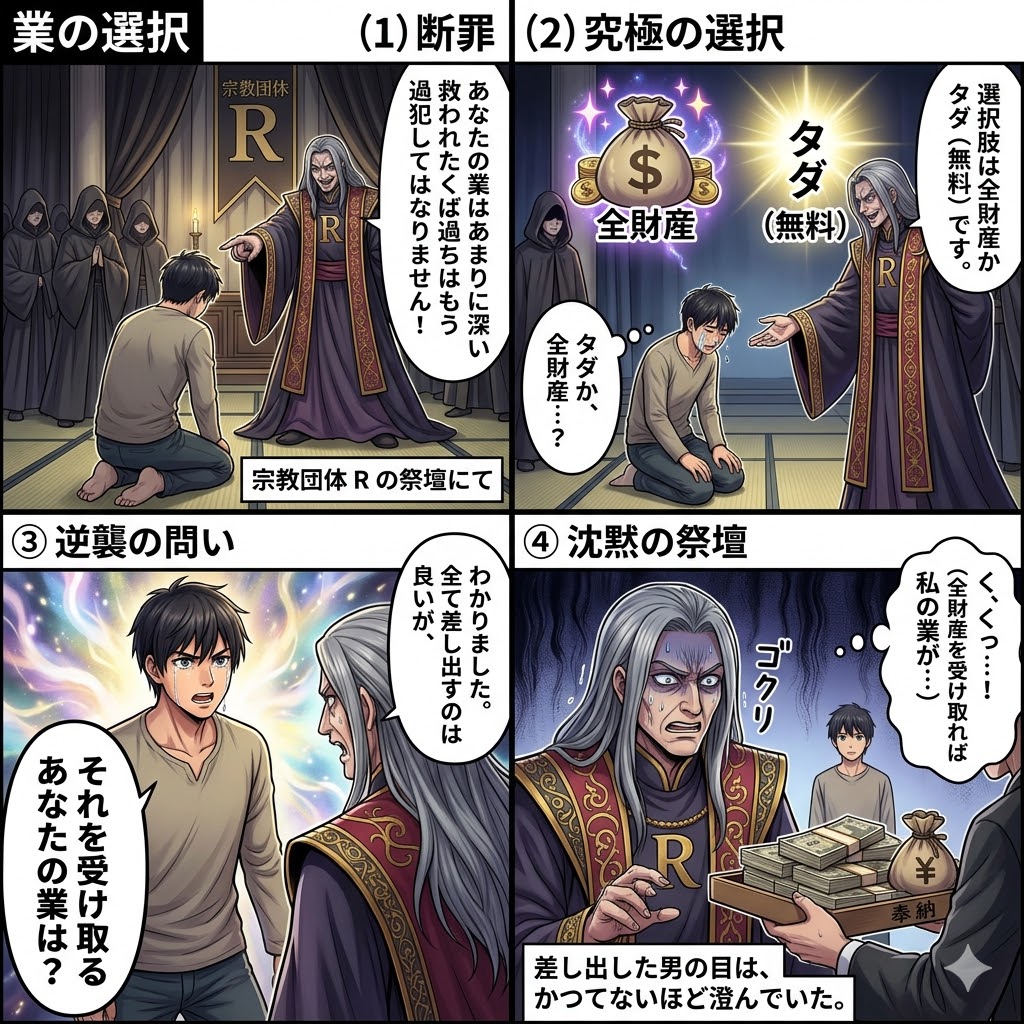

![Movement Sheet - Dance Reference (Seedance 2.0) — [STYLE]
Monochrome grayscale illustration, 3D-rendered character, clean instructional reference sheet, white b](https://pbs.twimg.com/media/HGzSvcnboAA_bjD.jpg?name=orig)


![118-google-nano-banana-pro-skincare-product- — A professional skincare shot of a [product container] with [cap/lid], labeled [brand, product, descriptor, volume](/_next/image?url=https%3A%2F%2Fcdn.picxstudio.com%2Fuploads%2Fpost118_img0_332898b8-29ea-42a9-87ab-9ed746a3f944.jpg&w=828&q=100)


![Naive doodle-style subject illustration — A doodle-style {argument name="subject" default="[subject]"}, naive lines, humorous shape exaggeration](https://pbs.twimg.com/media/G6Wl2YxbsAARB2b.jpg)