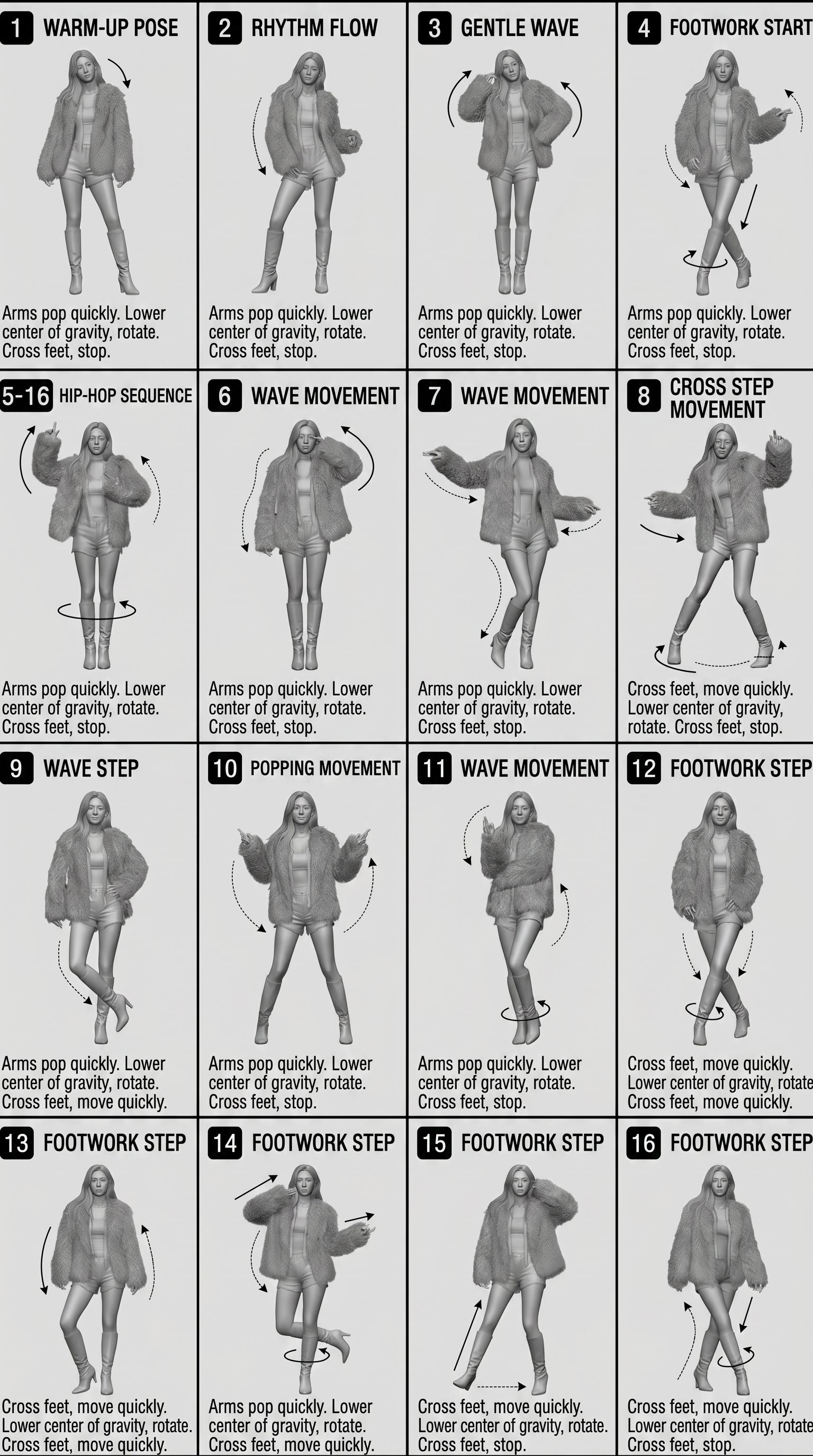
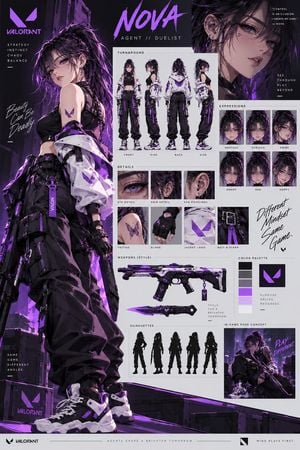
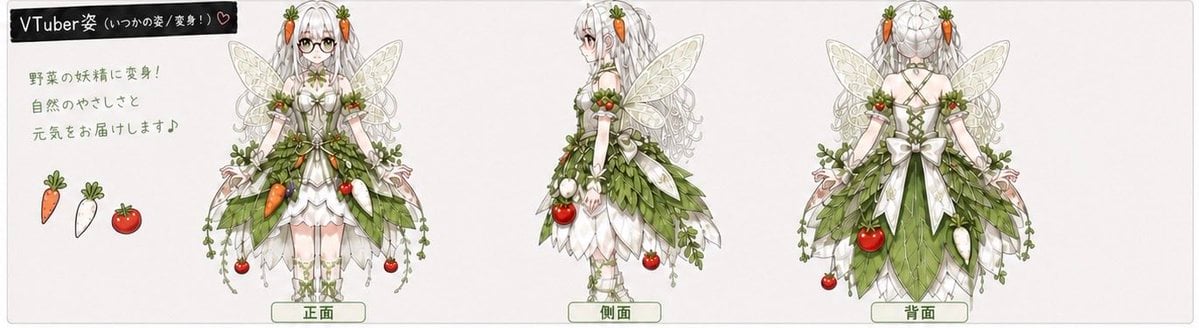
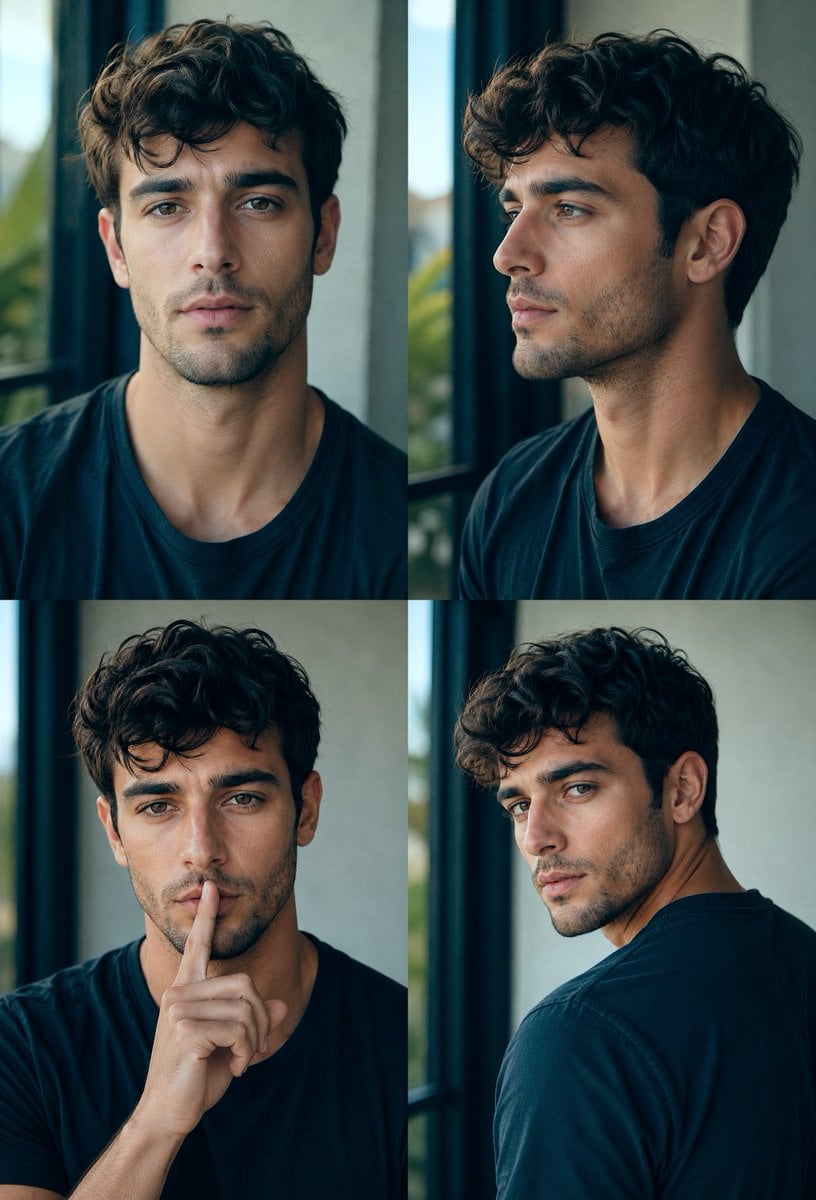
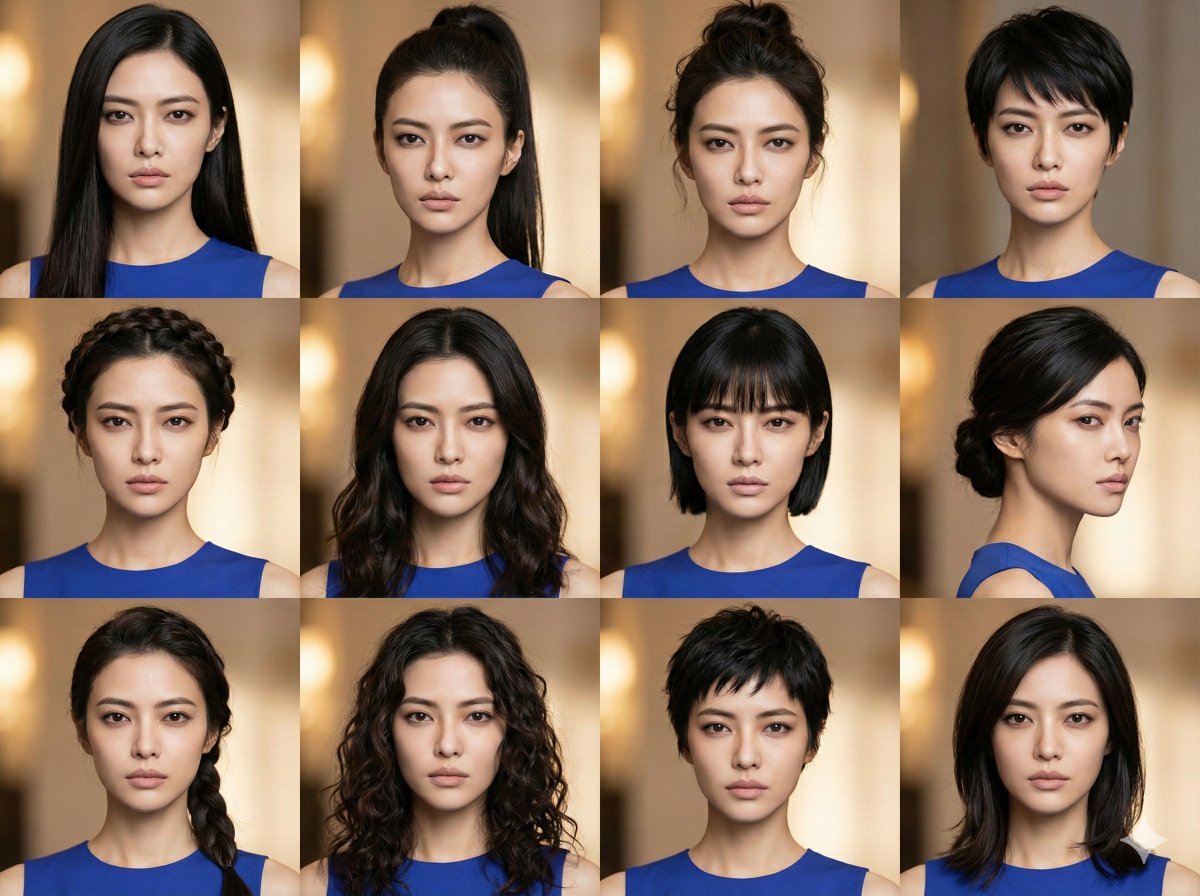
How do I use the Manga Male Hairstyle Reference Sheet template?
Edit the prompt in the box under the preview — the template's model and format are already selected — and press Generate. Your version appears right on this page.
Generates a simple monochrome six-view anime male hairstyle reference sheet for drawing practice.

This template uses your photo — add one with the + button.
Create a black-and-white anime hairstyle reference sheet for a male character, drawn as clean simple manga line art on a plain white background. Arrange exactly 6 bust-view head drawings in a 3-column by 2-row grid, evenly spaced, all wearing the same high-collar jacket. The character has {argument name="hair style" default="short messy layered hair with a center-split fringe and soft outward spikes"}; keep the face area intentionally hidden by a flat light-gray rectangular censor block in the first 5 views, while the 6th view shows the back of the head with no face visible. Include these 6 discrete views: 1) front view with symmetrical bangs and both ears partly visible, 2) three-quarter front view facing left with one ear visible and layered side hair, 3) right side profile with long sweeping bangs covering the forehead and an ear visible, 4) slightly lower front view with collar opened and hair framing both sides, 5) three-quarter front view facing right with messy fringe and one ear visible, 6) rear view showing the back silhouette, nape layers, and crown hair flow. Use thin expressive black sketch lines, minimal shading, no color, no labels, no text, no decorative background, no facial features visible, and keep the sheet useful as a simple drawing-practice reference.
Create a black-and-white anime hairstyle reference sheet for a male character, drawn as clean simple manga line art on a plain white background. Arrange exactly 6 bust-view head drawings in a 3-column by 2-row grid, evenly spaced, all wearing the same high-collar jacket. The character has {argument name="hair style" default="short messy layered hair with a center-split fringe and soft outward spikes"}; keep the face area intentionally hidden by a flat light-gray rectangular censor block in the first 5 views, while the 6th view shows the back of the head with no face visible. Include these 6 discrete views: 1) front view with symmetrical bangs and both ears partly visible, 2) three-quarter front view facing left with one ear visible and layered side hair, 3) right side profile with long sweeping bangs covering the forehead and an ear visible, 4) slightly lower front view with collar opened and hair framing both sides, 5) three-quarter front view facing right with messy fringe and one ear visible, 6) rear view showing the back silhouette, nape layers, and crown hair flow. Use thin expressive black sketch lines, minimal shading, no color, no labels, no text, no decorative background, no facial features visible, and keep the sheet useful as a simple drawing-practice reference.
Edit the prompt in the box under the preview — the template's model and format are already selected — and press Generate. Your version appears right on this page.
Yes. You can change the subject, setting, lighting, mood, format, and available model controls before creating your image.
Opening and editing this template is free. Generating uses credits, shown on the Generate button when you are signed in.
Start with GPT Image 2, which is the model associated with this template. You can compare another compatible model for a different finish.
Follow a topic to a crawlable collection of related PicX Studio templates.