
Tokusatsu Hero Reference Sheet
A detailed Japanese-style concept sheet for an original armored beetle-themed hero, useful for generating fictional character dossiers, transformation gear pages, and vehicle design presentations.
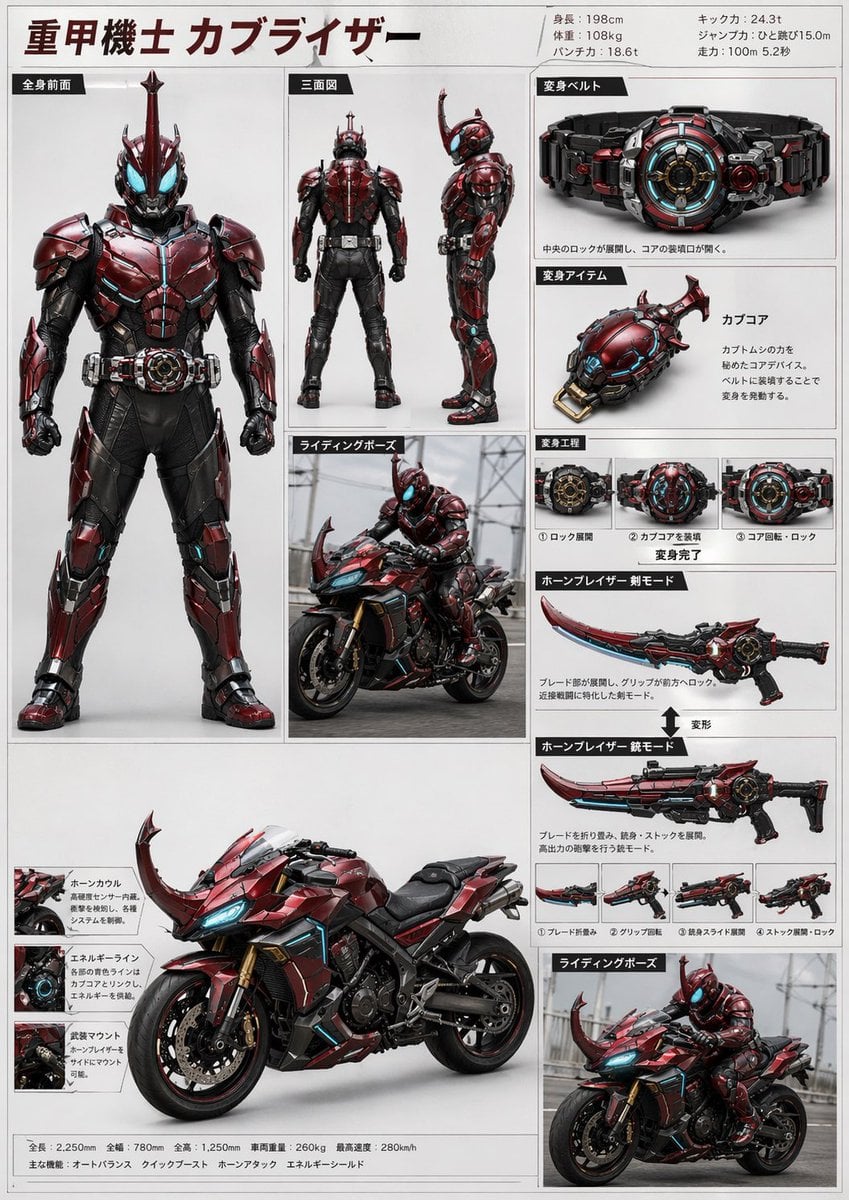
- Prompt included
- Model and format preset
- Free template
The prompt behind this image
Copy the exact prompt behind Tokusatsu Hero Reference Sheet, or open it in the studio and make it yours.
- Type
- Japanese tokusatsu hero design reference sheet
- Style
- high-end industrial concept art, premium sci-fi character dossier, clean white studio presentation board, realistic CG rendering with sharp mechanical detailing and glossy metallic surfaces
- Subject › Franchise
- original fictional tokusatsu hero
- Subject › Character Name
- {argument name="character name" default="重甲機士 カブライザー"}
- Subject › Theme
- armored insect-inspired motorcycle hero based on a rhinoceros beetle motif
- Subject › Color Scheme › Primary
- {argument name="armor color" default="deep metallic crimson"}
- Subject › Color Scheme › Secondary
- black carbon fiber bodysuit
- Subject › Color Scheme › Accent
- cyan glowing lines and lenses
- Subject › Color Scheme › Metal
- gunmetal and silver
- Subject › Hero Design › Helmet
- sleek armored helmet with a long upward-curving rhinoceros beetle horn, segmented faceplate, bright cyan compound-eye visor, aggressive mechanical jaw area
- Subject › Hero Design › Body Armor
- heavy layered chest, shoulder, forearm, thigh, shin, and knee armor with angular paneling, scratches, vents, and glowing cyan seams
- Subject › Hero Design › Undersuit
- matte black textured tactical suit between armor plates
- Subject › Hero Design › Belt
- large transformation belt with circular glowing core device at the center
- Subject › Vehicle › Type
- futuristic superbike
- Subject › Vehicle › Design
- matching crimson armored motorcycle with beetle-horn front fairing, cyan headlights, black mechanical frame, gold front forks, aerodynamic side panels, and aggressive racing silhouette
- Subject › Weapon › Name
- horn blade gun
- Subject › Weapon › Design
- hybrid blade-and-rifle weapon using the beetle horn motif, rendered in two modes with red armor shell, black grip, metallic mechanical internals, and circular core near the rear
- Layout › Orientation
- portrait
- Layout › Page
- single reference/specification sheet with thin gray dividers and black section headers
- Layout › Sections › 0 › Title
- 全身前面
- Layout › Sections › 0 › Position
- left column upper
- Layout › Sections › 0 › Count
- 1
- Layout › Sections › 0 › Labels
- full front body
- Layout › Sections › 1 › Title
- 三面図
Raw JSON
{"type":"Japanese tokusatsu hero design reference sheet","style":"high-end industrial concept art, premium sci-fi character dossier, clean white studio presentation board, realistic CG rendering with sharp mechanical detailing and glossy metallic surfaces","subject":{"franchise":"original fictional tokusatsu hero","character name":"{argument name=\"character name\" default=\"重甲機士 カブライザー\"}","theme":"armored insect-inspired motorcycle hero based on a rhinoceros beetle motif","color scheme":{"primary":"{argument name=\"armor color\" default=\"deep metallic crimson\"}","secondary":"black carbon fiber bodysuit","accent":"cyan glowing lines and lenses","metal":"gunmetal and silver"},"hero design":{"helmet":"sleek armored helmet with a long upward-curving rhinoceros beetle horn, segmented faceplate, bright cyan compound-eye visor, aggressive mechanical jaw area","body armor":"heavy layered chest, shoulder, forearm, thigh, shin, and knee armor with angular paneling, scratches, vents, and glowing cyan seams","undersuit":"matte black textured tactical suit between armor plates","belt":"large transformation belt with circular glowing core device at the center"},"vehicle":{"type":"futuristic superbike","design":"matching crimson armored motorcycle with beetle-horn front fairing, cyan headlights, black mechanical frame, gold front forks, aerodynamic side panels, and aggressive racing silhouette"},"weapon":{"name":"horn blade gun","design":"hybrid blade-and-rifle weapon using the beetle horn motif, rendered in two modes with red armor shell, black grip, metallic mechanical internals, and circular core near the rear"}},"layout":{"orientation":"portrait","page":"single reference/specification sheet with thin gray dividers and black section headers","sections":[{"title":"全身前面","position":"left column upper","count":1,"labels":["full front body"]},{"title":"三面図","position":"upper middle","count":2,"labels":["back view","side view"]},{"title":"変身ベルト","position":"upper right","count":1,"labels":["belt close-up"]},{"title":"変身アイテム","position":"right upper-middle","count":1,"labels":["カブコア"]},{"title":"変身工程","position":"right middle","count":3,"labels":["① ロック展開","② カブコアを装填","③ コア回転・ロック"]},{"title":"ライディングポーズ","position":"middle left and bottom right","count":2,"labels":["rider on motorcycle","rider on motorcycle"]},{"title":"ホーンブレイザー 剣モード","position":"right middle-lower","count":1,"labels":["sword mode"]},{"title":"ホーンブレイザー 銃モード","position":"right lower-middle","count":1,"labels":["gun mode"]},{"title":"weapon transformation steps","position":"beneath gun mode","count":4,"labels":["① ブレード部格納","② グリップ回転","③ 銃身スライド展開","④ ストック展開・ロック"]},{"title":"motorcycle main render","position":"bottom left large","count":1,"labels":["bike side-front view"]},{"title":"motorcycle detail callouts","position":"left of bike render","count":3,"labels":["ホーンカウル","エネルギーライン","武装マウント"]}],"top header":{"main title":"{argument name=\"headline text\" default=\"重甲機士 カブライザー\"}","spec count":5,"spec labels":["身長","体重","パンチ力","キック力","ジャンプ力・ひと跳び","走力"]},"bottom spec bar":{"count":7,"labels":["全長","全幅","全高","車両重量","最高速度","主な機能","bike specs"]}},"text treatment":"all visible typography in Japanese, bold dark red main title, compact black labels in rectangular header tabs, fine gray annotation text, technical brochure aesthetic","composition":"densely packed but orderly reference sheet, large hero figure dominating the left side, technical components and weapon modes stacked on the right, large motorcycle render anchoring the bottom, realistic lighting on a white background","quality":"ultra-detailed, photorealistic CGI, polished concept sheet, magazine-grade mecha presentation"}How to use Tokusatsu Hero Reference Sheet in 3 steps
- 1Upload ImagePNG, JPG or paste
Add your photo
Upload the photo the template builds on. The prompt, model and format are already set.
- 2…a portrait of your subject in softgolden-hour light, 85mm…
Personalize
Edit the subject and creative details for your destination.
- 3Generate
Generate
Press Generate — your image is created in PicX Studio, so you can compare it with the original and refine one variable at a time.
More like this
Templates with the same subject, style or setup. Open one to see its prompt.
Dancer Character - Four View Reference Sheet
Movement Sheet - Dance Reference (Seedance 2.0)
Masked Black Cat Tokusatsu Hero
Gray Studio Character Reference Sheet
Anime Character Sheet Reference Prompt
Photoreal Character Reference Sheet
Ciao Nova Character Reference Sheet
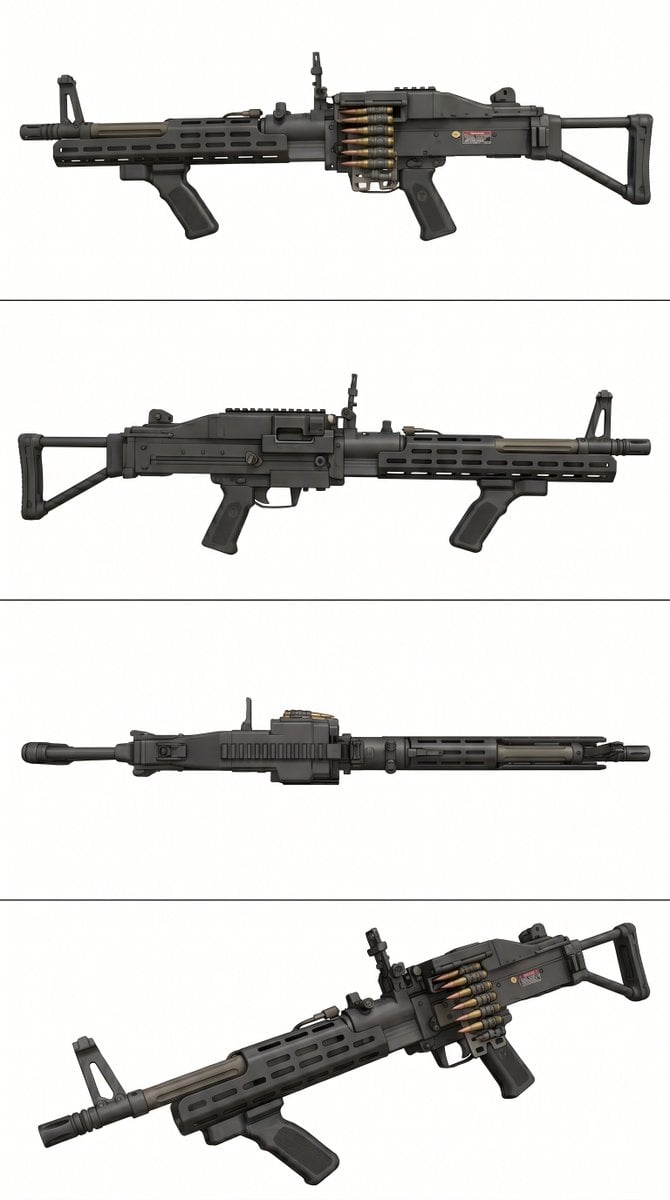
Tactical Machine Gun Reference Sheet
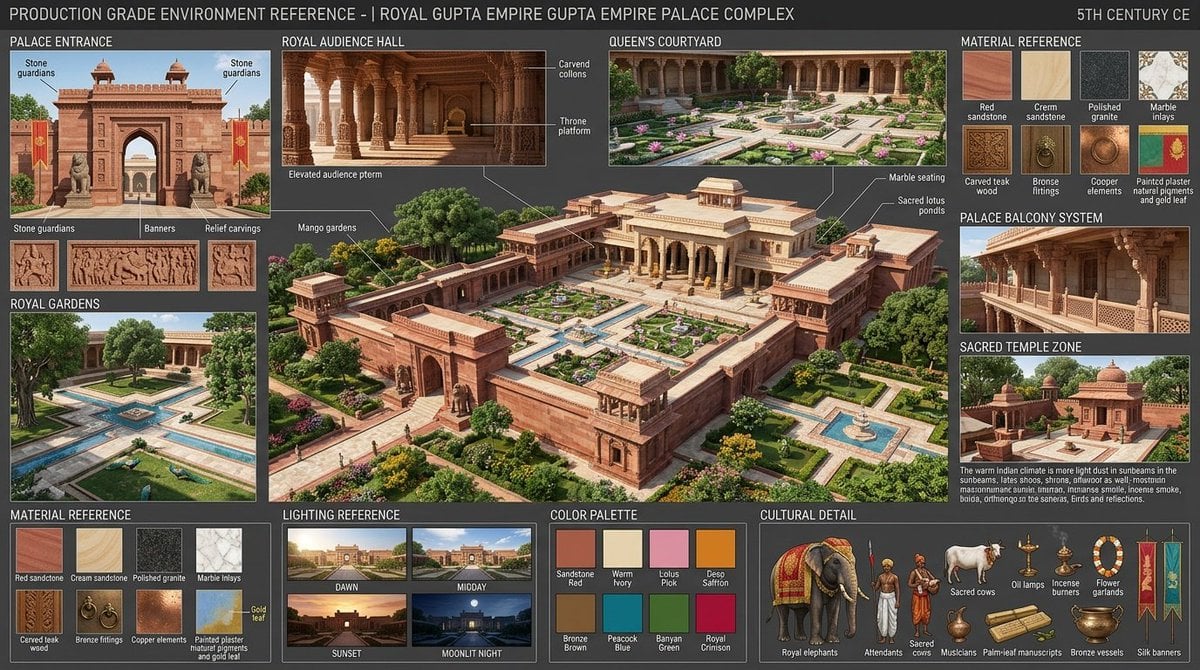
Gupta Palace Environment Reference Sheet
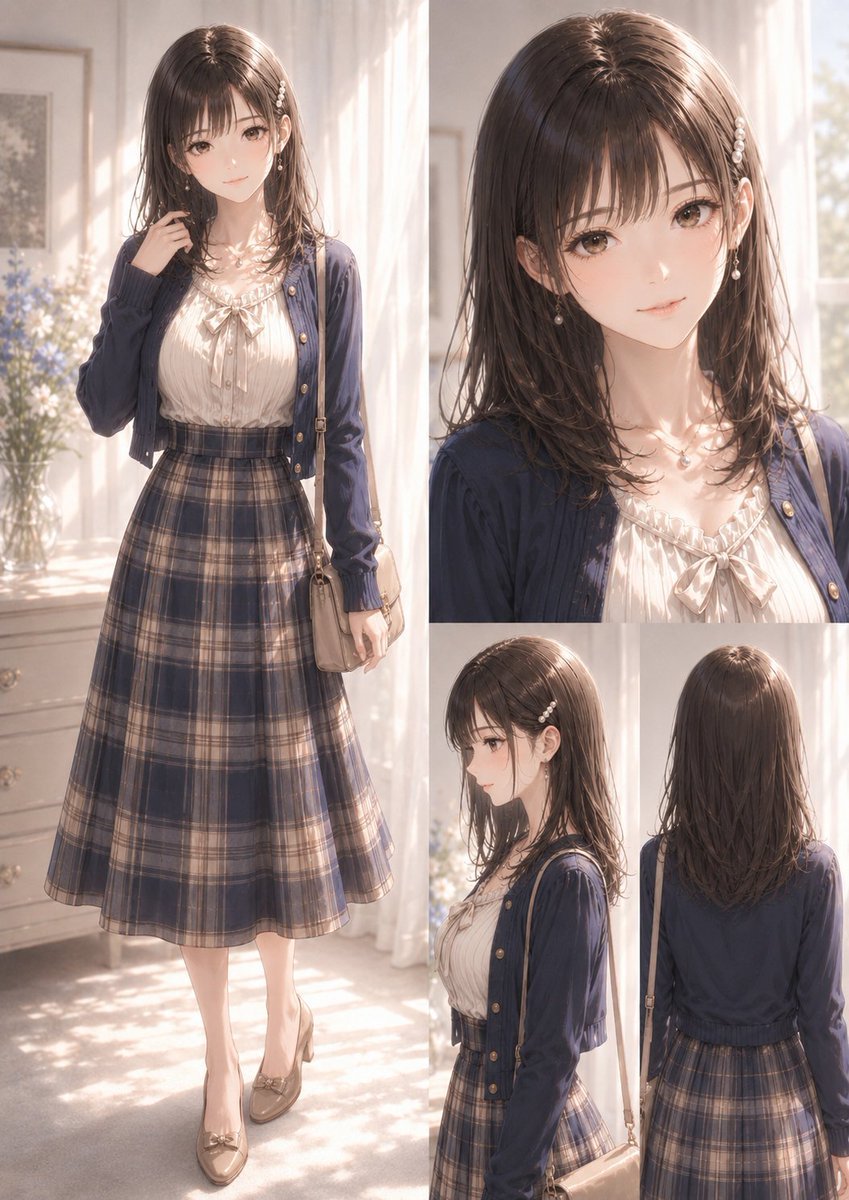
Elegant Anime Fashion Reference Sheet
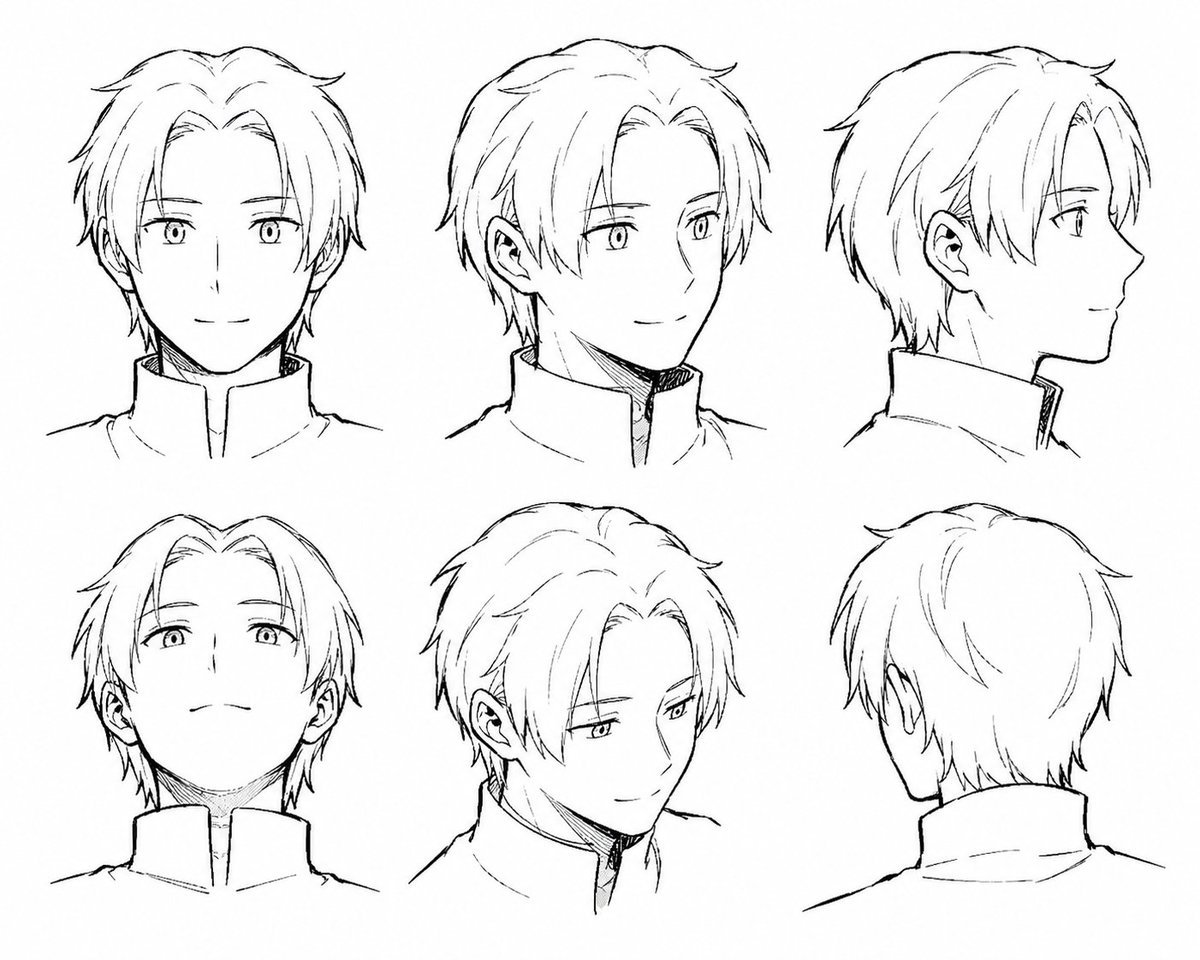
Manga Male Hairstyle Reference Sheet
Cyberpunk Anime Hero Contact Sheet
Make it yours
Tokusatsu Hero Reference Sheet works as-is. These are the safest ways to change it without losing the look.
Change one field
Copy a single group, rewrite it, and generate again so you can see what that field is doing.
Keep the frame, change the subject
Hold the composition and light of Tokusatsu Hero Reference Sheet, then swap wardrobe, props or the person for a new take.
| If the result… | Why | Fix |
|---|---|---|
| The result drifts from the preview | Too many fields changed at once. | Reuse Tokusatsu Hero Reference Sheet as-is first, then change one group — subject, light, or setting. |
| GPT Image 2 ignores part of the JSON | Some models flatten or skip nested keys. | Keep the same values and paste them as a short paragraph instead. |
More GPT Image 2 templates
Other prompts made for GPT Image 2.

Realistic Portrait of Woman and Deer

The Vista Modular Condo Poster

AI Model Routing Comparison Infographic

2.5D Anime Art Board

Isometric Productivity Desk Scene

New York Double Exposure Poster

Four-Panel AI Landscape Comparison

Japanese Tatami Lifestyle Magazine Cover

NESCAFÉ Coffee Map Poster

Brutalist Cogito Chinese Typography Poster
More image prompts
Fresh picks from across the catalog.
Luxury Fragrance Pop-Up Poster

h

Japanese Ink Illustration Style
Chibi Fashion Girl With Leopard Accents
Seamless Pattern of Cartoonish Fancy Goldfish

Cinematic Video of a Woman Enjoying Sweets

Retro 1970s Editorial Magazine Cover
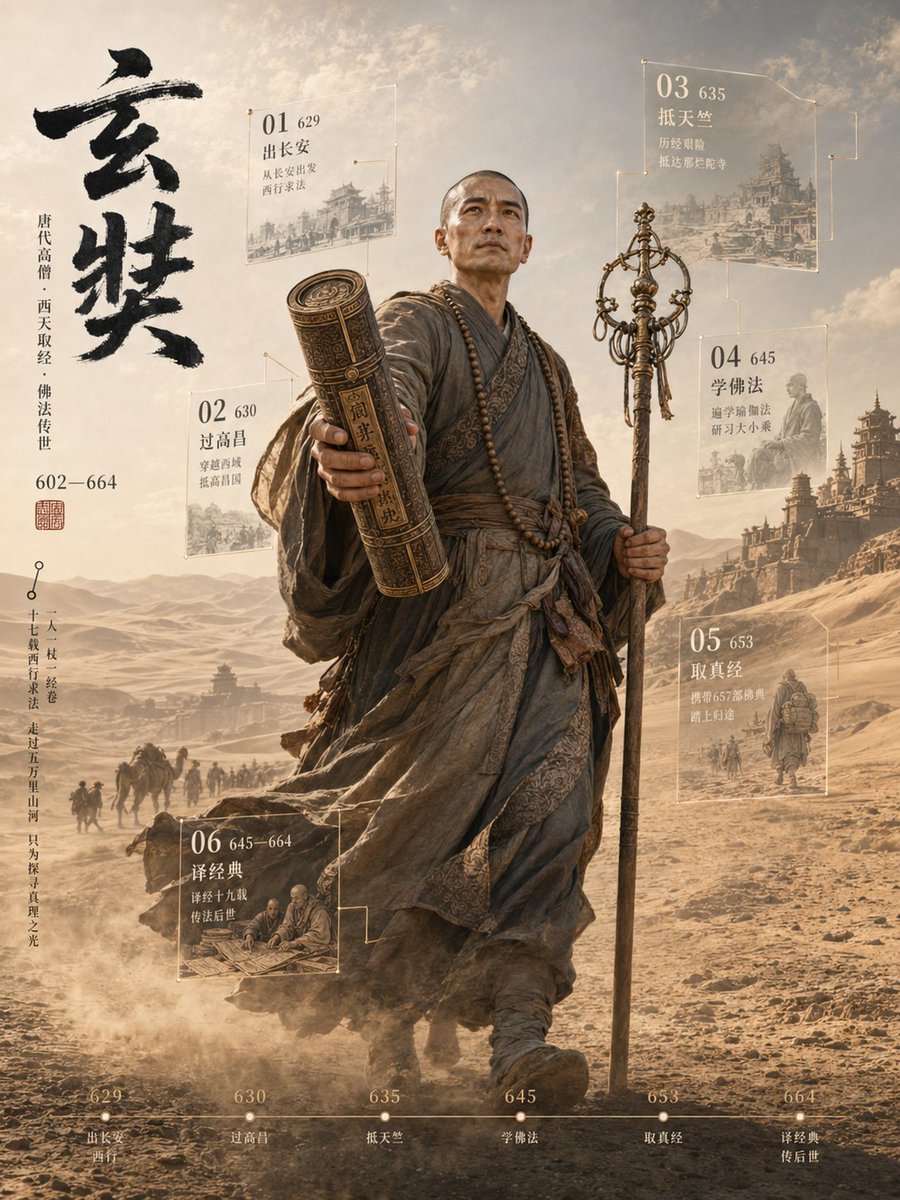
3D Xuanzang Historical Archive Poster
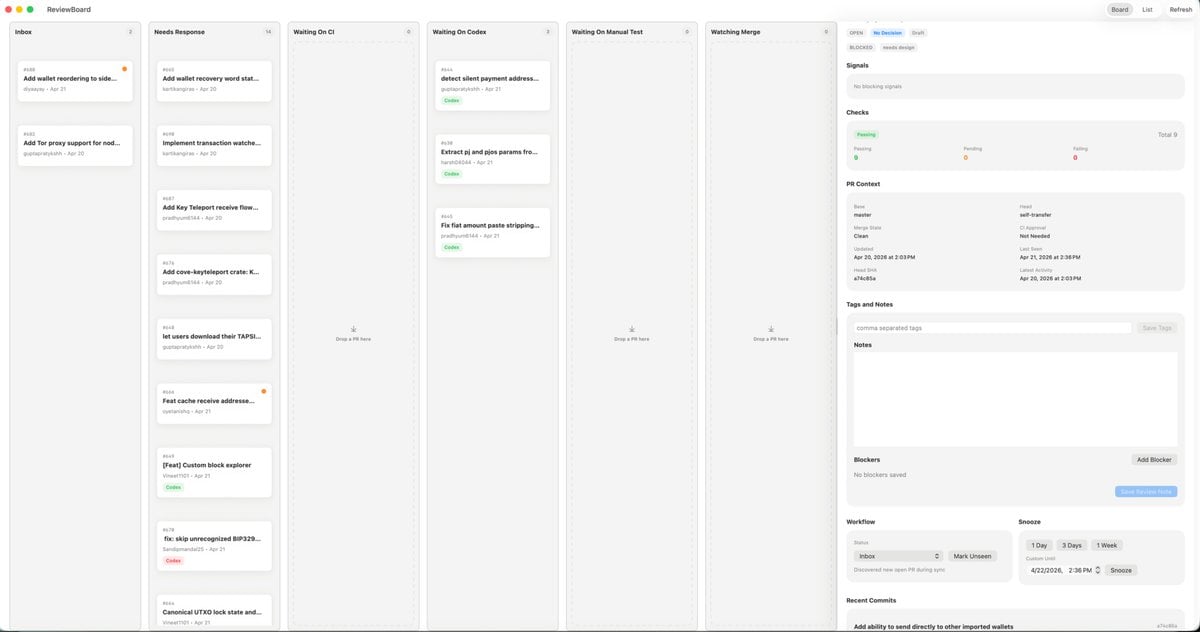
MacOS Kanban Review App UI
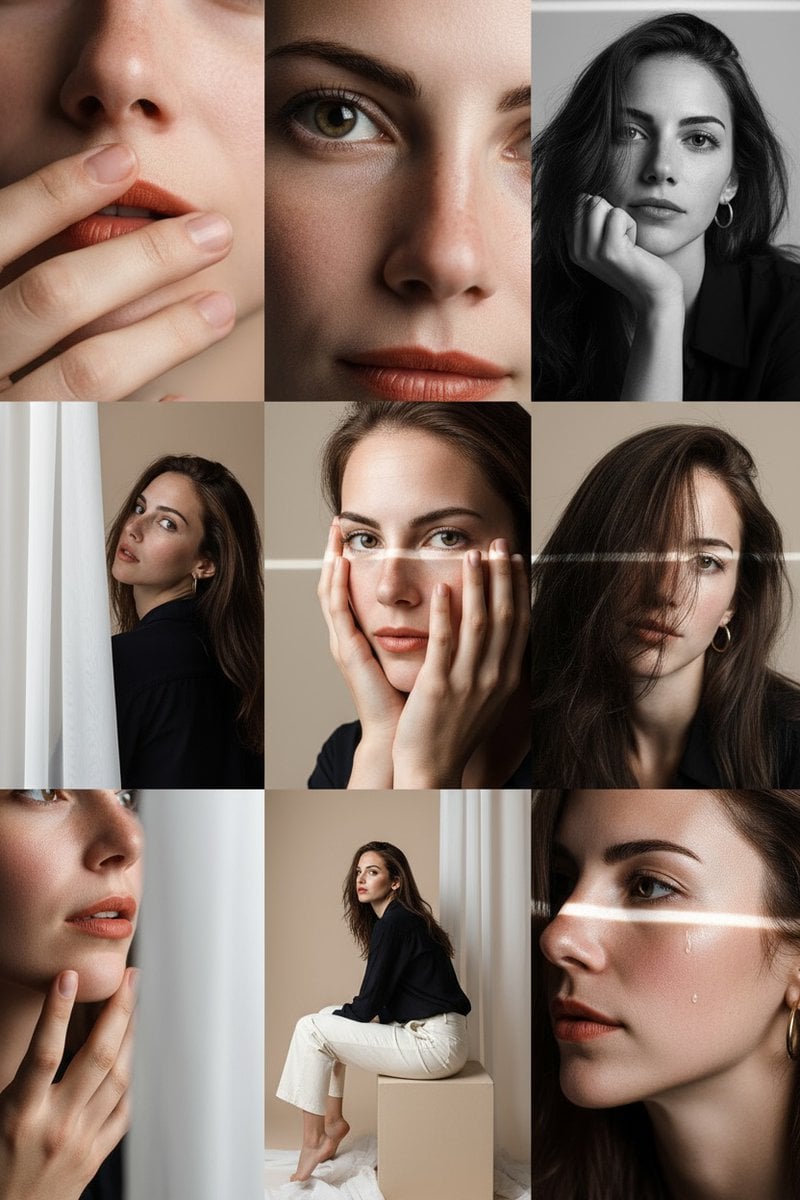
Panel Photo Grid Prompt for Gemini Nano-Banana
Browse template categories
Tokusatsu Hero Reference Sheet questions
How do I use the Tokusatsu Hero Reference Sheet template?
Add your photo if the template asks for one, edit the prompt if you like — the template's model and format are already selected — and press Generate. Your version opens in PicX Studio.
Can I customize the Tokusatsu Hero Reference Sheet template?
Yes. You can change the subject, setting, lighting, mood, format, and available model controls before creating your image.
Is the Tokusatsu Hero Reference Sheet template free?
Opening and editing this template is free. Generating uses credits, shown on the Generate button when you are signed in.
Which AI model should I use?
Start with GPT Image 2, which is the model associated with this template. You can compare another compatible model for a different finish.
Looking for something else? Browse all templates.

Your photo, any look
Thousands of ready templates for every top image and video model, from one credit balance.