
Masked Black Cat Tokusatsu Hero
A high-energy tokusatsu-style poster of a black cat wearing an insect hero helmet and transformation belt in front of comic explosions.
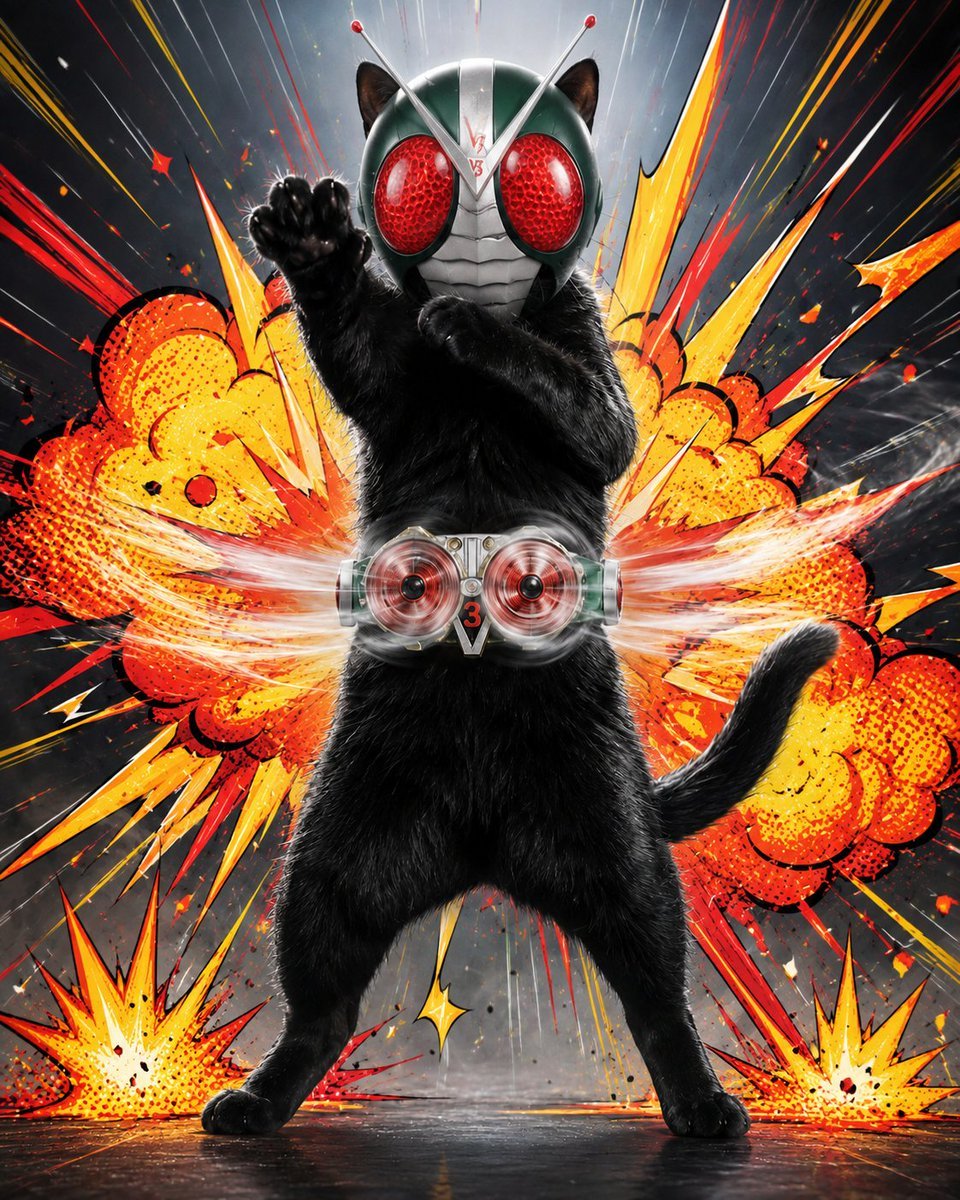
- Prompt included
- Model and format preset
- Free template
The prompt behind this image
Copy the exact prompt behind Masked Black Cat Tokusatsu Hero, or open it in the studio and make it yours.
Create a dynamic square tokusatsu hero poster featuring a full-body {argument name="animal hero" default="black cat"} standing upright in the center like a masked action ranger. The cat has glossy realistic black fur, visible cat ears protruding from the helmet, a curved tail to the right, legs spread in a heroic stance, one paw thrust forward in a punch pose and the other arm bent defensively. Put a metallic insect-style superhero helmet on its head: dark green and silver face armor, two long silver antennae with red tips, two huge textured red compound eyes, and segmented silver mouth plating. Add a futuristic transformation belt around the waist with two circular red spinning turbine lenses, metallic side modules, and a central V-shaped plate marked with the number {argument name="belt number" default="3"}. Behind the character, create a huge comic-book explosion background in vivid orange, yellow, red, and white, with exactly five main burst elements: one large central orange smoke-cloud explosion behind the torso, two smaller yellow-orange ground explosions at the bottom left and bottom right, and two long jagged lightning-like blast shapes extending diagonally upward left and upward right. Use halftone dot shading, thick black comic outlines, red speed lines, sparks, debris flecks, and dramatic radial motion streaks against a dark smoky gray backdrop. The overall style should blend photorealistic animal fur and polished helmet materials with high-energy Japanese sentai / Kamen Rider inspired comic action art, cinematic lighting, sharp focus on the hero, no captions, no watermark, no extra characters.
How to use Masked Black Cat Tokusatsu Hero in 3 steps
- 1Upload ImagePNG, JPG or paste
Add your photo
Upload the photo the template builds on. The prompt, model and format are already set.
- 2…a portrait of your subject in softgolden-hour light, 85mm…
Personalize
Edit the subject and creative details for your destination.
- 3Generate
Generate
Press Generate — your image is created in PicX Studio, so you can compare it with the original and refine one variable at a time.
More like this
Templates with the same subject, style or setup. Open one to see its prompt.

Cat Photobomb Selfie — 0.5x Wide Angle Café Chaos

Surreal Cat Astronaut — Humanoid Face Freefall

Dark Runway Luxury Fashion Magazine Cover

Black Liquid Cyberpunk Portrait Poster
Masked Vigilante Noir Poster

Low Angle Floor Selfie With Upside Down Cat
Rainy Studio Artist with Black Cats
My Hero Academia Scenes with Dogs and Cats
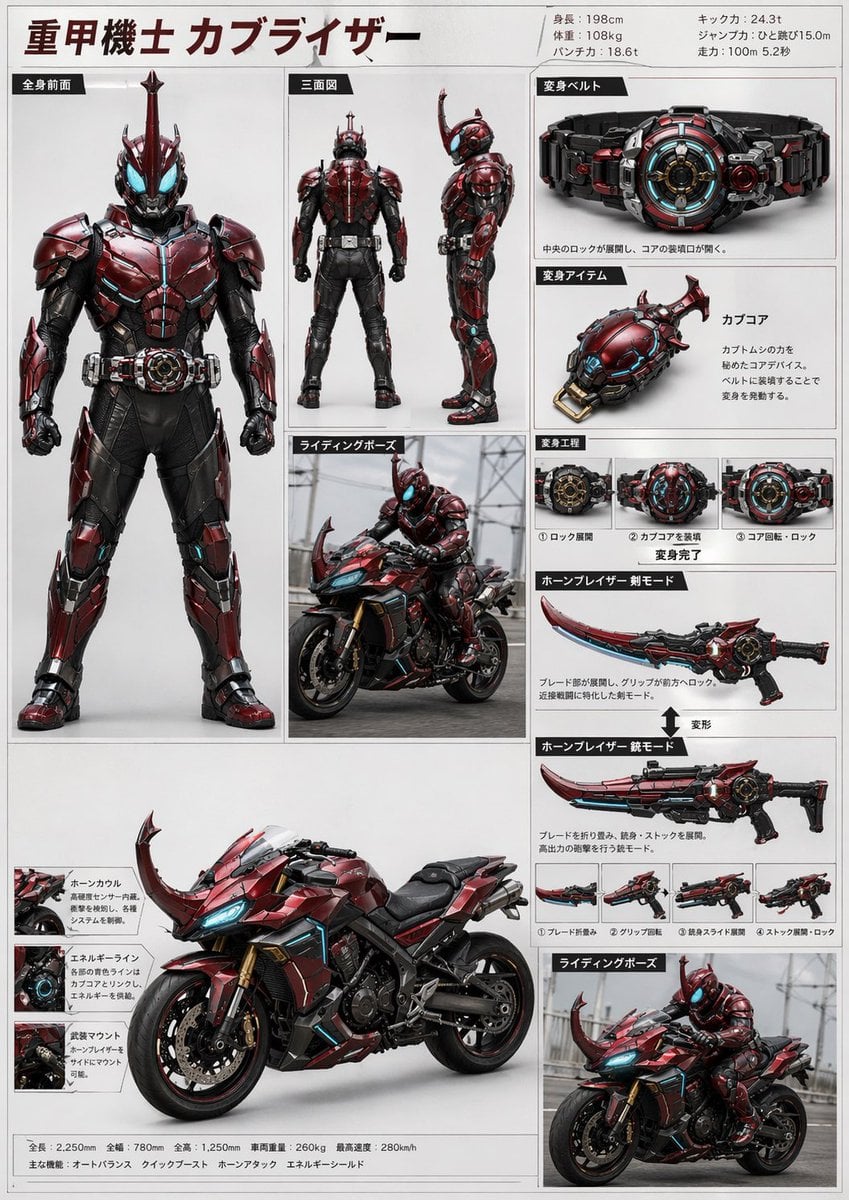
Tokusatsu Hero Reference Sheet

Woman in Mall with Chanel Bag - Heart Gesture
Nano Banana Pro brand hero image (another duplicate)

Black Cat on Wooden Post Scene
Make it yours
Masked Black Cat Tokusatsu Hero works as-is. These are the safest ways to change it without losing the look.
Change one field
Copy a single group, rewrite it, and generate again so you can see what that field is doing.
Keep the frame, change the subject
Hold the composition and light of Masked Black Cat Tokusatsu Hero, then swap wardrobe, props or the person for a new take.
| If the result… | Why | Fix |
|---|---|---|
| The result drifts from the preview | Too many fields changed at once. | Reuse Masked Black Cat Tokusatsu Hero as-is first, then change one group — subject, light, or setting. |
| The model over-stylizes the scene | The prose prompt leaves finish and camera underspecified. | Add one camera or lighting sentence and stay on GPT Image 2. |
More GPT Image 2 templates
Other prompts made for GPT Image 2.

Six VTuber Japanese Logo Sheet

Realistic Portrait of Woman and Deer

The Vista Modular Condo Poster

AI Model Routing Comparison Infographic

2.5D Anime Art Board

Isometric Productivity Desk Scene

New York Double Exposure Poster

Four-Panel AI Landscape Comparison

Japanese Tatami Lifestyle Magazine Cover

NESCAFÉ Coffee Map Poster
More image prompts
Fresh picks from across the catalog.
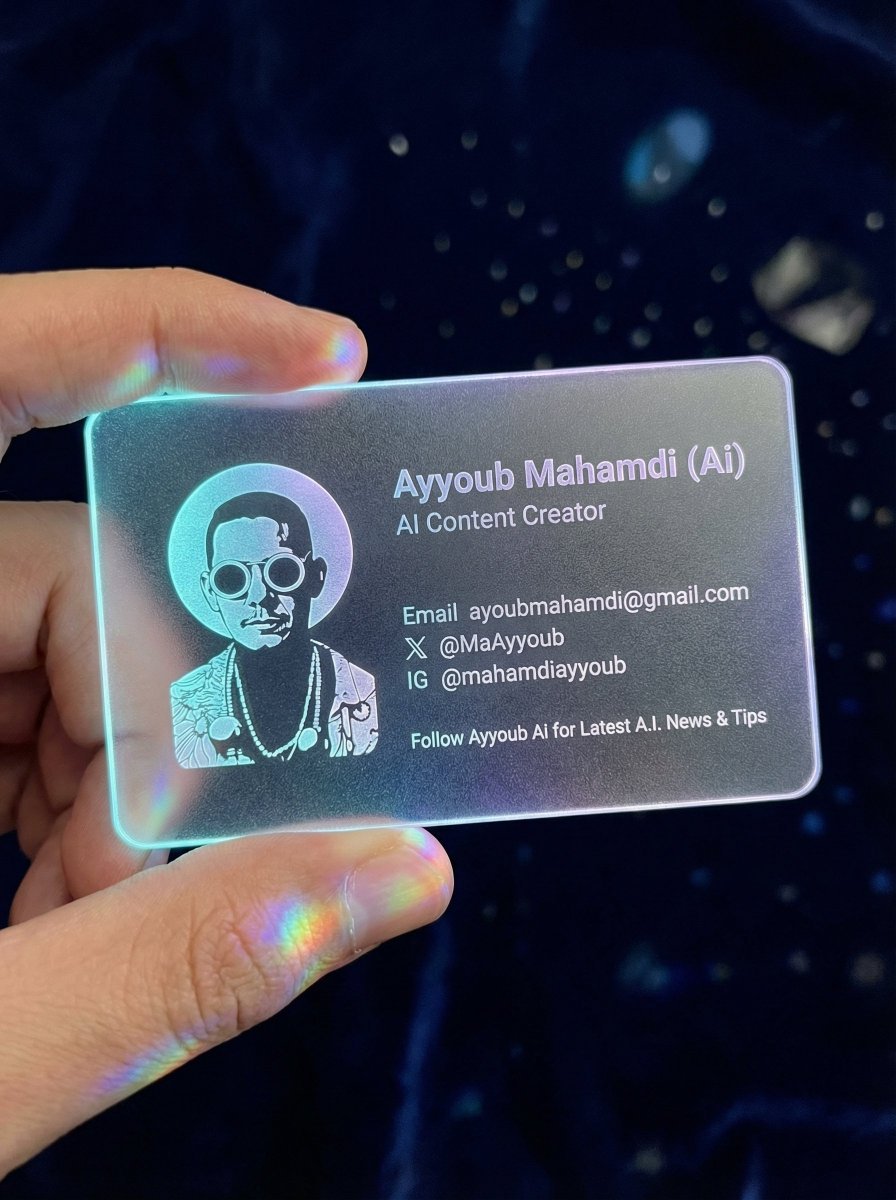
Realistic Cyber-Aesthetic Futuristic Business Card
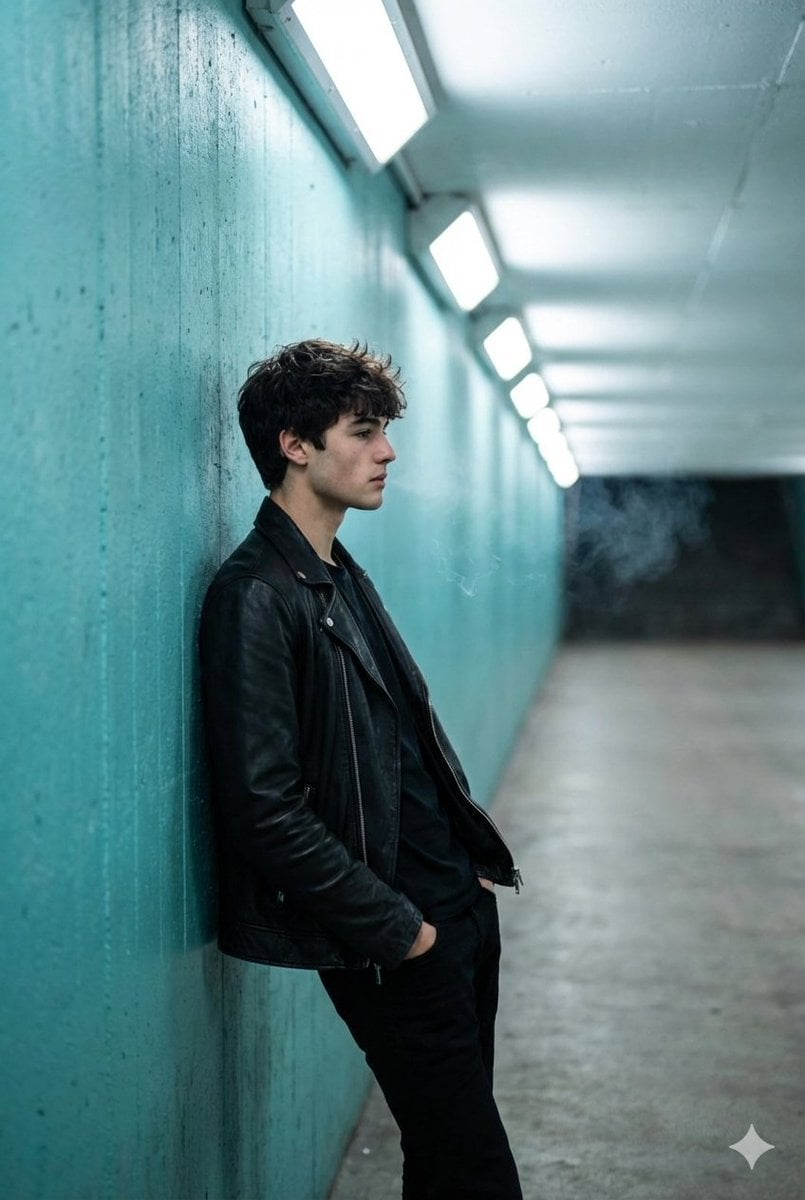
Cinematic Full Shot of a Man in a Turquoise Tunnel
Image-to-Image Action Generation Template
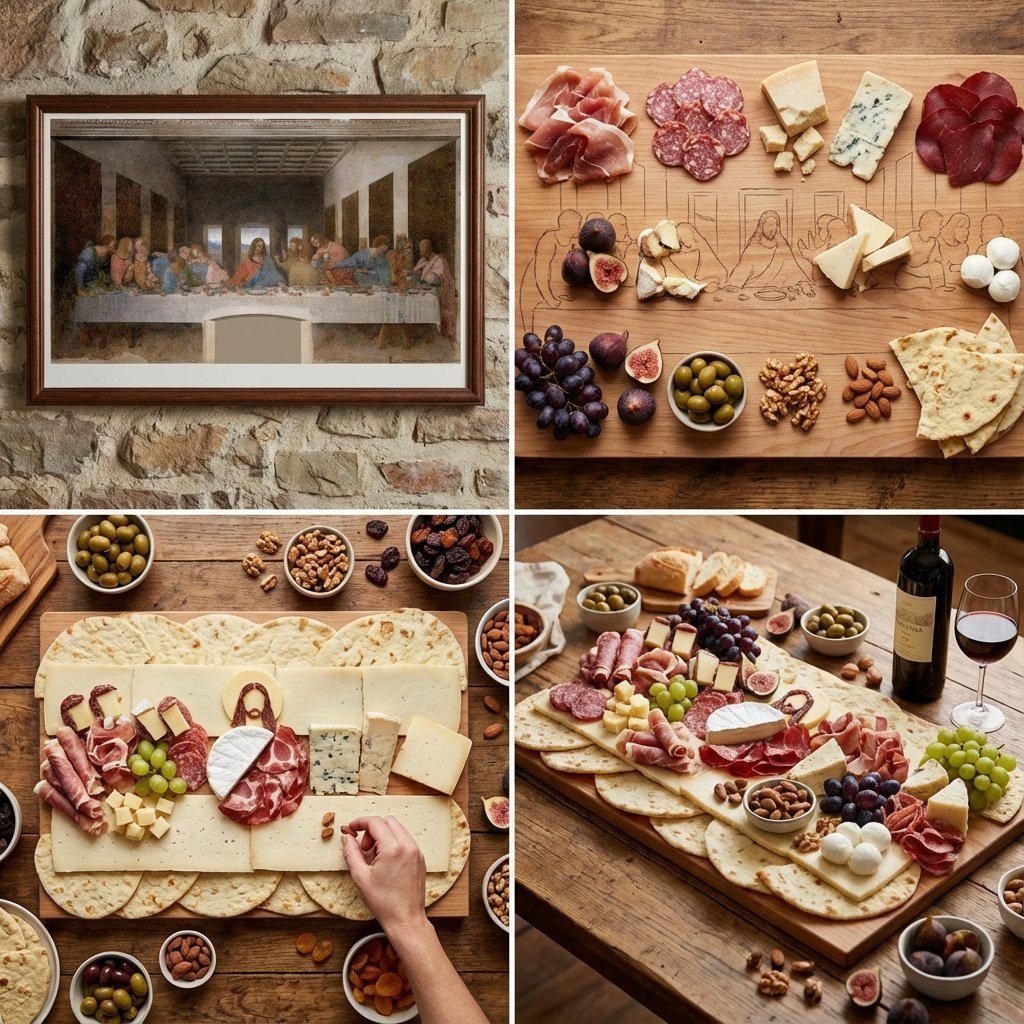
Food Art Prompt: Historical Scenes as Charcuterie Boards
Cinematic Hanfu Fashion Editorial Portrait
Poolside White Pakistani Fashion Portrait
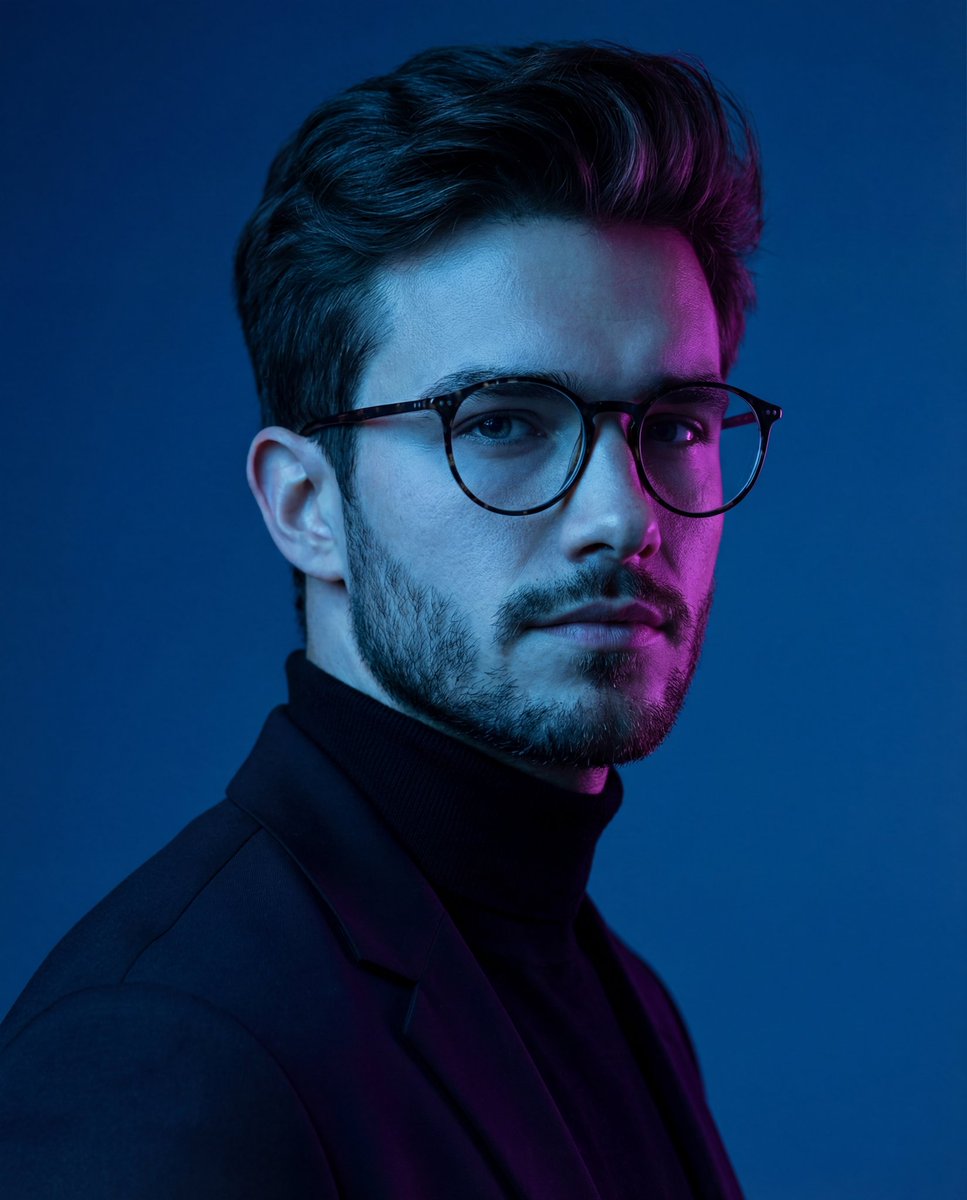
Dramatic Neon-Lit Portrait
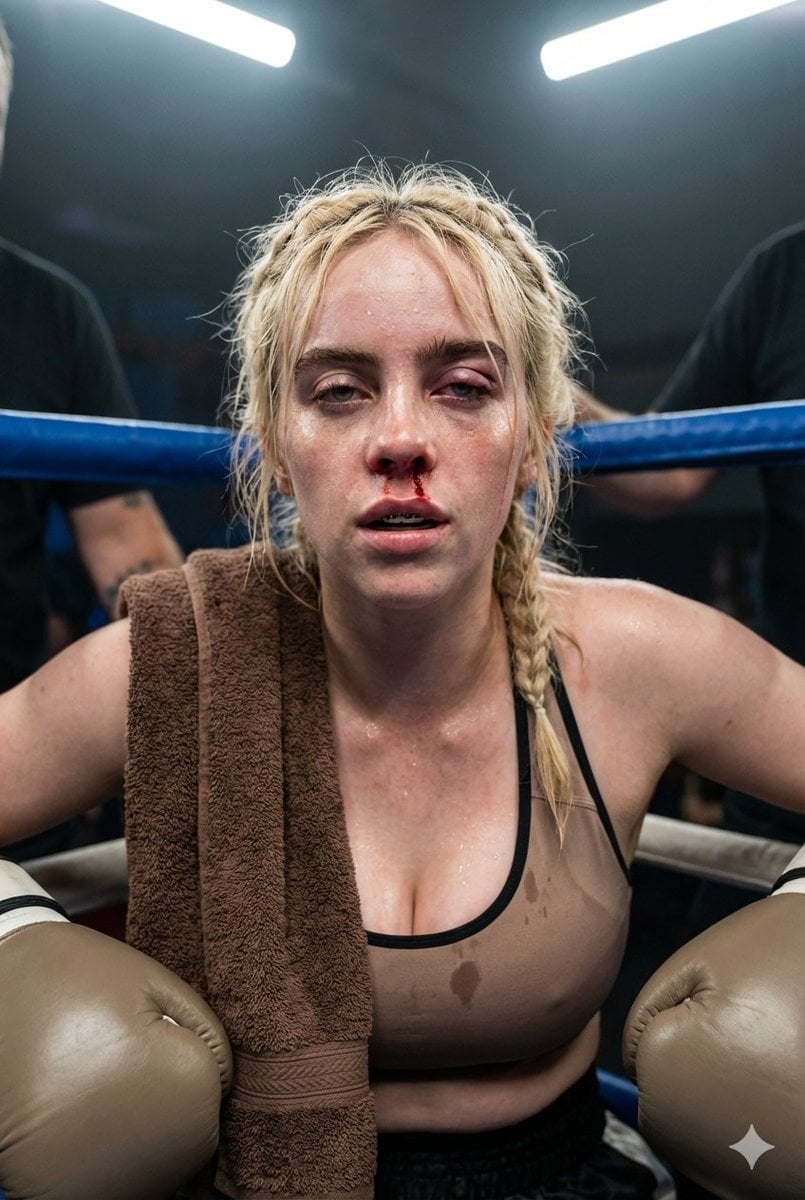
Documentary Realism Boxing Portrait
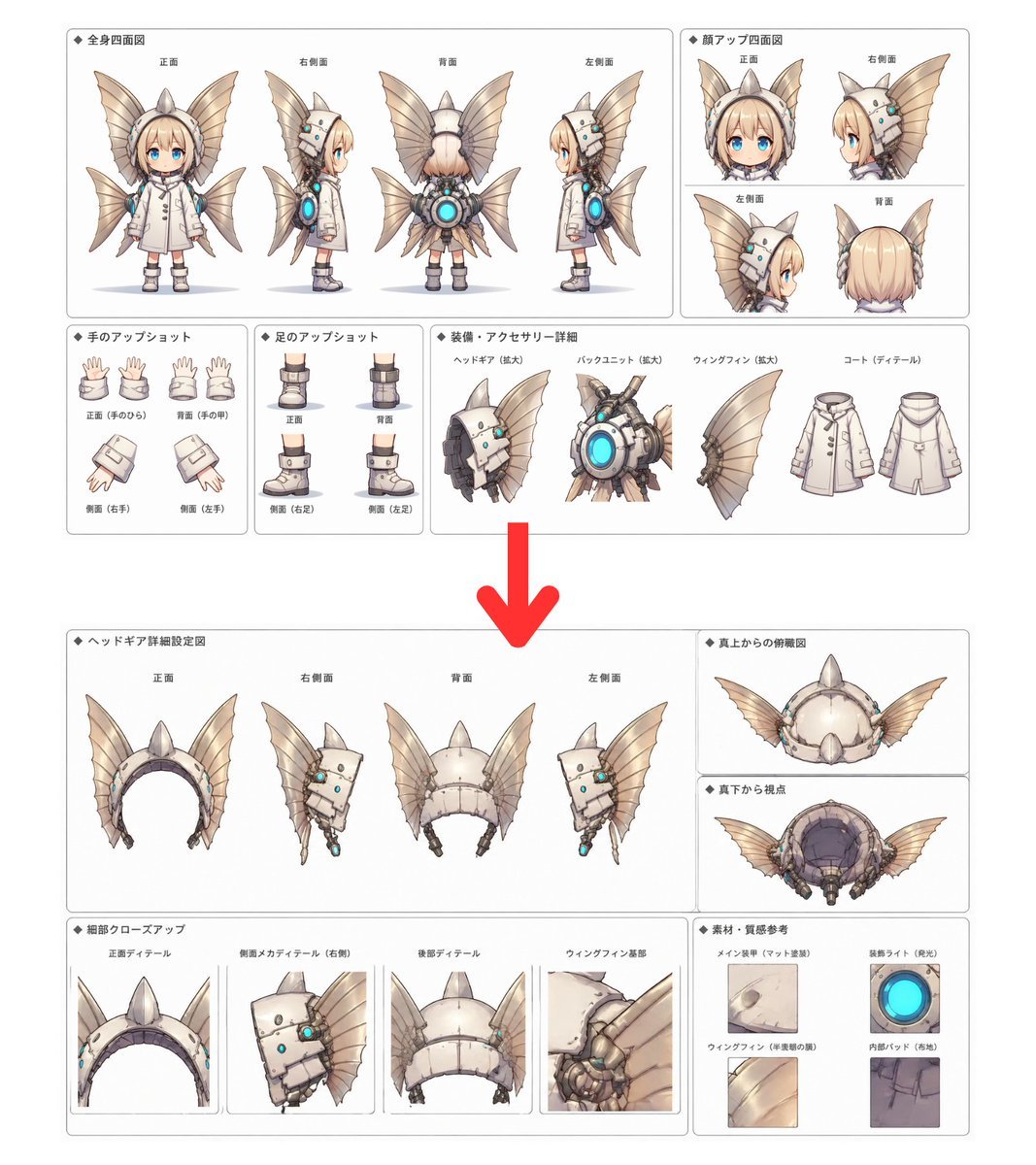
Character Setting Sheet Generator

Golden Hour Grass Portrait — Wong Kar-wai Inspired Nano Banana
Browse template categories
Masked Black Cat Tokusatsu Hero questions
How do I use the Masked Black Cat Tokusatsu Hero template?
Add your photo if the template asks for one, edit the prompt if you like — the template's model and format are already selected — and press Generate. Your version opens in PicX Studio.
Can I customize the Masked Black Cat Tokusatsu Hero template?
Yes. You can change the subject, setting, lighting, mood, format, and available model controls before creating your image.
Is the Masked Black Cat Tokusatsu Hero template free?
Opening and editing this template is free. Generating uses credits, shown on the Generate button when you are signed in.
Which AI model should I use?
Start with GPT Image 2, which is the model associated with this template. You can compare another compatible model for a different finish.
Looking for something else? Browse all templates.

Your photo, any look
Thousands of ready templates for every top image and video model, from one credit balance.