
Food Art Prompt: Historical Scenes as Charcuterie Boards
A detailed instruction prompt for Nano Banana Pro to act as a food expert and artist, replicating famous historical scenes or paintings using food ingredients, specifically creating a charcuterie platter.
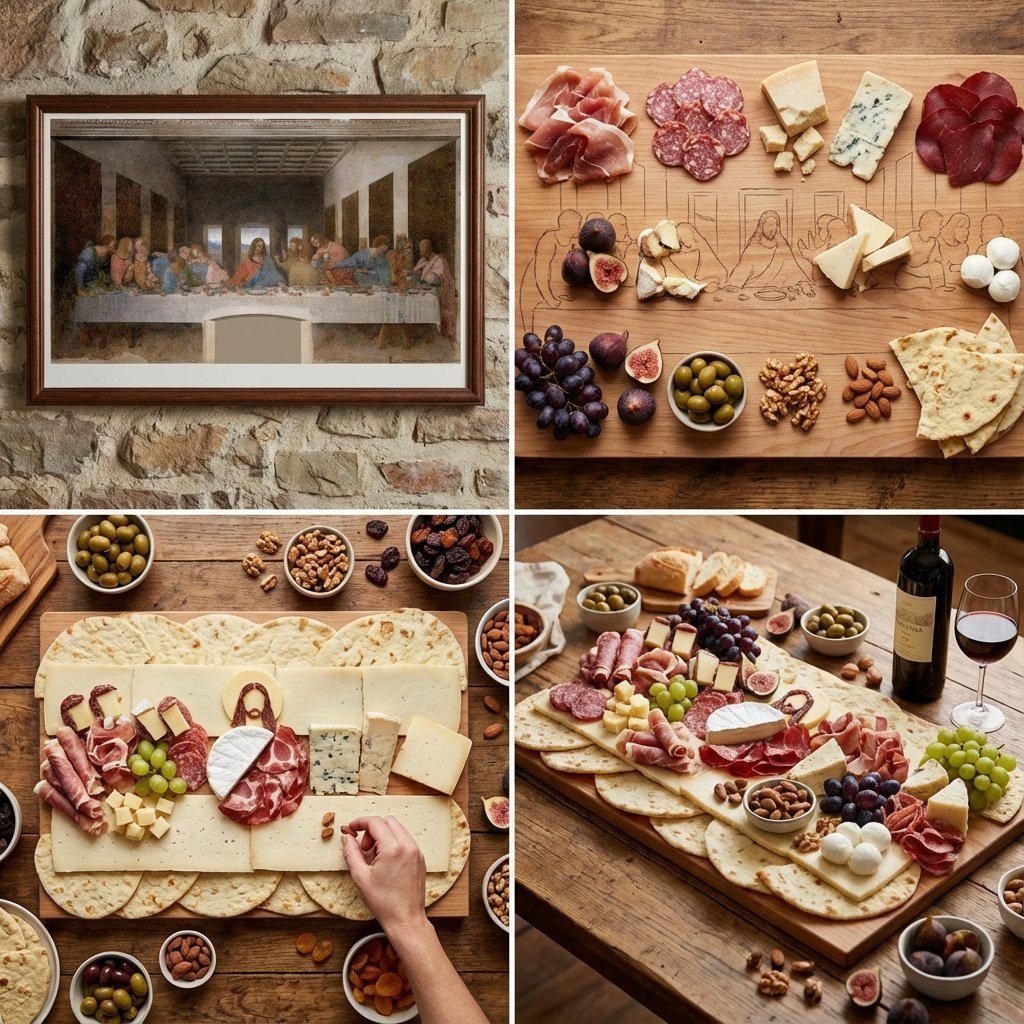
- Prompt included
- Model and format preset
- Free template
The prompt behind this image
Copy the exact prompt behind Food Art Prompt: Historical Scenes as Charcuterie Boards, or open it in the studio and make it yours.
<instructions> Act as a world class food expert and artist. Input A: {argument name="historical scene" default="Masterpiece painting or historical event"}. Analyze composition, colors, mood, elements. Pick the right food ingredients relevant to the region that can be used in the painting or scene. Goal: Large charcuterie platter replicating the painting using cured meats, cheeses, fruits, nuts, and other ingredients relevant to that region. Rules: decide which ingredients should be used for each part of the scene and character, so the painting looks as realistic as possible but is mainly made out of food. 2x2 grid: Panel 1: Original painting reference; Panel 2: Ingredient map; Panel 3: Overhead build; Panel 4: Final board with wine pairing. Output: 1 x 1:1 image, rustic gourmet photography. </instructions>
How to use Food Art Prompt: Historical Scenes as Charcuterie Boards in 3 steps
- 1
Open
The prompt is already in the box next to the preview, with the template's model and format selected.
- 2…a portrait of your subject in softgolden-hour light, 85mm…
Personalize
Edit the subject and creative details for your destination.
- 3Generate
Generate
Press Generate — your image is created in PicX Studio, so you can compare it with the original and refine one variable at a time.
More like this
Templates with the same subject, style or setup. Open one to see its prompt.
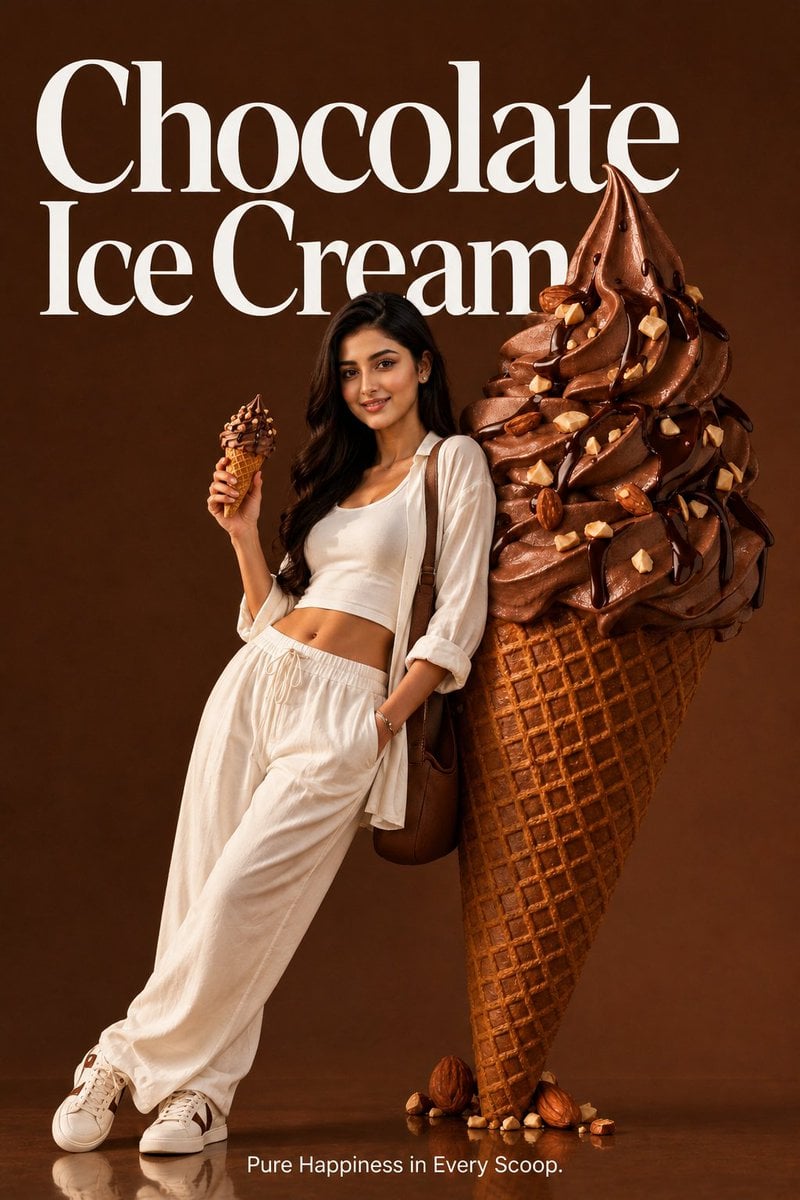
Premium Food Advertising Campaign Scenes

Cozy Food Flat Lay Doodle Labels

Ancient Temple Portrait — White Dress Nano Banana
Minimalist Balanced Conceptual Scenes
Surreal Landscape and Ethereal River Scenes
Retro Wuxia Behind-the-Scenes Still
First Person POV Unusual Scenes
A charcuterie-style board presents JAPAN as an edible sculpture Letters
Ultra-premium cinematic food photography, 8K UHD, 3 4 aspect ratio

Bold, intense, premium, cinematic, high-impact food commercial aesthetic
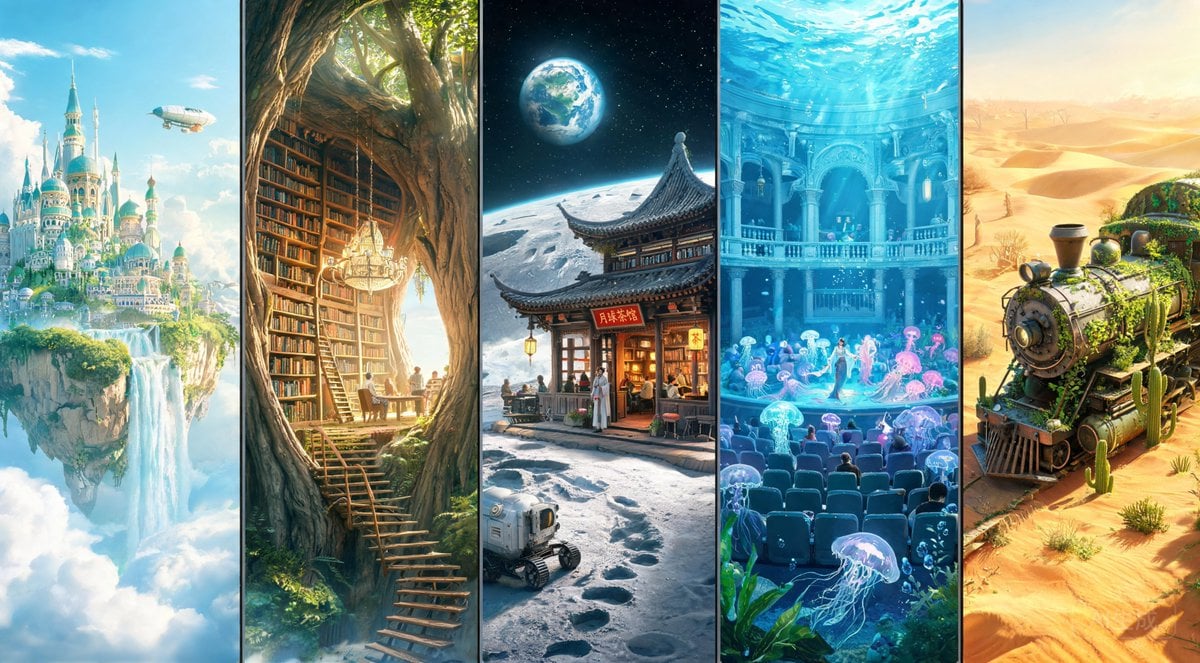
Fantasy Multi-panel World Scenes

Cinematic Cafe Portrait with Food
Make it yours
Food Art Prompt: Historical Scenes as Charcuterie Boards works as-is. These are the safest ways to change it without losing the look.
Change one field
Copy a single group, rewrite it, and generate again so you can see what that field is doing.
Keep the frame, change the subject
Hold the composition and light of Food Art Prompt: Historical Scenes as Charcuterie Boards, then swap wardrobe, props or the person for a new take.
| If the result… | Why | Fix |
|---|---|---|
| The result drifts from the preview | Too many fields changed at once. | Reuse Food Art Prompt: Historical Scenes as Charcuterie Boards as-is first, then change one group — subject, light, or setting. |
| The model over-stylizes the scene | The prose prompt leaves finish and camera underspecified. | Add one camera or lighting sentence and stay on Nano Banana 2. |
More Nano Banana 2 templates
Other prompts made for Nano Banana 2.

Photorealistic Leaf Shaped Like a Dragon

K-Pop Idol Portrait Grid for Rapid Selection

Poetic Rain Forest Portrait During Golden Hour

Urban Street Portrait with Cartoon Inner Self Duo

Candid Nighttime Photo with Cat Prompt

High-Concept 3D Diorama Generation Prompt

Cinematic Futuristic Studio Portrait Template

Skincare Editorial Photography Collage Prompt

Hyper-Realistic Commercial Product Photography (Splash Effect)

Hyper-Realistic Nightclub Portrait Prompt
More image prompts
Fresh picks from across the catalog.
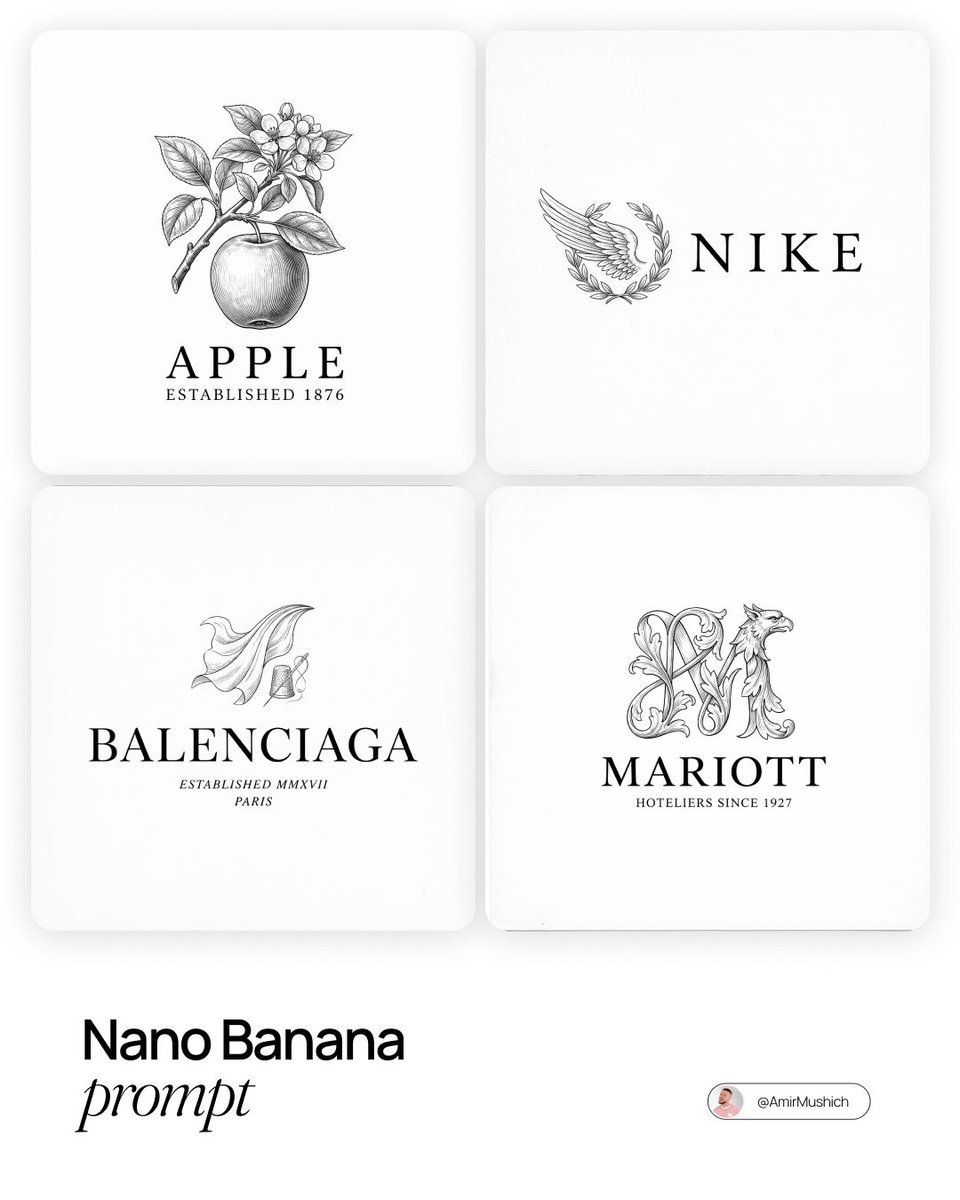
Modern Brands in 19th Century Prompt
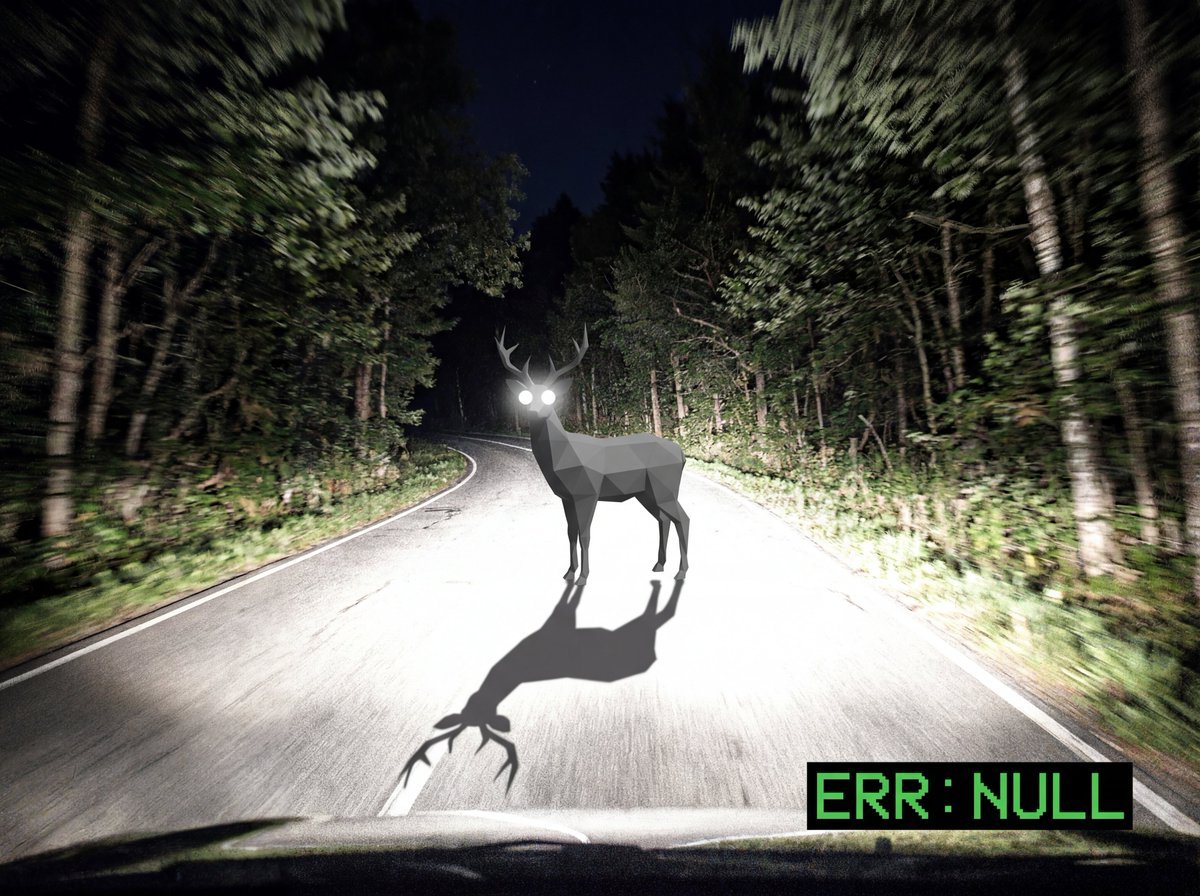
Reality Glitch Documentary Image Prompt: Low-Poly Deer in Headlights
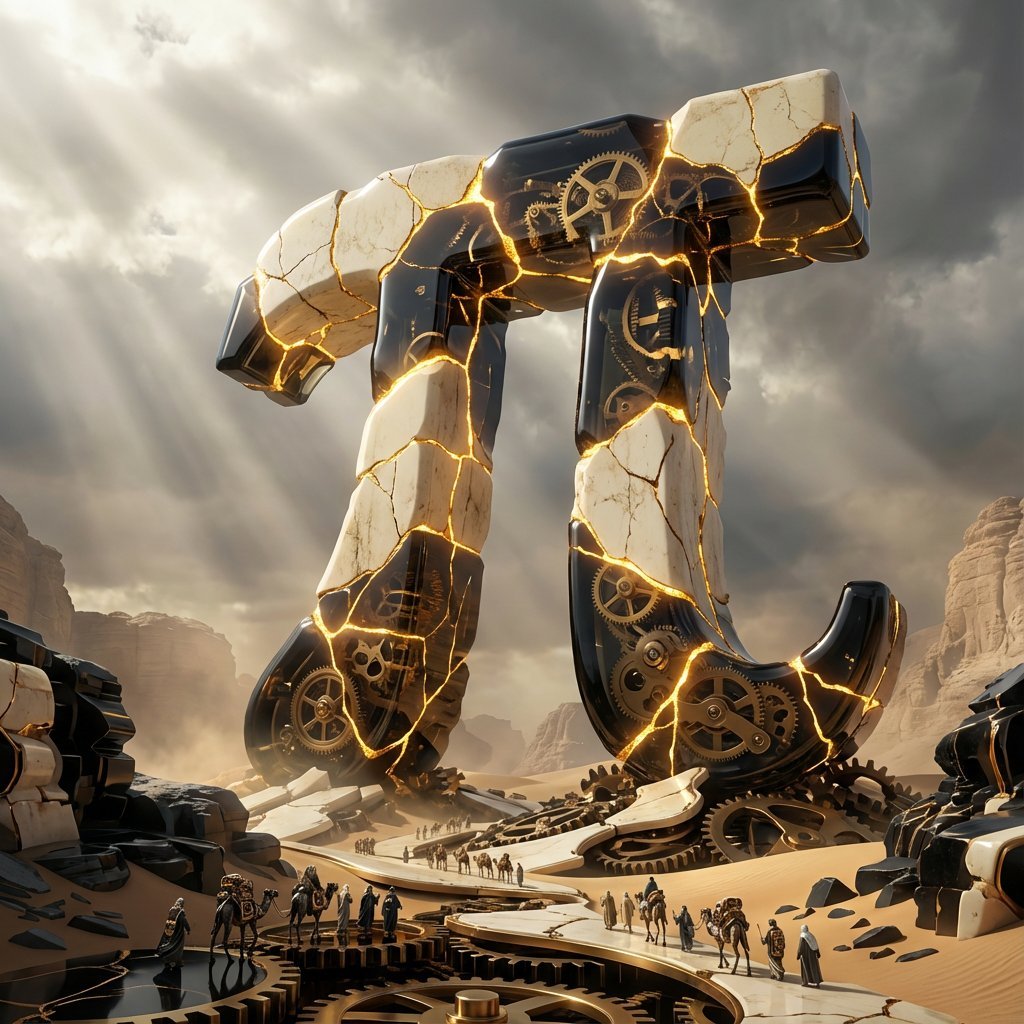
Obsidian Kintsugi Automaton Style Transfer Prompt
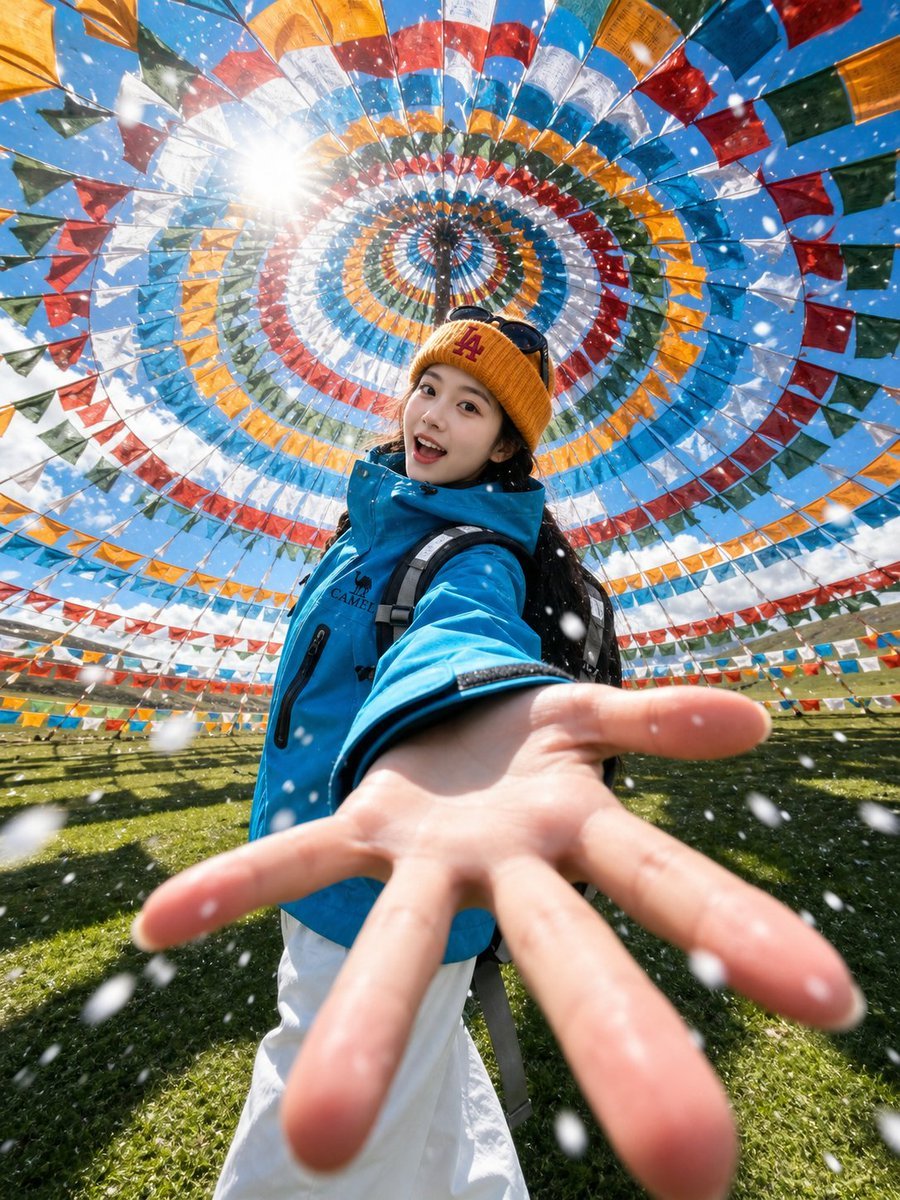
Tibetan Prayer Flag Highland Selfie
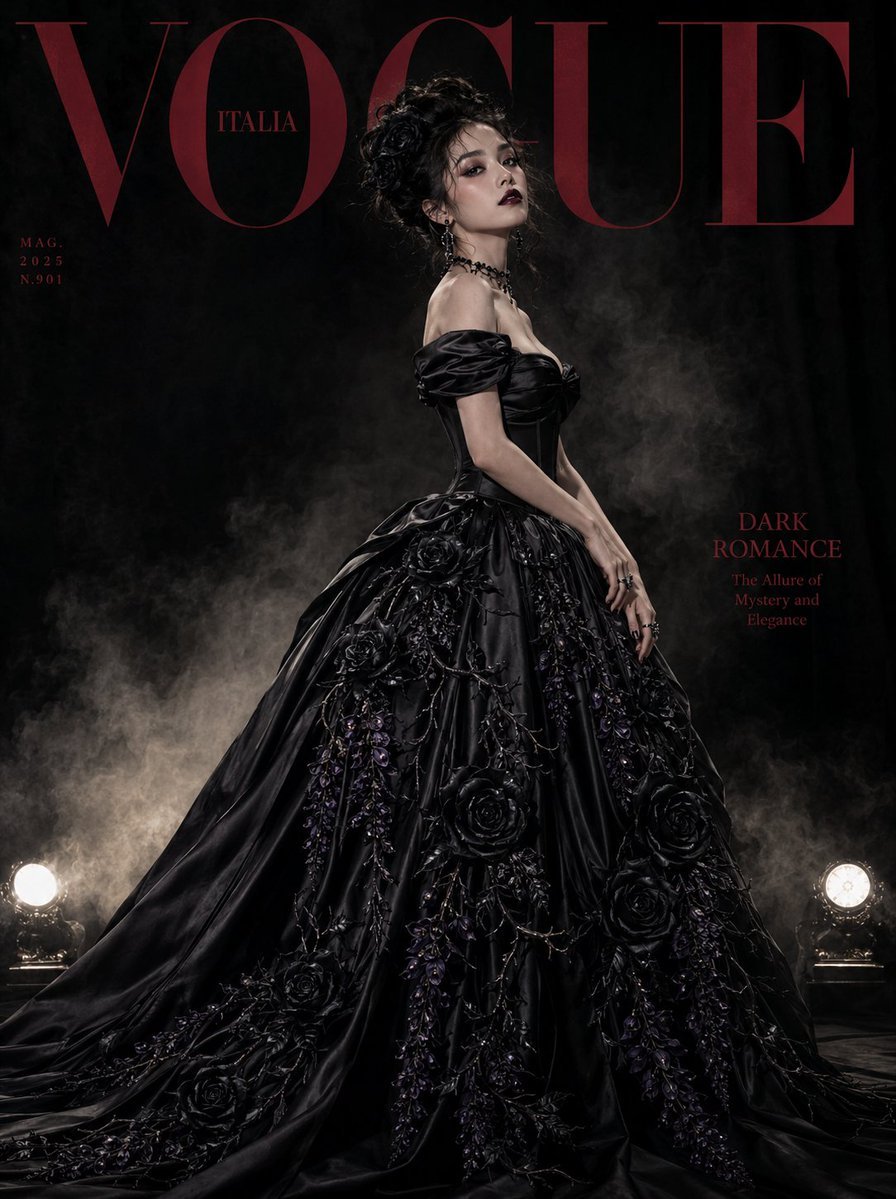
Gothic Luxury Magazine Cover
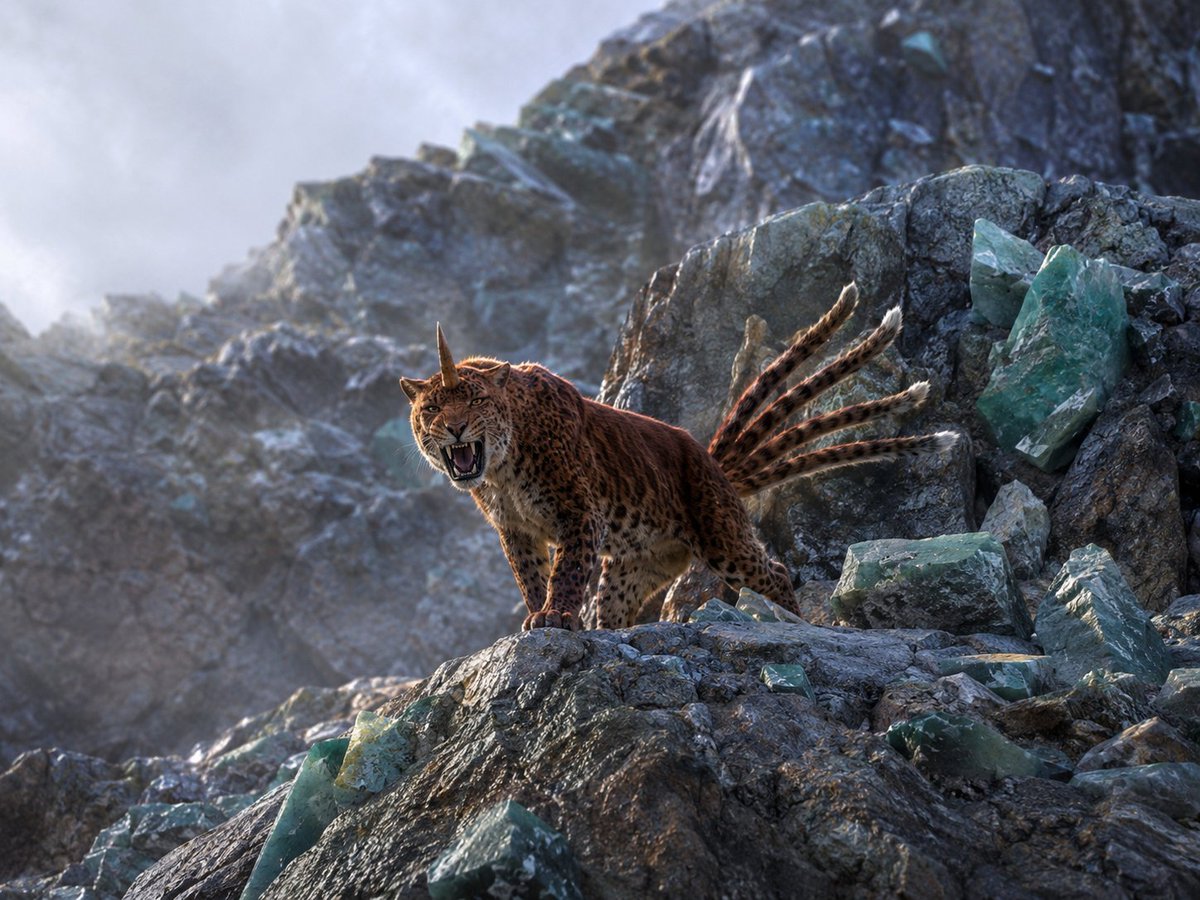
Horned Seven-Tailed Mountain Beast
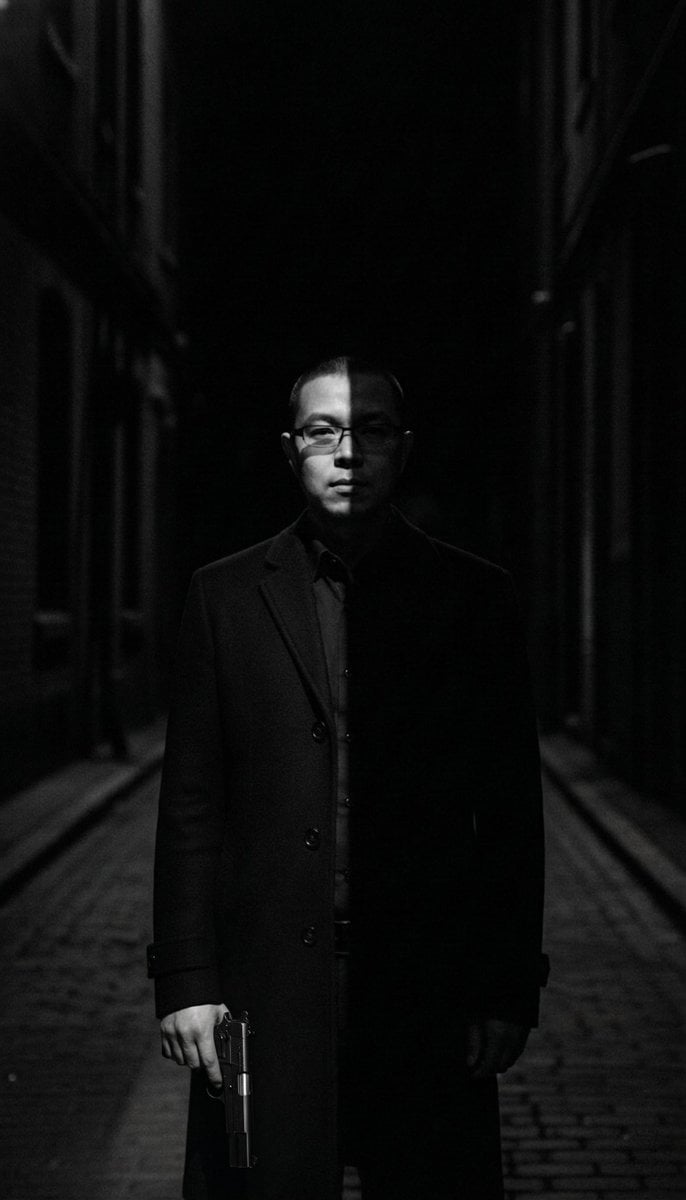
Film Noir Cleaner Portrait Prompt for Nano Banana Pro
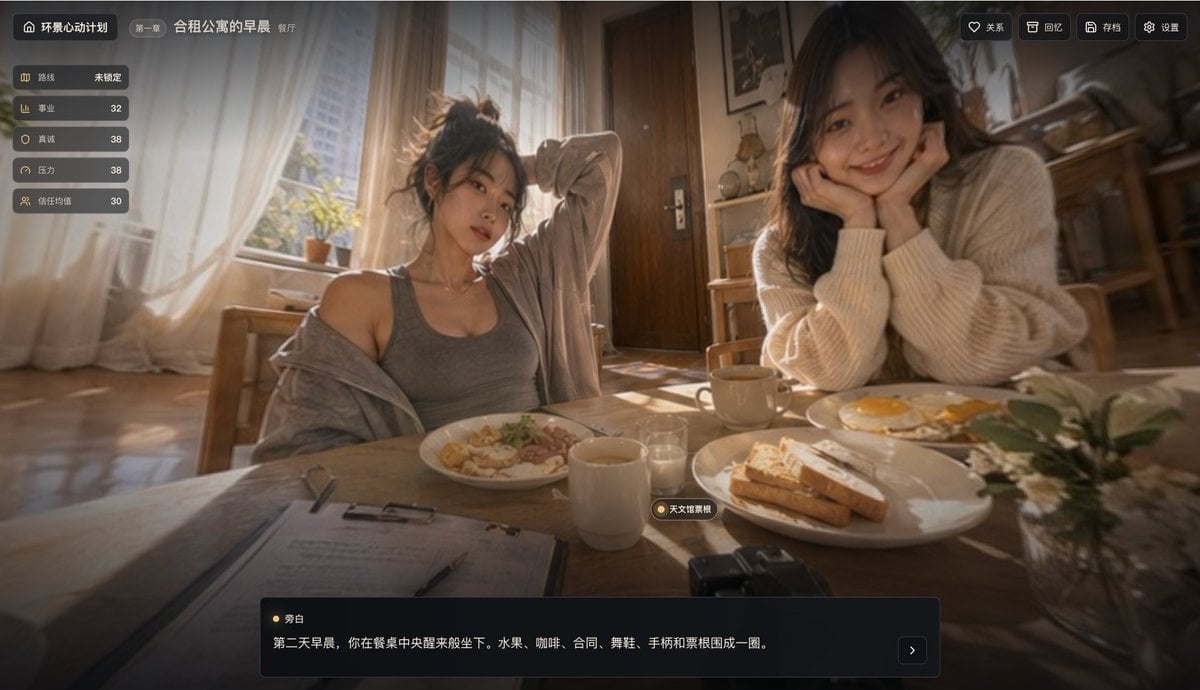
Cinematic Morning Apartment Game UI
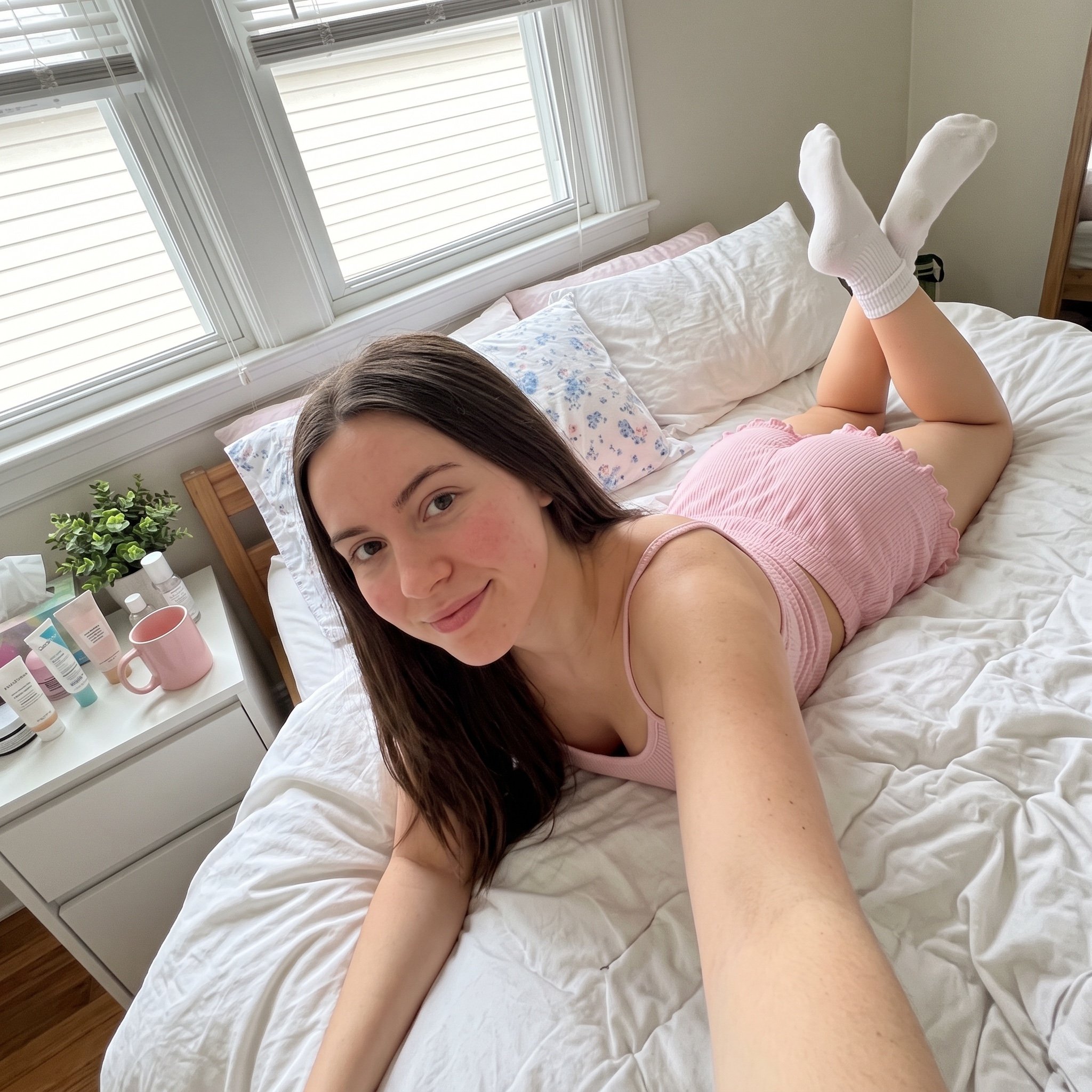
Cozy Bedroom Selfie Prompt
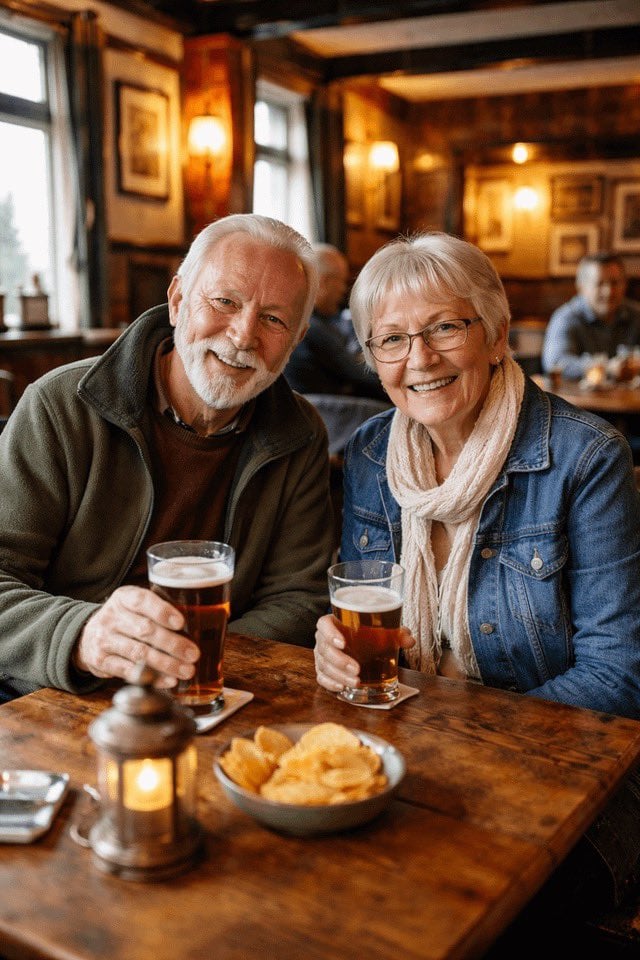
Couple Pub Portrait Transformation
Browse template categories
Food Art Prompt: Historical Scenes as Charcuterie Boards questions
How do I use the Food Art Prompt: Historical Scenes as Charcuterie Boards template?
Add your photo if the template asks for one, edit the prompt if you like — the template's model and format are already selected — and press Generate. Your version opens in PicX Studio.
Can I customize the Food Art Prompt: Historical Scenes as Charcuterie Boards template?
Yes. You can change the subject, setting, lighting, mood, format, and available model controls before creating your image.
Is the Food Art Prompt: Historical Scenes as Charcuterie Boards template free?
Opening and editing this template is free. Generating uses credits, shown on the Generate button when you are signed in.
Which AI model should I use?
Start with Nano Banana 2, which is the model associated with this template. You can compare another compatible model for a different finish.
Looking for something else? Browse all templates.

Your photo, any look
Thousands of ready templates for every top image and video model, from one credit balance.