
Fantasy Multi-panel World Scenes
A creative prompt designed for multi-panel fantasy setting generation, including sky cities, lunar tea houses, and underwater opera houses.
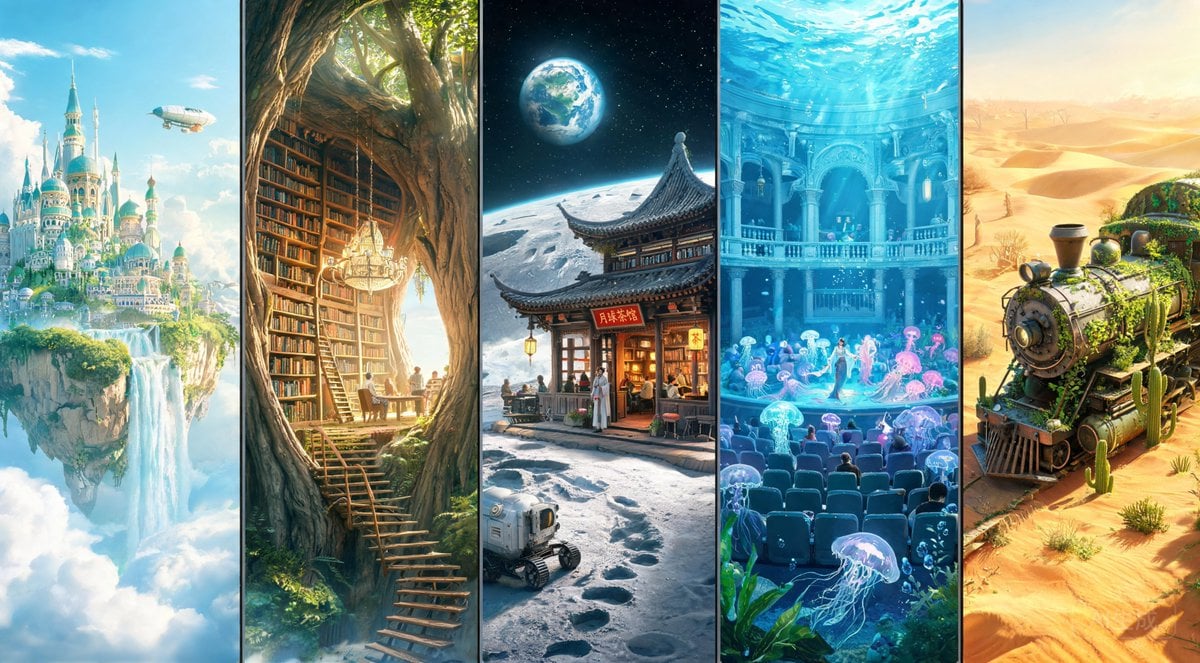
- Prompt included
- Model and format preset
- Free template
The prompt behind this image
Copy the exact prompt behind Fantasy Multi-panel World Scenes, or open it in the studio and make it yours.
生成五个子画面,每格都是不同幻想设定场景: - {argument name="场景一" default="漂浮在天空中的岛屿城市,瀑布从空中落下"}。 - {argument name="场景二" default="建在巨型树干内部的图书馆"}。 - {argument name="场景三" default="月球表面上的东方茶馆"}。 - 水下的古典歌剧院,观众是发光水母。 - 沙漠中央一列被植物吞没的废弃列车。 要求:世界观完整,细节丰富,想象力强。
How to use Fantasy Multi-panel World Scenes in 3 steps
- 1
Open
The prompt is already in the box next to the preview, with the template's model and format selected.
- 2…a portrait of your subject in softgolden-hour light, 85mm…
Personalize
Edit the subject and creative details for your destination.
- 3Generate
Generate
Press Generate — your image is created in PicX Studio, so you can compare it with the original and refine one variable at a time.
More like this
Templates with the same subject, style or setup. Open one to see its prompt.
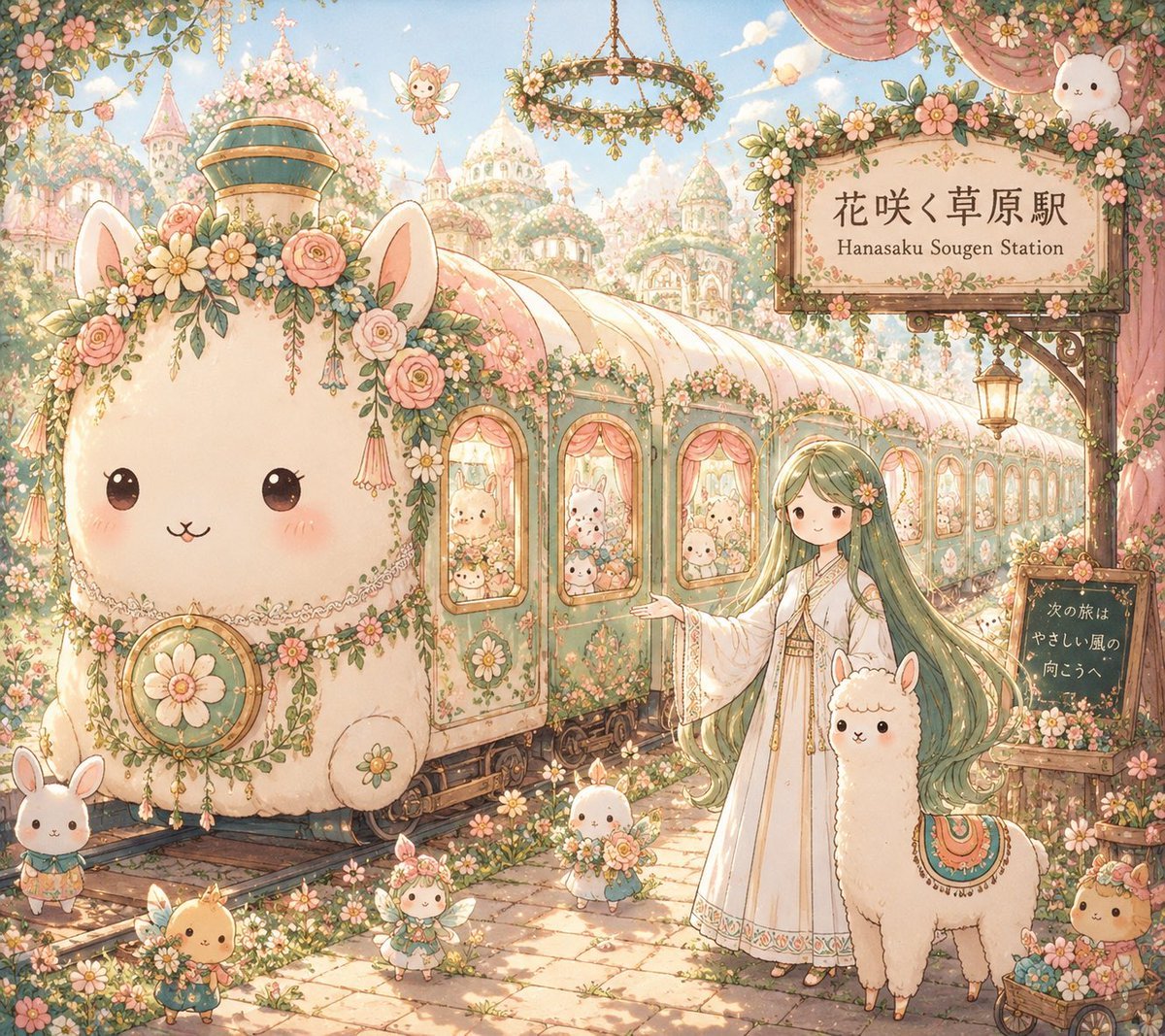
Fantasy Railway World Transformation
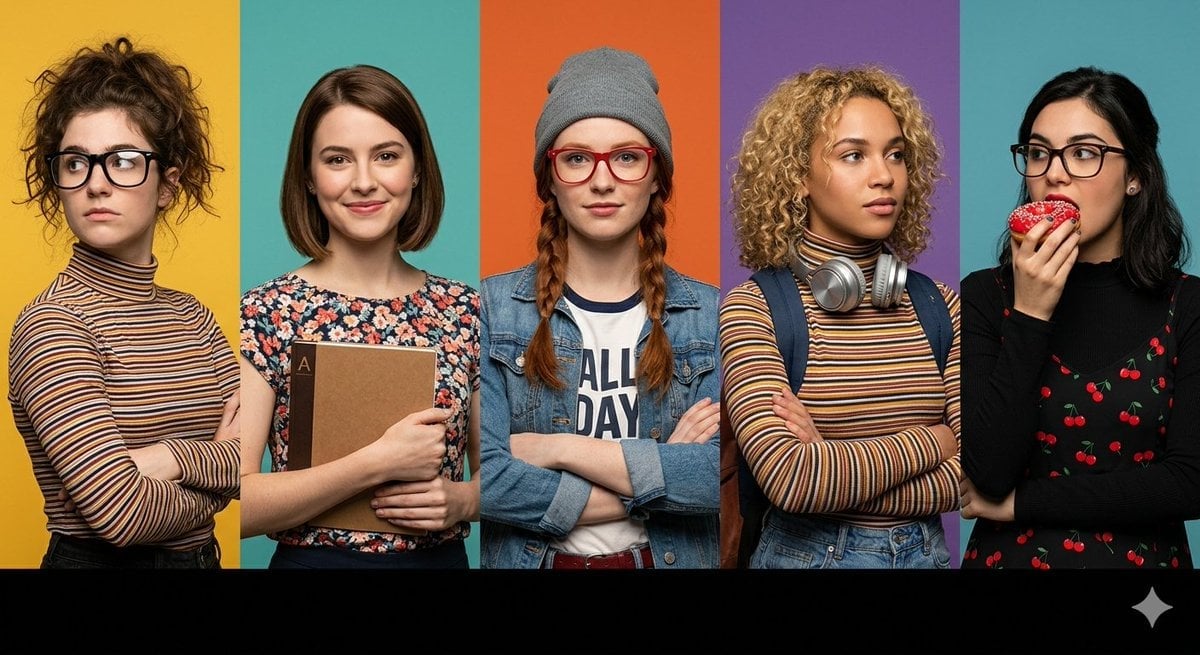
Multi-Panel Cinematic Studio Shot
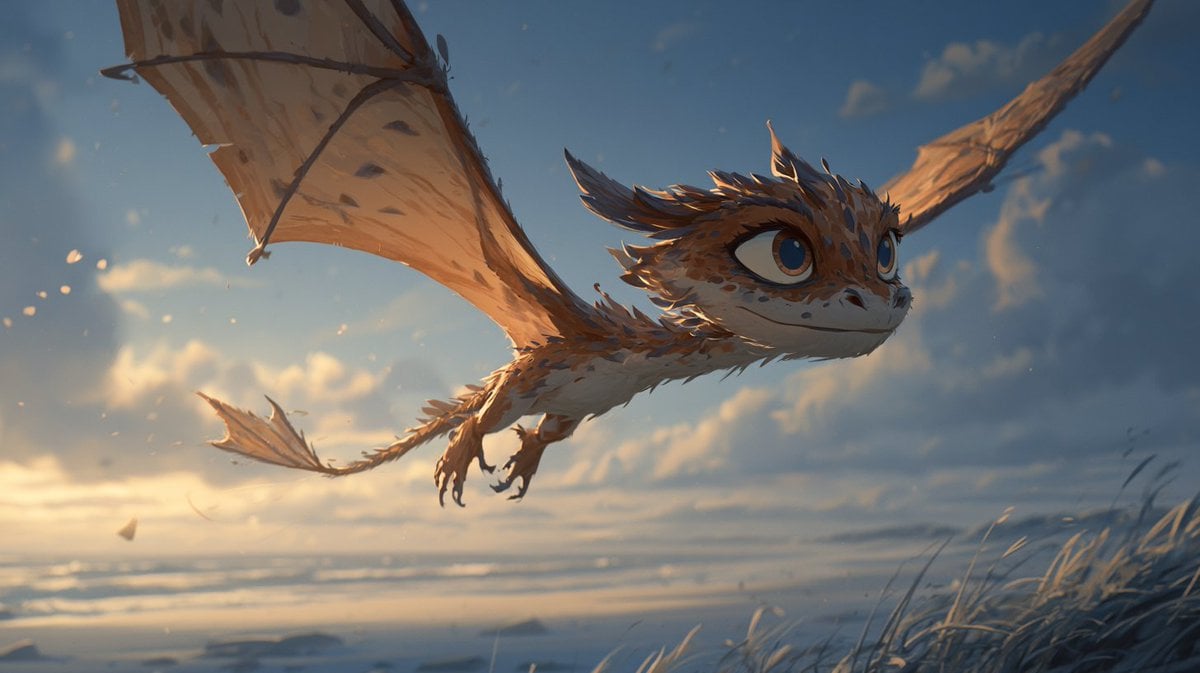
Multi-Panel Comic Illustration

Anime Fantasy Celestial Movie Poster
Anime Fantasy Celestial Movie Poster

Pixar 6-Panel Streethero Expression Grid

Minecraft Fantasy Kingdom Voxel Landscape

Unfinished Sketch Comes Alive Portrait

Open Travel Journal Overhead Still Life

Tiny Woman Miniature Fantasy Macro Scene
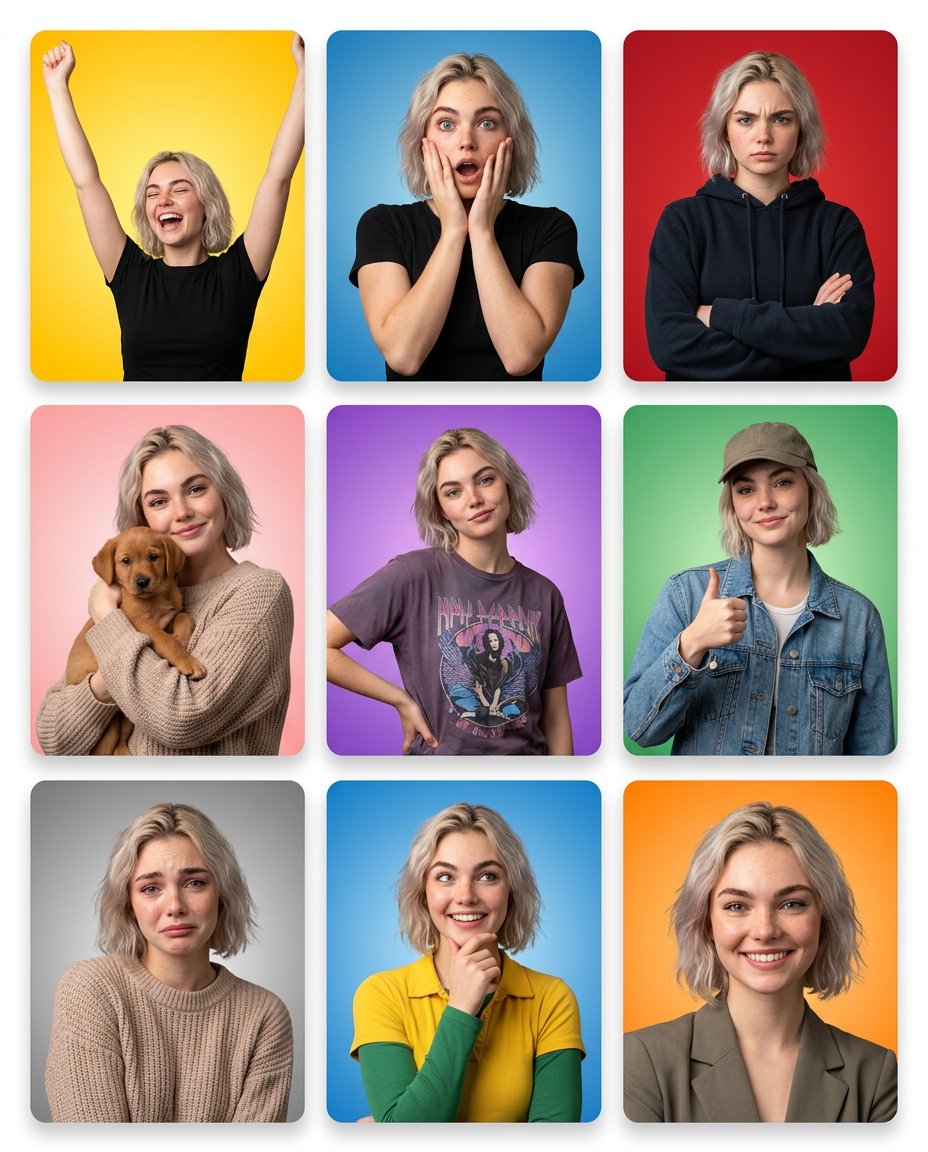
Multi-Panel Emotional State Grid
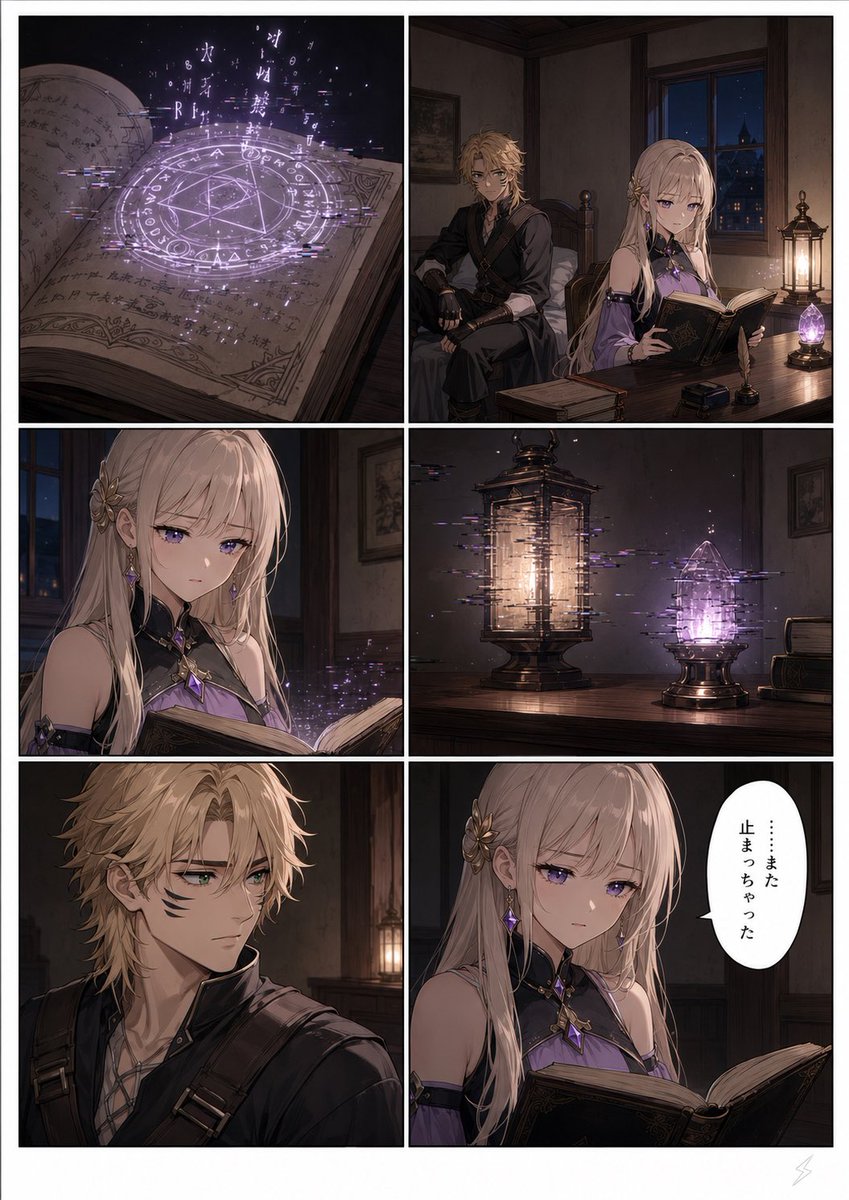
Six-Panel Fantasy Magic Comic Page
Make it yours
Fantasy Multi-panel World Scenes works as-is. These are the safest ways to change it without losing the look.
Change one field
Copy a single group, rewrite it, and generate again so you can see what that field is doing.
Keep the frame, change the subject
Hold the composition and light of Fantasy Multi-panel World Scenes, then swap wardrobe, props or the person for a new take.
| If the result… | Why | Fix |
|---|---|---|
| The result drifts from the preview | Too many fields changed at once. | Reuse Fantasy Multi-panel World Scenes as-is first, then change one group — subject, light, or setting. |
| The model over-stylizes the scene | The prose prompt leaves finish and camera underspecified. | Add one camera or lighting sentence and stay on GPT Image 2. |
More GPT Image 2 templates
Other prompts made for GPT Image 2.

Six VTuber Japanese Logo Sheet

Realistic Portrait of Woman and Deer

The Vista Modular Condo Poster

AI Model Routing Comparison Infographic

2.5D Anime Art Board

Isometric Productivity Desk Scene

New York Double Exposure Poster

Four-Panel AI Landscape Comparison

Japanese Tatami Lifestyle Magazine Cover

NESCAFÉ Coffee Map Poster
More image prompts
Fresh picks from across the catalog.
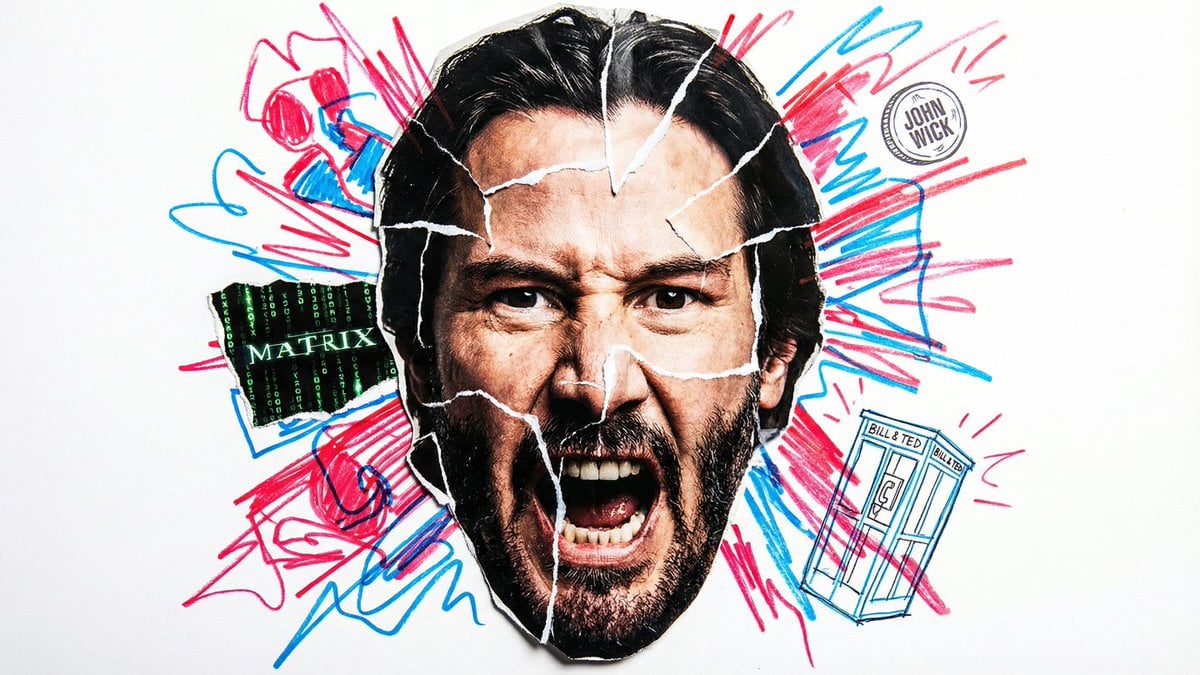
Simple Nano Banana Prompt for Urban Caricature
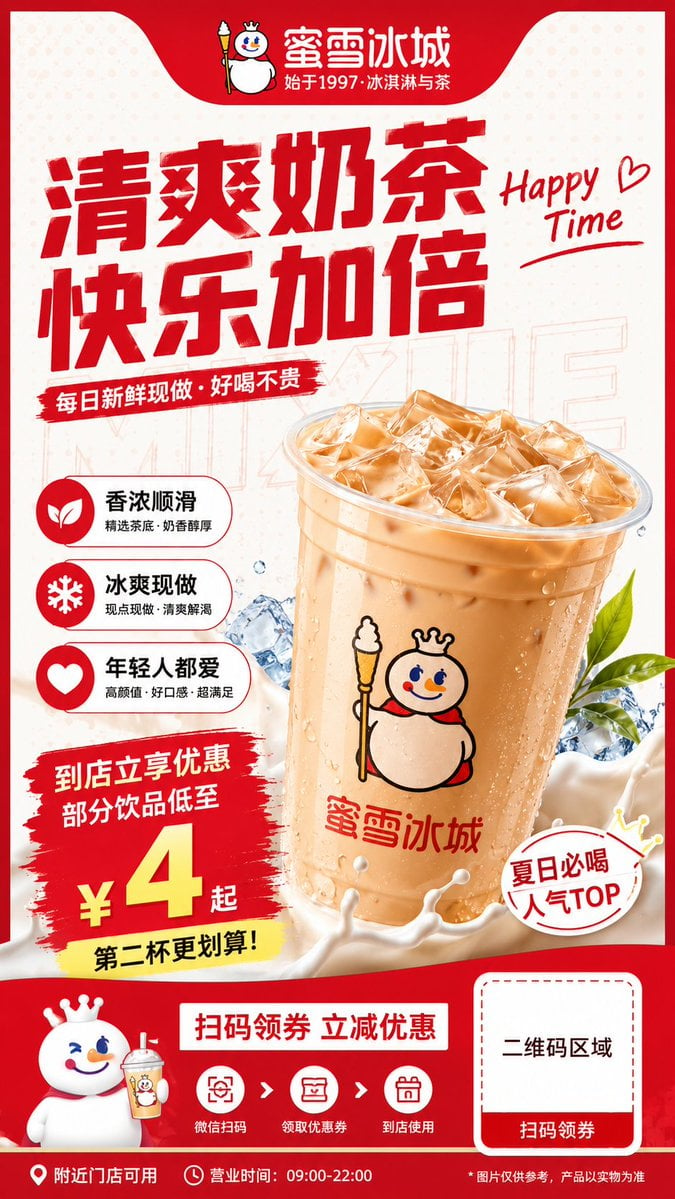
Modern Milk Tea Promotional Flyer
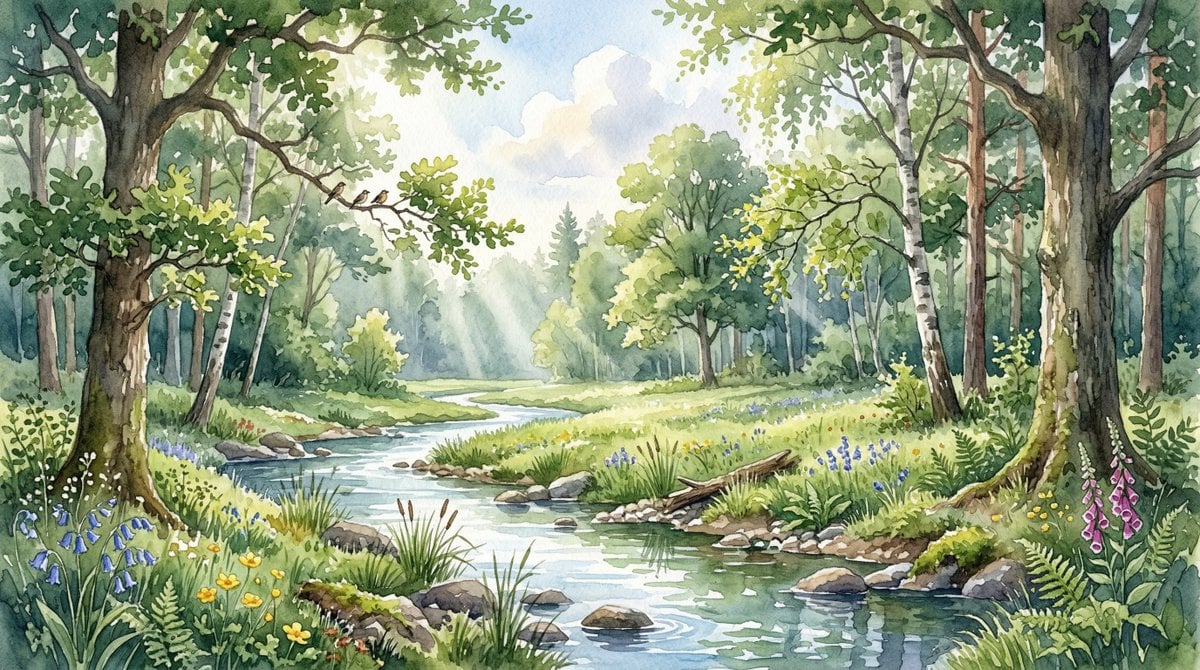
Watercolor Forest Clearing with Stream
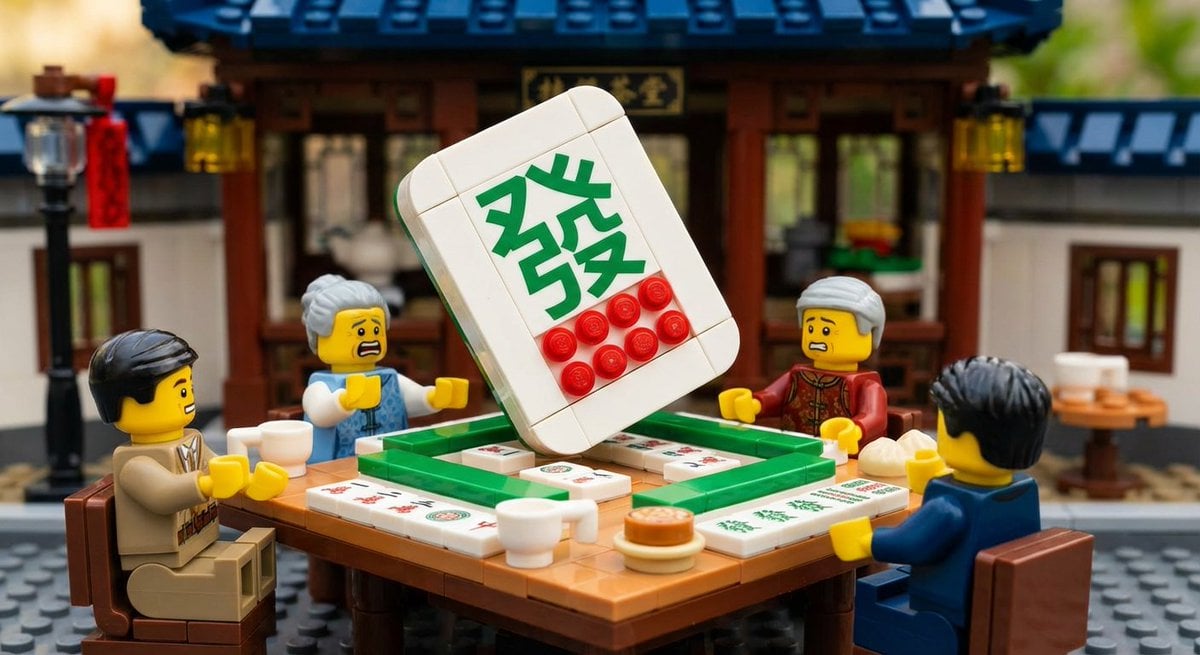
Nano Banana Pro-themed hero image (duplicate Chinese prompt 2)
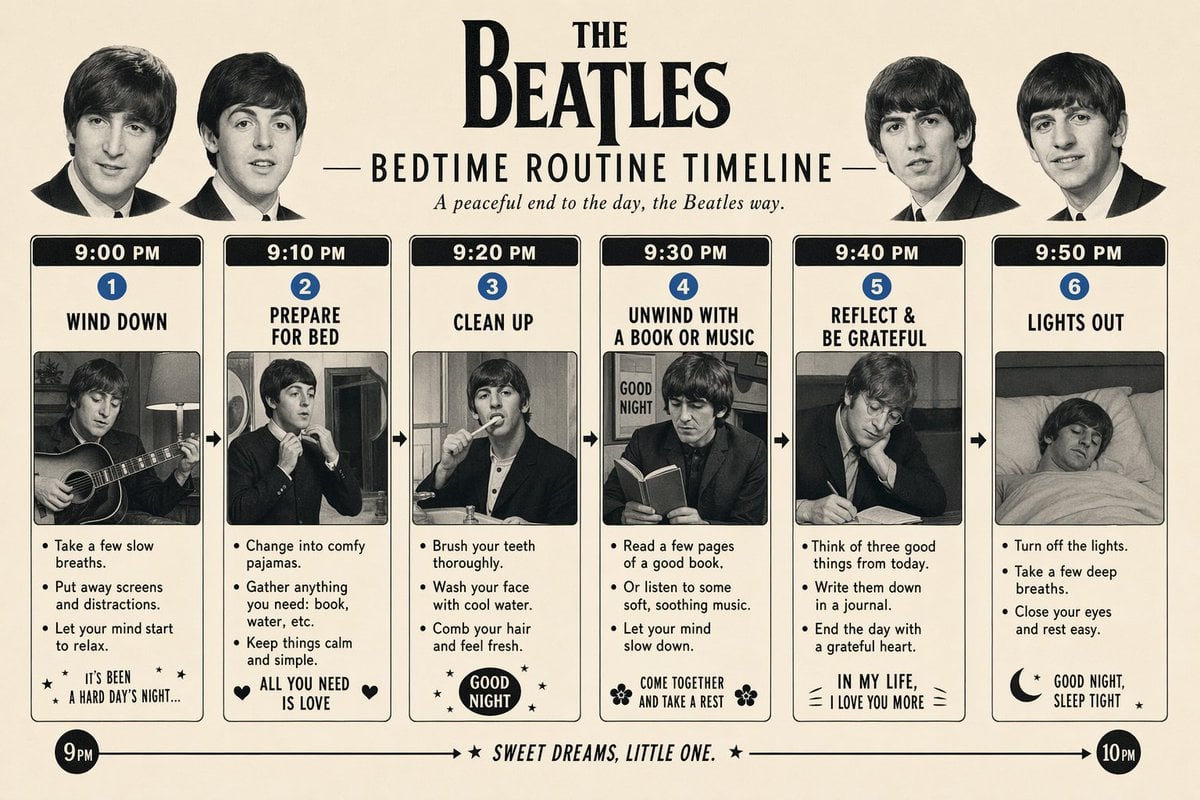
Themed Routine Timeline Infographic
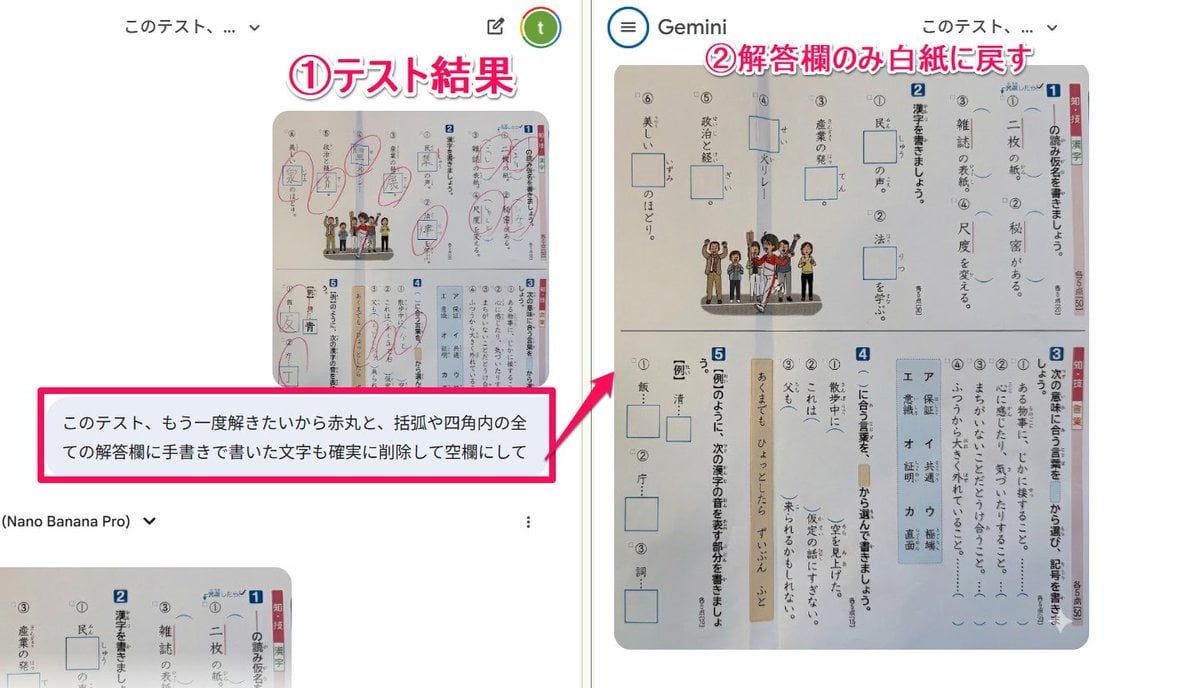
Prompt for clearing handwritten answers from a test image for reuse
BMW M4 GT4 Motorsport Poster
Gpt2 Social Media Post Anime Band Finale at Budokan
Hyper-Realistic Portrait Generation Prompt (Polina Gagarina)
Red Satin Slip Dress Bathroom Flash Photo Prompt
Browse template categories
Fantasy Multi-panel World Scenes questions
How do I use the Fantasy Multi-panel World Scenes template?
Add your photo if the template asks for one, edit the prompt if you like — the template's model and format are already selected — and press Generate. Your version opens in PicX Studio.
Can I customize the Fantasy Multi-panel World Scenes template?
Yes. You can change the subject, setting, lighting, mood, format, and available model controls before creating your image.
Is the Fantasy Multi-panel World Scenes template free?
Opening and editing this template is free. Generating uses credits, shown on the Generate button when you are signed in.
Which AI model should I use?
Start with GPT Image 2, which is the model associated with this template. You can compare another compatible model for a different finish.
Looking for something else? Browse all templates.

Your photo, any look
Thousands of ready templates for every top image and video model, from one credit balance.