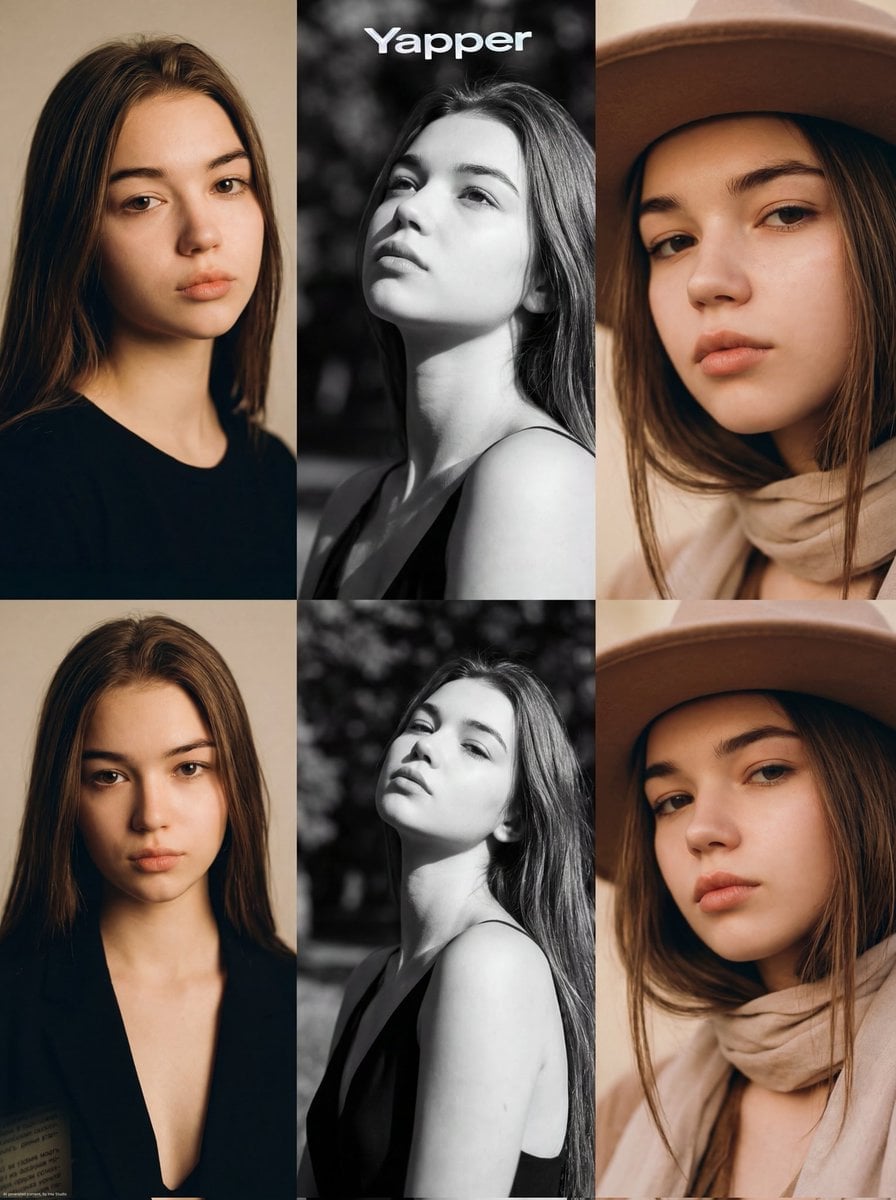
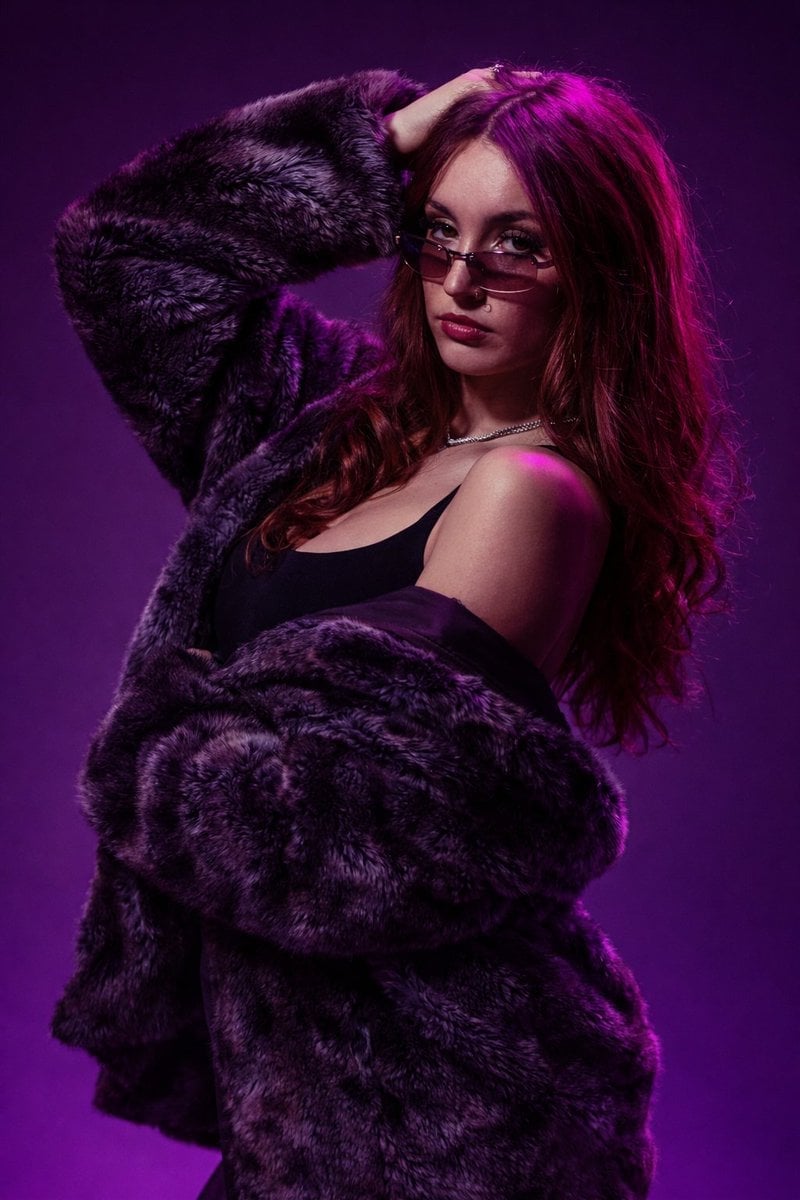
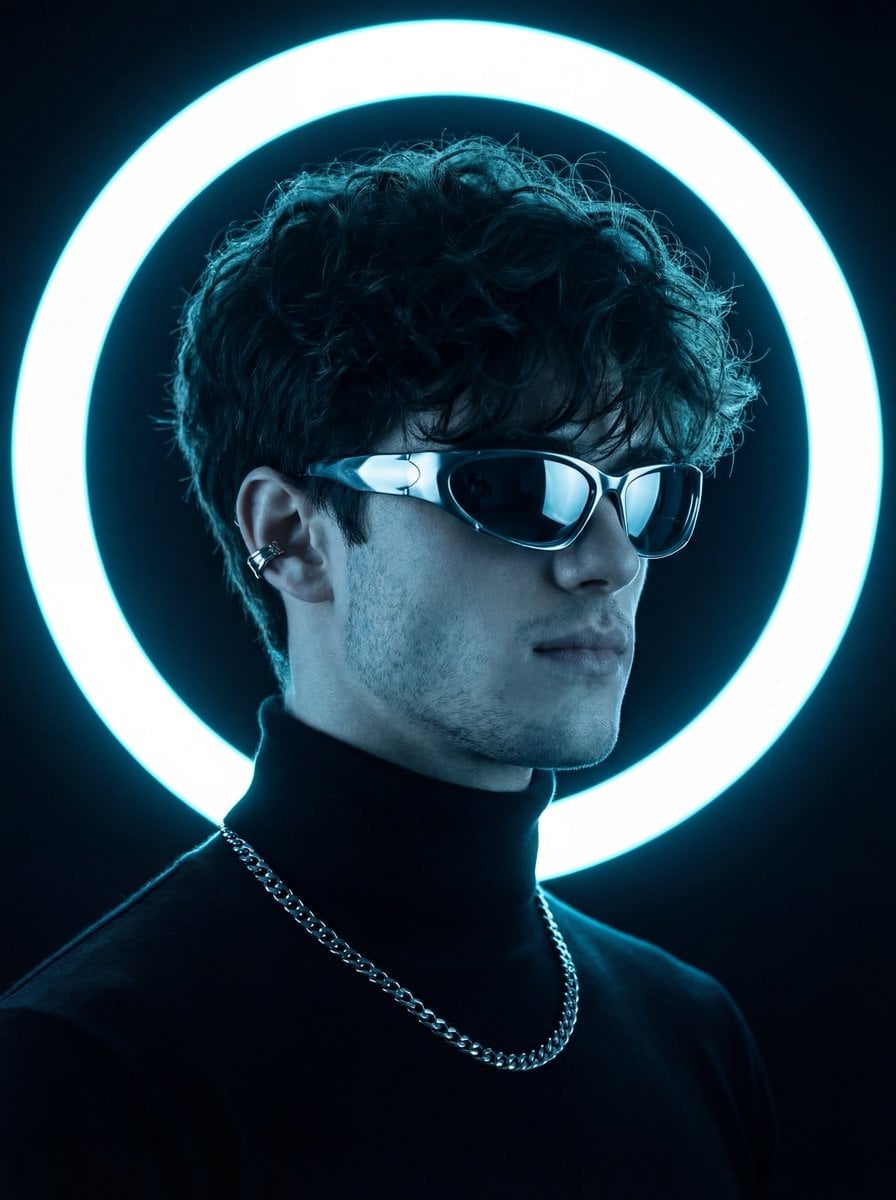
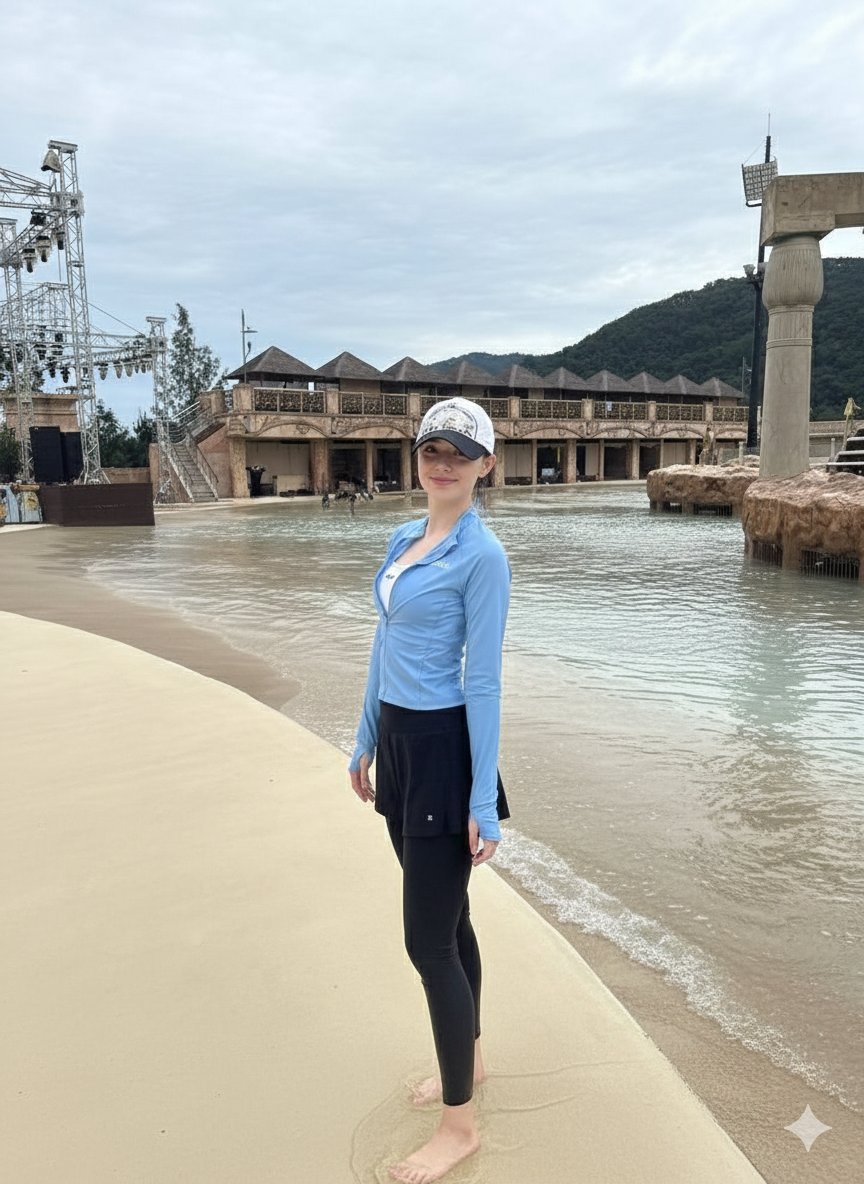
How do I use the Multi-Panel Cinematic Studio Shot template?
Choose the primary action to open PicX Studio with the available template settings. Review the model and format, personalize the creative direction, and generate when ready.
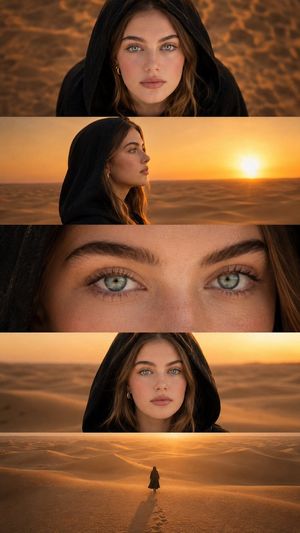
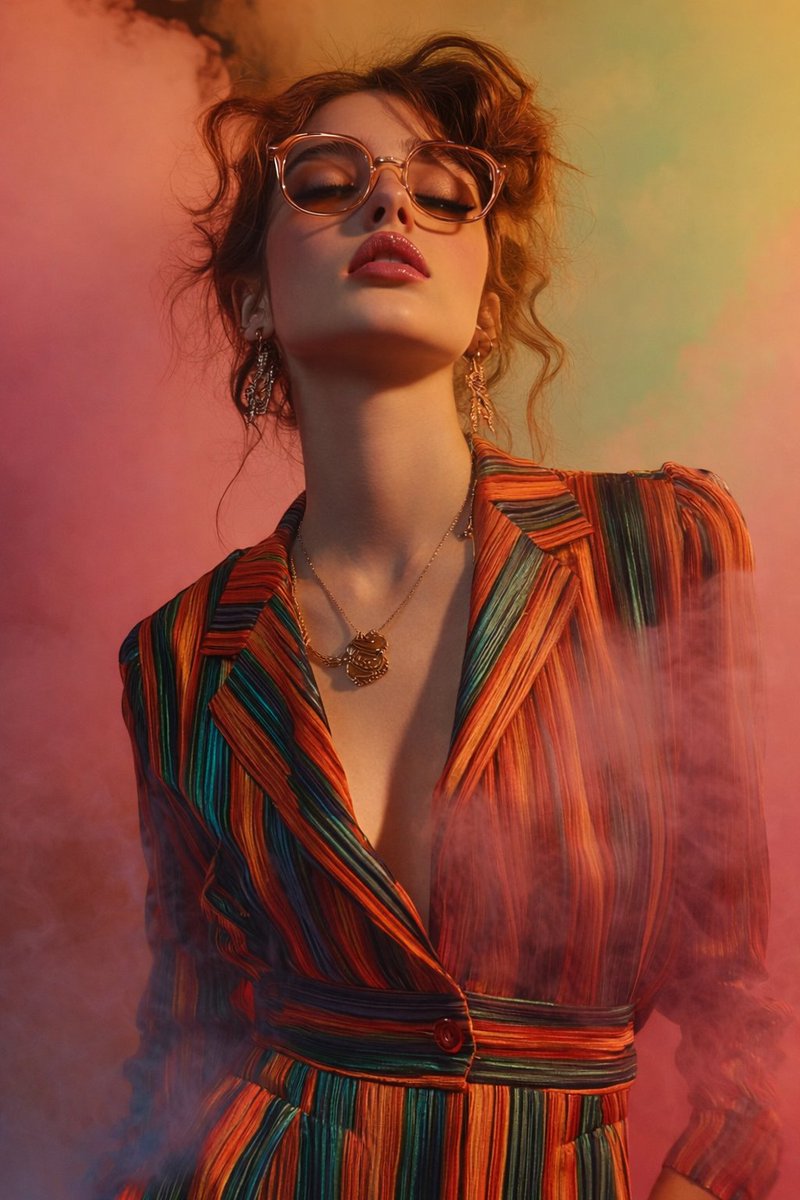
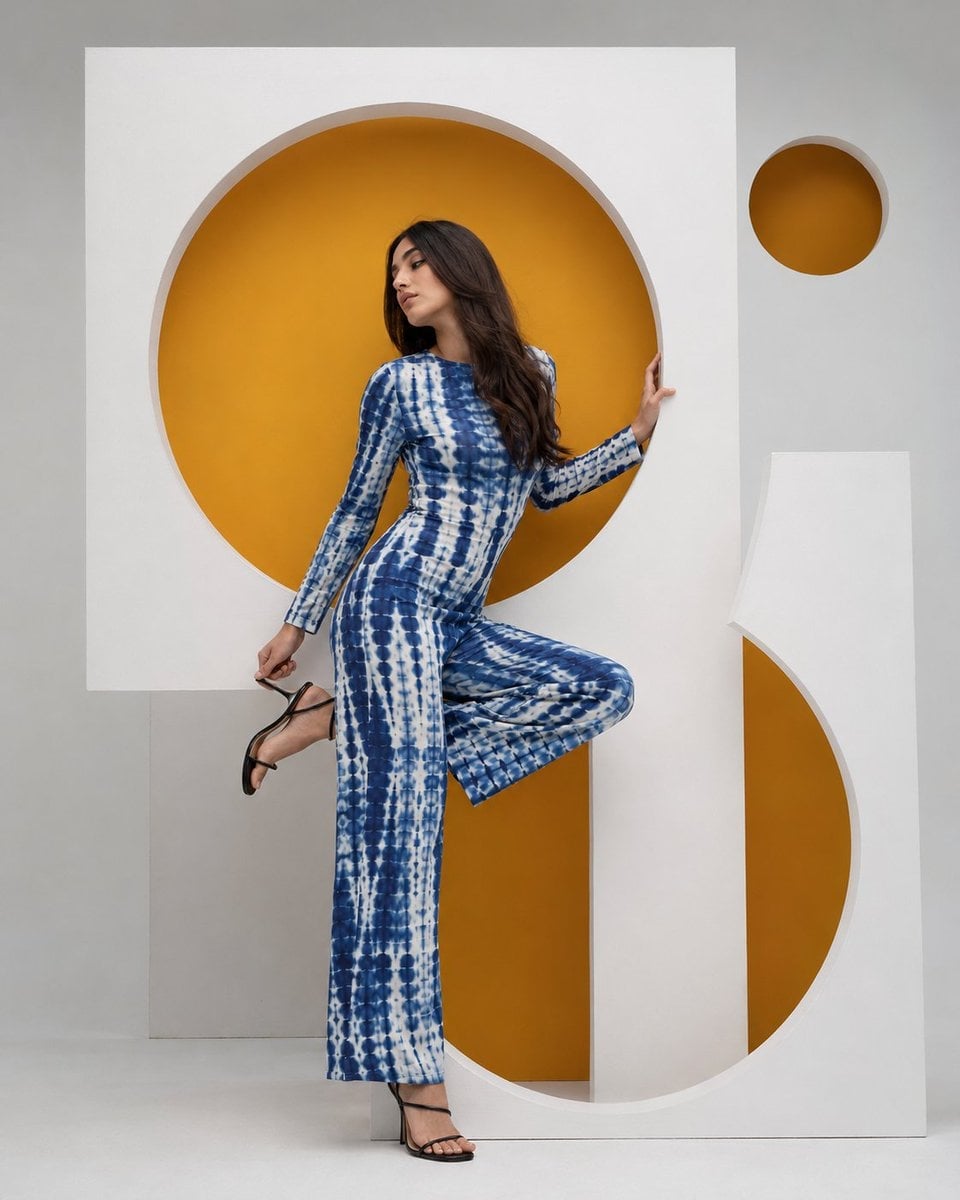
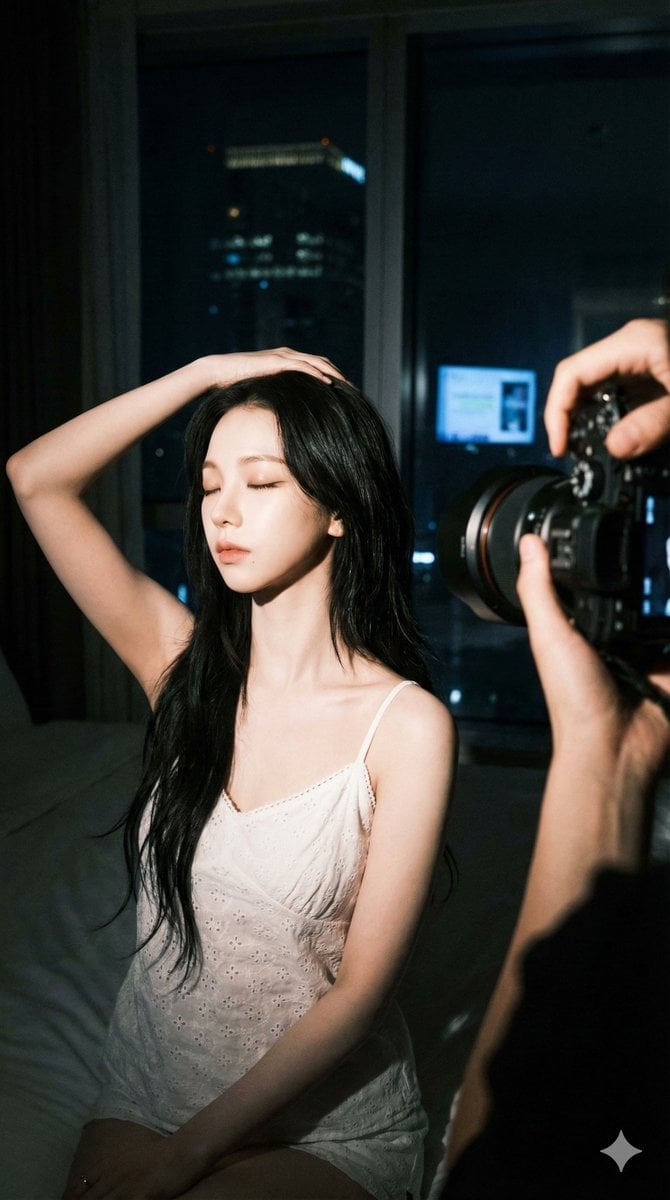
A prompt for a wide horizontal frame composed of five distinct vertical panels, each featuring a different character with specific styling.

A clean, high-resolution cinematic studio photograph, presented as a single wide horizontal frame composed of five distinct, perfectly aligned vertical panels with {argument name="panel colors" default="solid-colored backgrounds (from left: yellow, teal, orange, purple, and blue-green)"}. Five diverse young women stand centrally in each panel, posed as in image_0.png but without any text, logos, or stickers. Panel 1 (Yellow): Woman with messy brown curly hair and thick black glasses, wearing a striped turtleneck. Panel 2 (Teal): Woman with a neat brown bob, a floral patterned top, and a notebook with an 'A' spine. Panel 3 (Orange): Woman with a grey beanie, red braided hair, red-rimmed glasses, and an "ALL DAY" graphic t-shirt. Panel 4 (Purple): Woman with curly blonde hair and large silver headphones, wearing a striped turtleneck and a backpack. Panel 5 (Blue-Green): Woman with dark hair, dark-rimmed glasses, and a red cherry-patterned top, eating a red donut. The foreground {argument name="background element" default="black bar at the bottom"} is entirely clean, with all Japanese text, the white rabbit, and the yellow circle logo removed. The overall image has an exquisite, clean cinematic finish with refined lighting that feels like a curated style guide or film still. The focus is sharp on the women and their expressions. Maintain the exact poses and items (glasses, notebook, donut, etc.) without any overlay text
Choose the primary action to open PicX Studio with the available template settings. Review the model and format, personalize the creative direction, and generate when ready.
Yes. You can change the subject, setting, lighting, mood, format, and available model controls before creating your image.
This template is free to open and customize. Generation usage is shown in PicX Studio before you create.
Start with Nano Banana 2, which is the model associated with this template. You can compare another compatible model for a different finish.
Follow a topic to a crawlable collection of related PicX Studio templates.