
Editorial Fashion Flower Field Collage
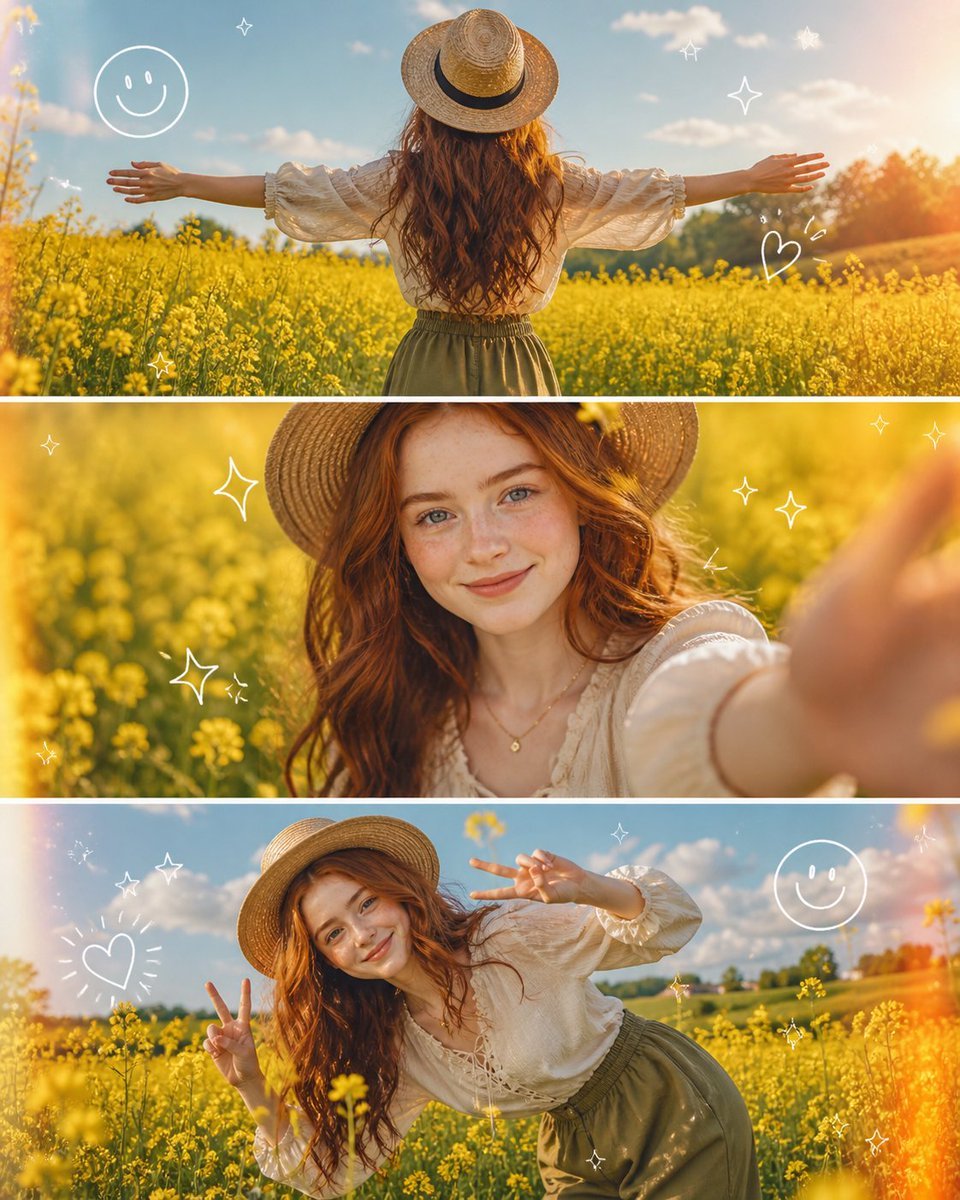
A sophisticated 3-panel vertical collage featuring a woman in vintage attire within a sunny mustard flower field, designed for a high-end Instagram aesthetic.
- Prompt included
- Model and format preset
- Free template
The prompt behind this image
Copy the exact prompt behind Editorial Fashion Flower Field Collage, or open it in the studio and make it yours.
A high-quality 3-panel vertical photo collage of a {argument name="subject" default="stunning uploaded woman"} with soft, voluminous wavy hair glowing in golden sunlight. She is styled in a {argument name="outfit" default="cream-colored lace-up vintage blouse"} with delicate textures, olive green high-waisted flowy trousers, and a wide-brimmed straw hat slightly tilted for a fashionable editorial look. Light golden jewelry (thin chains, rings) adds a subtle luxury touch.\nThe setting is a {argument name="setting" default="dreamy, vibrant yellow mustard flower field"} under a bright blue sky with soft clouds, enhanced by golden hour lighting for a magical glow.\nTop panel: Back view of the woman standing in the field with arms wide open, sunlight creating a glowing halo around her hair, slight motion blur in flowers for a cinematic feel.\nMiddle panel: Close-up portrait, she smiles naturally at the camera, wind softly moving her hair, her hand reaching toward the lens creating depth and a slightly blurred foreground for a DSLR effect.\nBottom panel: Playful pose, she leans sideways in the flowers, making a double peace sign, laughing candidly, capturing an authentic joyful moment.\nAdd cute, trendy white doodle overlays (smiley faces, sparkles, stars, tiny hearts) with a subtle animated/sketchy feel. Include light leaks, sun flares, and soft film grain for a premium Instagram aesthetic.\nUltra-realistic, 4K, cinematic lighting, shallow depth of field, high dynamic range, natural skin tones, editorial fashion photography, soft pastel color grading.\nAspect ratio: 4:5\nStyle tags: viral Instagram aesthetic, Pinterest style, dreamy spring vibe, candid luxury
How to use Editorial Fashion Flower Field Collage in 3 steps
- 1Upload ImagePNG, JPG or paste
Add your photo
Upload the photo the template builds on. The prompt, model and format are already set.
- 2…a portrait of your subject in softgolden-hour light, 85mm…
Personalize
Edit the subject and creative details for your destination.
- 3Generate
Generate
Press Generate — your image is created in PicX Studio, so you can compare it with the original and refine one variable at a time.
More like this
Templates with the same subject, style or setup. Open one to see its prompt.

untitled

Google Gemini Nano Banana Pro

Conceptual Fashion Portrait in Spider We

01 Skincare Split Portrait — Nano Banana 2

24 The Getty Center — California Series

21 Glass Floor Skyscraper — California Series

19 Luxury Helicopter Travel — California Series

08 Rodeo Drive Luxury Exit — California Series

03 Beverly Hills Convertible — California Series

Gpt Image 2 Fashion Portrait

Caution Tape Fashion — Industrial Editorial

Nano Banana - Paris Cafe Editorial
Make it yours
Editorial Fashion Flower Field Collage works as-is. These are the safest ways to change it without losing the look.
Change one field
Copy a single group, rewrite it, and generate again so you can see what that field is doing.
Keep the frame, change the subject
Hold the composition and light of Editorial Fashion Flower Field Collage, then swap wardrobe, props or the person for a new take.
| If the result… | Why | Fix |
|---|---|---|
| The result drifts from the preview | Too many fields changed at once. | Reuse Editorial Fashion Flower Field Collage as-is first, then change one group — subject, light, or setting. |
| The model over-stylizes the scene | The prose prompt leaves finish and camera underspecified. | Add one camera or lighting sentence and stay on GPT Image 2. |
More GPT Image 2 templates
Other prompts made for GPT Image 2.

Six VTuber Japanese Logo Sheet

Realistic Portrait of Woman and Deer

The Vista Modular Condo Poster

AI Model Routing Comparison Infographic

2.5D Anime Art Board

Isometric Productivity Desk Scene

New York Double Exposure Poster

Four-Panel AI Landscape Comparison

Japanese Tatami Lifestyle Magazine Cover

NESCAFÉ Coffee Map Poster
More image prompts
Fresh picks from across the catalog.
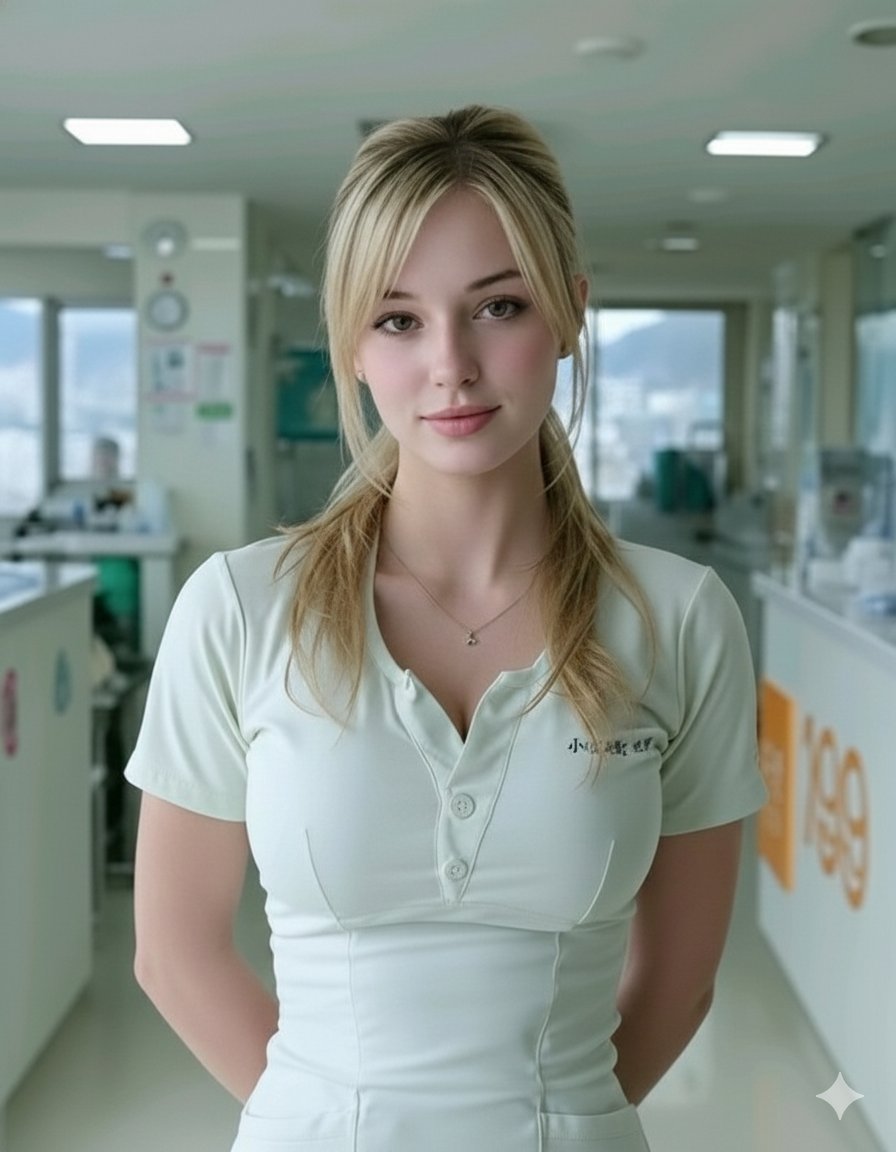
Photorealistic Portrait of a Nurse in a Modern Hospital
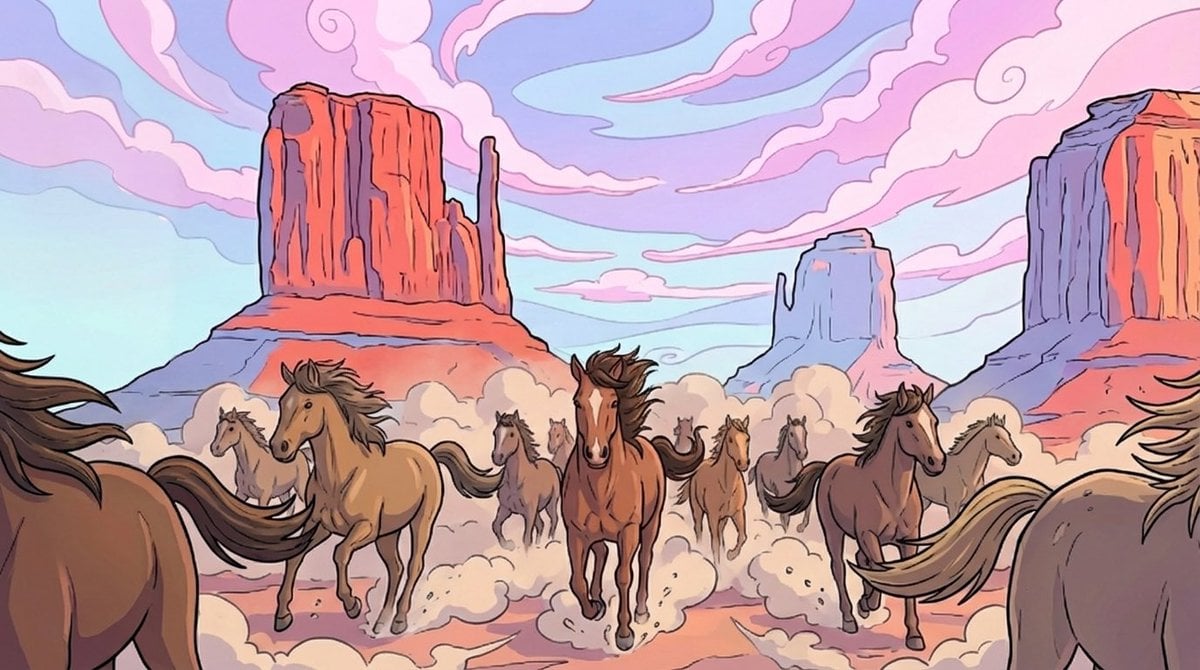
Storyboard-style action-following frame
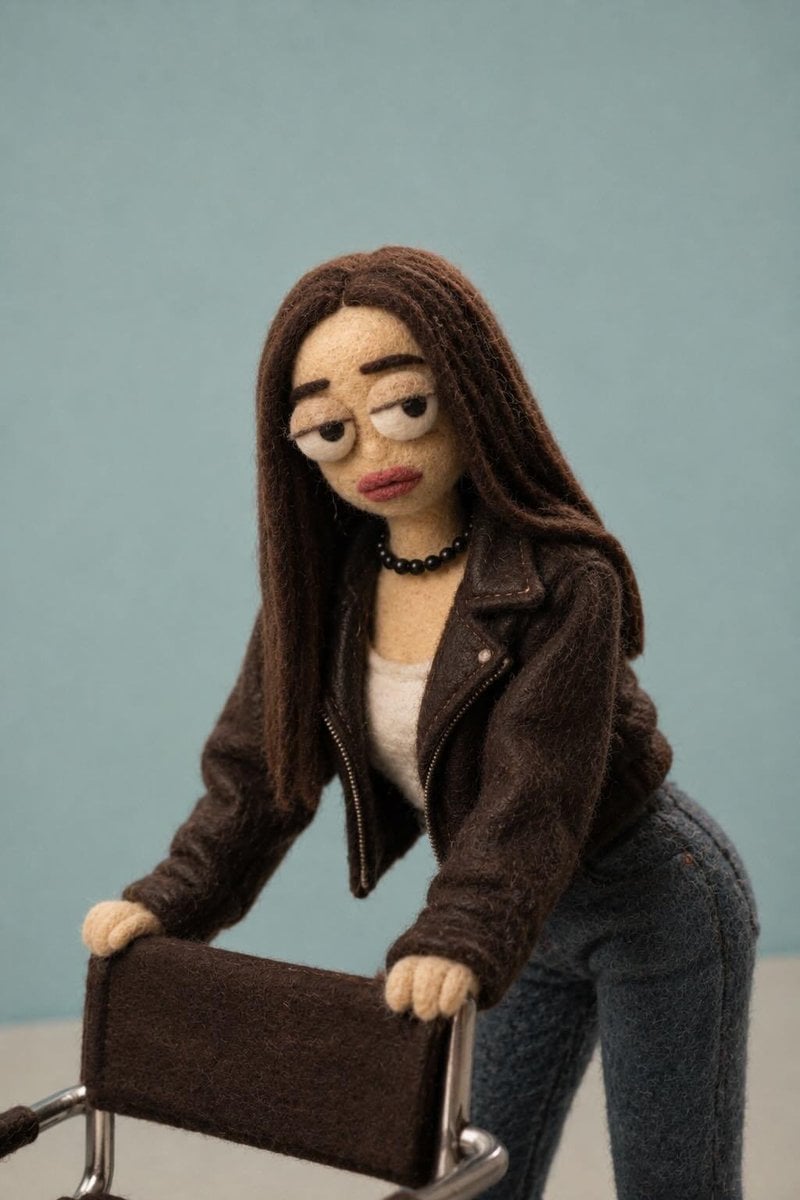
Needle-Felt Stop-Motion Transformation
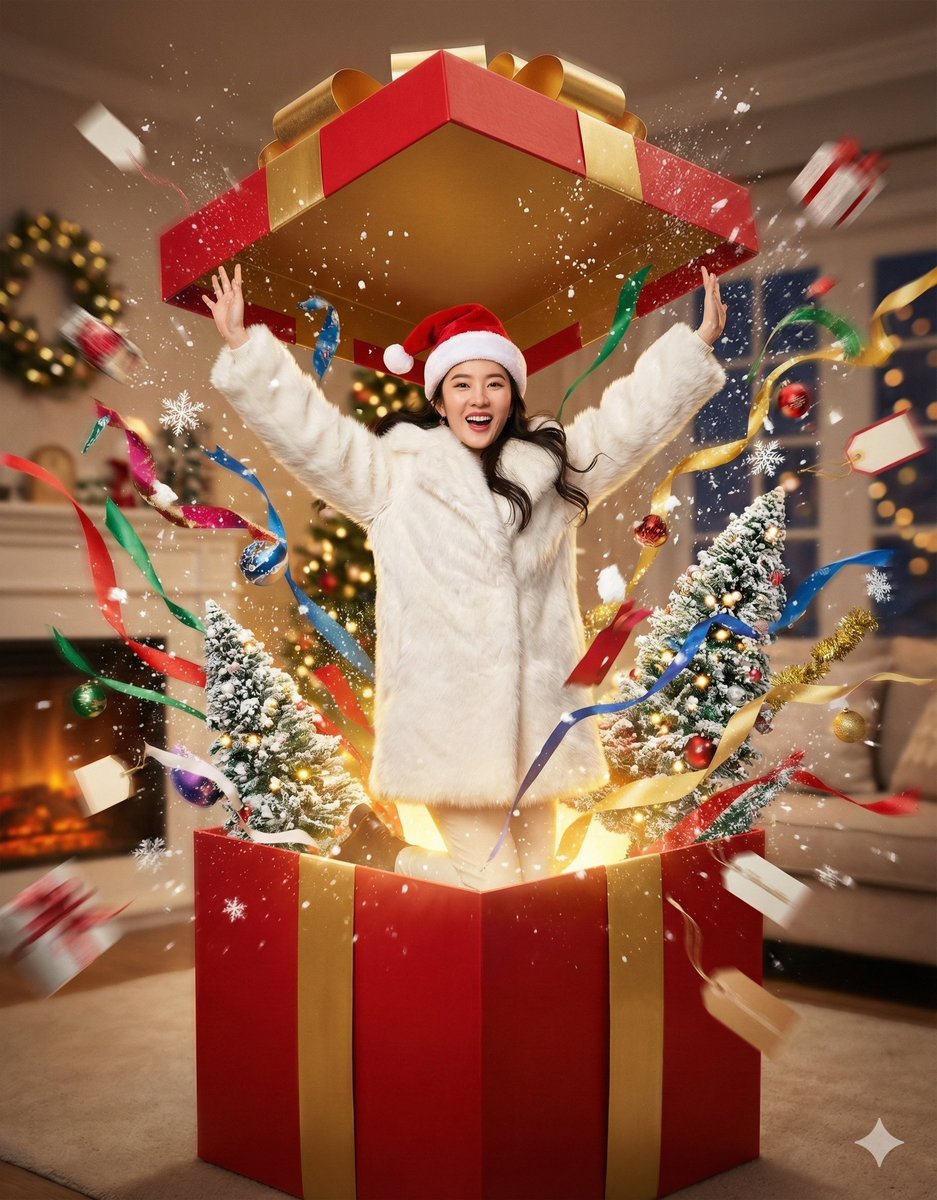
Christmas Surprise Box Dynamic Action Shot
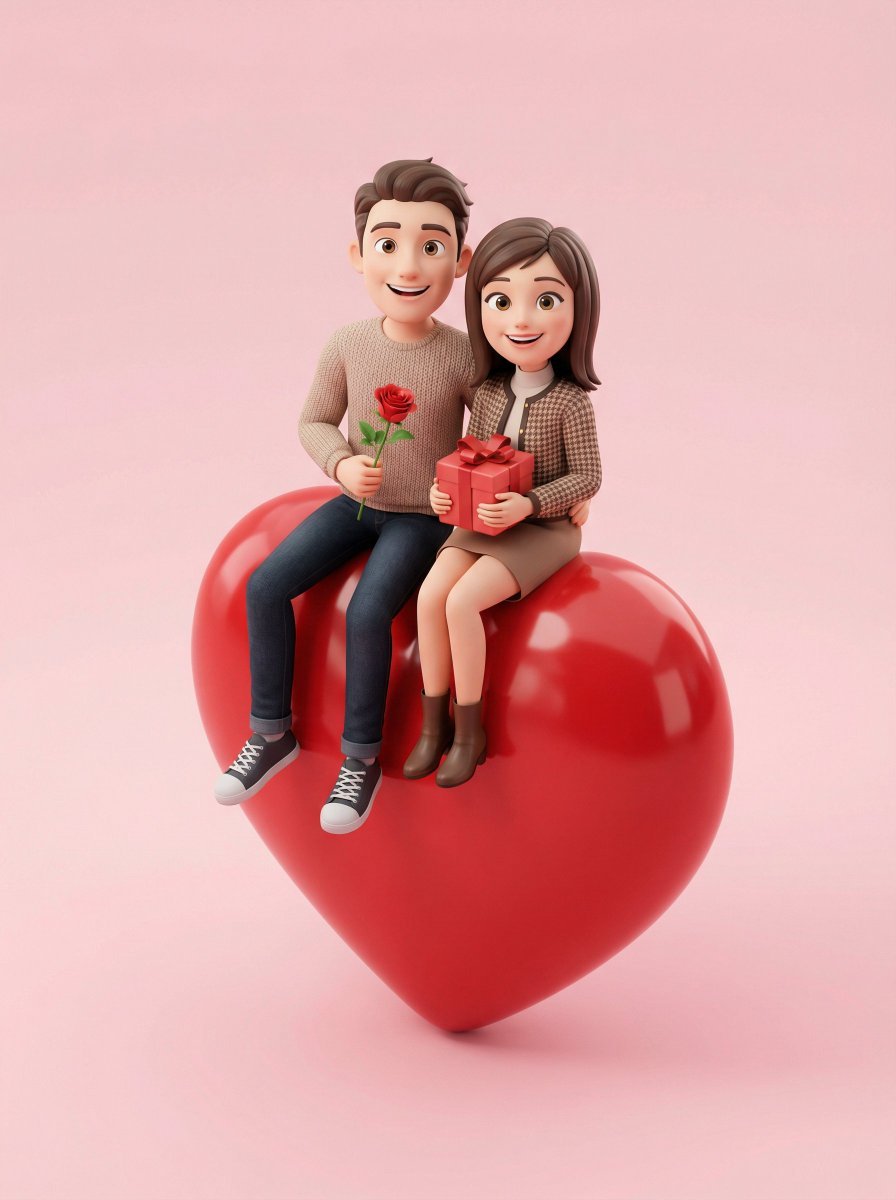
3D Render of Couple on Giant Heart
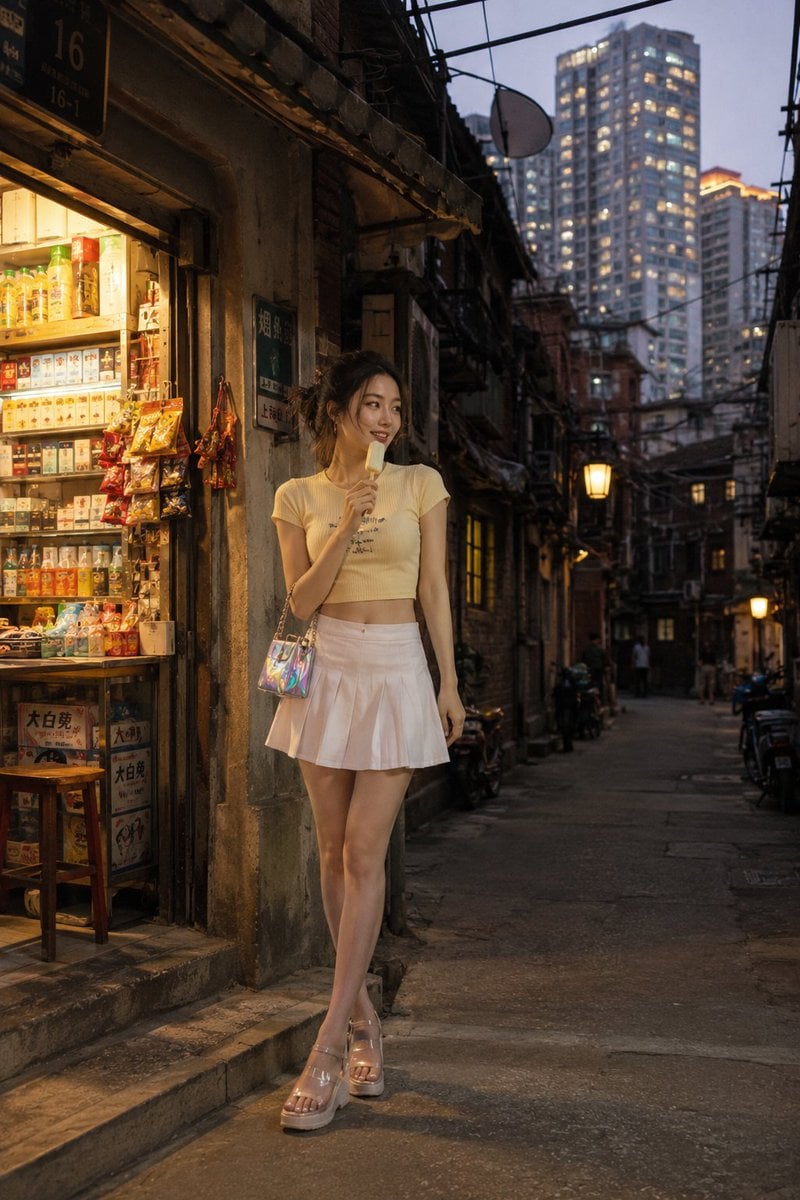
Shanghai Longtang Street Candid
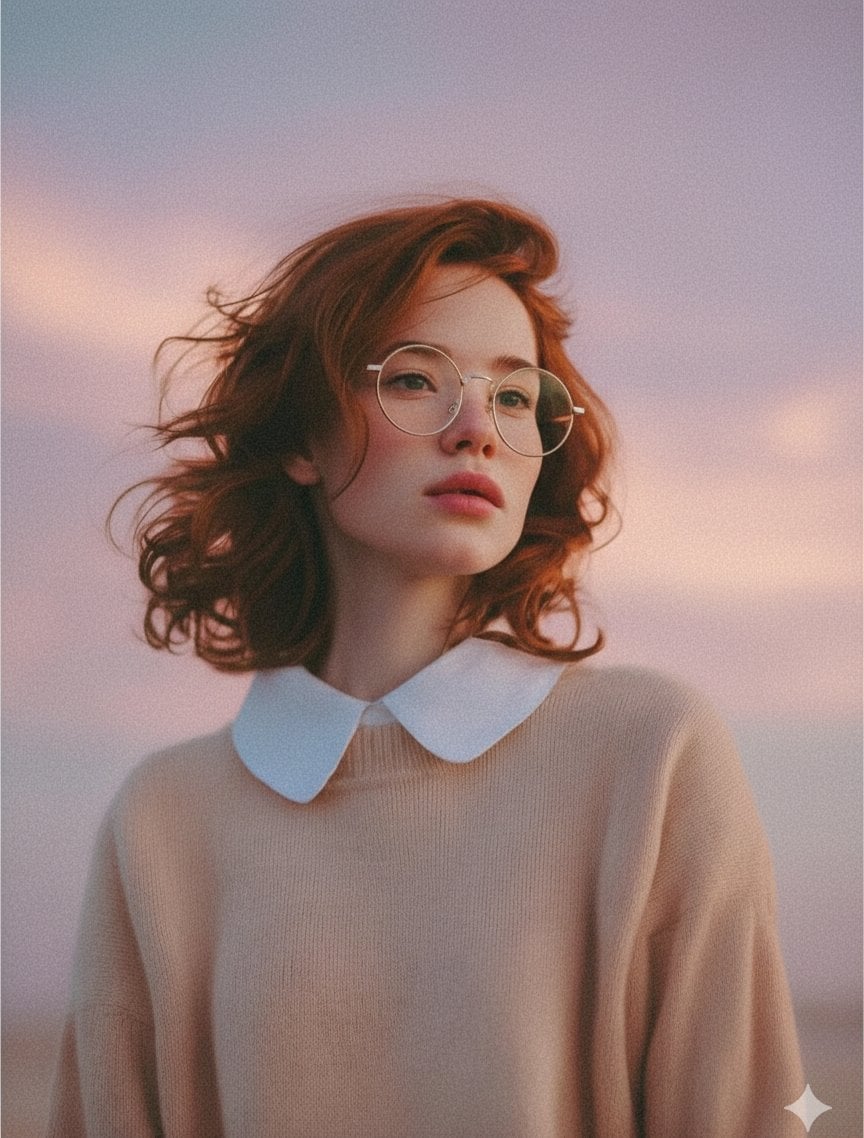
Photorealistic Portrait Prompt (Young Woman)
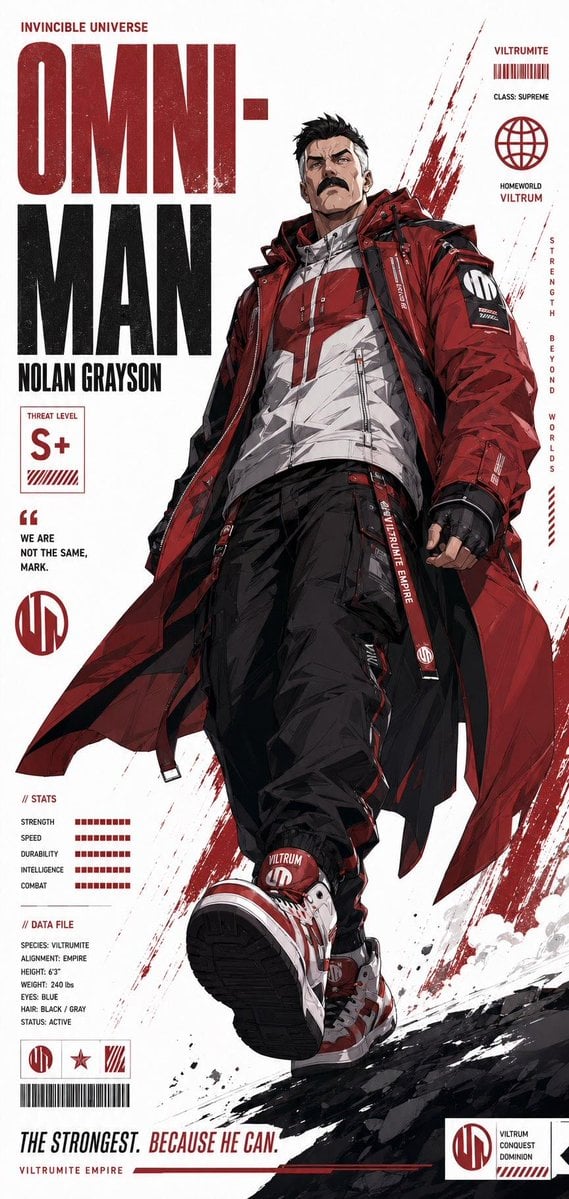
Futuristic Anime Superhero Techwear Poster

Skin Comparison Portrait — Nano Banana Pro
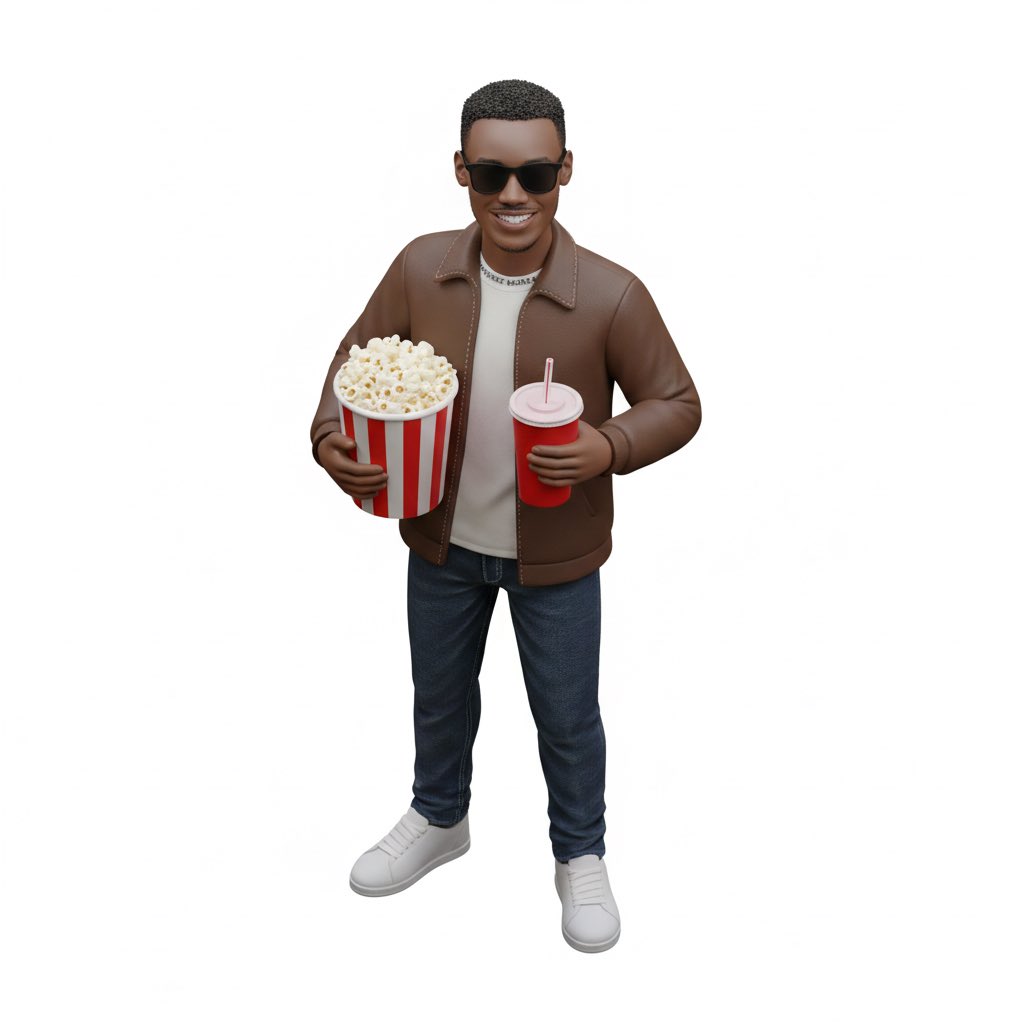
Isometric figurine generation prompt for Nano Banana Pro
Browse template categories
Editorial Fashion Flower Field Collage questions
How do I use the Editorial Fashion Flower Field Collage template?
Add your photo if the template asks for one, edit the prompt if you like — the template's model and format are already selected — and press Generate. Your version opens in PicX Studio.
Can I customize the Editorial Fashion Flower Field Collage template?
Yes. You can change the subject, setting, lighting, mood, format, and available model controls before creating your image.
Is the Editorial Fashion Flower Field Collage template free?
Opening and editing this template is free. Generating uses credits, shown on the Generate button when you are signed in.
Which AI model should I use?
Start with GPT Image 2, which is the model associated with this template. You can compare another compatible model for a different finish.
Looking for something else? Browse all templates.

Your photo, any look
Thousands of ready templates for every top image and video model, from one credit balance.