
Cute Superhero Drink Doodle Photo
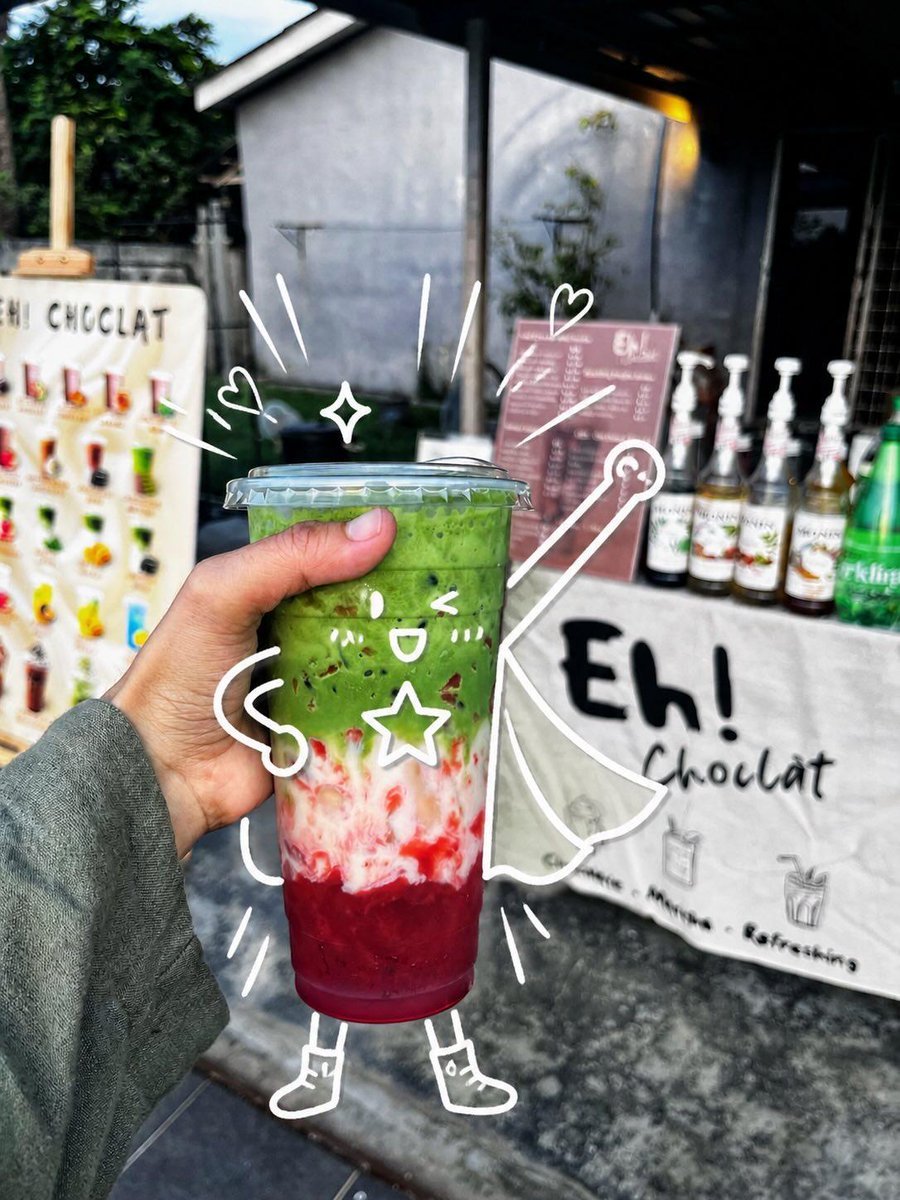
Generates a realistic handheld café drink photo enhanced with playful white doodles that turn the cup into a whimsical superhero character.
- Prompt included
- Model and format preset
- Free template
The prompt behind this image
Copy the exact prompt behind Cute Superhero Drink Doodle Photo, or open it in the studio and make it yours.
Create a realistic handheld street-food photo of a layered iced drink in a clear plastic takeaway cup with a domed flat lid, held close to the camera by a left hand wearing a muted gray-green long sleeve. The drink has three vivid layers: a deep ruby-red fruit base at the bottom, a cloudy white creamy middle with red streaks, and a thick bright matcha-green top with small dark specks. Set the scene outdoors in front of a small dessert drink stall, with shallow depth of field and natural daylight; the background should be softly blurred but still show a white sign reading “Eh! Chocolat,” a pink menu board, syrup bottles lined up on the counter, a green bottle at the right, and a colorful menu display at the left. Add playful white hand-drawn doodles directly over the photo so the cup becomes a cute superhero character: one kawaii face on the cup with two eyes, one open smile, two blush-mark groups, and one outlined star on its body; two noodle-like arms, two simple legs, and two small boots; one flowing cape extending to the right; one wand or magic staff with a circular tip; two small hearts, one four-point sparkle, and nine short motion/emphasis strokes around the cup. Keep the doodles casual, imperfect, bright white, and integrated with the subject as if sketched on top of the photograph. Use a vibrant candid smartphone photography look, high contrast, crisp focus on the drink and hand, blurred café-stall background, and a cheerful whimsical mood. Customize the stall sign text as {argument name="stall sign text" default="Eh! Chocolat"}, the drink top color as {argument name="drink top color" default="bright matcha green"}, the drink bottom color as {argument name="drink bottom color" default="deep ruby red"}, the doodle color as {argument name="doodle color" default="white"}, and the sleeve color as {argument name="sleeve color" default="muted gray-green"}.
How to use Cute Superhero Drink Doodle Photo in 3 steps
- 1Upload ImagePNG, JPG or paste
Add your photo
Upload the photo the template builds on. The prompt, model and format are already set.
- 2…a portrait of your subject in softgolden-hour light, 85mm…
Personalize
Edit the subject and creative details for your destination.
- 3Generate
Generate
Press Generate — your image is created in PicX Studio, so you can compare it with the original and refine one variable at a time.
More like this
Templates with the same subject, style or setup. Open one to see its prompt.

Minecraft Homage Illustrious Style

Trendy Cafe Drink Promo Poster

Real Illustration Split Portrait Transition
Franchise Hero Stylized Poster Blueprint
Victory Aura Superhero Neon Poster
Cute Dog Travel Diary Doodles

Woman in Mall with Chanel Bag - Heart Gesture
Cute Sticker
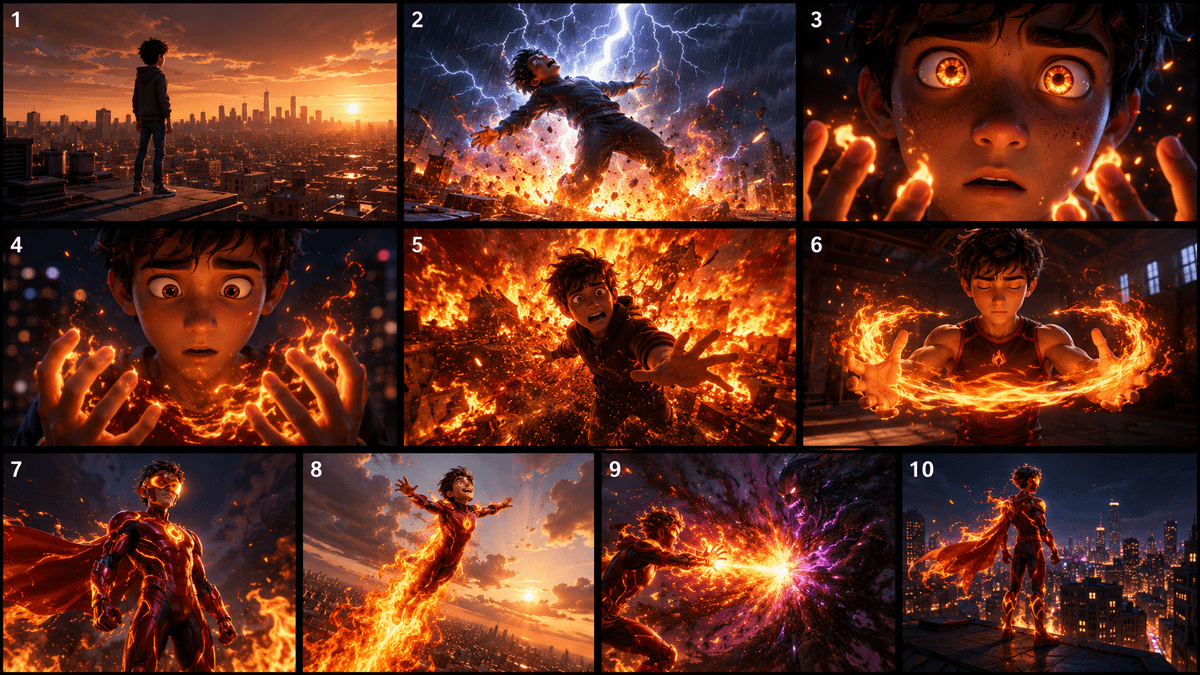
Pixar Style Superhero Storyboard

Hand-Drawn Doodle Grid Poster
Urban Selfie Superhero Fashion
Ink-Twin Doodle Stylization
Make it yours
Cute Superhero Drink Doodle Photo works as-is. These are the safest ways to change it without losing the look.
Change one field
Copy a single group, rewrite it, and generate again so you can see what that field is doing.
Keep the frame, change the subject
Hold the composition and light of Cute Superhero Drink Doodle Photo, then swap wardrobe, props or the person for a new take.
| If the result… | Why | Fix |
|---|---|---|
| The result drifts from the preview | Too many fields changed at once. | Reuse Cute Superhero Drink Doodle Photo as-is first, then change one group — subject, light, or setting. |
| The model over-stylizes the scene | The prose prompt leaves finish and camera underspecified. | Add one camera or lighting sentence and stay on GPT Image 2. |
More GPT Image 2 templates
Other prompts made for GPT Image 2.

Six VTuber Japanese Logo Sheet

Realistic Portrait of Woman and Deer

The Vista Modular Condo Poster

AI Model Routing Comparison Infographic

2.5D Anime Art Board

Isometric Productivity Desk Scene

New York Double Exposure Poster

Four-Panel AI Landscape Comparison

Japanese Tatami Lifestyle Magazine Cover

NESCAFÉ Coffee Map Poster
More image prompts
Fresh picks from across the catalog.
Golden Ship on Uncharted Waters
Elegant Fantasy Girl in Violet Garden

Gpt2 Social Media Post 4 Panel Japanese Digital Ad Banner Grid
untitled
K-Pop Album Teaser Poster
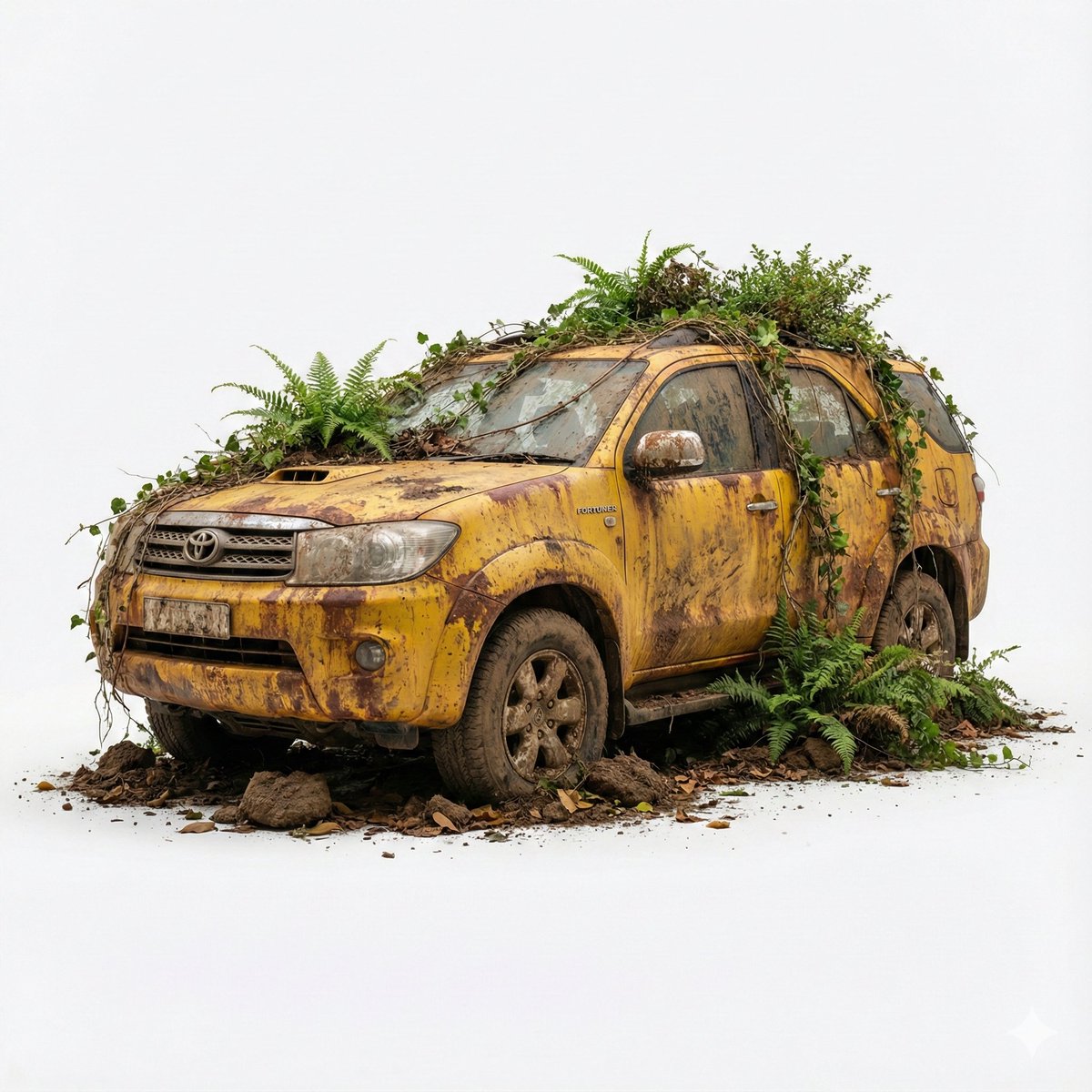
Abandoned Object Photorealistic Image Generator
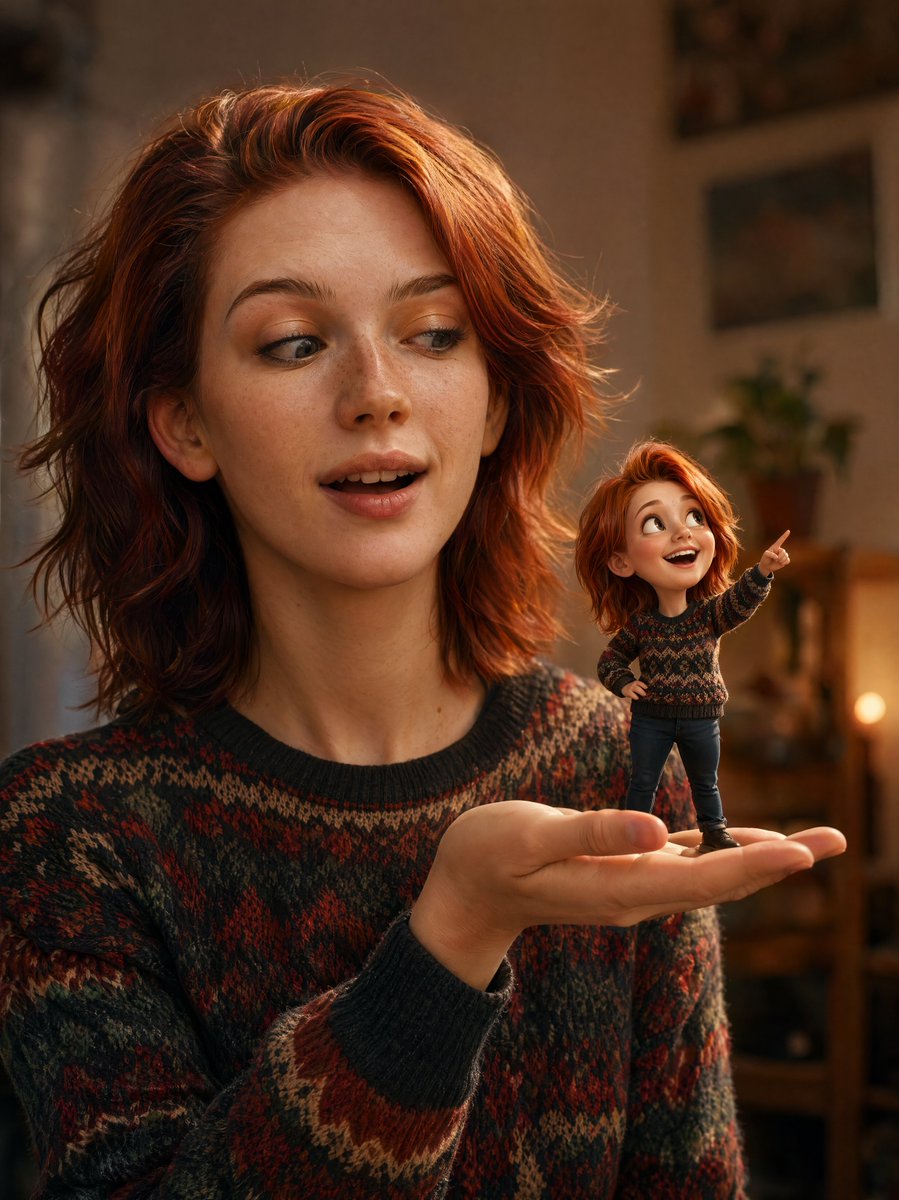
Cinematic Portrait with 3D Mini Character
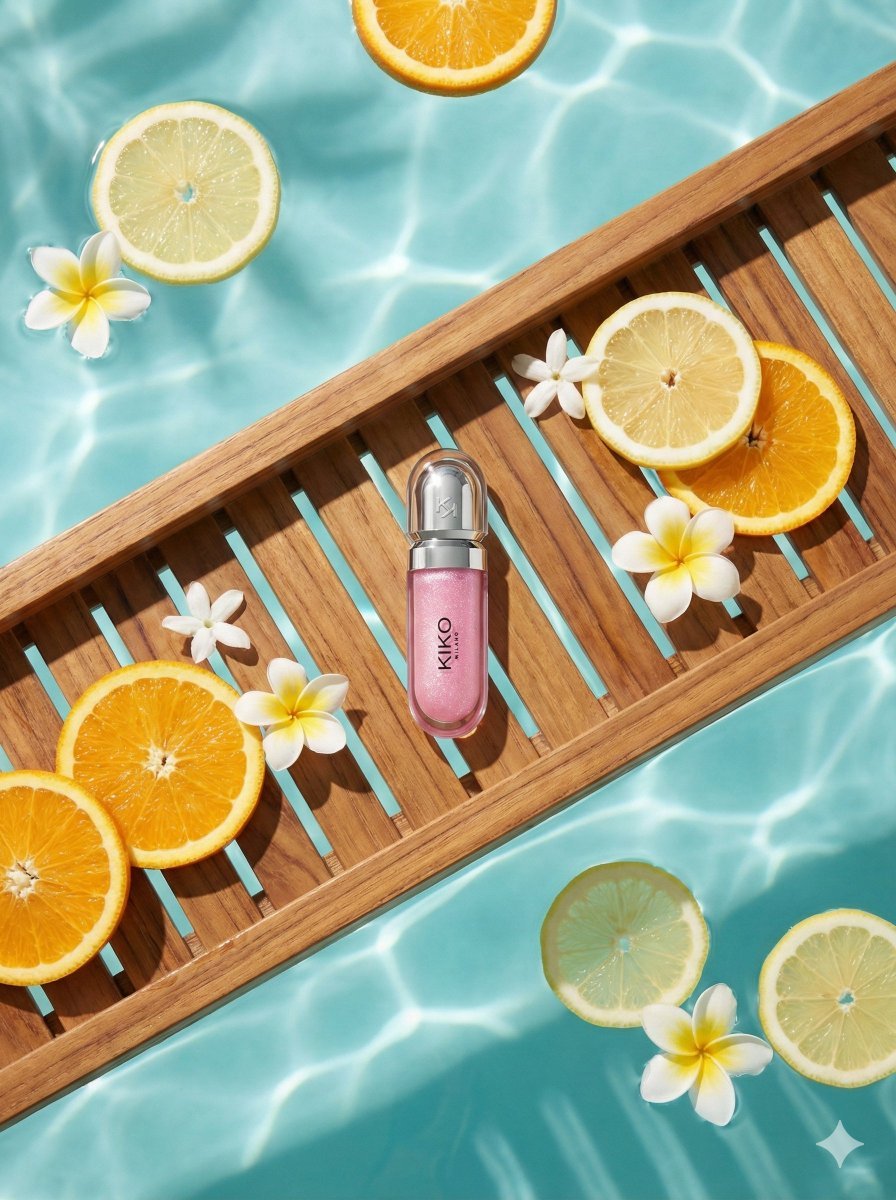
8K Ultra-Realistic Luxury Product Flat-Lay
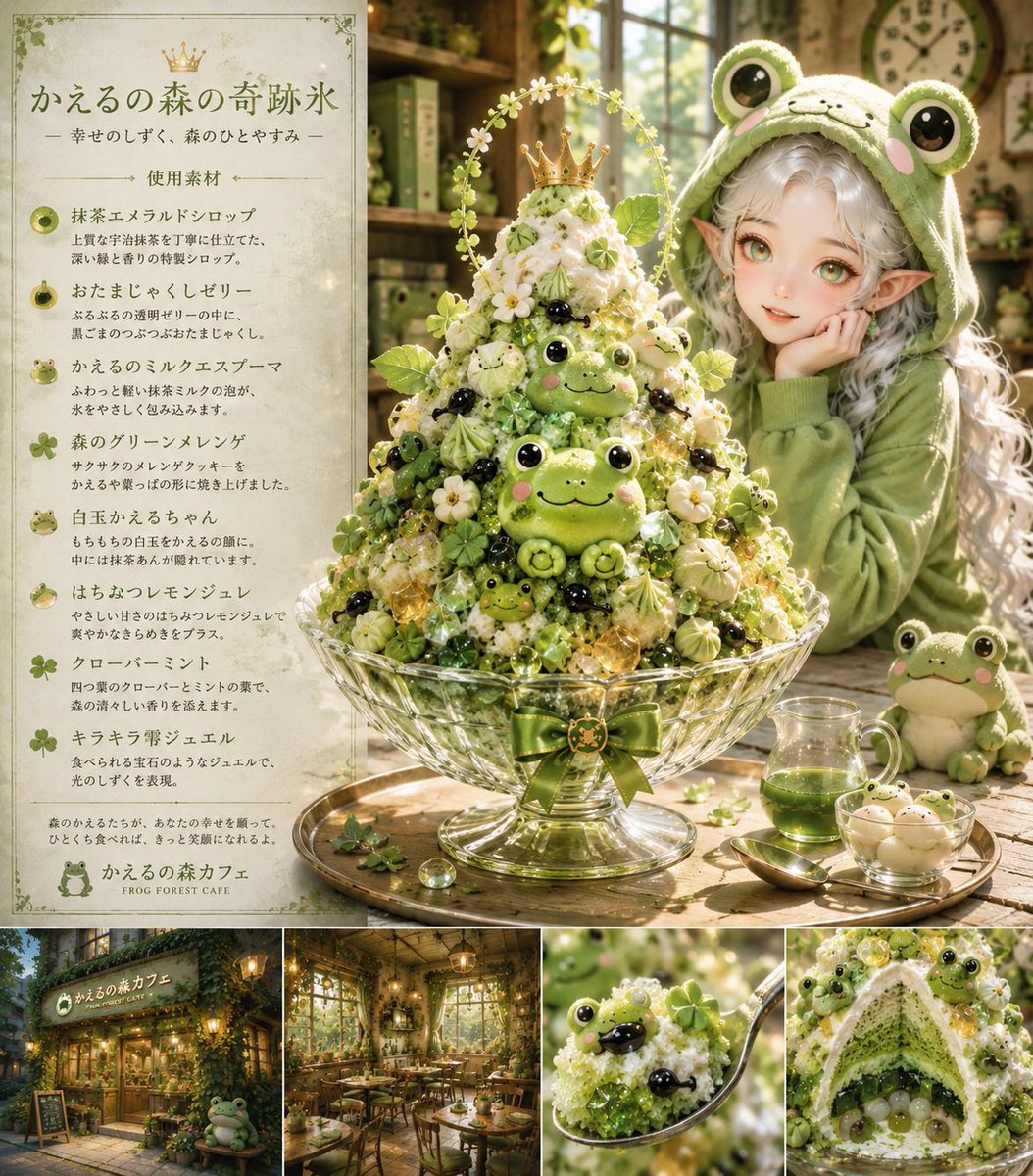
Fantasy Japanese Kakigori Design
Ancient Egyptian Queen with Black Panther
Browse template categories
Cute Superhero Drink Doodle Photo questions
How do I use the Cute Superhero Drink Doodle Photo template?
Add your photo if the template asks for one, edit the prompt if you like — the template's model and format are already selected — and press Generate. Your version opens in PicX Studio.
Can I customize the Cute Superhero Drink Doodle Photo template?
Yes. You can change the subject, setting, lighting, mood, format, and available model controls before creating your image.
Is the Cute Superhero Drink Doodle Photo template free?
Opening and editing this template is free. Generating uses credits, shown on the Generate button when you are signed in.
Which AI model should I use?
Start with GPT Image 2, which is the model associated with this template. You can compare another compatible model for a different finish.
Looking for something else? Browse all templates.

Your photo, any look
Thousands of ready templates for every top image and video model, from one credit balance.