
Fantasy Railway World Transformation
A comprehensive prompt for transforming an uploaded illustration into a whimsical storybook-style fantasy railway world with custom mascot creatures and stations.
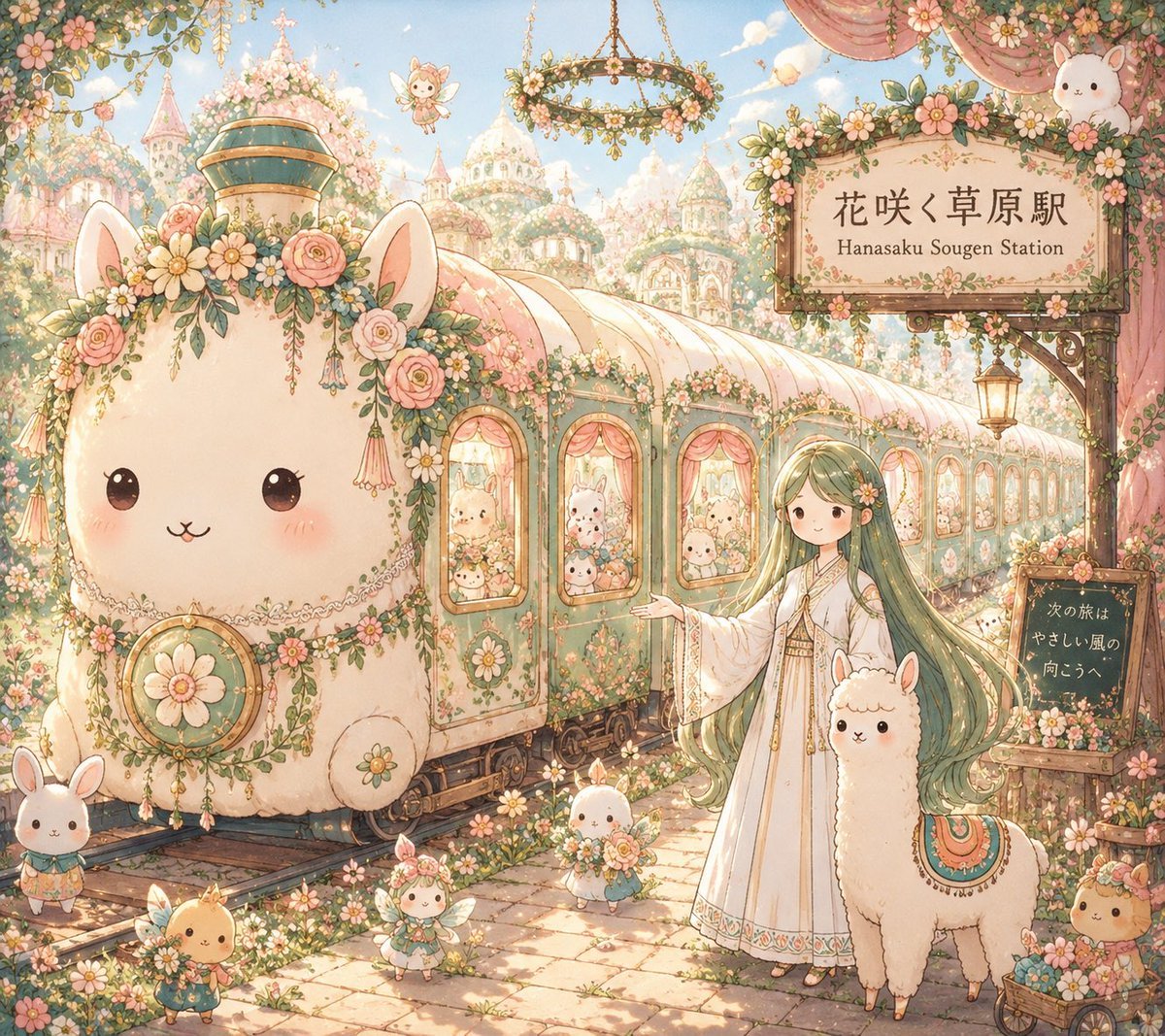
- Prompt included
- Model and format preset
- Premium template
The prompt behind this image
Copy the exact prompt behind Fantasy Railway World Transformation, or open it in the studio and make it yours.
Make an illustration. Analyze the uploaded illustration carefully and understand its art style, colors, character design, motifs, atmosphere, emotional tone, symbols, architecture, fantasy elements, and worldbuilding. Transform everything into a completely original {argument name="railway style" default="storybook-style fantasy railway"}. The visual style must become soft, cute, whimsical, heartwarming, and magical rather than realistic. The train must not resemble any real railway, Shinkansen, or maglev. Instead, the train itself becomes an enormous living mascot born from the uploaded illustration. Its entire silhouette, face, ears, horns, petals, leaves, wings, tail, flowers, ribbons, windows, wheels, floating mechanism, decorations, and every carriage must naturally grow from the original artwork’s world. Each illustration should create a completely different creature. A {argument name="world theme" default="shrine maiden world"} may become a giant {argument name="living creature" default="lucky fox, rabbit, guardian spirit, sacred koi, or floating shrine creature"}. A flower world may become a giant blossom animal. A royal world may become a smiling crown beast. A space world may become a constellation whale. The creature must immediately make viewers think, “Only this character’s world could create this train.” Create a dreamy fantasy station belonging to the same universe. The station itself should feel alive: flower stations, candy stations, giant tree stations, floating cloud platforms, mushroom villages, crystal forests, toy towns, moon gardens, fairy villages, or floating islands connected by magical railway lines. Place the original character beside the train with a warm smile, happily introducing it. Tiny mascot residents, fairies, rabbits, birds, spirits, flowers, balloons, stars, and magical creatures fill the station, making the world feel alive. Use a children’s picture-book atmosphere with soft rounded shapes, oversized cute proportions, gentle pastel colors, glowing flowers, sparkling lights, fluffy clouds, magical particles, whimsical architecture, joyful expressions, cozy lighting, and overwhelming charm. Every scene should feel like entering a fantasy storybook where people would dream of riding the railway. masterpiece, ultra detailed, whimsical fantasy, storybook illustration, soft lighting, pastel colors, adorable mascot design, magical railway world, cute fantasy architecture, highly imaginative, dreamlike, heartwarming, charming, no realistic engineering, no modern transportation, no Shinkansen silhouette, no watermark.
How to use Fantasy Railway World Transformation in 3 steps
- 1Upload ImagePNG, JPG or paste
Add your photo
Upload the photo the template builds on. The prompt, model and format are already set.
- 2…a portrait of your subject in softgolden-hour light, 85mm…
Personalize
Edit the subject and creative details for your destination.
- 3Generate
Generate
Press Generate — your image is created in PicX Studio, so you can compare it with the original and refine one variable at a time.
More like this
Templates with the same subject, style or setup. Open one to see its prompt.
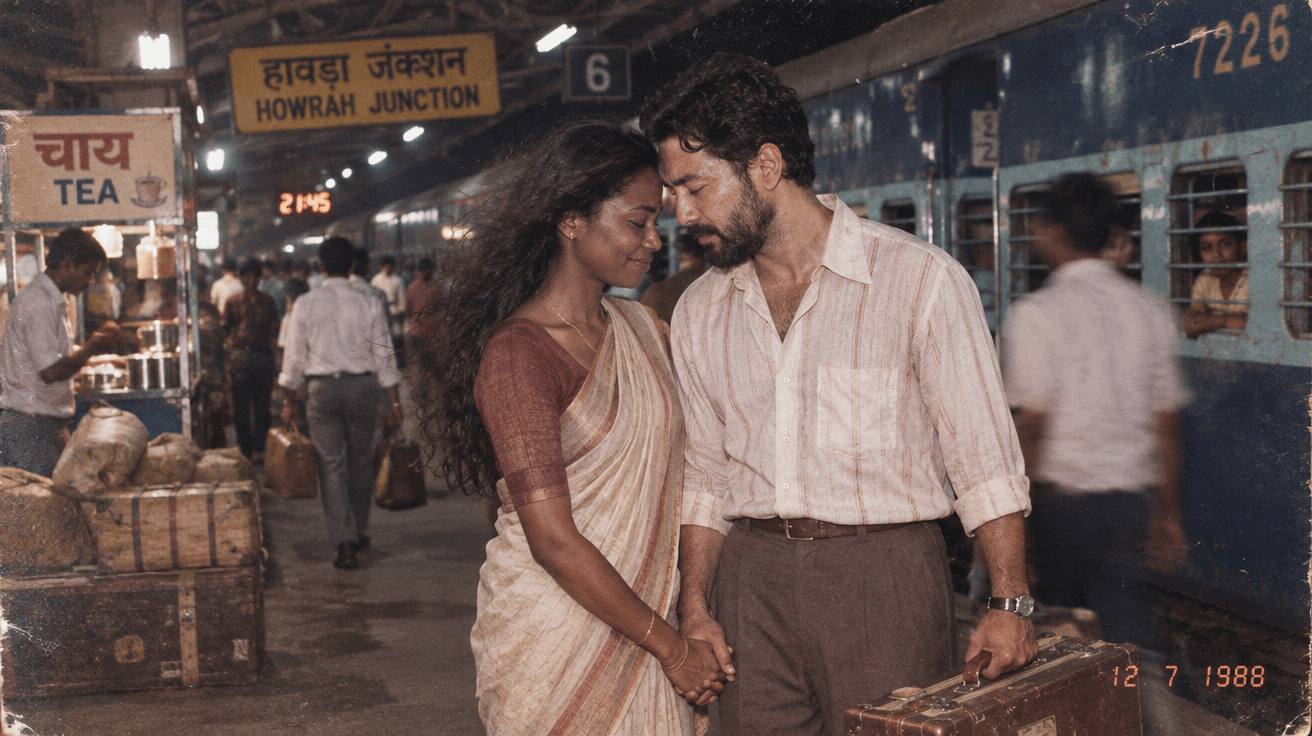
Before We said Goodbye
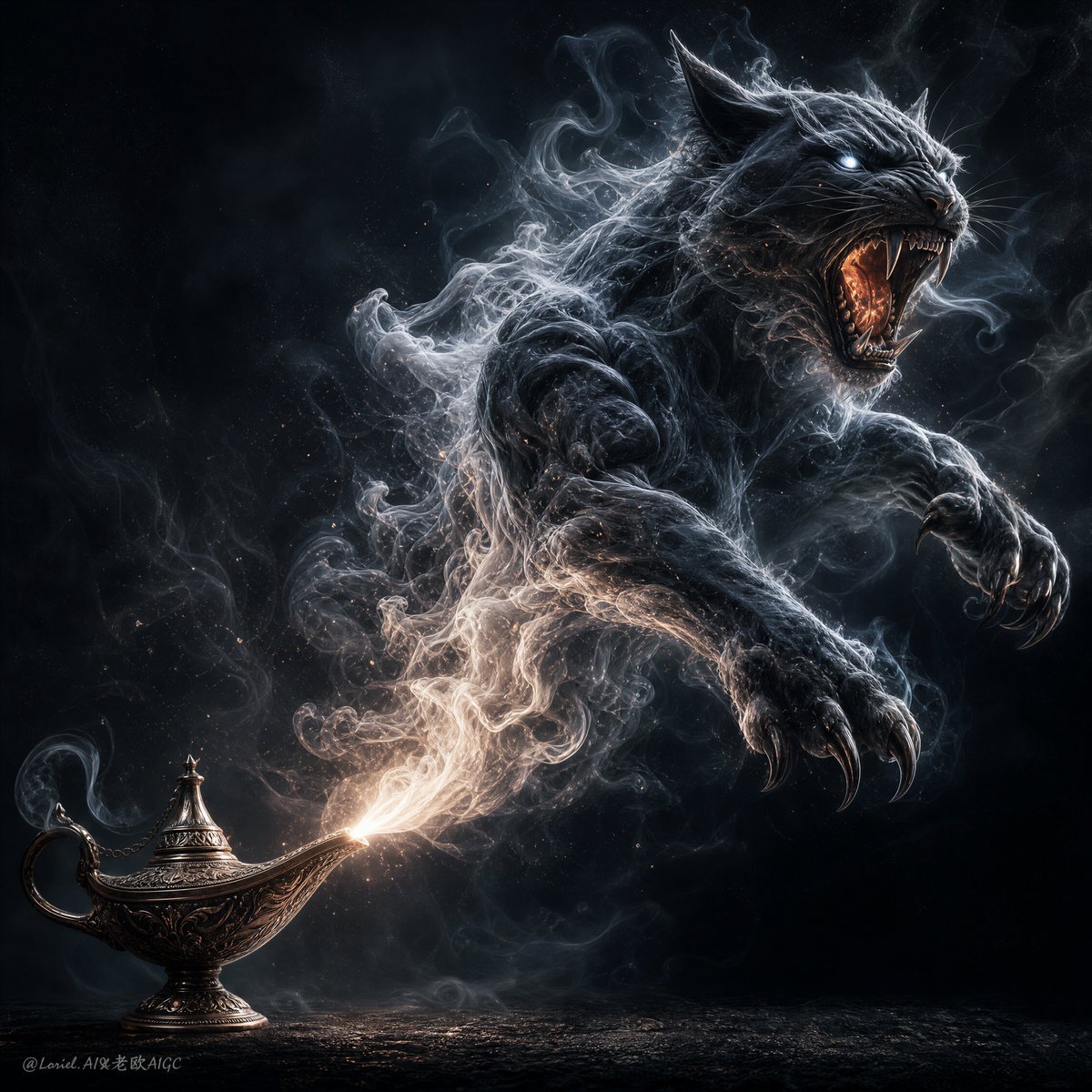
Dark Fantasy Smoke Monster Transformation
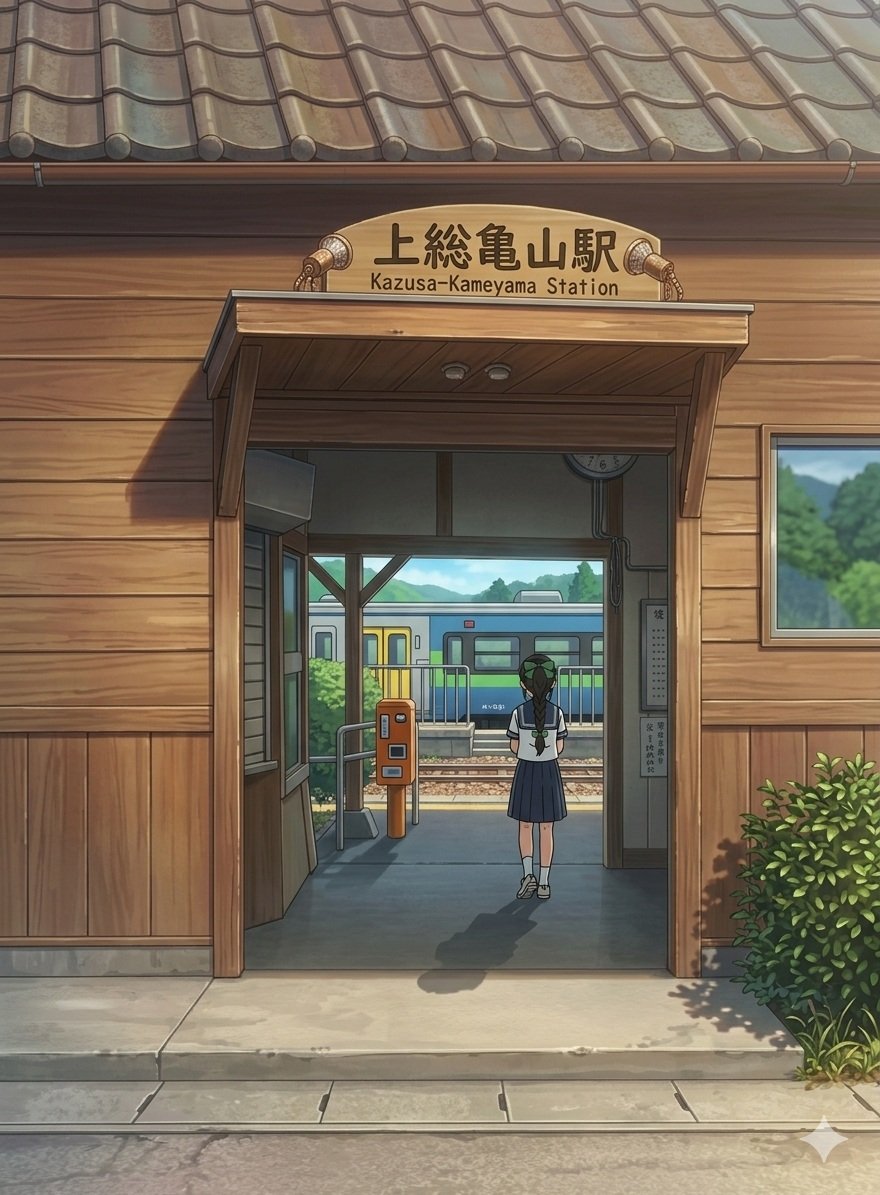
Anime Railway Station Transformation
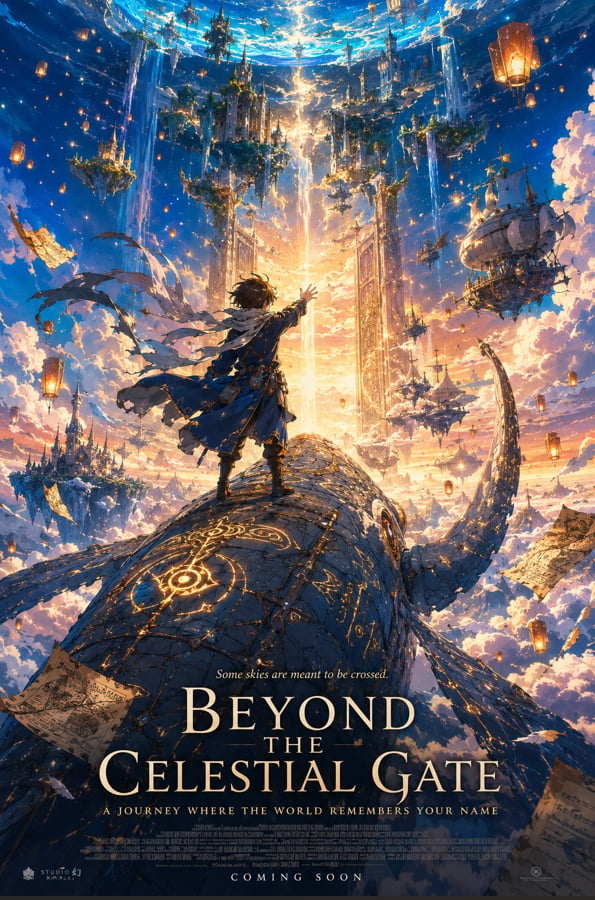
Anime Fantasy Celestial Movie Poster
Anime Fantasy Celestial Movie Poster
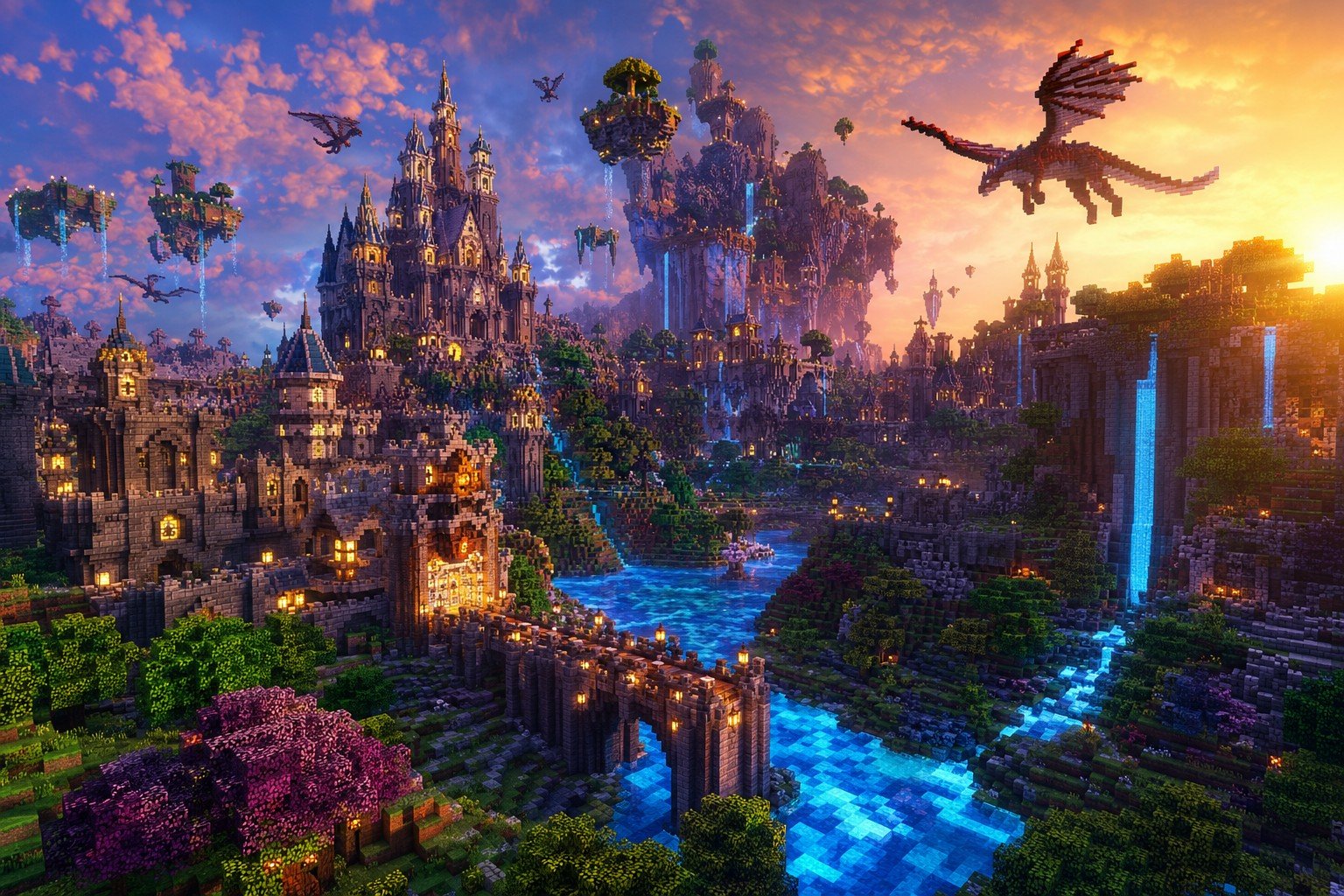
Minecraft Fantasy Kingdom Voxel Landscape
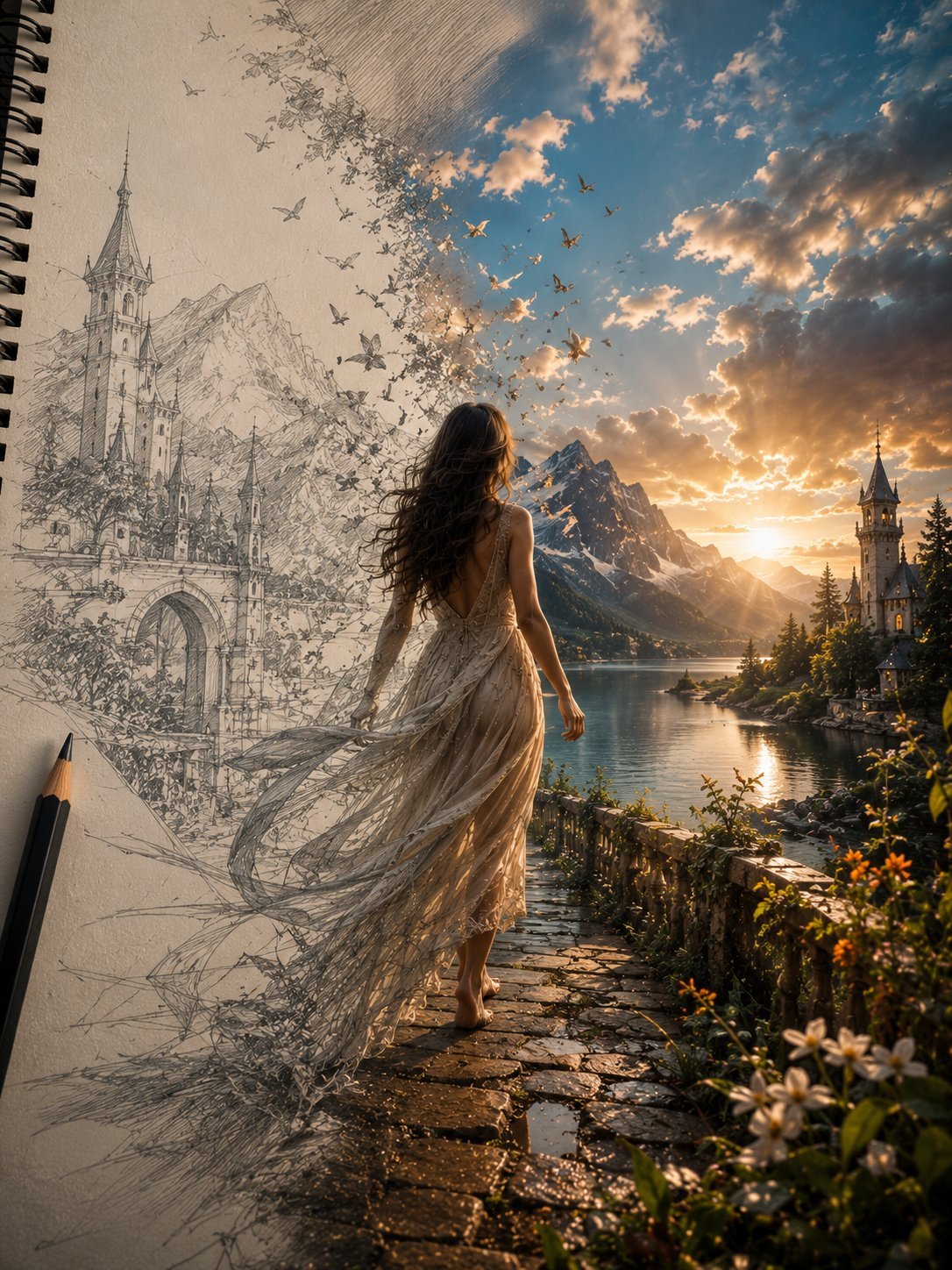
Unfinished Sketch Comes Alive Portrait
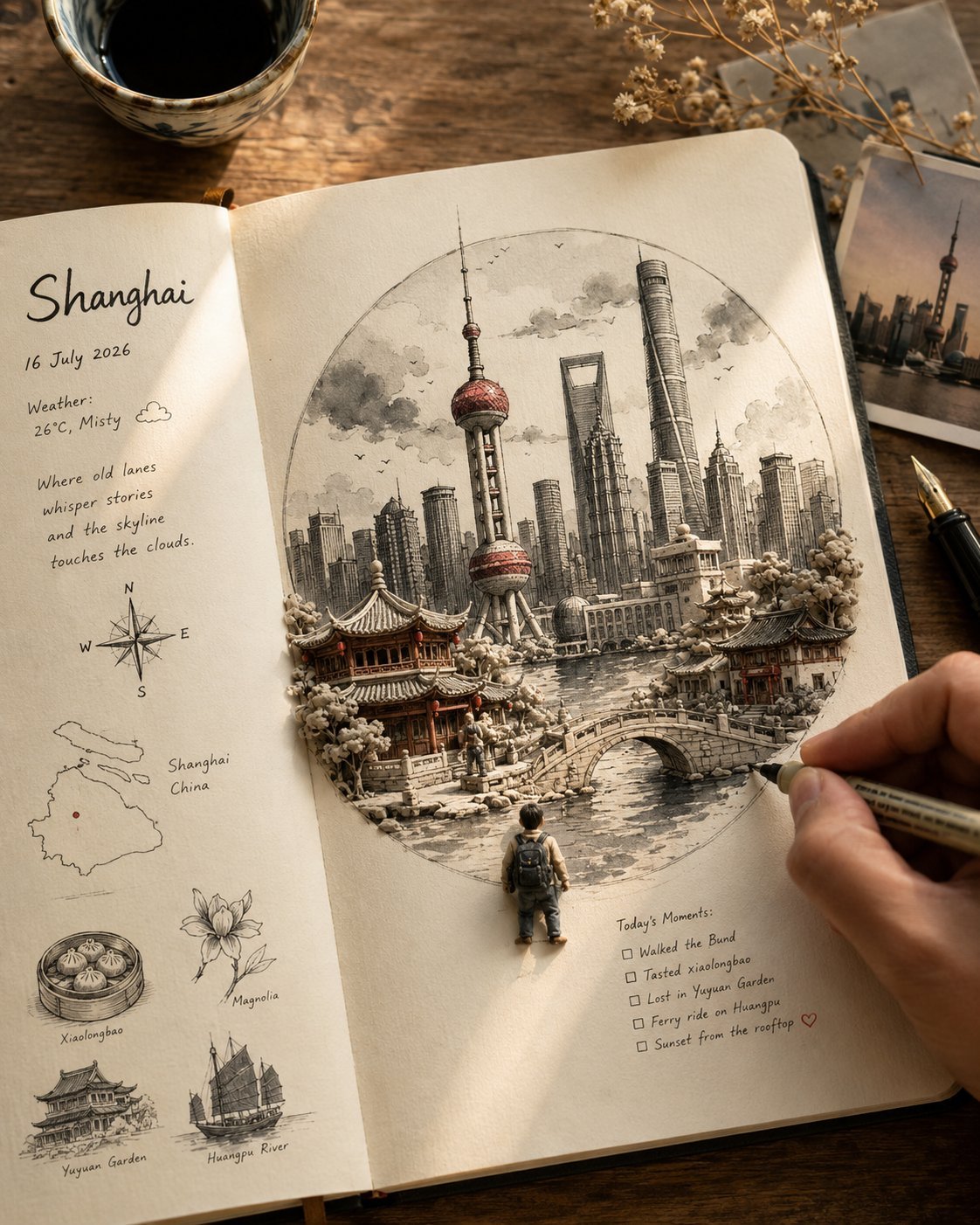
Open Travel Journal Overhead Still Life
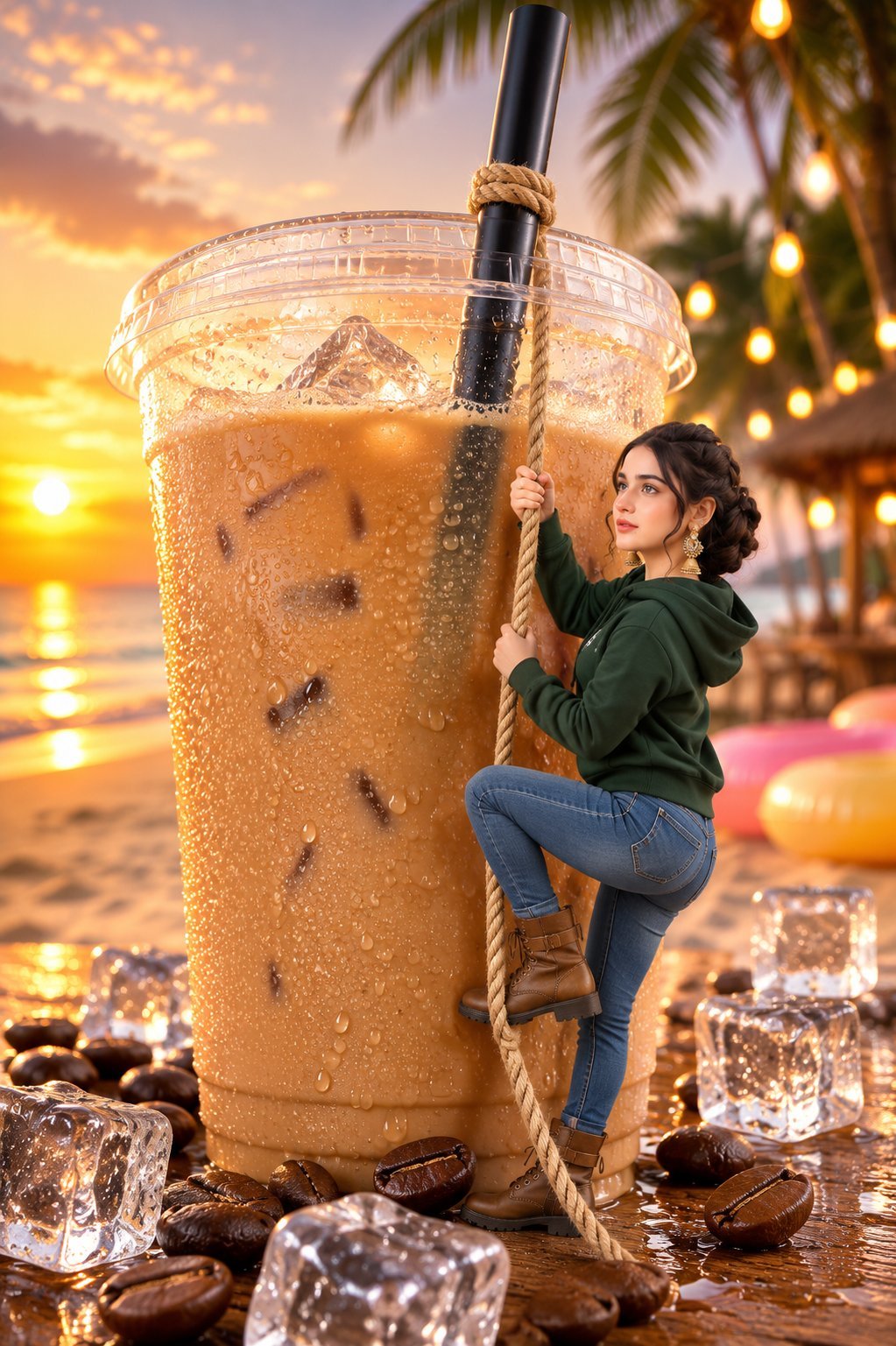
Tiny Woman Miniature Fantasy Macro Scene
Seedance - Character Transition
JSON Seedance - Fairy Macro Flight
Videogame Cinematic Trailer - Seedance 2.0
Make it yours
Fantasy Railway World Transformation works as-is. These are the safest ways to change it without losing the look.
Change one field
Copy a single group, rewrite it, and generate again so you can see what that field is doing.
Keep the frame, change the subject
Hold the composition and light of Fantasy Railway World Transformation, then swap wardrobe, props or the person for a new take.
| If the result… | Why | Fix |
|---|---|---|
| The result drifts from the preview | Too many fields changed at once. | Reuse Fantasy Railway World Transformation as-is first, then change one group — subject, light, or setting. |
| The model over-stylizes the scene | The prose prompt leaves finish and camera underspecified. | Add one camera or lighting sentence and stay on GPT Image 2. |
More GPT Image 2 templates
Other prompts made for GPT Image 2.
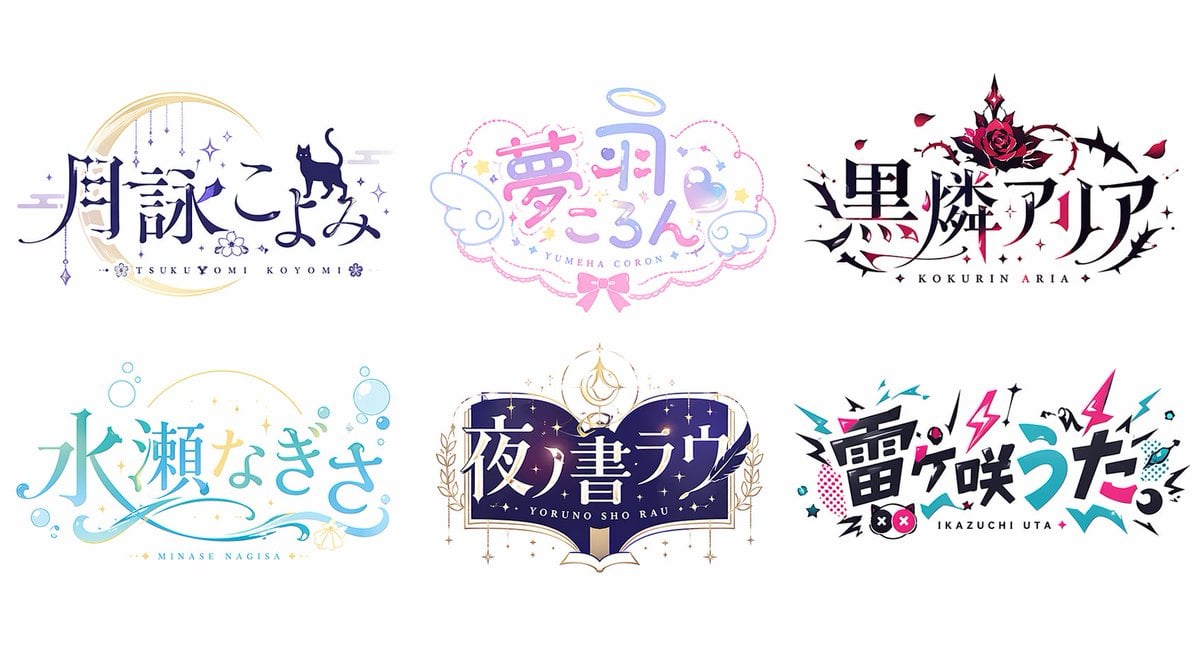
Six VTuber Japanese Logo Sheet
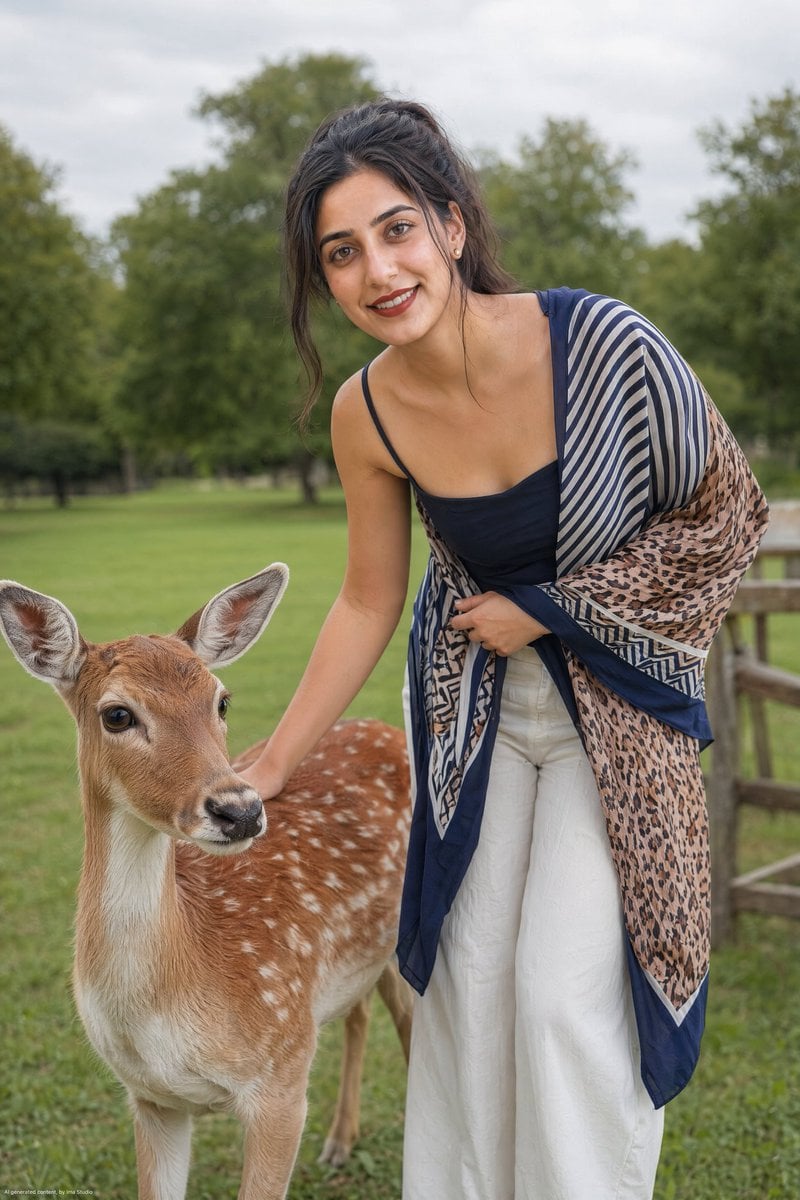
Realistic Portrait of Woman and Deer
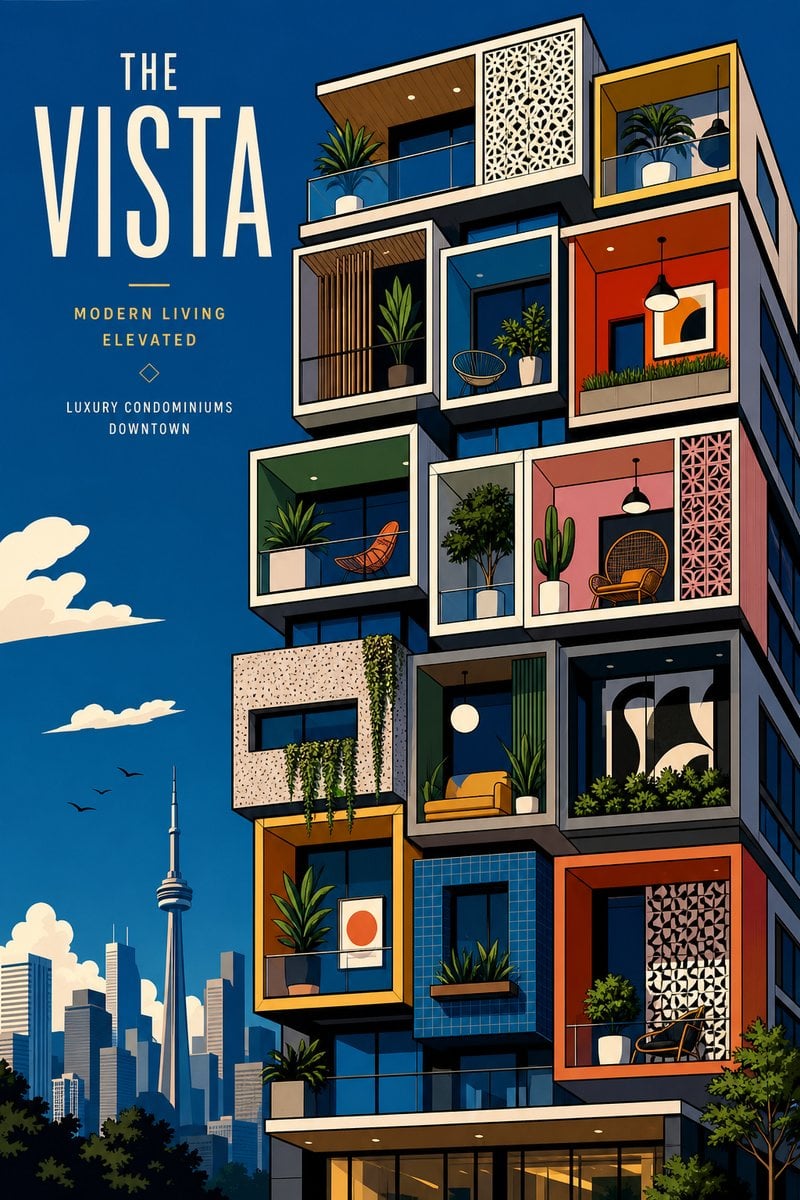
The Vista Modular Condo Poster
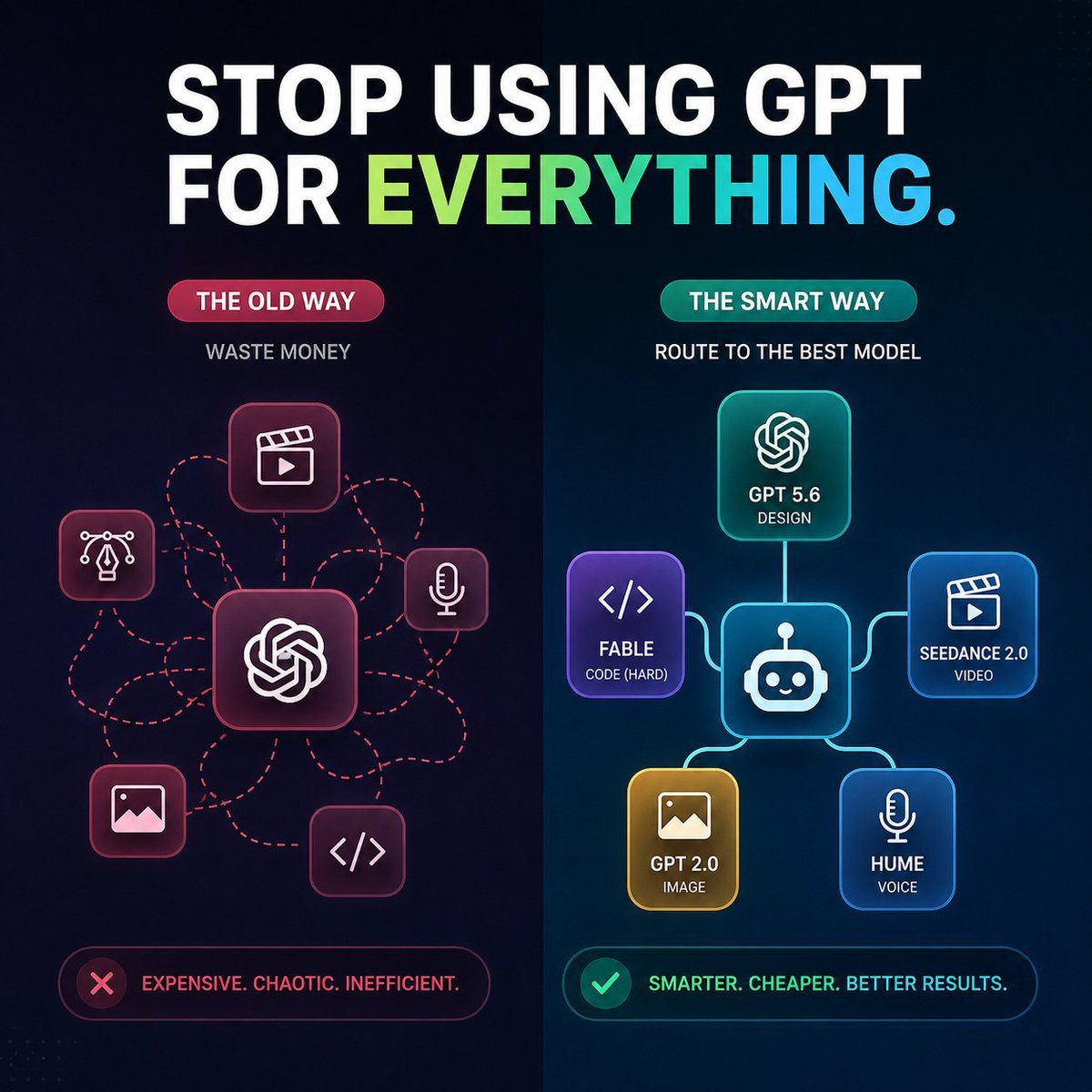
AI Model Routing Comparison Infographic
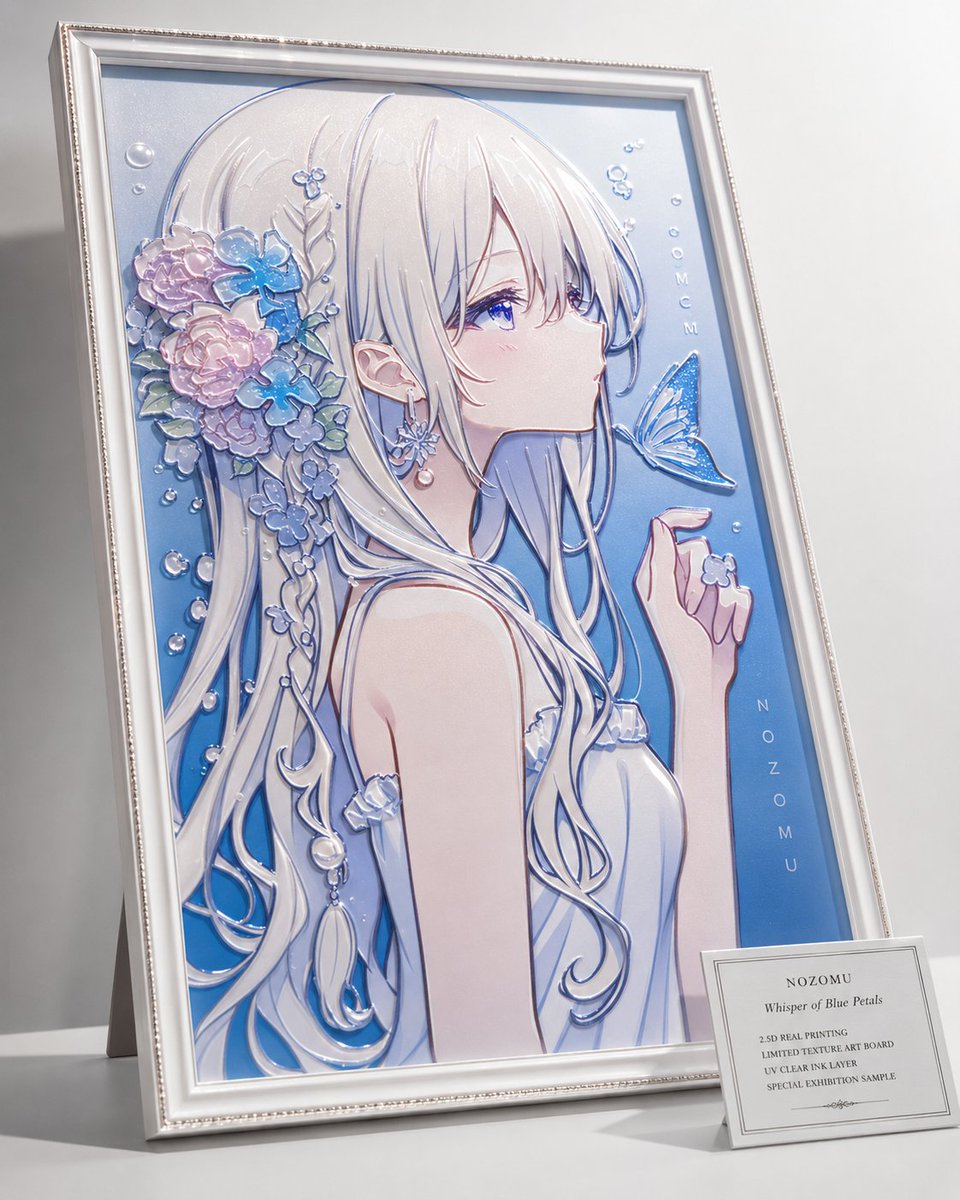
2.5D Anime Art Board
Isometric Productivity Desk Scene
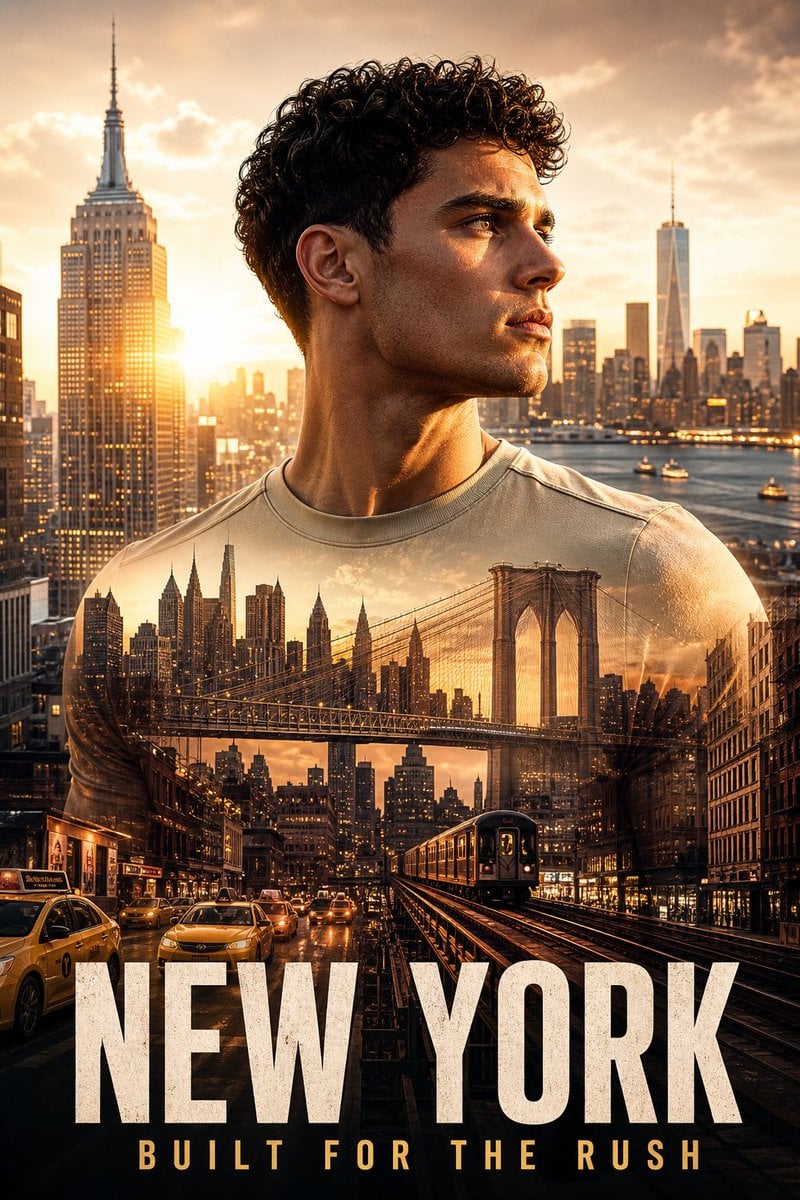
New York Double Exposure Poster
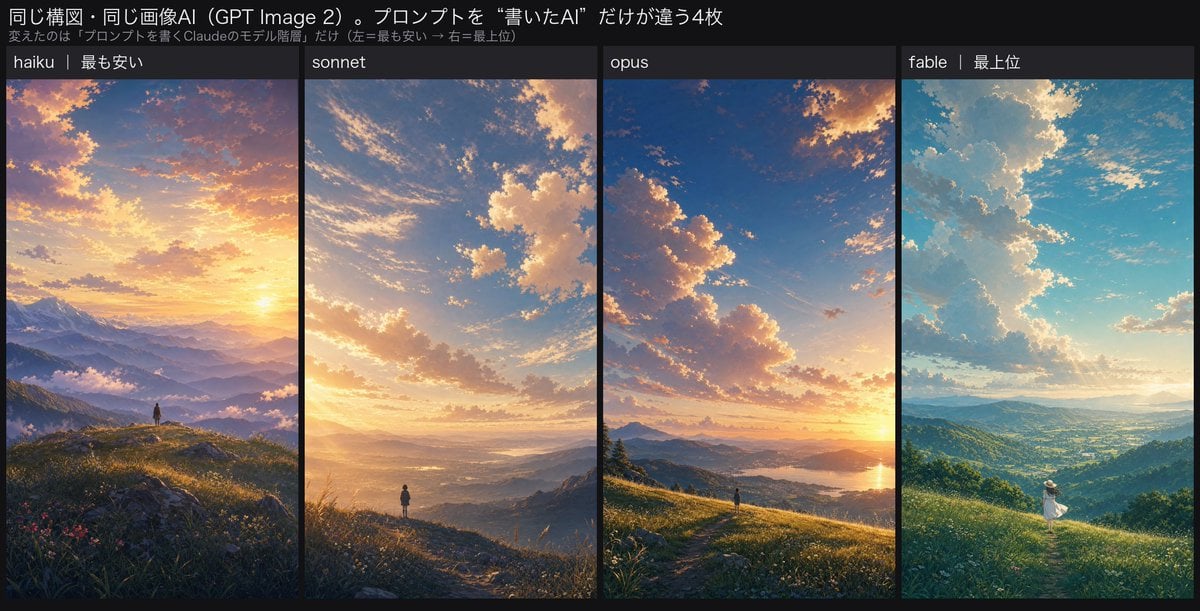
Four-Panel AI Landscape Comparison
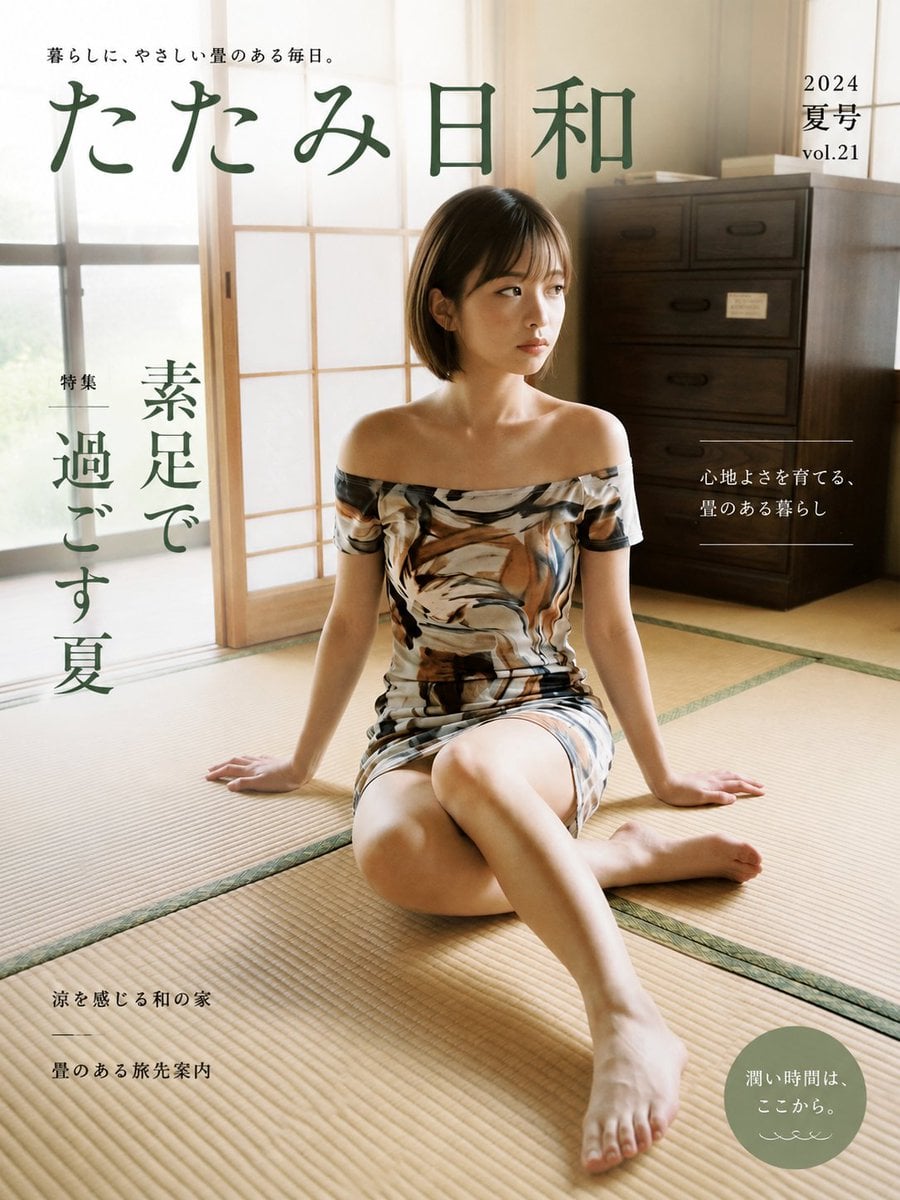
Japanese Tatami Lifestyle Magazine Cover
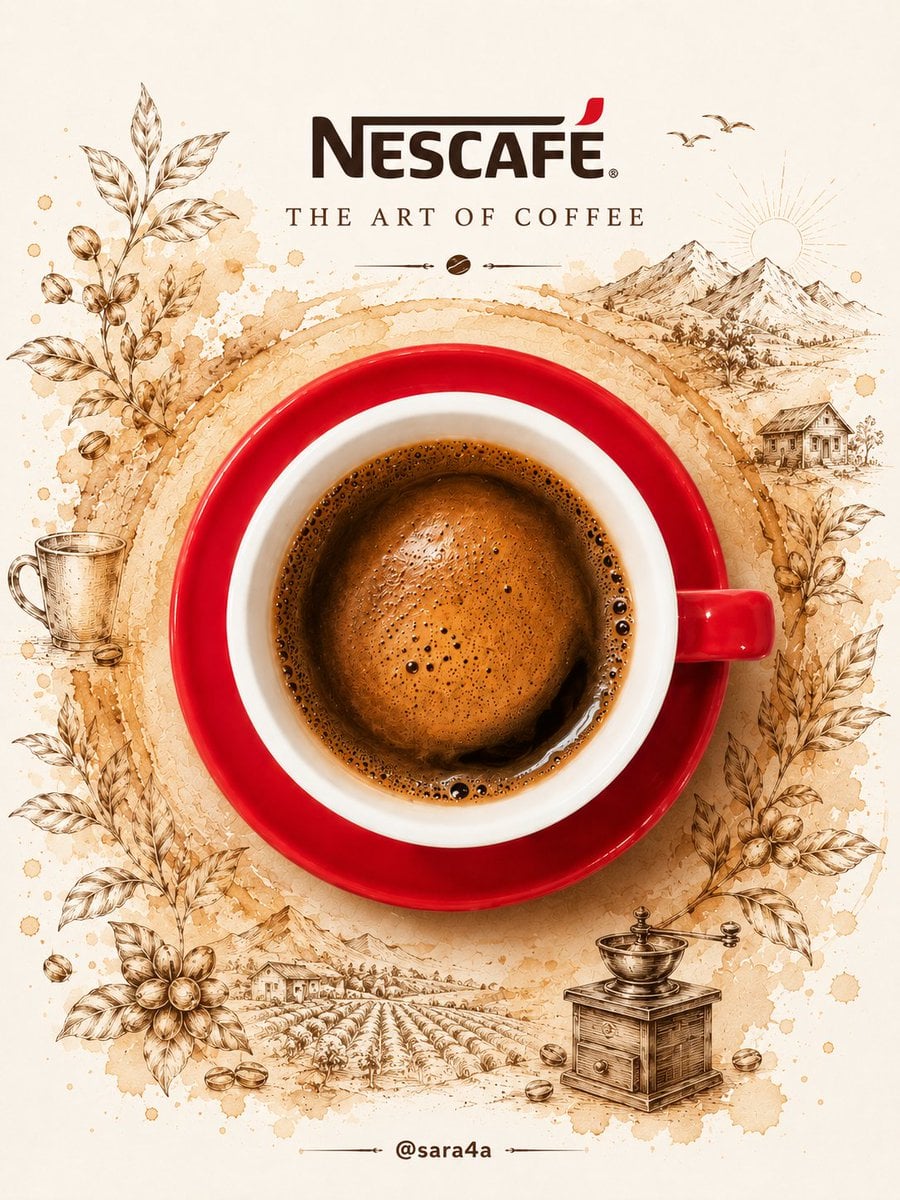
NESCAFÉ Coffee Map Poster
More image prompts
Fresh picks from across the catalog.
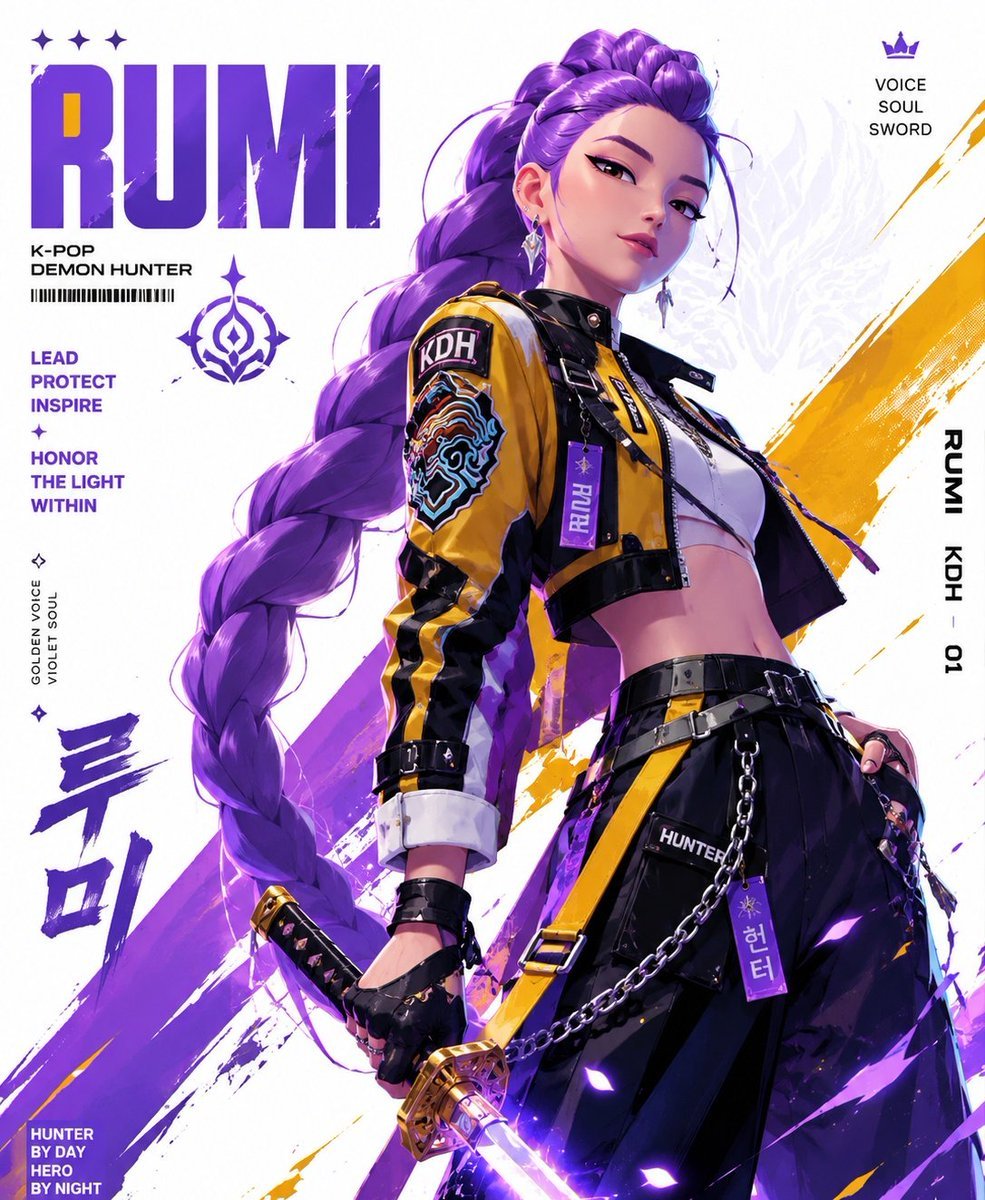
Anime Streetwear Techwear Redesign
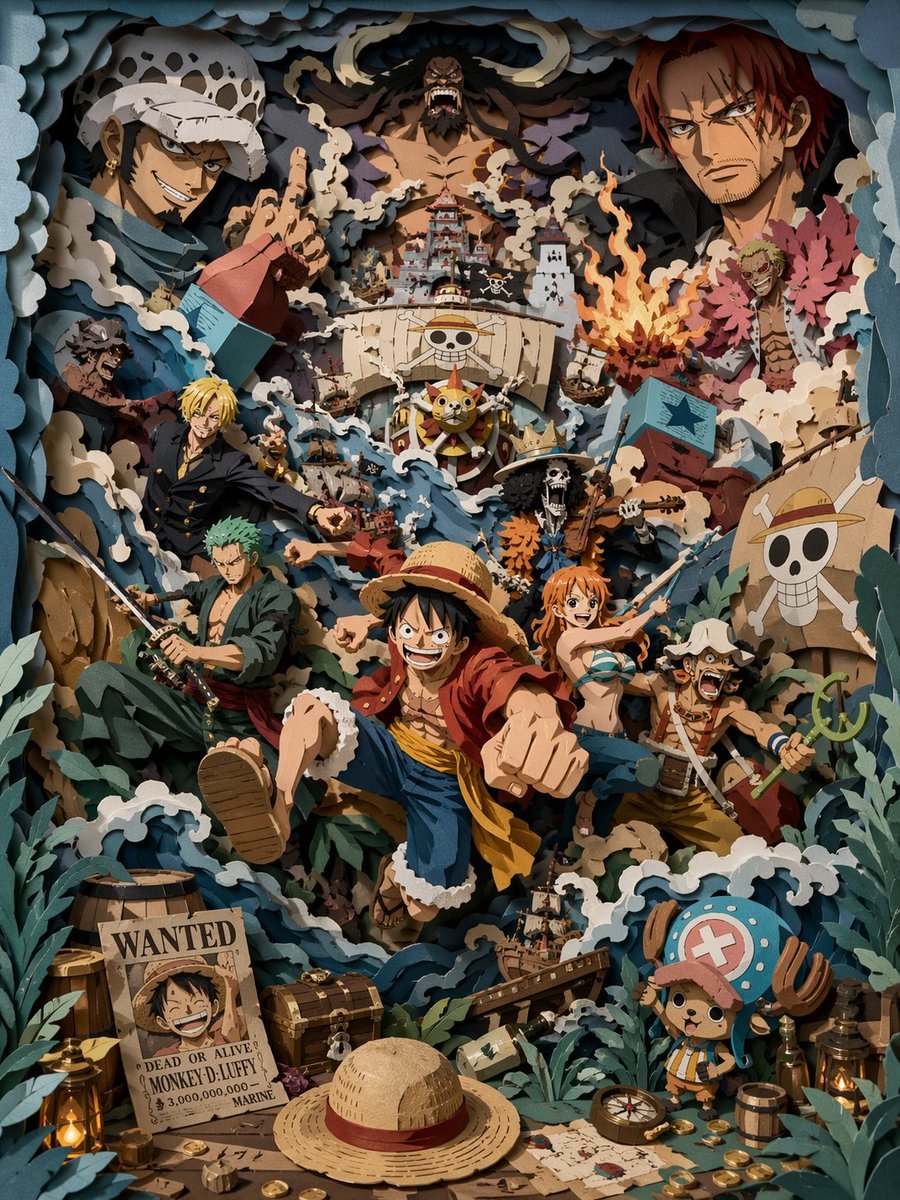
3D Papercut Pirate Scene
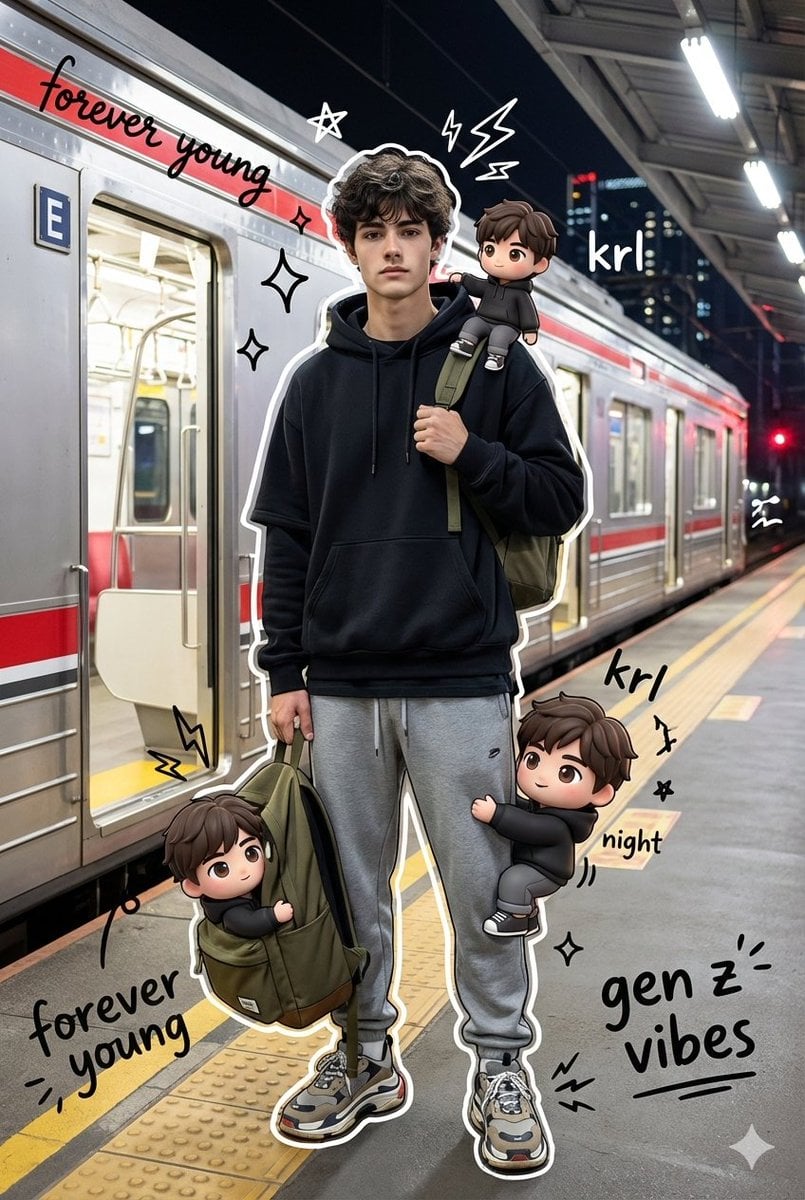
Mixed Media Chibi Streetwear Portrait

High-End Commercial Product Collage Prompt (Korean)
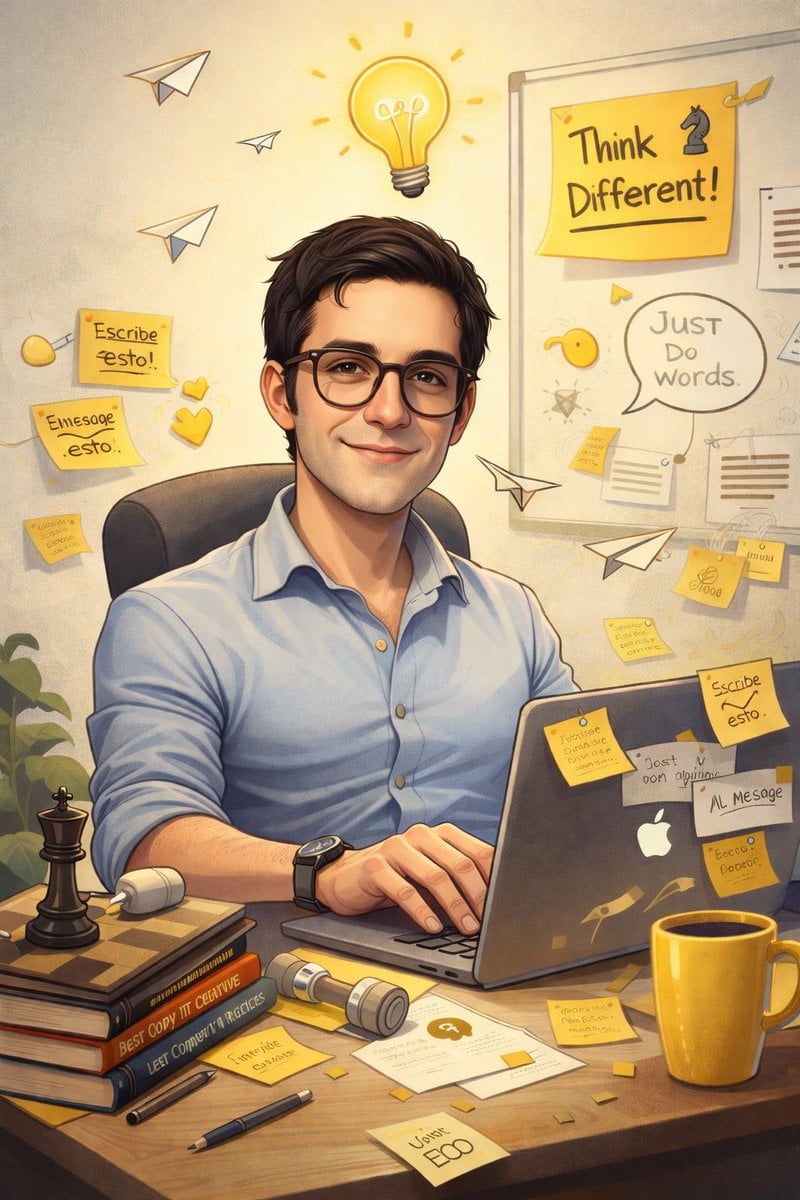
AI Caricature Generation Prompt
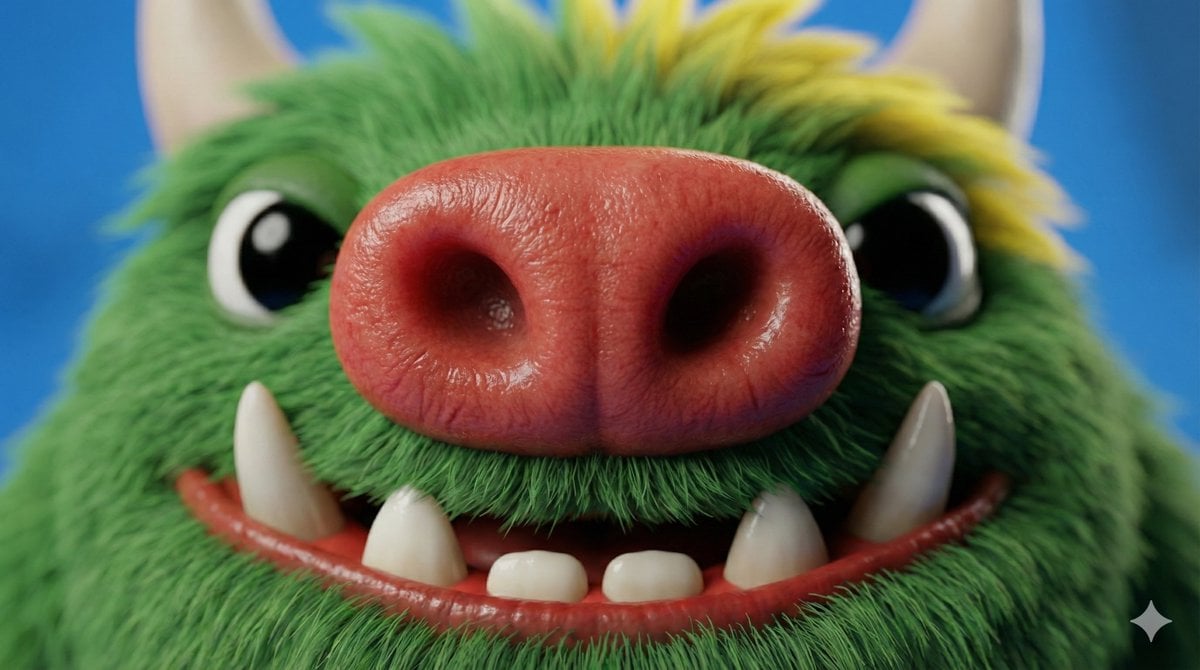
Close-up Character Nose Prompt
Moody Fitness Influencer Gym Portrait
Epic Narrative Silhouette Movie Poster
3D Luxury Birthday Poster
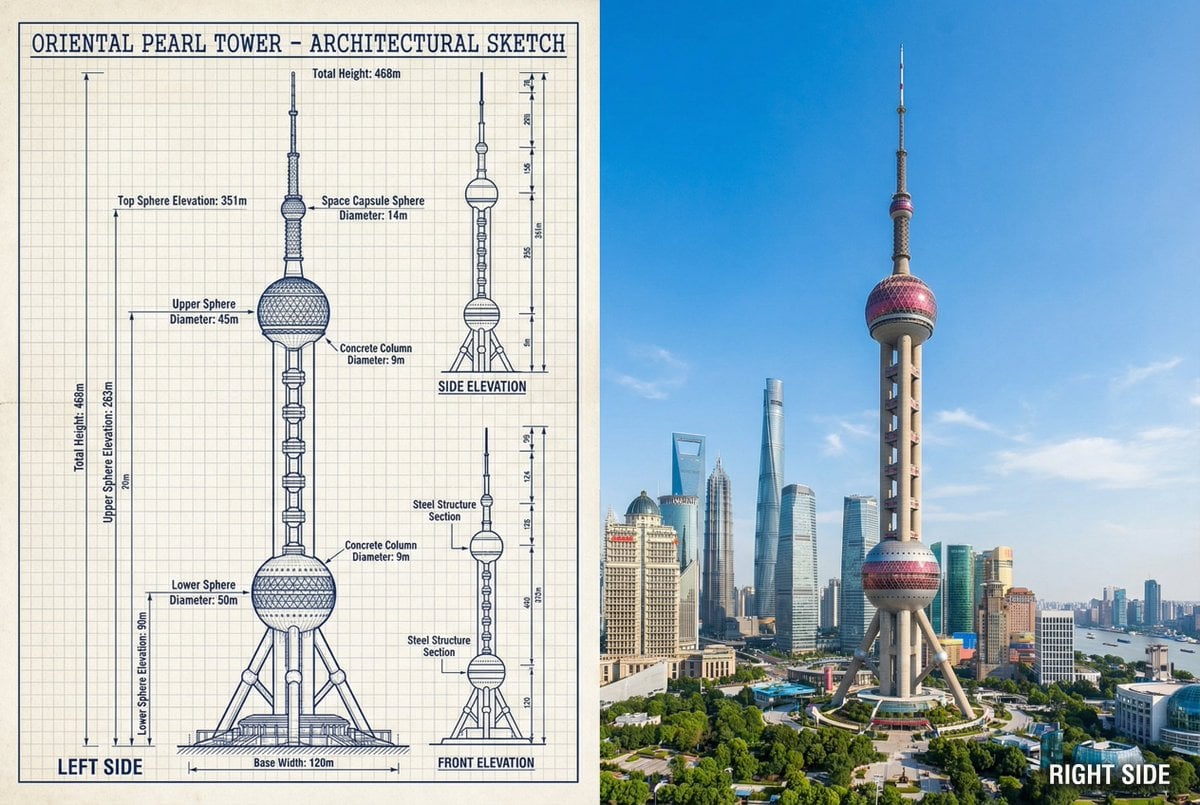
JSON Prompt for Side-by-Side Architectural Comparison of Oriental Pearl Tower
Browse template categories
Fantasy Railway World Transformation questions
How do I use the Fantasy Railway World Transformation template?
Add your photo if the template asks for one, edit the prompt if you like — the template's model and format are already selected — and press Generate. Your version opens in PicX Studio.
Can I customize the Fantasy Railway World Transformation template?
Yes. You can change the subject, setting, lighting, mood, format, and available model controls before creating your image.
Is the Fantasy Railway World Transformation template free?
Opening and editing this template is free. Generating uses credits, shown on the Generate button when you are signed in.
Which AI model should I use?
Start with GPT Image 2, which is the model associated with this template. You can compare another compatible model for a different finish.
Looking for something else? Browse all templates.

Your photo, any look
Thousands of ready templates for every top image and video model, from one credit balance.