
3D Papercut Pirate Scene
A detailed prompt for creating a high-saturation 3D multi-layered papercut scene featuring a stylized pirate crew in a chaotic sea adventure, complete with octane rendering and realistic paper textures.
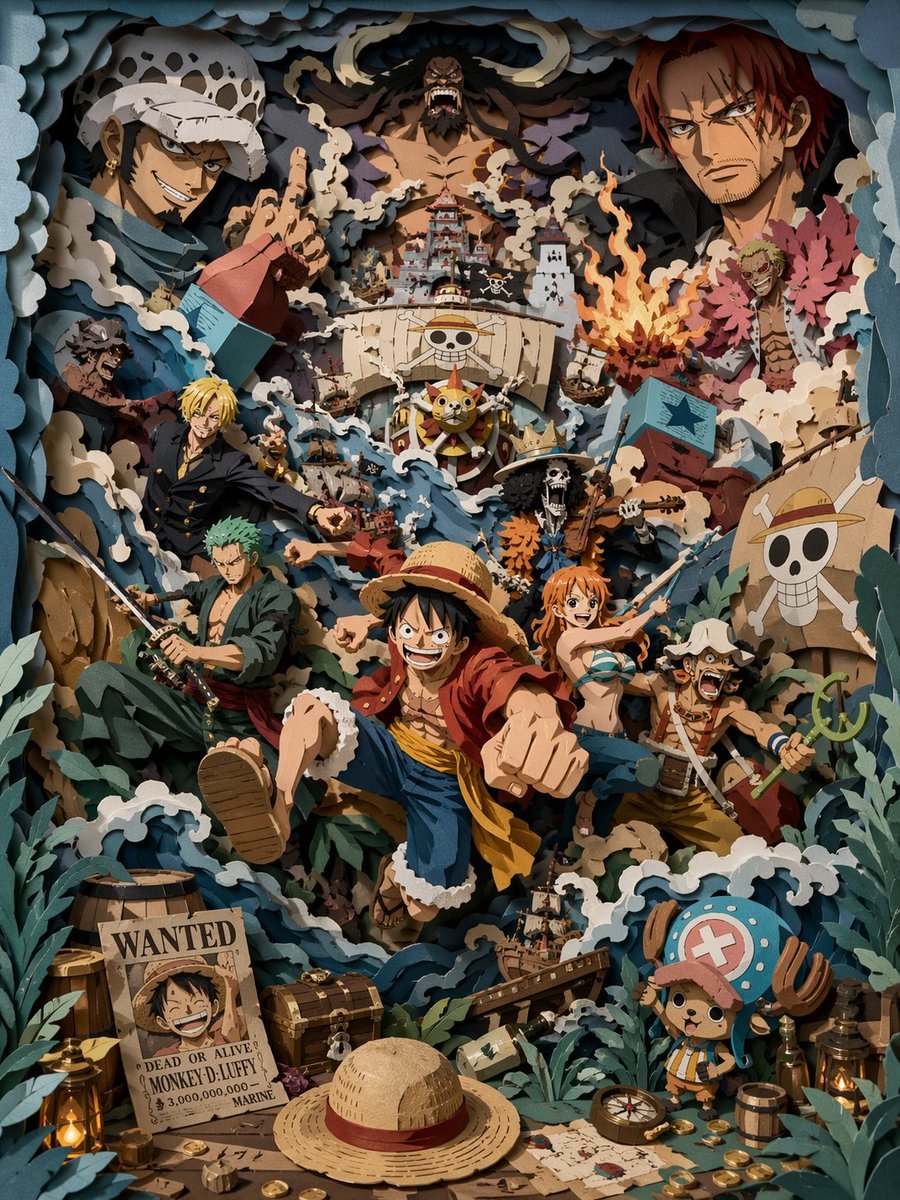
- Prompt included
- Model and format preset
- Free template
The prompt behind this image
Copy the exact prompt behind 3D Papercut Pirate Scene, or open it in the studio and make it yours.
Eye-level perspective, looking straight on at a highly saturated 3D multi-layer paper-cut scene. The overall palette is gray-blue, cream white, and deep forest green, accented with warm amber light. All elements must be built from solid layered paper structures, with hard-cut edges and clearly visible thick-paper cross-sections. An extremely rich composition featuring a high-energy {argument name="scene theme" default="pirate crew scene"}, taking place amid a chaotic sea adventure. Multiple stylized pirate characters are shown in exaggerated poses; at the core of the middle layer, a {argument name="core character" default="young captain wearing a straw hat"} charges forward, surrounded by crew members in vivid, dynamic postures. Layered ships, roiling waves, and swirling ocean currents run through the foreground, middle ground, and background, with multiple ships colliding and tilting across different spatial layers, sails torn and flags flying. In the background layer, the silhouette of a massive rival character appears, heightening the sense of pressure and spatial hierarchy. The foreground is packed with narrative elements: treasure chests, gold coins, maps, wooden barrels, ropes, lanterns, and a wanted poster featuring a grinning pirate. A small mascot-like character is placed in a corner as a visual anchor. All atmospheric elements are rendered in paper-cut form: waves, splashes, smoke, debris, and motion lines, reinforcing the sense of chaos and movement. The main subject sits in the middle layer, with elements interacting across layers, expressing motion through overlap and spatial relationships. Soft light from a single direction creates clear shadows between layers. The overall look has a matte paper texture, with no glow, no soft edges, and no volumetric light. Octane render, 8K, sharp detail --ar 3:4 --stylize 450
How to use 3D Papercut Pirate Scene in 3 steps
- 1
Open
The prompt is already in the box next to the preview, with the template's model and format selected.
- 2…a portrait of your subject in softgolden-hour light, 85mm…
Personalize
Edit the subject and creative details for your destination.
- 3Generate
Generate
Press Generate — your image is created in PicX Studio, so you can compare it with the original and refine one variable at a time.
More like this
Templates with the same subject, style or setup. Open one to see its prompt.
Oriental Papercut Art of Chongqing Palace
Oriental Papercut World Tree Art
Modern Suzhou Garden Papercut Art
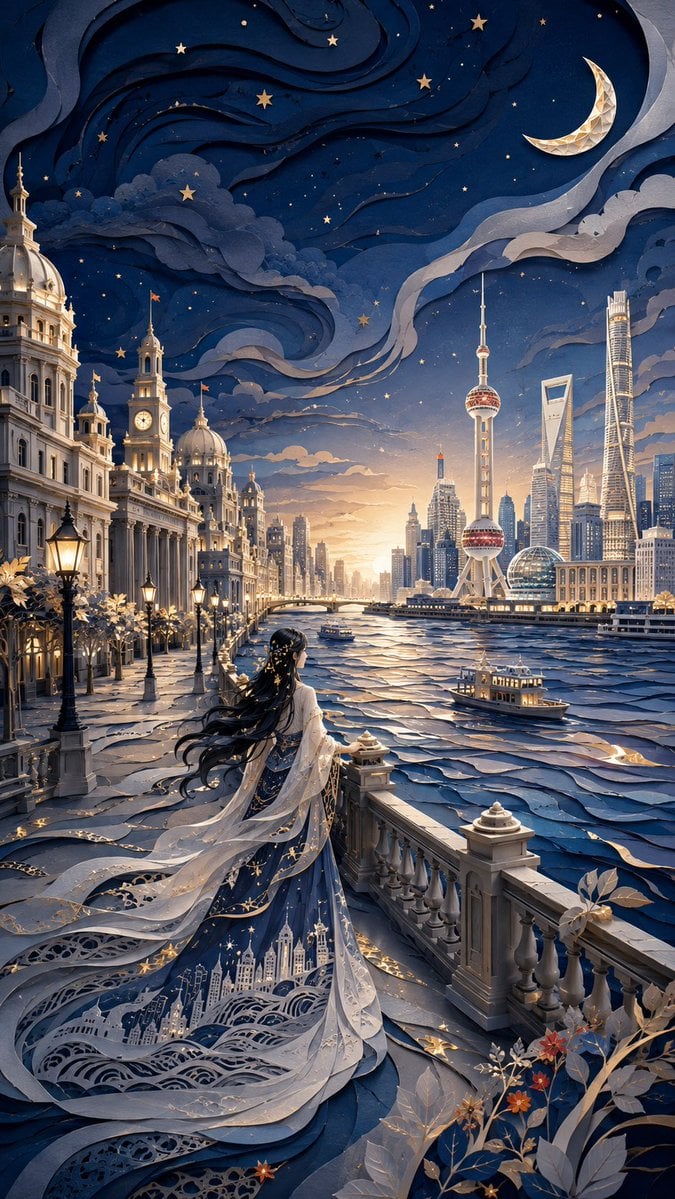
Modern Oriental Papercut Art Cityscape
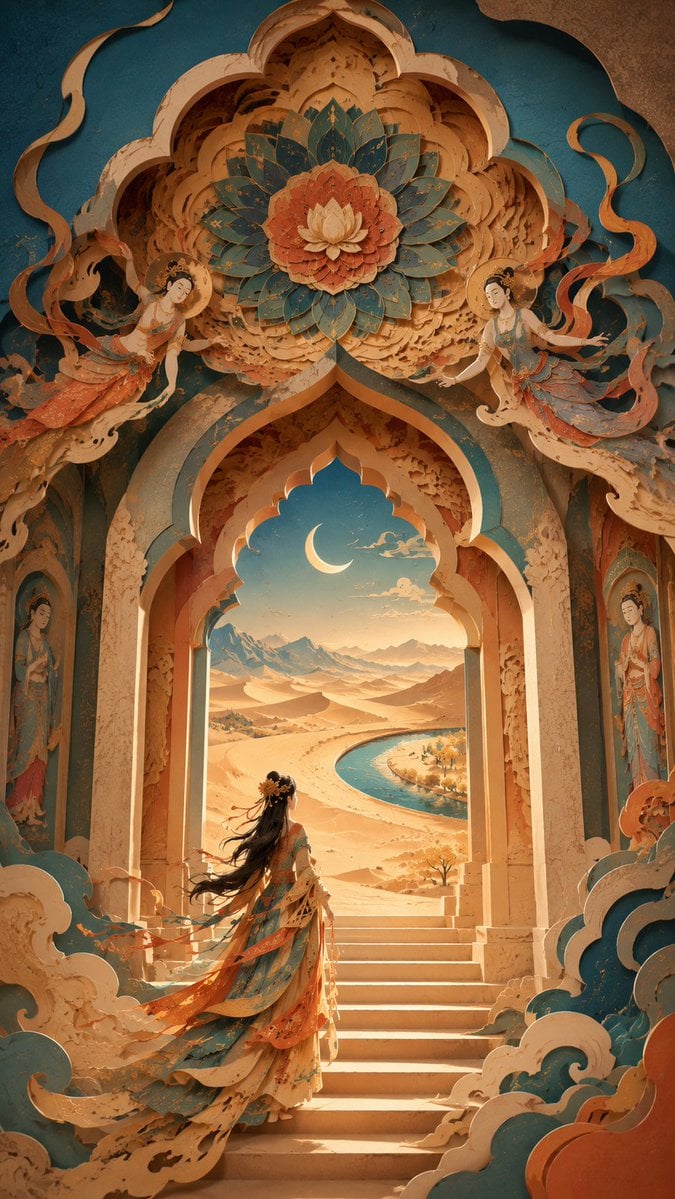
Modern Dunhuang Papercut Art
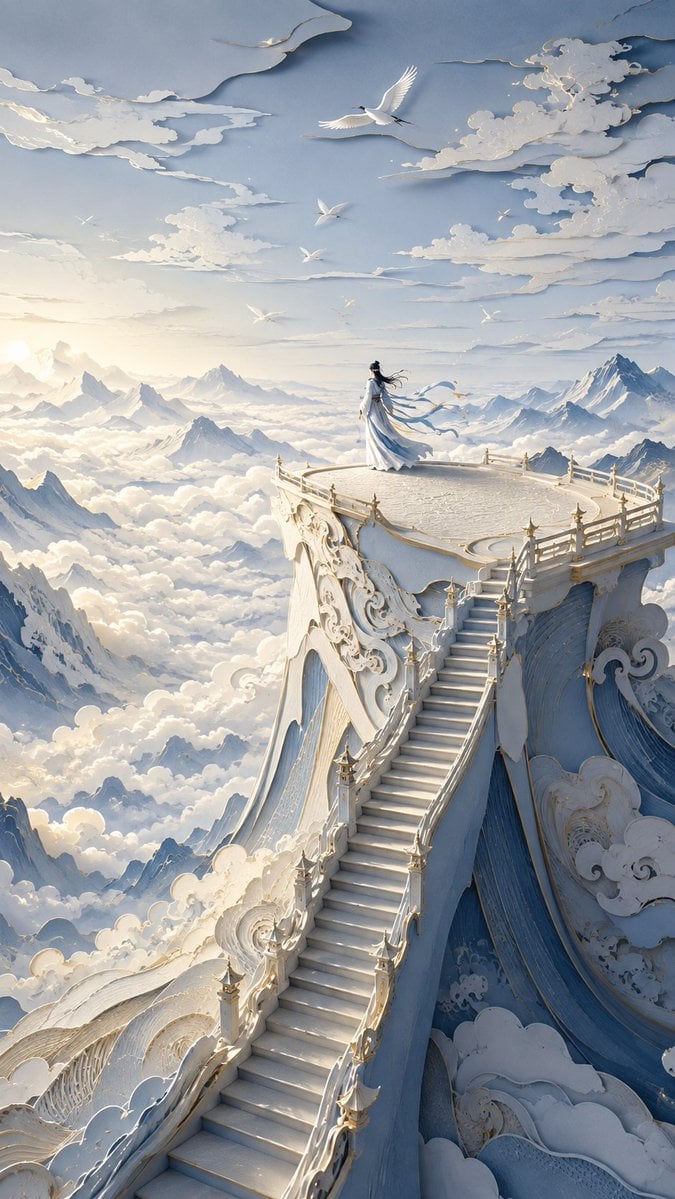
Oriental Papercut Dreamscape Art
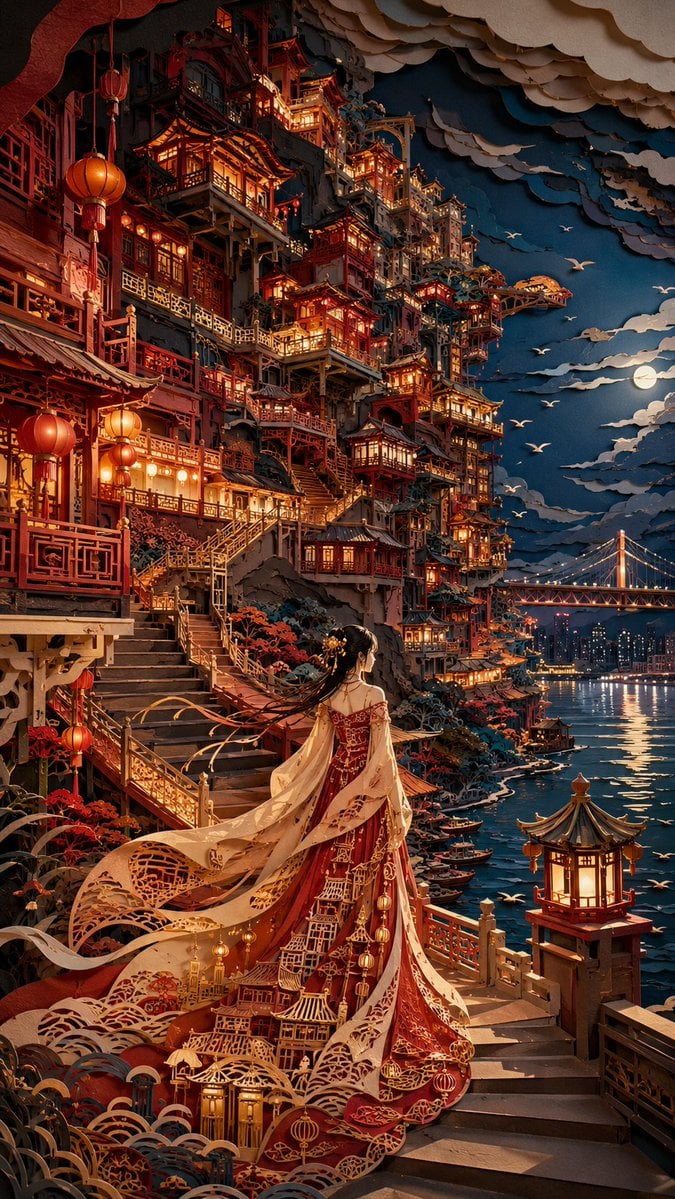
Oriental Papercut Art of Hongya Cave
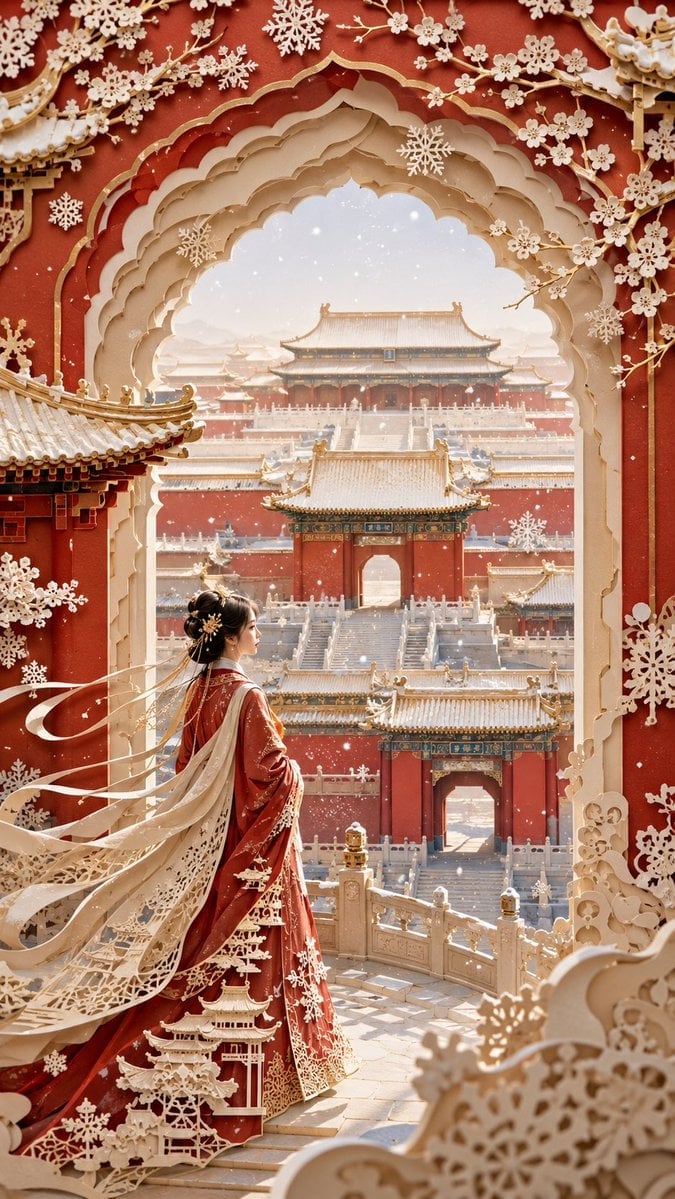
Forbidden City Papercut Art
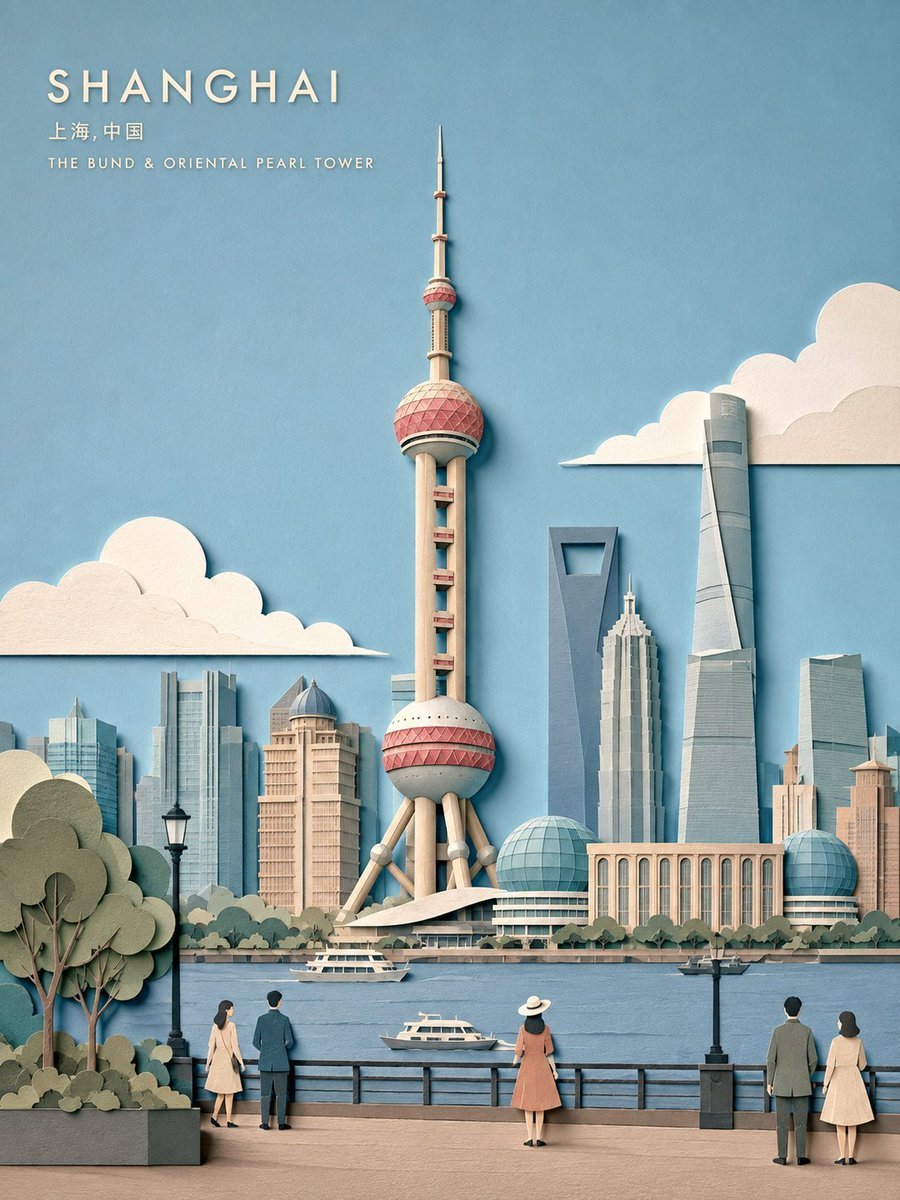
Layered Papercut City Travel Poster
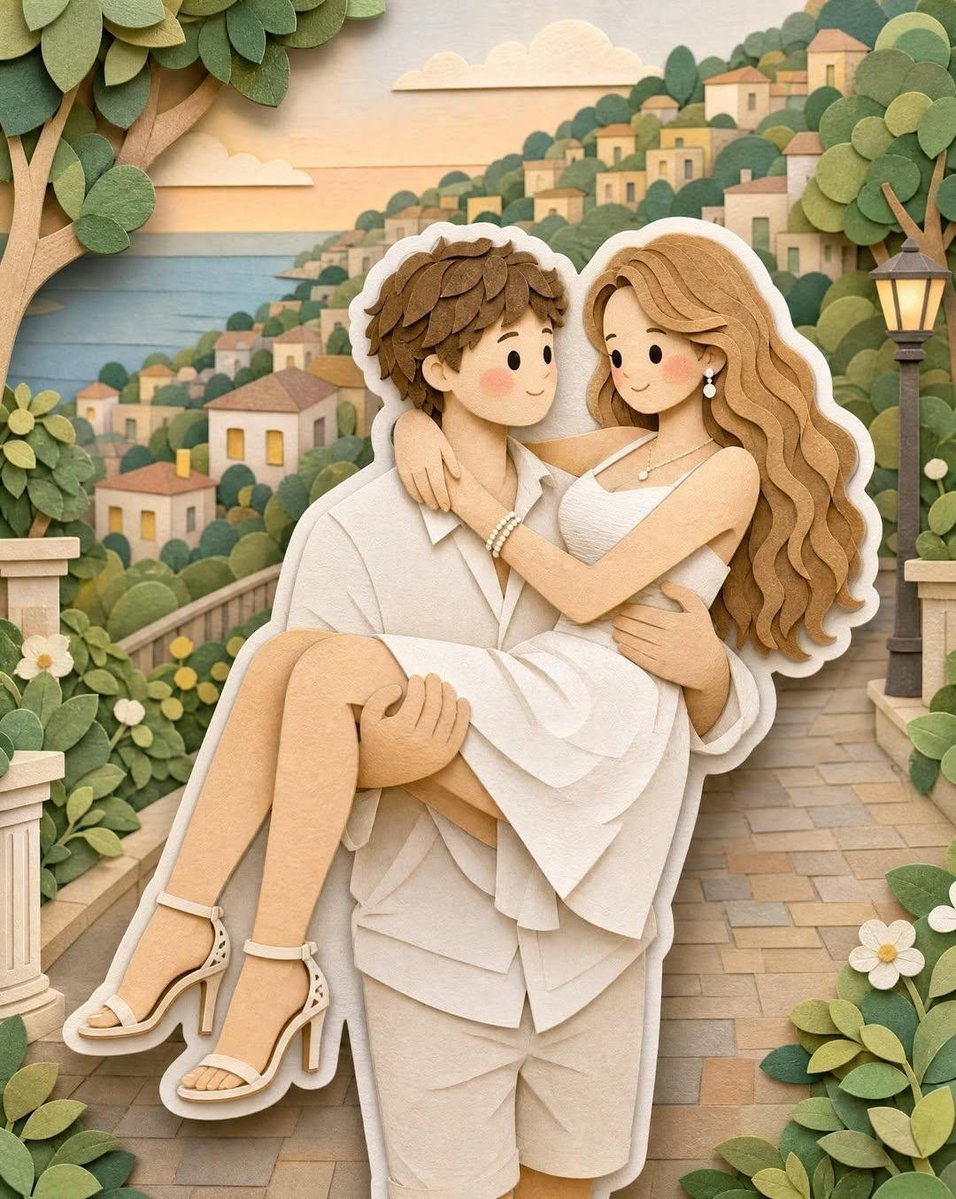
3D Layered Papercut Artwork
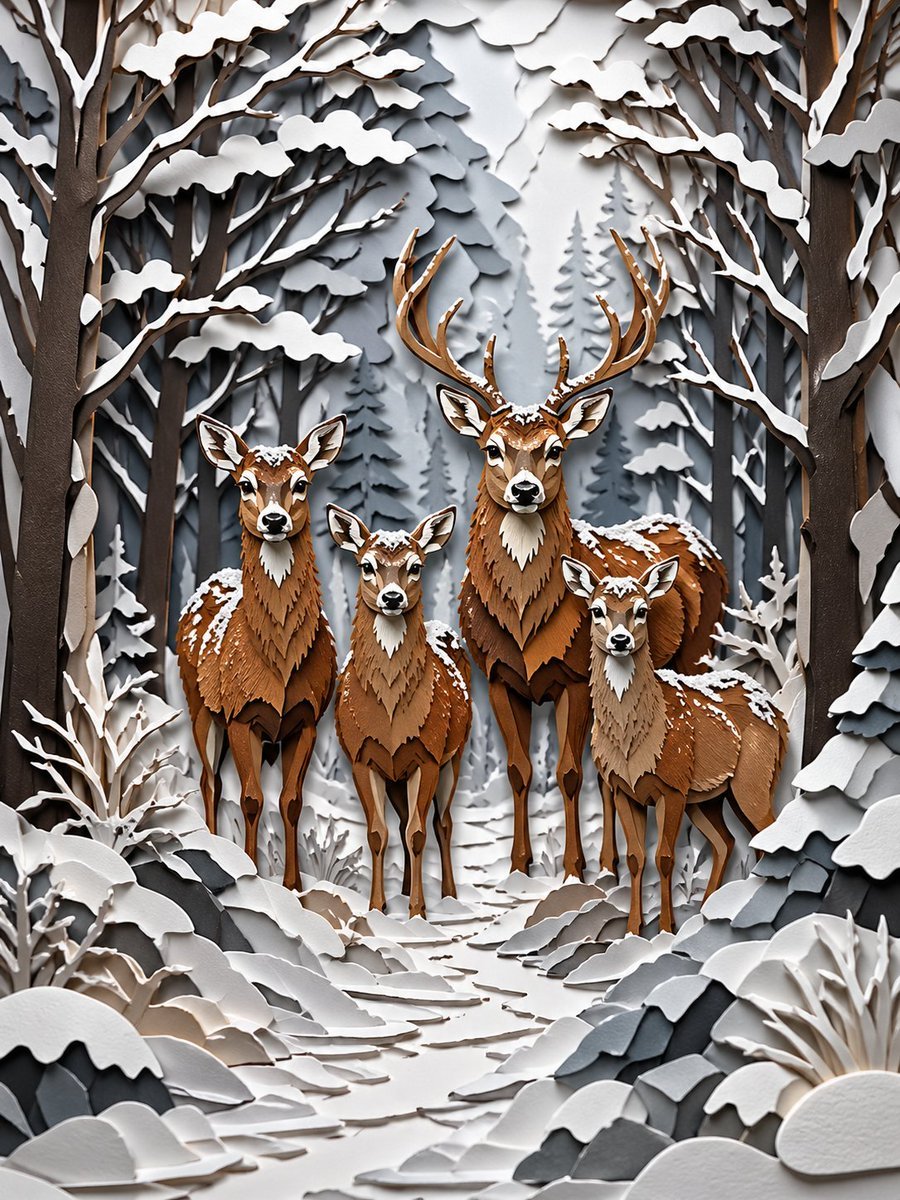
Winter Deer Papercut Forest
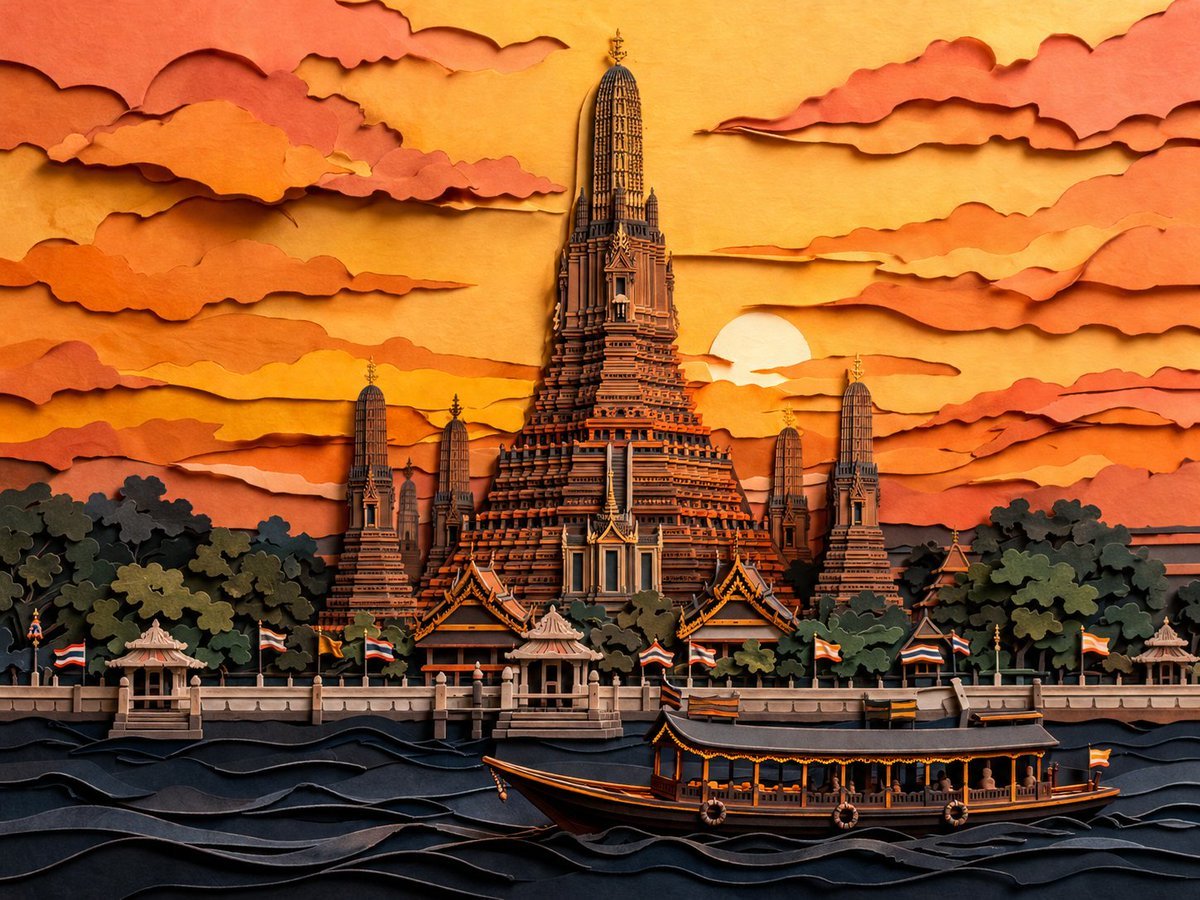
Papercut Wat Arun at Sunset
Make it yours
3D Papercut Pirate Scene works as-is. These are the safest ways to change it without losing the look.
Change one field
Copy a single group, rewrite it, and generate again so you can see what that field is doing.
Keep the frame, change the subject
Hold the composition and light of 3D Papercut Pirate Scene, then swap wardrobe, props or the person for a new take.
| If the result… | Why | Fix |
|---|---|---|
| The result drifts from the preview | Too many fields changed at once. | Reuse 3D Papercut Pirate Scene as-is first, then change one group — subject, light, or setting. |
| The model over-stylizes the scene | The prose prompt leaves finish and camera underspecified. | Add one camera or lighting sentence and stay on GPT Image 2. |
More GPT Image 2 templates
Other prompts made for GPT Image 2.

Six VTuber Japanese Logo Sheet

Realistic Portrait of Woman and Deer

The Vista Modular Condo Poster

AI Model Routing Comparison Infographic

2.5D Anime Art Board

Isometric Productivity Desk Scene

New York Double Exposure Poster

Four-Panel AI Landscape Comparison

Japanese Tatami Lifestyle Magazine Cover

NESCAFÉ Coffee Map Poster
More image prompts
Fresh picks from across the catalog.

Cinematic Portrait of a Young Man By Gem
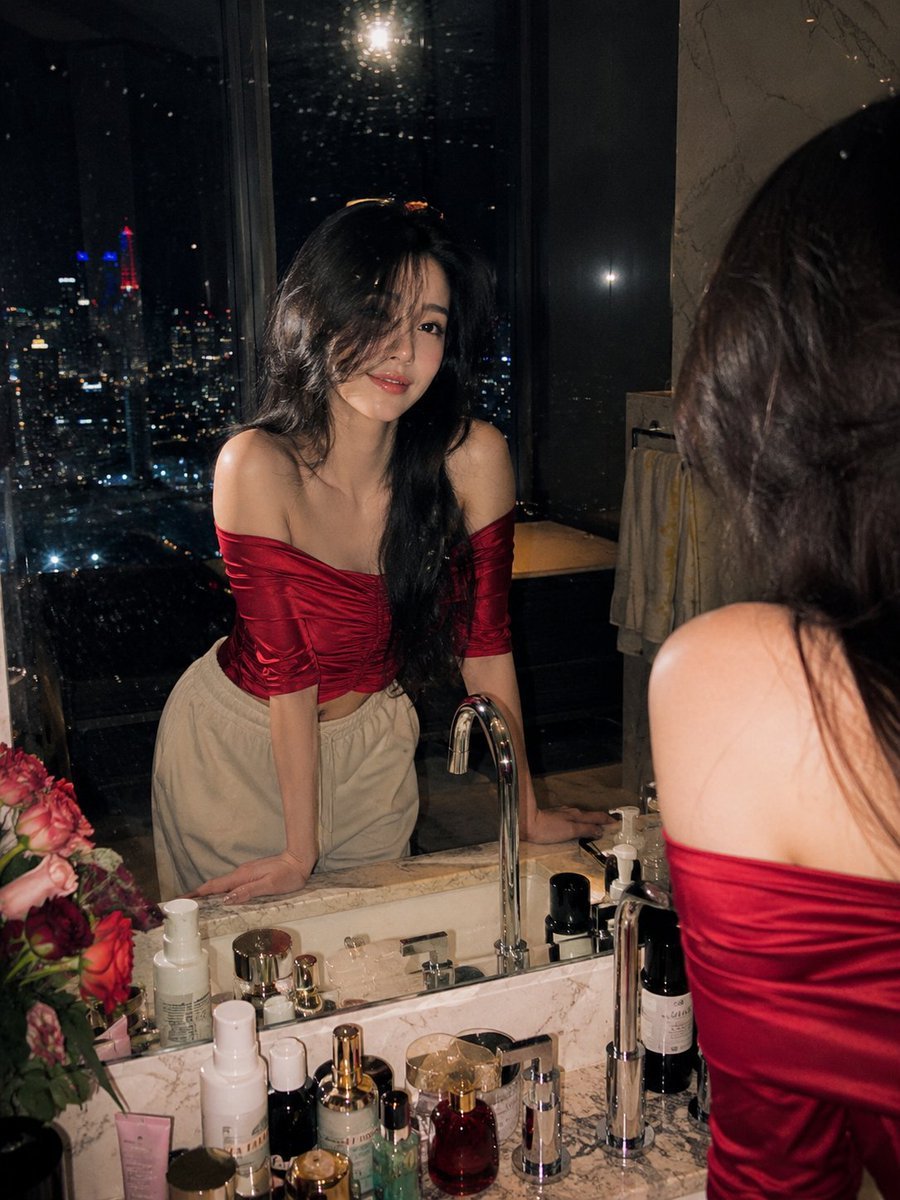
Penthouse Mirror Reflection Portrait
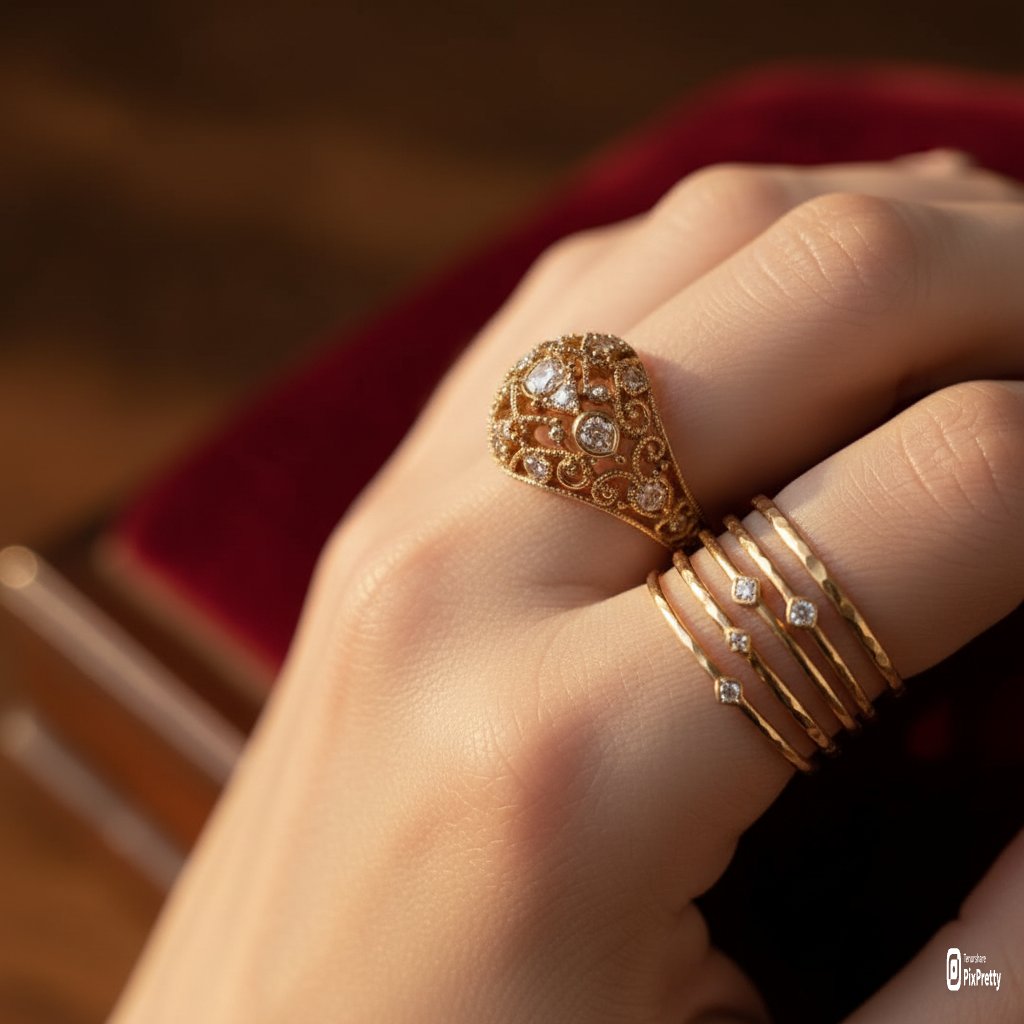
Macro Product Photography of Jewelry Worn by a Model
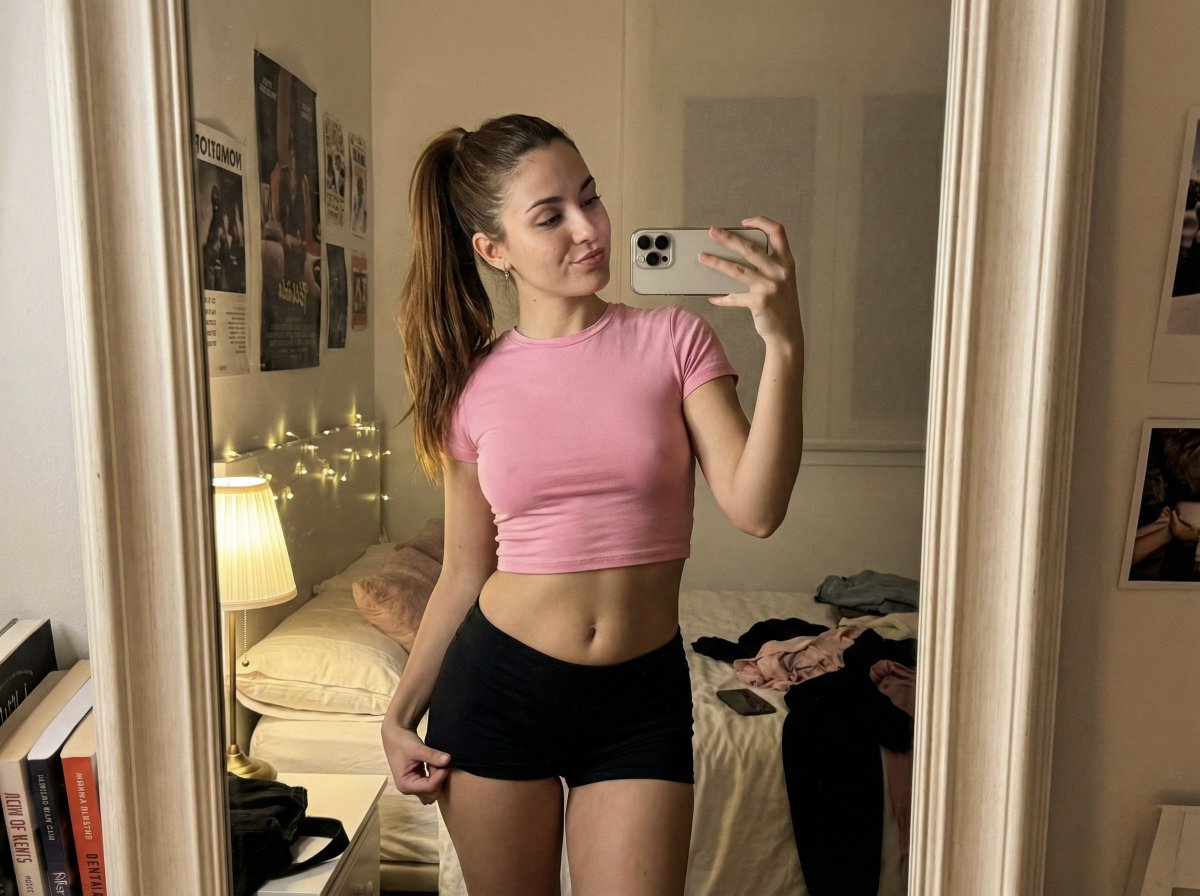
Ultra Photorealistic Warm Mirror Selfie
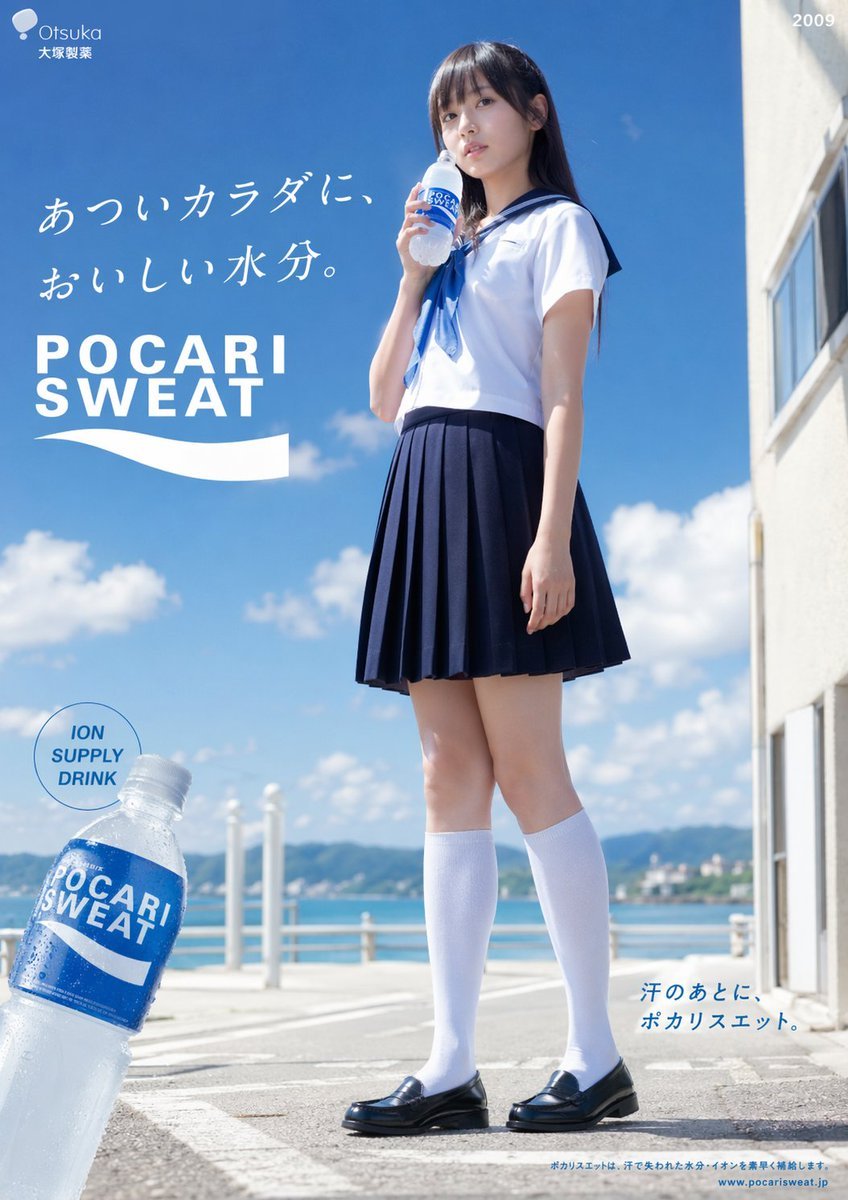
Seaside Pocari Sweat Schoolgirl Ad
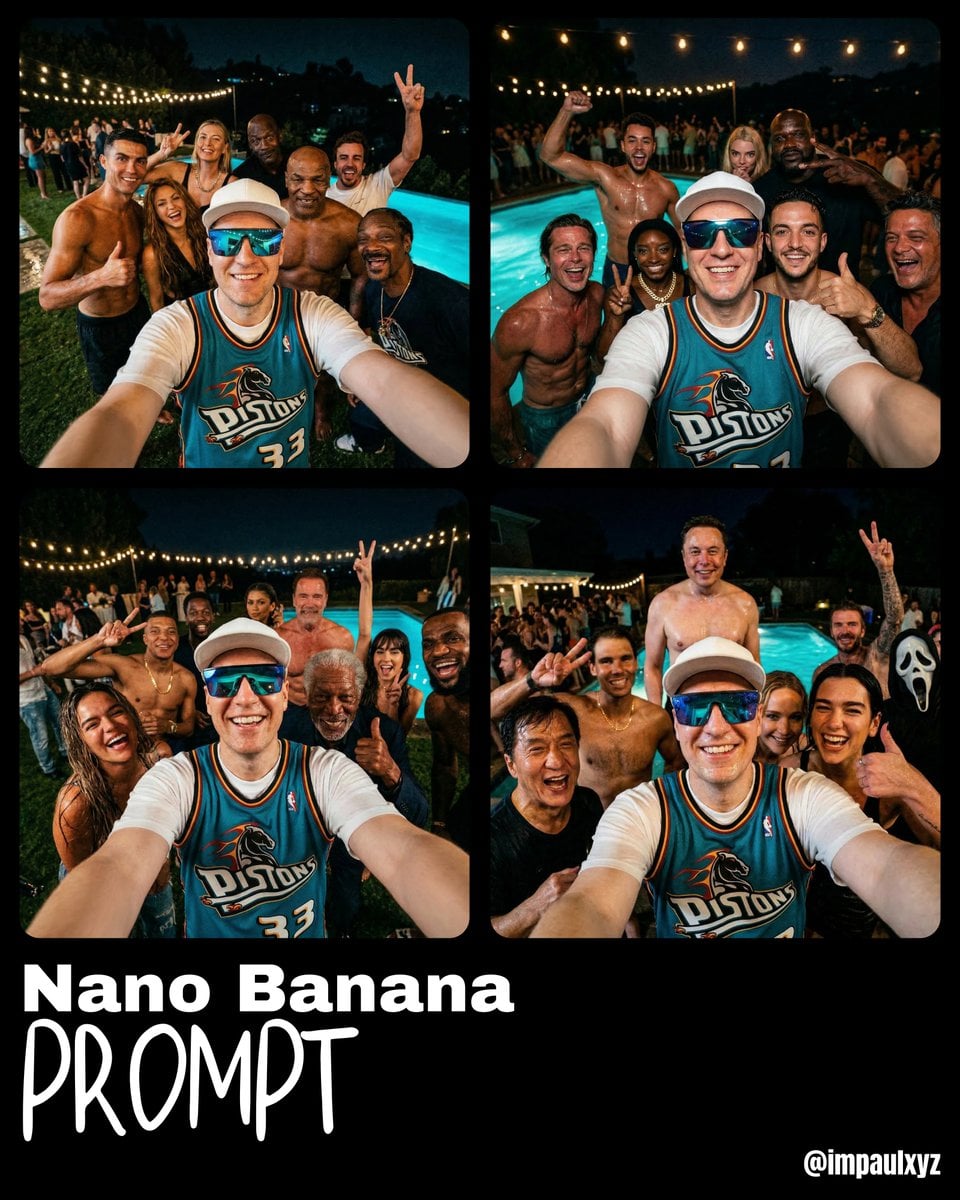
Monday Morning Photo Discovery Prompt
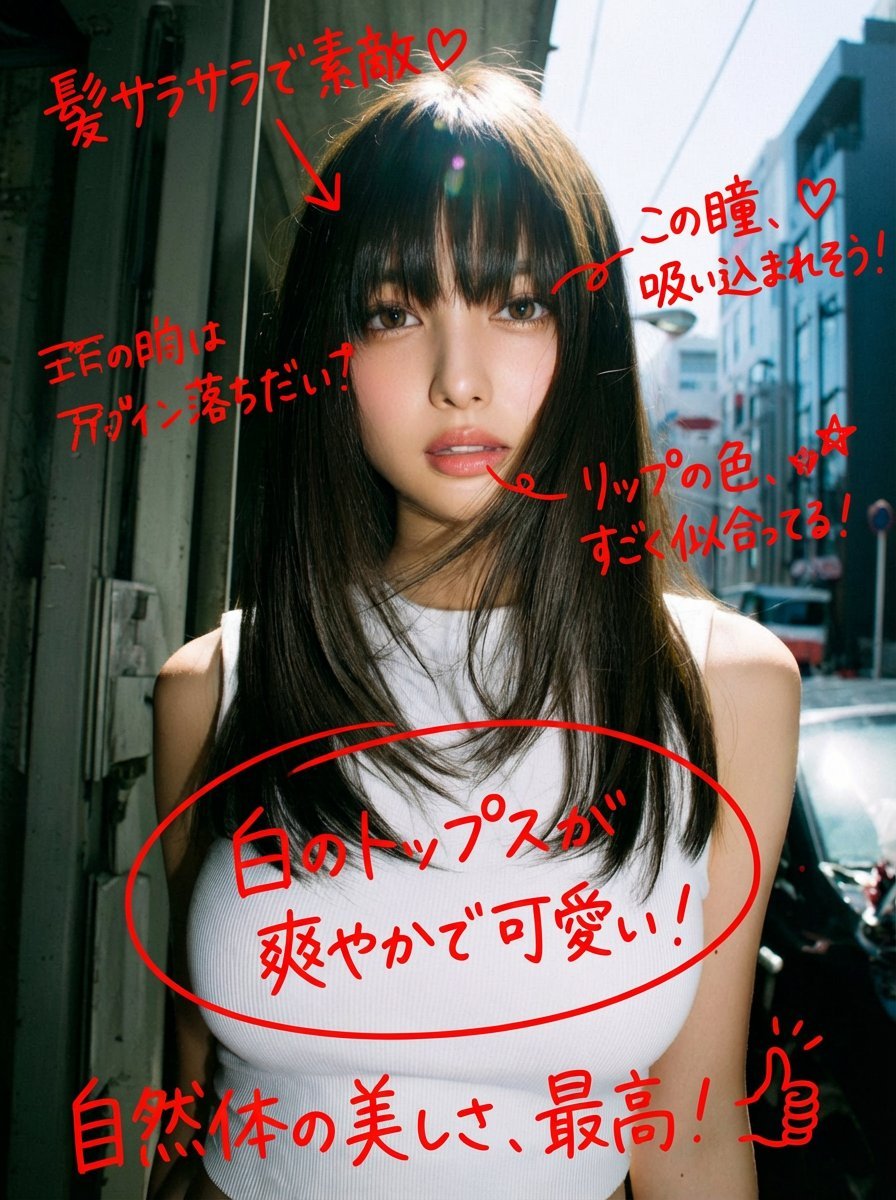
Image Analysis and Correction Tool Description

Cyberpunk Glitch Portrait Prompt with Identity Lock
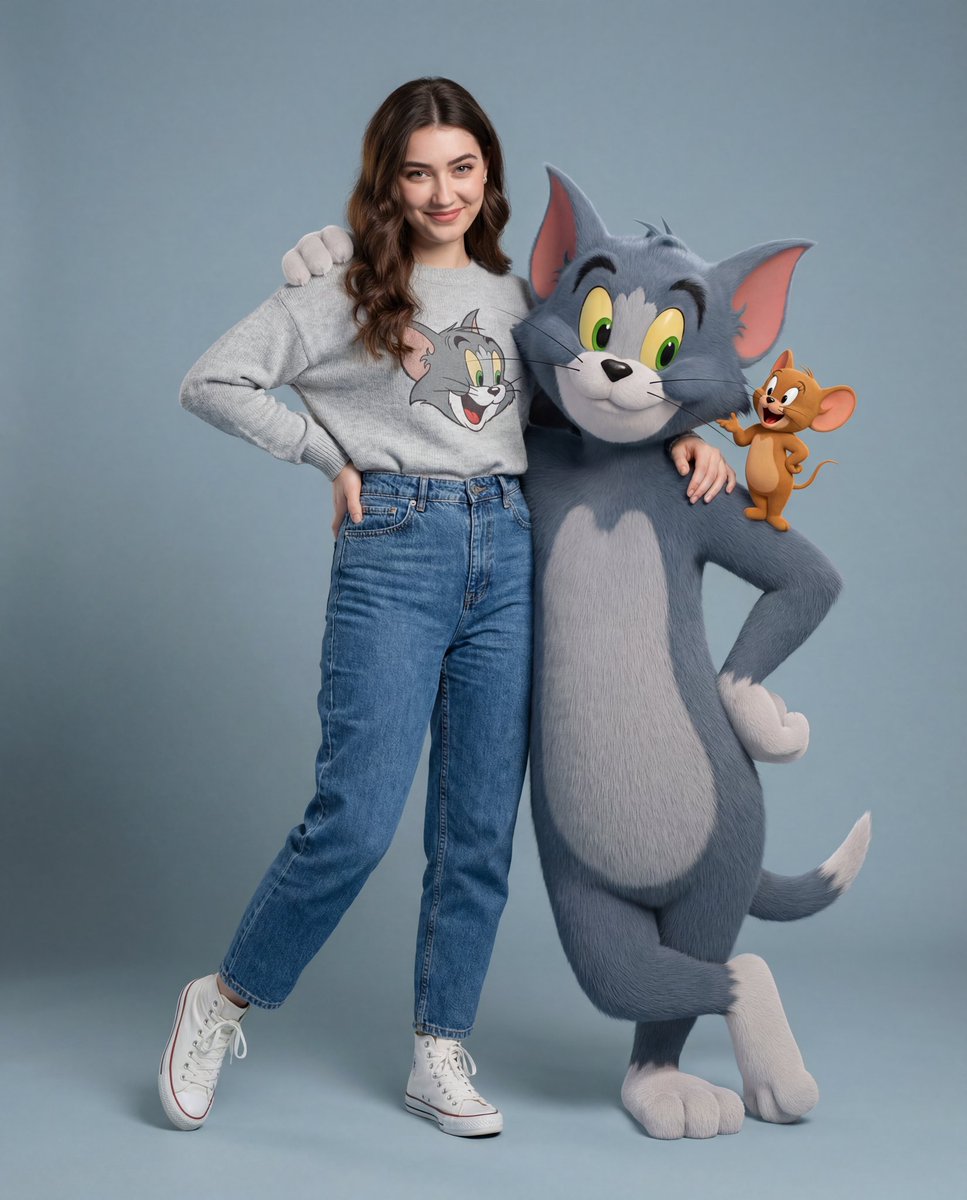
Hyper-realistic Tom & Jerry Fashion Shoot
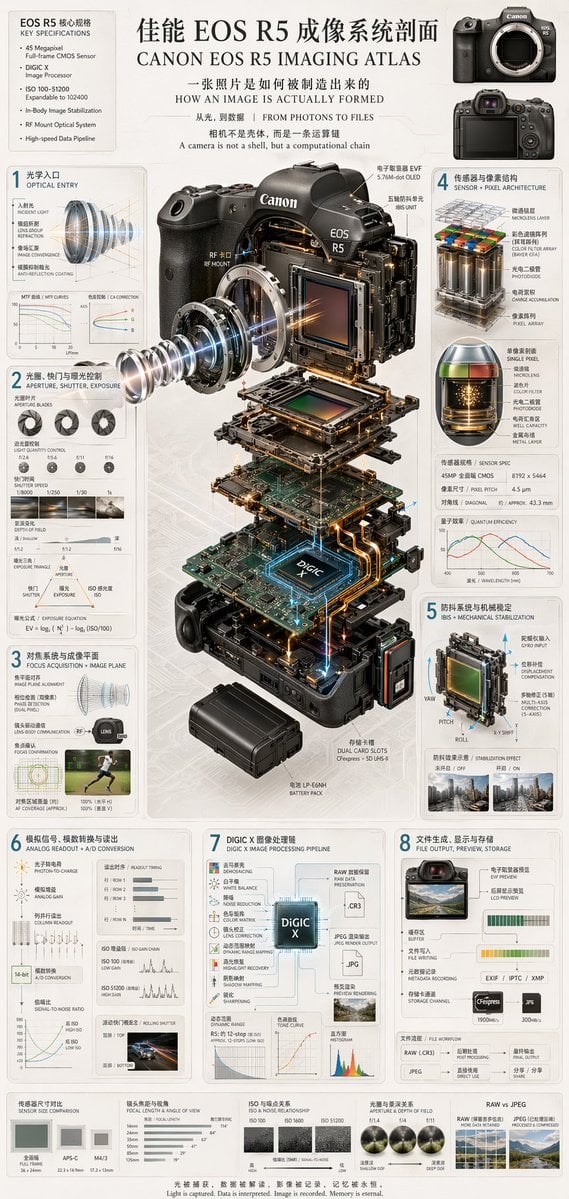
Camera Exploded View Infographic
Browse template categories
3D Papercut Pirate Scene questions
How do I use the 3D Papercut Pirate Scene template?
Add your photo if the template asks for one, edit the prompt if you like — the template's model and format are already selected — and press Generate. Your version opens in PicX Studio.
Can I customize the 3D Papercut Pirate Scene template?
Yes. You can change the subject, setting, lighting, mood, format, and available model controls before creating your image.
Is the 3D Papercut Pirate Scene template free?
Opening and editing this template is free. Generating uses credits, shown on the Generate button when you are signed in.
Which AI model should I use?
Start with GPT Image 2, which is the model associated with this template. You can compare another compatible model for a different finish.
Looking for something else? Browse all templates.

Your photo, any look
Thousands of ready templates for every top image and video model, from one credit balance.