
Winter Deer Papercut Forest
This prompt generates a refined layered paper-cut illustration of four deer in a snowy winter forest, ideal for seasonal art prints, editorial illustration, or decorative wall art.
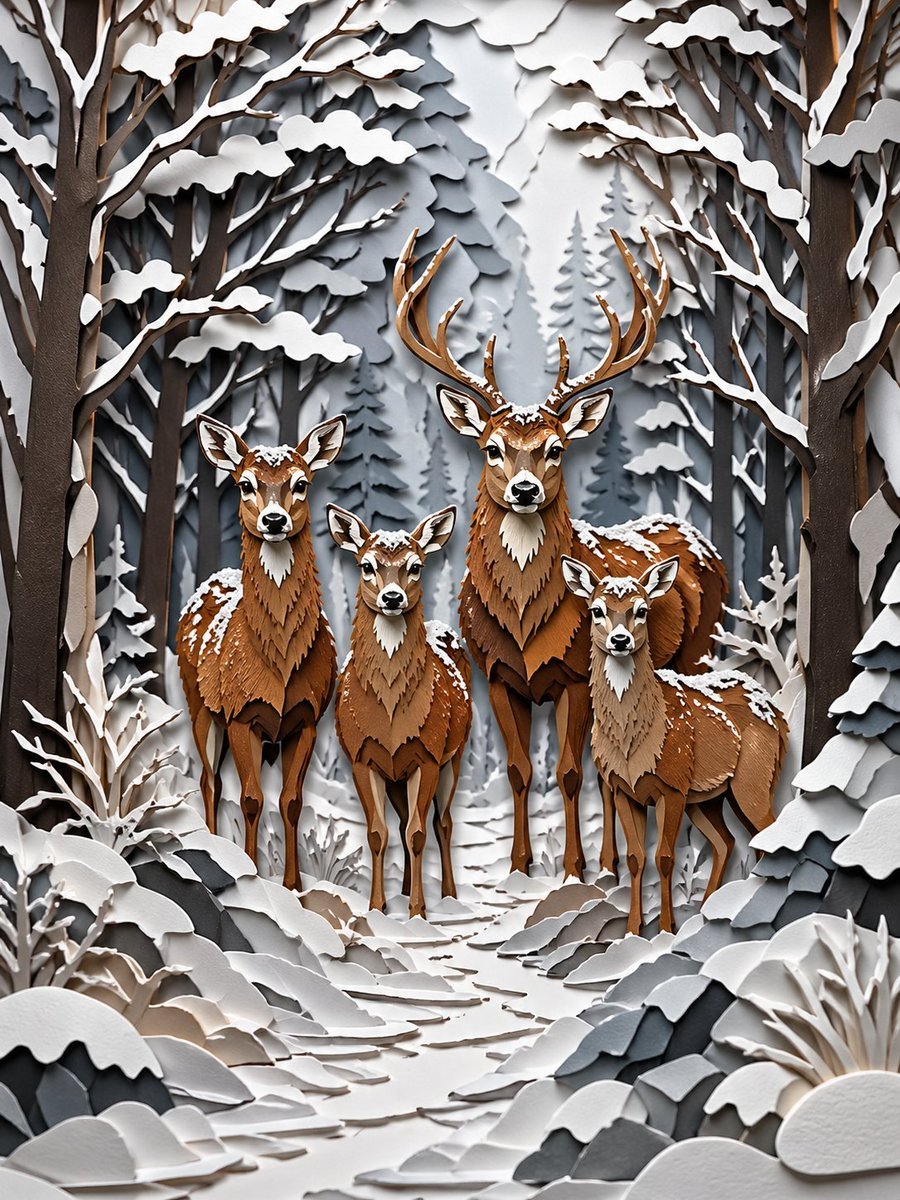
- Prompt included
- Model and format preset
- Free template
The prompt behind this image
Copy the exact prompt behind Winter Deer Papercut Forest, or open it in the studio and make it yours.
A highly detailed layered papercut diorama illustration of a deer family standing on a narrow forest path in deep winter. Show exactly 4 deer facing forward: 1 large stag with tall branching antlers positioned slightly right of center, 1 adult doe on the left, 1 smaller young deer in the middle foreground, and 1 young deer on the right. The scene is built entirely in intricate cut-paper craft style with stacked paper layers, crisp cut edges, sculpted contours, and soft dimensional shadows between layers. The animals are made from warm brown, chestnut, tan, and cream paper with delicately layered chest fur, white muzzles, alert ears, and small patches of snow resting on their heads, backs, and shoulders. Surround them with a dense winter forest of tall bare trees and fir trees, all rendered in layered paper silhouettes. Snow heavily coats the branches, bushes, rocks, and ground. Compose the trees as an enclosing corridor that frames the deer symmetrically, with the snowy path leading from the foreground into the group. Use a restrained cold palette for the environment: white, off-white, pale gray, slate gray, and charcoal, contrasted by the warm brown deer. Add subtle depth haze in the distant trees, clean studio-like lighting, and a calm storybook atmosphere. Ultra-detailed craftsmanship, elegant winter scene, realistic paper texture, refined 3D paper sculpture look, vertical composition.
How to use Winter Deer Papercut Forest in 3 steps
- 1Upload ImagePNG, JPG or paste
Add your photo
Upload the photo the template builds on. The prompt, model and format are already set.
- 2…a portrait of your subject in softgolden-hour light, 85mm…
Personalize
Edit the subject and creative details for your destination.
- 3Generate
Generate
Press Generate — your image is created in PicX Studio, so you can compare it with the original and refine one variable at a time.
More like this
Templates with the same subject, style or setup. Open one to see its prompt.
Blurred Deer in Green Forest

Layered Paper Cut Forest Diorama

Frozen Street Luxe Graffiti Fashion Campaign

Photoreal Snow Biome Name Tag UI

Minecraft You Died Winter Death Screen
Anime Winter Forest Portrait

Winter, peace, and chocolate.
The sweetest feeling of winter.
Mischievous Forest Faun Girl
Oriental Papercut Art of Chongqing Palace
Oriental Papercut World Tree Art
Modern Suzhou Garden Papercut Art
Make it yours
Winter Deer Papercut Forest works as-is. These are the safest ways to change it without losing the look.
Change one field
Copy a single group, rewrite it, and generate again so you can see what that field is doing.
Keep the frame, change the subject
Hold the composition and light of Winter Deer Papercut Forest, then swap wardrobe, props or the person for a new take.
| If the result… | Why | Fix |
|---|---|---|
| The result drifts from the preview | Too many fields changed at once. | Reuse Winter Deer Papercut Forest as-is first, then change one group — subject, light, or setting. |
| The model over-stylizes the scene | The prose prompt leaves finish and camera underspecified. | Add one camera or lighting sentence and stay on GPT Image 2. |
More GPT Image 2 templates
Other prompts made for GPT Image 2.

Six VTuber Japanese Logo Sheet

Realistic Portrait of Woman and Deer

The Vista Modular Condo Poster

AI Model Routing Comparison Infographic

2.5D Anime Art Board

Isometric Productivity Desk Scene

New York Double Exposure Poster

Four-Panel AI Landscape Comparison

Japanese Tatami Lifestyle Magazine Cover

NESCAFÉ Coffee Map Poster
More image prompts
Fresh picks from across the catalog.

Douyin Live Stream Interface
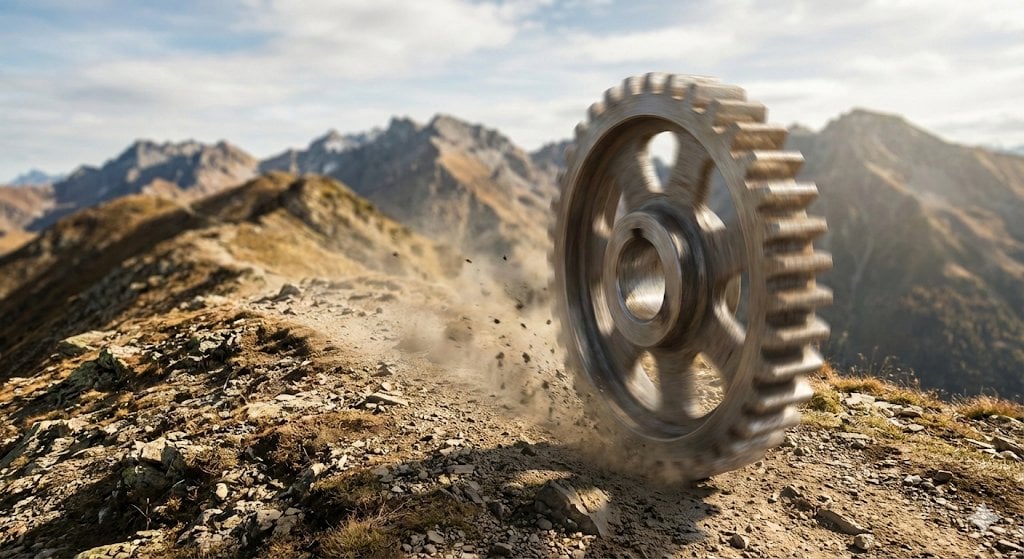
Rolling Steel Gear on Mountain Ridge
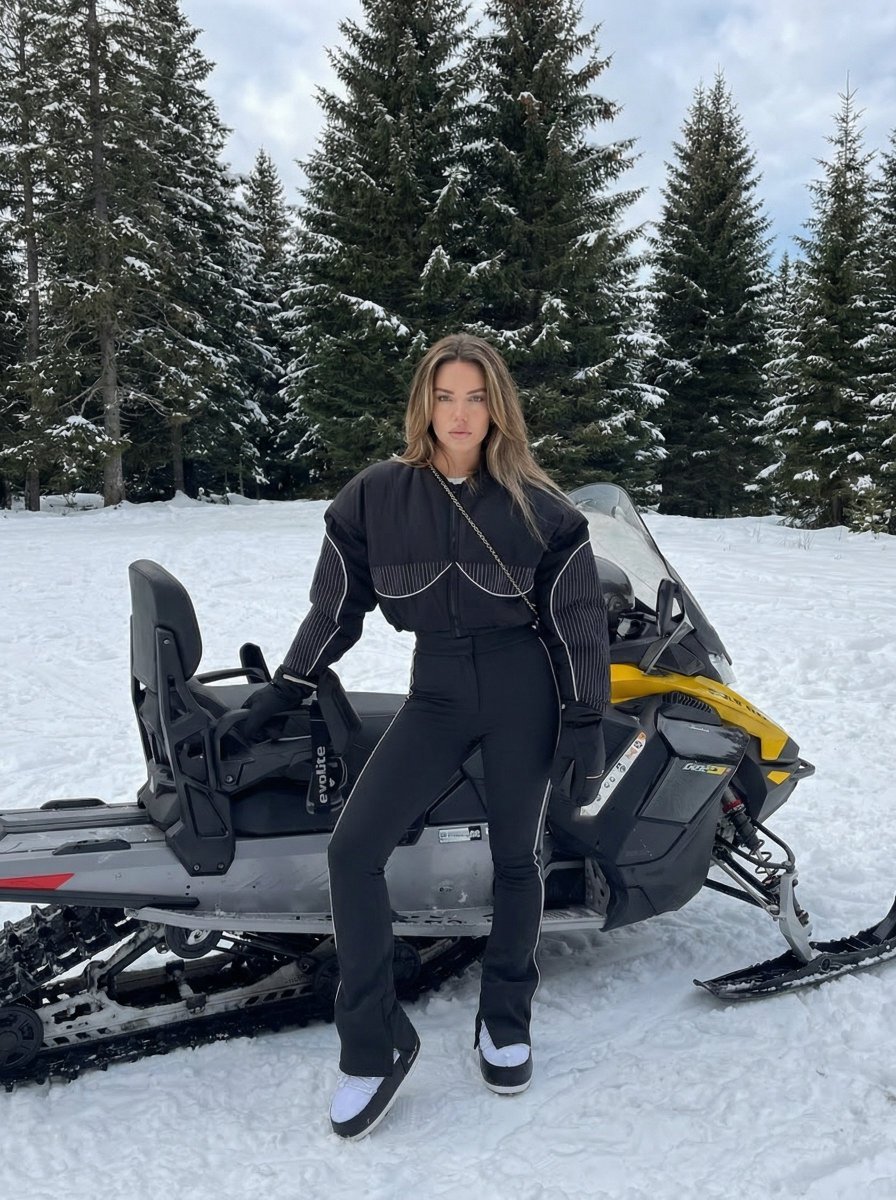
Character Generation Based on Reference Image in Snow
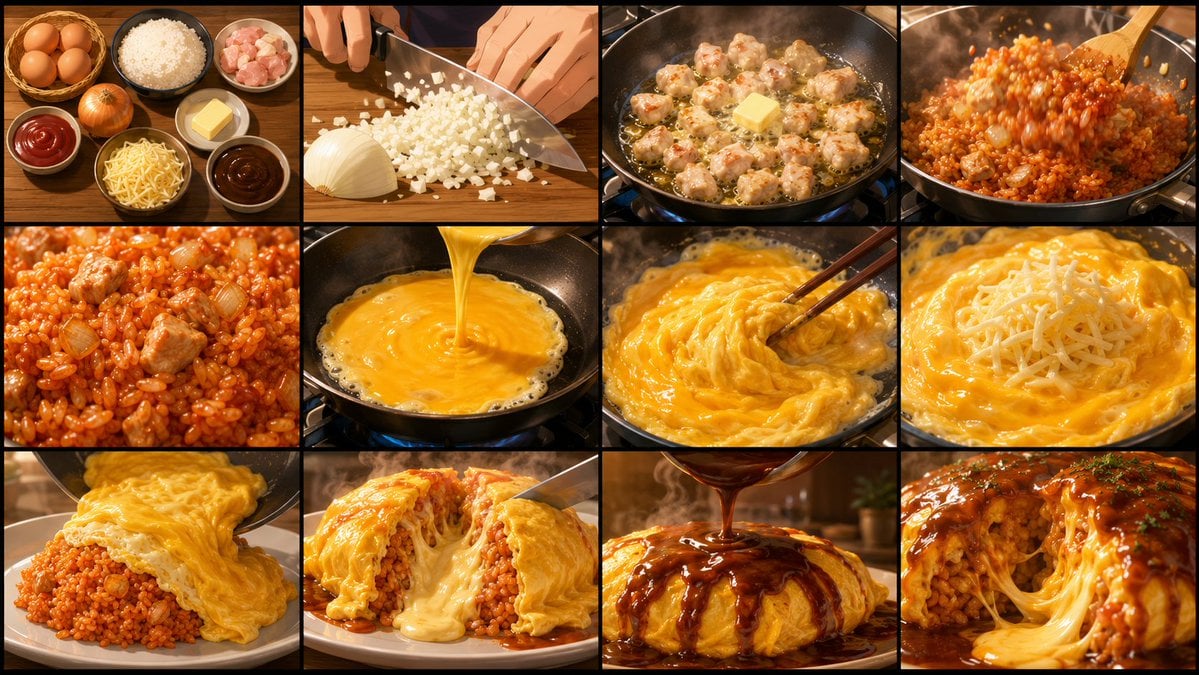
Anime Cooking Storyboard Grid Generator
Cinematic Behind-the-Scenes VFX Artists Prompt
Cinematic Lifestyle Portrait Prompt for Stylish Restaurant Scene
Sleek LCD-Face Robot Prompt

World-class cool film camera poster (2:3)
Golden Hour Mirror Selfie Realism

Orange Juice Slow Motion Product Shot
Browse template categories
Winter Deer Papercut Forest questions
How do I use the Winter Deer Papercut Forest template?
Add your photo if the template asks for one, edit the prompt if you like — the template's model and format are already selected — and press Generate. Your version opens in PicX Studio.
Can I customize the Winter Deer Papercut Forest template?
Yes. You can change the subject, setting, lighting, mood, format, and available model controls before creating your image.
Is the Winter Deer Papercut Forest template free?
Opening and editing this template is free. Generating uses credits, shown on the Generate button when you are signed in.
Which AI model should I use?
Start with GPT Image 2, which is the model associated with this template. You can compare another compatible model for a different finish.
Looking for something else? Browse all templates.

Your photo, any look
Thousands of ready templates for every top image and video model, from one credit balance.