
Mischievous Forest Faun Girl
Generates a full-body watercolor anime character design of a cute woodland faun girl for fantasy manga or character concept art.
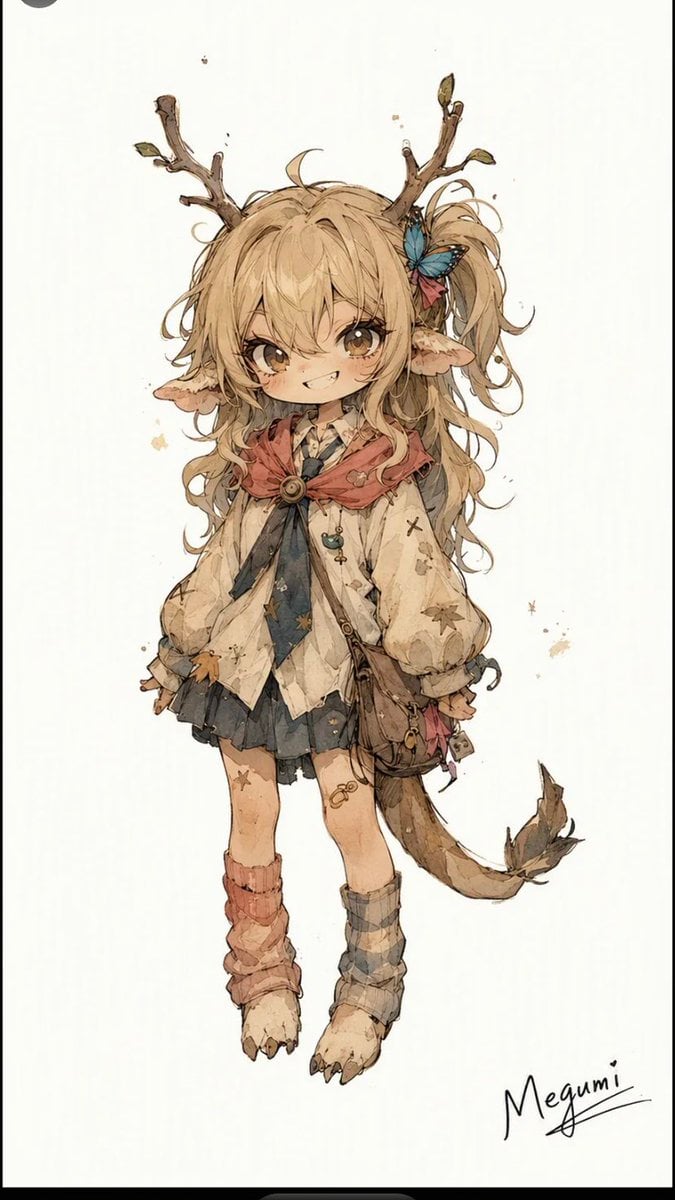
- Prompt included
- Model and format preset
- Free template
The prompt behind this image
Copy the exact prompt behind Mischievous Forest Faun Girl, or open it in the studio and make it yours.
Create a full-body fantasy anime character illustration on a clean off-white parchment background, centered with lots of empty space and a small handwritten signature reading “{argument name="character name" default="Megumi"}” in the bottom right. The character is a mischievous, innocent chibi-like forest faun girl with a large head, petite body, warm tan skin, big sparkling brown eyes, a tiny fang grin, and long messy wavy {argument name="hair color" default="honey-blonde"} hair in loose twin-tail curls. She has exactly 2 large pointed elf ears, exactly 2 rough branch antlers growing from her head with small buds and leaves, exactly 1 blue butterfly hair ornament beside a small red bow on the right side of her hair, and exactly 1 long deer-like tail ending in leafy tufts. Outfit: a worn cream blouse with puffy sleeves and star-shaped stains, a dark loose necktie, a dusty rose hooded capelet fastened by exactly 1 round brooch, a short dark pleated skirt, exactly 1 brown crossbody satchel with dangling trinkets, mismatched leg warmers with exactly 2 colors/patterns, one muted red and one gray plaid, and bare paw-like feet with small claws. Pose her standing front-facing with arms relaxed at her sides, toes turned slightly inward, conveying playful foolish charm and woodland innocence. Use delicate watercolor-and-ink line art, soft sepia shadows, muted earthy colors, tiny paint splatters, sketchy textured edges, and whimsical fantasy character-design detail. Avoid a detailed background, extra characters, or modern objects.
How to use Mischievous Forest Faun Girl in 3 steps
- 1Upload ImagePNG, JPG or paste
Add your photo
Upload the photo the template builds on. The prompt, model and format are already set.
- 2…a portrait of your subject in softgolden-hour light, 85mm…
Personalize
Edit the subject and creative details for your destination.
- 3Generate
Generate
Press Generate — your image is created in PicX Studio, so you can compare it with the original and refine one variable at a time.
More like this
Templates with the same subject, style or setup. Open one to see its prompt.
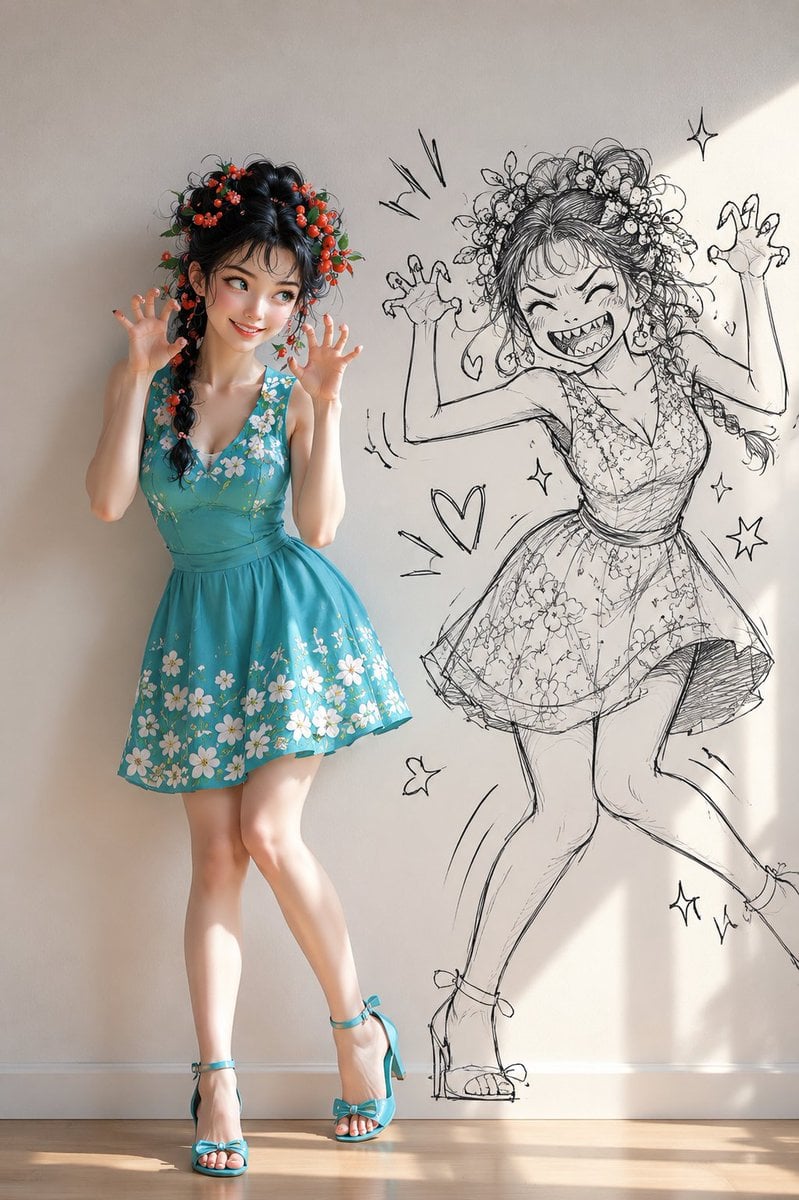
Mischievous Girl With Manga Wall Sketch

Teen Girl Alpine Lake Mountain View

Layered Paper Cut Forest Diorama
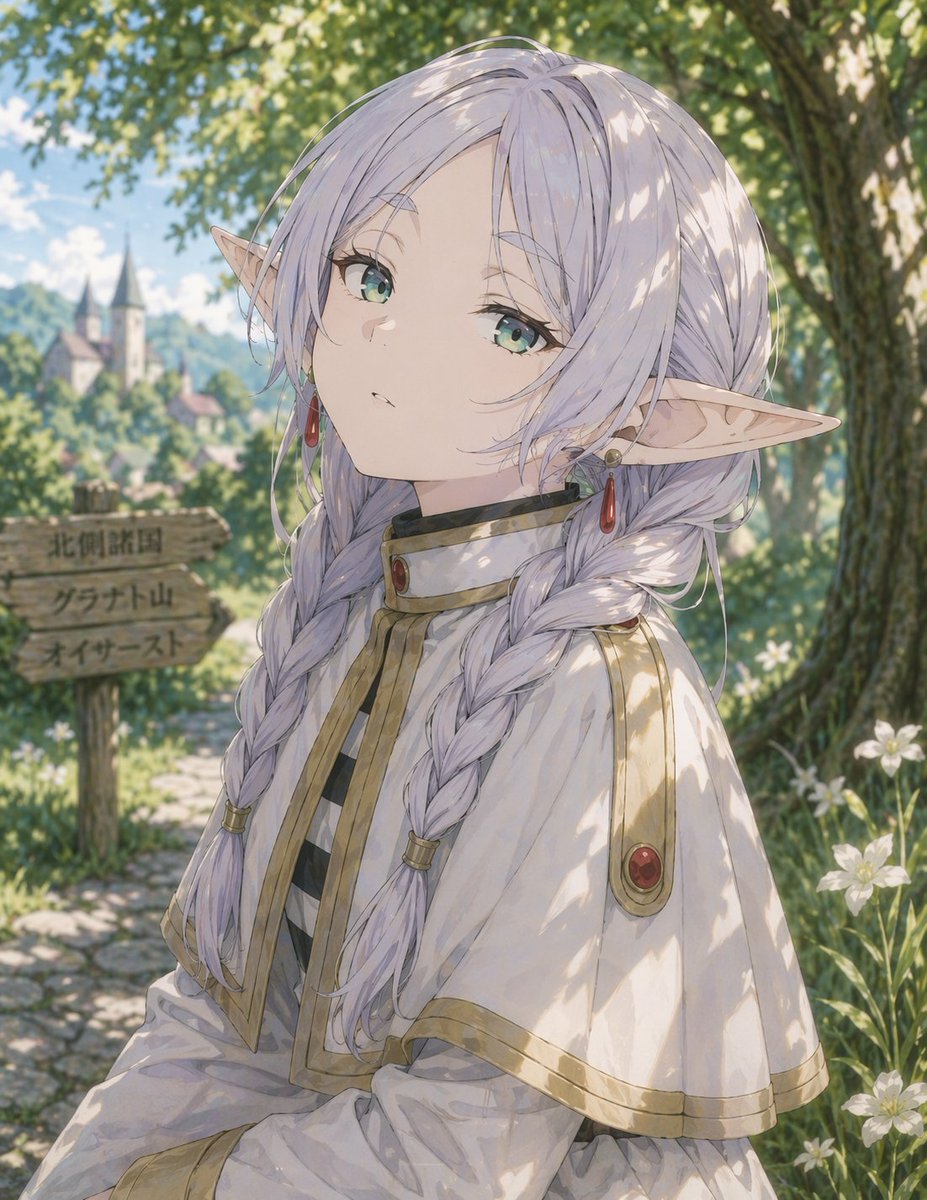
Anime Elf Girl on Forest Path
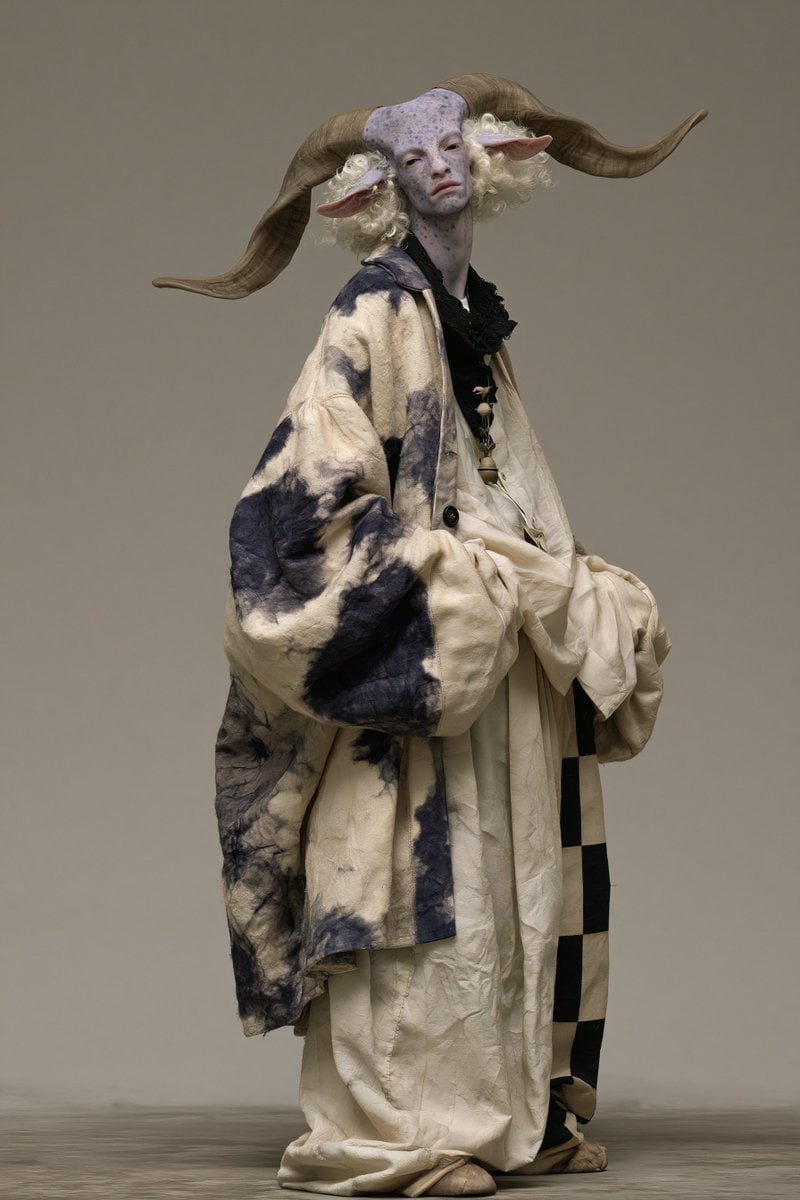
Fantasy Ram Faun Couture Portrait
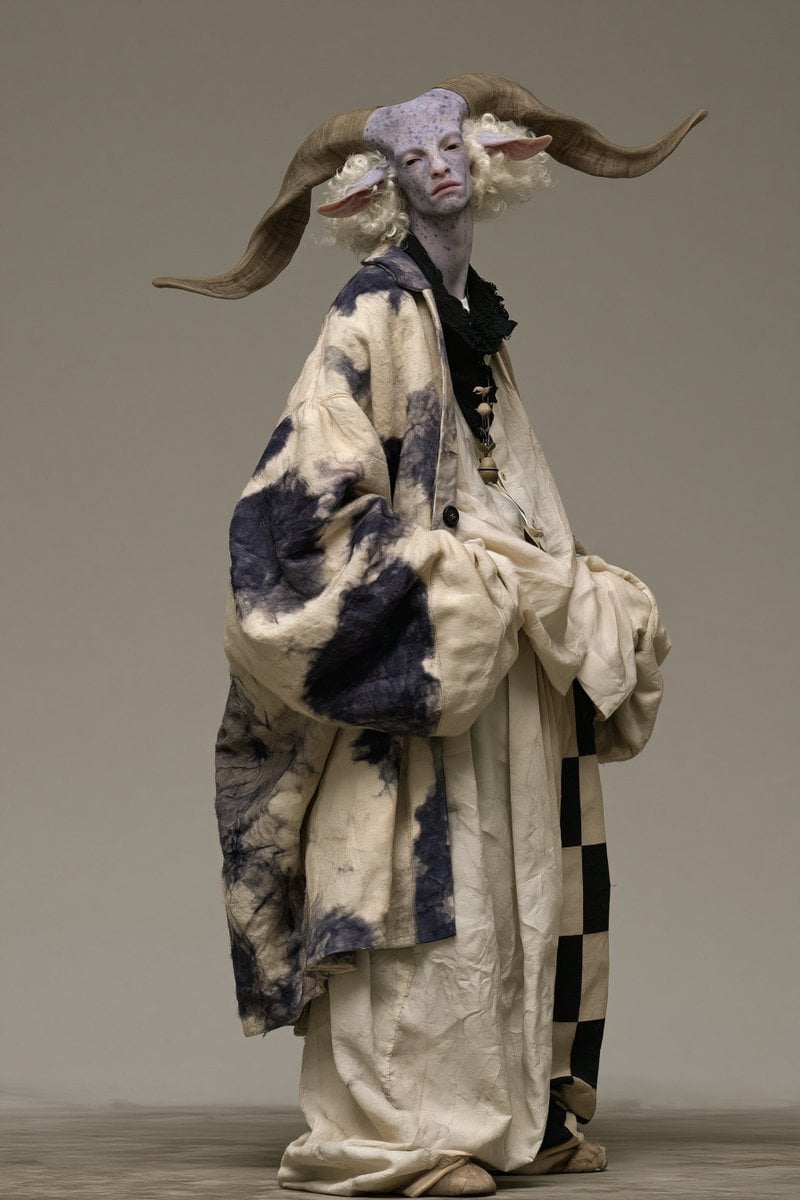
Avant-Garde Faun Fashion Portrait
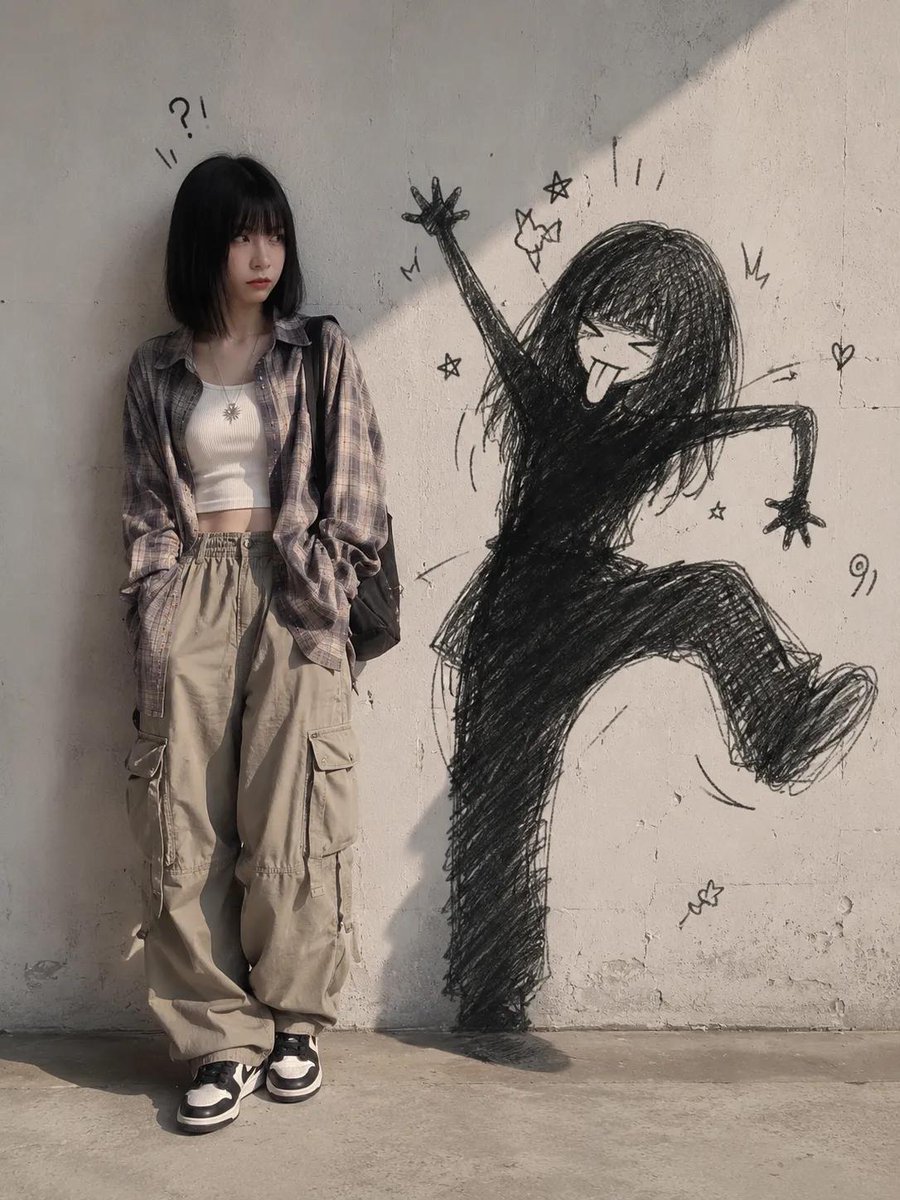
Mischievous Doodle Shadow
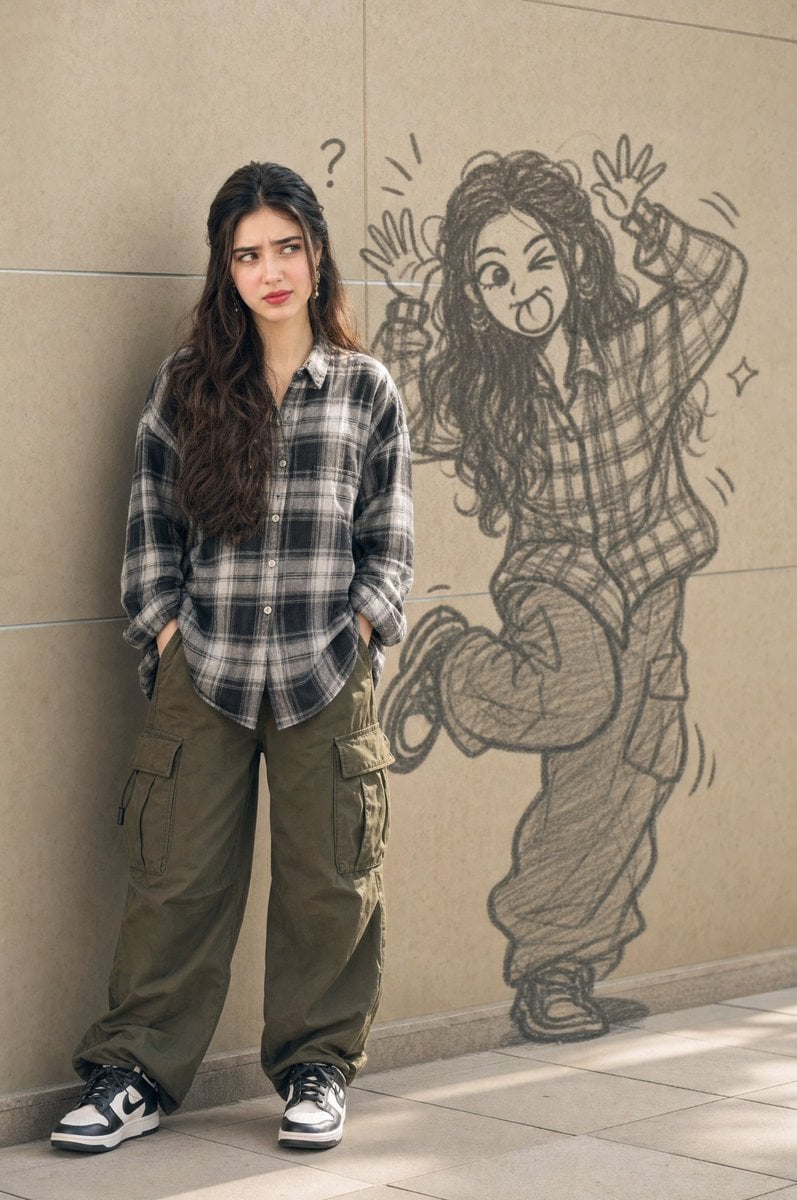
Mischievous Doodle Shadow

Obscured Cyberpunk Girl Poster

Sunlit Orchard Girl With Apples
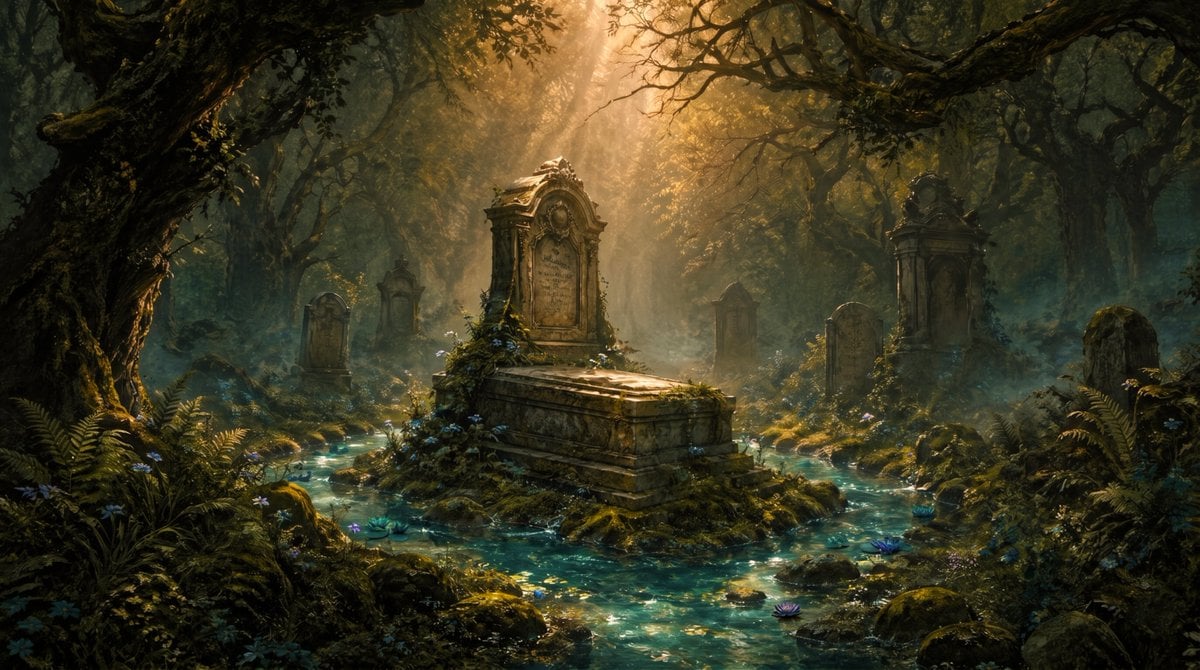
Enchanted Forest Grave Spring
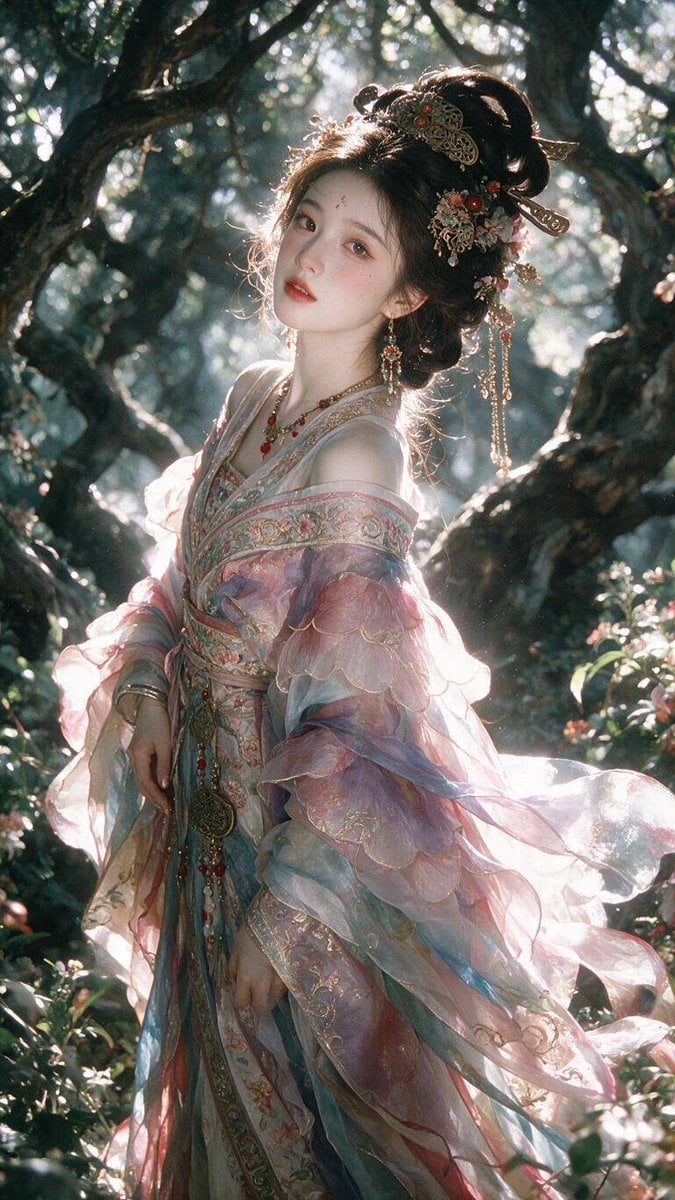
Enchanted Hanfu Forest Goddess
Make it yours
Mischievous Forest Faun Girl works as-is. These are the safest ways to change it without losing the look.
Change one field
Copy a single group, rewrite it, and generate again so you can see what that field is doing.
Keep the frame, change the subject
Hold the composition and light of Mischievous Forest Faun Girl, then swap wardrobe, props or the person for a new take.
| If the result… | Why | Fix |
|---|---|---|
| The result drifts from the preview | Too many fields changed at once. | Reuse Mischievous Forest Faun Girl as-is first, then change one group — subject, light, or setting. |
| The model over-stylizes the scene | The prose prompt leaves finish and camera underspecified. | Add one camera or lighting sentence and stay on GPT Image 2. |
More GPT Image 2 templates
Other prompts made for GPT Image 2.

Six VTuber Japanese Logo Sheet

Realistic Portrait of Woman and Deer

The Vista Modular Condo Poster

AI Model Routing Comparison Infographic

2.5D Anime Art Board

Isometric Productivity Desk Scene

New York Double Exposure Poster

Four-Panel AI Landscape Comparison

Japanese Tatami Lifestyle Magazine Cover

NESCAFÉ Coffee Map Poster
More image prompts
Fresh picks from across the catalog.
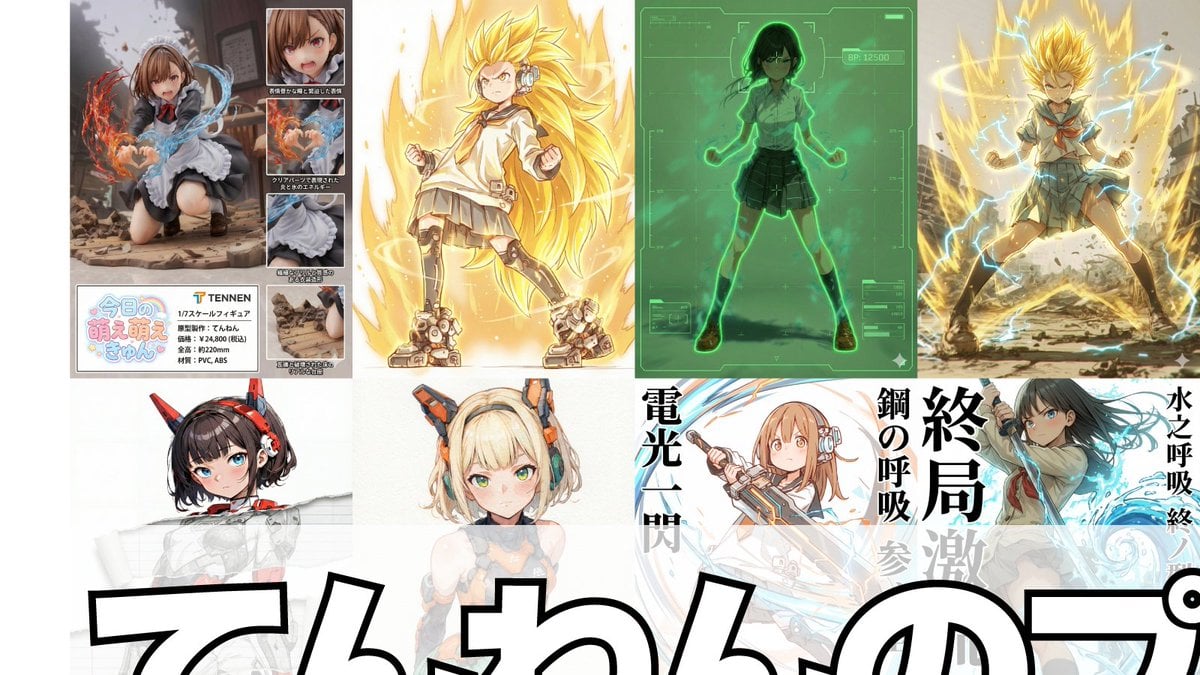
Compilation of 18 Nano Banana Pro Prompts (Tennen's Prompt Festival)
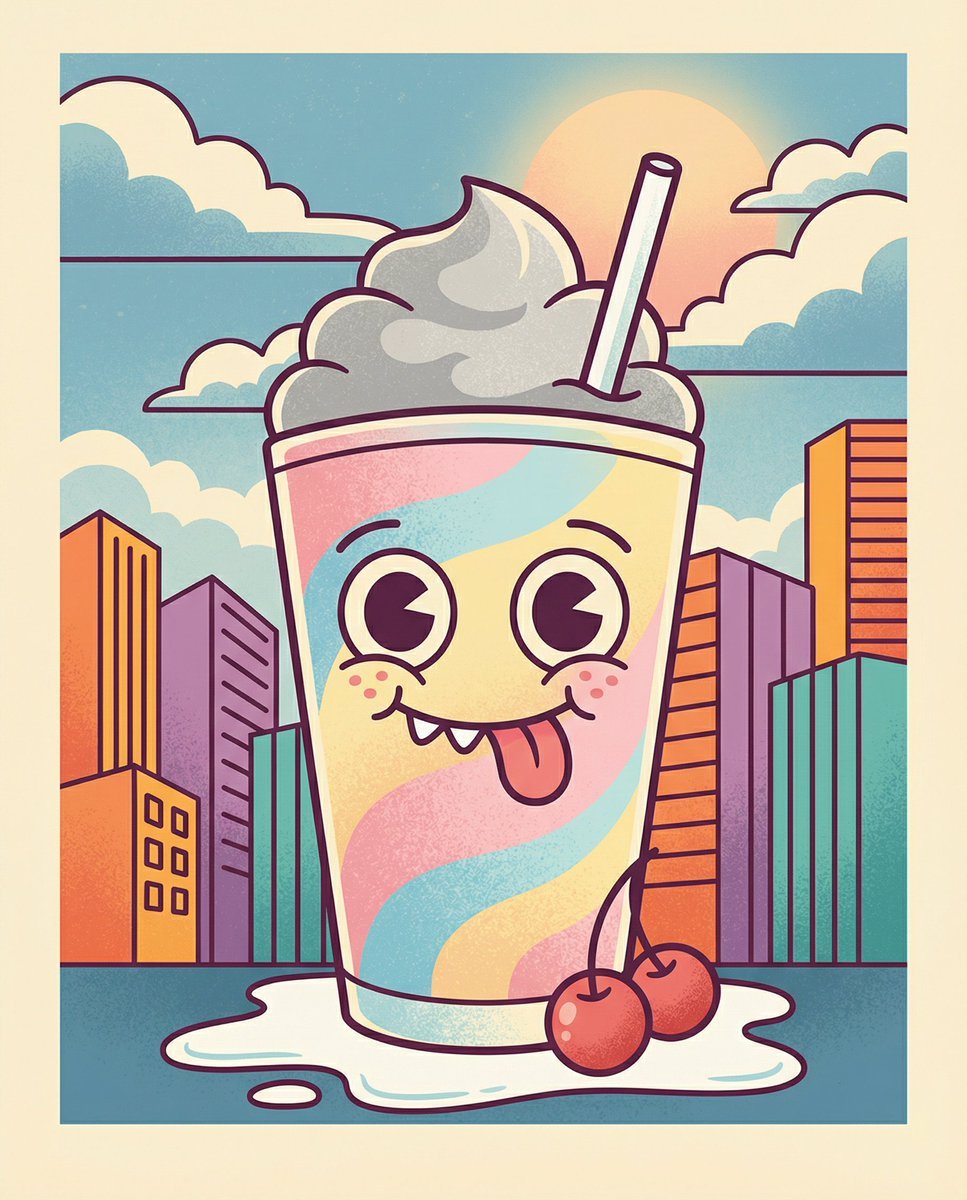
Whimsical Cartoon Milkshake with City Skyline Background
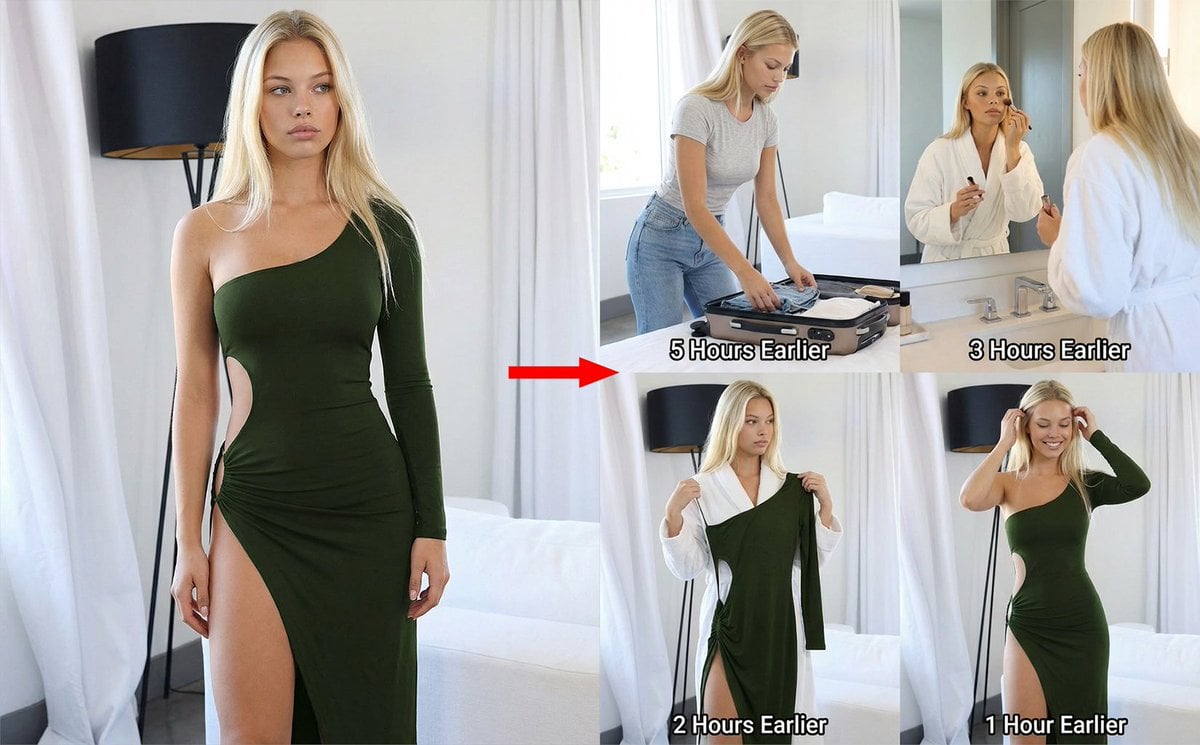
2x2 Grid Prompt for Preceding Events
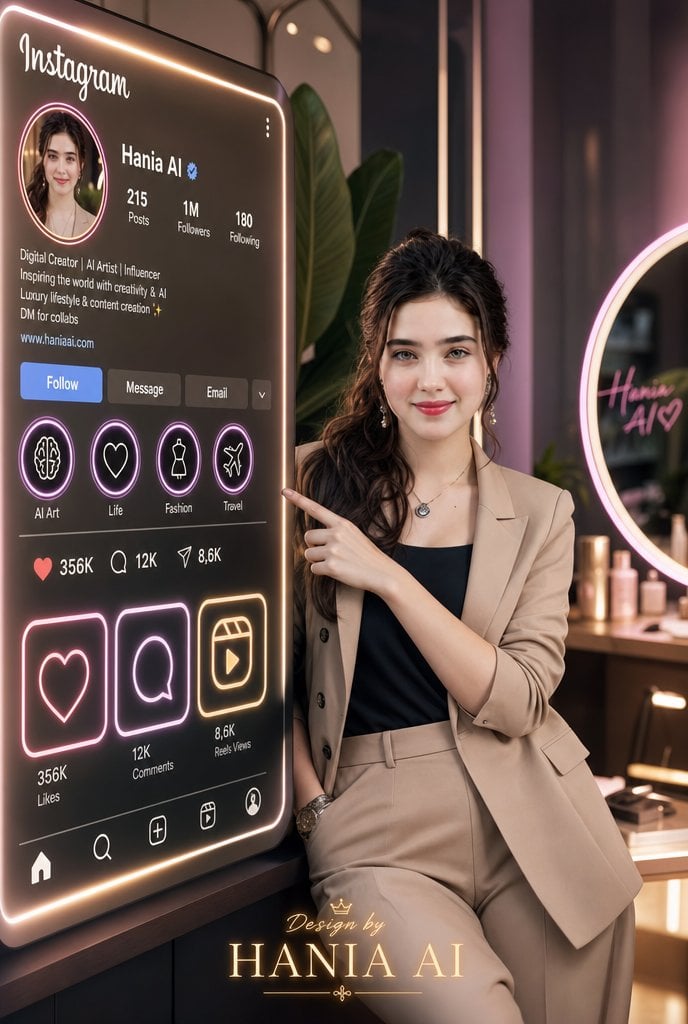
Luxury Instagram Profile Creator Poster
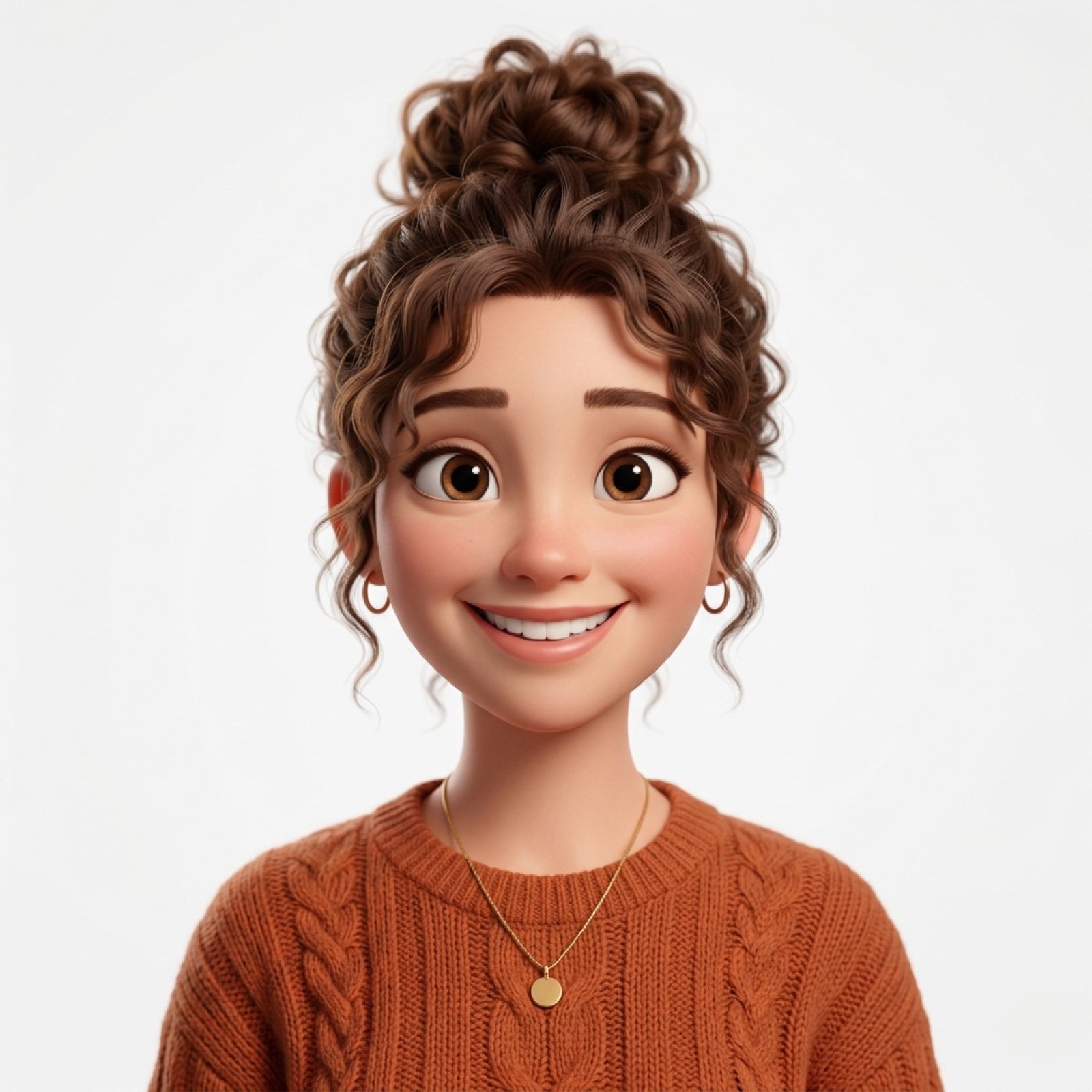
Photo-to-Pixar 3D Animated Portrait Conversion
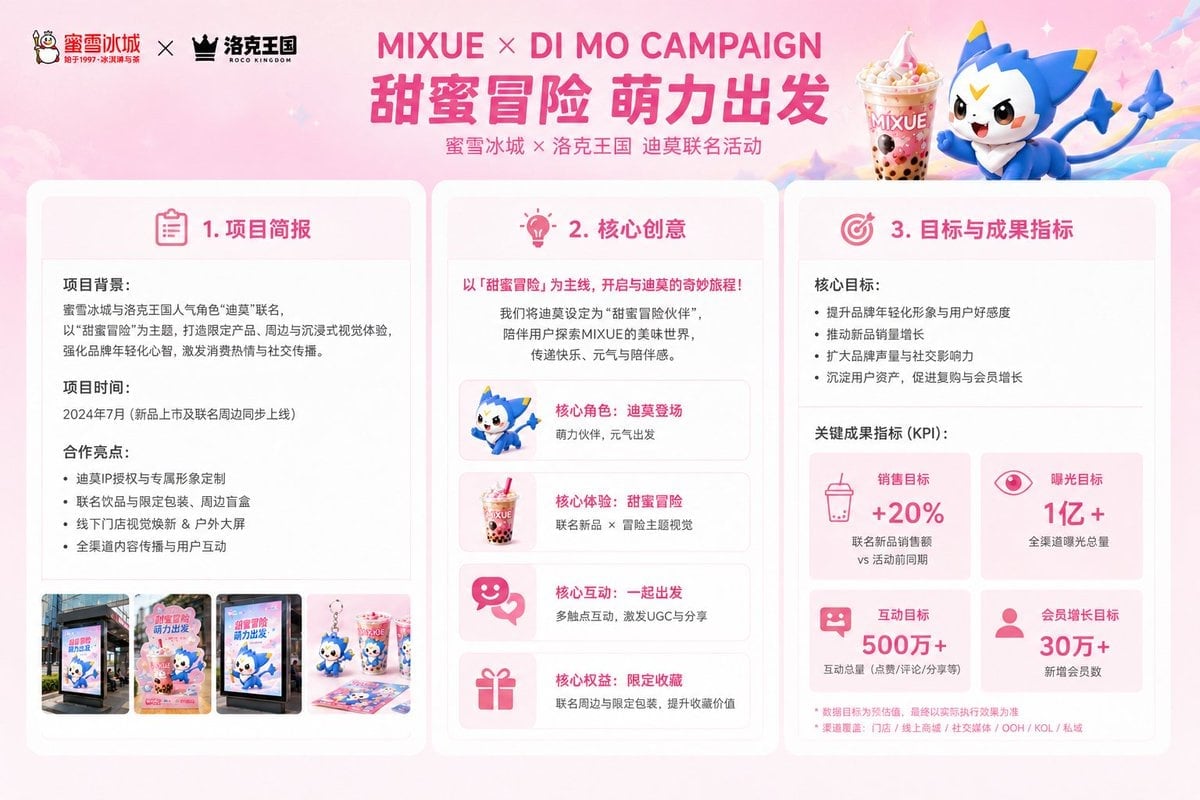
Mixue Di Mo Campaign Proposal Slide
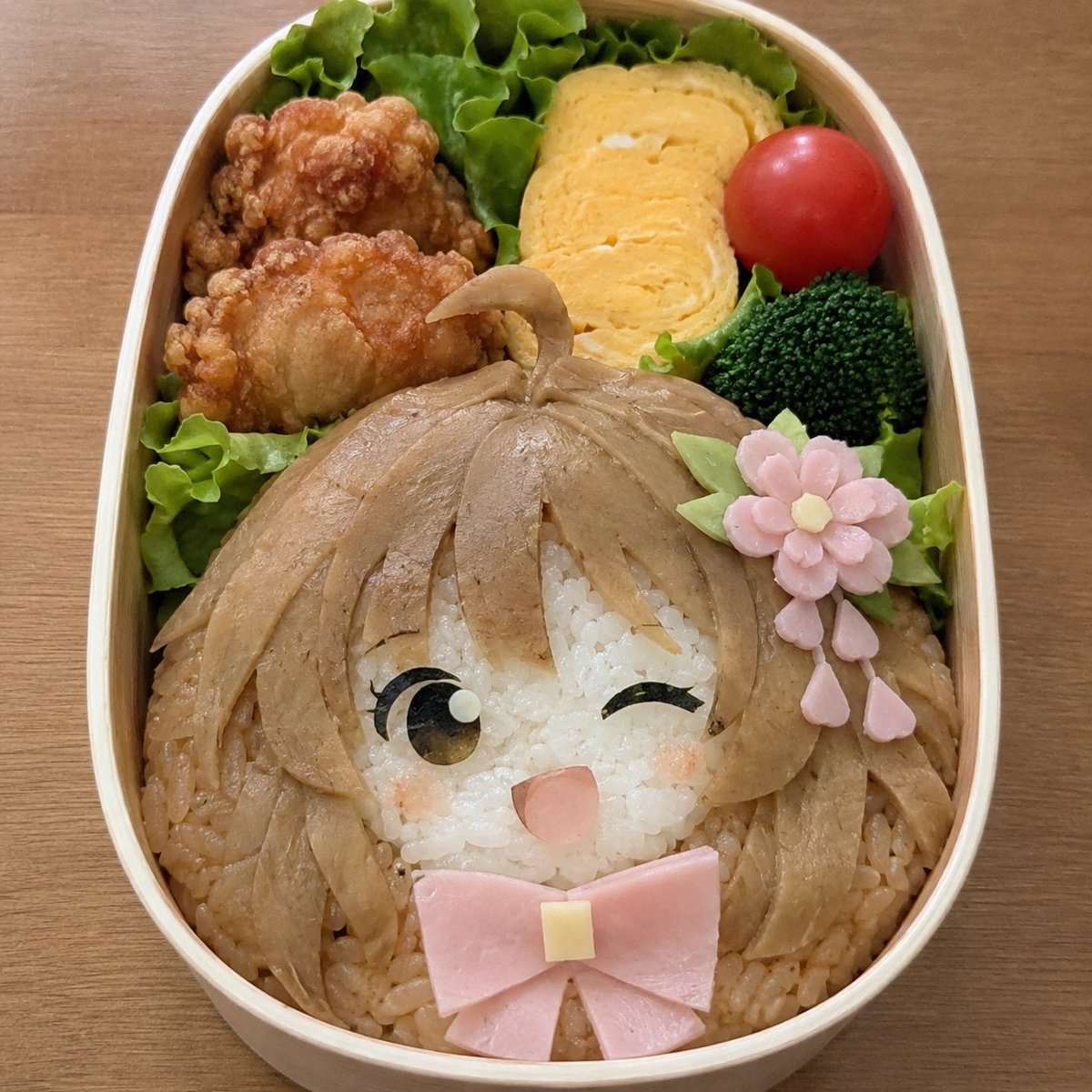
Anime Girl Character Bento
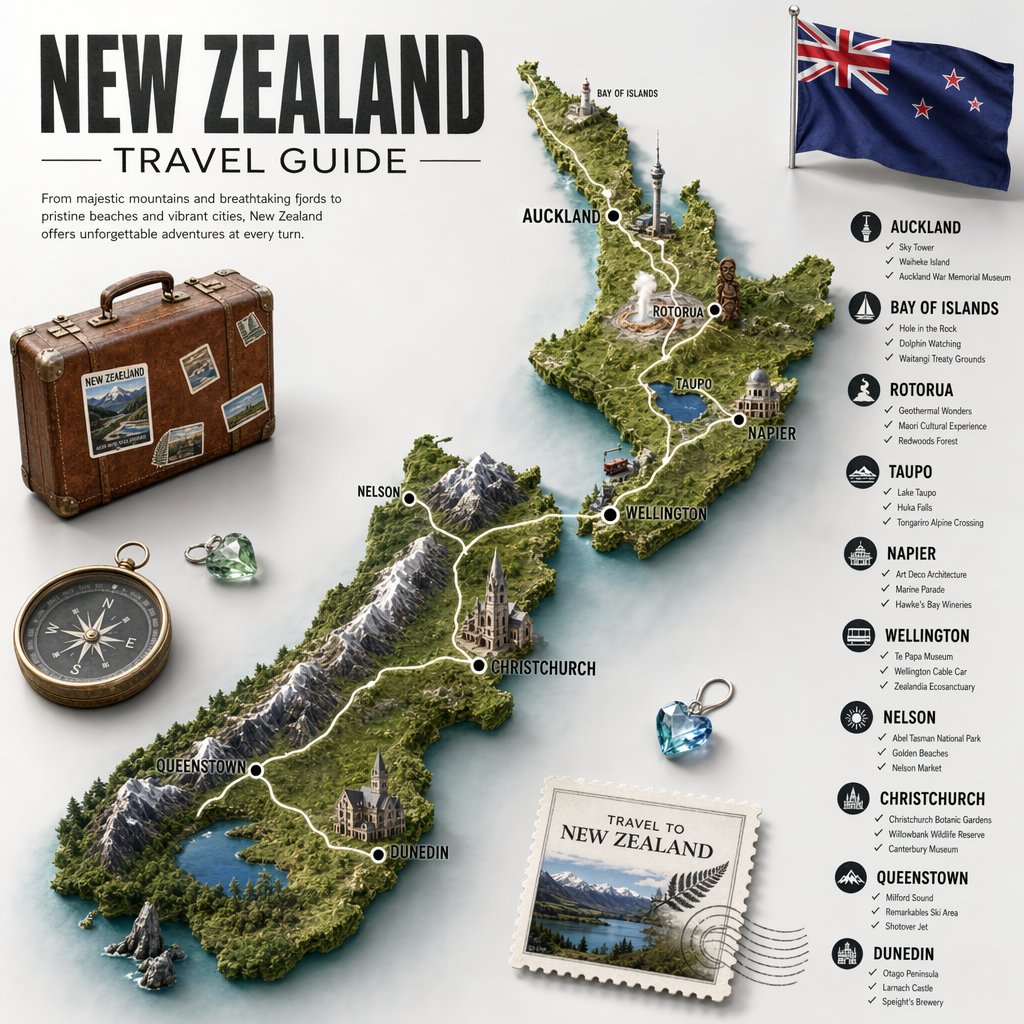
New Zealand Travel Guide Poster
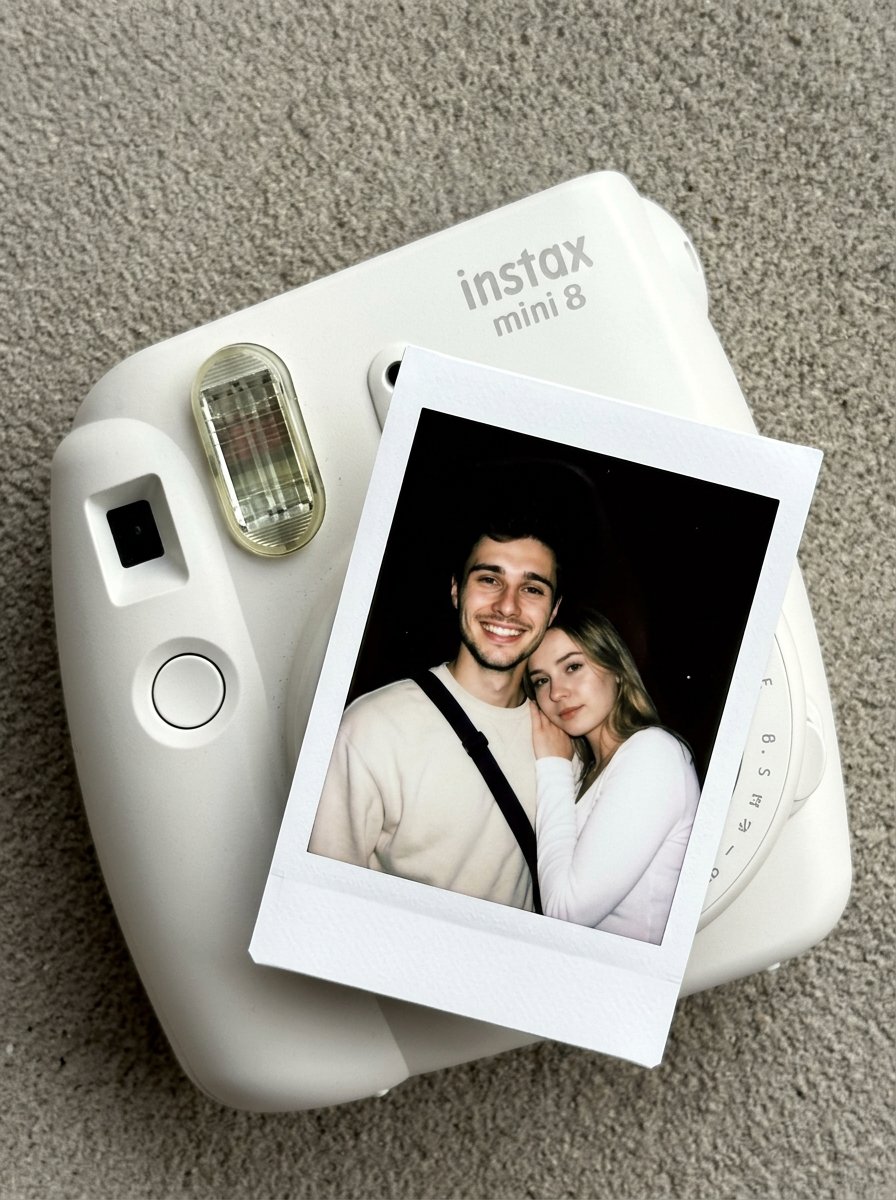
02 Instax Camera Product — Nano Banana 2
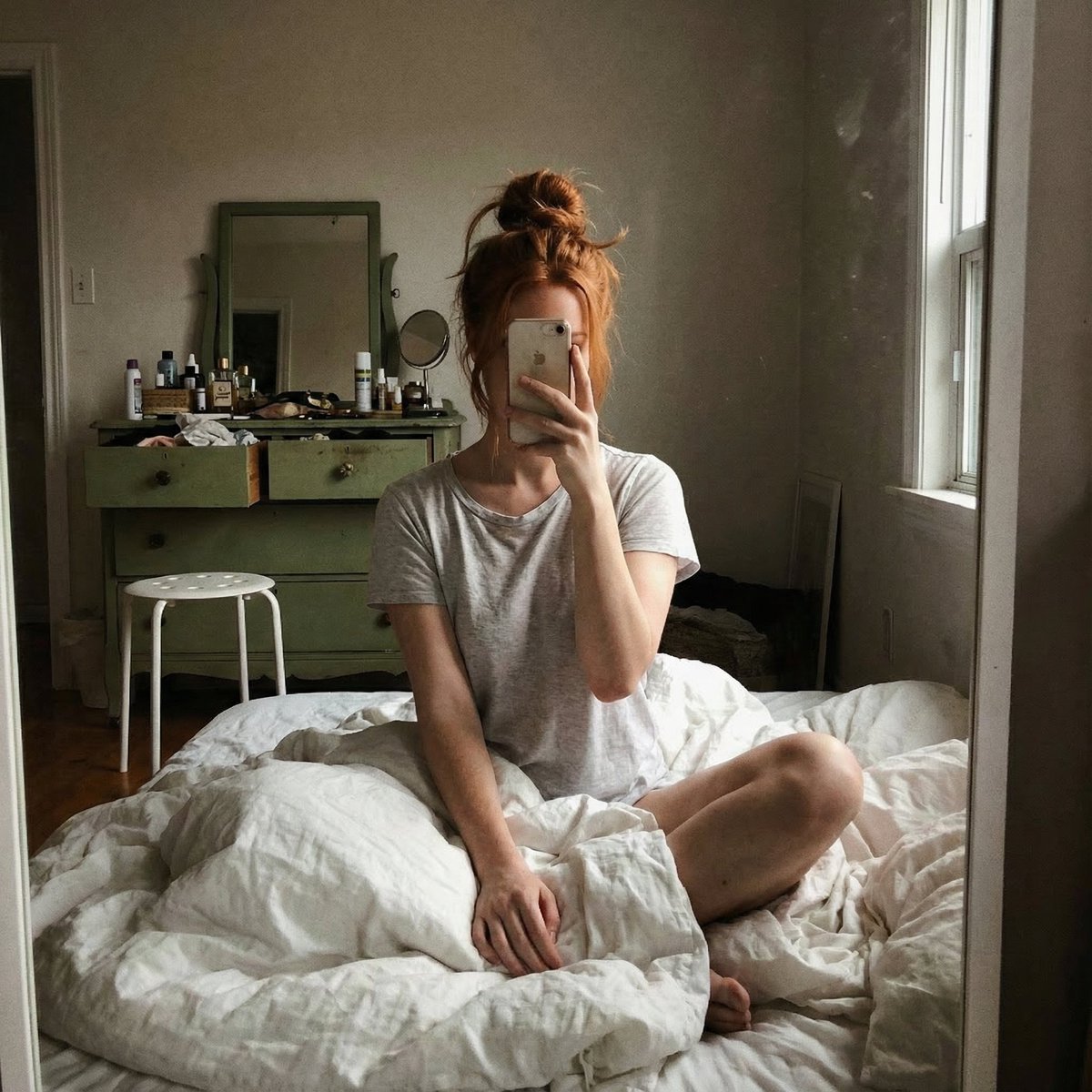
Structured JSON Prompt for Candid Mirror Selfie in a Bohemian Bedroom
Browse template categories
Mischievous Forest Faun Girl questions
How do I use the Mischievous Forest Faun Girl template?
Add your photo if the template asks for one, edit the prompt if you like — the template's model and format are already selected — and press Generate. Your version opens in PicX Studio.
Can I customize the Mischievous Forest Faun Girl template?
Yes. You can change the subject, setting, lighting, mood, format, and available model controls before creating your image.
Is the Mischievous Forest Faun Girl template free?
Opening and editing this template is free. Generating uses credits, shown on the Generate button when you are signed in.
Which AI model should I use?
Start with GPT Image 2, which is the model associated with this template. You can compare another compatible model for a different finish.
Looking for something else? Browse all templates.

Your photo, any look
Thousands of ready templates for every top image and video model, from one credit balance.