
Mischievous Girl With Manga Wall Sketch
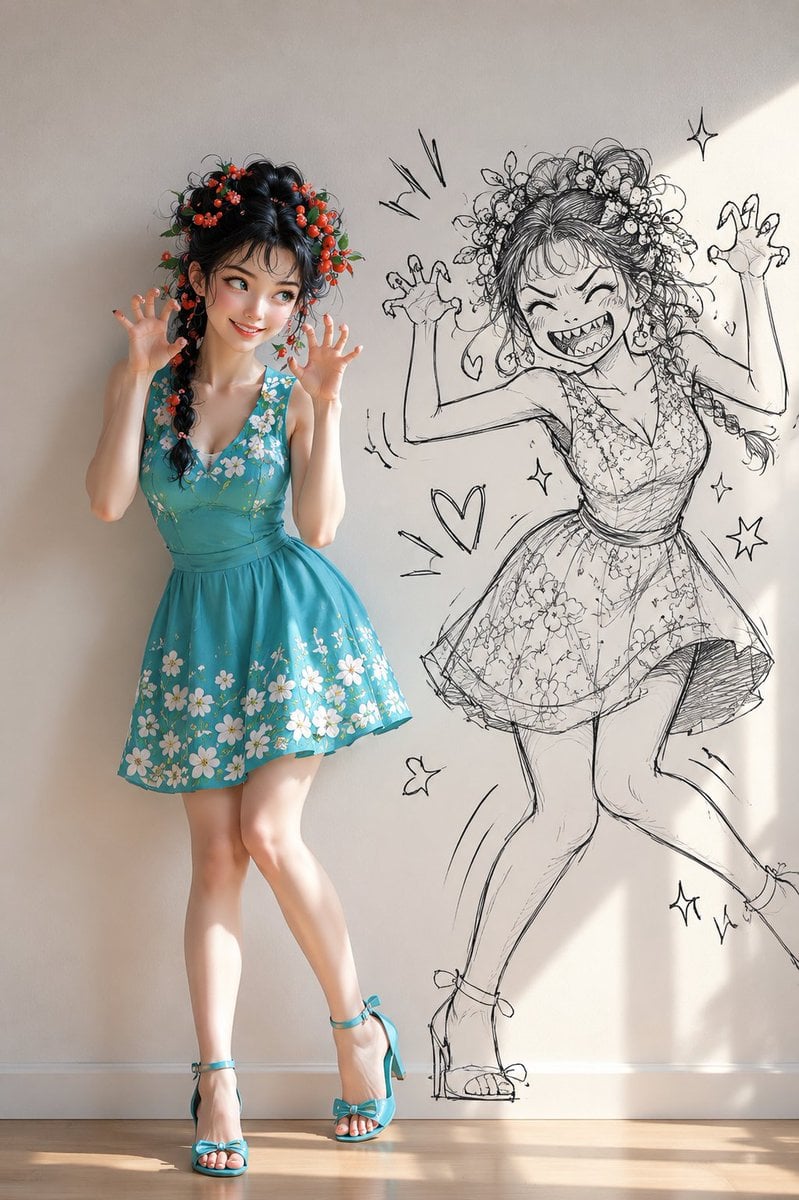
A whimsical mixed-media full-body portrait showing a cute woman beside a chaotic manga-style drawing of her playful inner mischief.
- Prompt included
- Model and format preset
- Free template
The prompt behind this image
Copy the exact prompt behind Mischievous Girl With Manga Wall Sketch, or open it in the studio and make it yours.
Create a playful fashion editorial image in a bright sunlit room: a full-body young woman with a mischievous, cute expression poses against a plain cream wall, while a large black-and-white hand-drawn manga sketch of her exaggerated inner gremlin persona appears on the wall beside her. The real woman is petite and doll-like, with fair skin, glossy black hair in a long side braid and messy updo, decorated with clusters of tiny red berry-like flowers and green leaves. She wears a sleeveless turquoise summer dress with a deep V neckline, fitted waist, flared skirt, and white floral embroidery scattered across the bodice and hem, plus matching turquoise ankle-strap high-heeled sandals with bow details. She stands slightly pigeon-toed with one leg crossed forward, both hands raised near her face like claws, smiling sideways as if plotting a prank. The wall drawing to her right is an energetic rough ink sketch of the same girl in a similar floral dress and flowered hair, but with wild hair, huge sharp-toothed grin, squeezed-shut eyes, freckles, raised claw hands, one knee lifted, and a chaotic impish pose. Include exactly 7 decorative doodles around the sketch: 3 sparkle stars, 1 heart, 1 small butterfly, and 2 sets of motion/action lines. Use realistic photography for the real woman, crisp sketchy black line art for the wall illustration, soft natural sunlight from the right, warm wooden floor, clean minimal background, gentle shadows, high detail, whimsical mischievous mood, vertical full-body composition, no text, no watermark.
How to use Mischievous Girl With Manga Wall Sketch in 3 steps
- 1Upload ImagePNG, JPG or paste
Add your photo
Upload the photo the template builds on. The prompt, model and format are already set.
- 2…a portrait of your subject in softgolden-hour light, 85mm…
Personalize
Edit the subject and creative details for your destination.
- 3Generate
Generate
Press Generate — your image is created in PicX Studio, so you can compare it with the original and refine one variable at a time.
More like this
Templates with the same subject, style or setup. Open one to see its prompt.
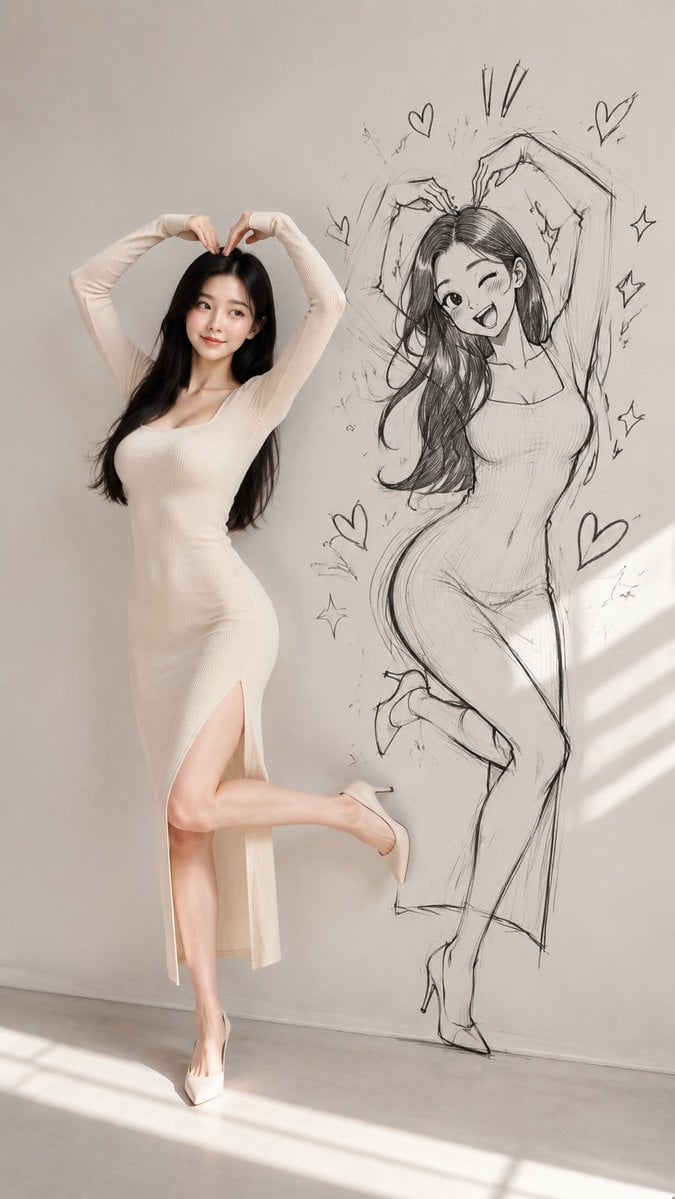
Model With Manga Wall Sketch
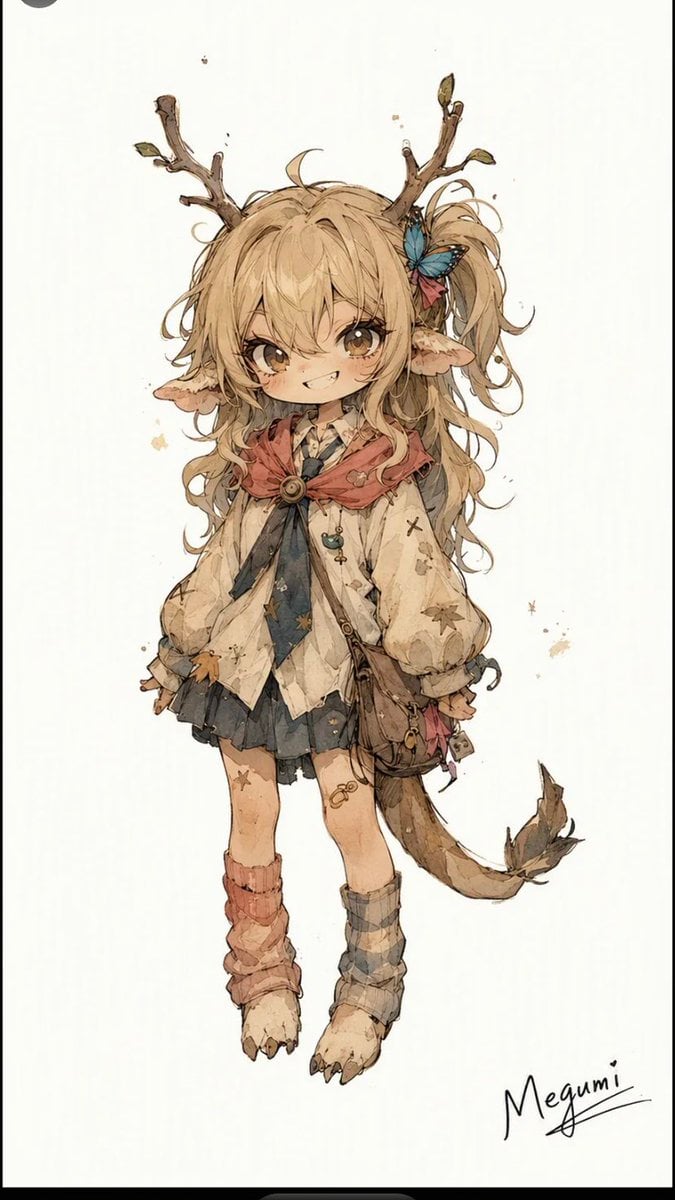
Mischievous Forest Faun Girl

Teen Girl Alpine Lake Mountain View
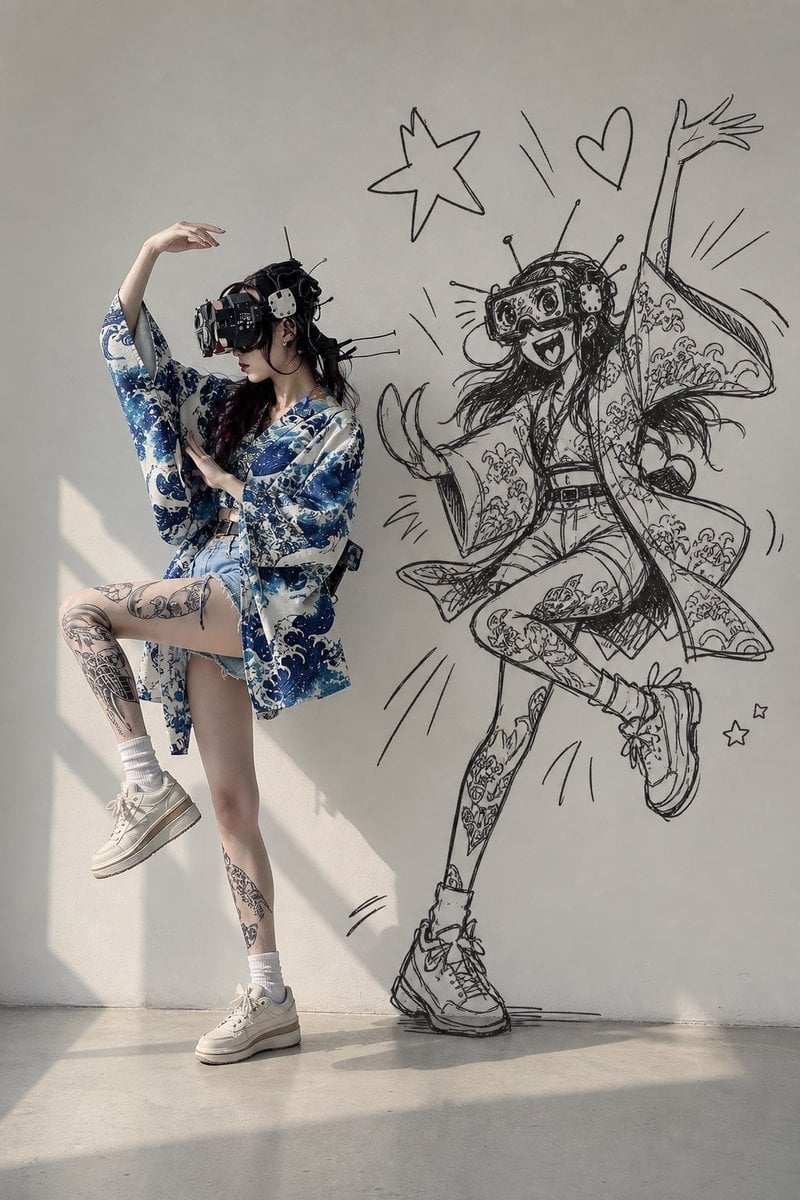
VR Kimono Fashion With Manga Wall Art

Japanese Café Sketch Duo Illustration

Delicate Japanese Café Lifestyle Illustration
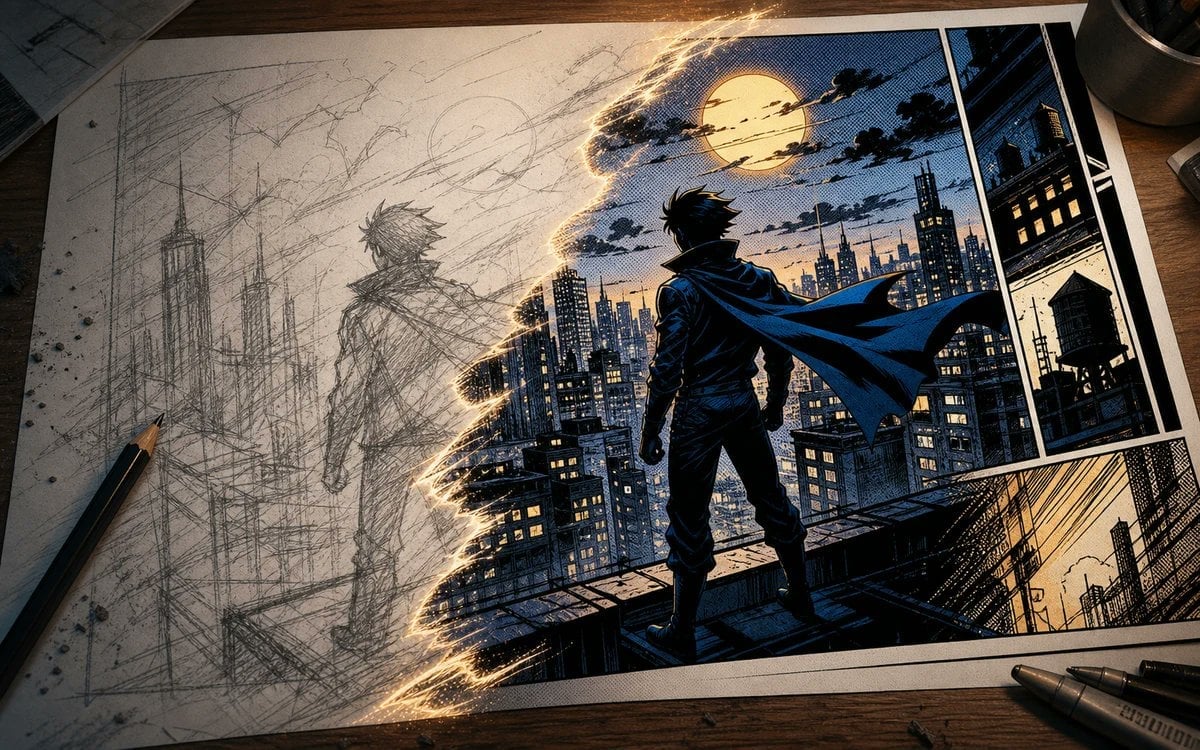
Sketch to Manga Comic Transformation
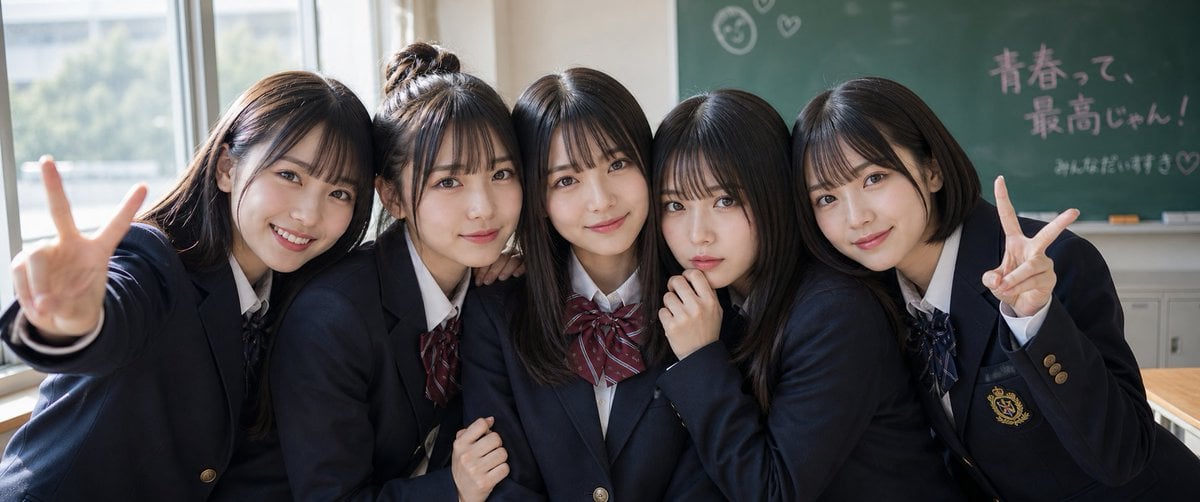
Japanese Schoolgirls Ultra Wide Wallpaper
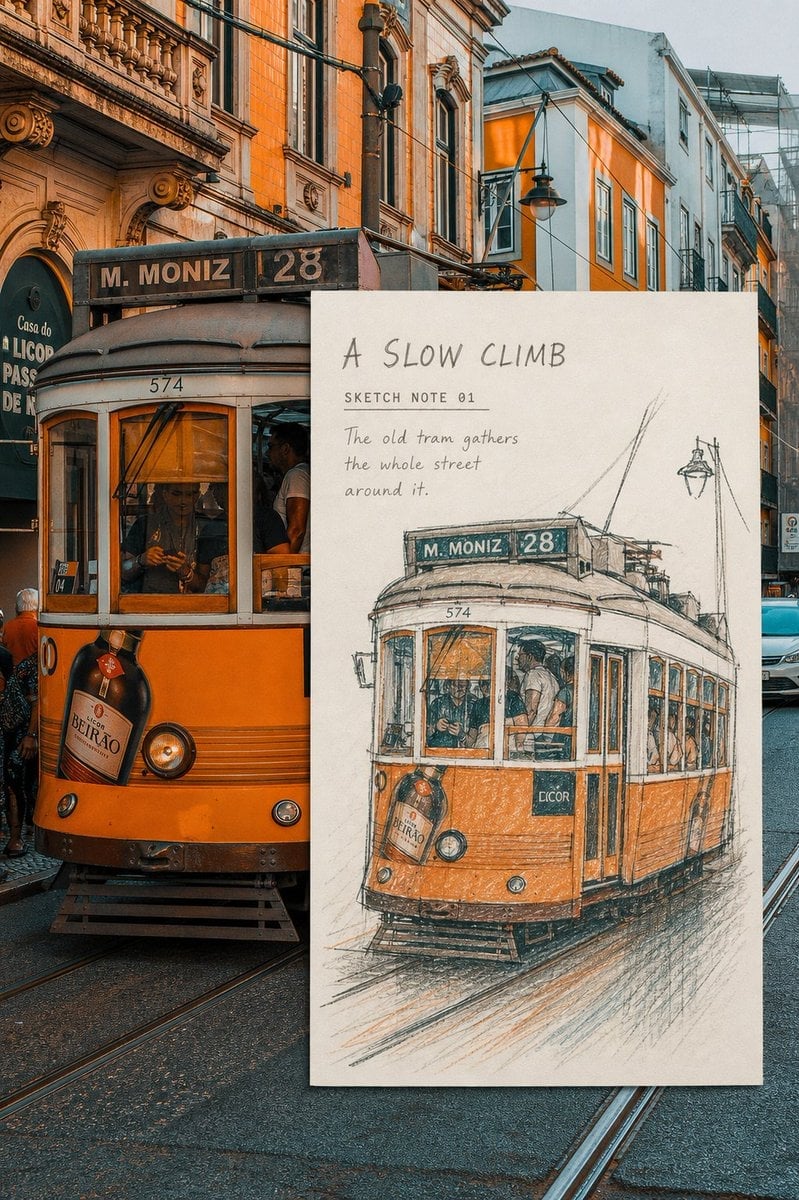
Real-Scene Inset Sketch Poster
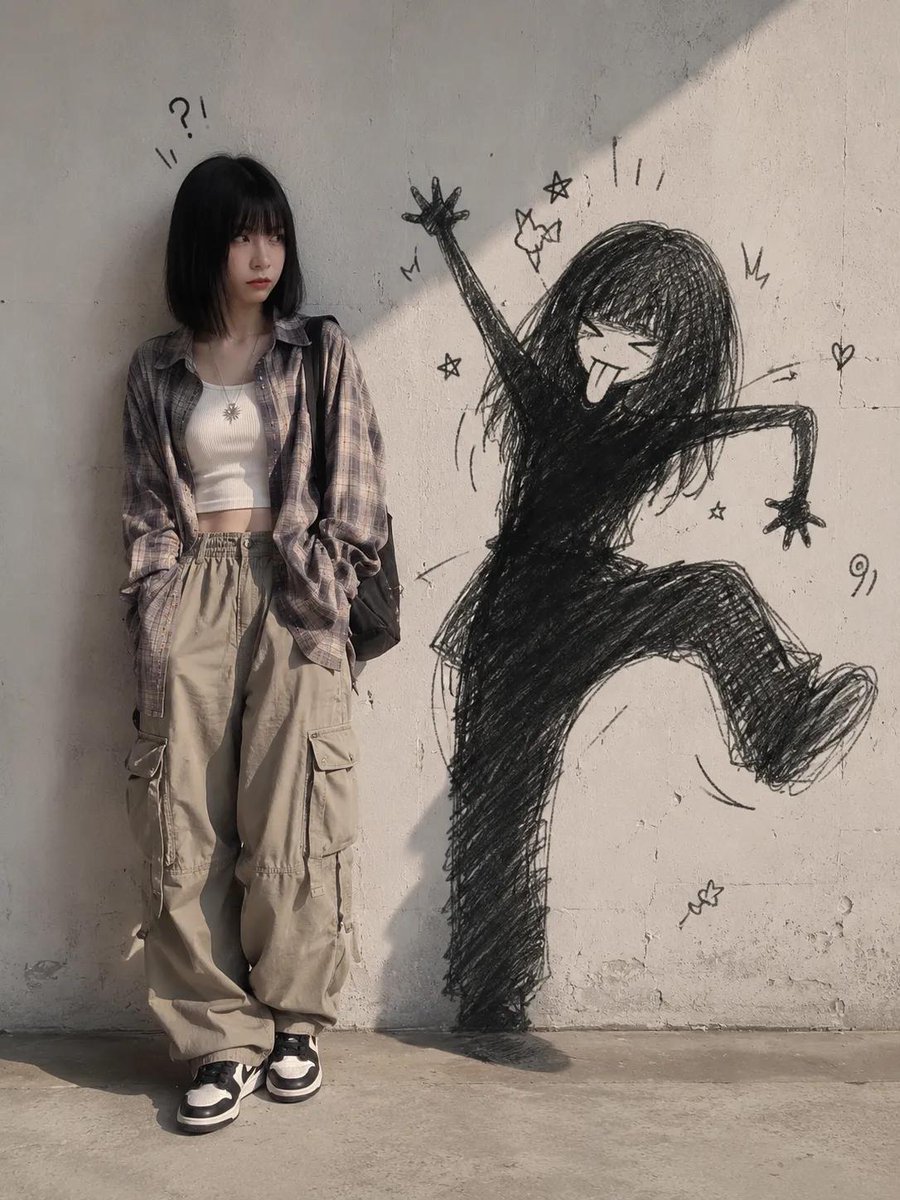
Mischievous Doodle Shadow
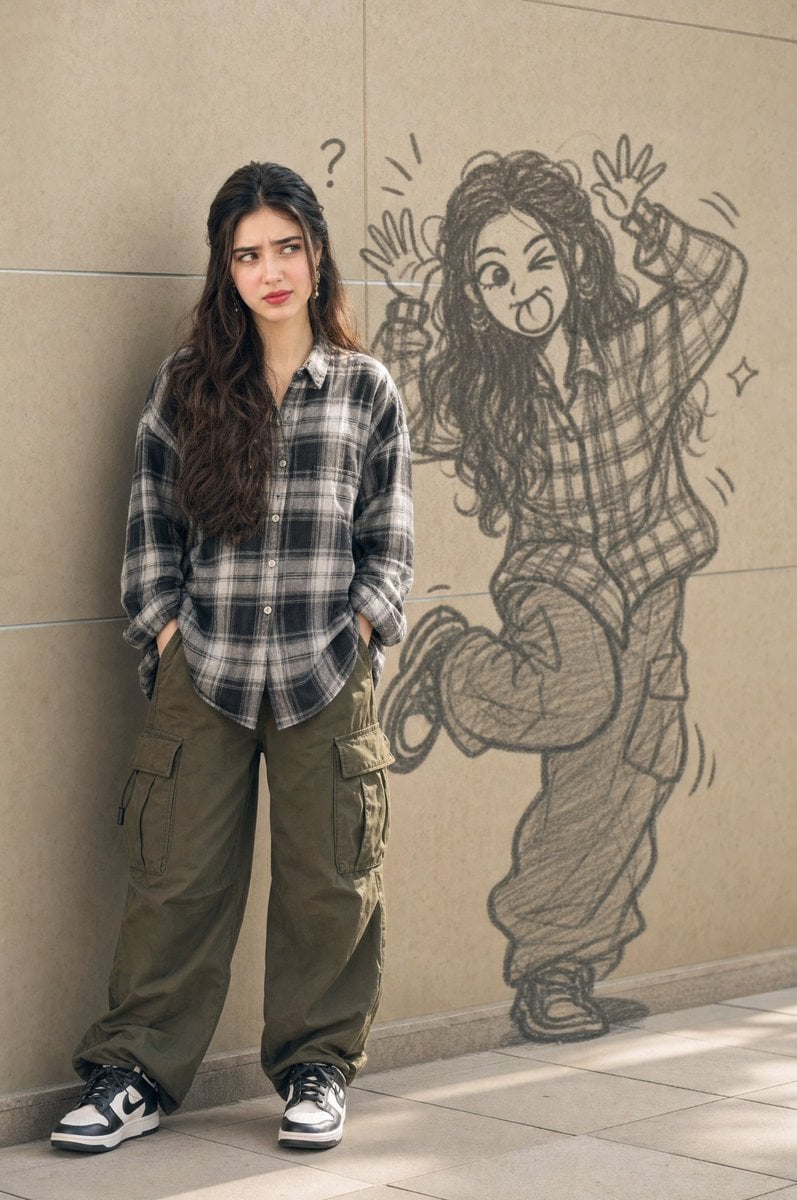
Mischievous Doodle Shadow

Obscured Cyberpunk Girl Poster
Make it yours
Mischievous Girl With Manga Wall Sketch works as-is. These are the safest ways to change it without losing the look.
Change one field
Copy a single group, rewrite it, and generate again so you can see what that field is doing.
Keep the frame, change the subject
Hold the composition and light of Mischievous Girl With Manga Wall Sketch, then swap wardrobe, props or the person for a new take.
| If the result… | Why | Fix |
|---|---|---|
| The result drifts from the preview | Too many fields changed at once. | Reuse Mischievous Girl With Manga Wall Sketch as-is first, then change one group — subject, light, or setting. |
| The model over-stylizes the scene | The prose prompt leaves finish and camera underspecified. | Add one camera or lighting sentence and stay on GPT Image 2. |
More GPT Image 2 templates
Other prompts made for GPT Image 2.

Six VTuber Japanese Logo Sheet

Realistic Portrait of Woman and Deer

The Vista Modular Condo Poster

AI Model Routing Comparison Infographic

2.5D Anime Art Board

Isometric Productivity Desk Scene

New York Double Exposure Poster

Four-Panel AI Landscape Comparison

Japanese Tatami Lifestyle Magazine Cover

NESCAFÉ Coffee Map Poster
More image prompts
Fresh picks from across the catalog.
Batgirl Bodysuit Portrait with Likeness Preservation Prompt

Cinematic Portrait of Man on Modern Motorbike

Cinematic Travel Storytelling Aesthetic Prompt
Surreal Macro Advertising Concept: Mascara Cleanup
Expert Photo Editor Prompt for Selfie Improvement
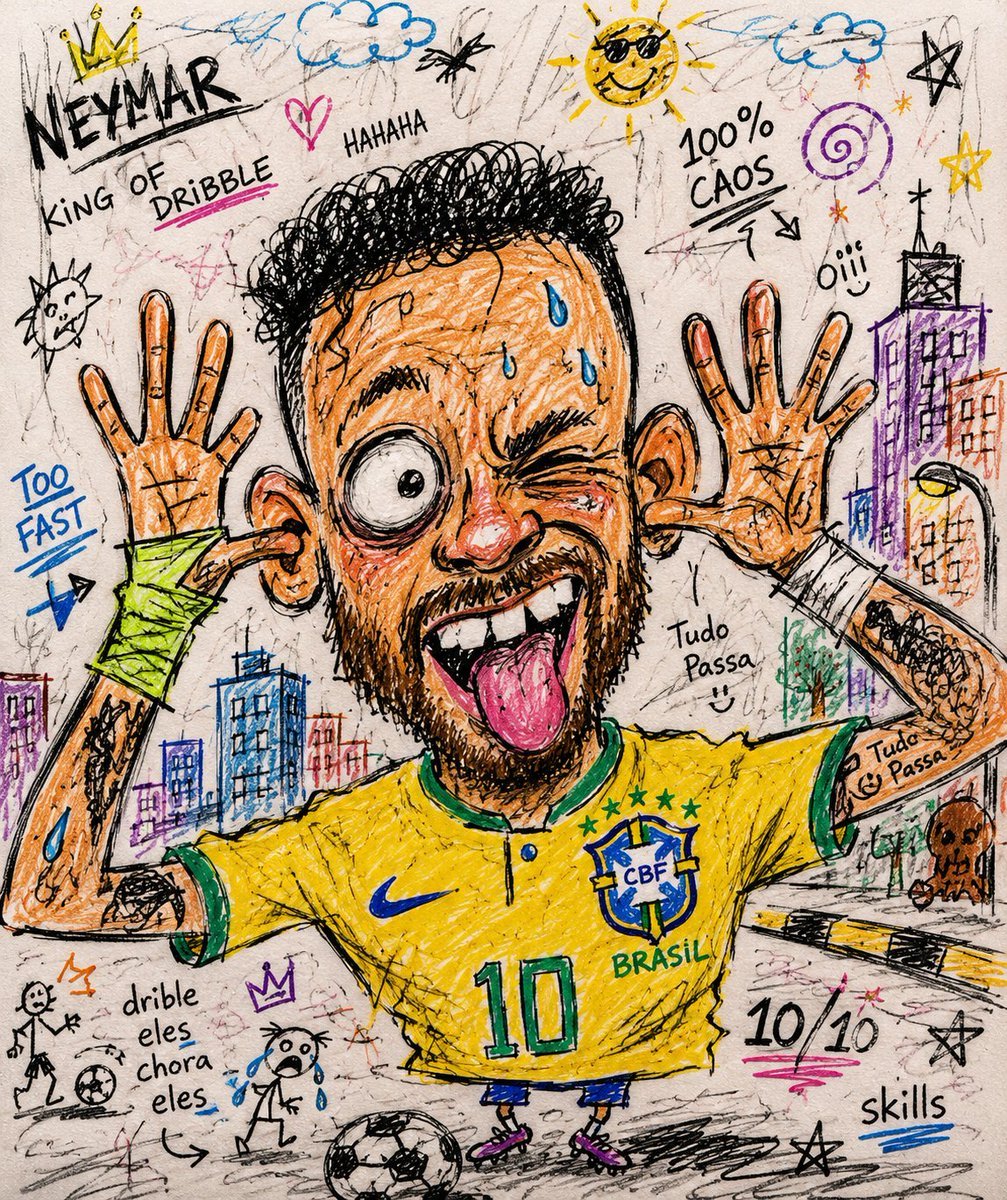
Chaotic Funny Doodle Sketch
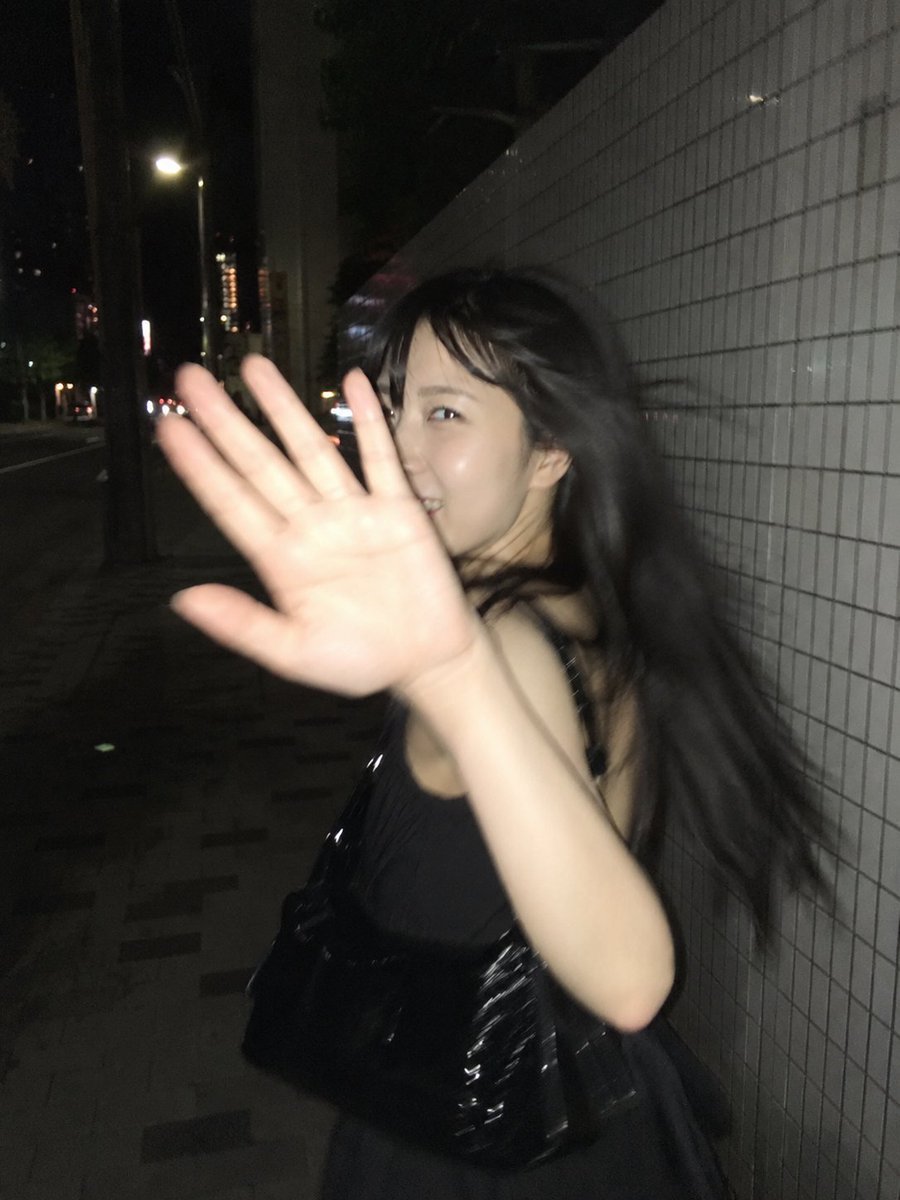
Candid Tokyo Street Night Photography
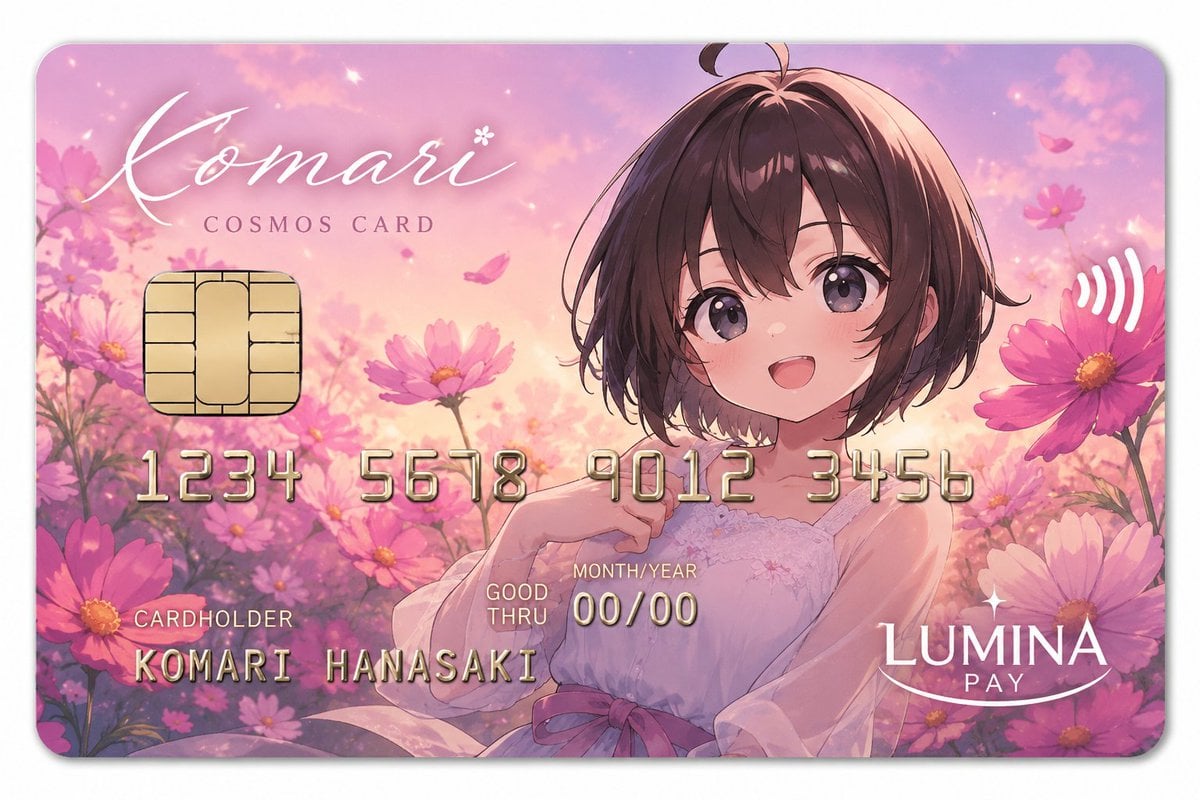
Anime Cosmos Credit Card Design
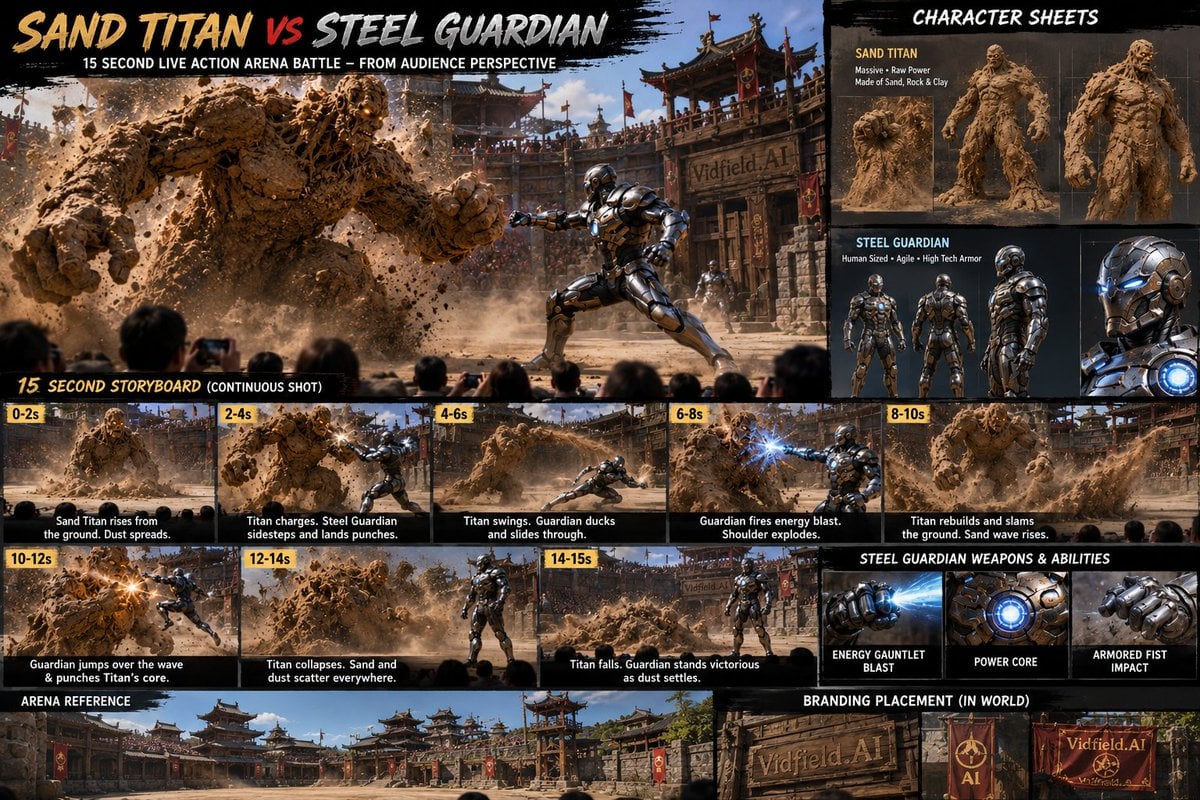
Vertical Cinematic Storyboard Sheet
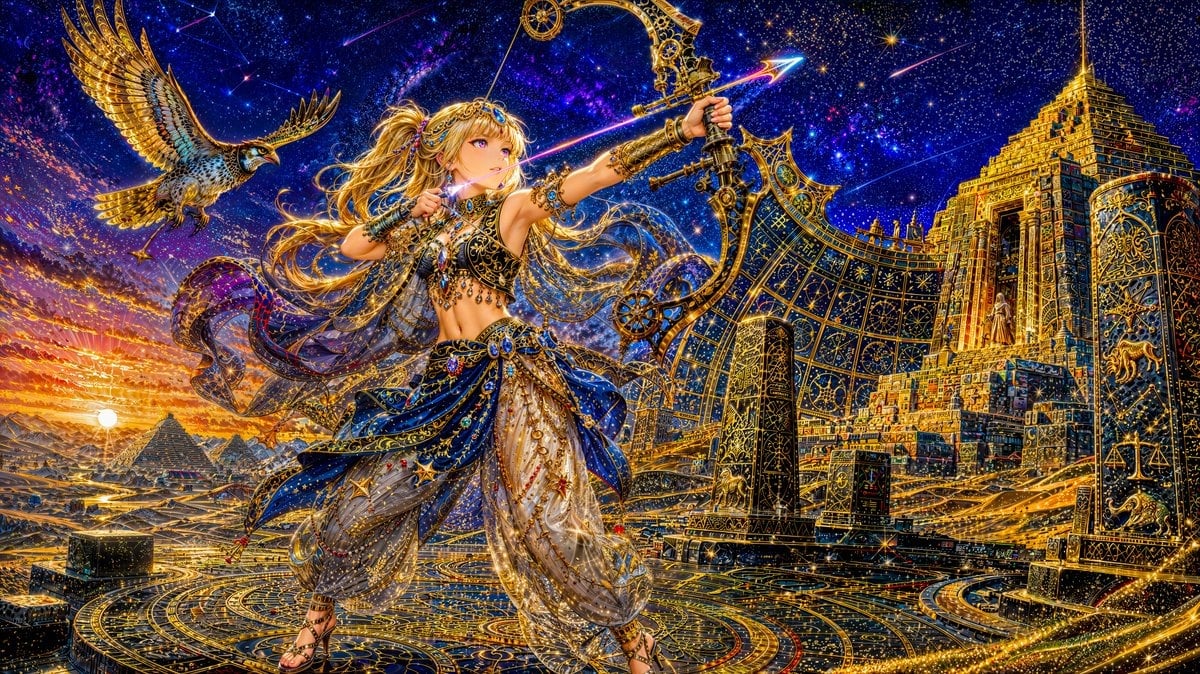
Celestial Archer in Golden Star Temple
Browse template categories
Mischievous Girl With Manga Wall Sketch questions
How do I use the Mischievous Girl With Manga Wall Sketch template?
Add your photo if the template asks for one, edit the prompt if you like — the template's model and format are already selected — and press Generate. Your version opens in PicX Studio.
Can I customize the Mischievous Girl With Manga Wall Sketch template?
Yes. You can change the subject, setting, lighting, mood, format, and available model controls before creating your image.
Is the Mischievous Girl With Manga Wall Sketch template free?
Opening and editing this template is free. Generating uses credits, shown on the Generate button when you are signed in.
Which AI model should I use?
Start with GPT Image 2, which is the model associated with this template. You can compare another compatible model for a different finish.
Looking for something else? Browse all templates.

Your photo, any look
Thousands of ready templates for every top image and video model, from one credit balance.