
Batgirl Bodysuit Portrait with Likeness Preservation Prompt
A highly specific, JSON-formatted prompt for generating a photorealistic portrait of a woman in a Batgirl-inspired bodysuit, emphasizing the preservation of the reference image's exact facial structure, body…
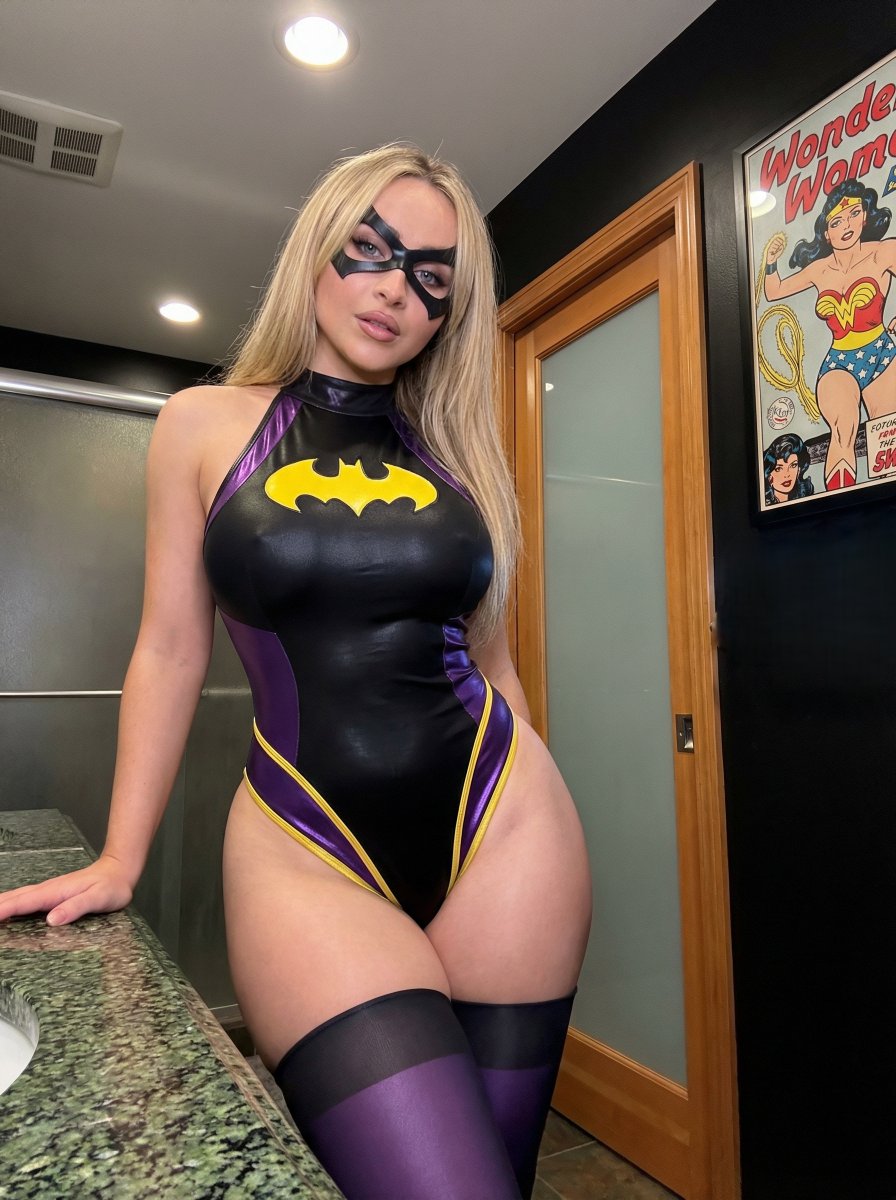
- Prompt included
- Model and format preset
- Premium template
The prompt behind this image
Copy the exact prompt behind Batgirl Bodysuit Portrait with Likeness Preservation Prompt, or open it in the studio and make it yours.
{ "subject": { "desc": "Use the exact character from the provided reference image, preserving her unique facial structure, skin tone, hairstyle, eye color, proportions, and overall likeness. Tiny Batgirl-style mask covering eyes.", "apparel": { "item": "Batgirl inspired bodysuit", "style": "Halter-neck sleeveless, high-cut legs", "color": "Black base with glossy purple accents, yellow trim on legs, large yellow bat emblem on chest", "details": "Tight stretch fabric emphasizing curves, black/purple stockings" }, "anatomy": { "body_type": "Match the exact body proportions of the reference character without alteration", "bust": "Maintain the original size, volume, projection, and natural containment from the reference image", "hips": "Preserve the original hip width, thigh thickness, and waist ratio exactly as in the reference", "skin": "Replicate the natural skin texture, tone variation, and surface detail from the reference image" } }, "pose": { "posture": "Standing upright, weight shifted to right hip (viewer's left) for pelvic tilt, torso slightly angled toward camera", "limbs": { "right_arm": "Extended down, hand resting on granite countertop", "left_arm": "Hanging naturally by side, partially obscured by hip", "head": "Slight tilt, facing forward" }, "gaze": "Direct eye contact, soft neutral confident sultry expression" }, "environment": { "location": "Indoor bathroom", "elements": [ "Speckled green/black granite countertop (left foreground)", "Wooden door with tall frosted glass panel", ] }, "camera": { "shot": "Medium (thighs up), vertical 3:4", "angle": "Eye-level slightly frontal", "lens": "50-85mm portrait", "dof": "Moderate depth of field, subject sharply in focus, background slightly softened but still distinct", "framing": "Centered subject" }, "lighting": "Soft diffuse indoor artificial lighting, overhead/slightly frontal, even illumination, soft shadows under natural contours, realistic highlights on fabric sheen and skin texture", "mood": "Confident calm sultry, casual intimate domestic atmosphere", "style": "Photorealistic smartphone photography, high-fidelity detailed fabric and skin textures, natural color grading, realistic physical proportions matching reference", "colors": "Black suit with vibrant yellow/purple accents dominant, green/black granite, warm wood tones, neutral walls, natural contrast and saturation", "quality": "High-definition sharp focus on eyes/face/suit pattern, low noise, minimal grain, realistic dynamic range", "negative_prompt": "altered face, different identity, changed proportions, body reshaping, slimming, enlarging, reduction, beautification filters, plastic/airbrushed skin, stylization, cartoon effect, depth flattening, wide-angle distortion, mirror " }
How to use Batgirl Bodysuit Portrait with Likeness Preservation Prompt in 3 steps
- 1Upload ImagePNG, JPG or paste
Add your photo
Upload the photo the template builds on. The prompt, model and format are already set.
- 2…a portrait of your subject in softgolden-hour light, 85mm…
Personalize
Edit the subject and creative details for your destination.
- 3Generate
Generate
Press Generate — your image is created in PicX Studio, so you can compare it with the original and refine one variable at a time.
More like this
Templates with the same subject, style or setup. Open one to see its prompt.

Found Photograph: Us, 1970

80s Couple Studio Portrait

80s Bollywood Star

80s Golden Hour Cinema

Me in 1985

1985 Studio Portrait

Hyper-Realistic Minecraft POV Portrait

Rooftop Fisheye — Cat-Ear Balaclava at Golden Hour

Rainy Café Window Moody Portrait
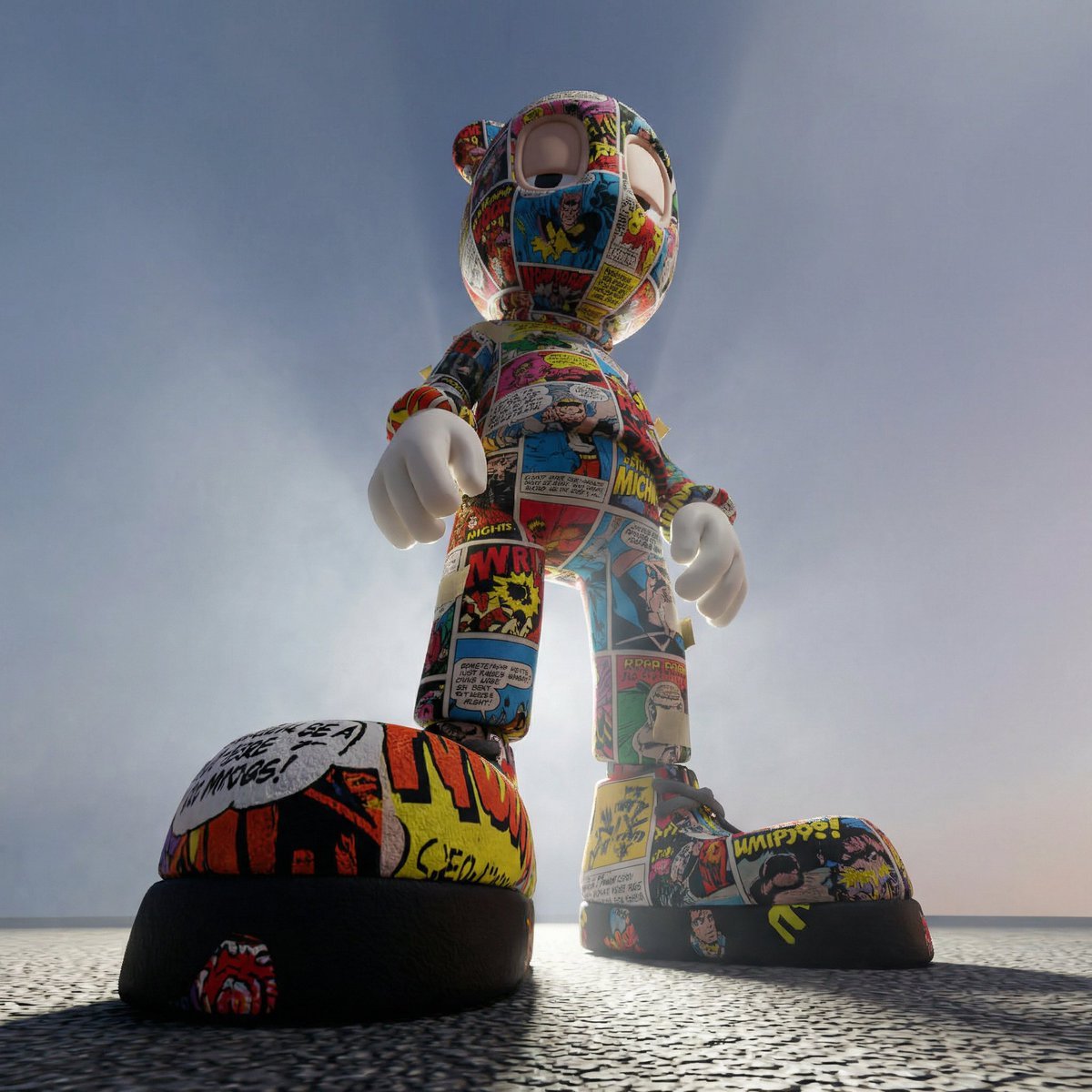
Worm's-Eye Perspective Character Shot (Likeness Preservation)
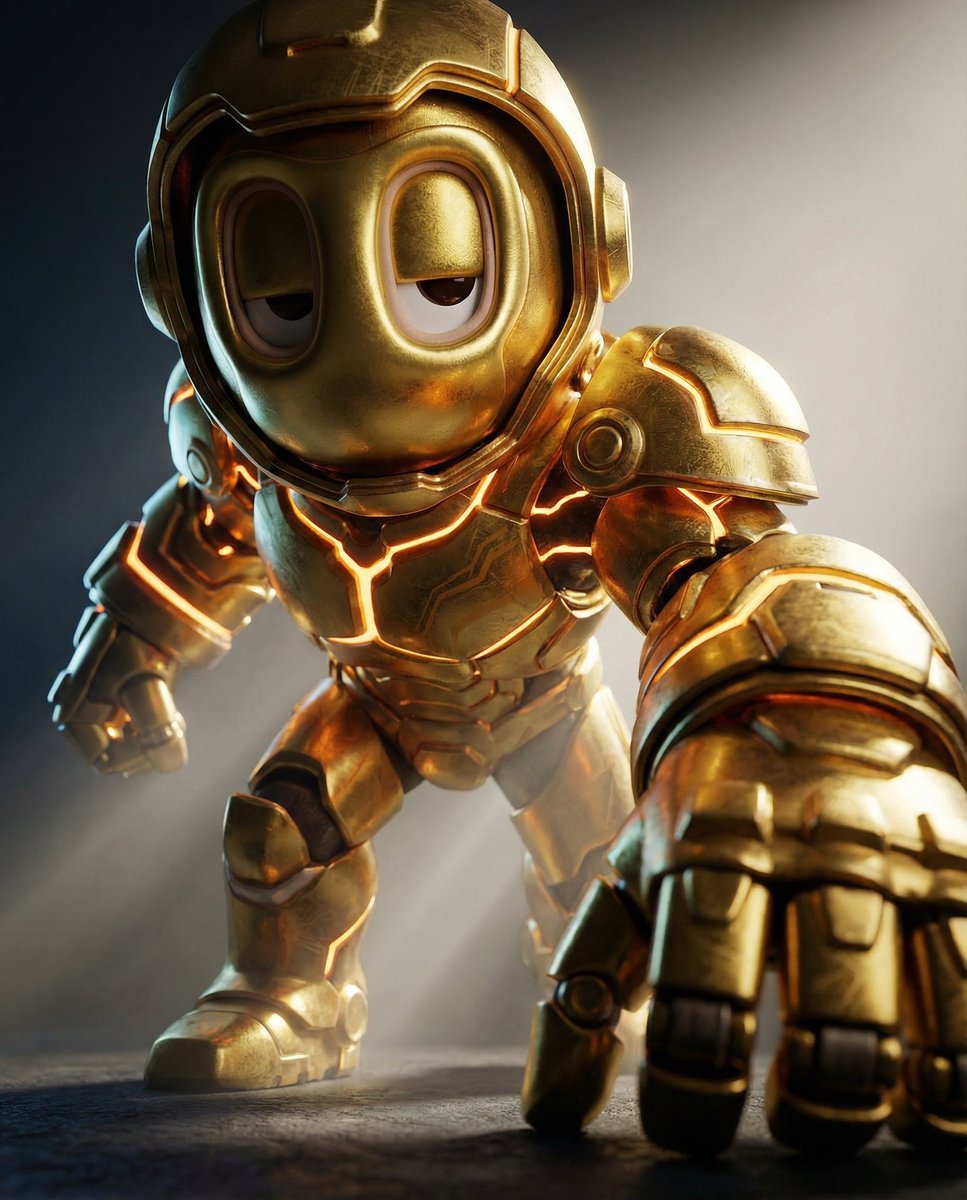
Mech Armor Power Reveal Prompt (Likeness Preservation)

untitled
Make it yours
Batgirl Bodysuit Portrait with Likeness Preservation Prompt works as-is. These are the safest ways to change it without losing the look.
Change one field
Copy a single group, rewrite it, and generate again so you can see what that field is doing.
Keep the frame, change the subject
Hold the composition and light of Batgirl Bodysuit Portrait with Likeness Preservation Prompt, then swap wardrobe, props or the person for a new take.
| If the result… | Why | Fix |
|---|---|---|
| The result drifts from the preview | Too many fields changed at once. | Reuse Batgirl Bodysuit Portrait with Likeness Preservation Prompt as-is first, then change one group — subject, light, or setting. |
| The model over-stylizes the scene | The prose prompt leaves finish and camera underspecified. | Add one camera or lighting sentence and stay on Nano Banana 2. |
More Nano Banana 2 templates
Other prompts made for Nano Banana 2.

Photorealistic Leaf Shaped Like a Dragon

K-Pop Idol Portrait Grid for Rapid Selection

Poetic Rain Forest Portrait During Golden Hour

Urban Street Portrait with Cartoon Inner Self Duo

Candid Nighttime Photo with Cat Prompt

High-Concept 3D Diorama Generation Prompt

Cinematic Futuristic Studio Portrait Template

Skincare Editorial Photography Collage Prompt

Hyper-Realistic Commercial Product Photography (Splash Effect)

Hyper-Realistic Nightclub Portrait Prompt
More image prompts
Fresh picks from across the catalog.
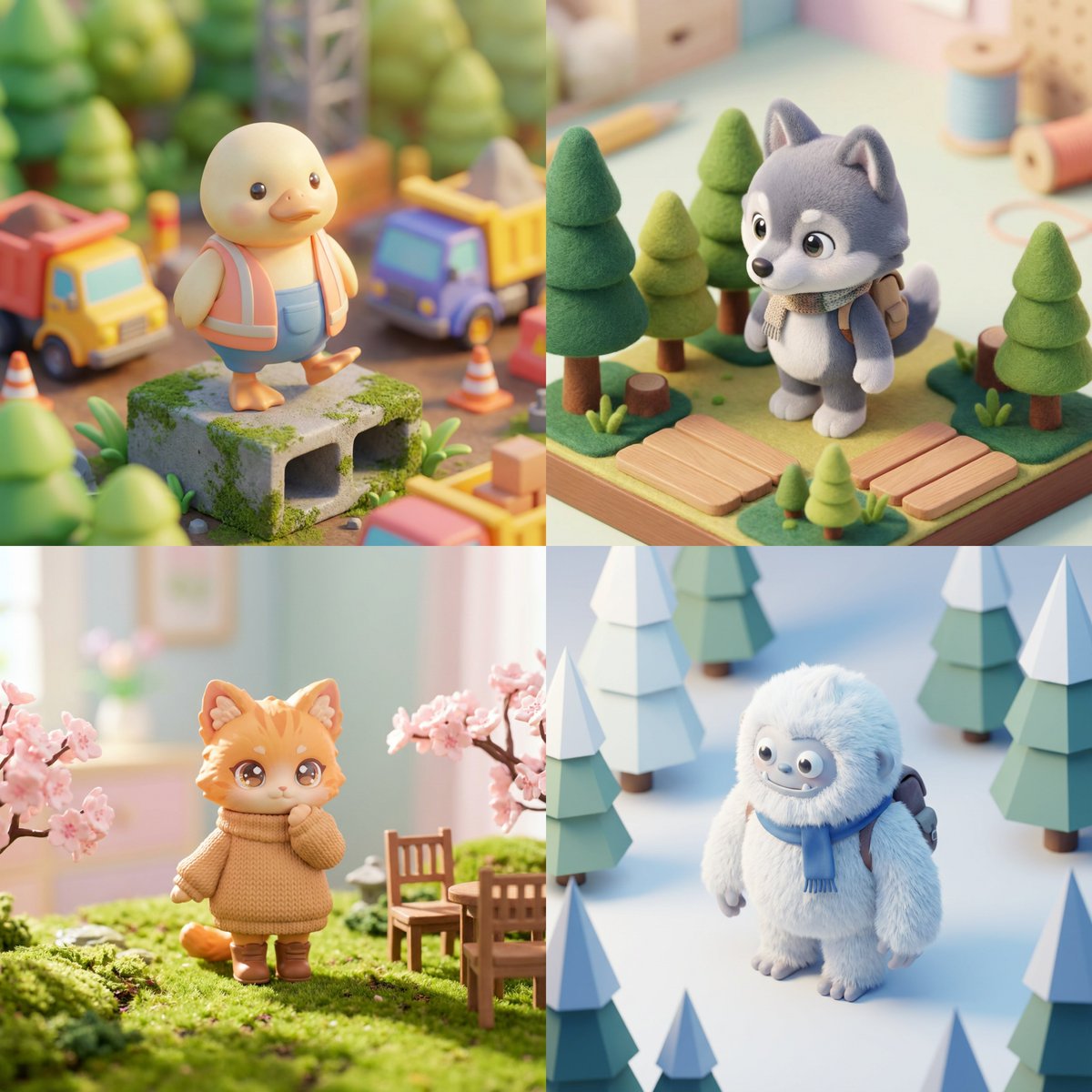
Isometric Kawaii Hero Generator
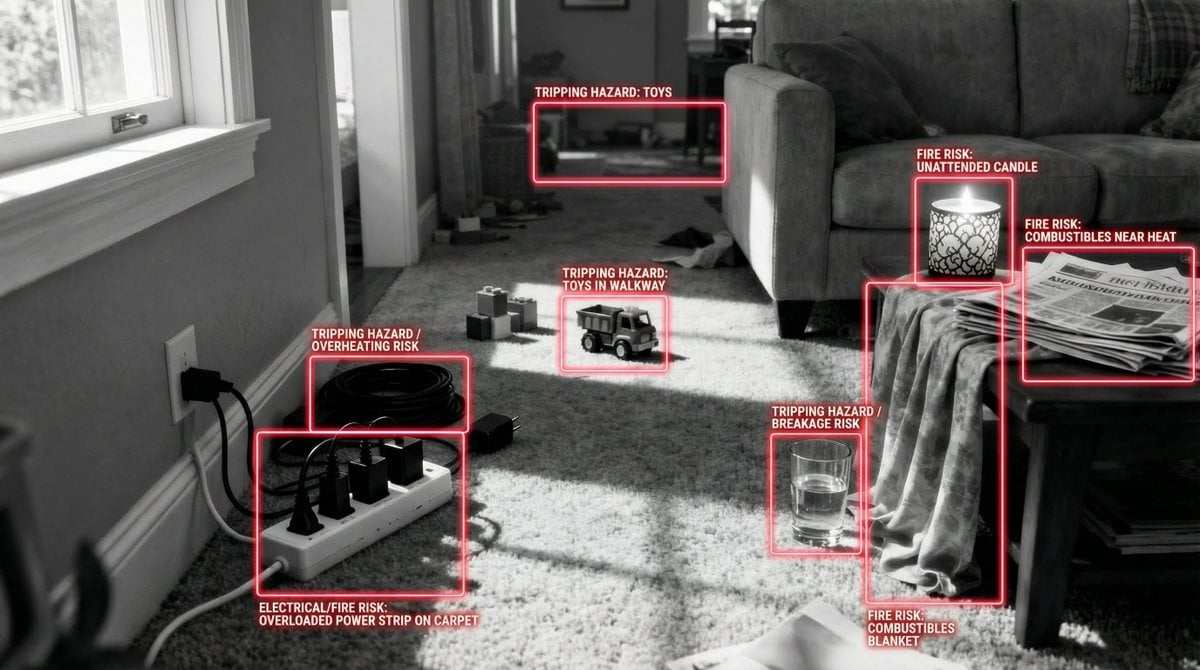
Safety Hazard Analysis and Visualization
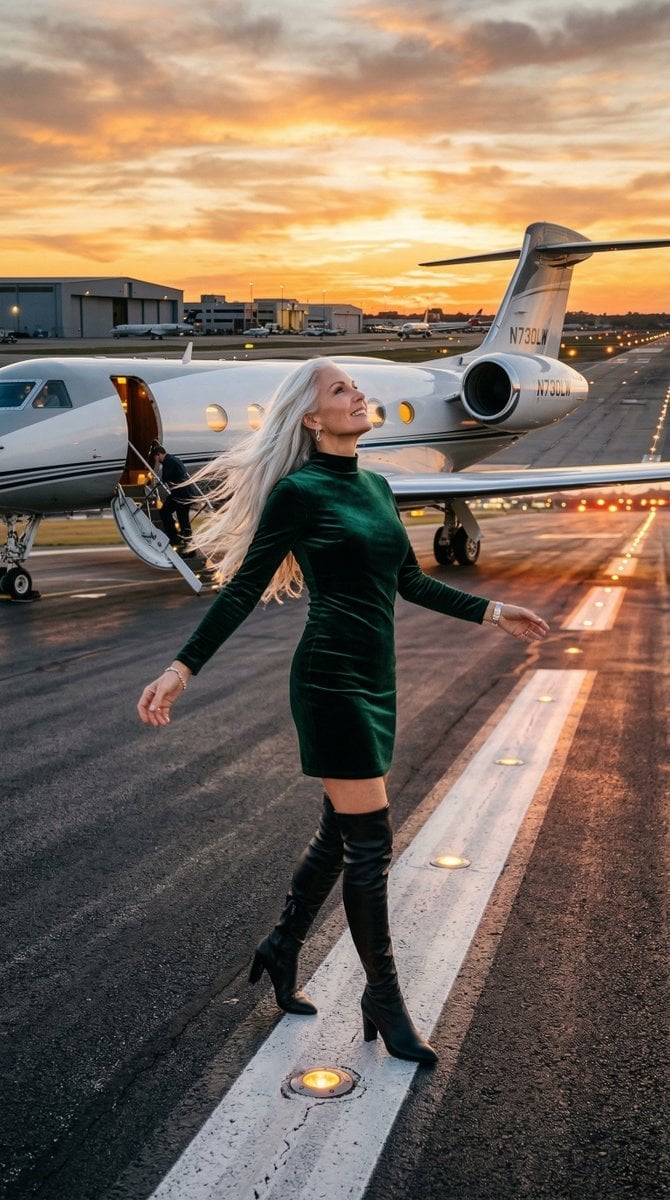
Cinematic Photo of Woman on Airport Runway
Seedance - Street Bull Incident
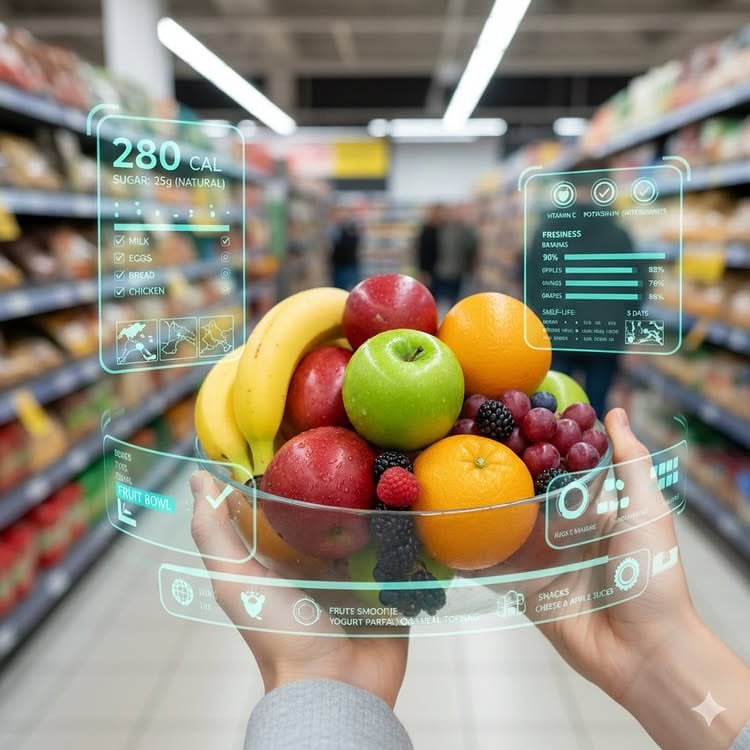
Mixed Reality Retail Experience Prompt
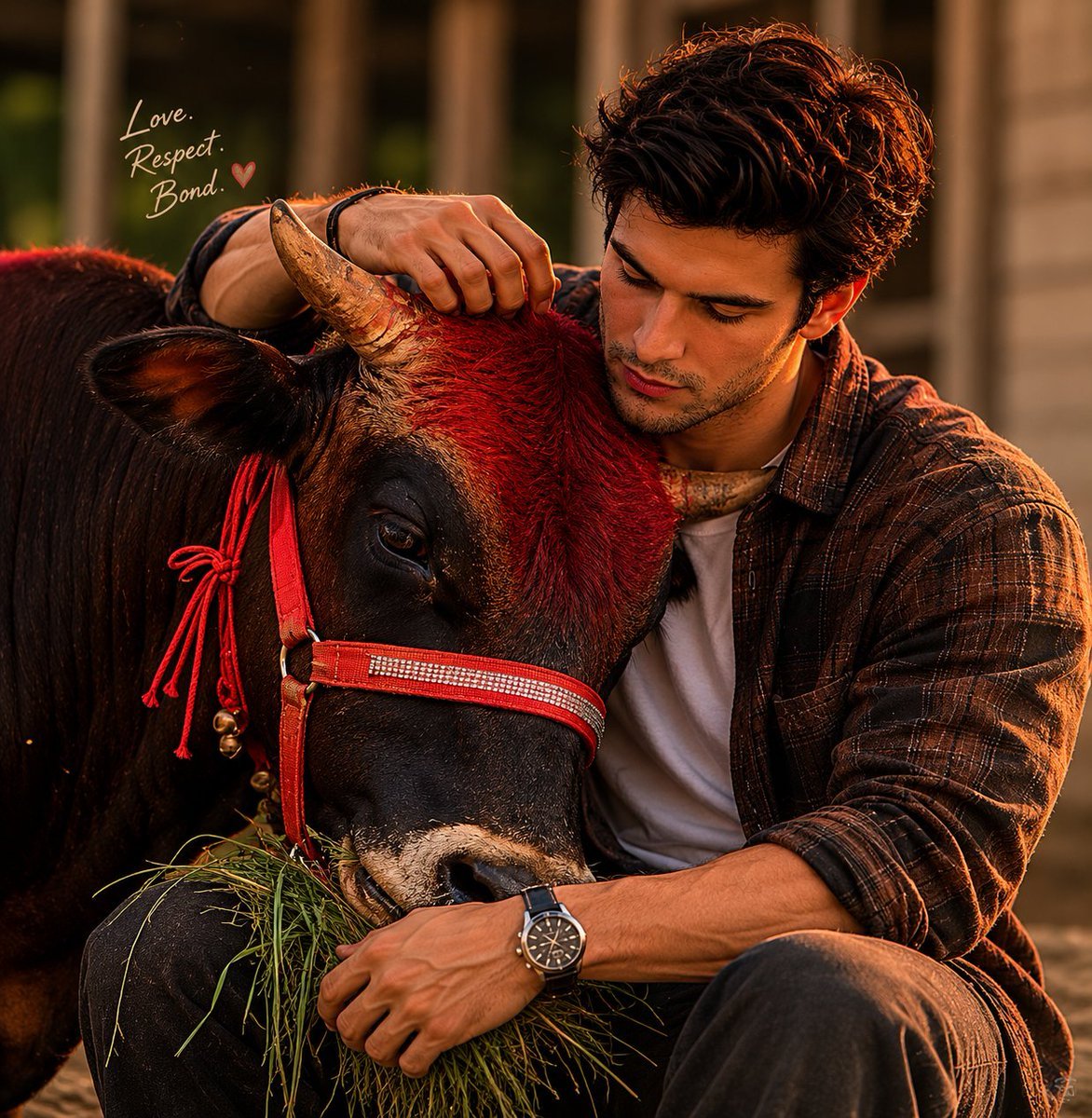
Man and Bull Emotional Bond Portrait
Dramatic Black and White Male Portrait
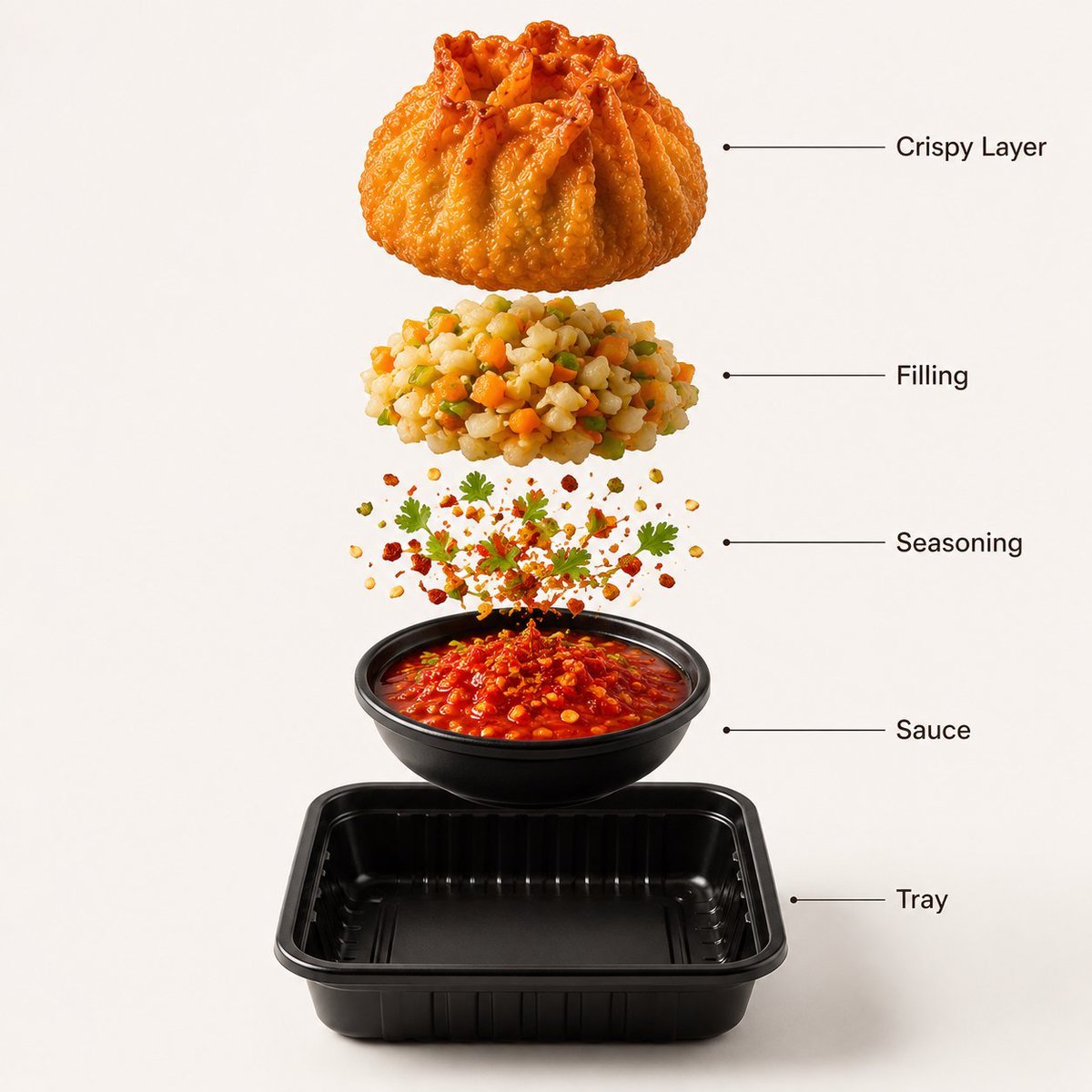
Gourmet Street Food Photography and Infographic
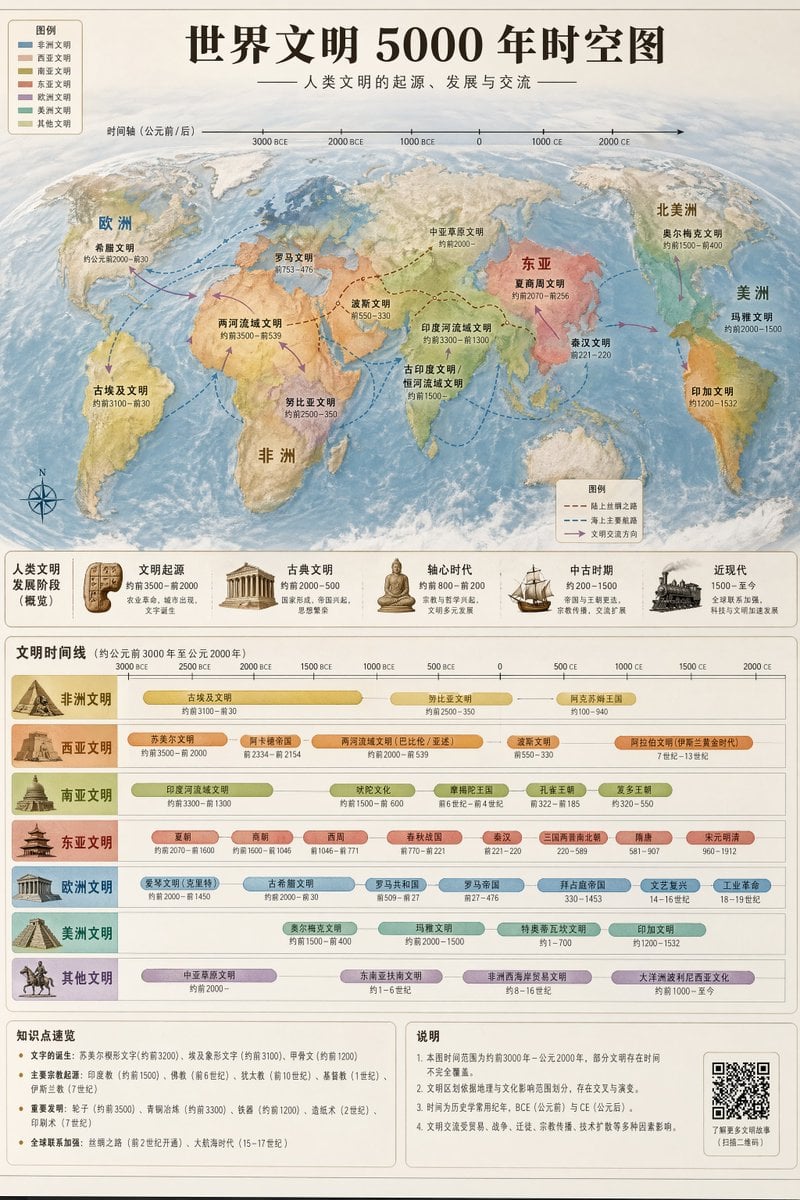
World Civilization Spatiotemporal Map

Nano Banana 2 High Fashion Sports Campai
Browse template categories
Batgirl Bodysuit Portrait with Likeness Preservation Prompt questions
How do I use the Batgirl Bodysuit Portrait with Likeness Preservation Prompt template?
Add your photo if the template asks for one, edit the prompt if you like — the template's model and format are already selected — and press Generate. Your version opens in PicX Studio.
Can I customize the Batgirl Bodysuit Portrait with Likeness Preservation Prompt template?
Yes. You can change the subject, setting, lighting, mood, format, and available model controls before creating your image.
Is the Batgirl Bodysuit Portrait with Likeness Preservation Prompt template free?
Opening and editing this template is free. Generating uses credits, shown on the Generate button when you are signed in.
Which AI model should I use?
Start with Nano Banana 2, which is the model associated with this template. You can compare another compatible model for a different finish.
Looking for something else? Browse all templates.

Your photo, any look
Thousands of ready templates for every top image and video model, from one credit balance.