
Worm's-Eye Perspective Character Shot (Likeness Preservation)
A detailed prompt for generating a cinematic, worm's-eye perspective shot of a character (Beast/creature), focusing on extreme scale distortion using an ultra-wide lens, strict preservation of the reference image's…
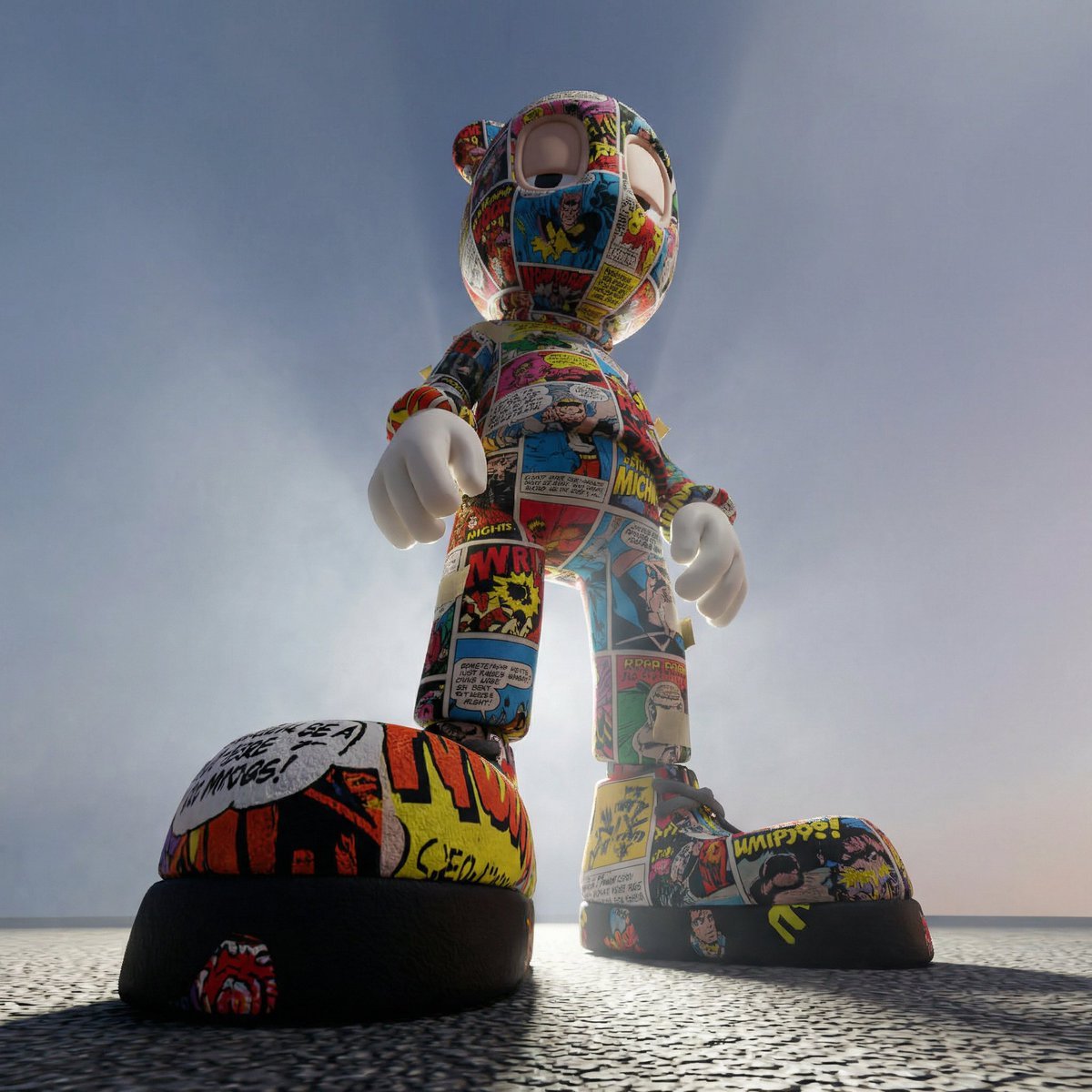
- Prompt included
- Model and format preset
- Free template
The prompt behind this image
Copy the exact prompt behind Worm's-Eye Perspective Character Shot (Likeness Preservation), or open it in the studio and make it yours.
A cinematic worm’s-eye perspective shot of the character captured from ground level, camera almost touching the surface beneath them. Ultra-wide 14–18mm lens. The camera is angled sharply upward, making the character tower massively in frame. Likeness Preservation: Maintain exact proportions, eye shape, stylization, and material identity from the reference. Do not humanize or reinterpret anatomy. Perspective exaggeration must come only from camera placement, not redesign. Composition: The lowest part of the character dominates the foreground due to proximity to the lens. Boots, feet, lower garment, or base form appear large and imposing. The upper body recedes dramatically upward into the sky or background. Head placed near top third of frame, slightly off-center. Pose: Grounded stance. Feet planted firmly. One foot slightly closer to the lens to enhance scale distortion. Upper body calm and controlled. No exaggerated motion. Dominance comes from stillness. Camera Behavior: Very close distance to foreground element. Slight horizon tilt for tension. Foreground sharp, upper portion slightly softened by depth falloff. Lighting: Strong upward rim light catching edges of the lower silhouette. Secondary side light sculpting volume. Subtle atmospheric haze above to create depth separation. Shadows fall downward toward the lens. Background: Sky-like gradient, large empty space above. Light beams or volumetric haze rising upward. No flat studio look. Surface Detail: Foreground textures extremely crisp. Material identity preserved exactly. No added wear unless already present. Emotion: Monumental. Immovable. The viewer feels physically below the character. Power through perspective alone. Negative prompt: No anatomy distortion, no stretched limbs beyond lens effect, no added accessories, no centered symmetry, no neutral studio lighting. ar 1:1
How to use Worm's-Eye Perspective Character Shot (Likeness Preservation) in 3 steps
- 1
Open
The prompt is already in the box next to the preview, with the template's model and format selected.
- 2…a portrait of your subject in softgolden-hour light, 85mm…
Personalize
Edit the subject and creative details for your destination.
- 3Generate
Generate
Press Generate — your image is created in PicX Studio, so you can compare it with the original and refine one variable at a time.
More like this
Templates with the same subject, style or setup. Open one to see its prompt.
Worm's-Eye View Editorial Fashion Portrait
Cinematic Worm's-Eye View Field Portrait
Enhanced Cinematic Noir Worm's-Eye View
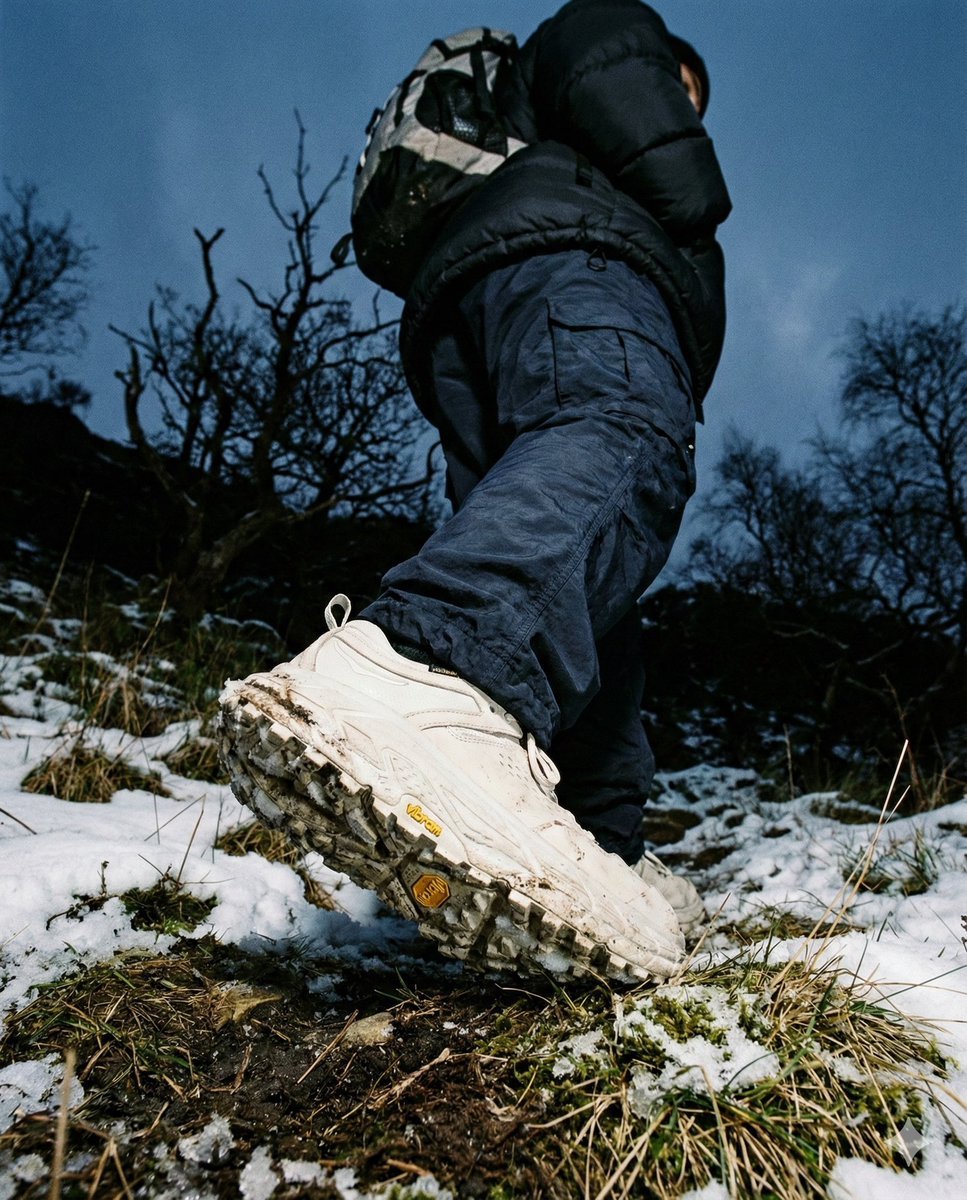
Gorpcore Editorial: Extreme Worm's-Eye View of Hiking Boot
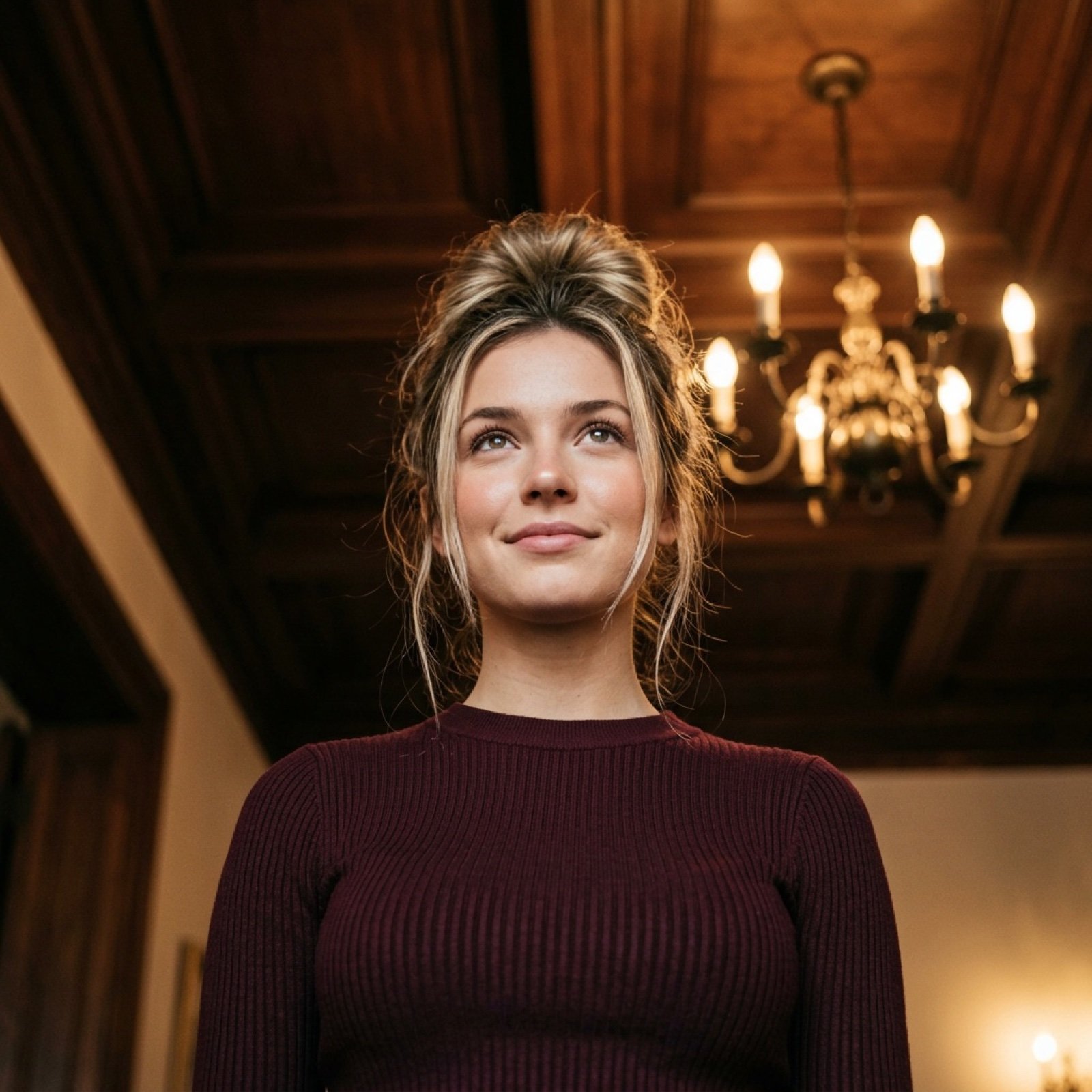
Worm's-Eye View Cinematic Portrait Prompt with Identity Lock
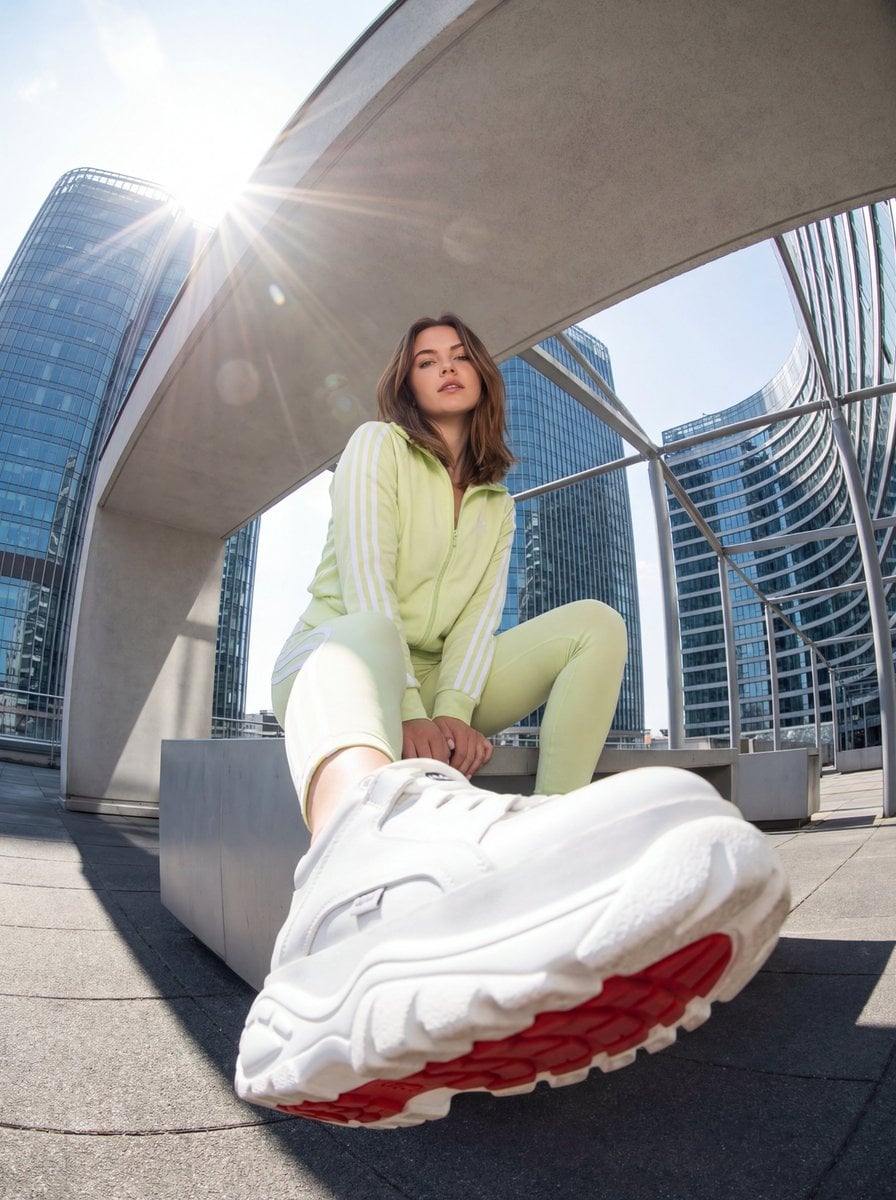
Urban Streetwear Photo with Extreme Fisheye Perspective
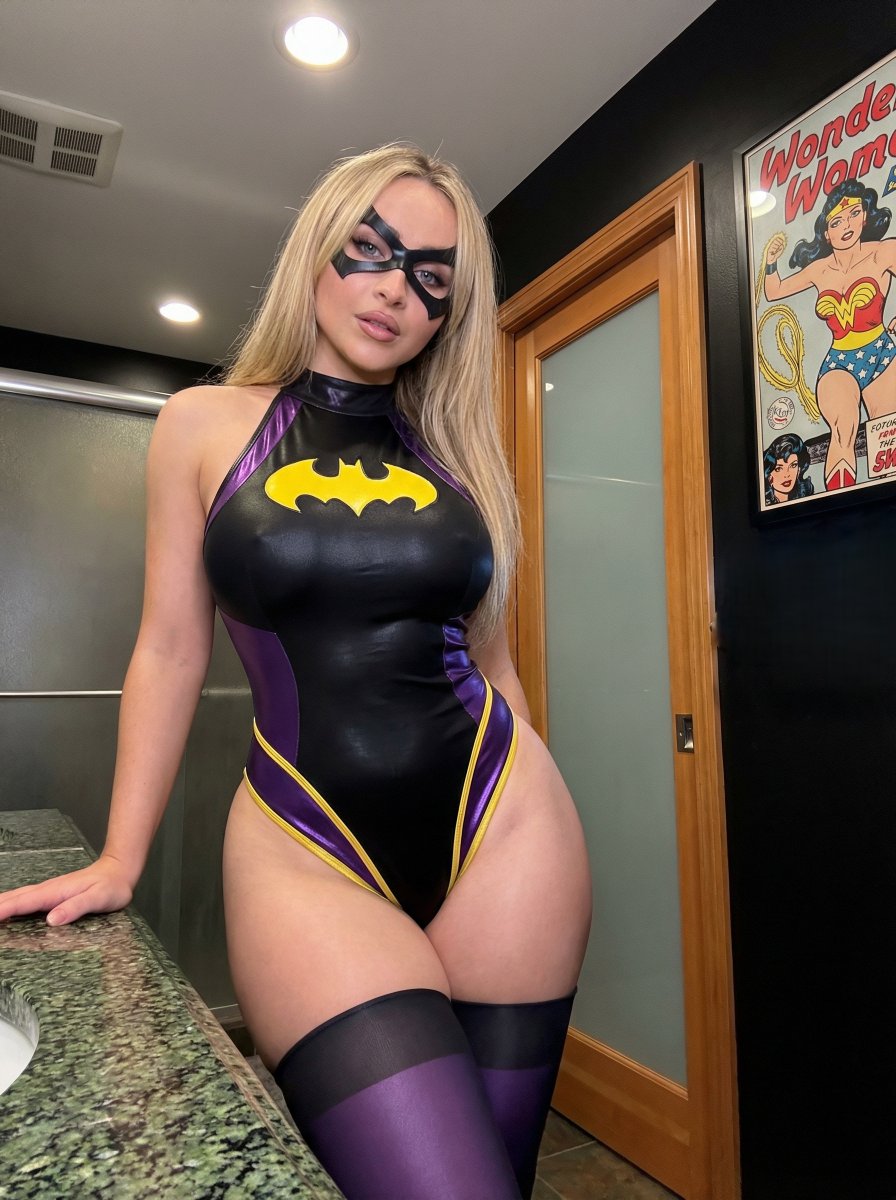
Batgirl Bodysuit Portrait with Likeness Preservation Prompt
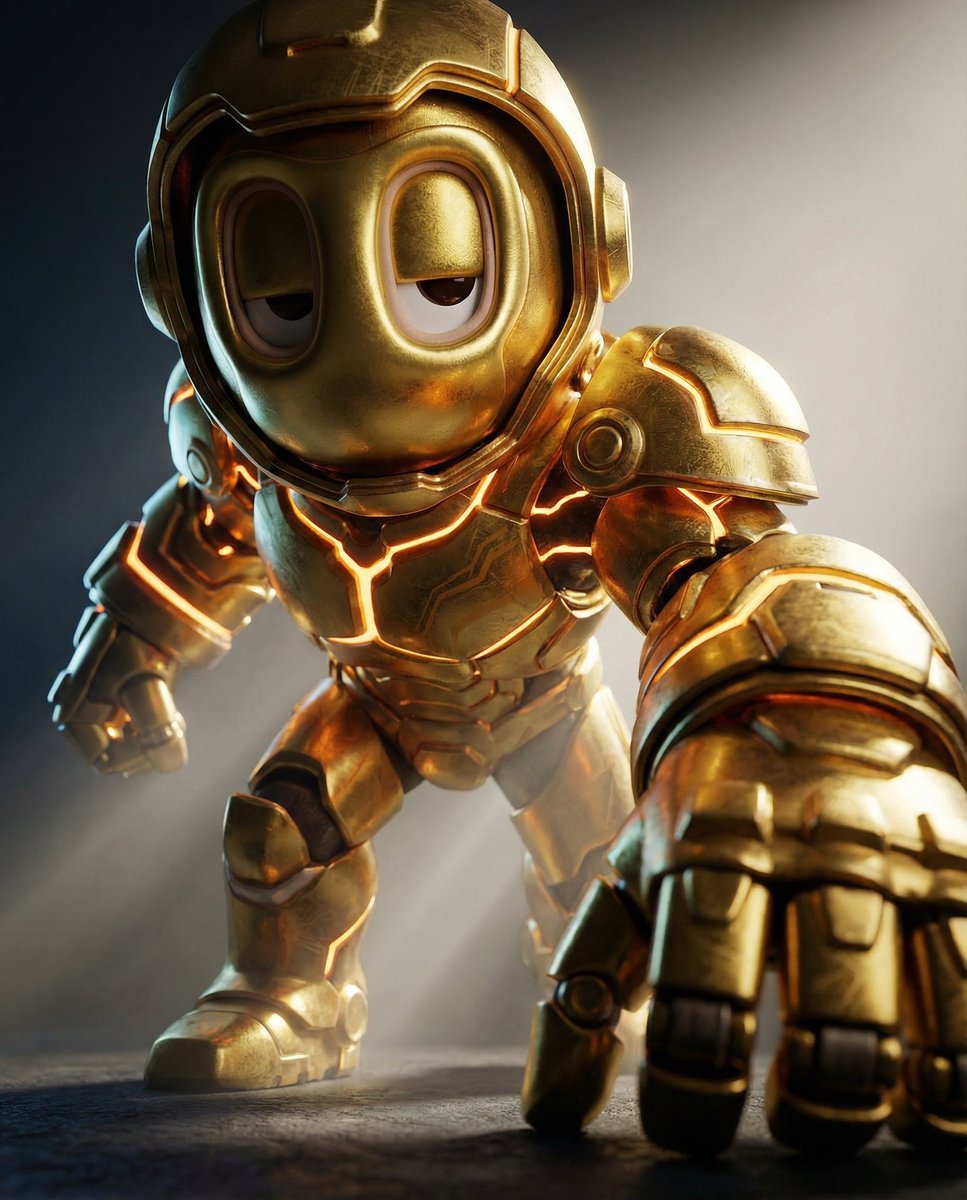
Mech Armor Power Reveal Prompt (Likeness Preservation)
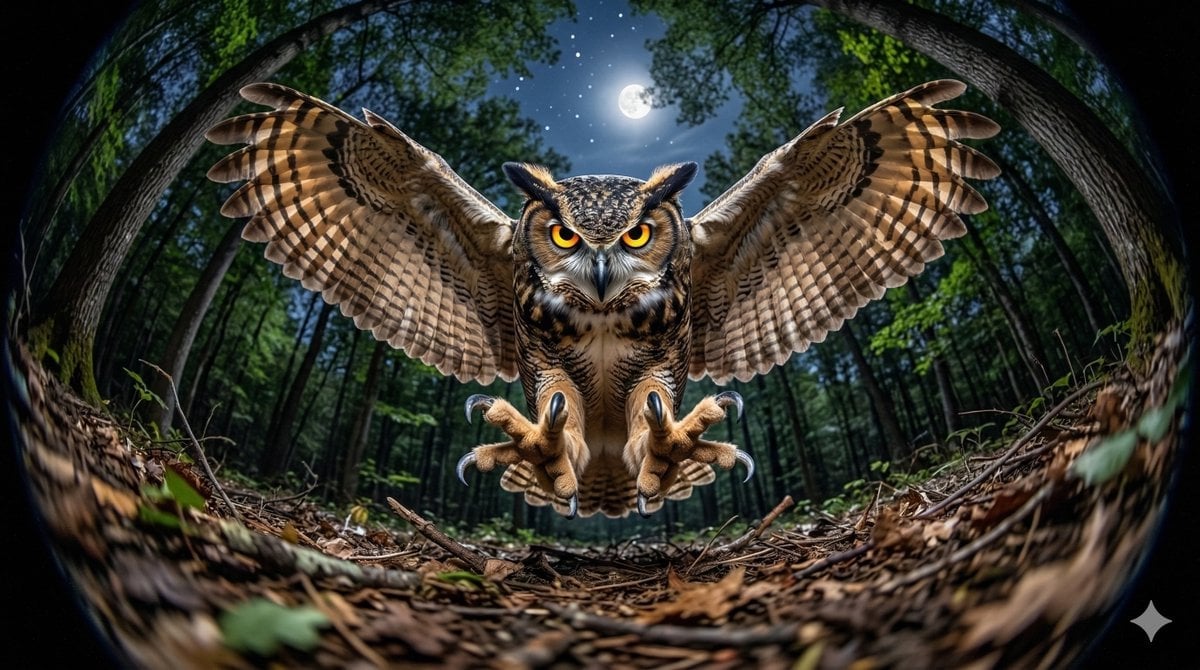
Fisheye Perspective of a Mouse and Owl
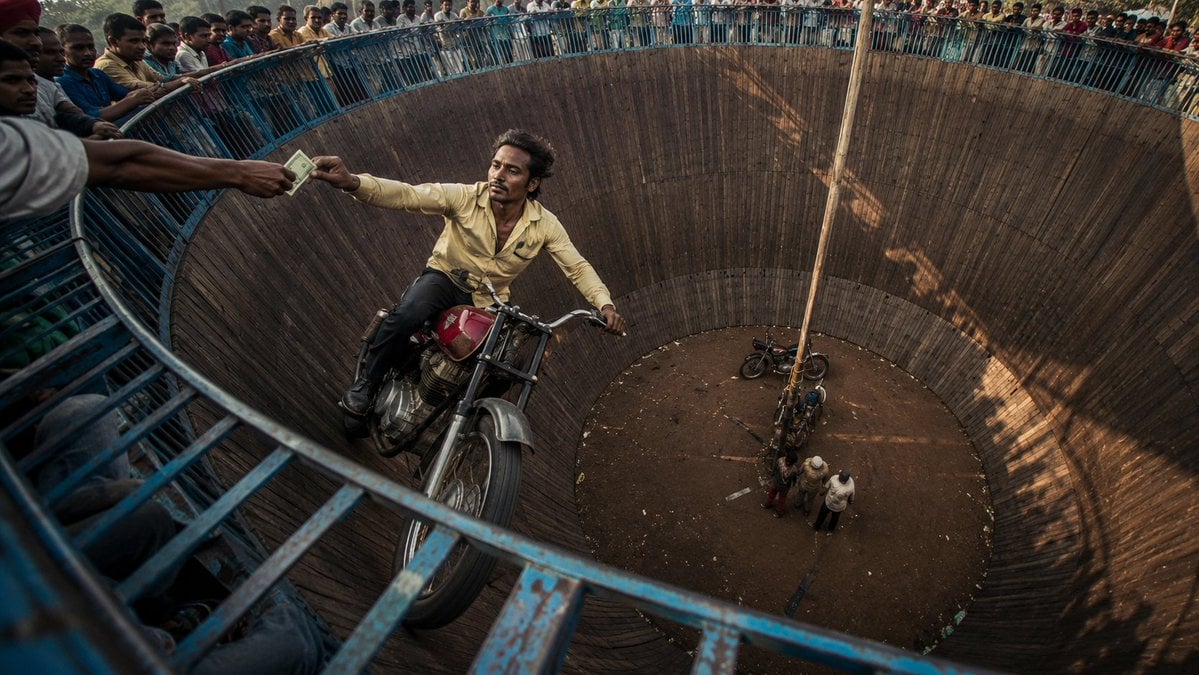
Wall of Death Fisheye Documentary
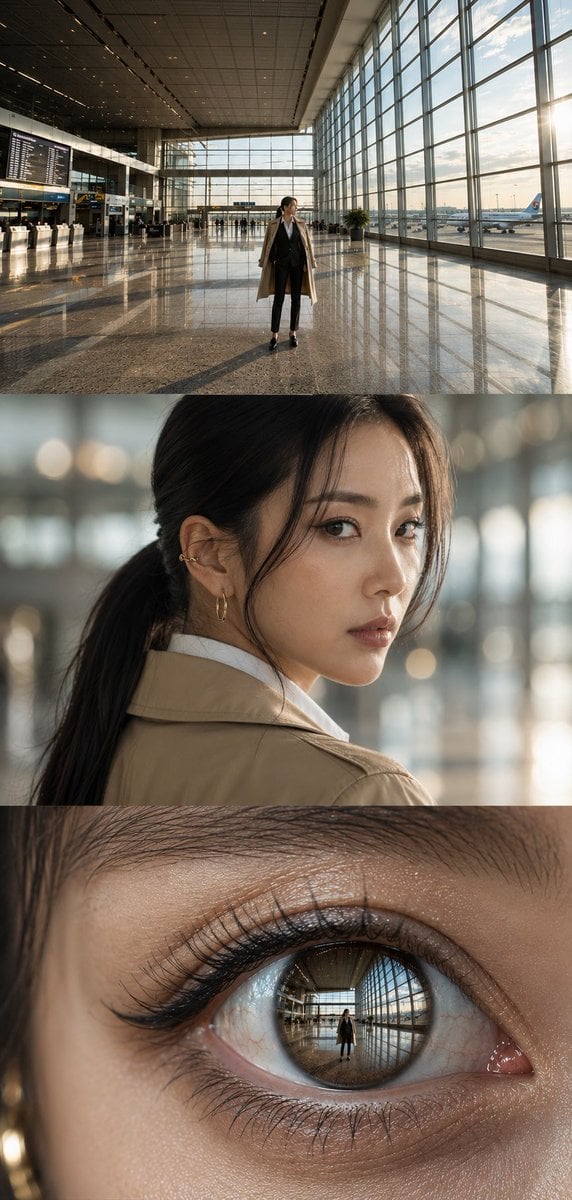
Airport Triptych Eye Reflection

Giant Woman Forced Perspective Street Photo
Make it yours
Worm's-Eye Perspective Character Shot (Likeness Preservation) works as-is. These are the safest ways to change it without losing the look.
Change one field
Copy a single group, rewrite it, and generate again so you can see what that field is doing.
Keep the frame, change the subject
Hold the composition and light of Worm's-Eye Perspective Character Shot (Likeness Preservation), then swap wardrobe, props or the person for a new take.
| If the result… | Why | Fix |
|---|---|---|
| The result drifts from the preview | Too many fields changed at once. | Reuse Worm's-Eye Perspective Character Shot (Likeness Preservation) as-is first, then change one group — subject, light, or setting. |
| The model over-stylizes the scene | The prose prompt leaves finish and camera underspecified. | Add one camera or lighting sentence and stay on Nano Banana 2. |
More Nano Banana 2 templates
Other prompts made for Nano Banana 2.

Photorealistic Leaf Shaped Like a Dragon

K-Pop Idol Portrait Grid for Rapid Selection

Poetic Rain Forest Portrait During Golden Hour

Urban Street Portrait with Cartoon Inner Self Duo

Candid Nighttime Photo with Cat Prompt

High-Concept 3D Diorama Generation Prompt

Cinematic Futuristic Studio Portrait Template

Skincare Editorial Photography Collage Prompt

Hyper-Realistic Commercial Product Photography (Splash Effect)

Hyper-Realistic Nightclub Portrait Prompt
More image prompts
Fresh picks from across the catalog.
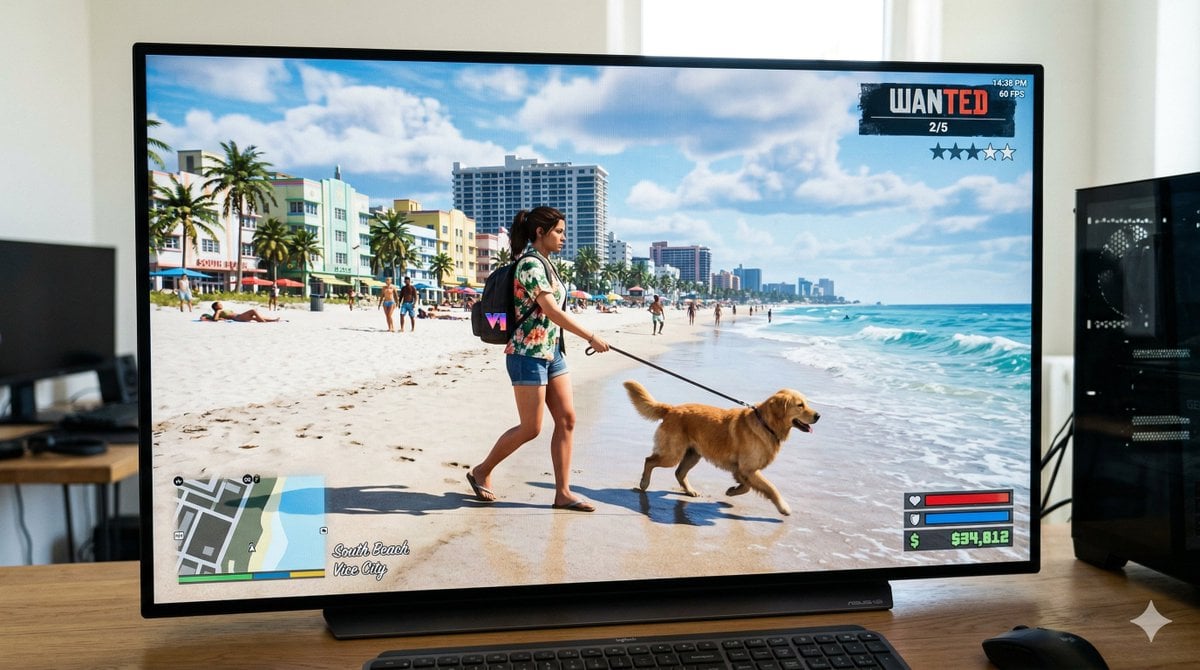
GTA 6 In-Game Footage Test Prompt
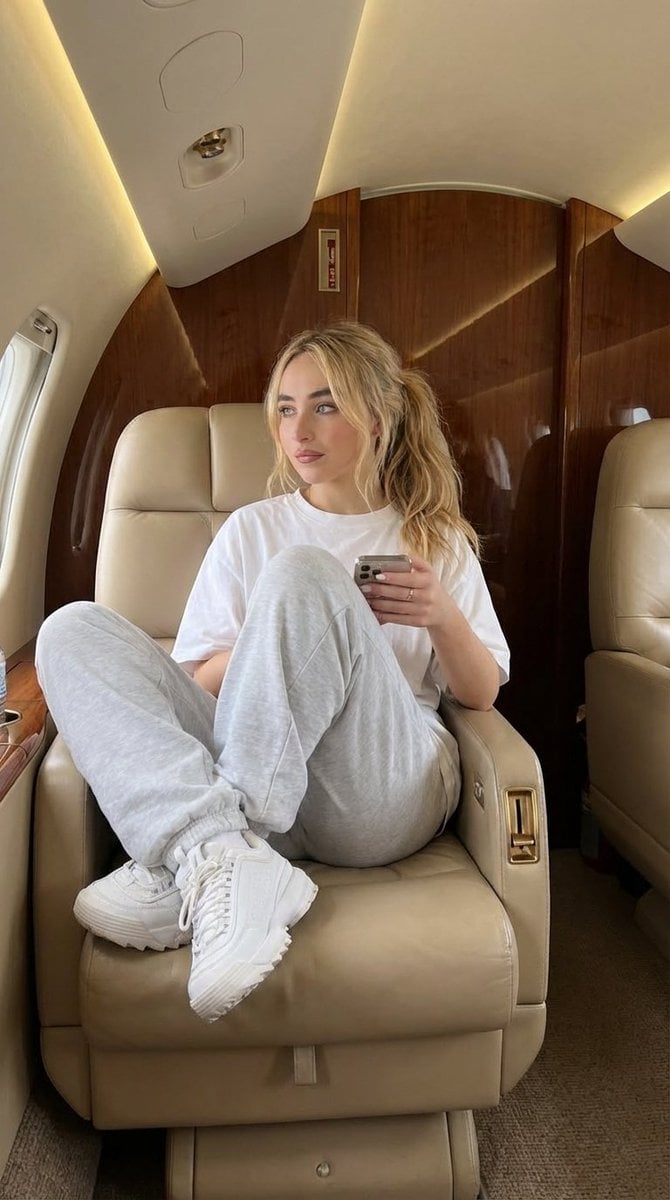
Luxury Private Jet Photoshoot Prompt for Stylish Young Woman
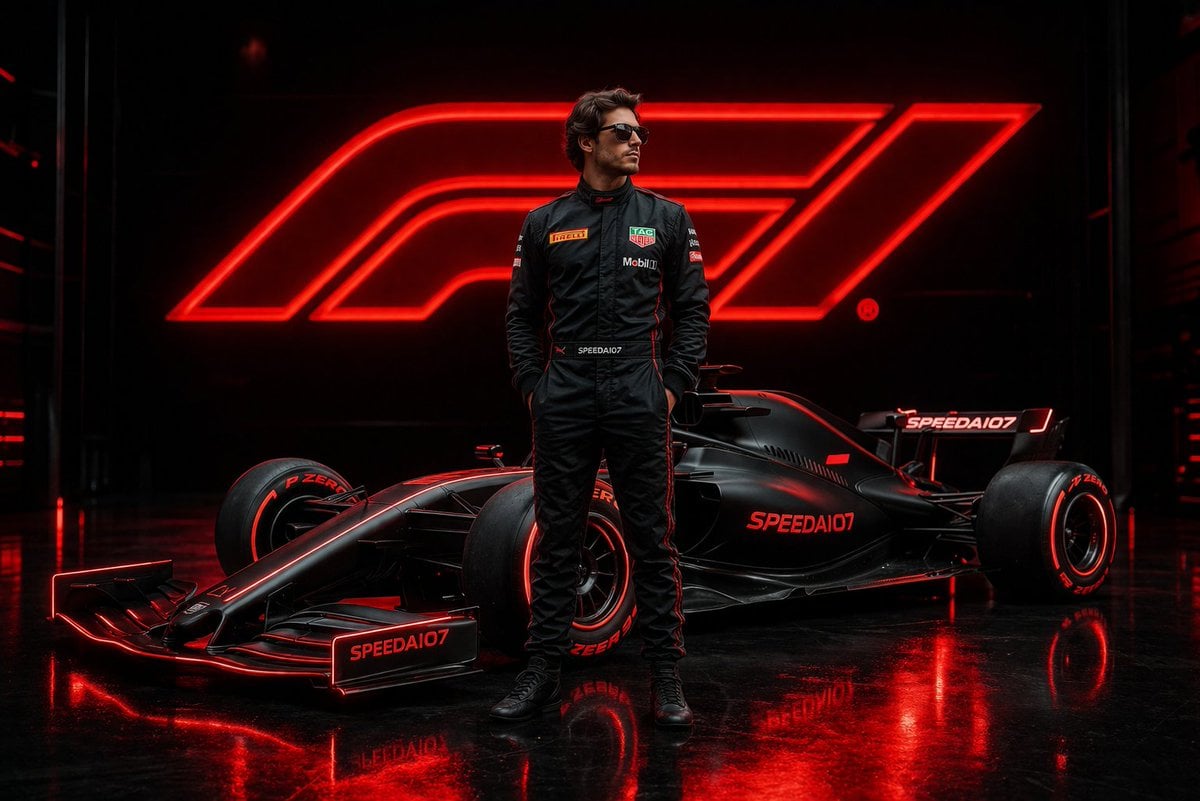
Cinematic Formula 1 Driver Poster
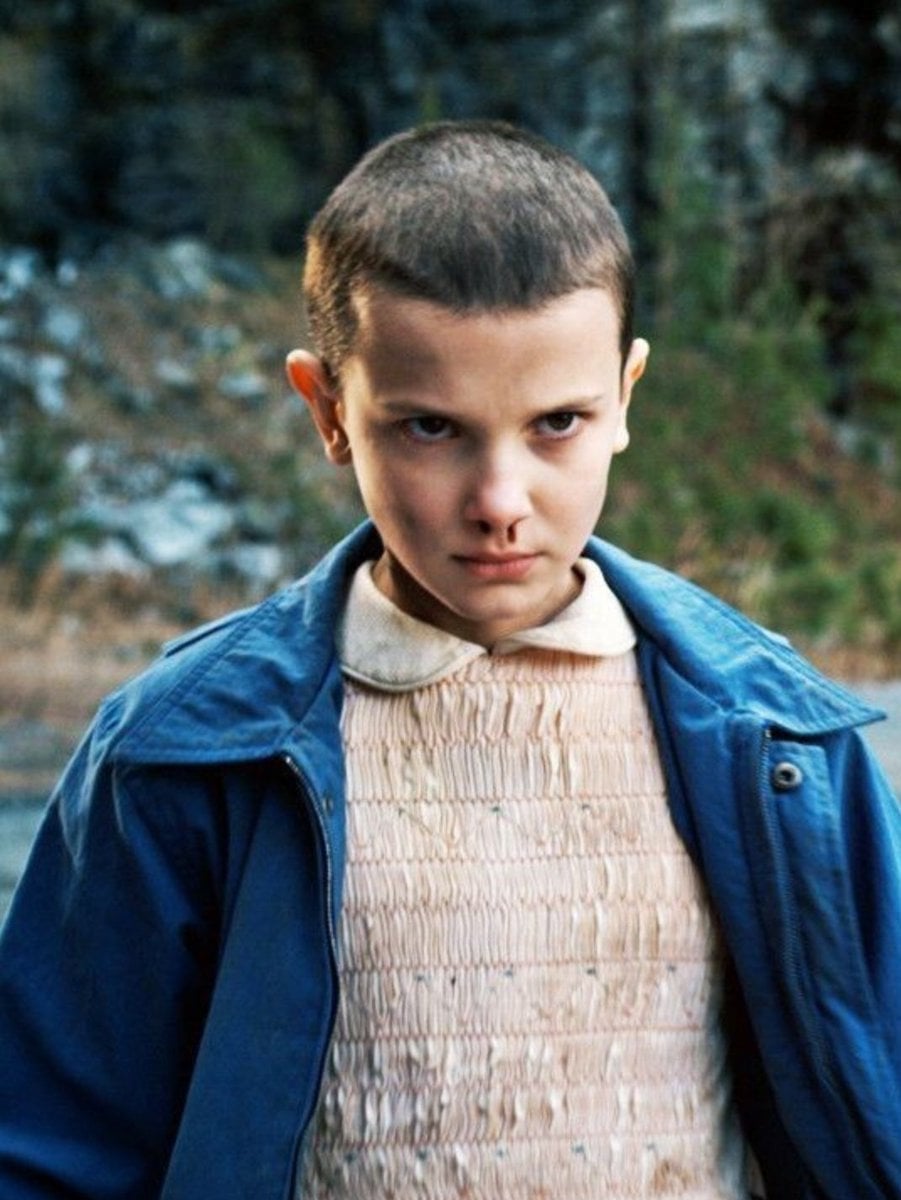
Convert Photo to Professional Passport Size Image
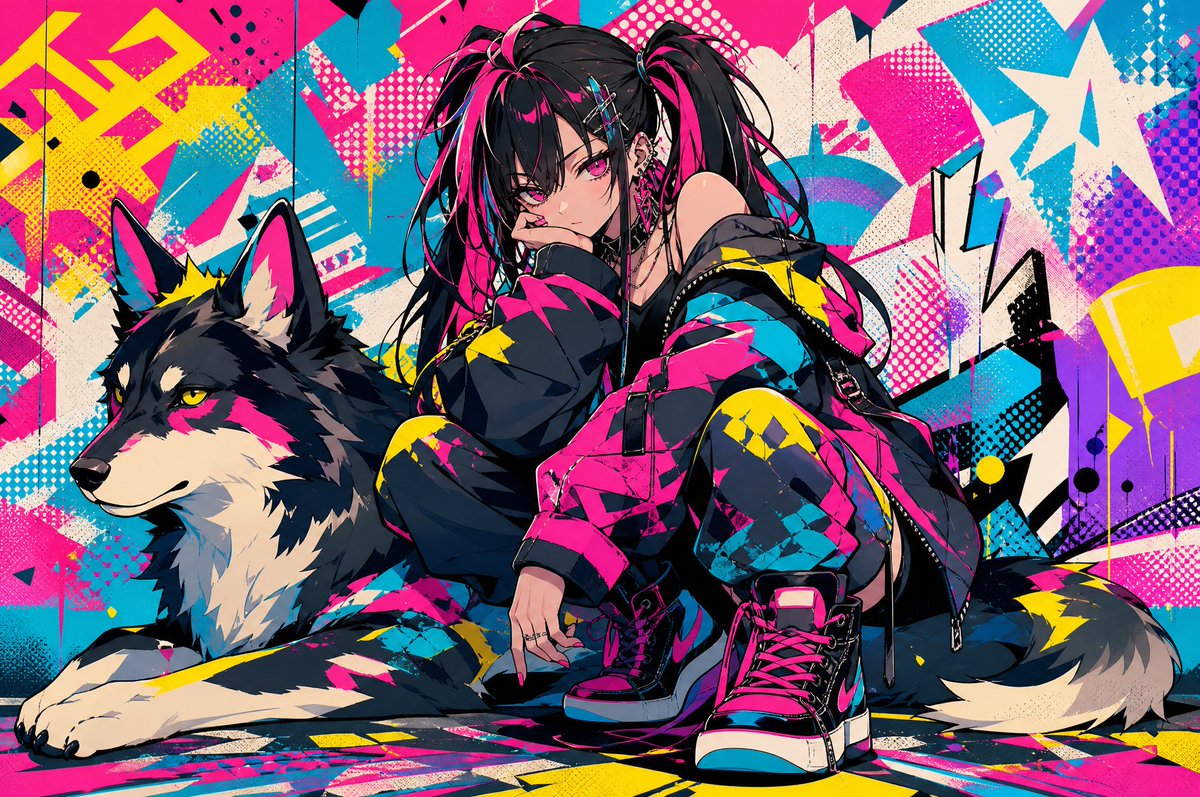
Neon Punk Girl with Husky
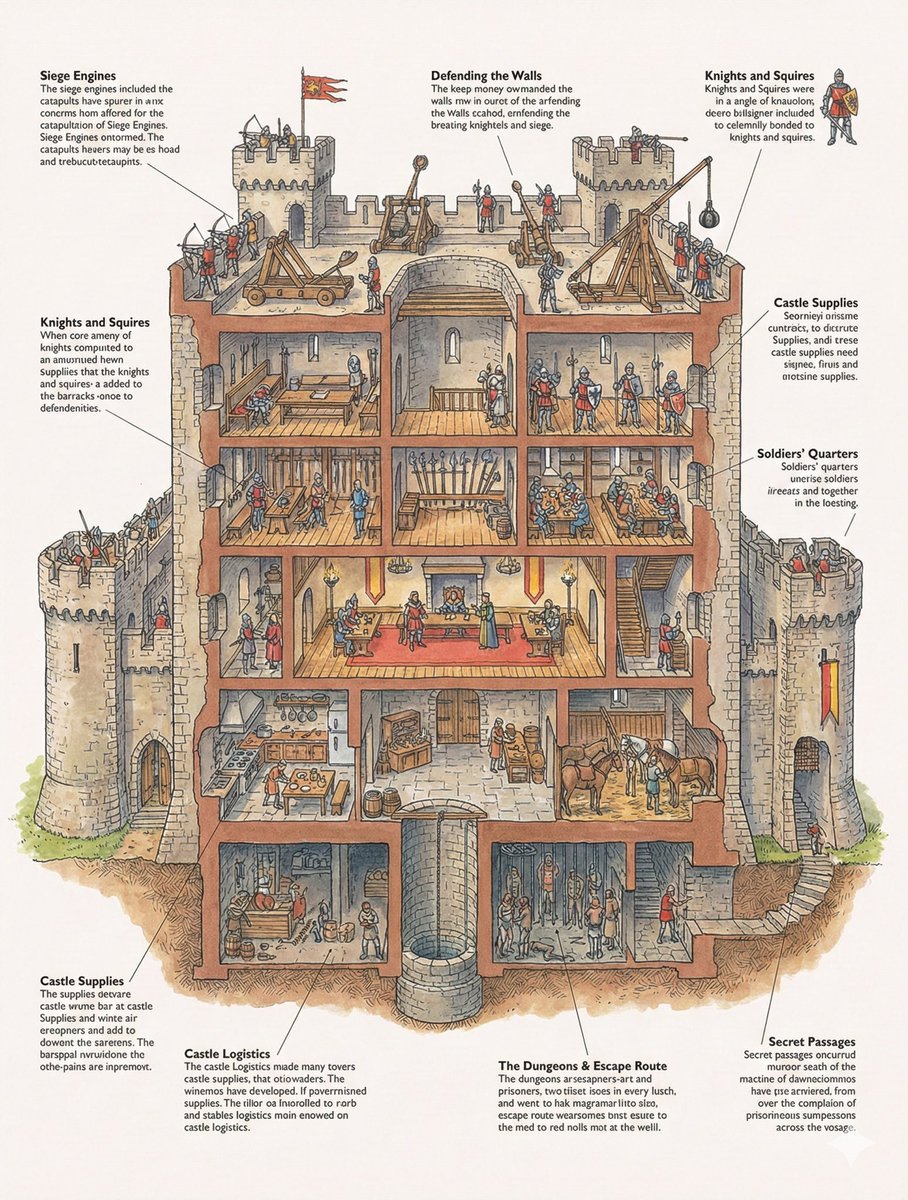
Generic 'Make Something Like This' Prompt
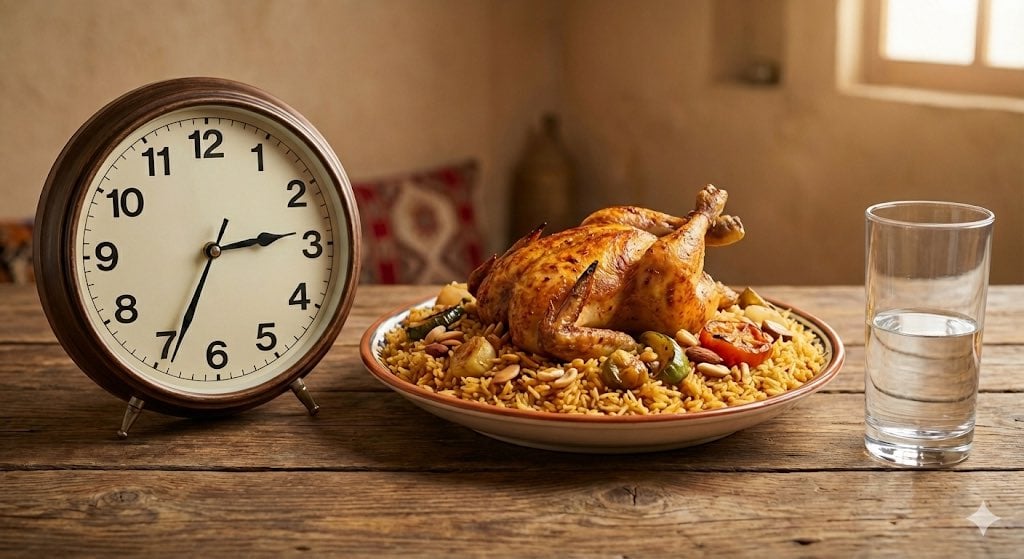
Analog clock and Saudi kabsa meal still life
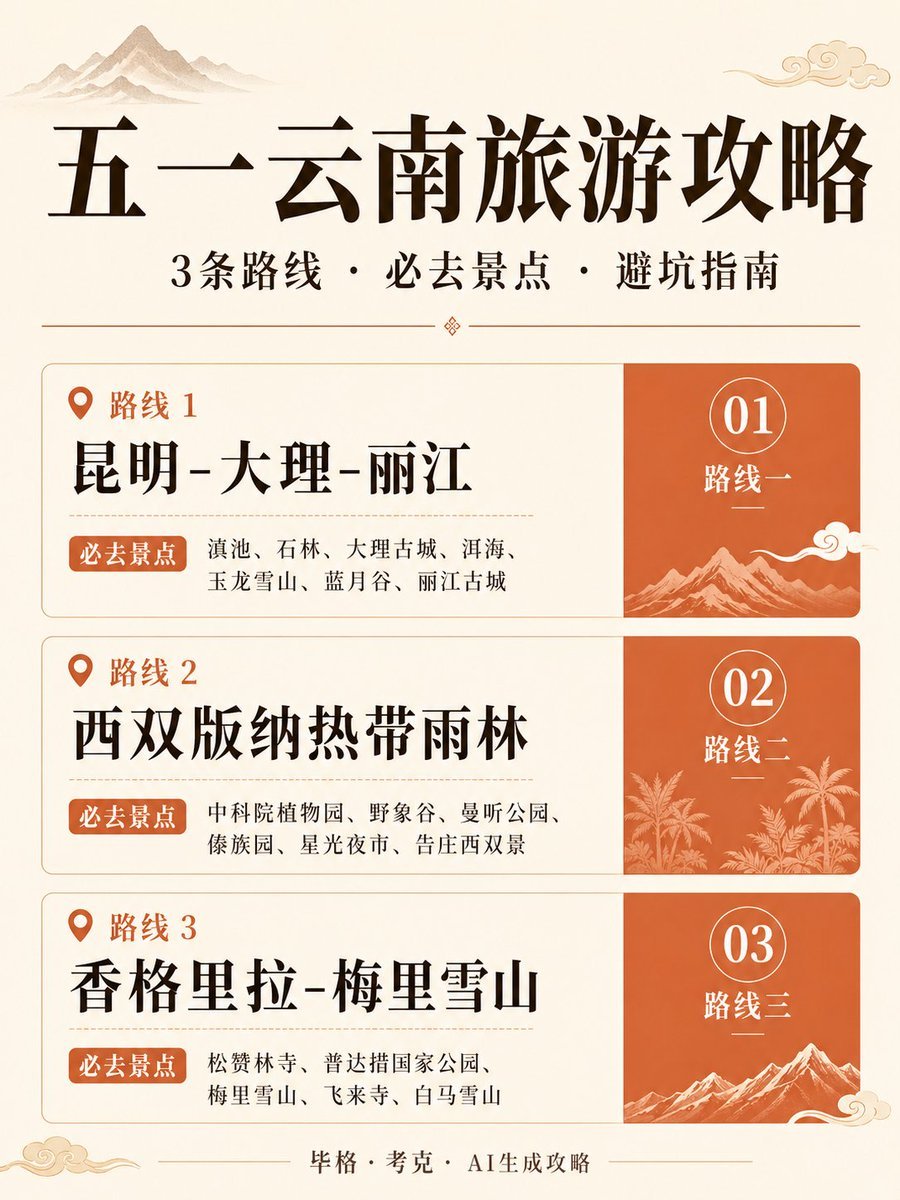
Chinese Yunnan Travel Guide Poster
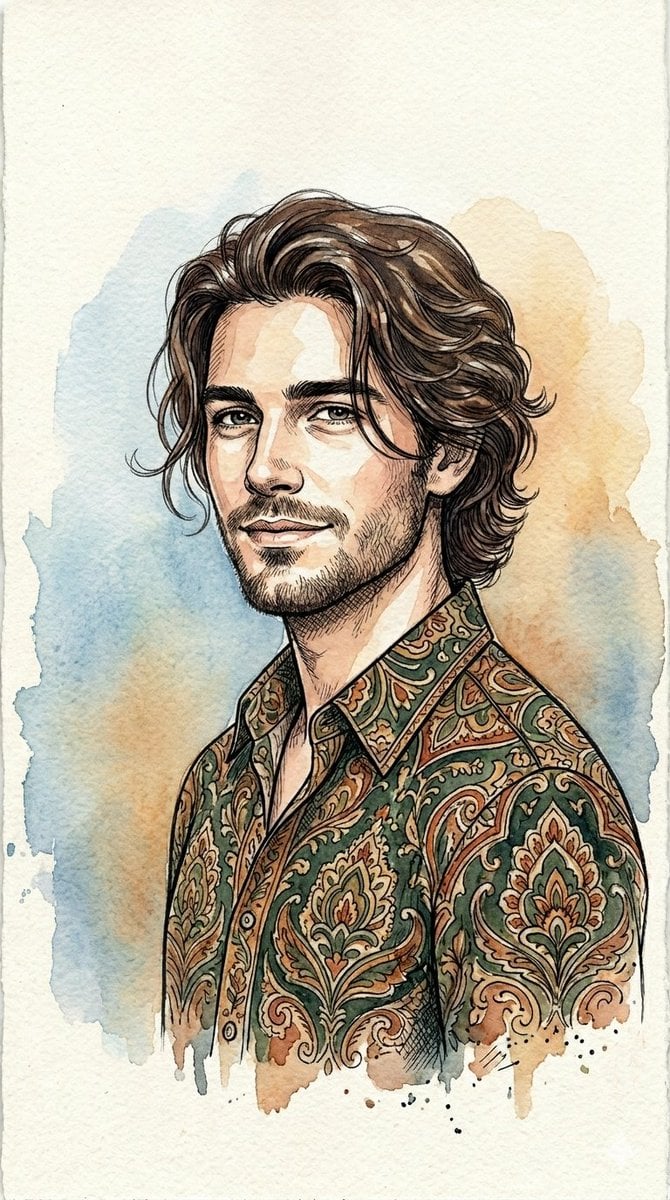
Watercolor and Ink Line Art Portrait
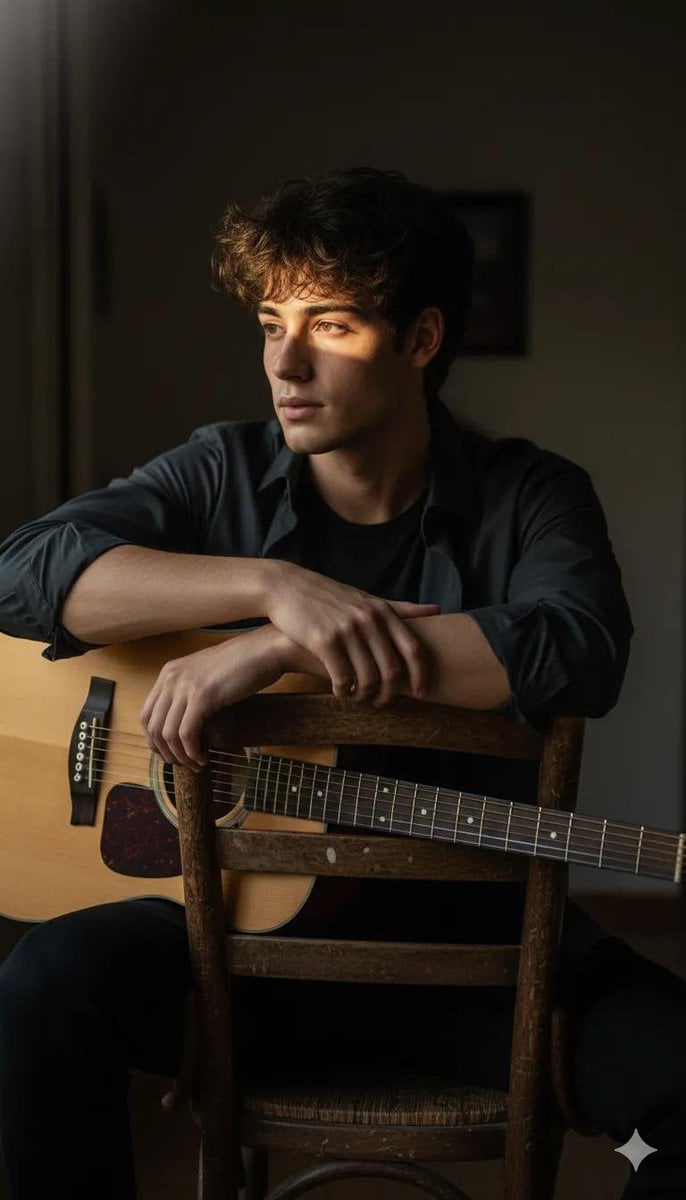
Moody High-Contrast Portrait with Acoustic Guitar
Browse template categories
Worm's-Eye Perspective Character Shot (Likeness Preservation) questions
How do I use the Worm's-Eye Perspective Character Shot (Likeness Preservation) template?
Add your photo if the template asks for one, edit the prompt if you like — the template's model and format are already selected — and press Generate. Your version opens in PicX Studio.
Can I customize the Worm's-Eye Perspective Character Shot (Likeness Preservation) template?
Yes. You can change the subject, setting, lighting, mood, format, and available model controls before creating your image.
Is the Worm's-Eye Perspective Character Shot (Likeness Preservation) template free?
Opening and editing this template is free. Generating uses credits, shown on the Generate button when you are signed in.
Which AI model should I use?
Start with Nano Banana 2, which is the model associated with this template. You can compare another compatible model for a different finish.
Looking for something else? Browse all templates.

Your photo, any look
Thousands of ready templates for every top image and video model, from one credit balance.