
Airport Triptych Eye Reflection
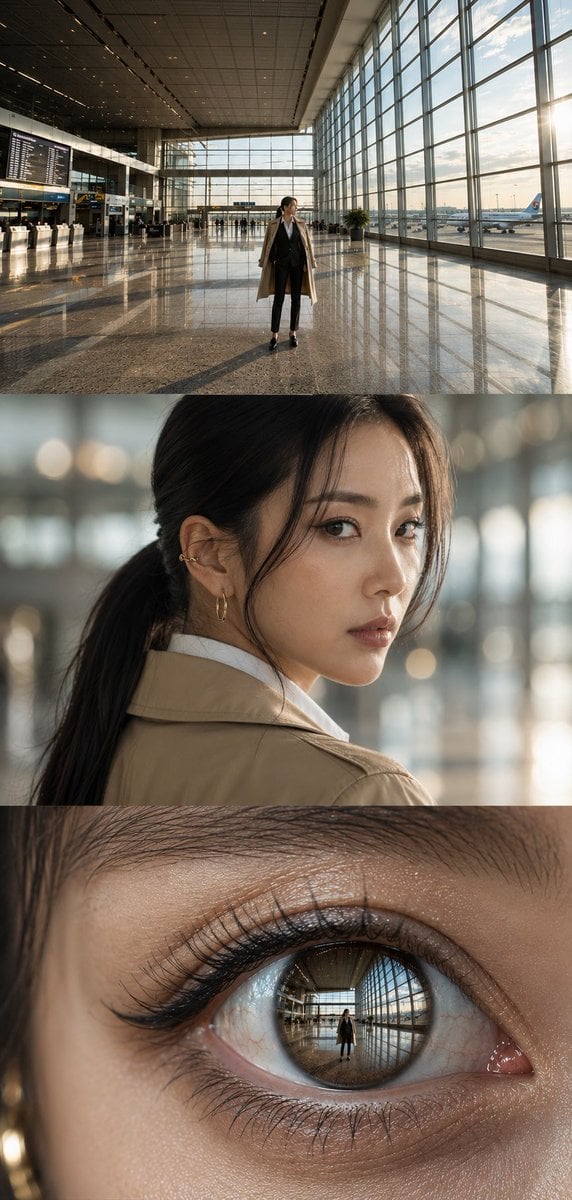
A photorealistic three-panel cinematic airport portrait ending in a macro eye reflection, suitable for editorial fashion or visual storytelling.
- Prompt included
- Model and format preset
- Free template
The prompt behind this image
Copy the exact prompt behind Airport Triptych Eye Reflection, or open it in the studio and make it yours.
Create a vertical cinematic triptych made of exactly 3 stacked horizontal panels, all showing the same {argument name="character description" default="elegant young East Asian woman with black hair in a low ponytail"} inside a modern airport terminal at golden hour. Panel 1: a wide establishing shot in a vast glass-walled airport concourse with a polished reflective stone floor, high ceiling, flight information boards on the left, check-in counters, distant travelers, large windows on the right, an airplane visible outside, warm sun streaming in from the right, and the woman standing full-body near the center wearing a {argument name="outfit" default="beige trench coat over a black suit and white shirt, slim black trousers, black heels"}. Panel 2: a realistic shoulder-up portrait of the same woman turning back over her shoulder toward the camera, soft shallow depth of field, blurred airport lights behind her, natural skin texture, delicate earrings, loose strands of hair framing her face, calm thoughtful expression. Panel 3: an extreme macro close-up of one of her eyes, showing detailed eyelashes, eyelid texture, tear line, glossy cornea, and a crisp reflection inside the iris of the airport concourse and the small full-body woman standing in it. Use photorealistic editorial fashion photography, high dynamic range, warm natural sunlight, cinematic contrast, accurate perspective, detailed reflections, no captions, no logos, no watermark. Canvas should be a tall vertical image with the three panels evenly stacked edge-to-edge, approximately {argument name="aspect ratio" default="9:16"}.
How to use Airport Triptych Eye Reflection in 3 steps
- 1Upload ImagePNG, JPG or paste
Add your photo
Upload the photo the template builds on. The prompt, model and format are already set.
- 2…a portrait of your subject in softgolden-hour light, 85mm…
Personalize
Edit the subject and creative details for your destination.
- 3Generate
Generate
Press Generate — your image is created in PicX Studio, so you can compare it with the original and refine one variable at a time.
More like this
Templates with the same subject, style or setup. Open one to see its prompt.
Airport Golden Hour Triptych
High-Fashion Editorial Studio Portrait Triptych

Night City Bridge Triptych Portrait Session
Night City Bridge Triptych Portrait Session
Crimson Eyes Glasses Reflection Portrait

Japanese Film Reflection Idol
Golden Hour Empty Airport Runway
Japanese Samurai Ukiyo-e Triptych
Modern Airport Travel Portrait
Luxury Streetwear Airport Advertising
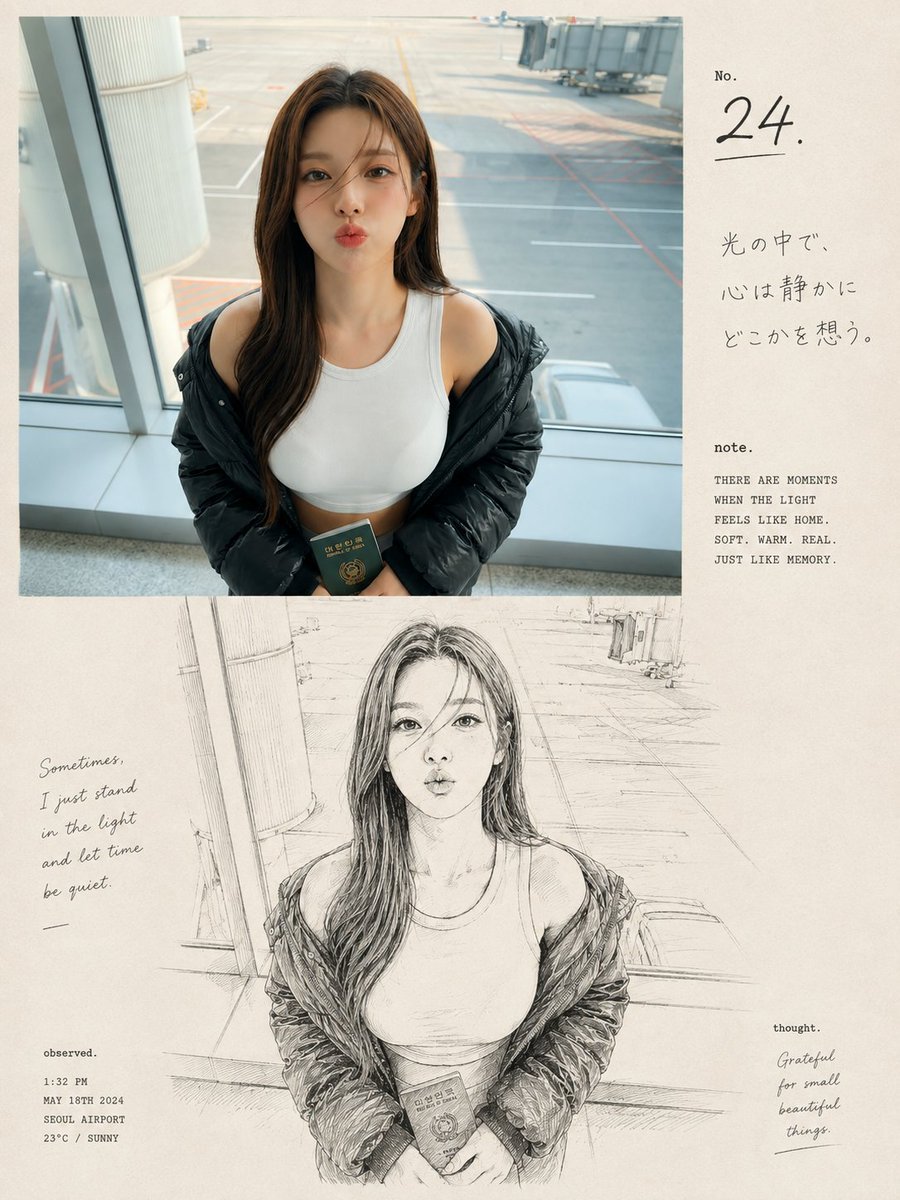
Airport Passport Artbook Page
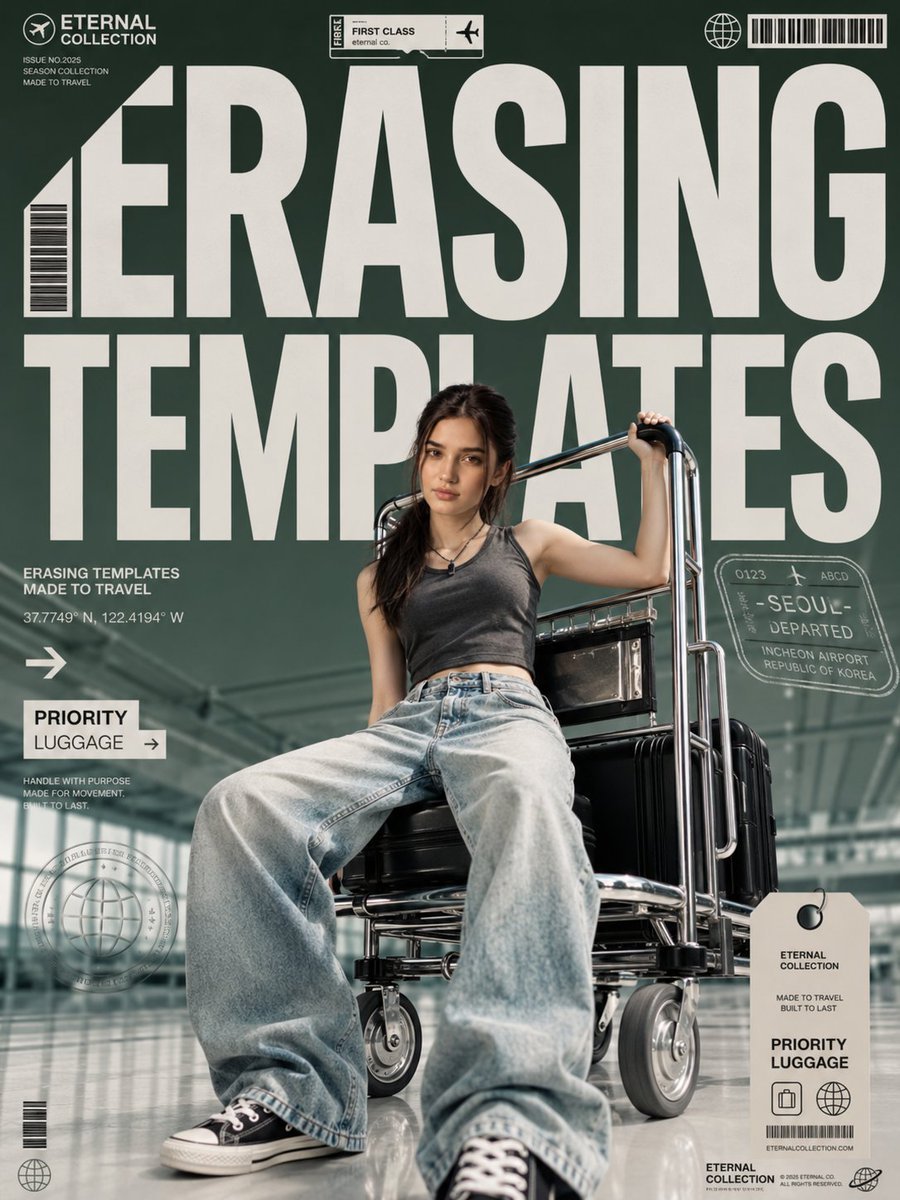
Airport Fashion Magazine Cover
Make it yours
Airport Triptych Eye Reflection works as-is. These are the safest ways to change it without losing the look.
Change one field
Copy a single group, rewrite it, and generate again so you can see what that field is doing.
Keep the frame, change the subject
Hold the composition and light of Airport Triptych Eye Reflection, then swap wardrobe, props or the person for a new take.
| If the result… | Why | Fix |
|---|---|---|
| The result drifts from the preview | Too many fields changed at once. | Reuse Airport Triptych Eye Reflection as-is first, then change one group — subject, light, or setting. |
| The model over-stylizes the scene | The prose prompt leaves finish and camera underspecified. | Add one camera or lighting sentence and stay on GPT Image 2. |
More GPT Image 2 templates
Other prompts made for GPT Image 2.

Six VTuber Japanese Logo Sheet

Realistic Portrait of Woman and Deer

The Vista Modular Condo Poster

AI Model Routing Comparison Infographic

2.5D Anime Art Board

Isometric Productivity Desk Scene

New York Double Exposure Poster

Four-Panel AI Landscape Comparison

Japanese Tatami Lifestyle Magazine Cover

NESCAFÉ Coffee Map Poster
More image prompts
Fresh picks from across the catalog.

Stacked Smartphone Flash Selfie
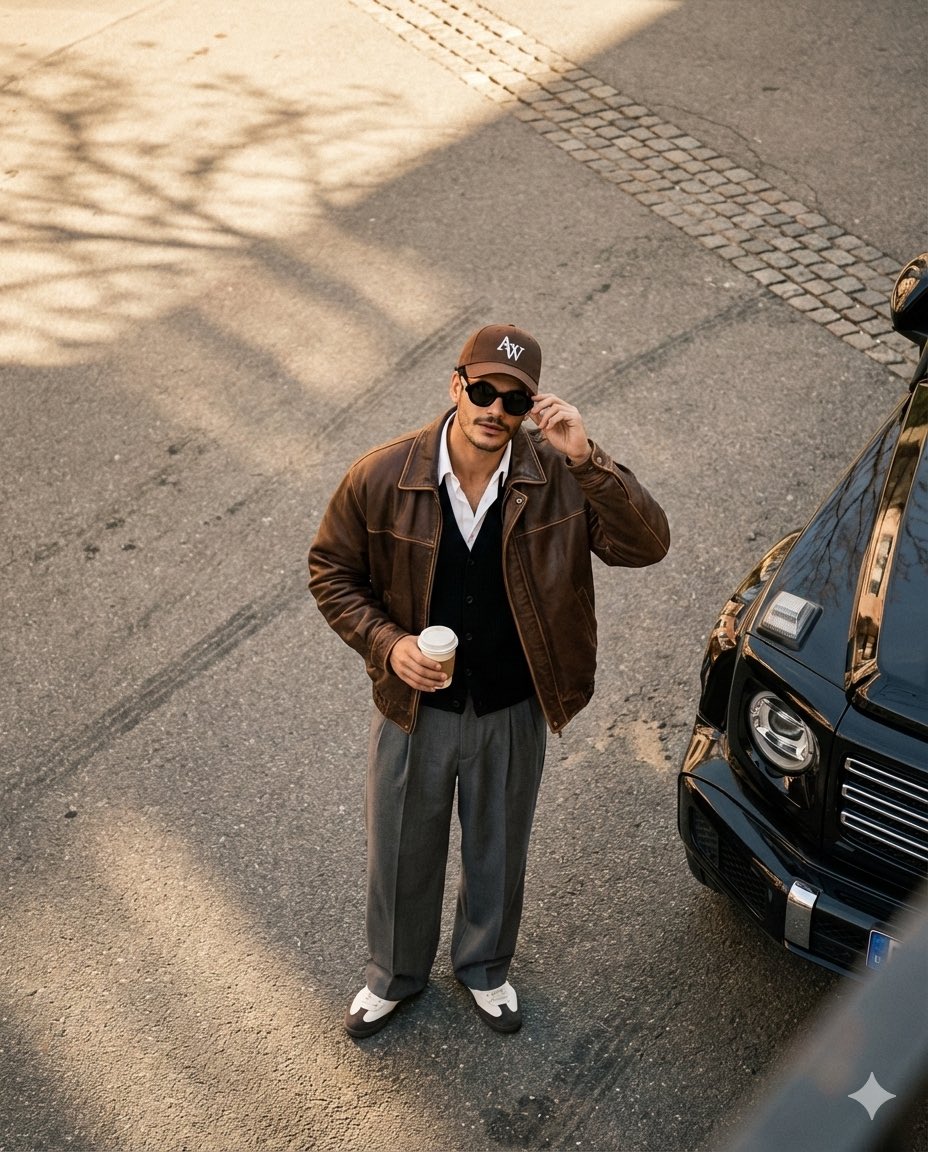
High-Angle Editorial Street-Style Photo

Ice Cream Heist Chibi Cartoon Prompt
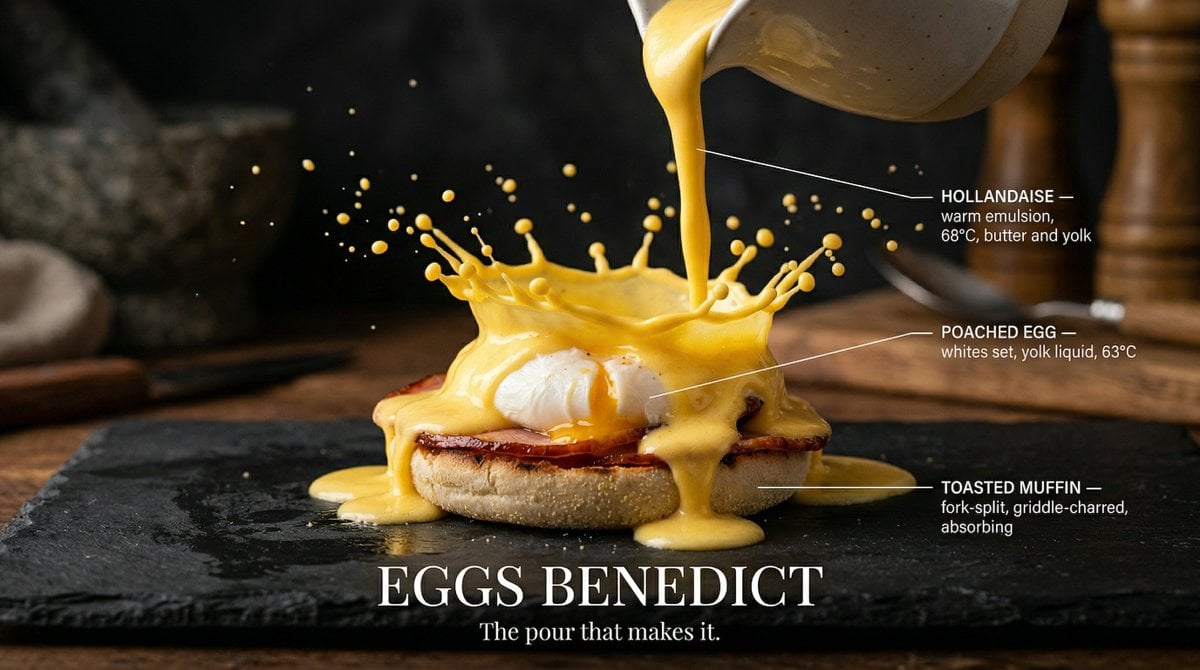
Slow Motion Pour Food Photography Prompt for Nano Banana 2
Futuristic Sakura Itasha Supercar
Cinematic Portrait with Motion Blur Crowd
Dark Fantasy Portrait with Shadow Demon
Rococo Masquerade Ball Editorial
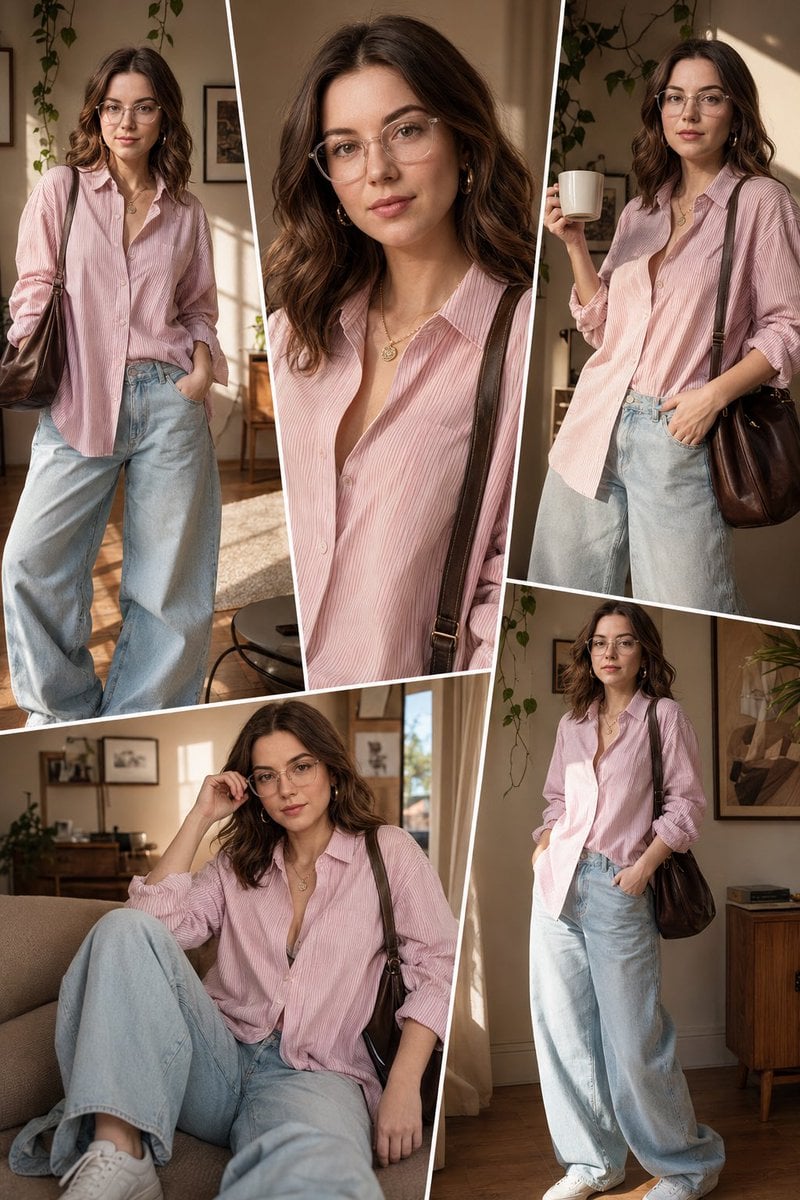
Sunlit Interior Fashion Collage
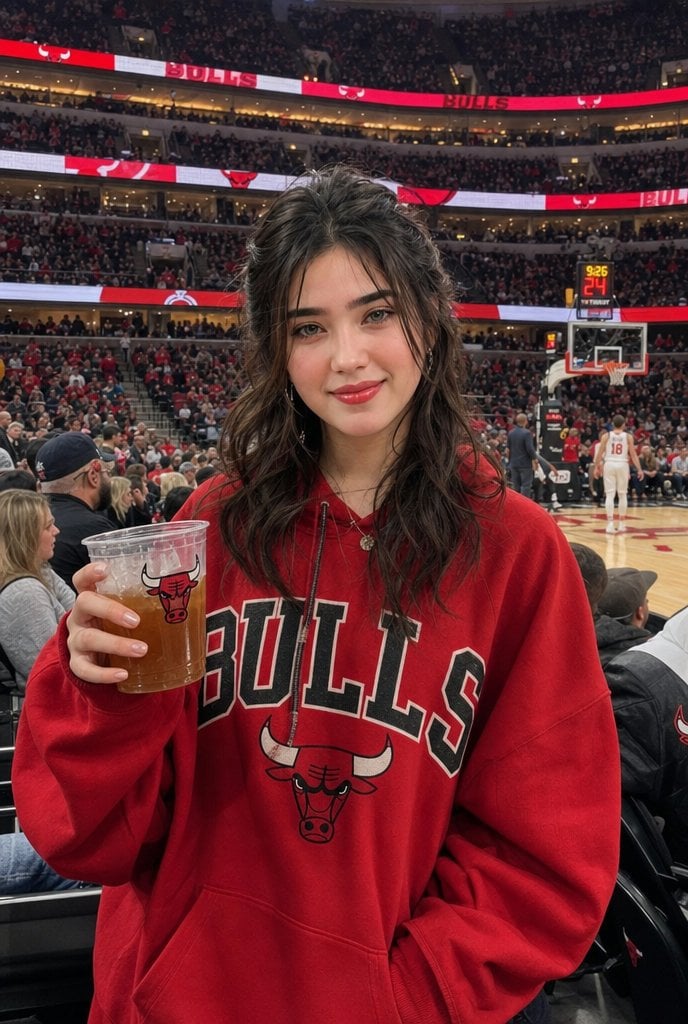
Chicago Bulls Arena Portrait
Browse template categories
Airport Triptych Eye Reflection questions
How do I use the Airport Triptych Eye Reflection template?
Add your photo if the template asks for one, edit the prompt if you like — the template's model and format are already selected — and press Generate. Your version opens in PicX Studio.
Can I customize the Airport Triptych Eye Reflection template?
Yes. You can change the subject, setting, lighting, mood, format, and available model controls before creating your image.
Is the Airport Triptych Eye Reflection template free?
Opening and editing this template is free. Generating uses credits, shown on the Generate button when you are signed in.
Which AI model should I use?
Start with GPT Image 2, which is the model associated with this template. You can compare another compatible model for a different finish.
Looking for something else? Browse all templates.

Your photo, any look
Thousands of ready templates for every top image and video model, from one credit balance.