
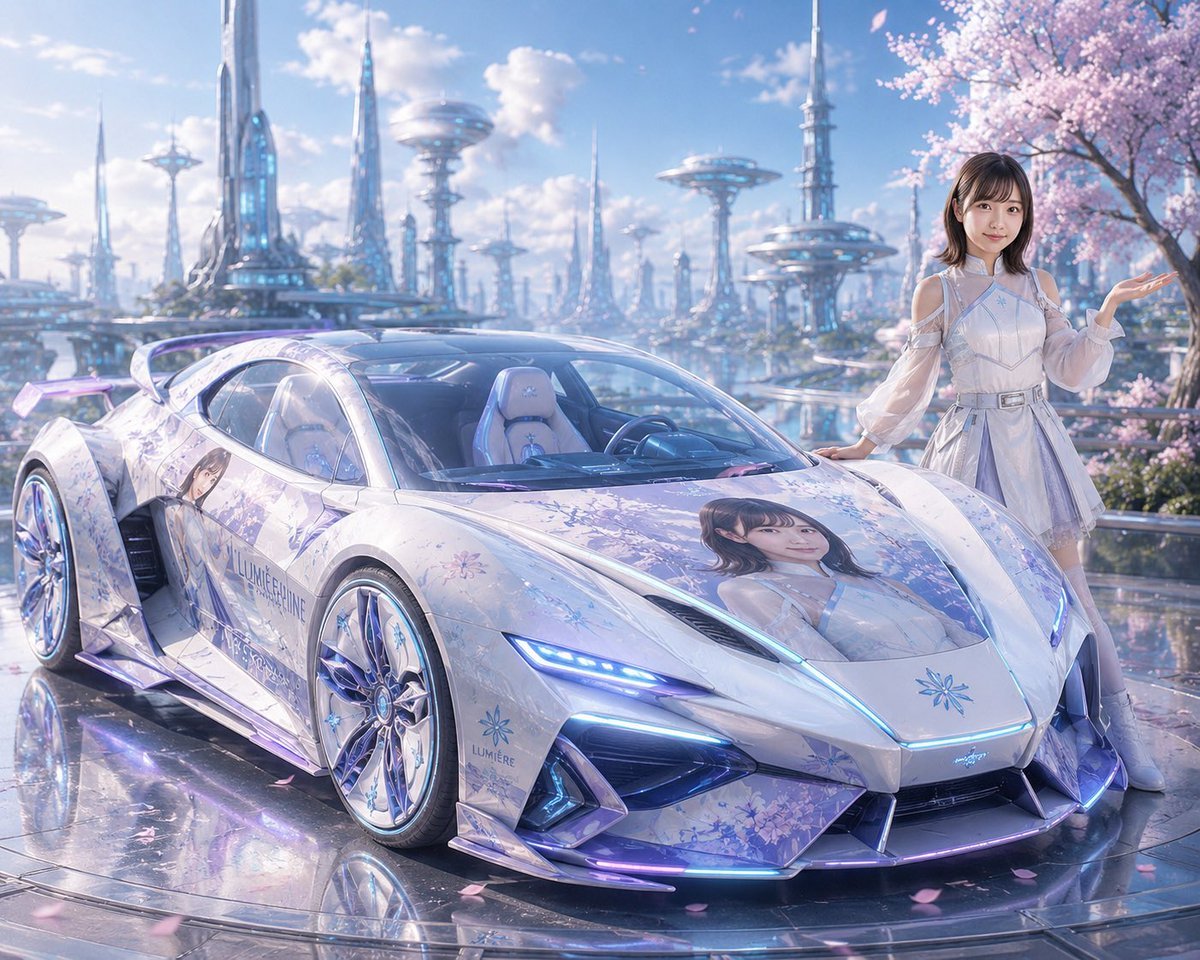
Futuristic Sakura Itasha Supercar
Generates a pastel sci-fi itasha hypercar with anime decals and an idol character posing in a cherry-blossom floating city setting.
- Prompt included
- Model and format preset
- Free template
The prompt behind this image
Copy the exact prompt behind Futuristic Sakura Itasha Supercar, or open it in the studio and make it yours.
Create a glossy futuristic anime itasha supercar scene in a dreamy pastel sci-fi city. A low, aggressive white and pale lavender hypercar is parked in the foreground at a three-quarter front view, with sharp aerodynamic bodywork, transparent canopy-style windshield, large chrome multi-spoke wheels, a tall rear wing, angular intakes, and blue-purple neon LED strips along the headlights, hood seam, front splitter, and side skirts. The car wrap is a delicate sakura-and-crystal design with pale blue floral patterns, icy lavender gradients, and anime idol portrait decals: exactly 2 large visible character portraits, one full-color portrait on the hood and one portrait on the left door panel; include subtle branding text reading {argument name="brand text" default="LUMIÈRE LUNE"} and a small blue flower emblem on the nose and side. Beside the car on the right stands {argument name="character name" default="a young anime-style woman"}, wearing a futuristic white-silver idol dress with sheer off-shoulder sleeves, structured bodice, short pleated skirt, silver belt, thigh-high pale boots, and soft brown shoulder-length hair; she rests one hand on the car and raises the other hand in a graceful presenting pose, with her face softly simplified and not detailed. The background is an expansive utopian floating city with shimmering water canals and reflective walkways, filled with tall glass spires, needle towers, saucer-shaped sky platforms, and blue glowing accents, under a bright clear sky with fluffy clouds. Add a large blooming cherry blossom tree on the right, pink petals drifting through the air and scattered on the mirror-like wet pavement. Use cinematic ultra-detailed digital art, luminous pastel palette, high-end automotive concept rendering, reflective surfaces, soft bloom, dreamy atmosphere, sharp foreground focus with slightly hazy distant city depth. Use a wide landscape composition, 4:3 aspect ratio, no roads, no extra people, no watermark, no readable text other than the specified car branding.
How to use Futuristic Sakura Itasha Supercar in 3 steps
- 1Upload ImagePNG, JPG or paste
Add your photo
Upload the photo the template builds on. The prompt, model and format are already set.
- 2…a portrait of your subject in softgolden-hour light, 85mm…
Personalize
Edit the subject and creative details for your destination.
- 3Generate
Generate
Press Generate — your image is created in PicX Studio, so you can compare it with the original and refine one variable at a time.
More like this
Templates with the same subject, style or setup. Open one to see its prompt.
Futuristic Luxury Supercar Lifestyle

Futuristic Chrome Helmet Fashion Portrait

Futuristic Studio Neon Ring Minimalist Portrait
Futuristic Chrome Helmet Fashion Portrait
Futuristic Studio Neon Ring Minimalist Portrait

Black Liquid Cyberpunk Portrait Poster

Cyberpunk Neon Brazil World Cup Poster

Playful Futuristic Brand Kit Board
Pastel Idol Itasha at Sakura Shrine
Futuristic Product Launch Poster

Celestial Sakura Kimono Maiden
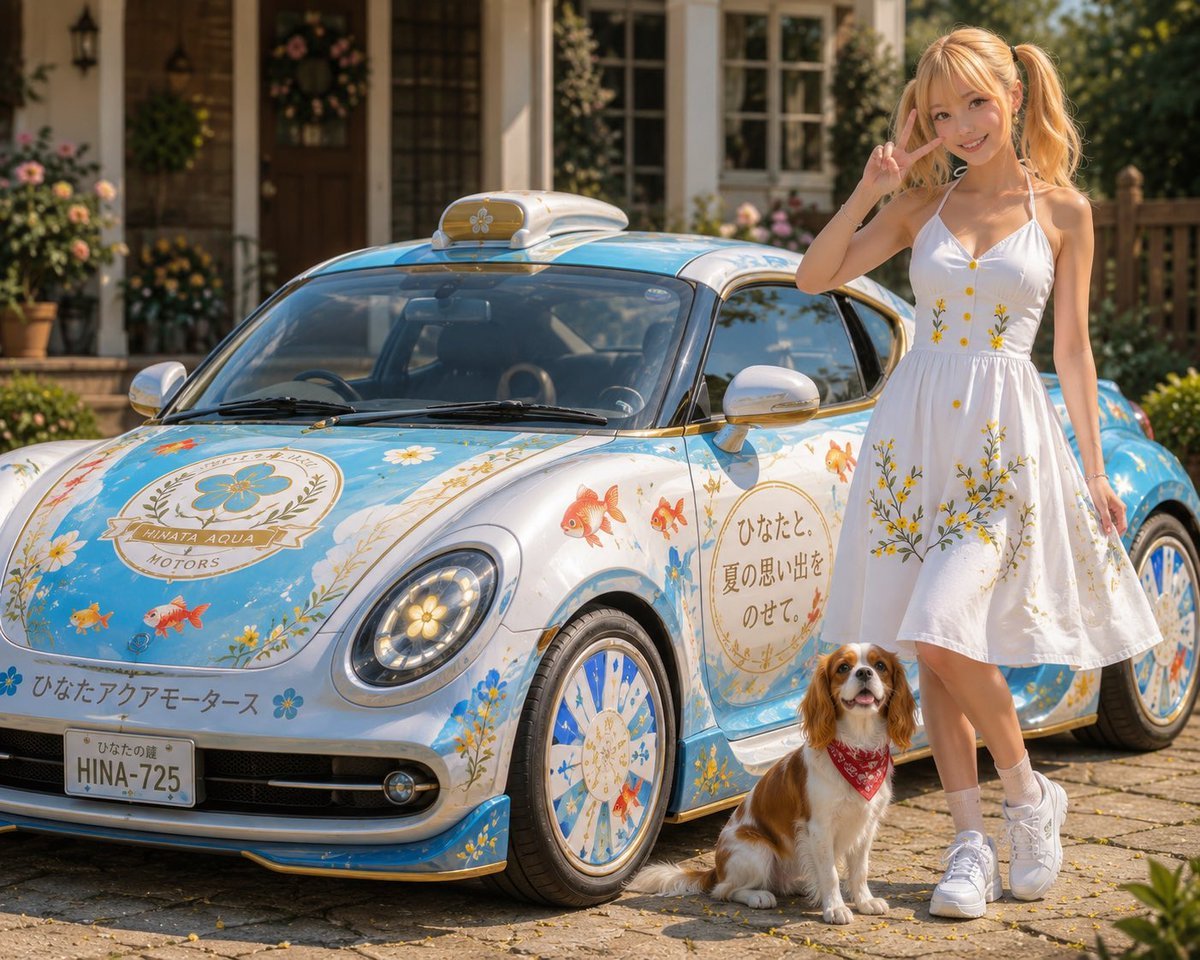
Itasha Car Customization
Make it yours
Futuristic Sakura Itasha Supercar works as-is. These are the safest ways to change it without losing the look.
Change one field
Copy a single group, rewrite it, and generate again so you can see what that field is doing.
Keep the frame, change the subject
Hold the composition and light of Futuristic Sakura Itasha Supercar, then swap wardrobe, props or the person for a new take.
| If the result… | Why | Fix |
|---|---|---|
| The result drifts from the preview | Too many fields changed at once. | Reuse Futuristic Sakura Itasha Supercar as-is first, then change one group — subject, light, or setting. |
| The model over-stylizes the scene | The prose prompt leaves finish and camera underspecified. | Add one camera or lighting sentence and stay on GPT Image 2. |
More GPT Image 2 templates
Other prompts made for GPT Image 2.

Six VTuber Japanese Logo Sheet

Realistic Portrait of Woman and Deer

The Vista Modular Condo Poster

AI Model Routing Comparison Infographic

2.5D Anime Art Board

Isometric Productivity Desk Scene

New York Double Exposure Poster

Four-Panel AI Landscape Comparison

Japanese Tatami Lifestyle Magazine Cover

NESCAFÉ Coffee Map Poster
More image prompts
Fresh picks from across the catalog.
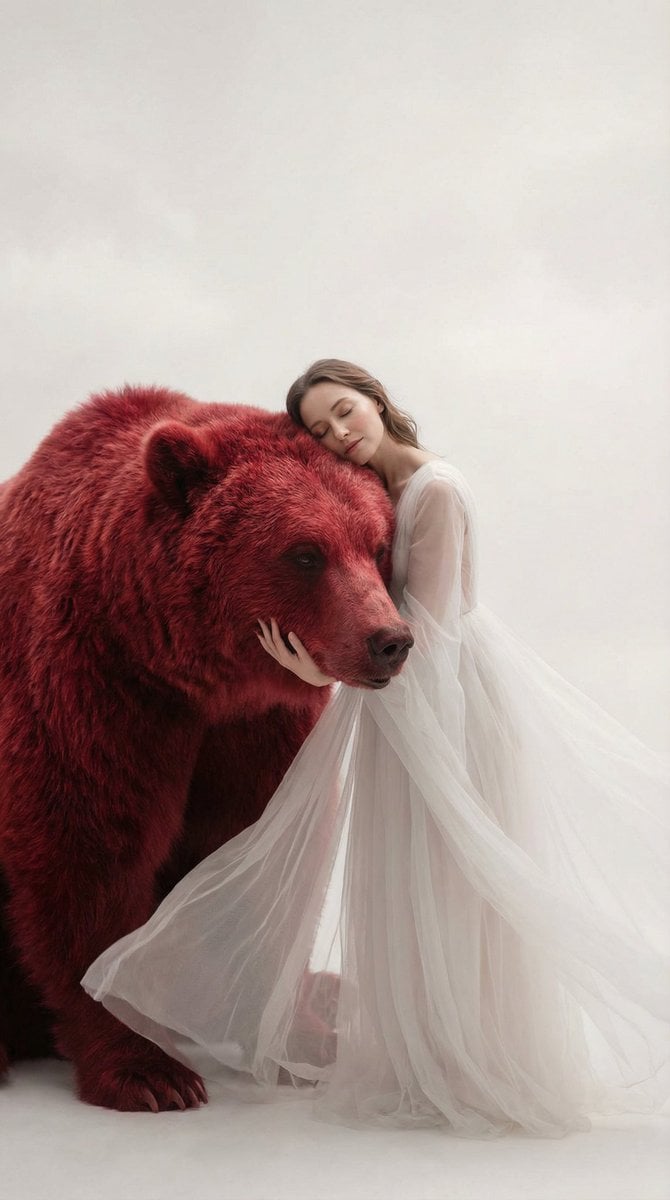
Surreal Scene of Human Embracing Massive Red Bear Prompt

Luxury x E-commerce Split Poster
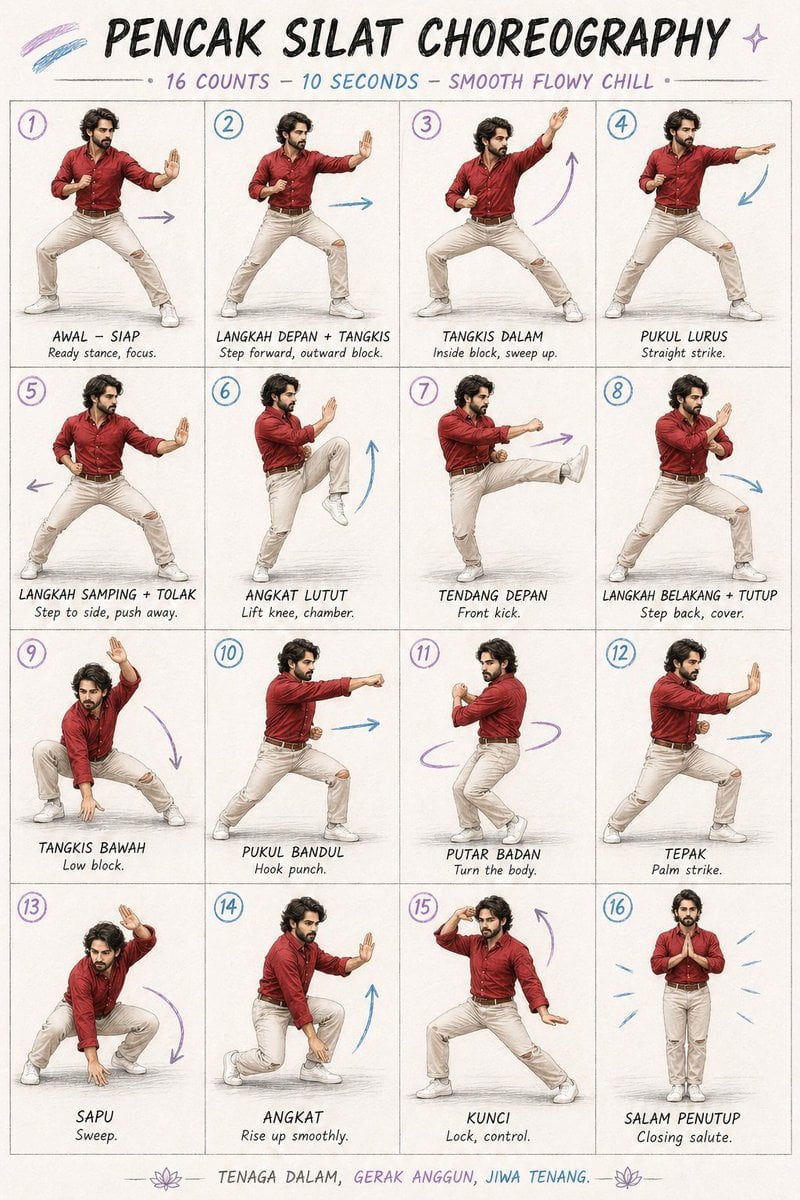
Martial Arts Choreography Poster

Cinematic Dark Thriller Movie Poster
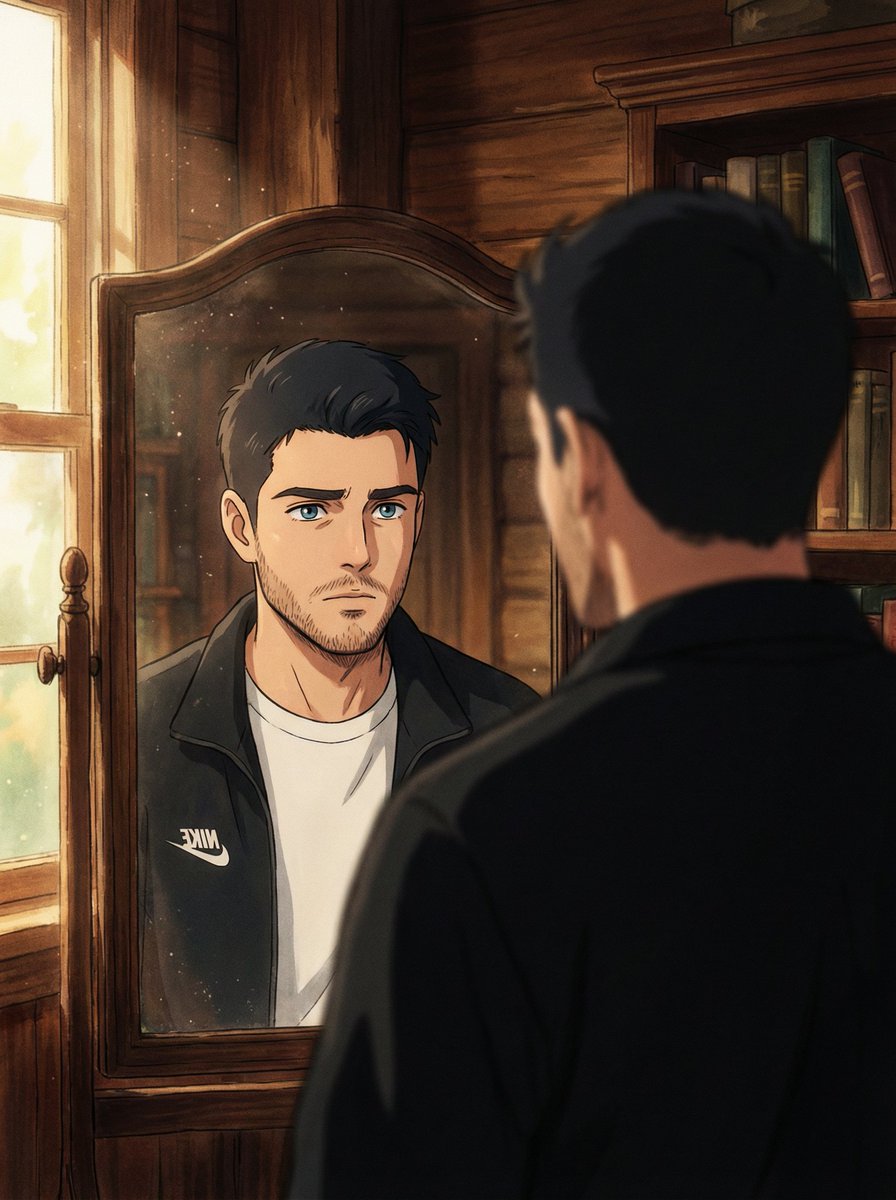
Cinematic Portrait Reflection with Ghibli Effect
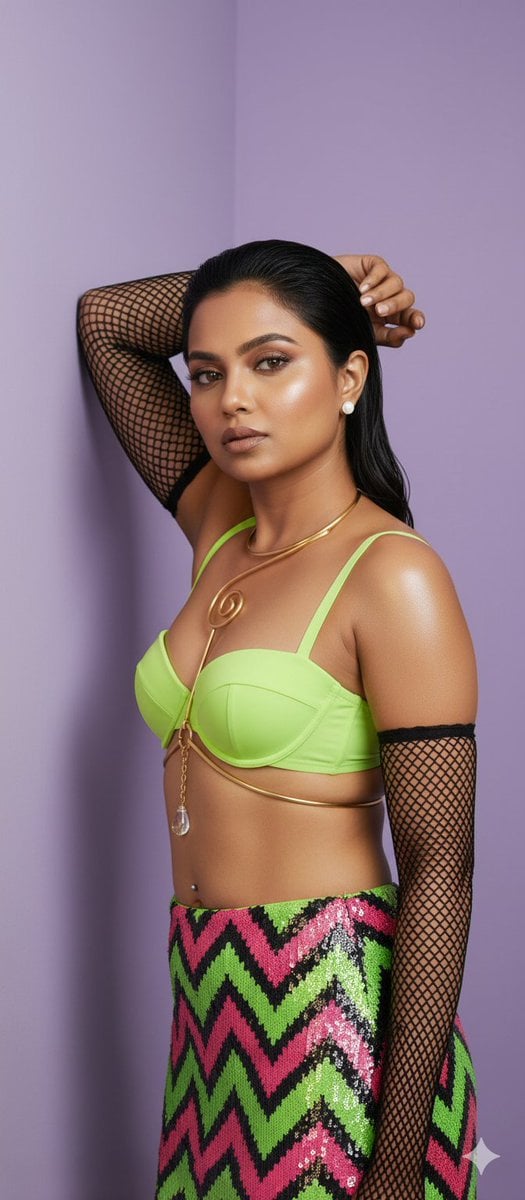
Stunning Fashion Photo Prompt
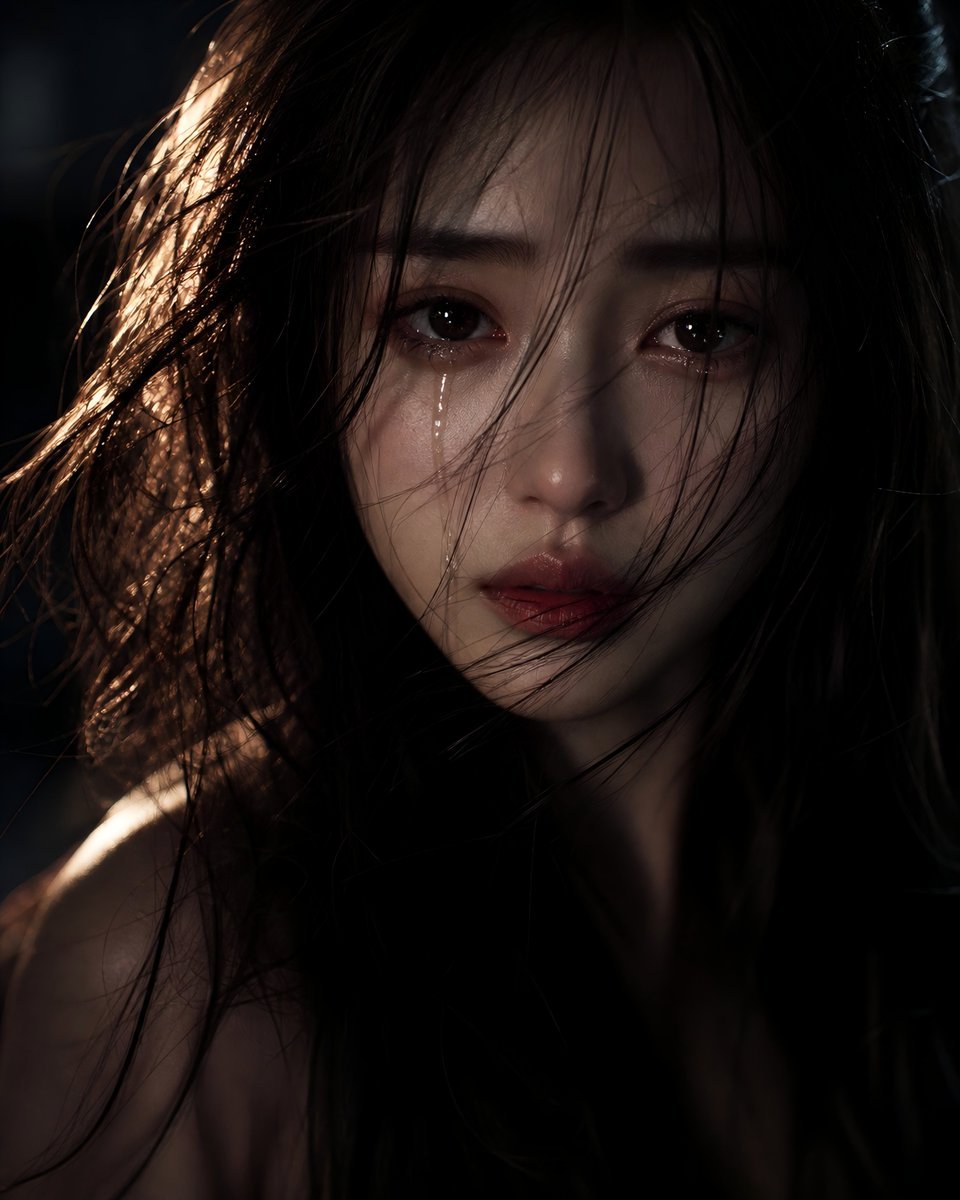
Sorrowful Night Cinematic Portrait
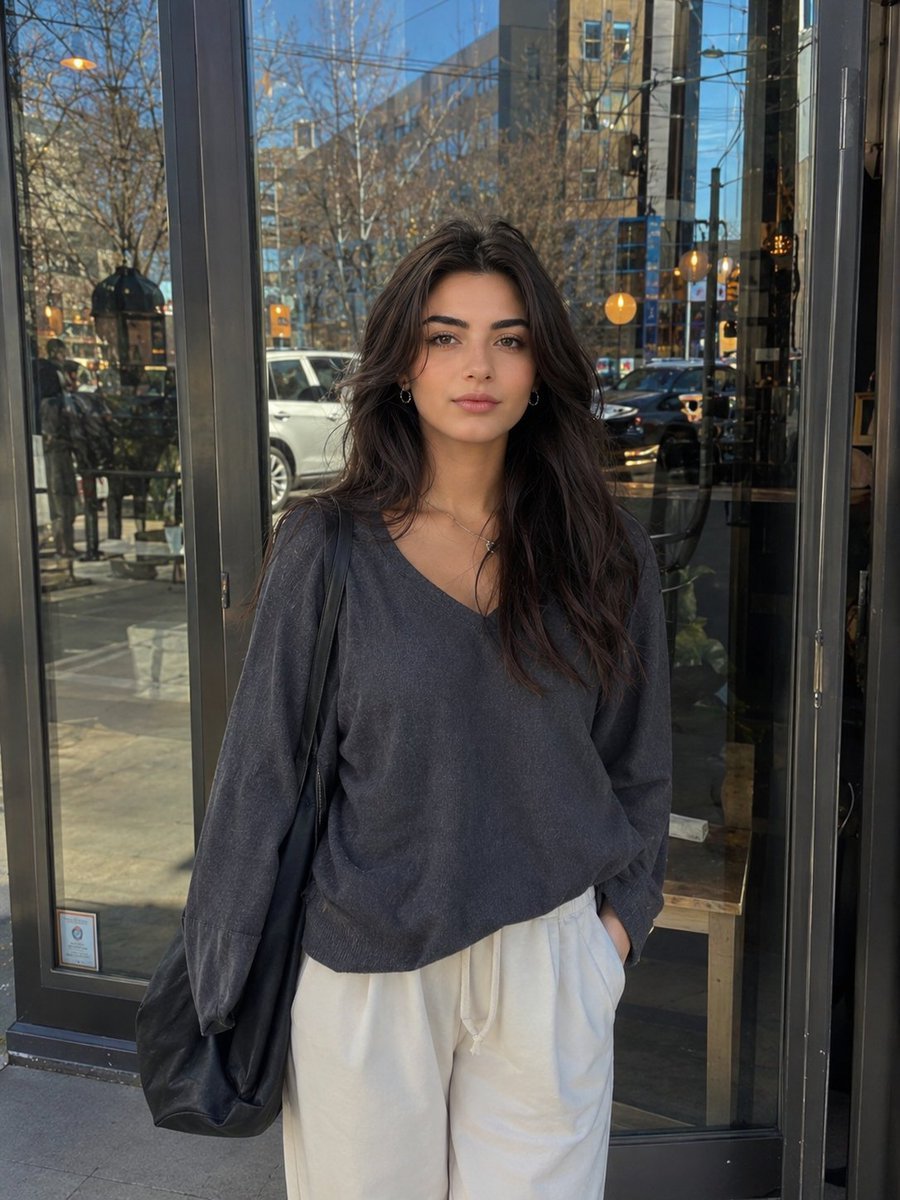
Realistic Street Portrait of a Young Woman
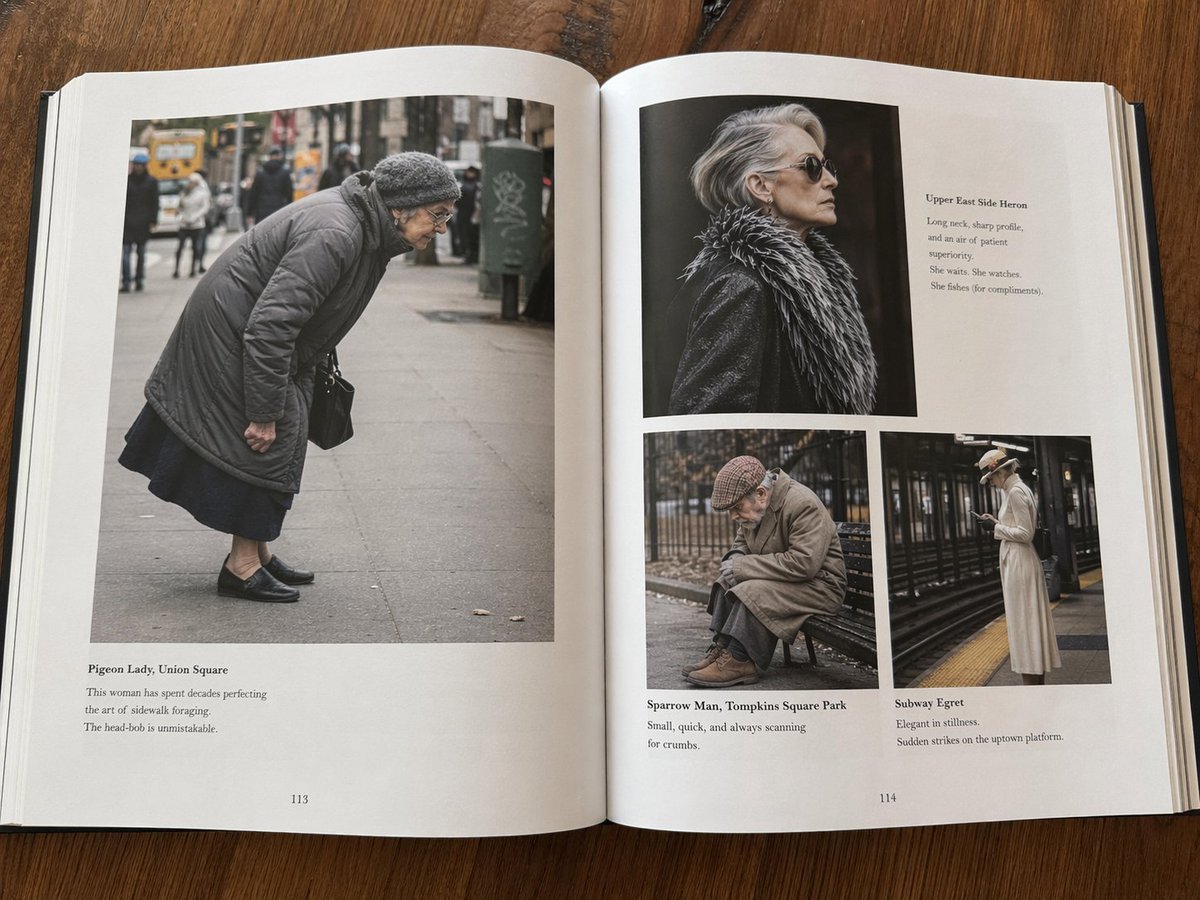
Fictional Book Page Excerpts
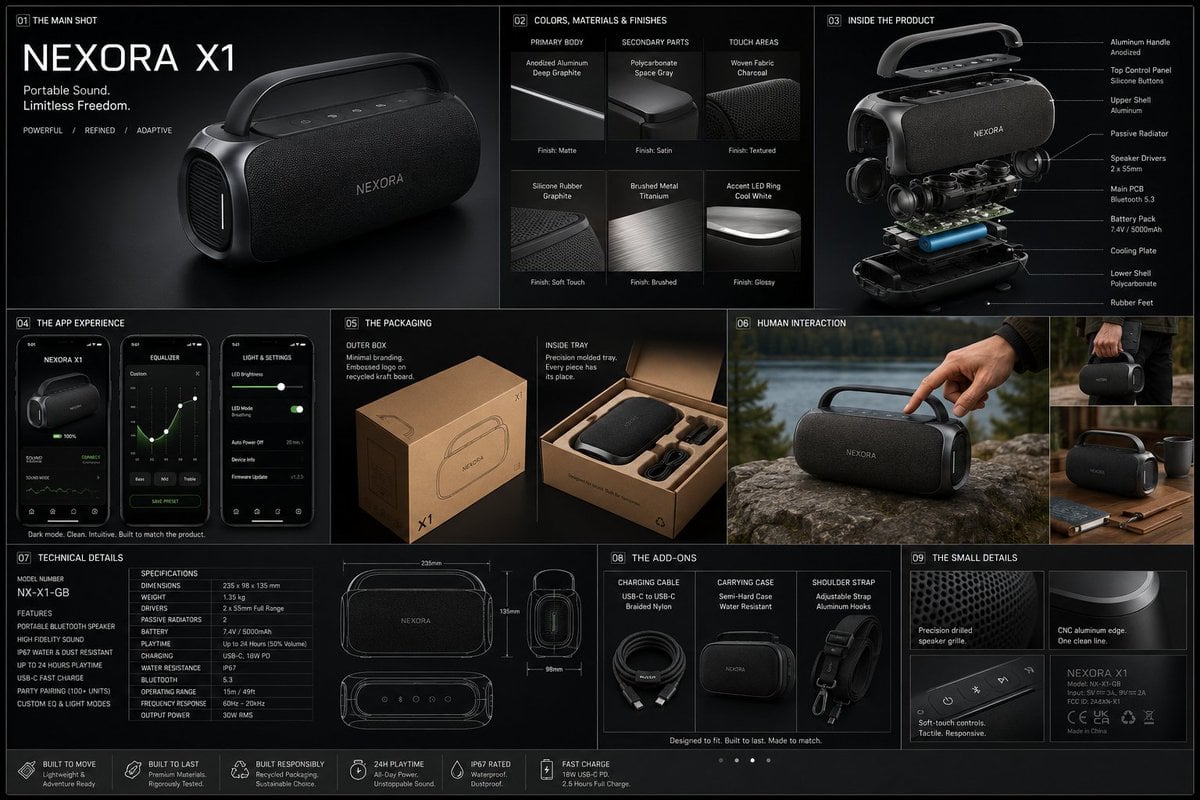
Professional Physical Product Design Board
Browse template categories
Futuristic Sakura Itasha Supercar questions
How do I use the Futuristic Sakura Itasha Supercar template?
Add your photo if the template asks for one, edit the prompt if you like — the template's model and format are already selected — and press Generate. Your version opens in PicX Studio.
Can I customize the Futuristic Sakura Itasha Supercar template?
Yes. You can change the subject, setting, lighting, mood, format, and available model controls before creating your image.
Is the Futuristic Sakura Itasha Supercar template free?
Opening and editing this template is free. Generating uses credits, shown on the Generate button when you are signed in.
Which AI model should I use?
Start with GPT Image 2, which is the model associated with this template. You can compare another compatible model for a different finish.
Looking for something else? Browse all templates.

Your photo, any look
Thousands of ready templates for every top image and video model, from one credit balance.