
Airport Passport Artbook Page
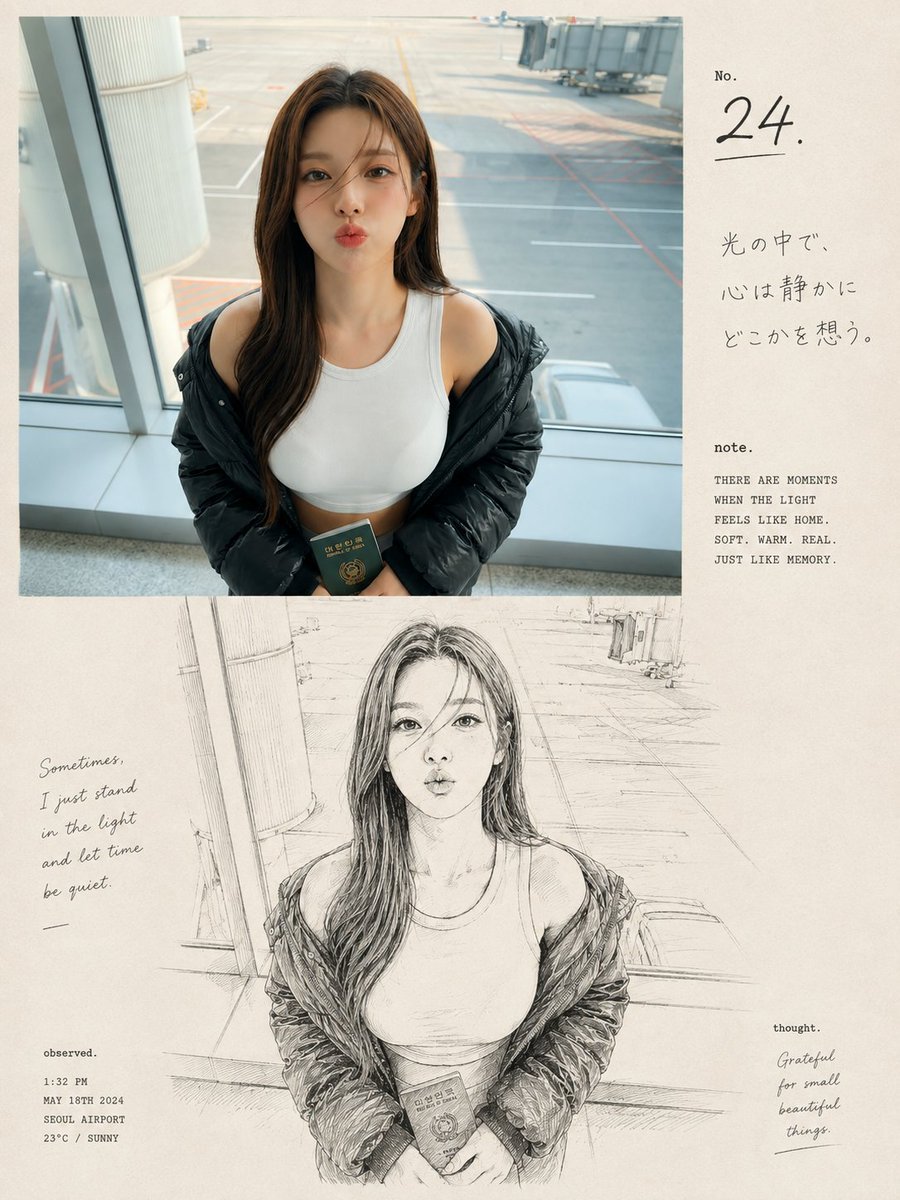
A complex prompt for a dual-section artbook page that mixes a realistic airport photograph with a Japanese-inspired ink sketch of a woman holding a passport.
- Prompt included
- Model and format preset
- Free template
The prompt behind this image
Copy the exact prompt behind Airport Passport Artbook Page, or open it in the studio and make it yours.
A premium nostalgic editorial photo-and-sketch artbook page featuring a {argument name="subject" default="young East Asian woman at an airport terminal"}, arranged in a clean vertical 3:4 composition. The upper section shows an ultra-realistic candid photograph of the woman standing beside a large airport window, wearing a fitted white sleeveless top with a black puffer jacket casually slipping off her shoulders. She has long dark-brown hair falling naturally over one shoulder and holds a dark green Korean passport gently with both hands near her waist. Her pose is relaxed and natural, with her head turned to the side as she gazes thoughtfully toward the airport runway. Behind her, realistic airport architecture, glass windows, the runway, painted ground lines, and a boarding gate create an authentic travel atmosphere. Soft natural daylight enters through the window, with subtle film grain, realistic skin texture, authentic colors, shallow depth of field, and an intimate candid photography feeling. The lower section transforms the exact same woman, clothing, pose, airport environment, and composition into a detailed loose black-and-white hand-drawn ink illustration on warm cream-colored textured paper. Use expressive imperfect lines, delicate cross-hatching, subtle sketch shading, realistic anatomy, and a handmade Japanese-inspired visual diary aesthetic. Add elegant minimalist editorial typography in the surrounding cream negative space: a small “No. 24.” title, subtle Japanese handwritten-style text, a short poetic caption reading “{argument name="caption" default="Sometimes, I just stand in the light and let time be quiet."}”, and tiny documentary-style notes such as time, date, location, and weather. Include understated words like “note.”, “observed.”, and “thought.” around the layout. Warm off-white paper texture, slightly imperfect ink printing, sophisticated contemporary photography journal design, nostalgic analog mood, generous negative space, cohesive transition between realistic photograph and sketch illustration, emotionally warm, highly detailed, premium artbook aesthetic, no watermark, no logos, vertical {argument name="aspect ratio" default="3:4"} aspect ratio.
How to use Airport Passport Artbook Page in 3 steps
- 1
Open
The prompt is already in the box next to the preview, with the template's model and format selected.
- 2…a portrait of your subject in softgolden-hour light, 85mm…
Personalize
Edit the subject and creative details for your destination.
- 3Generate
Generate
Press Generate — your image is created in PicX Studio, so you can compare it with the original and refine one variable at a time.
More like this
Templates with the same subject, style or setup. Open one to see its prompt.
Editorial Photo-to-Sketch Artbook Page
Golden Hour Empty Airport Runway

Quiet Hamster Manga Page
Modern Airport Travel Portrait
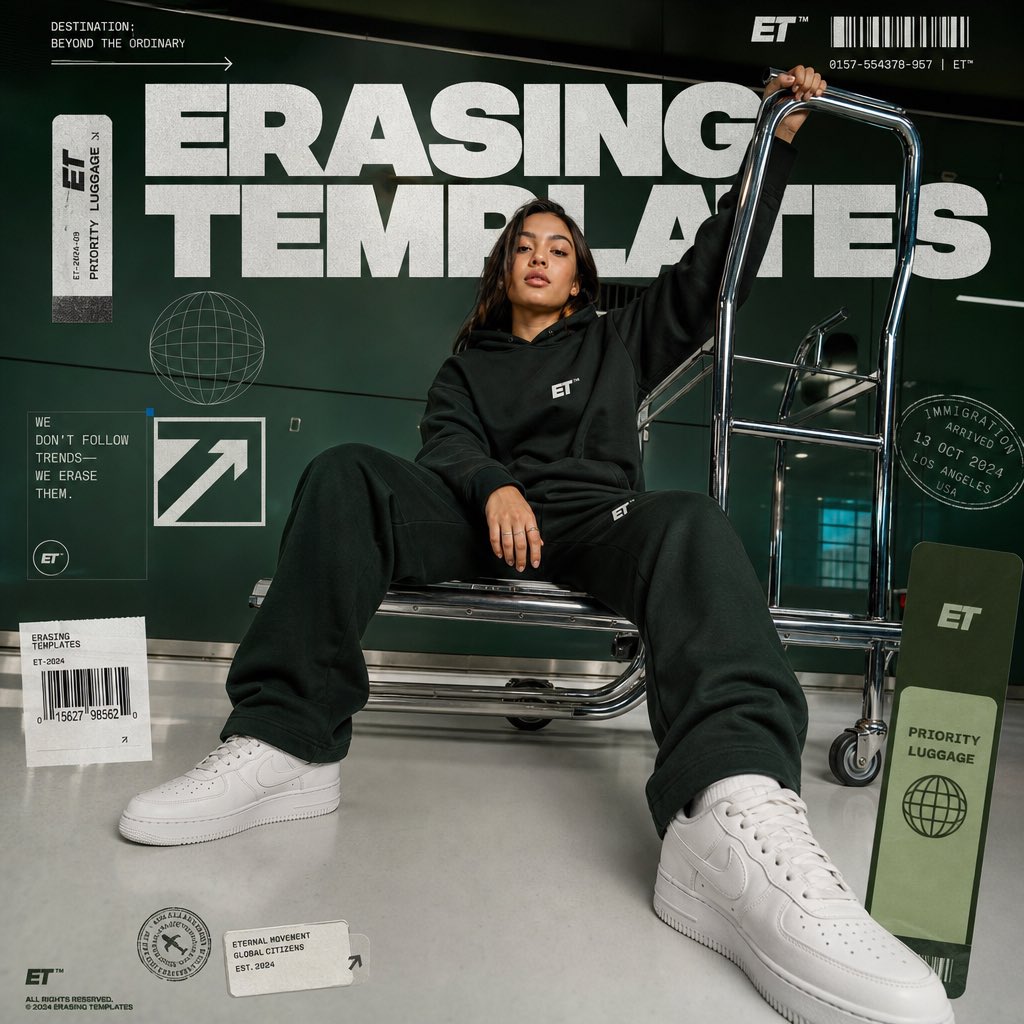
Luxury Streetwear Airport Advertising
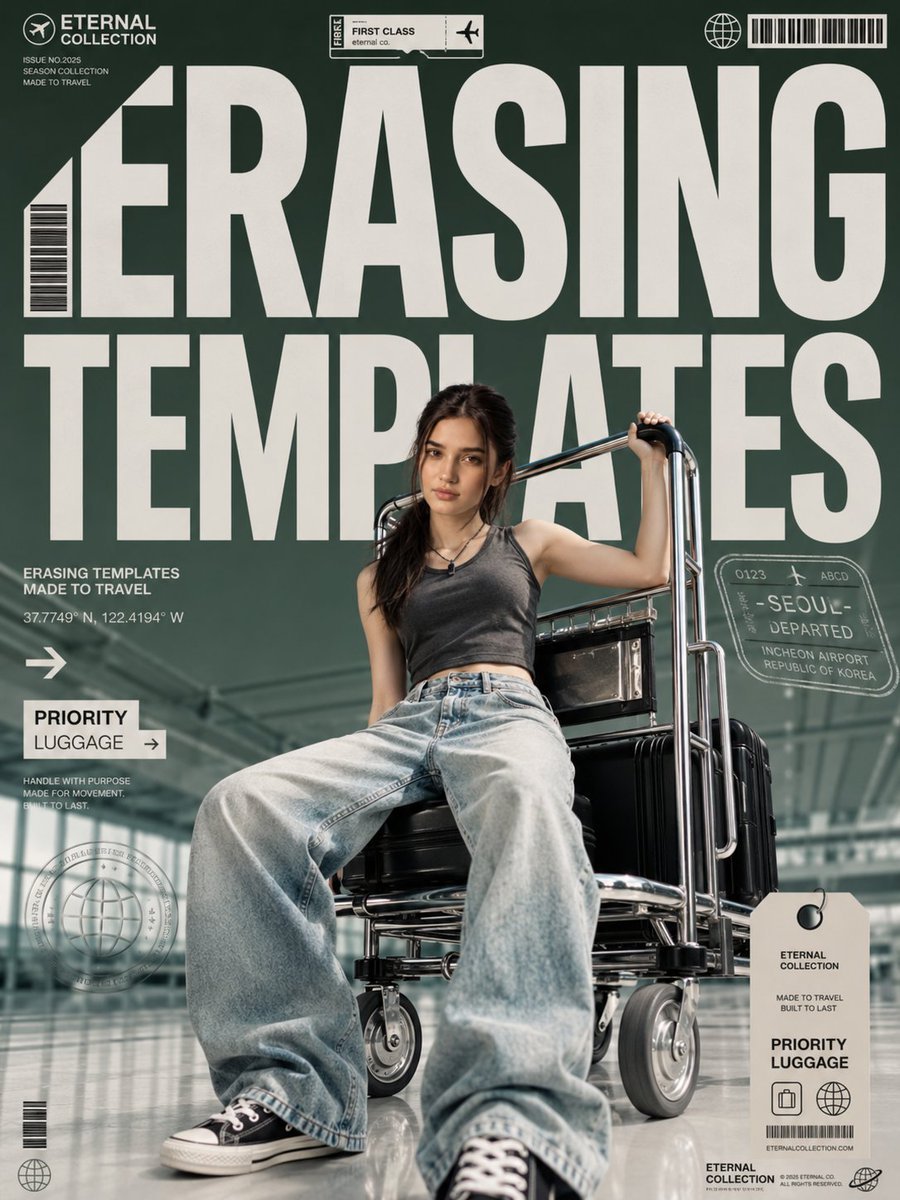
Airport Fashion Magazine Cover
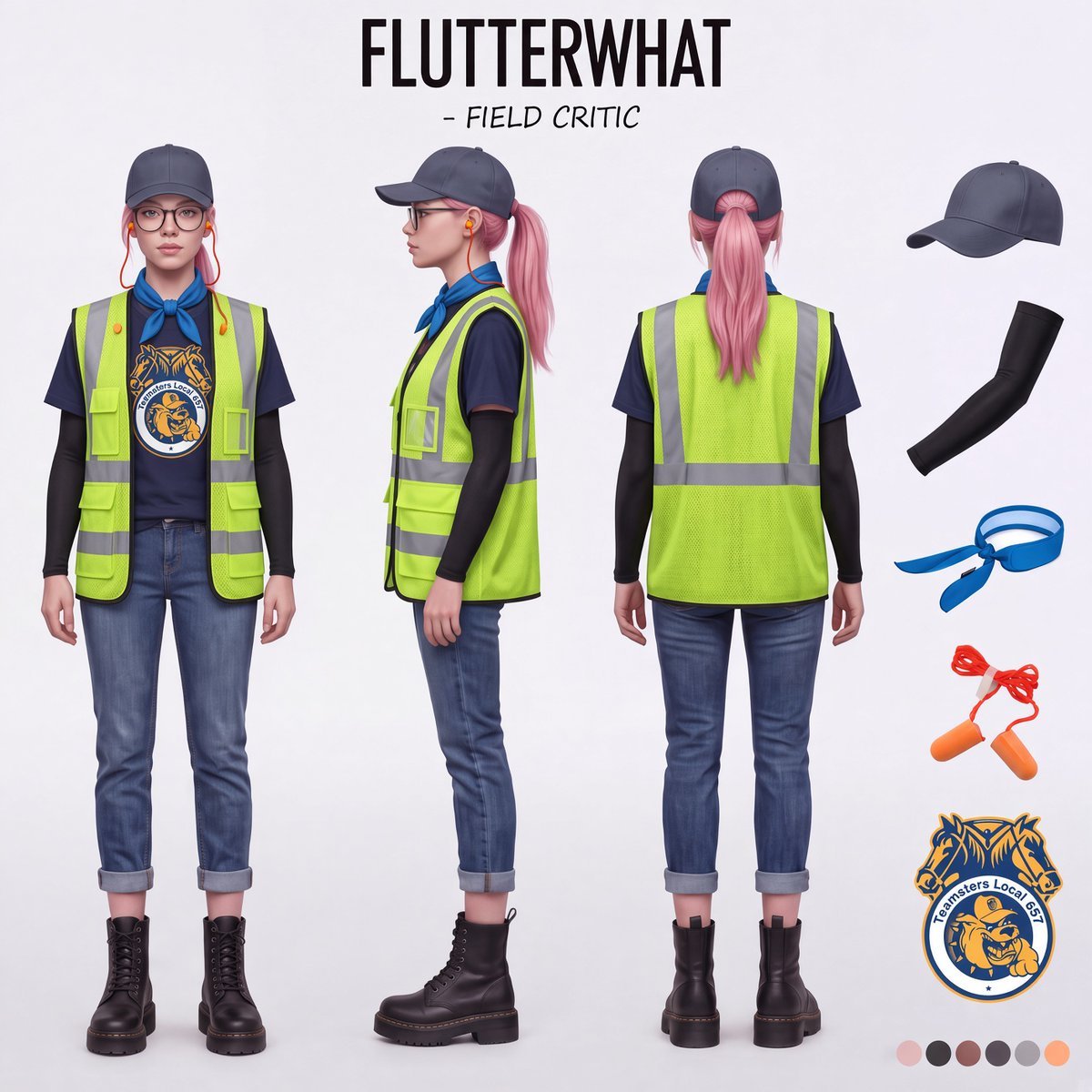
Airport Ready Cooling Gear Critic

Stylish Airport Travel Portrait
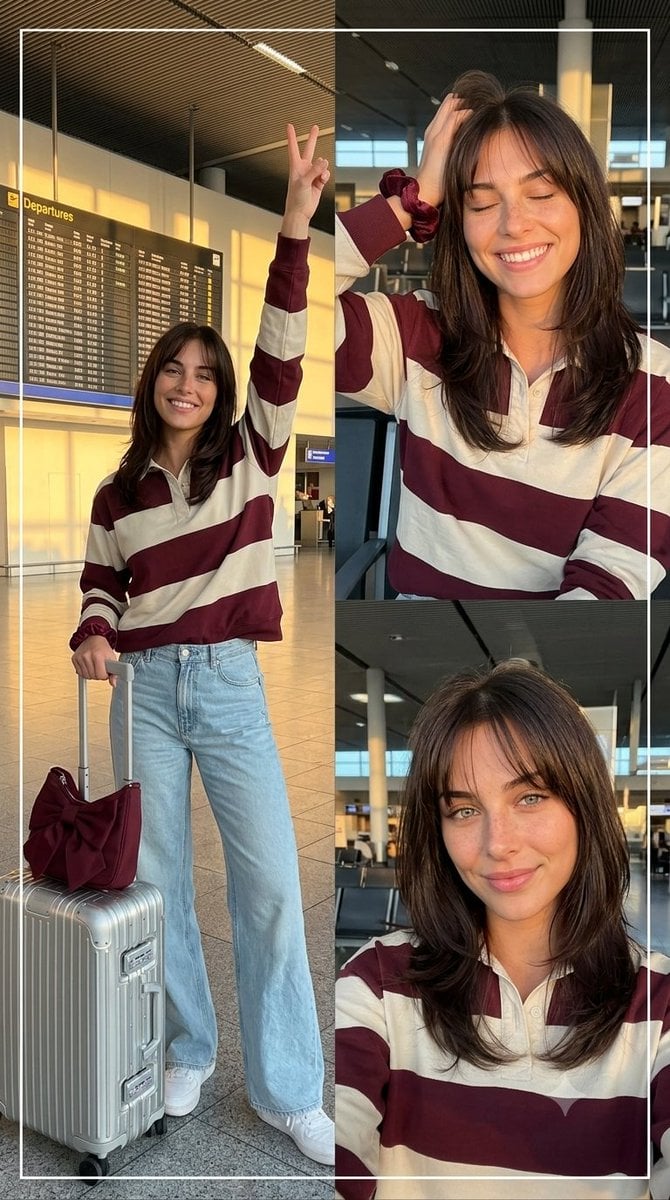
Airport Golden Hour Triptych
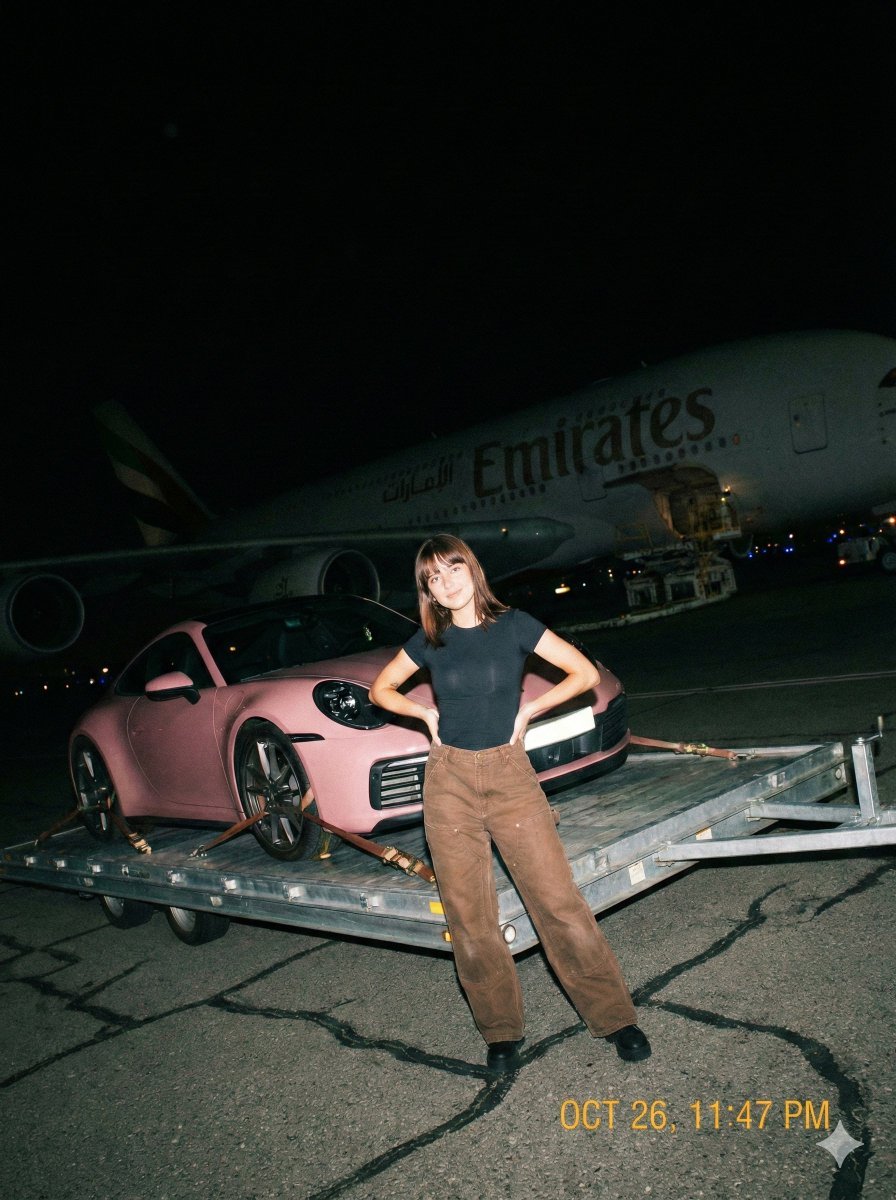
A gritty, handheld iPhone photo taken at night on an airport tarmac
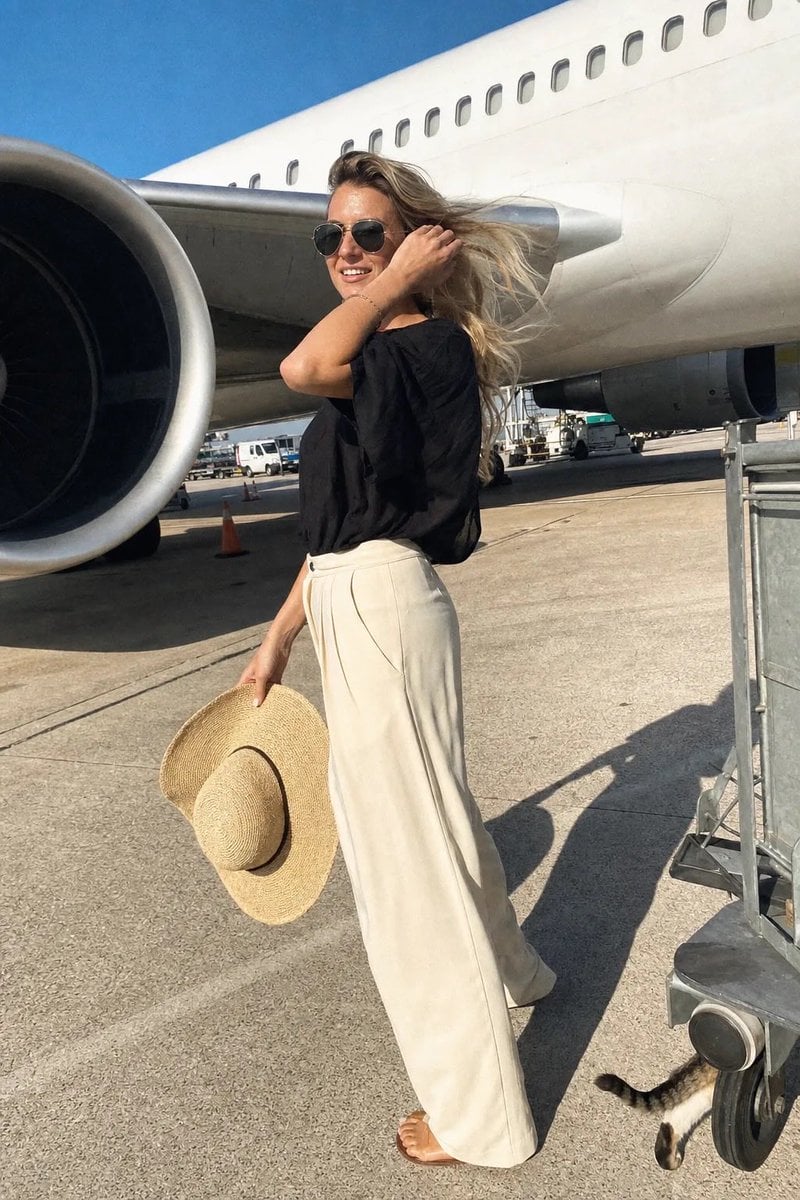
Airport Tarmac Candid Shot
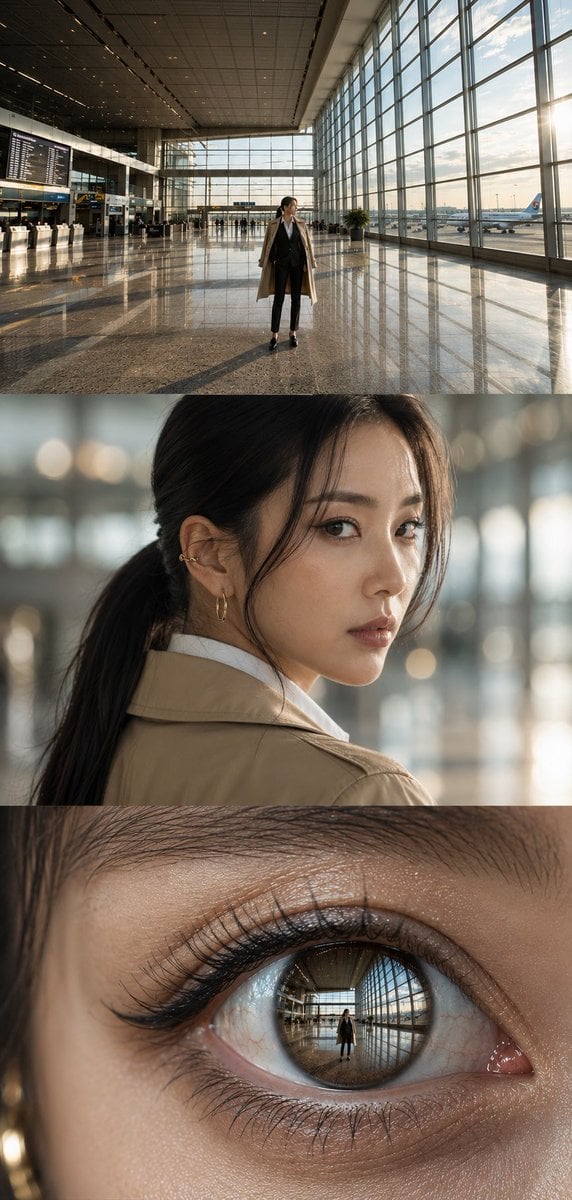
Airport Triptych Eye Reflection
Make it yours
Airport Passport Artbook Page works as-is. These are the safest ways to change it without losing the look.
Change one field
Copy a single group, rewrite it, and generate again so you can see what that field is doing.
Keep the frame, change the subject
Hold the composition and light of Airport Passport Artbook Page, then swap wardrobe, props or the person for a new take.
| If the result… | Why | Fix |
|---|---|---|
| The result drifts from the preview | Too many fields changed at once. | Reuse Airport Passport Artbook Page as-is first, then change one group — subject, light, or setting. |
| The model over-stylizes the scene | The prose prompt leaves finish and camera underspecified. | Add one camera or lighting sentence and stay on GPT Image 2. |
More GPT Image 2 templates
Other prompts made for GPT Image 2.

Six VTuber Japanese Logo Sheet

Realistic Portrait of Woman and Deer

The Vista Modular Condo Poster

AI Model Routing Comparison Infographic

2.5D Anime Art Board

Isometric Productivity Desk Scene

New York Double Exposure Poster

Four-Panel AI Landscape Comparison

Japanese Tatami Lifestyle Magazine Cover

NESCAFÉ Coffee Map Poster
More image prompts
Fresh picks from across the catalog.

Ultra-Realistic Man in Angry Birds World
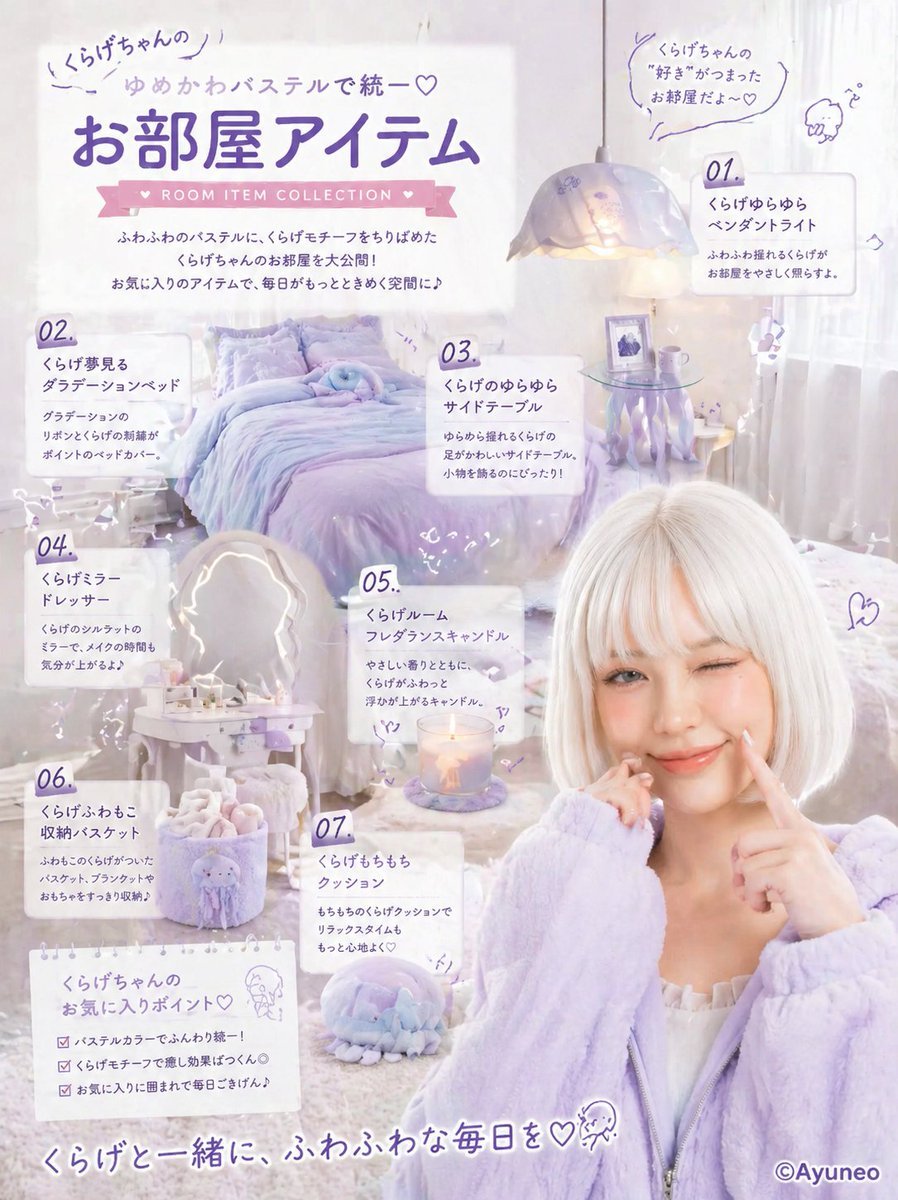
Pastel Jellyfish Room Item Poster
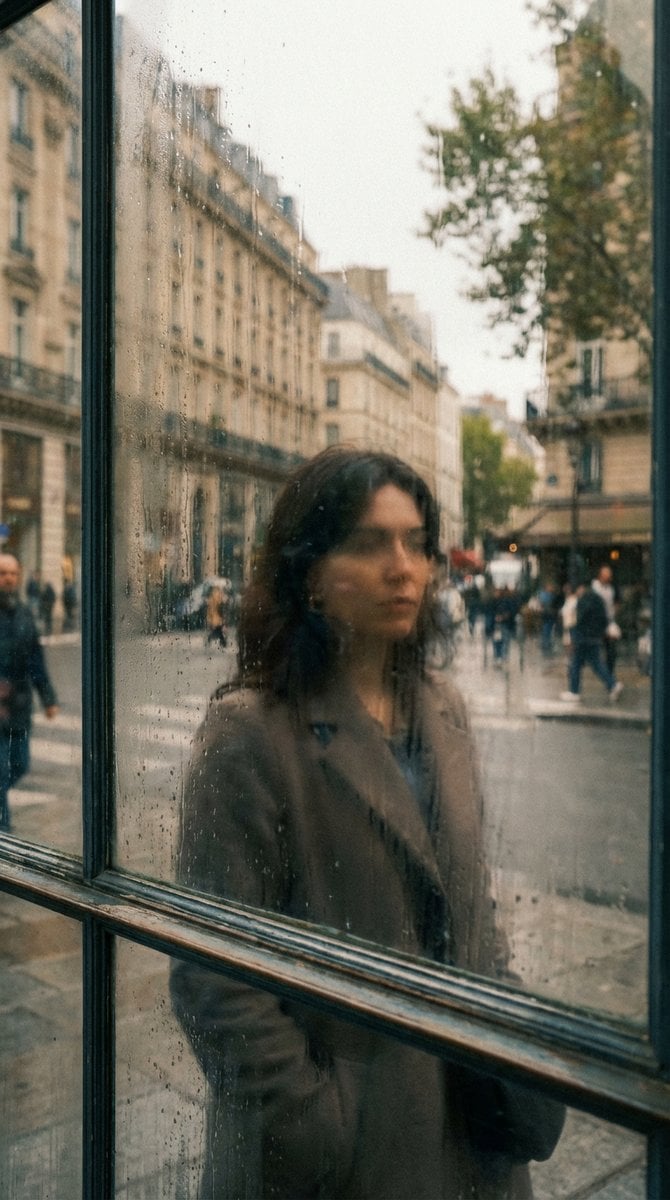
Layered Reflection in Glass Window
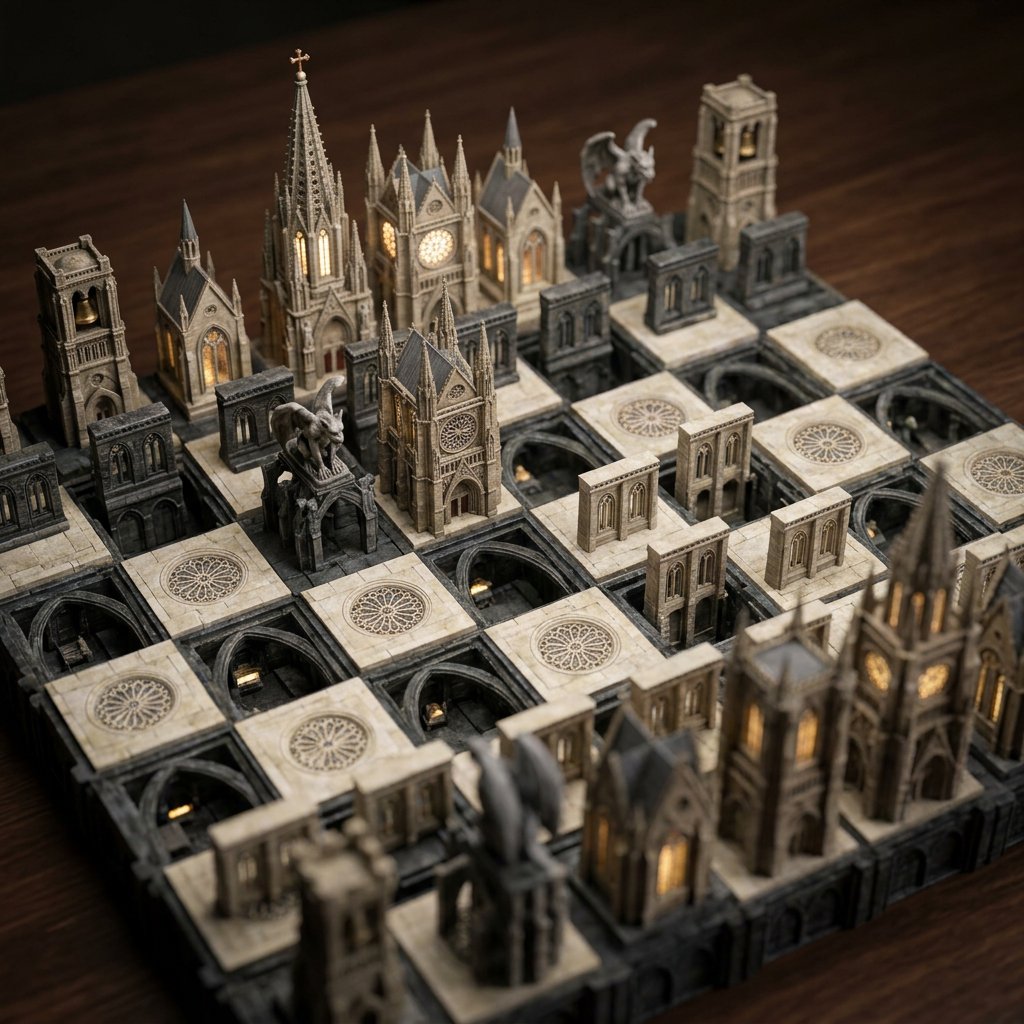
Custom Architectural Chessboard Diorama Prompt Template
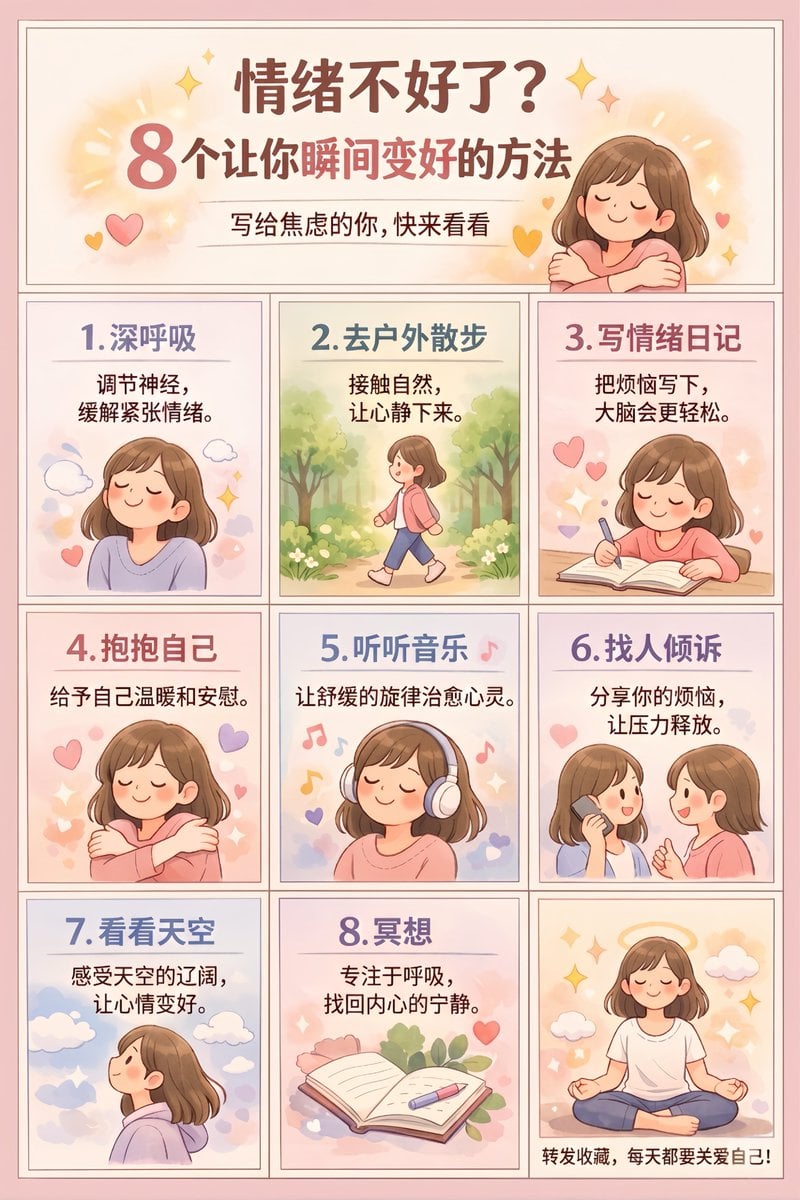
Panel Self-Care Infographic Grid
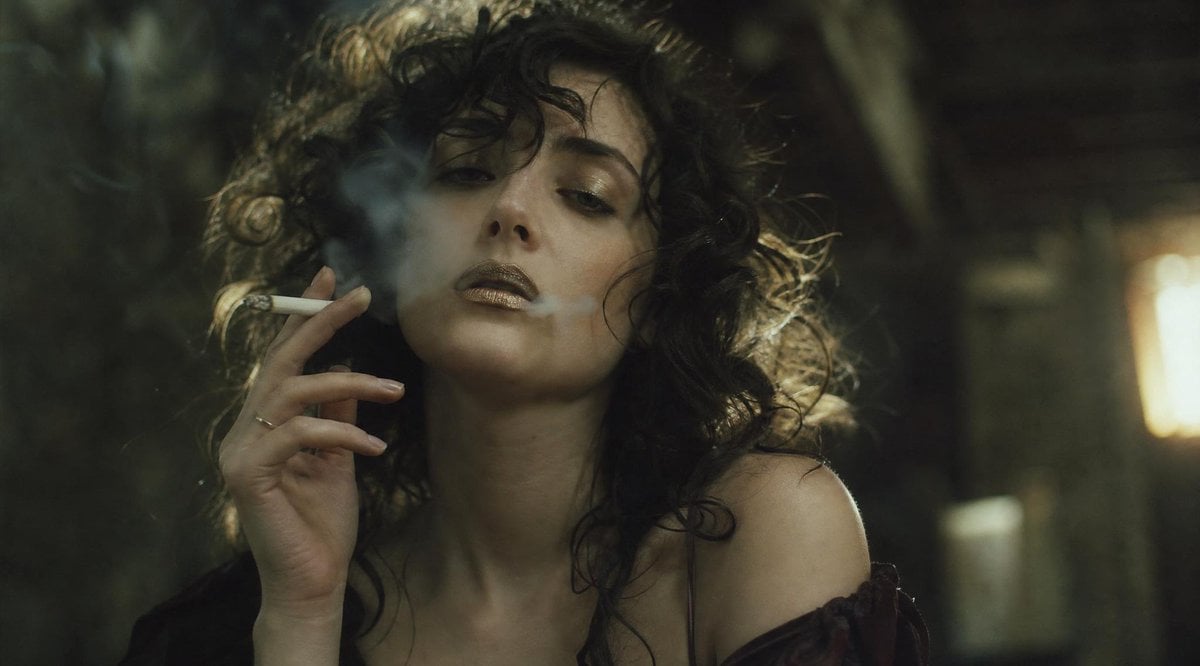
Censored Smoky Film Still
Empty Japanese Pachislot Parlor Row
Glam Spa to Tiara Story Grid (3x3 Identity Lock)
Forensic Surrealist Photography Prompt for Liminal Breakroom Incident
Ultra-Realistic Macro Photography Miniature Prompt
Browse template categories
Airport Passport Artbook Page questions
How do I use the Airport Passport Artbook Page template?
Add your photo if the template asks for one, edit the prompt if you like — the template's model and format are already selected — and press Generate. Your version opens in PicX Studio.
Can I customize the Airport Passport Artbook Page template?
Yes. You can change the subject, setting, lighting, mood, format, and available model controls before creating your image.
Is the Airport Passport Artbook Page template free?
Opening and editing this template is free. Generating uses credits, shown on the Generate button when you are signed in.
Which AI model should I use?
Start with GPT Image 2, which is the model associated with this template. You can compare another compatible model for a different finish.
Looking for something else? Browse all templates.

Your photo, any look
Thousands of ready templates for every top image and video model, from one credit balance.