
Airport Tarmac Candid Shot
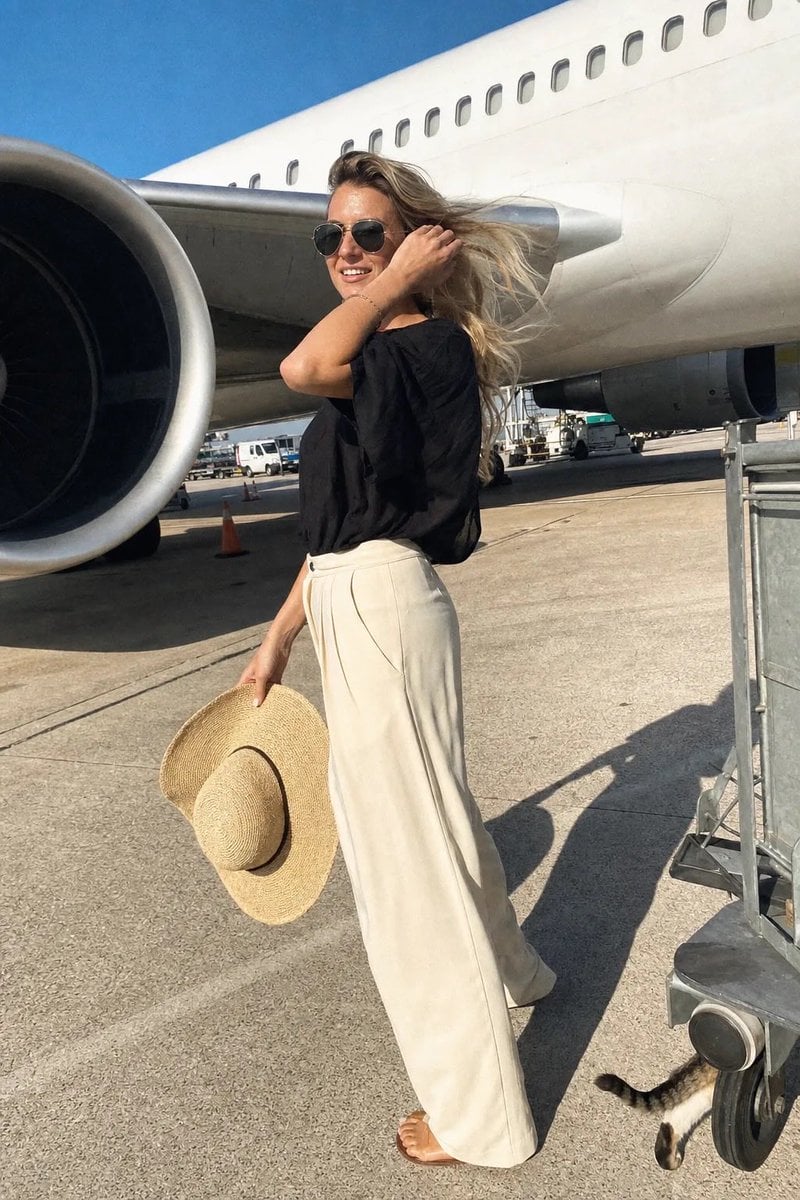
A spontaneous and realistic airport tarmac photo of a woman standing beneath the wing of a commercial jet with a slightly overexposed phone camera look.
- Prompt included
- Model and format preset
- Free template
The prompt behind this image
Copy the exact prompt behind Airport Tarmac Candid Shot, or open it in the studio and make it yours.
A spontaneous airport tarmac photo taken during a sunny afternoon, looks like someone called her name and she turned just as they pressed the shutter. A young woman stands beneath the wing of a large commercial airplane, her face 100% photorealistic—hat held casually in one hand, the other hand tucking a strand of her {argument name="hair color" default="long wavy blonde"} hair behind her ear, a soft genuine smile on her lips, eyes crinkling with warmth. She wears a {argument name="clothing" default="loose flowing black top with a boat neckline, high-waisted cream wide-leg trousers, simple sandals, large dark aviator-style sunglasses"}, her wide-brimmed woven sun hat held loosely in her hand. The frame is slightly tilted, caught mid-turn. Low-angle shot, making her and the airplane appear grand and monumental. Bright direct afternoon sun, harsh highlights on her skin and the white aircraft surface, deep shadows under the wing and her chin. The massive white fuselage with a row of small oval windows, the underside of the wing, and a large jet engine on the left side of the frame. Motion blur on her hair blowing in the wind and her hand tucking her hair. Slight overexposure on the white aircraft surface, heavy grain from phone camera, warm golden highlights, JPEG artifacts. Natural skin with visible pores, soft facial sheen, a tiny freckle on her nose, no beauty filter. A stray cat tail curls around a luggage cart wheel at the bottom right corner. Dutch angle 3°, 9:16
How to use Airport Tarmac Candid Shot in 3 steps
- 1
Open
The prompt is already in the box next to the preview, with the template's model and format selected.
- 2…a portrait of your subject in softgolden-hour light, 85mm…
Personalize
Edit the subject and creative details for your destination.
- 3Generate
Generate
Press Generate — your image is created in PicX Studio, so you can compare it with the original and refine one variable at a time.
More like this
Templates with the same subject, style or setup. Open one to see its prompt.

Sunday Afternoon, 1988

Our Song was on a Cassette

The Date After College

80s College Gate

Teen Girl Alpine Lake Mountain View
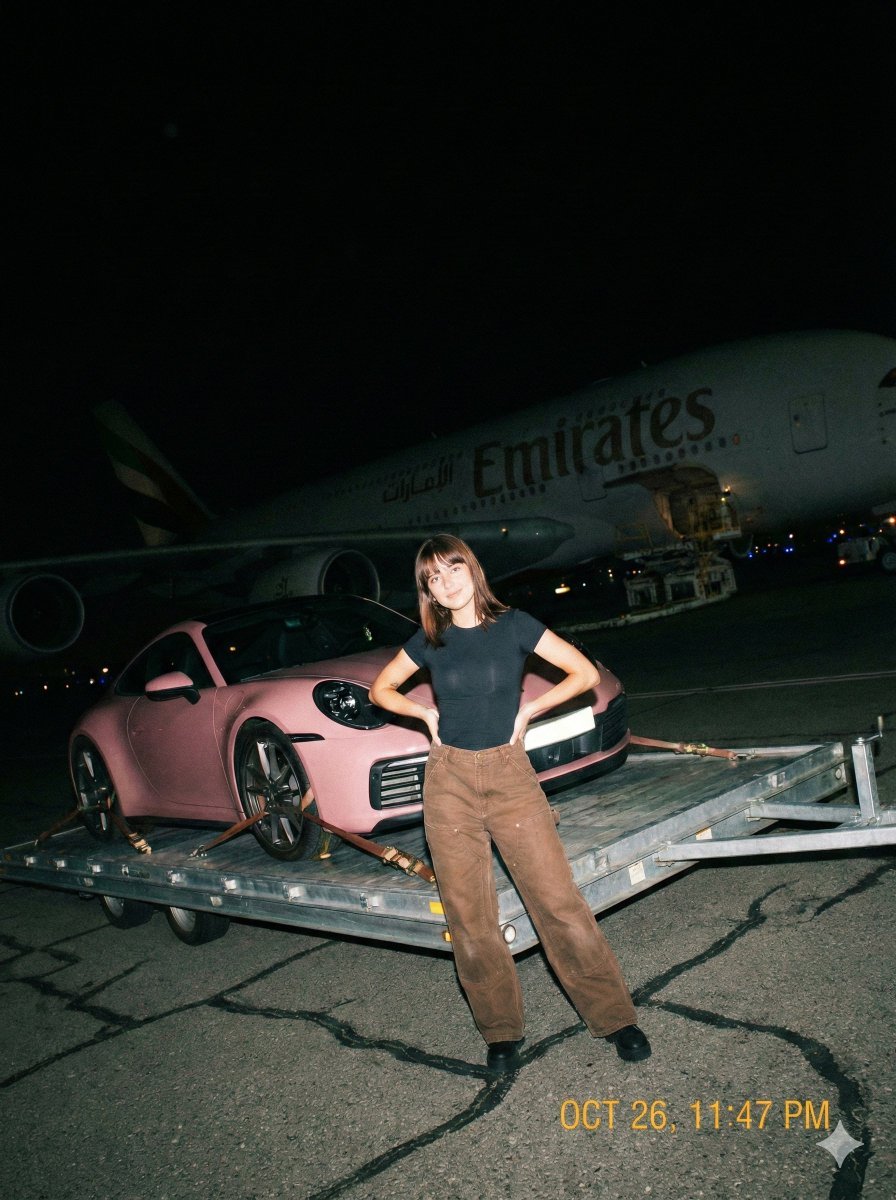
A gritty, handheld iPhone photo taken at night on an airport tarmac

Cat Photobomb Selfie — 0.5x Wide Angle Café Chaos

Cinematic Street Fashion Portrait Motion Blur Crowd

Nostalgic Digicam Café Afternoon Portrait

Neon Night Crosswalk Candid Portrait
Neon Night Crosswalk Candid Portrait
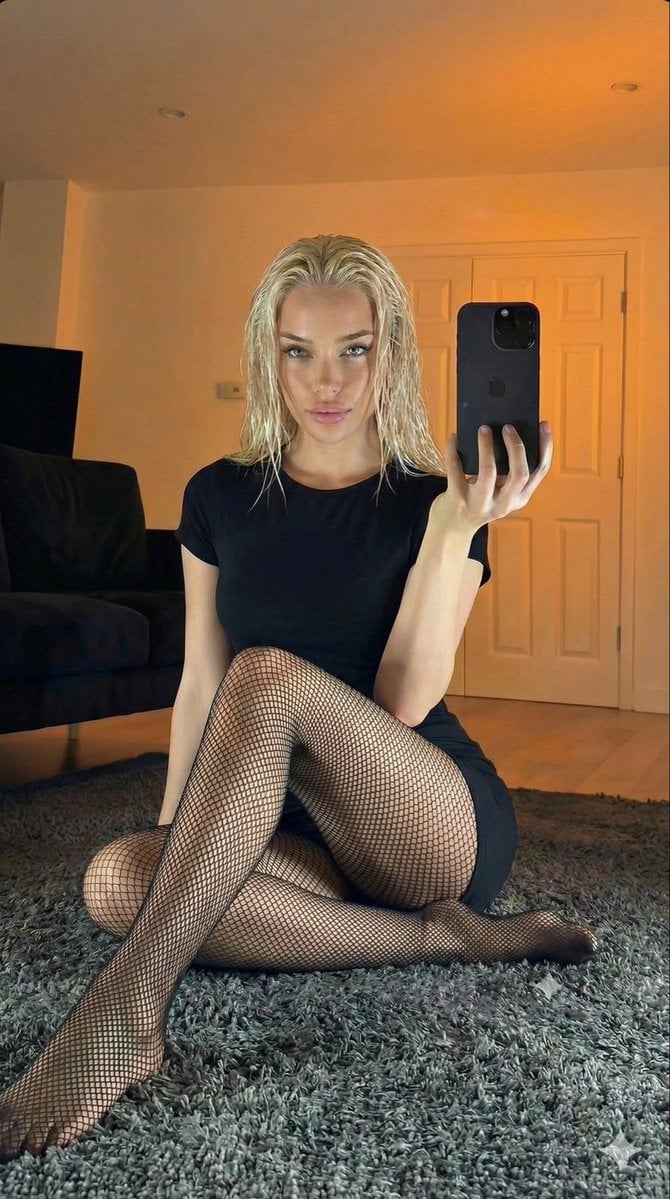
Living Room Rug Evening Mirror Selfie
Make it yours
Airport Tarmac Candid Shot works as-is. These are the safest ways to change it without losing the look.
Change one field
Copy a single group, rewrite it, and generate again so you can see what that field is doing.
Keep the frame, change the subject
Hold the composition and light of Airport Tarmac Candid Shot, then swap wardrobe, props or the person for a new take.
| If the result… | Why | Fix |
|---|---|---|
| The result drifts from the preview | Too many fields changed at once. | Reuse Airport Tarmac Candid Shot as-is first, then change one group — subject, light, or setting. |
| The model over-stylizes the scene | The prose prompt leaves finish and camera underspecified. | Add one camera or lighting sentence and stay on GPT Image 2. |
More GPT Image 2 templates
Other prompts made for GPT Image 2.

Six VTuber Japanese Logo Sheet

Realistic Portrait of Woman and Deer

The Vista Modular Condo Poster

AI Model Routing Comparison Infographic

2.5D Anime Art Board

Isometric Productivity Desk Scene

New York Double Exposure Poster

Four-Panel AI Landscape Comparison

Japanese Tatami Lifestyle Magazine Cover

NESCAFÉ Coffee Map Poster
More image prompts
Fresh picks from across the catalog.
Natural Identity Preservation Prompt

Glowing Goblin Shaman in Swamp
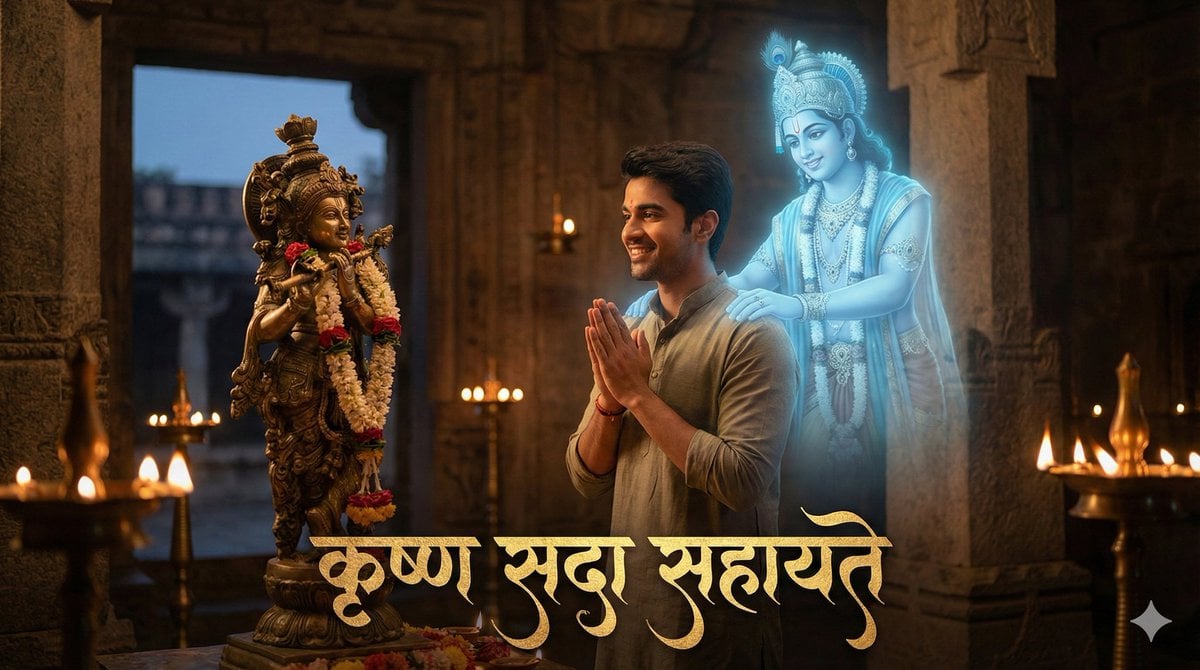
Devotee and Holographic Krishna Creation

Luxury Skincare Commercial Photography

Retro Pop-Art Comic Strip
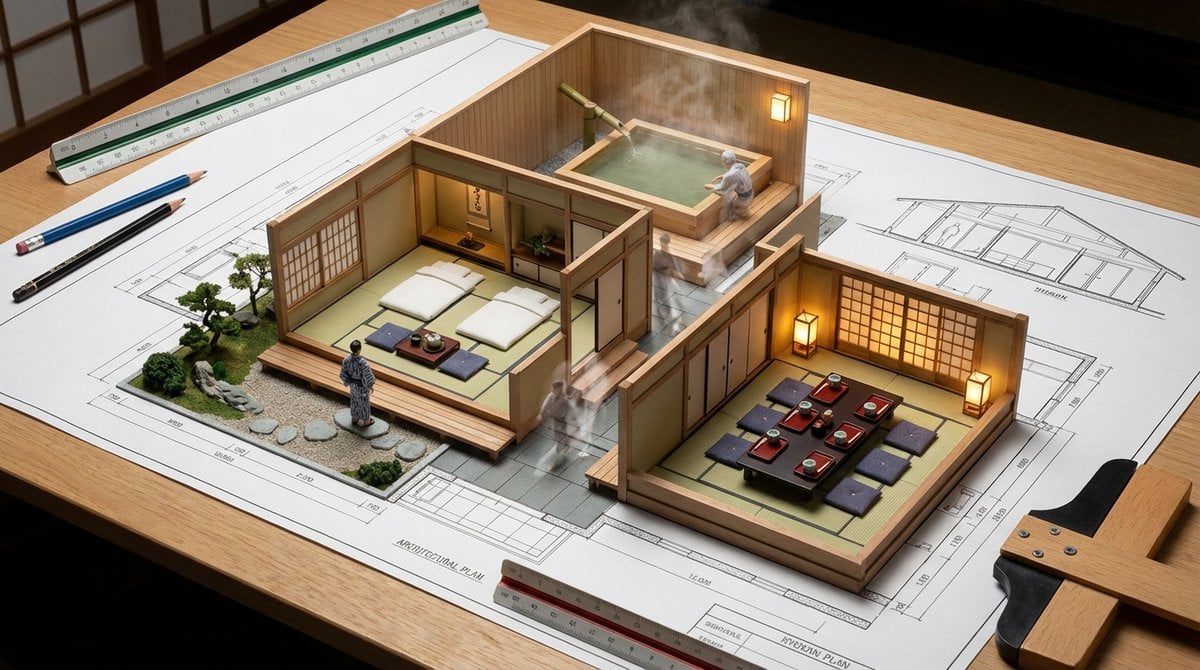
Architectural Blueprint to Miniature Japanese Inn Scene

Energy Drink Advertising Poster
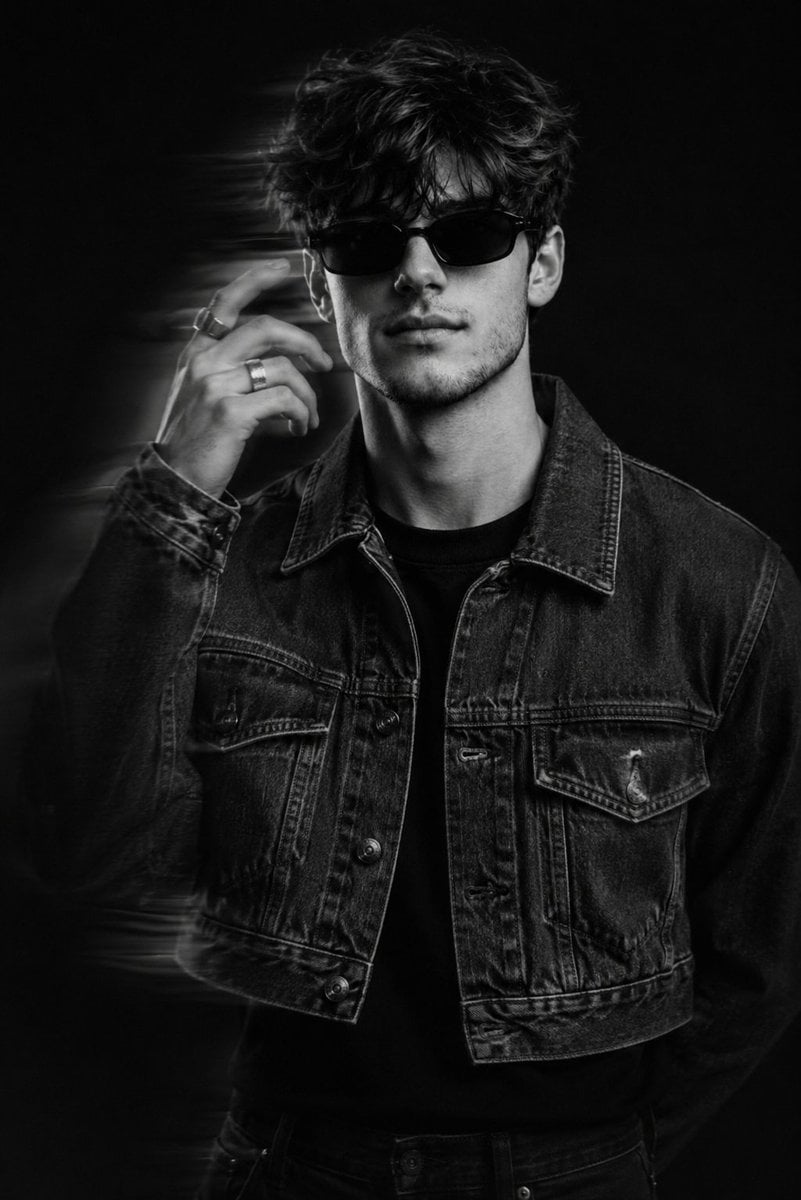
Black and White Editorial Portrait
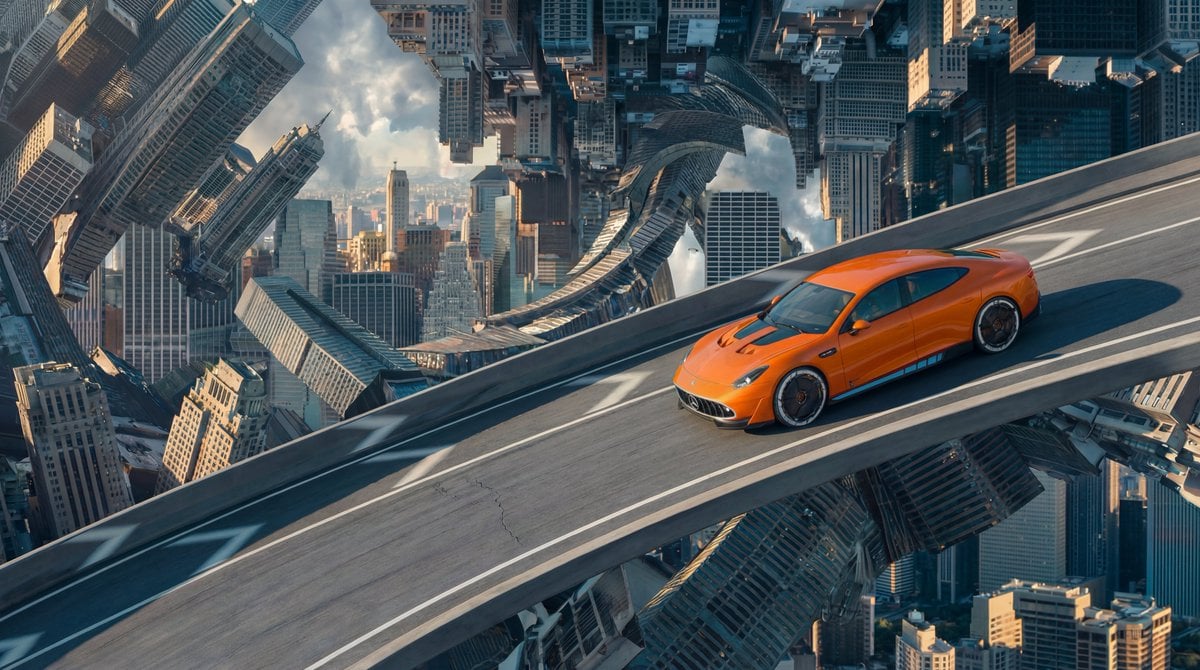
Inverted Cityscape Car Chase Prompt for Nano Banana Pro
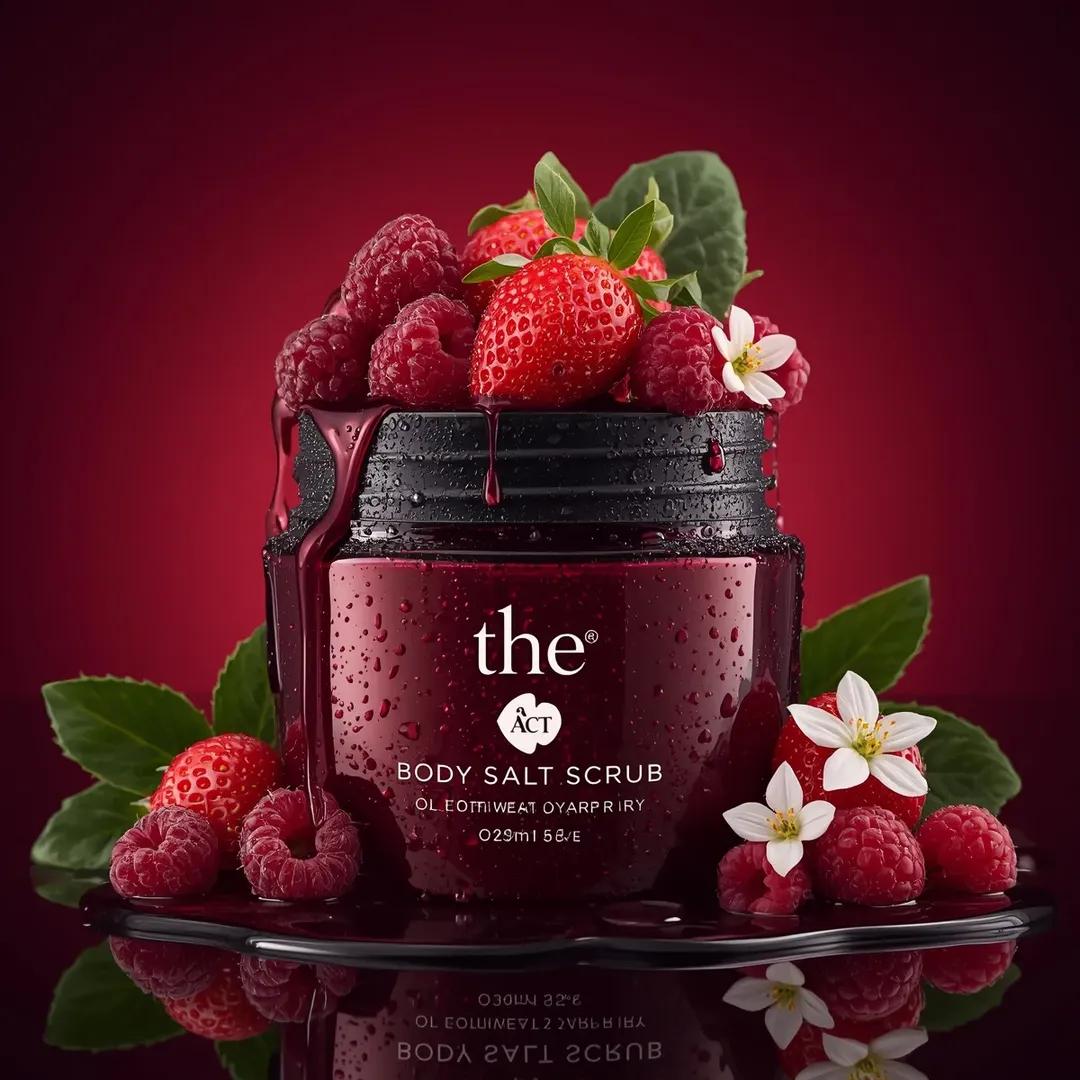
Ultra-Realistic Luxury Cosmetic Product Photography Prompt
Browse template categories
Airport Tarmac Candid Shot questions
How do I use the Airport Tarmac Candid Shot template?
Add your photo if the template asks for one, edit the prompt if you like — the template's model and format are already selected — and press Generate. Your version opens in PicX Studio.
Can I customize the Airport Tarmac Candid Shot template?
Yes. You can change the subject, setting, lighting, mood, format, and available model controls before creating your image.
Is the Airport Tarmac Candid Shot template free?
Opening and editing this template is free. Generating uses credits, shown on the Generate button when you are signed in.
Which AI model should I use?
Start with GPT Image 2, which is the model associated with this template. You can compare another compatible model for a different finish.
Looking for something else? Browse all templates.

Your photo, any look
Thousands of ready templates for every top image and video model, from one credit balance.