
Retro Pop-Art Comic Strip
A 4-panel comic strip prompt in a 1980s retro pop-art style featuring a mint-green haired woman and a chibi penguin.
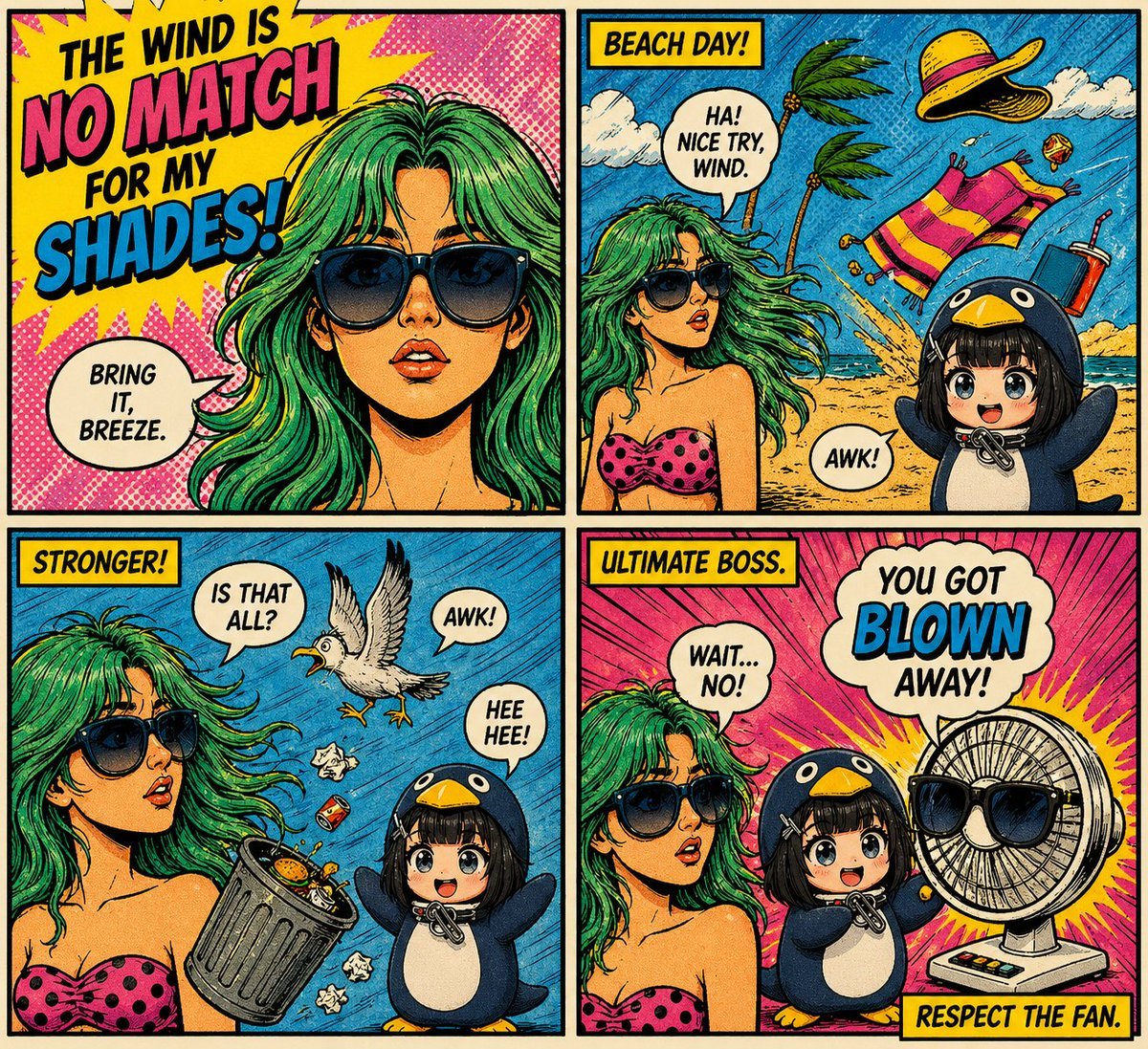
- Prompt included
- Model and format preset
- Free template
The prompt behind this image
Copy the exact prompt behind Retro Pop-Art Comic Strip, or open it in the studio and make it yours.
A 4-panel comic strip in bold retro Sunday funnies / 1980s pop-art style, thick black outlines, halftone textures, vibrant saturated colors (hot pink, cyan, yellow, teal), dynamic comic lettering. Main character: A stylish young woman with {argument name="hair color" default="wavy mint-green"} hair, wearing oversized black sunglasses and a {argument name="clothing" default="pink polka-dot strapless top"}. Confident expression, glossy lips, dramatic lighting. Secondary character: A cute chibi-style character in a full penguin costume (dark blue body, white belly, yellow beak hood), big sparkling eyes, small body, playful and mischievous vibe. Panel 1 (close-up, bold intro): Zoomed-in portrait of the woman, hair slightly blowing. Bright comic burst background. Text: “THE WIND IS NO MATCH FOR MY SHADES!” Speech bubble: “Bring it, breeze.” Panel 2 (beach chaos begins): Beach setting with strong wind—palm trees bending, hat, towel, and drink flying. Woman standing confidently. Penguin character appears at the side. Text box: “BEACH DAY!” Speech bubble: “Ha! Nice try, wind.” Small penguin text: “awk!” Panel 3 (wind intensifies): Stronger gusts—trash can tipping, seagull mid-air, debris flying. Woman still composed, hair dramatically flowing. Penguin laughing mischievously. Text box: “STRONGER!” Speech bubbles: “Is that all?” / penguin: “hee hee!” Panel 4 (final punchline): Reveal a big electric fan wearing sunglasses blasting air dramatically. Woman surprised. Penguin proudly next to fan. Text box: “ULTIMATE BOSS.” Speech bubbles: “Wait… no!” Big comic text: “YOU GOT BLOWN AWAY!” Caption at bottom: “RESPECT THE FAN.”
How to use Retro Pop-Art Comic Strip in 3 steps
- 1
Open
The prompt is already in the box next to the preview, with the template's model and format selected.
- 2…a portrait of your subject in softgolden-hour light, 85mm…
Personalize
Edit the subject and creative details for your destination.
- 3Generate
Generate
Press Generate — your image is created in PicX Studio, so you can compare it with the original and refine one variable at a time.
More like this
Templates with the same subject, style or setup. Open one to see its prompt.












Make it yours
Retro Pop-Art Comic Strip works as-is. These are the safest ways to change it without losing the look.
Change one field
Copy a single group, rewrite it, and generate again so you can see what that field is doing.
Keep the frame, change the subject
Hold the composition and light of Retro Pop-Art Comic Strip, then swap wardrobe, props or the person for a new take.
| If the result… | Why | Fix |
|---|---|---|
| The result drifts from the preview | Too many fields changed at once. | Reuse Retro Pop-Art Comic Strip as-is first, then change one group — subject, light, or setting. |
| The model over-stylizes the scene | The prose prompt leaves finish and camera underspecified. | Add one camera or lighting sentence and stay on GPT Image 2. |
More GPT Image 2 templates
Other prompts made for GPT Image 2.

Six VTuber Japanese Logo Sheet

Realistic Portrait of Woman and Deer

The Vista Modular Condo Poster

AI Model Routing Comparison Infographic

2.5D Anime Art Board

Isometric Productivity Desk Scene

New York Double Exposure Poster

Four-Panel AI Landscape Comparison

Japanese Tatami Lifestyle Magazine Cover

NESCAFÉ Coffee Map Poster
More image prompts
Fresh picks from across the catalog.
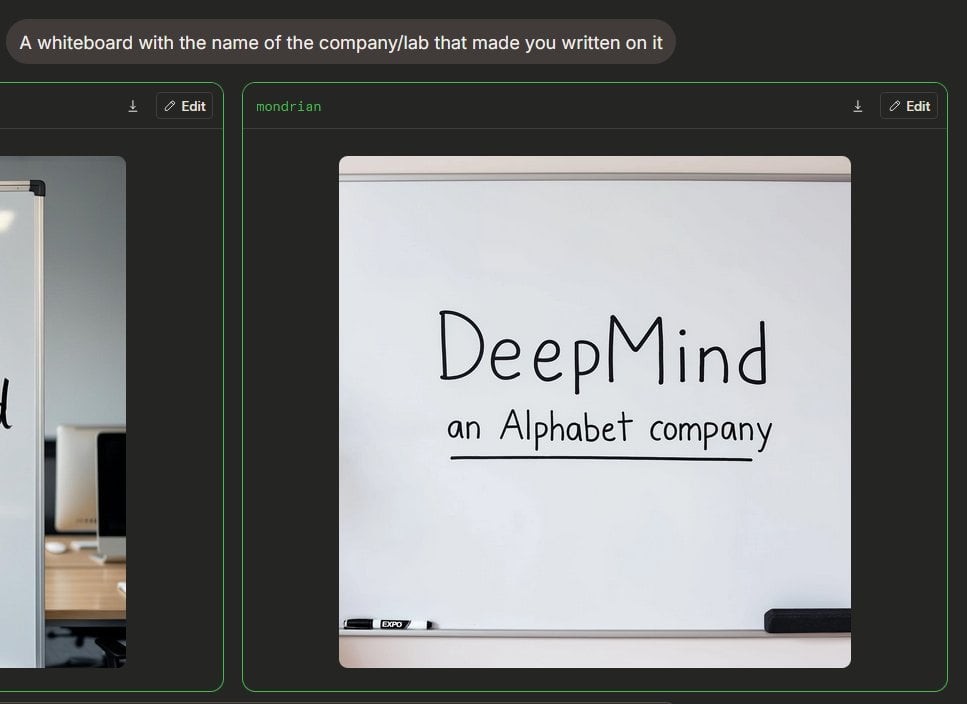
Dark Mode Image Arena Whiteboard
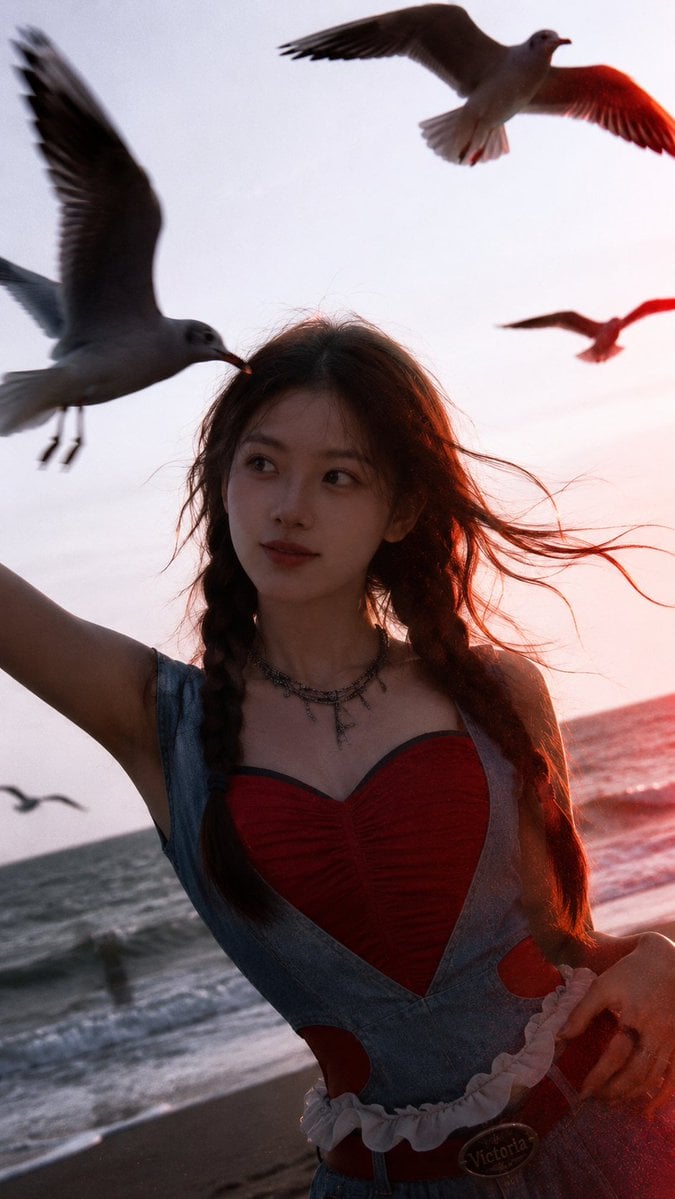
Cinematic Seaside Sunset Portrait
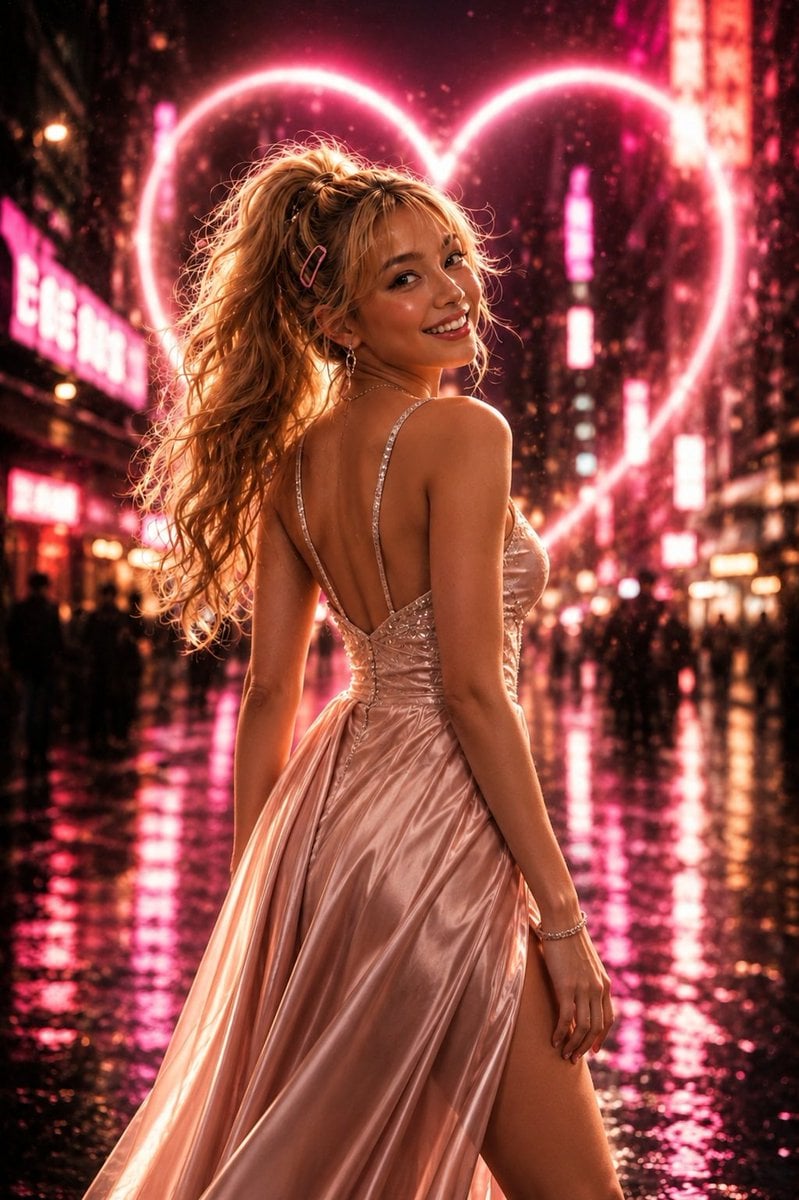
Neon Heart Night Fashion Portrait
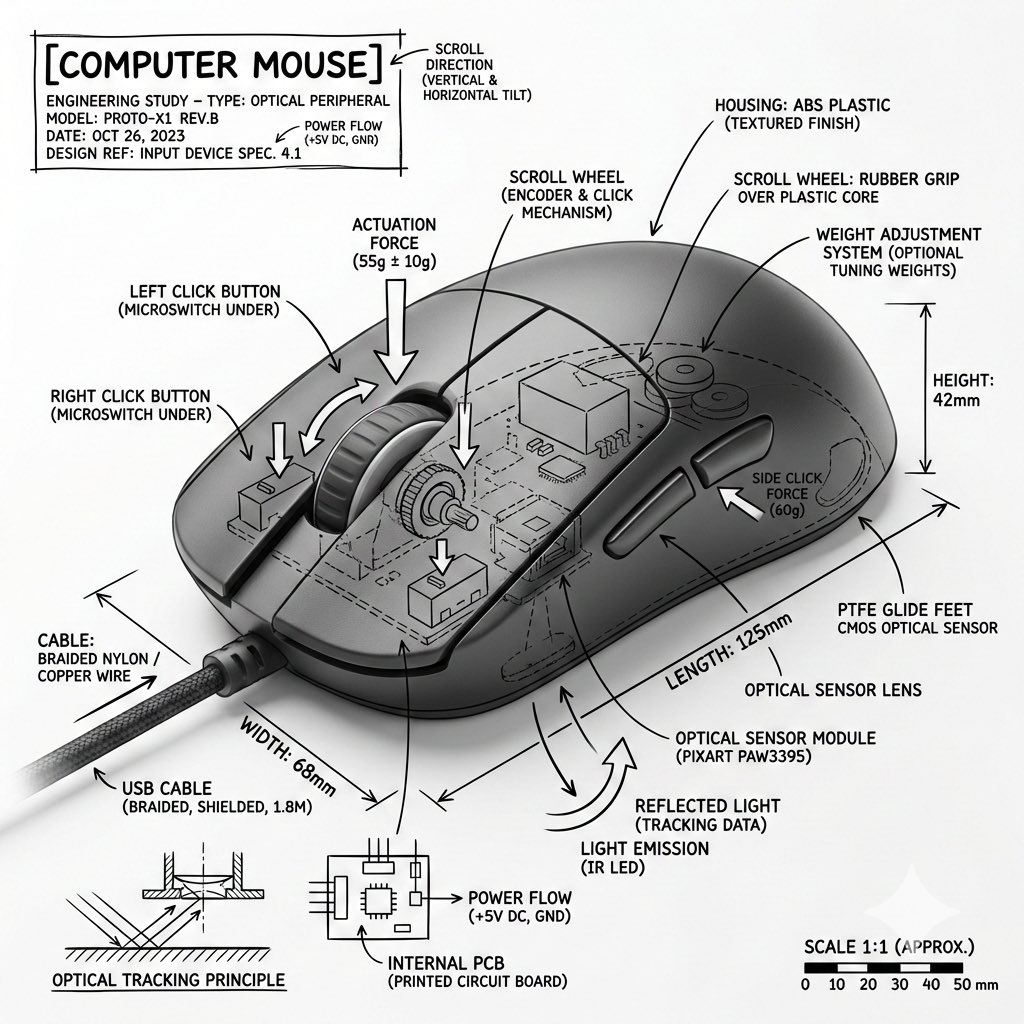
Technical Infographic Overlay for Object Annotation
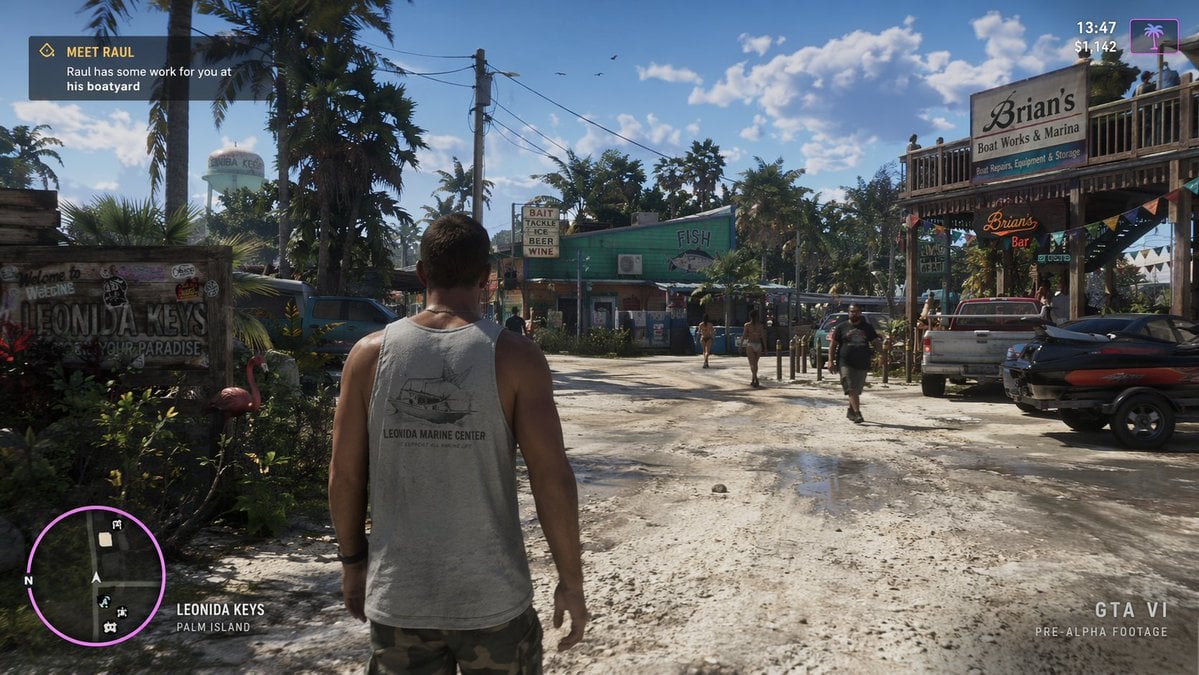
Open-World Game Screenshot Mockup
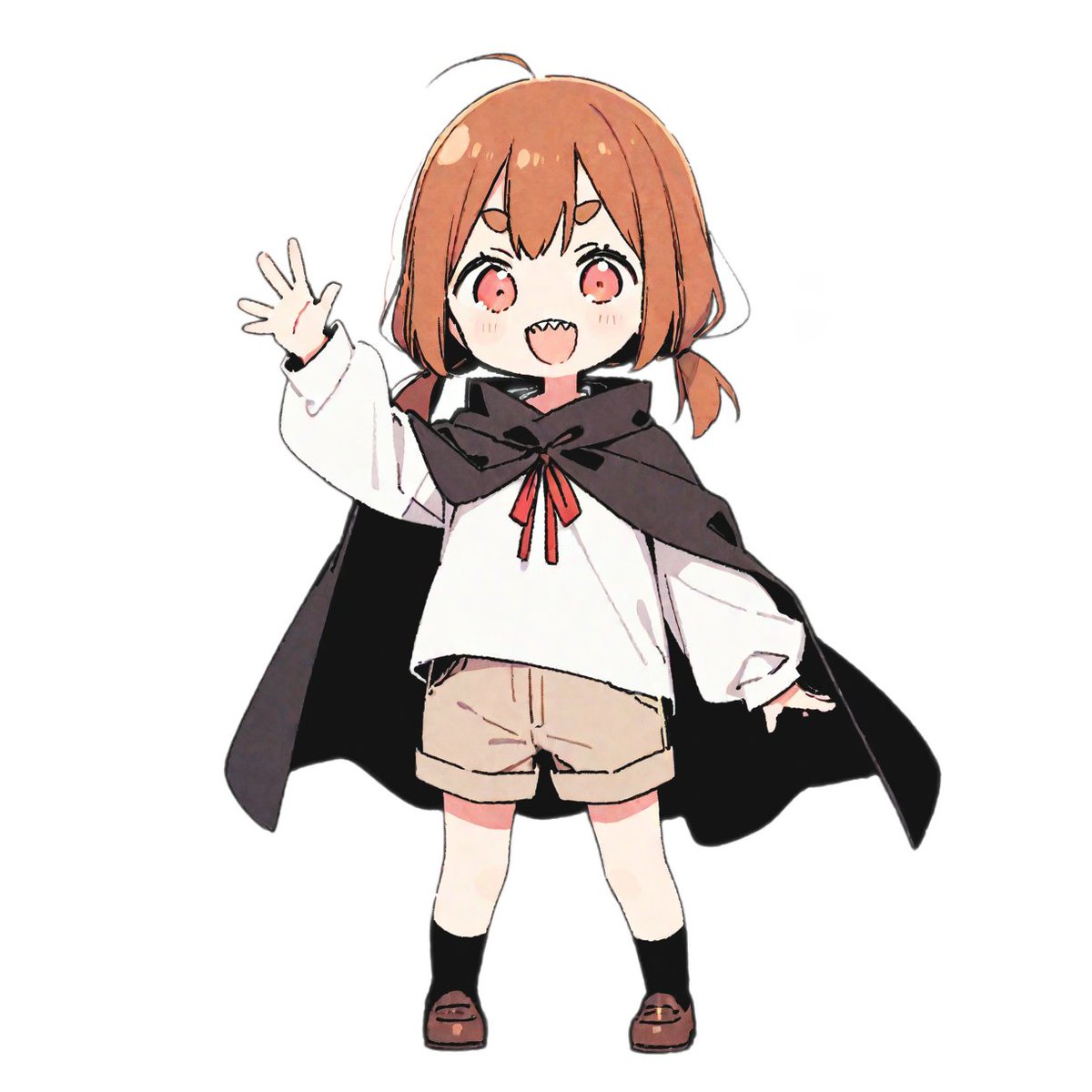
bit Retro Game Character Conversion Prompts

Natural Blonde Woman Portrait Prompts

Idyllic Alpine Lake Village Landscape
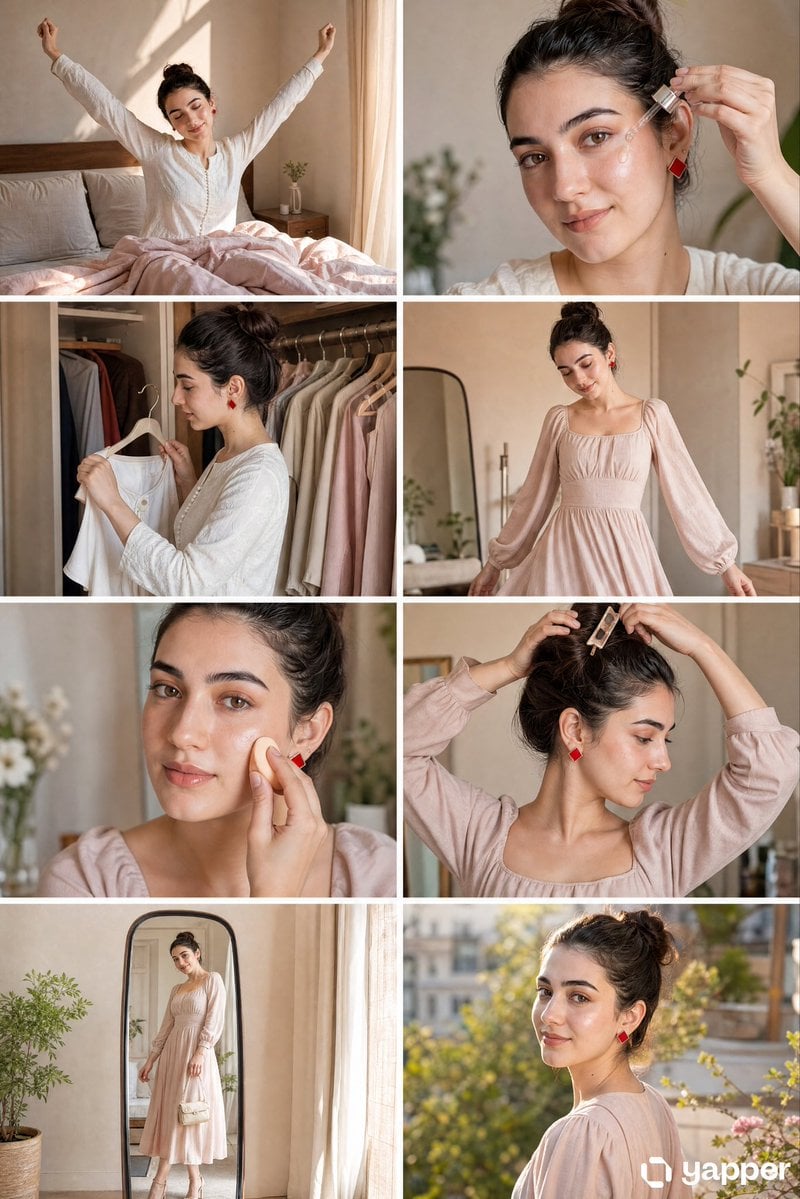
Panel GRWM Storyboard
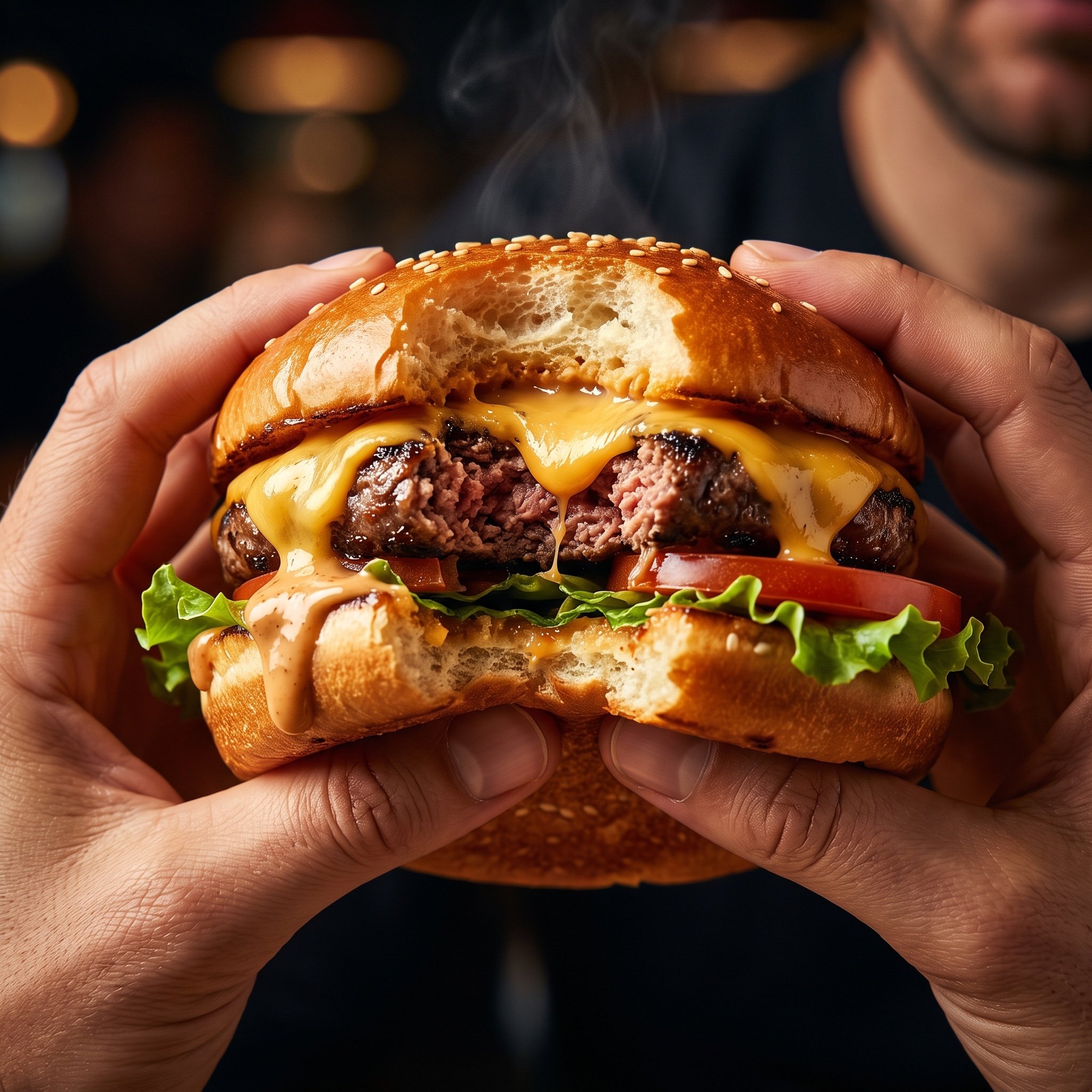
Hyper-Realistic Cinematic Food Action Shot of a Gourmet Burger Mid-Bite
Browse template categories
Retro Pop-Art Comic Strip questions
How do I use the Retro Pop-Art Comic Strip template?
Add your photo if the template asks for one, edit the prompt if you like — the template's model and format are already selected — and press Generate. Your version opens in PicX Studio.
Can I customize the Retro Pop-Art Comic Strip template?
Yes. You can change the subject, setting, lighting, mood, format, and available model controls before creating your image.
Is the Retro Pop-Art Comic Strip template free?
Opening and editing this template is free. Generating uses credits, shown on the Generate button when you are signed in.
Which AI model should I use?
Start with GPT Image 2, which is the model associated with this template. You can compare another compatible model for a different finish.
Looking for something else? Browse all templates.

Your photo, any look
Thousands of ready templates for every top image and video model, from one credit balance.