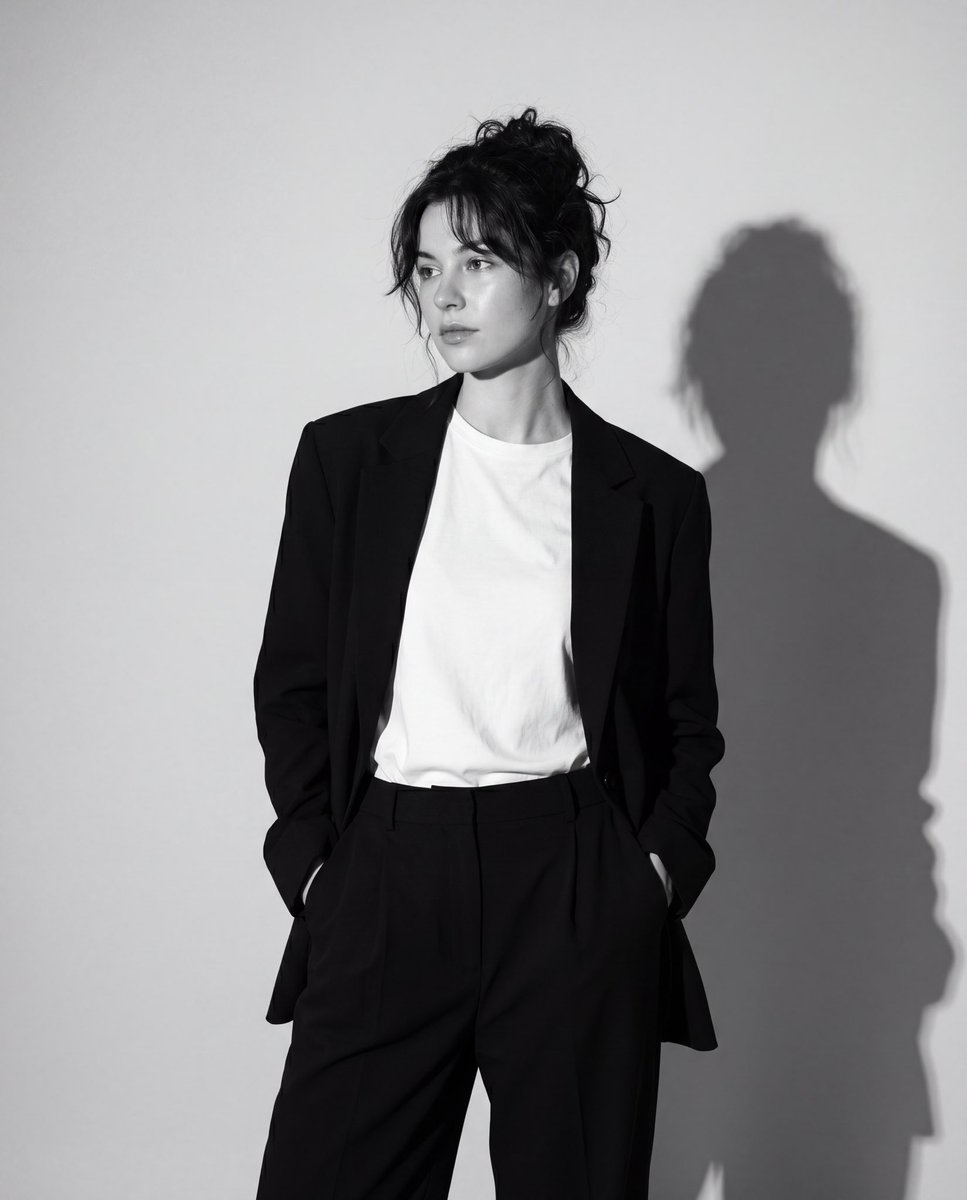
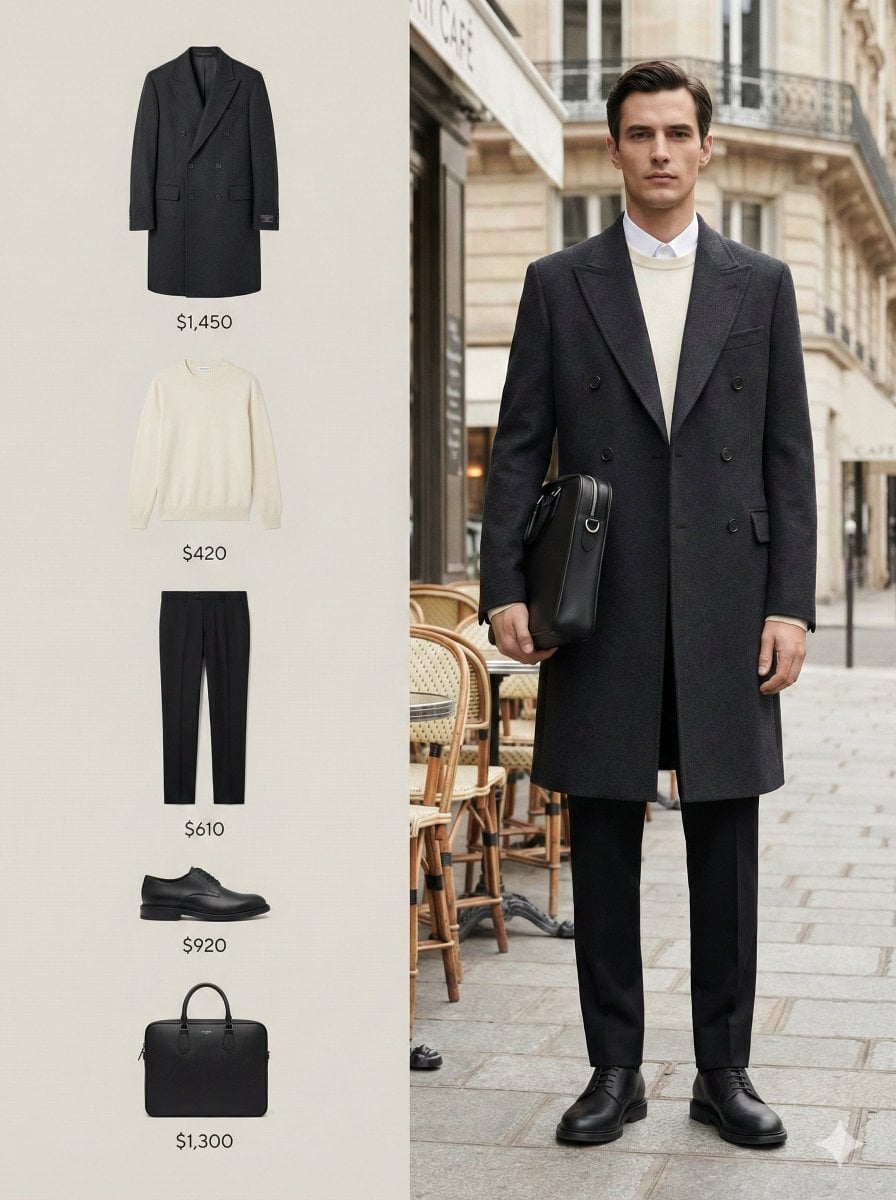
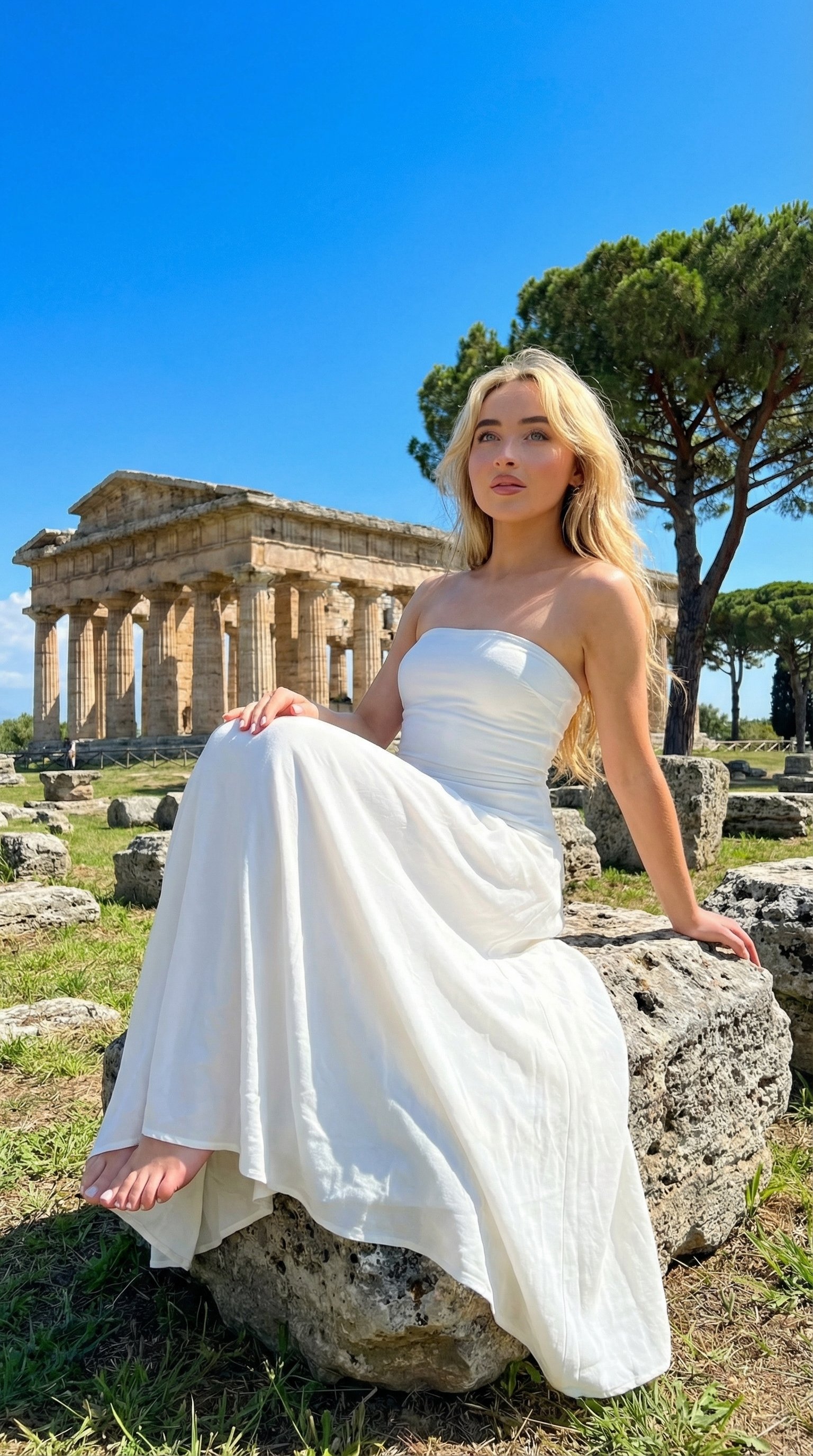
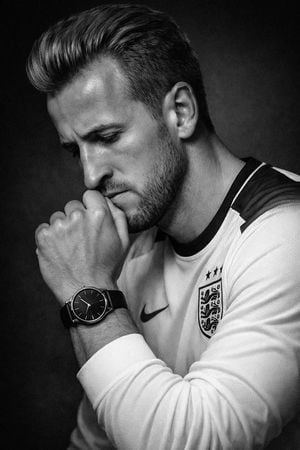
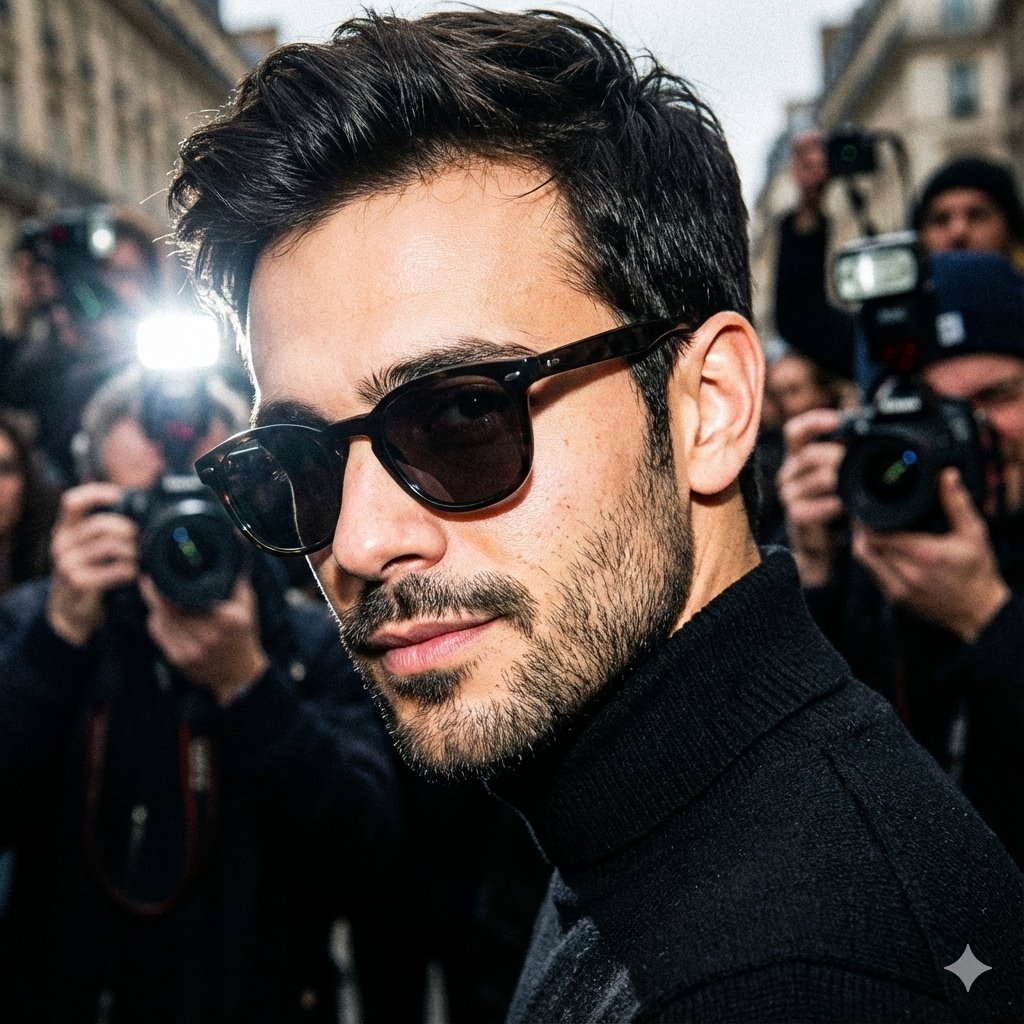
How do I use the Black and White Editorial Portrait template?
Edit the prompt in the box under the preview — the template's model and format are already selected — and press Generate. Your version appears right on this page.
A sophisticated prompt for a high-contrast black and white fashion portrait, focusing on identity preservation and cinematic motion blur.

This template uses your photo — add one with the + button.
Create a hyper-realistic fashion editorial portrait based on the uploaded reference image. Keep the exact same composition, body pose, camera distance, lens perspective, framing, studio background, black and white color grading, dramatic low-key lighting, shadows, grain texture, motion blur effect and overall cinematic atmosphere. Replace the original person in the image with the target character from the provided character reference. Preserve the target character's facial structure, skin tone, hairstyle, face proportions, identity features and overall appearance as accurately as possible. The new character must stand in the same position as the original model, facing the camera with the same confident pose. One hand should be raised near the face, while the other arm remains behind the body, matching the original posture. The clothing can adapt to the target character's style, but it must remain close to the original fashion mood: {argument name="jacket" default="cropped denim jacket"}, {argument name="pants" default="dark pants"}, {argument name="accessories" default="sunglasses, rings"} and streetwear styling. The outfit should look natural on the target character while keeping the same silhouette and fashion editorial feeling. Keep the background exactly the same: dark grey studio backdrop, strong directional spotlight from above, deep shadows on the face and body, high contrast black-and-white treatment, visible fabric details on the jacket, realistic folds, denim texture, accessories and subtle imperfections. Maintain the same artistic motion blur light streaks behind and around the character, especially on the left side of the frame. The blur should feel like a long-exposure studio effect, not artificial. Do not change the camera angle, do not zoom in or out, do not alter the lighting setup, do not change the background, do not add text, logo or extra objects. Ultra realistic, cinematic fashion photography, black and white editorial, high contrast, studio portrait, natural skin texture, realistic clothing texture, professional magazine shoot. Negative Prompt: Do not change the pose, camera angle, lens, background, lighting, framing or motion blur. Do not distort the face. Do not make the character look artificial. Do not add text, logo, watermark, extra people, colorful elements or different background. Do not over-smooth the skin. Do not change the black and white style.
Create a hyper-realistic fashion editorial portrait based on the uploaded reference image. Keep the exact same composition, body pose, camera distance, lens perspective, framing, studio background, black and white color grading, dramatic low-key lighting, shadows, grain texture, motion blur effect and overall cinematic atmosphere. Replace the original person in the image with the target character from the provided character reference. Preserve the target character's facial structure, skin tone, hairstyle, face proportions, identity features and overall appearance as accurately as possible. The new character must stand in the same position as the original model, facing the camera with the same confident pose. One hand should be raised near the face, while the other arm remains behind the body, matching the original posture. The clothing can adapt to the target character's style, but it must remain close to the original fashion mood: {argument name="jacket" default="cropped denim jacket"}, {argument name="pants" default="dark pants"}, {argument name="accessories" default="sunglasses, rings"} and streetwear styling. The outfit should look natural on the target character while keeping the same silhouette and fashion editorial feeling. Keep the background exactly the same: dark grey studio backdrop, strong directional spotlight from above, deep shadows on the face and body, high contrast black-and-white treatment, visible fabric details on the jacket, realistic folds, denim texture, accessories and subtle imperfections. Maintain the same artistic motion blur light streaks behind and around the character, especially on the left side of the frame. The blur should feel like a long-exposure studio effect, not artificial. Do not change the camera angle, do not zoom in or out, do not alter the lighting setup, do not change the background, do not add text, logo or extra objects. Ultra realistic, cinematic fashion photography, black and white editorial, high contrast, studio portrait, natural skin texture, realistic clothing texture, professional magazine shoot. Negative Prompt: Do not change the pose, camera angle, lens, background, lighting, framing or motion blur. Do not distort the face. Do not make the character look artificial. Do not add text, logo, watermark, extra people, colorful elements or different background. Do not over-smooth the skin. Do not change the black and white style.
Edit the prompt in the box under the preview — the template's model and format are already selected — and press Generate. Your version appears right on this page.
Yes. You can change the subject, setting, lighting, mood, format, and available model controls before creating your image.
Opening and editing this template is free. Generating uses credits, shown on the Generate button when you are signed in.
Start with GPT Image 2, which is the model associated with this template. You can compare another compatible model for a different finish.
Follow a topic to a crawlable collection of related PicX Studio templates.