How do I use the Glowing Goblin Shaman in Swamp template?
Choose the primary action to open PicX Studio with the available template settings. Review the model and format, personalize the creative direction, and generate when ready.
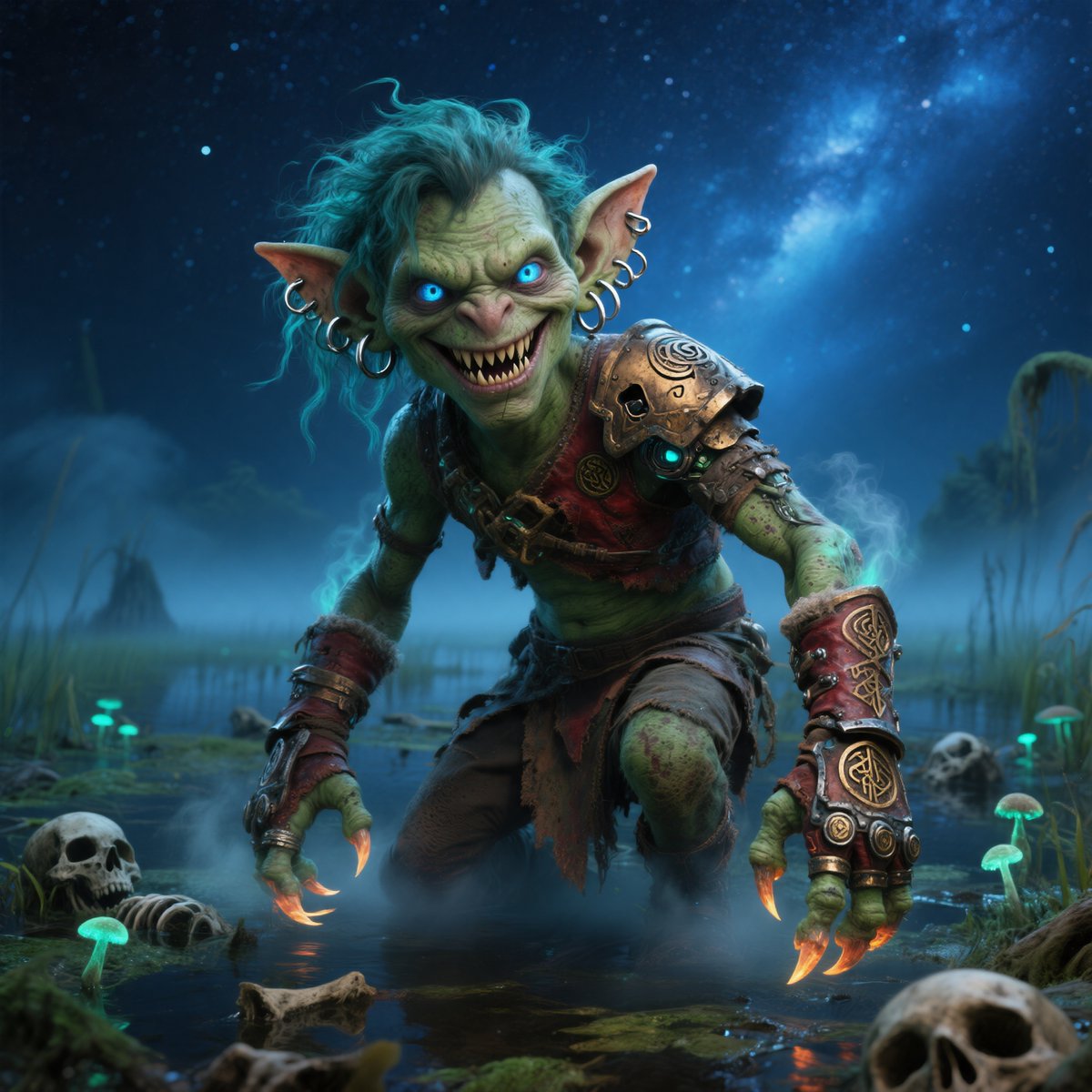
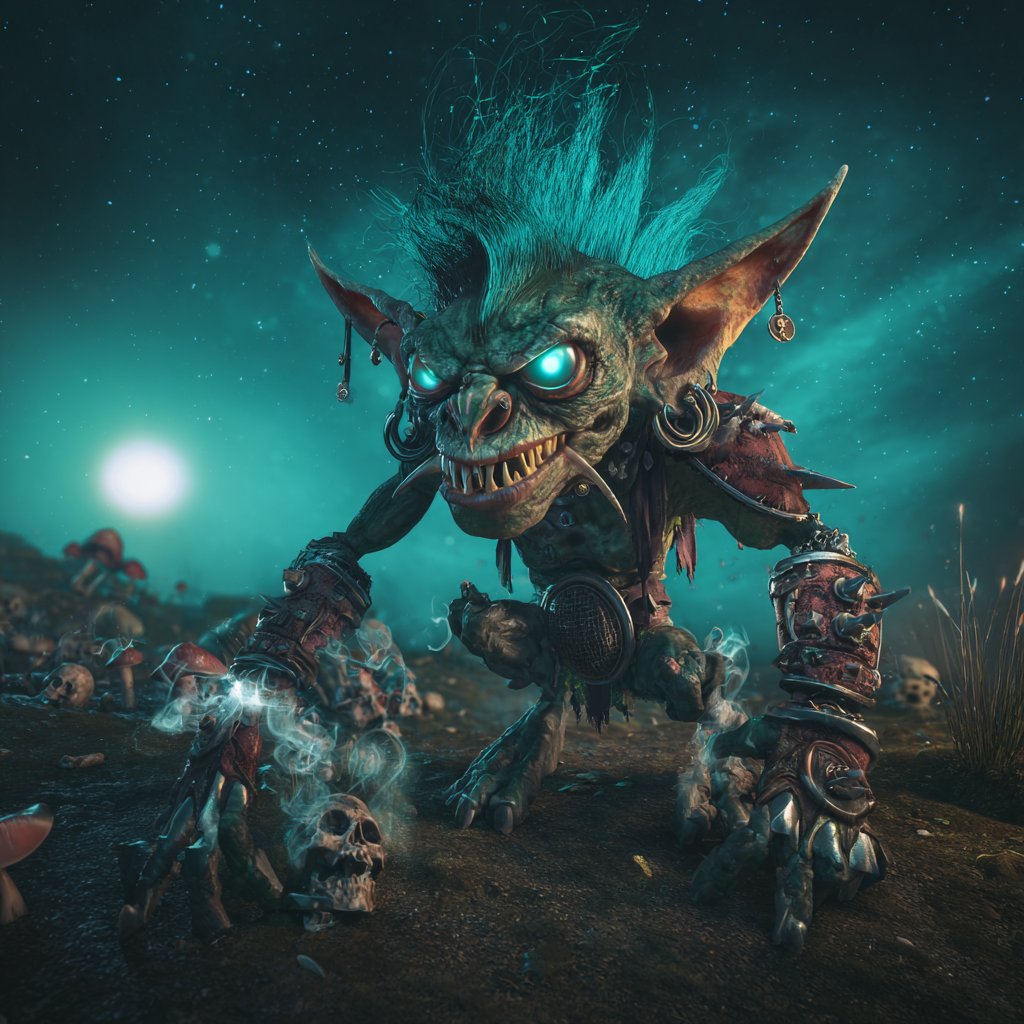
Generates a cinematic dark-fantasy goblin shaman character artwork for creature design, game art, or concept illustration. Change the subject, setting, or lighting one variable at a time.
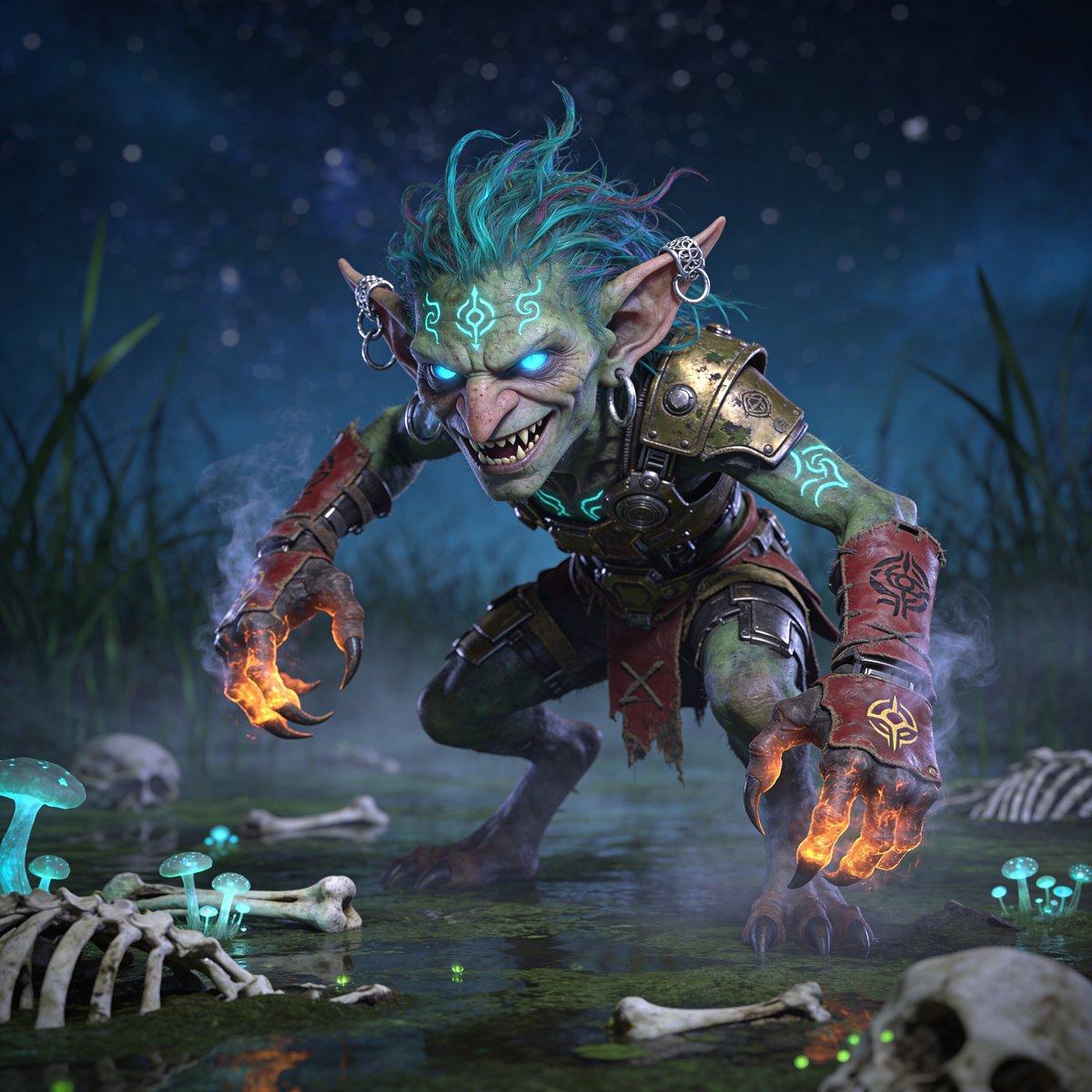
Create a cinematic dark-fantasy 3D character portrait of a feral {argument name="creature type" default="goblin shaman"} crouching low in a swamp at night, lunging toward the viewer with a malicious grin. The creature has mottled green skin, a narrow wrinkled face, sharp fangs, long pointed ears with multiple silver hoop piercings, glowing icy-blue eyes, and wild spiky {argument name="hair color" default="turquoise and magenta"} hair swept upward. Add luminous cyan tribal markings on the forehead, chest, and arms, with the brightest sigil centered above the brow. Dress the goblin in rugged fantasy armor: one large weathered brass shoulder pauldron with rivets, dark leather straps, a circular metal chest device, a tattered red loincloth, and red leather forearm bracers painted with black occult symbols. Both clawed hands should be extended forward, wreathed in smoky orange magical fire, with glowing runes on the wrists and fingertips. Set the scene in a murky marsh with shallow reflective water, mist, reeds, scattered bones, ribs, and skulls, plus clusters of bioluminescent cyan mushrooms and tiny green firefly-like lights. Use a low camera angle, dramatic depth of field, high-detail creature sculpting, wet skin and armor textures, volumetric blue fog, starry night bokeh in the background, and strong contrast between cold cyan magical glow and hot orange hand-fire. Make it a square, ultra-detailed, cinematic fantasy render with an aggressive, menacing mood.
Choose the primary action to open PicX Studio with the available template settings. Review the model and format, personalize the creative direction, and generate when ready.
Yes. You can change the subject, setting, lighting, mood, format, and available model controls before creating your image.
This template is free to open and customize. Generation usage is shown in PicX Studio before you create.
Start with GPT Image 2, which is the model associated with this template. You can compare another compatible model for a different finish.
© 2026 PicX Studio. All rights reserved.

Follow a topic to a crawlable collection of related PicX Studio templates.
43,474 public templates available. Verified via the PicX Studio public templates API; refreshed hourly.














![Minimalist Flat Vector Travel Poster — Premium minimalist flat-vector travel poster for {argument name="city name" default="[CITY_NAME]"}, 3:4 vertical format.](https://cms-assets.youmind.com/media/1787917359711_3ug846_HQX205cbMAA6F6S-300x400.jpg)