
Bird Shaman Character Turnaround
Creates a four-view T-pose fantasy bird-shaman character sheet for 3D modeling, rigging, or concept art reference.
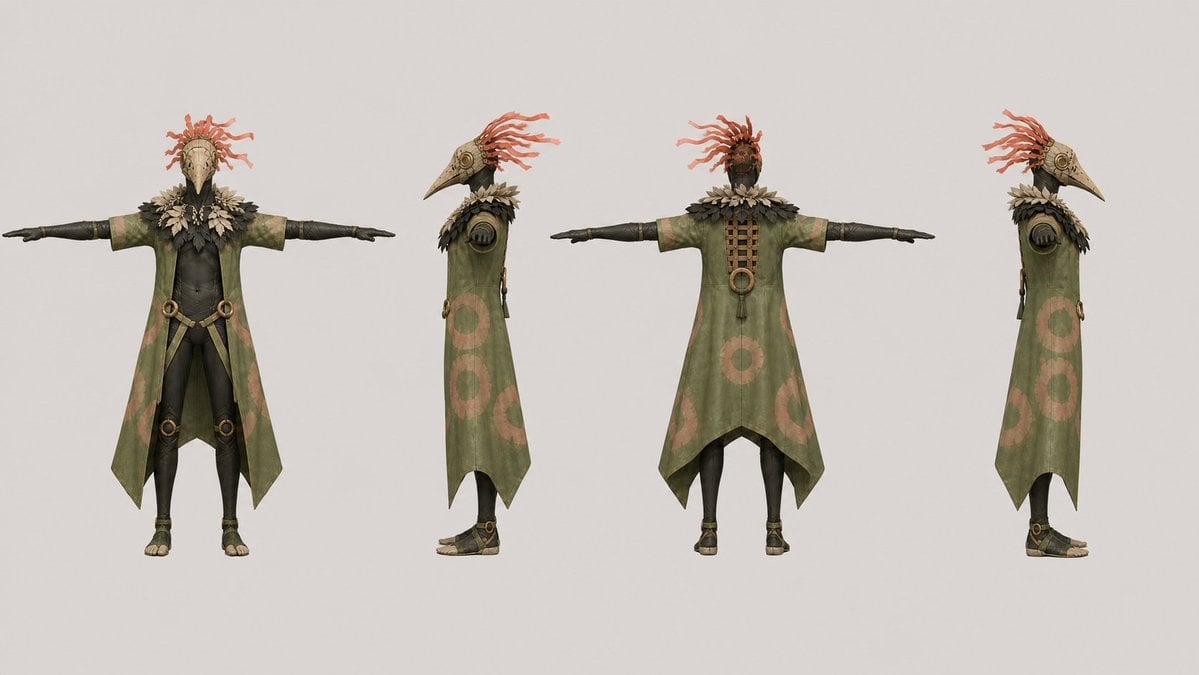
- Prompt included
- Model and format preset
- Free template
The prompt behind this image
Copy the exact prompt behind Bird Shaman Character Turnaround, or open it in the studio and make it yours.
Goal: Create a clean 3D character design turnaround sheet for a dark fantasy humanoid bird-shaman character, suitable for modeling and rigging reference. Canvas: Wide horizontal canvas, 16:9 aspect ratio, light warm gray studio background with no props, no shadows beyond soft contact shading, centered full-body figures with generous spacing. Layout: Show exactly 4 full-body character views in a straight row, all in a rigid T-pose with arms extended horizontally: 1 front view, 2 left side profile view, 3 back view, 4 right side profile view. Keep all four views the same height and scale, evenly spaced, feet aligned on the same baseline. Character details: The character is {argument name="character archetype" default="a dark fantasy bird-masked tribal shaman"} with a slim humanoid body, black fitted under-suit or dark skin-tight body layer, birdlike plague-doctor mask or long beak helmet, and a crown of thin red-orange feather or tendril plumes emerging from the head. The face is hidden by the mask; the front mask has a long pale bone-colored beak, dark eye openings, and carved ornamental markings. The back view shows a darker head with red tendrils visible from behind. Outfit: The costume has exactly these visible main clothing pieces: 1 long open sleeveless olive-green robe or coat with split front and pointed tails, 2 short pale green sleeves over the upper arms, 3 black fitted forearm guards or gloves, 4 black leggings, 5 open-toe sandals, 6 layered dark feather collar around the shoulders, 7 pale leaf-like feather necklace around the neck, 8 circular bronze ring ornaments at the waist and knees, 9 hanging strap details at the hips, 10 a vertical laced panel down the upper back. The robe color is {argument name="robe color" default="muted olive green"} with weathered fabric texture and faded salmon-pink circular patterns on the sides and lower back. Use bronze, bone, leather, and dark charcoal materials. Pose and anatomy: T-pose character sheet, arms perfectly straight and level, palms facing down or slightly inward, legs straight, feet shoulder-width apart. The figure should feel game-ready and sculptural, with consistent proportions across all views. Visual style: High-quality 3D render, realistic stylized fantasy design, matte materials, subtle worn fabric texture, crisp details, neutral orthographic camera, no dramatic lighting, no text labels, no grid, no watermark. Emphasize symmetry, readable silhouettes, and production-art clarity. Use {argument name="render style" default="realistic stylized 3D game character turnaround"}.
How to use Bird Shaman Character Turnaround in 3 steps
- 1Upload ImagePNG, JPG or paste
Add your photo
Upload the photo the template builds on. The prompt, model and format are already set.
- 2…a portrait of your subject in softgolden-hour light, 85mm…
Personalize
Edit the subject and creative details for your destination.
- 3Generate
Generate
Press Generate — your image is created in PicX Studio, so you can compare it with the original and refine one variable at a time.
More like this
Templates with the same subject, style or setup. Open one to see its prompt.
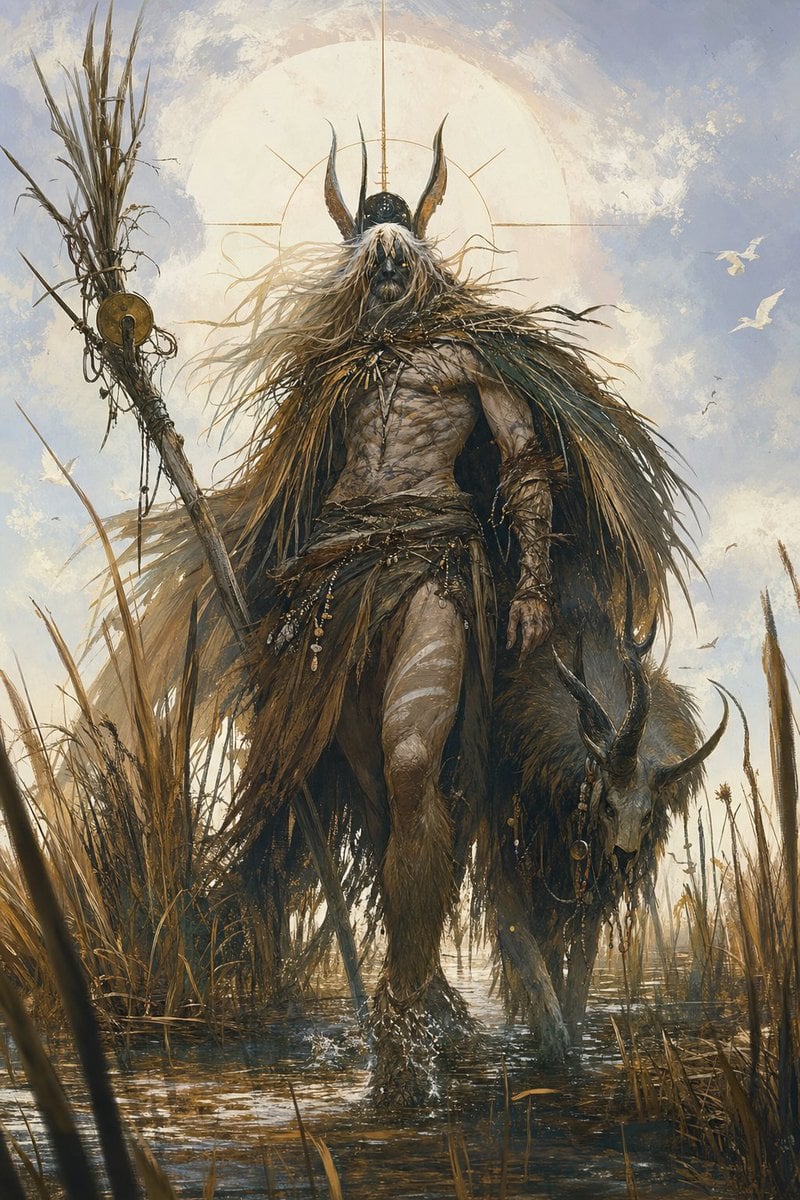
Marsh Shaman Demigod
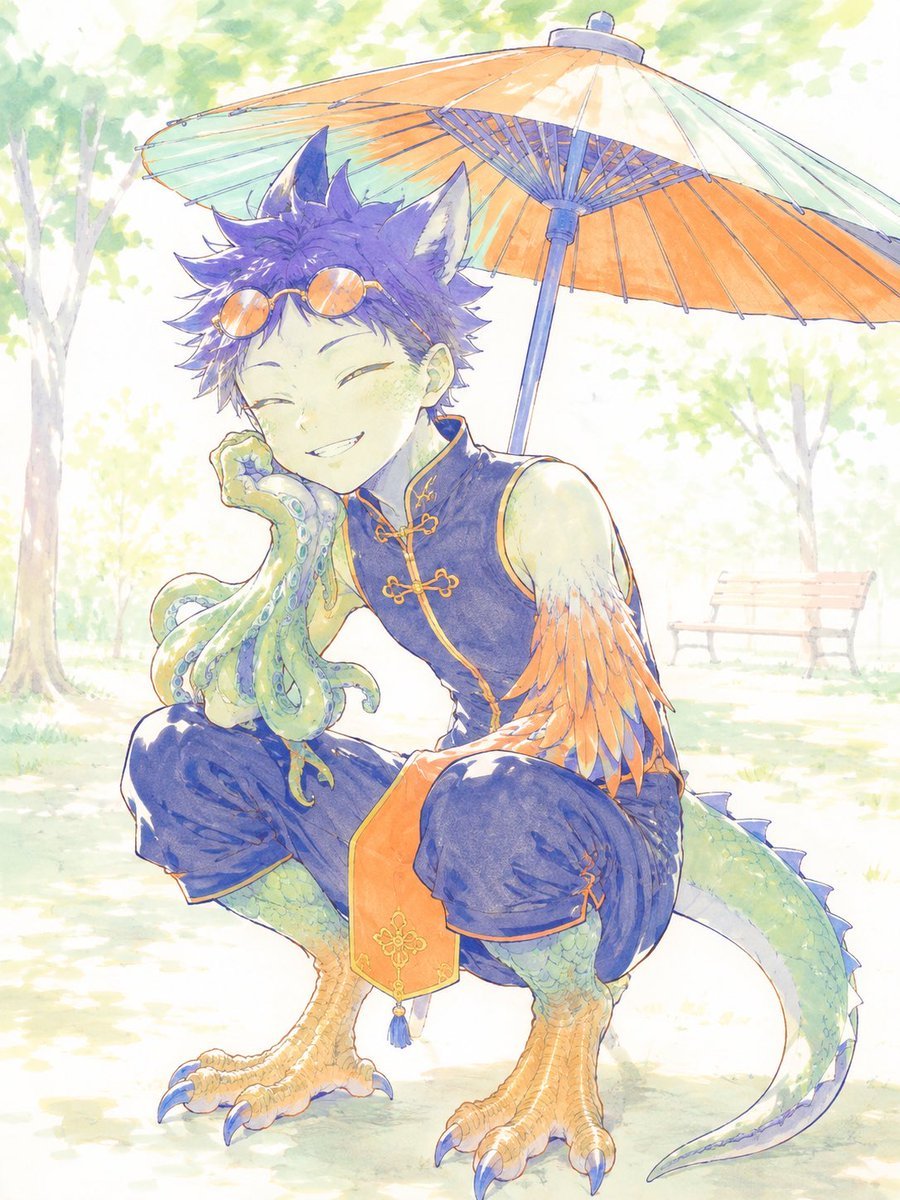
Watercolor Fantasy Dragon-Bird Boy
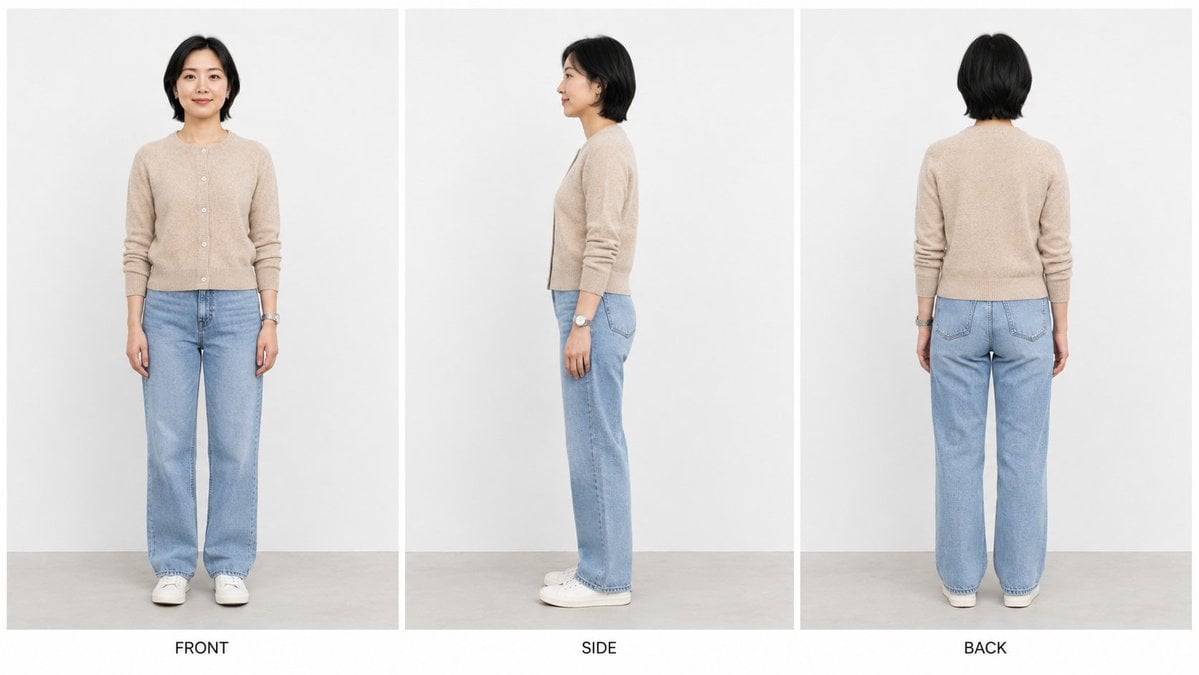
Three-View Character Turnaround
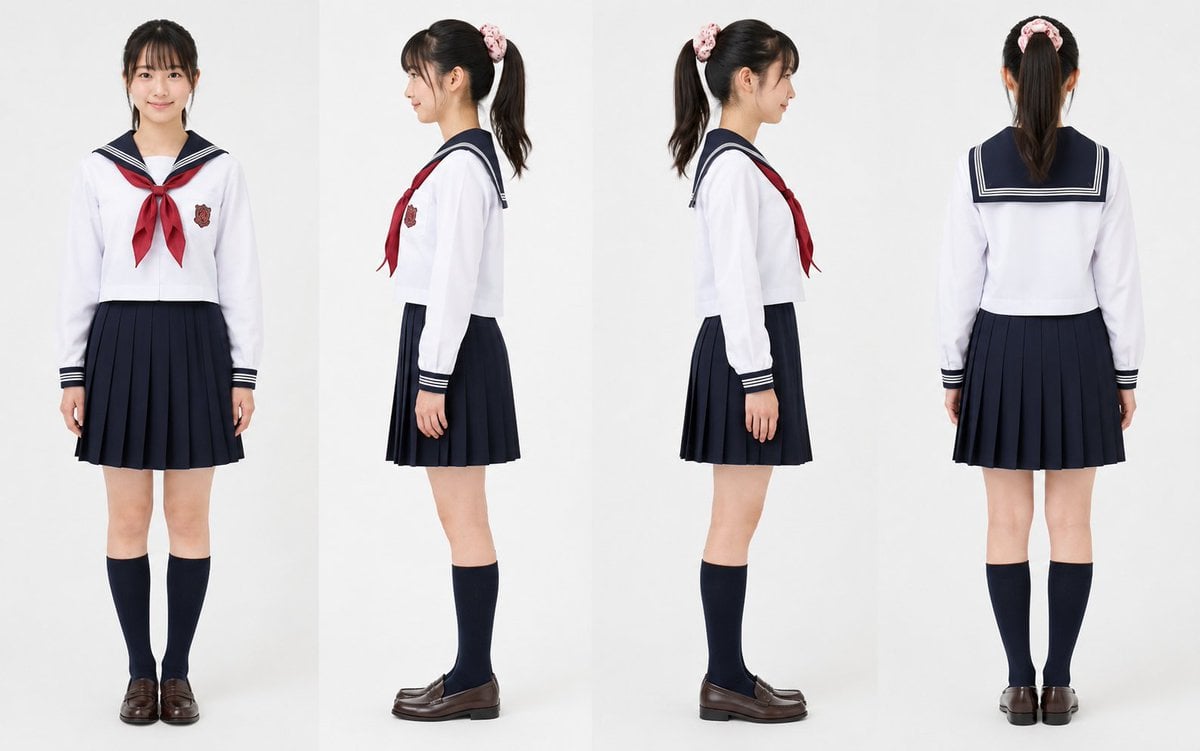
Realistic Schoolgirl Turnaround Sheet
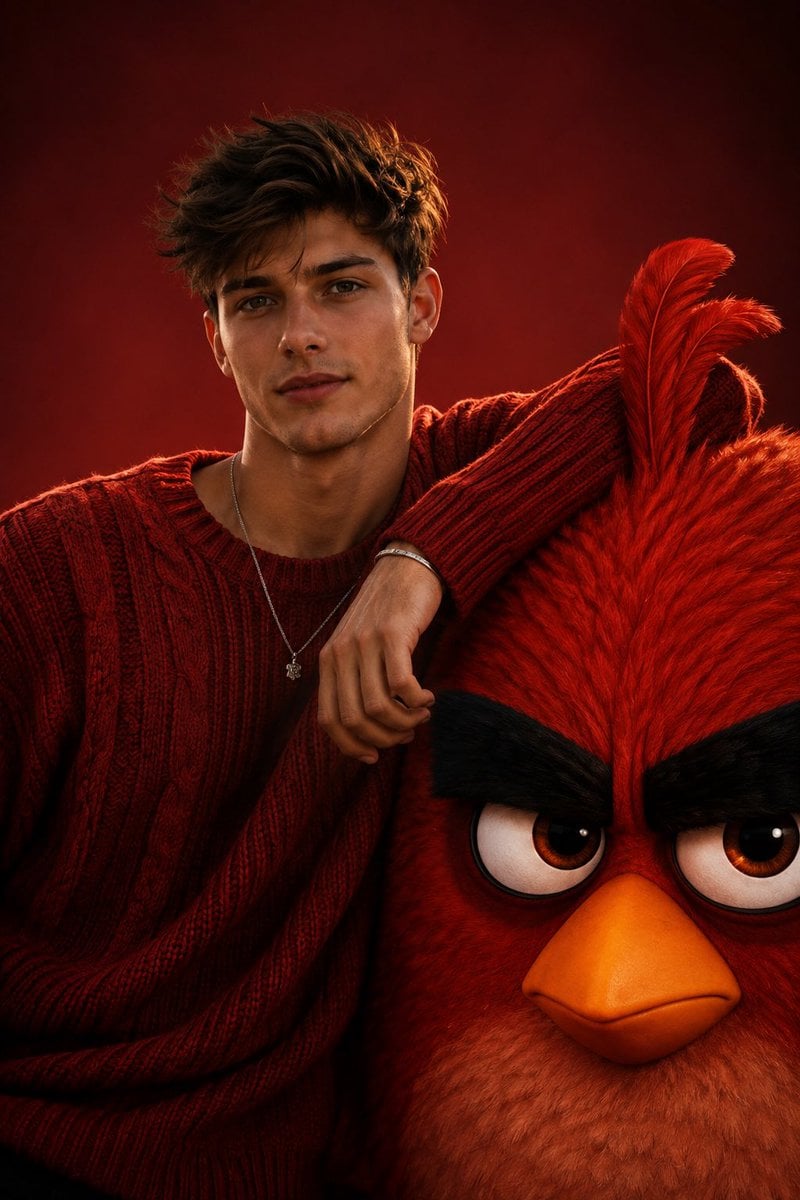
Cinematic Fashion with Red Angry Bird
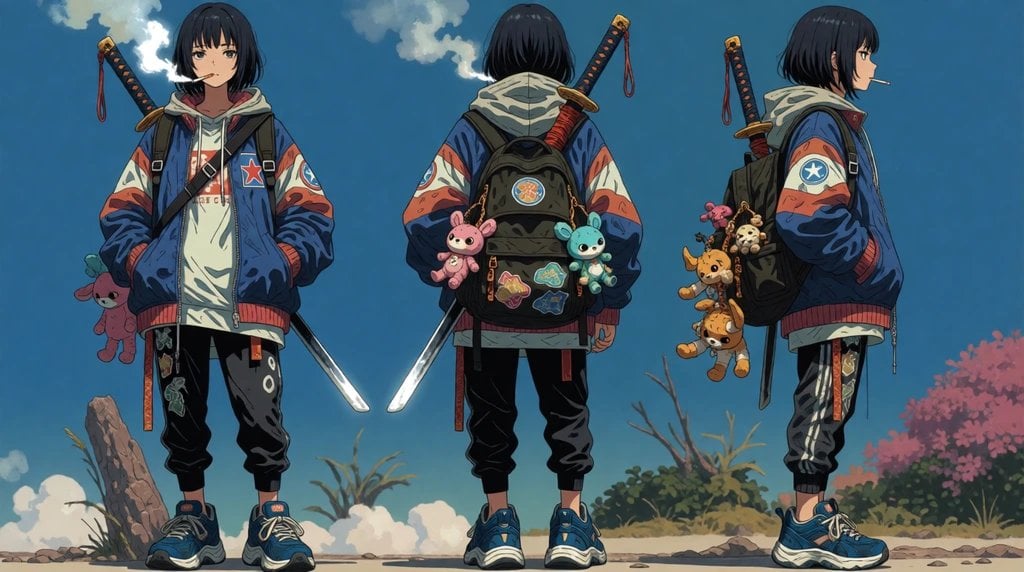
Urban Samurai Girl Turnaround Sheet

Anime Elf Maid Turnaround Sheet
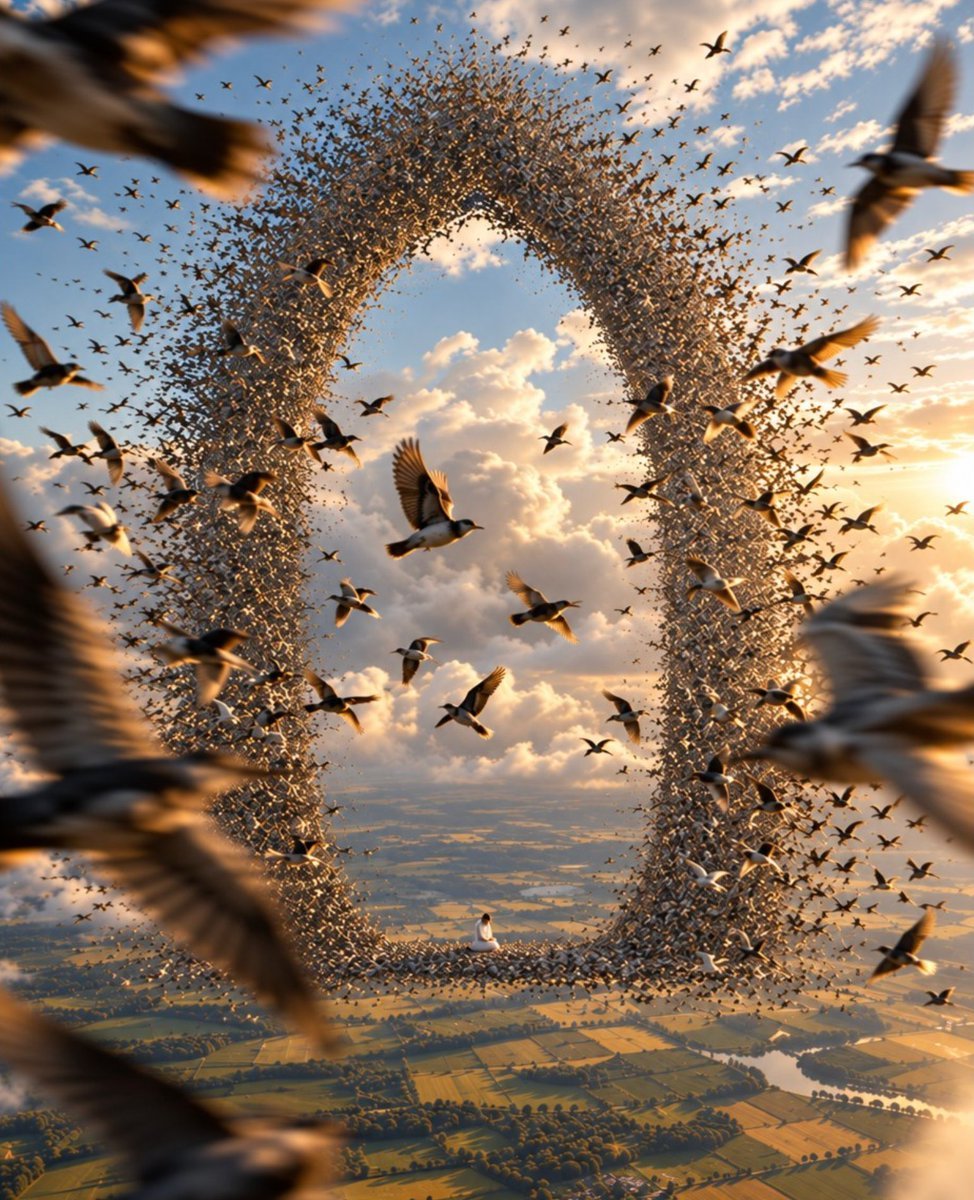
Giant Bird Portal in the Sky
Bird's-Eye Street Fashion Portrait
Cinematic Bird Fashion Portrait
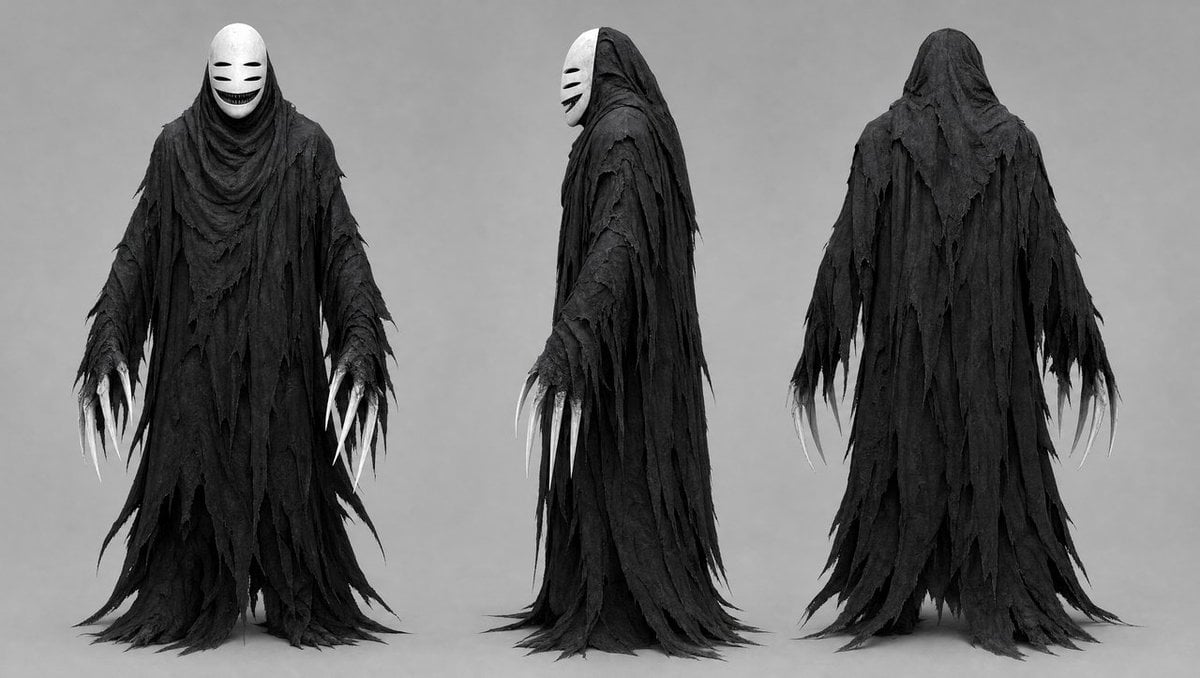
Dark Ghost Spirit Turnaround
Woman With Giant Blue Angry Bird
Make it yours
Bird Shaman Character Turnaround works as-is. These are the safest ways to change it without losing the look.
Change one field
Copy a single group, rewrite it, and generate again so you can see what that field is doing.
Keep the frame, change the subject
Hold the composition and light of Bird Shaman Character Turnaround, then swap wardrobe, props or the person for a new take.
| If the result… | Why | Fix |
|---|---|---|
| The result drifts from the preview | Too many fields changed at once. | Reuse Bird Shaman Character Turnaround as-is first, then change one group — subject, light, or setting. |
| The model over-stylizes the scene | The prose prompt leaves finish and camera underspecified. | Add one camera or lighting sentence and stay on GPT Image 2. |
More GPT Image 2 templates
Other prompts made for GPT Image 2.

Six VTuber Japanese Logo Sheet

Realistic Portrait of Woman and Deer

The Vista Modular Condo Poster

AI Model Routing Comparison Infographic

2.5D Anime Art Board

Isometric Productivity Desk Scene

New York Double Exposure Poster

Four-Panel AI Landscape Comparison

Japanese Tatami Lifestyle Magazine Cover

NESCAFÉ Coffee Map Poster
More image prompts
Fresh picks from across the catalog.
High-Speed Food Photography with Exploding Ingredients
Colossal Stone Titan Rising from Ocean
Introspective Cinematic Café Portrait
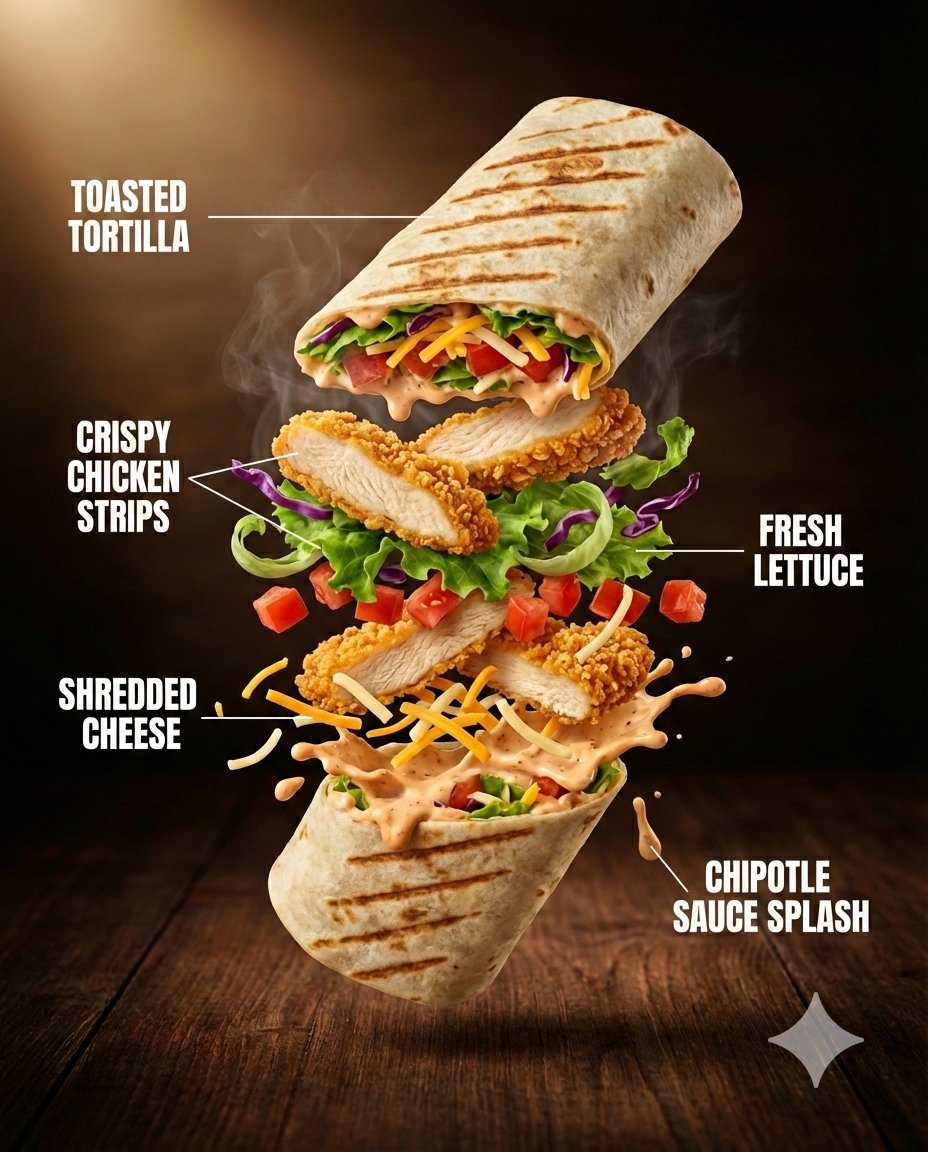
Ultra-Realistic Luxury Fast-Food Ad Shot
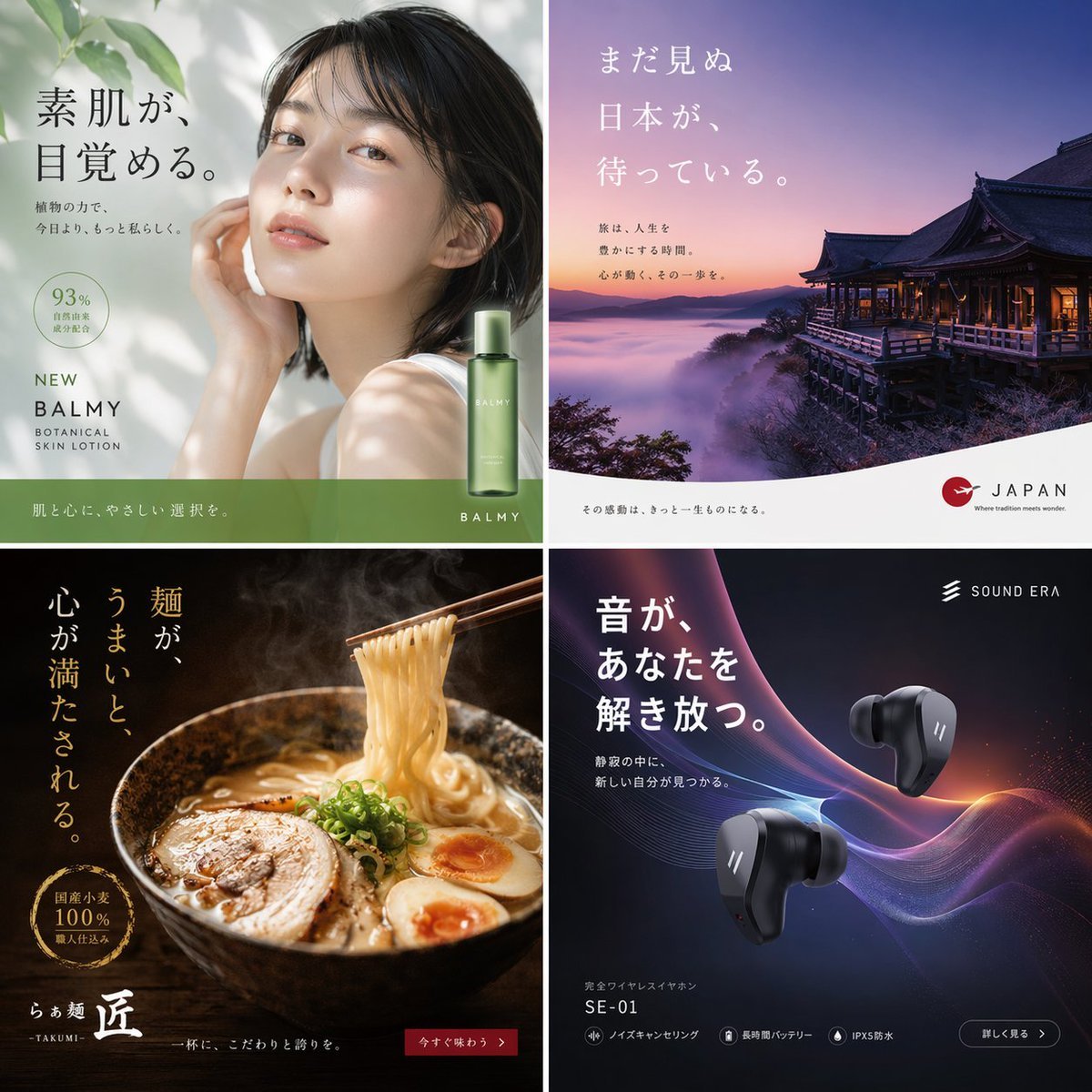
2x2 Japanese Advertisement Grid
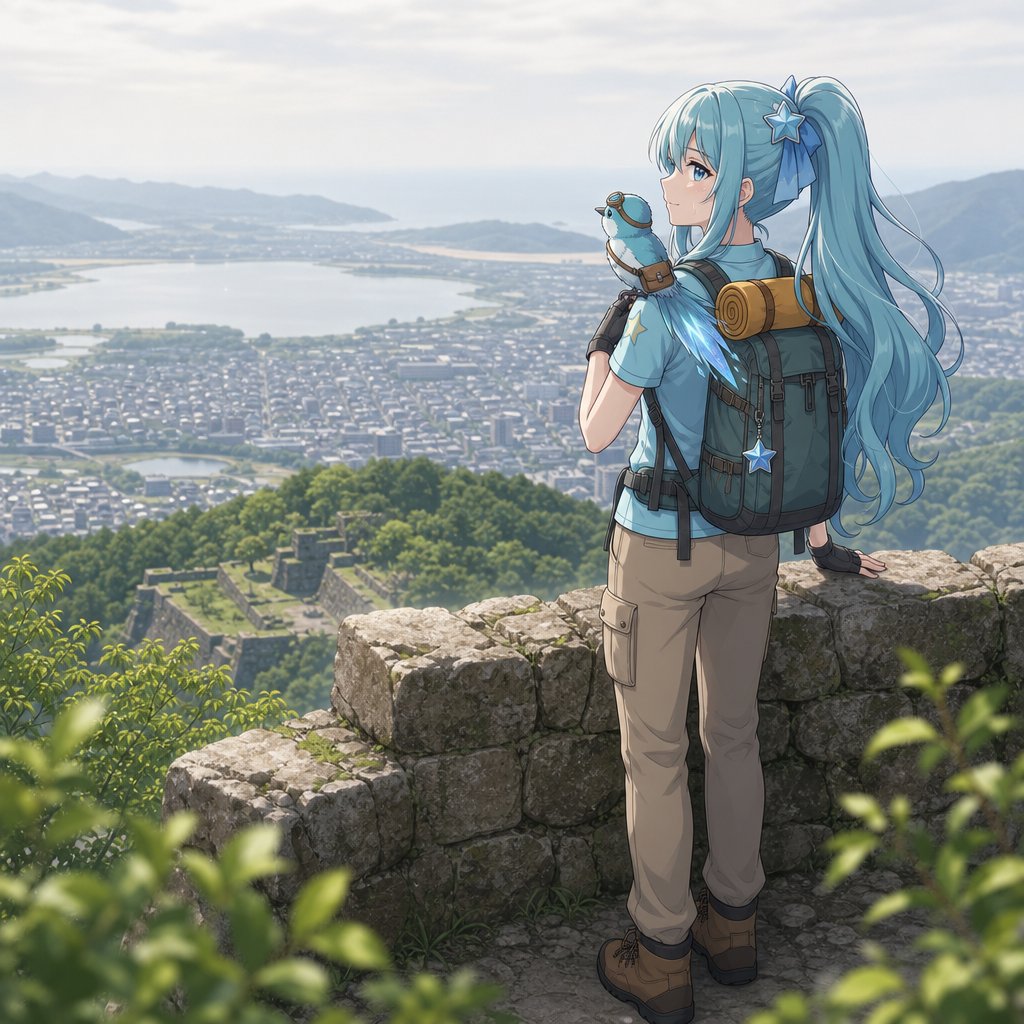
Anime Hiker Over Scenic Mountain View
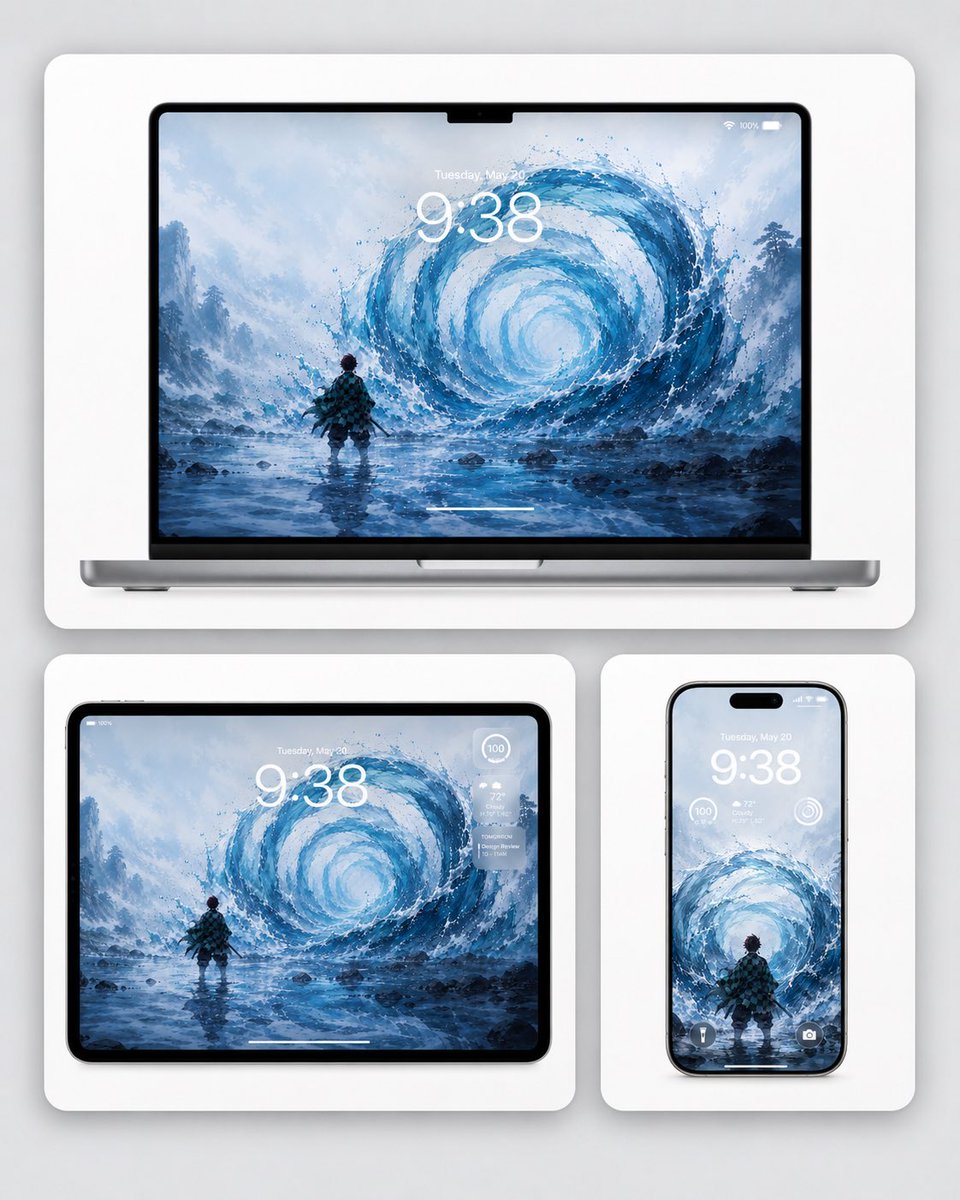
Water Breathing Device Wallpaper Mockup
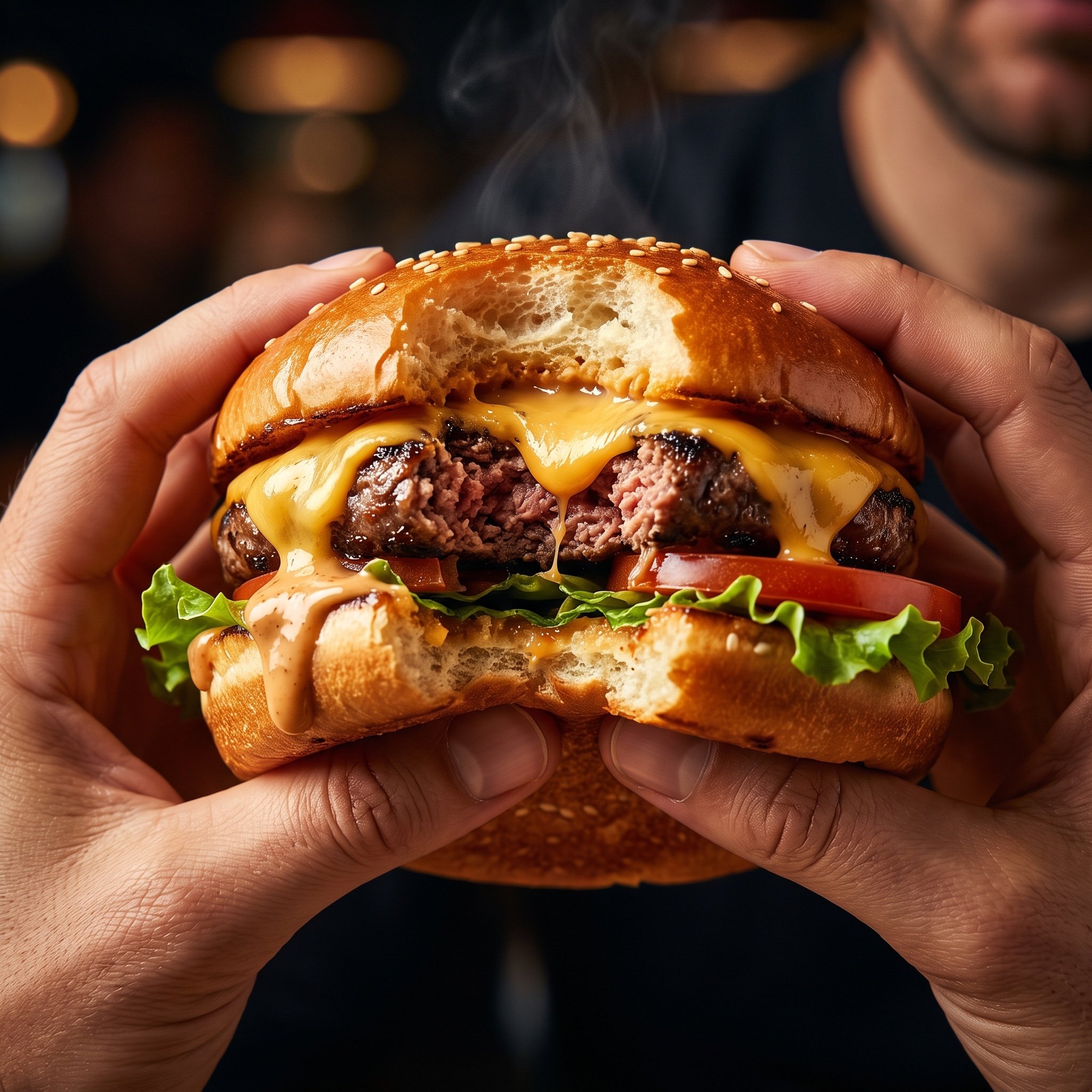
Hyper-Realistic Cinematic Food Action Shot of a Gourmet Burger Mid-Bite
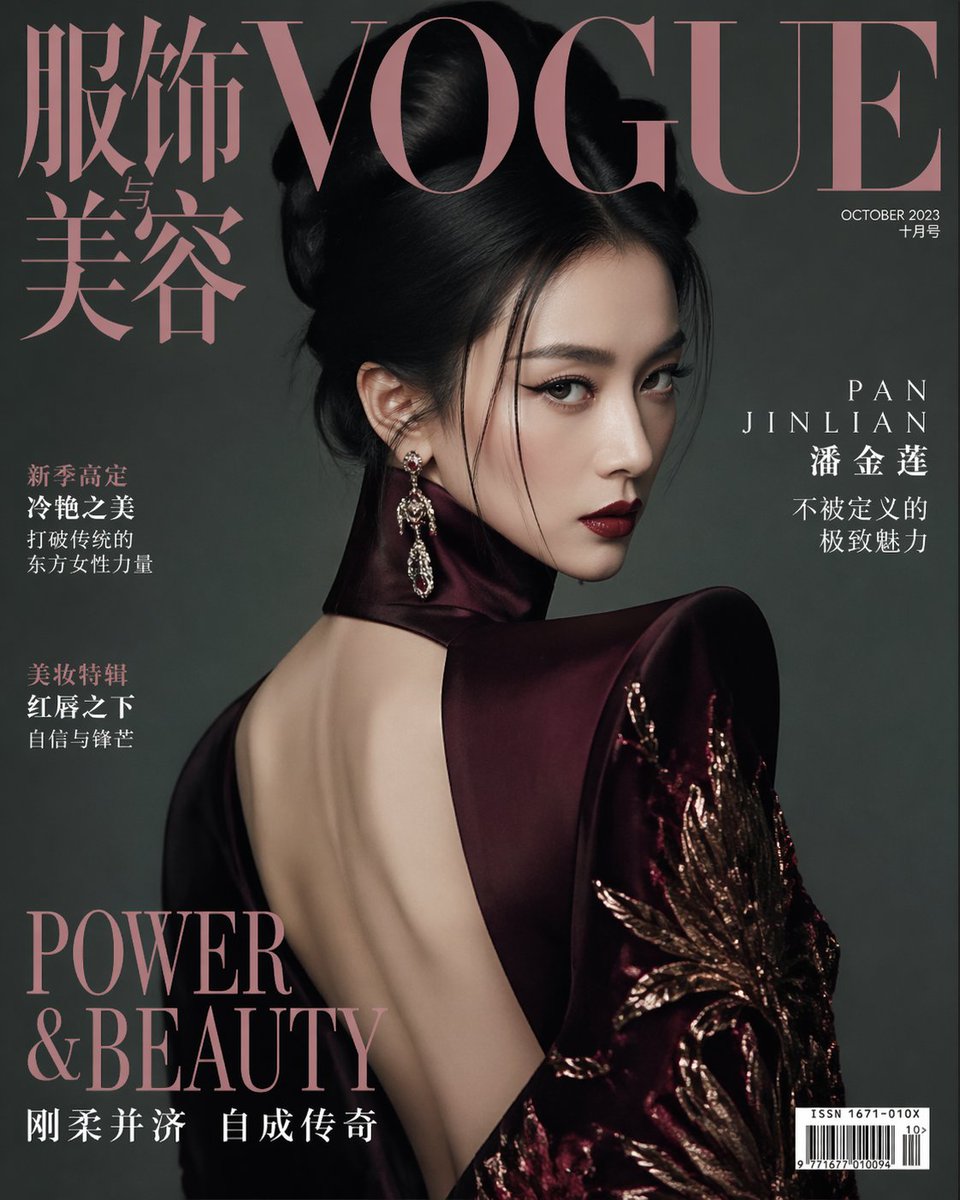
Vogue China Pan Jinlian Fashion
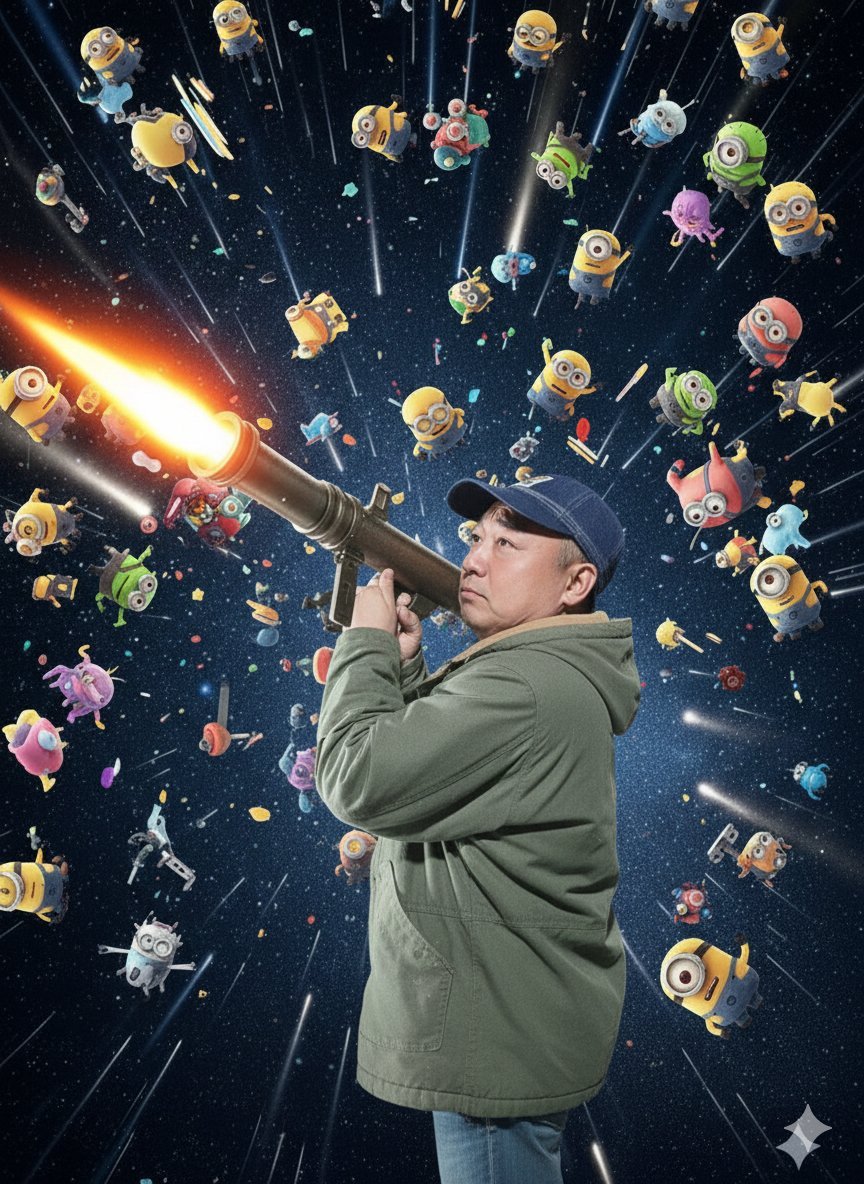
Nano Banana Pro Rocket Launcher Action Prompt
Browse template categories
Bird Shaman Character Turnaround questions
How do I use the Bird Shaman Character Turnaround template?
Add your photo if the template asks for one, edit the prompt if you like — the template's model and format are already selected — and press Generate. Your version opens in PicX Studio.
Can I customize the Bird Shaman Character Turnaround template?
Yes. You can change the subject, setting, lighting, mood, format, and available model controls before creating your image.
Is the Bird Shaman Character Turnaround template free?
Opening and editing this template is free. Generating uses credits, shown on the Generate button when you are signed in.
Which AI model should I use?
Start with GPT Image 2, which is the model associated with this template. You can compare another compatible model for a different finish.
Looking for something else? Browse all templates.

Your photo, any look
Thousands of ready templates for every top image and video model, from one credit balance.