
Watercolor Fantasy Dragon-Bird Boy
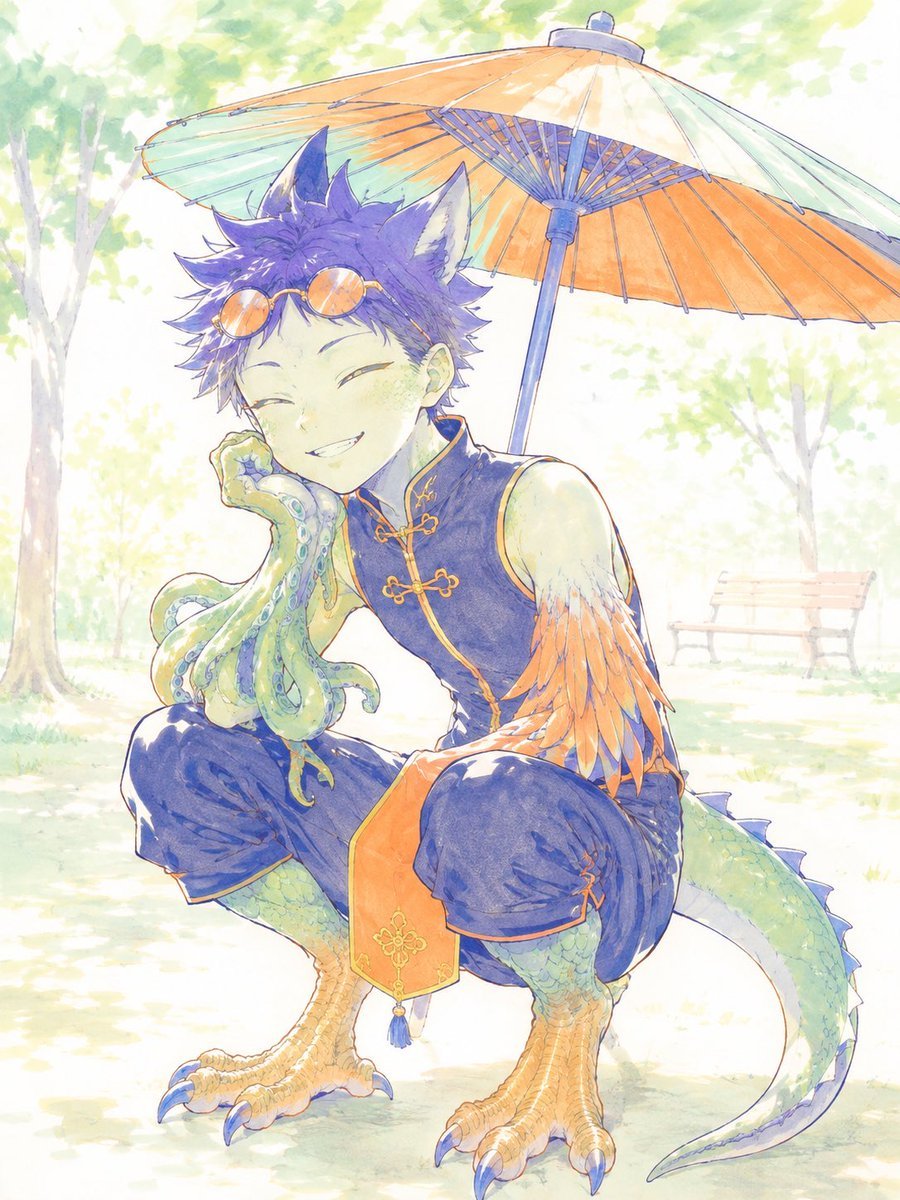
Generates a pastel anime watercolor portrait of a hybrid fantasy boy crouching under a Japanese parasol in a sunny park.
- Prompt included
- Model and format preset
- Free template
The prompt behind this image
Copy the exact prompt behind Watercolor Fantasy Dragon-Bird Boy, or open it in the studio and make it yours.
Create a soft watercolor anime illustration of a cheerful fantasy beast-boy character named {argument name="character name" default="unnamed dragon-bird boy"} crouching in a sunlit park. He has short messy {argument name="hair color" default="deep violet"} hair, large upright wolf/cat-like ears with pale inner fur, round orange-tinted sunglasses resting on his forehead, closed smiling eyes, and a relaxed mischievous grin. His body blends human, bird, reptile, and sea-creature traits: green scaled lower legs, large orange birdlike taloned feet with blue claws, a long green reptilian tail curving behind him with small blue dorsal spines, feathered orange-and-white arm plumage on one arm, and a small octopus companion or tentacled hand-like creature draped over his left hand near his cheek, with exactly eight visible green-blue tentacles and round blue suction cups. Dress him in a sleeveless dark navy Chinese-style vest with orange-gold trim and frog closures, loose dark navy cropped pants with orange edging, and an orange hanging front sash decorated with a small gold ornament and tassel. Pose him in a low squat facing slightly left, one elbow resting on his knee and one hand supporting his cheek, looking carefree and cute. Above and behind him place one large traditional Japanese paper parasol, tilted diagonally, with pale mint outer panels, warm orange underside, blue ribs, and a dark blue handle pole. Background: bright overexposed summer park with soft green trees, dappled sunlight, pale grass and path, and one faint wooden bench in the right distance. Visual style: delicate hand-painted anime watercolor, light pencil/ink outlines, pastel colors, translucent washes, airy high-key lighting, gentle bloom, whimsical fantasy character design, no text, no watermark, vertical portrait composition.
How to use Watercolor Fantasy Dragon-Bird Boy in 3 steps
- 1Upload ImagePNG, JPG or paste
Add your photo
Upload the photo the template builds on. The prompt, model and format are already set.
- 2…a portrait of your subject in softgolden-hour light, 85mm…
Personalize
Edit the subject and creative details for your destination.
- 3Generate
Generate
Press Generate — your image is created in PicX Studio, so you can compare it with the original and refine one variable at a time.
More like this
Templates with the same subject, style or setup. Open one to see its prompt.
Minecraft Fantasy Kingdom Voxel Landscape
Celestial Dragon Sky Fantasy
Watercolor Anim Finale Fireworks
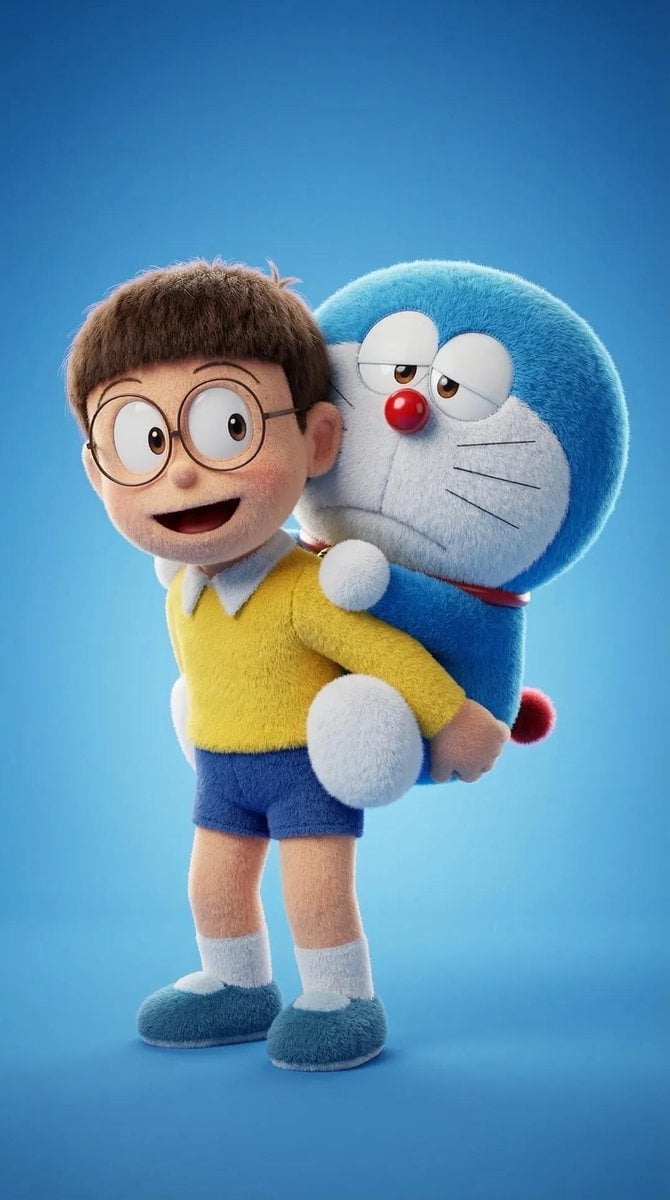
Watercolor Anim Garden Maze
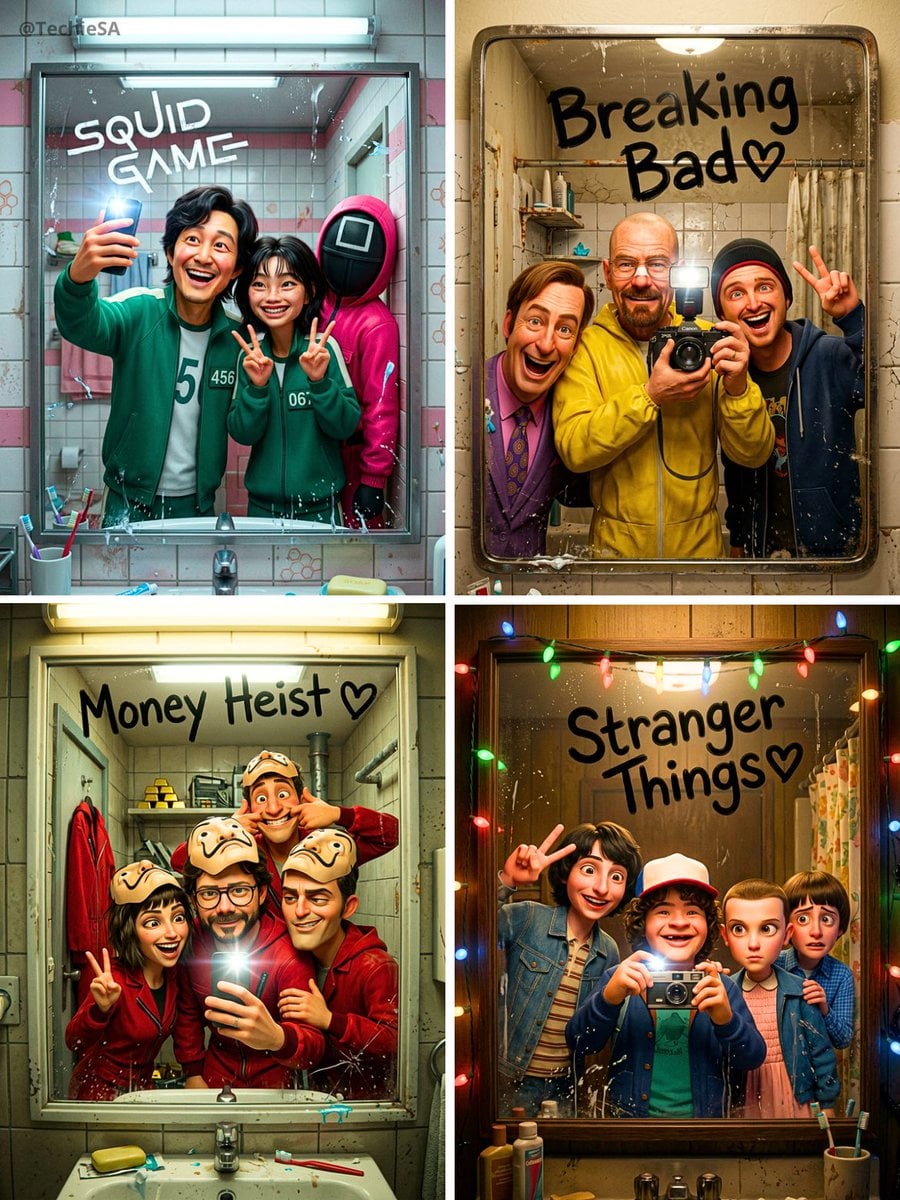
Watercolor Anim Rooftop Concert
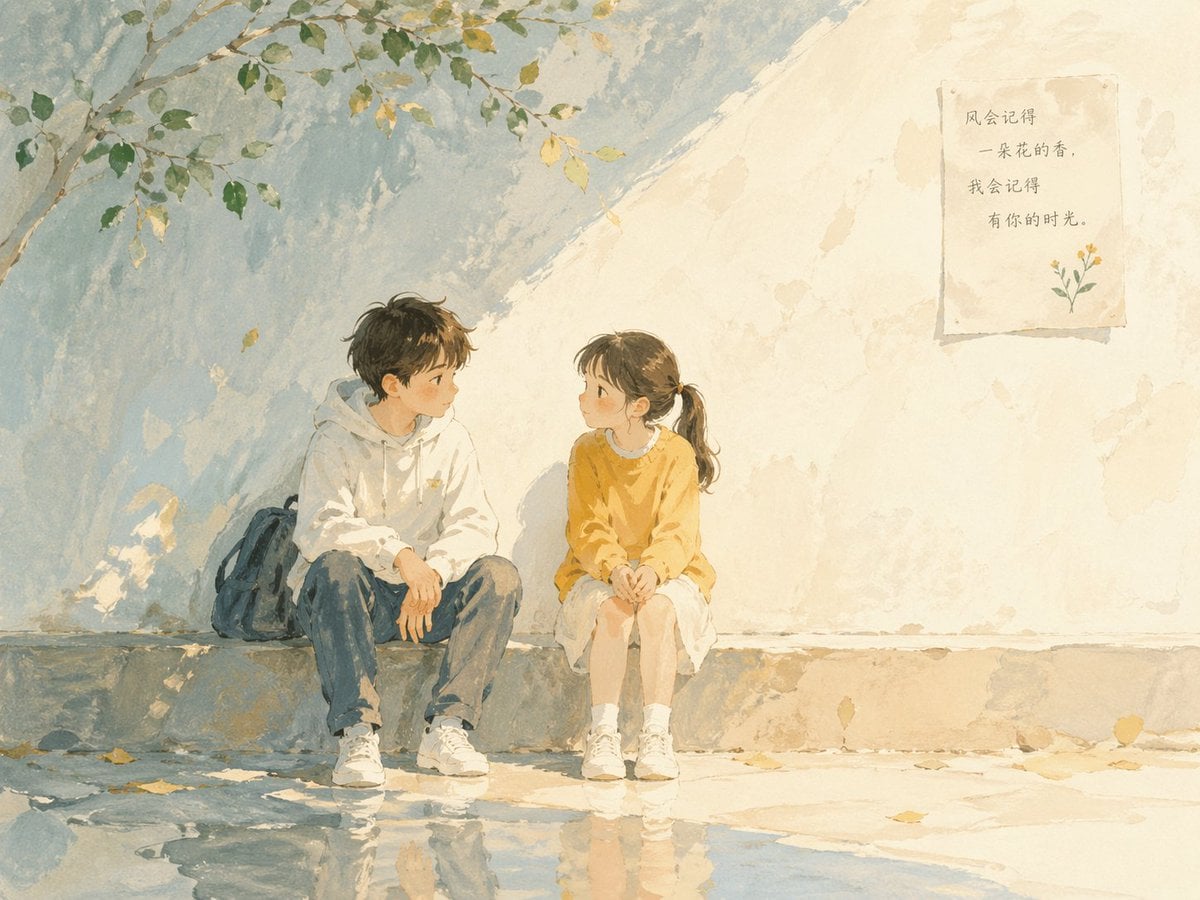
Watercolor Anim Bicycle Coast

Watercolor Anim Castle Gate
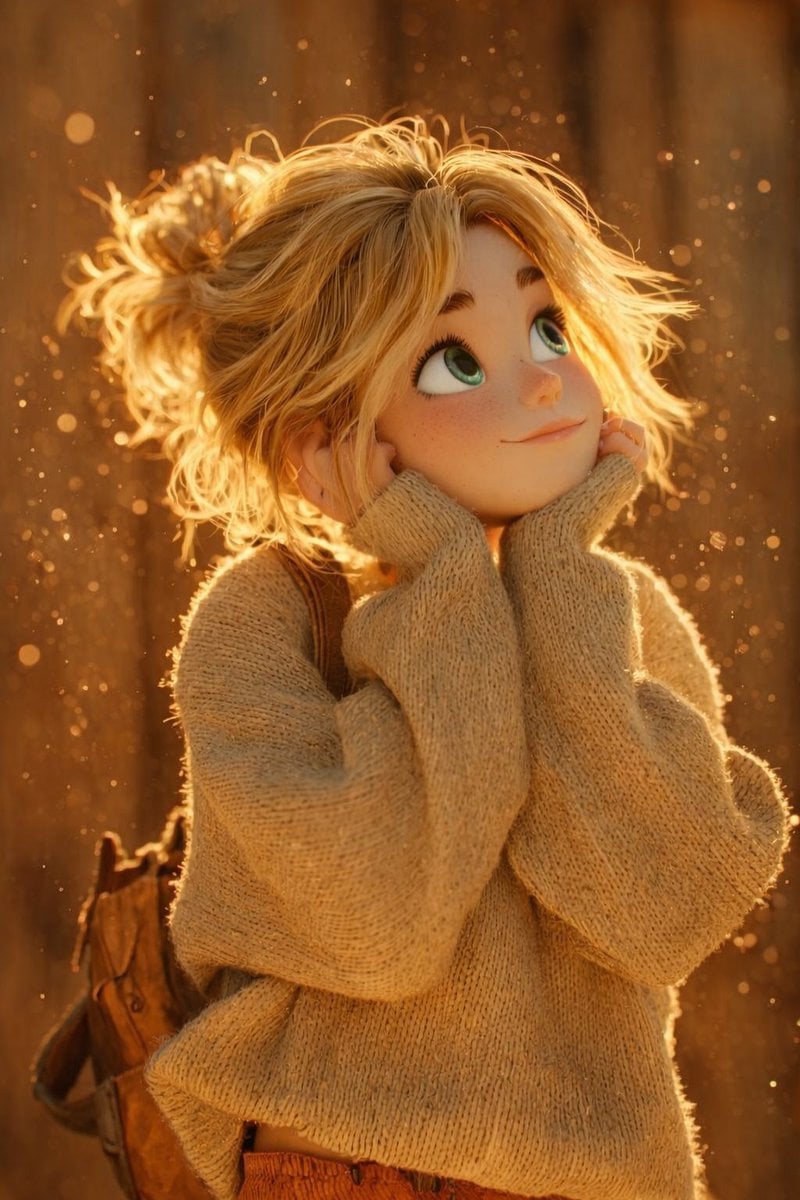
Watercolor Anim Kitchen Chaos
Watercolor Anim Carnival Ride
Watercolor Anim Rainy Bus Stop

Watercolor Anim Space Dock

Watercolor Anim Cafe Morning
Make it yours
Watercolor Fantasy Dragon-Bird Boy works as-is. These are the safest ways to change it without losing the look.
Change one field
Copy a single group, rewrite it, and generate again so you can see what that field is doing.
Keep the frame, change the subject
Hold the composition and light of Watercolor Fantasy Dragon-Bird Boy, then swap wardrobe, props or the person for a new take.
| If the result… | Why | Fix |
|---|---|---|
| The result drifts from the preview | Too many fields changed at once. | Reuse Watercolor Fantasy Dragon-Bird Boy as-is first, then change one group — subject, light, or setting. |
| The model over-stylizes the scene | The prose prompt leaves finish and camera underspecified. | Add one camera or lighting sentence and stay on GPT Image 2. |
More GPT Image 2 templates
Other prompts made for GPT Image 2.

Six VTuber Japanese Logo Sheet

Realistic Portrait of Woman and Deer

The Vista Modular Condo Poster

AI Model Routing Comparison Infographic

2.5D Anime Art Board

Isometric Productivity Desk Scene

New York Double Exposure Poster

Four-Panel AI Landscape Comparison

Japanese Tatami Lifestyle Magazine Cover

NESCAFÉ Coffee Map Poster
More image prompts
Fresh picks from across the catalog.
8K Portrait Photography with Cool Tones and Shallow Depth
Japanese Short Video Outro Variants
Prompt to Praise an Image's Emotional Quality
Commemorative Silver Coin Showcase
Hyper-Realistic Fashion Portrait with Reference Image
Man Pouring Water on Magic Heart
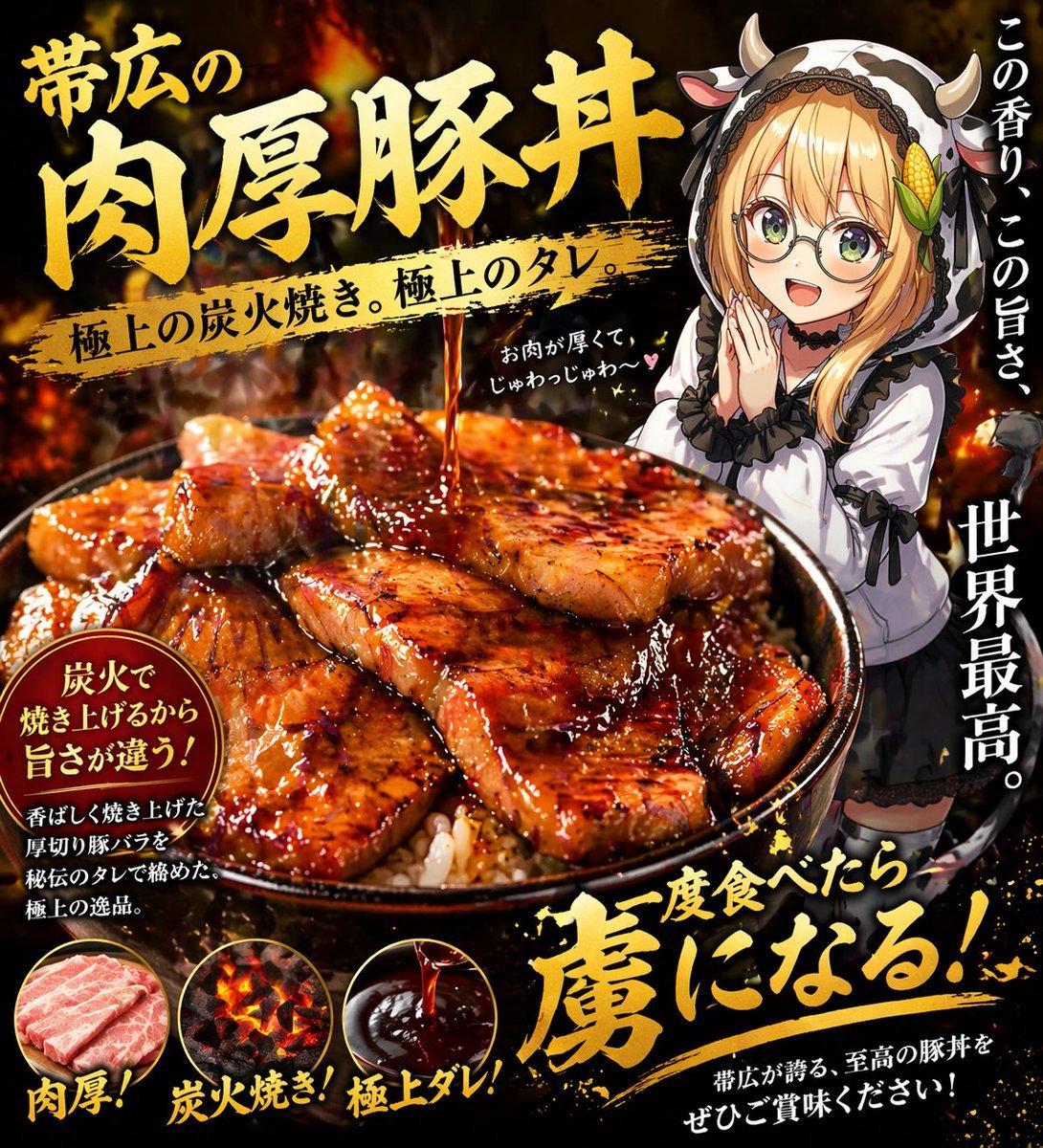
Fiery Butadon Japanese Ad Poster

Elegant Japanese Divorce Law LP Hero

Stunning Photo Prompt for Gemini Nano Banana
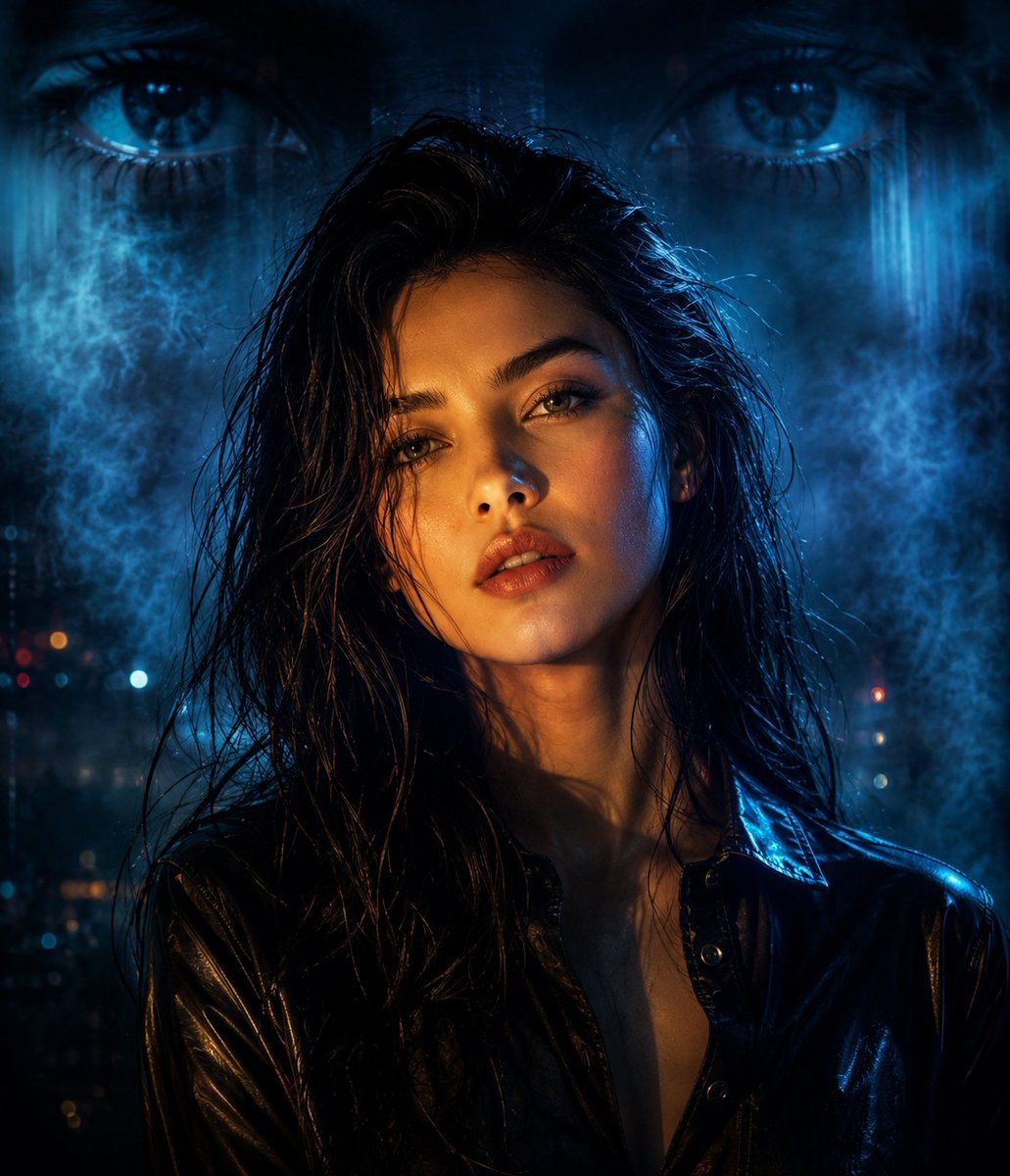
Cyberpunk Split Lighting Portrait
Browse template categories
Watercolor Fantasy Dragon-Bird Boy questions
How do I use the Watercolor Fantasy Dragon-Bird Boy template?
Add your photo if the template asks for one, edit the prompt if you like — the template's model and format are already selected — and press Generate. Your version opens in PicX Studio.
Can I customize the Watercolor Fantasy Dragon-Bird Boy template?
Yes. You can change the subject, setting, lighting, mood, format, and available model controls before creating your image.
Is the Watercolor Fantasy Dragon-Bird Boy template free?
Opening and editing this template is free. Generating uses credits, shown on the Generate button when you are signed in.
Which AI model should I use?
Start with GPT Image 2, which is the model associated with this template. You can compare another compatible model for a different finish.
Looking for something else? Browse all templates.

Your photo, any look
Thousands of ready templates for every top image and video model, from one credit balance.