
Hyper-Realistic Fashion Portrait with Reference Image
A highly detailed, hyper-realistic prompt for generating a three-quarter length photograph of an adult woman in a high-fashion studio setting, emphasizing the use of a reference image for character consistency and…
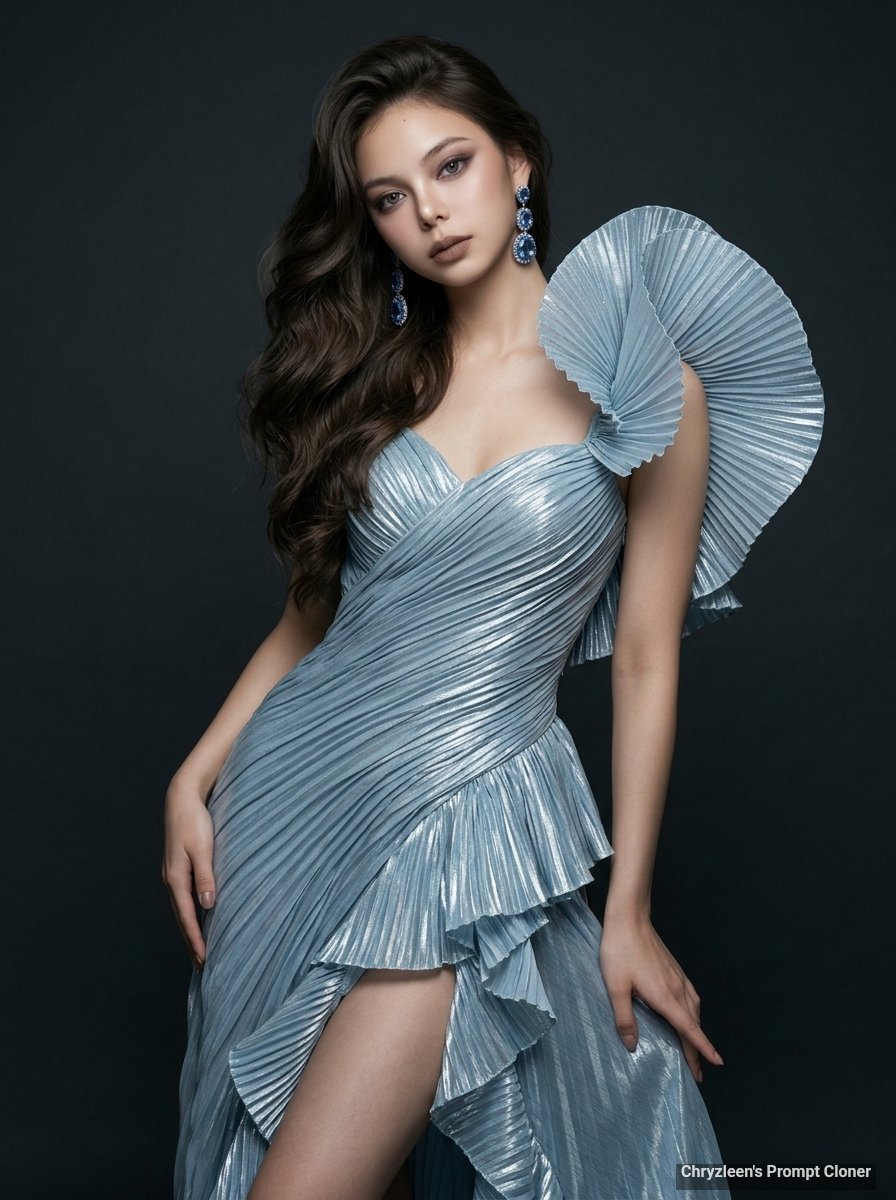
- Prompt included
- Model and format preset
- Free template
The prompt behind this image
Copy the exact prompt behind Hyper-Realistic Fashion Portrait with Reference Image, or open it in the studio and make it yours.
Create image: Use the attached reference image as a visual guide for the character’s appearance, maintaining strong resemblance to the person in the reference. Preserve key visual traits such as facial structure and overall proportions, while allowing small natural variations typical of real photography. The generated subject should clearly resemble the reference while remaining a natural photographic interpretation. Aspect Ratio: 3:4. Shot on a Phase One XF with a Schneider-Kreuznach 80mm f/2.8 LS lens, this hyper-realistic three-quarter length photograph captures an adult woman in a high-fashion studio setting, framed slightly off-center for a natural, candid feel. The subject exhibits a slender and athletic build with a sophisticated weight shift onto her right leg, causing her right hip to rise subtly while her torso is angled 15 degrees to the left. Her right hand rests gracefully on her upper thigh with fingers relaxed and softly curved, while her left arm is bent at a sharp angle with the hand placed higher on the hip, creating a dynamic, non-symmetrical silhouette. Her head is tilted slightly toward her right shoulder, maintaining a captivating and charismatic direct gaze. Her skin is depicted with microscopic detail, showcasing a radiant glass-skin finish with visible pores and a healthy glow on her exposed shoulders and collarbone. Her voluminous dark brown hair is styled in dramatic, cascading curls swept heavily to one side, creating an asymmetrical flow of texture and deep shadows. She wears an architectural couture gown made of shimmering, pleated icy-blue metallic lamé that catches the light along every sharp ridge. The bodice features intricate diagonal pleating and a structured sweetheart neckline, while a massive, fan-like sculptural ruffle erupts from the left shoulder. The skirt includes a wrap-around front with a high thigh-level slit, bordered by vertical cascading ruffles that suggest mid-motion fluidity. Her face is styled with a glamorous evening makeup look consisting of a soft mauve and charcoal smoky eye, sharp winged eyeliner, and defined dark brown brows, finished with a matte taupe lip color. She is adorned with large, tiered drop earrings in a matching matte blue finish. The lighting is professionally executed with a primary softbox from the front-side creating gentle shadows under the jawline and deep, cinematic contrast against a minimalist, dark charcoal grey studio backdrop with a smooth, non-reflective floor. Aspect Ratio 3:4.
How to use Hyper-Realistic Fashion Portrait with Reference Image in 3 steps
- 1Upload ImagePNG, JPG or paste
Add your photo
Upload the photo the template builds on. The prompt, model and format are already set.
- 2…a portrait of your subject in softgolden-hour light, 85mm…
Personalize
Edit the subject and creative details for your destination.
- 3Generate
Generate
Press Generate — your image is created in PicX Studio, so you can compare it with the original and refine one variable at a time.
More like this
Templates with the same subject, style or setup. Open one to see its prompt.

Nano Banana 2 High Fashion Sports Campai

Couture Fashion Editorial Woman and Drag

Ive Yujin Fashion Portrait in Blue

Nano Banana 2 Editorial Fashion Portrait

Caution Tape Fashion — Industrial Editorial

Miniature Self Portrait Collage

Found Photograph: Us, 1970

80s Couple Studio Portrait

80s College Gate

1988 Mall Style

80s Polka Dot Saree

80s Bollywood Star
Make it yours
Hyper-Realistic Fashion Portrait with Reference Image works as-is. These are the safest ways to change it without losing the look.
Change one field
Copy a single group, rewrite it, and generate again so you can see what that field is doing.
Keep the frame, change the subject
Hold the composition and light of Hyper-Realistic Fashion Portrait with Reference Image, then swap wardrobe, props or the person for a new take.
| If the result… | Why | Fix |
|---|---|---|
| The result drifts from the preview | Too many fields changed at once. | Reuse Hyper-Realistic Fashion Portrait with Reference Image as-is first, then change one group — subject, light, or setting. |
| The model over-stylizes the scene | The prose prompt leaves finish and camera underspecified. | Add one camera or lighting sentence and stay on Nano Banana 2. |
More Nano Banana 2 templates
Other prompts made for Nano Banana 2.

Photorealistic Leaf Shaped Like a Dragon

K-Pop Idol Portrait Grid for Rapid Selection

Poetic Rain Forest Portrait During Golden Hour

Urban Street Portrait with Cartoon Inner Self Duo

Candid Nighttime Photo with Cat Prompt

High-Concept 3D Diorama Generation Prompt

Cinematic Futuristic Studio Portrait Template

Skincare Editorial Photography Collage Prompt

Hyper-Realistic Commercial Product Photography (Splash Effect)

Hyper-Realistic Nightclub Portrait Prompt
More image prompts
Fresh picks from across the catalog.
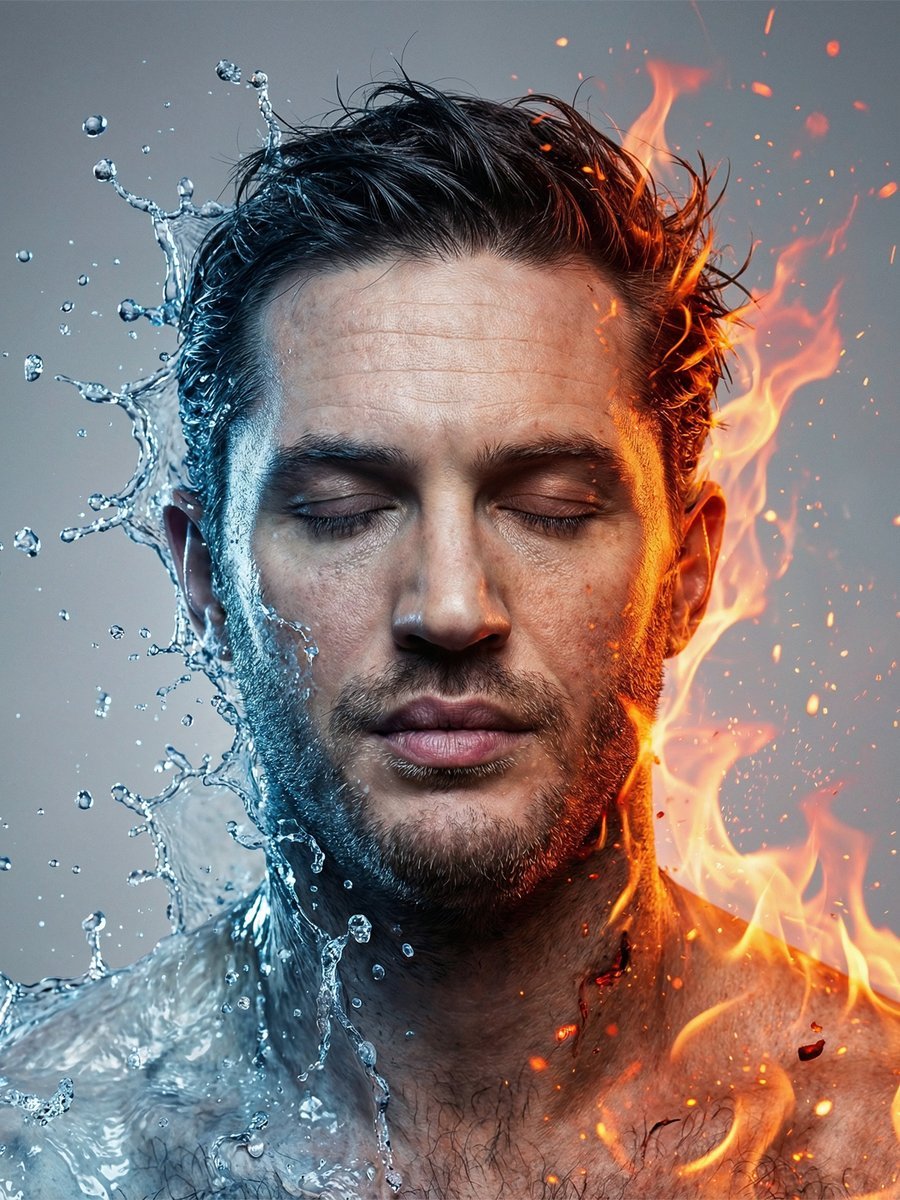
Conceptual Fire and Water Portrait
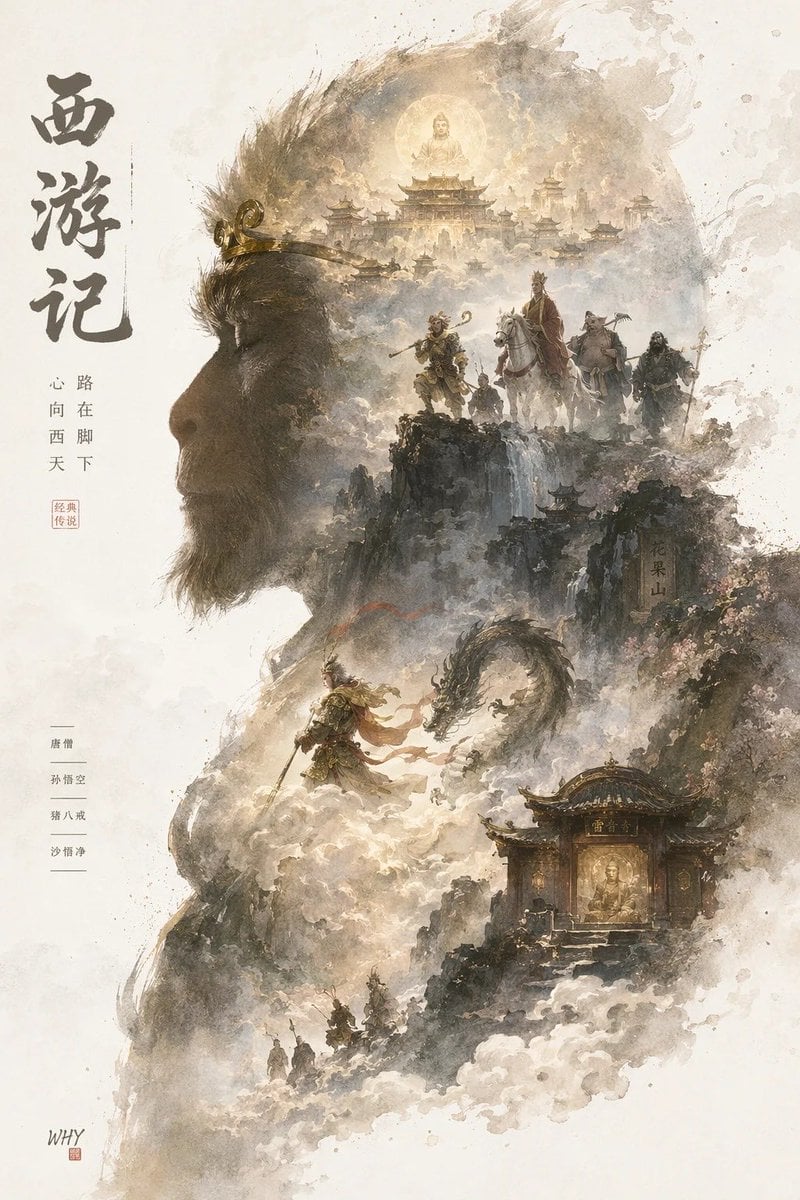
Epic Silhouetted World Poster
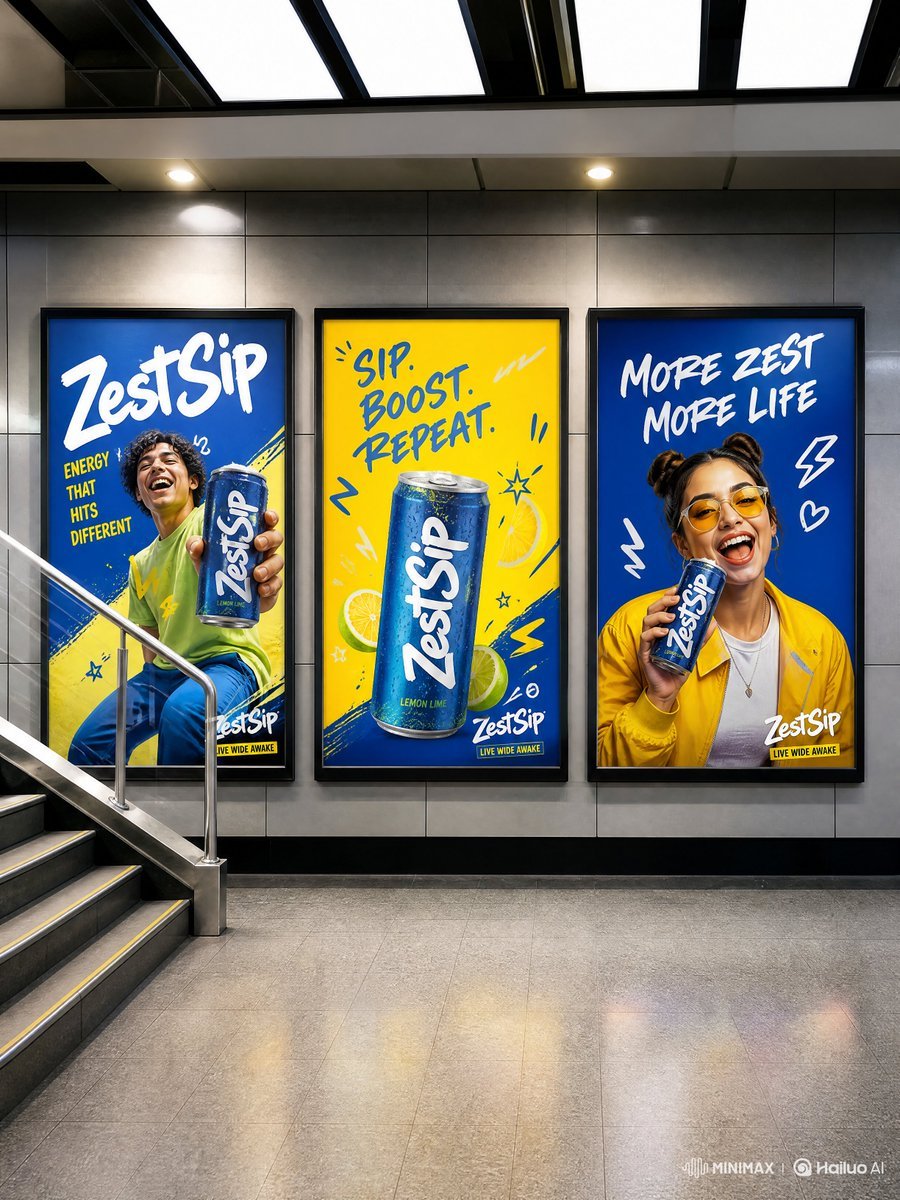
Modern Transit Station Ad Scene
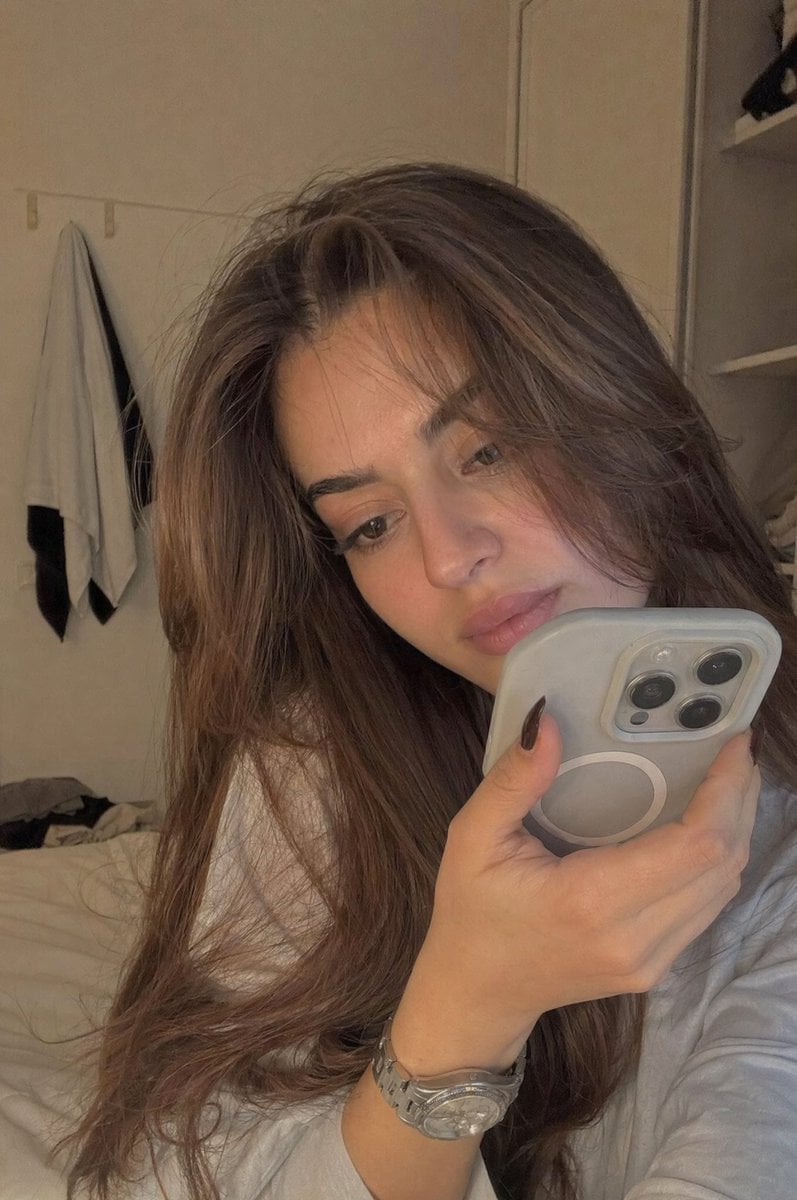
Realistic Bedroom Phone Recording Style
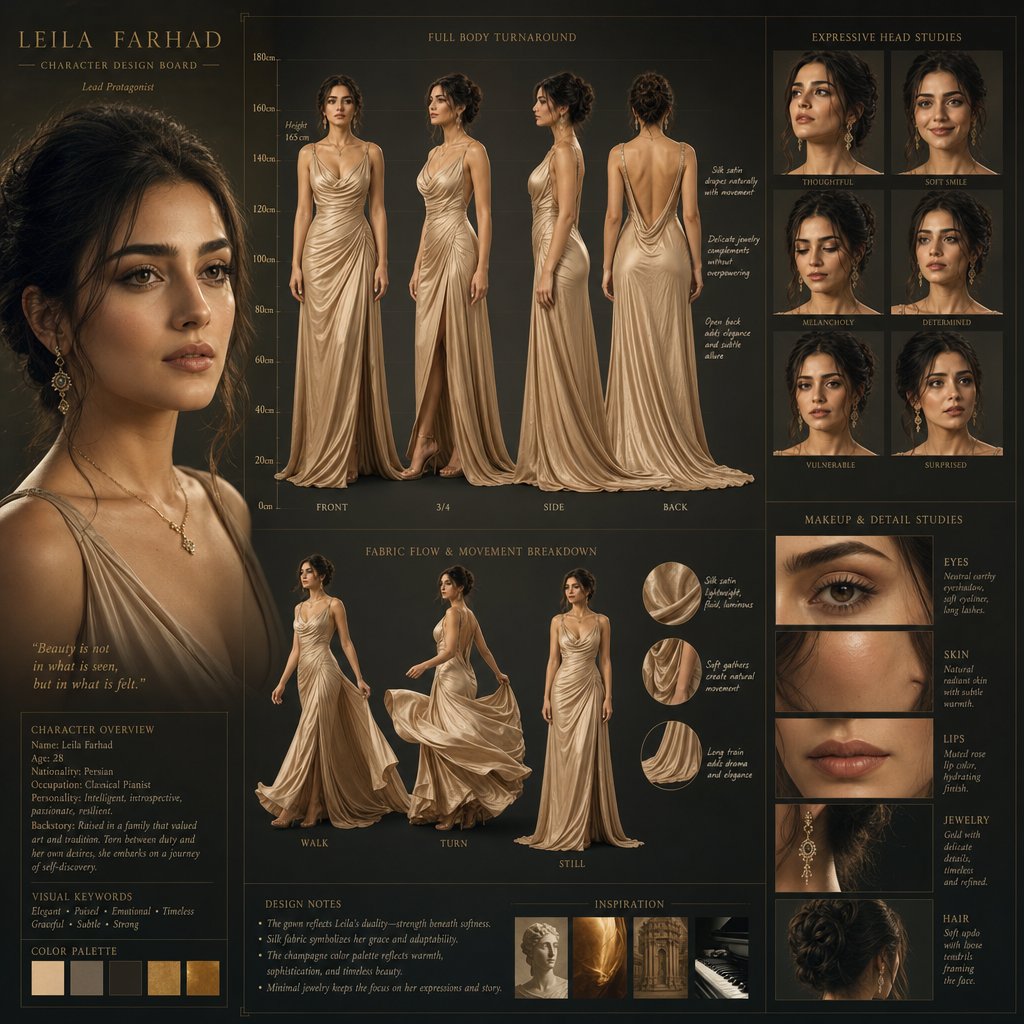
Cinematic Character Design Board
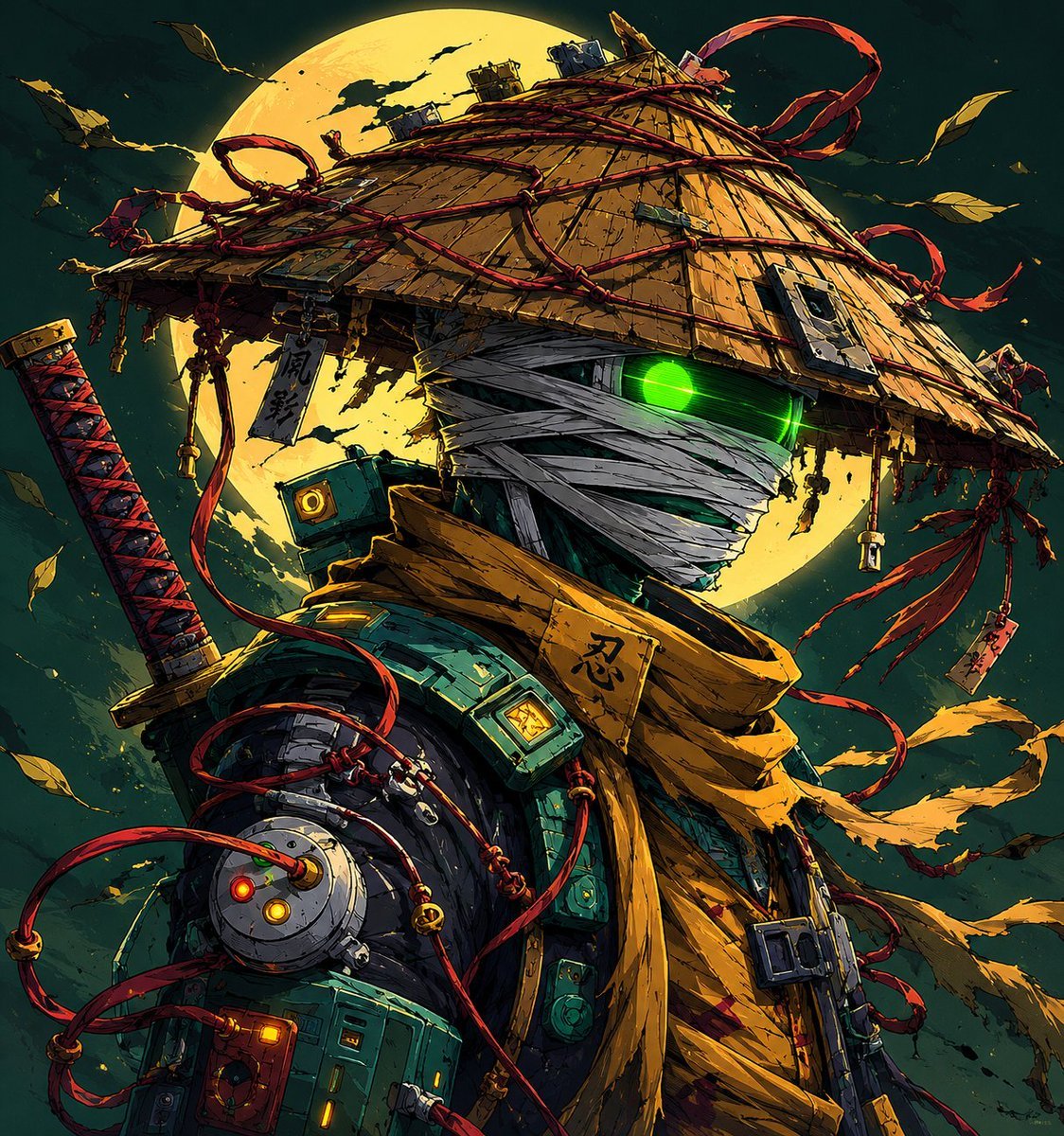
Parisian Sidewalk Fashion Editorial
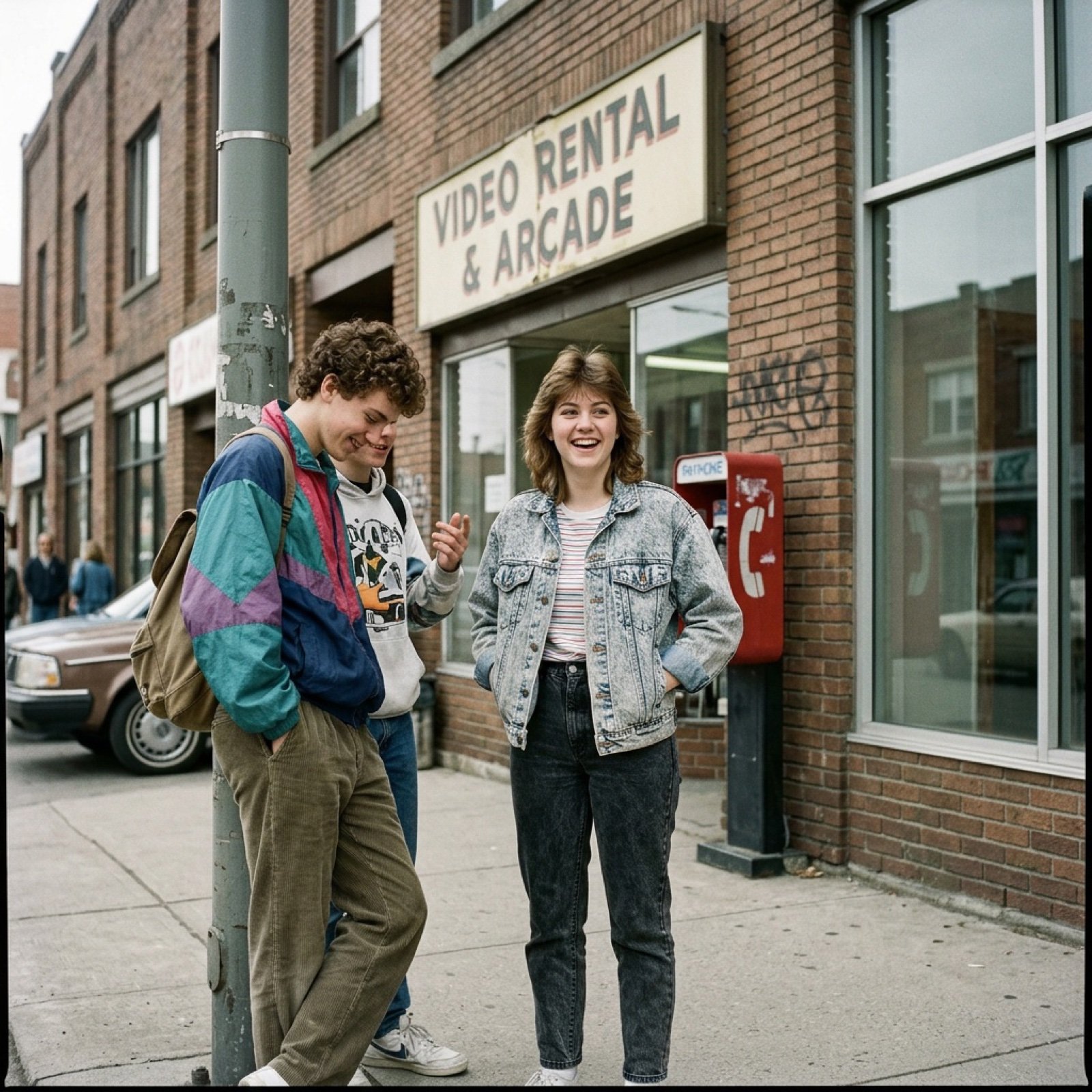
80s Low-Fidelity Snapshot Prompt
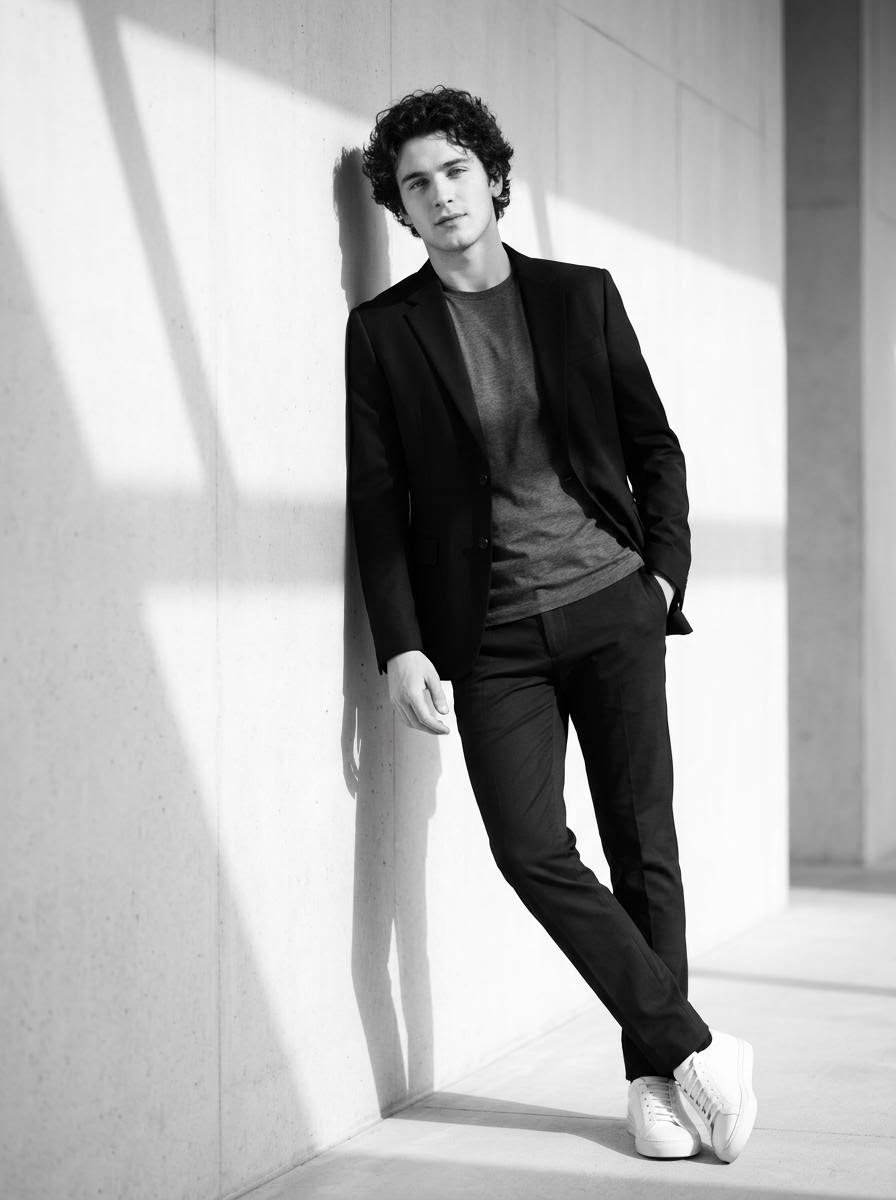
High-Contrast Black and White Cinematic Portrait
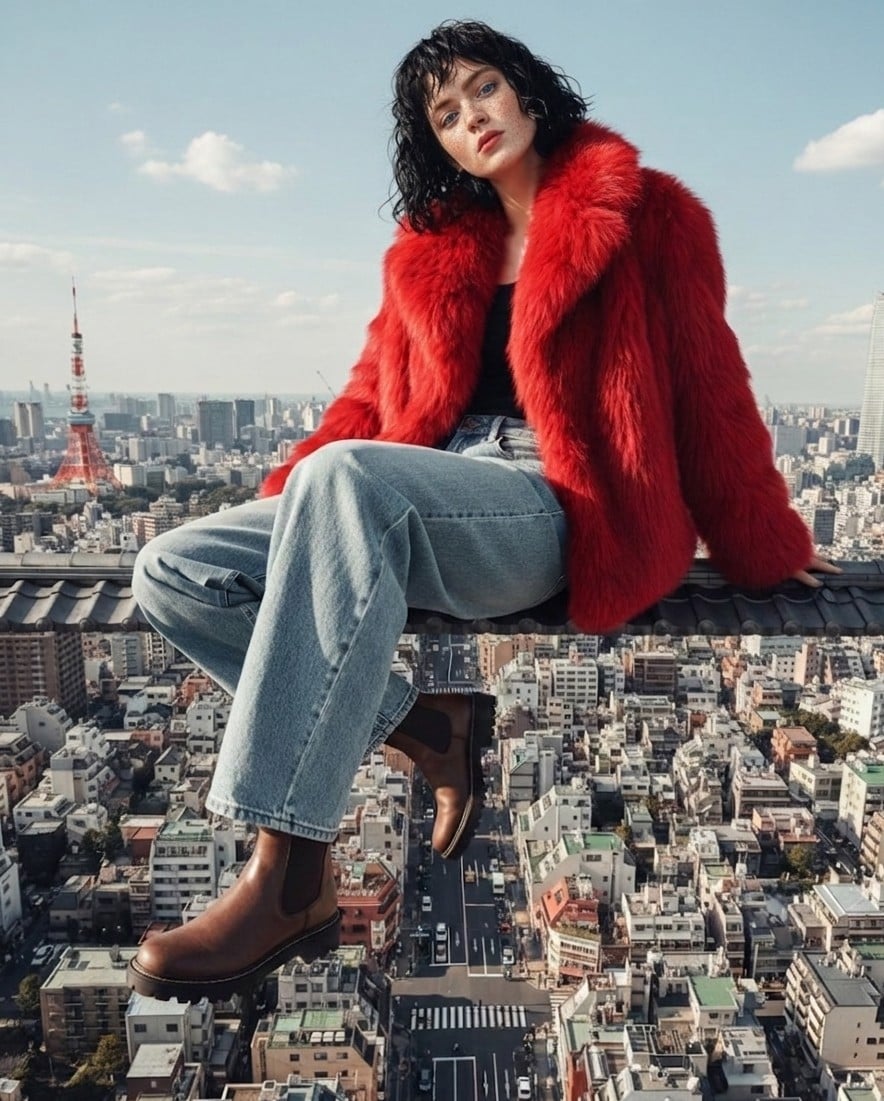
High Fashion Editorial Prompt using Nano Banana 2
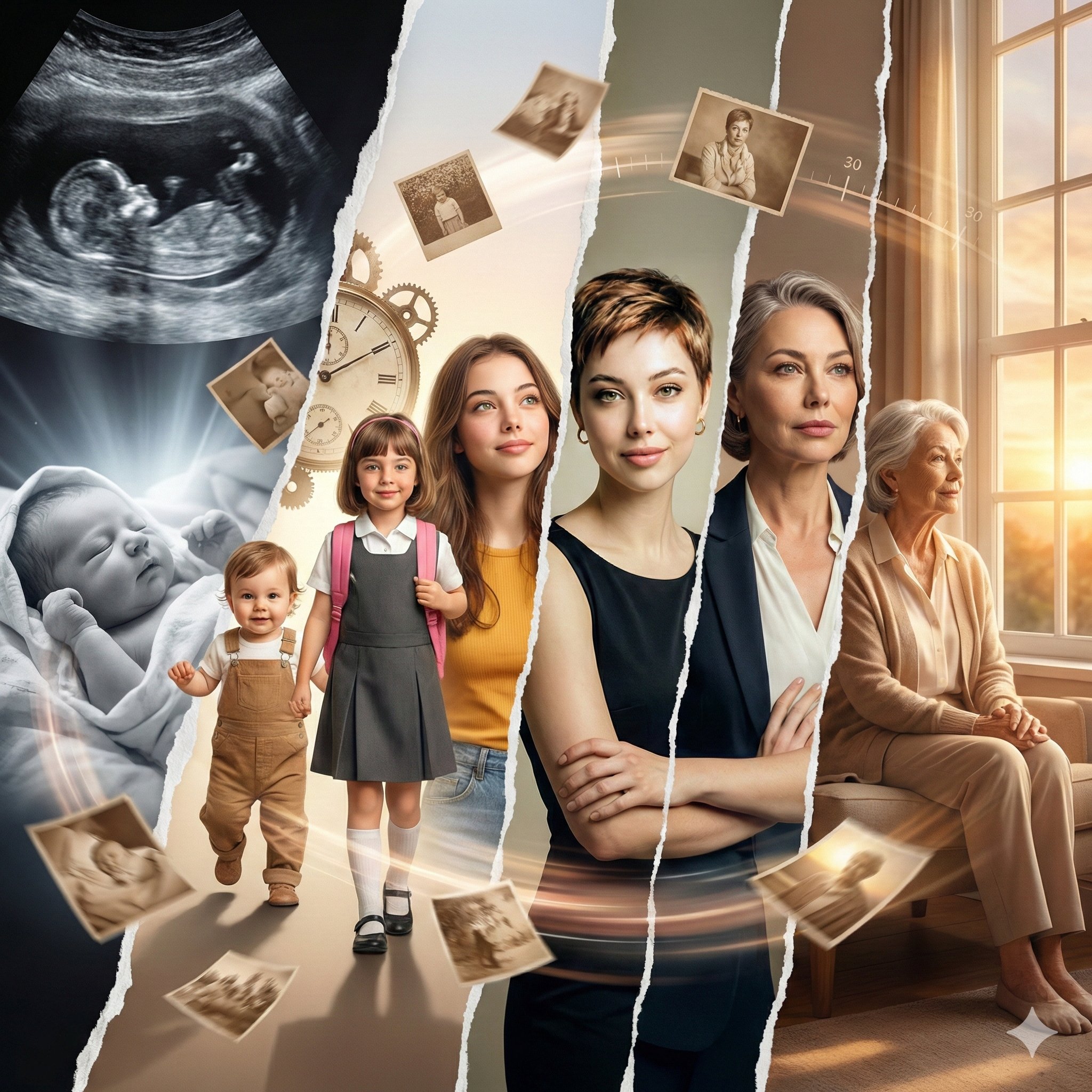
Life Journey on Google Gemini Nano Banan
Browse template categories
Hyper-Realistic Fashion Portrait with Reference Image questions
How do I use the Hyper-Realistic Fashion Portrait with Reference Image template?
Add your photo if the template asks for one, edit the prompt if you like — the template's model and format are already selected — and press Generate. Your version opens in PicX Studio.
Can I customize the Hyper-Realistic Fashion Portrait with Reference Image template?
Yes. You can change the subject, setting, lighting, mood, format, and available model controls before creating your image.
Is the Hyper-Realistic Fashion Portrait with Reference Image template free?
Opening and editing this template is free. Generating uses credits, shown on the Generate button when you are signed in.
Which AI model should I use?
Start with Nano Banana 2, which is the model associated with this template. You can compare another compatible model for a different finish.
Looking for something else? Browse all templates.

Your photo, any look
Thousands of ready templates for every top image and video model, from one credit balance.