
Fiery Butadon Japanese Ad Poster
This prompt generates a dramatic Japanese restaurant-style flyer for a thick-cut charcoal-grilled pork bowl, ideal for food promotions, social posts, or menu advertising.
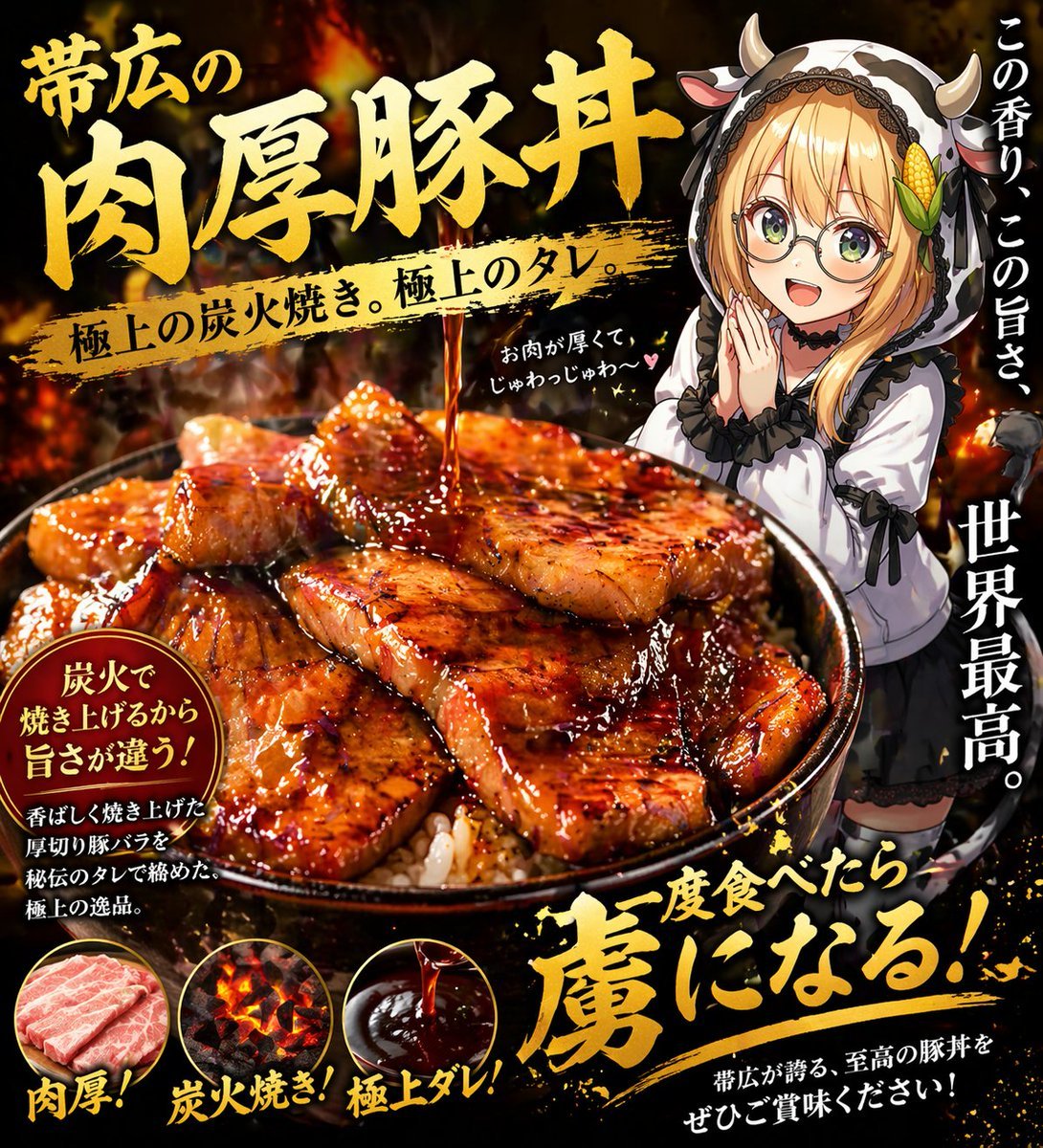
- Prompt included
- Model and format preset
- Free template
The prompt behind this image
Copy the exact prompt behind Fiery Butadon Japanese Ad Poster, or open it in the studio and make it yours.
A dramatic Japanese food advertisement poster for a premium pork rice bowl, vertical composition, black and fiery orange background with glowing embers, smoke, and a high-contrast gourmet marketing look. The main focus is an oversized bowl of butadon in the lower center, filled with white rice and topped with many thick slices of glossy grilled pork belly, richly lacquered with dark sweet soy glaze, visible char marks, caramelized edges, and a stream of sauce pouring down from above onto the meat. Make the food look hyper-appetizing, juicy, rich, and slightly exaggerated like a restaurant flyer. Large bold brushed gold Japanese headline text dominates the upper left: {argument name="headline text" default="帯広の肉厚豚丼"}. Across the middle, a gold paint-stroke banner contains black Japanese text: {argument name="subheadline text" default="極上の炭火焼き。極上のタレ。"}. On the right side, add a cute anime girl mascot standing behind the bowl, about half-body visible, wearing a black-and-white cow-themed hoodie with small horns, long blonde hair, frilly sleeves, and a shy delighted pose with one hand near her mouth; keep her face intentionally obscured by a plain beige rectangle censor block. Add vertical white Japanese copy along the right edge in 2 separate text groups: 1 at the upper right, 1 larger at the mid-to-lower right. Add a small handwritten-style white note near the girl with a tiny heart. In the lower left, include a dark circular callout badge with gold rim and white/yellow Japanese text about charcoal grilling and flavor. Along the very bottom, place 3 circular ingredient-feature icons with exact labels beneath them: raw pork slices labeled {argument name="feature label 1" default="肉厚!"}, glowing charcoal embers labeled {argument name="feature label 2" default="炭火焼き!"}, and glossy dark sauce labeled {argument name="feature label 3" default="極上ダレ!"}. At the bottom right, add a huge energetic gold brush-calligraphy slogan with splattered paint effects, plus a smaller white sentence beneath it. Use intense lighting, glossy highlights, premium yakiniku flyer aesthetics, dense Japanese typography, bold brush fonts, and a mouthwatering late-night food terror vibe.
How to use Fiery Butadon Japanese Ad Poster in 3 steps
- 1Upload ImagePNG, JPG or paste
Add your photo
Upload the photo the template builds on. The prompt, model and format are already set.
- 2…a portrait of your subject in softgolden-hour light, 85mm…
Personalize
Edit the subject and creative details for your destination.
- 3Generate
Generate
Press Generate — your image is created in PicX Studio, so you can compare it with the original and refine one variable at a time.
More like this
Templates with the same subject, style or setup. Open one to see its prompt.
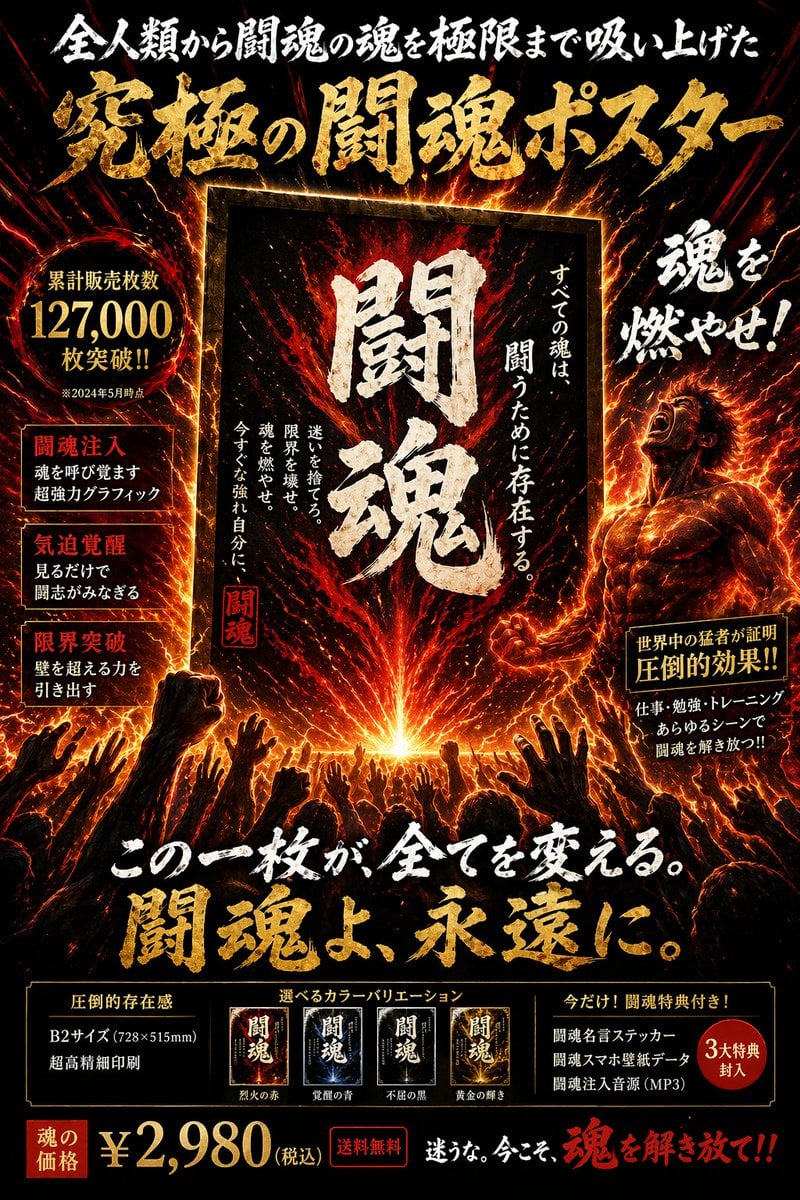
Fiery Japanese Promotional Poster

Minecraft Japanese Research Lab Exploration

Japan Travel Brochure Poster

Cartoon TV Show Poster Pack

Trendy Cafe Drink Promo Poster

Urban Fashion Editorial Collage Streetwear Poster

Japanese Architectural Concrete Studio Fashion Campaign

Premium Fashion Editorial Cover Layout System

Polo Ralph Lauren Luxury American Heritage Fashion Campaign

Monochrome Halftone Editorial Fashion Poster

Retro Mirror Luxury Fashion Campaign Poster

Luxury Fashion Campaign Typography Poster System
Make it yours
Fiery Butadon Japanese Ad Poster works as-is. These are the safest ways to change it without losing the look.
Change one field
Copy a single group, rewrite it, and generate again so you can see what that field is doing.
Keep the frame, change the subject
Hold the composition and light of Fiery Butadon Japanese Ad Poster, then swap wardrobe, props or the person for a new take.
| If the result… | Why | Fix |
|---|---|---|
| The result drifts from the preview | Too many fields changed at once. | Reuse Fiery Butadon Japanese Ad Poster as-is first, then change one group — subject, light, or setting. |
| The model over-stylizes the scene | The prose prompt leaves finish and camera underspecified. | Add one camera or lighting sentence and stay on GPT Image 2. |
More GPT Image 2 templates
Other prompts made for GPT Image 2.

Six VTuber Japanese Logo Sheet

Realistic Portrait of Woman and Deer

The Vista Modular Condo Poster

AI Model Routing Comparison Infographic

2.5D Anime Art Board

Isometric Productivity Desk Scene

New York Double Exposure Poster

Four-Panel AI Landscape Comparison

Japanese Tatami Lifestyle Magazine Cover

NESCAFÉ Coffee Map Poster
More image prompts
Fresh picks from across the catalog.
Steamy Mirror Selfie Prompt
Identity-Locked Motorcycle Ride Photo

Anime Fantasy Travel Movie Poster

Ultra-realistic Macro Scene of Restoration Workers
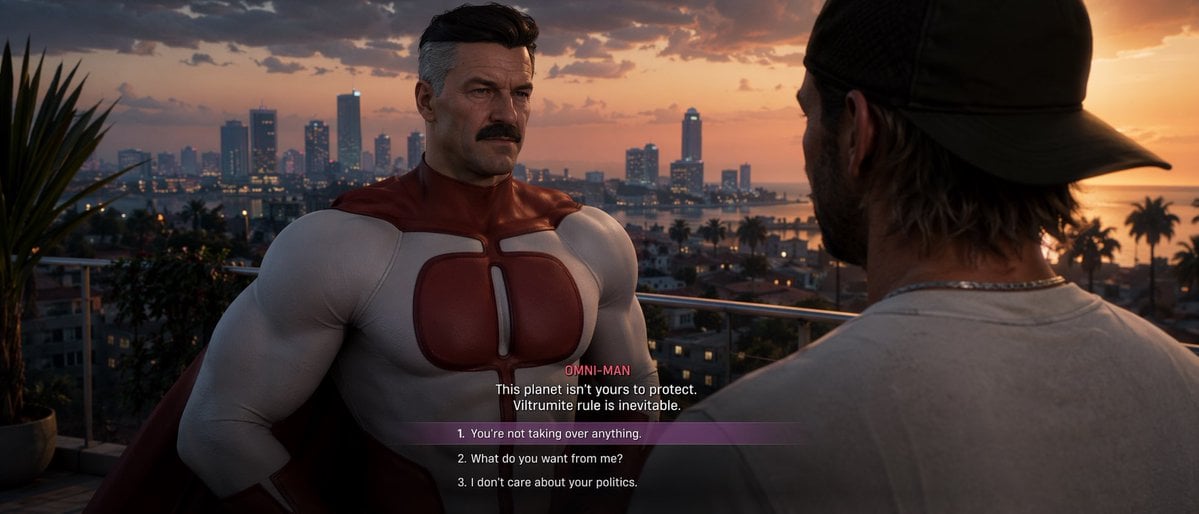
GTA-Style Dialogue Screenshot
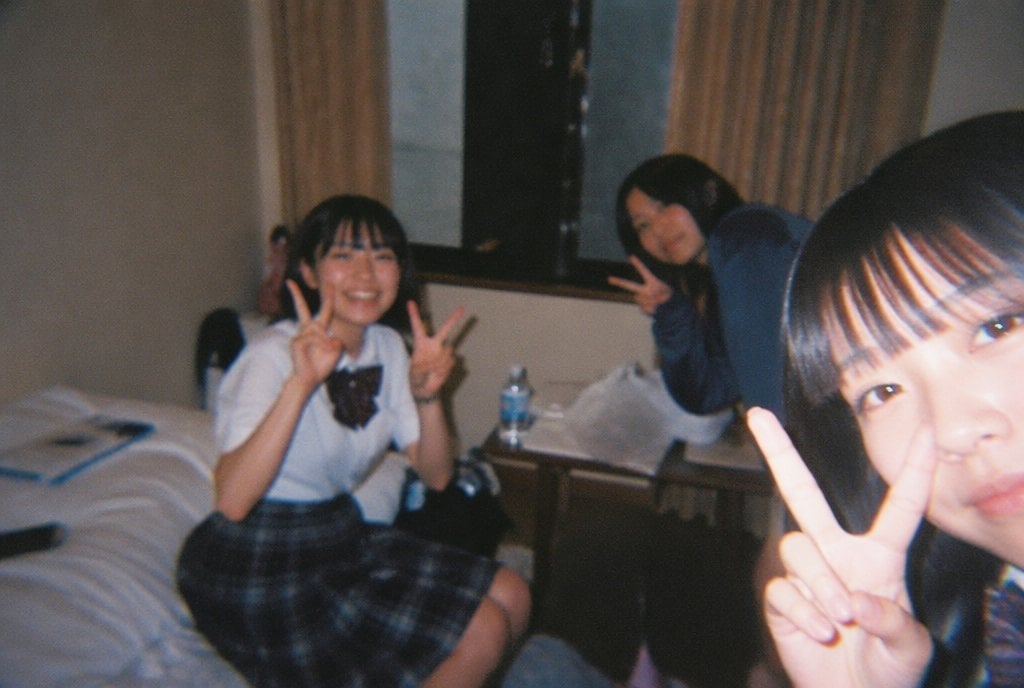
Nostalgic Disposable Camera Style
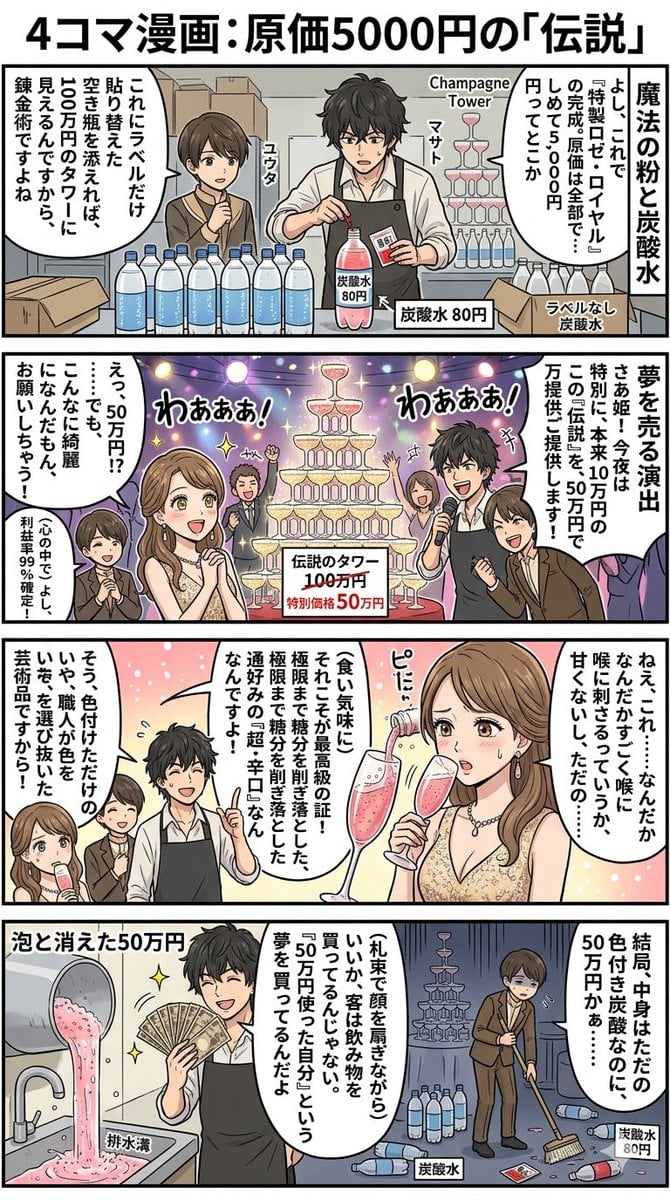
Four-Panel Manga: The Legend of the 5000 Yen Cost
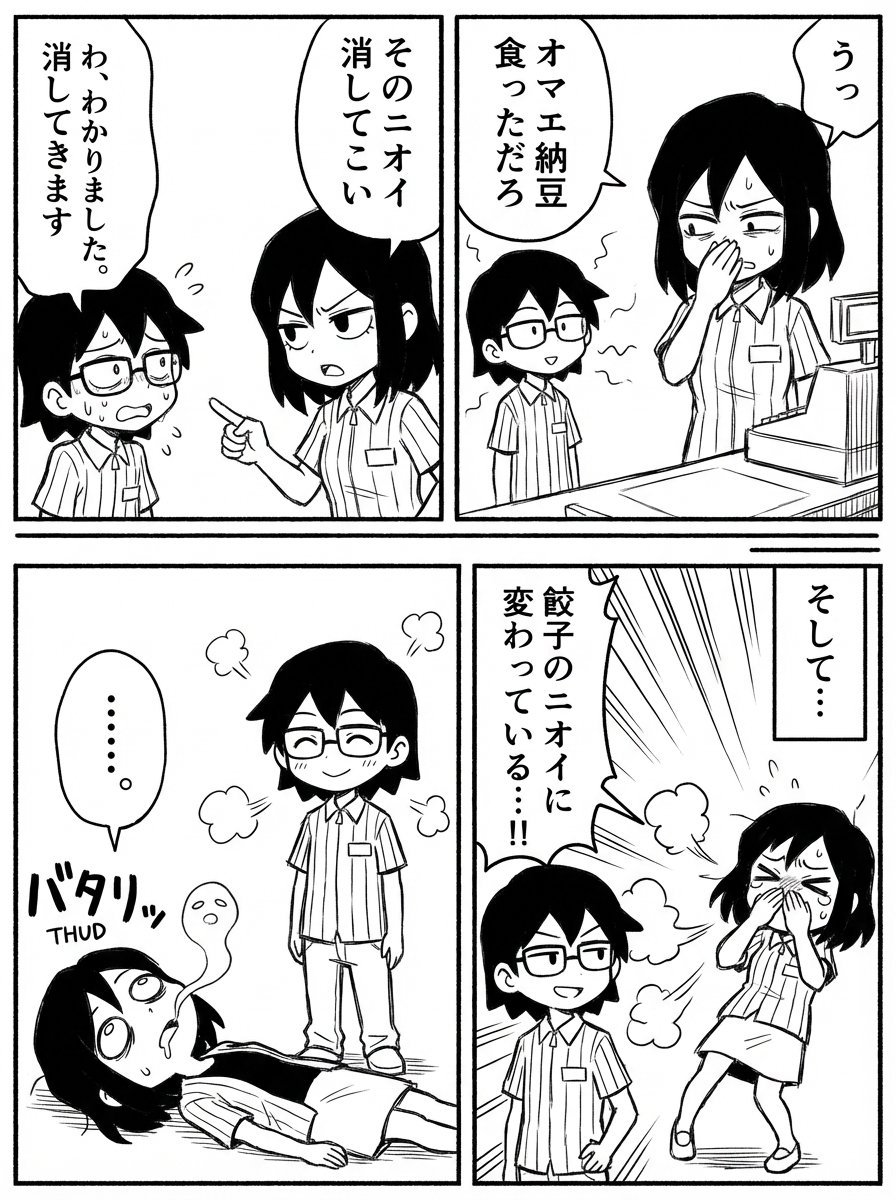
Image Editing Prompt: Adding a Shelf to a Panel

Persian Carpet Inspired Portrait Prompt

Chinese Hotpot Children’s Day Poster
Browse template categories
Fiery Butadon Japanese Ad Poster questions
How do I use the Fiery Butadon Japanese Ad Poster template?
Add your photo if the template asks for one, edit the prompt if you like — the template's model and format are already selected — and press Generate. Your version opens in PicX Studio.
Can I customize the Fiery Butadon Japanese Ad Poster template?
Yes. You can change the subject, setting, lighting, mood, format, and available model controls before creating your image.
Is the Fiery Butadon Japanese Ad Poster template free?
Opening and editing this template is free. Generating uses credits, shown on the Generate button when you are signed in.
Which AI model should I use?
Start with GPT Image 2, which is the model associated with this template. You can compare another compatible model for a different finish.
Looking for something else? Browse all templates.

Your photo, any look
Thousands of ready templates for every top image and video model, from one credit balance.