
GTA-Style Dialogue Screenshot
Generates a realistic video game screenshot featuring a cinematic dialogue scene with a customizable NPC and multiple-choice conversation menu.
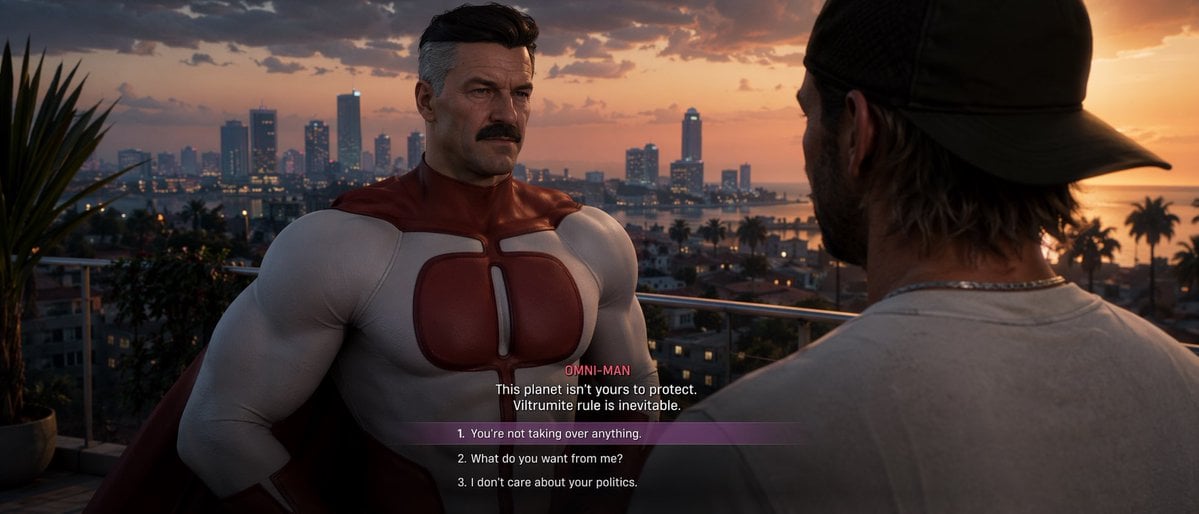
- Prompt included
- Model and format preset
- Free template
The prompt behind this image
Copy the exact prompt behind GTA-Style Dialogue Screenshot, or open it in the studio and make it yours.
- Type
- video game screenshot
- Style
- {argument name="art style" default="Grand Theft Auto VI aesthetic, realistic 3D graphics"}
- Setting
- balcony overlooking a coastal city at sunset, palm trees, skyscrapers, warm lighting
- Characters › 0 › Role
- NPC
- Characters › 0 › Description
- {argument name="npc description" default="Omni-Man, muscular older man with a mustache and grey temples, wearing a red and white superhero suit"}
- Characters › 0 › Position
- center-left, facing camera
- Characters › 1 › Role
- Player
- Characters › 1 › Description
- man wearing a backwards dark baseball cap and light grey t-shirt
- Characters › 1 › Position
- right foreground, back to camera
- Ui Elements › Type
- dialogue menu
- Ui Elements › Position
- bottom center
- Ui Elements › Speaker Name
- {argument name="speaker name" default="OMNI-MAN"}
- Ui Elements › Dialogue Text
- {argument name="npc dialogue" default="This planet isn't yours to protect. Viltrumite rule is inevitable."}
- Ui Elements › Choices Count
- 3
- Ui Elements › Choices
- 1. {argument name="choice 1" default="You're not taking over anything."}, 2. What do you want from me?, 3. I don't care about your politics.
- Ui Elements › Highlight
- Choice 1 has a translucent purple background bar
Raw JSON
{
  "type": "video game screenshot",
  "style": "{argument name=\"art style\" default=\"Grand Theft Auto VI aesthetic, realistic 3D graphics\"}",
  "setting": "balcony overlooking a coastal city at sunset, palm trees, skyscrapers, warm lighting",
  "characters": [
    {
      "role": "NPC",
      "description": "{argument name=\"npc description\" default=\"Omni-Man, muscular older man with a mustache and grey temples, wearing a red and white superhero suit\"}",
      "position": "center-left, facing camera"
    },
    {
      "role": "Player",
      "description": "man wearing a backwards dark baseball cap and light grey t-shirt",
      "position": "right foreground, back to camera"
    }
  ],
  "ui_elements": {
    "type": "dialogue menu",
    "position": "bottom center",
    "speaker_name": "{argument name=\"speaker name\" default=\"OMNI-MAN\"}",
    "dialogue_text": "{argument name=\"npc dialogue\" default=\"This planet isn't yours to protect. Viltrumite rule is inevitable.\"}",
    "choices_count": 3,
    "choices": [
      "1. {argument name=\"choice 1\" default=\"You're not taking over anything.\"}",
      "2. What do you want from me?",
      "3. I don't care about your politics."
    ],
    "highlight": "Choice 1 has a translucent purple background bar"
  }
}How to use GTA-Style Dialogue Screenshot in 3 steps
- 1Upload ImagePNG, JPG or paste
Add your photo
Upload the photo the template builds on. The prompt, model and format are already set.
- 2…a portrait of your subject in softgolden-hour light, 85mm…
Personalize
Edit the subject and creative details for your destination.
- 3Generate
Generate
Press Generate — your image is created in PicX Studio, so you can compare it with the original and refine one variable at a time.
More like this
Templates with the same subject, style or setup. Open one to see its prompt.

Minecraft Next-Gen Voxel World Screenshot
Seedance - Romantic Comedy Scene
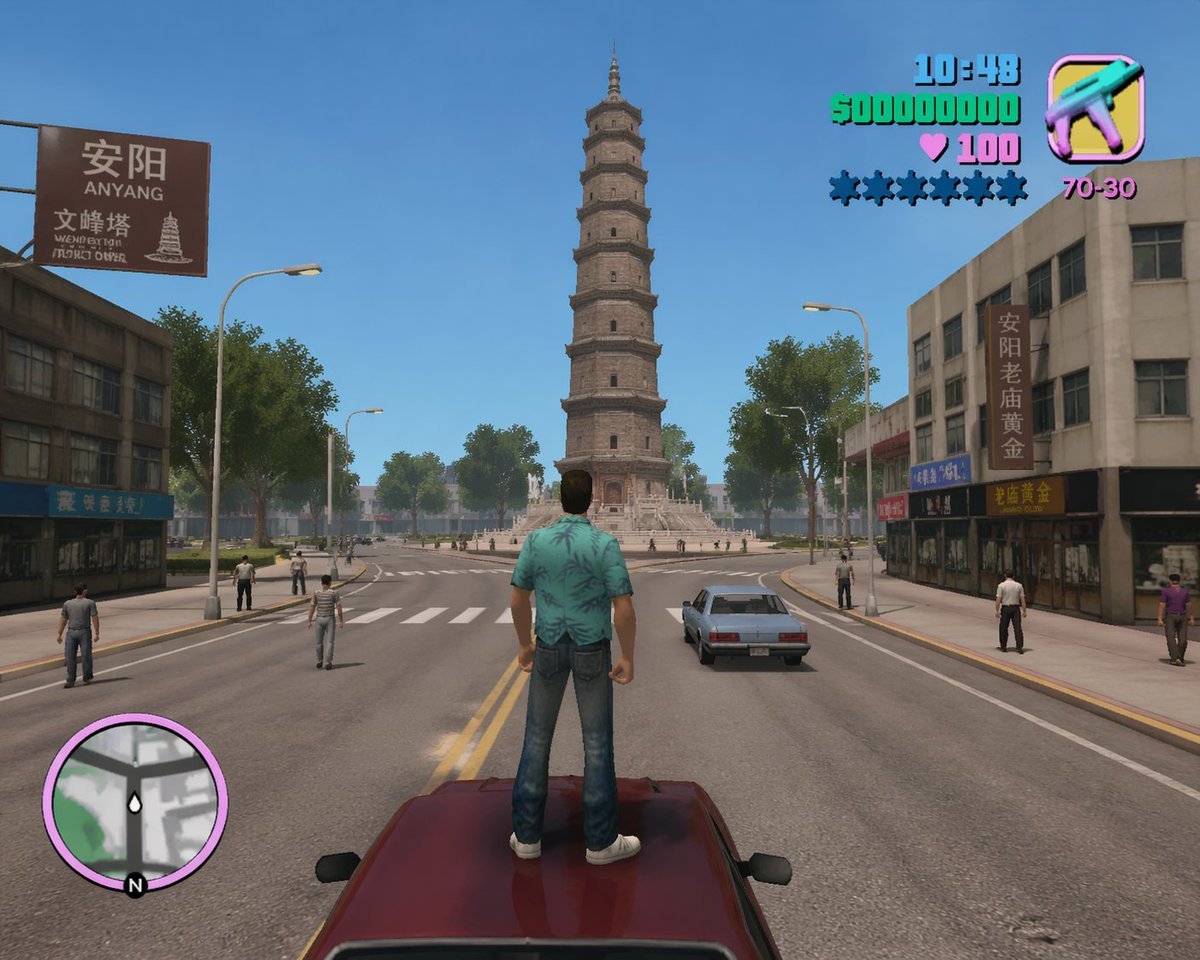
GTA Anyang Concept Screenshot
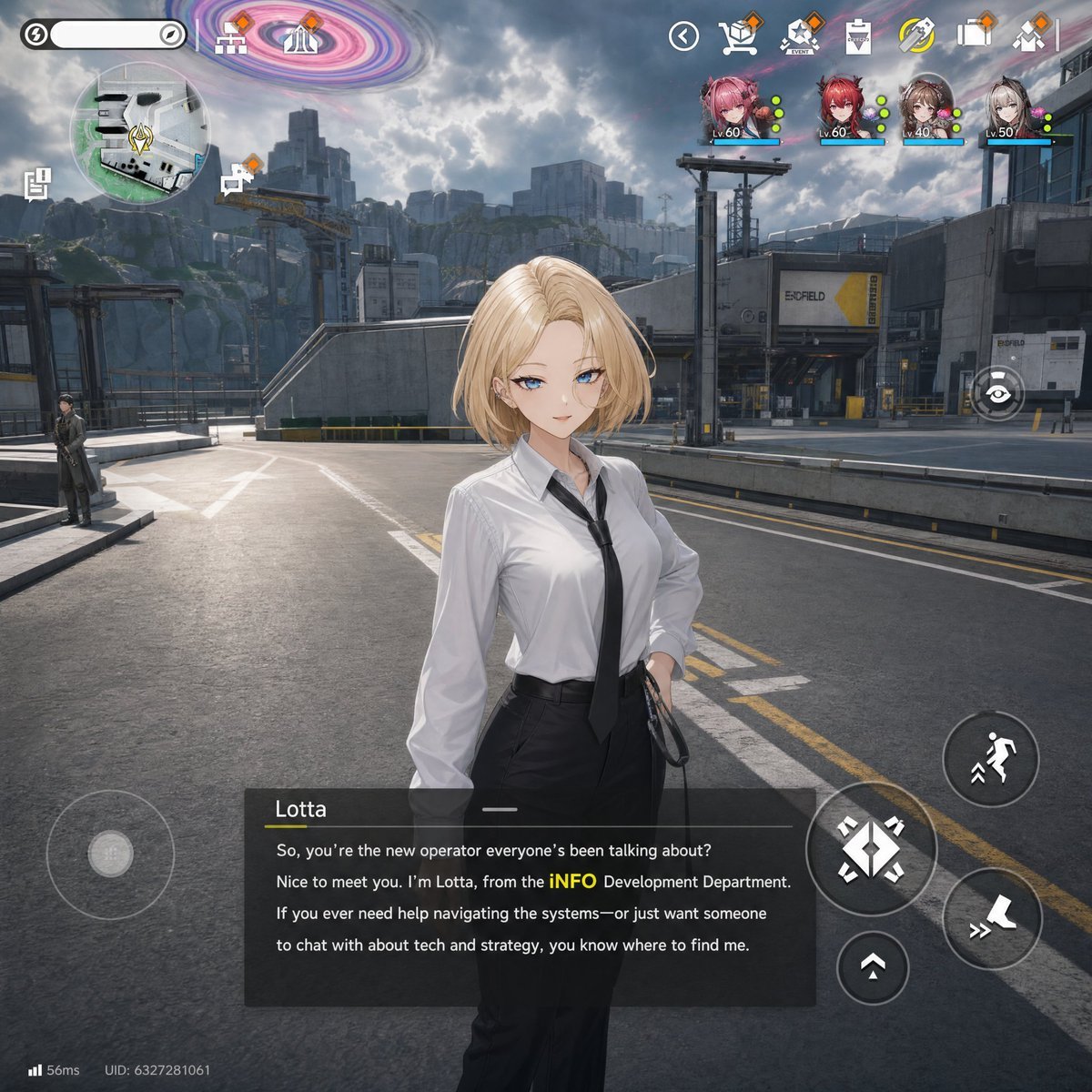
Sci-Fi Gacha RPG Dialogue Screenshot
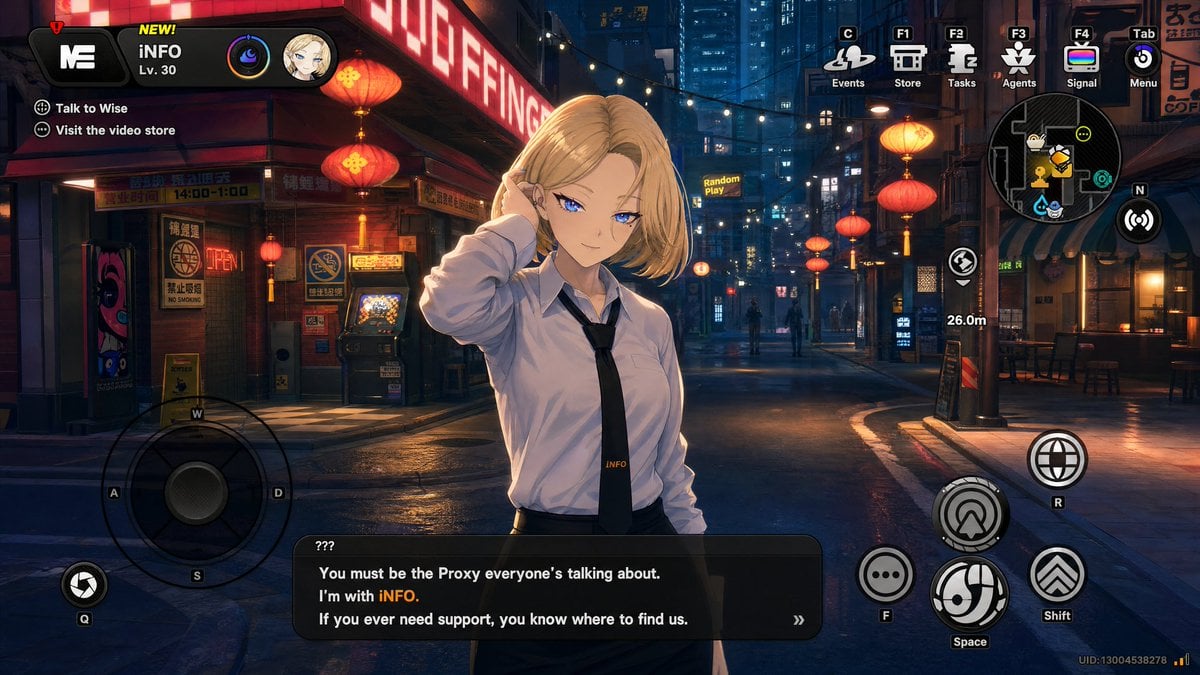
Cyberpunk Gacha Game Dialogue Screenshot
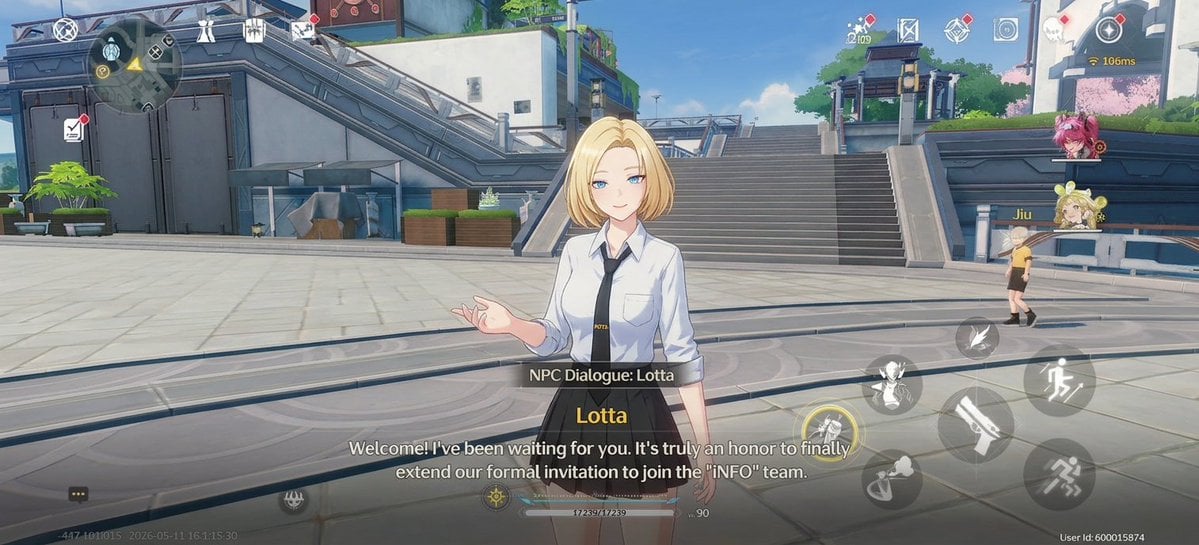
Anime RPG Dialogue Screenshot
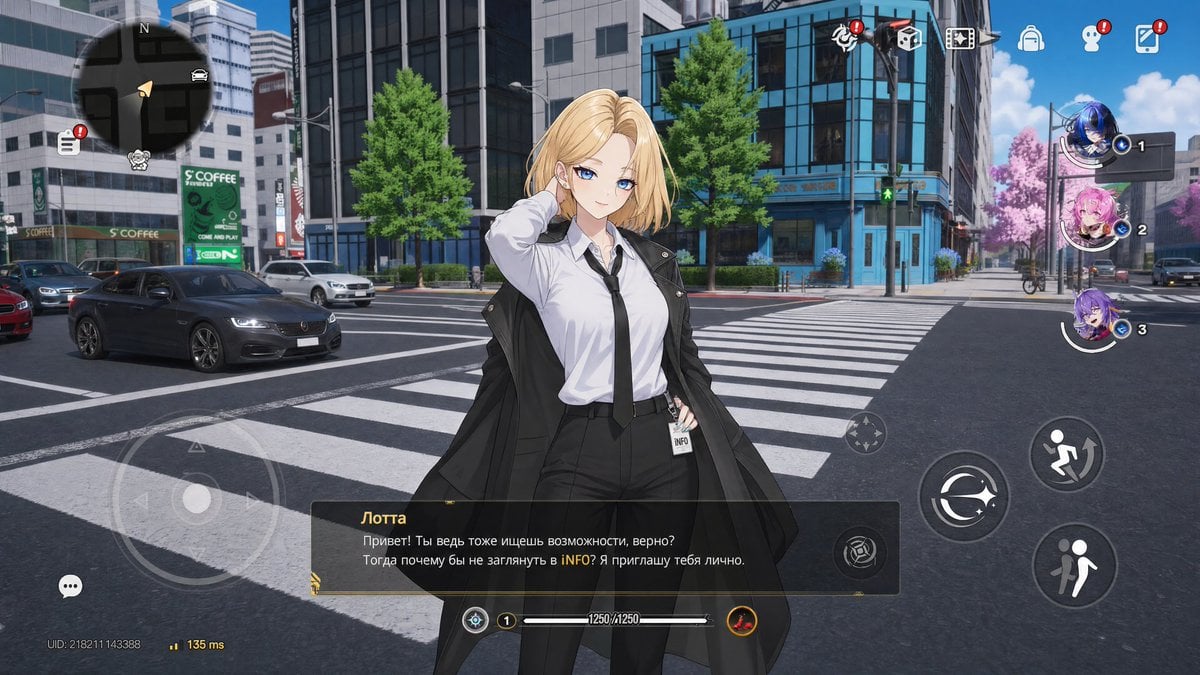
Open-World Gacha Dialogue Screenshot
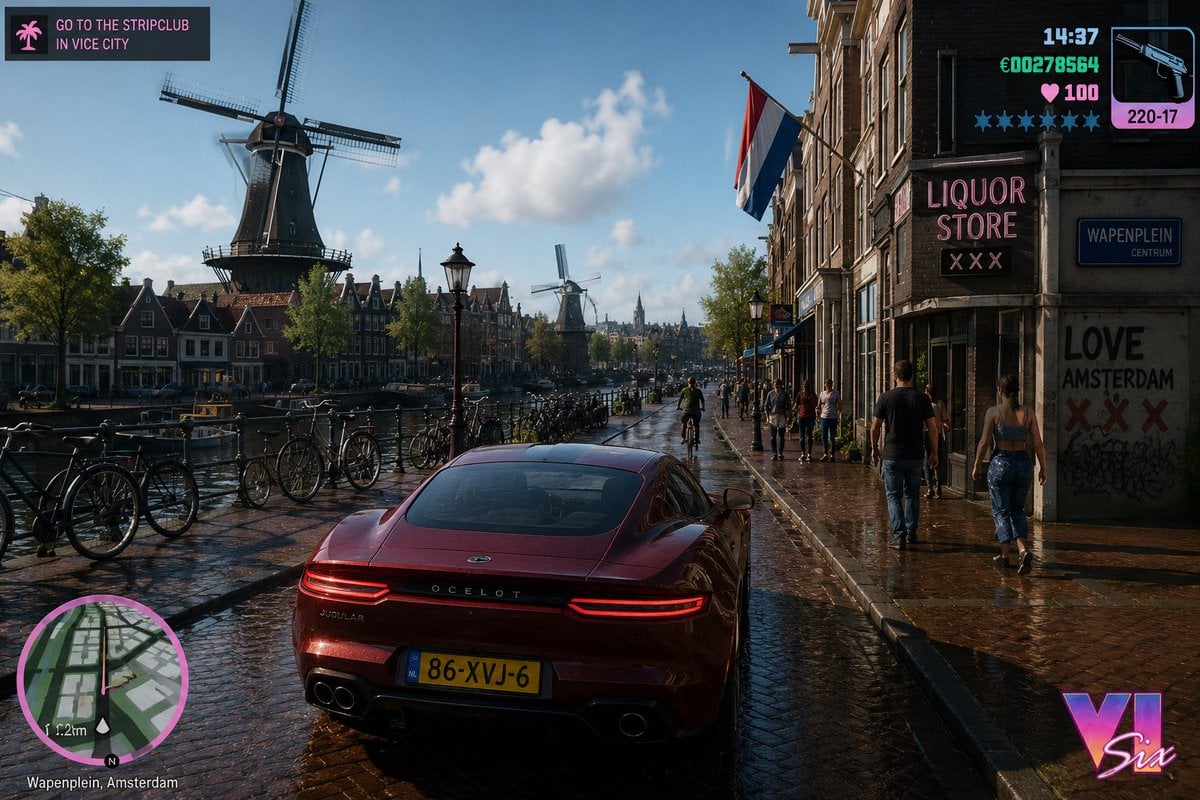
GTA Style Netherlands Landscape
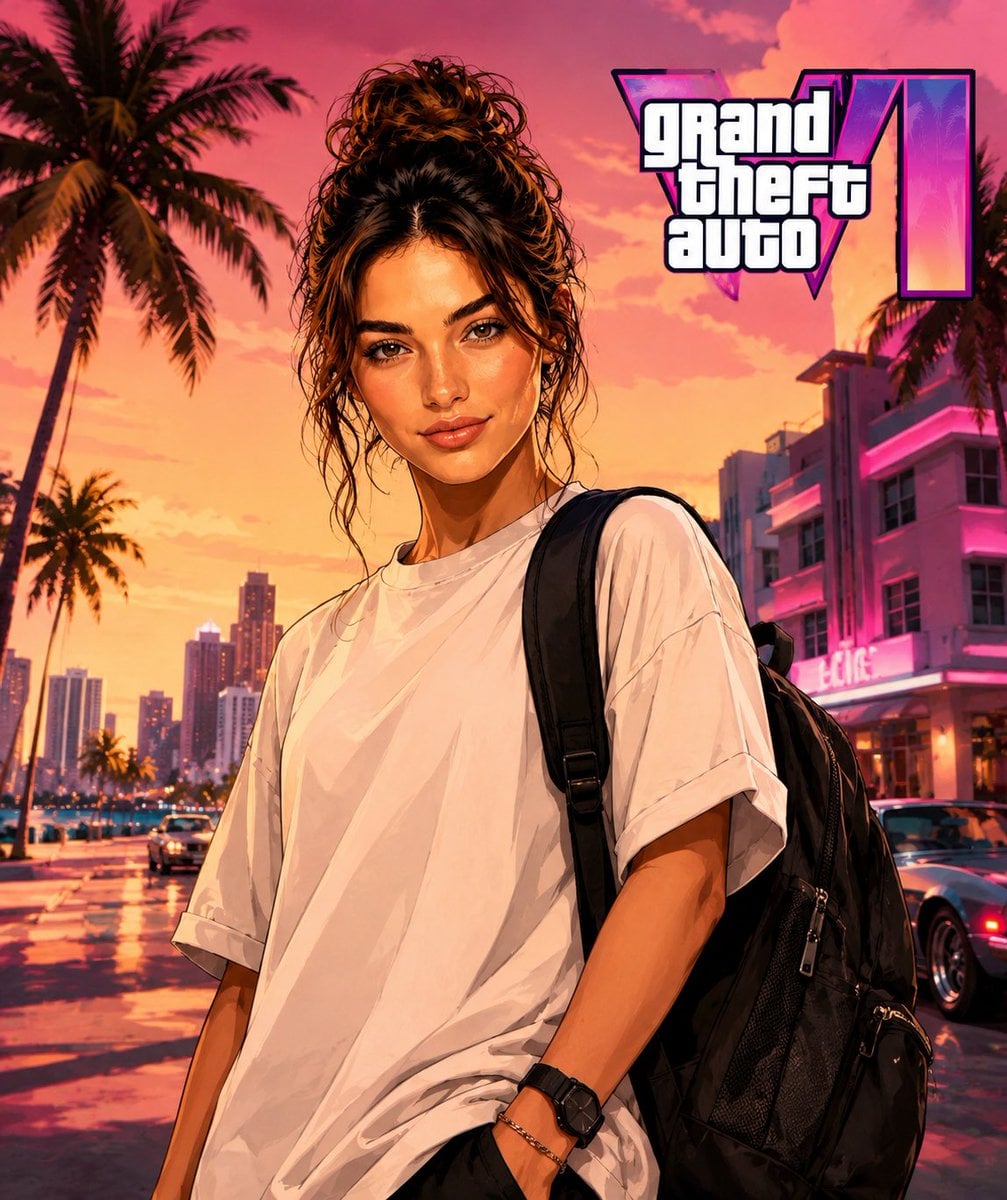
GTA Style Character Transformation
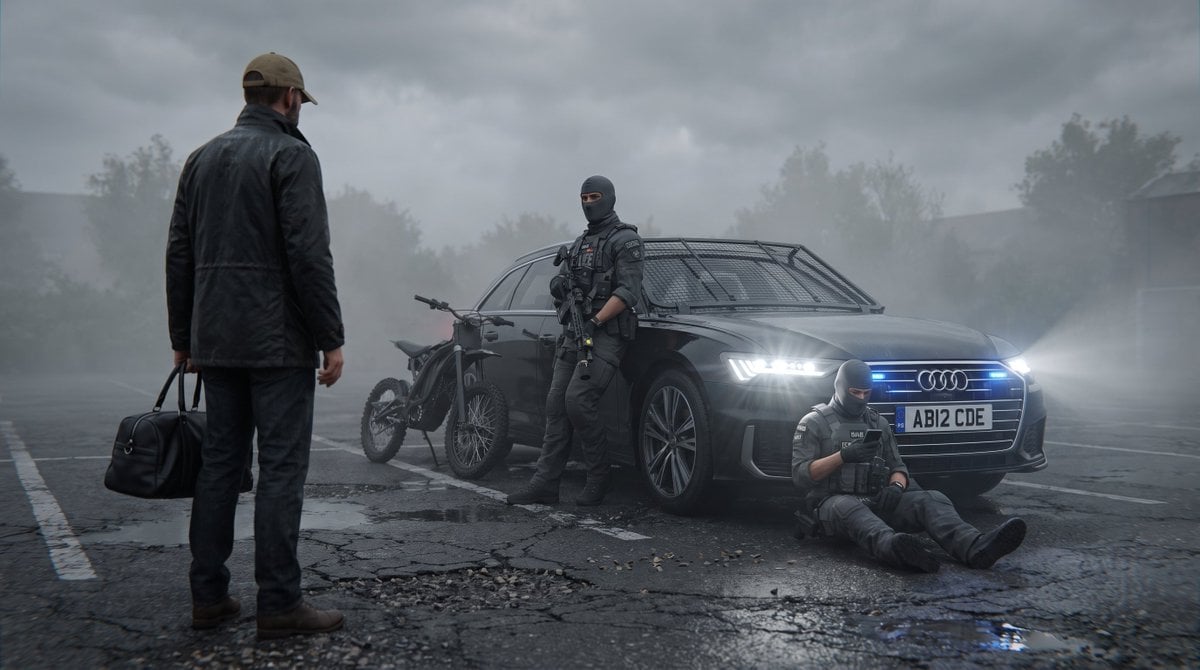
Future London GTA Concept Art
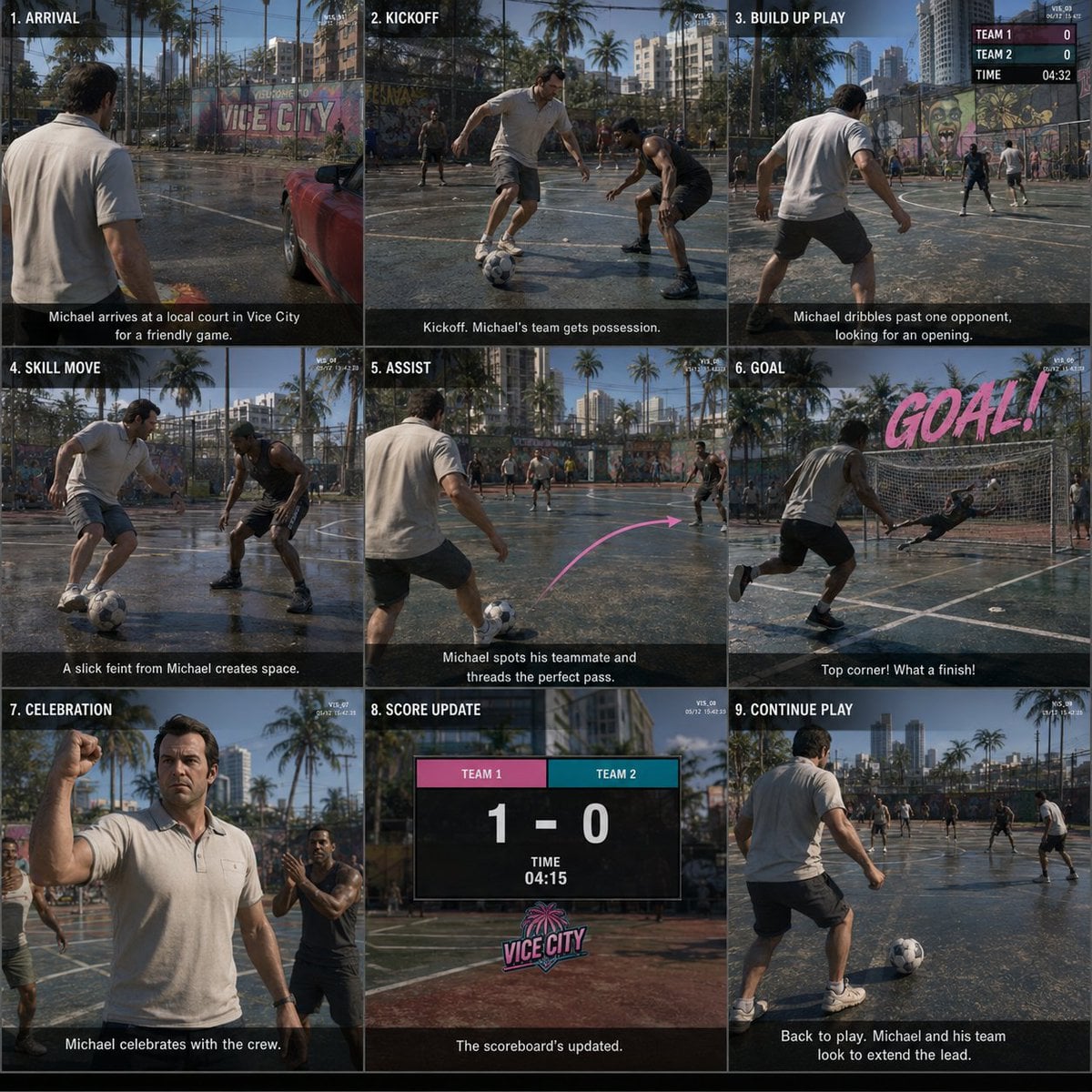
GTA Storyboard Prompt
GTA VI Style Anime Oni Girls
Make it yours
GTA-Style Dialogue Screenshot works as-is. These are the safest ways to change it without losing the look.
Swap the setting
Keep the rest of the prompt and replace the location block. The current setting is “balcony overlooking a coastal city at sunset, palm trees, skyscrapers, warm ligh”.
Swap the light
One lighting change is enough to compare takes. Current light: “Choice 1 has a translucent purple background bar”.
Change one field
Copy a single group, rewrite it, and generate again so you can see what that field is doing.
| If the result… | Why | Fix |
|---|---|---|
| The result drifts from the preview | Too many fields changed at once. | Reuse GTA-Style Dialogue Screenshot as-is first, then change one group — subject, light, or setting. |
| GPT Image 2 ignores part of the JSON | Some models flatten or skip nested keys. | Keep the same values and paste them as a short paragraph instead. |
More GPT Image 2 templates
Other prompts made for GPT Image 2.

Six VTuber Japanese Logo Sheet

Realistic Portrait of Woman and Deer

The Vista Modular Condo Poster

AI Model Routing Comparison Infographic

2.5D Anime Art Board

Isometric Productivity Desk Scene

New York Double Exposure Poster

Four-Panel AI Landscape Comparison

Japanese Tatami Lifestyle Magazine Cover

NESCAFÉ Coffee Map Poster
More image prompts
Fresh picks from across the catalog.
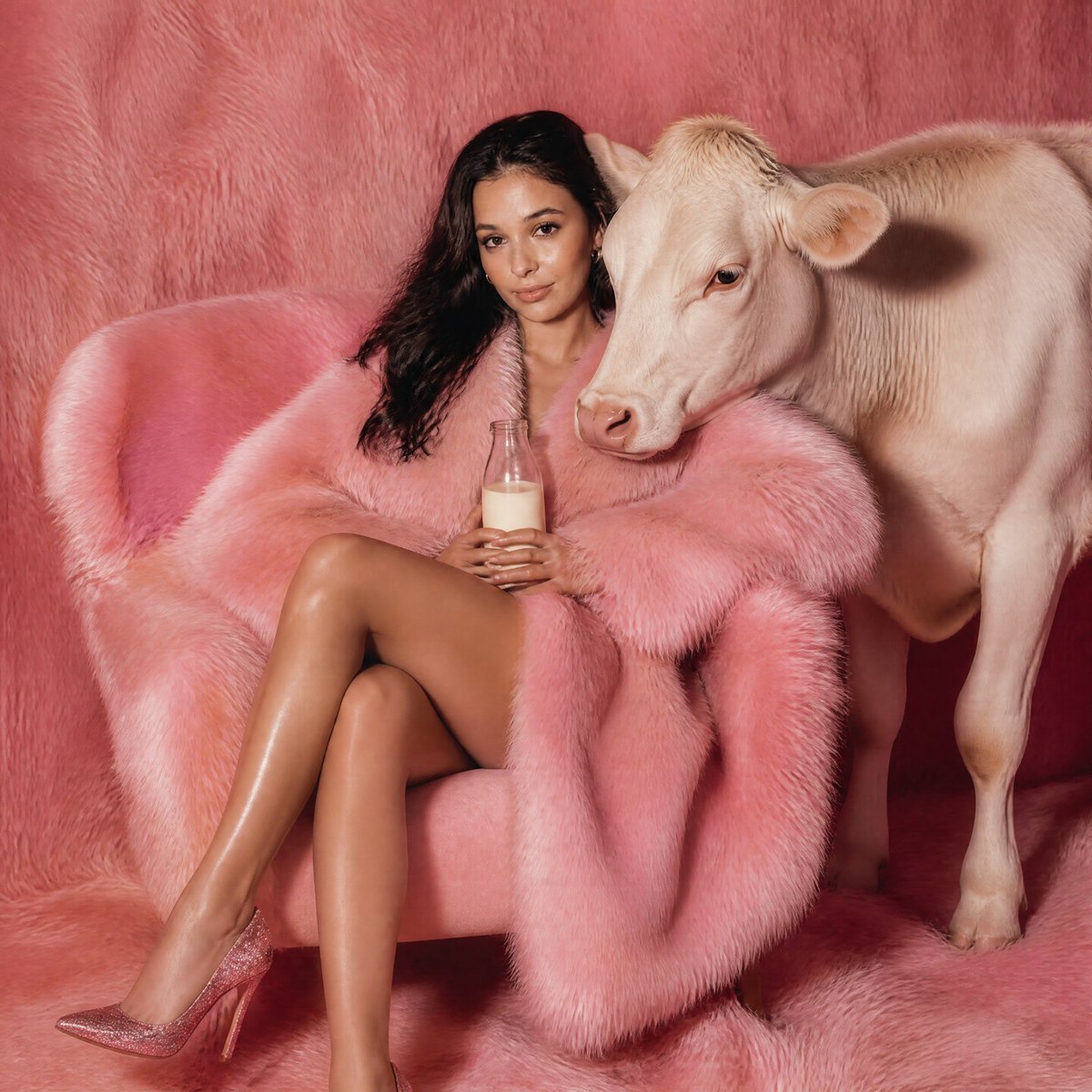
Pink Fur Fashion Editorial with Calf
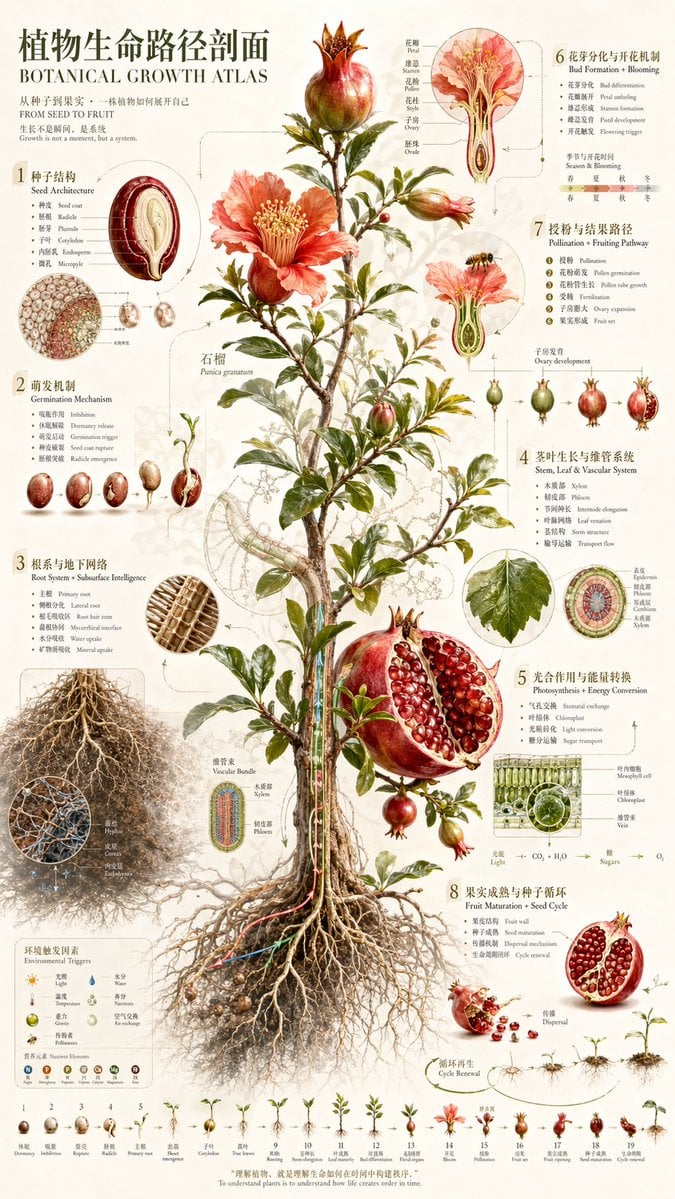
Vintage Pomegranate Growth Atlas
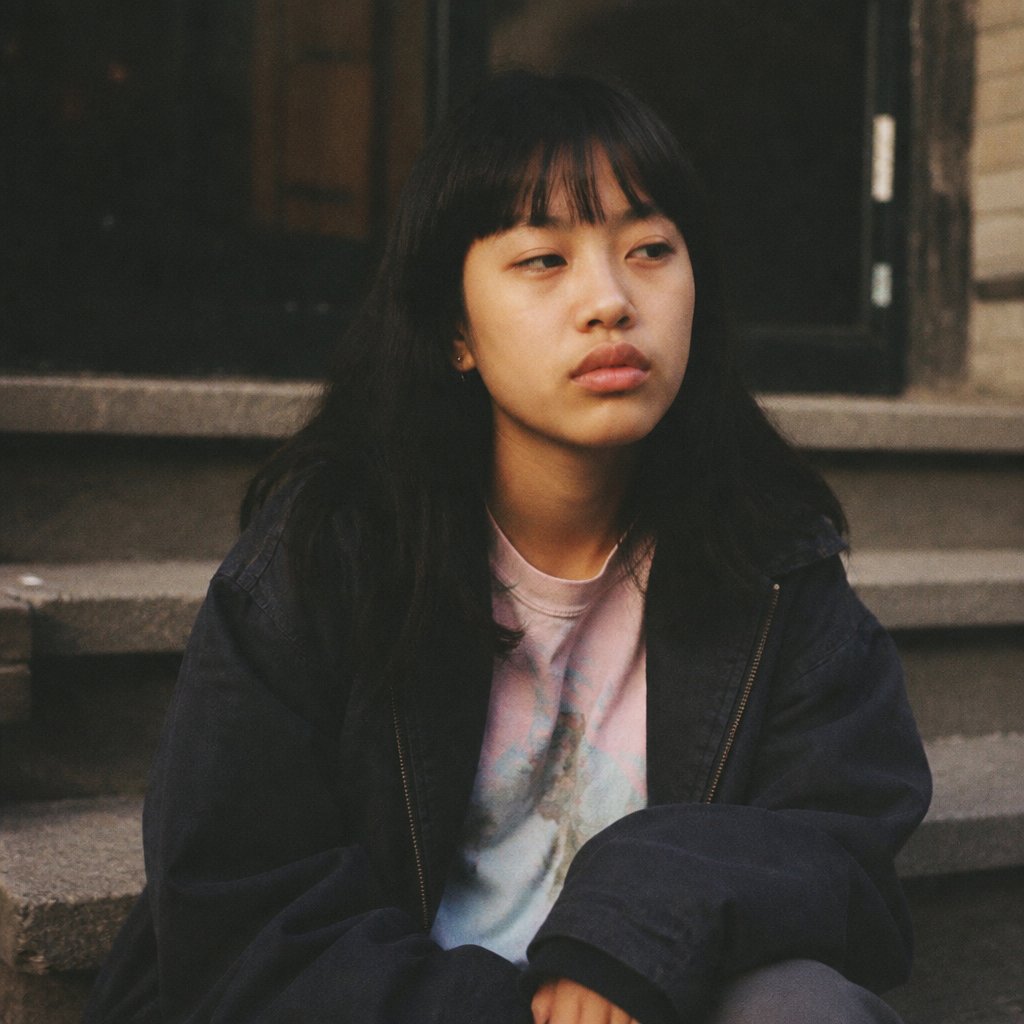
Censored Film Portrait on Stairs
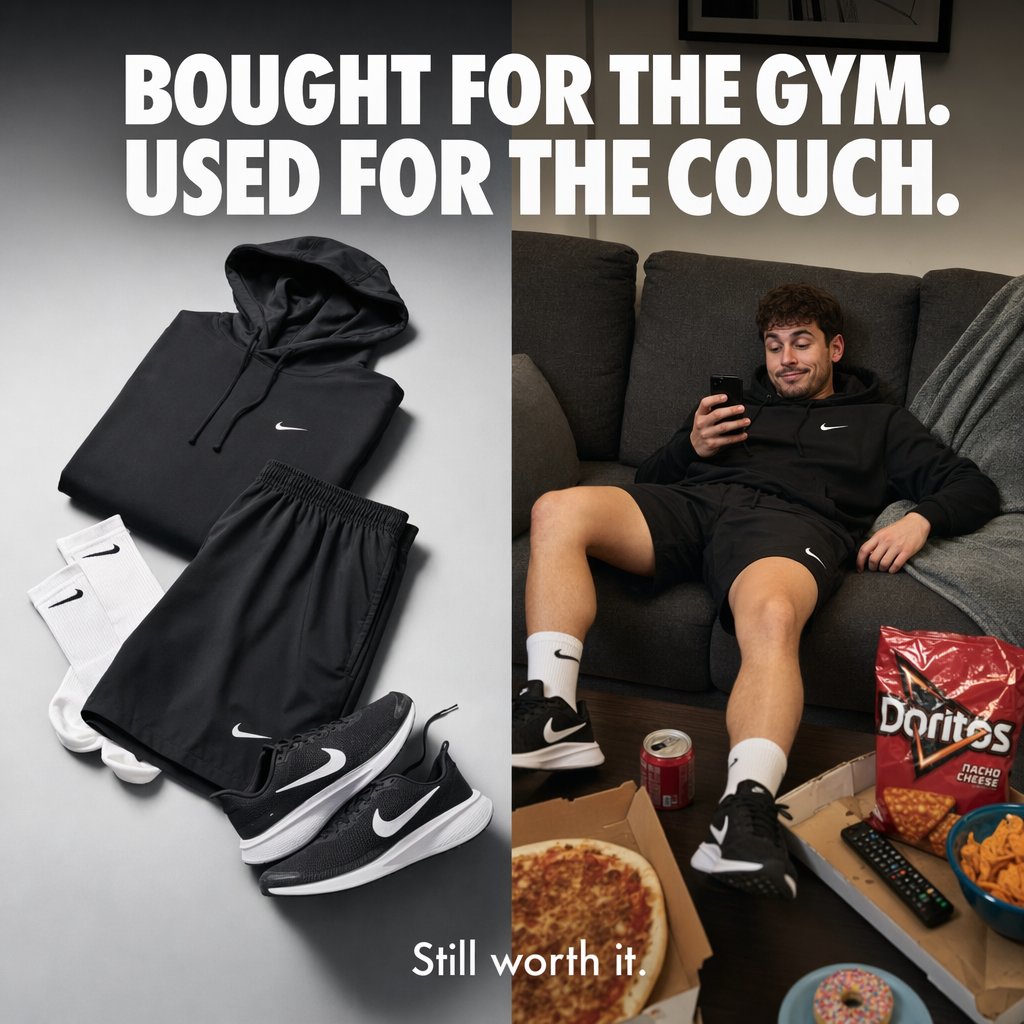
Split-Screen Athleisure Couch Ad
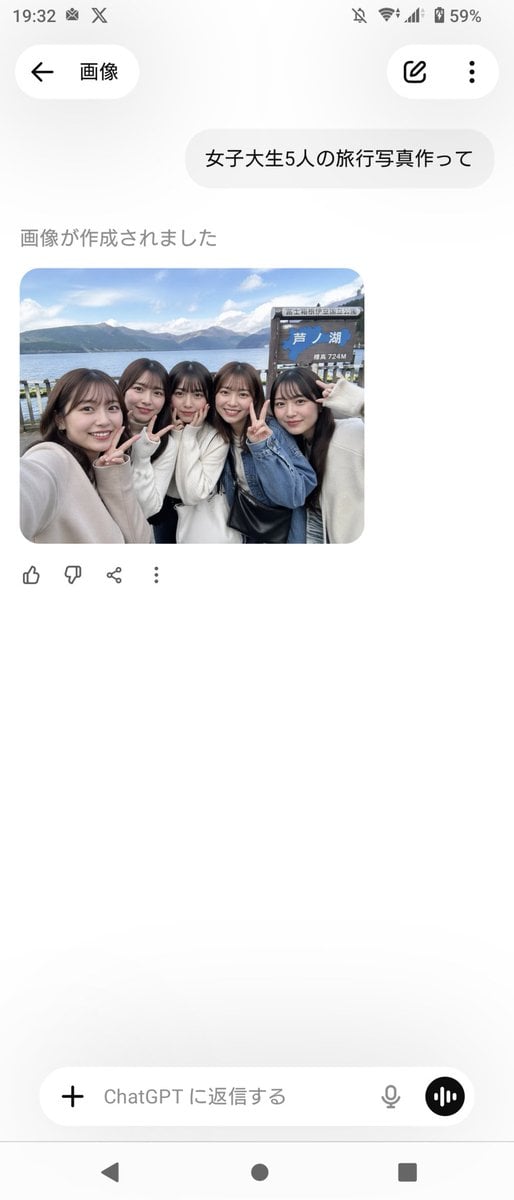
Realistic Friends Trip Selfie at Lake Ashi
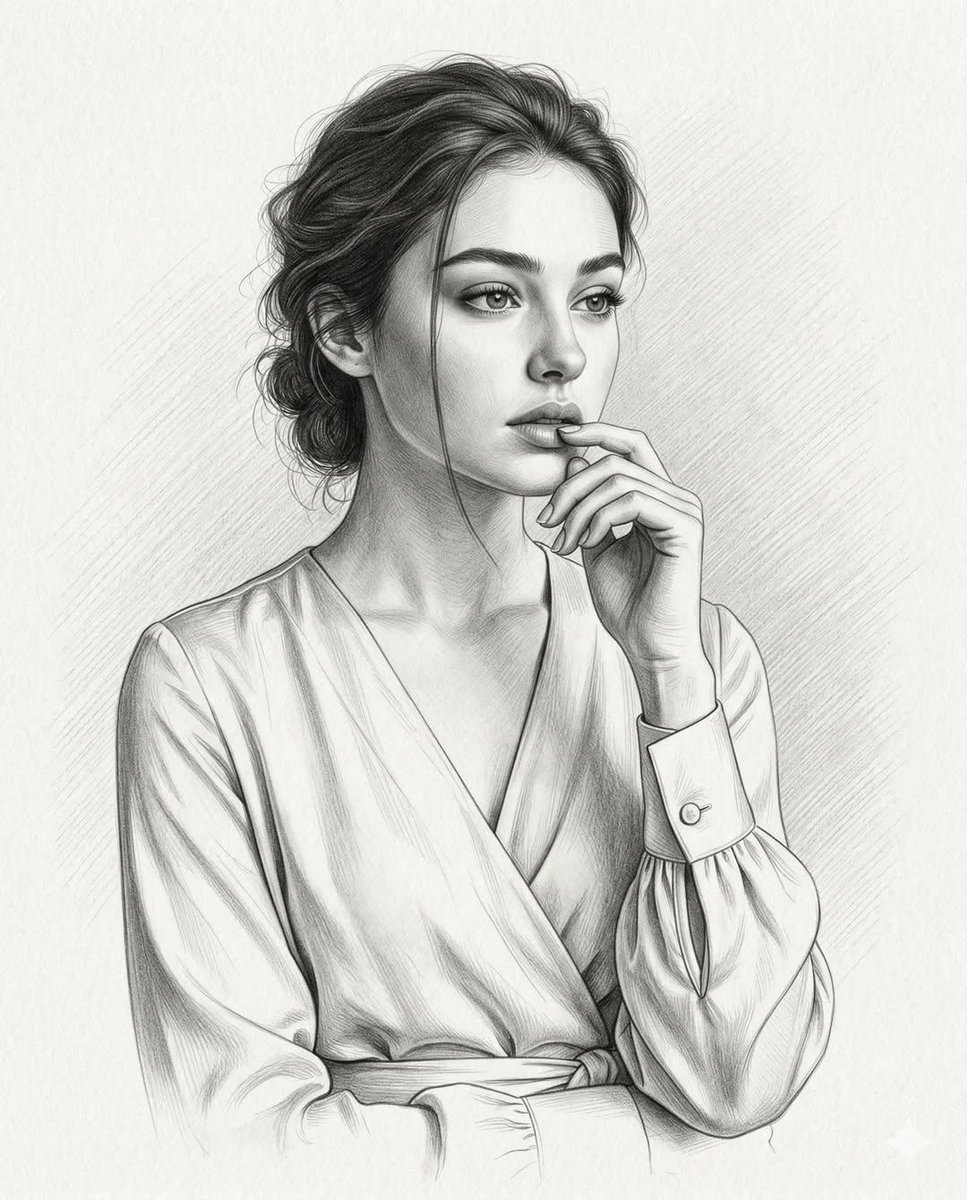
Ultra-Realistic Graphite Pencil Portrait
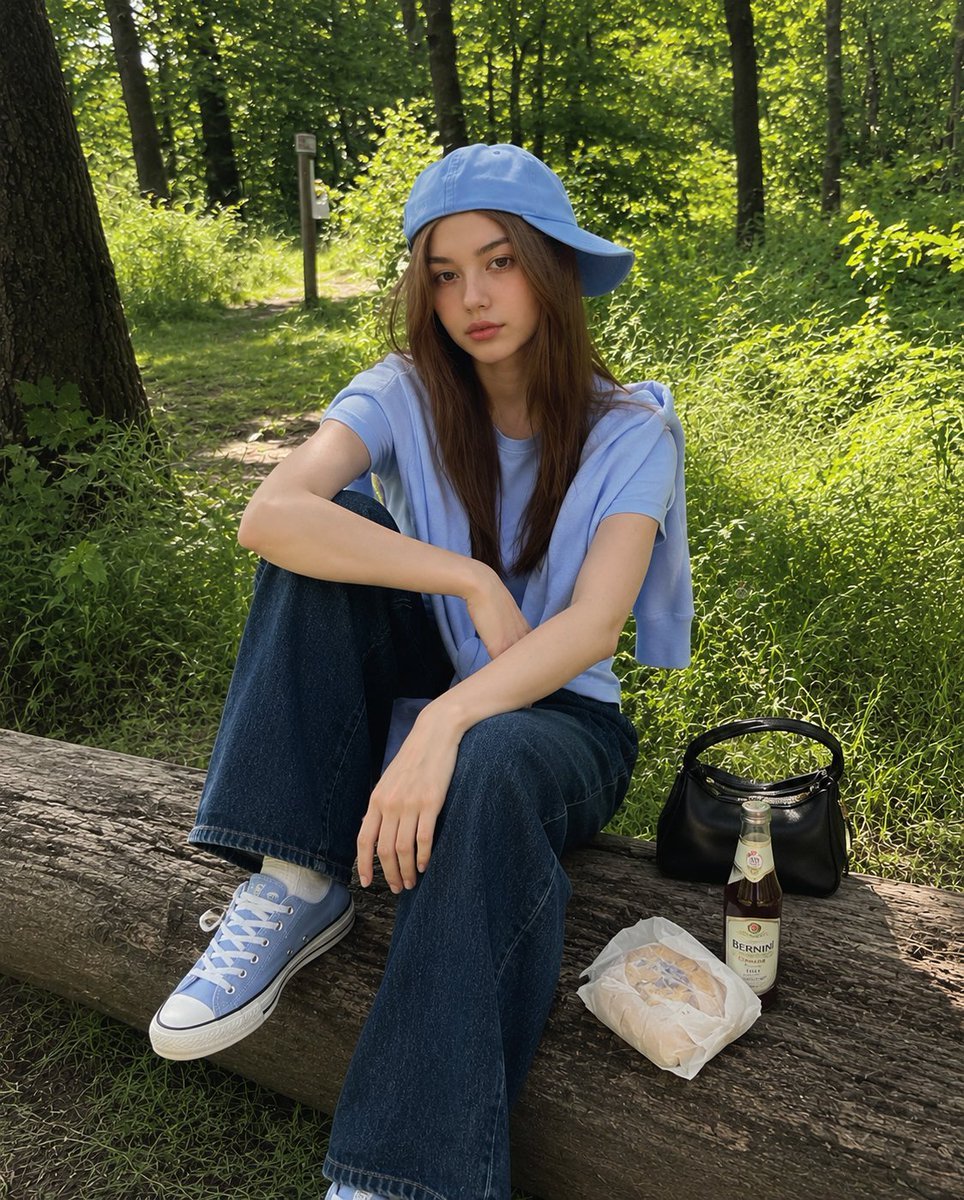
Korean Girl Forest Picnic Portrait
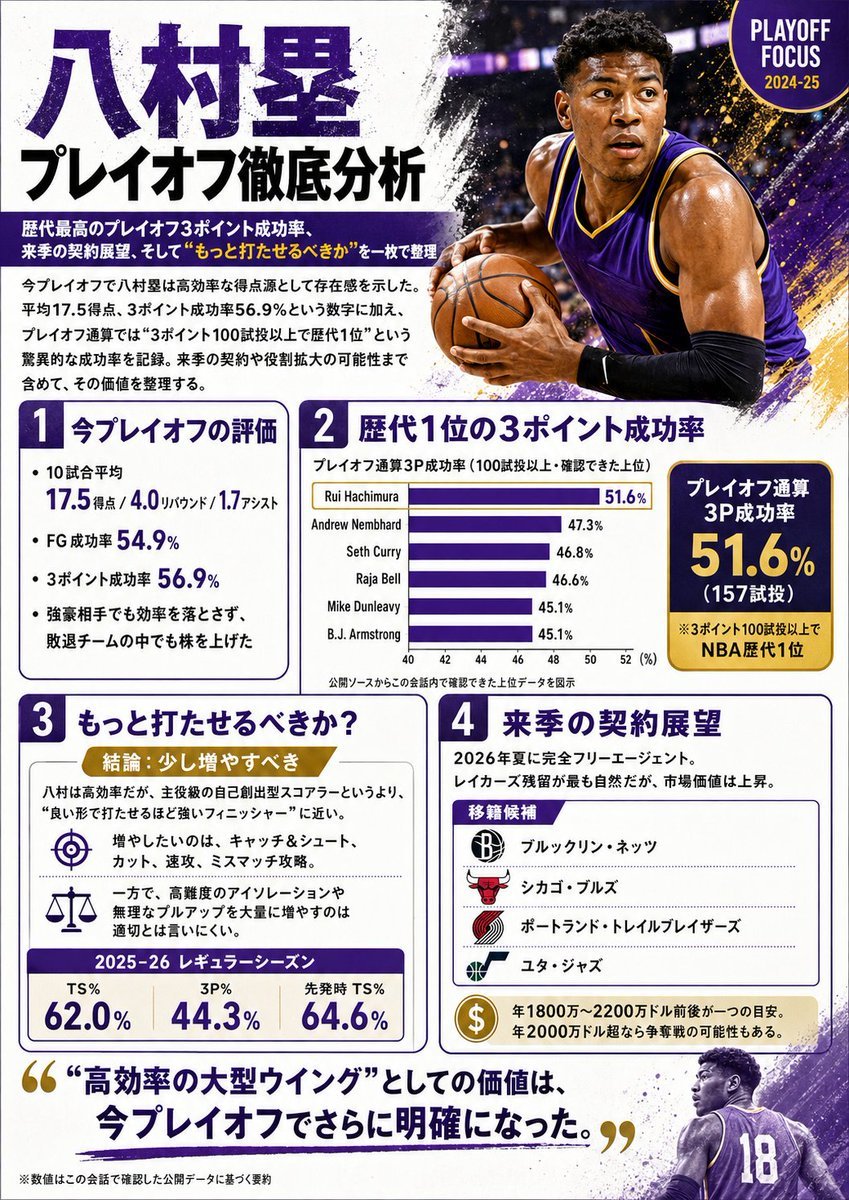
Japanese NBA Playoff Analysis Infographic
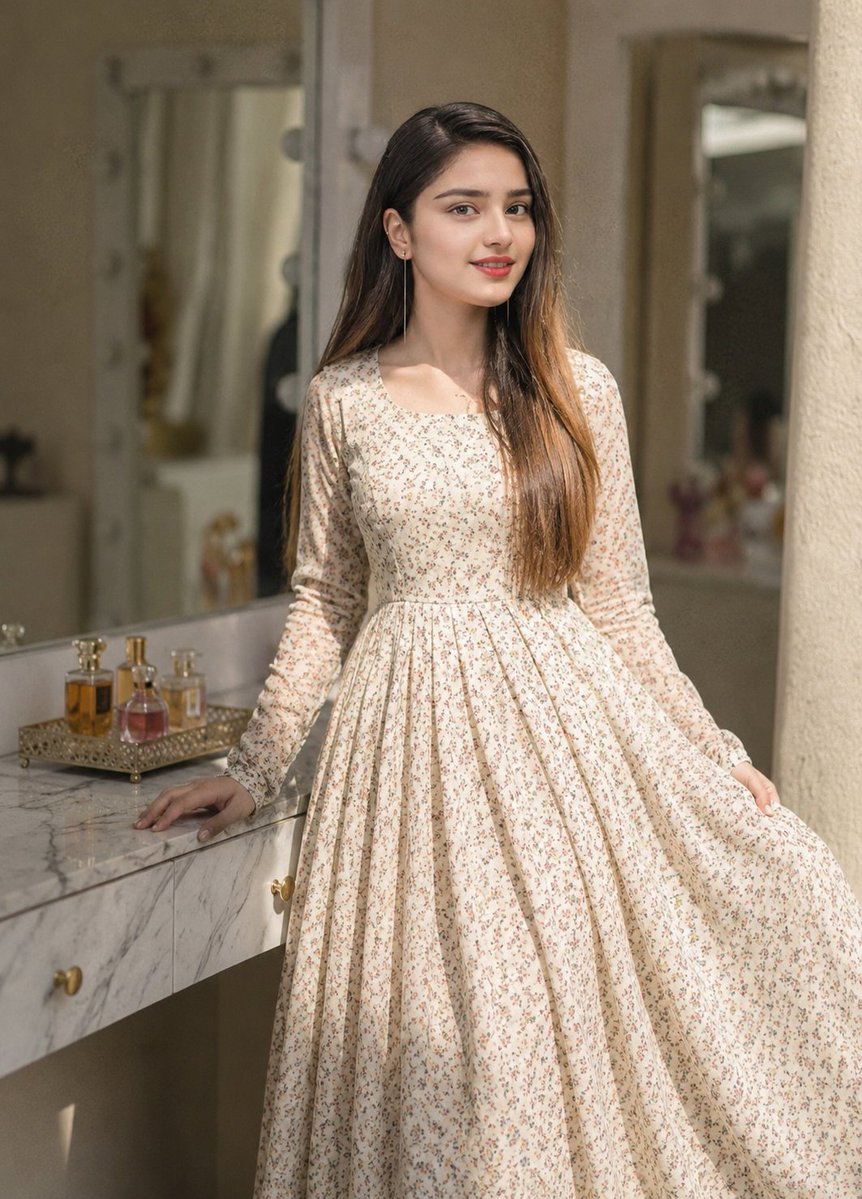
Floral Dress Vanity Portrait
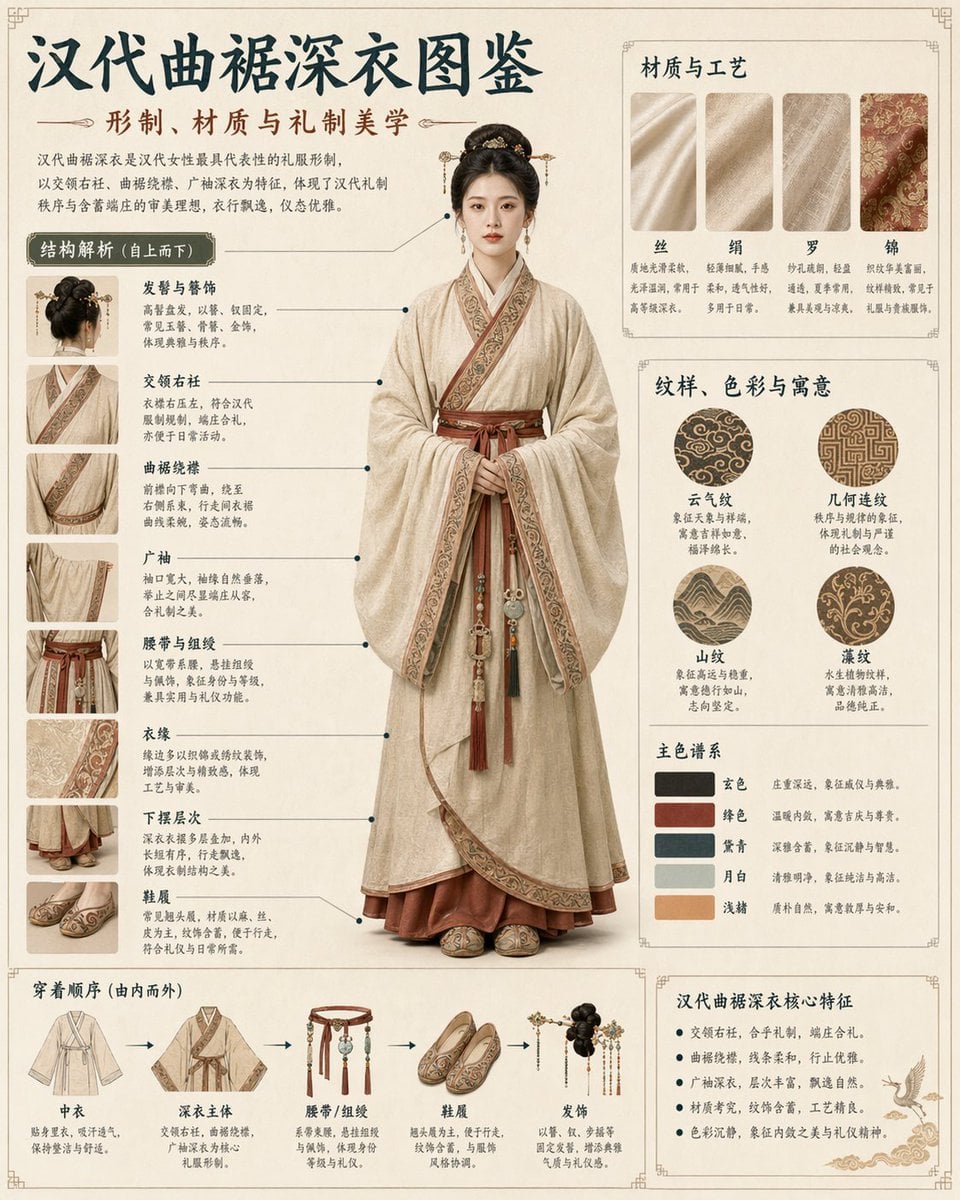
Cultural Garment Infographic
Browse template categories
GTA-Style Dialogue Screenshot questions
How do I use the GTA-Style Dialogue Screenshot template?
Add your photo if the template asks for one, edit the prompt if you like — the template's model and format are already selected — and press Generate. Your version opens in PicX Studio.
Can I customize the GTA-Style Dialogue Screenshot template?
Yes. You can change the subject, setting, lighting, mood, format, and available model controls before creating your image.
Is the GTA-Style Dialogue Screenshot template free?
Opening and editing this template is free. Generating uses credits, shown on the Generate button when you are signed in.
Which AI model should I use?
Start with GPT Image 2, which is the model associated with this template. You can compare another compatible model for a different finish.
Looking for something else? Browse all templates.

Your photo, any look
Thousands of ready templates for every top image and video model, from one credit balance.