
GTA Style Character Transformation
A sophisticated identity-reference prompt to transform a personal photo into a stylized GTA-inspired character while maintaining key facial and clothing details.
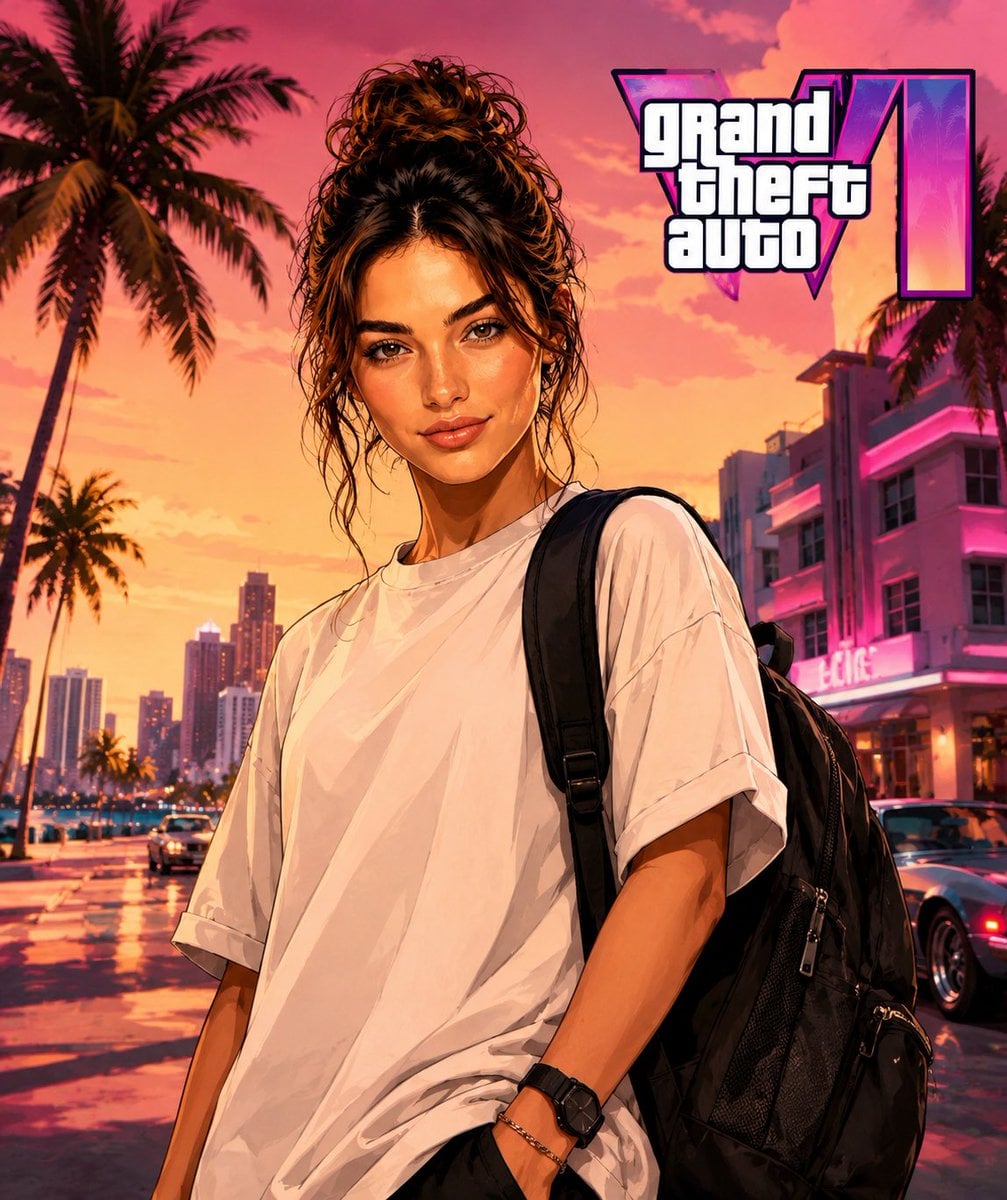
- Prompt included
- Model and format preset
- Free template
The prompt behind this image
Copy the exact prompt behind GTA Style Character Transformation, or open it in the studio and make it yours.
Use my photo as the main identity reference. Use the target image I'm going to attach as reference for pose, composition, framing, lighting, setting, color palette, and visual style. Replace the character in the target image with the person from my photo, keeping my identity recognizable: face, hair, beard, skin tone, physical build, serious expression, and main facial features. Keep exactly the pose, body posture, arm and hand position, framing, composition, perspective, lighting, and setting from the target image. Don't alter the environment, colors, or original atmosphere except for the minimum needed to naturally integrate the new character. Reconstruct the full character, don't just do a simple face swap. Adapt my face and body to the pose of the target image, maintaining realistic anatomy, natural proportions, and coherence between head, neck, shoulders, arms, and hands. Apply a {argument name="visual style" default="visual style clearly inspired by GTA cover art"}: stylized-realism character illustration, defined outlines, skin and clothing with a polished painterly finish, high contrast, cinematic lighting, saturated but controlled colors, luxury-meets-street urban aesthetic. Avoid making it look like a generic illustration or a photo filter. Keep the {argument name="outfit" default="outfit from my photo: oversized white t-shirt, black watch, and bracelet/chain on the wrist"}. You can subtly improve the texture, drape, and finish of the clothing to make it look more premium, but without changing the main outfit. Replace any bag or handheld object from the target image with a premium black urban-style backpack, naturally integrated into the pose and scene. Add GTA 6 Logo Do not include: camera equipment, gimbal, audiovisual gear, real logos, text, trademarks, weapons, facial deformities, poorly constructed hands, excessive muscle mass, cartoonish appearance, or costume-like look.
How to use GTA Style Character Transformation in 3 steps
- 1Upload ImagePNG, JPG or paste
Add your photo
Upload the photo the template builds on. The prompt, model and format are already set.
- 2…a portrait of your subject in softgolden-hour light, 85mm…
Personalize
Edit the subject and creative details for your destination.
- 3Generate
Generate
Press Generate — your image is created in PicX Studio, so you can compare it with the original and refine one variable at a time.
More like this
Templates with the same subject, style or setup. Open one to see its prompt.
Seedance - Character Transition
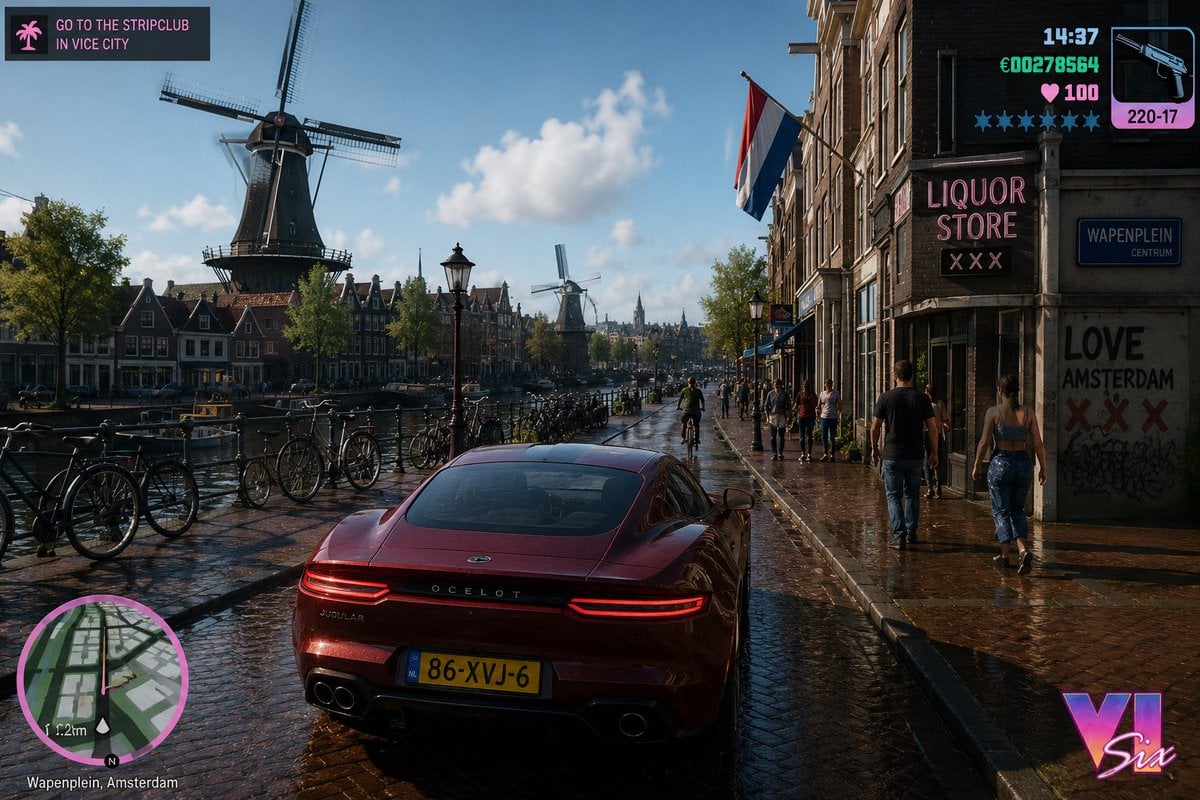
GTA Style Netherlands Landscape
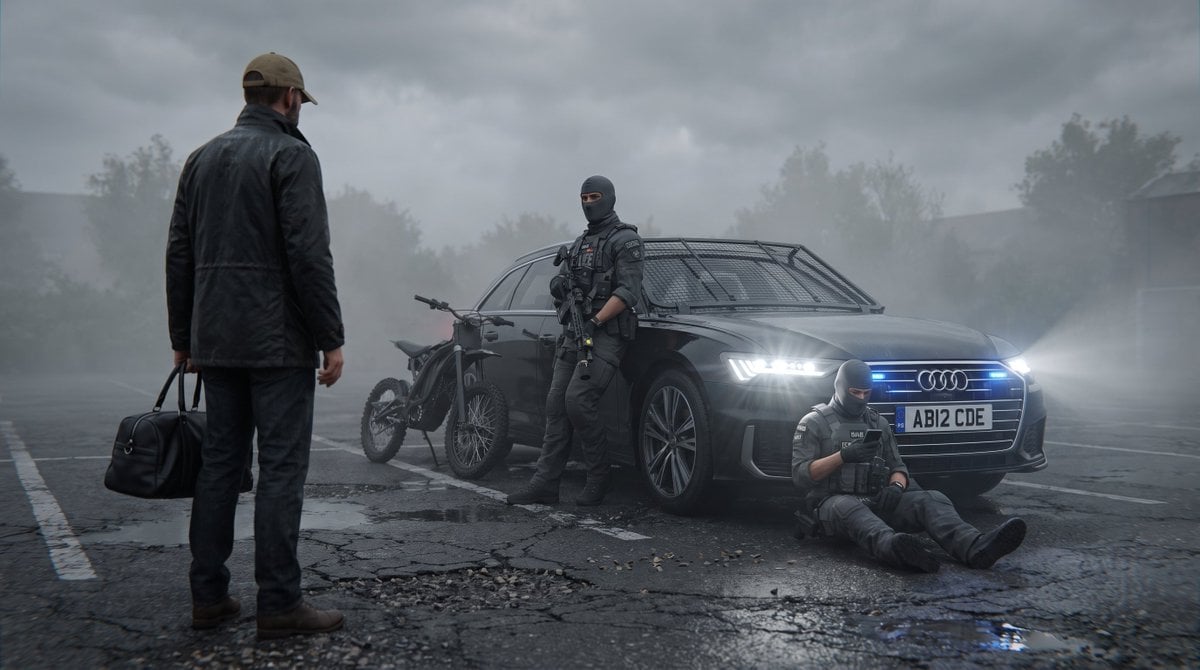
Future London GTA Concept Art
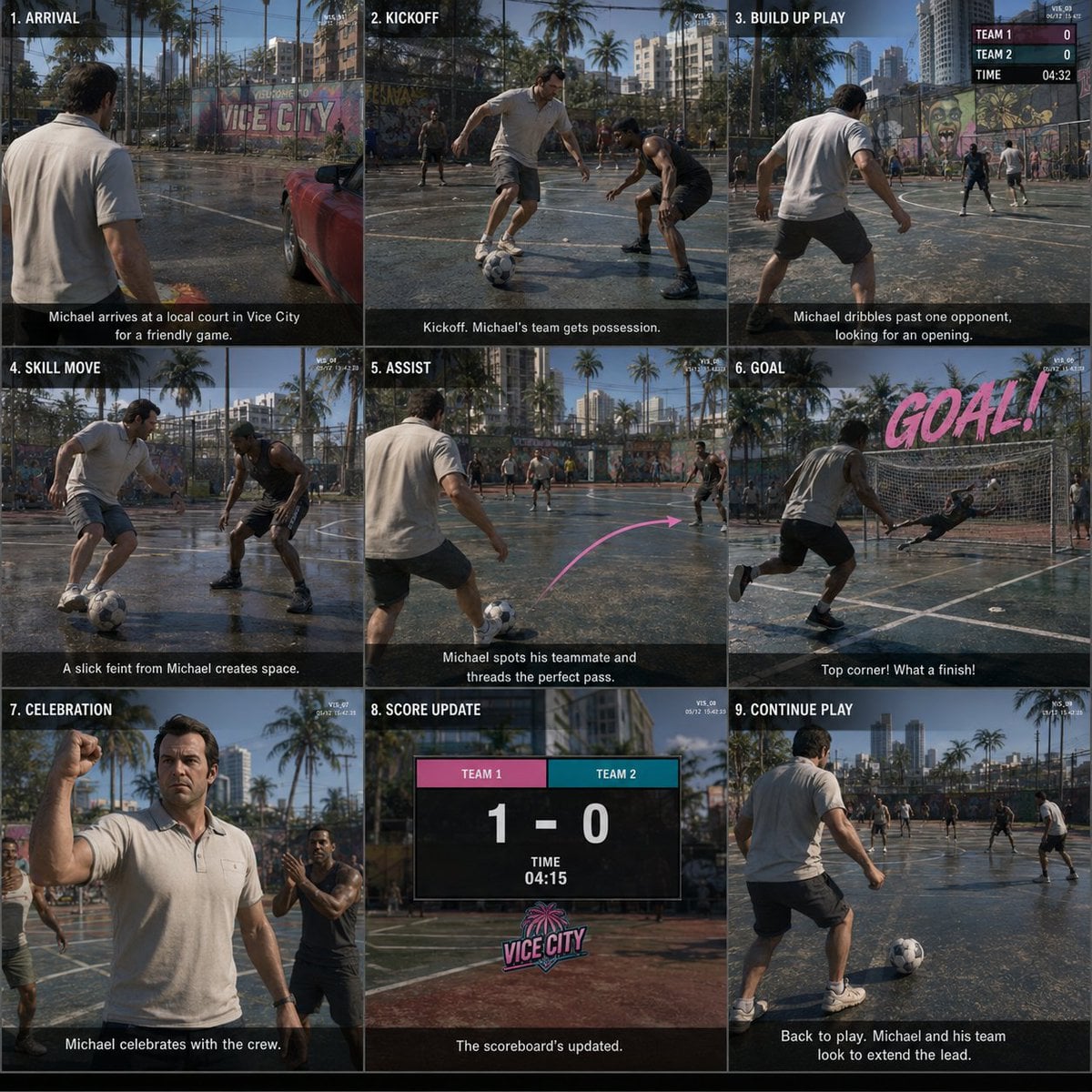
GTA Storyboard Prompt
GTA VI Style Anime Oni Girls
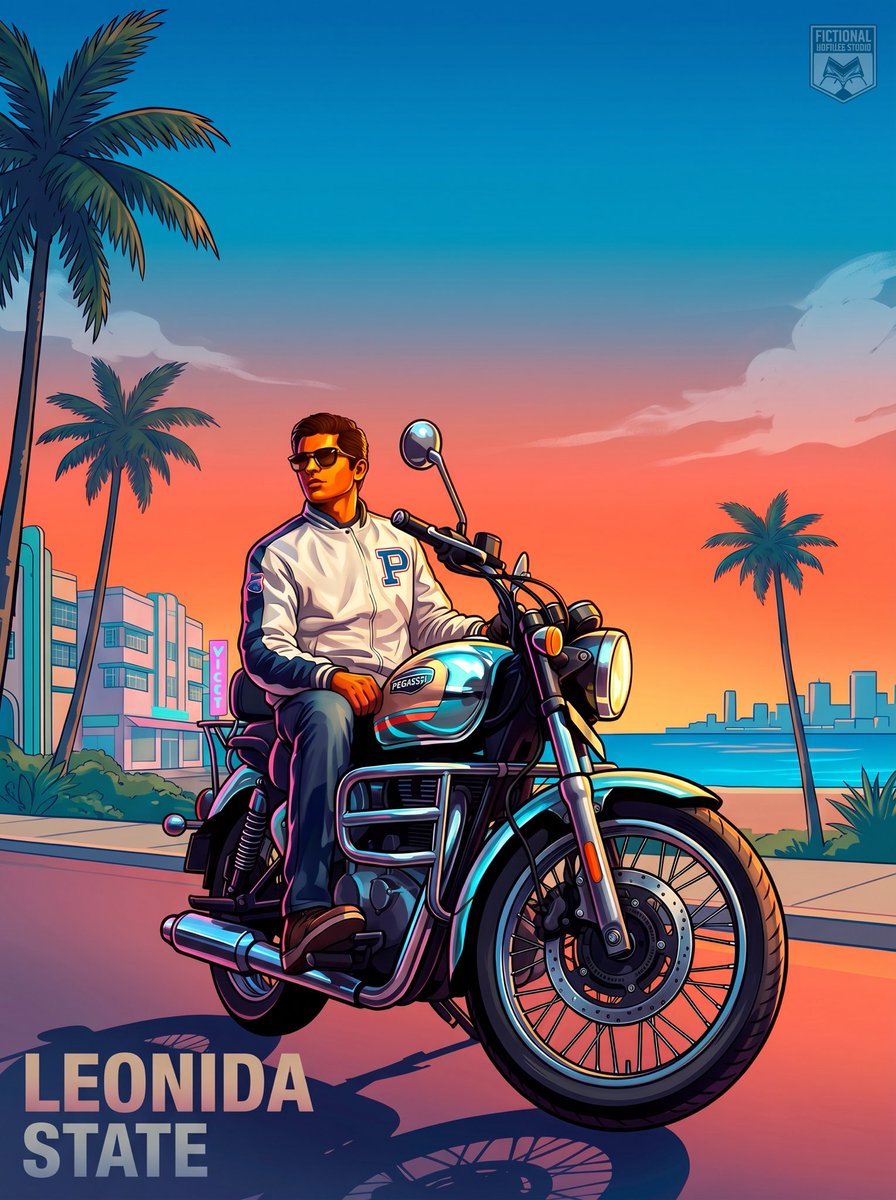
GTA VI Motorcycle Character Poster
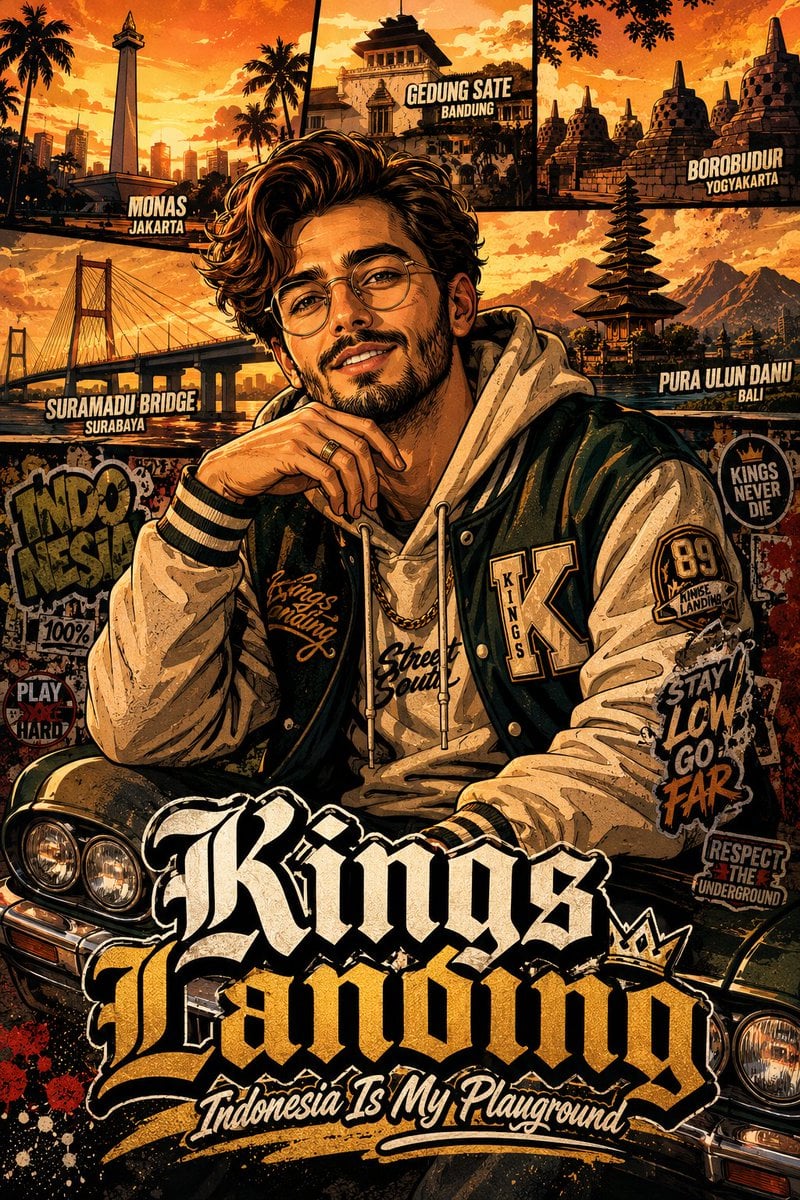
GTA San Andreas Indonesian Style Illustration
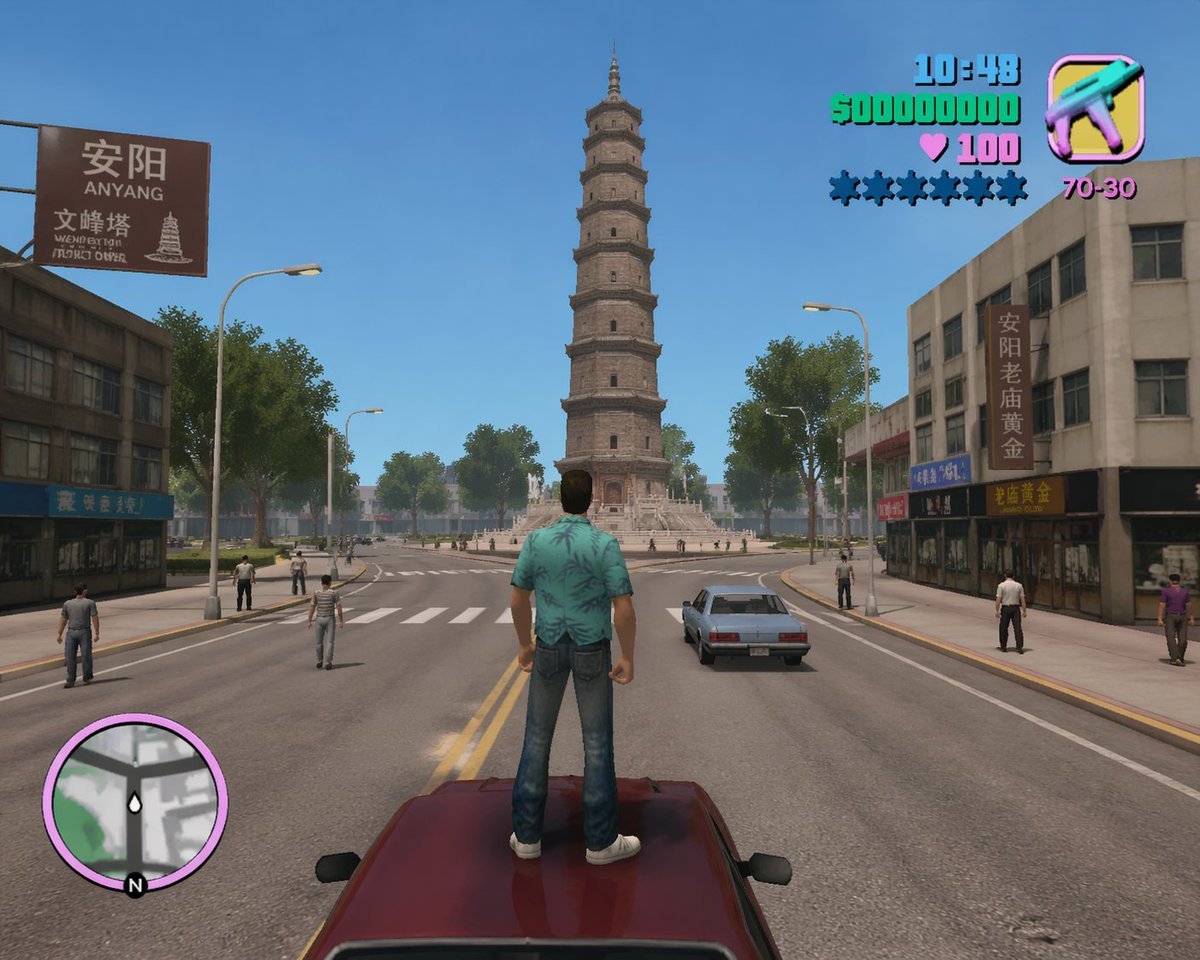
GTA Anyang Concept Screenshot
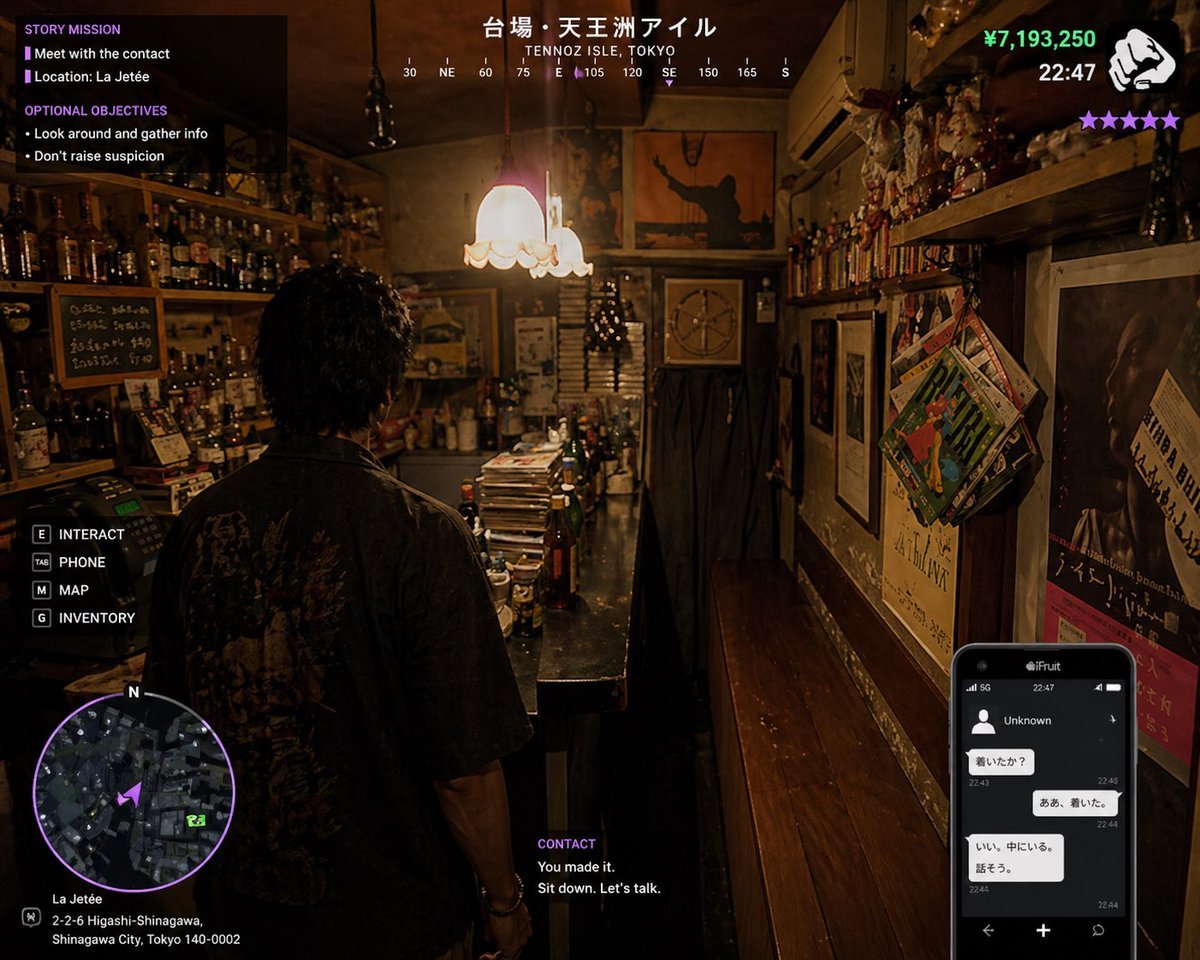
GTA 6 Shinjuku Bar Scene
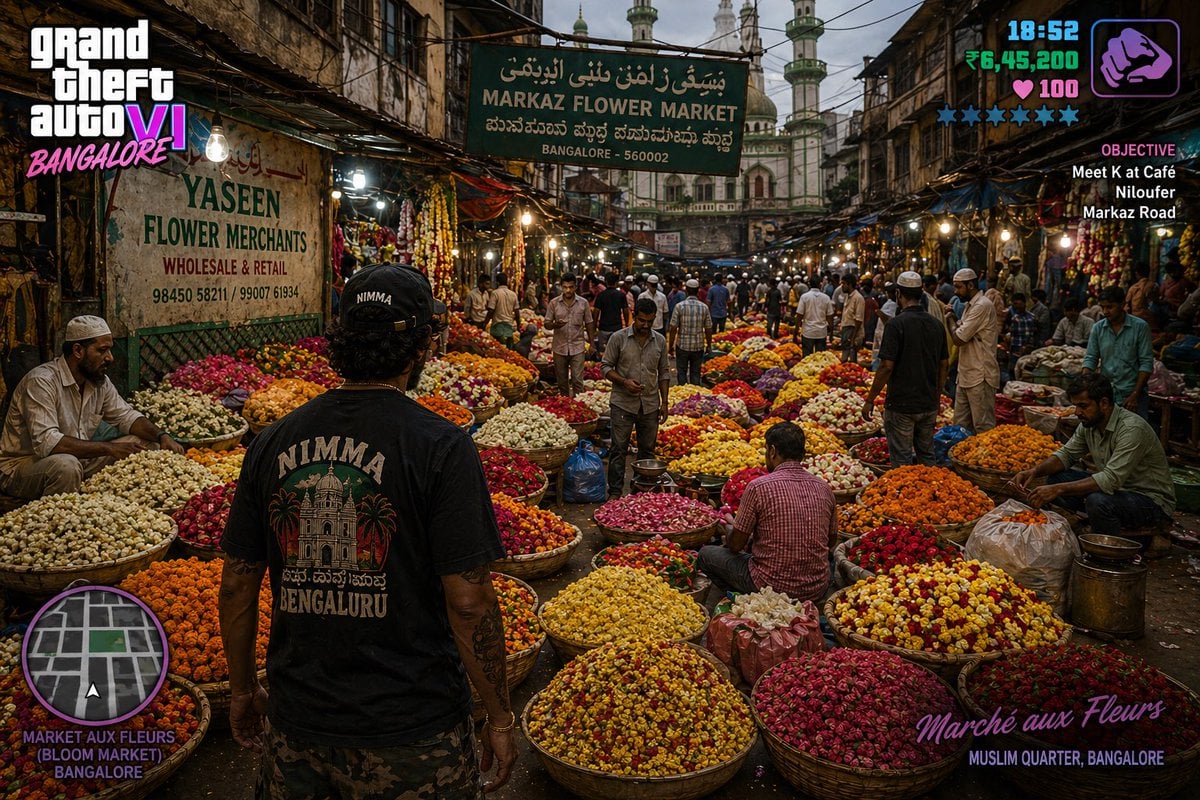
GTA 6 in Bangalore Flower Market
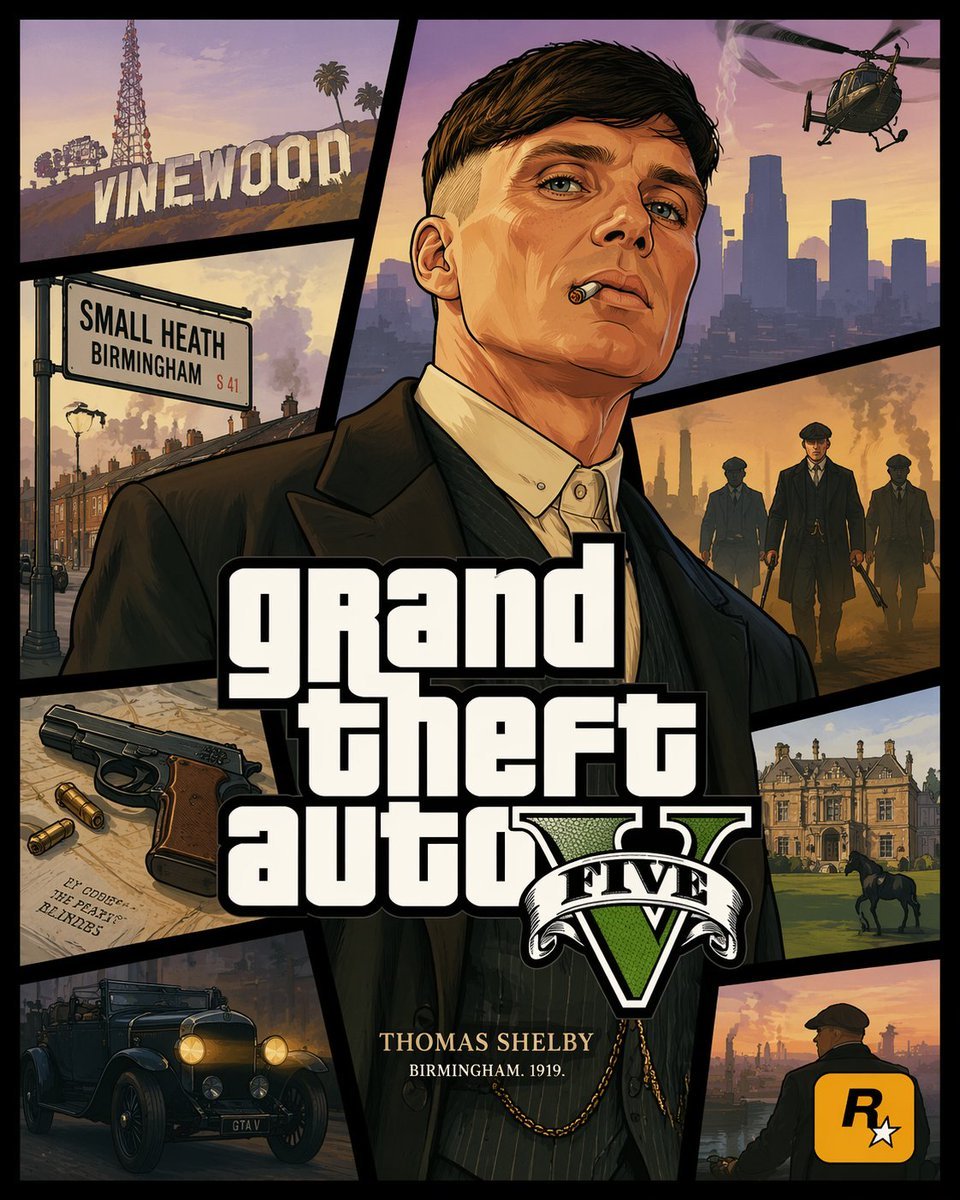
GTA V Style Crossover Cover Art
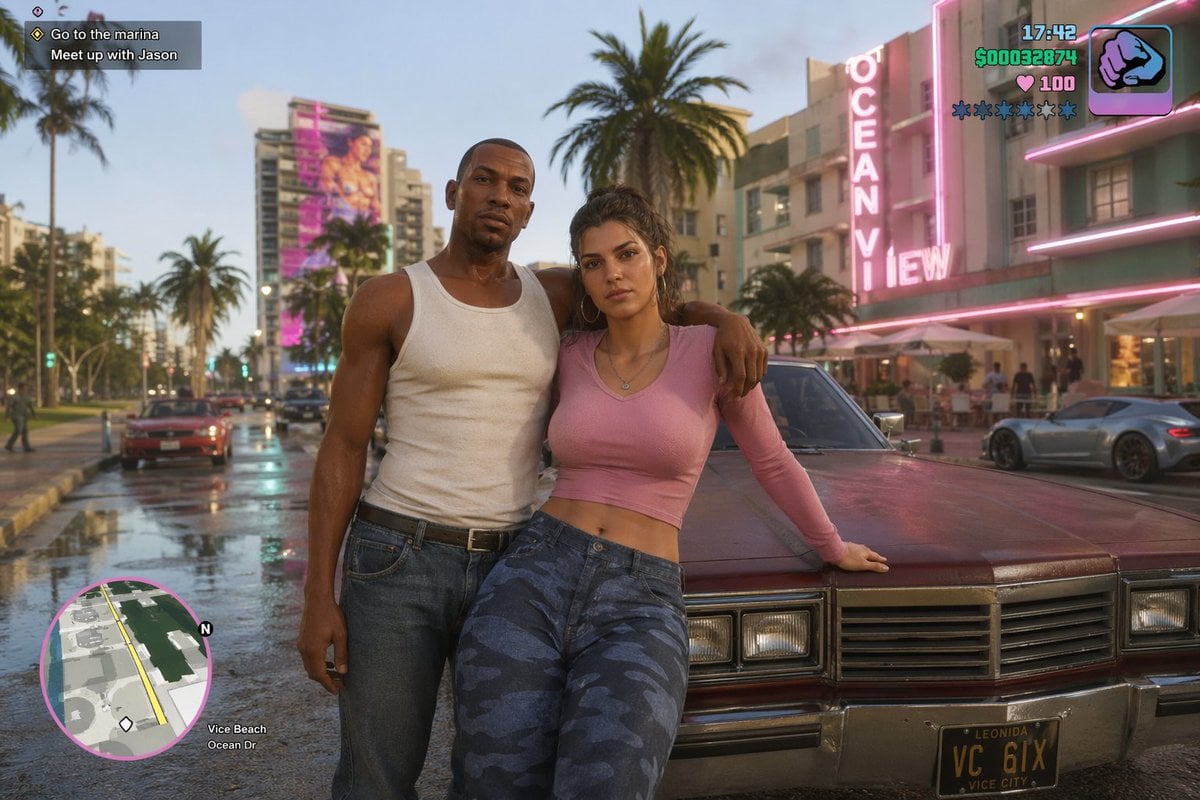
GTA 6 CJ and Lucia crossover
Make it yours
GTA Style Character Transformation works as-is. These are the safest ways to change it without losing the look.
Change one field
Copy a single group, rewrite it, and generate again so you can see what that field is doing.
Keep the frame, change the subject
Hold the composition and light of GTA Style Character Transformation, then swap wardrobe, props or the person for a new take.
| If the result… | Why | Fix |
|---|---|---|
| The result drifts from the preview | Too many fields changed at once. | Reuse GTA Style Character Transformation as-is first, then change one group — subject, light, or setting. |
| The model over-stylizes the scene | The prose prompt leaves finish and camera underspecified. | Add one camera or lighting sentence and stay on GPT Image 2. |
More GPT Image 2 templates
Other prompts made for GPT Image 2.

Six VTuber Japanese Logo Sheet

Realistic Portrait of Woman and Deer

The Vista Modular Condo Poster

AI Model Routing Comparison Infographic

2.5D Anime Art Board

Isometric Productivity Desk Scene

New York Double Exposure Poster

Four-Panel AI Landscape Comparison

Japanese Tatami Lifestyle Magazine Cover

NESCAFÉ Coffee Map Poster
More image prompts
Fresh picks from across the catalog.
Steampunk Hands Holding Old Photo
Cinematic Cafe Portrait Prompt for Nano Banana Pro
Line Art Illustration Style
Playful Office Chic Portrait
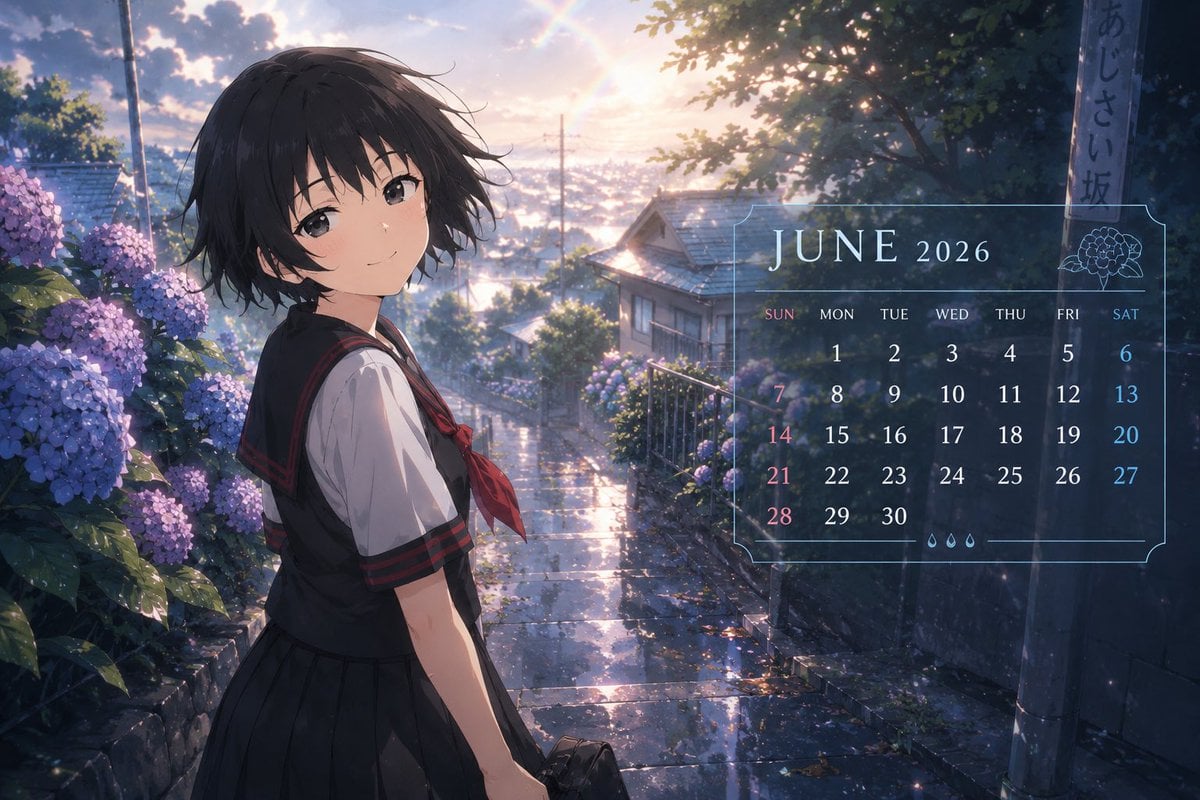
Anime Character Calendar Generator
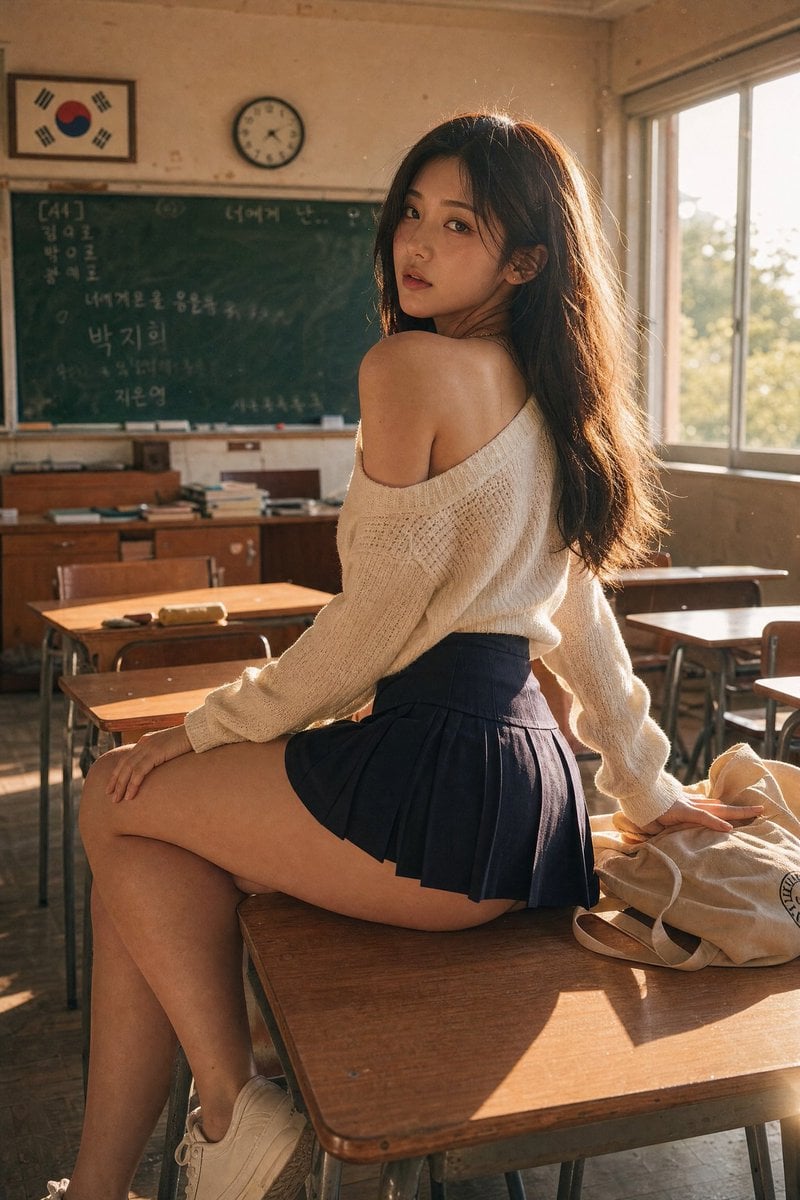
Realistic Korean School Classroom Portrait
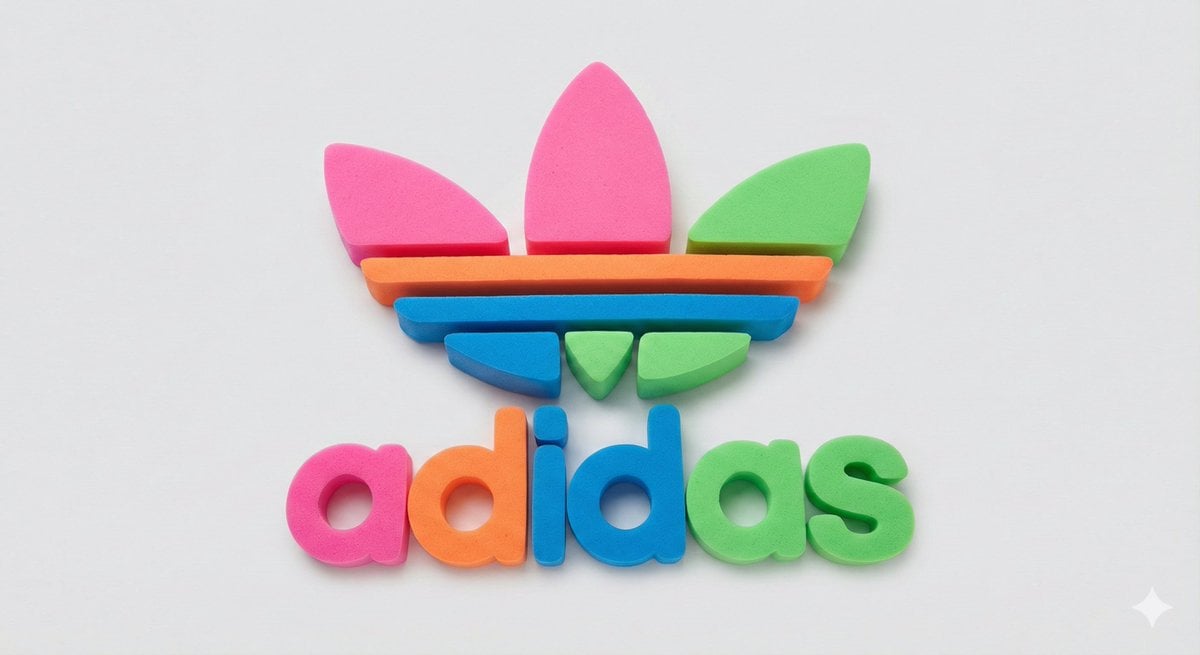
Neon Foam Pop Logo Prompt
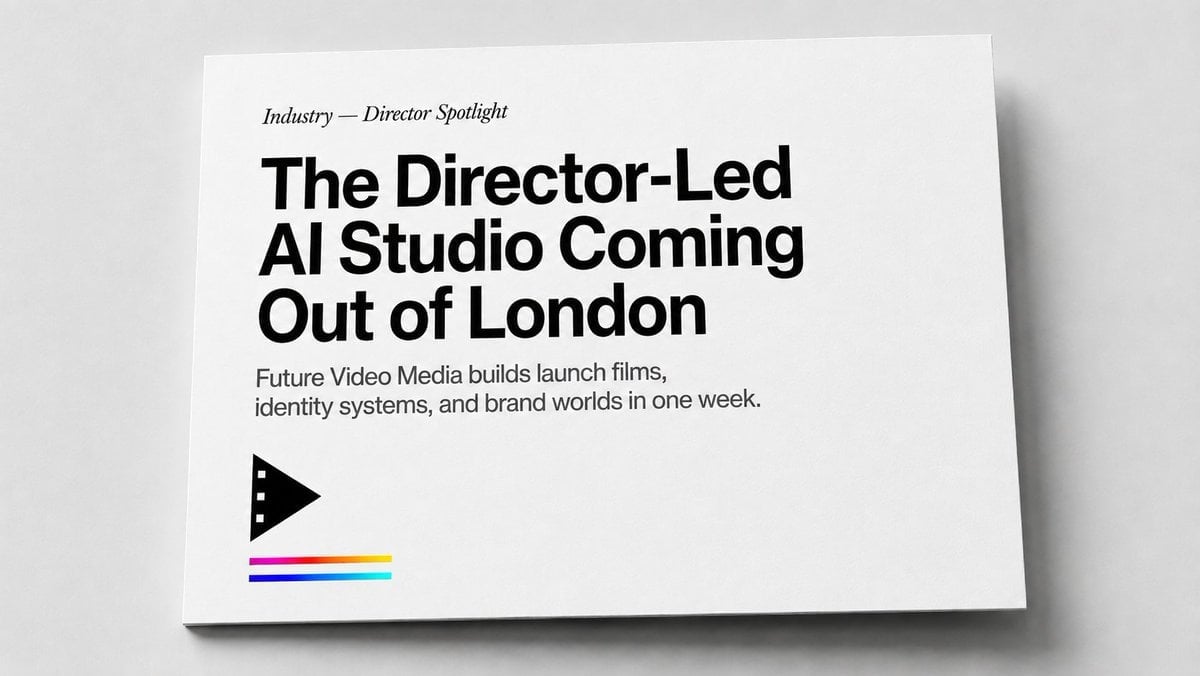
Minimal Director-Led AI Studio Cover
Custom Enamel Souvenir Magnet
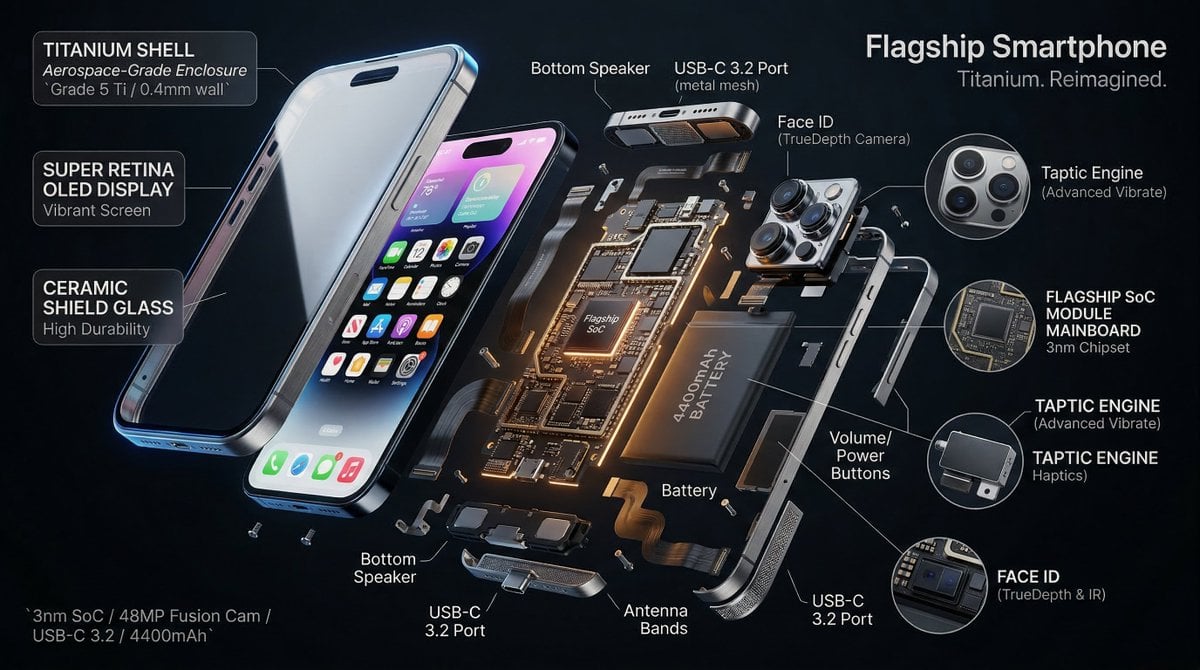
3D Radial Explosion Product Visualization Prompt for Nano Banana 2
Browse template categories
GTA Style Character Transformation questions
How do I use the GTA Style Character Transformation template?
Add your photo if the template asks for one, edit the prompt if you like — the template's model and format are already selected — and press Generate. Your version opens in PicX Studio.
Can I customize the GTA Style Character Transformation template?
Yes. You can change the subject, setting, lighting, mood, format, and available model controls before creating your image.
Is the GTA Style Character Transformation template free?
Opening and editing this template is free. Generating uses credits, shown on the Generate button when you are signed in.
Which AI model should I use?
Start with GPT Image 2, which is the model associated with this template. You can compare another compatible model for a different finish.
Looking for something else? Browse all templates.

Your photo, any look
Thousands of ready templates for every top image and video model, from one credit balance.